Security by design for your screens
Digital Signage Security : protect your screens, content and teams
With Disign, digital signage security is built in, not bolted on: servers hosted in Europe, encrypted connections, SSO and two-factor authentication, isolated teams, versioned publishing, signed firmware and a hardened operating system for your players.
- Servers in Europe
- SSO SAML & OpenID Connect
- 2FA
- Outbound-only flows
- Signed firmware
Hosting & data
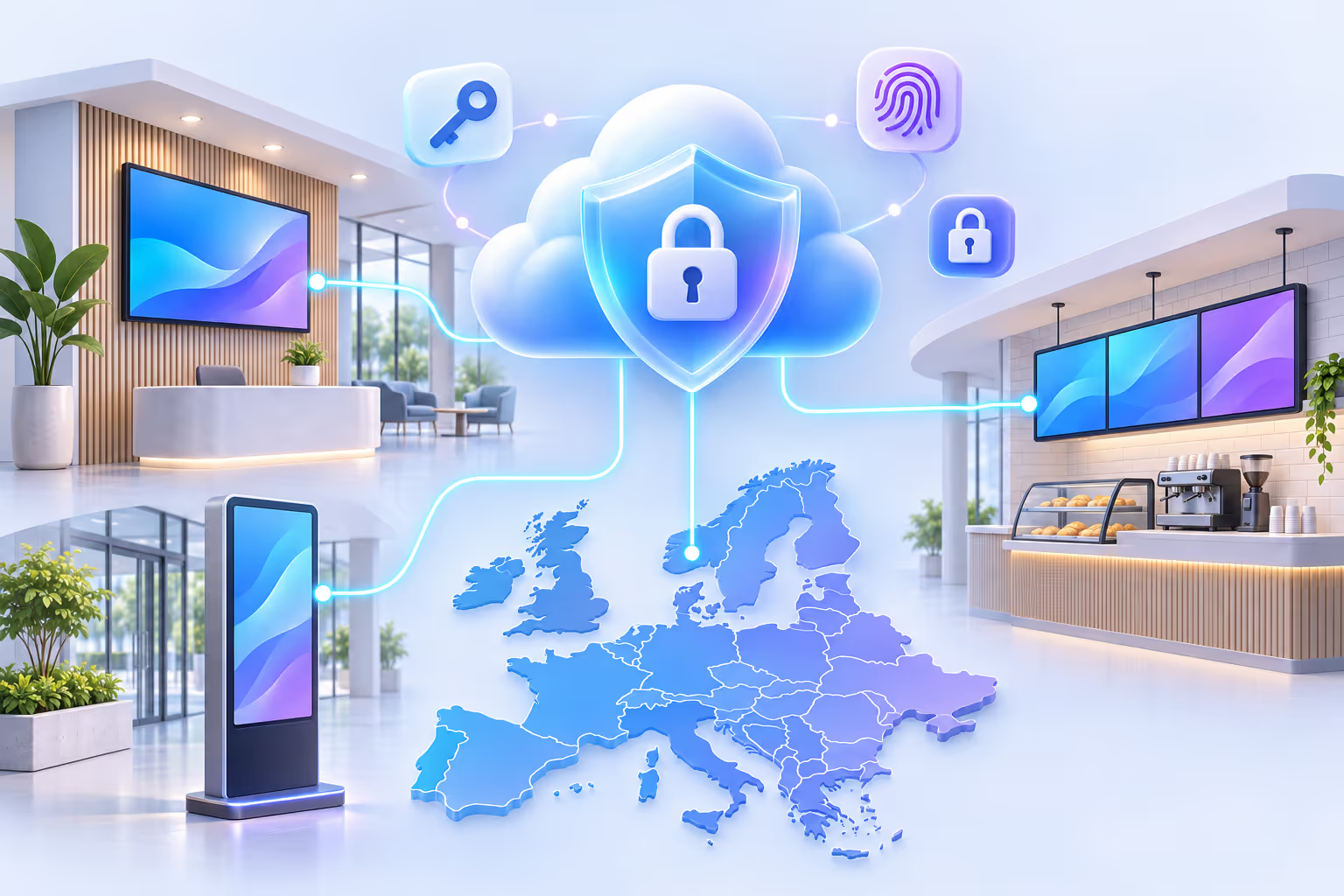
A secure digital signage platform hosted in Europe
Your media, playlists, screen data and user accounts stay on servers located in Europe. Every exchange between the platform, your browsers and your players is encrypted in transit.
Servers located in Europe
The Disign platform and your data are hosted in European data centers, a natural fit for organizations working under the GDPR.
HTTPS everywhere
The back office, the API and media downloads are only served over HTTPS (TLS). Nothing travels in clear text between Disign and your network.
Secure WebSockets (WSS)
Real-time commands and screen status updates go through encrypted WebSocket connections (WSS), never through unencrypted channels.
Architecture & network
An outbound-only flow matrix: no inbound port to open
Disign players initiate every connection themselves. Screens reach the platform over HTTPS and WSS, and the platform never needs to connect into your network. Your firewall keeps all inbound ports closed.
Your network
Disign players and screens
Disign platform
Servers in Europe
Outbound connections only
Players open the connection; no port forwarding, no public IP, no inbound rule.
Standard encrypted protocols
HTTPS for the API and media, WSS for real-time: protocols your proxies and firewalls already know.
Reduced attack surface
With no listening service exposed to the internet, a screen cannot be reached from outside your network.
Flow matrix for your IT team
We share the detailed flow matrix so your security team can validate the deployment quickly.
Access & users
Account security: SSO, 2FA and protected critical actions
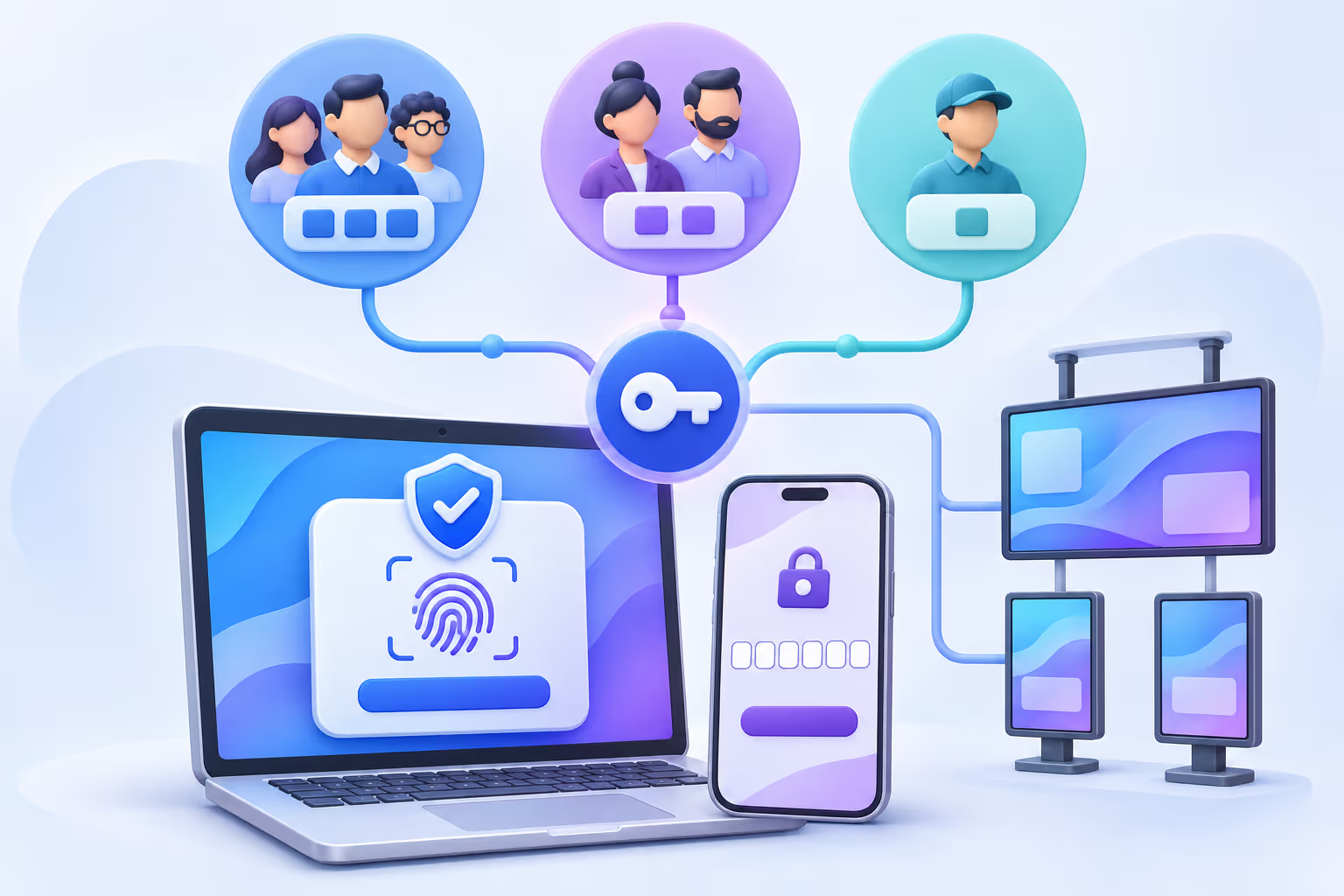
Most digital signage incidents start with a stolen or shared password. Disign secures every account from sign-in to the most sensitive actions, so only the right people can change what your screens display.
Single Sign-On with SAML & OpenID Connect
Connect Disign to your identity provider: users sign in with their corporate account, your password policies apply, and onboarding or offboarding follows your directory automatically.
Two-factor authentication (2FA)
A second verification factor is required at sign-in, so a leaked password alone is never enough.
Limited recovery codes
2FA recovery is limited to 10 recovery codes: a lost phone does not lock anyone out, and recovery never becomes an open door.
CSRF tokens & HttpOnly session cookies
Sensitive requests carry a CSRF token, and session cookies are flagged HttpOnly so that scripts cannot read them.
Rate limiting on critical actions
Sign-in attempts and other critical actions are rate limited to stop brute-force attacks and automated abuse.
Re-authentication for critical actions
Even inside an active session, the most sensitive operations ask users to confirm their identity again. An unlocked computer is not enough to take control of your screens.
Team isolation
Multi-space digital signage: isolated teams , controlled sharing
Create as many projects and spaces as you need: per site, department, brand or agency. Each space is a sealed environment with its own screens, media and users, so one team can never see or change another team's content.
- Permission groups to give the same rights to a whole team in one step.
- Detailed permissions per feature: view, edit, publish, manage screens or users.
- Sharing between spaces for playlists, scenarios, campaigns and Disign scenes, without opening the rest of the space.
Publishing governance
A versioned publishing workflow: draft, review, publish
Campaigns, scenarios, playlists and data channels are edited in draft mode without touching what is on screen. When the work is ready, a version is created and goes through validation before it reaches your displays.
1. Draft
Edit freely: changes stay in draft mode and never affect the screens.
2. Version created
Submitting the draft creates a version: a frozen snapshot of what will be broadcast.
3. Review
Users with the right permission accept or refuse the version.
AcceptRefuse4. Published
Only the accepted version is published to the screens.
A refused version never reaches the screens: the team goes back to the draft.
Full rights? Publish in one click
When a user holds every permission, creating, accepting and publishing the version happen in a single click. Governance without slowing down small teams.
Franchises & large groups
Multi-organization digital signage with a shared library
Manage several organizations from one account, each with its own permission groups and very fine-grained permissions. Head offices publish approved content to a shared library, and franchisees or subsidiaries use it without ever accessing each other's data.
Head office organization
Shared library, curated by the content creator
Franchisee A
ReferenceUses the head office scenes as references: every update is applied automatically.
Subsidiary B
ReferenceAlways broadcasts the latest approved playlists and scenarios, with no manual copy.
Franchisee C
CopyCopied a template and customized it freely for local promotions.
Reference mode: always up to date
- The item stays linked to the original.
- Changes made by the creator are applied automatically everywhere.
- Ideal for brand guidelines, legal mentions and national campaigns.
Copy mode: free to customize
- The organization gets its own independent copy.
- Local teams adapt texts, visuals and timing as they wish.
- Ideal for local offers, events and store-specific content.
The content creator decides which modes are allowed for each shared item: scenes (designs, mini applications, templates), playlists or scenarios.
Integrity from cloud to screen
Signed, sandboxed, verified: every layer of your digital signage is protected
Security does not stop at the login page. Disign protects what is delivered to the player, what is installed on it and what runs on it.
Delivery
Signed URLs for assets
Media and files are only served through signed URLs. Without a valid signature issued by the platform, a file cannot be downloaded.
Encrypted transport
Assets travel over HTTPS, and commands over WSS, from the platform to every player.
Installation
Signed firmware updates
Disign OS firmware updates are signed: a player only installs an update whose signature has been verified.
Signed Disign application
The Disign player application is signed, guaranteeing it comes from Disign and has not been tampered with.
Execution
Secure inter-application messaging
Scenes and mini applications run in separate iframes and exchange data through a secured inter-iframe channel, using the Disign SDK rather than direct access to the player.
Sandboxed third-party scripts
Third-party scripts are executed in an isolated sandbox, with no access to the rest of the player or to other applications.
Lockdown enabled
Local access and maintenance closed
Disign OS
A hardened operating system for secure digital signage players
A screen running a general-purpose desktop is an unmanaged computer in a public place. Disign OS is built the other way around: a minimal system that only does digital signage.
Built like an embedded system
No Windows, no macOS: Disign OS is a purpose-built embedded system that only ships what signage needs, which drastically reduces the attack surface.
A mainly read-only system
The system is mostly read-only: malicious changes cannot persist, and the player always comes back to a known, clean state.
Full player lockdown
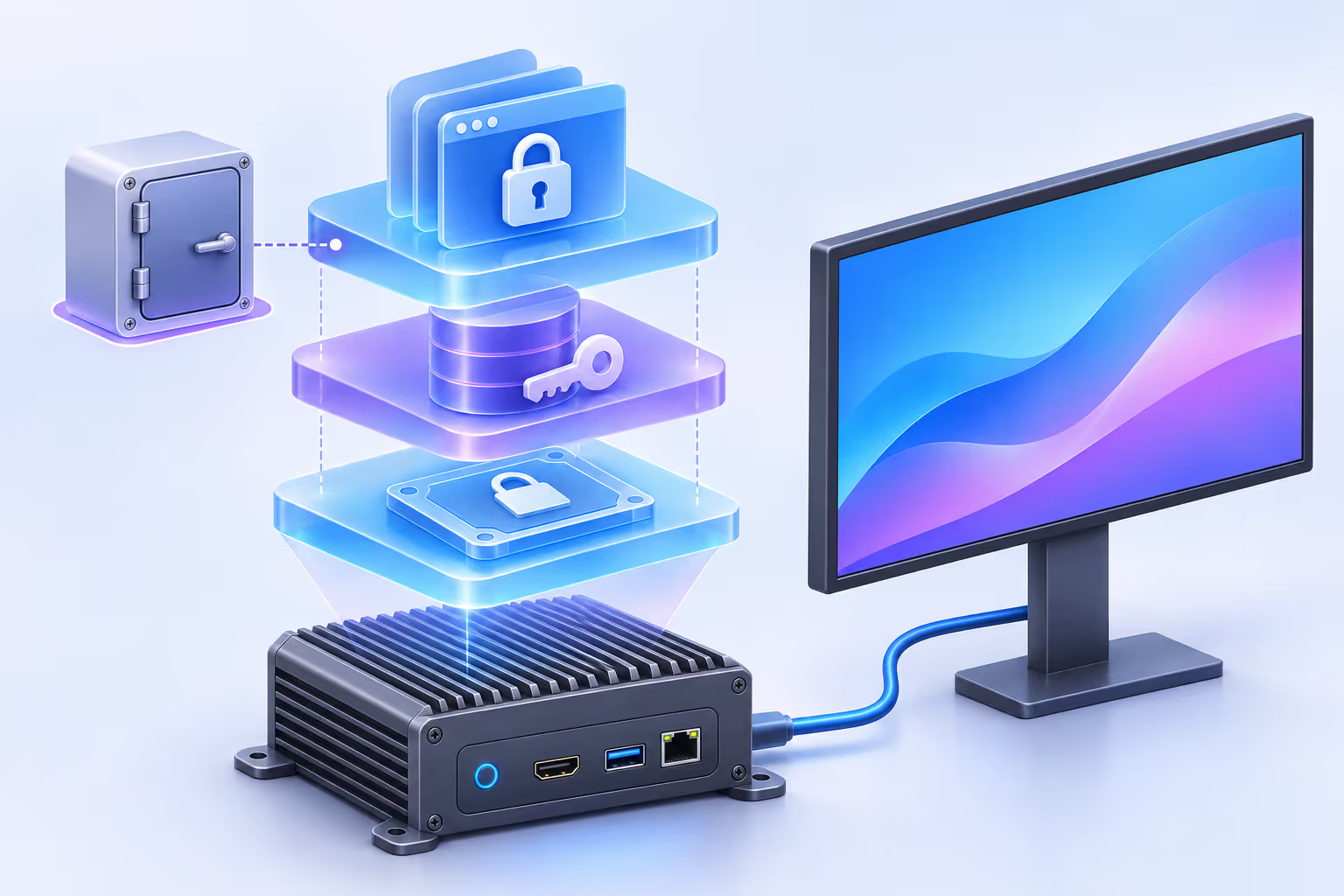
When lockdown is enabled, the player is completely locked: no local access, and even the maintenance mode is disabled.
Encrypted player files
Files stored on the player are encrypted, so your content stays protected even if a device is removed or stolen.
A maintenance system built by Disign
Maintenance relies on Disign's own system, developed in-house, and is only opened when it is actually needed.
Every IT environment has its own constraints. Let's review yours.
Firewalls, proxies, VLANs, VPNs, existing hardware, internal security policies or a security questionnaire to fill in: our team goes through your deployment conditions with your IT and security teams.
Talk to our team about securityYour questions about digital signage security
Hosting, network flows, authentication, permissions and player hardening: the answers IT and security teams ask us most often.
What is digital signage security?
Digital signage security covers everything that prevents unauthorized people from changing what your screens display or accessing your data: hosting, encrypted connections, user authentication, permissions, publishing control and the protection of the players themselves.
Where is Disign data hosted?
The Disign platform and your data are hosted on servers located in Europe.
Do Disign screens need inbound connections or open ports?
No. Disign players only make outbound HTTPS and WSS connections to the platform. No inbound port, port forwarding or public IP address is required, and we can share the detailed flow matrix with your IT team.
Does Disign support Single Sign-On (SSO)?
Yes. Disign supports SSO with SAML and OpenID Connect, so your users sign in with their corporate account and your identity provider remains the source of truth.
How does two-factor authentication work in Disign?
Users can protect their account with two-factor authentication (2FA). If they lose their second factor, they can use one of their recovery codes, which are limited to 10 to keep recovery from becoming a weakness.
How can I isolate teams or departments?
Create separate projects and spaces. Each space has its own screens, media and users, governed by permission groups and detailed permissions. Playlists, scenarios, campaigns and scenes can be shared with other spaces without opening the rest of the space.
Can content be validated before it is published on screens?
Yes. Campaigns, scenarios, playlists and data channels are edited in draft mode, then submitted as a version that authorized users accept or refuse before publication. Users with all the rights can publish in one click.
How do franchises and large groups share content securely?
Disign manages several organizations with their own permission groups and fine-grained permissions. The head office shares scenes, playlists or scenarios through a shared library, used either as a reference that updates automatically or as a copy that local teams can customize, depending on what the creator allows.
How are the Disign application and firmware updates protected?
The Disign application and Disign OS firmware updates are signed. A player only installs an update whose signature has been verified, and media files are delivered through signed URLs.
Are third-party scripts and applications isolated?
Yes. Third-party scripts run in a sandbox, and scenes and mini applications communicate through a secured inter-iframe channel using the Disign SDK, without direct access to the player.
Why is Disign OS more secure than a Windows or macOS player?
Disign OS is built like an embedded system: it only contains what digital signage needs, its system is mainly read-only, files are encrypted, and a lockdown mode can disable all local access, including maintenance.
Can Disign be deployed behind a firewall, proxy or VLAN?
Disign only needs outbound encrypted connections, which fits most corporate networks. Contact our team to review your specific firewall, proxy, VLAN or security policy requirements.

Deploy secure digital signage your IT team will approve
Servers in Europe, SSO and 2FA, isolated spaces, versioned publishing, signed firmware and the hardened Disign OS: Disign gives your security team the guarantees it expects, and your communication teams a platform that stays simple to use.