Software di affichage dynamique per stazioni ferroviarie per una comunicazione chiara con i passeggeri
Affichage dynamique per stazioni ferroviarie che mantiene i passeggeri in movimento e informati
Fornisci arrivi in tempo reale, cambi di piattaforma, avvisi di interruzione, indicazioni e messaggi di sicurezza su ogni schermo con Disign. Aggiorna i contenuti in pochi minuti, mantieni coerenza in tutta la stazione e riduci la confusione durante le ore di punta.


Usato da oltre 4.000 persone
Sfide nella comunicazione della stazione ferroviaria quando le informazioni non raggiungono le persone in tempo
In una stazione affollata, passeggeri e personale fanno affidamento su indicazioni chiare e aggiornate nel momento in cui arrivano. Quando i messaggi sono difficili da trovare o cambiano troppo tardi, la confusione si diffonde rapidamente, le code crescono e i team di prima linea trascorrono il loro tempo a ripetere le stesse risposte.
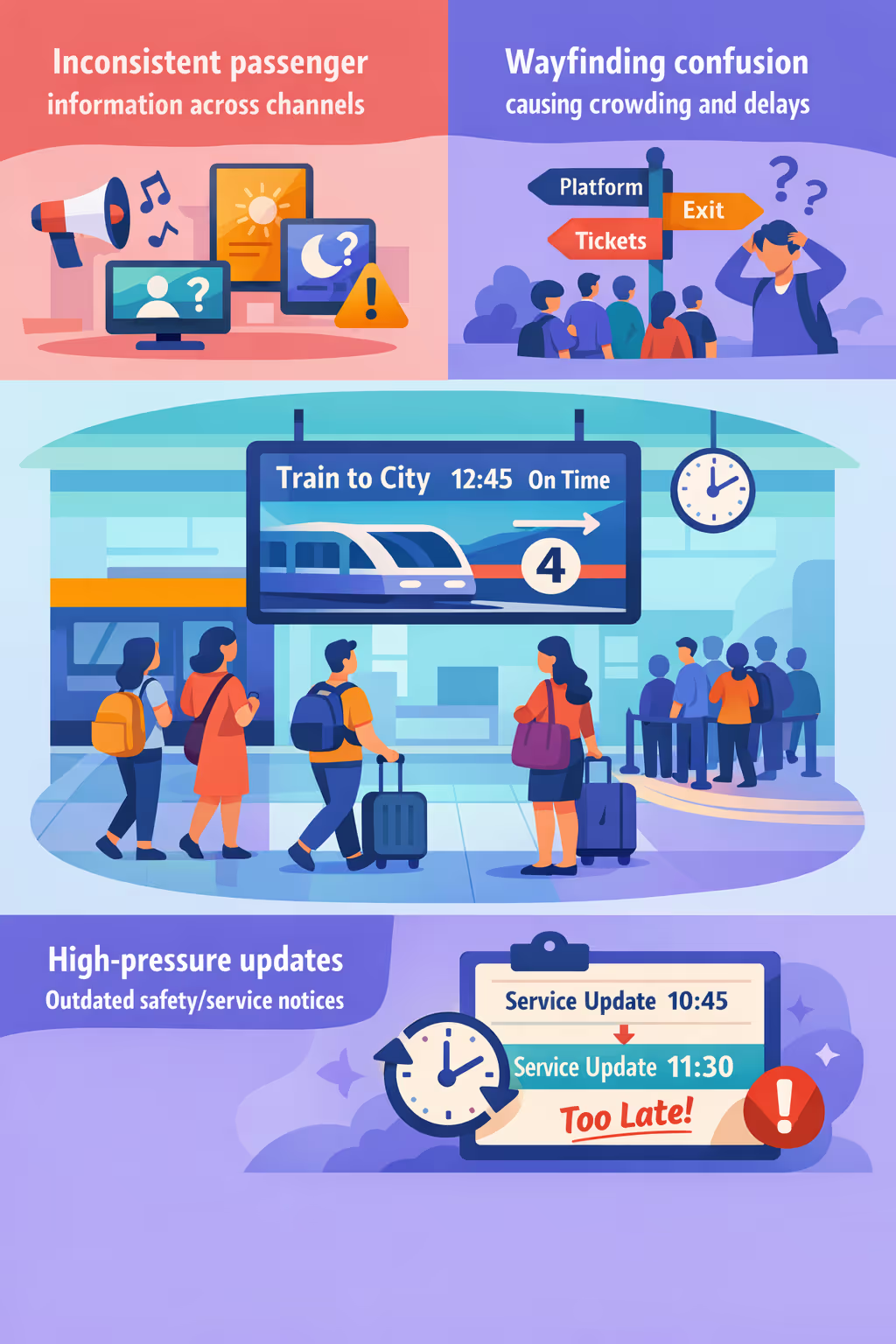
Interruzioni, cambi di piattaforma e avvisi di servizio possono cambiare in pochi minuti. Quando gli annunci del personale, i poster stampati e gli schermi in loco non sono allineati, i passeggeri perdono fiducia e i team della stazione affrontano più reclami al banco e nella hall.
Le persone hanno bisogno di indicazioni semplici verso le piattaforme, uscite, punti vendita e percorsi di accessibilità. Quando la segnaletica è poco chiara o sovraccarica di dettagli, il personale viene coinvolto in continue indicazioni e il flusso di folla diventa più difficile da gestire durante i periodi di punta.
La comunicazione della stazione deve essere accurata, tempestiva e coerente per la sicurezza, le operazioni e l'assistenza ai clienti. Quando gli aggiornamenti non vengono inviati ovunque contemporaneamente, i passeggeri possono perdere informazioni critiche, seguire il percorso sbagliato o radunarsi nel posto sbagliato.
Affichage dynamique alla stazione ferroviaria che migliora il flusso dei passeggeri e aumenta le entrate
Tieni ogni passeggero informato e in movimento con Disign. Pubblica partenze in tempo reale, cambi di binario, avvisi di sicurezza e promozioni retail in pochi secondi su tutti gli schermi. Riduci la confusione, riduci i costi di stampa, supporta l'accessibilità e dimostra il ROI con meno treni persi, operazioni più fluide e un maggiore tasso di conversione retail.
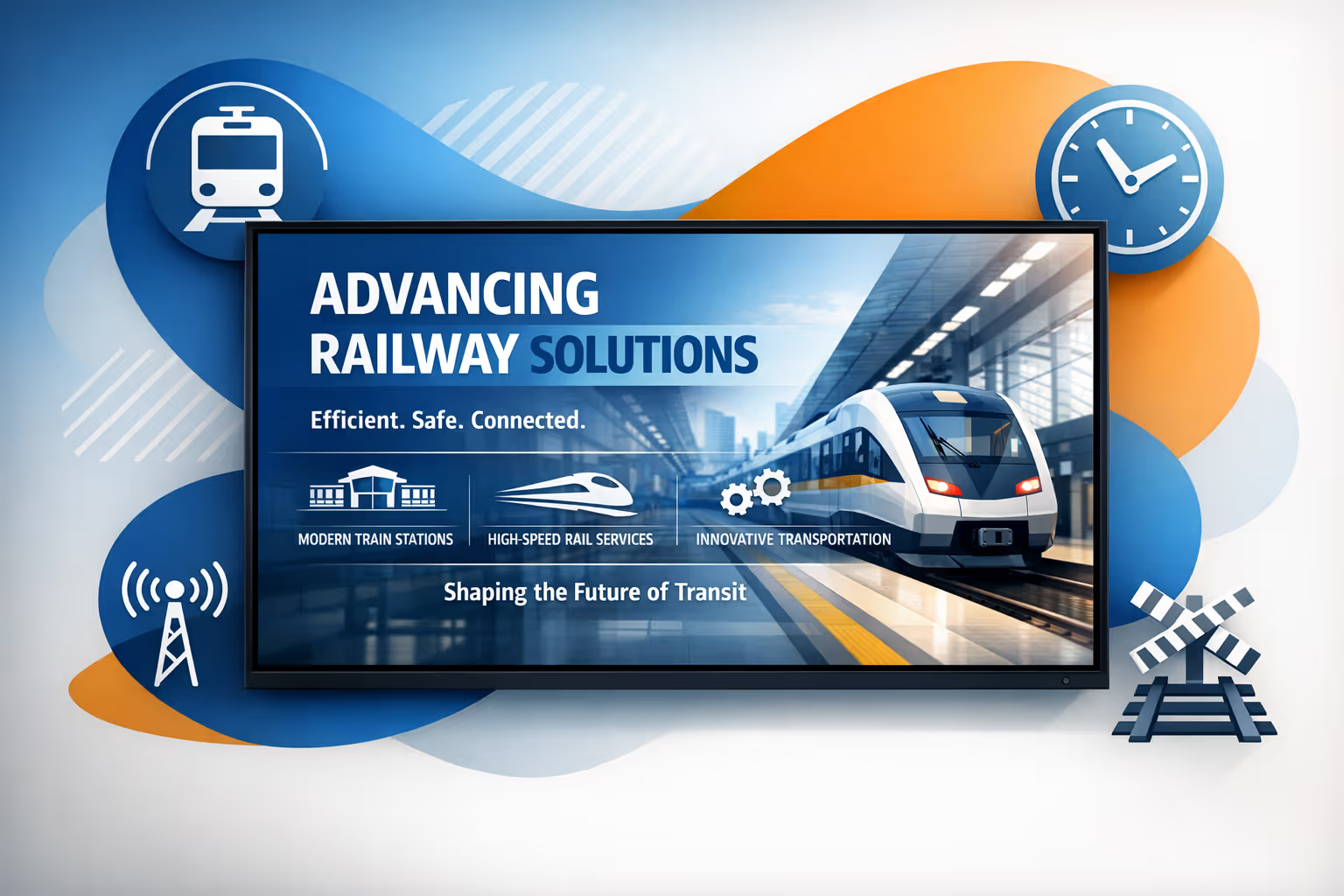
Pubblica istantaneamente partenze in tempo reale e aggiornamenti sulle interruzioni
Invia lavagne delle partenze in tempo reale, cambi di piattaforma e avvisi di servizio in tutta la stazione senza dover cambiare manualmente i manifesti. Quando le informazioni sono accurate e immediate, lo stress dei passeggeri diminuisce e il tempo del personale viene liberato per compiti di maggiore valore.
Migliora l'orientamento e riduci la congestione durante le ore di punta
Guida i passeggeri verso piattaforme, uscite, ascensori e servizi con indicazioni chiare e dinamiche che si adattano ai livelli di affollamento e alle chiusure. Un flusso migliore significa meno ingorghi, circolazione più sicura e un'esperienza più affidabile in orario.
Aumenta il reddito non tariffario con campagne di vendita al dettaglio e pubblicità mirate
Pianifica promozioni per ora del giorno, pubblico o zona per adattarsi ai modelli di pendolarismo. L'affichage dynamique della stazione ferroviaria trasforma il tempo di attesa in opportunità di vendita per cibo, caffè e partner, offrendo un aumento misurabile con costi operativi inferiori.
Rafforza la sicurezza, l'accessibilità e la coerenza del messaggio
Standardizza i modelli per istruzioni di emergenza, indicazioni per l'accessibilità e avvisi obbligatori. Mantieni le comunicazioni coerenti tra le diverse sedi consentendo aggiornamenti rapidi quando le condizioni cambiano, aiutandoti a rispettare le normative e costruire la fiducia dei passeggeri.
Riduci i costi di stampa e semplifica le operazioni della stazione
Sostituisci le stampe ricorrenti dei manifesti con una gestione dei contenuti centralizzata. Riduci la spesa per stampa e distribuzione, offrendo al contempo ai team un flusso di lavoro più rapido per aggiornamenti, approvazioni e coerenza del marchio su ogni schermo di stazione.
Fornisci contenuti multilingue e consapevoli della posizione in tutta la stazione
Mostra il messaggio giusto sullo schermo giusto, dal atrio alla piattaforma, nelle lingue utilizzate dai tuoi passeggeri. Supporta turisti e pendolari con informazioni più chiare, meno richieste al banco assistenza e un viaggio più fluido dall'ingresso all'imbarco.
Casi d'uso dell'affichage dynamique della stazione di cui i viaggiatori si fidano
Dai concorsi ai binari, l'affichage dynamique della stazione aiuta i passeggeri a trovare rapidamente le informazioni giuste, riduce la pressione sul personale e costruisce fiducia con aggiornamenti chiari e coerenti su cui le persone possono contare.
- Hall principale e concorso: evidenzia le partenze, gli arrivi, le variazioni di servizio e la guida ai binari e alle uscite
- Binari e corridoi: mostra avvisi di interruzione in tempo reale, messaggi di sicurezza e indicazioni per il viaggio successivo quando gli orari cambiano
- Biglietteria e aree self-service: visualizza i passaggi per l'acquisto, le informazioni sulle tariffe, la guida alle code e le istruzioni per i pagamenti contactless
- Aree per il personale e operazioni: condividi SOP, aggiornamenti sugli incidenti, KPI e avvisi di conformità affinché i team rimangano allineati durante i turni
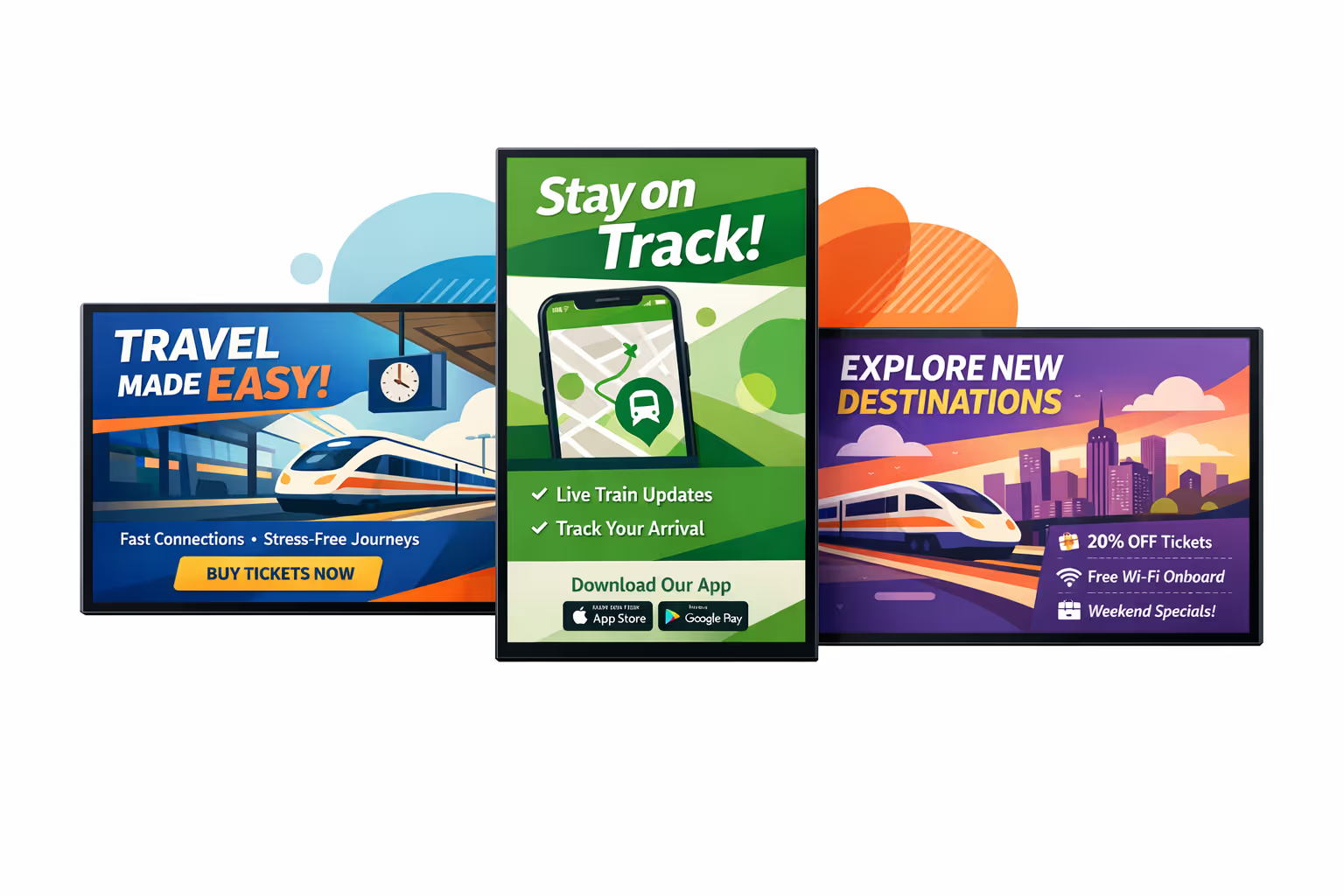
Come funziona l'affichage dynamique di Disign
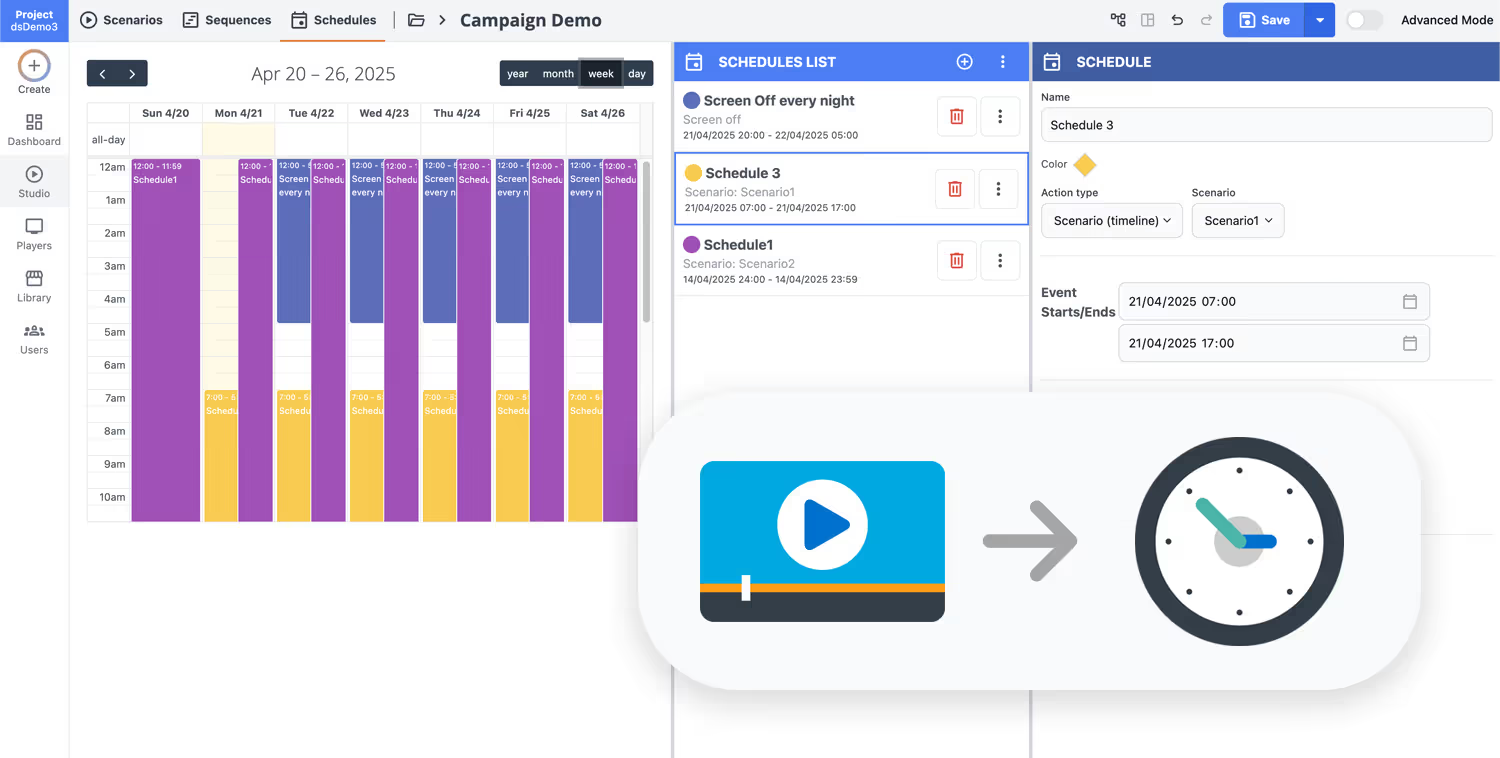
Pianifica i tuoi contenuti da qualsiasi luogo con la nostra soluzione di affichage dynamique basata sul cloud. Pianifica facilmente cosa trasmettere, quando e dove—su uno schermo o su migliaia.
Progetta scenari e playlist personalizzati in base al tuo pubblico e ai tuoi obiettivi.
Imposta date e orari precisi per far riprodurre automaticamente i tuoi contenuti.
Distribuisci contenuti istantaneamente attraverso la tua rete di digital signage con un solo clic.
Inizia il tuo affichage dynamique per stazioni ferroviarie in pochi minuti
Prova Disign gratuitamente per 28 giorni, senza bisogno di carta di credito. Pubblica aggiornamenti delle piattaforme, indicazioni, messaggi di sicurezza, avvisi di ritardo e allerta sui servizi su ogni schermo da un semplice cruscotto.
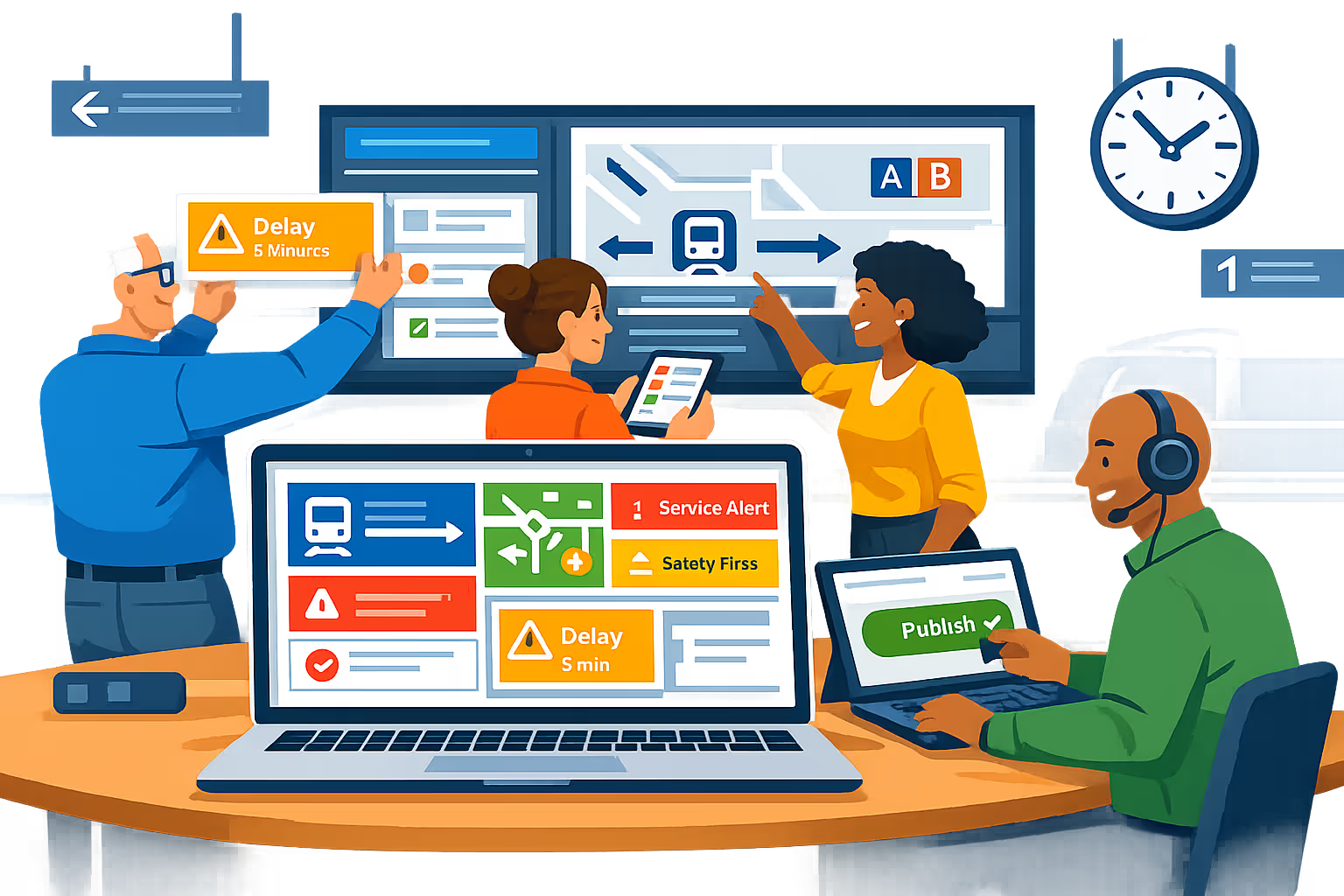
Affichage dynamique per stazione ferroviaria progettato per informazioni live ai passeggeri
Mantieni ogni schermo preciso e puntuale con Disign. Pubblica aggiornamenti in tempo reale sui treni, cambiamenti di piattaforma, avvisi di interruzione, indicazioni e messaggi di sicurezza da un'unica dashboard, con accesso controllato, tracce di audit e riproduzione affidabile nella rete della tua stazione.
Controllo centralizzato per reti di stazione
Gestisci l'affichage dynamique per stazioni ferroviarie da un'unica console
Pubblica su uno schermo o su centinaia attraverso atri, piattaforme, ingressi e zone commerciali. Usa permessi basati su ruoli, targeting di stazione e zona, e playlist riutilizzabili per mantenere le informazioni sui passeggeri coerenti, consentendo ai team locali di aggiornare rapidamente i contenuti approvati.
Sicurezza e governance degli accessi
Proteggi contenuti, dispositivi e account operatori
Controlla chi può creare, approvare e pubblicare con permessi dettagliati. Supporta accesso sicuro, accoppiamento dei dispositivi e flussi di lavoro adatti per audit, affinché il tuo affichage dynamique per stazioni ferroviarie rimanga protetto, responsabile e pronto per le operazioni.
Flussi di lavoro operativi con approvazioni
Pubblicazione strutturata per messaggi di sicurezza e servizio
Riduci gli errori con un processo chiaro: bozza, revisione, approvazione, poi programmazione. Mantieni il controllo delle versioni su avvisi di interruzione, istruzioni di emergenza, messaggi di accessibilità e indicazioni per garantire che le informazioni giuste raggiungano i passeggeri al momento giusto.
Programmazione intelligente e automazione
Suddivisione della giornata, finestre di servizio e aggiornamenti rapidi
Automatizza le comunicazioni della stazione con programmazioni basate sul tempo e campagne ricorrenti. Cambia il contenuto per le ore di punta, i lavori di ingegneria pianificati, eventi o risposte a incidenti, affinché l'affichage dynamique per stazioni ferroviarie rimanga rilevante senza continui cambiamenti manuali.
Riproduzione affidabile e monitoraggio dei dispositivi
Visibilità sull'uptime di ogni schermo
Mantieni gli schermi funzionanti con stato di salute, diagnostica remota e verifica della riproduzione. Rileva giocatori offline, conferma la consegna dei contenuti e mantieni informazioni affidabili per i passeggeri attraverso piattaforme e atri.
Implementazione e supporto tecnico
Supporto al rollout per IT e operazioni di stazione
Ottieni aiuto pratico dal lancio alle operazioni quotidiane. Assistiamo con l'onboarding dei player, la standardizzazione dei modelli e la risoluzione dei problemi affinché l'affichage dynamique della tua stazione ferroviaria rimanga stabile, sicuro e facile da gestire durante i turni.
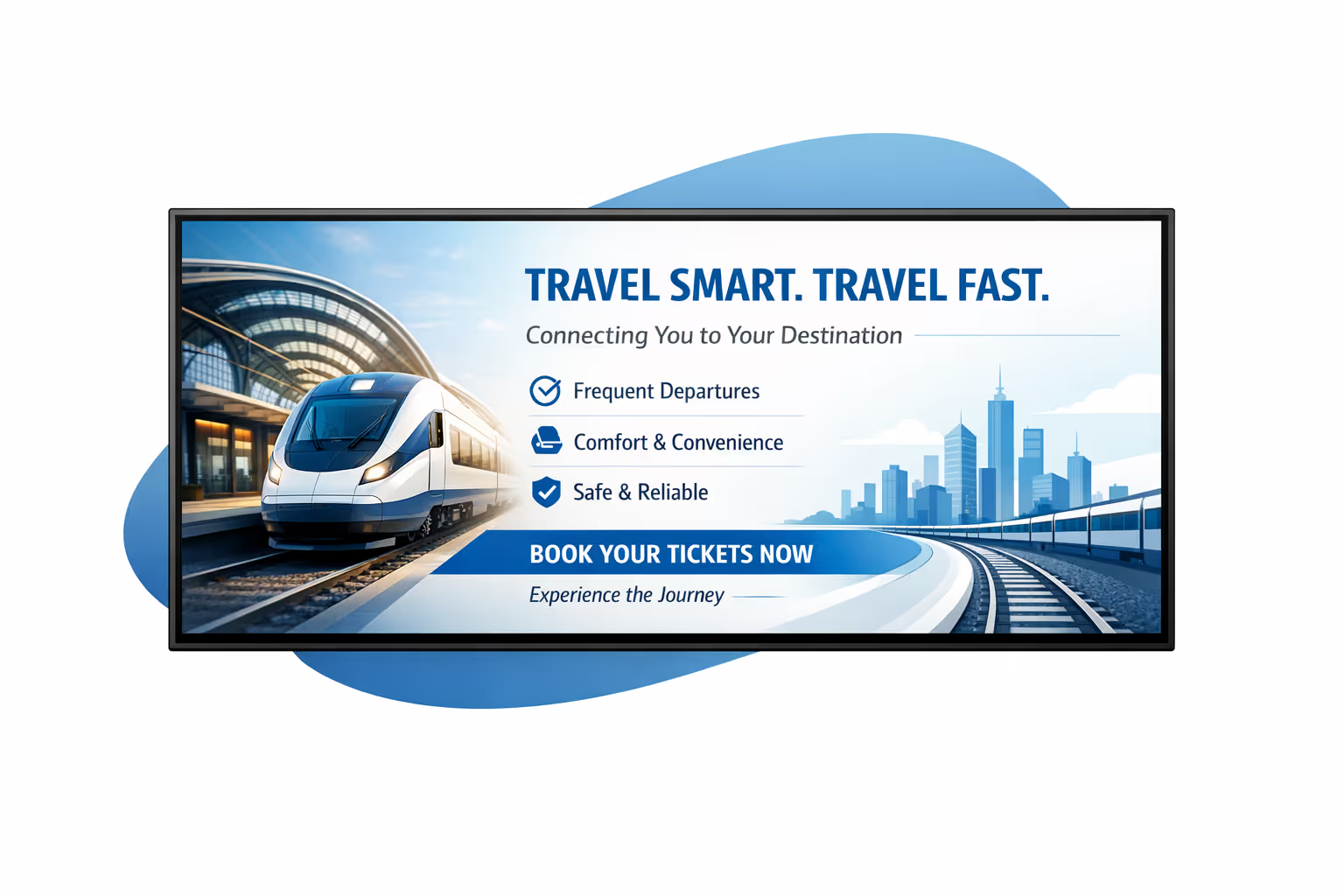
Gestione centralizzata dei contenuti per l'affichage dynamique della stazione ferroviaria
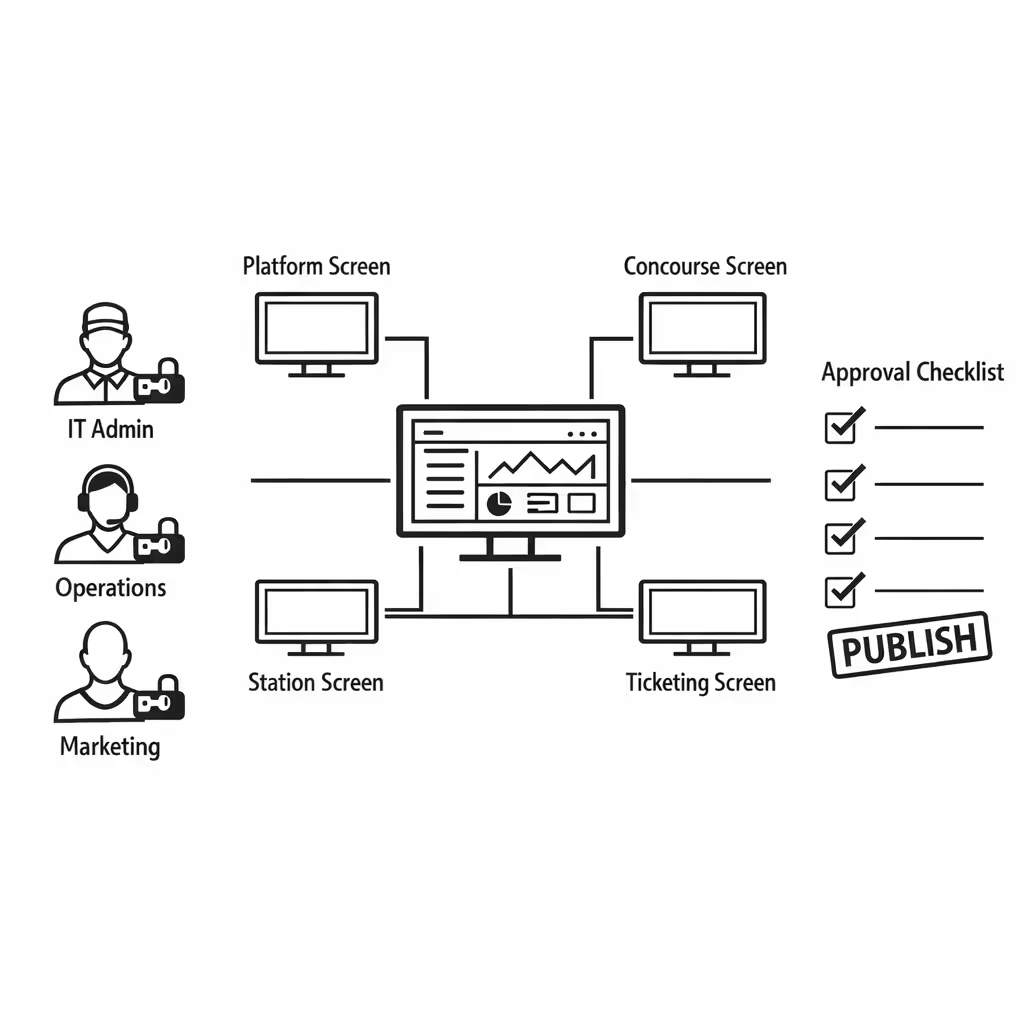
Gestisci l'affichage dynamique della stazione ferroviaria da una piattaforma sicura. Crea, approva, pianifica e pubblica informazioni e campagne per i passeggeri in atri, piattaforme, aree biglietteria e zone commerciali con la governance richiesta dall'IT e la velocità di cui marketing e operazioni hanno bisogno.
Una fonte di verità per ogni schermo della stazione
Controllo dell'intera rete con flessibilità locale
Lancia messaggi coerenti in tutta la rete della stazione consentendo ai team locali di pubblicare aggiornamenti approvati come cambi di piattaforma, indicazioni per la folla, avvisi di accessibilità e promozioni al dettaglio che si adattano alla realtà giorno per giorno in loco.
Campagne e messaggi per passeggeri, programmati per posizione
Pianifica i contenuti per stazione, zona o tipo di schermo. Mantieni accurate le comunicazioni di orientamento e sicurezza, allinea il contenuto delle ore di punta ai piani operativi e assicurati che ogni schermo di affichage dynamique della stazione ferroviaria mostri il messaggio giusto al momento giusto.
Progettato per la governance IT e la sicurezza
Centralizza l'accesso con permessi basati sui ruoli, approvazioni strutturate e politiche di riproduzione coerenti affinché ogni aggiornamento segua gli standard della tua stazione, supporti la conformità e soddisfi le aspettative di audit in tutta la rete di affichage dynamique della stazione ferroviaria.
Aggiornamenti in tempo reale per i team di servizio e operazioni
Invia interruzioni, ritardi, riassegnazioni di piattaforma e avvisi di sicurezza in pochi secondi. Mantieni ogni schermo allineato durante i picchi di afflusso, incidenti o lavori programmati, senza dover inseguire più team della stazione o fare affidamento su aggiornamenti manuali tramite USB.
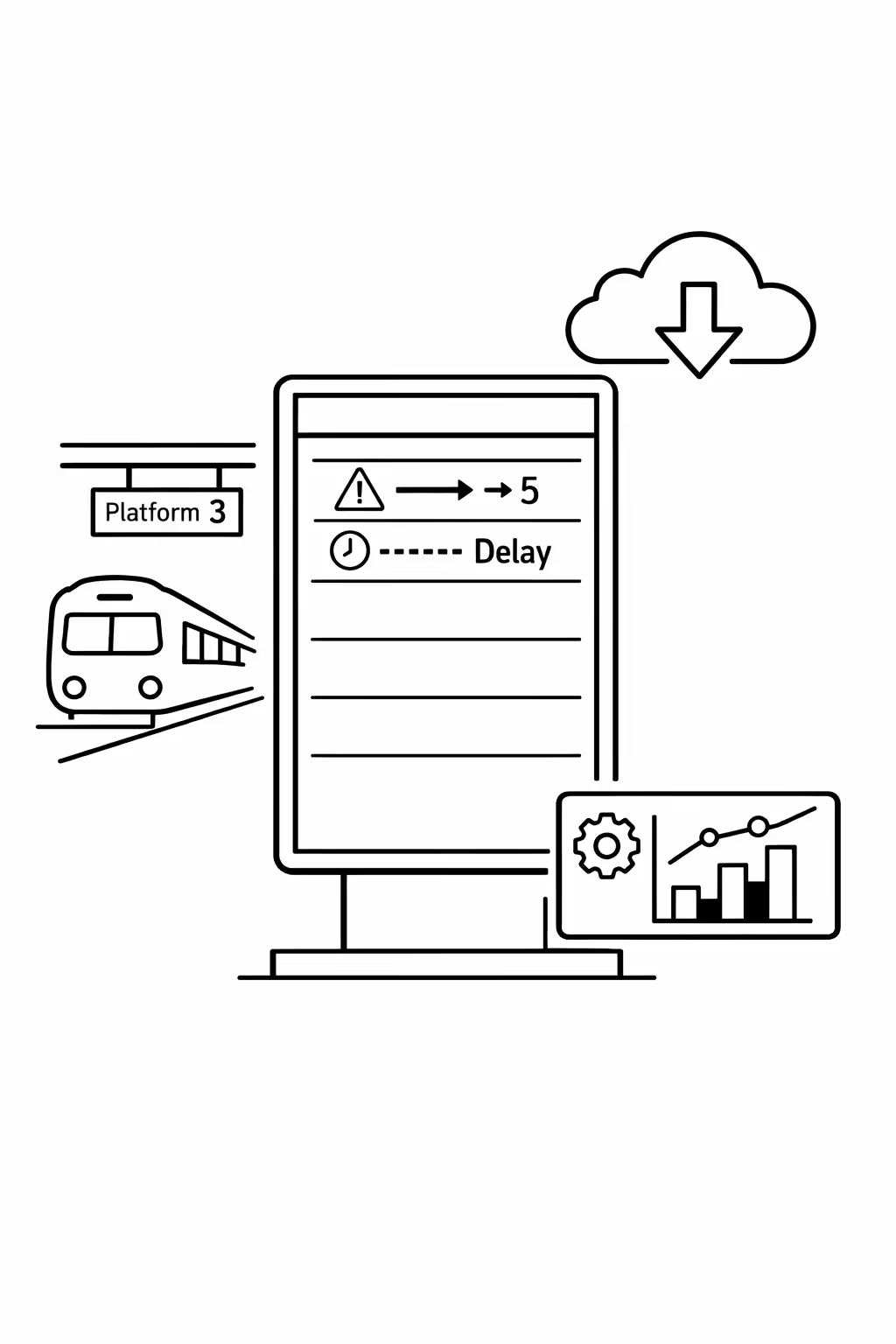
Scalabilità per reti di stazioni ferroviarie in crescita con affichage dynamique per stazioni ferroviarie
Scala l'affichage dynamique per stazioni ferroviarie tra stazioni, regioni e unità operative da un'unica piattaforma cloud sicura. Esegui aggiornamenti dei servizi in pochi minuti, mantieni una governance rigorosa e assicurati un'esperienza passeggeri coerente man mano che la tua rete si espande.
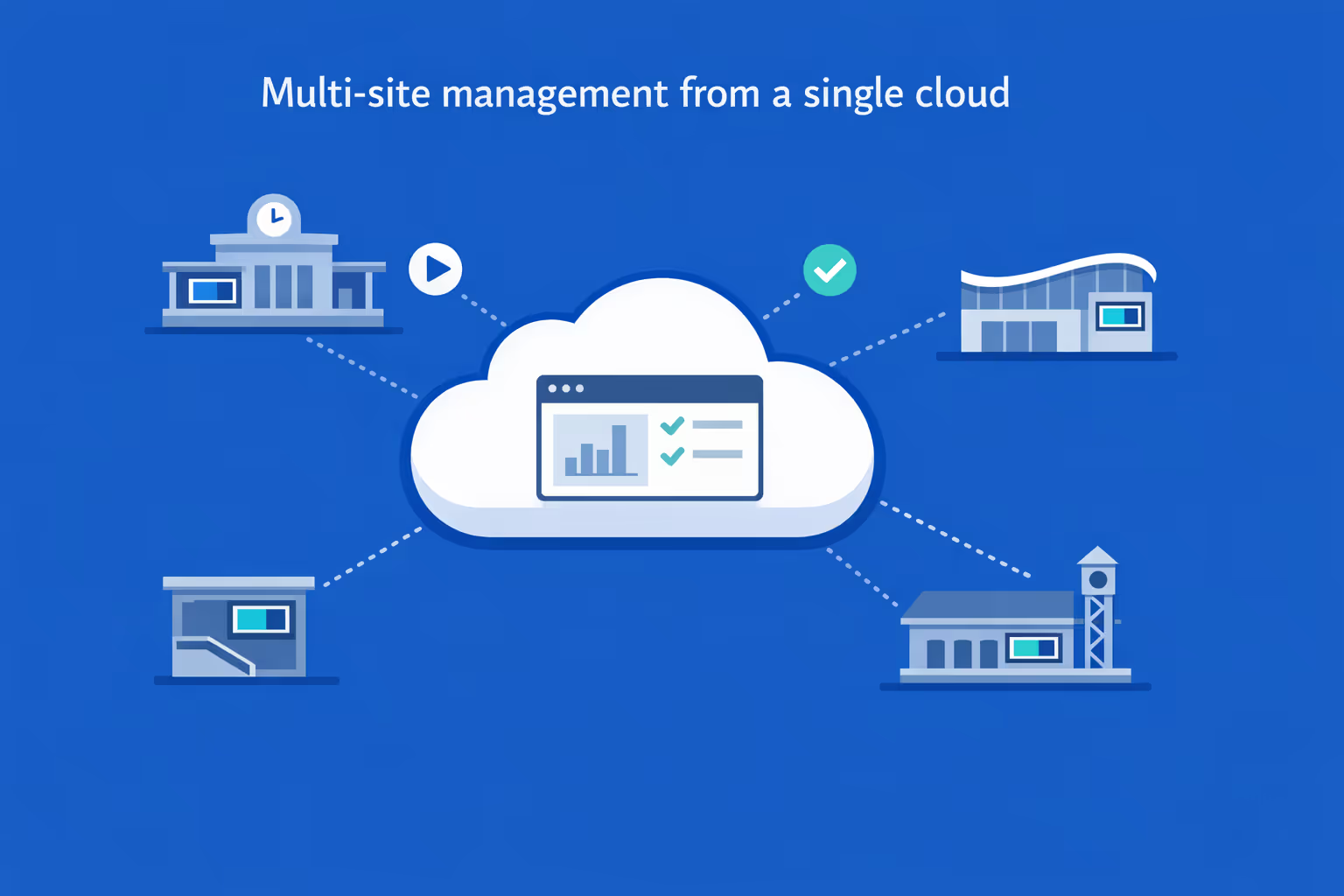
Gestione multi-sito da un unico cruscotto cloud
Supervisiona l'affichage dynamique per stazioni ferroviarie da ogni stazione da una sola vista. Distribuisci contenuti istantaneamente, verifica cosa viene visualizzato su ciascun schermo e mantieni la coerenza nella comunicazione di rete permettendo comunque aggiornamenti locali.
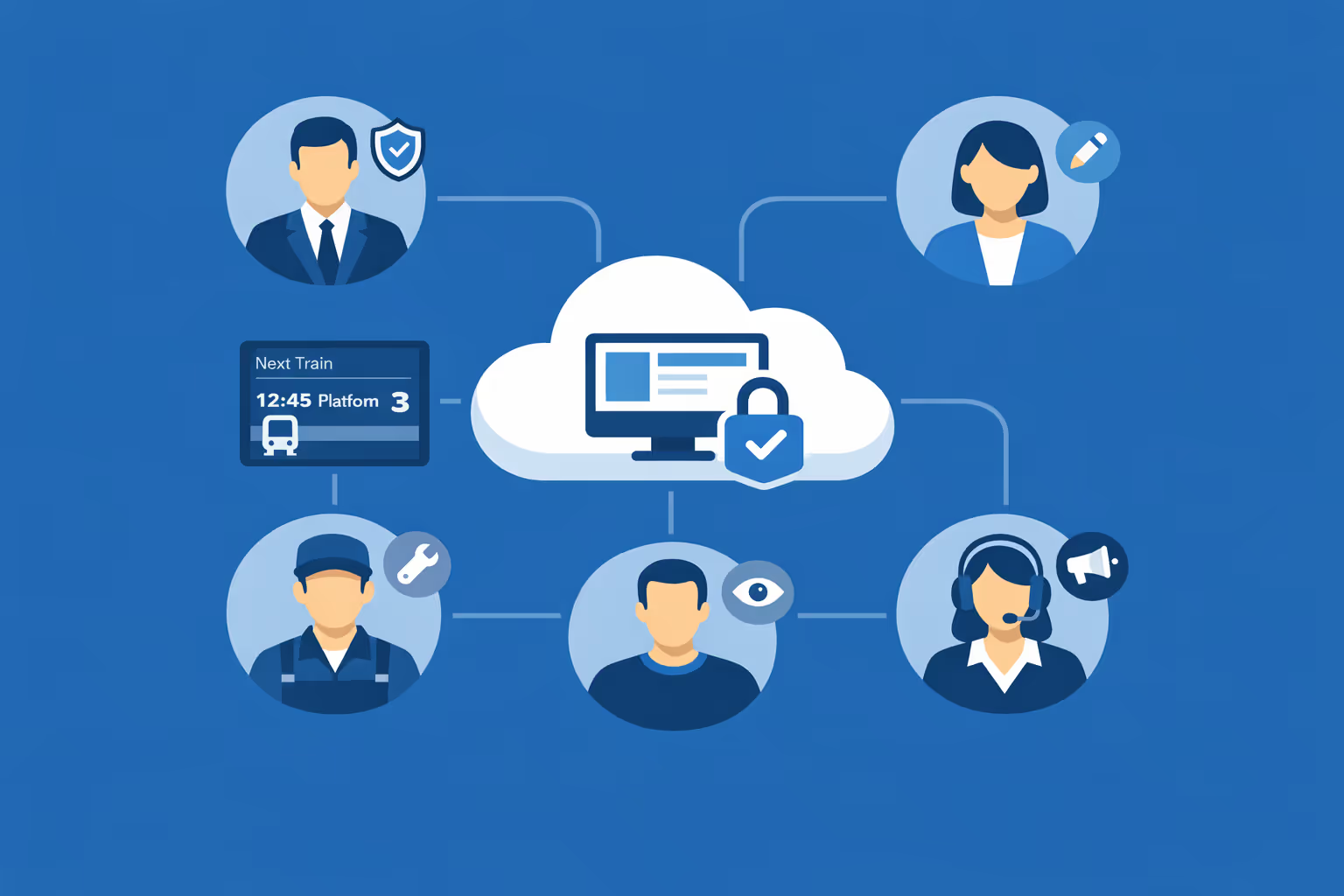
Accesso multi-utente con permessi basati sui ruoli
Assegna ruoli e permessi per le sale di controllo, comunicazioni di rete, responsabili delle stazioni e partner esterni. Mantieni le modifiche organizzate, le approvazioni chiare e l'accesso sicuro in tutta la tua rete di stazioni ferroviarie.
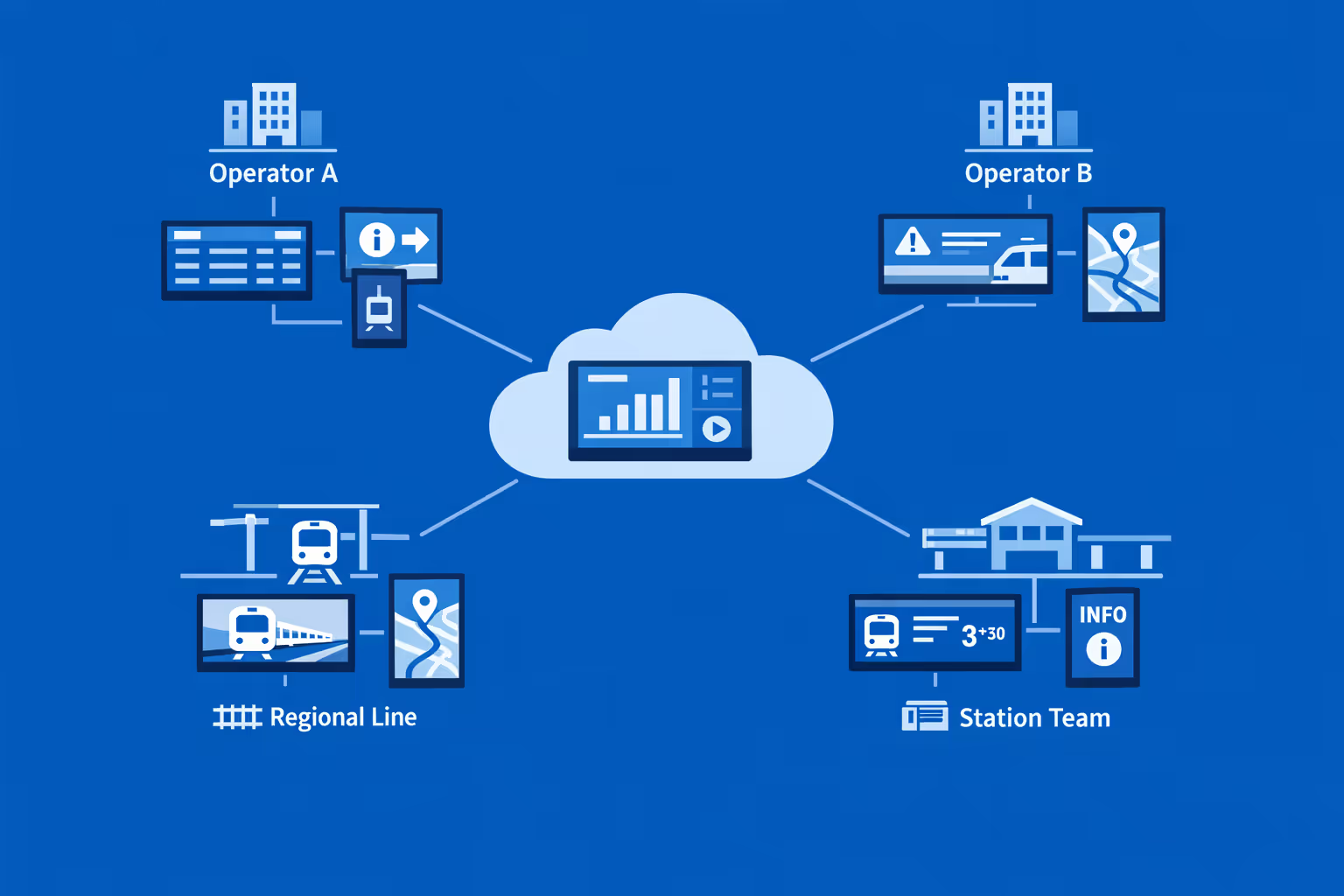
Pronto per multi-schermo e multi-organizzazione
Controlla migliaia di schermi e gestisci più organizzazioni da un unico account. Segmenta l'affichage dynamique per stazioni ferroviarie per operatore, linea, regione e stazione in modo da poter scalare rapidamente senza perdere accuratezza e rilevanza locali.
Disign è compatibile con tutti gli schermi per digital signage
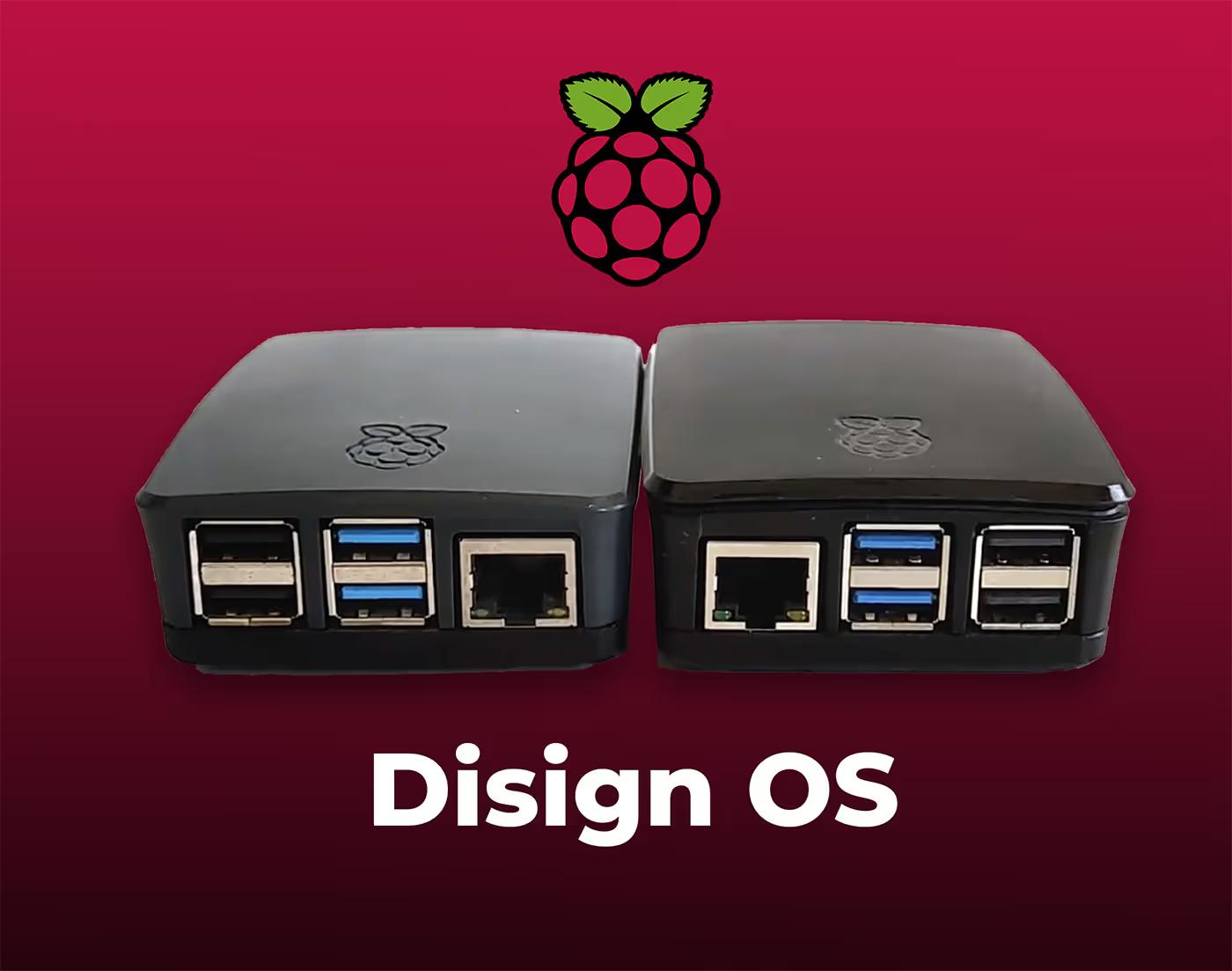
Il digital signage con Disign ti consente di gestire e visualizzare contenuti su una varietà di dispositivi. La nostra soluzione è compatibile con molti player esterni come Disign OS basato su Raspberry Pi, BrightSign e qualsiasi hardware Android. Disign supporta anche tecnologie integrate in schermi Samsung, LG e Android TV. Con questa ampia compatibilità, puoi facilmente implementare soluzioni di digital signage su diversi tipi di hardware, garantendo una gestione semplificata e un'esperienza utente ottimale.


Affidato ai team delle stazioni ferroviarie che utilizzano Disign per l'affichage dynamique delle stazioni ferroviarie nei corridoi, sulle piattaforme e nelle aree di assistenza clienti
Cosa dicono i professionisti delle stazioni ferroviarie su Disign
“Abbiamo sostituito un mix di manifesti stampati e note PA dell'ultimo minuto con Disign. Ora gli aggiornamenti dell'affichage dynamique della nostra stazione sono rapidi e tutti vedono lo stesso messaggio nella sala biglietti, alle entrate e sui binari. La parte migliore è che i responsabili di turno della stazione possono aggiornare i messaggi di servizio senza aspettare un designer.”
“Gestisco campagne per gli schermi retail della stazione e le informazioni sui passeggeri. Disign ci offre un'unica piattaforma per controllare layout, caratteri e tempistiche, in modo che la rete appaia coerente. Allo stesso tempo, le stazioni locali possono aggiungere avvisi comunitari e promemoria di accessibilità senza allontanarsi dal brand.”
“Dal punto di vista IT, l'affidabilità conta più delle funzionalità appariscenti. Il nostro affichage dynamique in stazione funziona per lunghe ore, spesso su player più vecchi, e Disign è stato costante. Quando qualcosa va storto, il supporto parla in termini semplici e arriviamo a una soluzione rapidamente.”
Integrate with your favorite Applications
70+ Applications and infini integration with API, Database, and any data source
Easily integrate third-party applications and web content such as YouTube or Vimeo, optimized for seamless playback. Display data from RSS feeds or formats like CSV, JSON, or XML directly on your digital signage screens. Extend display capabilities with advanced applications like grids or collections to enrich Disign scenarios.

We designed Disign to be as open and customizable as possible, both in its visual scenes and in its data sources.
Florent MondoloniCo-Founder, Disign

Video
Utilisez vos medias

RSS Feed
Use your own RSS Feed

Database
Databases

Canva
Create your Design and import it

Google Sheets
Import CSV, Live data...

Website/API
Affiche your website or use API
Tutto quello che devi sapere su Disign Affichage dynamique per stazione ferroviaria
Train station digital signage FAQ: practical answers for station managers and operations teams
Train station digital signage is now a core passenger communication channel. It helps you keep people moving safely, reduce confusion during disruptions, and deliver real time information across every concourse, platform, hallway, ticketing zone, and retail area. This FAQ is written for station managers, passenger information teams, rail operators, infrastructure owners, IT and cybersecurity teams, and commercial partners who need a reliable way to publish accurate messages at scale.
Below are the most common questions teams ask when evaluating a platform like Disign for train station digital signage, with clear guidance focused on day to day station realities: crowds, safety, tight timelines, multiple stakeholders, and constant change.
What is train station digital signage and where is it used?
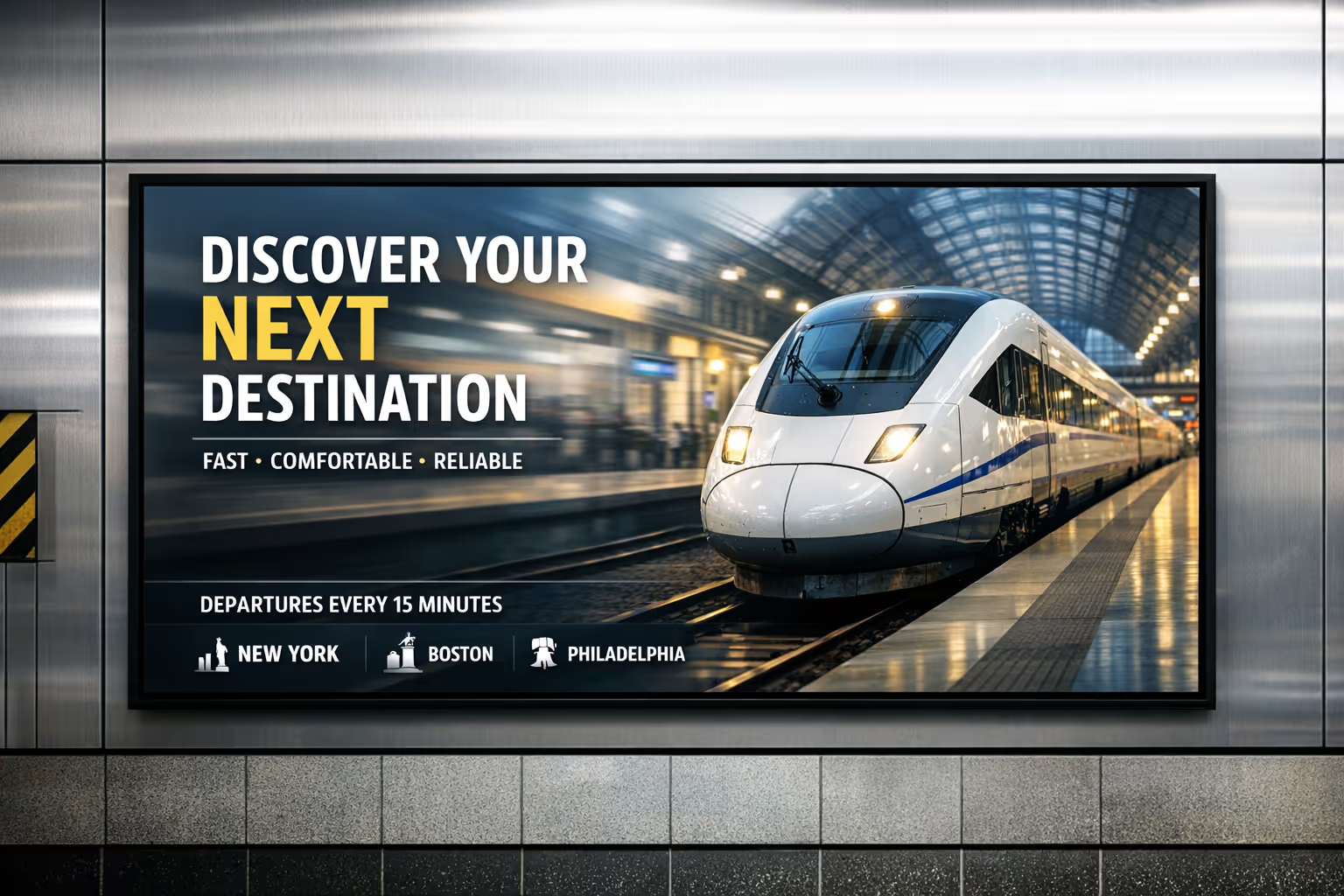
Train station digital signage is a network of centrally managed screens that display dynamic, timely information to passengers and staff. Unlike printed posters, content can change instantly, be targeted by screen location, and be scheduled around service patterns.
Typical placements include:
- departure and arrival boards in main halls and secondary entrances
- platform screens with next train details, stopping pattern, and safety notices
- wayfinding screens at corridors, exits, elevators, and interchange routes
- ticketing and customer service zones for queue guidance and requirements
- disruption and incident communication screens in high footfall areas
- retail and advertising screens in commercial zones where permitted
- staff only screens in control rooms, break rooms, and back of house corridors
The goal is simple: deliver the right information to the right people at the right moment, with consistent branding and governance, so passengers feel guided instead of overwhelmed.
What problems does train station digital signage solve for station operations?
Stations are complex environments. People are moving, stressed, often unfamiliar with the layout, and highly sensitive to uncertainty. Train station digital signage reduces friction in several ways:
- fewer repetitive questions at help desks because key information is visible
- faster passenger flow through clearer wayfinding and platform guidance
- lower perceived crowding because people spread more evenly when informed
- better incident response with rapid updates and consistent messaging
- improved accessibility support through clear visuals and multilingual options
- stronger coordination between operator, station staff, and retail partners
It also protects your credibility. Passengers may forgive delays, but they rarely forgive silence or contradictory instructions. A well run signage network keeps communication aligned.
Why use digital signage instead of printed posters in a train station?
Print has a role for static rules and permanent notices, but it struggles in a station because information changes constantly. Train station digital signage is often chosen because it helps you:
- update messages instantly during delays, cancellations, platform changes, and emergencies
- avoid outdated posters that cause confusion or compliance issues
- reduce printing and distribution costs across multiple entrances and platforms
- standardize messaging so every screen says the same thing at the same time
- schedule content automatically by time of day, service pattern, or events
- show real time data like service status, weather alerts, and crowd guidance
For a busy station, the operational value is the speed and control. When something changes at 07:42, you cannot rely on someone taping up a new poster at 08:10.
What information should train station digital signage display to passengers?
The most useful passenger information is clear, immediate, and location specific. Effective train station digital signage typically focuses on:
- departures and arrivals with platform number, time, and status
- platform changes and short formations, with explicit boarding guidance
- disruption messages with plain language and next best actions
- station wayfinding: exits, interchanges, elevators, accessible routes
- safety messages: mind the gap, escalator rules, emergency procedures
- ticketing reminders: validation, peak restrictions, and required documents
- local service information: first and last train, engineering works, strikes
- accessibility notices: out of service lifts, alternative step free routes
The best screens answer the question passengers are thinking right now: What do I do next?
How can train station digital signage reduce congestion and improve passenger flow?
Passenger flow improves when uncertainty drops. Digital signage helps by making movement predictable:
- directional wayfinding that adapts to footfall patterns or closures
- clear calls to action during platform changes, including alternate routes
- queue screens that show where to line up for tickets and assistance
- reminders to use multiple entrances, exits, and stairways where available
- timed messages that encourage early platform access or staggered boarding
- crowd management content for events, holiday peaks, or replacement buses
Even without advanced analytics, simple location based messaging can change behavior. A screen at a corridor entrance telling passengers which side leads to which platform can prevent bottlenecks that build in minutes.
Can train station digital signage show real time train data?
Yes, and it is one of the highest value use cases. Train station digital signage can display real time data when your data source is available in a format the signage system can consume.
Common approaches include:
- embedding a secure web page from your passenger information system
- connecting to an API feed for departures, arrivals, and service status
- showing a rendered view provided by your existing CIS or PIS vendor
- displaying a curated disruption feed approved by operations
Disign can be used to present real time views safely, while still giving you control over branding, layout, and how disruption messaging is prioritized. Your IT team can decide what integrations are appropriate, and your operations team keeps ownership of the message.
How do stations handle platform changes and last minute updates with digital signage?
Platform changes create stress because they require fast comprehension and fast movement. A good train station digital signage setup supports:
- immediate content updates across all relevant screens, not only the main board
- targeted messaging by zone: entrances, concourse, interchange corridors, platforms
- short, high contrast alerts with a clear instruction and a reason when possible
- repeat prompts such as updated platform number and direction arrows
- scheduled follow ups as the situation stabilizes
The key is not only publishing the change, but reducing ambiguity. Instead of only saying Platform changed, say Platform changed to 7. Follow signs to the east concourse. Train departs in 6 minutes.
Can train station digital signage support disruption communication and incident response?
Yes. Disruptions are where signage proves its worth. When trains are delayed, cancelled, or diverted, passengers need a consistent story and a clear next action.
Train station digital signage can support disruption response by:
- distributing a single approved disruption message across multiple zones instantly
- prioritizing critical messages above non essential content
- showing alternative routes, replacement buses, and interchange instructions
- communicating estimated time to next update to reduce frustration
- supporting staff by reducing repeated questions and crowd pressure
Disign helps teams publish quickly while keeping governance in place, so you do not get conflicting messages from different departments.
What is the difference between passenger information screens and advertising screens?
Passenger information screens exist primarily for safety and operational communication. Advertising screens exist to monetize footfall, often managed by a commercial team or partner.
In practice, many stations run both. The key is governance:
- passenger information must take priority during incidents and peak congestion
- advertising should comply with brand, local regulations, and placement rules
- commercial content should never obscure essential wayfinding or safety notices
A flexible train station digital signage platform makes it possible to separate screen groups, assign different content rules, and still manage everything from one place if that is how your organization operates.
How do you keep train station digital signage content accurate and consistent across many screens?
Consistency is a process, not a hope. Stations often succeed with:
- screen grouping by location type: concourse, platform, entrance, ticketing, retail
- approved templates for common message types such as disruption and wayfinding
- role based permissions so only the right people can publish
- scheduled content windows aligned to service patterns and staffing
- a single source of truth for operational messages
Disign is designed to help you structure permissions and reuse templates so updates are fast but controlled. That matters when you have hundreds of screens and multiple teams who all feel responsible for passenger communication.
Who typically owns train station digital signage: operations, IT, or marketing?
It is usually shared. The healthiest setup is clear ownership by responsibility:
- operations owns passenger information and disruption messaging
- IT owns devices, network, security standards, and monitoring
- marketing or commercial teams own promotions, retail, and brand campaigns
- safety and compliance stakeholders review critical policies and emergency content
Train station digital signage works best when your platform supports shared control without shared chaos. Disign supports permissions by group and role so each team can do their job without stepping on the others.
What security features should we require for train station digital signage?
Stations are critical infrastructure. Screens are endpoints and must be treated accordingly. Important security capabilities to evaluate include:
- strong authentication and role based access control
- encrypted connections for management and content delivery
- device registration and the ability to revoke access quickly
- monitoring that confirms what is playing and whether a device is online
- audit logs for publishing actions and administrative changes
- controlled methods for showing external web content safely
Disign is built for centralized management and structured access, so station teams can publish quickly while IT maintains control. If your organization requires specific network constraints, those can be addressed in your deployment approach.
Can train station digital signage work with a segmented network or restricted internet access?
Yes, depending on your architecture and policies. Many stations restrict outbound access, use network segmentation, and apply strict firewall rules. A train station digital signage project typically includes:
- defining what endpoints need access and to which domains
- deciding whether screens can reach only the signage platform and approved feeds
- separating passenger information devices from public networks
- applying standard device hardening and patching policies
Disign can fit within controlled network approaches, and your IT team can validate the connectivity model during a pilot.
What hardware is needed for train station digital signage?
Hardware choices depend on environment: brightness, reliability, vandal resistance, and operating hours. Typical components include:
- commercial grade displays for long operating hours and high brightness zones
- media players or system on chip displays that can run the signage player
- mounts, protective enclosures, and cabling designed for public spaces
- stable connectivity, wired where possible for reliability
- power planning with safe routing and maintenance access
A good approach is to standardize hardware by zone. Platforms may need sunlight readable screens; corridors may not. Disign can support a range of hardware strategies so you can evolve over time.
How do we ensure train station digital signage is readable in bright areas and at distance?
Readability is a design and hardware combination. Best practices include:
- use high brightness displays in areas with daylight or glare
- increase font size and simplify layouts for long viewing distances
- keep contrast high and avoid busy backgrounds
- use clear hierarchy: what, where, when, and next step
- keep animations minimal and avoid small scrolling tickers
Templates help enforce these rules. With Disign, teams can create approved layouts so every message stays legible, even when different people publish content.
How does train station digital signage support accessibility?
Accessibility is essential in stations. Digital signage can support inclusive communication by:
- providing large text and strong contrast for low vision users
- using clear icons alongside text for fast understanding
- supporting multiple languages in communities that need it
- avoiding flashing or overly fast motion that can be uncomfortable
- using captions when video is used without audio
- highlighting step free routes and lift status when available
The goal is not to add more information, but to make essential information easier to act on quickly.
Can train station digital signage be multilingual?
Yes. Multilingual signage is often a practical requirement, not a nice to have. Common strategies include:
- rotating languages by time of day or by screen location
- dedicating certain screens to tourist oriented information
- using simple phrasing and avoiding internal railway jargon
- pairing critical instructions with universal pictograms
With Disign, you can build playlists per language and assign them to specific stations or zones. You can also schedule language rotation when that fits your passenger mix.
How do we handle emergency messaging on train station digital signage?
Emergency communication must be reliable, clear, and prioritized. A strong train station digital signage plan usually includes:
- predefined emergency templates with short, unambiguous wording
- the ability to override regular content across selected screen groups
- clear instructions: evacuate, do not enter, use alternative exit, seek staff
- coordination with public address and staff instructions
- regular testing and drills to validate workflow
Your safety team should define the message playbook. Your signage platform should make it easy to execute without improvisation. Disign supports centralized publishing and quick updates so your team can act fast when seconds matter.
How do we prevent unauthorized content or hijacking of screens?
Risk is reduced through layered controls:
- strict role based permissions and least privilege access
- multi factor authentication where required by policy
- device registration so unknown devices cannot join the network
- audit logs to track who changed what and when
- secure methods for embedding external content only from approved sources
- monitoring and alerts for offline devices or playback errors
The goal is not only security, but confidence. You want operators to trust the screens, especially during disruption.
Can we manage multiple stations and hundreds of screens from one platform?
Yes. Multi site management is a core requirement for modern train station digital signage. A scalable setup includes:
- centralized provisioning and grouping by station, zone, and screen type
- bulk assignment of playlists and templates
- scheduling rules that apply across networks with local exceptions
- health monitoring so you know which screens need attention
Disign is designed for multi location environments, so you can run consistent communication across a network while still allowing station specific messaging where approved.
How do we organize content workflows between rail operator, station staff, and commercial partners?
Stations often involve multiple stakeholders. A practical operating model looks like:
- passenger information team owns operational and disruption templates
- station managers can publish local service notices within approved formats
- commercial team manages advertising playlists on designated screens
- IT administers users, devices, and network policies
- compliance and safety teams approve critical templates and emergency wording
Disign supports this kind of governance with permissions and content structure, so collaboration does not turn into last minute confusion.
How often should train station digital signage content be updated?
Frequency depends on content type:
- real time data updates continuously if integrated
- operational notices update daily or whenever conditions change
- planned engineering works and campaigns update weekly
- evergreen wayfinding and safety reminders refresh monthly or seasonally
Passengers quickly notice stale content, especially if it conflicts with reality. Because Disign makes updates fast, teams can keep screens accurate without creating extra work for station staff.
Can train station digital signage reduce pressure on customer service desks?
Yes. Many common passenger questions can be answered visually before someone joins a queue:
- where is my platform and how do I get there
- what does delayed mean and when is the next update
- where do I buy or validate tickets
- what is the accessible route today if a lift is out of service
- where are toilets, exits, taxis, buses, and interchanges
When screens answer these questions consistently, staff spend less time repeating directions and more time helping passengers with complex needs.
How do we measure ROI for train station digital signage?
ROI in stations is usually measured through operational and service quality outcomes, not only revenue:
- fewer complaints about missing information during disruption
- improved passenger satisfaction scores and perceived organization
- faster clearance of platforms and corridors after changes
- reduced printing and manual poster management
- fewer missed connections due to clearer wayfinding
- higher commercial performance where advertising is part of the model
You can also track execution metrics: time to publish an update, percentage of screens online, and consistency across station zones.
What should we look for in templates and scheduling capabilities?
Templates and scheduling determine whether your signage program stays controlled as it scales. Look for:
- templates for common scenarios: disruption, wayfinding, queue guidance, safety
- locked areas for critical phrasing, icons, and safety colors
- flexible components for station name, platform number, time, and next steps
- scheduling by station, zone, time of day, and special event windows
- reuse across formats so you do not redesign for every screen size
Disign helps teams create approved templates once and reuse them network wide, which speeds up publishing and reduces risk.
Can train station digital signage display web pages, dashboards, or third party content?
Often yes, with the right controls. Stations may want to show:
- passenger information dashboards
- weather alerts
- event information for major venues
- retail partner content in designated zones
- internal operational dashboards in staff areas
The key is to do it securely and predictably. External content should be from approved sources, tested for readability, and monitored so a broken page does not become a blank screen.
Can train station digital signage be used for internal communication?
Yes. Staff screens are valuable because station teams work across shifts and may not be sitting at computers. Internal train station digital signage can share:
- shift briefings and daily priorities
- safety reminders and incident learnings
- service change summaries and talking points for passenger questions
- staffing updates, training reminders, and maintenance notices
- recognition messages that support morale
With Disign, you can separate staff only screens from public screens while keeping the same governance and scheduling tools.
How quickly can we deploy a train station digital signage project?
Timelines depend on hardware readiness, network approvals, and content planning. Many organizations succeed with a phased approach:
- pilot in one station or one zone to validate templates, workflows, and IT policies
- integrate real time data sources if needed
- expand to additional zones and stations using repeatable provisioning steps
- define steady state operations: who publishes, who approves, who monitors
Because Disign is centrally managed, scaling is easier once your templates and permissions are set. The main work becomes operational discipline, not manual screen handling.
What makes Disign a good choice for train station digital signage?
Station teams need speed, reliability, and governance. Disign is designed to support train station digital signage programs with:
- centralized management for multi station and multi zone deployments
- permissions and structure so the right teams can publish without losing control
- templates that help keep messages readable, consistent, and on brand
- scheduling and targeting so content matches location and time of day
- practical operations tools to keep networks healthy and content up to date
If you are planning or upgrading train station digital signage, Disign helps you deliver clear passenger information at scale, without adding complexity for frontline staff.
What are the next steps to start with train station digital signage?
A strong start is structured and realistic:
- map your station zones and define the purpose of each screen group
- identify stakeholders: operations, IT, safety, accessibility, commercial
- choose pilot screens where impact is high, such as concourse and platform access
- build a small set of templates: disruption, wayfinding, service notice, safety
- define publishing rules: who can update, who approves, and how quickly
- plan monitoring and maintenance so screens stay reliable
Once these basics are in place, train station digital signage becomes a dependable communication layer that passengers trust and staff rely on.



Unisciti alla comunità di oltre 4.000 persone
Affichage dynamique della stazione ferroviaria che mantiene informati i passeggeri e allineati i team
Pubblica aggiornamenti in tempo reale su ogni schermo con Disign. Condividi cambi di partenza e piattaforma, avvisi di interruzione, indicazioni, avvisi di sicurezza e messaggi di servizio da un'unica dashboard sicura, affinché i viaggiatori sappiano sempre cosa fare dopo.
Pronto a provare l'affichage dynamique per la stazione ferroviaria senza complicazioni. Inizia la tua prova gratuita di 28 giorni, senza carta di credito richiesta, e lancia le tue prime playlist in pochi minuti. Se hai bisogno di indicazioni su schermi, contenuti o attuazione, contattaci e ti aiuteremo a farlo andare live.