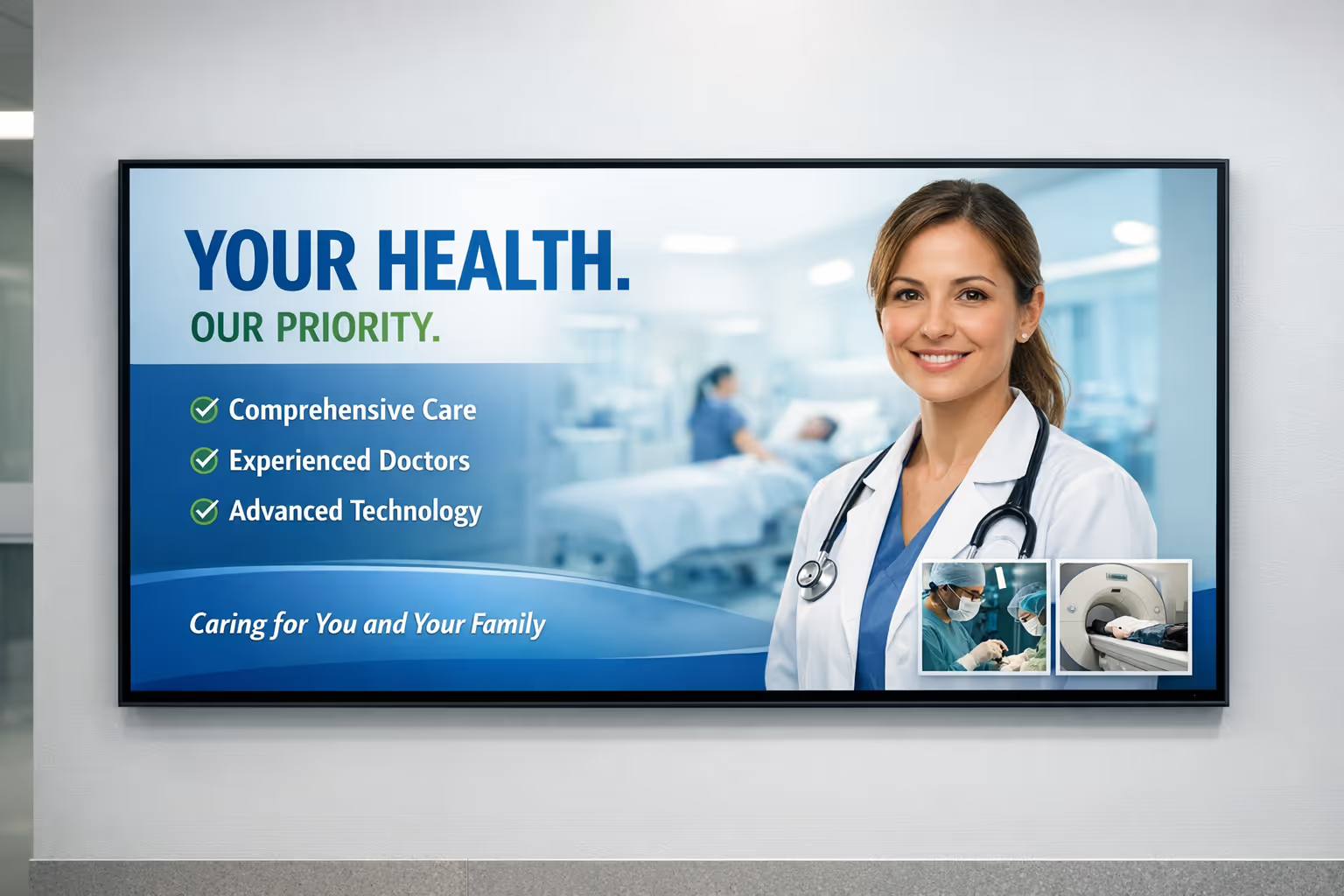
Affichage dynamique sanitario costruito per ospedali, cliniche e sale d'attesa
Sanitario affichage dynamique che tiene informati i pazienti e allineato il personale
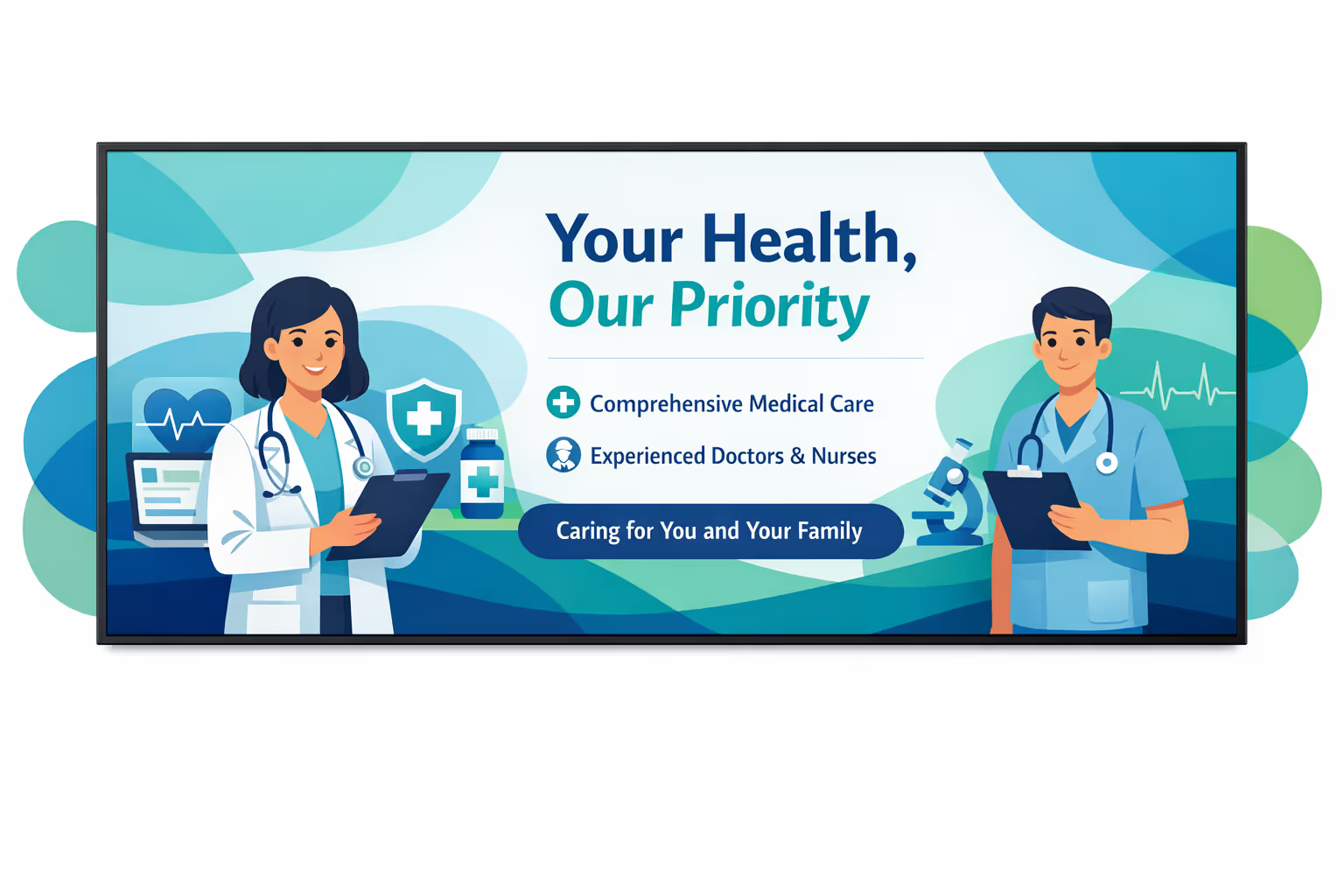
Disign ti aiuta a inviare messaggi chiari e tempestivi su ogni schermo: indicazioni, aggiornamenti sui tempi di attesa, promemoria per gli appuntamenti, educazione alla salute e avvisi urgenti. Aggiorna i contenuti in pochi minuti, rimani coerente tra le sedi e crea un'esperienza più serena per i pazienti.


Usato da oltre 4.000 persone
Sfide nel settore sanitario quando la comunicazione si interrompe tra i siti
Negli ospedali, nelle cliniche e negli studi medici, le persone hanno bisogno di indicazioni chiare nel momento in cui arrivano. Quando le informazioni sono mancanti o incoerenti, l'incertezza si trasforma in domande ripetute, attese prolungate e una prima impressione stressante per pazienti e visitatori.
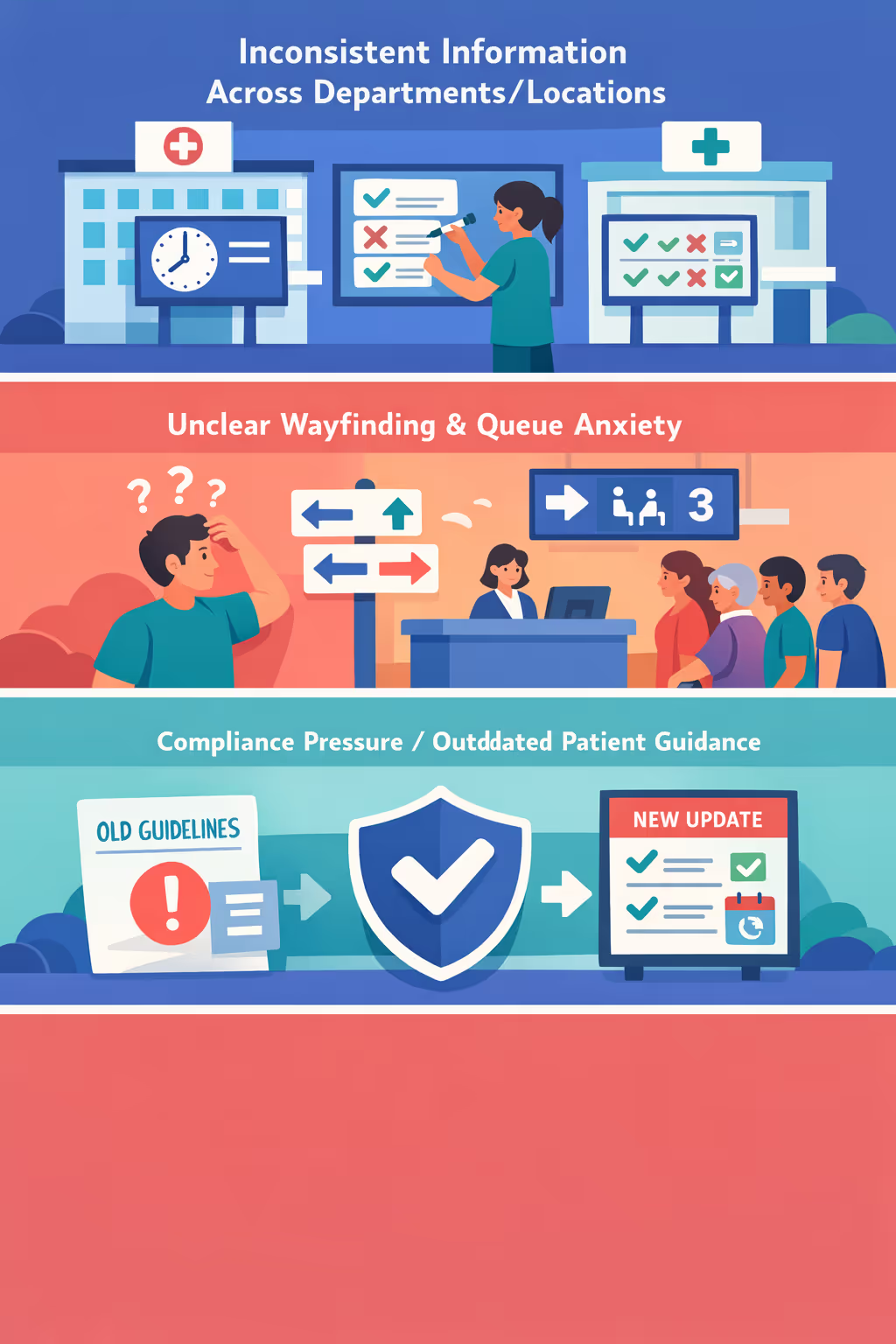
Gli orari delle cliniche, le istruzioni per gli appuntamenti e la disponibilità dei servizi possono cambiare rapidamente. Quando la reception, le unità di assistenza e i siti satellite condividono messaggi diversi, i pazienti perdono fiducia e il personale spende tempo a correggere la confusione anziché fornire assistenza.
Le persone vogliono sapere dove registrarsi, quali documenti preparare e cosa succede dopo. Senza indicazioni chiare e visibili, i team vengono interrotti con le stesse domande tutto il giorno, rallentando il flusso e aumentando la frustrazione.
La comunicazione sanitaria deve essere accurata, tempestiva e allineata con le politiche attuali. Quando avvisi stampati e aggiornamenti locali non vengono rinfrescati ovunque allo stesso tempo, i pazienti possono seguire i passaggi sbagliati, creando preoccupazioni per la sicurezza e rischio di conformità.
Affichage dynamique sanitario che migliora l'esperienza del paziente e l'efficienza operativa
Tieni informati pazienti, visitatori e personale con messaggi chiari e tempestivi su ogni schermo. Disign aiuta i team sanitari ad aggiornare le informazioni istantaneamente, ridurre i costi di stampa, migliorare la segnaletica e creare aree d'attesa più calme mentre offre un ROI misurabile.
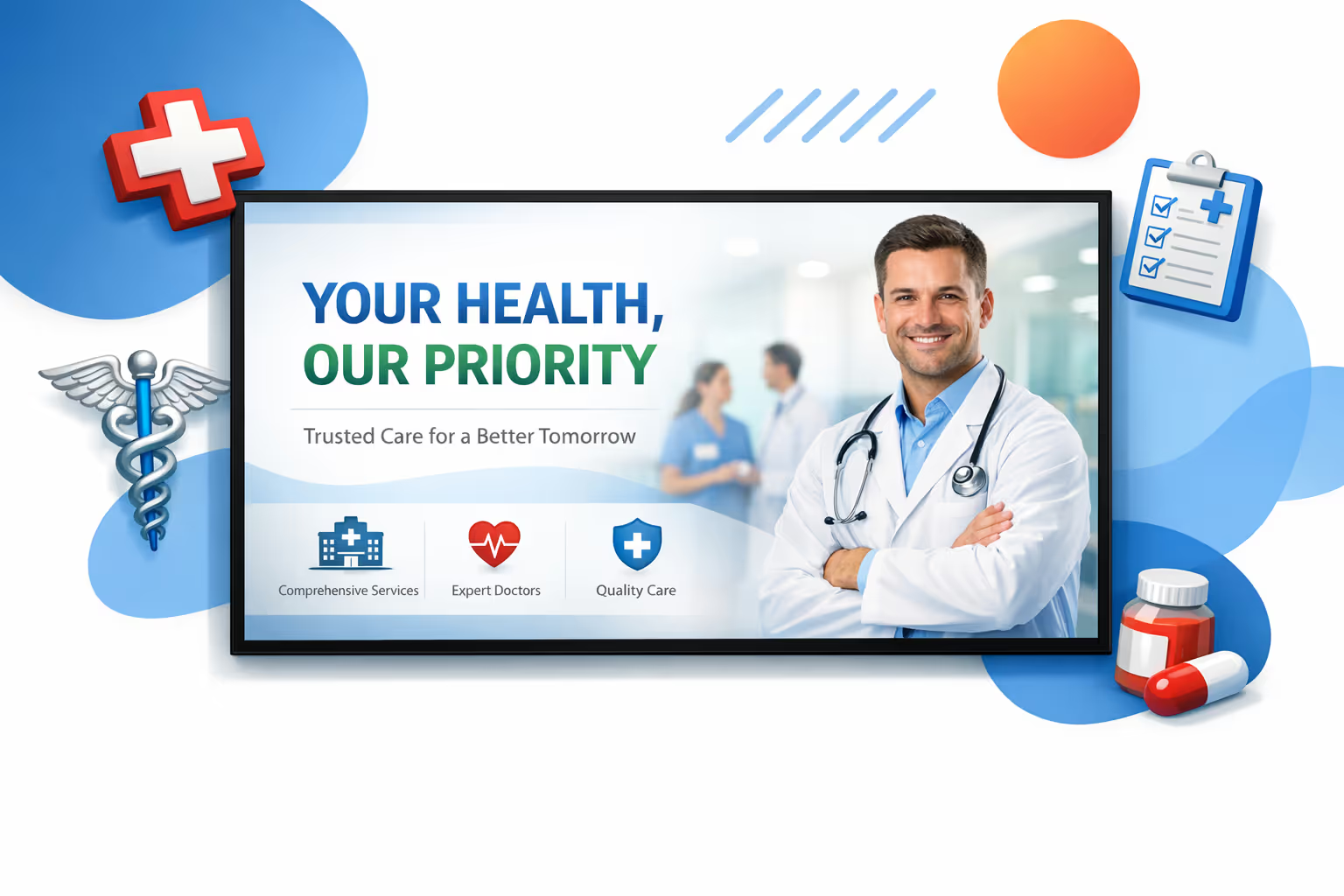
Condividi aggiornamenti tempestivi e informazioni sui servizi in tempo reale
Pubblica aggiornamenti della clinica, orari di visita, messaggi di vaccinazione e disponibilità dei servizi istantaneamente. Mantieni le informazioni accurate in tutte le sedi senza ristampe dell'ultimo minuto o controlli manuali.
Migliora l'orientamento e riduci i tempi di attesa percepiti
Guida i pazienti ai reparti, ai punti di registrazione e alle sale di imaging con indicazioni chiare. Combina aggiornamenti delle code e contenuti utili per ridurre l'ansia, diminuire le interruzioni alla reception e migliorare il flusso.
Aumenta il ROI con contenuti centralizzati e meno attività manuali
Aggiorna gli schermi da un'unica piattaforma anziché fare affidamento su poster e email ad hoc. L'affichage dynamique sanitario aiuta a ridurre la spesa per la stampa, liberare tempo per il personale e mantenere comunicazioni coerenti tra i siti.
Supporta la conformità e la fiducia dei pazienti con messaggi coerenti
Standardizza modelli e approvazioni per avvisi ai pazienti, promemoria sulla privacy e protocolli di sicurezza. Distribuisci rapidamente aggiornamenti obbligatori proteggendo il tuo marchio e mantenendo un ambiente professionale.
Riduci i costi di comunicazione e semplifica le operazioni quotidiane
Sostituisci le frequenti modifiche ai poster con un flusso di lavoro digitale affidabile. Risparmia su stampa e distribuzione mentre garantisci che ogni sala d'attesa e schermo del corridoio rimanga aggiornato.
Personalizza i messaggi per località, reparto e lingua
Adatta i contenuti per pediatria, emergenza, cure ambulatoriali o cliniche specifiche. Fornisci annunci multilingue che sembrano locali mantenendo la coerenza con gli standard dell'intero sistema.
Casi d'uso di affichage dynamique sanitario fidati dai principali fornitori
Dalle entrate degli ospedali alle aree di registrazione delle cliniche, l'affichage dynamique sanitario aiuta i team a fornire aggiornamenti coerenti, ridurre le domande ripetute e migliorare l'esperienza del paziente con informazioni chiare e tempestive.
- Ospedali e sistemi sanitari: condividi indicazioni, regole di visita e aggiornamenti sulla sicurezza che creano fiducia in ogni punto di contatto
- Aree di attesa e reception: mostra tempi di attesa in tempo reale, promemoria di appuntamenti e indicazioni di cura affidabili per impostare aspettative
- Auto registrazione e chioschi per pazienti: fornisci istruzioni passo dopo passo, avvisi sulla privacy e prossimi passi per ridurre la confusione
- Aree del personale e uffici interni: rafforza protocolli, aggiornamenti sulla formazione e metriche chiave affinché i team rimangano allineati e conformi
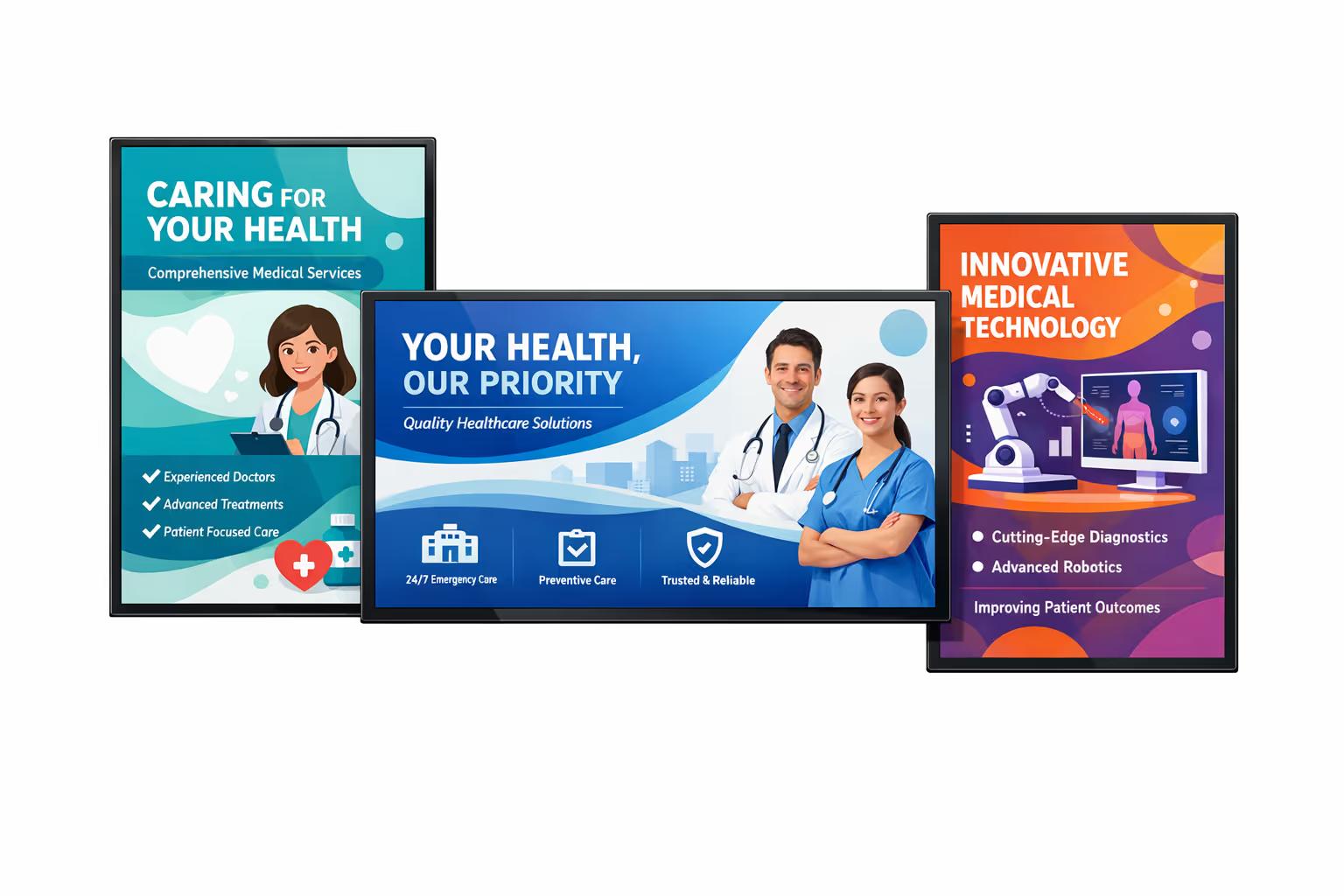
Come funziona l'affichage dynamique di Disign
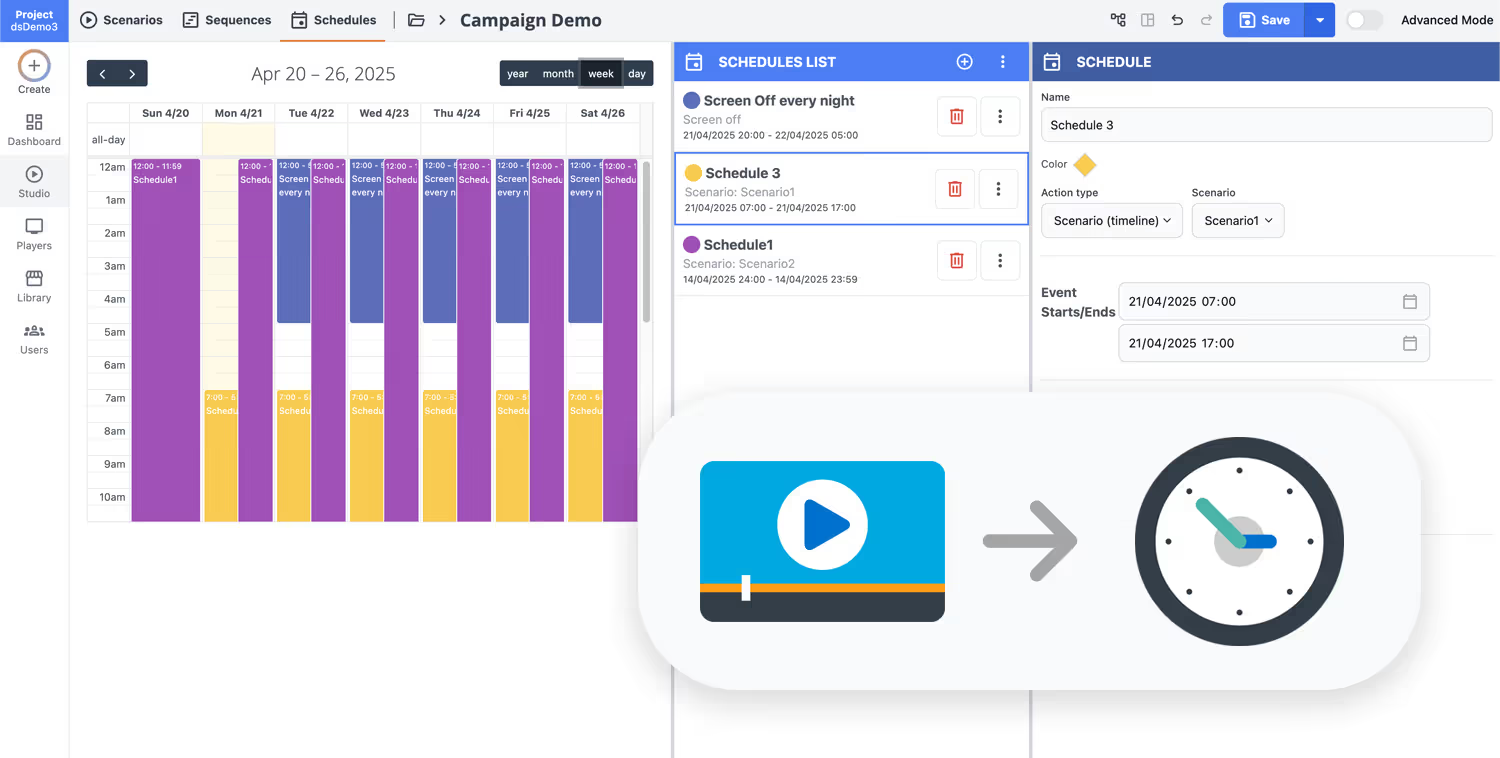
Pianifica i tuoi contenuti da qualsiasi luogo con la nostra soluzione di affichage dynamique basata sul cloud. Pianifica facilmente cosa trasmettere, quando e dove—su uno schermo o su migliaia.
Progetta scenari e playlist personalizzati in base al tuo pubblico e ai tuoi obiettivi.
Imposta date e orari precisi per far riprodurre automaticamente i tuoi contenuti.
Distribuisci contenuti istantaneamente attraverso la tua rete di digital signage con un solo clic.
Pronto per lanciare l'affichage dynamique sanitario nella tua struttura?
Inizia una prova gratuita di 28 giorni di Disign per tenere informati i pazienti e allineato il personale su ogni schermo. Nessuna carta di credito richiesta. Pubblica aggiornamenti sui tempi di attesa, indicazioni, orari della clinica, avvisi di sicurezza e messaggi di servizio in pochi minuti da un unico cruscotto.

Affichage dynamique sanitario per ospedali, cliniche e sale d'attesa
Fornisci comunicazione chiara e in tempo reale su ogni schermo della tua struttura con Disign. Pubblica indicazioni, aggiornamenti sulle code, educazione dei pazienti e avvisi di servizio da un'unica dashboard, con accesso controllato e piena tracciabilità per i tuoi team.
Controllo centralizzato tra le strutture
Gestisci l'affichage dynamique sanitario su larga scala
Pubblica in una sala d'attesa o in centinaia di schermi all'interno degli ospedali utilizzando autorizzazioni basate sui ruoli, targeting della posizione e playlist riutilizzabili. Mantieni coerente il messaggio principale mentre consenti a ciascun dipartimento di aggiornare i contenuti approvati quando necessario.
Accesso sicuro e governance del dispositivo
Proteggi contenuti, schermi e credenziali
Controlla chi può creare, approvare e pubblicare con autorizzazioni dettagliate. Usa l'accesso sicuro, l'accoppiamento dei dispositivi e i registri di audit per ridurre il rischio operativo e mantenere l'affichage dynamique sanitario allineato con le politiche interne IT e di sicurezza.
Flussi di approvazione per la messaggistica clinica
Revisione strutturata prima che il contenuto venga pubblicato
Standardizza la pubblicazione con bozza, revisione, approvazione e poi programma. Mantieni la cronologia delle versioni sui modelli di segnaletica, aggiornamenti delle politiche e contenuti educativi per i pazienti in modo che le informazioni corrette vengano visualizzate nell'area giusta al momento giusto.
Pianificazione intelligente e automazione
Segmentazione temporale, campagne e aggiornamenti d'emergenza
Automatizza la comunicazione nella sala d'attesa con orari basati sul tempo e campagne ricorrenti. Cambia i contenuti per orari di visita, picchi di check-in, campagne per vaccinazioni o avvisi di sicurezza senza cambiamenti manuali dell'ultimo minuto.
Riproduzione e monitoraggio affidabili
Controlli di salute per schermi e player
Tieni i display operativi con visibilità dello stato del dispositivo e diagnostica remota. Rileva i player offline, conferma la consegna dei contenuti e mantieni un messaggio coerente all'interno degli ingressi, corridoi e aree d'attesa.
Supporto al deployment per IT e operazioni
Rapida implementazione con modelli standardizzati
Ricevi supporto pratico dal rollout alle operazioni quotidiane. Ti aiutiamo a standardizzare i layout, ad addestrare i team e a risolvere i problemi dei dispositivi affinché il tuo affichage dynamique sanitario rimanga stabile, sicuro e facile da gestire.
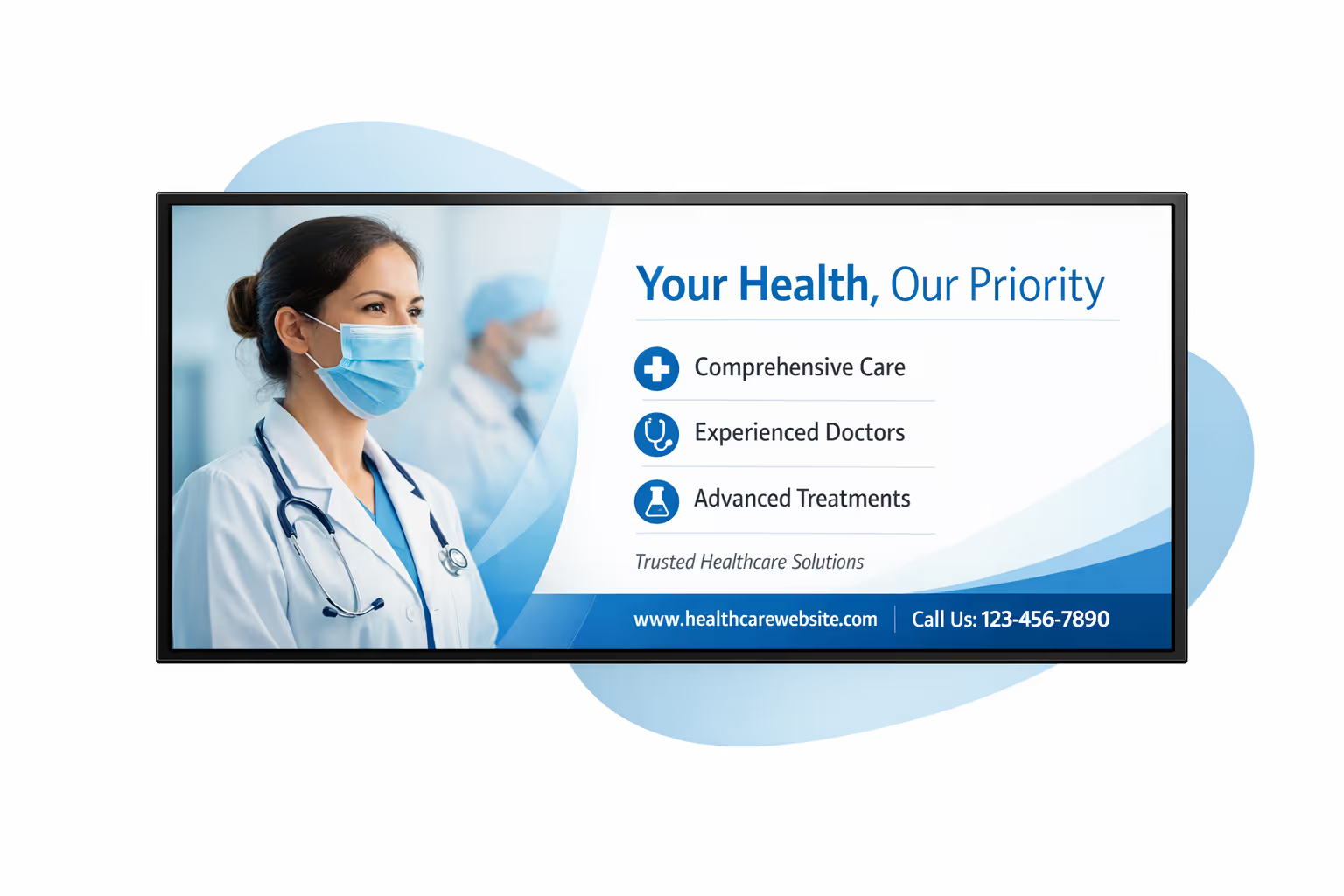
Gestione dei contenuti centralizzata per l'affichage dynamique sanitario
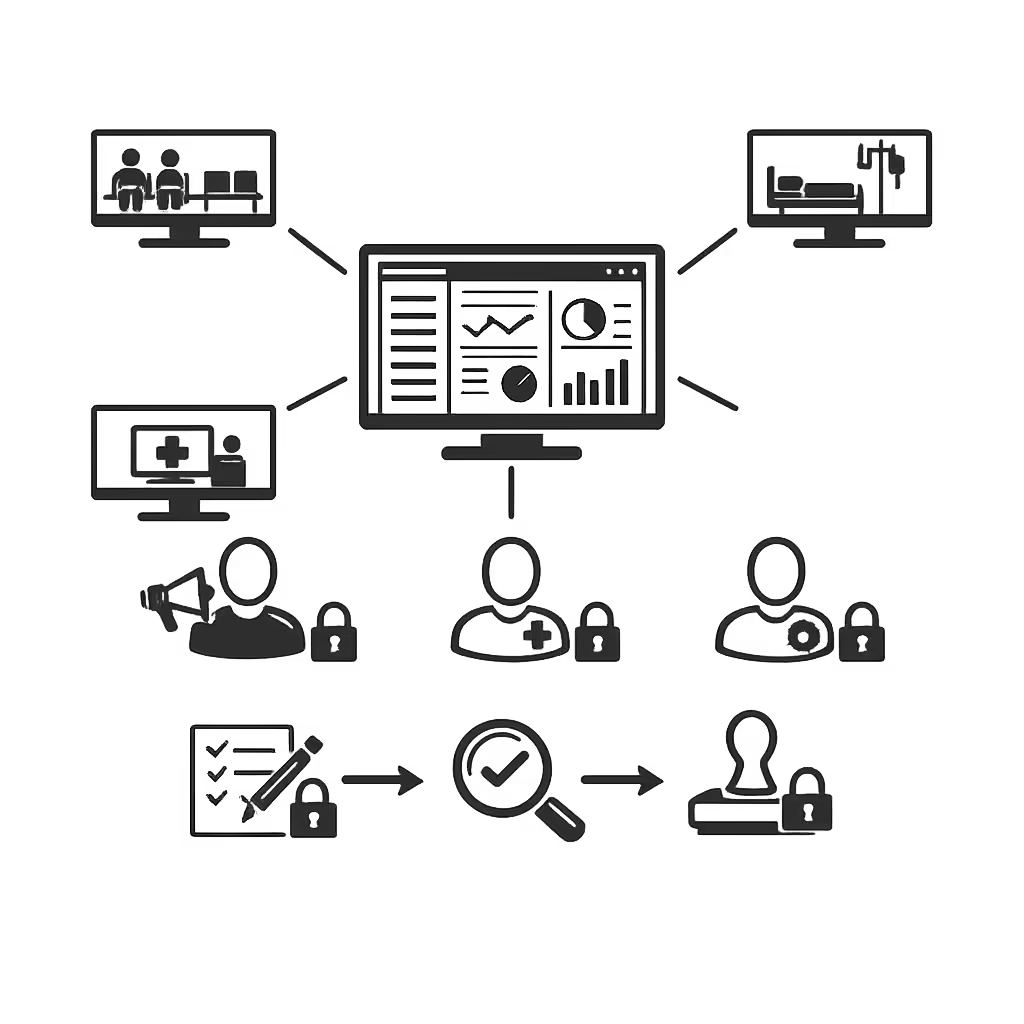
Gestisci l'affichage dynamique sanitario da un'unica console sicura. Il marketing crea, i team clinici rivedono, IT governa l'accesso e le operazioni programmando gli aggiornamenti in modo sicuro tra sale d'attesa, corridoi, stazioni infermieristiche e aree di registrazione.
Un'unica piattaforma per ogni struttura e schermo
Controllo a livello di rete con proprietà locale
Standardizza i messaggi rivolti ai pazienti attraverso la tua rete sanitaria consentendo a ciascun sito di pubblicare aggiornamenti locali approvati come indicazioni cliniche, orari di visita e annunci specifici per i reparti.
Campagne, messaggi clinici e programmazione quotidiana
Programma contenuti per struttura, reparto o tipo di schermo. Mantieni l'educazione dei pazienti attuale, la segnaletica coerente e le comunicazioni tempestive accurate in tutta la tua rete di affichage dynamique sanitario.
Progettato per la governance IT e la sicurezza
Controlla la pubblicazione con permessi basati sui ruoli, flussi di approvazione e politiche di riproduzione coerenti. Supporta audit e standard interni mantenendo l'affichage dynamique sanitario facile da gestire su larga scala.
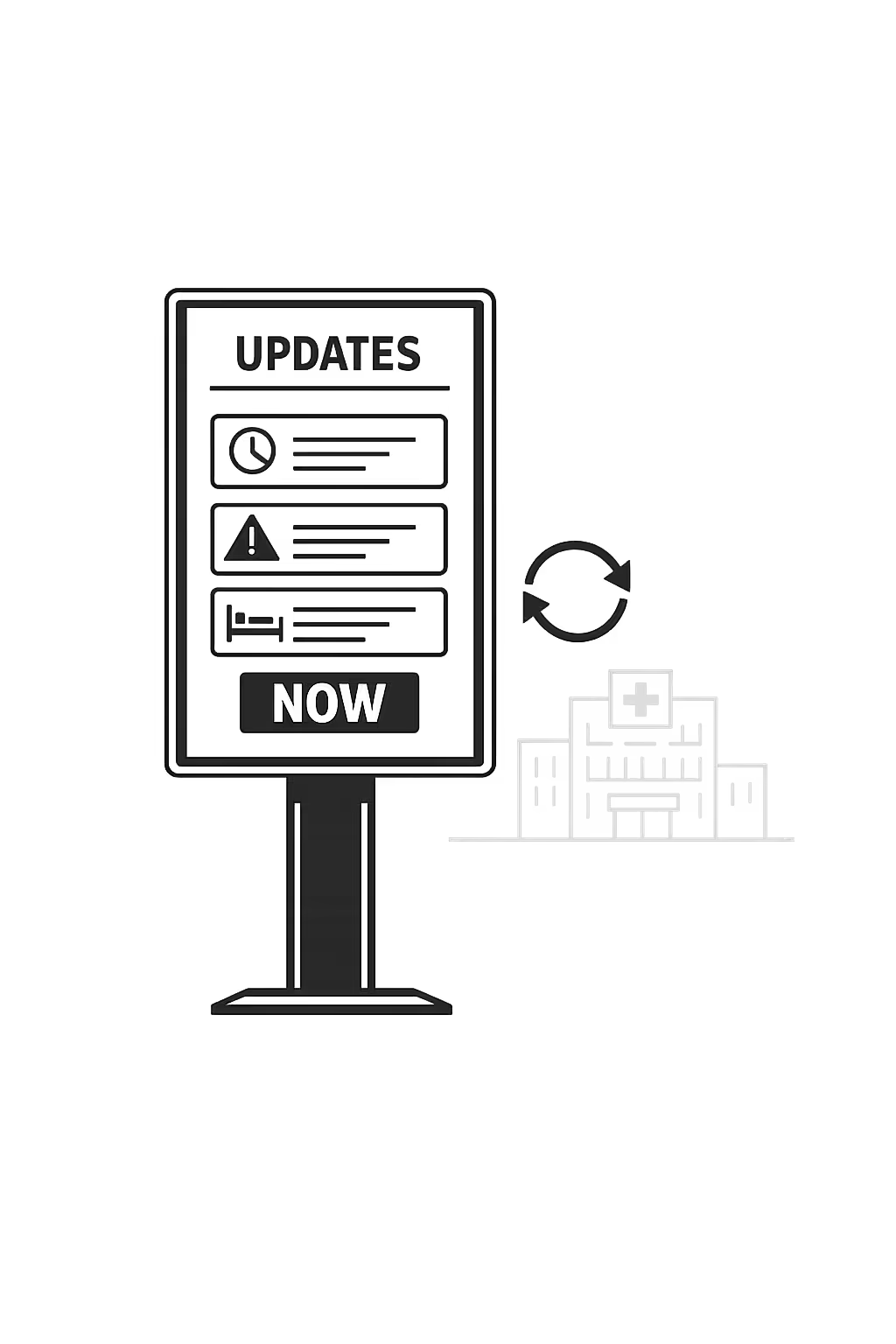
Aggiornamenti in tempo reale per le operazioni e il flusso dei pazienti
Pubblica comunicazioni urgenti, informazioni sulle code, cambiamenti nelle stanze e aggiornamenti sui servizi in pochi minuti. Tieni ogni schermo allineato durante i periodi di punta, i cambiamenti di personale o le interruzioni senza dover andare dietro ai singoli siti.
Scalabilità per reti sanitarie in crescita con affichage dynamique sanitario
Scala l'affichage dynamique sanitario tra ospedali, cliniche e strutture ambulatoriali da un'unica piattaforma cloud sicura. Esegui aggiornamenti in pochi minuti, mantieni chiara la governance e conserva una comunicazione consistente con i pazienti mentre la tua rete si espande.
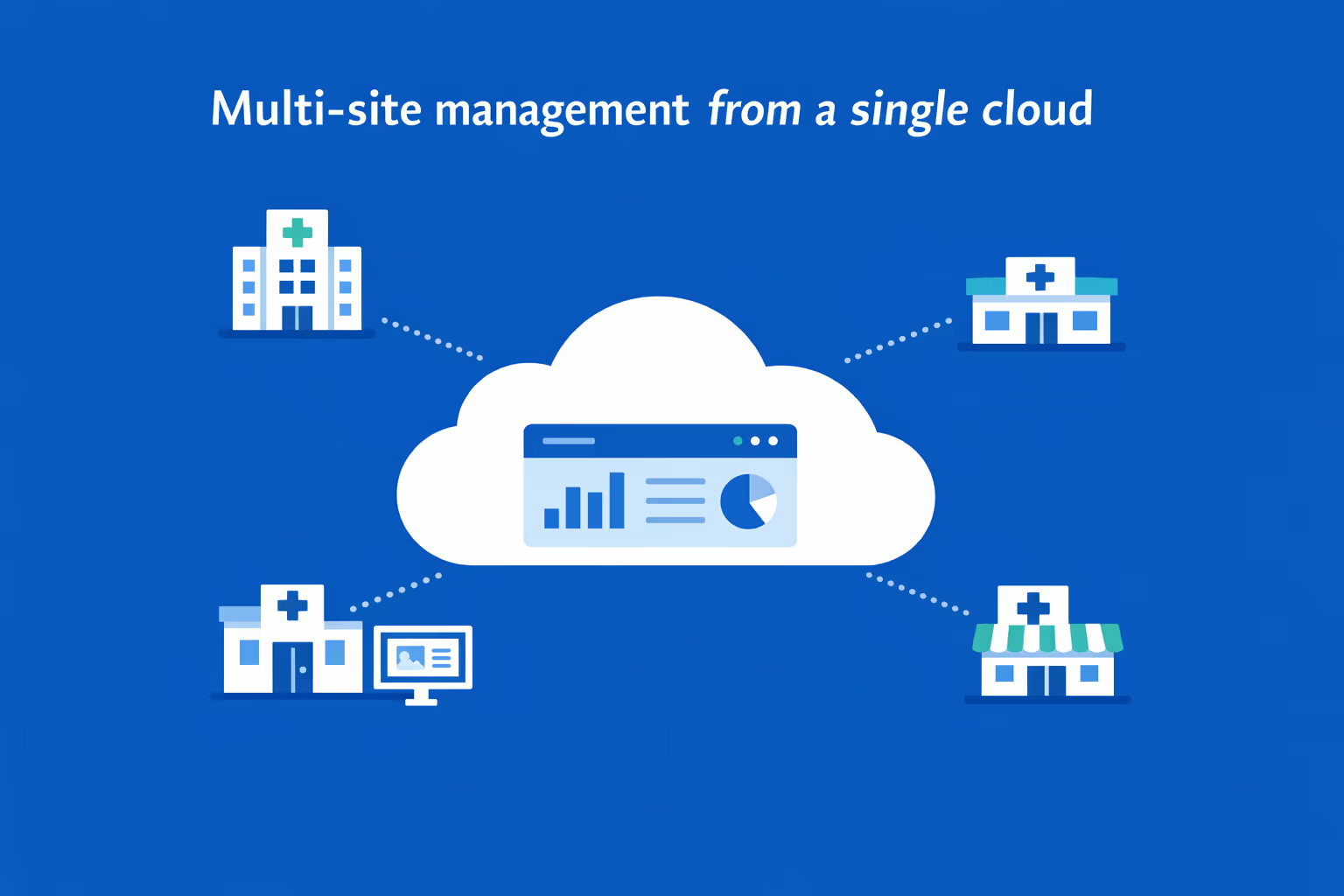
Gestione multi-sito da un unico cruscotto cloud
Supervisiona l'affichage dynamique sanitario per ogni sede in un unico posto. Pubblica contenuti istantaneamente, verifica cosa è in onda su ogni schermo e mantieni un messaggio allineato su tutta la tua rete sanitaria.
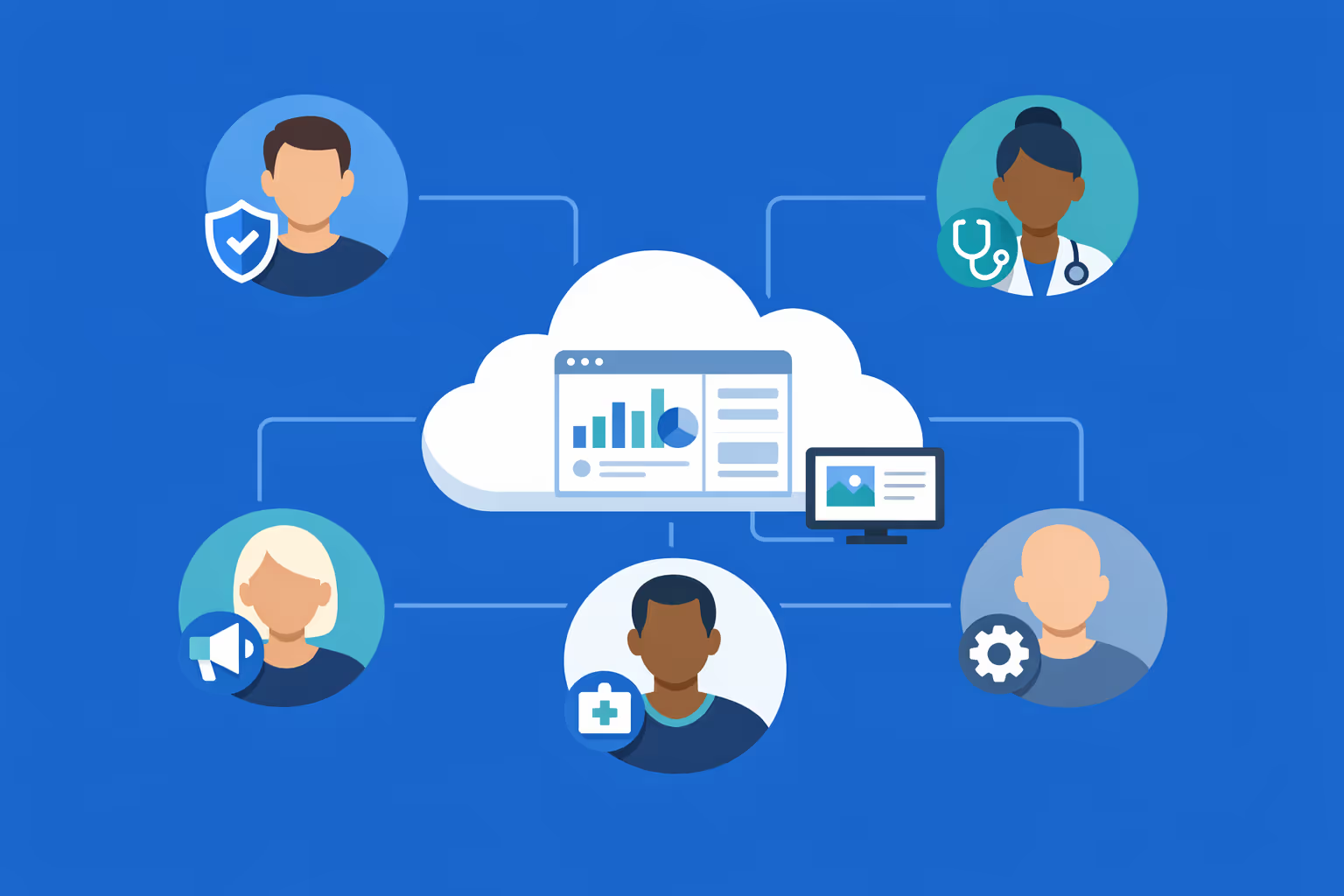
Accesso multi-utente con permessi basati su ruoli
Dai ai team giusti l'accesso corretto. Assegna ruoli e permessi per dipartimento, regione o sede in modo che la collaborazione rimanga efficiente e sicura, con una chiara proprietà e pubblicazione controllata sulla tua rete sanitaria.
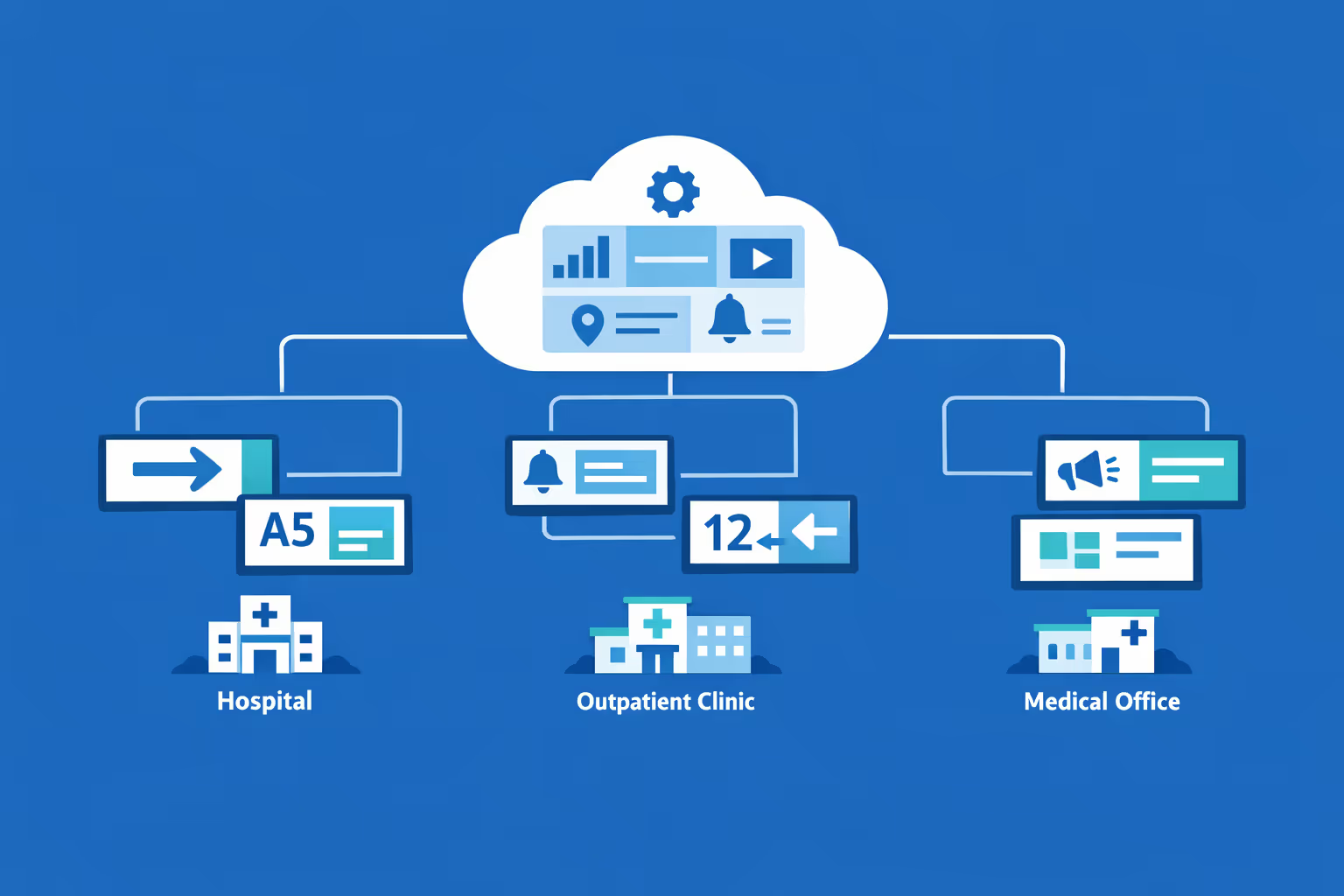
Pronto per più schermi e più organizzazioni
Gestisci migliaia di schermi e più organizzazioni da un account unico. Segmenta l'affichage dynamique sanitario per brand, regione, campus o clinica, così puoi scalare rapidamente mantenendo aggiornamenti locali rilevanti per ciascuna sede.
Disign è compatibile con tutti gli schermi per digital signage
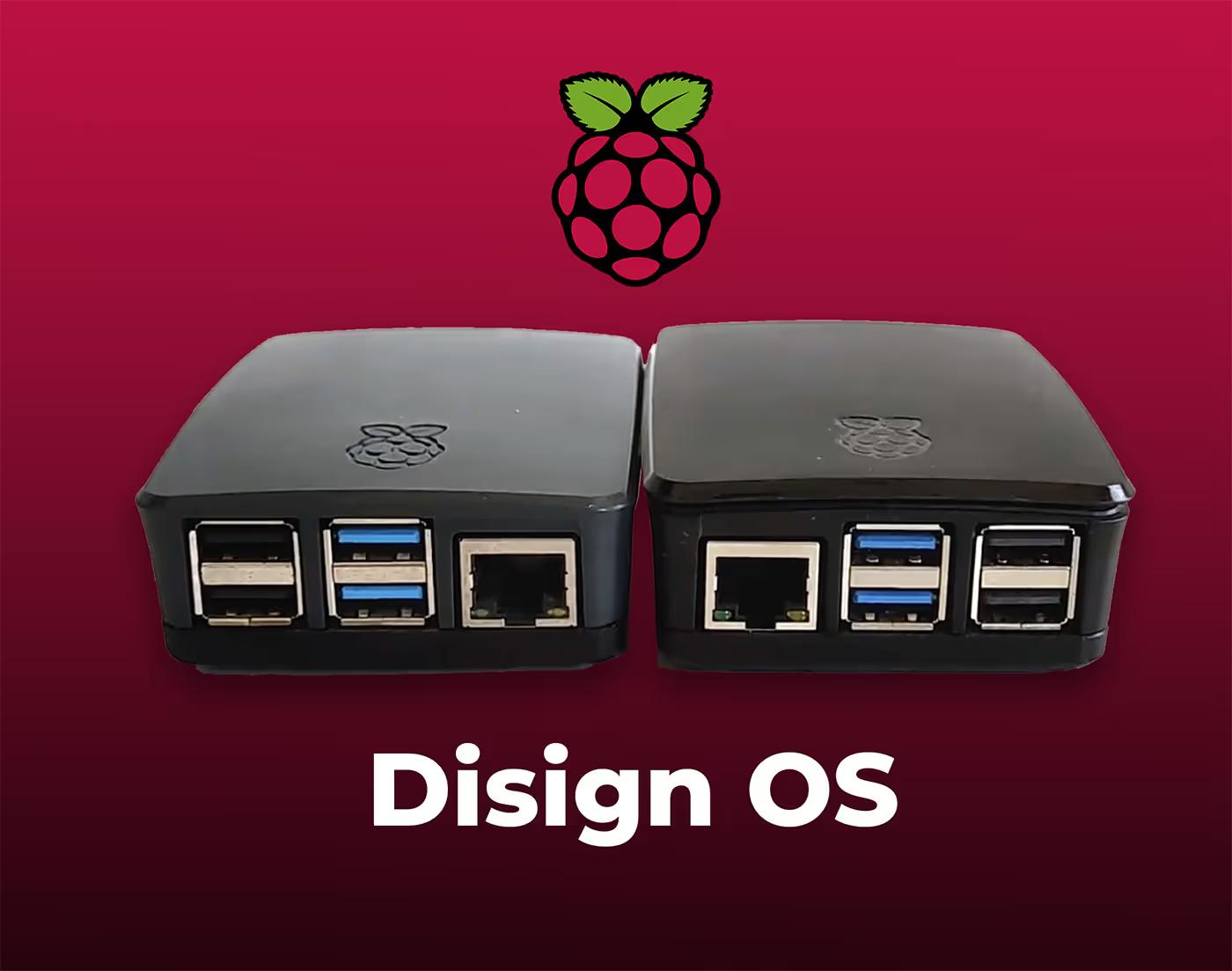
Il digital signage con Disign ti consente di gestire e visualizzare contenuti su una varietà di dispositivi. La nostra soluzione è compatibile con molti player esterni come Disign OS basato su Raspberry Pi, BrightSign e qualsiasi hardware Android. Disign supporta anche tecnologie integrate in schermi Samsung, LG e Android TV. Con questa ampia compatibilità, puoi facilmente implementare soluzioni di digital signage su diversi tipi di hardware, garantendo una gestione semplificata e un'esperienza utente ottimale.


Affidato a ospedali, cliniche e team assistenziali che utilizzano Disign per affichage dynamique sanitario in sale d'attesa, corridoi e stazioni infermieristiche
Cosa dicono i professionisti sanitari su Disign
“Abbiamo installato Disign nelle aree di attesa per i pazienti per tenerli informati su ritardi, indicazioni e promemoria stagionali. Aggiornare i contenuti è veloce, quindi lo facciamo tra le cliniche. Ha ridotto notevolmente il numero di domande ripetute alla reception.”
“La nostra priorità è una comunicazione chiara e calma. Con Disign, possiamo distribuire gli stessi messaggi di affichage dynamique sanitario tra i reparti, pur consentendo a ciascuna unità di aggiungere informazioni pratiche come gli orari di visita o istruzioni specifiche per la clinica. È controllato senza essere rigido.”
“Dal punto di vista IT, Disign è stato stabile. I nostri schermi funzionano per lunghe ore e il player non è stato un progetto costante, il che è esattamente ciò di cui avevamo bisogno. L'installazione è stata semplice e quando avevamo una domanda, il supporto ha risposto con passaggi chiari da seguire.”
Integrate with your favorite Applications
70+ Applications and infini integration with API, Database, and any data source
Easily integrate third-party applications and web content such as YouTube or Vimeo, optimized for seamless playback. Display data from RSS feeds or formats like CSV, JSON, or XML directly on your digital signage screens. Extend display capabilities with advanced applications like grids or collections to enrich Disign scenarios.

We designed Disign to be as open and customizable as possible, both in its visual scenes and in its data sources.
Florent MondoloniCo-Founder, Disign

Video
Utilisez vos medias

RSS Feed
Use your own RSS Feed

Database
Databases

Canva
Create your Design and import it

Google Sheets
Import CSV, Live data...

Website/API
Affiche your website or use API
Tutto ciò che devi sapere su Disign Affichage Dynamique per la Sanità
Healthcare digital signage FAQ: practical answers for hospitals, clinics, and health systems
Healthcare digital signage is more than screens with announcements. It is a secure communication channel that helps healthcare teams guide patients, reduce confusion, reinforce safety protocols, and keep staff aligned across busy facilities. This FAQ is written for healthcare administrators, patient experience leaders, operations managers, IT and security teams, communications and marketing, and clinical leaders who need a reliable way to publish information without slowing down care.
Below you will find the most common questions healthcare organizations ask when evaluating a platform like Disign for healthcare digital signage. The goal is to help you make a confident decision, set realistic expectations, and plan a rollout that is safe, compliant, and scalable.
What is healthcare digital signage and where is it used?
Healthcare digital signage refers to centrally managed digital screens that display dynamic content across healthcare environments. It replaces or complements paper posters, printed schedules, and ad hoc TV content with a controlled system that can be updated quickly and consistently.
Common places to use healthcare digital signage include:
- main lobby welcome screens and reception areas
- waiting rooms in outpatient clinics and ambulatory centers
- emergency department waiting areas and triage zones
- wayfinding points: elevators, corridors, floor directories, and intersections
- patient education screens near exam rooms or infusion areas
- cafeteria menus and retail areas
- staff only spaces: break rooms, nursing stations, and administrative corridors
- meeting rooms and internal communications displays
- vaccination clinics, mobile clinics, and temporary care sites
The main idea is simple: show the right information to the right audience at the right time, while keeping content accurate, secure, and consistent with your brand and care standards.
Why do healthcare organizations invest in healthcare digital signage instead of posters?
Printed materials feel familiar, but they are difficult to keep current in healthcare. Information changes fast: clinic hours, safety policies, visitor restrictions, service locations, and patient instructions can shift daily. Posters are slow to update, inconsistent across sites, and often become outdated without anyone noticing.
Healthcare digital signage is chosen because it helps organizations:
- publish urgent updates instantly across multiple facilities
- reduce patient anxiety by clarifying steps and expectations
- improve the perceived wait time with helpful, relevant content
- standardize patient messaging while still supporting local needs
- reduce printing costs and staff time spent replacing posters
- support governance with permissions, templates, and approval processes
- keep information aligned across departments and satellite locations
For healthcare leaders, the real value is operational reliability. When a message must be correct and timely, digital signage gives you a controlled way to communicate at scale.
What are the best use cases for healthcare digital signage in hospitals and clinics?
The strongest use cases align with patient flow, safety, and experience. Healthcare digital signage works best when it reduces friction, answers common questions, and guides people through complex environments.
Common use cases include:
- welcome messaging with clear directions to key departments
- wayfinding support and floor directories
- appointment preparation tips: what to bring, check in steps, insurance reminders
- wait area messaging: what happens next, estimated wait expectations, how to ask for help
- patient education: preventative care, chronic condition guidance, discharge reminders
- safety and infection prevention: hand hygiene, masking policies, respiratory etiquette
- visitor policies and quiet hours
- pharmacy notices, lab hours, imaging preparation reminders
- cafeteria menus, hours, and nutrition highlights
- internal communications for staff: staffing updates, safety drills, HR announcements
With Disign, these messages can be scheduled, targeted by location, and kept consistent using templates so a screen in one clinic does not drift away from the standards of another.
How can healthcare digital signage reduce perceived wait time?
In healthcare, waiting is often stressful. Patients may be in pain, worried, or caring for someone else. Perceived wait time improves when people understand what is happening and feel guided, not forgotten.
Healthcare digital signage helps reduce perceived wait time by:
- explaining the process: check in, verification, triage, then room assignment
- setting expectations respectfully, for example when delays occur
- sharing practical information: forms, Wi Fi, restroom locations, payment options
- giving calming and useful content: health tips, preparation steps, what to ask your clinician
- highlighting alternatives when appropriate: virtual visits, scheduling options, after hours clinics
Even without connecting to a queue system, clear content reduces uncertainty. Patients who feel informed are more likely to rate their experience positively, even if the actual wait is unchanged.
Can healthcare digital signage support queue management and patient flow?
Yes. Many healthcare facilities use screens to support queue management and reduce congestion. Depending on your workflow and the systems you already use, screens can show:
- check in instructions and next steps
- room or counter calls when appropriate for the environment
- clinic status updates, for example delays or provider coverage changes
- directional guidance to reduce bottlenecks near reception
Privacy matters. In many settings, showing patient names on public screens is not appropriate. A safer approach is to display ticket numbers, initials, or non identifying call codes, combined with clear instructions on where to proceed.
Disign can display web based queue interfaces or data driven content when your workflow supports it, while keeping content governance under your control.
How do healthcare teams keep content compliant and accurate on digital signage?
Healthcare communication often touches sensitive topics: patient privacy, clinical claims, regulated services, and safety policies. A safe digital signage approach is less about flashy content and more about governance.
A compliant and accurate setup typically includes:
- role based access so only approved users can publish
- approval workflows for sensitive or regulated messages
- template based design that locks required disclaimers and layouts
- scheduling controls so time sensitive messages expire automatically
- audit friendly logs so you can see who changed what and when
- content review habits: clear owners, refresh cycles, and escalation paths
With Disign, you can structure permissions by facility, department, and role so communications teams can move quickly while compliance, operations, and leadership keep the right level of oversight.
What types of content work best on healthcare digital signage?
The best healthcare digital signage content is easy to scan, calm, and action oriented. Most viewers will look for only a few seconds, often while walking or waiting.
High impact content includes:
- simple wayfinding cues and directional prompts
- one message per slide with a clear next step
- appointment preparation reminders and check in instructions
- short patient education points with credible tone and plain language
- safety reminders and seasonal health guidance
- service hours, closures, and location changes
- community programs and support resources
- internal staff messages in staff only areas
Content that tends to perform poorly includes dense paragraphs, complex charts, and slides with too many competing elements. A practical rule: prioritize one decision or one action per screen view.
Can healthcare digital signage be personalized by location, department, or audience?
Yes, and this is where digital signage becomes especially valuable in healthcare. A large health system often has multiple facilities and many service lines. A cardiology clinic and a pediatric urgent care should not show the same content, even if they share the same brand.
Personalization options usually include:
- different playlists by facility, floor, or department
- language variants based on community needs
- daypart scheduling, for example morning check in guidance versus afternoon reminders
- targeted content for specific waiting rooms such as imaging, infusion, or rehabilitation
- local operational messages such as parking alerts or entrance changes
Disign supports centralized control with local relevance, so you can keep a consistent patient experience without forcing every site into the same one size fits all messaging.
How does Disign help keep branding consistent across a health system?
Brand consistency in healthcare supports trust. Patients often judge professionalism by clarity and consistency: colors, tone, typography, and the overall feel of communication.
Disign supports brand consistency through:
- reusable templates that enforce layout rules and readability
- shared brand assets like approved logos, backgrounds, and imagery
- centralized playlists and campaign scheduling across multiple locations
- controlled access so local users can update content without breaking brand standards
This is especially helpful during rebrands, mergers, service expansions, or updates to patient facing policies, when consistency matters and time is limited.
What security features should a healthcare digital signage solution have?
Healthcare digital signage endpoints should be treated as part of your IT and security posture. Even if screens do not store patient data, they can still create risk if misconfigured, hijacked, or used to display incorrect information.
Key security capabilities to evaluate include:
- secure authentication and permission management
- encrypted connections for management and content delivery
- device level controls and remote health monitoring
- separation of duties, for example creators versus publishers
- network controls that support segmented environments
- logging for administrative actions and publishing events
- reliable device recovery and update processes
Disign is designed to support structured access and centralized management so your organization can scale screens while maintaining operational control.
Is healthcare digital signage cloud based or on premises?
Many healthcare organizations prefer cloud based management for easier updates and faster multi site rollouts, as long as security and network policies are respected. Some environments also have strict constraints for clinical networks, guest networks, or isolated segments.
With Disign, the model is designed for cloud management to support:
- centralized control without local servers at every facility
- faster deployment across clinics and hospitals
- easier scaling as you add new screens and locations
- consistent governance with less operational overhead
Your IT team can still apply standard healthcare controls: device enrollment practices, network policies, endpoint management, and access restrictions.
What hardware is needed for healthcare digital signage?
Most deployments require three components: a display, a player, and a stable connection.
Typical requirements include:
- a commercial grade display for reliability in high use areas
- a media player or compatible device to run the signage playback
- network connectivity that fits your security model
- mounting, power access, and placement planning for visibility and safety
In areas like emergency waiting rooms or high traffic lobbies, brightness, durability, and wide viewing angles matter. In quieter clinical corridors, readability and minimal distraction often matter more.
Disign can support a range of hardware approaches so you can standardize over time instead of replacing everything immediately.
Can healthcare digital signage run across many facilities and hundreds of screens?
Yes. Scalability is often a deciding factor for healthcare systems that operate multiple sites, clinics, and specialized centers.
A scalable healthcare digital signage rollout needs:
- centralized provisioning and grouping of devices
- bulk assignment of playlists by facility, zone, or department
- scheduling that scales without manual screen by screen work
- monitoring to confirm screens are online and playing the intended content
Disign is built for multi location management, making it practical to run system wide messaging while still allowing local and departmental relevance.
How should healthcare organizations organize content operations between communications, IT, and clinical teams?
Clear ownership prevents confusion, especially when content affects patient flow or safety. A practical operating model often looks like this:
- communications or marketing manages patient facing campaigns and templates
- patient experience teams provide guidance on tone, clarity, and accessibility
- clinical leadership reviews patient education and safety messaging
- compliance and legal review regulated statements and policy language
- IT manages devices, networks, security standards, and monitoring
- local site leadership can request updates using approved templates
Disign supports this model with role based permissions and structured publishing. The goal is to move fast when you need to, without giving everyone unrestricted access.
How often should healthcare digital signage content be updated?
Patients notice outdated content, and outdated content can be risky in healthcare. At the same time, changing content constantly without a plan can create noise and reduce trust.
A practical cadence can be:
- daily or as needed updates for operational items: entrance changes, clinic hours, service disruptions
- weekly updates for patient education rotation and seasonal reminders
- monthly refresh for evergreen content to prevent fatigue
- immediate updates for urgent safety messages or incident communications
With Disign, updating is quick, which makes it easier to keep content accurate and aligned with real conditions in the facility.
Can healthcare digital signage improve patient education and reduce repetitive questions?
Yes. Many front desk and clinical teams answer the same questions all day: where to go, what to bring, how long it might take, what paperwork is needed, how to prepare for imaging, and what happens after check in.
Screens can reduce repetitive questions by displaying:
- step by step check in instructions
- preparation reminders for labs, imaging, and procedures
- insurance and billing guidance in plain language
- how to access patient portals or virtual visit links
- reminders about forms, consent, and identification
This helps staff focus on care and empathy, instead of repeating logistics. Patients also feel more supported when answers are visible without having to ask.
How do healthcare organizations measure ROI for healthcare digital signage?
ROI in healthcare is often a combination of cost reduction, efficiency gains, and patient experience improvements.
Common ROI drivers include:
- reduced printing, shipping, and labor for poster replacement
- fewer missed or outdated messages, improving operational consistency
- improved patient satisfaction through clearer guidance and reduced stress
- better staff alignment through internal communications screens
- improved compliance with standardized templates and controlled publishing
- faster response during disruptions, improving safety and trust
You can also measure operational performance: time to publish an urgent update, percentage of screens playing the correct content, and content freshness across sites.
What should a healthcare organization look for in templates and scheduling?
Templates are not only for design. In healthcare, templates are a safety and governance tool because they standardize readability and prevent critical information from being omitted.
Look for:
- templates that enforce accessibility: font size, contrast, spacing
- locked regions for required policy lines or disclaimers
- flexible components for location details, hours, and directional guidance
- scheduling by facility hours, clinic sessions, and campaign windows
- easy reuse across formats: lobby screens, waiting room screens, staff screens
Disign helps teams build an approved template library once, then reuse it across the organization so updates are fast and consistent.
How do healthcare organizations handle multilingual content on digital signage?
Multilingual support is essential for equitable access and patient safety. Healthcare digital signage should reduce misunderstandings, not add to them.
Good practices include:
- prioritizing plain language and avoiding jargon
- creating separate playlists by language for specific locations
- rotating languages in shared areas where audiences are mixed
- ensuring critical messages remain readable and not crowded
- keeping consistent layout so people recognize key information even across languages
With Disign, you can manage multiple language versions and assign them to the right facilities or rotate them based on your communication strategy.
Can healthcare digital signage be used for internal communication?
Yes. Staff only digital signage reduces email overload and helps teams stay aligned during busy shifts. Internal screens can be placed in break rooms, staff corridors, and administrative areas.
Typical internal content includes:
- shift updates and operational notices
- safety reminders and incident communication guidance
- training deadlines, certification reminders, and policy updates
- recognition, staffing announcements, and onboarding information
- metrics or daily priorities for non clinical operations teams
Keeping internal communications separate from patient facing screens helps you tailor content and avoid accidental display of staff only information in public spaces.
How can healthcare digital signage support safety and emergency communication?
Healthcare facilities need a reliable channel for rapid, consistent updates during disruptions. When policies change or an incident occurs, people need clear guidance.
Screens can support:
- weather closures, delays, and alternate entrance messaging
- infection prevention updates and visitor policy changes
- shelter in place or evacuation instructions when required
- security reminders and situational awareness guidance
- coordination messages for staff only areas
Digital signage should complement your existing emergency communication plan, not replace it. Disign can help you publish controlled, timely messages across multiple screens and locations.
What about accessibility and readability in healthcare environments?
Accessibility is essential. People using healthcare facilities include older adults, people with low vision, neurodivergent patients, and individuals under stress. Good signage design improves comprehension and reduces cognitive load.
Effective accessibility guidelines for healthcare digital signage include:
- large, readable fonts and strong contrast
- minimal text, clear headings, and predictable structure
- avoiding overly fast animations and cluttered tickers
- captions for video where audio is not appropriate
- thoughtful placement: glare control, viewing distance, and sight lines
With Disign templates, you can standardize accessible design so every location delivers a consistent and inclusive experience.
How quickly can a healthcare organization deploy healthcare digital signage?
Timelines depend on hardware readiness, network approvals, and content preparation. Many organizations start with a pilot to validate workflows and reduce risk.
A typical rollout path:
- pilot in a small set of locations, for example one hospital lobby and two clinics
- confirm content standards, templates, and governance rules
- validate device setup, monitoring, and network policies with IT
- refine content based on patient and staff feedback
- scale by facility group with repeatable provisioning steps
Disign supports centralized rollout so expansion feels like a controlled program, not a series of one off projects.
What makes Disign a strong choice for healthcare digital signage?
Healthcare teams need a platform that is easy enough for communications to update, but structured enough for IT and leadership to trust. The best solution supports patient experience without creating new operational burden.
Disign supports healthcare digital signage with:
- centralized management for multi site healthcare organizations
- role based permissions and governed publishing workflows
- fast updates for operational changes and safety messaging
- scheduling and targeting by facility, zone, and department
- template driven content for consistent branding and accessibility
If your goal is to communicate clearly across clinics and hospitals, Disign helps you modernize patient and staff communication while keeping control where it belongs.
What are the next steps to start a healthcare digital signage project?
A strong start prevents rework later. Before purchasing hardware or building dozens of slides, align on goals and governance.
Practical next steps:
- identify the primary goals, for example wayfinding support, patient education, wait room communication, or internal alignment
- map stakeholders: communications, patient experience, IT, security, compliance, and clinical leadership
- choose pilot locations with different needs to test relevance
- create a small, approved template set for operational, educational, and safety content
- define who can publish, who approves, and how urgent updates are handled
- plan screen placement and content zones based on patient flow
Once the foundation is set, healthcare digital signage becomes a dependable system that improves patient experience and helps staff do their work with fewer distractions.



Unisciti alla comunità di oltre 4k persone
Affichage dynamique sanitario che tiene informati i pazienti e allinea il personale
Con Disign puoi gestire l'affichage dynamique sanitario in cliniche, ospedali e sale d'attesa da un'unica dashboard sicura. Pubblica aggiornamenti in tempo reale sulle code, indicazioni stradali, orari delle cliniche, promemoria sulla salute e cambiamenti nei servizi, così le persone sanno cosa fare dopo e il tuo team risponde a meno domande ripetitive.
Pronto a provarlo nella tua struttura? Inizia una prova gratuita di 28 giorni senza bisogno di carta di credito. Inizia ora, o contattaci se hai bisogno di aiuto per scegliere gli schermi e lanciare rapidamente le tue prime playlist di affichage dynamique sanitario.