Affichage dynamique museale Disign
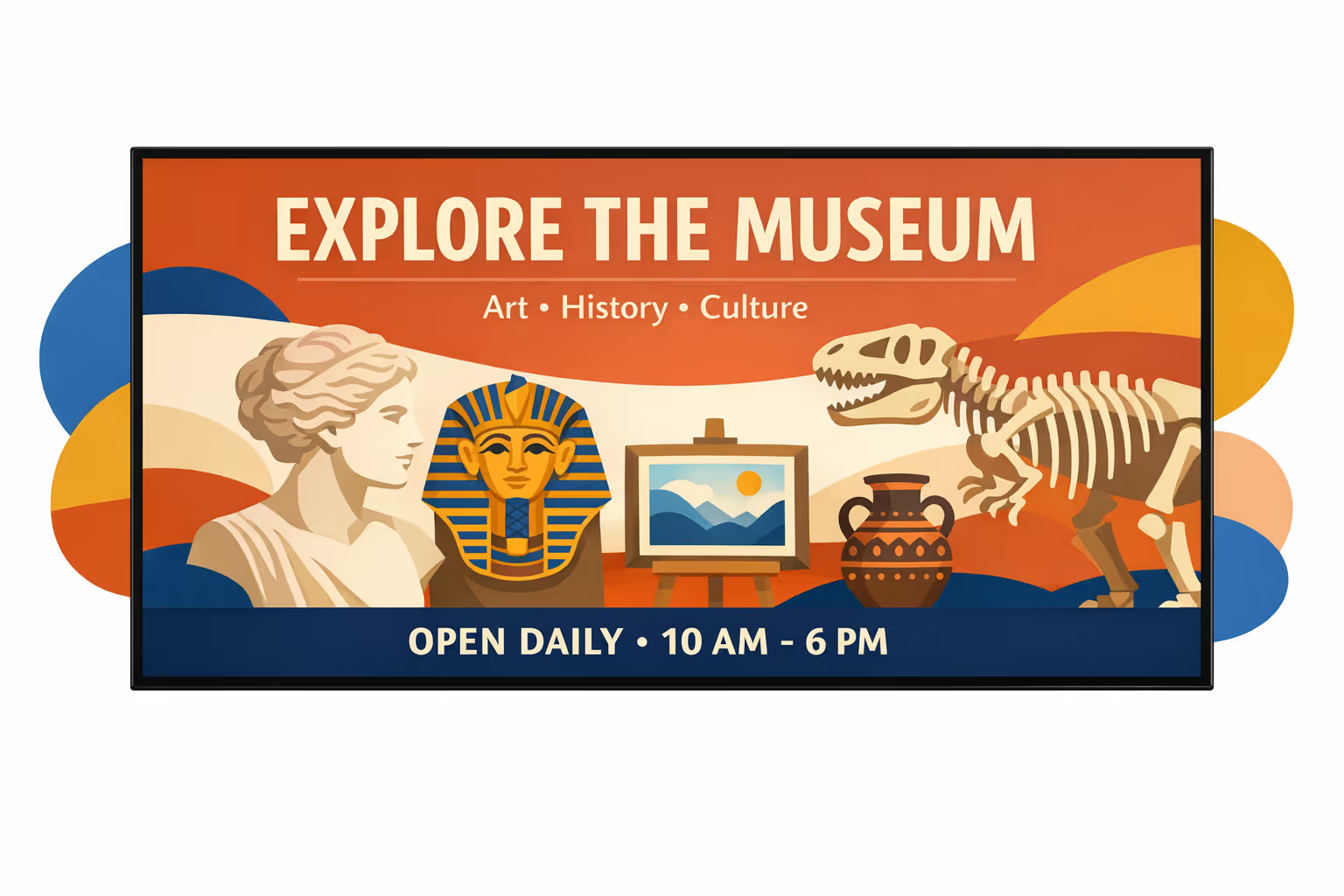
Museo affichage dynamique che cattura i visitatori e semplifica l'orientamento.
Disign aiuta i musei ad aggiornare le mostre, guidare i visitatori e condividere storie in tempo reale. Pubblica contenuti multilingue, evidenzia eventi imminenti e fornisci messaggi coerenti su ogni schermo in pochi minuti.


Usato da oltre 4.000 persone
Sfide nel settore museale quando la comunicazione con i visitatori si interrompe
I musei si muovono rapidamente nei giorni affollati. Quando le indicazioni non sono chiare all'ingresso, i visitatori esitano, le code si allungano e il personale trascorre i primi minuti a rispondere alle stesse domande di base invece di dare il benvenuto alle persone.
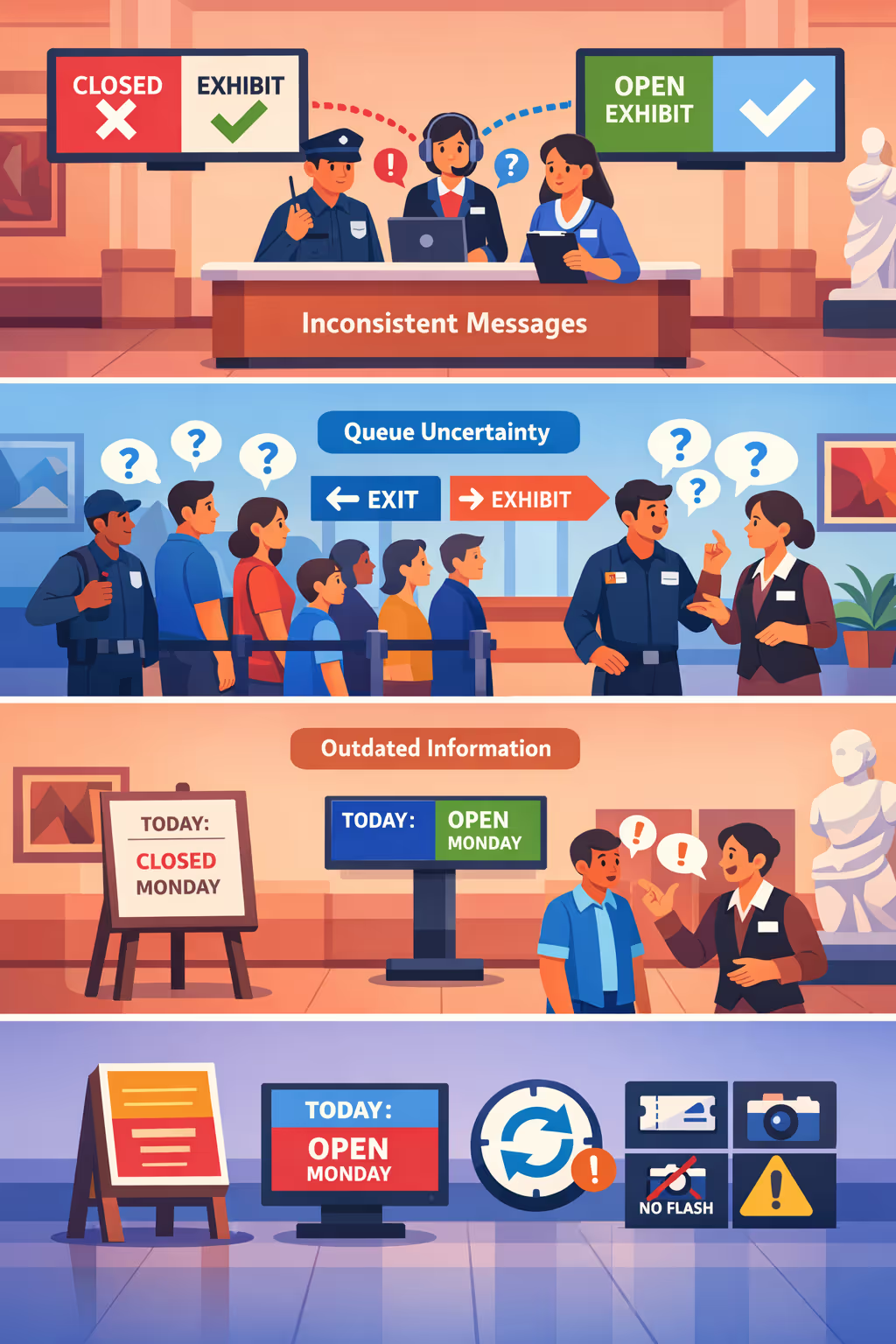
Le chiusure delle mostre, gli orari dei tour e i percorsi di accessibilità cambiano durante il giorno. Quando il personale della reception, della sicurezza e delle gallerie condivide aggiornamenti diversi, i visitatori perdono fiducia e una semplice confusione si trasforma in lamentele.
Le persone vogliono sapere dove andare, cosa preparare e quanto dovranno aspettare. Senza istruzioni semplici e visibili, il personale viene trascinato in continue indicazioni anziché concentrarsi su conversazioni di valore più elevato nel museo.
I musei si affidano a dettagli accurati come le regole sui biglietti, le politiche fotografiche e le istruzioni di sicurezza. Quando i segni stampati o gli avvisi locali non vengono aggiornati ovunque contemporaneamente, i visitatori seguono i passi sbagliati, aumentano i ritardi e l'esperienza appare disorganizzata.
Segnaletica digitale per musei che valorizza l'esperienza di ogni visitatore
Mantieni mostre, programmi e indicazioni sempre aggiornati su ogni schermo. Disign aiuta i team dei musei a pubblicare contenuti in pochi minuti, ridurre i costi di stampa, guidare i visitatori senza intoppi e offrire un'esperienza coerente con il marchio che supporta un ROI misurabile.
Aggiorna mostre ed eventi in tempo reale
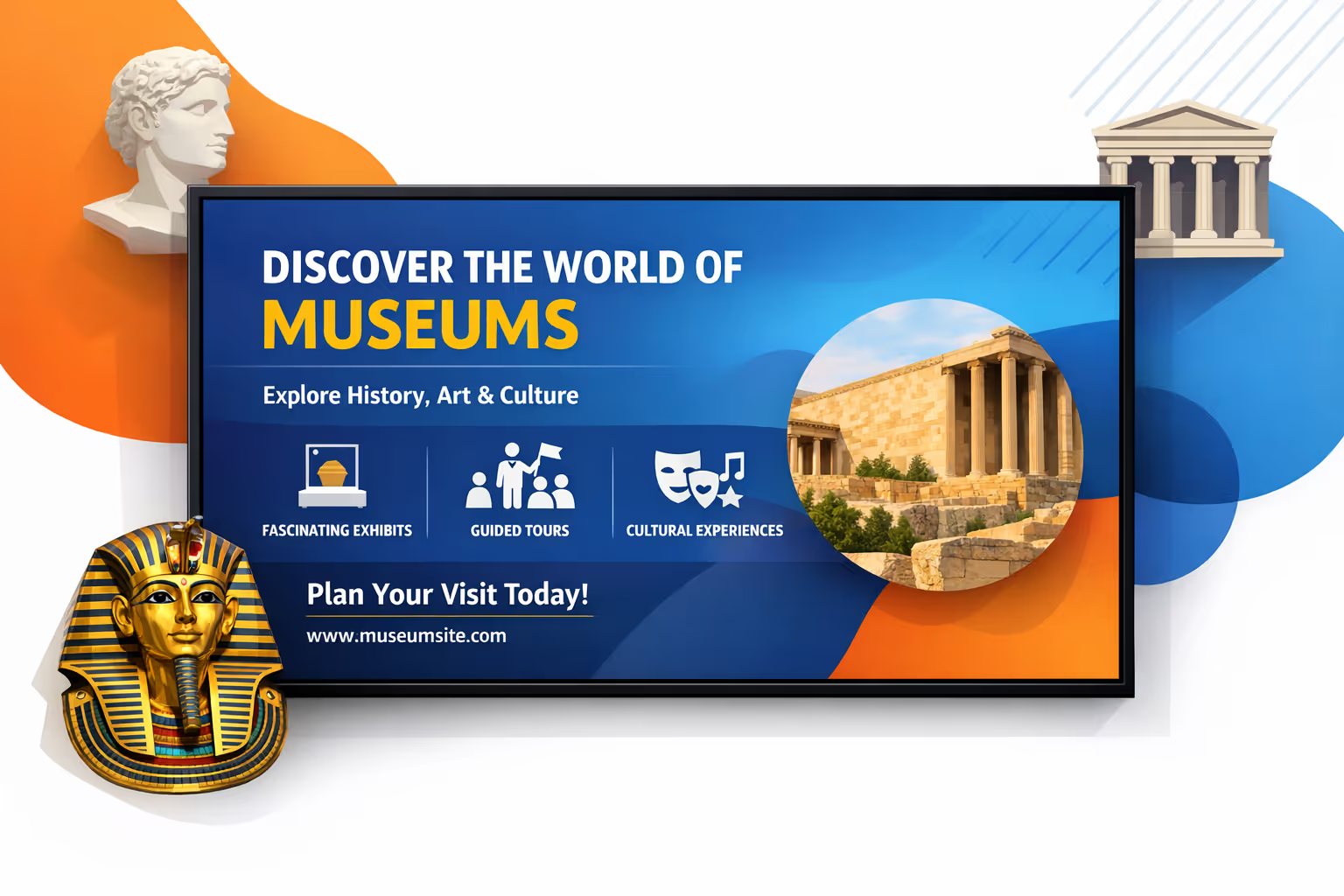
Pubblica istantaneamente modifiche all'ultimo minuto, orari di visite guidate, chiusure e programmi speciali. Mantieni i visitatori informati senza ristampe e coordina il personale su ciò che sta accadendo oggi.
Migliora il flusso dei visitatori e riduci la folla
Utilizza indicazioni chiare, segnali sulla capienza delle stanze e percorsi suggeriti per distribuire i visitatori nelle gallerie. Un flusso più fluido significa linee più corte, meno ingorghi e una visita più piacevole per tutti.
Mostra ROI con affichage dynamique misurabile nei musei
Promuovi iscrizioni, donazioni, guide audio e punti salienti del negozio con messaggi coerenti. Traccia cosa proponi e dove, quindi ottimizza i contenuti per aumentare le conversioni riducendo allo stesso tempo gli sforzi operativi quotidiani.
Fornisci informazioni inclusive e accessibili su larga scala
Supporta l'accessibilità con testo grande, contenuti multilingue e indicazioni chiare negli spazi pubblici. Mantieni coerenza nei messaggi dal foyer alla galleria mentre adatti i contenuti a differenti pubblici e programmi.
Riduci le spese di stampa e risparmia tempo al personale
Sostituisci aggiornamenti frequenti dei poster con un flusso di pubblicazione centralizzato. Riduci i costi di stampa e installazione, evita avvisi obsoleti e libera i team per concentrarsi sui visitatori invece di amplificare segnali dell'ultimo minuto.
Personalizza i contenuti per galleria, lingua e pubblico
Adatta i contenuti per famiglie, scuole, turisti o membri, e cambia lingua in base alla posizione. Offri la storia giusta nello spazio giusto mantenendo una voce di marchio coerente in tutto il museo.
Casi d'uso dell'affichage dynamique per ogni galleria e punto d'interazione con i visitatori
Dall'ingresso principale alle mostre temporanee, l'affichage dynamique per musei aiuta i visitatori a orientarsi con fiducia, scoprire le storie dietro le collezioni e rimanere aggiornati in tempo reale. Il risultato è un minor numero di domande ripetitive al banco e un'esperienza più coerente che visitatori e personale possono fidarsi.
- Ingressi e orientamento: evidenzia le mostre di oggi, mostra le mappe del piano e guida i visitatori verso gallerie, servizi e percorsi di accessibilità
- Raccontare in galleria: mostra il contesto dell'esposizione, dettagli sugli oggetti e note del curatore con visual coerenti che rafforzano la credibilità del tuo museo
- Eventi e programmazione: promuovi conferenze, laboratori, tour e attività per famiglie con orari, aggiornamenti sulla capacità e istruzioni chiare per partecipare
- Servizi e operazioni per i visitatori: condividi aggiornamenti pratici come orari, informazioni sui biglietti, messaggi di sicurezza e avvisi di servizio per mantenere le comunicazioni affidabili in tutto il sito
Come funziona l'affichage dynamique di Disign
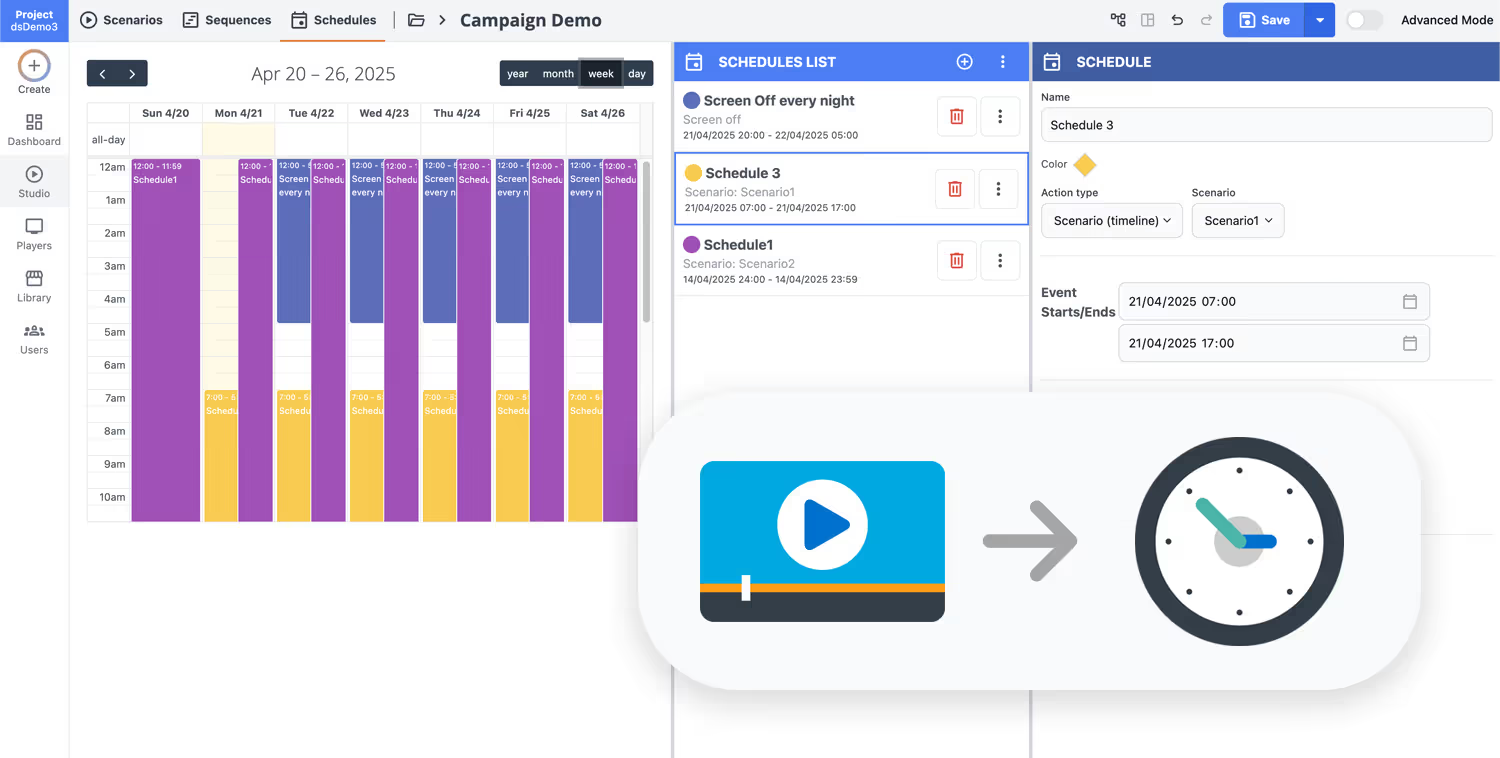
Pianifica i tuoi contenuti da qualsiasi luogo con la nostra soluzione di affichage dynamique basata sul cloud. Pianifica facilmente cosa trasmettere, quando e dove—su uno schermo o su migliaia.
Progetta scenari e playlist personalizzati in base al tuo pubblico e ai tuoi obiettivi.
Imposta date e orari precisi per far riprodurre automaticamente i tuoi contenuti.
Distribuisci contenuti istantaneamente attraverso la tua rete di digital signage con un solo clic.
Pronto per lanciare un'affichage dynamique museale che coinvolga i visitatori e guidi ogni galleria?
Inizia la tua prova gratuita di 28 giorni di Disign e pubblica gli highlights delle mostre, l'orientamento, i programmi degli eventi, gli avvisi di accessibilità e il riconoscimento dei donatori in pochi minuti. Nessuna carta di credito richiesta. Contattaci se hai bisogno di aiuto per scegliere gli schermi, pianificare le aree o impostare le tue prime playlist.
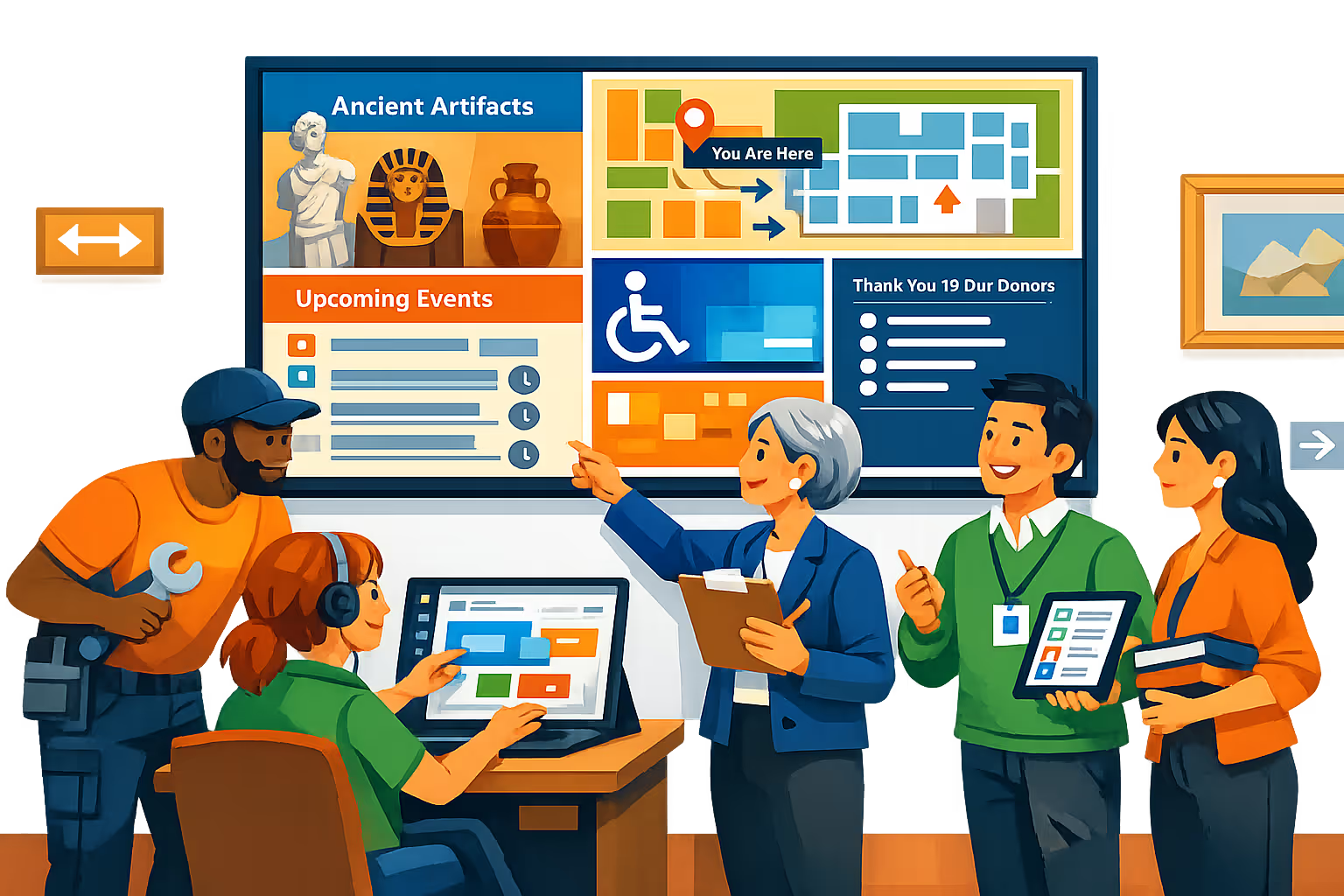
Affichage dynamique per musei progettato per gallerie, ingressi e flussi di visitatori
Gestisci l'affichage dynamique del museo da un'unica piattaforma e fornisci il contenuto giusto allo schermo giusto in tempo reale. Con Disign, i team possono pubblicare informazioni per l'orientamento, aggiornamenti delle mostre, informazioni sui biglietti e messaggi di accessibilità da una dashboard centrale con accesso controllato e piena tracciabilità.
Controllo centralizzato attraverso siti e piani
Gestisci l'affichage dynamique del museo su larga scala
Pubblica su uno schermo in una galleria o su centinaia in diversi edifici con permessi basati sui ruoli, gruppi di schermi e playlist riutilizzabili. Mantieni la coerenza del brand lasciando ai team locali la possibilità di aggiornare contenuti approvati per stanze specifiche, ingressi o mostre temporanee.
Accesso sicuro e governance dei dispositivi
Proteggi contenuti, schermi e account
Controlla chi può creare, rivedere e pubblicare con permessi granulari e accesso sicuro. Accoppia i player a livello di dispositivo e mantieni un registro delle modifiche in modo che i team IT e operativi possano gestire con sicurezza l'affichage dynamique del museo.
Flussi di approvazione per contenuti destinati al pubblico
Percorsi di revisione per mostre e informazioni per i visitatori
Standardizza la pubblicazione con bozza, revisione, approvazione e poi programmazione. Mantieni il controllo delle versioni su orientamento, slide dei sponsor e avvisi di sicurezza affinché il messaggio validato più recente sia sempre quello visualizzato.
Automazione della programmazione per le operazioni museali
Segmentazione giornaliera, campagne ricorrenti e attivatori
Automatizza l'affichage dynamique del museo con programmazioni basate sul tempo e programmi ricorrenti. Cambia il contenuto in base agli orari di apertura, tour guidati, arrivi di punta, eventi speciali o annunci di emergenza senza aggiornamenti manuali.
Riproduzione affidabile e salute degli schermi in tempo reale
Focalizzato sull'uptime per l'esperienza dei visitatori
Mantieni gli schermi stabili grazie a monitoraggio, visibilità dello stato e diagnostica remota. Rileva i player offline, conferma la consegna dei contenuti e riduci le interventi in loco in gallerie, hall e caffè.
Supporto al deployment per team IT ed esposizioni
Guida al rollout, modelli e risoluzione dei problemi
Ricevi aiuto pratico dalla prima schermata alle operazioni quotidiane. Assistiamo con la fornitura di player, standardizzazione dei modelli e governance dei contenuti in modo che l'affichage dynamique del tuo museo rimanga affidabile e semplice da gestire.
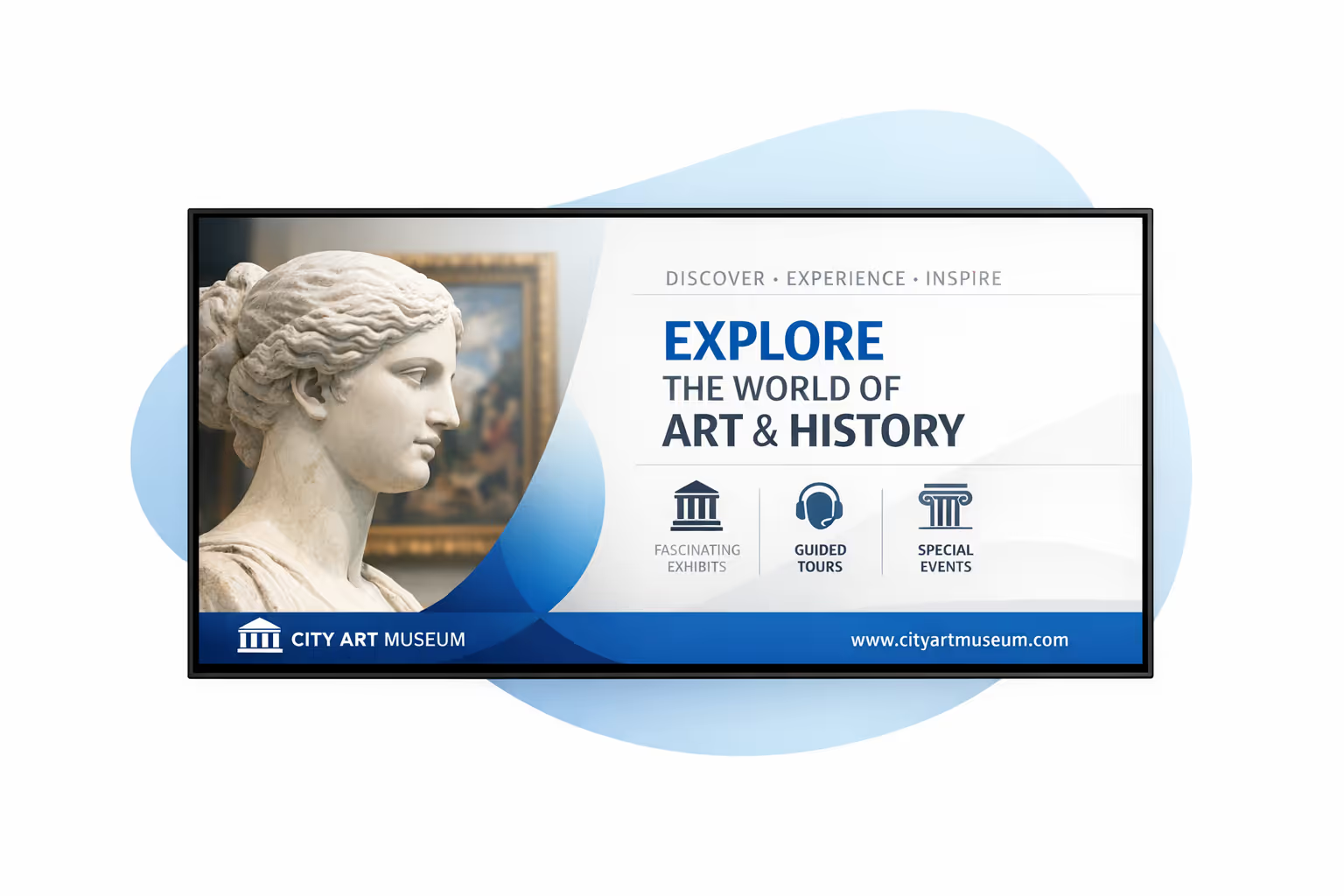
Gestione dei contenuti centralizzata per affichage dynamique nei musei
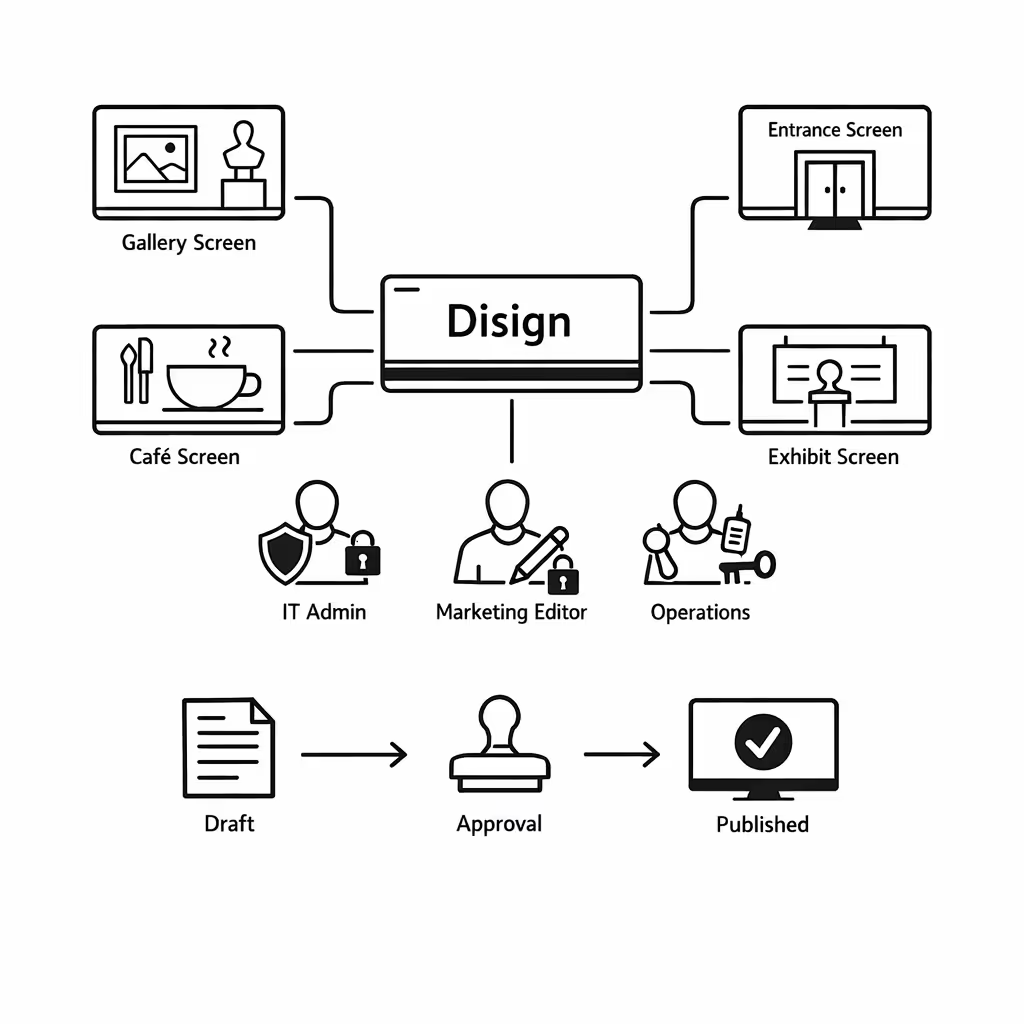
Gestisci l'affichage dynamique dei musei da un'unica piattaforma sicura con Disign. Il marketing può pubblicare più velocemente, l'IT mantiene il controllo e le operazioni possono aggiornare le informazioni per i visitatori in pochi minuti attraverso gallerie, ingressi, caffè e mostre temporanee.
Un hub per ogni schermo del museo
Controllo centrale con flessibilità a livello di galleria
Standardizza la messaggistica a livello istituzionale consentendo a ciascuna galleria o venue di pubblicare contenuti localizzati come promemoria di eventi, indicazioni, avvisi di accessibilità e programmi giornalieri all'interno di regole approvate.
Mostre, eventi e messaggi temporizzati che rimangono coerenti
Pianifica i contenuti per posizione, tipo di schermo o orari di apertura. Mantieni le promozioni delle mostre coerenti, gli annunci sensibili al tempo accurati e le informazioni per i visitatori allineate attraverso la rete di affichage dynamique del tuo museo.
Progettato per la governance IT e la conformità museale
Centralizza l'accesso con permessi basati sui ruoli, flussi di lavoro di approvazione e politiche di riproduzione coerenti. Mantieni gli standard di brand e curatoriali, proteggi i sistemi e supporta le verifiche senza rallentare i team di contenuto.
Aggiornamenti in tempo reale per le operazioni dei visitatori
Invia aggiornamenti urgenti immediatamente: cambiamenti di ingresso, chiusure di stanze, indicazioni per le code, avvisi di sicurezza e cambiamenti dell'ultimo minuto nei programmi. Mantieni le informazioni accurate su ogni schermo senza modifiche manuali schermo per schermo.
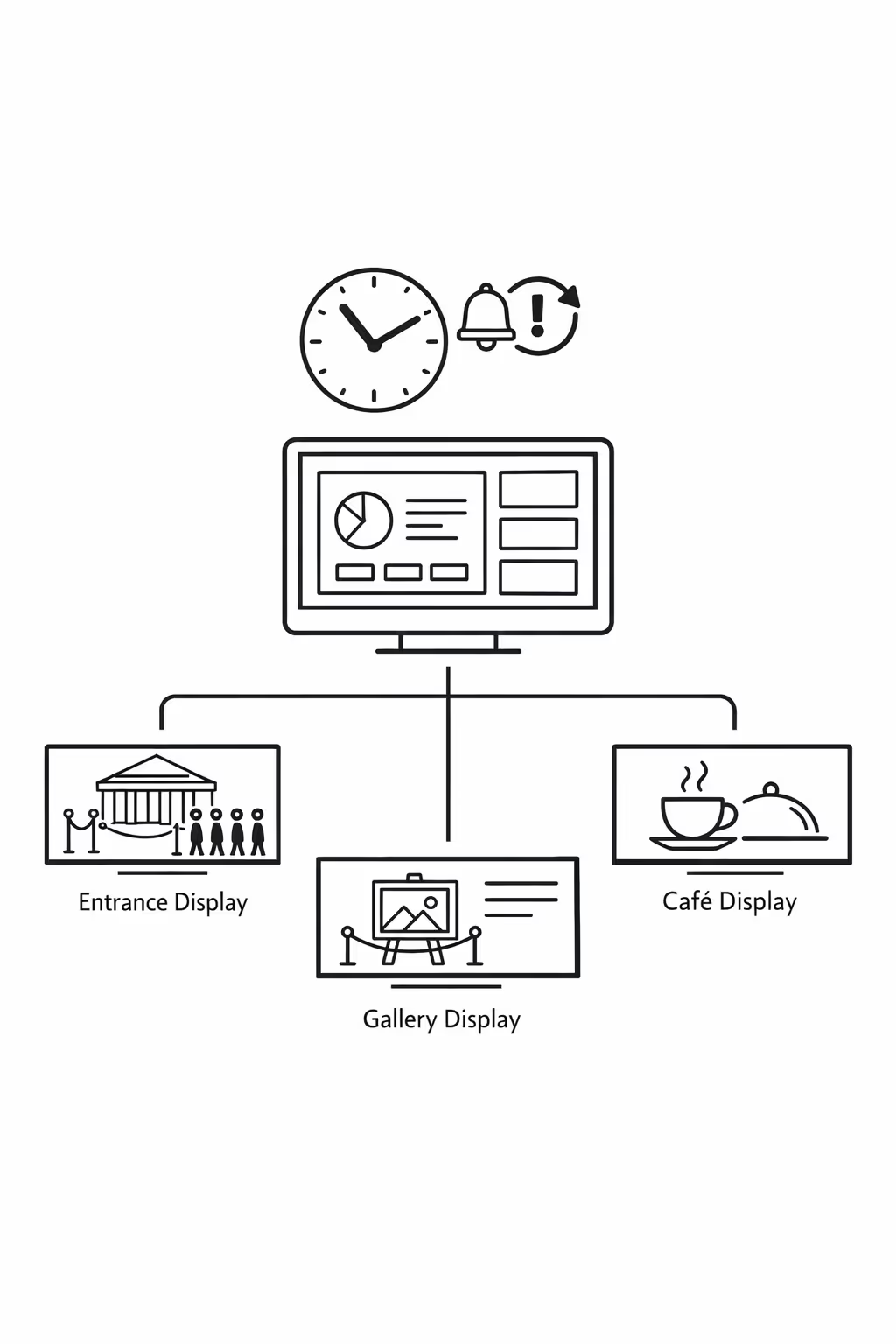
Scalabilità per reti museali in crescita con l'affichage dynamique museale
Scala l'affichage dynamique museale in più sedi da una piattaforma cloud. Esegui aggiornamenti in pochi minuti, mantieni chiare le approvazioni e la governance e proteggi un'esperienza visitatore coerente man mano che la tua rete museale si espande.
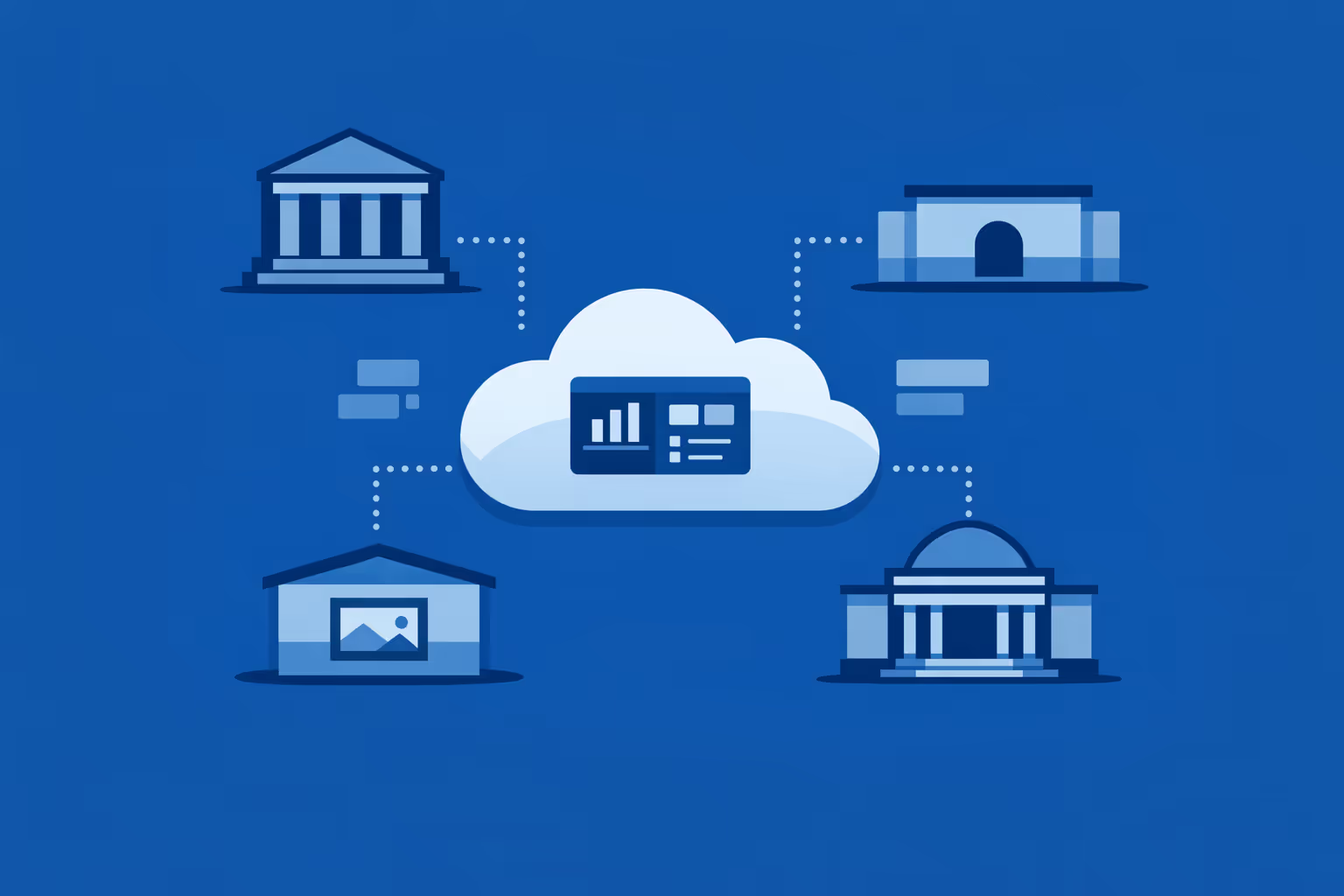
Gestione multi-sito da un'unica dashboard cloud
Supervisiona l'affichage dynamique museale per ogni sito in un solo posto. Pubblica mostre, promemoria per eventi, orientamenti e aggiornamenti urgenti istantaneamente, verifica cosa viene riprodotto su ogni schermo e mantieni la coerenza del marchio su tutta la tua rete museale.
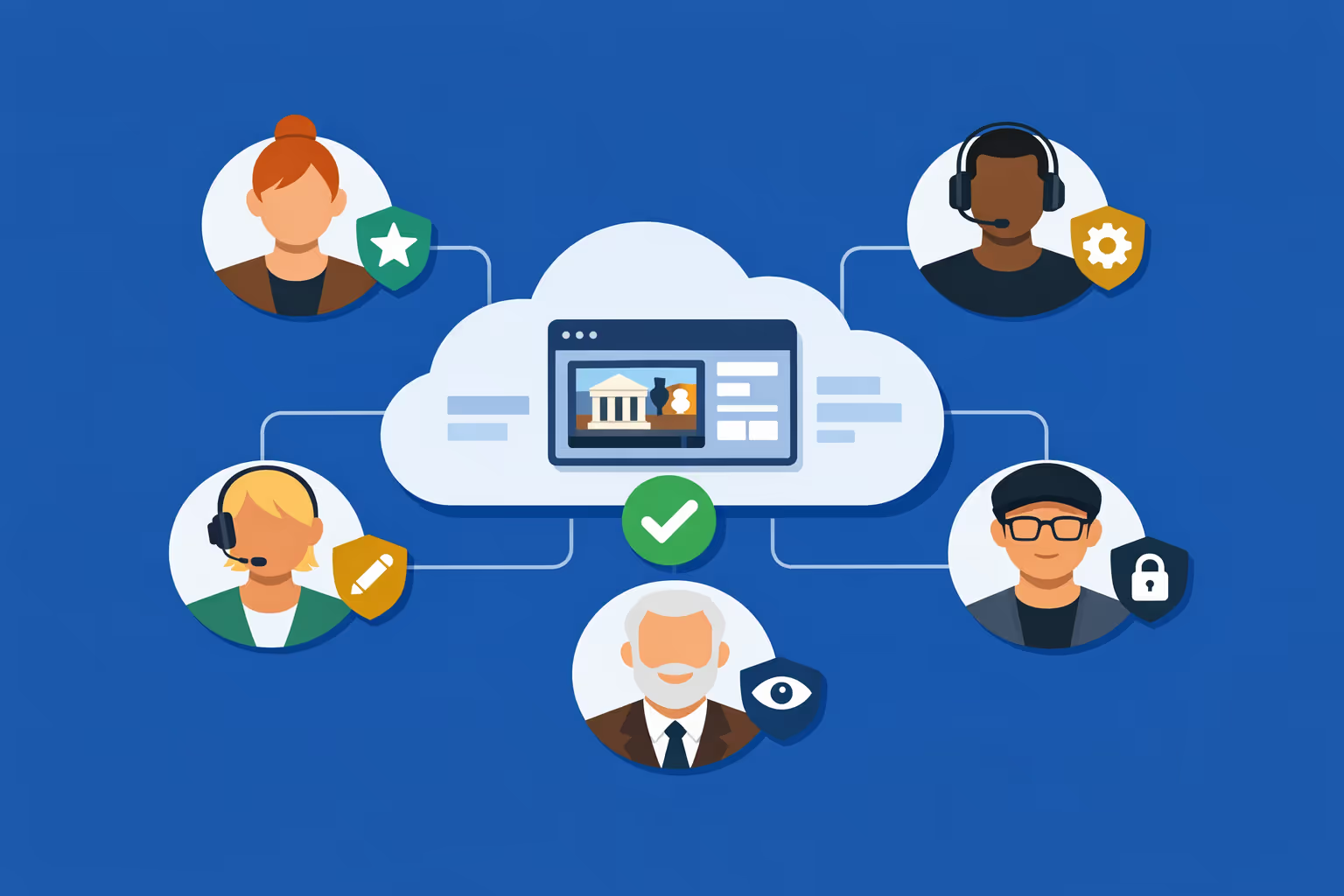
Accesso multi-utente con autorizzazioni basate sui ruoli
Fornisci l'accesso necessario a curatori, servizi ai visitatori, marketing e IT. Assegna ruoli e diritti di approvazione per sito o dipartimento, mantieni i flussi di lavoro organizzati e rimani sicuro che gli aggiornamenti dell'affichage dynamique museale siano sicuri e tracciabili.
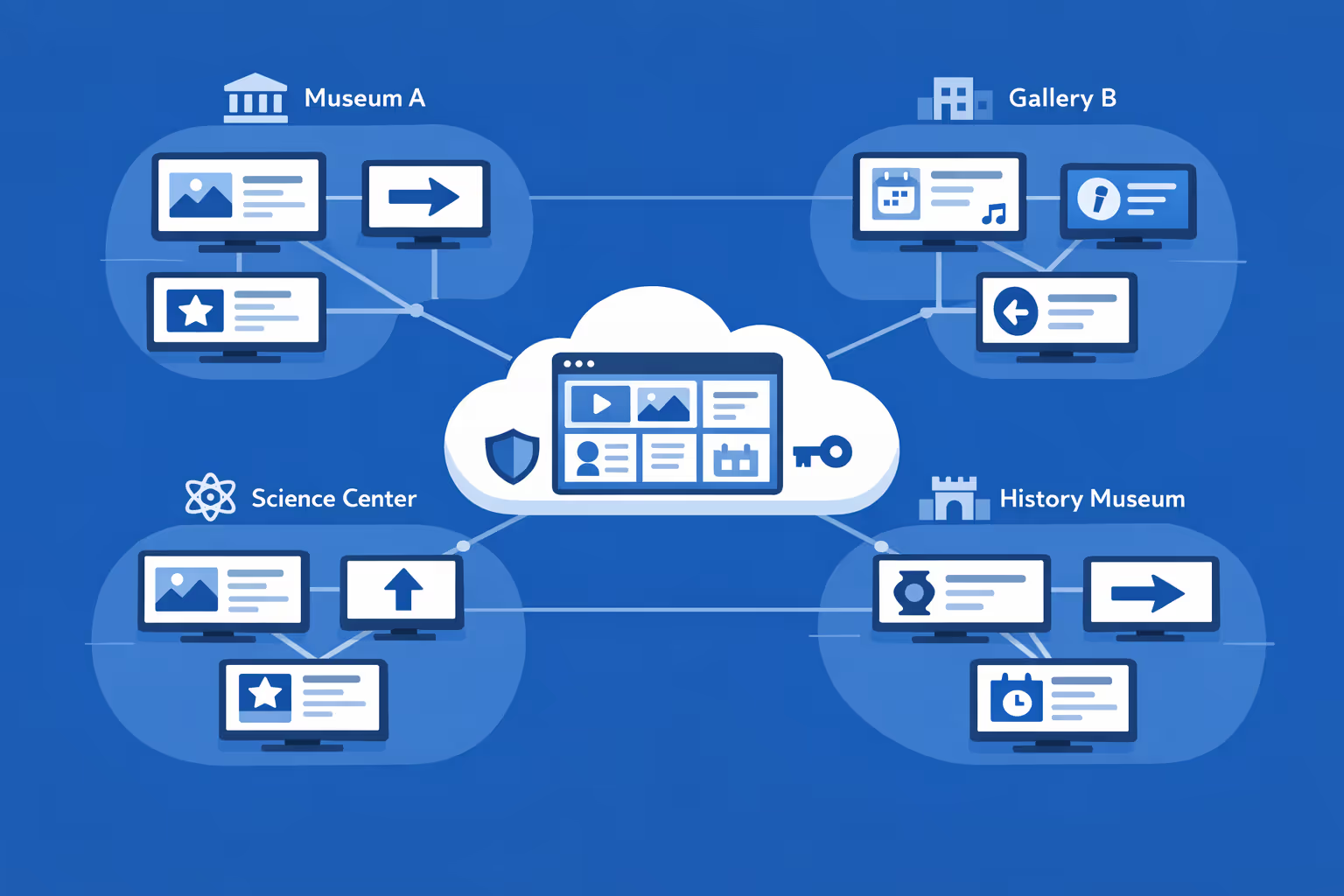
Pronto per schermi multipli e più organizzazioni
Gestisci migliaia di schermi e più organizzazioni sotto un unico account. Segmenta l'affichage dynamique museale per museo, regione, piano o gruppo di schermi per mantenere la rilevanza locale mentre scaldi campagne e standard a livello di rete.
Disign è compatibile con tutti gli schermi per digital signage
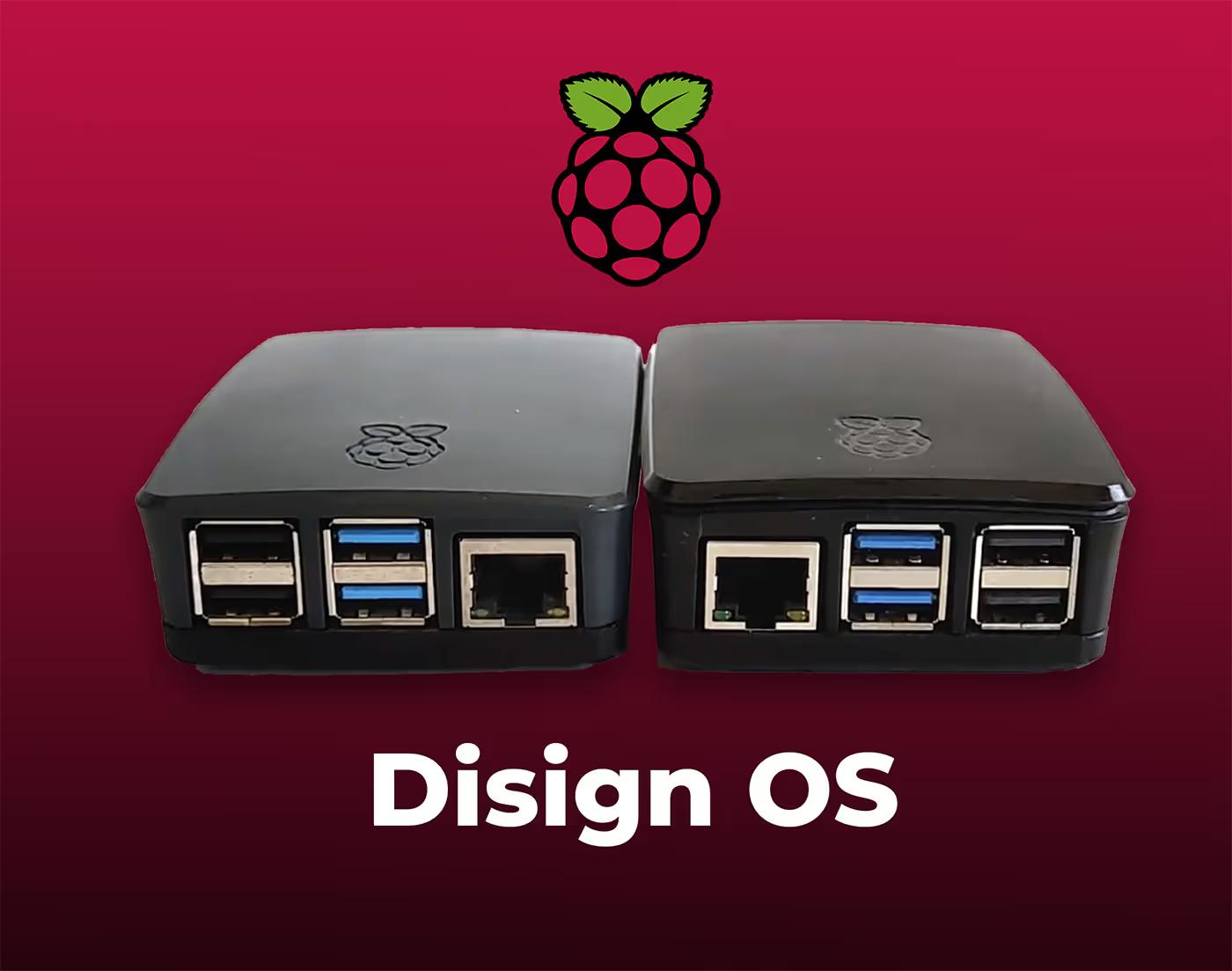
Il digital signage con Disign ti consente di gestire e visualizzare contenuti su una varietà di dispositivi. La nostra soluzione è compatibile con molti player esterni come Disign OS basato su Raspberry Pi, BrightSign e qualsiasi hardware Android. Disign supporta anche tecnologie integrate in schermi Samsung, LG e Android TV. Con questa ampia compatibilità, puoi facilmente implementare soluzioni di digital signage su diversi tipi di hardware, garantendo una gestione semplificata e un'esperienza utente ottimale.


Affidato ai team museali che utilizzano Disign per l'affichage dynamique museale in gallerie, foyer, biglietteria e servizi per i visitatori.
Cosa dicono i professionisti dei musei su Disign
“Aggiornavamo gli schermi della galleria con un mix di chiavette USB e email all'ultimo minuto, e si notava. Con Disign, il nostro affichage dynamique per musei è finalmente coerente. Cambiare orari, indicazioni e note di accessibilità richiede minuti, e la programmazione ci aiuta a rimanere calmi durante i fine settimana affollati.”
“Sono molto esigente riguardo al tono e al design, specialmente per le campagne espositive. Disign ci consente di mantenere l'affichage dynamique per musei in linea con il nostro brand su ogni schermo, dando comunque ai team la flessibilità di pubblicare programmi quotidiani e aggiornamenti per i membri. I modelli ci hanno aiutato a muoverci più velocemente senza sembrare generici.”
“La vittoria onesta per noi è l'affidabilità. I nostri display nella hall e nelle gallerie funzionano tutto il giorno, e Disign è stato costante con pochissima supervisione. Quando abbiamo avuto un problema con il player, il supporto ha risposto con passaggi chiari e siamo tornati online rapidamente. Per l'affichage dynamique dei musei, questo è importante.”
Integrate with your favorite Applications
70+ Applications and infini integration with API, Database, and any data source
Easily integrate third-party applications and web content such as YouTube or Vimeo, optimized for seamless playback. Display data from RSS feeds or formats like CSV, JSON, or XML directly on your digital signage screens. Extend display capabilities with advanced applications like grids or collections to enrich Disign scenarios.

We designed Disign to be as open and customizable as possible, both in its visual scenes and in its data sources.
Florent MondoloniCo-Founder, Disign

Video
Utilisez vos medias

RSS Feed
Use your own RSS Feed

Database
Databases

Canva
Create your Design and import it

Google Sheets
Import CSV, Live data...

Website/API
Affiche your website or use API
Tutto ciò che devi sapere su Disign Affichage Dynamique per Musei
Museum digital signage FAQ: practical answers for museum teams evaluating Disign
Museum digital signage is a modern way to communicate with visitors on site using centrally managed screens. Instead of relying on static printed panels that age quickly, you can publish timely, accurate content across lobbies, galleries, ticketing areas, cafés, gift shops, classrooms, and staff spaces. For museums, the goal is not to add more screens for the sake of technology. The goal is to improve the visitor experience, reduce operational friction, and protect your brand while keeping information consistent across the building or across multiple locations.
This FAQ is written for the museum persona that typically leads or influences this decision: museum directors, visitor experience managers, exhibition and interpretation teams, marketing and communications, education departments, operations, and IT. You will find clear answers to the questions museum teams ask when comparing options and planning a rollout of museum digital signage with a platform like Disign.
What is museum digital signage and where does it fit inside a museum?
Museum digital signage refers to screens and displays that show dynamic content controlled from a central platform. It can include a single welcome screen at the entrance, or a network of displays across a large venue. The defining feature is that content is easy to update, schedule, and target to the right place, without manually changing USB sticks or printing new signs.
Common museum digital signage placements include:
- entrance and lobby welcome screens
- ticketing and membership desks
- wayfinding screens near elevators, stairs, and major junctions
- exhibition entry points and interpretive digital labels
- event and program boards near theaters and classrooms
- café and restaurant menu boards
- gift shop promotional screens and featured product displays
- donor recognition screens
- staff only areas for internal communication
When done well, museum digital signage becomes a dependable communication layer that supports visitors, supports staff, and protects the tone and visual identity of the museum.
Why do museums invest in museum digital signage instead of printed signage?
Print is familiar, but it has limitations. It can be slow to update, difficult to keep consistent across departments, and surprisingly expensive over time once you include design, production, installation, and reprints.
Museums invest in museum digital signage because it helps them:
- update hours, pricing, and alerts immediately, including last minute changes
- reduce visitor confusion with clear real time guidance
- communicate consistently across multiple entrances and floors
- support accessibility with clearer typography and multilingual rotation
- promote membership, donations, and programs without cluttering spaces
- reduce recurring printing costs and waste for frequently changing content
Many museums start with a simple goal like improving arrival and wayfinding. Once they see how much smoother the day becomes for front of house teams, they expand to exhibitions, education, retail, and internal operations.
What are the highest value use cases for museum digital signage?
The strongest use cases for museum digital signage are the ones that remove friction from the visitor journey and reduce repetitive questions asked at the desk.
High impact museum use cases include:
- welcome messaging and today’s highlights at the entrance
- real time reminders about timed entry and ticket scanning
- wayfinding: how to get to key exhibits, restrooms, cafés, and exits
- gallery guidance: what is open, what is closed, and suggested routes
- program schedules for talks, tours, workshops, and school groups
- accessibility information: elevators, quiet spaces, audio guides, captions
- membership benefits and join now prompts near ticketing and shop
- donation prompts with a clear reason to give and how funds are used
- retail and café promotions that are aligned with exhibitions
- safety messaging: capacity guidance, coat check rules, photo policy
A museum does not need to do everything at once. A focused rollout with a few well chosen templates can improve satisfaction quickly.
How does museum digital signage improve visitor experience?
Museums are emotionally rich spaces, but they can also be intimidating, especially for first time visitors. If people do not know where to start, what to expect, or how to find what they came for, their experience drops before they even see an artwork.
Museum digital signage improves visitor experience by:
- reducing uncertainty at arrival with clear next steps
- making it easy to discover programs and highlights without asking staff
- helping visitors navigate confidently through large buildings
- setting expectations about time, rules, and accessibility options
- creating a calmer flow by spreading people across spaces
A simple welcome screen that confirms what is open today, where to begin, and what not to miss can have an outsized impact on perceived organization and professionalism.
Can museum digital signage support wayfinding and route guidance?
Yes. Wayfinding is one of the most common reasons museums adopt digital signage, especially when spaces change often due to installations, events, renovations, or crowd management.
Museum digital signage can support wayfinding through:
- floor by floor directions and maps with clear landmarks
- dynamic messages that change based on closures or crowding
- prompts that guide visitors to amenities at key decision points
- event routing: where to queue, where to enter, where to exit
- reminders for timed entry, late entry policies, and re entry rules
With Disign, you can keep a consistent visual system across all wayfinding screens while updating content centrally when a gallery closes, an elevator is out of service, or a route changes for an evening event.
How can museum digital signage help during peak times and crowd control?
During peak periods, the biggest challenge is often not ticket sales, it is flow. Visitors need instructions that feel calm and respectful while still being clear.
Museum digital signage helps by:
- directing visitors to alternative entrances, queues, or ticket scanning points
- reminding guests about timed entry windows and where to wait
- sharing expected wait time messaging when staff provide updates
- guiding visitors to less crowded exhibits to balance distribution
- communicating temporary policies quickly and consistently
This reduces the pressure on front of house teams, who otherwise repeat the same explanations all day, and it helps visitors feel that the museum is in control even when busy.
What kind of content works best on museum digital signage?
The best museum digital signage content is short, visual, and specific. People glance at screens while walking, waiting, or orienting themselves. If a message requires a paragraph, it will not land.
Effective museum digital signage content includes:
- one clear headline and one action, such as “Scan tickets here”
- large readable typography with strong contrast
- simple icons and arrows for navigation
- rotating multilingual messages where appropriate
- high quality imagery that matches the museum’s brand and tone
- event callouts with time, location, and how to join
- membership prompts near moments of purchase or gratitude
Content that usually performs poorly includes dense text, too many rotating items on one slide, or overly promotional messaging in spaces that should feel interpretive and calm.
Can museum digital signage be used inside exhibitions without disrupting the experience?
Yes, when it is designed with curatorial intent and the right level of restraint. In-gallery screens can enhance interpretation, accessibility, and engagement. They should not feel like advertising displays.
Thoughtful exhibition uses of museum digital signage include:
- interpretive introductions at gallery entry points
- short contextual videos with captions
- artist interviews, conservation stories, or behind the scenes material
- accessibility content such as sign language, audio guide prompts, or transcripts
- visitor engagement prompts that invite reflection without noise
With Disign, museums can keep exhibition content on the screens that need it and keep operational content in lobbies and service areas, so each space maintains its intended atmosphere.
How do museums keep museum digital signage content accurate and up to date?
Accuracy is essential. Outdated information erodes trust, creates more questions at the desk, and can cause missed events or visitor complaints.
A strong operational approach typically includes:
- clear ownership for each content type, such as programs, visitor info, retail
- templates that limit what can be changed and protect key elements
- scheduling rules so time sensitive content expires automatically
- a review habit for daily changes, such as closures and event updates
Disign supports centralized publishing and scheduling so museums can update quickly without relying on individual staff members to manage screens locally.
Who should own museum digital signage inside a museum?
Ownership depends on the museum, but the most successful setups treat museum digital signage as a shared service with clear governance.
A practical ownership model often looks like:
- visitor experience or operations owns service messaging and wayfinding priorities
- marketing and communications owns brand standards and promotional campaigns
- exhibitions and interpretation owns in-gallery content
- education owns program schedules and learning content
- IT owns devices, networks, and security standards
Disign permissions make it easier to give each group the access they need without creating a situation where everyone can publish everywhere.
How does Disign help museums keep branding consistent?
Museums have a distinct voice and a carefully built visual identity. When different departments create signage independently, screens can quickly become inconsistent, which feels messy to visitors and creates extra work for design teams.
Disign supports brand consistency through:
- reusable templates with locked layout, typography, and safe zones
- shared asset libraries for approved logos, backgrounds, and styles
- centralized playlists that roll out campaigns consistently across screens
- role based controls so local edits stay within approved boundaries
This allows the museum to move fast without losing the calm, coherent look that visitors associate with a trusted cultural institution.
Can museum digital signage be personalized by location, gallery, or audience?
Yes. Targeting is one of the core benefits of museum digital signage. The message that belongs at ticketing is not the message that belongs in the café or in a family space.
Common personalization strategies include:
- different playlists for lobby, galleries, shop, café, and classrooms
- content by floor or wing for exhibit specific guidance
- daypart scheduling: morning school groups, afternoon general visitors, evening events
- weekend versus weekday messaging
- multilingual rotation in areas with diverse audiences
- membership prompts near ticketing and retail, not inside quiet galleries
With Disign, you can group screens by zone and assign content precisely, so visitors see what is relevant to where they are standing.
What accessibility considerations matter for museum digital signage?
Accessibility is not optional in a public museum environment. Screen content should be readable, understandable, and inclusive.
Best practices for accessible museum digital signage include:
- large font sizes and clear typefaces
- strong contrast between text and background
- simple layouts and predictable hierarchy
- avoiding fast moving small text that is hard to track
- captions for video, especially in public spaces
- plain language for operational instructions
- avoiding color as the only method to convey meaning
Templates in Disign can help standardize these rules so accessibility does not depend on who creates the slide.
Can museum digital signage support multilingual visitors?
Yes. Multilingual support is often a quick win because it reduces confusion and makes visitors feel welcomed.
Museums typically handle languages by:
- rotating core messages across languages on the same screen
- using bilingual layouts for the most critical instructions
- tailoring languages by location within a city or by audience pattern
- keeping translations concise and culturally appropriate
With Disign scheduling and playlist control, you can decide whether to rotate languages by time of day, by screen zone, or by specific visitor moments like arrival and ticket scanning.
What hardware do museums need for museum digital signage?
Most museums start with existing displays where possible, then standardize as they scale. Hardware choices depend on operating hours, ambient light, and installation constraints.
Typical requirements include:
- a reliable screen, ideally commercial grade for long daily use
- a media player or compatible device running the signage player
- stable network connectivity, wired where possible in fixed installations
- appropriate mounts and power access
- protective enclosures for public or high traffic areas when needed
Museum environments can be challenging because of lighting, reflections, and conservation concerns. Planning screen placement carefully matters as much as the software.
Can museum digital signage run across multiple buildings or multiple museum sites?
Yes. Multi site management is a common requirement for museum groups with satellite locations, storage sites open to the public, or traveling exhibitions that need consistent communication.
A scalable museum digital signage program should support:
- centralized management across locations with clear site separation
- screen grouping by site, building, floor, or zone
- bulk scheduling for campaigns and seasonal programming
- monitoring to confirm screens are online and playing correctly
Disign is designed to manage networks of screens from a single platform while still allowing each site to keep its own local messaging within governance rules.
What security and governance features should museums look for?
Museums handle public communications, brand reputation, and sometimes sensitive internal updates. Screens are visible, so control matters. You want to reduce the risk of unauthorized publishing and avoid accidental content errors.
Key governance and security features to look for include:
- role based access and permission granularity
- secure authentication for administrators
- approval workflows or structured publishing processes
- device monitoring to detect offline screens quickly
- audit friendly logs of who changed what and when
- controlled content libraries to prevent unapproved assets
Disign is built to support structured permissions and operational governance so museum teams can publish confidently without relying on informal processes.
How do museums handle emergency and closure messaging with museum digital signage?
When something changes fast, such as a closure, a delayed opening, or an evacuation message, digital signage can be one of the fastest ways to communicate in the building.
Common emergency and disruption uses include:
- unexpected gallery closures and reroutes
- weather related entry changes
- safety guidance and where to go for staff assistance
- messages directing visitors to exits or assembly points
The operational advantage of a platform like Disign is speed and consistency. You can update multiple screens at once, reducing confusion and ensuring every entrance shares the same instructions.
Can museum digital signage be used for donor recognition and sponsorship?
Yes, and it can be done in a tasteful, museum appropriate way. Digital donor walls or recognition screens allow you to update names accurately, align recognition with campaign periods, and keep the presentation consistent with institutional design standards.
Museums use museum digital signage for recognition by:
- rotating donor names and categories in a clear, readable format
- highlighting campaign outcomes and impact stories
- acknowledging sponsors of exhibitions and programs
- placing recognition screens in appropriate zones such as lobbies, not in quiet galleries
With Disign templates, recognition can remain elegant and consistent, and updates do not require costly reprints.
How can museum digital signage support retail and café revenue without feeling intrusive?
Museums often rely on earned revenue, but visitors come for culture, not advertising. The best approach is to connect retail and café messaging to the visitor context.
Effective strategies include:
- featuring exhibition related merchandise near the exit or shop entrance
- promoting member discounts at the point of decision
- highlighting seasonal items or limited editions with clean visuals
- café menus that update easily and reduce counter confusion
- pairing promotions with helpful information, like allergy icons or hours
Disign helps by letting you keep promotional content in commercial zones while keeping interpretive zones focused on art and education.
How do museums measure ROI from museum digital signage?
ROI in a museum is not only about sales. It is about reducing friction and improving outcomes that matter to visitors and staff.
Common ROI indicators include:
- fewer repetitive questions at ticketing and information desks
- improved on time attendance for tours and programs due to better guidance
- reduced printing and installation costs for frequently changing signage
- increased membership conversions at the entrance and shop
- stronger donation response during campaigns
- improved visitor satisfaction scores related to clarity and navigation
You can also measure operational performance: how quickly updates are deployed, how often content is refreshed, and whether every screen is showing the correct playlist.
How often should museum digital signage content be updated?
Freshness matters, but so does stability. Visitors should not see outdated schedules, and staff should not spend all day updating screens.
A realistic update cadence often looks like:
- daily checks for hours, closures, and today’s schedule
- weekly updates for events, highlights, and promotions
- seasonal updates for major exhibitions and campaigns
- immediate updates when disruptions occur
With Disign, scheduling and automatic expiration help keep content accurate without constant manual effort.
What is the best way to start a museum digital signage project?
The best projects start with visitor needs, not with screens. A practical starting point is to map the visitor journey and identify where people get stuck, ask the same questions, or miss opportunities like programs and membership.
A strong first phase typically includes:
- selecting a few key zones, such as entrance, ticketing, and one junction
- defining a small set of templates for welcome, wayfinding, and programs
- deciding who can edit what, and how approvals work
- piloting, then refining based on staff feedback and visitor behavior
Disign makes it easier to start small and expand, because you can build a controlled content system that scales to more screens and more departments over time.
Why choose Disign for museum digital signage?
Museums need a museum digital signage platform that is easy enough for non technical teams to update, but structured enough to protect brand, accuracy, and operational control.
Disign supports museum teams with:
- centralized management for one site or multiple locations
- targeted playlists by zone, building, or audience moment
- scheduling that keeps programs and campaigns on time and consistent
- templates that protect visual identity and accessibility standards
- permissions that align with how museums actually work across departments
If you are planning museum digital signage, Disign helps you deliver clearer visitor communication, smoother operations, and a more cohesive on site experience with less manual effort.



Unisciti alla comunità di oltre 4.000 persone
Affichage dynamique museale che tiene i visitatori informati e coinvolti
Rendi ogni schermo utile con Disign. Condividi i punti salienti delle esposizioni, gli orari di apertura, le indicazioni, le informazioni sull'accessibilità, i programmi degli eventi e gli annunci in tempo reale da un semplice cruscotto.
Pronto a provare l'affichage dynamique museale senza più problemi. Inizia una prova gratuita di 28 giorni senza bisogno di carta di credito, poi contattaci in qualsiasi momento per aiuto nella scelta dei display, nella configurazione delle playlist e nel lancio del tuo primo contenuto.