Affichage dynamique del drive thru para un servicio más rápido y tamaños de ticket más altos
Affichage dynamique del drive thru que acelera los pedidos y vende más
Haga que cada segundo cuente en la ventanilla con el affichage dynamique del drive thru de Disign. Actualice los menús al instante, resalte combinaciones y ofertas por tiempo limitado, mejoré la orientación de los carriles y mantenga los precios consistentes en todas las ubicaciones desde un solo panel de control. Pruebe gratis, no se requiere tarjeta de crédito.


Usado por más de 4,000 personas
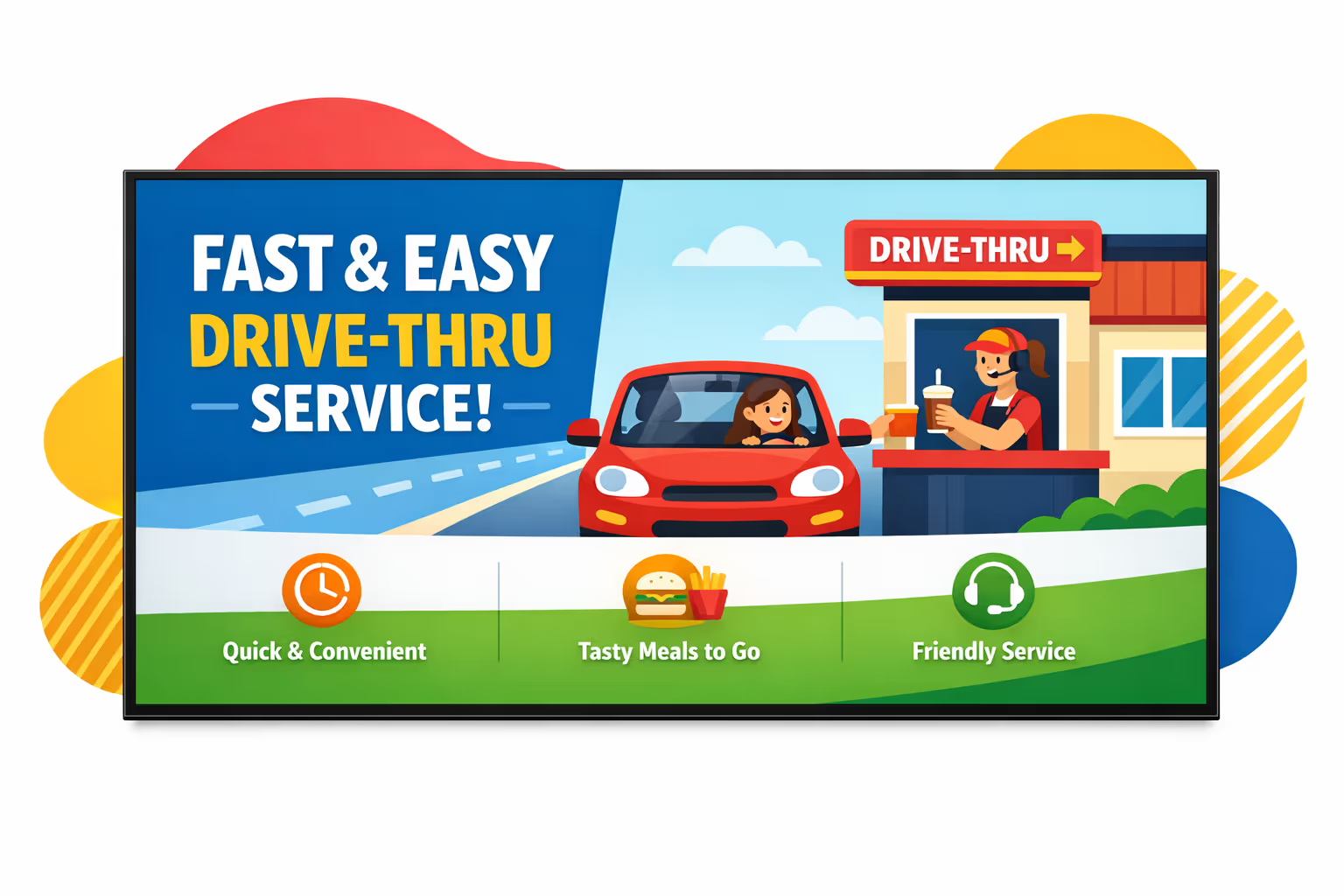
Desafíos en la industria de autoservicio cuando la comunicación se interrumpe
En un autoservicio de rápida movilidad, los clientes esperan direcciones claras antes de llegar al altavoz. Cuando las actualizaciones son poco claras o inconsistentes, pequeños malentendidos se convierten en largas filas, preguntas repetidas y una experiencia más pobre.
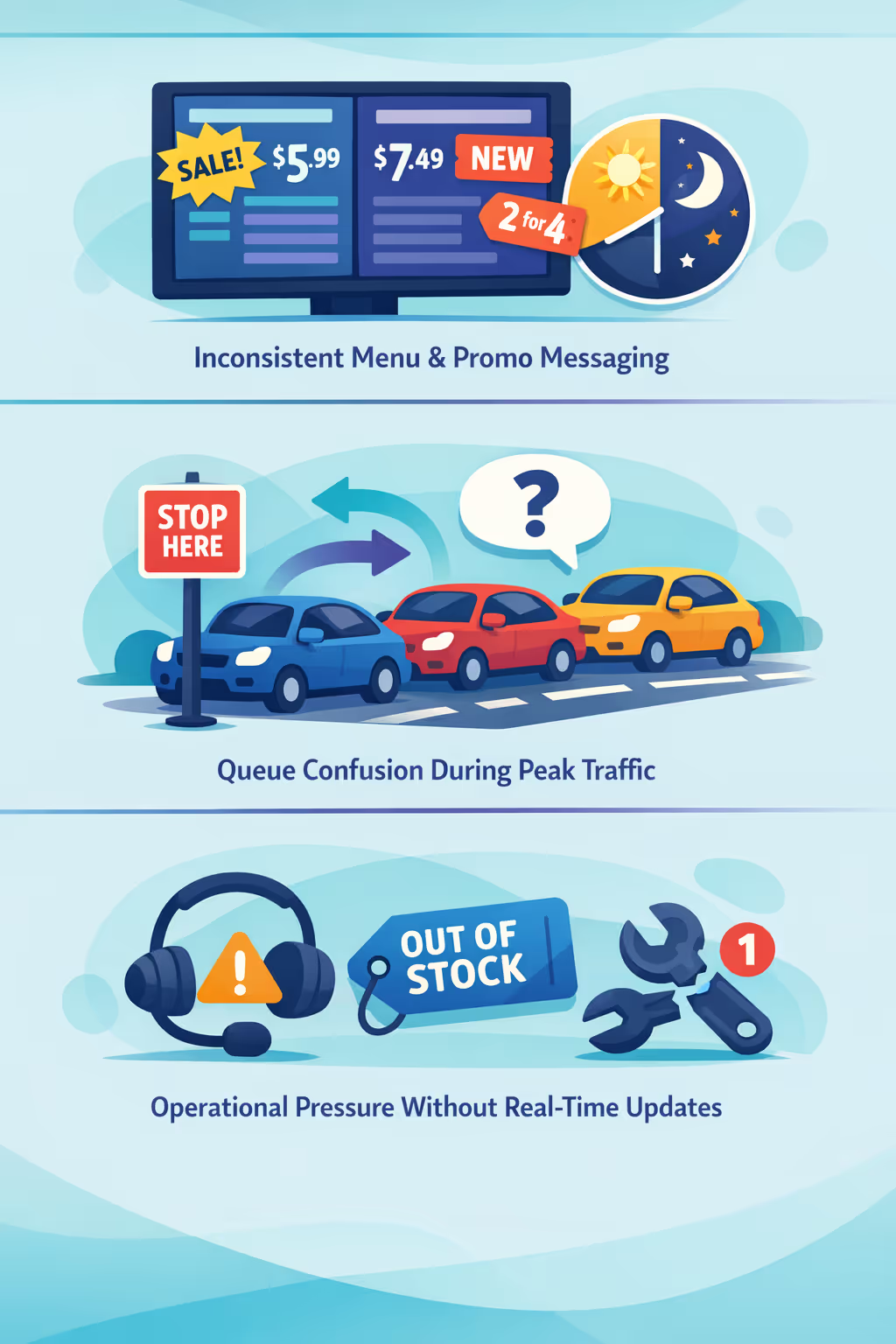
Los precios, las ofertas por tiempo limitado y la disponibilidad de artículos pueden cambiar en cuestión de horas. Cuando el auricular, la cartelera de menú y el equipo de la ventana comparten información diferente, los pedidos se ralentizan y la confianza disminuye.
Los conductores quieren saber dónde detenerse, cómo fusionarse y qué preparar. Sin una guía visible clara, los miembros del equipo pasan tiempo repitiendo direcciones en lugar de concentrarse en la velocidad, precisión y servicio.
Los artículos fuera de stock, los retrasos en la entrega y los problemas de equipo necesitan comunicación inmediata. Cuando las actualizaciones no llegan a cada punto de contacto al mismo tiempo, aumentan los errores, se acumulan las rehacer y crecen los tiempos de espera.
Señalización digital en autoservicio que mejora la velocidad, precisión y ventas
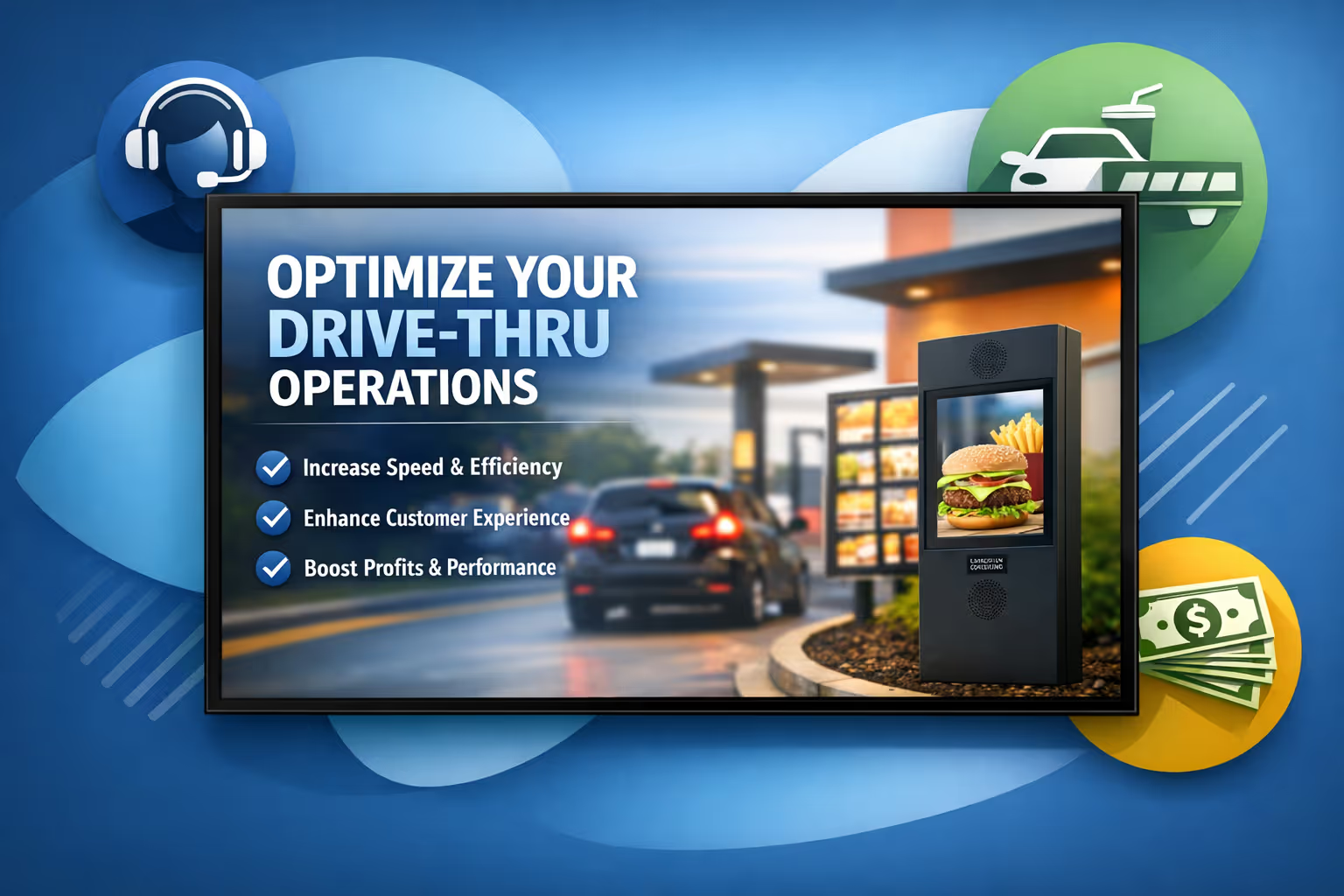
Convierte cada carril en un canal de ventas de alto rendimiento. Con Disign, puedes actualizar menús y promociones en segundos, guiar a los clientes con un flujo de pedido claro, reducir costos de impresión y mejorar el valor del pedido, todo mientras mantienes una experiencia de marca consistente que ofrece ROI medible.
Actualiza menús y promociones en tiempo real
Publica cambios de precios, ofertas por tiempo limitado y menús de horarios inmediatamente en cada pantalla de autoservicio. Mantén artículos, alérgenos y líneas legales precisos sin reimpresiones de último minuto o cambios manuales.
Reduce el tiempo de espera percibido con un flujo de pedidos claro
Utiliza contenido amigable para colas, señales de progreso y indicaciones útiles para mantener informados a los clientes. Una experiencia más fluida reduce la frustración, apoya al personal y ayuda a mantener un servicio rápido durante las horas pico.
Aumenta el valor promedio del pedido y prueba el ROI
Programa ventas adicionales y combos por hora del día, clima o ubicación y rastrea lo que se ejecuta donde. La señalización digital en autoservicio ayuda a aumentar las ventas mientras reduce el gasto operativo con control centralizado.
Mantén la marca y los precios consistentes en todas las ubicaciones
Estandariza plantillas y aprobaciones para que cada restaurante muestre los visuales, precios e información del producto correctos. Implementa actualizaciones rápidamente mientras proteges la calidad de la marca y la confianza de los clientes.
Reduce los costos de impresión y simplifica las operaciones
Sustituye carteles y cambios manuales del menú con un flujo de trabajo centralizado. Ahorra en impresión y tiempo del personal, y mantén cada pantalla de autoservicio precisa desde la oficina central o equipos regionales.
Localiza contenido por tienda, idioma y franja horaria
Entregue el mensaje correcto para cada ubicación, desde los favoritos del vecindario hasta los precios regionales. Adapte los menús de idioma y franja horaria para que el contenido se sienta local mientras se alinea con su estrategia nacional.
Casos de uso de affichage dynamique de drive thru que mantienen las líneas en movimiento.
A través de los carriles y ventanas de recogida, el affichage dynamique de drive thru ayuda a los equipos a servir más rápido y de manera más consistente. Comparte menús precisos, actualizaciones en tiempo real e instrucciones claras en las que los clientes pueden confiar, turno tras turno.
- Tableros de menú: resaltar los más vendidos, combos y ofertas por tiempo limitado con precios que permanecen consistentes
- Mensajería en hora pico: cambia el contenido automáticamente para desayuno, almuerzo y noche para reducir el tiempo de espera
- Confianza y cumplimiento: muestra alérgenos, notas de nutrición y recordatorios de políticas para que los clientes se sientan seguros al ordenar
- Promociones y campañas locales: implementa ofertas aprobadas por la marca en diferentes ubicaciones y reporta lo que funciona
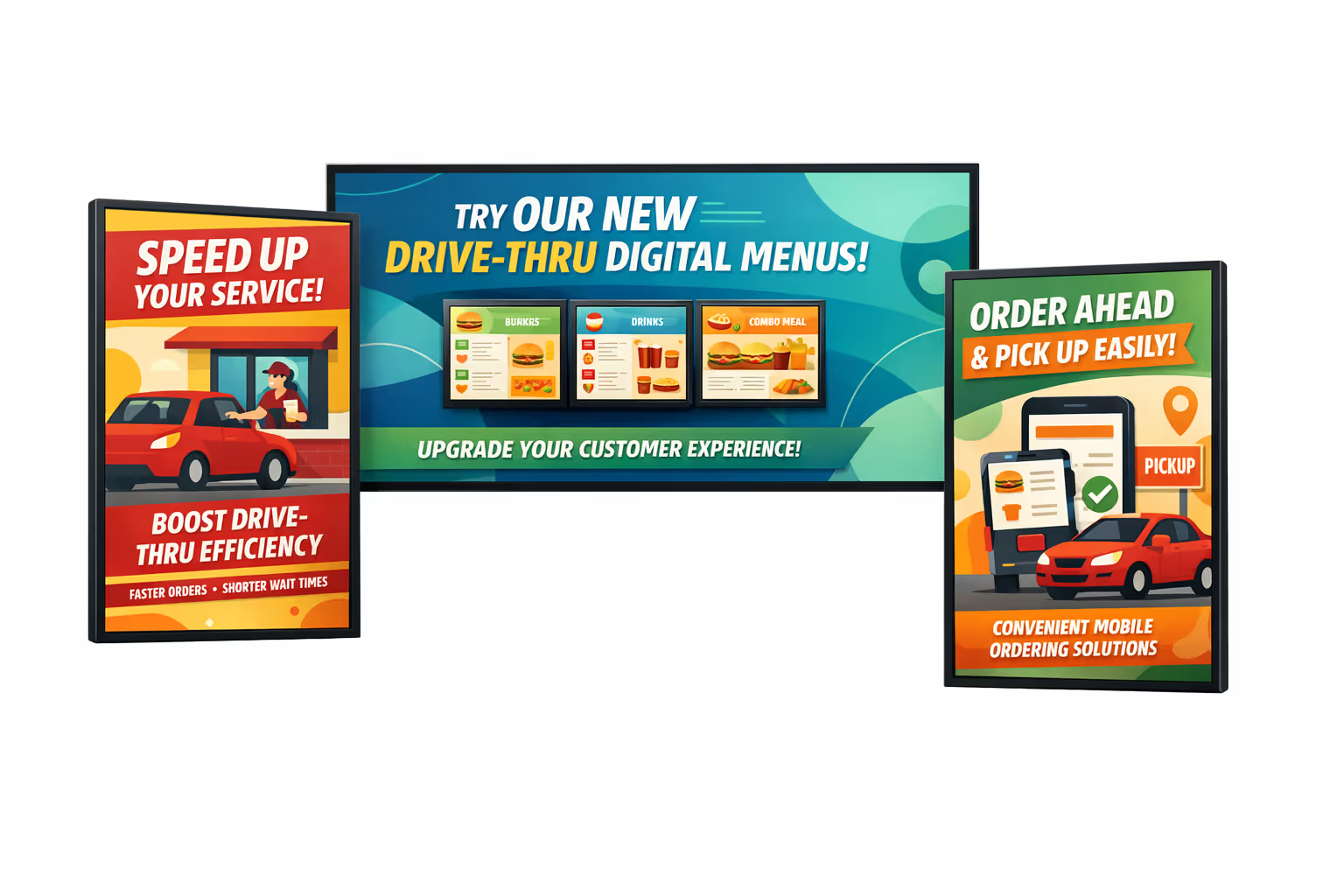
Cómo funciona el affichage dynamique de Disign
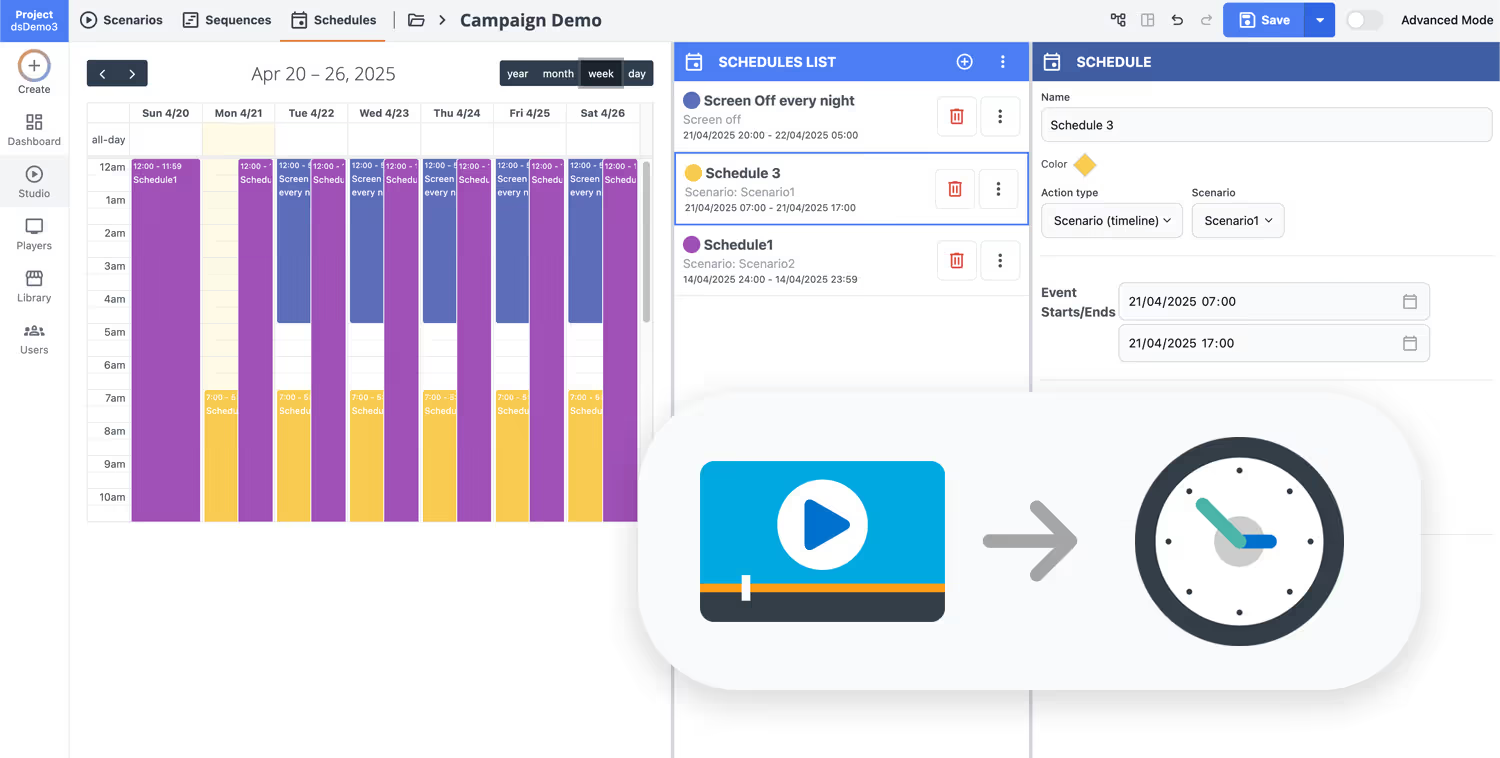
Programa tu contenido desde cualquier lugar con nuestra solución de affichage dynamique basada en la nube. Planifica fácilmente qué se reproduce, cuándo y dónde, en una pantalla o en miles.
Diseña escenarios y listas de reproducción personalizadas adaptadas a tu audiencia y objetivos.
Establece fechas y horas precisas para que tu contenido se reproduzca automáticamente.
Despliega contenido instantáneamente en tu red de affichage dynamique con solo un clic.
Comience su affichage dynamique del drive thru en minutos
Lance una prueba gratuita de 28 días con Disign y vea qué tan fácil es actualizar los menús del drive thru, promociones y orientación de pedidos en cada pantalla. No se requiere tarjeta de crédito. ¿Necesita ayuda? Póngase en contacto con nuestro equipo y configúrelo rápidamente.
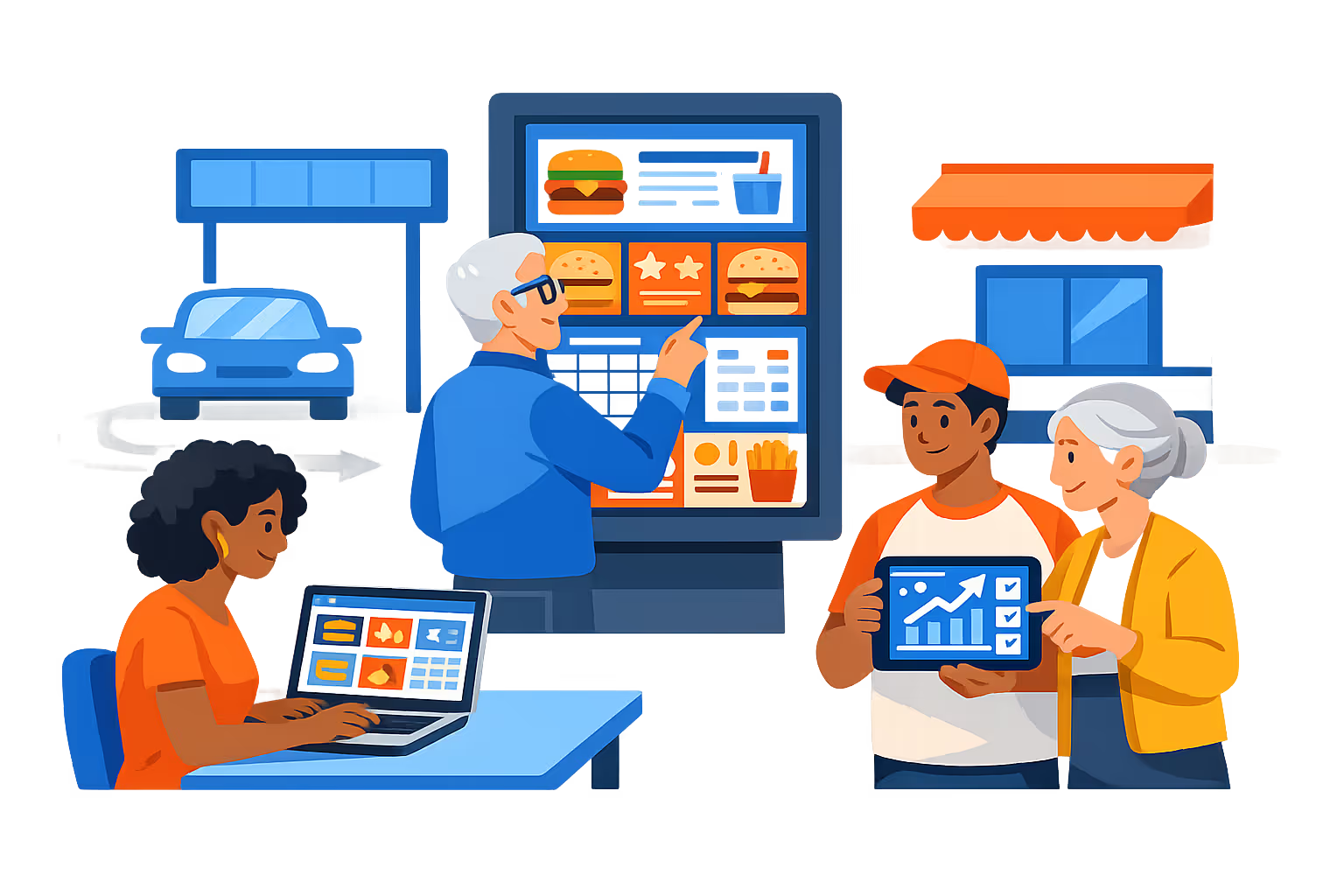
Cartelera digital para autoservicio diseñada para tomar pedidos rápidos y precisos
Ejecuta la cartelera digital para autoservicio desde una sola plataforma con actualizaciones en tiempo real, segmentación horaria y visibilidad del estado de los dispositivos. Disign te ayuda a mantener tableros de menú, contenido de venta adicional y mensajes de servicio consistentes en cada carril mientras le da a tu equipo los controles técnicos para publicar de manera segura y a gran escala.
Control centralizado para cada ubicación
Gestiona la cartelera digital para autoservicio en tiendas y carriles
Publica menús y promociones a una tienda o a toda una red con segmentación por ubicación, listas de reproducción reutilizables y permisos basados en roles. Mantén los estándares de marca consistentes mientras permites que los equipos locales actualicen elementos aprobados para su tienda, carril y parte del día.
Publicación segura y control de acceso
Protege menús, dispositivos y credenciales de la tienda
Controla quién puede crear, aprobar y publicar contenido con roles granulares. Empareja los players de forma segura, limita el acceso por ubicación y mantiene un registro de auditoría de los cambios para que tu cartelera digital para autoservicio se mantenga controlada y confiable.
Flujos de trabajo de gobernanza de precios y menús
Aprobaciones y versionado para contenido regulado o crítico para la marca
Reduce errores con flujos de trabajo estructurados: redactar, revisar, aprobar y luego programar. Utilice el control de versiones para precios, avisos de alérgenos y ofertas por tiempo limitado para que el contenido correcto llegue al carril correcto en el momento adecuado.
Programación inteligente y automatización de partes del día
Automatizar desayuno, almuerzo, tarde y promociones
Programe cambios en el menú por hora y día, lance campañas automáticamente y cambie contenido para vacaciones o eventos locales. Disign reduce actualizaciones manuales para que el affichage dynamique del drive thru siempre coincida con las operaciones y los cambios de inventario.
Monitoreo de dispositivos y confiabilidad de reproducción
Controles de salud, diagnósticos remotos y comprobante de entrega
Mantenga las pantallas del drive thru estables con el estado del player, alertas offline y solución de problemas remota. Verifique que el menú y los precios correctos estén reproduciéndose, reduzca el tiempo de inactividad y mantenga una comunicación constante con los clientes, carril por carril.
Soporte de implementación para TI y operaciones
Estandarizar plantillas, integrar equipos y escalar con confianza
Obtenga ayuda práctica desde el despliegue hasta el uso diario. Apoyamos la configuración de dispositivos, la estandarización de plantillas y los procesos operativos para que su affichage dynamique del drive thru se mantenga predecible, manejable y listo para el crecimiento.
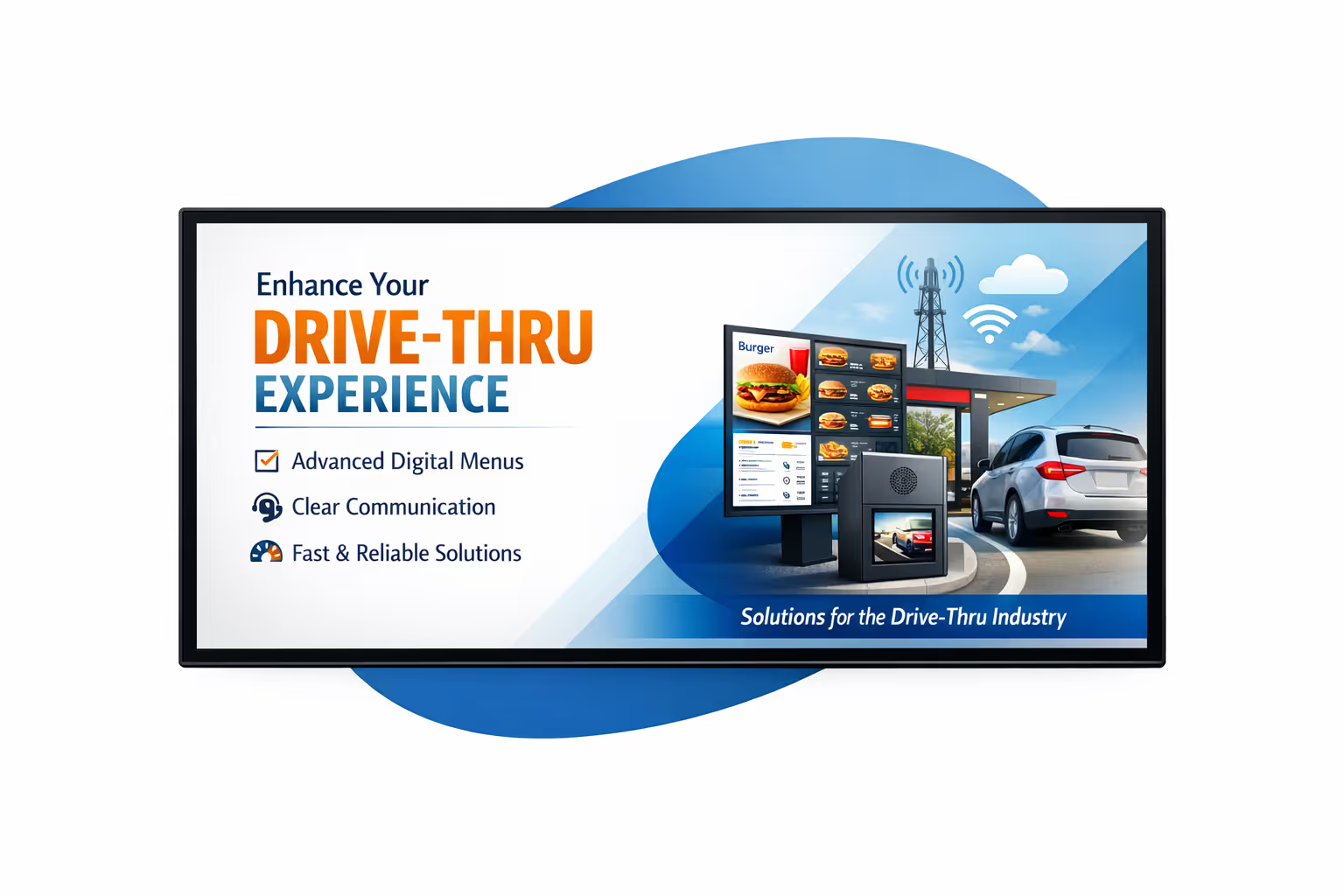
Gestión centralizada de contenido para el affichage dynamique de autoservicio
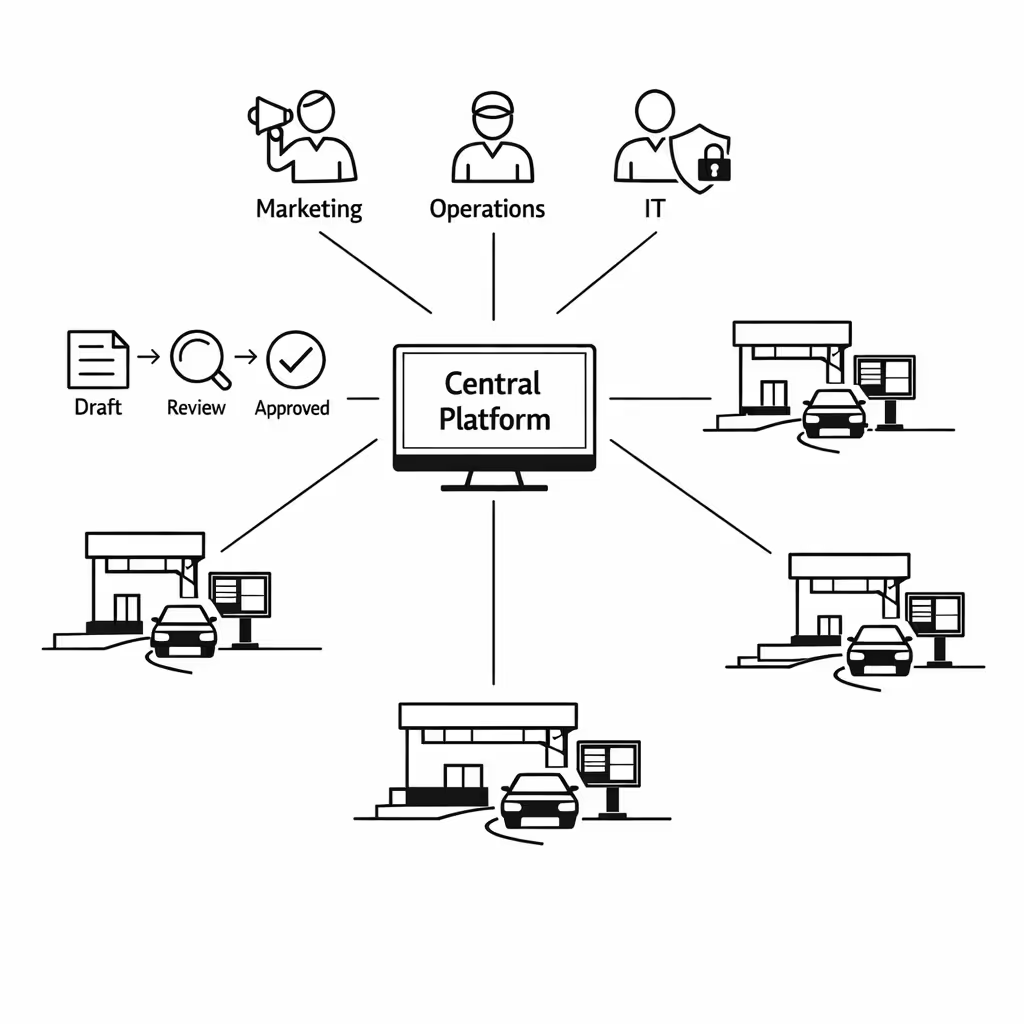
Gestiona cada pantalla de affichage dynamique de autoservicio desde un centro seguro. Disign ayuda al marketing a publicar más rápido, a las operaciones a mantener información precisa y a IT a hacer cumplir la gobernanza con roles, aprobaciones y reproducción confiable en todas las ubicaciones.
Una plataforma para todas las pantallas de autoservicio
Control central con flexibilidad a nivel de ubicación
Lanzar mensajes de marca en todas partes mientras se permite que cada sitio agregue contenido local aprobado como horas de atención, orientación de carriles u ofertas por tiempo limitado. Mantenga la consistencia sin ralentizar a los equipos.
Programación de campañas por ubicación, franja horaria y pantalla
Dirija el contenido de affichage dynamique de autoservicio por restaurante, región o tipo de pantalla. Automatice los menús de franjas horarias, promociones temporizadas y mensajes de cumplimiento para que el contenido correcto se reproduzca en el momento adecuado.
Construido para la seguridad y gobernanza de IT
Proteja su red de affichage dynamique de autoservicio con acceso basado en roles, flujos de trabajo de aprobación y reglas de reproducción estandarizadas. Reduzca riesgos, mejore la preparación para auditorías y mantenga el contenido alineado con los requisitos de marca y legales.
Actualizaciones en tiempo real para operaciones y recuperación de servicios
Publique cambios instantáneos en cada carril de autoservicio, cartelera de menú y pantalla de recogida. Actualice la disponibilidad de artículos, avisos de precios, mensajes de tiempo de espera y alertas en segundos, sin llamar a cada ubicación.
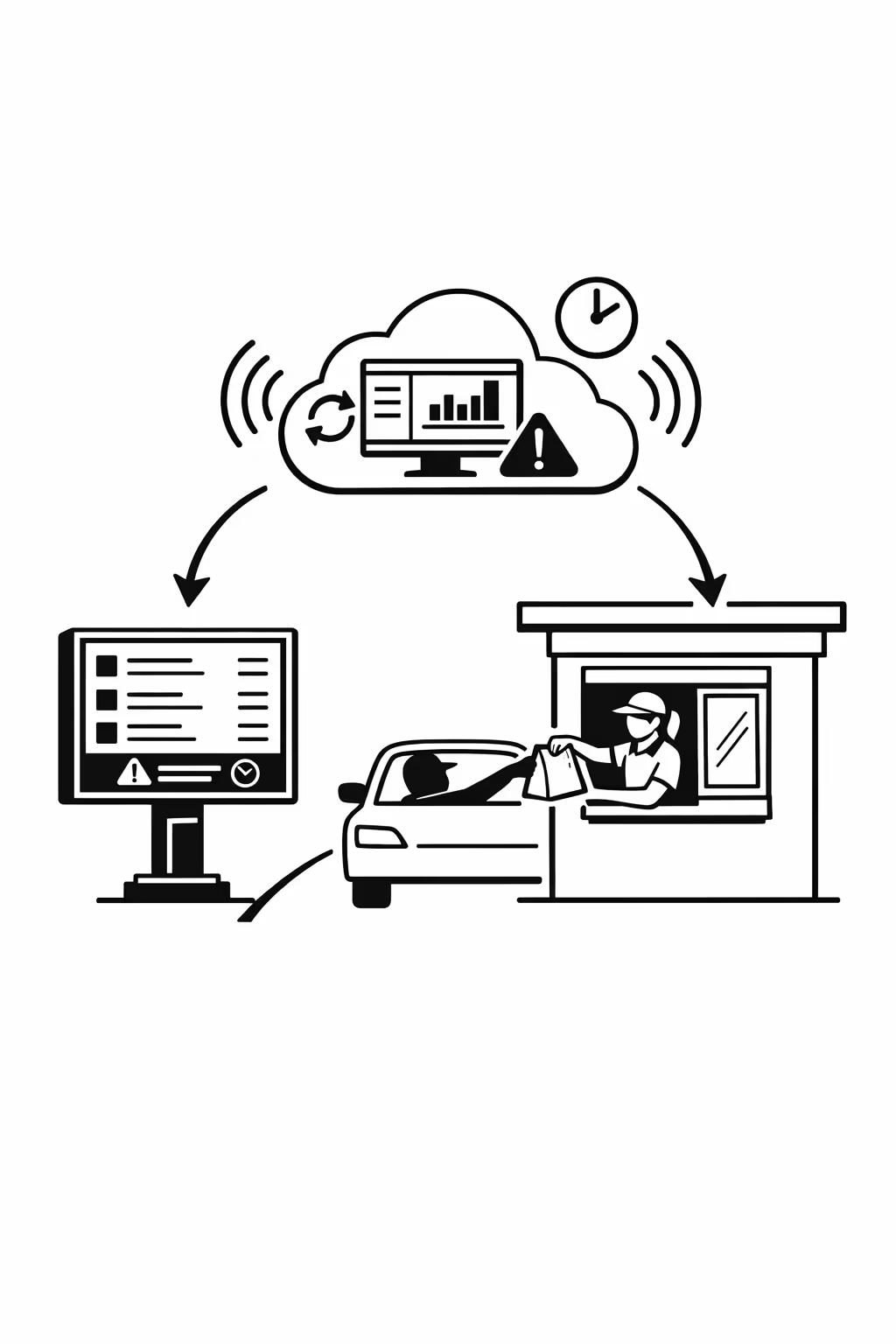
Escalabilidad para redes de drive thru en crecimiento con affichage dynamique del drive thru
Escale el affichage dynamique del drive thru a través de ubicaciones, regiones y equipos desde una plataforma en la nube. Despliegue actualizaciones en minutos, mantenga estándares y manténgase en la marca a medida que su red de drive thru se expande.
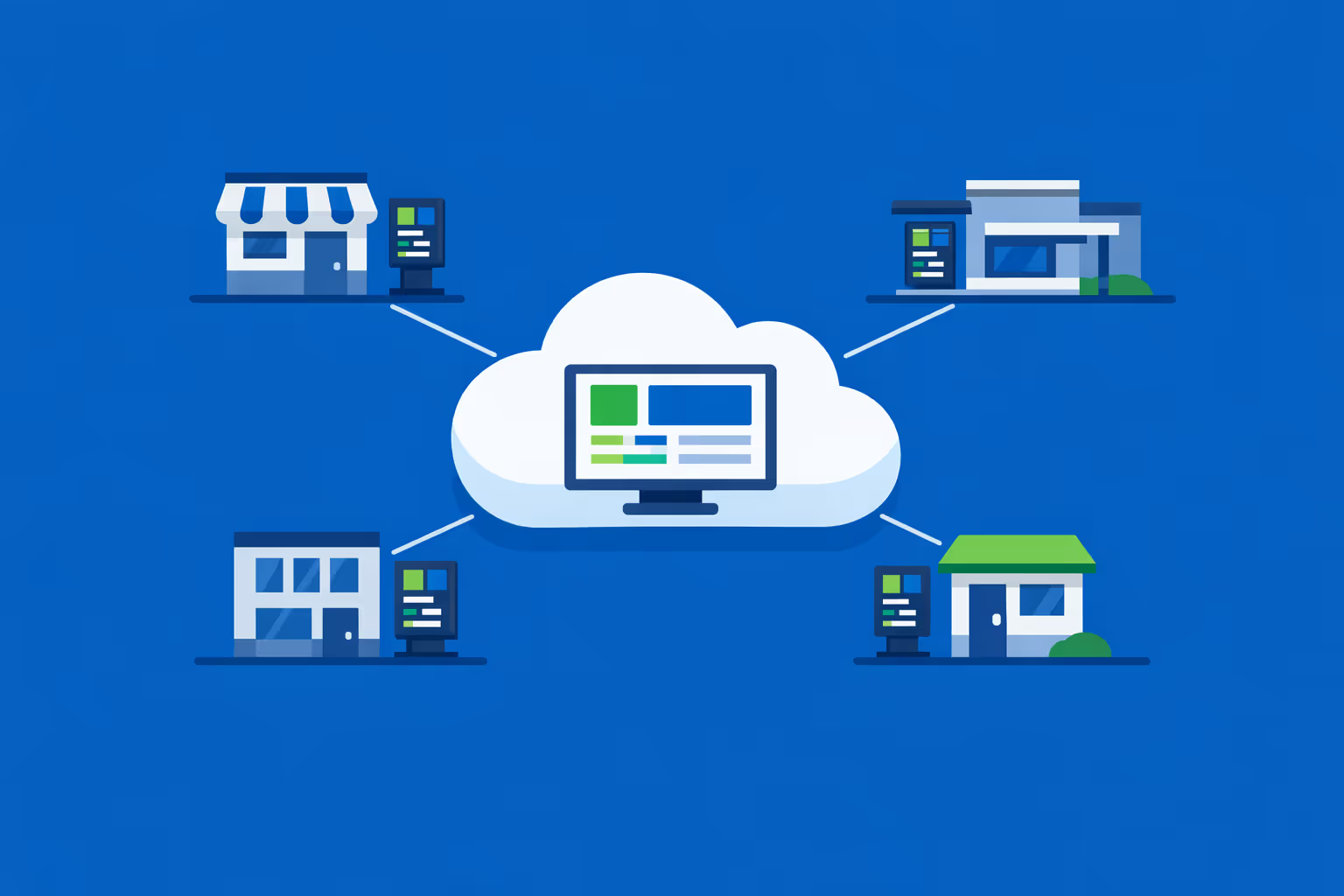
Gestión multi-sitio desde un solo panel de control en la nube
Supervisa fácilmente el affichage dynamique de drive thru en cada sitio desde una única consola. Publica nuevos menús y promociones al instante, verifica lo que se está reproduciendo en cada carril y mantiene la consistencia de marca en toda tu red.
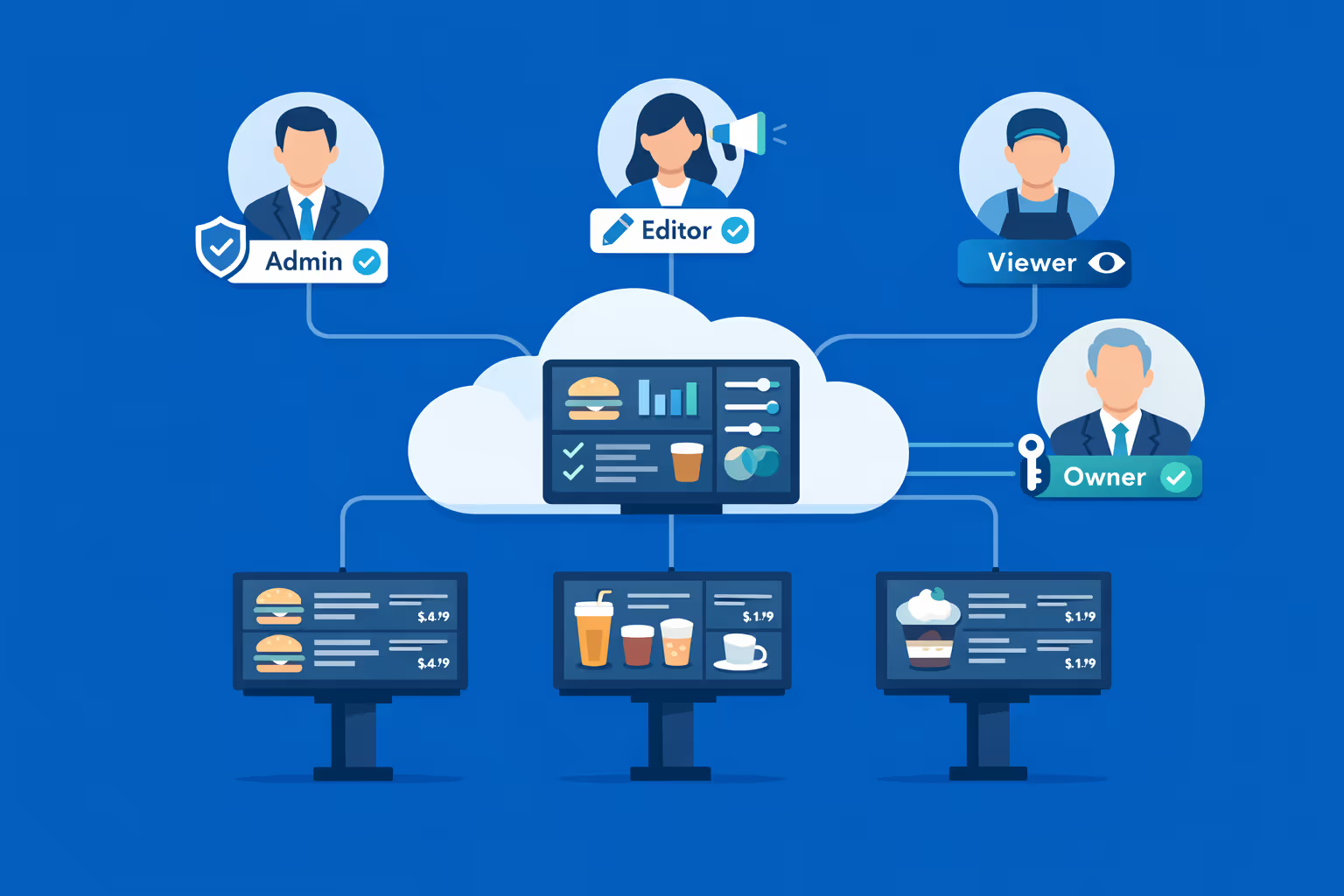
Acceso multiusuario con permisos basados en roles.
Asigna roles, permisos y niveles de acceso por departamento, región o tienda. Mantén el trabajo en equipo rápido y organizado mientras proteges la gobernanza de marca, aprobaciones y responsabilidad en tu grupo de drive thru.
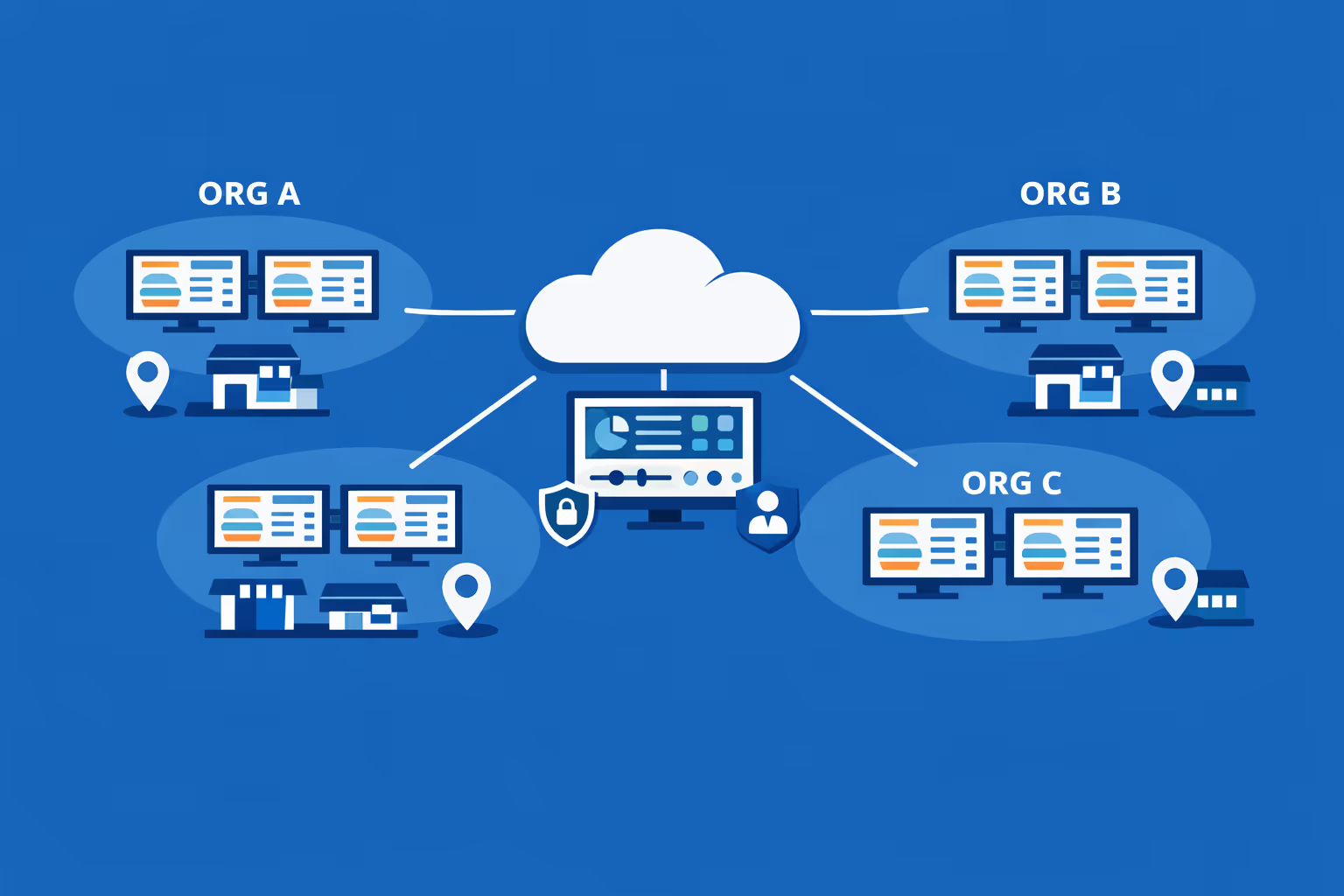
Listo para múltiples pantallas y múltiples organizaciones.
Controla miles de pantallas y gestiona múltiples organizaciones dentro de una cuenta. Segmenta el affichage dynamique de drive thru por marca, región o tienda para que puedas escalar con confianza mientras mantienes ofertas y precios locales precisos.
Disign es compatible con todas las pantallas para señalización digital
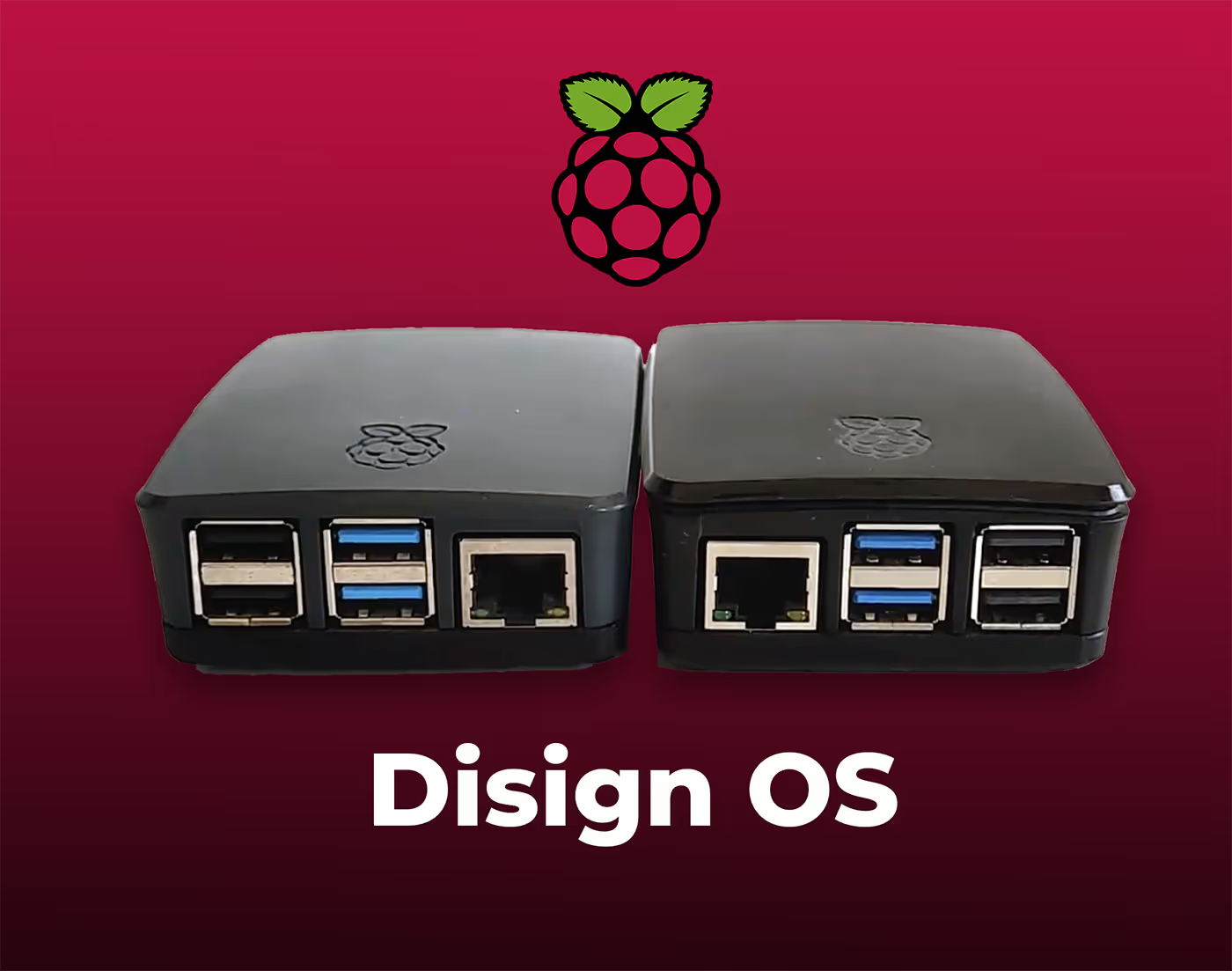
La señalización digital con Disign te permite gestionar y mostrar contenido en una variedad de dispositivos. Nuestra solución es compatible con muchos reproductores externos como Disign OS basado en Raspberry Pi, BrightSign y cualquier hardware Android. Disign también admite tecnologías integradas en pantallas Samsung, LG y Android TV. Con esta amplia compatibilidad, puedes desplegar fácilmente soluciones de señalización digital en diferentes tipos de hardware, garantizando una gestión simplificada y una experiencia óptima para el usuario.


Real feedback from drive thru teams using Disign drive thru digital signage to keep menus, promos, and lane messaging accurate all day
Lo que los profesionales de drive thru dicen sobre Disign.
“Solíamos imprimir actualizaciones de menú y pegarlas cuando cambiaban los precios. Con Disign, nuestras actualizaciones de affichage dynamique de drive thru se hacen en minutos, y el cambio de almuerzo ocurre automáticamente. No es llamativo por el simple hecho de serlo, solo elimina la fricción diaria.”
“Para mí, se trata de la consistencia en todas las ubicaciones. Disign mantiene nuestro affichage dynamique de drive thru en la marca, pero aún permite que los equipos de la tienda publiquen ofertas locales cuando lo necesiten. El paso de aprobación es simple, por lo que no terminamos persiguiendo correcciones más tarde.”
“Nuestras líneas están ocupadas y las pantallas funcionan de apertura a cierre. Disign ha sido constante, y la supervisión remota nos ahorra viajes. El soporte también ha sido directo, obtenemos respuestas que realmente podemos usar en el piso.”
Integrate with your favorite Applications
70+ Applications and infini integration with API, Database, and any data source
Easily integrate third-party applications and web content such as YouTube or Vimeo, optimized for seamless playback. Display data from RSS feeds or formats like CSV, JSON, or XML directly on your digital signage screens. Extend display capabilities with advanced applications like grids or collections to enrich Disign scenarios.

We designed Disign to be as open and customizable as possible, both in its visual scenes and in its data sources.
Florent MondoloniCo-Founder, Disign

Video
Utilisez vos medias

RSS Feed
Use your own RSS Feed

Database
Databases

Canva
Create your Design and import it

Google Sheets
Import CSV, Live data...

Website/API
Affiche your website or use API
Todo lo que necesitas saber sobre Disign Affichage Dynamique Para Autoservicio
Drive thru digital signage FAQ: practical answers for operators who need speed, accuracy, and upsell
Drive thru digital signage is the use of centrally managed digital menu boards and messaging screens to communicate with customers in the drive thru lane. For quick service restaurants, coffee chains, convenience stores with food service, and any brand running a drive thru, these screens are not just a modern replacement for printed menus. They are a revenue and operations tool that helps you move cars faster, improve order accuracy, increase average check, and keep your offers consistent across locations.
This FAQ is written for the people who actually own the outcome: operations leaders, franchise owners, marketing managers, and IT teams who need a drive thru digital signage solution that can scale without creating chaos. You will find straightforward guidance, real world considerations, and what to look for in a platform like Disign.
What is drive thru digital signage and what does it include?
Drive thru digital signage usually refers to the screens that present your menu, pricing, limited time offers, and upsell prompts in the drive thru. Depending on your setup, it can include several screen types that work together.
Most brands include:
- outdoor digital menu boards at the order point
- confirmation screens that show the customer what was captured
- promotional screens near the payment window
- pickup window screens with final reminders or add ons
- lane direction screens for dual lane or merge systems
- indoor screens for drive thru waiting areas, if you have them
A drive thru digital signage system typically includes the screens, media players, and a content management platform that lets you update content centrally, schedule dayparts, and keep every location aligned.
Why switch from printed menus to drive thru digital signage?
Printed boards are static, slow to change, and expensive to maintain, especially across multiple sites. Drive thru digital signage gives you speed and control, which matters when you run promotions, manage price changes, or need to react to inventory and staffing realities.
Operators switch because drive thru digital signage helps them:
- update prices and offers quickly without printing and installation delays
- run breakfast, lunch, late night, and seasonal menus automatically
- reduce order friction by highlighting best sellers clearly
- increase upsells with consistent, timed prompts
- keep brand visuals consistent across franchise and corporate stores
- respond to product outages with approved substitutions
- reduce long term costs tied to printing, shipping, and labor
The main operational value is not that the screen is digital. The value is that your message becomes current, accurate, and easy to manage at scale.
How does drive thru digital signage improve speed of service?
Speed of service improves when customers make decisions faster and staff spend less time clarifying. The drive thru is a high pressure environment where seconds add up, especially at peak.
Drive thru digital signage can improve speed by:
- making the menu easier to scan with fewer distractions and clear grouping
- emphasizing top combinations so customers choose quickly
- using daypart scheduling so only relevant items appear
- supporting clear pricing and modifiers to reduce questions
- showing limited time items in a predictable place so customers find them fast
- pairing the order point screen with an order confirmation screen to catch issues early
Even a small reduction in hesitation at the speaker can translate into shorter queues and more cars served per hour.
Can drive thru digital signage help with order accuracy?
Yes. Order accuracy is often improved when the customer sees what the system captured. If you use a confirmation screen, drive thru digital signage becomes a real time validation step.
It helps because:
- customers can correct mistakes before they become remakes
- staff can verify that modifiers and sizes are displayed clearly
- combo logic and add on prompts are more consistent
- pricing clarity reduces disputes at the window
Accuracy has a direct cost impact. Fewer remakes means less waste, fewer refunds, and less tension at the window.
What are the best use cases for drive thru digital signage beyond the main menu?
Many teams think only in terms of a menu board, but drive thru digital signage can support the entire lane experience, from the first glance to pickup.
High impact use cases include:
- daypart menus that change automatically
- limited time offer takeovers during campaign windows
- weather based promotions like cold drinks on hot days, if you choose to use data driven content
- inventory messaging such as temporarily unavailable items and suggested swaps
- loyalty prompts like scan, earn, and redeem reminders
- upsell reminders at the payment window where the decision is easiest
- brand trust messaging such as quality sourcing, freshness, or speed guarantees
- local store messaging like hiring, updated hours, or lane changes
The best use case is the one that reduces friction and increases value without adding cognitive load.
How do dayparts work with drive thru digital signage?
Dayparts are scheduled content blocks that automatically switch based on time of day and day of week. This is one of the most practical reasons to adopt drive thru digital signage because it removes manual effort and reduces errors.
Common dayparts include:
- breakfast
- late morning transition
- lunch
- afternoon snack and beverage focus
- dinner
- late night
With Disign, you can schedule playlists and templates so that the right menu shows at the right time. This avoids situations where customers see breakfast items after the cutoff or missing items during peak, which can slow the line and frustrate staff.
Can I update menus in real time across multiple drive thru locations?
Yes, if your platform is built for multi location management. A major advantage of drive thru digital signage is the ability to push changes to dozens or hundreds of stores from one place.
In practice, you can:
- update pricing for a region or store group
- swap out creative for a campaign quickly
- roll out compliance or nutrition messaging consistently
- apply emergency changes like item outages in minutes
With Disign, you can organize screens by store, region, or franchise group and publish updates without relying on each store to handle local files or manual swaps.
How does drive thru digital signage support promotions and upsells without annoying customers?
The best upsells feel helpful, not pushy. Drive thru digital signage supports this by letting you present the right offer at the right moment, using simple visuals and a clear call to action.
Good practices include:
- one primary upsell per screen area, not five competing prompts
- pricing clarity so customers do not feel surprised
- pairing offers with natural decision points like combos, sides, and beverage size upgrades
- using daypart relevance so you do not promote lunch during breakfast
- keeping creative consistent so customers recognize your combos quickly
For example, a focused upsell like “Make it a combo” with a clear price is more effective than a crowded screen full of small text. The goal is to help the customer decide faster while improving average check.
What content performs best on drive thru digital signage?
Drive thru screens are viewed quickly. The content that performs best is designed for glance reading and decision making.
Top performing content elements include:
- large, high contrast product images that match what you serve
- short item names and simplified descriptions
- clear pricing that is easy to find
- strong hierarchy such as best sellers at eye level
- limited time offers that are visually distinct
- combo bundles that reduce decision complexity
- subtle prompts for add ons like extra sauce, dessert, or a larger drink
Avoid long paragraphs, tiny disclaimers, and overly animated transitions that distract customers. If the customer cannot understand it in a couple seconds, it is not doing its job.
How does Disign help keep drive thru menus consistent across franchises?
Franchise consistency is difficult when each location makes local edits. Drive thru digital signage needs governance so your brand looks like your brand everywhere, while still allowing approved local adjustments.
Disign supports consistency with:
- templates that lock layout, fonts, and brand rules
- shared asset libraries for approved photos and logos
- role based permissions so not everyone can publish
- content grouping so you can assign the right menu set to the right stores
- scheduling so campaigns run on time without store intervention
This makes it easier to scale promotions and maintain a consistent customer experience across corporate and franchise locations.
What security and reliability features should I expect from a drive thru digital signage solution?
Drive thru operations depend on uptime. If screens go dark or show outdated pricing, you lose revenue and risk customer trust. Security matters too, because signage devices are networked endpoints.
Key capabilities to look for include:
- secure user access with roles and permissions
- encrypted communications between players and management tools
- device monitoring so you know when a screen is offline
- remote management to reduce on site troubleshooting
- controlled publishing so only approved content goes live
- auditability for changes, especially for pricing and regulated claims
Disign is designed for centralized management and structured access, so operations and marketing can move quickly without losing control.
Is drive thru digital signage cloud based or on premises?
Most modern drive thru digital signage platforms are cloud managed because it simplifies rollout and ongoing updates. Cloud management is especially useful when you have many locations, high staff turnover, or frequent campaigns.
Cloud based management typically provides:
- faster deployment without maintaining local servers
- centralized updates for all stores
- easy scaling as you add screens and locations
- a single place for content, templates, and scheduling
If your IT team has network constraints, you can still apply standard policies such as network segmentation, outbound rules, and device management. The key is choosing a platform that supports operational needs without creating extra burden.
What hardware is needed for drive thru digital signage?
A typical drive thru digital signage setup includes:
- outdoor rated digital displays or outdoor enclosures with commercial displays
- media players capable of running your signage player
- reliable network connectivity, often wired where possible
- mounts, power, and weather considerations like temperature and glare
Outdoor environments are demanding. Brightness, weather resistance, and long operating hours matter. Many operators standardize hardware over time. Disign can support a range of player options so you can choose what fits your rollout plan and budget.
How do I handle price changes and regional pricing with drive thru digital signage?
Pricing is one of the biggest reasons teams want centralized control. Drive thru digital signage lets you manage price updates without reprinting boards and without asking each store to do manual swaps.
You can typically manage pricing by:
- creating regional price versions using the same approved templates
- assigning content by store groups
- scheduling effective dates so changes happen automatically
- maintaining consistent design so only the numbers change, not the structure
A strong process includes approvals and a clear ownership model, so pricing changes do not create last minute confusion.
Can drive thru digital signage integrate with POS or menu management systems?
Often yes, depending on your ecosystem. Some brands prefer full integration so that items and prices can reflect a menu database, while others prefer controlled creative where marketing owns the design and operations owns the data.
Common approaches include:
- embedding web based views where appropriate
- connecting data sources to populate templates
- syncing certain fields like prices, availability, or item names
- using scheduled content when integration is not required
If you are evaluating integrations, start by identifying what actually needs to be automated. Sometimes daypart scheduling and good operational workflows deliver most of the value without complex integration.
How do I handle out of stock items without confusing the customer?
Outages happen. What matters is how quickly you communicate and what alternative you offer. Drive thru digital signage can reduce frustration when it presents a clear replacement suggestion.
Best practices include:
- removing the out of stock item from primary visual focus quickly
- replacing it with a similar item and a simple note from the store
- keeping combos valid by suggesting an alternate main item or side
- avoiding long explanations that slow ordering
Operationally, you want a controlled process so local teams can make limited changes within approved templates, rather than redesigning the whole menu.
How often should drive thru digital signage content be updated?
There is no single cadence that fits every brand, but most teams follow a rhythm that keeps content fresh without constant churn.
A practical update cadence looks like:
- daily or weekly checks for accuracy and availability
- daypart changes automated through scheduling
- campaign updates aligned with marketing calendars
- immediate updates for critical changes like outages, price corrections, or lane instructions
The goal is for the customer to trust what they see. Trust drives faster decisions and fewer disputes at the window.
How do I organize drive thru digital signage responsibilities between marketing, operations, and IT?
Clear ownership keeps your program running smoothly. Most brands use a simple division of responsibilities.
A common operating model:
- marketing owns templates, creative, and campaign planning
- operations owns menu accuracy, local needs, and in store execution
- IT owns devices, network policies, and deployment standards
- franchise leadership owns compliance with the brand system and local coordination
Disign supports this model through permissions and structured content organization. That way, each team can do their job without stepping on the others.
Can drive thru digital signage support accessibility and readability?
Yes, and it should. Drive thru audiences include older customers, people with vision challenges, and drivers who have only seconds to read.
Accessibility focused design choices include:
- large typography with strong contrast
- consistent placement for pricing and combo value
- limiting text and using clear category labels
- avoiding overly fast animation and tiny tickers
- ensuring critical information remains visible long enough to read
Accessible design improves comprehension for everyone, which improves speed of service.
How do I measure ROI from drive thru digital signage?
ROI should be measured in both revenue lift and operational impact. The drive thru is measurable if you choose the right metrics and run clean tests.
Common ROI drivers include:
- higher average check from consistent upsells and bundles
- improved speed of service measured by cars per hour and order time
- fewer remakes and refunds due to higher order accuracy
- reduced printing and installation costs for menu updates
- stronger campaign execution, meaning more stores running the correct promotion on time
You can also track operational KPIs like time to publish a change, percentage of screens online, and how often stores request updates. These indicators show whether your system is helping or creating work.
What should I look for in templates and scheduling for drive thru digital signage?
Templates are more than design. They are how you keep menus readable, brand consistent, and updates fast.
Look for:
- layouts designed specifically for quick scanning and decision making
- template locking for brand elements and required information
- components that support pricing, modifiers, and combos cleanly
- daypart scheduling and date based campaign windows
- easy duplication for regional variations without redesigning
Disign helps teams create an approved system once, then reuse it across locations, dayparts, and campaigns.
Can drive thru digital signage be used for operational messaging in the lane?
Yes. Operational messaging can reduce confusion and keep the line moving, especially in dual lane, lane closures, or seasonal traffic patterns.
Examples include:
- “Choose any lane” and merge instructions
- payment method reminders
- pickup window instructions like “Have your code ready”
- allergy and customization guidance when appropriate
- limited staffing notices framed with helpful alternatives
The best operational messages are short, polite, and specific. They should reduce questions, not introduce new ones.
How quickly can I roll out drive thru digital signage to multiple locations?
Timelines depend on hardware readiness, electrical and mounting work, and internal approvals. Many brands start with a pilot, then scale.
A practical rollout path:
- pilot in a small set of stores with different volumes
- validate readability, dayparts, and speed of service impact
- refine templates and publishing workflows
- standardize hardware and installation steps
- roll out region by region with monitoring and support
Disign supports centralized rollout by letting you provision screens, assign playlists, and manage updates without requiring each store to handle content locally.
What makes Disign a strong choice for drive thru digital signage?
Drive thru teams need a platform that moves fast but stays controlled. You need marketing flexibility, operational accuracy, and reliable screen management.
Disign helps you run drive thru digital signage with:
- centralized content management for multi location operations
- scheduling for dayparts, campaigns, and local variations
- permissions and governance so updates stay controlled
- templates that maintain brand consistency and readability
- the ability to update quickly when operations change
If you want drive thru digital signage that supports speed of service, accuracy, and consistent upsells, Disign is built to help you operate at scale without turning menu updates into a constant fire drill.
What are the next steps to start a drive thru digital signage project?
Start with clarity, not hardware. A successful project begins with goals, ownership, and a repeatable plan.
Next steps that work well:
- define the primary objective: speed, upsell, accuracy, or operational clarity
- map your screens and the customer journey from order point to pickup
- list dayparts, core menus, and seasonal needs
- create a template set for menus, limited time offers, and operational messages
- agree on approvals for pricing and claims
- run a pilot, measure results, then scale with a standardized process
With the right foundation, drive thru digital signage becomes a reliable channel that keeps your lane moving and your message accurate, all day, every day.



Únete a la comunidad de más de 4k personas
Cartelera digital para autoservicio que acelera los pedidos y aumenta el ticket promedio
Mantén tu autoservicio en movimiento con el contenido adecuado en cada pantalla. Disign te ayuda a actualizar menús, precios, ofertas por tiempo limitado y promociones por parte del día desde un solo panel de control para que los clientes decidan más rápido y los equipos se mantengan concentrados.
¿Listo para probar la cartelera digital para autoservicio sin complicaciones? Comienza una prueba gratuita de 28 días sin necesidad de tarjeta de crédito, o contáctanos si necesitas ayuda para elegir pantallas, configurar los players y publicar tu primer menú de autoservicio en minutos.