Affichage dynamique minorista para tiendas y redes
Minorista affichage dynamique que vende más y eleva la experiencia en la tienda
Disign ayuda a los minoristas a lanzar promociones más rápido, resaltar los más vendidos, guiar a los compradores y mantener precios y mensajes de marca consistentes en cada pantalla, en cada ubicación.


Usado por más de 4,000 personas
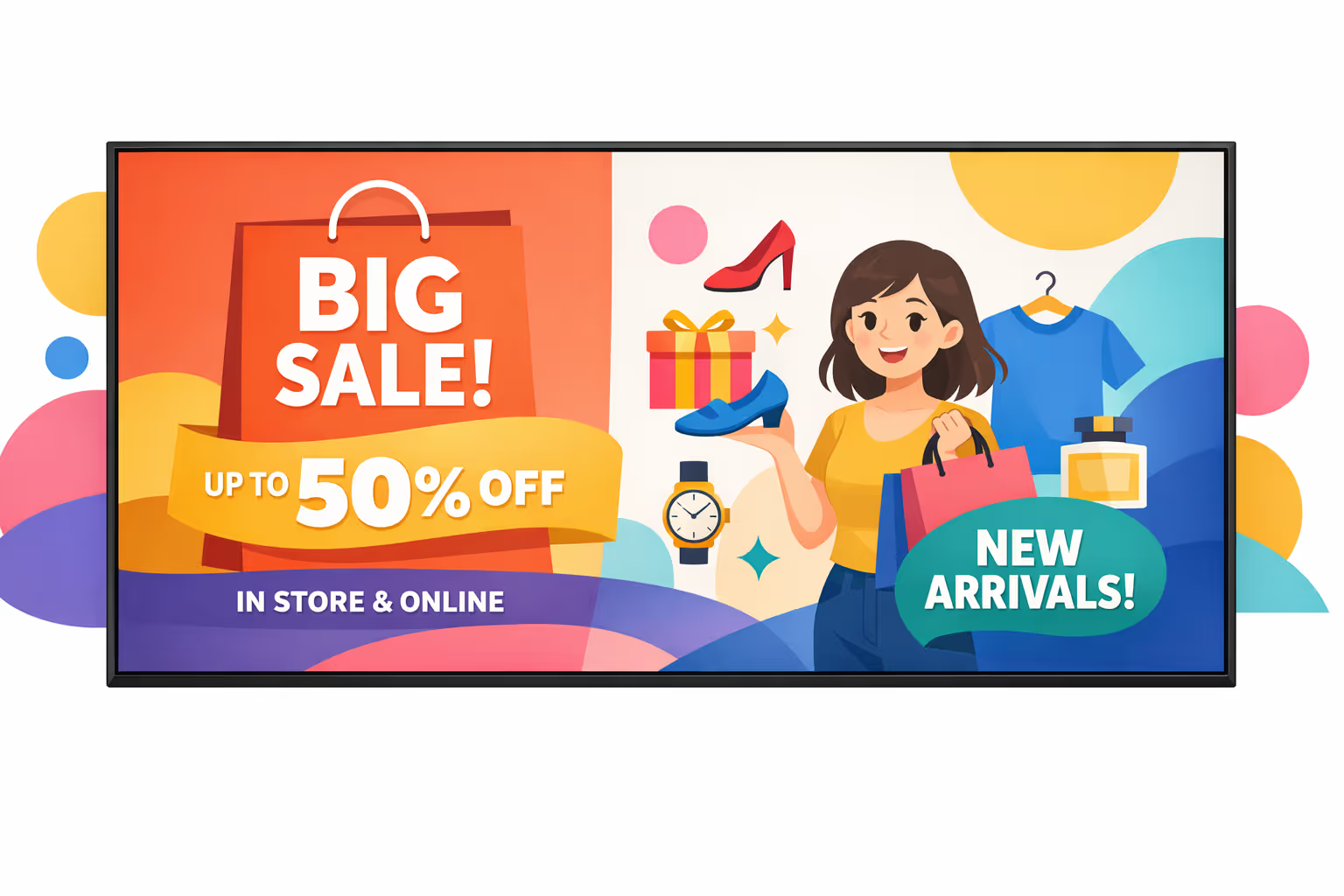
Desafíos en la industria minorista cuando la comunicación en la tienda se rompe
En el retail, los clientes deciden en segundos si una tienda se siente fácil o estresante. Cuando la información es confusa o inconsistente, los equipos pasan el día respondiendo las mismas preguntas, las colas crecen y la experiencia en la tienda comienza con el pie izquierdo.
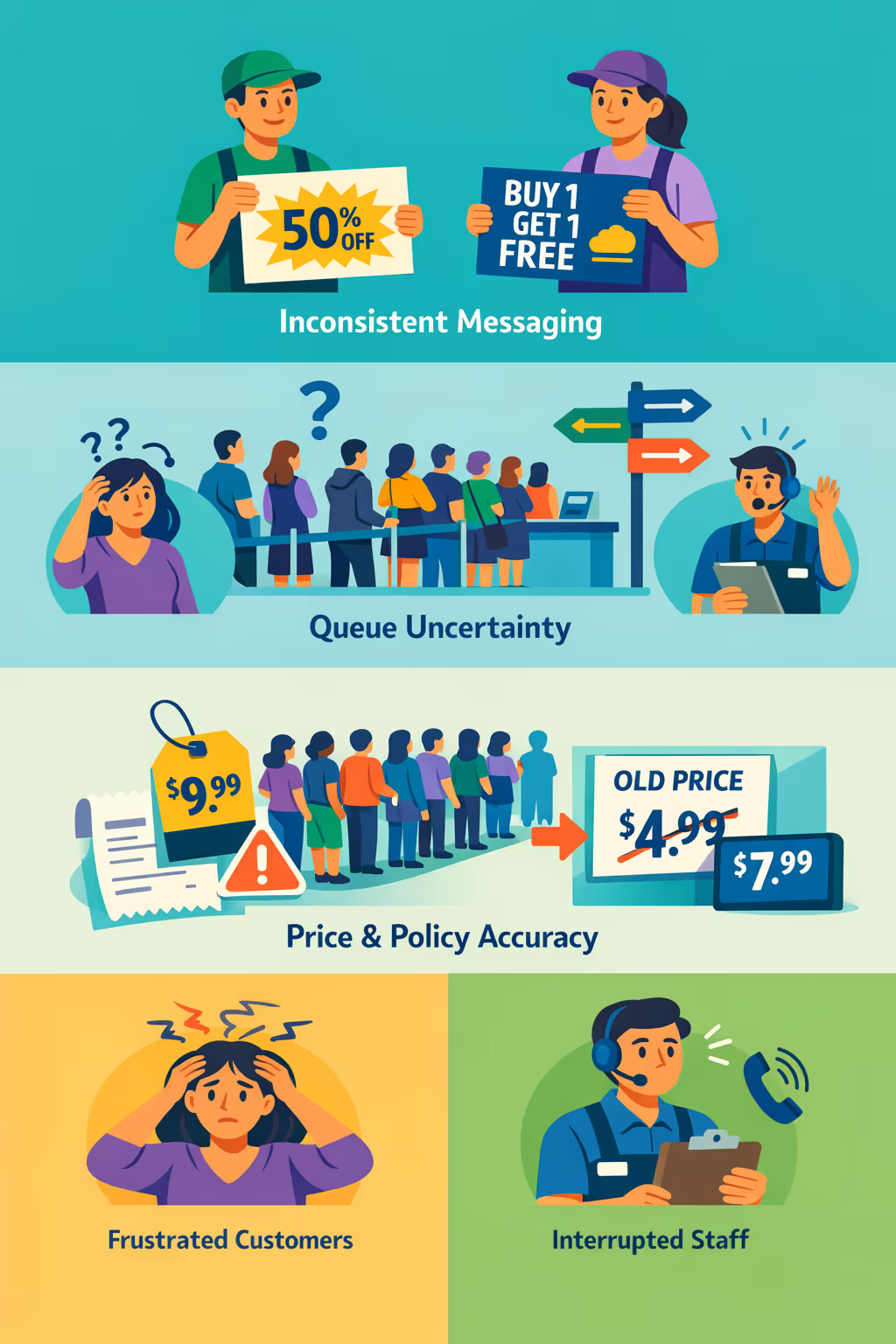
Las promociones, reglas de devoluciones, disponibilidad de stock y horas de servicio cambian rápidamente. Cuando el equipo de piso, el servicio al cliente y los gerentes comparten diferentes respuestas, los compradores pierden confianza y el personal pasa más tiempo corrigiendo confusiones que vendiendo.
Los clientes quieren saber dónde hacer fila, qué mostrador usar y qué preparar para devoluciones, recogidas o cambios. Sin una guía clara en la tienda, los empleados se ven arrastrados a dar direcciones repetitivas en lugar de ayudar con conversaciones de mayor valor.
Los equipos minoristas necesitan información que sea correcta, consistente y actualizada en todas partes al mismo tiempo. Cuando los letreros impresos quedan demasiado tiempo o las actualizaciones no llegan a cada pasillo, los compradores se sienten engañados, aumentan las disputas y la credibilidad de la tienda se ve afectada.
El affichage dynamique minorista que aumenta las ventas y la experiencia en la tienda
Convierte cada pantalla en un generador de ingresos. Con Disign, los equipos de retail publican promociones en minutos, mantienen los precios y la información del producto precisos, reducen el desperdicio de impresión y entregan un mensaje de marca consistente en cada ubicación, todo mientras rastrean el impacto y mejoran el ROI.
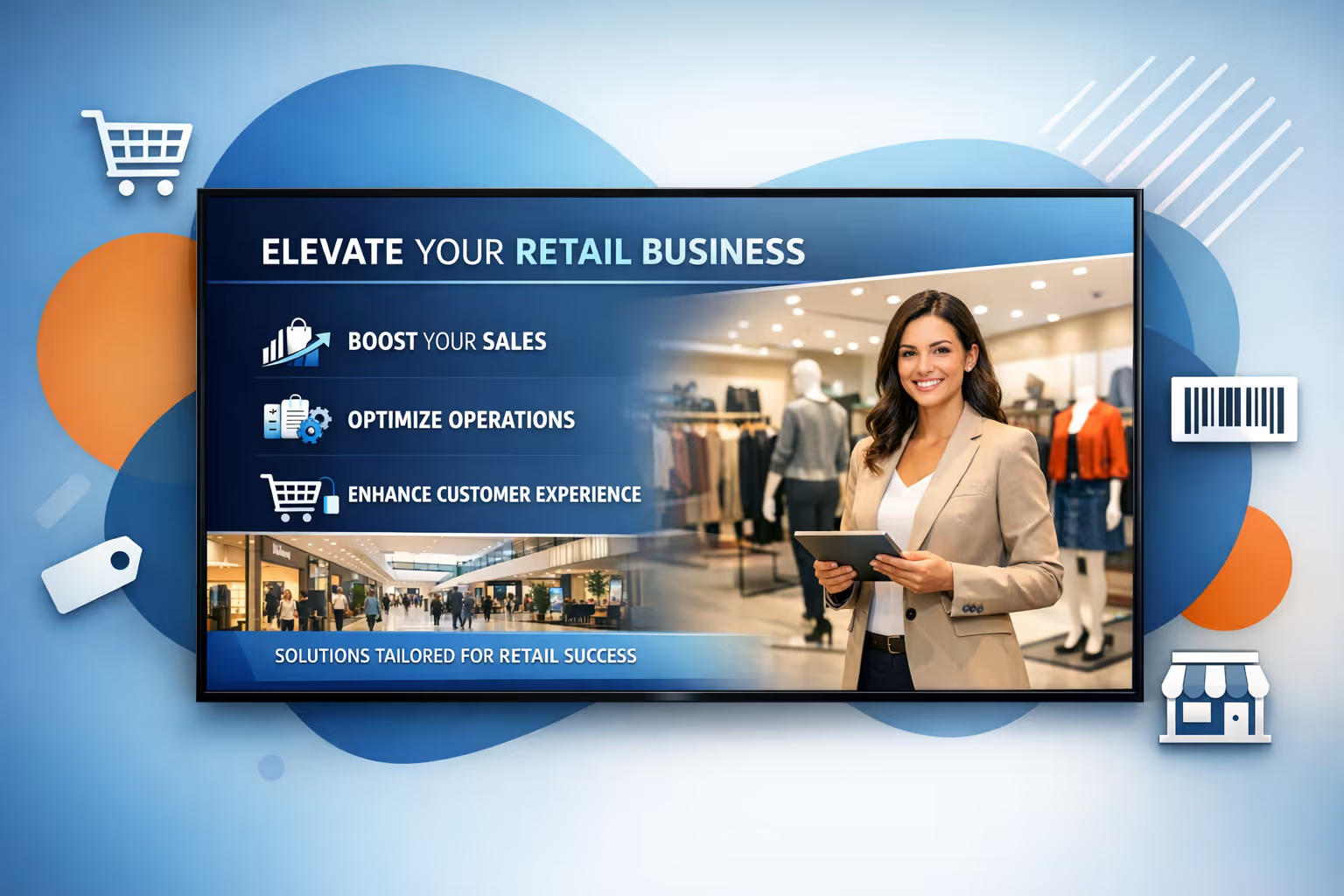
Lanza promociones en tiempo real en todas las tiendas
Actualiza las campañas al instante para ofertas de temporada, nuevas llegadas y eventos de liquidación. Mantén cada pantalla alineada con los precios actuales y la disponibilidad del producto, sin reimpresiones o visitas de última hora a la tienda.
Mejora el flujo de compradores con orientación y resaltados claros
Utiliza señalización, mensajes de categoría y llamadas de atención a productos destacados para ayudar a los clientes a encontrar lo que necesitan más rápido. Un viaje más fluido aumenta el tiempo de permanencia en las áreas correctas y apoya una mayor conversión.
Aumenta el ROI con mensajes específicos que impulsan las ventas
Programa contenido por tienda, hora del día o audiencia para promover artículos y paquetes de alto margen. El affichage dynamique minorista ayuda a aumentar las compras impulsivas, apoyar la venta adicional en puntos clave y reducir los costos operativos al mismo tiempo.
Mantén la marca y los precios consistentes en todas las ubicaciones
Estandariza plantillas y aprobaciones para que cada tienda comunique claramente y en línea con la marca. Implementa actualizaciones rápidamente para precios, detalles de productos e información obligatoria, manteniendo un aspecto premium en cada pantalla.
Reduce el gasto en impresión y la carga de trabajo de la tienda
Reemplaza los cambios frecuentes de carteles con un flujo de trabajo centralizado de affichage dynamique minorista. Ahorra en impresión y envío, libera tiempo del personal y mantiene las pantallas precisas desde la sede o equipos regionales.
Localiza contenido por tienda, idioma y audiencia
Adapta los mensajes a promociones locales, stock específico de la tienda y lenguas regionales mientras mantienes las mismas reglas de marca. Los clientes ven información relevante que parece hecha para su tienda, no copiada de una campaña genérica.
Casos de uso de cartelería digital minorista que funcionan en cada tienda
Desde las ventanas de las tiendas hasta las líneas de pago, la cartelería digital minorista ayuda a los compradores a encontrar lo que necesitan más rápido, exhibe marcas y ofertas de confianza, y mantiene la información consistente en cada ubicación.
- Mostradores y exhibiciones en ventanas: atraiga el tráfico peatonal con promociones oportunas, nuevos llegados y horarios de tienda
- Pasillos y cabeceras: resalte los más vendidos y las selecciones de temporada, con precios claros y beneficios del producto en el que los compradores confían
- Pagos y líneas de espera: reduzca los tiempos de espera percibidos con recordatorios de lealtad, ofertas de venta cruzada y mensajes útiles de la tienda
- Área de trabajo y áreas para el personal: mantenga a los equipos alineados con las prioridades diarias, actualizaciones de seguridad y aspectos destacados del rendimiento en las tiendas
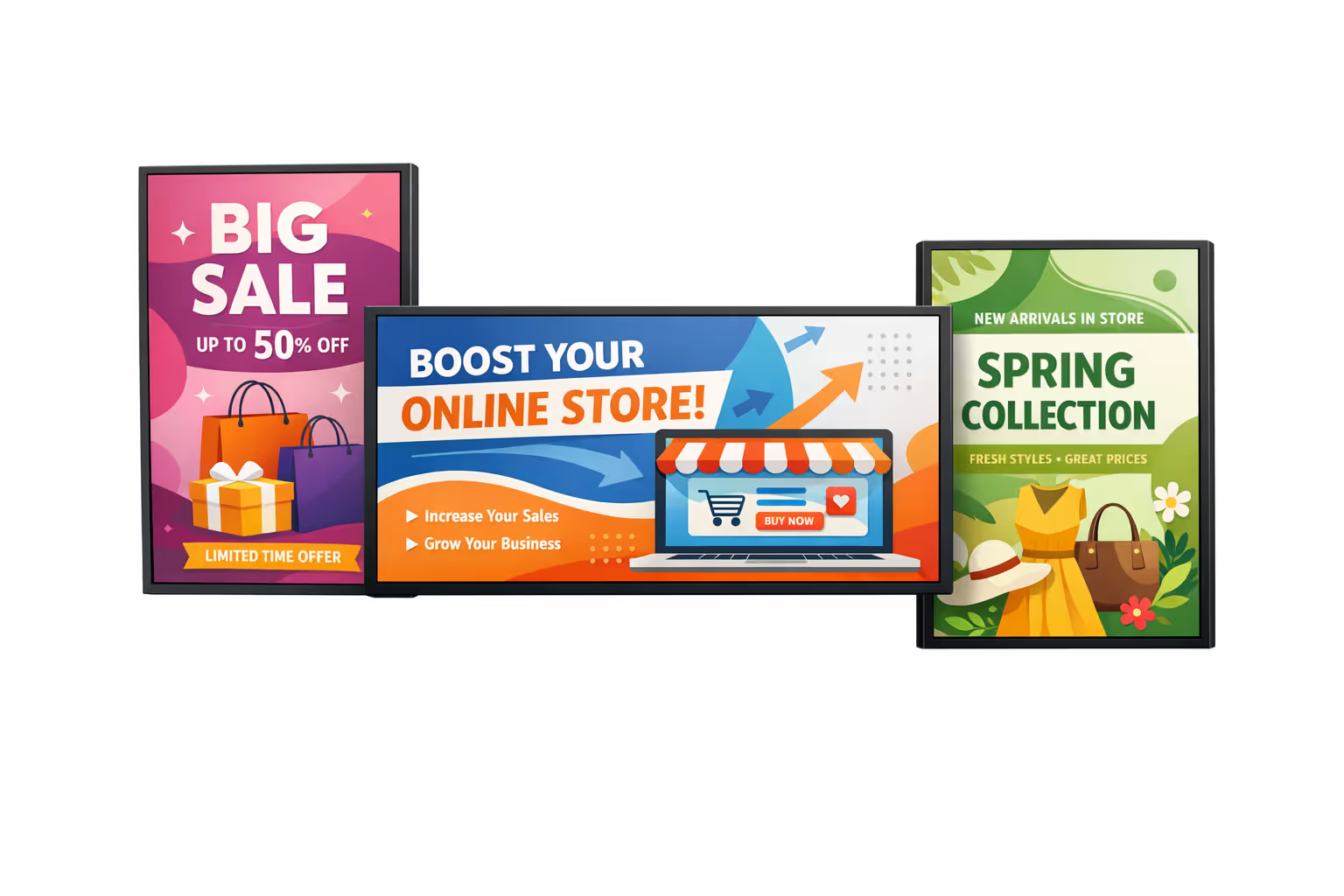
Cómo funciona el affichage dynamique de Disign
Programa tu contenido desde cualquier lugar con nuestra solución de affichage dynamique basada en la nube. Planifica fácilmente qué se reproduce, cuándo y dónde, en una pantalla o en miles.
Diseña escenarios y listas de reproducción personalizadas adaptadas a tu audiencia y objetivos.
Establece fechas y horas precisas para que tu contenido se reproduzca automáticamente.
Despliega contenido instantáneamente en tu red de affichage dynamique con solo un clic.
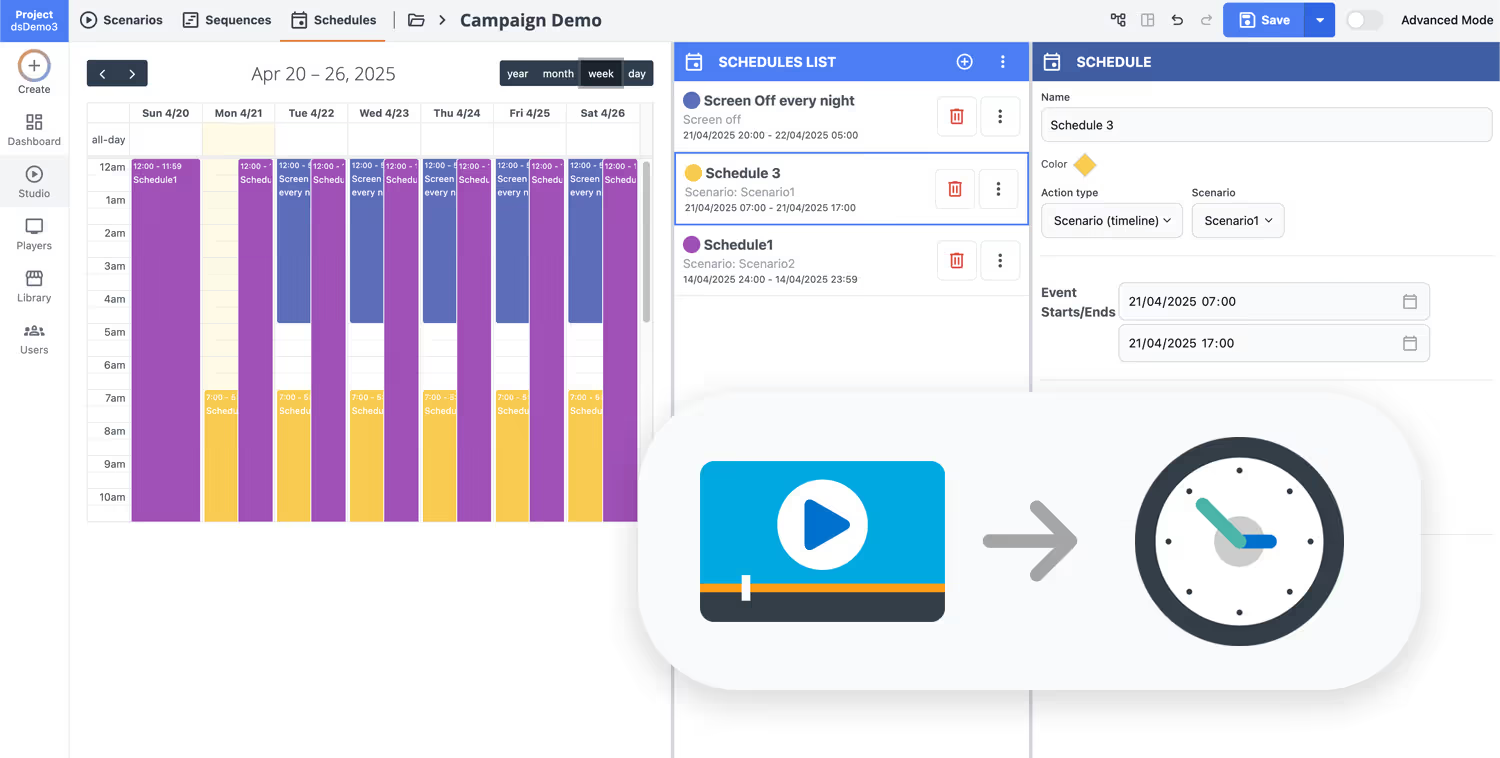
¿Listo para lanzar affichage dynamique minorista que impulse las ventas y ahorre tiempo?
Comienza tu prueba gratuita de 28 días de Disign y publica contenido listo para la tienda en minutos. No se requiere tarjeta de crédito. Mantén cada pantalla consistente en las ubicaciones, actualiza promociones instantáneamente y resalta el mensaje correcto en el momento adecuado.
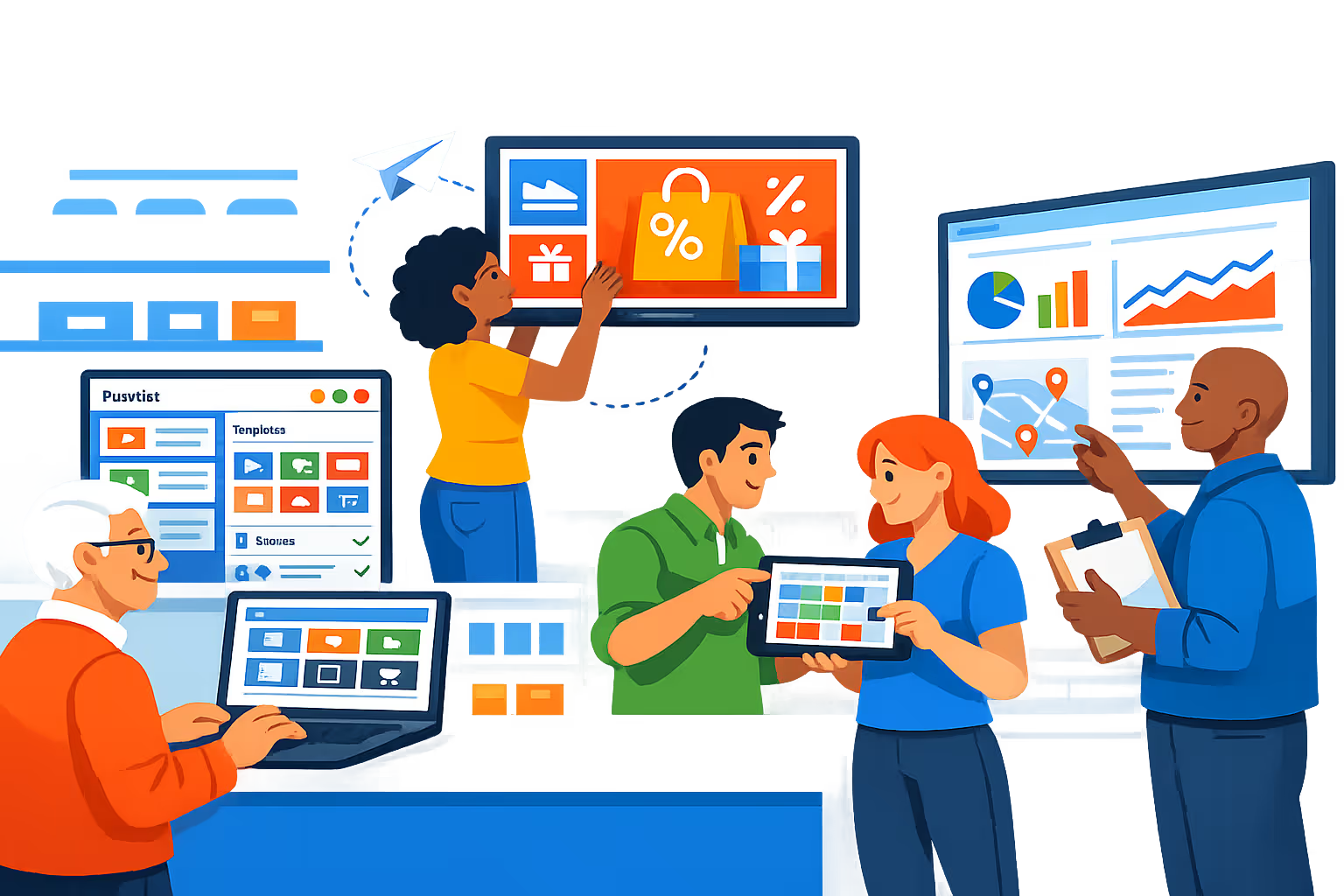
Cartelería digital minorista para tiendas, centros comerciales y equipos de múltiples ubicaciones
Potencia una comunicación consistente en la tienda a través de cada pantalla con Disign. Publica promociones, actualizaciones de precios, señalización y alertas operativas desde una plataforma con fuertes permisos, auditorías y control confiable del dispositivo para entornos minoristas.
Control centralizado para cada tienda
Administra la cartelería digital minorista desde un solo panel de control
Gestiona pantallas por tienda, región y formato con segmentación de ubicación y listas de reproducción reutilizables. Estandariza el mensaje de la marca mientras das a los equipos locales flexibilidad controlada para ofertas específicas de la tienda, horarios de apertura y eventos.
Acceso basado en roles y gobernanza
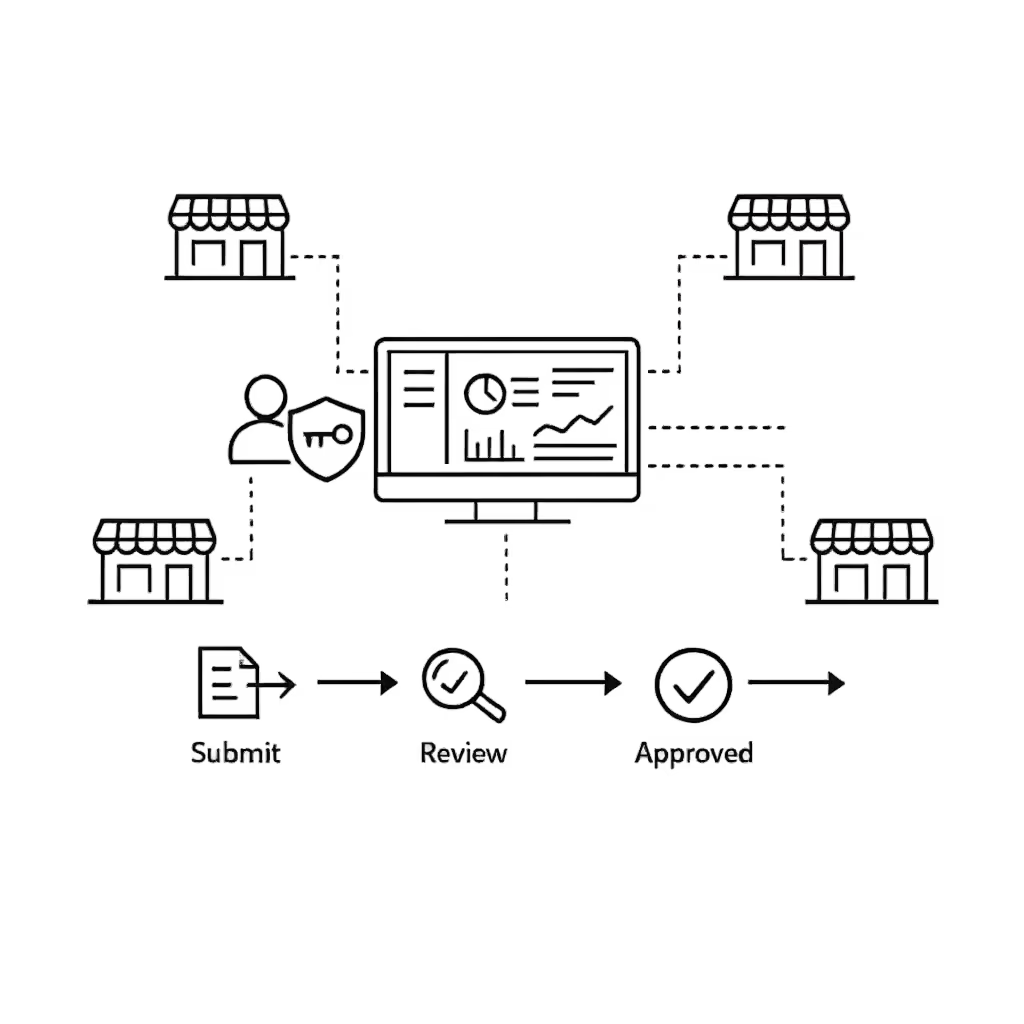
Controla quién edita, aprueba y publica
Mantén tu cartelería digital minorista segura con permisos granulares, derechos de publicación controlados y acciones auditables. Reduce errores en pantallas de precios y promociones separando la creación de contenido de la aprobación y liberación.
Flujos de trabajo de aprobación para precios y promociones
Pasos estructurados que previenen contenido incorrecto
Utiliza un flujo de trabajo claro para redactar, revisar, aprobar y programar contenido. Mantén un historial de versiones para listas de precios, avisos legales y creativos de campañas para que el mensaje correcto aparezca en la pantalla correcta en el momento adecuado.
Programación inteligente y automatización
División por horarios, campañas y actualizaciones programadas
Automatiza la cartelería digital minorista con horarios que coincidan con las operaciones de la tienda. Cambia el contenido para las horas pico de la mañana, el tráfico de fin de semana, campañas estacionales y eventos especiales sin cambios manuales en cada pantalla.
Reproducción confiable y monitoreo de dispositivos
Estado de salud para pantallas y players
Mantén las pantallas en línea con monitoreo en tiempo real y diagnósticos remotos. Detecta players fuera de línea, verifica la entrega de contenido y mantén una experiencia de cliente consistente en entradas, pasillos y zonas de pago.
Soporte de implementación para TI minorista
Guía de implementación, plantillas y ayuda operativa
Obtén apoyo práctico desde la prueba piloto hasta la implementación a nivel cadena. Ayudamos a tu equipo a estandarizar plantillas, capacitar al personal de la tienda y solucionar problemas de dispositivos para que el affichage dynamique minorista permanezca estable, escalable y fácil de operar.
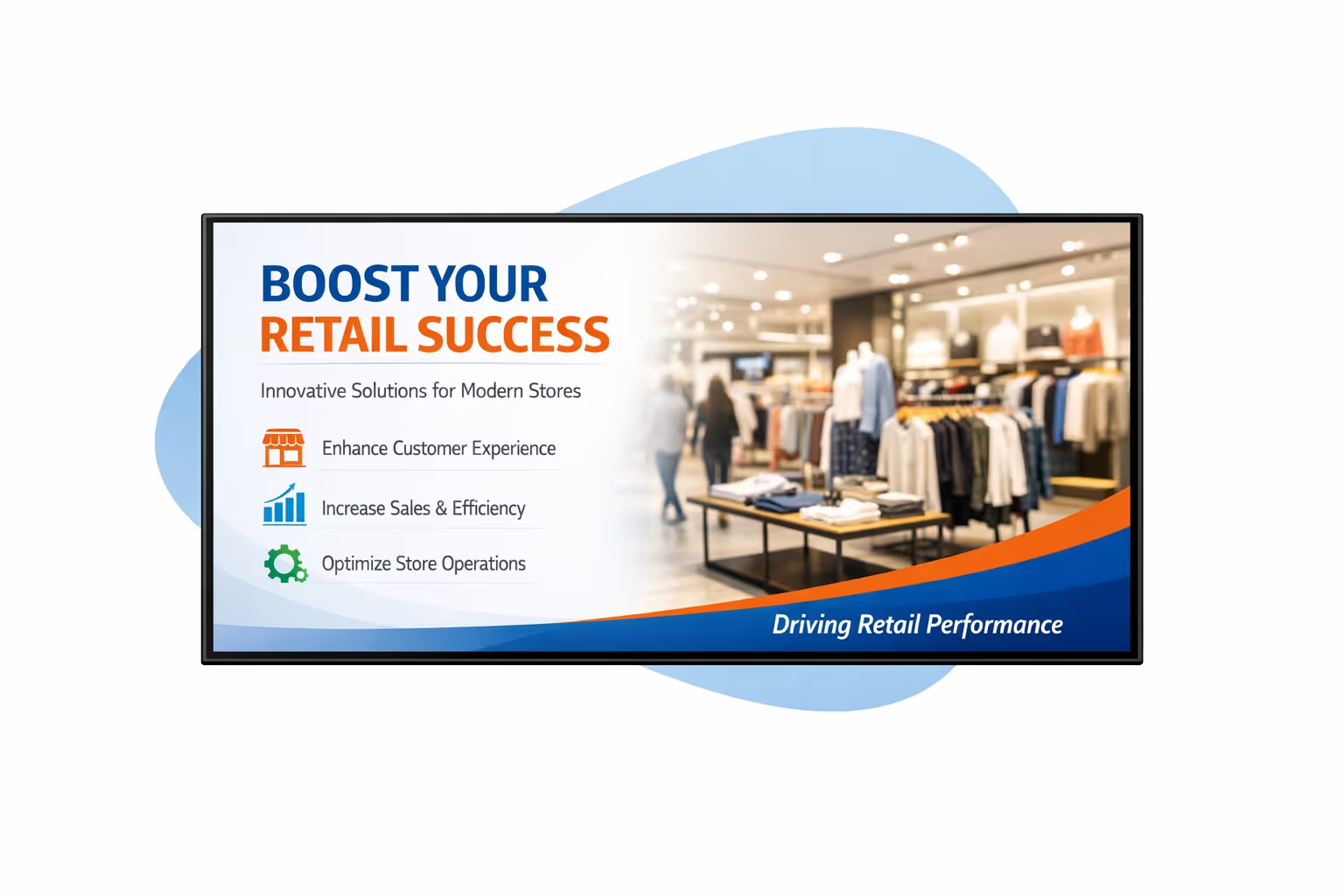
Gestión de contenido centralizada para affichage dynamique minorista
Gestiona cada pantalla de affichage dynamique minorista desde un espacio de trabajo seguro. El marketing avanza más rápido con aprobaciones integradas, TI mantiene el control de gobernanza y acceso, y las operaciones pueden publicar actualizaciones precisas por tienda en minutos.
Un lugar para gestionar cada pantalla
Control central con flexibilidad a nivel de tienda
Lanza mensajes a nivel de marca mientras permites que cada tienda publique detalles locales como horarios de apertura, eventos en la tienda y ofertas regionales, todo dentro de reglas y aprobaciones claras.
Programación de campañas a través de tiendas, regiones y formatos
Planifica promociones por tienda, región, audiencia o tipo de pantalla. Mantén precios y ofertas limitadas en el tiempo consistentes, reduce errores de última hora y entrega un affichage dynamique minorista fiable a gran escala.
Gobernanza y seguridad en las que IT puede confiar
Utiliza acceso basado en roles, flujos de trabajo de aprobación y reglas de reproducción estandarizadas. Cada cambio está controlado, es rastreable y está alineado con tu marca minorista y requisitos de cumplimiento.
Actualizaciones en tiempo real para operaciones de tienda
Publica mensajes urgentes, orientación de colas, avisos de servicio y alertas de seguridad al instante. Las operaciones se mantienen receptivas y consistentes en cada ubicación, sin tener que perseguir a las tiendas una por una.
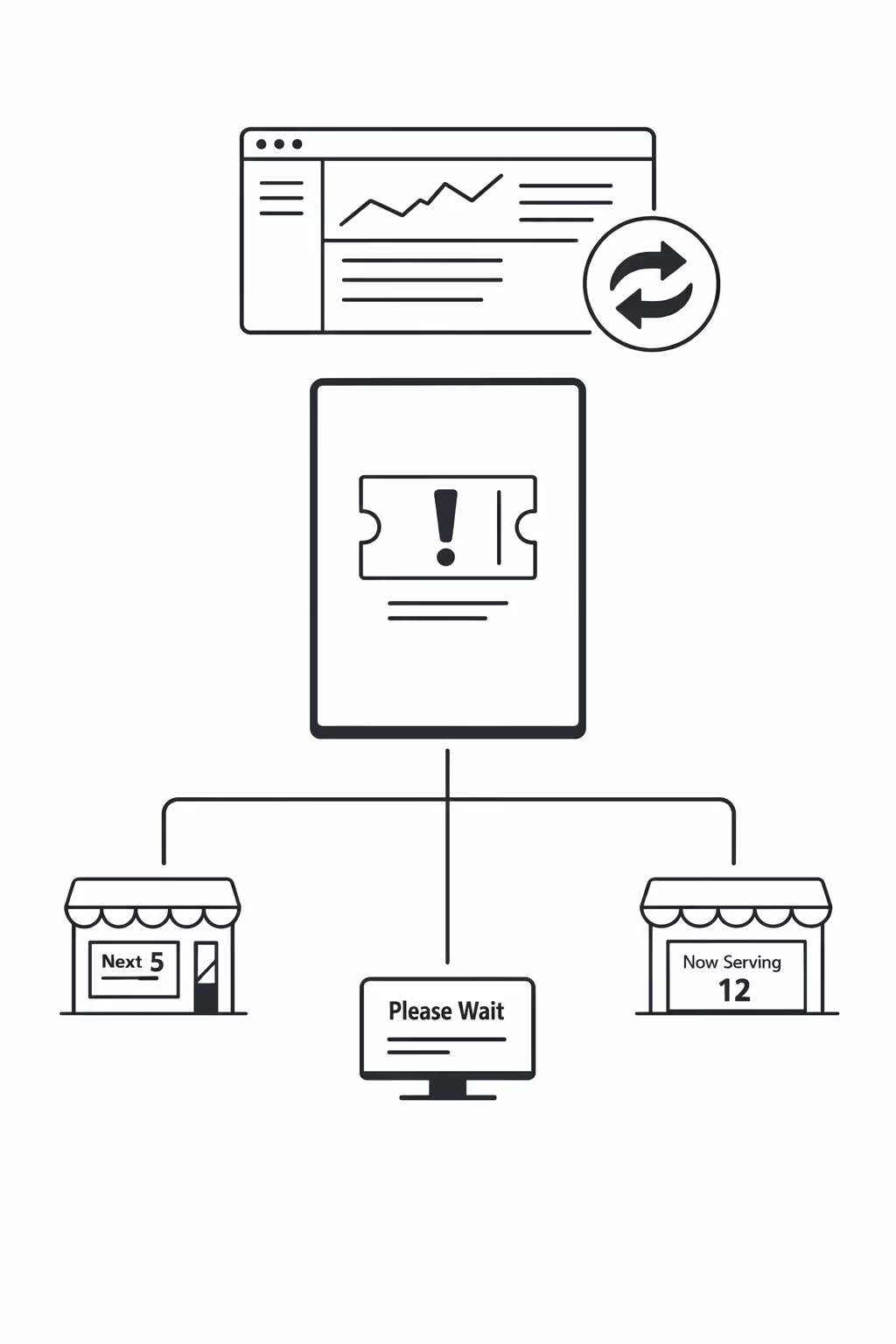
Escalabilidad para redes minoristas en crecimiento con affichage dynamique
Escala el affichage dynamique minorista a través de tiendas, regiones y formatos desde una plataforma en la nube. Lanza campañas en minutos, mantén la gobernanza estricta y preserva la consistencia de la marca a medida que tu red minorista se expande.
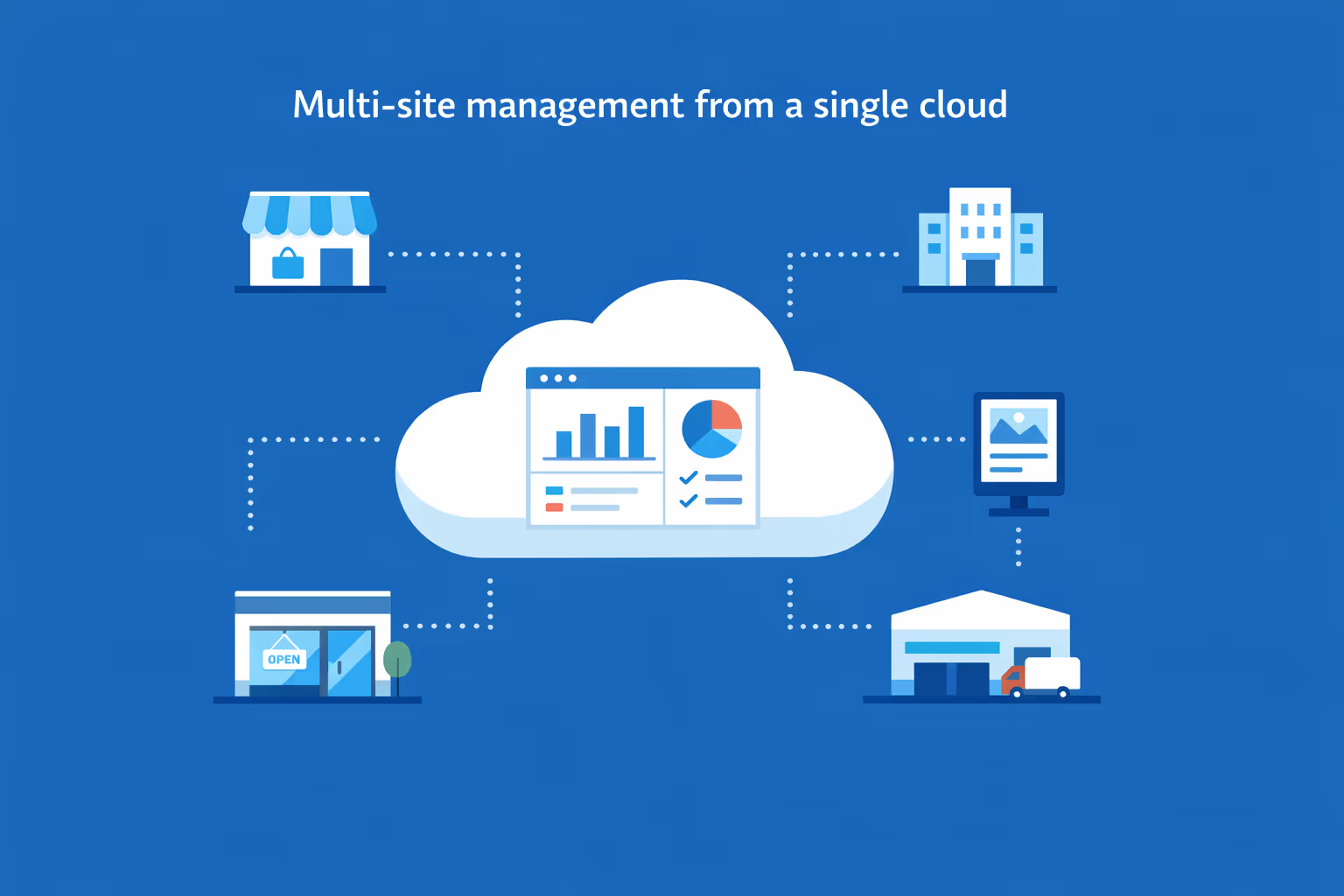
Gestión de múltiples sitios desde un tablero en la nube
Supervisa fácilmente el affichage dynamique minorista en cada ubicación desde una única vista. Publica instantáneamente, verifica lo que se está reproduciendo y mantiene los mensajes alineados en toda tu red de tiendas.
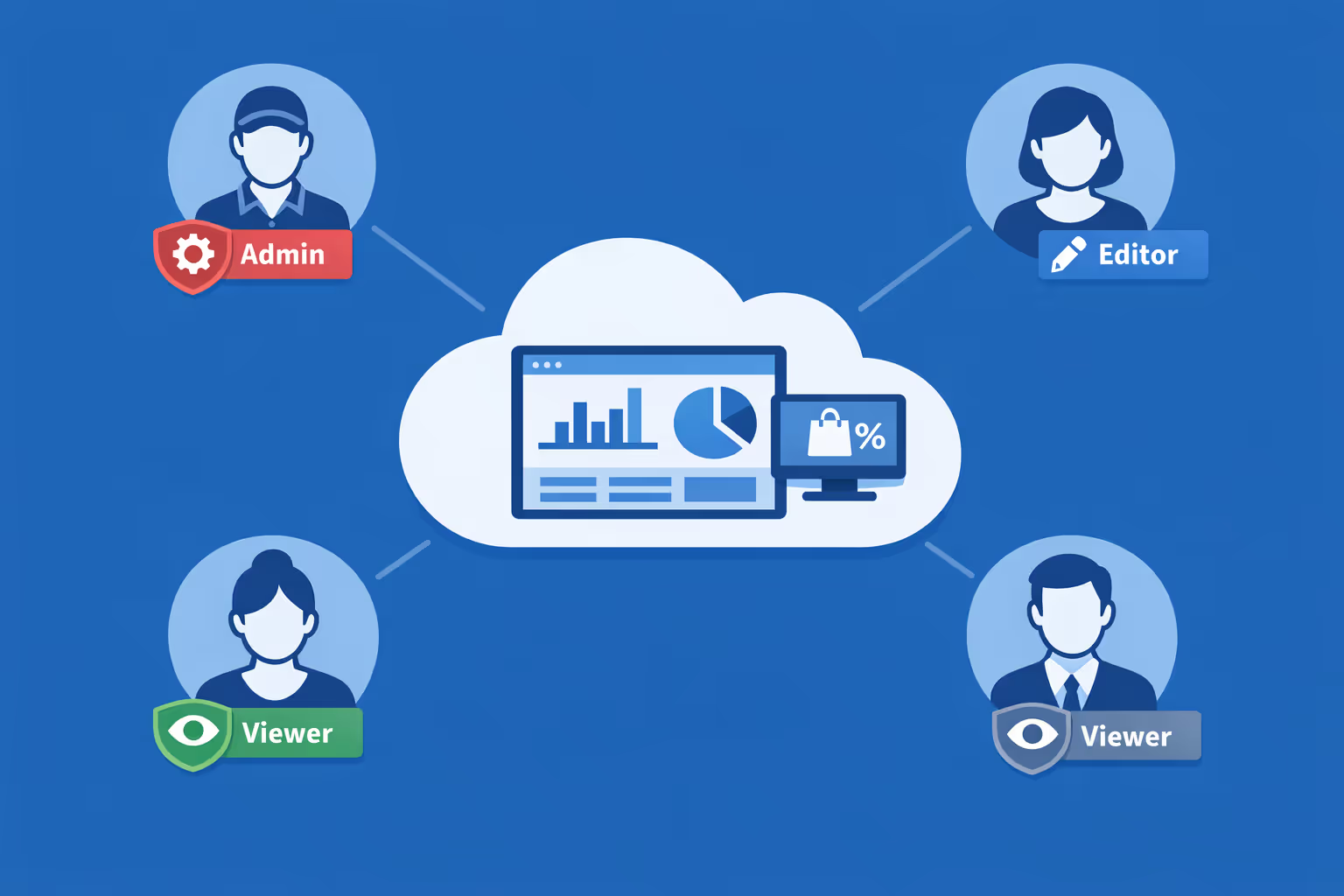
Acceso multiusuario con permisos basados en roles
Asigna roles, permisos y niveles de acceso por departamento, región o tienda. Mantén la colaboración eficiente y segura con clara propiedad, aprobaciones y control amigable con auditorías a través de tu grupo minorista.
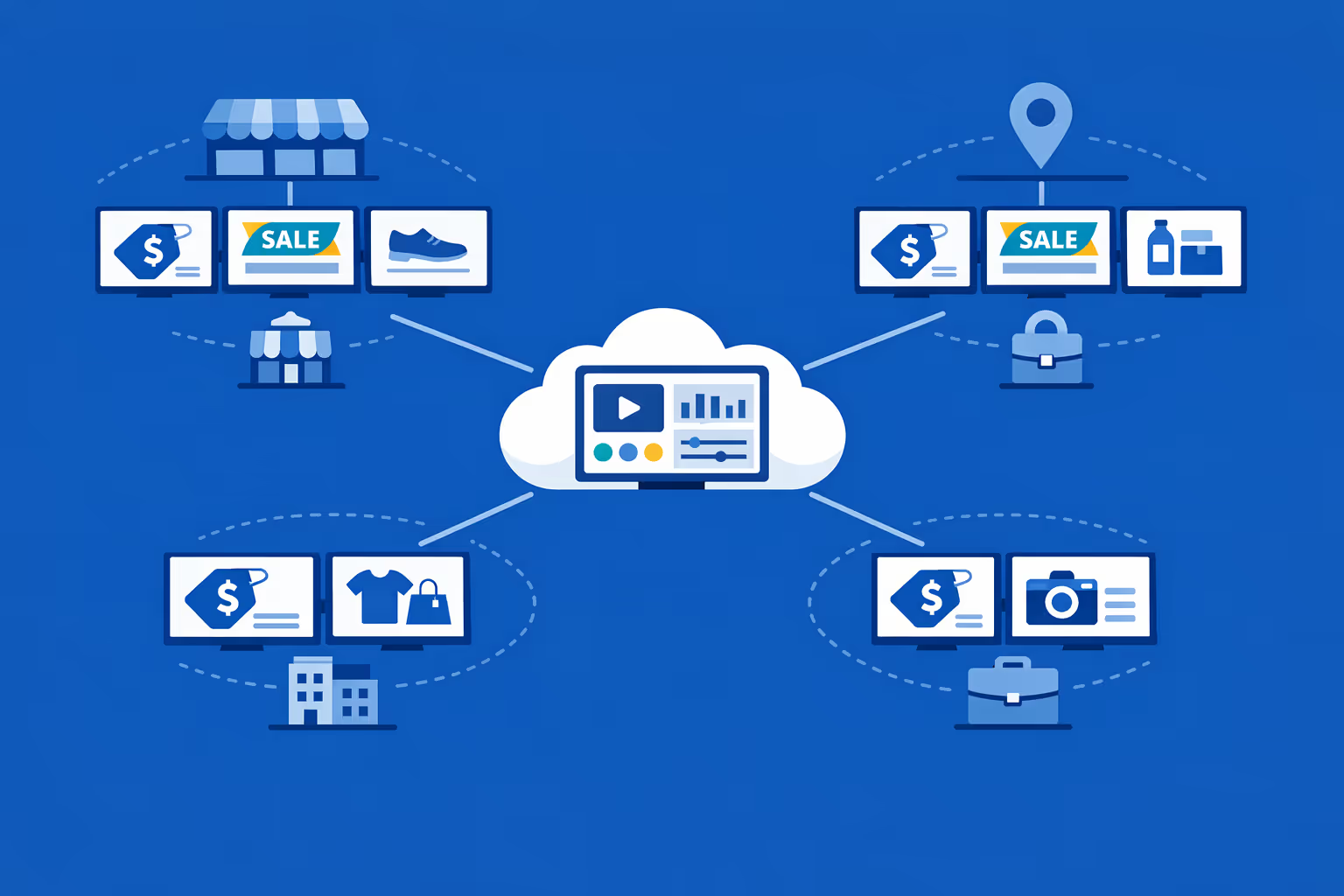
Listo para múltiples pantallas y múltiples organizaciones
Controla miles de pantallas y gestiona múltiples organizaciones dentro de una cuenta. Segmente la cartelería digital minorista por marca, región, tienda o formato para escalar rápidamente mientras se mantiene relevante localmente.
Disign es compatible con todas las pantallas para señalización digital
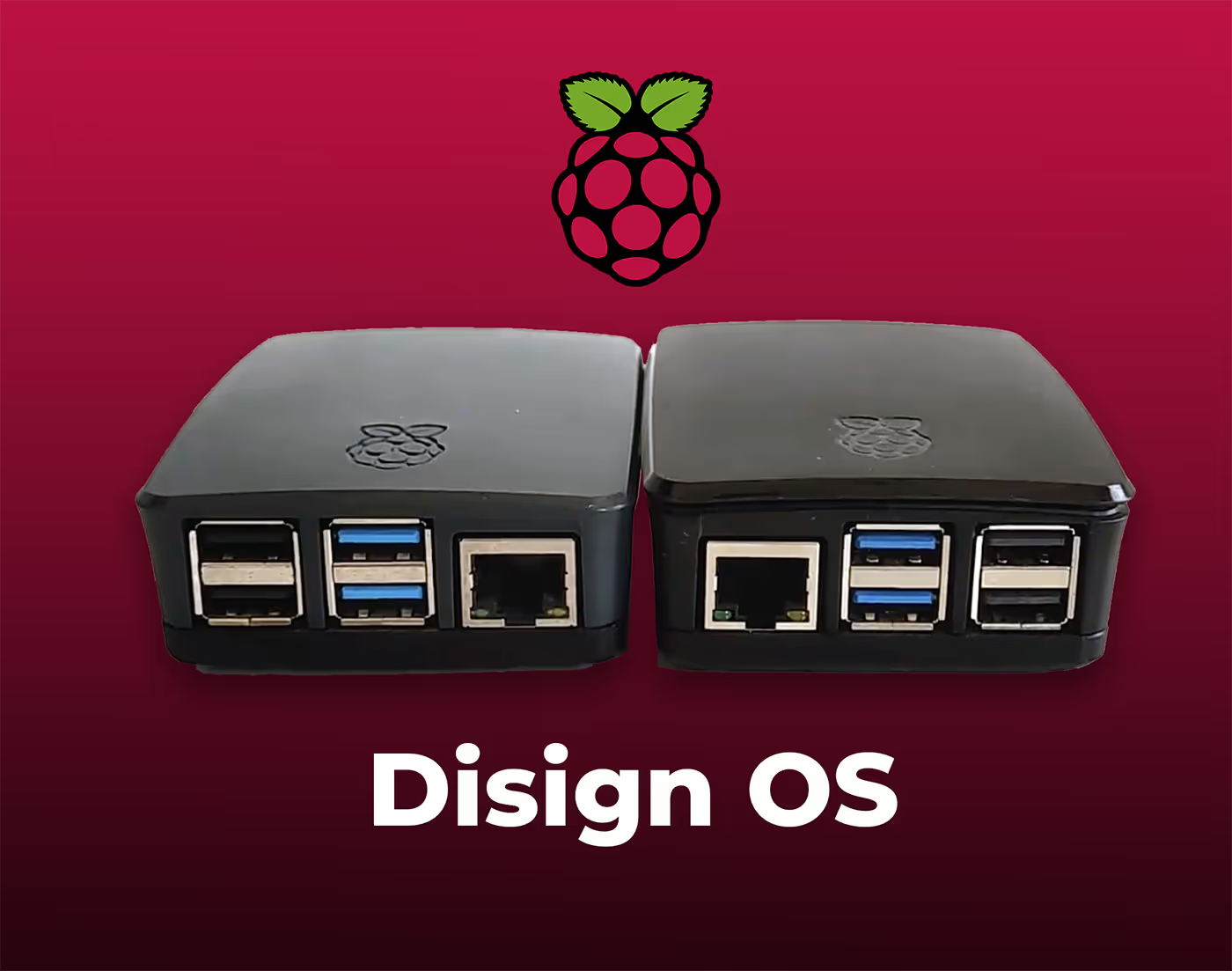
La señalización digital con Disign te permite gestionar y mostrar contenido en una variedad de dispositivos. Nuestra solución es compatible con muchos reproductores externos como Disign OS basado en Raspberry Pi, BrightSign y cualquier hardware Android. Disign también admite tecnologías integradas en pantallas Samsung, LG y Android TV. Con esta amplia compatibilidad, puedes desplegar fácilmente soluciones de señalización digital en diferentes tipos de hardware, garantizando una gestión simplificada y una experiencia óptima para el usuario.


Los equipos minoristas confían en Disign para impulsar una cartelería digital minorista confiable en tiendas, departamentos y áreas de pago
Lo que dicen los profesionales del retail sobre Disign
“Reemplazamos las hojas promocionales impresas con Disign y de inmediato hizo que nuestra entrada se sintiera más limpia. Las actualizaciones de precios y los anuncios de la tienda tardan minutos, y podemos programar contenido para horas pico sin tener que perseguir a la gente en el piso.”
“Para la cartelería digital minorista, la consistencia de marca es la parte difícil. Con Disign mantenemos ofertas, visuales y tono alineados en todas las ubicaciones, pero los gerentes de tienda aún pueden agregar mensajes locales sin romper la plantilla.”
“Manejamos las pantallas de apertura a cierre y la estabilidad importa más que las características llamativas. Disign ha sido sólido, y cuando algo necesita atención, el soporte va directo al grano y nos ayuda a solucionarlo rápido.”
Integrate with your favorite Applications
70+ Applications and infini integration with API, Database, and any data source
Easily integrate third-party applications and web content such as YouTube or Vimeo, optimized for seamless playback. Display data from RSS feeds or formats like CSV, JSON, or XML directly on your digital signage screens. Extend display capabilities with advanced applications like grids or collections to enrich Disign scenarios.

We designed Disign to be as open and customizable as possible, both in its visual scenes and in its data sources.
Florent MondoloniCo-Founder, Disign

Video
Utilisez vos medias

RSS Feed
Use your own RSS Feed

Database
Databases

Canva
Create your Design and import it

Google Sheets
Import CSV, Live data...

Website/API
Affiche your website or use API
Todo lo que necesitas saber sobre Disign Digital Signage para Retail
Retail digital signage FAQ: the practical guide for retail teams choosing a signage platform
Retail digital signage is no longer a nice screen in the window playing a looping ad. For modern retail brands, it is a real in store communication channel that supports sales, operations, customer experience, and brand consistency at scale. If you manage a store network, a franchise, or even a few high traffic locations, you have probably felt the pain of outdated posters, inconsistent promotions, and last minute changes that do not reach the floor in time.
This retail digital signage FAQ is written for the people who actually have to make it work: retail marketing managers who need fast execution, store operations leaders who need accuracy and clarity, IT teams who need security and reliability, and store managers who need something simple that does not create extra work. Throughout this FAQ, you will see how a solution like Disign can help you run retail digital signage with control, speed, and consistency.
If you are comparing platforms, planning a pilot, or trying to replace USB based screens, these questions and answers are designed to help you decide with confidence.
What is retail digital signage?
Retail digital signage is a system of centrally managed screens used in retail environments to display dynamic content such as promotions, product information, pricing highlights, brand storytelling, wayfinding, and operational messages. Instead of printing posters or emailing store teams a PDF, you publish content from a central platform and it updates automatically on the right screens at the right time.
In a retail context, digital signage can be used to influence decisions at the shelf, guide customers through the store, reduce confusion during peak hours, and create a consistent brand feel across all locations. Retail digital signage also helps you react quickly when priorities change, such as flash sales, stock shifts, seasonal promotions, or urgent announcements.
At its core, retail digital signage is about timing and relevance. It lets you deliver messages when customers are most likely to act, while keeping store teams aligned and reducing the manual work that usually comes with physical signage.
Where is retail digital signage typically used in stores?
Retail digital signage can be deployed in many zones, depending on store format and customer flow. The best programs map screens to moments in the journey: entry, browse, decision, checkout, and exit.
Common placements include:
- storefront windows to attract foot traffic and communicate key offers
- entry zones for welcome messages, store events, and navigation
- aisle endcaps and category zones for product discovery and upsell
- shelf edge areas for price highlights or feature comparisons
- fitting room corridors for styling ideas or cross category suggestions
- checkout queues to reduce perceived wait and promote add on items
- click and collect counters for instructions and pickup flow
- staff only areas for daily priorities and operational updates
A smart retail digital signage plan is not about putting screens everywhere. It is about placing screens where they can reduce friction, answer questions, and create momentum toward a purchase.
Why choose retail digital signage instead of printed posters?
Printed posters feel simple, until you manage them at scale. Printing, shipping, store installation, and removal create hidden costs and delays. Even worse, posters are hard to govern. A single outdated sign can create customer frustration, pricing disputes, and inconsistent brand perception.
Retail digital signage is often chosen because it helps you:
- update promotions instantly across all locations without reprinting
- schedule campaigns to start and end automatically, reducing mistakes
- localize content by region, store type, or language for relevance
- keep visual branding consistent with templates and approved assets
- react quickly to inventory changes or unexpected events
- reduce long term printing and logistics costs
Retail leaders like digital signage because it turns store communication into a controlled, measurable channel rather than a recurring fire drill.
What business goals does retail digital signage support?
Retail digital signage supports both revenue and operations. The strongest programs tie content to a measurable objective, then optimize.
Typical goals include:
- increasing conversion by clarifying product benefits at the point of decision
- improving average basket size through add on prompts near checkout
- boosting awareness of loyalty programs and membership benefits
- reducing price confusion and improving trust with clear messaging
- driving omnichannel behavior like app downloads, online ordering, or pickup
- improving store navigation to reduce questions and staff interruptions
- elevating brand perception with consistent visuals and storytelling
With Disign, teams can build a repeatable retail digital signage process so campaigns run smoothly across locations, not just in one flagship store.
What content works best for retail digital signage?
Retail customers do not read paragraphs on screens. They glance. That means your content should be clear, visually strong, and structured around one main idea.
High performing retail digital signage content includes:
- one offer with one call to action, such as shop the new arrivals
- product benefits shown as a short list, not a long description
- comparisons that help customers choose quickly, such as which model fits which need
- seasonal collections and lifestyle visuals that make products feel relevant
- how to content that reduces hesitation, such as sizing tips or care instructions
- store operations messages like holiday hours or return policy reminders
- trust builders like warranty highlights or sustainability commitments
A good guideline for retail digital signage is one message per slide, minimal text, large fonts, and strong contrast. If the message needs more than a few seconds, it belongs on a brochure, a QR code landing page, or a staff conversation.
How can retail digital signage increase sales without feeling pushy?
Retail digital signage works best when it helps customers make decisions, not when it shouts discounts all day. The most persuasive screens feel helpful and on brand.
To drive sales while staying human:
- focus on problems and outcomes, not only price
- highlight bestsellers or staff picks to reduce choice overload
- show how products are used in real life, not just product shots
- use clear, honest language about offers and conditions
- balance promotions with education, inspiration, and brand story
- rotate content so customers see variety during their visit
Disign supports this approach by making it easy to schedule different content by zone and time, so your checkout screens can prioritize add ons while your entry screens focus on discovery and brand.
Can retail digital signage help reduce perceived wait time at checkout?
Yes. Perceived wait time is a real driver of satisfaction in retail. Even if the line moves quickly, customers feel impatient if they have nothing useful to look at or if they do not understand the process.
Retail digital signage can reduce perceived wait time by:
- entertaining with short brand stories or lifestyle content
- informing with loyalty benefits, return policy basics, or store services
- prompting with smart add on items that are nearby and easy to grab
- guiding with next steps, such as have your QR code ready for pickup
- setting expectations during peak periods, such as additional registers opening soon
The goal is not to distract customers with random content. The goal is to help them feel the line is organized and worth it.
How do you keep retail digital signage content consistent across many stores?
Consistency is one of the hardest parts of retail execution. You can design a beautiful campaign, but if half the stores display outdated slides or improvised posters, the brand suffers.
A scalable retail digital signage setup typically includes:
- templates that lock typography, spacing, and logo placement
- a shared media library with approved images and videos
- playlists by store format, region, and department
- scheduling rules that prevent expired promos from showing
- permissions so store teams can request local content without breaking standards
Disign helps retail teams maintain consistency without slowing them down. Marketing can design once, then deploy across hundreds of screens with controlled variations, instead of recreating assets for every store.
Can retail digital signage be localized by store, region, or language?
Yes, and localization is a major advantage over print. The same national campaign can be adapted for a neighborhood, a climate, or a customer profile.
Common localization methods include:
- regional pricing or currency variations where applicable
- store specific events such as grand openings or community partnerships
- language playlists based on location demographics
- content by store format, such as flagship versus convenience
- targeted messaging for tourist zones, student areas, or business districts
With Disign, you can target retail digital signage content to store groups so local relevance increases without losing governance.
How does retail digital signage support omnichannel and ecommerce?
Retail digital signage can bridge the gap between in store and digital. It helps customers discover online options, understand pickup processes, and engage with your brand beyond the visit.
Retailers commonly use digital signage to:
- promote click and collect and explain how pickup works
- encourage app downloads with a clear benefit, such as faster returns
- highlight online exclusive ranges or extended sizes available on the website
- show QR codes for product details, reviews, or styling ideas
- guide customers to join loyalty programs for digital receipts and offers
The key is to keep the call to action simple. A customer standing in an aisle should not need to complete a long process. Use signage to start the journey, then let mobile finish it.
What hardware do you need for retail digital signage?
Most retail digital signage setups include three pieces: the display, a player, and a network connection. Many retailers can use existing screens if they are reliable, but commercial grade displays are often better for long hours and bright environments.
Typical requirements include:
- a commercial display or a quality TV sized for the viewing distance
- a media player or compatible device that runs the signage app
- a stable network connection, wired when possible for reliability
- mounting hardware and proper power management
If your store has window facing screens, brightness and anti glare matter. For high traffic areas, durability matters. Disign is designed to support practical retail hardware choices so you can standardize over time.
How secure should a retail digital signage platform be?
Retail digital signage touches brand reputation, pricing accuracy, and sometimes internal communications. Screens are endpoints, and endpoints need control. A secure platform reduces the risk of unauthorized publishing, content mistakes, or downtime that hurts performance.
Security capabilities to look for include:
- role based access so only the right people can publish and approve
- secure authentication and session controls
- encrypted communication between platform and devices
- device monitoring to detect offline screens quickly
- audit trails for content changes and publishing actions
- the ability to separate who creates content and who approves it
Disign is built for centralized control, which helps retailers keep campaigns accurate and stores protected without making the system hard to use.
Can retail digital signage run in multiple locations and scale to hundreds of screens?
Yes. Multi location scale is where retail digital signage proves its value. The difference between a hobby project and a professional program is whether you can manage growth without growing workload.
To scale, you need:
- fast device onboarding and simple provisioning
- grouping by region, store type, or department
- bulk playlist assignment and scheduling
- health monitoring so you know what is playing and where
- a workflow that supports many contributors without chaos
Disign is designed to manage retail digital signage across networks, so marketing and operations can execute campaigns quickly while IT keeps devices stable.
How do retail teams organize responsibilities between marketing, operations, and IT?
Retail digital signage works best when ownership is clear. Otherwise, content becomes inconsistent and stores lose trust in the screens.
A practical operating model looks like this:
- marketing owns brand, templates, and campaign content
- merchandising owns product priorities and category messaging
- operations owns store wide operational notices and timing
- IT owns devices, network requirements, and security standards
- store managers can request local content through approved formats
Disign supports this by giving each role the right level of control. That way, stores stay consistent and updates remain fast.
How often should retail digital signage content be updated?
There is no single perfect cadence, but customers do notice when screens feel stale. The best cadence matches retail rhythms: weekly campaign changes, daily operational needs, and seasonal peaks.
A realistic update pattern is:
- weekly campaign refresh for promotions and category focus
- daily updates for store hours, events, and operational messages
- immediate updates for urgent changes, such as recalls or closures
- monthly refresh for evergreen content like loyalty benefits and brand story
With Disign, updating retail digital signage is quick enough that teams can keep content current without adding pressure to store staff.
How do you prevent pricing and promotion mistakes on retail digital signage?
Pricing mistakes on screens can create customer frustration and frontline conflict. A strong governance model reduces risk.
Good practices include:
- using approved templates that reserve space for terms and conditions
- scheduling start and end dates so expired promos stop automatically
- adding review or approval steps for sensitive offers
- restricting who can publish to large store groups
- keeping a single source of truth for assets and copy
- validating content on a small pilot group before full rollout
Disign helps by enabling controlled access and structured publishing so the right people can review content before it goes live across your store network.
Can retail digital signage be used for internal communication?
Yes. Many retailers use digital signage for staff only screens in back rooms, break areas, or stockrooms. This reduces reliance on printed memos and improves alignment during busy periods.
Internal retail digital signage often includes:
- daily priorities and key promotions to mention to customers
- operational reminders such as safety checks or opening tasks
- training highlights and quick tips for new product launches
- staffing notes and shift communications
- recognition and team achievements
Keeping internal communication visible, simple, and updated can improve execution on the floor.
What about accessibility and readability for retail digital signage?
Accessibility is not optional in retail. Stores serve a wide range of customers, including older shoppers and people with visual impairments. Clear design improves results for everyone.
Accessibility guidelines for retail digital signage include:
- large font sizes and high contrast between text and background
- short sentences in plain language
- avoiding fast moving small text that is hard to follow
- keeping key information in predictable positions
- using captions for videos when audio is off
- testing visibility from real viewing distances and angles
Disign templates can standardize these choices so every store delivers a consistent, readable experience.
How do you measure ROI for retail digital signage?
Retail digital signage ROI comes from both revenue impact and cost reduction. It is rarely just one metric.
Common ROI drivers include:
- reduced printing, shipping, and in store installation labor
- faster campaign execution across locations, improving promotional timing
- improved conversion through better product education and clarity
- increased average basket from checkout and queue messaging
- higher loyalty signups and app adoption through consistent prompts
- fewer customer disputes when messaging is clear and current
You can also measure operational performance, such as how quickly content is deployed, how many screens are online, and whether stores are compliant with the campaign schedule. Those execution metrics matter because they determine whether the channel is reliable.
How quickly can a retailer deploy a retail digital signage project?
Deployment speed depends on how ready your hardware and network are, but most retailers succeed by starting with a pilot and scaling in waves.
A typical rollout path:
- choose a pilot set of stores that represent different formats and footfall levels
- define key use cases, such as window promos and checkout queue messaging
- create a small set of templates and playlists to validate the process
- collect feedback from store managers on clarity and workload
- scale region by region with repeatable onboarding steps
Disign supports centralized management so scaling does not mean adding manual work for every new store.
What makes Disign a good choice for retail digital signage?
Retail digital signage needs to be fast for marketers, practical for store teams, and controlled enough for brand governance. You need a platform that lets you execute campaigns on time while keeping content consistent across locations.
Disign supports retail teams with:
- centralized management that fits multi store networks
- structured permissions so publishing stays controlled
- templates that protect brand consistency while speeding up production
- scheduling and targeting so the right message appears in the right store at the right time
- scalable playlist management for hundreds of screens
If you are evaluating retail digital signage, Disign is built to help you replace manual processes with a channel that is consistent, responsive, and easy to manage.
What are the next steps to start with retail digital signage?
To start a retail digital signage project without overcomplicating it, keep the first phase focused.
A practical next step plan:
- define your first priority, such as boosting a category, improving checkout experience, or promoting loyalty
- identify stakeholders in marketing, operations, and IT
- select pilot stores and screen locations based on customer flow
- build a small template set for promotions, operational messages, and brand content
- agree on a publishing workflow, including review steps and scheduling rules
Once the foundation is set, retail digital signage becomes easier with every campaign. Stores gain clarity, customers get better information, and your brand shows up consistently in every location.



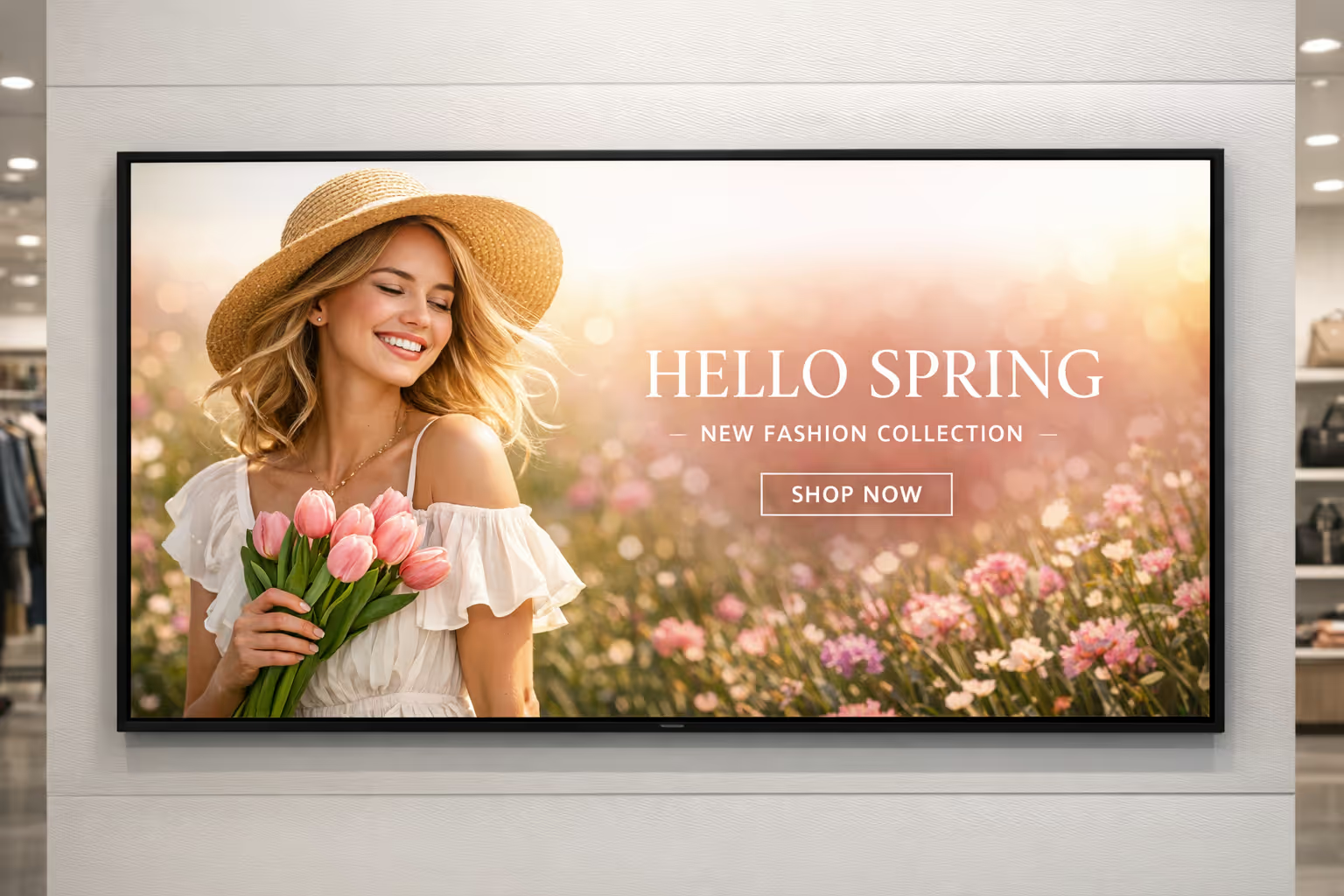
Únete a la comunidad de más de 4k personas
Cartelería digital minorista que ayuda a las tiendas a vender más y atender más rápido
Convierte cada pantalla en la tienda en una comunicación clara y oportuna. Con la cartelería digital minorista de Disign, puedes publicar promociones, actualizaciones de precios, información sobre colas, políticas de la tienda y contenido de marca en una o muchas ubicaciones desde un único panel de control seguro.
¿Listo para probarlo en tu entorno minorista? Comienza un periodo de prueba gratuito de 28 días sin necesidad de tarjeta de crédito, luego contáctanos si deseas ayuda para elegir las pantallas adecuadas y poner rápidamente tus primeras listas de reproducción en vivo.