Affichage dynamique de la iglesia para mensajes claros y consistentes
Iglesia affichage dynamique que da la bienvenida, guía y conecta a tu comunidad
Haz que cada pantalla sea una herramienta ministerial. Con el affichage dynamique de Disign, comparte horarios de servicios, series de sermones, anuncios, recordatorios de eventos y mensajes de donación en minutos, a través de cada campus, con una marca consistente y actualizaciones en tiempo real.


Usado por más de 4,000 personas
Desafíos en la industria de la iglesia: cuando la comunicación se rompe
En una iglesia concurrida, las personas buscan una dirección clara en el momento en que llegan. Cuando la información es difícil de ver o escuchar, los invitados se sienten inseguros, los voluntarios son interrumpidos y la experiencia de bienvenida se ve afectada.
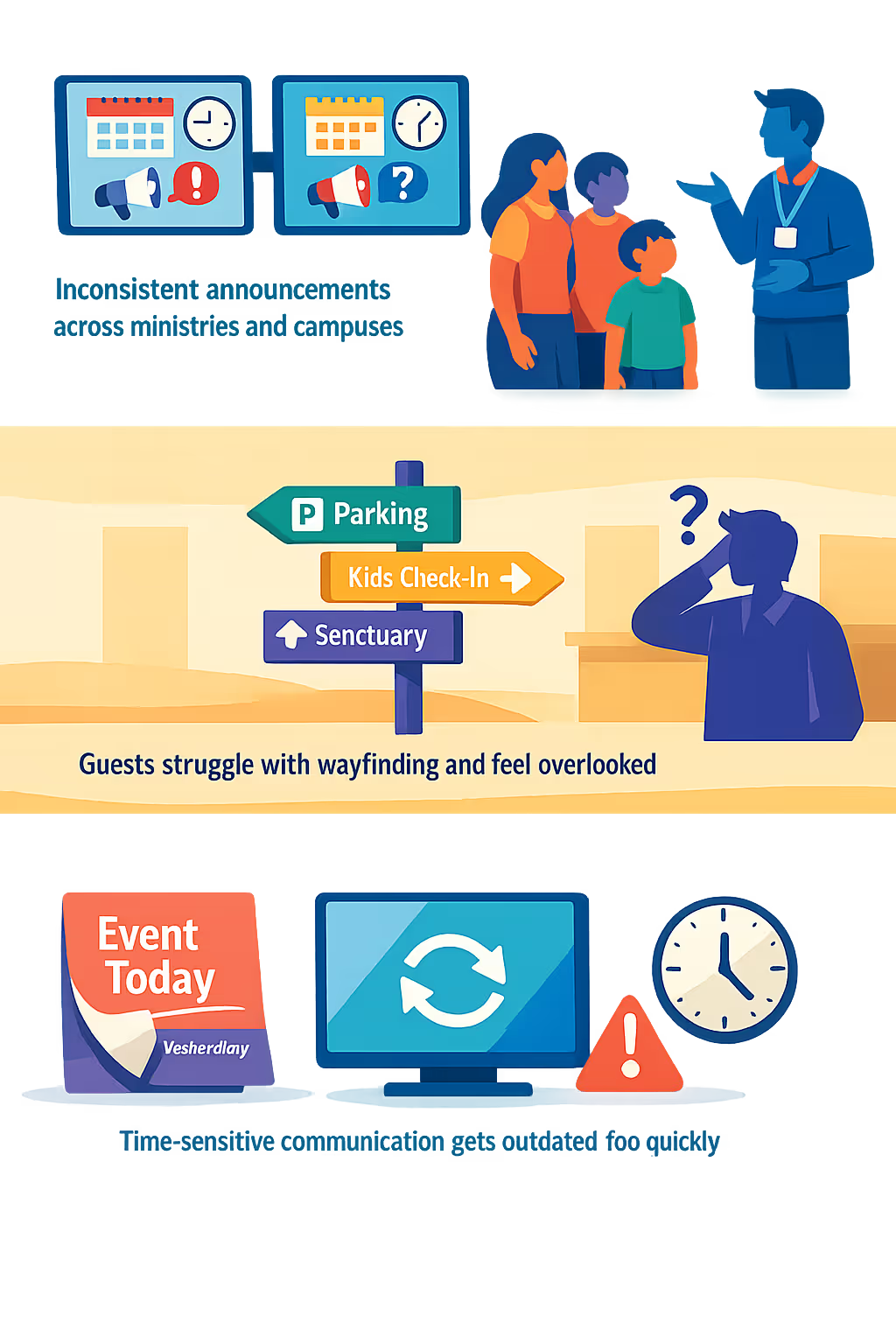
Los horarios de los servicios, los cambios de sala, los detalles de eventos y las actualizaciones de último minuto se mueven rápido. Cuando el sitio web, los carteles en el vestíbulo y los líderes de equipo comparten información diferente, los miembros se confunden y el personal pasa la mañana corrigiendo detalles.
Los nuevos visitantes quieren saber dónde estacionar, dónde registran a los niños y a dónde ir después. Sin señalización clara en momentos clave, las mismas preguntas se repiten, las filas crecen y un invitado primerizo puede no volver.
Las iglesias comparten mensajes urgentes como cambios en el horario, directrices de seguridad y necesidades comunitarias. Cuando los avisos impresos permanecen demasiado tiempo o se pierden actualizaciones en un área, las personas actúan con información desactualizada y la confianza en la comunicación del liderazgo disminuye.
Affichage dynamique de la iglesia que fortalece el compromiso y la comunicación
Mantén a tu congregación informada y bienvenida con un affichage dynamique de la iglesia que es fácil de actualizar en minutos. Disign te ayuda a reducir los costos de impresión, mejorar la asistencia a los eventos, compartir anuncios de manera consistente en cada pantalla y mostrar un ROI claro a través de menos cambios de última hora y comunicaciones semanales más fluidas.
Promociona servicios y eventos en tiempo real
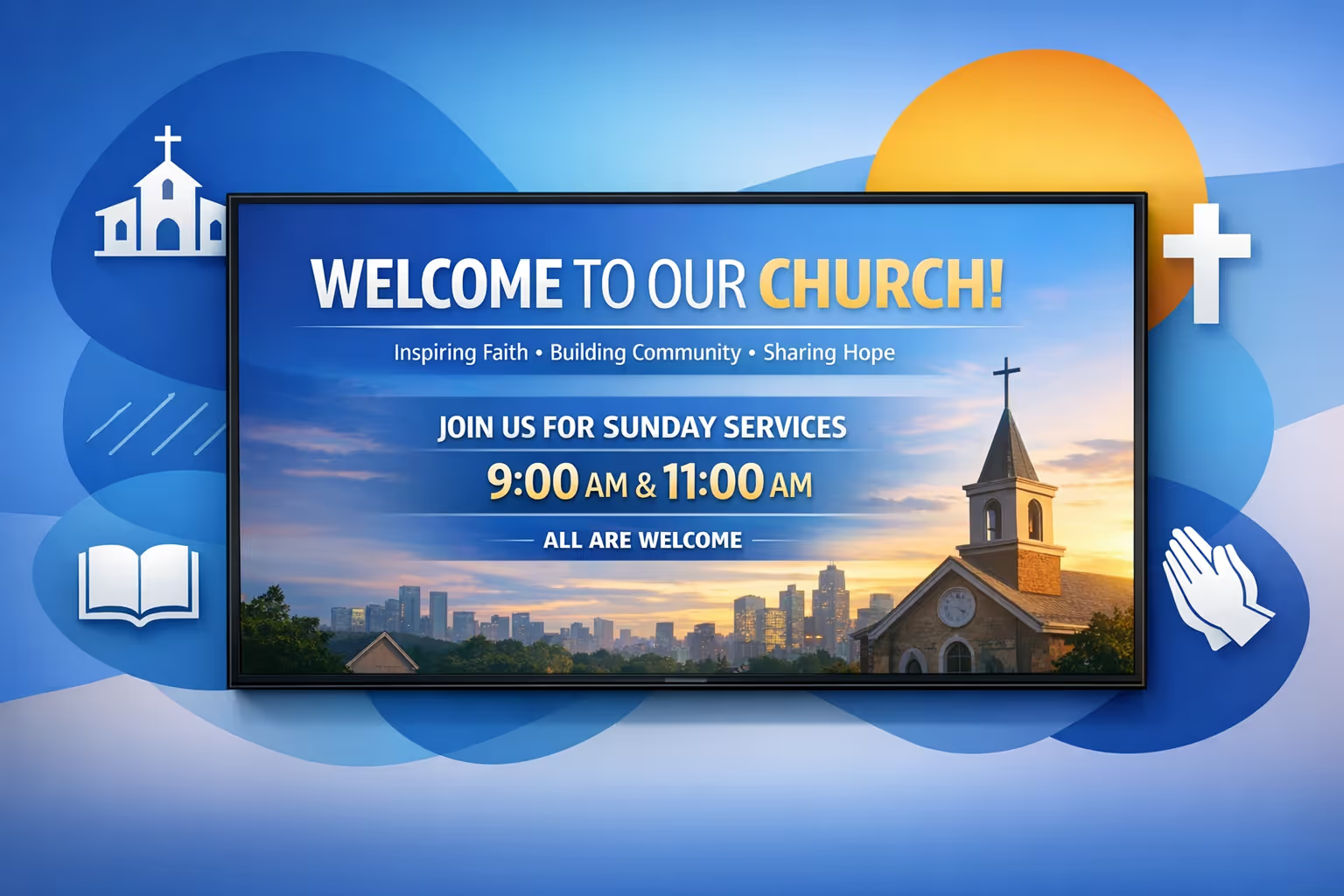
Actualiza los horarios de los servicios, reuniones especiales, noches de jóvenes y actividades comunitarias instantáneamente. Mantén cada pantalla precisa, reduce la confusión de última hora y aumenta la asistencia con recordatorios oportunos.
Mejora la orientación y da la bienvenida a los nuevos invitados
Utiliza direcciones claras para entradas, registro de niños, baños y áreas de adoración. Una experiencia de llegada más suave reduce preguntas, ayuda a los voluntarios y hace que los recién llegados se sientan cómodos de inmediato.
Muestra ROI con menos costos y mejor participación
Reemplaza las impresiones repetidas con un flujo de trabajo digital y mide el impacto a través de asistencia y campañas de donación. El affichage dynamique de la iglesia te ayuda a comunicarte más a menudo, con menos esfuerzo, mientras proteges tu presupuesto.
Mantén la mensajería consistente en cada pantalla
Estandariza plantillas para anuncios, series de sermones y actualizaciones ministeriales para que todo luzca unificado. Gestiona aprobaciones y mantiene la información precisa en vestíbulos, pasillos y aulas.
Reduce la impresión y ahorra tiempo al personal
Reduce costos recurrentes de carteles y avisos en papel. Con actualizaciones centralizadas, tu equipo y voluntarios pasan menos tiempo reemplazando materiales y más tiempo apoyando a las personas.
Personaliza el contenido para ministerios, idiomas y campus
Adapta mensajes para niños, estudiantes, grupos pequeños y programas comunitarios, incluyendo anuncios multilingües cuando sea necesario. Entrega el contenido adecuado a la pantalla adecuada mientras mantienes la comunicación de tu iglesia dentro de la marca.
Casos de uso de señalización digital en la iglesia para cada ministerio y campus
Desde el vestíbulo de bienvenida hasta las aulas y espacios de desbordamiento, la señalización digital en la iglesia ayuda a las personas a sentirse orientadas y atendidas. Mantén los horarios del servicio, anuncios y próximos pasos consistentes en todas las pantallas, y genera confianza con una comunicación clara y fiable semana tras semana.
- Vestíbulos y áreas de bienvenida: comparte horarios de servicio, direcciones y un plan simple para los invitados primerizos
- Anuncios y eventos: promociona reuniones, clases y actividades de alcance próximas con diapositivas consistentes y alineadas con la marca
- Comunicaciones de voluntarios y personal: destaca horarios, recordatorios y actualizaciones de última hora para mantener alineados a los equipos
- Áreas de registro de niños y jóvenes: muestra las asignaciones de habitaciones, mensajes de seguridad e instrucciones claras para la recogida de padres
Cómo funciona el affichage dynamique de Disign
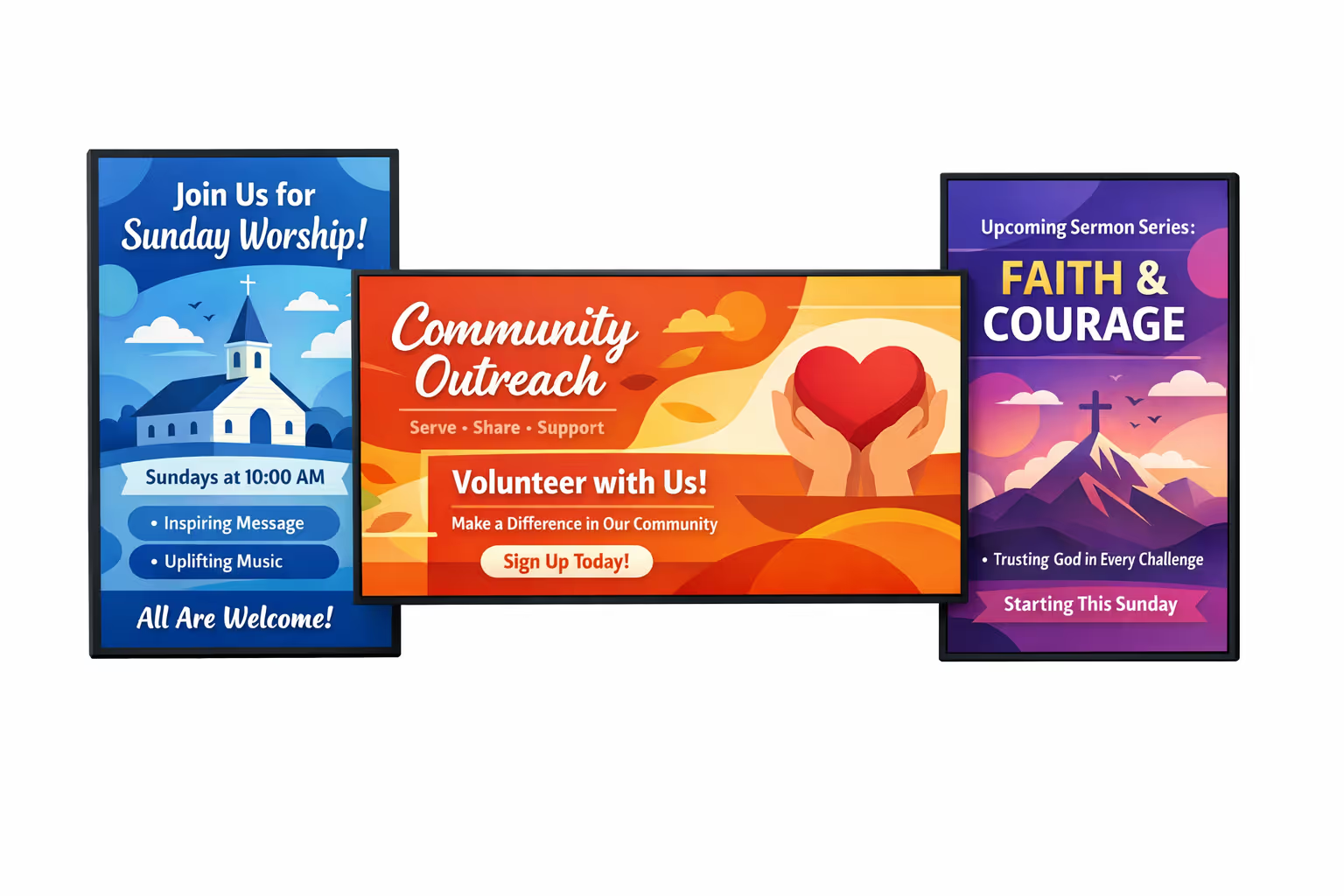
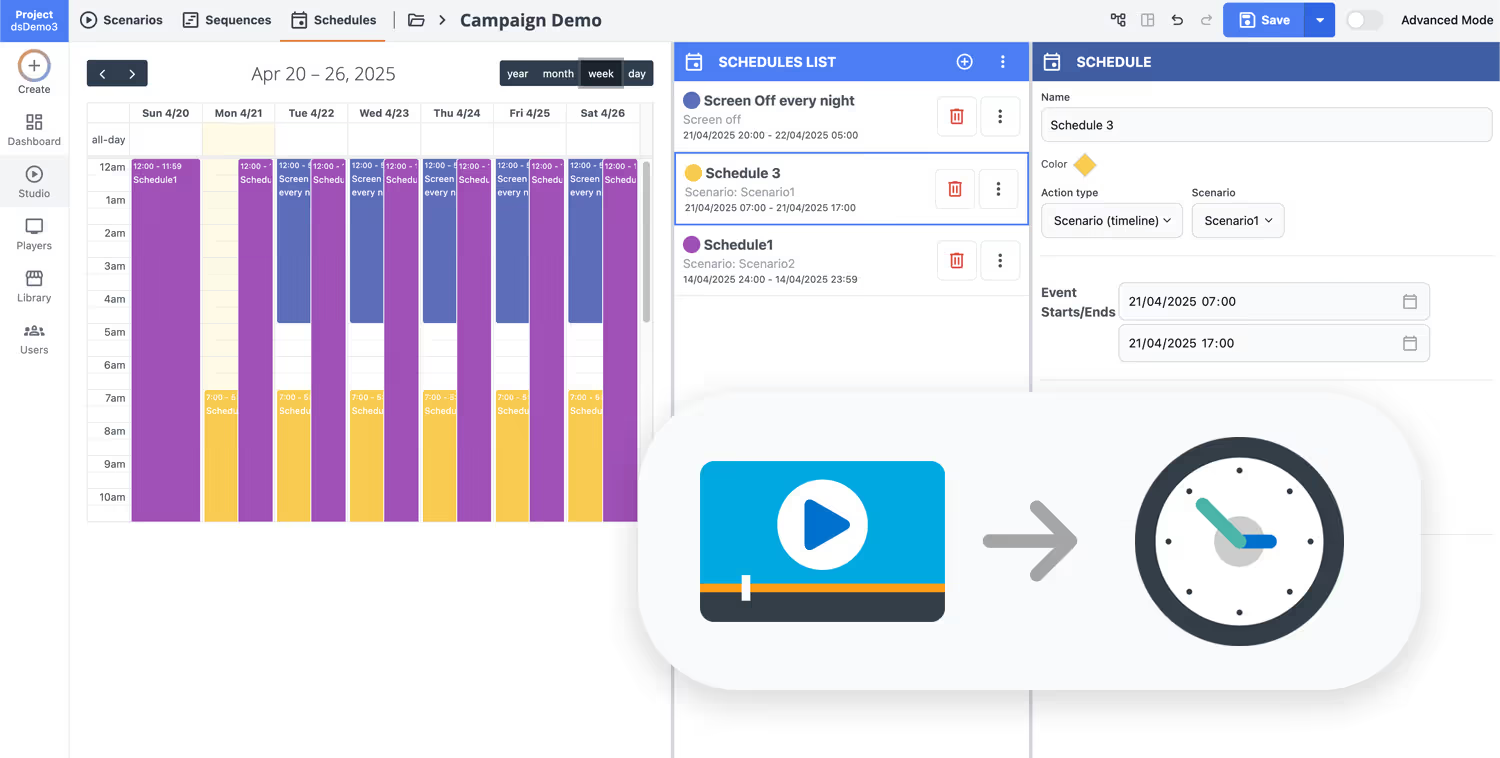
Programa tu contenido desde cualquier lugar con nuestra solución de affichage dynamique basada en la nube. Planifica fácilmente qué se reproduce, cuándo y dónde, en una pantalla o en miles.
Diseña escenarios y listas de reproducción personalizadas adaptadas a tu audiencia y objetivos.
Establece fechas y horas precisas para que tu contenido se reproduzca automáticamente.
Despliega contenido instantáneamente en tu red de affichage dynamique con solo un clic.
¿Listo para conectar a tu congregación con el affichage dynamique de la iglesia?
Comienza tu prueba gratuita de 28 días de Disign y publica mensajes de bienvenida, horarios de servicios, diapositivas de series de sermones, anuncios de eventos y solicitudes de voluntarios en minutos. No se requiere tarjeta de crédito. Si deseas un recorrido rápido, contáctanos y te ayudaremos a configurar tus primeras pantallas rápidamente.
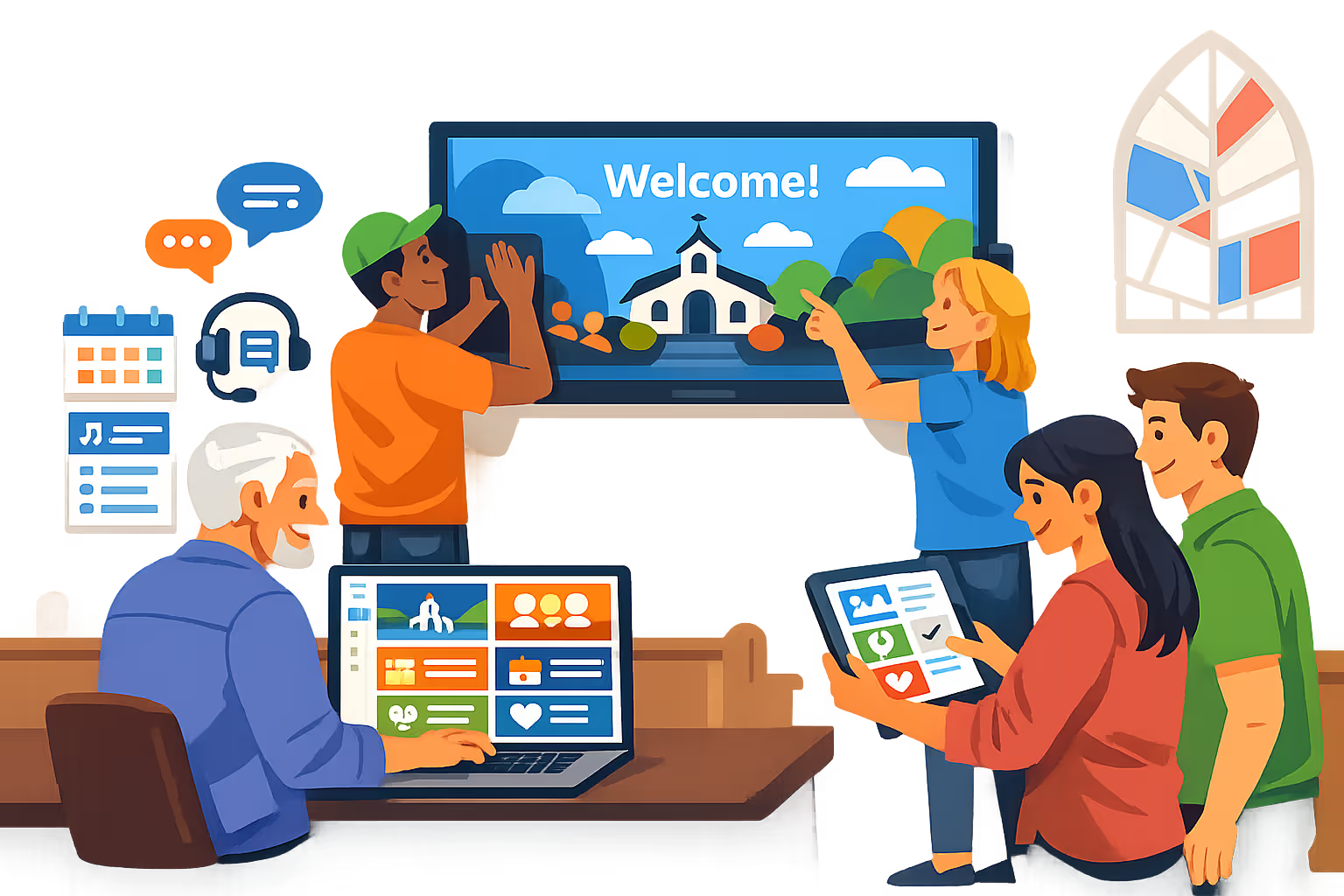
Señalización digital de iglesias para adoración, anuncios y comunicación del campus
Ejecuta la señalización digital de la iglesia desde una plataforma segura. Disign ayuda a tu equipo a publicar diapositivas de series de sermones, horarios de servicios, promociones de eventos, orientación y alertas de emergencia en cada pantalla con acceso controlado, programación y reproducción confiable.
Control central para iglesias con múltiples campus
Gestiona la señalización digital de la iglesia a gran escala
Publica en una sola pantalla de vestíbulo o en todos los campus en segundos utilizando la segmentación de ubicación, listas de reproducción compartidas y permisos basados en roles. Mantén la marca y el mensaje consistentes mientras permites que los equipos locales actualicen elementos aprobados como eventos y ministerios específicos del campus.
Acceso seguro y gobernanza de contenido
Protege pantallas, cuentas y derechos de publicación
Controla quién puede crear, aprobar y publicar con permisos granulares diseñados para el personal y voluntarios. Utiliza inicio de sesión seguro, emparejamiento de dispositivos y un historial de actividad amigable con auditorías para que el affichage dynamique de la iglesia se mantenga seguro y responsable.
Flujos de trabajo de revisión y aprobación
Mantén los mensajes precisos y alineados con la marca
Reduce errores con pasos de publicación estructurados: borrador, revisión, aprobación y luego programación. Mantén el control de versiones para gráficos de series de sermones, mensajes de donación y anuncios ministeriales, para que el contenido correcto se muestre en las pantallas correctas en el momento adecuado.
Programación, automatización y preparación para el tiempo de servicio
Campañas recurrentes y listas de reproducción basadas en tiempo
Automatiza el affichage dynamique de la iglesia con horarios que coincidan con tu ritmo semanal. Establece listas de reproducción para servicios de fin de semana, horas de oficina durante la semana, noches de jóvenes y eventos especiales, y cambia el contenido automáticamente sin ediciones de último minuto.
Fiabilidad de reproducción y monitoreo de dispositivos
Sabe qué se está reproduciendo y cuándo una pantalla se desconecta
Mantén cada pantalla confiable con estado de salud en tiempo real y diagnósticos remotos. Detecta players desconectados, verifica la entrega de contenido y mantiene una comunicación constante en vestíbulos, pasillos, aulas y auditorios.
Soporte de instalación para personal y voluntarios
Implementación más rápida con orientación técnica clara
Obtén ayuda desde la implementación hasta la operación diaria. Apoyamos la estandarización de plantillas, la incorporación de usuarios y la resolución de problemas de dispositivos para que el affichage dynamique de tu iglesia siga siendo fácil de gestionar, incluso con equipos de voluntarios rotativos.
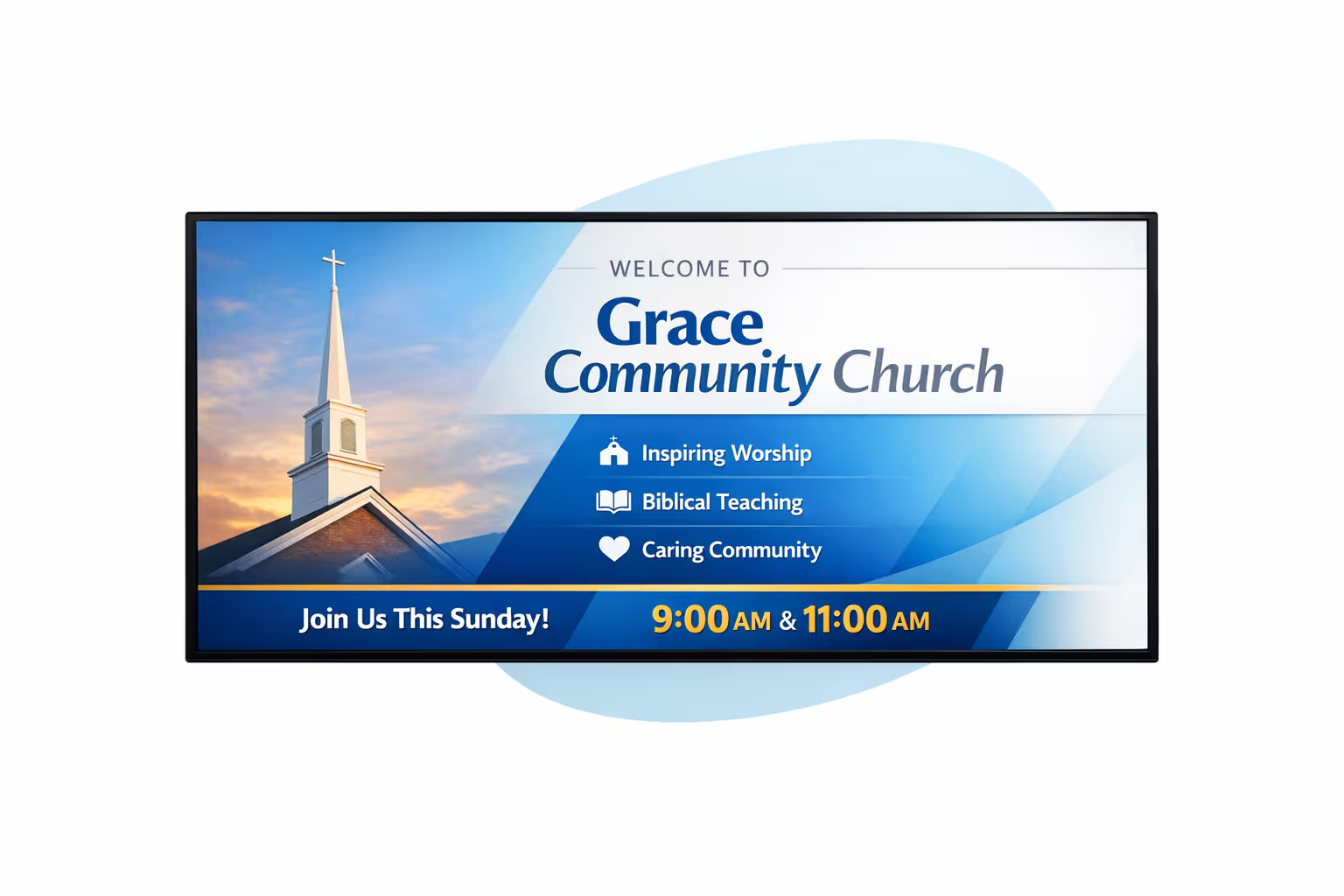
Gestión de contenido centralizada para el affichage dynamique de la iglesia
Gestiona el affichage dynamique de la iglesia desde una plataforma segura. Crea, revisa, programa y publica mensajes en todos los campus, vestíbulos, pasillos y áreas de bienvenida con la gobernanza que IT requiere y la velocidad en la que confían marketing y operaciones.
Una fuente de verdad para cada pantalla
Control multi campus con flexibilidad local
Estandariza anuncios, visuales de series de sermones y promociones de eventos en toda la iglesia mientras permites que cada campus o ministerio añada detalles locales como cambios de salas, necesidades de voluntarios y horarios de servicios dentro de plantillas aprobadas.
Series, eventos y momentos semanales en horario
Programa contenido por campus, edificio o tipo de pantalla. Mantén la mensajería del fin de semana consistente, los recordatorios de eventos puntuales y la orientación precisa en toda tu red de affichage dynamique de la iglesia.
Diseñado para la gobernanza de IT y acceso seguro
Centraliza permisos con roles para personal, voluntarios y ministerios. Utiliza aprobaciones y políticas de reproducción para que cada actualización siga las pautas de la iglesia y TI pueda estar lista para auditorías sin ralentizar a los equipos.
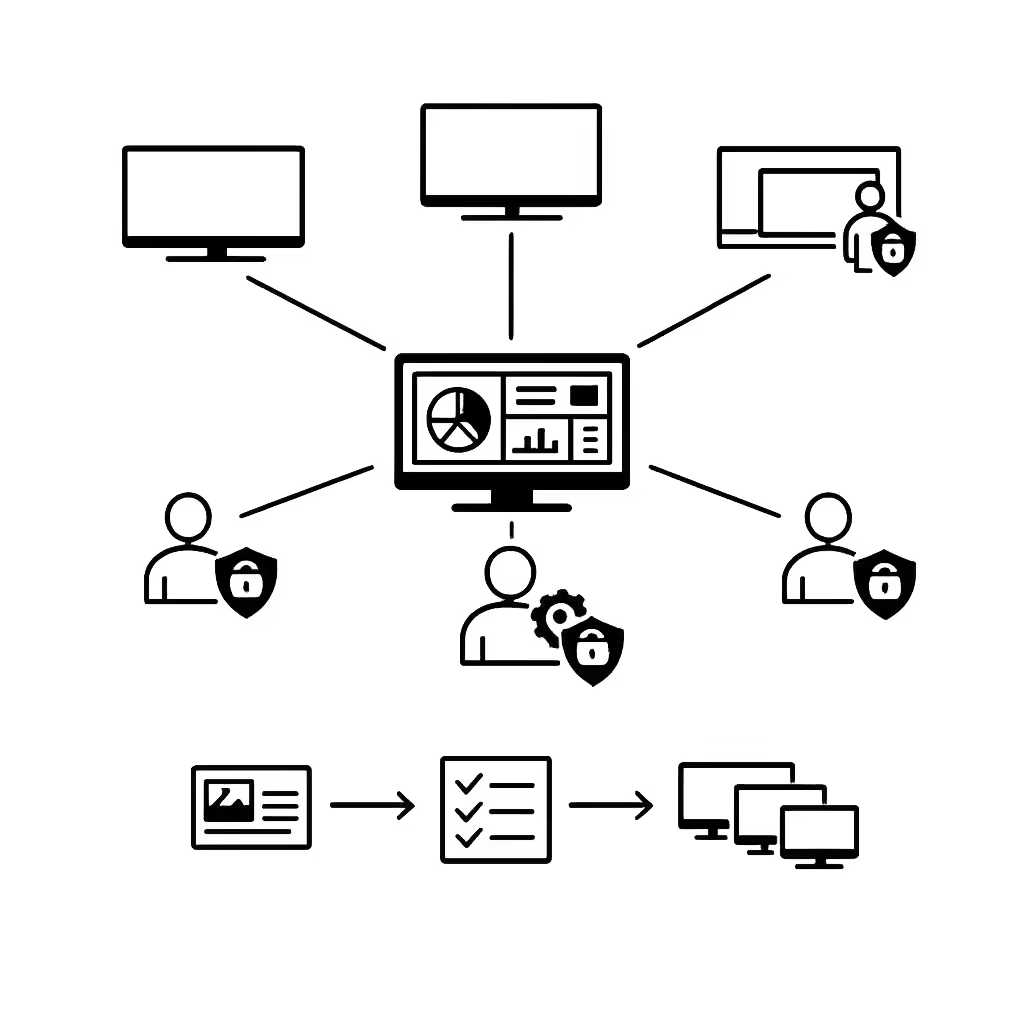
Actualizaciones en tiempo real para operaciones y experiencia de los invitados
Envía actualizaciones de últimas horas sobre salas, alertas de seguridad, orientación de estacionamiento y cambios de horario al instante. Mantén cada pantalla precisa durante los ocupados fines de semana y eventos sin tener que mensajear a cada campus o equipo.
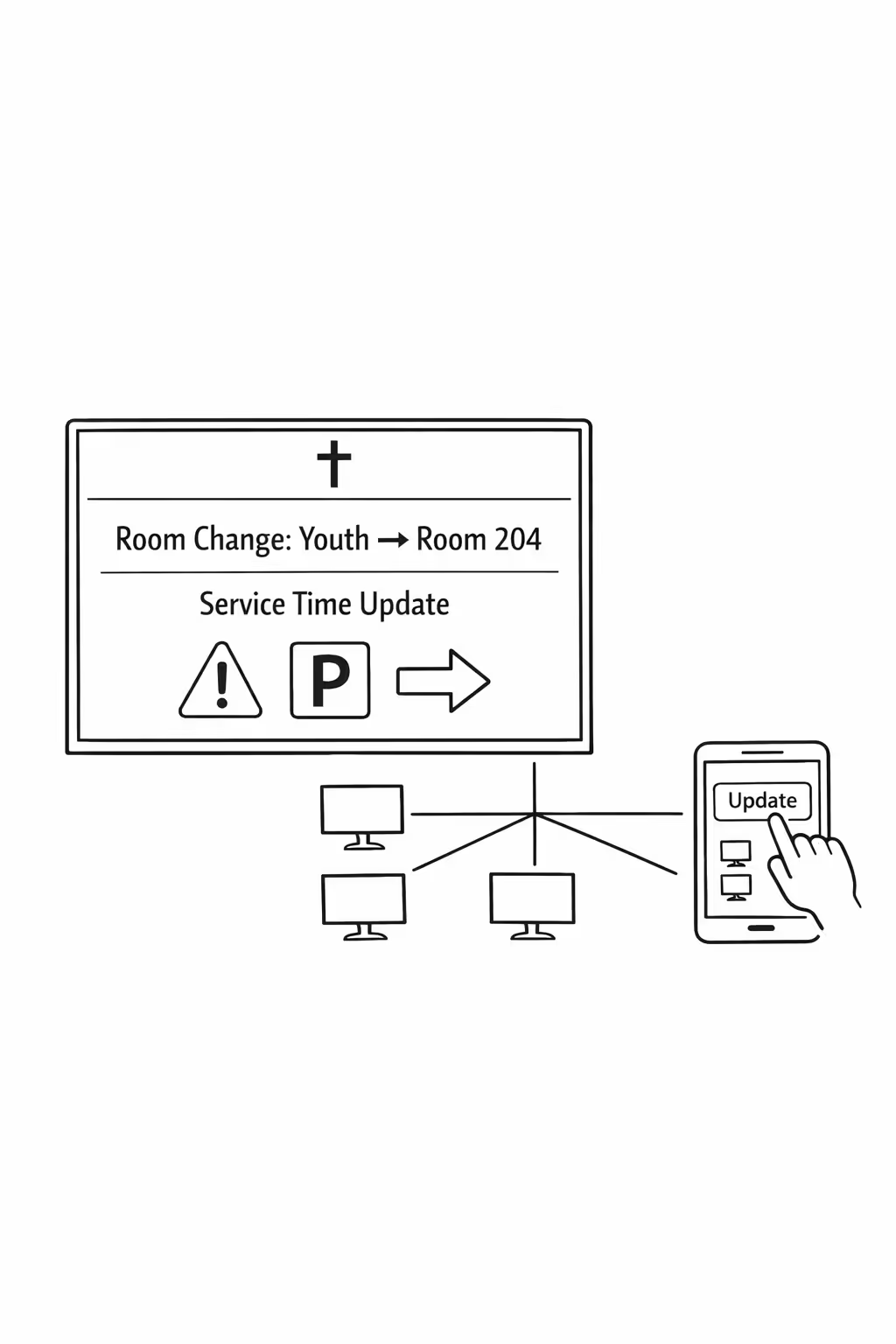
Escalabilidad para redes de iglesias en crecimiento con affichage dynamique de iglesias
Escala affichage dynamique de iglesias a través de campus, regiones y ministerios desde una plataforma en la nube segura. Publica actualizaciones de servicios en minutos, mantén claras las aprobaciones y protege un mensaje consistente de la iglesia a medida que tu red crece.
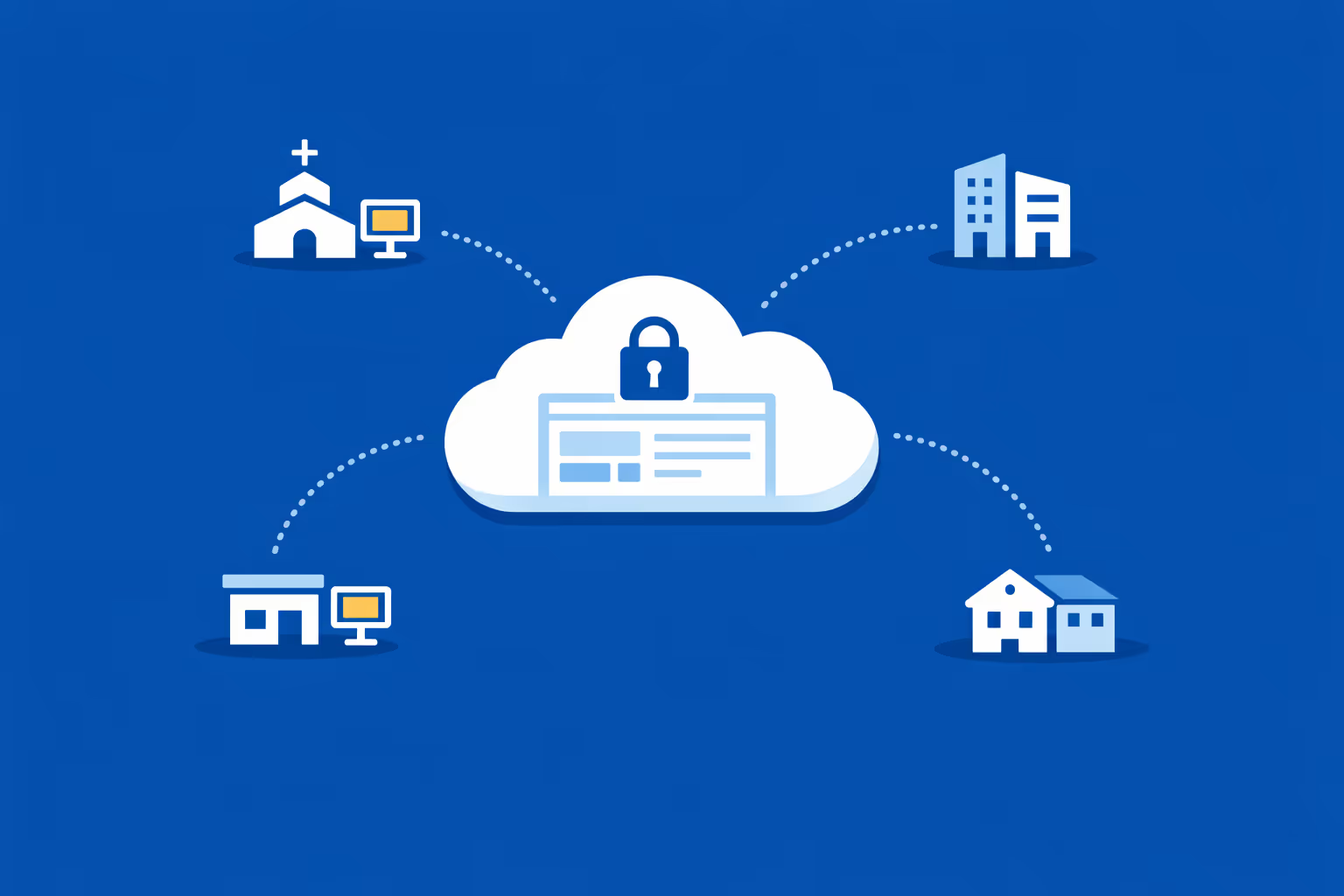
Gestión multi-sitio desde un único panel de control en la nube
Supervisa el affichage dynamique de la iglesia en cada campus desde un único panel de control. Envía anuncios instantáneamente, verifica lo que se está reproduciendo en cada ubicación y mantiene el mensaje de fin de semana alineado en toda la red de la iglesia.
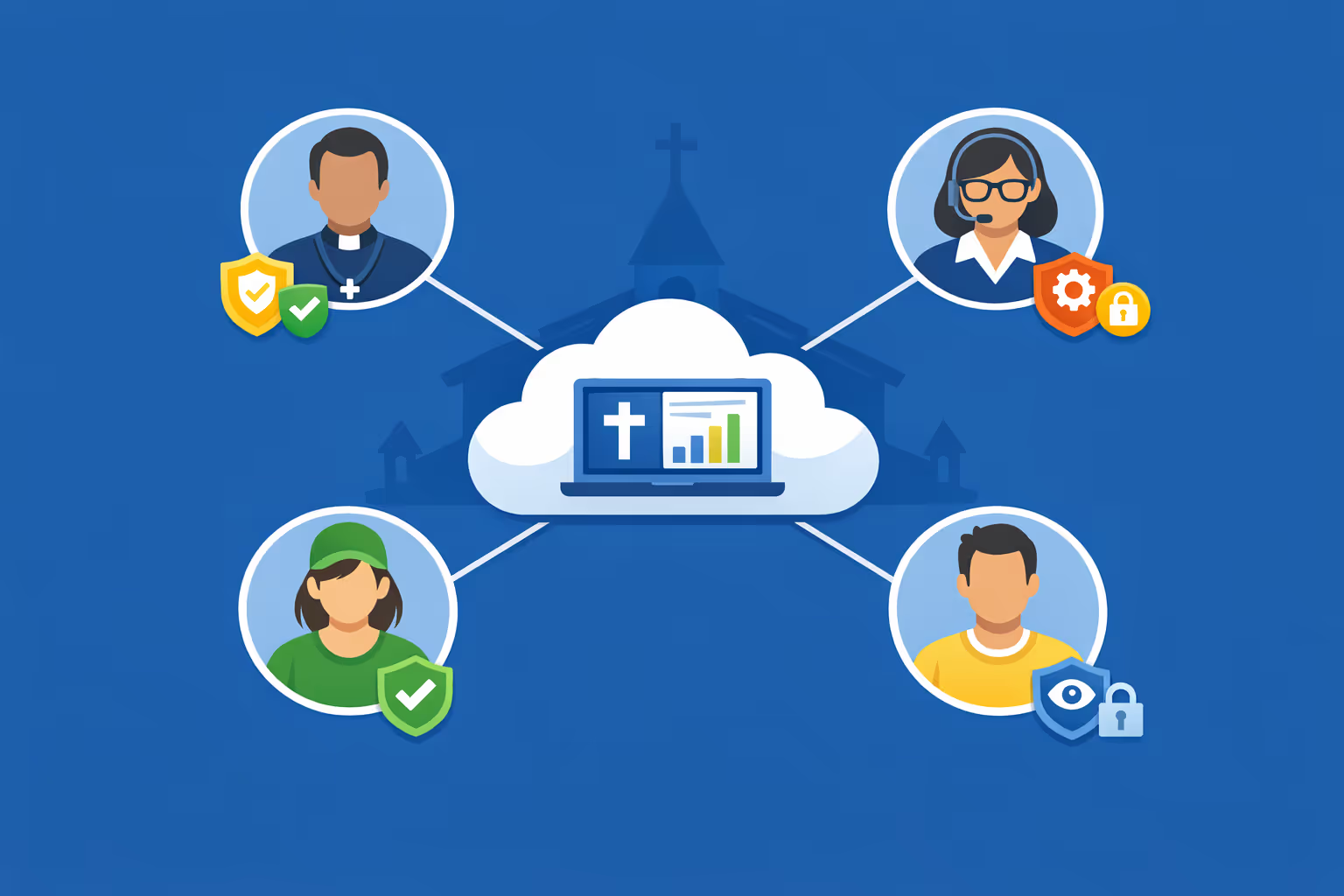
Acceso multiusuario con permisos basados en roles
Brinda a los pastores, equipos de comunicación y voluntarios el nivel adecuado de acceso. Asigna roles por campus o ministerio, agiliza las revisiones y mantiene el affichage dynamique de la iglesia organizado y seguro en toda tu red.
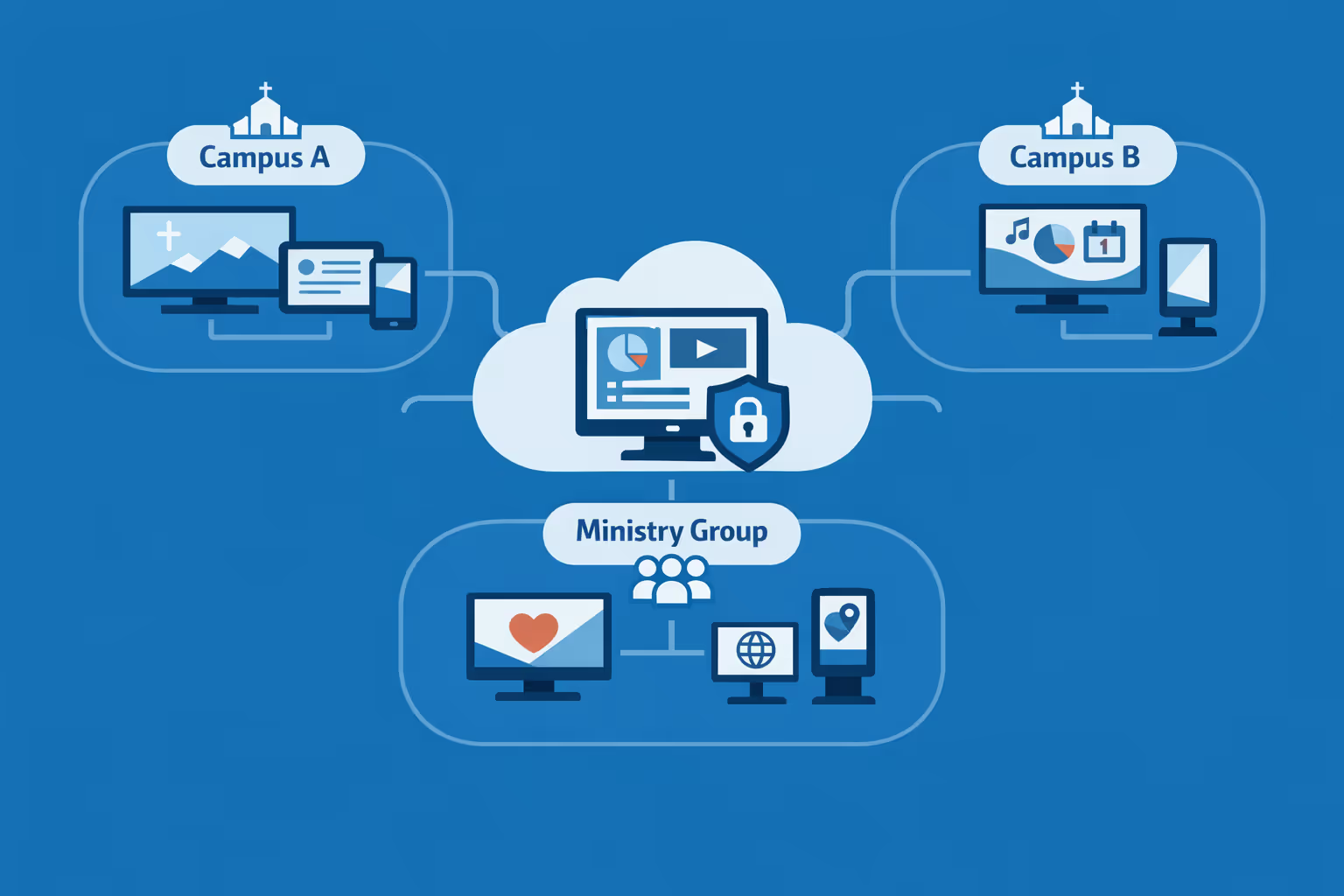
Listo para múltiples pantallas y múltiples organizaciones
Gestiona miles de pantallas y múltiples organizaciones de iglesias desde una cuenta. Segmenta el affichage dynamique de la iglesia por campus, región o ministerio para que la sede se mantenga consistente mientras cada ubicación mantiene contenido localmente relevante.
Disign es compatible con todas las pantallas para señalización digital
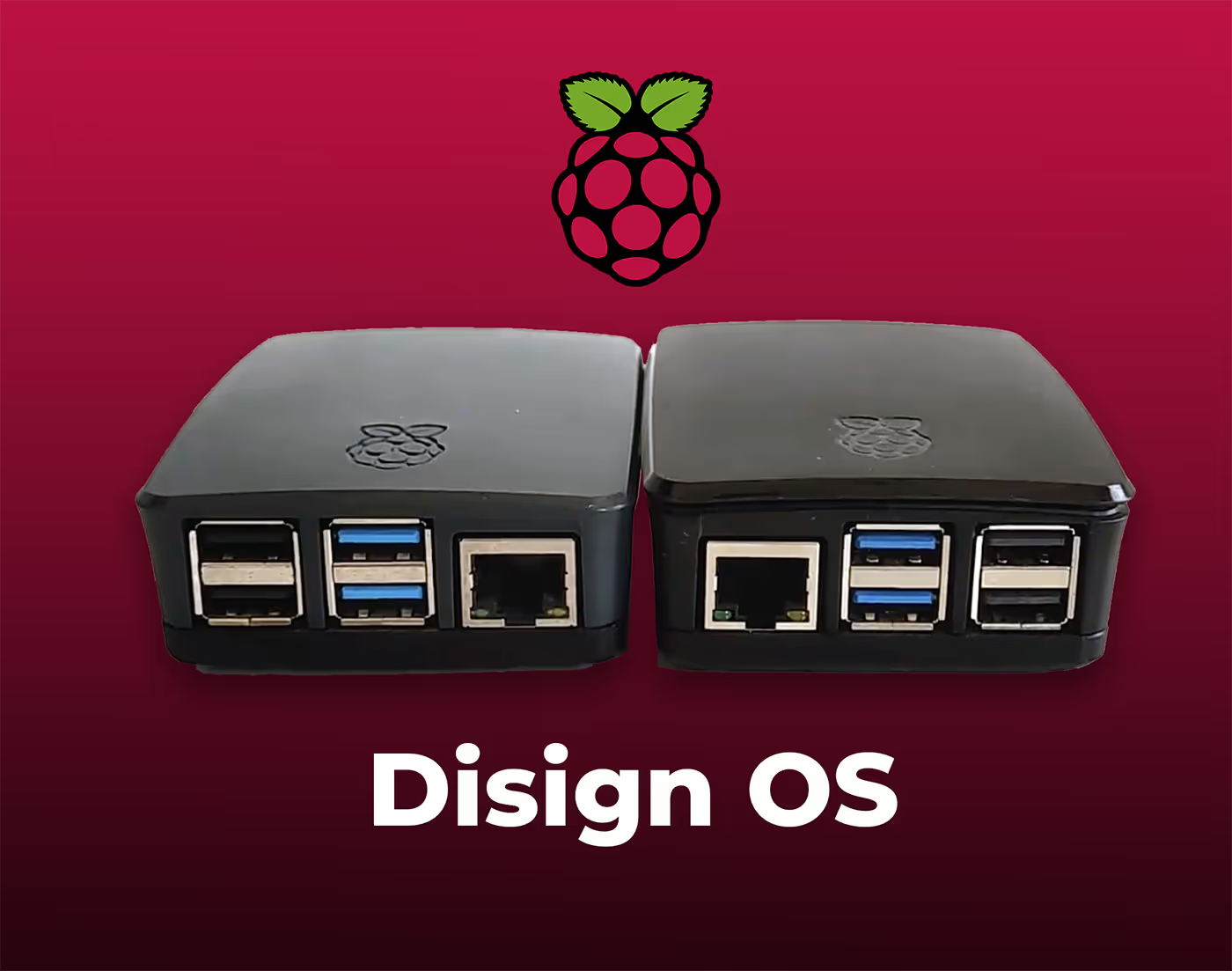
La señalización digital con Disign te permite gestionar y mostrar contenido en una variedad de dispositivos. Nuestra solución es compatible con muchos reproductores externos como Disign OS basado en Raspberry Pi, BrightSign y cualquier hardware Android. Disign también admite tecnologías integradas en pantallas Samsung, LG y Android TV. Con esta amplia compatibilidad, puedes desplegar fácilmente soluciones de señalización digital en diferentes tipos de hardware, garantizando una gestión simplificada y una experiencia óptima para el usuario.


Confiable para equipos de iglesias que utilizan Disign para affichage dynamique de iglesias en vestíbulos, pasillos, aulas y espacios de adoración
Lo que dicen los líderes y el personal de la iglesia sobre Disign
“Reemplazamos los insertos de boletines en papel y las ediciones de diapositivas de última hora con Disign. Ahora nuestro affichage dynamique de la iglesia está programado con anticipación, y los voluntarios pueden actualizar anuncios en unos pocos clics. El paso de aprobación nos ayuda a mantener la teología, fechas y marca precisas.”
“Estaba preocupada de que el affichage dynamique se sintiera demasiado corporativo para una iglesia. Disign nos permitió mantenerlo cálido y simple. Compartimos series de sermones, pasos siguientes e información de grupos pequeños en todas las pantallas, y nuestros líderes de campus pueden agregar eventos locales sin llamarme.”
“Desde el lado tecnológico, Disign ha sido constante. Los players permanecen online, las actualizaciones se publican a tiempo, y podemos gestionar las pantallas en el santuario, área de niños y vestíbulo sin necesidad de vigilarlas. El soporte ha sido sencillo y realmente útil cuando lo hemos necesitado.”
Integrate with your favorite Applications
70+ Applications and infini integration with API, Database, and any data source
Easily integrate third-party applications and web content such as YouTube or Vimeo, optimized for seamless playback. Display data from RSS feeds or formats like CSV, JSON, or XML directly on your digital signage screens. Extend display capabilities with advanced applications like grids or collections to enrich Disign scenarios.

We designed Disign to be as open and customizable as possible, both in its visual scenes and in its data sources.
Florent MondoloniCo-Founder, Disign

Video
Utilisez vos medias

RSS Feed
Use your own RSS Feed

Database
Databases

Canva
Create your Design and import it

Google Sheets
Import CSV, Live data...

Website/API
Affiche your website or use API
Todo lo que necesitas saber sobre Disign Señalización Digital Para Iglesias
Church digital signage FAQ: practical questions churches ask before installing screens
Church digital signage has become one of the simplest ways to communicate clearly with a congregation, visitors, volunteers, and staff without adding more pressure on the weekly service planning process. A screen in the lobby, a welcome display near the entrance, or a noticeboard style screen in the hallway can reduce confusion, help people feel expected, and keep everyone aligned on what is happening today and what is coming next.
This FAQ is written for pastors, church administrators, communications directors, ministry leaders, volunteer coordinators, and IT minded members who are exploring a solution like Disign for church digital signage. The goal is to answer real questions that come up when you are trying to do this in a way that is welcoming, reliable, and respectful of your church culture.
What is church digital signage and where do churches typically use it?
Church digital signage refers to centrally managed screens that display changing content such as announcements, service times, sermon series visuals, event promos, directions, and safety information. It is designed to be easy to update and consistent across multiple screens.
Common places churches use church digital signage include:
- entrance and lobby welcome screens
- hallway announcement screens near kids and student check in
- sanctuary pre service slides and post service reminders
- fellowship hall screens for events and community meals
- classrooms for ministry schedules and room assignments
- office areas for internal staff and volunteer communication
- multi site campuses where content needs to be consistent but locally relevant
The best church digital signage setups support both visitors and regular attenders by answering simple questions quickly: where do I go, what is happening today, how can I get connected, and what should I know before I leave.
Why choose church digital signage instead of printed bulletins and posters?
Printed materials still have a place, but they are slow to update and hard to keep consistent, especially when volunteers are the ones taping up posters on a busy Sunday. Church digital signage reduces last minute scramble and makes communication feel more intentional.
Churches choose church digital signage because it helps them:
- update announcements instantly without reprinting
- reduce clutter in lobbies and hallways
- improve visitor experience with clear next steps
- keep messaging consistent across ministries and campuses
- highlight generosity opportunities, outreach, and serving needs
- share safety and logistics messages without sounding harsh
A practical benefit is that you can prepare content in advance and schedule it to run at the right time, which is especially useful for seasonal services, holiday schedules, and special events.
What are the best use cases for church digital signage on Sundays?
Sunday is the highest traffic moment for most churches, so clarity matters. Church digital signage works best when it reduces friction for guests and frees staff and volunteers to focus on people rather than directions.
High impact Sunday use cases include:
- welcome messaging with service times and where to go
- a simple map with kids check in and restrooms
- sermon series graphics and a one sentence theme for today
- next steps such as membership class, baptism, small groups, or prayer
- giving options including text to give and online giving QR codes when appropriate
- volunteer callouts that feel inviting and specific
- post service reminders for events happening immediately after
When a church uses screens well, it feels like hospitality. It tells people, you are in the right place and we are ready for you.
Can church digital signage help visitors feel more welcome?
Yes, and this is one of the most meaningful outcomes. A first time visitor is often carrying silent questions: where do my kids go, what should I wear, how long is the service, and will I stand out. Church digital signage can answer those questions in a calm, friendly way.
Ways signage can support welcome include:
- clear directions like Kids check in this way and Sanctuary entrance that way
- short statements that reduce anxiety such as You can sit anywhere
- introductions to what to expect such as Worship then a message then prayer
- a simple way to connect such as a text keyword or QR code for a welcome form
- accessibility information like assisted listening or wheelchair seating locations
The key is tone. The content should sound like your church, not like a corporate ad. Disign helps by making it easy to keep the same warm voice across all screens.
How do we keep announcements from becoming noise on screens?
Most churches have more announcements than screen time. People also do not read long blocks of text while walking. The goal is not to show everything, it is to show the right things at the right moment.
A strong approach for church digital signage is:
- keep each slide to one idea and one action
- use large text, strong contrast, and one clear headline
- rotate announcements by audience: parents, youth, newcomers, everyone
- schedule time sensitive items closer to the event date
- keep evergreen content such as small groups and serving opportunities in the rotation
- treat the lobby and the sanctuary differently, because the audience attention is different
With Disign, you can create playlists for each area so lobby screens focus on welcome and direction, while sanctuary screens focus on service flow and next steps.
What content works best for church digital signage during the week?
During the week, screens can support ministry coordination and reduce repetitive questions that staff and volunteers answer again and again. Weekday content is also a chance to serve the community if your building is used for counseling, classes, food pantry distribution, or partner organizations.
Common weekday content includes:
- office hours and contact information
- room schedules and meeting locations
- reminders for volunteers and ministry teams
- prayer request instructions and pastoral care contact details
- community resources such as food pantry times or support groups
- facility usage guidance like where to park and which doors to use
Because Disign is designed for fast updates, you can keep weekday information accurate without needing someone to print new signs every time a room assignment changes.
Can church digital signage be used for multiple campuses or a church network?
Yes. Many churches have multiple campuses or partner churches and want consistent visuals, message series branding, and a shared calendar while still allowing local variation.
A scalable church digital signage setup typically includes:
- central templates for sermon series and core announcements
- campus specific playlists for local events and volunteer needs
- scheduling by campus time zone and service time
- role based access so local teams can update local items without breaking brand standards
Disign supports multi location management so you can keep a unified identity while giving each campus room to communicate what matters locally.
Who should own church digital signage: communications, admin, IT, or ministry leaders?
Most churches do best with shared ownership and clear roles. Communication is the job, but reliability is also critical. A screen that is blank on Sunday morning is more distracting than no screen at all.
A practical operating model looks like:
- communications team owns design standards, templates, and the content calendar
- ministry leaders submit requests using a simple process and deadlines
- admin team approves building logistics, event details, and room accuracy
- IT or a technical volunteer owns hardware setup, network reliability, and device health
- a small number of trained backups can publish urgent updates if needed
Disign supports permissions so you can keep things safe and simple, even when volunteers rotate.
How hard is it to update church digital signage each week?
It depends on your process more than the tool. If updates rely on one person rebuilding slides from scratch every Friday, it will feel heavy. If you use templates and a weekly rhythm, it becomes predictable.
A sustainable weekly routine is:
- maintain a master list of announcements with deadlines
- reuse templates for recurring items like groups, giving, kids, and next steps
- schedule content blocks for pre service, between services, and post service
- keep a small set of emergency slides ready such as weather closure or schedule change
Disign is built to make updates fast, so weekly changes do not require a designer for every small edit.
What screens and hardware do we need for church digital signage?
Most churches start with what they already have and standardize over time. The typical setup requires a screen, a player device, and a network connection. The right choice depends on lighting, viewing distance, and how many hours the screen runs.
Basic hardware considerations include:
- display size based on distance, larger for lobbies and sanctuaries
- commercial grade screens for high usage environments if the budget allows
- reliable mounting and safe cable management
- a media player compatible with your signage software
- stable internet or network access for content updates
Disign can support common player approaches, making it easier to start small and expand when you are ready.
Does church digital signage require internet all the time?
Most churches want cloud management because it makes updates easier and enables remote support. However, playback should remain stable even if the connection drops temporarily.
A good expectation to set is:
- internet is needed to receive updates and sync new content
- the player should continue showing already downloaded content if the connection is interrupted
- when internet returns, content sync resumes automatically
If your church has network restrictions, you can work with IT or a trusted volunteer to set appropriate rules while still keeping the system manageable.
How do we prevent the wrong content from showing on Sunday?
This is a real concern, especially in churches with volunteers updating slides. Mistakes happen, and they usually happen when someone is rushed.
To reduce risk:
- use templates with locked layouts so key elements stay consistent
- limit publishing access to a small set of trained users
- require a preview or review step for weekend playlists
- schedule content windows so slides only appear during approved dates
- keep separate playlists for lobby, sanctuary, kids area, and offices
Disign helps with structured permissions and scheduling so you do not have to rely on memory or last minute manual changes.
Can church digital signage support emergency messages and safety communication?
Yes, and it should. Churches need a way to communicate quickly during weather events, building issues, or safety incidents. The message should be clear, calm, and easy to follow.
Examples of safety related signage content:
- weather closure announcements and service time changes
- severe weather shelter directions in the building
- medical emergency guidance like who to contact
- fire exit reminders and no blocking hallway instructions
- lost child or family reunification instructions when appropriate
The goal is not to create fear. It is to support preparedness and reduce confusion when something unexpected happens.
How do we keep church digital signage accessible and easy to read?
Church audiences include children, older adults, and people with visual impairments. Accessibility is not an optional feature, it is part of hospitality.
Good accessibility practices for church digital signage include:
- large font sizes and strong contrast
- short headlines and minimal body text
- avoiding overly decorative fonts
- limiting motion and avoiding fast flashing transitions
- captions for videos, since audio is often off in lobbies
- consistent placement of key info like time, location, and next step
With Disign, you can build accessible templates once and reuse them, which keeps every screen consistent.
Can we show live content like countdowns, calendars, or social media?
Many churches want a pre service countdown, a calendar feed, or selected social content. This can work well when it is curated and aligned with your tone.
Popular live content types:
- service start countdown timers
- upcoming events pulled from a calendar workflow
- sermon series schedule and teaching plan
- weather for community events or outreach days
- curated social posts for major moments like baptisms or mission trips
If you choose social content, moderation matters. Churches usually do best with a curated approach rather than an unfiltered live feed.
How do we handle content for kids ministry and student ministry screens?
Kids and student areas have different needs than the main lobby. Parents want clarity and trust. Volunteers want quick reminders. Kids need visuals that are friendly and simple.
Useful kids and student signage content includes:
- check in instructions and pickup policy reminders
- safety and security notes such as matching tags required
- classroom locations and age group directions
- weekly theme or memory verse
- volunteer reminders such as where supplies are and schedule blocks
- special event reminders like VBS registration or youth nights
Disign makes it easy to create separate playlists so kids area screens are not overloaded with general announcements that parents are unlikely to act on.
How do we promote events without feeling like we are advertising?
Church communication has a different goal than retail marketing. The best event slides feel like an invitation, not a sales pitch. People respond to clarity, warmth, and relevance.
A helpful structure for event content is:
- who the event is for
- what it is and why it matters
- when and where
- the simplest next step, like register online or visit the welcome desk
Church digital signage works well when it supports discipleship and connection, not just attendance.
Can church digital signage help increase volunteer signups?
Yes, especially when the request is specific and timely. Generic messages like We need volunteers are easy to ignore. A better approach is to show one role, one need, and one next step.
Examples that work:
- Kids check in team needed this month, sign up at the desk today
- Parking team needed for Christmas services, scan to join training
- Meal team needed for Thursday outreach, contact this person
Because Disign supports scheduling, you can align volunteer slides with the season when the need is highest.
How do we measure whether church digital signage is working?
Churches do not always measure success in sales metrics, but you can still evaluate impact. The question is whether signage reduces confusion and helps people take the next right step.
Practical indicators include:
- fewer repeated questions at the welcome desk
- more on time arrival to classes and events
- higher completion of connection forms or QR scans
- smoother kids check in flow with fewer bottlenecks
- more volunteers responding to specific needs
- staff and volunteer feedback that announcements are clearer
You can also measure operations: how quickly content is updated, how often screens go offline, and whether each area is showing the right playlist every week.
What should we look for in church digital signage templates?
Templates are what make signage sustainable. They protect your brand, save time, and help volunteers produce consistent results.
Look for templates that:
- match your church visual identity and sermon series style
- keep text readable at a distance
- include consistent placement for times, locations, and QR codes
- support multiple formats for different screen sizes
- are easy to reuse for weekly announcements
Disign helps churches build a template system so you can move faster without sacrificing quality.
Is church digital signage difficult for volunteers to use?
It should not be. In most churches, volunteers come and go, so simplicity matters. The best systems make routine updates easy, while still keeping control in the right hands.
To set volunteers up for success:
- limit edit permissions to templates rather than freeform design
- create a short checklist for weekly updates
- provide a training video and a one page guide
- designate a backup person for Saturdays and Sunday mornings
Disign is designed to be approachable for non technical users while still giving leaders the governance they need.
What makes Disign a good fit for church digital signage?
Churches need a system that is reliable on Sundays, easy during the week, and flexible across ministries. They also need a tool that respects the fact that most teams are busy and many are volunteer driven.
Disign supports church digital signage by offering:
- centralized management so you can update screens without running around the building
- playlists and scheduling so content appears at the right time in the right place
- templates that keep your look consistent and readable
- permissions that help you collaborate without losing control
- multi campus support so you can scale when your church grows
If your goal is clearer communication and a more welcoming experience, Disign helps you deliver that without adding complexity.
What are the next steps to start a church digital signage project?
A smooth start is less about buying screens and more about planning the communication flow. Before you install anything, decide what you want the screens to accomplish for guests, members, volunteers, and staff.
A simple next step plan:
- choose two or three priority use cases, such as lobby welcome, kids check in, and weekly announcements
- list the screen locations and what each one should communicate
- define who owns content, who approves, and who publishes
- create a small set of templates for your most common needs
- run a pilot for a few Sundays, gather feedback, then expand
When church digital signage is implemented thoughtfully, it becomes part of your hospitality and discipleship rhythm, not just another screen on the wall.



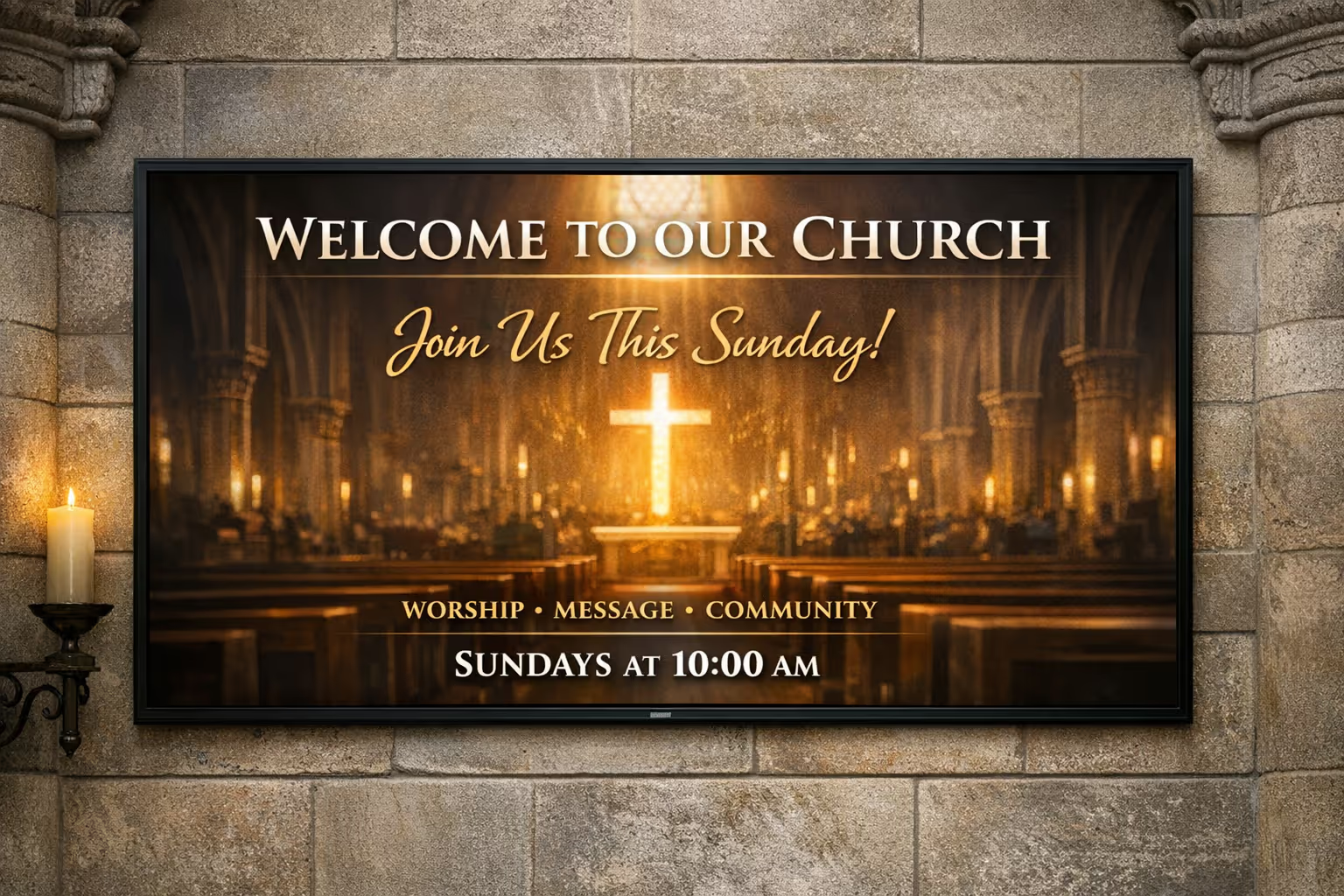
Únete a la comunidad de más de 4,000 personas
Señalización digital de iglesias que ayuda a tu congregación a mantenerse informada
Disign hace que la señalización digital de iglesias sea fácil de gestionar en cada pantalla, desde el vestíbulo hasta el santuario. Comparte horarios de servicios, series de sermones, anuncios, eventos, información de donaciones y actualizaciones de último minuto desde un panel de control seguro.
Listo para probar Disign para tu iglesia. Comienza tu prueba gratuita de 28 días sin necesidad de tarjeta de crédito, o contáctanos si necesitas ayuda para elegir la configuración adecuada y publicar tus primeros anuncios hoy.