Cafe digital signage for menus, promos, and daily specials
Cafe digital signage that sells more and keeps lines moving
Turn your screens into a fast, beautiful menu board that updates in minutes. With Disign cafe digital signage, you can highlight best sellers, upsell combos, share seasonal drinks, and keep customers informed while they wait, across one cafe or every location.


Used by 4,000+ people
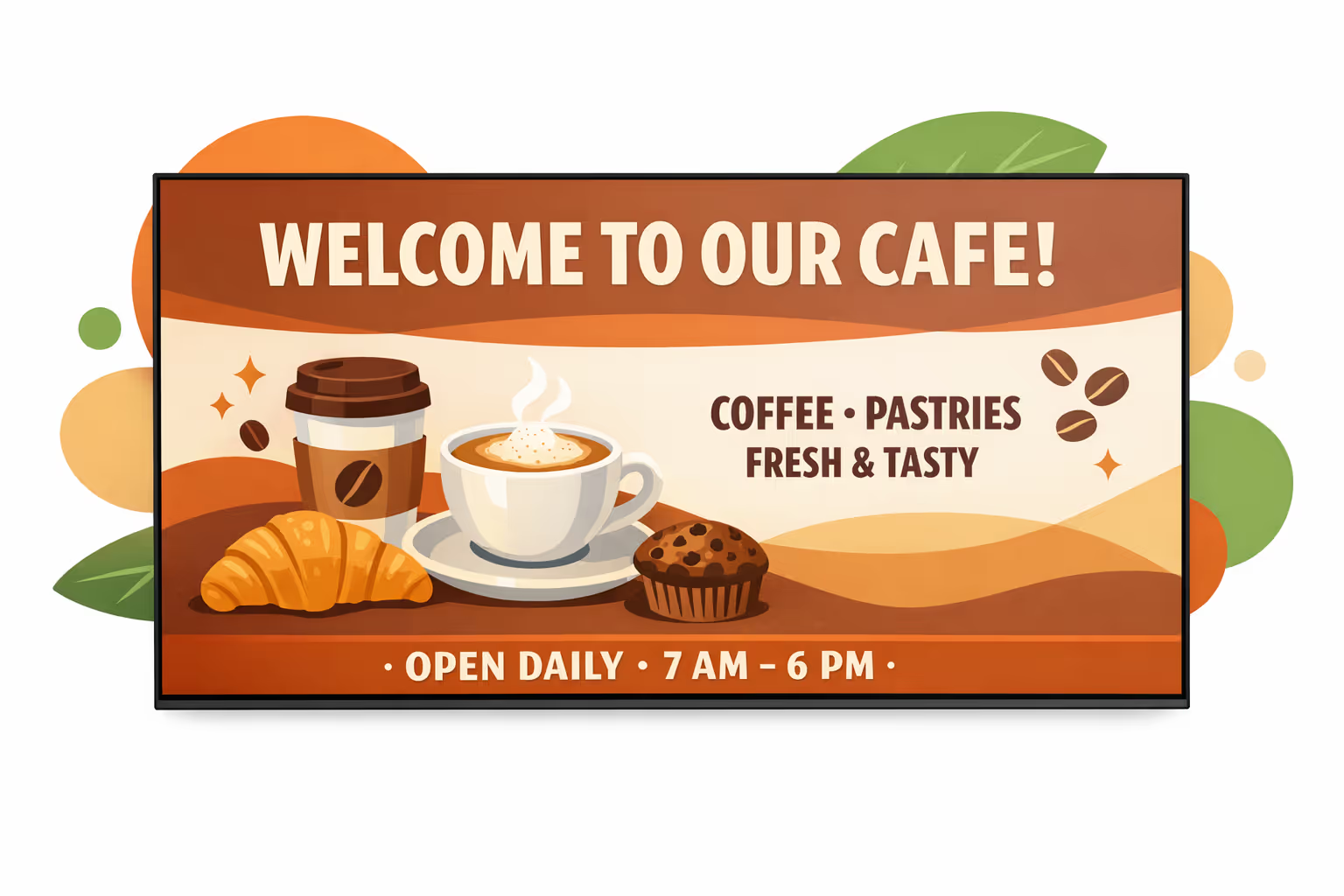
Challenges in the cafe industry when in store communication breaks down
In a busy cafe, guests want to understand the menu, ordering steps, and pickup process the moment they walk in. When information is unclear, small doubts turn into repeated questions, longer lines, and a weaker first impression.
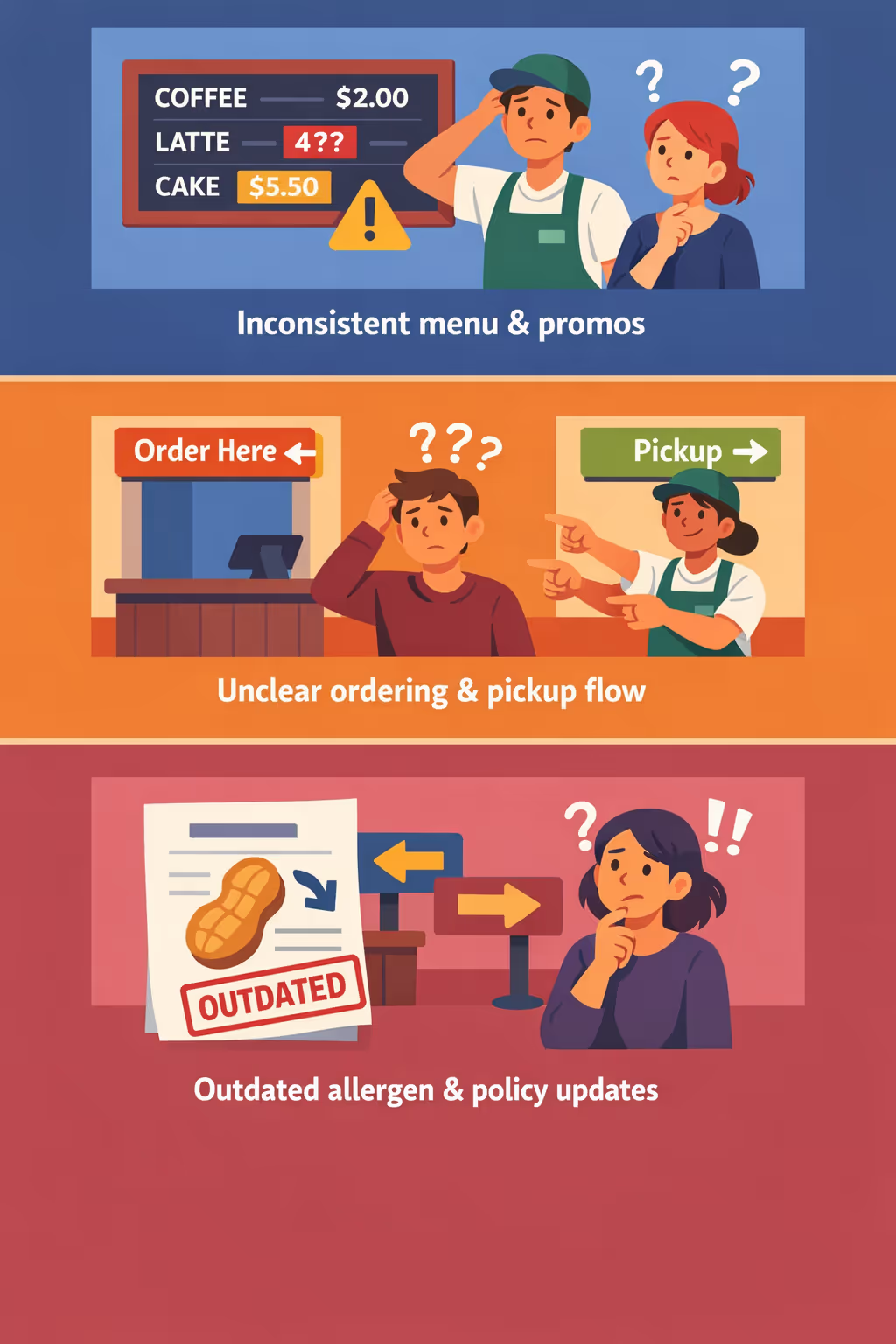
Prices, limited time offers, and product availability change quickly. When the counter, baristas, and signage tell different stories, guests hesitate, orders get corrected mid flow, and trust drops fast.
People want to know where to order, where to wait, and when their drink is ready. Without simple visible guidance, staff spend the rush repeating directions instead of moving tickets and keeping the line calm.
Cafes need accurate information on allergens, ingredients, and store policies. When printed notices are outdated or updates are not shared consistently, guests can be misinformed and teams face avoidable stress at the point of sale.
Cafe digital signage that boosts sales and streamlines daily operations
Put your menu, specials, and promos in front of customers at the exact moment they decide. With Disign, you can update prices and items in seconds, reduce printing costs, improve order flow, and keep every screen on brand, all with clear ROI for your cafe.
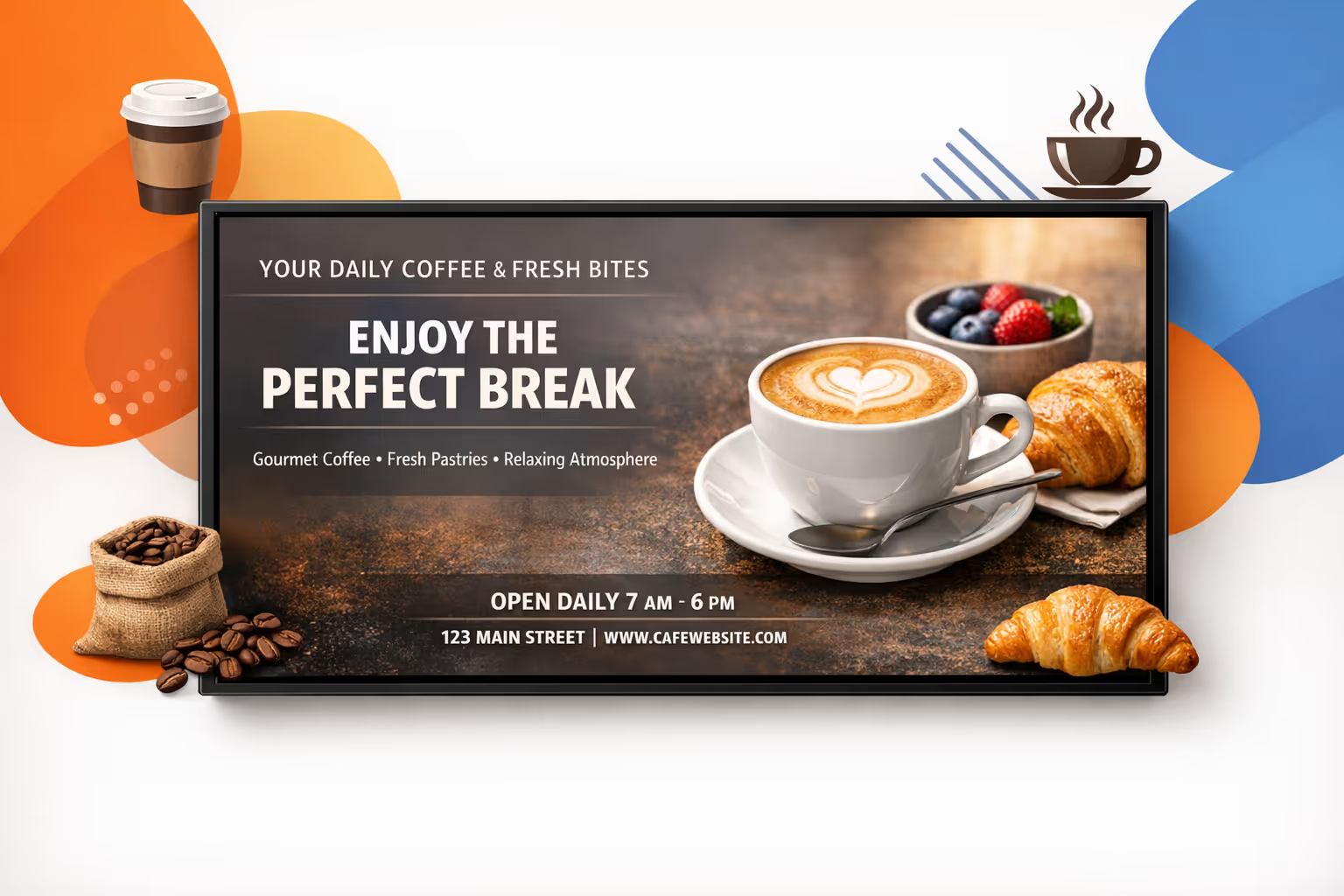
Update menus and prices instantly
Change items, add allergens, adjust pricing, or highlight sold-out products in real time across every screen. Keep your cafe digital signage accurate all day without reprints or last-minute rushes.
Shorten perceived wait time and improve order flow
Display clear ordering steps, pickup instructions, and queue-friendly content. When customers know what to do next, lines move faster, staff gets fewer questions, and the experience feels smoother.
Increase average ticket with smart upsells
Promote add-ons like pastries, extra shots, and bundles at peak times. Schedule content by daypart to push the right offer at the right moment and see measurable uplift from your cafe digital signage.
Keep branding and product info consistent across locations
Use approved templates so every cafe shares the same look and key information, from allergens to limited-time offers. Roll out updates quickly while keeping a polished, consistent customer experience.
Reduce printing costs and staff workload
Replace paper menus and posters with a centralized workflow. Save on printing, reduce mistakes, and free your team to focus on service instead of changing signs.
Run daypart and location-based content automatically
Schedule breakfast menus in the morning, lunch deals at noon, and dessert promos in the evening. Personalize content by location while staying in full control from head office with Disign.
Cafe digital signage use cases for every location and daypart
From the counter to the pick up area, cafe digital signage keeps guests informed with clear menus, accurate pricing, and timely updates. It helps your team answer fewer repeat questions, improves the ordering flow, and builds trust through consistent, on brand messaging.
- Menu boards at the counter: highlight best sellers, seasonal drinks, and allergen notes with always up to date pricing
- Pick up and service areas: show order status, prep time guidance, and friendly prompts that reduce crowding and confusion
- Promotions and loyalty: run targeted offers, app and loyalty sign ups, and upsell pairings to increase average ticket size
- Back of house and staff areas: share shift updates, training reminders, and store goals so teams stay aligned across locations
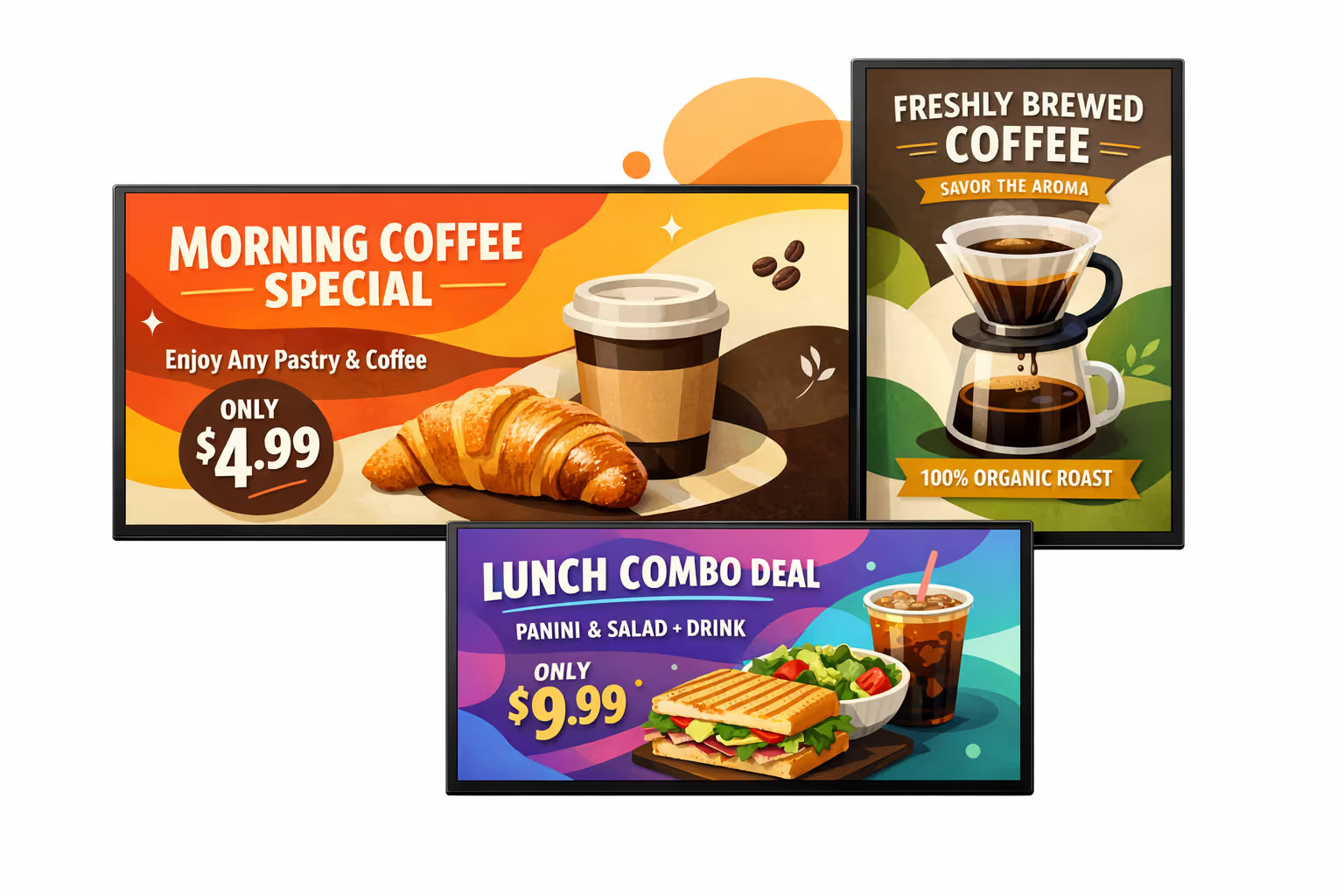
How Disign digital signage works
Schedule your content from anywhere with our cloud-based digital signage solution. Easily plan what plays, when, and where—across one screen or thousands.
Desenhe cenários e playlists personalizados adaptados ao seu público e objetivos.
Defina datas e horários precisos para que seu conteúdo seja reproduzido automaticamente.
Implante conteúdo instantaneamente em sua rede de affichage dynamique com apenas um clique.
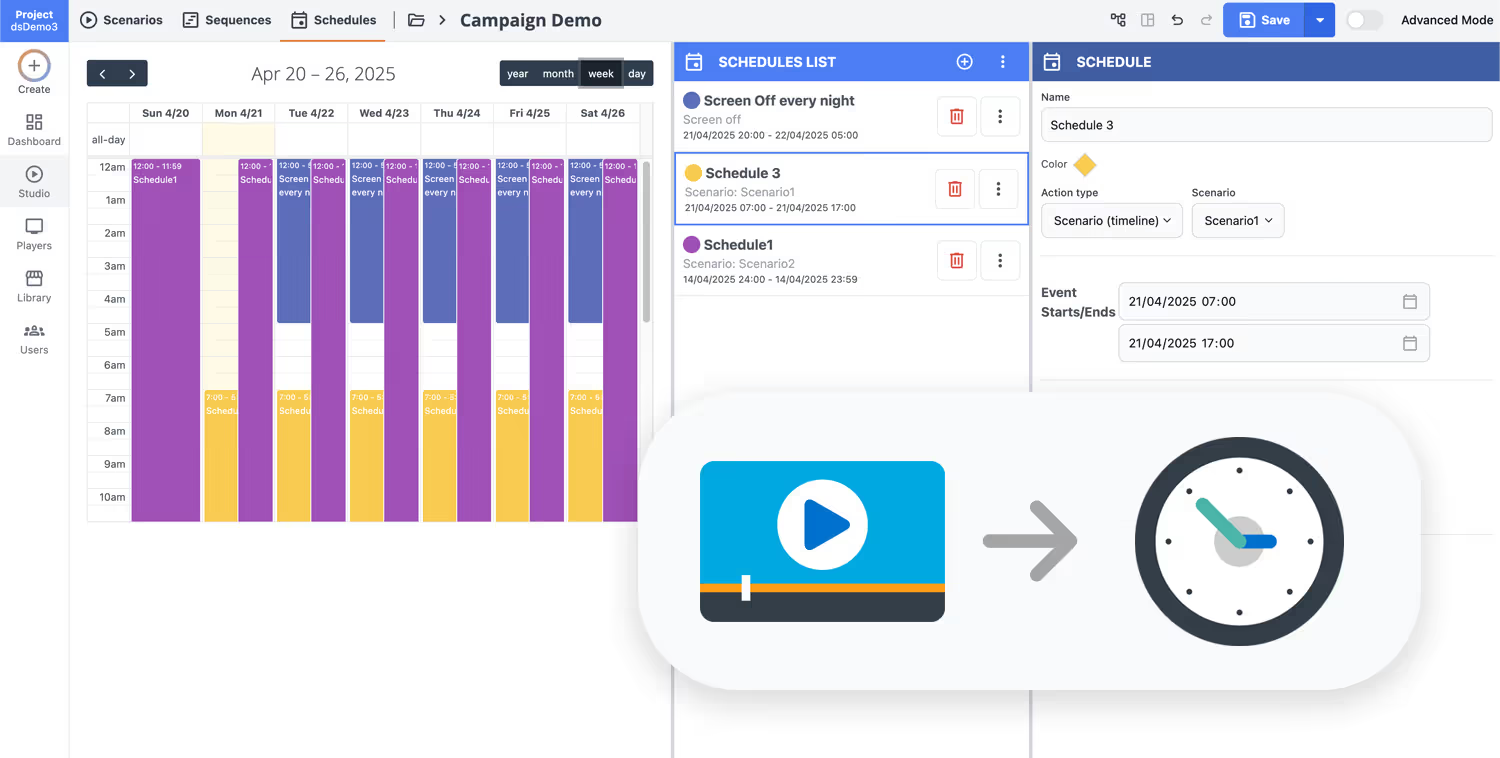
Start your cafe digital signage in minutes with Disign
Turn menus, daily specials, and promos into on screen content your team can update fast. Try Disign free for 28 days, no credit card required, and see how easy it is to keep every screen in your cafe fresh and consistent.
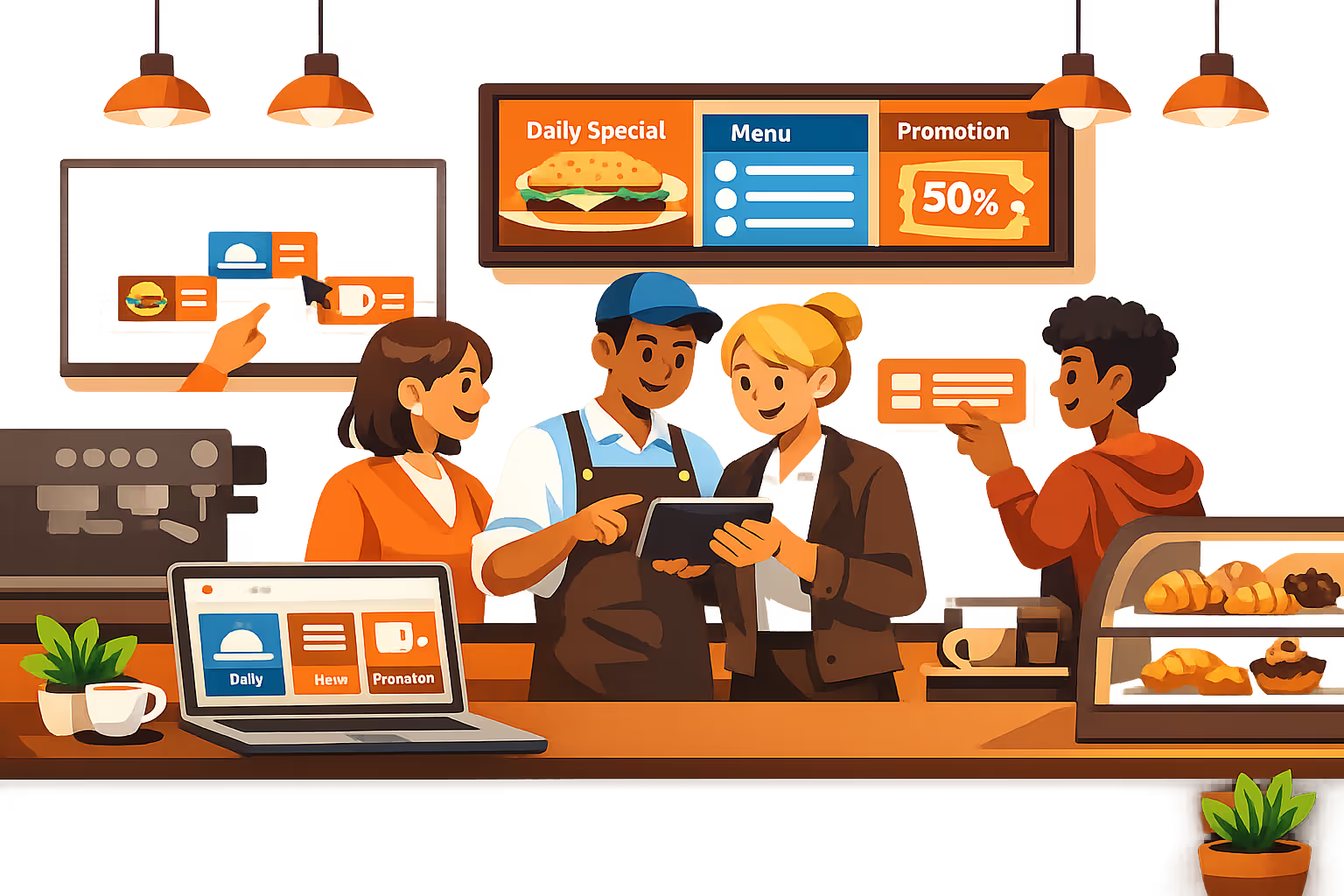
Cafe digital signage designed for faster service and higher sales
Run cafe digital signage from one dashboard and keep every screen accurate in real time. With Disign, you can publish menu boards, promos, and store updates with controlled access, audit trails, and reliable playback across all locations.
Centralized control for every cafe
One platform to manage all screens and menus
Publish updates to a single store or roll out changes to hundreds of locations with location targeting, reusable playlists, and role based permissions. Keep your brand consistent while enabling local managers to update approved items like store hours and specials.
Secure access and publishing governance
Protect menu data, devices, and your brand
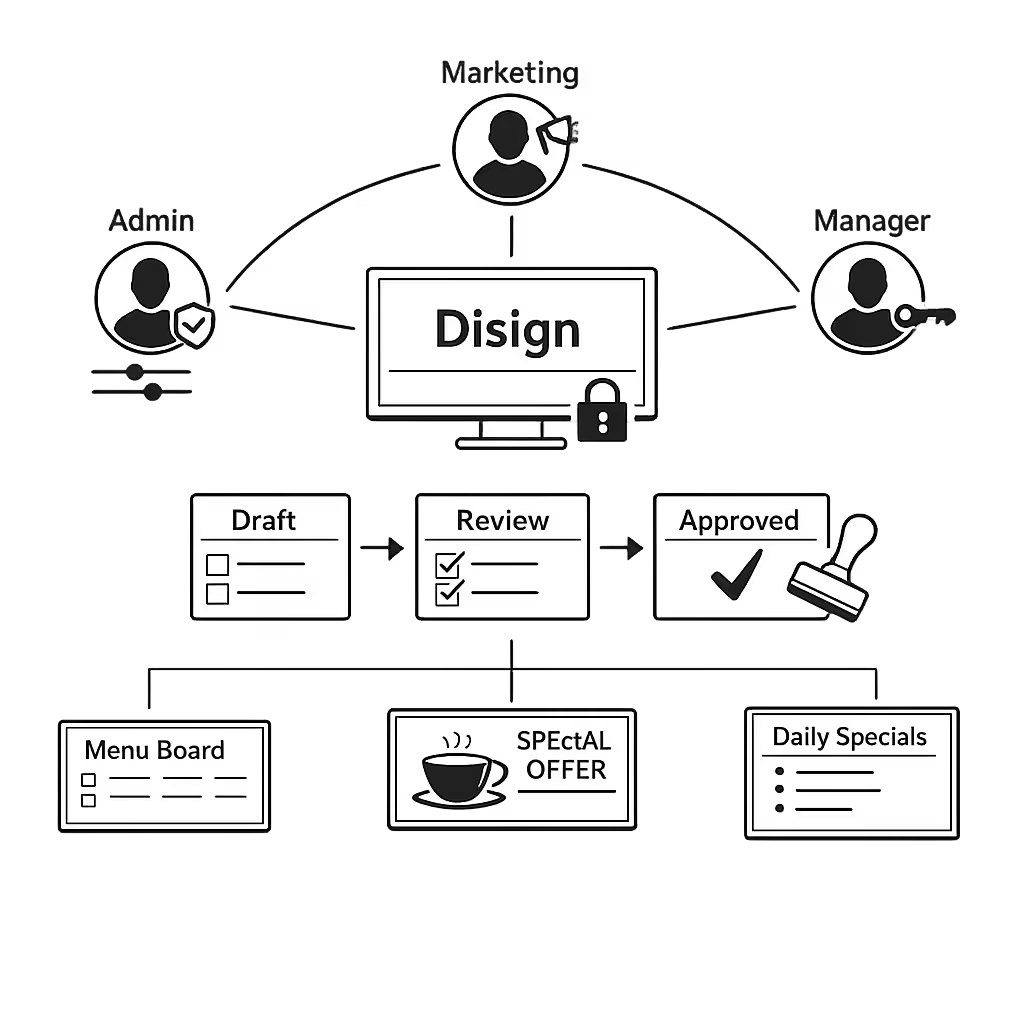
Control who can create, edit, approve, and publish with granular permissions. Use secure sign in, device pairing, and audit logs to reduce mistakes and keep cafe digital signage content trustworthy during busy shifts.
Approval workflows for menu accuracy
Review, approve, and publish with version control
Reduce operational risk with structured publishing: draft, review, approve, then schedule. Track versions of price lists, allergens, and promotional creatives so the right menu is displayed at the right store at the right time.
Scheduling built for dayparts and promos
Automate breakfast, lunch, and happy hour menus
Automate cafe digital signage with time based schedules and recurring campaigns. Switch menus by daypart, run limited time offers, and instantly show service messages like sold out items or equipment downtime without manual updates on every screen.
Reliable playback and device monitoring
Visibility into uptime, status, and content delivery
Keep menu boards running smoothly with health checks and remote diagnostics. Detect offline players, verify what is playing, and troubleshoot quickly so customers always see accurate pricing and offers.
Deployment support that fits operations
From rollout to daily changes, with technical guidance
Get practical help to standardize templates, onboard teams, and scale confidently. We support your setup, content model, and device fleet so your cafe digital signage remains dependable, fast to update, and easy to govern.
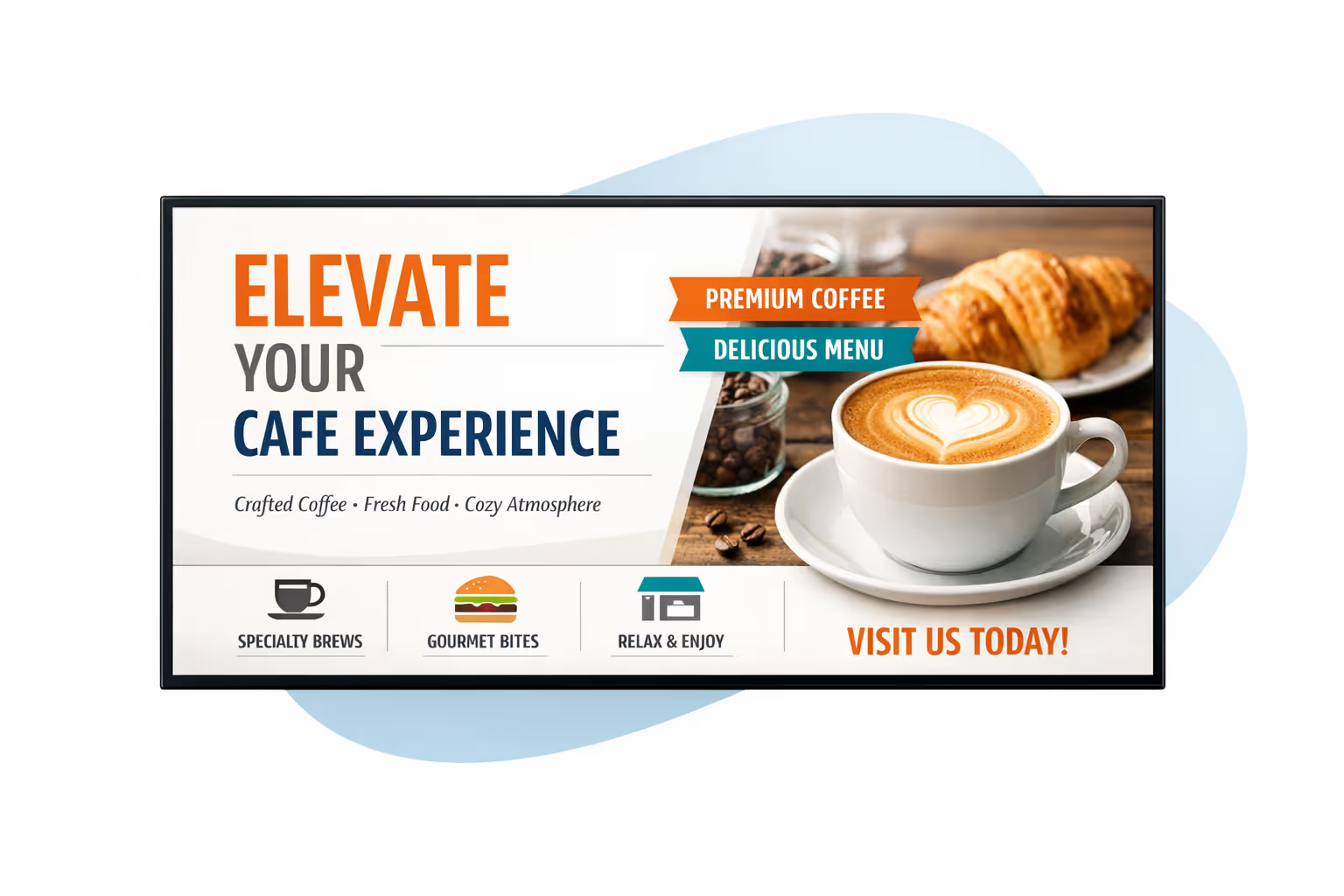
Centralized content management for cafe digital signage
Run your cafe digital signage from one secure Disign platform. Create, review, approve, schedule, and publish menus, promos, and service messages across every location with the governance IT requires and the speed marketing and operations rely on.
One source of truth for every cafe screen
Multi location control with local flexibility
Launch brand wide campaigns while letting each cafe update location specific details like breakfast hours, seasonal items, local pricing, and community events, all within approved templates and rules.
Campaign scheduling that matches cafe rhythms
Schedule content by location, daypart, or screen type. Keep menu boards consistent, limited time offers accurate, and service messages aligned across your cafe digital signage network.
Built for IT governance and secure access
Use role based permissions, approval workflows, and standardized playback policies so every update meets your cafe brand standards, security requirements, and audit needs.
Real time updates for service and operations
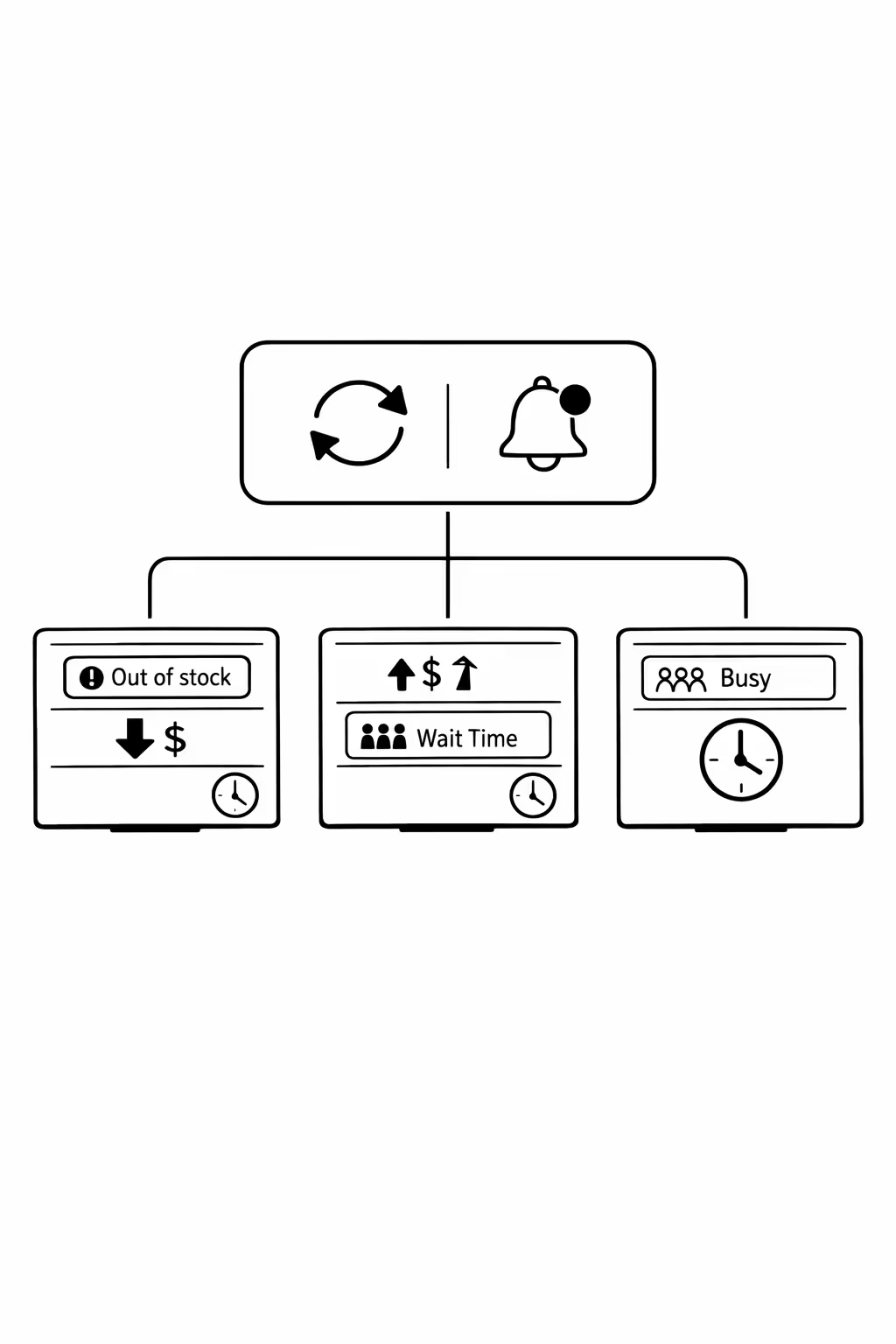
Push instant updates for item availability, pricing changes, queue messages, and operational alerts. Keep every cafe digital signage screen accurate during rush hours, supply issues, or policy changes without contacting each location.
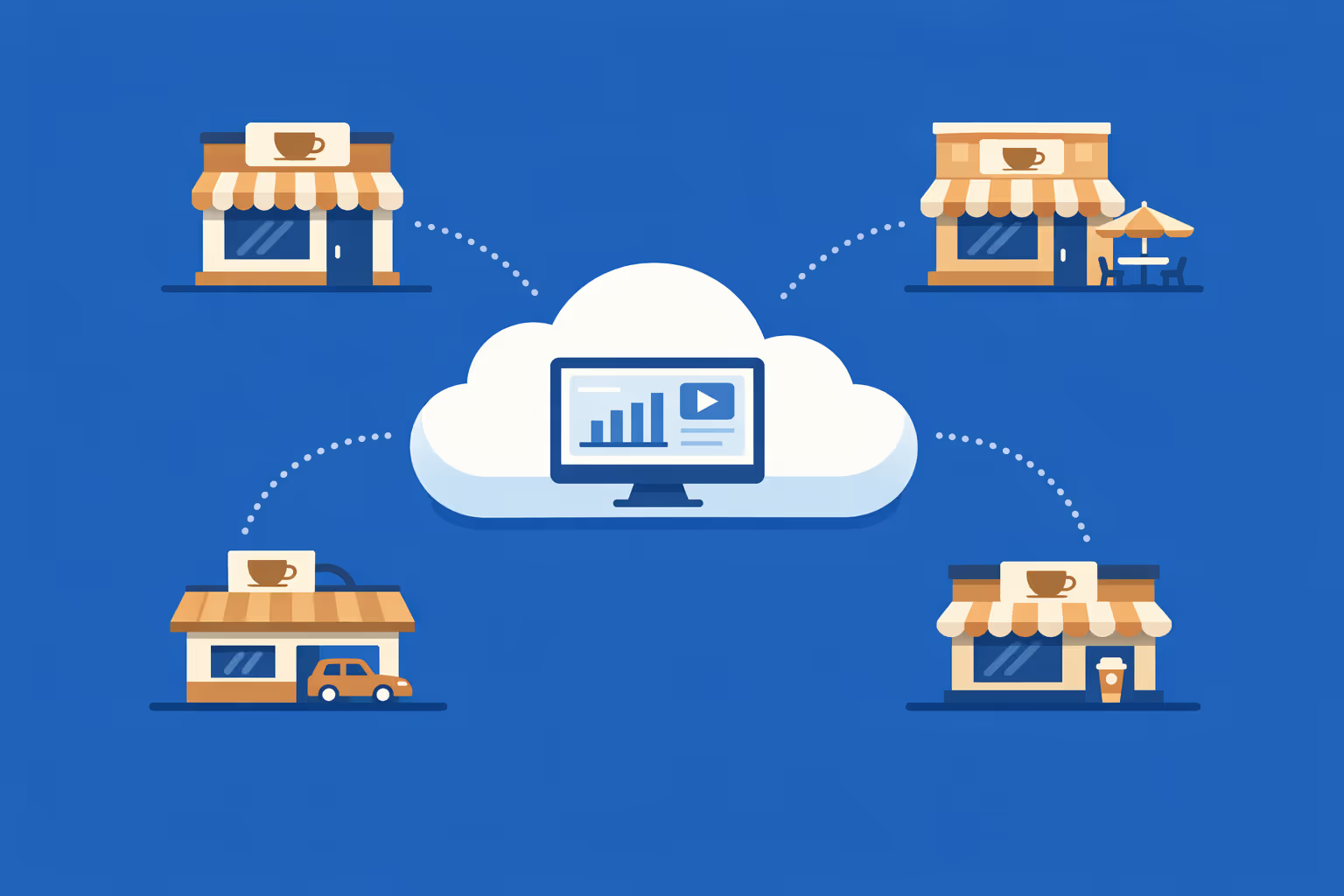
Scalability for growing cafe networks with cafe digital signage
Scale cafe digital signage from a few locations to a full network using one cloud platform. Roll out menu changes, promotions, and service messages in minutes, keep governance simple, and maintain a consistent brand experience as you grow.
Multi-site management from one cloud dashboard
Manage cafe digital signage across every branch from a single console. Publish content instantly, verify what is playing on each screen, and keep menus and messaging aligned across your entire cafe network.
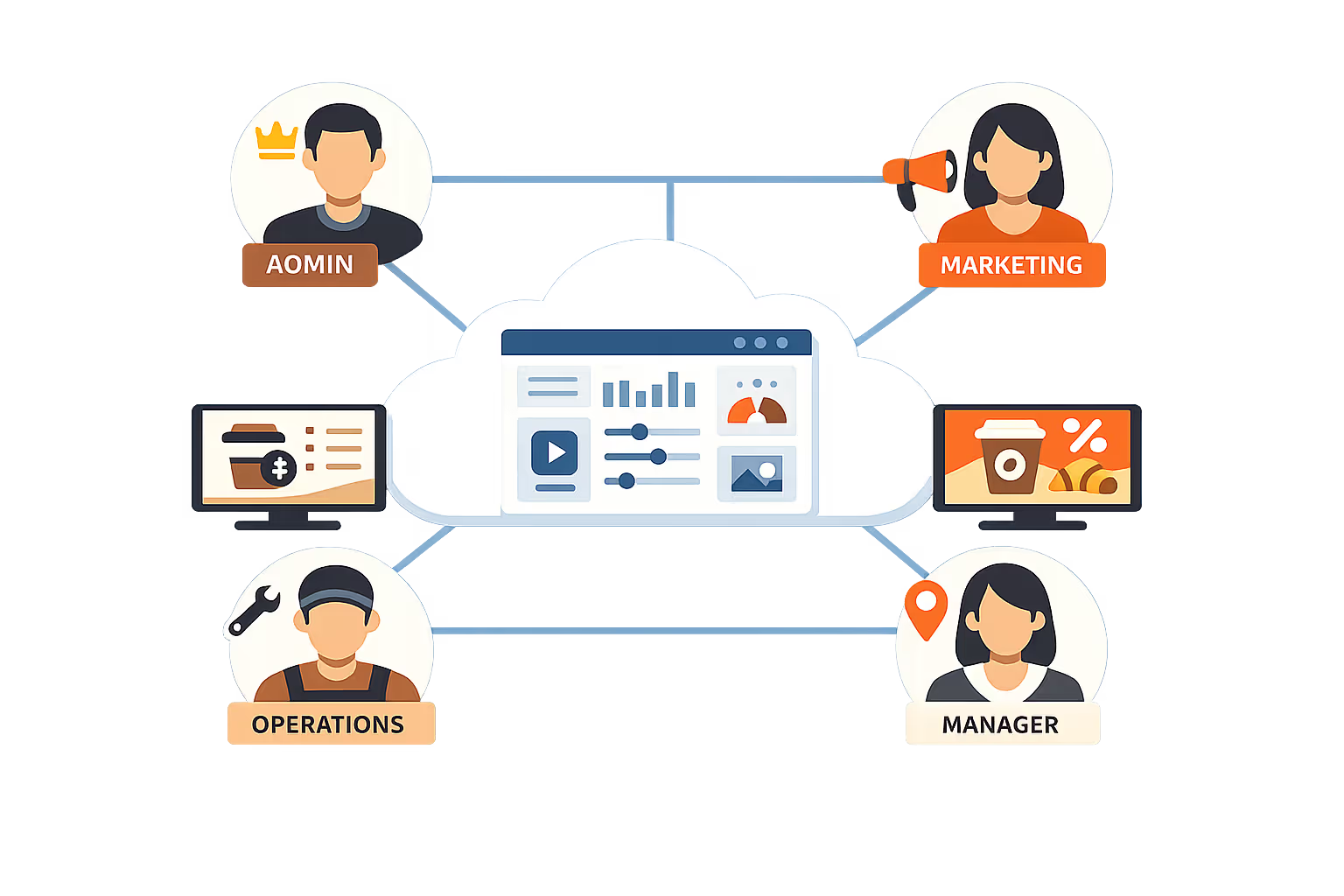
Multi-user access with role-based permissions
Give the right teams the right access. Assign roles and permissions by region, franchisee, or store manager so updates stay fast, secure, and clearly owned across your cafe group.
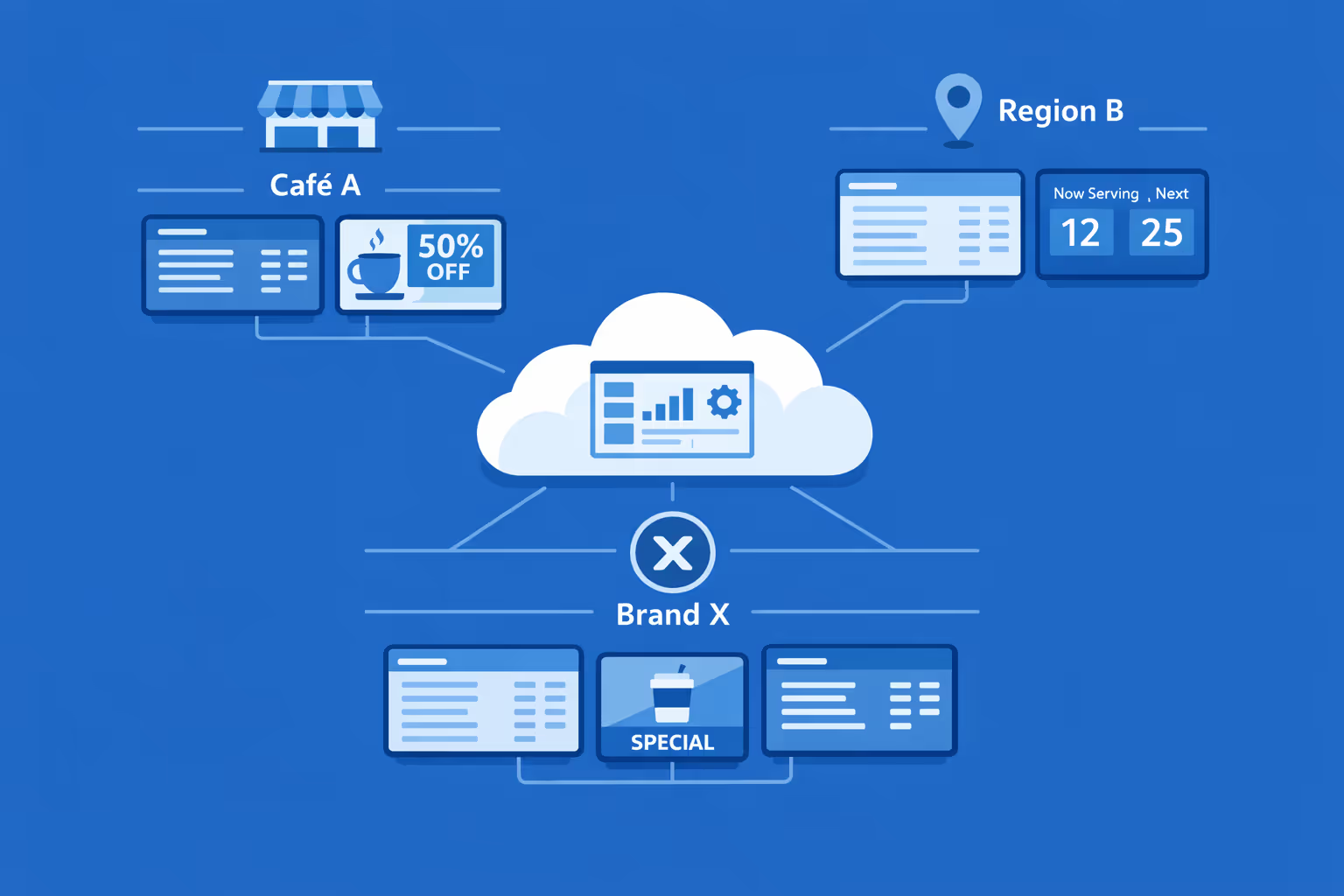
Multi-screen and multi-organization ready
Run thousands of screens and multiple organizations from one account. Segment cafe digital signage by brand, region, or store to stay consistent at scale while keeping local offers and pricing relevant.
Disign é compatível com todas as telas para sinalização digital
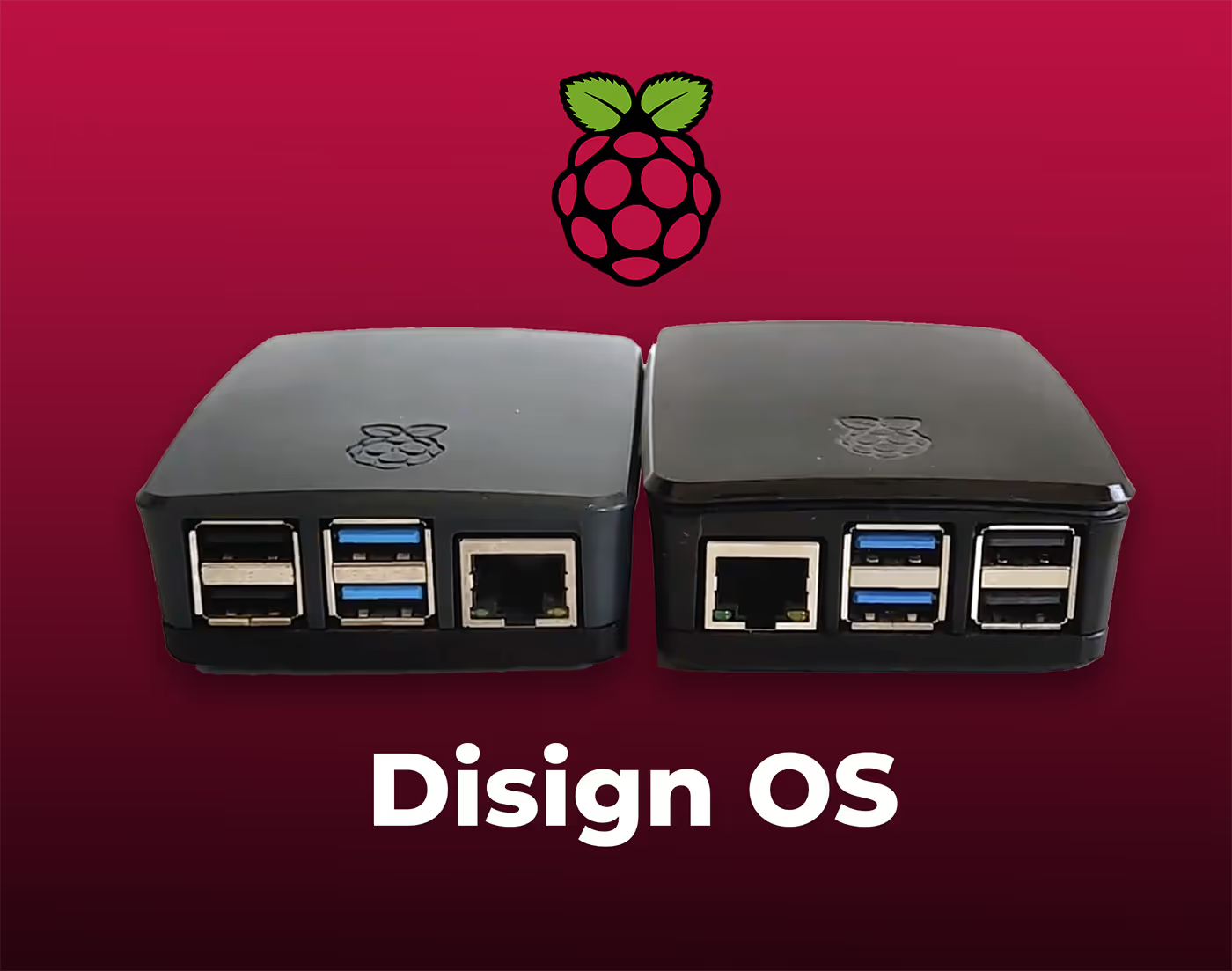
A sinalização digital com Disign permite que você gerencie e exiba conteúdo em uma variedade de dispositivos. Nossa solução é compatível com muitos players externos, como Disign OS baseado em Raspberry Pi, BrightSign e qualquer hardware Android. Disign também suporta tecnologias embutidas em telas Samsung, LG e Android TV. Com essa ampla compatibilidade, você pode facilmente implementar soluções de sinalização digital em diferentes tipos de hardware, garantindo gestão simplificada e uma experiência ideal para o usuário.


Real feedback from cafe teams running Disign as their cafe digital signage platform, from the counter to multiple locations
What cafe professionals say about Disign
“We used to change menus with paper prints and it always looked messy by mid shift. With Disign, our cafe digital signage updates take a few minutes, even when we change prices or run a breakfast special. It helped us stay consistent without adding work for baristas.”
“I needed one place to manage promos and seasonal menus across our locations. Disign keeps our cafe digital signage on brand, and store leads can still post a local event or a sold out note without calling me. That balance is hard to find.”
“Our screens run from opening to close in a busy cafe, and I was worried it would mean constant troubleshooting. Disign has been steady, and when something comes up, support actually helps instead of sending generic links. It feels built for real service hours.”
Integrate with your favorite Applications
70+ Applications and infini integration with API, Database, and any data source
Easily integrate third-party applications and web content such as YouTube or Vimeo, optimized for seamless playback. Display data from RSS feeds or formats like CSV, JSON, or XML directly on your digital signage screens. Extend display capabilities with advanced applications like grids or collections to enrich Disign scenarios.

We designed Disign to be as open and customizable as possible, both in its visual scenes and in its data sources.
Florent MondoloniCo-Founder, Disign

Video
Utilisez vos medias

RSS Feed
Use your own RSS Feed

Database
Databases

Canva
Create your Design and import it

Google Sheets
Import CSV, Live data...

Website/API
Affiche your website or use API
Tudo que você precisa saber sobre Disign affichage dynamique para Café
Cafe digital signage FAQ: practical answers for cafe owners and managers
Cafe digital signage helps you run a more profitable, more consistent cafe by showing the right message on the right screen at the right time. Instead of printing menus every time prices change, taping paper promos to the counter, or relying on staff to repeat the same information all day, you can manage screens centrally and keep your cafe communication fresh and accurate.
This FAQ is written for cafe owners, operators, marketing managers, and multi location teams who want to understand how cafe digital signage works and whether a platform like Disign is a good fit. The goal is simple: help you sell more, reduce ordering friction, improve the customer experience, and keep your brand consistent, without creating extra work for your staff.
What is cafe digital signage?
Cafe digital signage is the use of digital screens in a cafe to display dynamic content such as menu boards, promotions, seasonal drinks, pricing, allergy information, brand visuals, and operational messages. Instead of static posters, your content can be scheduled, updated remotely, and adapted by time of day, location, or audience.
In a typical cafe, digital signage includes:
- digital menu boards behind the counter
- a promotional screen near the entrance or seating area
- a screen for order pickup status or instructions
- a screen for brand storytelling, social proof, or reviews
- staff facing screens for internal updates in back of house
When done well, cafe digital signage reduces confusion, speeds up ordering, highlights high margin items, and creates a modern atmosphere that customers associate with quality.
Why should a cafe use digital signage instead of printed posters or chalkboards?
Printed posters and chalkboards can work, but they become difficult to maintain when you want consistency, frequent updates, and clear pricing. Cafe digital signage helps you stay current without rewriting boards or reprinting materials.
Cafe owners typically switch to cafe digital signage because it helps to:
- update prices, items, and availability in minutes
- run limited time offers without printing costs
- reduce order hesitation by making choices clearer
- upsell add ons like extra shots, pastries, or combos
- keep branding consistent across all screens and locations
- reduce mistakes from outdated menus or handwritten changes
If you have multiple locations, the advantage is even bigger. You can launch the same seasonal campaign everywhere, while still allowing small local differences where needed.
What types of screens are common for cafe digital signage?
Most cafes start with one or two screens, then expand as they see results. The best setup depends on your counter layout, customer flow, and menu complexity.
Common screen types for cafe digital signage include:
- main menu board screens showing drinks and core food items
- secondary menu screens for pastries, sandwiches, and add ons
- feature screens for seasonal drinks, bundles, or limited time offers
- pickup instruction screens to reduce crowding at the counter
- small screens near the register for impulse items and upgrades
A simple rule: your main menu should be readable from the queue, and your promotional content should be placed where customers have time to look, like the waiting or seating area.
How does cafe digital signage improve the customer experience?
Customers want to order quickly and confidently. Cafe digital signage improves the customer experience by making your menu easier to scan and your process easier to follow.
It can help by:
- presenting a clear menu hierarchy so customers decide faster
- showing high quality product visuals that reduce uncertainty
- highlighting popular choices and best sellers for quick decisions
- setting expectations about pickup, timing, or where to wait
- answering common questions before customers ask staff
Even small improvements matter. When customers know what they want before reaching the counter, line flow improves and staff can focus on hospitality instead of repeating information.
Can cafe digital signage help increase average order value?
Yes. One of the most measurable benefits of cafe digital signage is upselling and cross selling, especially when you combine strong visuals with smart placement.
Effective tactics include:
- promoting add ons like extra espresso shots, oat milk, syrups, or whipped cream
- pairing suggestions like coffee plus pastry bundles
- featuring premium items, seasonal drinks, or limited time flavors
- using daypart messaging: breakfast combos in the morning, iced drinks in the afternoon
- highlighting size upgrades or specialty beans
Disign makes it easy to schedule these messages so they show at the right time and in the right locations, without staff needing to remember what to push.
What content works best on cafe digital signage menu boards?
In a cafe, customers typically look at screens for a few seconds, often while standing in line. Your content needs to be clear, scannable, and focused.
High performing cafe digital signage content usually includes:
- simple category sections: espresso, brewed, iced, tea, food
- clear pricing and size options
- short item descriptions that reduce questions
- one strong visual per key category or feature item
- visible allergy and dietary markers where relevant
Avoid overcrowding. If a customer has to read a paragraph, they will skip it and ask your staff instead. A better approach is clean layout, clear pricing, and optional details for items that need explanation.
How often should a cafe update digital signage content?
You should update content often enough that it stays accurate and relevant, but not so often that it becomes chaotic. For many cafes, a rhythm works best.
A practical cadence for cafe digital signage:
- daily updates for sold out items, operational notes, or quick promos
- weekly updates for rotating featured drinks, pastries, or bundles
- seasonal updates for limited time menus and brand visuals
- immediate updates for price changes and urgent notices
With Disign, updates do not require changing USB sticks or editing each screen manually. That is important when you are busy or when you manage multiple sites.
Can cafe digital signage show different menus by time of day?
Yes, and this is one of the easiest wins. Many cafes have different menus for morning rush, lunch, and late afternoon, even if only a few items change.
Common daypart strategies:
- breakfast items and hot coffee focus in the morning
- lunch combos and food upsells midday
- iced drinks, refreshers, and sweet treats in the afternoon
- closing hour reminders and last call promos near end of day
Disign supports scheduling so your cafe digital signage automatically switches at the times you set. That helps staff stay consistent and reduces the chance of showing the wrong menu.
How does cafe digital signage help with seasonal promotions?
Seasonal drinks and limited time offers are a major revenue driver, but they only work if customers notice them. Cafe digital signage gives seasonal items front and center placement without removing the clarity of your core menu.
It helps you:
- launch seasonal campaigns on a specific date and time
- build anticipation with teaser content before launch
- rotate multiple seasonal items without cluttering one screen
- update creative quickly if an item changes or sells out
- run regional seasonal offers if you have multiple locations
Instead of printing new posters each season, you can reuse a structured template and swap content in minutes.
Can cafe digital signage reduce ordering errors and staff workload?
Yes. Many ordering errors come from unclear pricing, unclear size options, or customers not knowing what is included. A well designed digital menu reduces those problems.
Cafe digital signage can reduce staff workload by:
- answering common questions like milk options, sizes, and allergens
- clarifying what comes in a combo or bundle
- showing pickup flow so customers do not crowd the counter
- displaying operational messages like wait time expectations
The payoff is not only fewer mistakes, but also more energy for customer service and speed during rush hours.
What is the best placement for cafe digital signage screens?
Placement depends on your customer flow. The goal is to show decision making information while customers are waiting, not after they have already reached the register.
Best practice placement:
- menu boards clearly visible from the queue entrance
- a feature screen angled toward waiting customers
- pickup instruction screens near the pickup area, not behind the counter
- avoid glare from windows by adjusting placement and brightness
If you are unsure, start with one main menu area and one promotional area. Then measure whether order speed and upsells improve.
Can cafe digital signage integrate with POS systems?
Sometimes. Many cafes want menu boards to match their POS pricing and item availability. Integration depends on your POS and what it can provide, such as APIs, exports, or web views.
Typical approaches:
- manual updates in Disign using templates for fast changes
- semi automated workflows using a data feed for prices or items
- embedding a web page output if your POS or menu tool provides it
Even without a deep POS integration, many cafes get excellent results by using Disign templates that make updates fast and consistent.
What hardware do I need for cafe digital signage?
Most cafe digital signage setups require:
- one or more displays sized for your space
- a media player or compatible device to run the signage content
- stable internet connection, wired if possible for reliability
- mounts, power access, and basic cable management
If your screens run long hours, commercial grade displays may be worth it for durability and brightness. Disign can work with different hardware strategies so you can standardize over time.
Is cafe digital signage expensive to run?
Costs typically include hardware, installation, and software subscription. The real question is whether it pays back through higher sales, fewer printing costs, and less staff time spent on manual updates.
Many cafes justify cafe digital signage through:
- increased average order value via upsells and bundles
- better conversion on high margin items
- fewer refunds or errors from unclear menus
- reduced printing costs for posters and menus
- faster rollout of promotions across locations
If you run seasonal menus, frequent promos, or multiple locations, the return often becomes visible quickly.
How can cafe digital signage help a multi location cafe brand?
If you operate more than one cafe, consistency becomes difficult. Each manager may update menus differently, and promotions can become uneven. Cafe digital signage solves that by centralizing control.
With Disign, multi location teams can:
- push the same menu update to all cafes at once
- schedule campaigns by region, city, or store type
- keep brand design consistent using shared templates
- allow limited local editing within approved layouts
- reduce reliance on individual store managers for marketing execution
This gives you both control and flexibility, which is what growing cafe brands need.
Can I personalize cafe digital signage by location?
Yes. Personalization is useful when locations have different audiences or product availability.
Examples of location personalization:
- promoting local specials or partnerships
- highlighting items that sell best at that specific cafe
- adjusting language for the neighborhood
- showing location specific hours or pickup instructions
- featuring local reviews or community events
Disign makes it possible to run a national or brand wide campaign while still letting specific cafes show content that feels local and authentic.
How do I keep branding consistent on cafe digital signage?
Brand consistency comes from using templates, structured layouts, and approved assets. Without this, screens can quickly look messy, especially when multiple people create content.
Disign helps with:
- reusable templates for menus, promos, and announcements
- shared asset libraries for logos, fonts, and backgrounds
- playlists that keep a consistent content rotation
- permissions so only approved users can change core brand elements
The result is a cafe experience that looks intentional and professional, even during frequent updates.
What are common mistakes to avoid with cafe digital signage?
Many cafes buy screens and then struggle because the content strategy is unclear. The technology is only effective when the messaging is designed for quick viewing and real customer behavior.
Common mistakes:
- too much text and too many items on one screen
- fonts too small to read from the queue
- unclear pricing or missing size information
- using low quality images that make products look less appealing
- showing promos without a clear call to action
- forgetting to update content so screens look stale
A good setup is simple, readable, and updated regularly. Start with clarity, then layer in promotions.
Is cafe digital signage useful for showing allergy and dietary information?
Yes, and it can be a major trust builder. Many customers look for dairy free, gluten free, nut warnings, or calorie information. Digital signage makes it easier to show this consistently, without cluttering your menu.
Good practices:
- use clear markers for dairy free and plant based options
- include allergen disclaimers where required
- keep the main menu readable and provide details in a secondary area if needed
- ensure any claims are accurate and consistent with packaging and recipes
With templates in Disign, you can keep these markers consistent across all locations.
Can cafe digital signage be used for internal staff communication?
Yes. Some cafes use a small back of house screen for quick internal updates, especially during busy seasons or when staffing changes.
Useful internal content:
- shift reminders and daily priorities
- product focus and upsell tips
- training clips or recipe consistency notes
- safety reminders and cleaning checklists
- recognition for team performance
Even a simple internal screen can reduce missed information and keep teams aligned without relying on group chats.
What security and reliability features should I look for?
Cafe digital signage should be easy to manage and stable during rush hours. If a screen goes black or shows the wrong menu, it hurts trust and sales.
Key things to look for:
- role based access so only authorized users can edit menus
- secure sign in and device management
- monitoring to confirm screens are online and playing correctly
- reliable content playback even if the network is unstable
- logging so you can track who changed what and when
Disign is designed for business use where consistency matters, not a consumer casting setup that depends on someone remembering to reconnect a device.
How quickly can I launch cafe digital signage with Disign?
Many cafes start with a pilot: one location, one menu board set, and a simple promo rotation. Once the design templates are approved, scaling is straightforward.
A practical rollout path:
- confirm screen locations and measure visibility from the queue
- build menu templates that match your brand and pricing structure
- create playlists for core menu, seasonal promo, and announcements
- test readability in real lighting and adjust font sizes
- launch, then refine based on staff feedback and customer behavior
Because Disign is centrally managed, you can make changes quickly after observing what works.
How do I measure ROI for cafe digital signage?
You can measure ROI using a mix of sales metrics and operational improvements. Even if you cannot attribute every purchase to a screen, you can track changes after deploying a structured content strategy.
Common ROI indicators:
- increase in average order value after introducing upsell slides
- higher sales of promoted seasonal drinks
- increased attachment rate of pastries or add ons
- reduced time per order during rush periods
- fewer menu related questions and fewer errors
- reduced printing and design rework costs
For multi location operators, an overlooked ROI driver is execution speed. If you can update all menus in minutes instead of days, you avoid revenue loss from outdated pricing and missed promos.
What makes Disign a strong choice for cafe digital signage?
Cafe teams need a platform that is simple for marketing and operators, while still being structured enough to keep menus consistent. Disign is designed to help cafes communicate clearly, sell more effectively, and keep content under control across one or many locations.
Disign supports your cafe digital signage strategy with:
- centralized content management so you can update screens quickly
- scheduling for daypart menus and seasonal campaigns
- templates that keep menus readable and on brand
- playlist management to rotate promos without cluttering the menu
- scalable multi location controls for growing cafe brands
If you want screens that look professional, stay accurate, and help your cafe run smoother, Disign is built for that reality.
What are the next steps to start using cafe digital signage?
A strong start is not about creating dozens of slides. It is about choosing a simple structure that improves ordering and promotes your highest value items.
Next steps to launch cafe digital signage:
- define your goals: faster ordering, higher average order value, or stronger seasonal performance
- map your screens to customer moments: queue, ordering, waiting, pickup
- build two or three core templates: menu board, featured item, announcement
- decide your update rhythm and who owns changes
- start with one location or one screen set, then scale with confidence
Once your templates and workflow are in place, cafe digital signage becomes one of the easiest marketing channels to maintain because you can update it anytime without printing or waiting on store level execution.



Join community of 4k+ people
Cafe digital signage that sells more and keeps service moving
Turn every screen into a clear, helpful touchpoint. With Disign cafe digital signage, update menus, highlight specials, share allergen info, promote loyalty offers, and guide customers at the counter, all from one simple dashboard.
Ready to try it in your cafe today? Start a 28 day free trial with no credit card required, or contact us if you want help choosing the right setup. You can publish your first cafe digital signage content in minutes and change it anytime.