Dental digital signage for dental practices and clinics
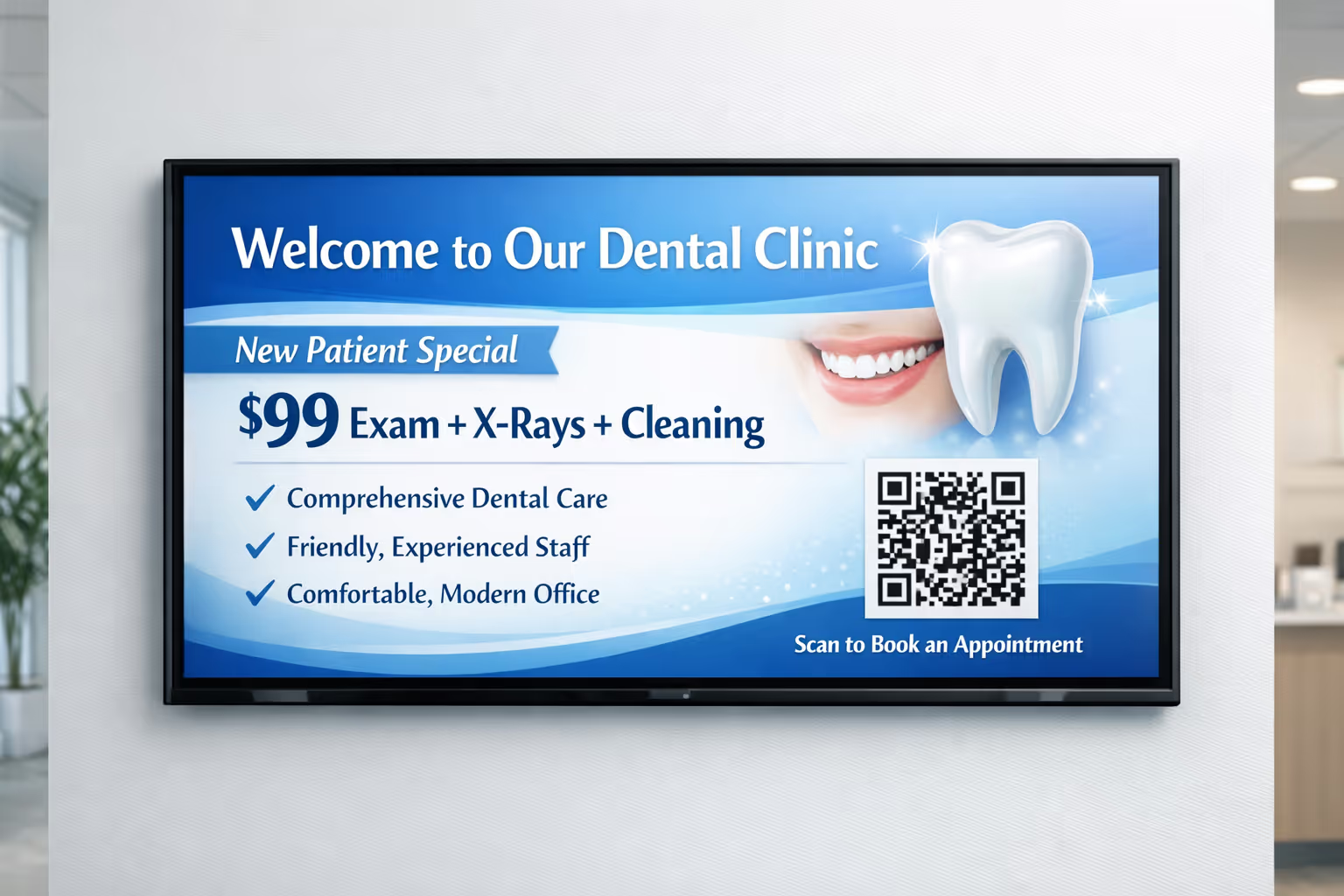
Dental digital signage that calms patients and streamlines your day
Turn your waiting room and operatory screens into clear, helpful communication. With Disign dental digital signage, you can promote services, explain treatments, share hygiene tips, and display real-time updates in minutes, all while keeping your brand consistent across every screen.


Used by 4,000+ people
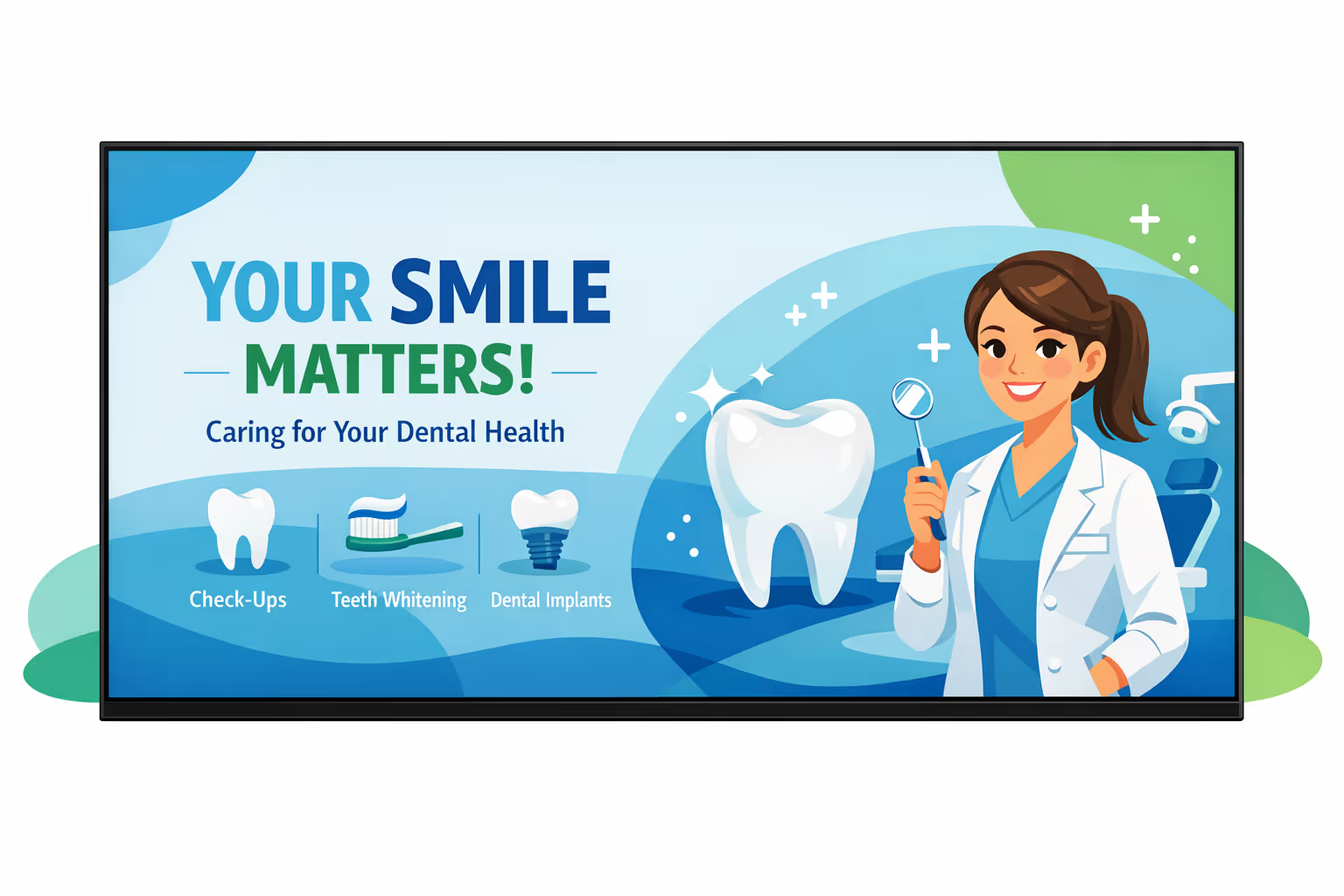
Challenges in the dental industry when practice communication breaks down
In a busy dental practice, patients want reassurance and clear direction the moment they arrive. When information is hard to find, uncertainty turns into repeated questions, longer waits, and a stressful first impression.
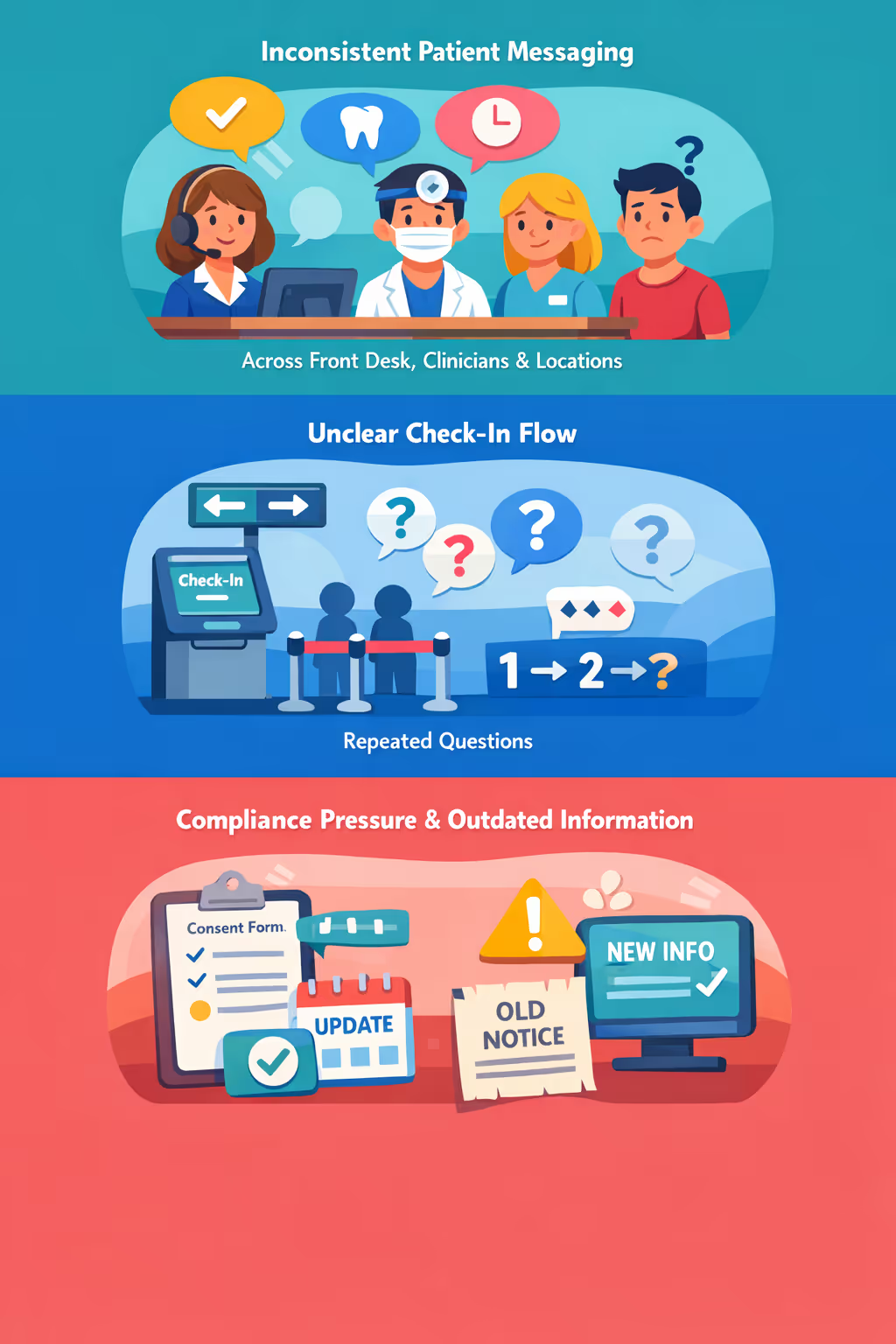
Appointment policies, insurance guidance, and required forms can change quickly. When reception, hygienists, and dentists share different answers, patients lose confidence and small misunderstandings can escalate into complaints.
Patients want to know where to go, what to prepare, and what happens next. Without visible, simple instructions, staff spend time on wayfinding and reassurance instead of supporting care and keeping schedules on track.
Dental communication must be accurate and consistent with current consent, privacy, and safety requirements. When printed notices and on-site messages are not updated everywhere at the same time, patients may follow the wrong steps, creating avoidable risk and extra admin work.
Dental digital signage that boosts patient experience and practice revenue
Put the right message on the right screen at the right time. Disign helps dental practices promote high value treatments, educate patients while they wait, reduce printing costs, and keep every location consistent. The result is a smoother front desk flow and measurable ROI from better case acceptance and smarter in clinic communication.
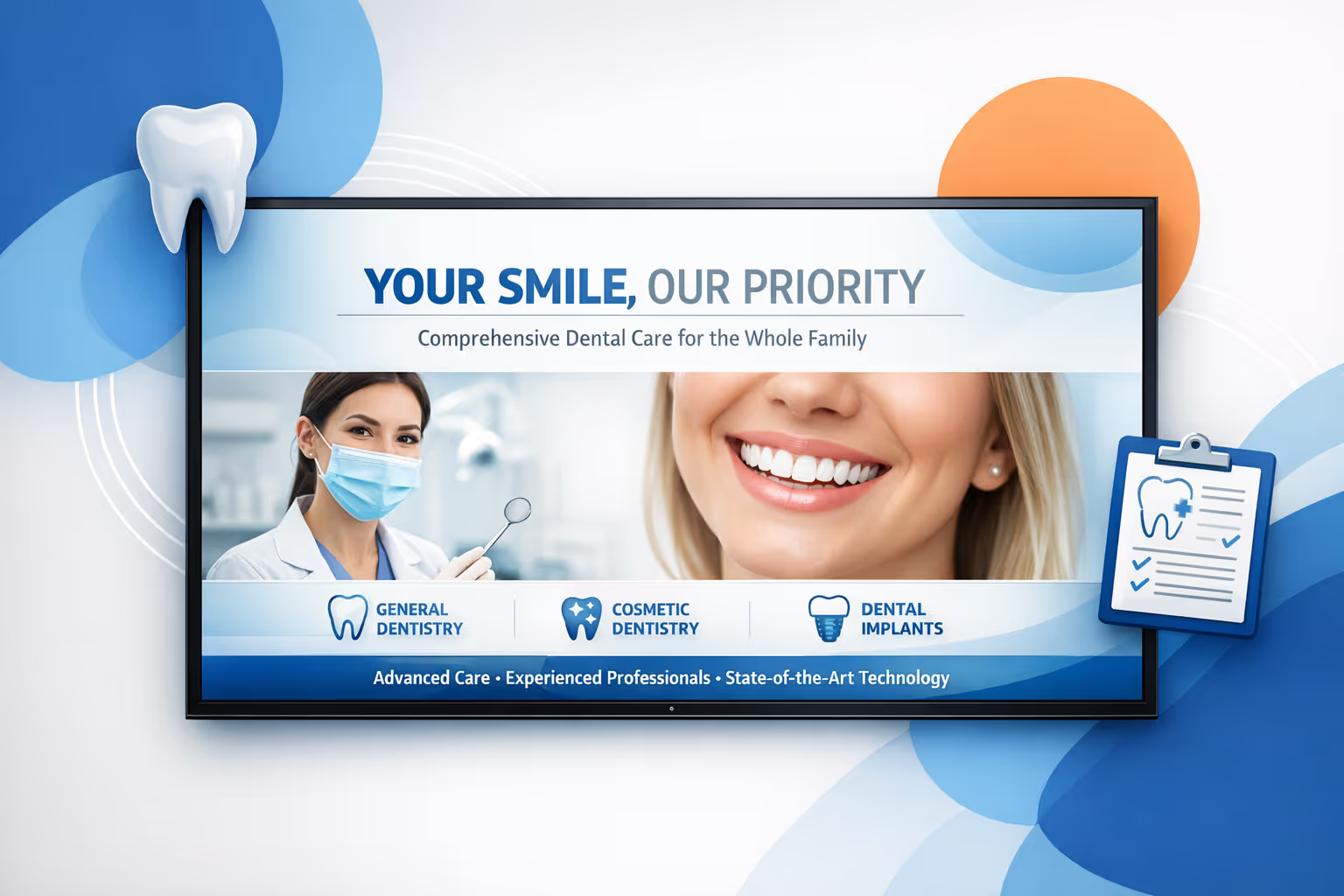
Promote treatments and services in real time
Update offers instantly for whitening, Invisalign, implants, hygiene plans, and new patient specials. Keep pricing guidance, financing options, and seasonal campaigns current without reprints or missed opportunities.
Reduce perceived wait times and improve patient flow
Use engaging education, what to expect content, and clear directions to check in, payments, and next steps. Patients feel informed and calmer, and your team spends less time repeating the same explanations.
Prove ROI with performance driven messaging
Run targeted content by day, chair availability, or audience and track impact on inquiries and booked treatments. Dental digital signage helps increase case acceptance, drive add on services, and improve utilization with lower operational spend.
Keep brand and patient communication consistent
Standardize templates so every screen reflects your practice tone and standards. Update consent reminders, safety messages, and patient notices quickly while maintaining a polished, trusted experience across locations.
Lower printing costs and reduce staff workload
Replace posters and desk flyers with a centralized content workflow. Save on printing and staff time, and keep every waiting room and operatory screen up to date from one dashboard.
Personalize messaging for each clinic and audience
Adapt content by location, language, or patient profile, from families and cosmetic dentistry to surgical cases. Deliver messages that feel local and relevant while staying aligned with your practice strategy.
Dental digital signage use cases that improve the patient experience
From the reception desk to treatment corridors, dental digital signage helps practices communicate clearly, reduce repetitive questions, and build patient confidence with consistent, professional information.
- Reception and check-in: welcome patients, explain next steps, and set expectations for visits and paperwork
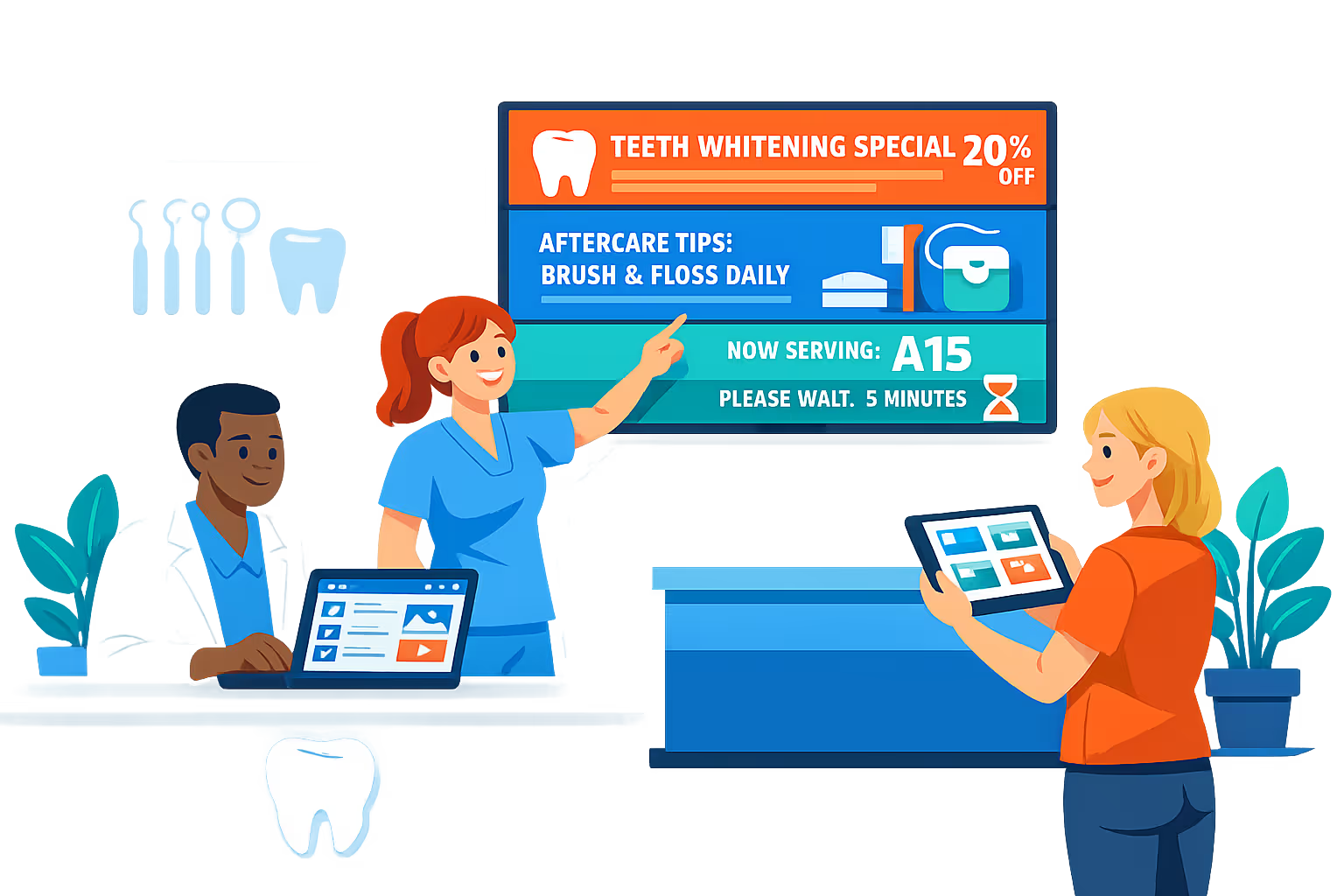
- Waiting rooms: show real-time updates, calming content, and trusted tips for oral health and aftercare
- Billing and insurance: clarify payment options, financing, and coverage basics to support transparent conversations
- Multi-location and staff areas: share consistent clinic updates, standards, and training reminders across every office
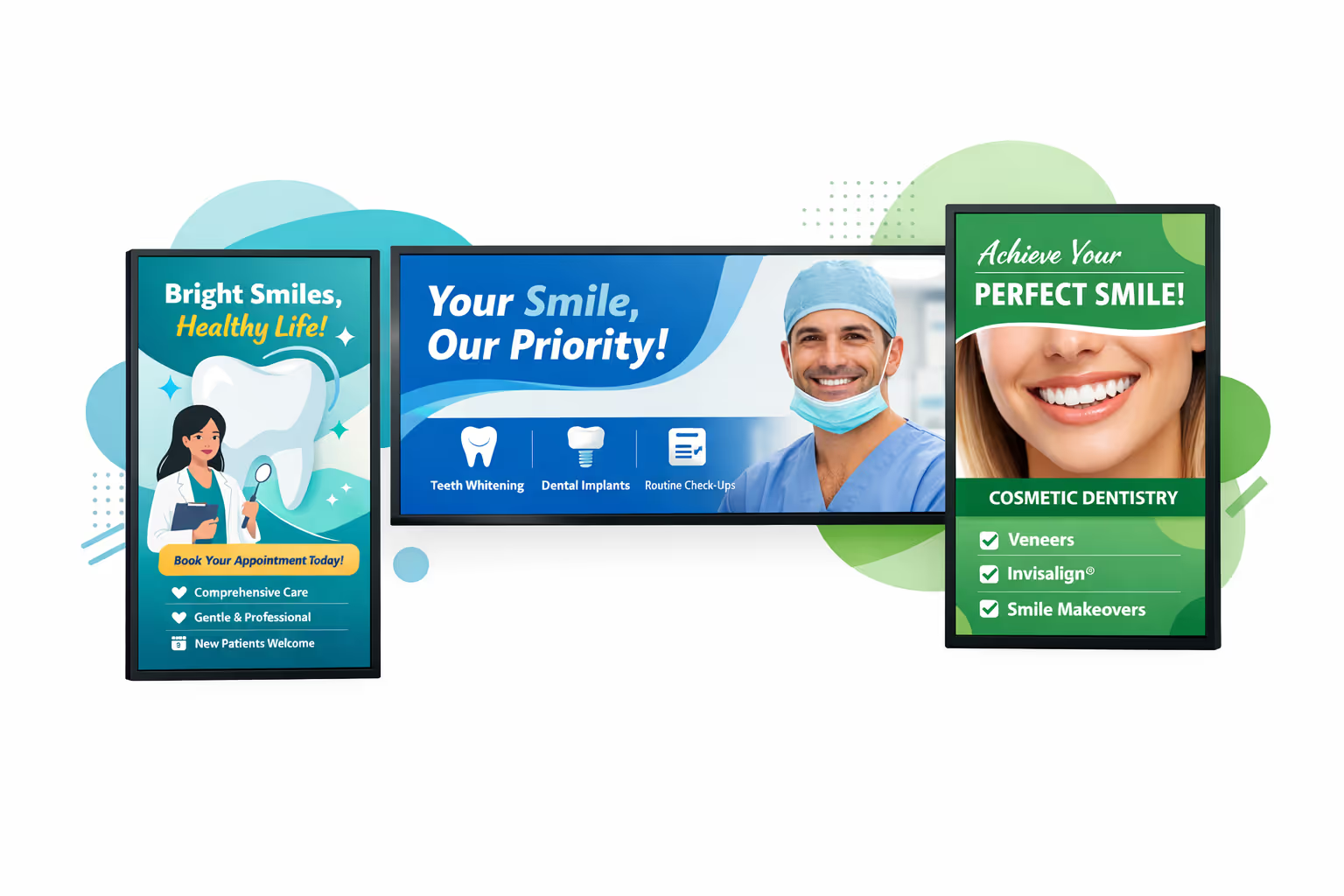
How Disign digital signage works
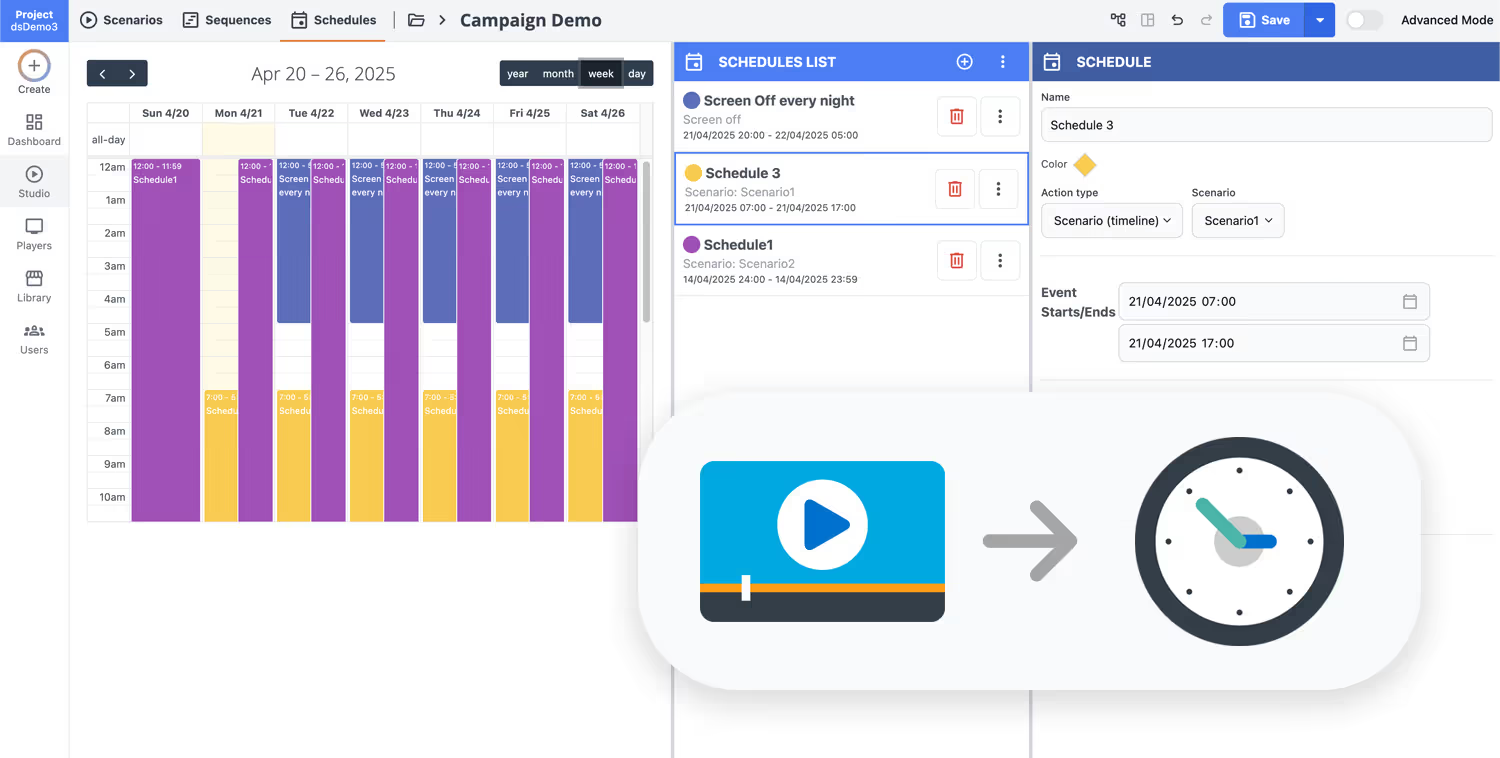
Schedule your content from anywhere with our cloud-based digital signage solution. Easily plan what plays, when, and where—across one screen or thousands.
Desenhe cenários e playlists personalizados adaptados ao seu público e objetivos.
Defina datas e horários precisos para que seu conteúdo seja reproduzido automaticamente.
Implante conteúdo instantaneamente em sua rede de affichage dynamique com apenas um clique.
Ready to launch dental digital signage in your clinic?
Start your 28 day free trial with Disign and publish patient friendly content in minutes. No credit card required. Promote services, share aftercare tips, reduce perceived wait times, and keep your team aligned with secure, easy screen updates from anywhere.
Dental digital signage designed for modern dental clinics
Keep patients informed and your team aligned with dental digital signage that is easy to manage and technically reliable. With Disign, clinics can publish appointment guidance, service updates, and educational content from one dashboard while maintaining controlled access, traceability, and consistent playback across every screen.
Centralized control for single or multi location clinics
Standardize dental digital signage content at scale
Publish to one waiting room or multiple practices with location targeting, role based access, and reusable playlists. Keep branding and patient information consistent while letting each clinic update approved content when needed.
Secure access and device governance
Protect screens, users, and clinic workflows
Control who can create, approve, and publish with granular permissions. Use secure sign in, device pairing, and auditable actions to keep your dental digital signage environment predictable, accountable, and easier for IT to support.
Approval workflows for clinic safe messaging
Structured publishing with review and traceability
Reduce mistakes with a clear process: draft, review, approve, then schedule. Maintain version control on patient instructions, pricing information, and clinic announcements so the right content appears on the right screen at the right time.
Scheduling and automation for daily clinic operations
Dayparting, recurring campaigns, and timed updates
Automate dental digital signage with time based schedules and recurring campaigns. Switch content for opening hours, peak times, last minute notices, or holiday closures without manual changes at the screen.
Reliable playback with remote monitoring
Visibility into screen health and content delivery
Keep screens running with device status, diagnostics, and delivery checks. Detect offline players, confirm what is on screen, and ensure patients always see up to date information in the waiting room and reception area.
Deployment support for IT and clinic teams
Faster rollout with templates and onboarding
Get practical guidance from rollout to daily operations. We help you standardize templates, onboard staff, and troubleshoot devices so your dental digital signage stays stable, secure, and easy to manage over time.

Centralized content management for dental digital signage
Run your dental digital signage from one secure platform. Marketing can create and update patient friendly content, operations can keep locations consistent, and IT can control access, devices, and approvals across every clinic.
One platform for every clinic screen
Multi location control with local flexibility
Keep your brand and patient messaging consistent across all practices while letting each clinic add local updates like opening hours, team availability, hygiene reminders, and in office offers within approved templates.
Campaigns, seasonal reminders, and chairside messaging
Schedule content by clinic, region, or screen type to keep promotions aligned, patient education timely, and important notices accurate across your dental digital signage network.
Governance and security for IT
Centralize access with role based permissions, structured approvals, and consistent playback rules, so every change follows your practice standards and supports audits without slowing down teams.
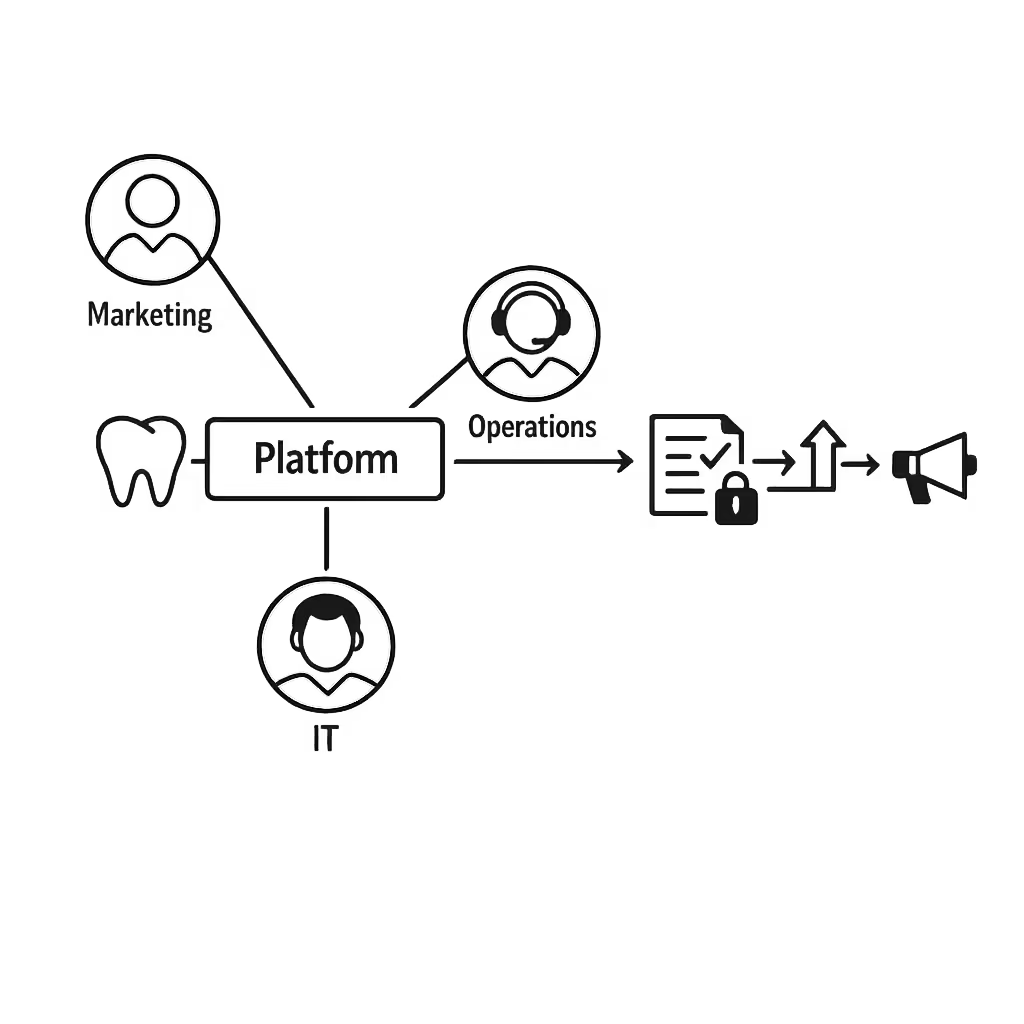
Real time updates for operations and patient flow
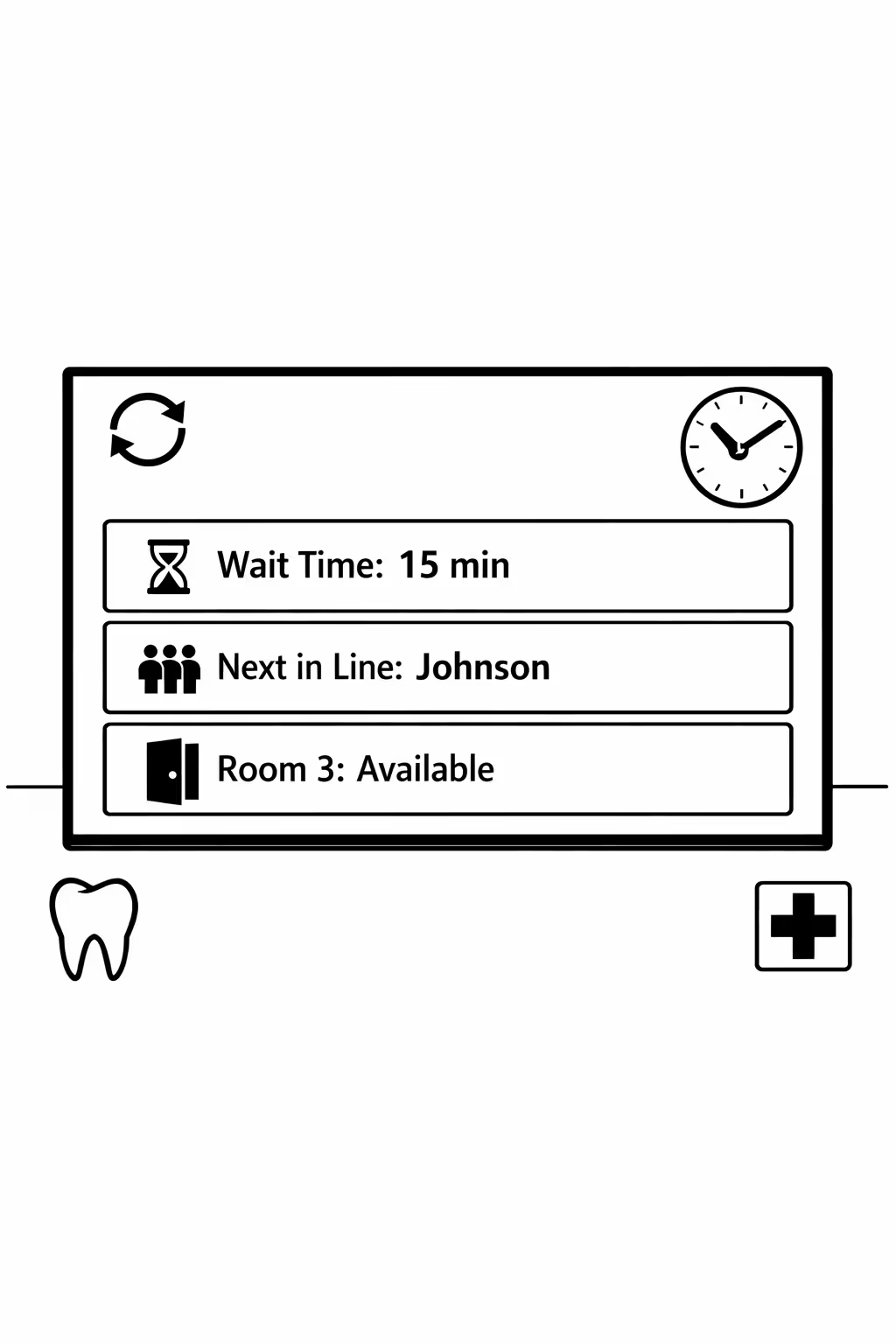
Publish urgent changes instantly: wait time messages, queue guidance, room availability, service disruptions, and policy updates. Keep every clinic screen accurate during busy hours without chasing individual locations.
Scalability for growing dental networks with dental digital signage
Scale dental digital signage across clinics, regions, and brands from one cloud platform. Roll out updates in minutes, keep governance clear, and maintain a consistent patient experience as your dental network grows.
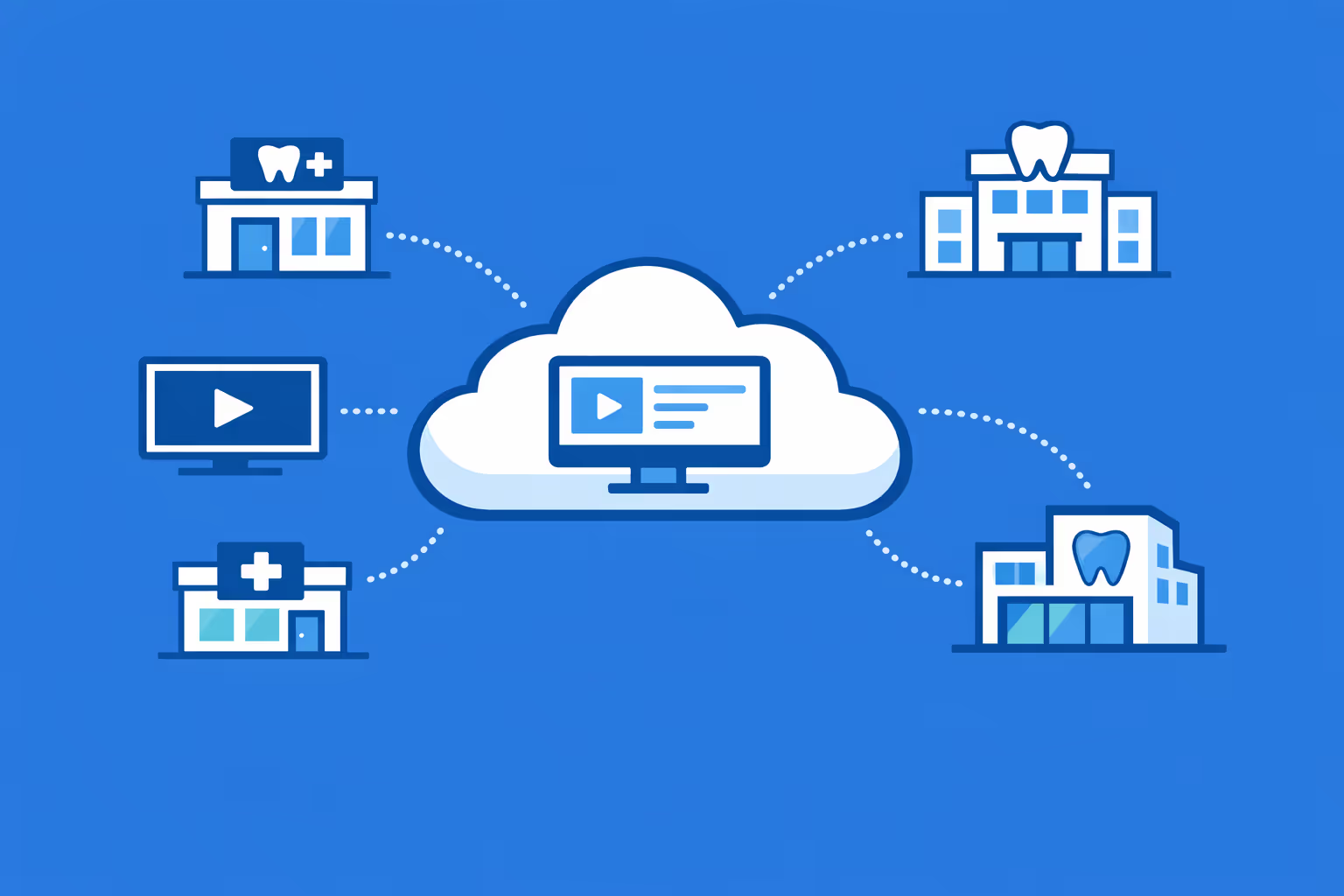
Multi site management from one cloud dashboard
Manage dental digital signage for every clinic from a single view. Publish new content instantly, verify what is playing on each screen, and keep brand messaging consistent across all locations.
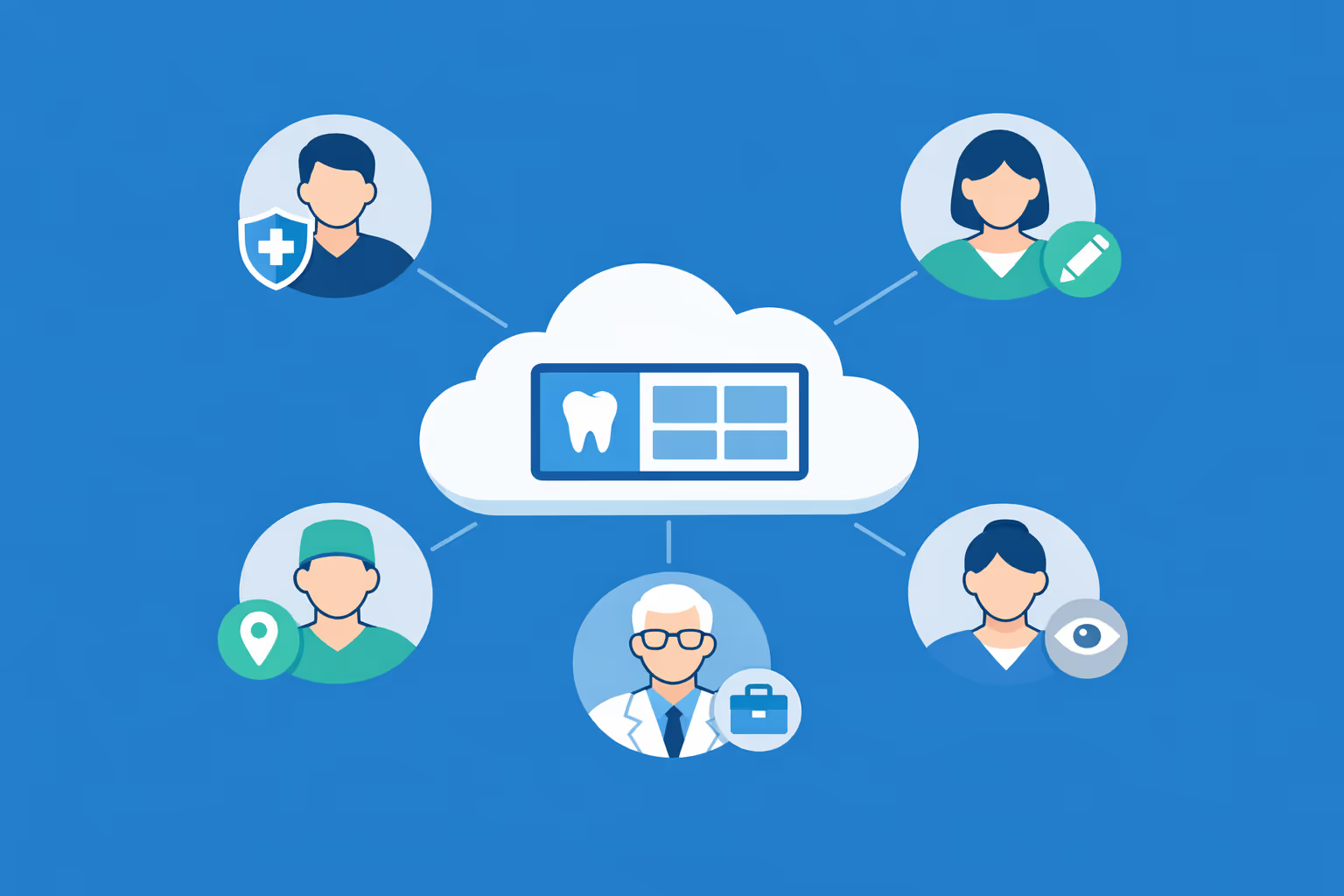
Multi user access with role based permissions
Give the right access to the right people. Assign roles by clinic, region, or department so marketing, operations, and practice managers can collaborate efficiently while staying secure and accountable.
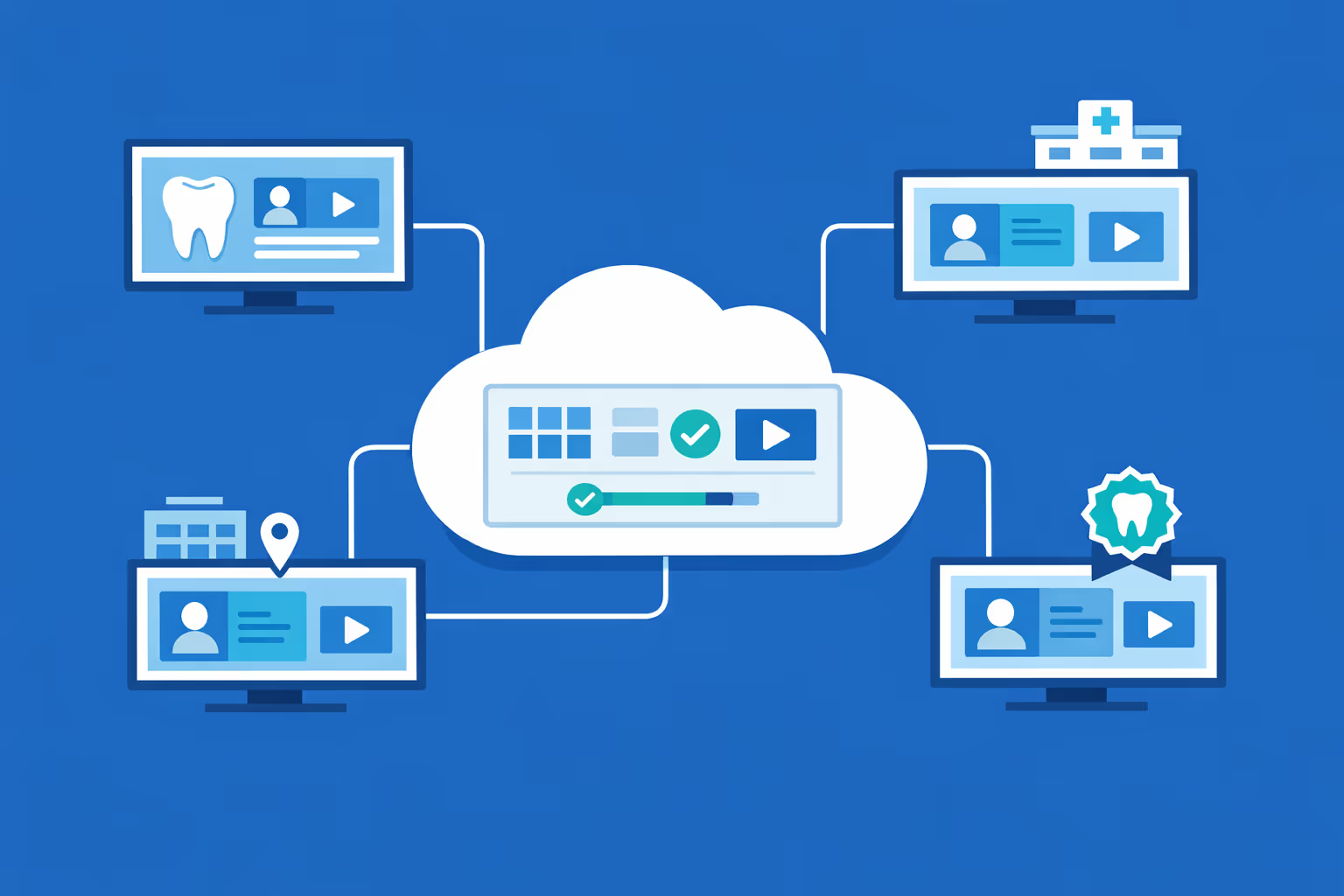
Multi screen and multi organization ready
Run dental digital signage across thousands of screens and multiple organizations under one account. Segment content by brand, region, or clinic to protect consistency while still enabling local messaging.
Disign é compatível com todas as telas para sinalização digital
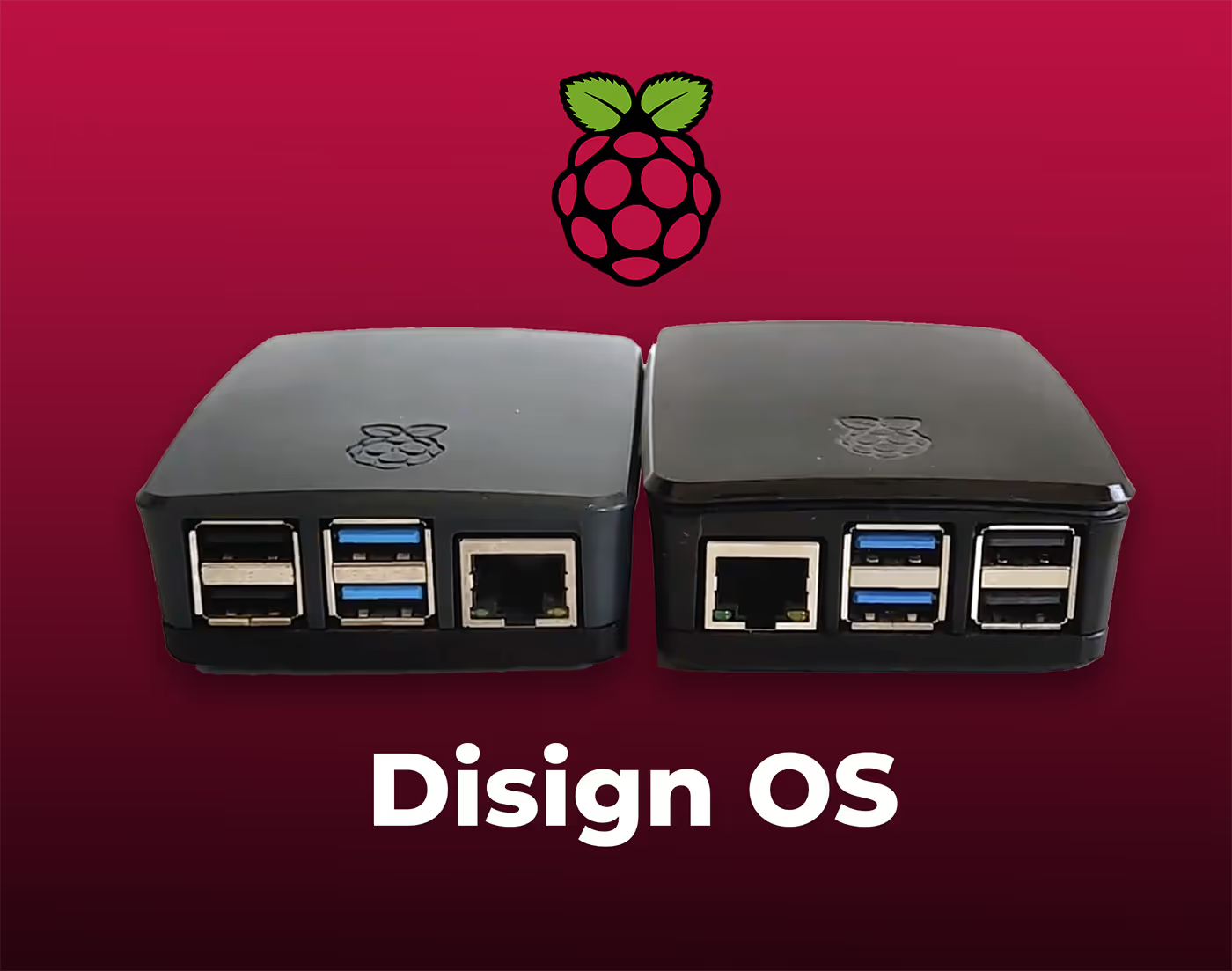
A sinalização digital com Disign permite que você gerencie e exiba conteúdo em uma variedade de dispositivos. Nossa solução é compatível com muitos players externos, como Disign OS baseado em Raspberry Pi, BrightSign e qualquer hardware Android. Disign também suporta tecnologias embutidas em telas Samsung, LG e Android TV. Com essa ampla compatibilidade, você pode facilmente implementar soluções de sinalização digital em diferentes tipos de hardware, garantindo gestão simplificada e uma experiência ideal para o usuário.


Real feedback from dental teams using Disign dental digital signage to keep patients informed and waiting rooms calm
What dental professionals say about Disign dental digital signage
“We started with Disign in our waiting room to reduce the same questions at reception. Now we rotate clear pricing reminders, what to bring for first visits, and post op tips. It feels more professional than posters, and updates take me a couple of minutes between patients.”
“We use Disign dental digital signage for oral hygiene education and to highlight services like Invisalign and whitening. Patients actually read it, and it helps our clinicians start better conversations. I like that we can keep it on brand without making the content feel salesy.”
“I was worried we would spend time babysitting the screens, but Disign has been solid. We run it all day across reception and the corridor, and scheduling content for different days is straightforward. When something needed tweaking, support was quick and clear.”
Integrate with your favorite Applications
70+ Applications and infini integration with API, Database, and any data source
Easily integrate third-party applications and web content such as YouTube or Vimeo, optimized for seamless playback. Display data from RSS feeds or formats like CSV, JSON, or XML directly on your digital signage screens. Extend display capabilities with advanced applications like grids or collections to enrich Disign scenarios.

We designed Disign to be as open and customizable as possible, both in its visual scenes and in its data sources.
Florent MondoloniCo-Founder, Disign

Video
Utilisez vos medias

RSS Feed
Use your own RSS Feed

Database
Databases

Canva
Create your Design and import it

Google Sheets
Import CSV, Live data...

Website/API
Affiche your website or use API
Everything you need to know about Disign Digital Signage For Dental
Dental digital signage FAQ: practical answers for dental practices and dental groups
Dental digital signage is more than a screen playing a loop in the waiting room. For a modern dental practice, it is a communication channel that reduces front desk pressure, improves the patient experience, increases case acceptance through clear education, and keeps messaging consistent across one location or an entire dental group. This FAQ is written for practice owners, office managers, practice administrators, marketing leads, and IT partners who are evaluating a platform like Disign for dental digital signage.
If you are comparing options, you likely care about outcomes: fewer repetitive questions at reception, better patient understanding of treatments, smoother check in and check out, and a more professional brand presence. The questions below cover what typically matters most, including content ideas, workflow, hardware, privacy considerations, and rollout tips.
What is dental digital signage and where is it used in a dental practice?
Dental digital signage is a centrally managed system of screens that display dynamic content in dental environments. Unlike posters, it can be updated instantly, scheduled by time of day, and tailored by location or audience.
Common screen locations in a dental setting include:
- waiting room and reception area screens
- check in and check out counter displays
- hallway and operatory corridor screens
- hygiene bay or consultation room screens when appropriate
- staff only areas such as break rooms for internal updates
- multi location group offices that need consistent messaging
The objective is simple: share the right information at the right moment without relying on staff to repeat the same explanations all day.
Why choose dental digital signage instead of printed posters and brochures?
Printed materials still have a place, but they are slow to update, expensive to keep fresh, and often become visual clutter. Dental digital signage helps you communicate clearly while keeping your space modern and organized.
Dental practices typically switch because it helps to:
- update promotions, hours, and policies instantly without reprinting
- educate patients while they wait, improving treatment understanding
- reduce repetitive front desk questions like paperwork, insurance, and timing
- support a consistent brand experience across all locations
- highlight reviews, credentials, and community involvement in a controlled way
- keep seasonal messaging accurate, like school exam reminders or whitening specials
For an office manager, the most valuable part is control: changes happen once and appear everywhere you want them, without chasing down old flyers.
What are the best use cases for dental digital signage in a waiting room?
Waiting room screens perform best when they are helpful and calming, not overly promotional. Patients are often anxious, short on time, or visiting with a child. The content should respect that moment.
High impact waiting room use cases include:
- new patient welcome and what to expect during the visit
- check in reminders, forms, and ID or insurance tips
- short education segments about preventive care and common procedures
- introductions to providers and team members to build trust
- transparent reminders about payment options and financing availability
- patient testimonials, awards, and review highlights
- office announcements: holiday hours, referral program, and community events
A good dental digital signage playlist balances patient care information with gentle promotion, keeping the tone reassuring and professional.
How can dental digital signage reduce perceived wait time and patient frustration?
Perceived wait time matters in dentistry. Patients may have work commitments, childcare schedules, or anxiety about treatment. When they do not know what is happening, every minute feels longer.
Dental digital signage helps by:
- explaining the visit flow: check in, complete forms, be called, then X rays or exam
- setting expectations for delays in a respectful, clear way
- giving patients something useful to focus on, such as care tips and FAQs
- showing reminders that reduce interruptions, like phone silent policy or restroom location
- encouraging patients to use online forms or texting options when available
Even without integrating a live queue system, clear information makes the experience feel more organized and considerate.
Can dental digital signage support patient education and improve case acceptance?
Yes. Patient education is one of the strongest reasons to implement dental digital signage. People are more likely to accept treatment when they understand the problem, the benefits, and what will happen next.
Effective education content includes:
- short explanations of treatments like crowns, implants, clear aligners, and periodontal therapy
- preventive care messages about cleanings, fluoride, and night guards
- visual before and after examples with appropriate consent and compliance
- simple animations that explain common conditions like cavities and gum disease
- post op reminders that reduce follow up calls, like what to expect after extraction
Dental digital signage is not meant to replace clinician conversations. It supports them, so patients arrive in the chair with better baseline understanding.
What content works best on dental digital signage screens?
The best content is short, readable, and designed for a few seconds of attention. A waiting room is not a classroom and patients should not have to read dense paragraphs.
Content types that typically perform well include:
- one message per slide with one clear call to action
- 10 to 20 second clips focused on one topic
- rotating tips: oral hygiene, pediatric care, and sensitivity prevention
- reminders about booking: recall visits, hygiene, and routine checkups
- service spotlights: emergency appointments, cosmetic dentistry, implants
- trust builders: years in practice, certifications, technology, and patient reviews
- operational updates: parking instructions, forms, and new policies
If you are unsure what to start with, begin by listing your top 10 questions patients ask at reception. Those are perfect dental digital signage topics.
Can we tailor dental digital signage by location, provider, or patient audience?
Yes, and this is a major advantage for dental groups and multi specialty practices. A pediatric focused location should not show the same messaging as an implant heavy location.
Common targeting approaches include:
- playlists per location with local phone number, hours, and directions
- content variations by specialty: pediatric, ortho, perio, general
- time based scheduling: kids content after school, cosmetic content evenings
- seasonal targeting: school exam season, holiday whitening, new year benefits
- language targeting for offices serving bilingual communities
With Disign, you can manage content centrally while still allowing approved local messaging where it makes sense.
How do we keep dental digital signage content accurate and on brand?
Dental practices often struggle with consistency, especially when multiple staff members create flyers or social posts. A signage platform should help you maintain a polished, consistent look.
A strong governance approach includes:
- templates that lock typography, colors, and layout
- shared brand assets like logos and approved imagery
- structured roles so only the right people can publish changes
- a review process for regulated or sensitive messages
- schedules so old promotions do not run past their end date
Disign supports templates and structured permissions so your office stays consistent without slowing down simple updates.
What about patient privacy and compliance when using dental digital signage?
Patient privacy is critical. Dental digital signage should never display protected health information unless you have explicit consent and the setup is designed for that purpose.
Good privacy practices include:
- do not display patient names, appointment lists, or treatment details in public areas
- avoid screen positioning where a camera could capture sensitive content
- keep content educational and general, not individualized
- use secure admin access so only authorized staff can update screens
- ensure devices are managed so no one can plug in personal USB drives or alter playback
Disign is designed for centralized management and controlled publishing, helping you reduce the risk of accidental exposure. If you plan to integrate any data feeds, confirm privacy and security requirements with your compliance partner.
What hardware is required for dental digital signage?
Most dental practices can use existing displays if they are reliable and suitable for business use. The typical setup includes:
- a commercial grade or high quality screen
- a media player or compatible device running the signage player
- a stable network connection, wired or secure Wi Fi depending on your environment
- mounting and power access that keeps cables safe and clean
For busy waiting rooms with long operating hours, commercial displays often last longer. For bright areas with windows, prioritize brightness and viewing angles.
Can dental digital signage work across multiple offices and dozens of screens?
Yes. Multi location control is a core reason dental groups invest in a platform rather than a DIY approach. You want consistent messaging without relying on each office to manage content locally.
To scale effectively, you need:
- centralized device provisioning and organization by location
- bulk assignment of playlists and campaigns
- scheduling that is easy to manage across time zones or hours
- monitoring so you can confirm each screen is online and playing
Disign is built for multi location management, which helps dental groups maintain consistency while still allowing local flexibility.
How do dental teams typically manage responsibilities between the office manager, marketing, and IT?
Clear roles prevent last minute chaos. A simple, realistic operating model in dental looks like:
- marketing or leadership sets the message strategy and provides approved assets
- the office manager controls local operational content like hours and policies
- IT or an external partner ensures devices, network, and security standards
- providers contribute educational priorities and review clinical accuracy
Disign supports this with permissions so each team has the right access level without giving everyone full control.
How often should we update dental digital signage content?
Patients notice when content is stale. They also get annoyed if content changes too often without purpose. A practical update rhythm is:
- weekly or biweekly for campaign rotations and seasonal offers
- immediate updates for operational changes like hours, staffing, or emergencies
- monthly refresh for evergreen education content
- quarterly review to remove outdated visuals and keep brand modern
The easier it is to update, the more likely you will keep content current. That is where a centralized platform helps.
Can dental digital signage reduce front desk workload?
Yes. A good signage program is like an extra team member who repeats the basics all day with perfect consistency.
It can reduce workload by:
- answering common questions about forms, insurance, and payment methods
- reminding patients about late policy and cancellation policy
- explaining what new patients should do when they arrive
- promoting online forms and appointment reminders
- reducing interruptions by clearly sharing Wi Fi info, restroom directions, and check out steps
The result is less stress at reception and more time for the front desk to handle complex patient needs.
How can dental digital signage support marketing without feeling pushy?
Dentistry is personal. Patients are not shopping for a product, they are trusting you with their health and appearance. Signage should feel supportive, not aggressive.
Marketing that works well on dental digital signage includes:
- education first: show the why before the offer
- light promotion of services tied to patient needs, like snoring solutions or whitening
- social proof like reviews, ratings, and community involvement
- clear next steps such as ask us about options or book a consult
- limited time offers that are transparent, with clear terms
A good rule: if it would feel uncomfortable to say out loud to a patient in the waiting room, do not put it on the screen.
Can we use dental digital signage to promote memberships and financing options?
Yes, and it is often one of the highest ROI use cases. Many patients delay care due to cost uncertainty. When you explain options clearly, patients feel more comfortable asking questions.
Signage can highlight:
- in house membership plans and what they include
- accepted payment methods, including HSA and FSA reminders
- third party financing availability and how to apply
- transparent messaging about estimates and treatment planning
Keep language clear and respectful. The goal is to remove friction, not pressure patients.
Does dental digital signage support emergencies or last minute announcements?
Yes. When something changes quickly, signage becomes a reliable communication tool.
Examples include:
- unexpected closures due to weather
- temporary changes to parking or building access
- emergency appointment instructions
- short term staffing changes or extended wait times
- reminders about mask policies or infection control protocols if needed
With Disign, you can push updates quickly across one screen or all locations, which is especially helpful for dental groups.
How do we measure ROI from dental digital signage?
ROI in dental is usually a mix of cost savings and patient experience improvements. You may not attribute every treatment directly to a screen, but you can measure real operational impact.
Common ROI indicators include:
- reduced printing costs and fewer outdated posters
- increased uptake of specific services: whitening, aligners, implants consults
- improved recall and hygiene scheduling through reminders
- fewer front desk interruptions and repeated questions
- better patient satisfaction feedback about communication and professionalism
- faster rollout of promotions across multiple locations
A simple starting point is to track one service you want to grow and measure inquiry volume before and after implementing targeted signage content.
What should we look for in templates and scheduling tools for dental digital signage?
Templates are not just a design convenience. They keep your brand consistent and help your team move fast without creating messy slides.
Look for:
- templates designed for readability at a distance
- reusable layouts for services, promotions, hours, and FAQs
- simple scheduling by date range, day of week, and time of day
- easy content reuse across locations while allowing local edits where appropriate
- controls that prevent outdated slides from continuing to run
Disign helps teams create approved templates once, then reuse them across the entire practice or group.
How do we handle multiple languages on dental digital signage?
If your patient base is multilingual, signage can make people feel welcomed and reduce misunderstandings. The key is clarity, not literal translation of every word.
Good approaches include:
- rotating languages on the same screen with enough time to read
- using separate playlists for specific locations or times
- keeping text short and using visuals for universal understanding
- ensuring critical operational messages are available in the right language
With Disign, you can build playlists per language and schedule them by location and time.
Can dental digital signage be used for internal staff communication?
Yes. Screens in staff areas can reduce email overload and keep the team aligned, especially in busy practices.
Internal signage content often includes:
- daily priorities and schedule reminders
- morning huddle topics and key goals
- training reminders and new protocol updates
- HR announcements and hiring notes
- recognition and team wins
Keeping internal updates on screens can help consistency across shifts and reduce the chance that important info gets missed.
What security features should we expect from a dental digital signage solution?
Even in a small practice, screens and players are endpoints. You should be able to control access and reduce the risk of unauthorized changes.
Key security capabilities to look for include:
- secure login and permission management
- encrypted connections for management and content delivery
- device management and remote monitoring
- role separation so content creators do not automatically publish everywhere
- logs for key admin actions
Disign supports centralized management and structured permissions, which helps keep your dental digital signage reliable and controlled.
How fast can a dental practice launch dental digital signage?
Many practices can launch quickly if hardware is ready. A practical rollout usually looks like:
- choose screen locations and confirm power and mounting
- set up players and network access
- create a starter playlist with patient education, operational info, and a few service highlights
- run a short pilot for one to two weeks and gather staff feedback
- refine content and expand to additional screens or locations
Starting small and improving fast typically leads to better results than trying to perfect everything before you turn screens on.
What makes Disign a strong choice for dental digital signage?
Dental teams need a platform that is easy to use day to day, but structured enough to keep branding consistent and updates controlled.
Disign helps dental practices and dental groups with:
- centralized management so you can update one office or many
- permissions that match real dental workflows
- templates that support a consistent, professional look
- scheduling and playlist control for time based and location based messaging
- quick updates for operational changes without relying on printed materials
If you are evaluating dental digital signage, Disign is designed to help you improve patient communication, reduce front desk friction, and present a more modern, trustworthy brand across every screen.
What are the next steps to start a dental digital signage project?
To start confidently, focus on clarity and ownership:
- define your top goals: patient education, fewer front desk questions, promoting specific services
- decide who owns content and who approves clinical accuracy
- pick initial screen locations and confirm hardware needs
- create a small library of templates: welcome, FAQs, services, and operational notices
- set a realistic update cadence so content stays fresh
Once you have a repeatable system, dental digital signage becomes one of the easiest ways to improve the in office experience without adding work for your team.



Join community of 4k+ people
Dental digital signage that keeps patients informed and your team focused
Disign helps dental practices publish clear, consistent messages across every screen from one simple dashboard. Share check-in steps, estimated wait times, hygiene tips, promotions, and post-care reminders without interrupting your front desk.
Ready to try dental digital signage in your clinic. Start Disign today with a 28 day free trial, no credit card required. Contact us if you want help choosing screens, setting up locations, and launching your first playlists fast.