Meeting and conference room digital signage, made simple
Disign meeting and conference room digital signage that keeps everyone on time
Stop confusion at the door. Disign helps you schedule, display, and update room availability instantly with clear wayfinding and consistent branding. Reduce double bookings, improve the visitor experience, and keep meetings running smoothly.


Used by 4,000+ people
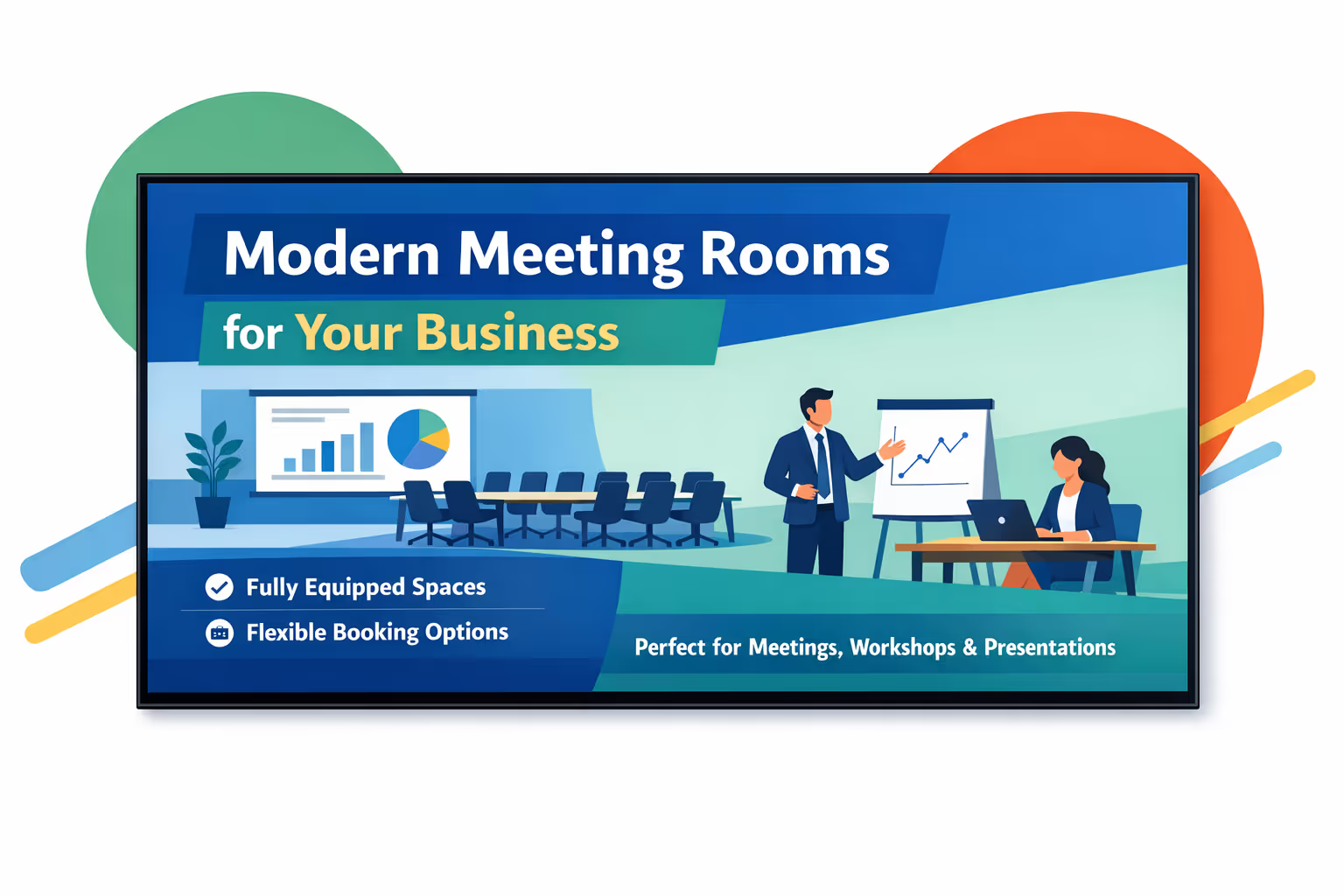
Challenges in the meeting and conference room industry: when room communication breaks down
In shared offices and busy venues, people need clear guidance the moment they approach a room. When schedules, rules, or directions are unclear, meetings start late, hosts get interrupted, and the experience feels disorganized.
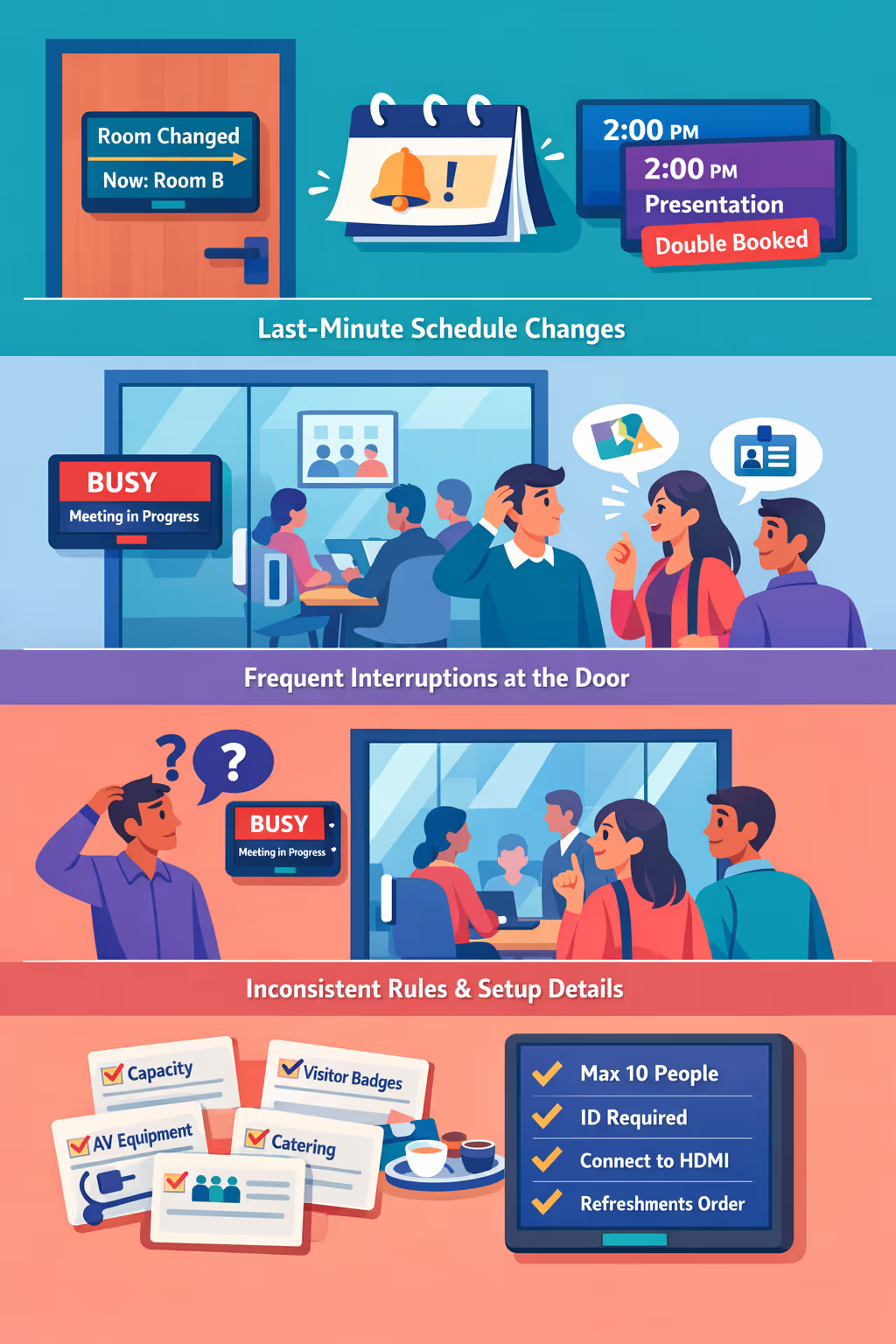
Rooms get swapped, calls run over, and cancellations happen without warning. When the latest update is not visible at the door and in nearby areas, people walk into the wrong meeting, double bookings spike, and hosts spend time fixing confusion instead of leading the session.
Attendees and visitors often stop to ask if the room is free, where to go, or how to check in. Without clear, always-up-to-date guidance, teams get pulled into constant wayfinding and meetings lose momentum before they even begin.
Capacity limits, visitor access, AV instructions, and catering policies vary by location and can change quickly. When the latest information is scattered across emails, printed notes, and chat threads, people miss key steps, set up the room incorrectly, and escalation becomes the default.
Meeting and conference room digital signage that keeps every room on schedule
Disign helps you manage meeting and conference room digital signage from one place, so employees and visitors always know where to go. Reduce no-shows and interruptions, speed up room turnover, cut printing, and prove ROI with better space utilization and a more professional workplace experience.
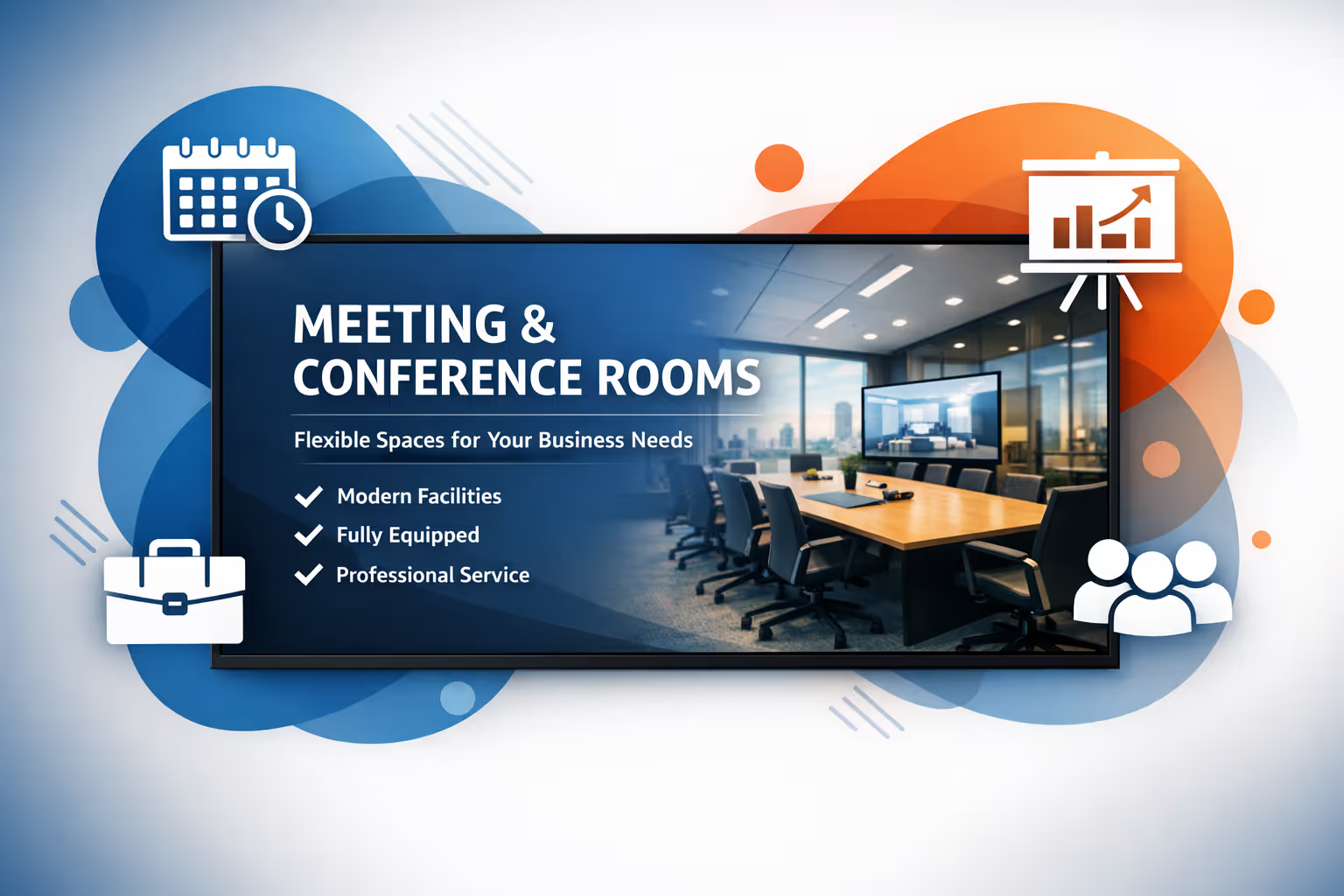
Show real-time room availability at a glance
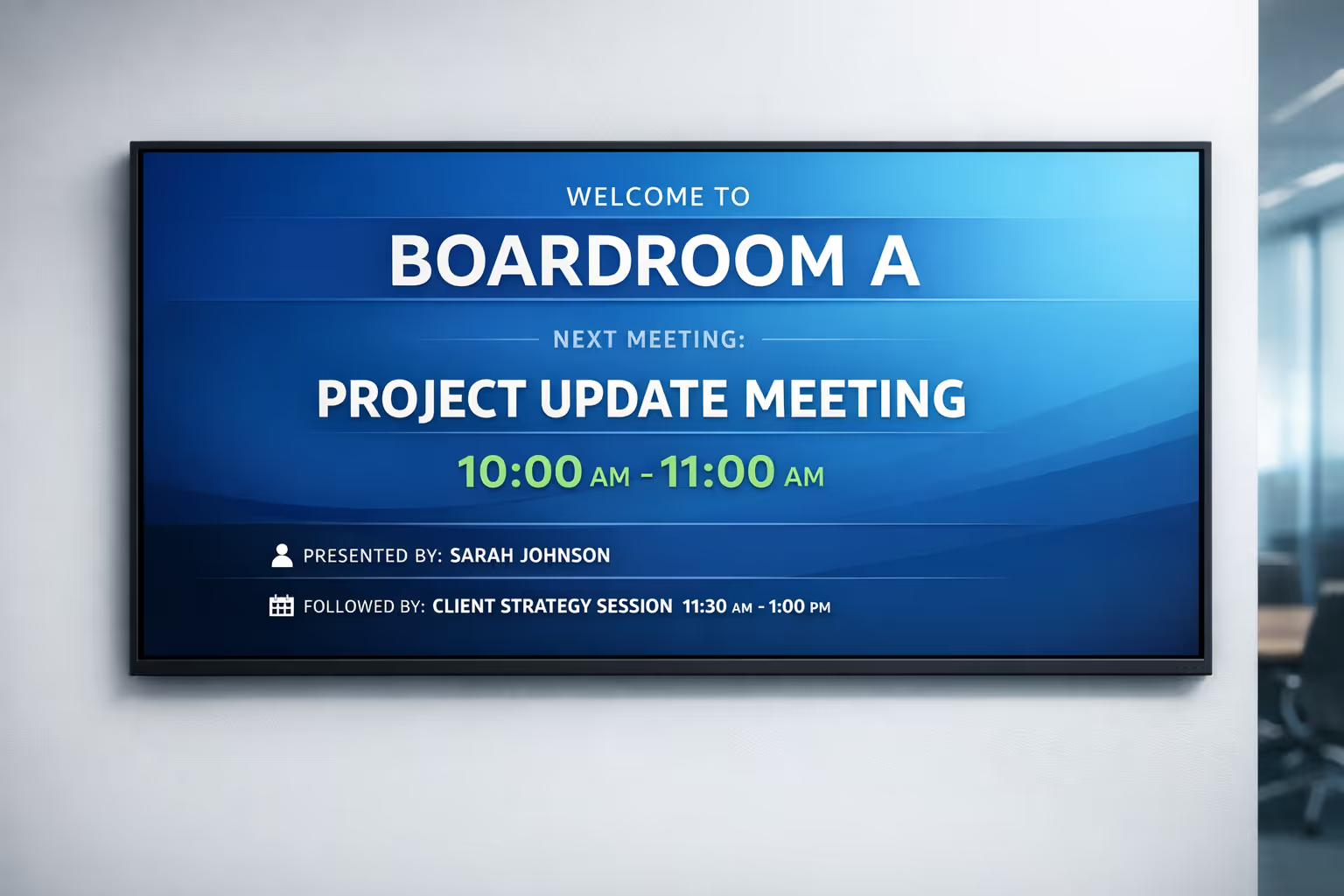
Display current status, meeting title, host, and next booking right at the door. People stop guessing, meetings start on time, and ad-hoc bookings become simple without disrupting teams.
Reduce scheduling conflicts and meeting interruptions
Keep signage synced with your scheduling workflow so double bookings and last-minute changes are visible instantly. Fewer interruptions means more productive meetings and a calmer office environment.
Improve space utilization and prove ROI
When meeting information is clear and always up to date, rooms are used more efficiently. That translates into measurable ROI through better occupancy, fewer wasted hours, and smarter decisions about room capacity and resources.
Guide visitors and employees with clear wayfinding
Use meeting and conference room digital signage to direct guests to the right floor, room, or zone. Less wandering, fewer late arrivals, and a more polished first impression for clients and partners.
Cut printing costs and save admin time
Replace paper schedules and temporary signs with centralized updates. Your team spends less time changing room labels, and everyone sees accurate information across every location.
Keep branding consistent across meeting spaces
Standardize templates for room names, schedules, and welcome screens while allowing local details where needed. Deliver a consistent, professional experience that reflects your brand in every meeting and conference room.
Meeting and conference room digital signage use cases for every office and location
From busy huddle spaces to executive boardrooms, meeting and conference room digital signage makes scheduling clear, reduces interruptions, and builds confidence with consistent, real time room information.
- Room availability at a glance: show current status, next meeting, and organizer to prevent double bookings
- Seamless scheduling outside the door: enable quick bookings, extensions, and check in to reduce no shows
- Visitor and attendee guidance: display meeting names, directions, and arrival instructions for a smoother experience
- Enterprise ready communications: keep teams aligned with room policies, AV guidelines, and important facility updates
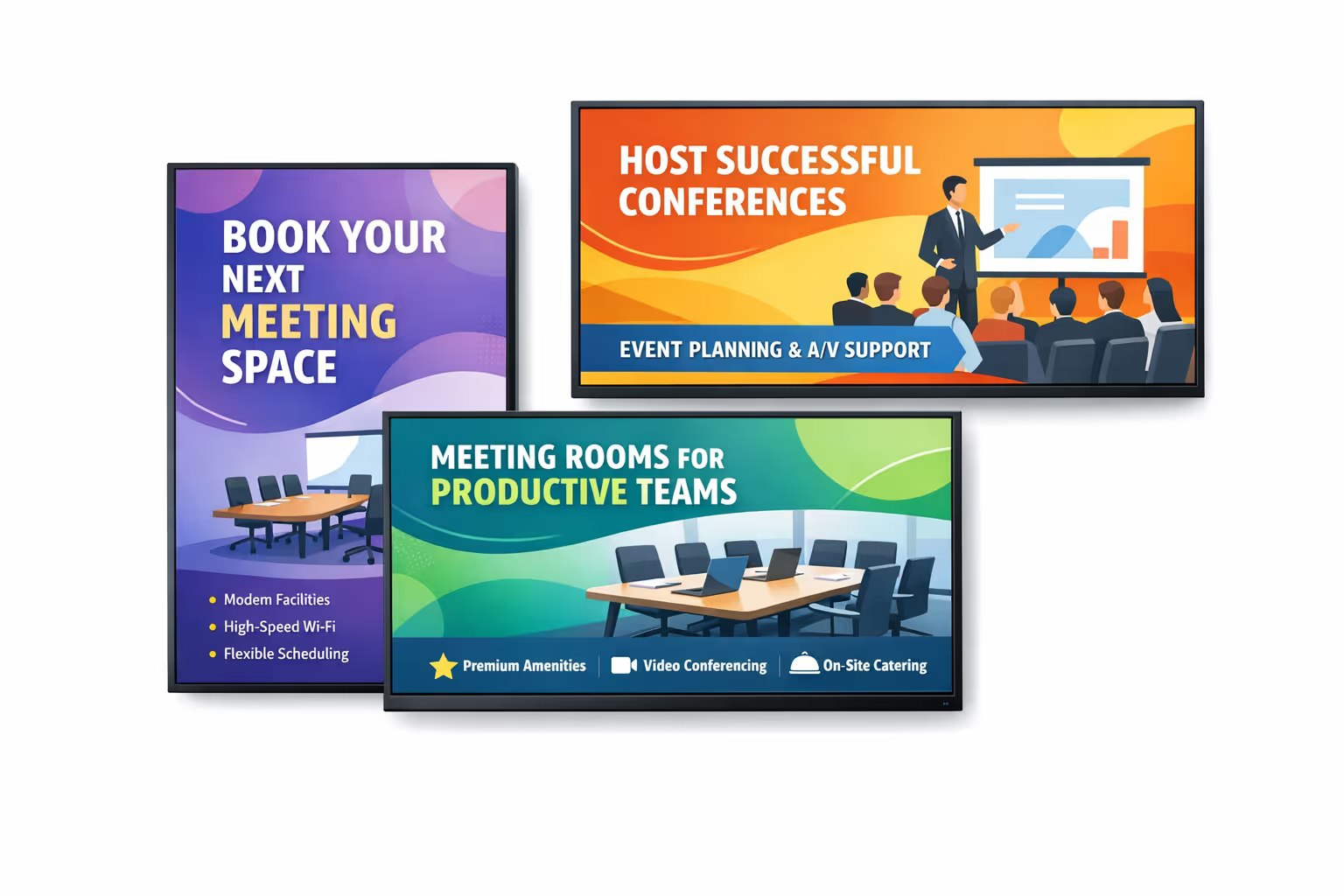
How Disign digital signage works
Schedule your content from anywhere with our cloud-based digital signage solution. Easily plan what plays, when, and where—across one screen or thousands.
Desenhe cenários e playlists personalizados adaptados ao seu público e objetivos.
Defina datas e horários precisos para que seu conteúdo seja reproduzido automaticamente.
Implante conteúdo instantaneamente em sua rede de affichage dynamique com apenas um clique.
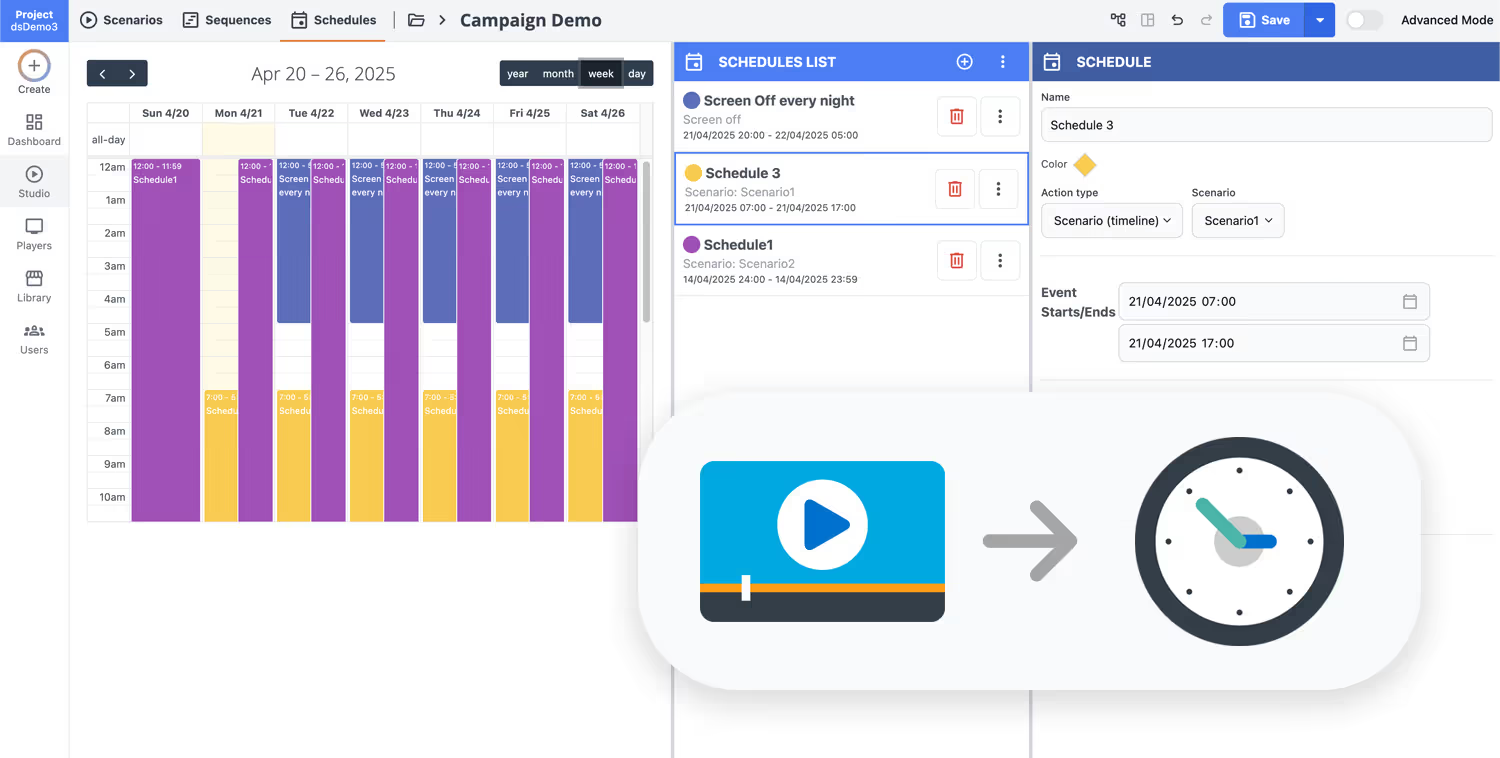
Ready to simplify room scheduling with meeting and conference room digital signage?
Start a free 28 day trial of Disign and publish clear booking status, upcoming meetings, and wayfinding on every screen in minutes. No credit card required, just a faster, more professional meeting room experience.
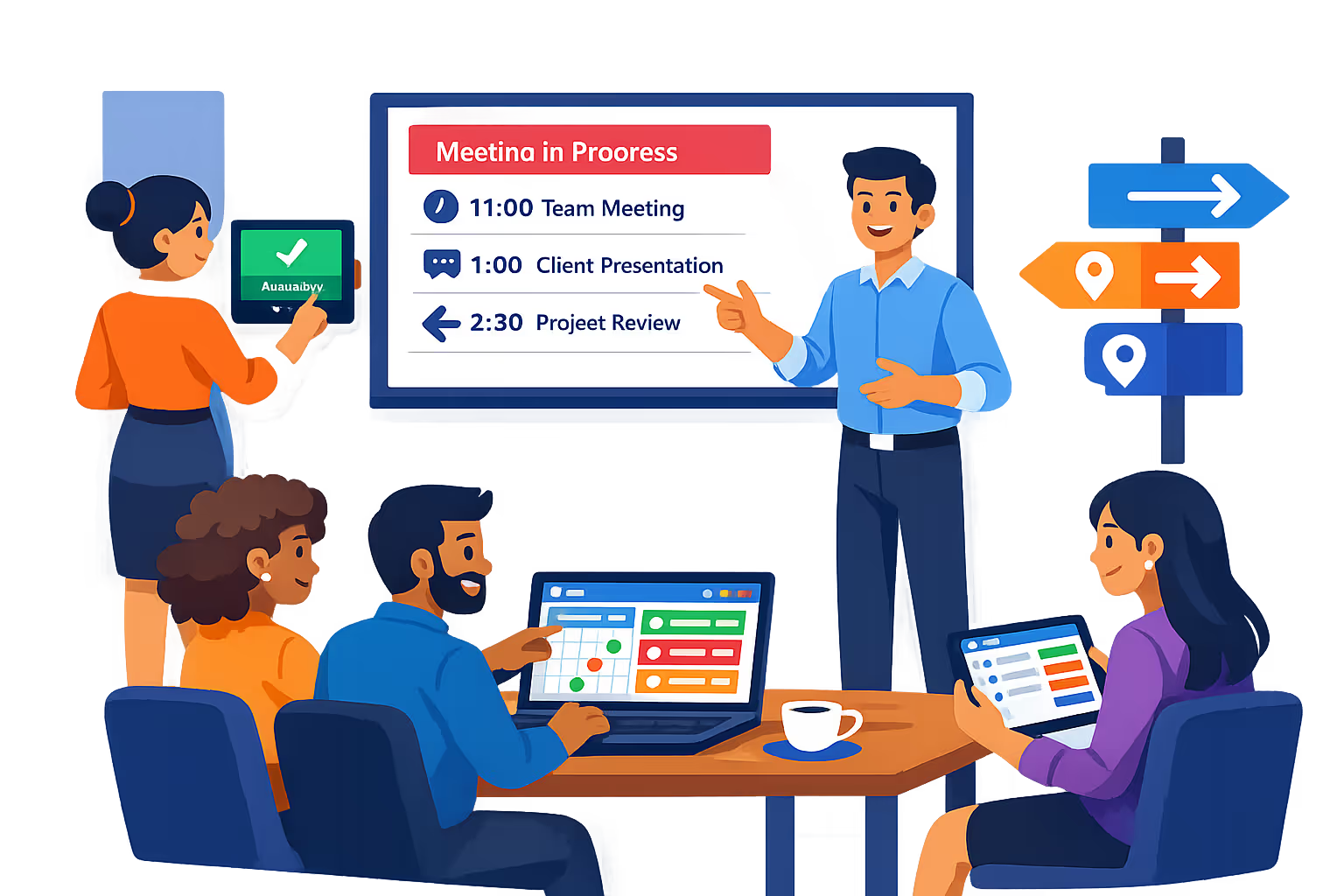
Meeting and conference room digital signage built for frictionless room operations
Disign helps facilities and IT teams run meeting spaces with reliable room displays, live availability, and secure publishing. Centralize room schedules, show the right meeting details at the door, and keep content consistent across every building and floor.
Centralized room signage management
Control meeting and conference room digital signage from one console
Manage door displays and shared screens across multiple offices with standardized layouts, reusable content blocks, and location targeting. Keep naming conventions, branding, and room information consistent while still allowing site admins to manage their own spaces.
Secure access and device governance
Role based permissions and controlled device pairing
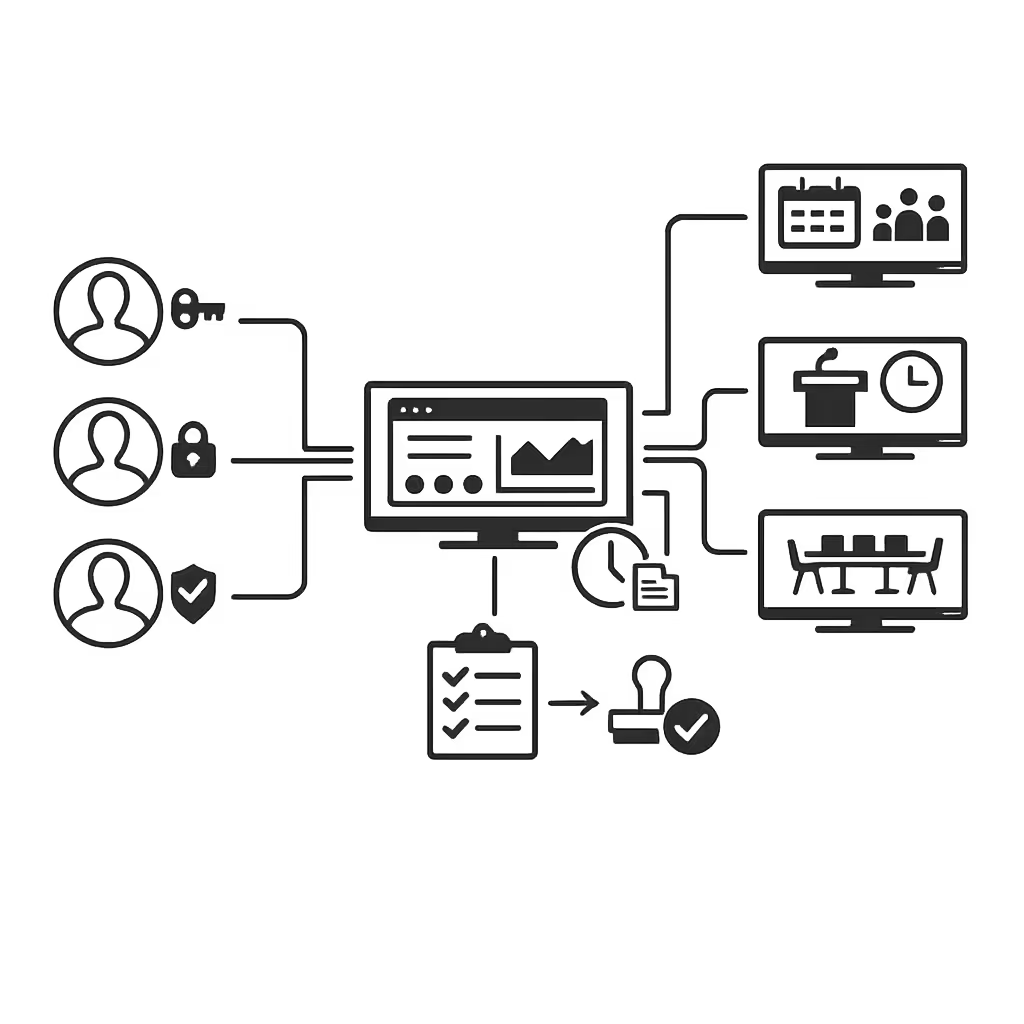
Protect meeting data and signage settings with granular roles for creators, approvers, and publishers. Pair players securely, limit admin actions to the right teams, and maintain clear accountability for changes across your meeting room network.
Real time scheduling sync
Always show accurate availability and meeting status
Keep room displays up to date with live schedule updates so teams can trust what they see at the door. Reduce double bookings by displaying current meeting status, next meeting start time, and clear availability signals.
Scheduling rules and automation
Time windows, recurring updates, and smart content rotation
Automate meeting and conference room digital signage with schedules that match your workplace rhythms. Rotate content by time of day, apply meeting mode displays during booked slots, and publish facility updates without manual switching.
Playback reliability and monitoring
Device health, alerts, and remote diagnostics
Maintain dependable room displays with continuous health checks and visibility into what is playing. Detect offline devices, validate content delivery, and troubleshoot remotely to minimize downtime across conference rooms and huddle spaces.
Deployment support for IT and facilities
Faster rollouts with repeatable configurations
Roll out meeting room displays with predictable setup steps and consistent templates. Disign supports your team from initial configuration to ongoing operations so your meeting and conference room digital signage remains stable, secure, and easy to maintain.
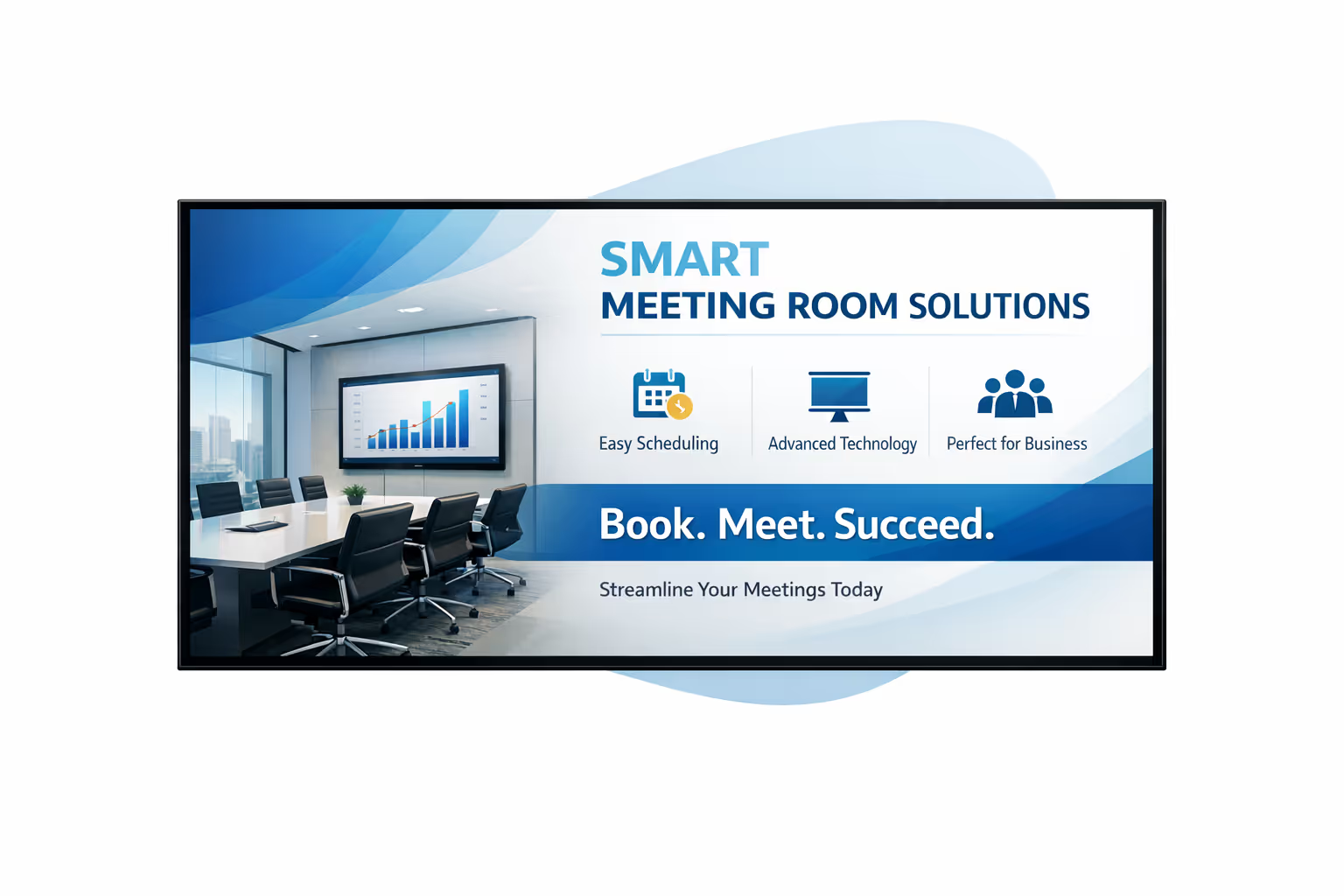
Centralized content management for meeting and conference room digital signage
Run your meeting and conference room digital signage from one secure platform. Marketing can create and schedule updates, operations can keep every room informed, and IT can stay in control with approvals, permissions, and reliable playback across all locations.
One platform for every meeting room screen
Central control with room level autonomy
Standardize signage across HQ and satellite offices while letting teams manage what matters locally, like room names, wayfinding, daily schedules, and visitor messaging, within the rules IT and operations define.
Campaigns, internal comms, and meeting day updates
Schedule content by building, floor, room, or screen type. Keep branding consistent, messages timely, and meeting information accurate across your meeting and conference room digital signage network.
Designed for IT governance and compliance
Protect your screens with role based access, approval workflows, and consistent playback policies. Every change to meeting and conference room digital signage can be reviewed, tracked, and aligned with your security and audit requirements.
Real time content for room operations
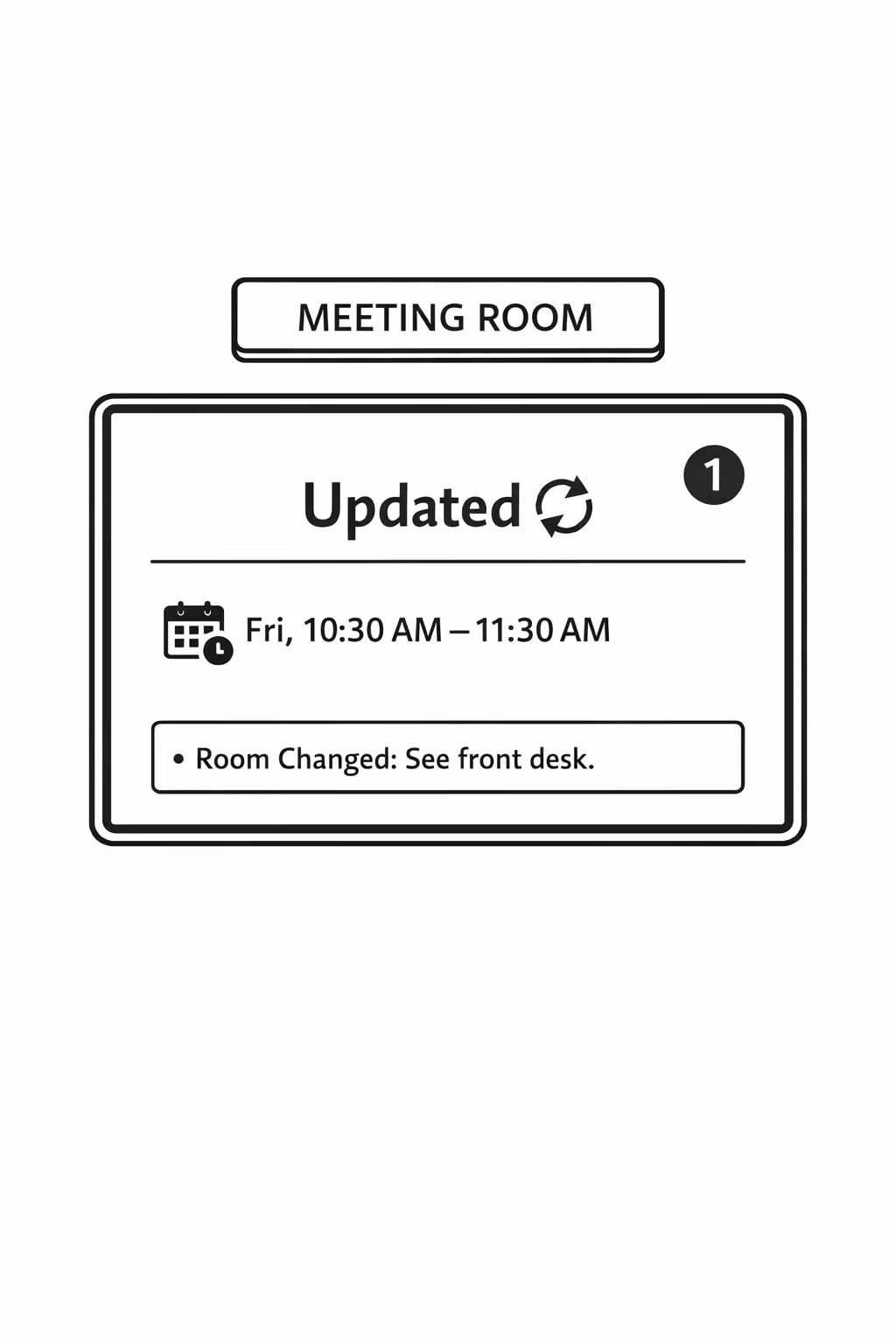
Push last minute room changes, meeting alerts, visitor instructions, and emergency notices instantly. Keep schedules accurate and reduce front desk interruptions without chasing updates across multiple teams or locations.
Scalability for growing meeting and conference room networks
Scale meeting and conference room digital signage across campuses, offices, and regions from one cloud platform. Roll out updates in minutes, keep governance clear, and maintain consistent room communications as your network expands.
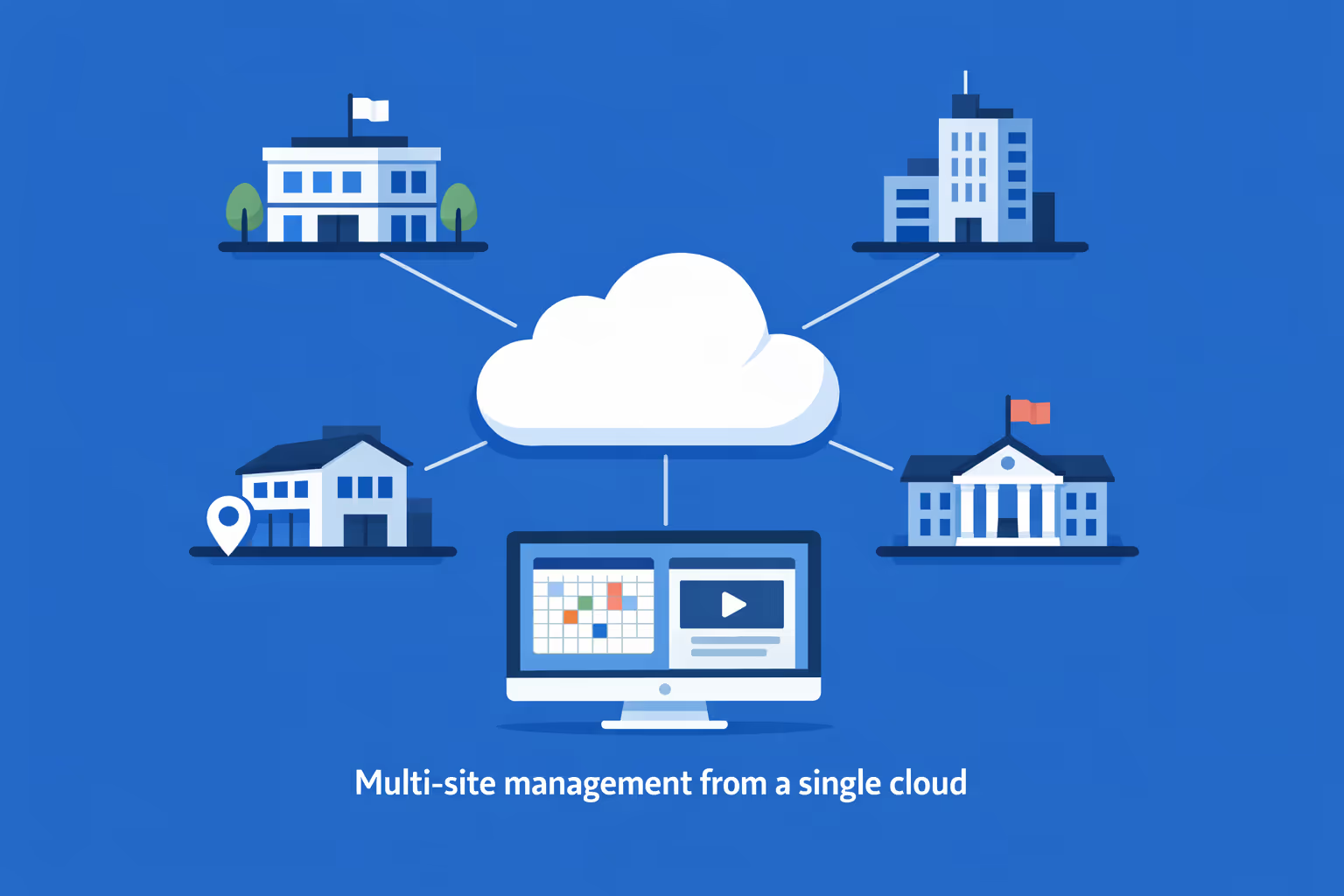
Multi-site management from one cloud dashboard
Easily oversee meeting and conference room digital signage across every location from a single view. Deploy playlists instantly, verify what is on screen, and keep room schedules and wayfinding consistent across your whole network.
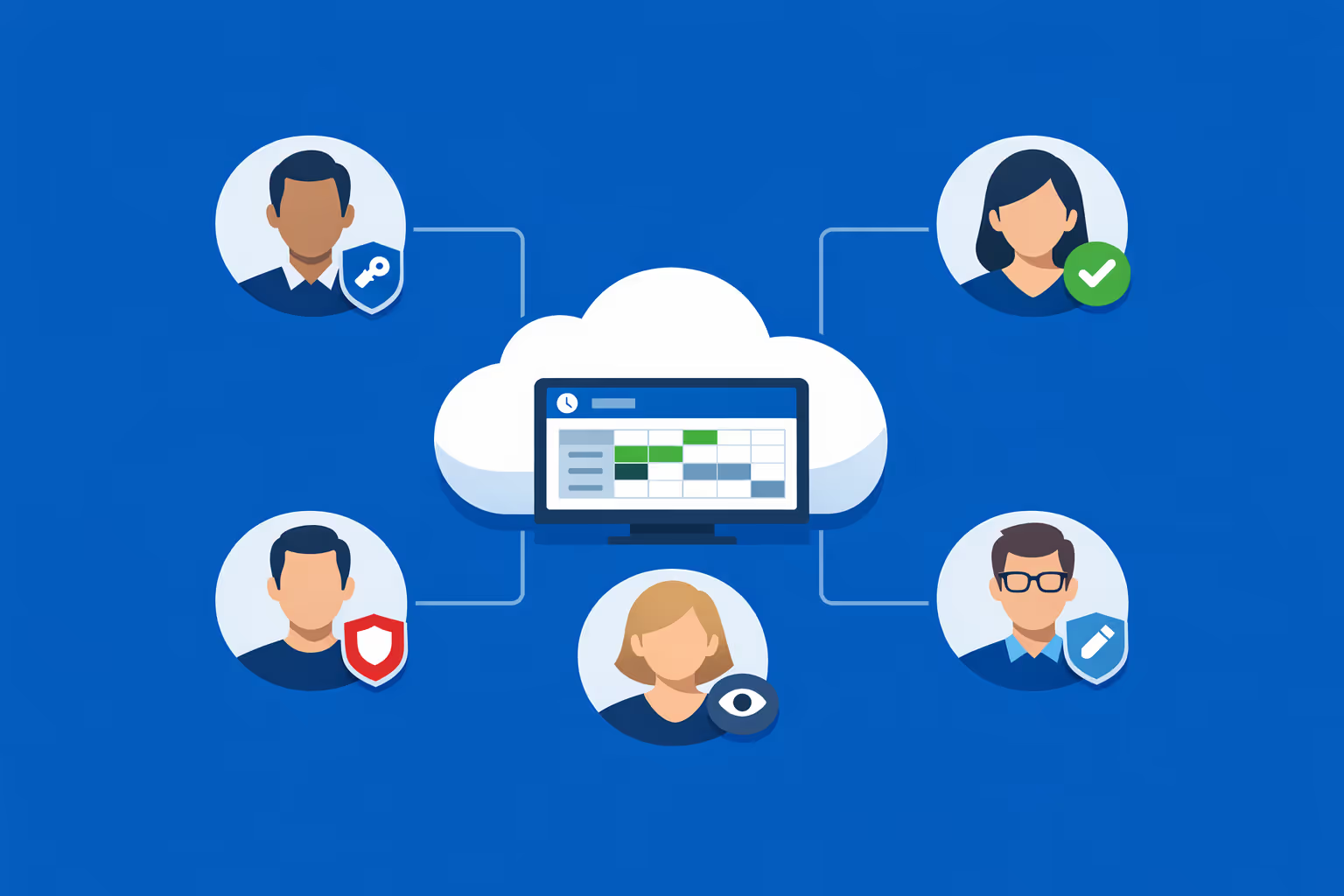
Multi-user access with role-based permissions
Assign roles and access levels to facilities, IT, reception, and communications teams. Keep collaboration fast and secure while ensuring the right people can update meeting and conference room digital signage without risking brand or policy compliance.
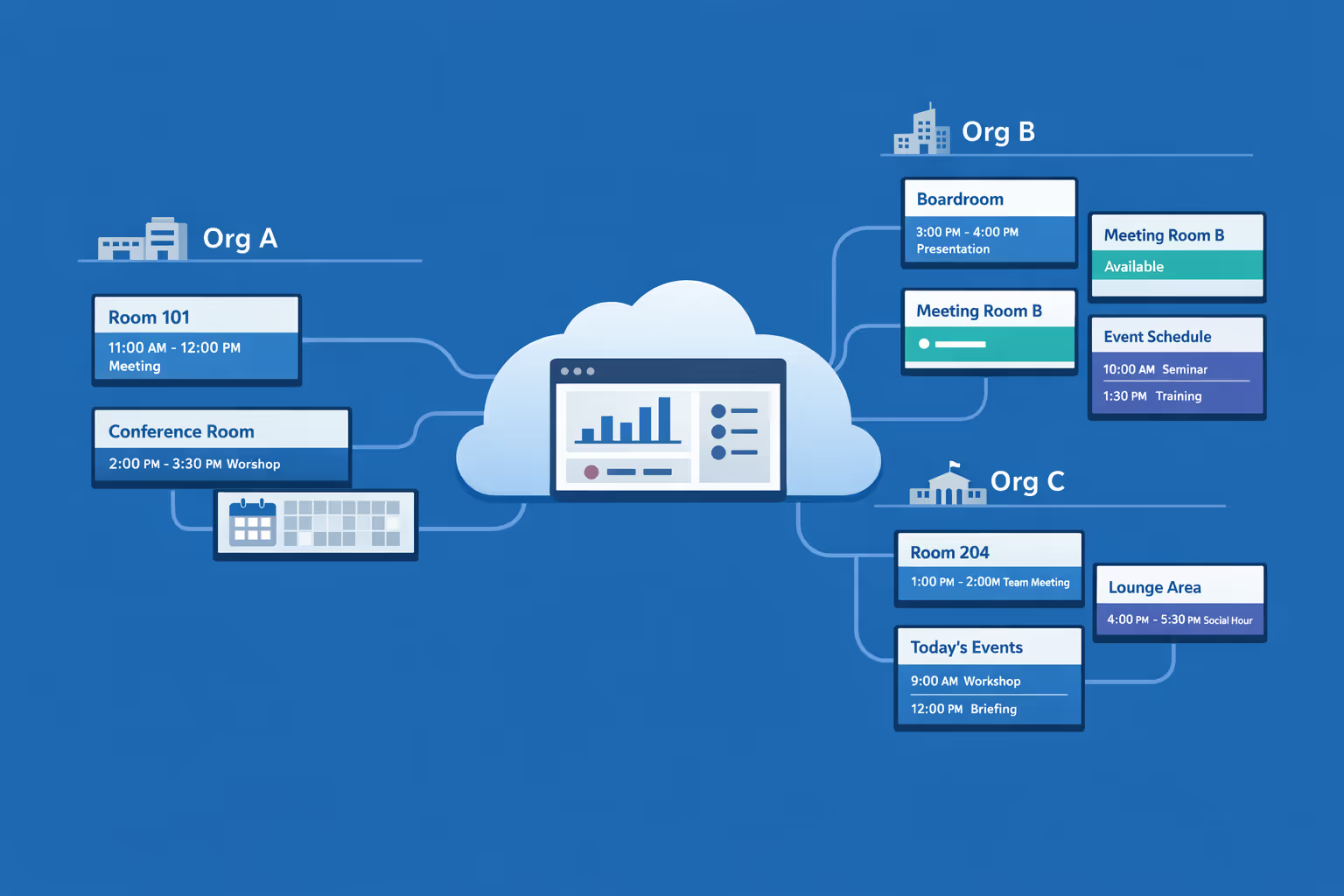
Multi-screen and multi-organization ready
Control thousands of displays and manage multiple organizations within one account. Segment meeting and conference room digital signage by building, floor, department, or brand so you can scale quickly while keeping local room details accurate.
Disign é compatível com todas as telas para sinalização digital
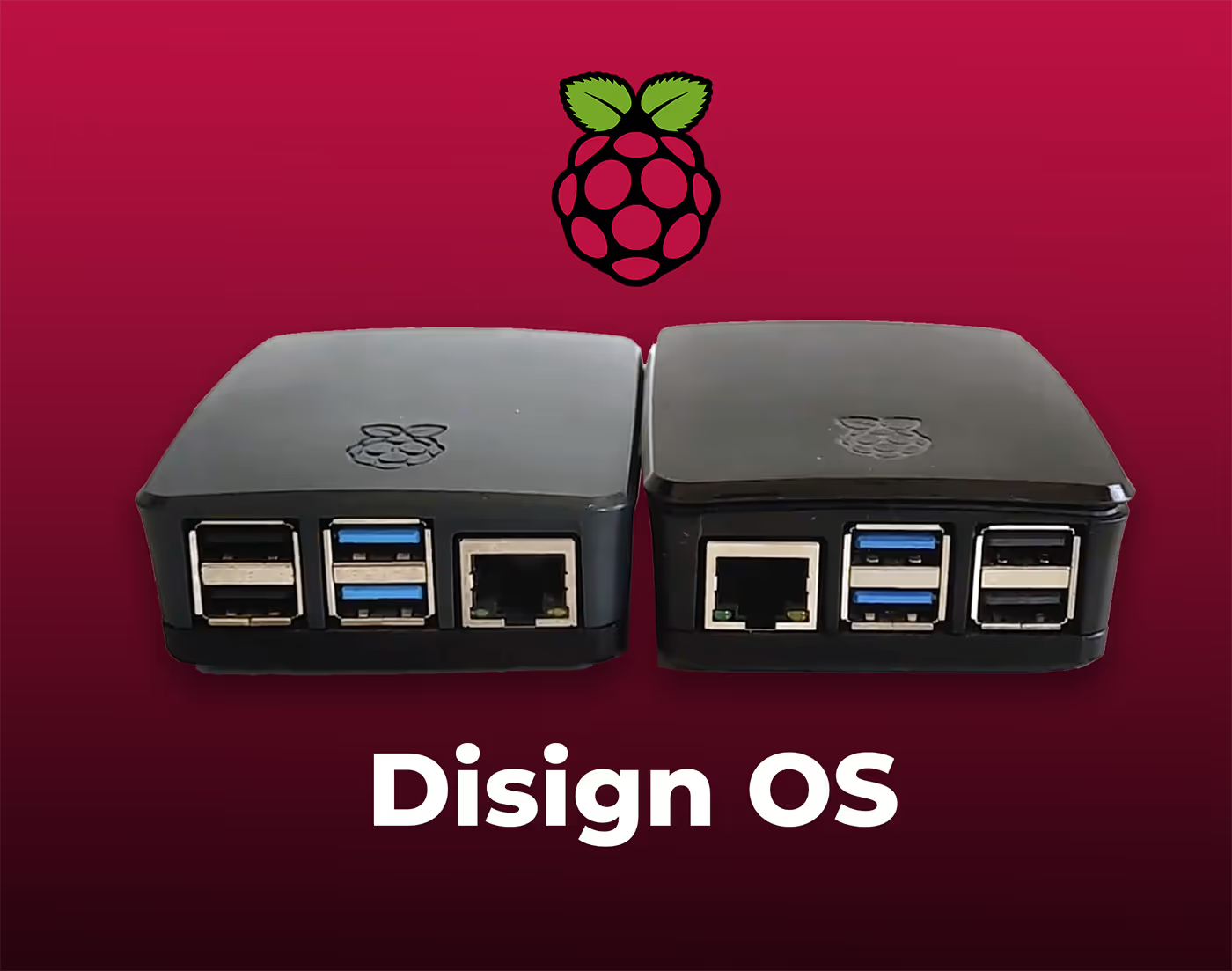
A sinalização digital com Disign permite que você gerencie e exiba conteúdo em uma variedade de dispositivos. Nossa solução é compatível com muitos players externos, como Disign OS baseado em Raspberry Pi, BrightSign e qualquer hardware Android. Disign também suporta tecnologias embutidas em telas Samsung, LG e Android TV. Com essa ampla compatibilidade, você pode facilmente implementar soluções de sinalização digital em diferentes tipos de hardware, garantindo gestão simplificada e uma experiência ideal para o usuário.


Trusted by meeting and conference room teams using Disign for meeting and conference room digital signage across offices, campuses, and venues
What meeting and conference room professionals say about Disign
“We used to miss room changes because emails got buried. With Disign, meeting and conference room digital signage shows live room status and last minute switches at the door. It took a bit of cleanup to standardize names, but once we did, the no-shows dropped.”
“Our challenge was clarity for guests. Disign lets us push meeting agendas, wayfinding, and welcome slides to the right rooms without a designer on standby. The interface is simple enough that our coordinators actually use it, which is the real win.”
“From an IT side, I mainly wanted something stable and easy to support. Disign has been dependable on our room displays, and it does not require constant babysitting. Support has been straightforward when we had questions about network setup and permissions.”
Integrate with your favorite Applications
70+ Applications and infini integration with API, Database, and any data source
Easily integrate third-party applications and web content such as YouTube or Vimeo, optimized for seamless playback. Display data from RSS feeds or formats like CSV, JSON, or XML directly on your digital signage screens. Extend display capabilities with advanced applications like grids or collections to enrich Disign scenarios.

We designed Disign to be as open and customizable as possible, both in its visual scenes and in its data sources.
Florent MondoloniCo-Founder, Disign

Video
Utilisez vos medias

RSS Feed
Use your own RSS Feed

Database
Databases

Canva
Create your Design and import it

Google Sheets
Import CSV, Live data...

Website/API
Affiche your website or use API
Everything you need to know about Disign Digital Signage For MeetingAndConferenceRoom
Meeting and conference room digital signage FAQ: practical answers for workplace and facilities teams
Meeting and conference room digital signage is one of the fastest ways to make meeting spaces easier to find, easier to book, and easier to run. If you manage workplace experience, facilities, IT, or office operations, you have probably seen the same issues repeat: rooms double booked, attendees wandering the halls, last minute changes not communicated, and expensive spaces sitting empty because people cannot tell what is available.
This FAQ is written for the people who own the day to day reality of meeting rooms and conference rooms. It focuses on how meeting and conference room digital signage works, what to look for in a platform like Disign, and how to roll out a solution that employees will actually use. The goal is simple: fewer interruptions, higher room utilization, and a calmer experience for hosts and visitors.
What is meeting and conference room digital signage?
Meeting and conference room digital signage is a set of screens, typically placed outside rooms and in shared areas, that displays real time information about spaces and meetings. The most common format is a door sign showing the room name, current meeting, next meeting, and availability status. Many organizations also add hallway screens that show a floor directory, a list of available rooms, and wayfinding to guide people to the right space quickly.
In practice, meeting and conference room digital signage is used for:
- room status outside the door, including available or occupied
- daily schedules so teams can see what is next without opening a calendar
- ad hoc booking displays for quick reservations
- check in prompts to reduce no shows
- office and floor wayfinding for visitors and employees
- announcements and workplace communication in shared spaces
When implemented well, it becomes a quiet assistant that reduces friction across the entire workplace.
Who benefits most from meeting and conference room digital signage?
The benefits spread across multiple stakeholders, but the biggest wins usually show up for:
- facilities and workplace teams who are measured on space utilization, service tickets, and employee experience
- office managers who handle room requests, rescheduling, and meeting day emergencies
- IT teams who support calendars, devices, and network policies
- executives and department leaders who want reliable meeting spaces and fewer delays
- employees who need to find a room quickly and start on time
- visitors who need clear guidance without asking reception or security for help
Meeting and conference room digital signage is especially valuable in large offices, multi floor buildings, hybrid workplaces with fluctuating attendance, and shared meeting hubs like training centers and conference suites.
Why use meeting and conference room digital signage instead of printed signs or a shared spreadsheet?
Printed signs and spreadsheets work until they do not. They cannot reflect real time changes, they get out of date, and they create a culture where people do not trust the information. When trust disappears, people start improvising, and that is when you see double bookings, room squatting, and constant interruptions.
Meeting and conference room digital signage improves the experience because it:
- reflects calendar updates quickly, reducing confusion during schedule changes
- makes availability visible at the door, so people stop guessing
- supports consistent room naming and policies across floors or sites
- reduces the number of questions facilities, reception, and IT receive
- can enforce simple rules like check in, buffer time, and booking windows
It is not only a display. It becomes part of your meeting room operating system.
What information should a meeting and conference room digital signage screen display?
The best meeting and conference room digital signage screens keep the most important information easy to read at a glance. Most workplaces do well with:
- room name and capacity
- current status: available or occupied
- current meeting title or organizer name, depending on privacy policy
- start and end times
- next meeting preview
- a clear time indicator so people can judge how long the room is in use
- optional QR code or short link for booking and details
- optional icons for room features like video conferencing, whiteboard, accessibility, or phone
A good rule: the screen should answer the question “Can I use this room now” in less than two seconds.
Does meeting and conference room digital signage need real time calendar integration?
Calendar integration is the most common approach because it keeps schedules aligned with how employees already work. If your organization lives in Outlook or Google Calendar, connecting room resources to meeting and conference room digital signage reduces manual work and ensures the door display reflects the same truth as the calendar.
That said, some organizations start with a lighter model:
- manual playlists for simple room labels and policies
- basic room status displays without titles
- a pilot that proves adoption before full integration
Disign can support both approaches depending on how you want to roll out. Many teams start with a pilot on a few rooms, validate network and device policies, then add deeper integrations once stakeholders are aligned.
How does meeting and conference room digital signage help reduce double bookings?
Double bookings often come from a mix of human behavior and system friction. People book the wrong room, forget to release a room, or walk into a space without checking the calendar. Meeting and conference room digital signage reduces these issues by making schedules visible at the point of use.
It helps by:
- showing current and upcoming reservations outside the room
- making it obvious when a room is truly available
- enabling check in and auto release patterns if your process includes them
- discouraging “camping” because availability is public and time bound
Even when it does not prevent every conflict, it shortens resolution time. People can immediately see the next available slot and choose another room instead of negotiating in the hallway.
Can meeting and conference room digital signage support room check in to reduce no shows?
Yes, and it is one of the most practical ways to increase room utilization without adding more rooms. No shows happen in every organization, especially with hybrid attendance. A room sits reserved on the calendar, but nobody arrives. Meanwhile, other teams cannot find space.
Meeting and conference room digital signage can support check in by:
- displaying a prompt to confirm the meeting has started
- providing a simple interaction path, for example a QR code or a touch interface when your hardware supports it
- making policies visible, like “release after 10 minutes if not checked in”
If you implement check in, align it with your culture. Teams need to understand why it exists and how it helps everyone find space more easily.
What are the best use cases beyond door signs?
Door signs are the core of meeting and conference room digital signage, but many organizations expand once the basics work. High value add ons include:
- meeting room finder screens at elevator lobbies showing availability by floor
- conference suite overviews so event teams can coordinate multi room sessions
- wayfinding screens to guide visitors and new employees
- policy reminders like room reset rules, catering procedures, and cleanliness standards
- emergency and building messaging in shared corridors
- internal communications on workplace updates, service disruptions, and office events
With Disign, you can keep room signage consistent while also running targeted messages on separate screens in the same environment.
What should we consider for privacy and meeting title visibility?
Privacy expectations vary by company and by industry. Some organizations are comfortable displaying meeting titles. Others prefer to show only “occupied” or show the organizer name without the title. The right answer depends on your compliance posture, confidentiality needs, and culture.
Common privacy options include:
- show meeting title for internal rooms, hide titles for executive or sensitive rooms
- display only time blocks with no details
- abbreviate or mask information during specific hours
- apply different templates by room category, floor, or department
Meeting and conference room digital signage should reduce friction, not create new concerns. A clear privacy policy and consistent templates help keep everyone comfortable.
How does meeting and conference room digital signage improve workplace experience?
Workplace experience is often measured in small moments. People remember whether the office feels organized or chaotic. Meeting and conference room digital signage improves the everyday experience by removing the little uncertainties that add up.
Employees benefit because:
- they waste less time searching for rooms
- meetings start closer to on time
- they feel confident that the information is accurate
- they are less likely to interrupt other meetings to ask questions
Facilities and office operations benefit because:
- fewer tickets about room confusion and broken processes
- clearer accountability for room usage
- better insight into how spaces are actually used
It is a straightforward improvement that employees notice quickly, especially in busy meeting zones.
Can meeting and conference room digital signage support hybrid meetings and video conferencing spaces?
Yes. Hybrid meeting success depends on reliability and clarity. A room is not only a space, it is a set of tools and expectations. Meeting and conference room digital signage can help set those expectations before people walk in.
Examples include:
- icons for video conferencing capability, camera, mic, speaker, and display
- reminders about starting the call on time and testing audio
- guidance on how to connect a laptop or start the room system
- QR code linking to a quick setup guide or internal support page
For conference rooms that host external guests, you can also display welcome messages for scheduled visits when your policy allows it.
What hardware is required for meeting and conference room digital signage?
The typical setup includes:
- a display placed outside the room, often 10 to 13 inches for door signs, and larger for hallway directories
- a media player or compatible device that runs the signage player
- reliable power and mounting
- network connectivity, usually WiFi or Ethernet depending on policy and building constraints
The right hardware depends on placement and visibility. Door signs need readable brightness, a wide viewing angle, and a clean enclosure. Hallway screens need size and clarity. Facilities teams often standardize hardware to simplify spare parts, mounting, and maintenance.
Disign is designed to help you manage screens centrally, so hardware becomes easier to operate at scale.
What about network and security requirements?
Meeting and conference room digital signage is part of your workplace infrastructure. IT teams usually require clear answers on access, device management, and data exposure.
Key security considerations include:
- strong authentication and role based permissions for who can edit, publish, and manage devices
- encrypted connections for content delivery and management
- device level controls, monitoring, and remote updates where appropriate
- separation of responsibilities between content creation and publishing
- clear network rules, especially if screens are on a segmented network
A practical approach is to define a pilot environment with IT from day one. Start with a few rooms, validate policies, then expand.
Can meeting and conference room digital signage work across multiple offices or buildings?
Yes. Multi site management is one of the strongest reasons to use a platform rather than ad hoc setups. A centralized system lets you keep a consistent experience across locations while still allowing local differences.
With meeting and conference room digital signage across multiple sites, you can:
- group screens by building, floor, department, or room type
- reuse templates so branding and readability remain consistent
- schedule content by local office hours and time zones
- apply different policies for executive floors, training areas, and public conference centers
Disign supports structured management so your team is not manually updating each device one by one.
How do we organize responsibilities between workplace, facilities, and IT?
Most successful programs define a simple operating model. Meeting and conference room digital signage touches both physical space and digital systems, so clarity matters.
A typical split looks like:
- workplace or facilities owns room standards, naming, templates, and policies
- IT owns network, device enrollment, security posture, and integration oversight
- office operations or reception owns visitor guidance and public facing messages when relevant
- department admins or executive assistants may have limited permissions for specific rooms if needed
Disign supports role based access so each team can contribute without creating accidental changes across the entire estate.
How should we name rooms and structure directories for best results?
Room naming is a quiet source of friction. If people cannot remember names, they cannot find rooms, and signage becomes less effective. The best naming systems are consistent, pronounceable, and aligned with how people navigate the building.
Good practices include:
- use a consistent pattern by floor or zone
- avoid similar names that differ by one character
- include capacity or function in a secondary label rather than the primary name
- keep directory language simple and predictable
- match names across calendars, door signs, and wayfinding screens
Meeting and conference room digital signage works best when it reflects a well structured room inventory.
How frequently should meeting and conference room digital signage content be updated?
Room schedules update continuously because they follow the calendar. For your templates and informational messages, aim for predictable maintenance so screens do not feel forgotten.
A realistic cadence:
- update templates when branding or policy changes
- refresh help content quarterly, for example setup instructions or QR links
- update wayfinding and directories when space changes, including renovations and reassignments
- update operational messages immediately during incidents, closures, or changes in access
Disign makes it easier to keep content current because you can update centrally instead of walking the building.
Can we use meeting and conference room digital signage for corporate communications too?
Yes, as long as you keep priorities clear. Door signs should remain focused on room status. But nearby screens in meeting corridors and shared areas are ideal for internal communications.
Good internal messaging in meeting areas includes:
- office updates, events, and reminders
- building services notifications like HVAC work or elevator outages
- meeting etiquette reminders, such as leaving the room on time
- cleanliness and reset expectations, especially in hot desk and shared room environments
The best programs separate signage purposes: room scheduling content stays dedicated, and corporate communications go on screens designed for announcements.
How do we measure ROI for meeting and conference room digital signage?
ROI is usually measured through a mix of efficiency, utilization, and support load reduction. You do not need perfect attribution to see impact.
Common metrics include:
- reduction in double booking complaints and meeting disruptions
- fewer tickets to facilities and IT related to room confusion
- improved room utilization through check in and auto release patterns
- time saved for employees searching for rooms
- better on time meeting starts, especially in high traffic conference suites
You can also track operational metrics such as device uptime, content freshness, and how consistently the correct templates are deployed. Those indicators often correlate with employee trust in the system.
What makes a meeting and conference room digital signage rollout successful?
Success is mostly about adoption. The technology can be excellent, but if the room naming is messy or the policy is unclear, people will not trust what they see.
A practical rollout approach:
- start with a pilot on a representative set of rooms, including small rooms and high demand conference rooms
- standardize naming, capacity, and room features in the calendar system
- choose a clear, readable template that works from different angles and distances
- define simple policies, such as buffer time, check in expectations, and who to contact for support
- gather feedback from frequent meeting hosts and executive assistants, then refine
Once employees trust the door signs, usage becomes natural and the support burden drops.
Why choose Disign for meeting and conference room digital signage?
Meeting and conference room digital signage needs to be reliable and easy to run. Your team should not spend every week babysitting screens. Disign is designed to support professional signage operations with a focus on clarity, governance, and scalability.
Teams choose Disign because it supports:
- centralized management for many screens across buildings and sites
- structured permissions so the right people can update the right screens
- consistent templates that keep room displays clean and readable
- scheduling and playlist control for wayfinding and shared area screens
- operational visibility so you can confirm screens are online and showing the right content
If your goal is a calmer, more efficient meeting environment, Disign helps you turn meeting and conference room digital signage into a dependable workplace system.
What are the next steps to start with meeting and conference room digital signage?
Start by defining your outcomes and your first scope. Meeting and conference room digital signage works best when it solves a clear pain point first, then expands.
A simple plan:
- pick a pilot zone where room confusion is common, like a busy conference corridor
- standardize room resources and naming in your calendar system
- decide your privacy policy for meeting titles and organizers
- define who owns templates, devices, and day to day updates
- roll out, measure support tickets and feedback, then scale floor by floor
With the right foundation, meeting and conference room digital signage becomes an easy win that employees appreciate every day.



Join community of 4k+ people
Meeting and conference room digital signage that keeps everyone on time and informed
Disign helps you run smoother meetings with clear, consistent meeting and conference room digital signage. Show room status, upcoming bookings, directions, and key announcements on every screen from one simple dashboard.
Start today with a 28 day free trial, no credit card required. Choose your screens, publish your first room schedule and welcome messages in minutes, and keep your teams aligned across every meeting space. Need help getting set up? contact us.