Drive thru digital signage for faster service and higher ticket sizes
Drive thru digital signage that speeds up orders and sells more
Make every second count at the window with Disign drive thru digital signage. Update menu boards instantly, highlight combos and limited time offers, improve lane guidance, and keep pricing consistent across locations from one dashboard. Try for free no credit card required.


Used by 4,000+ people
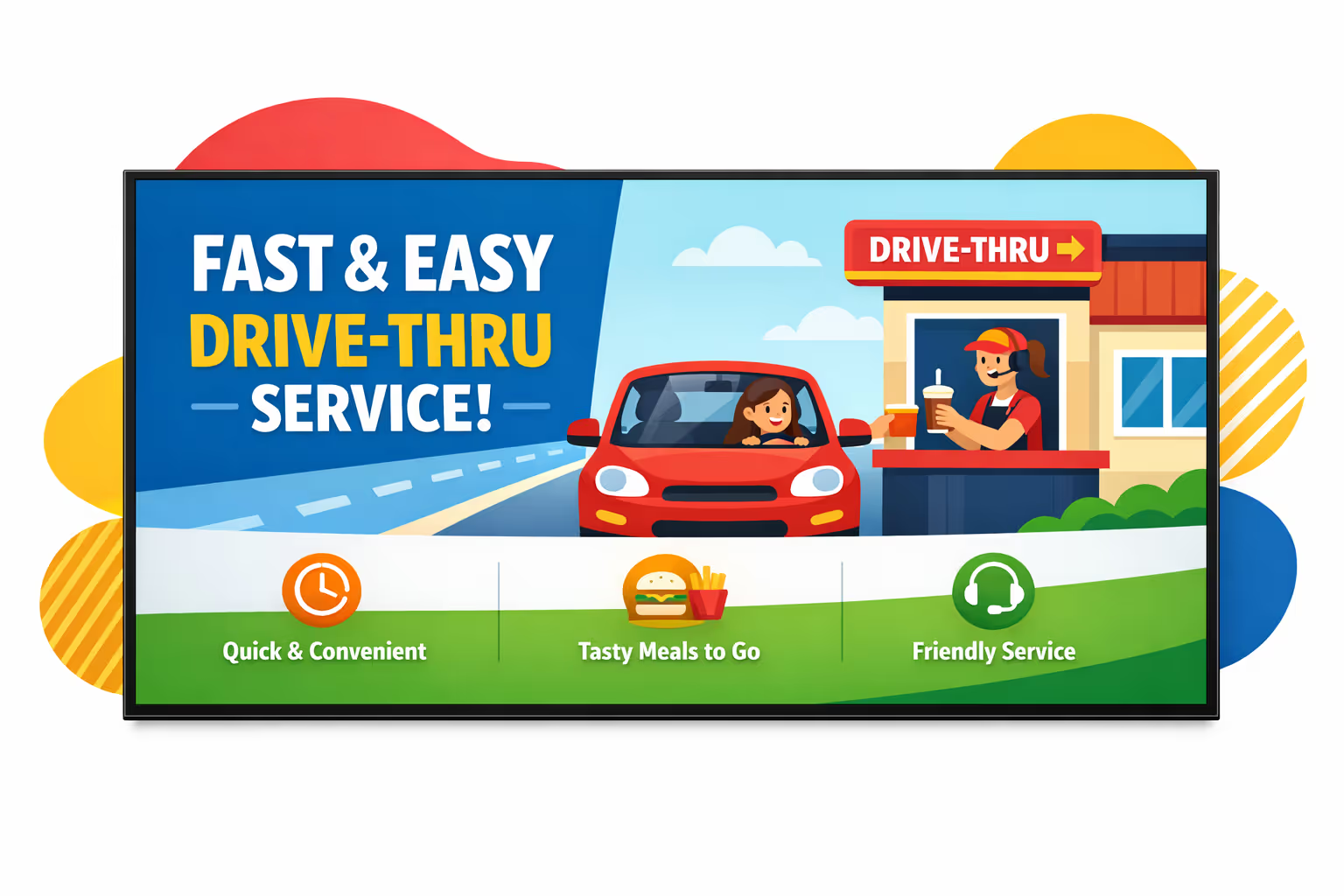
Challenges in the drive-thru industry when communication breaks down
In a fast moving drive-thru, customers expect clear directions before they reach the speaker. When updates are unclear or inconsistent, small misunderstandings turn into longer lines, repeated questions, and a poorer experience.
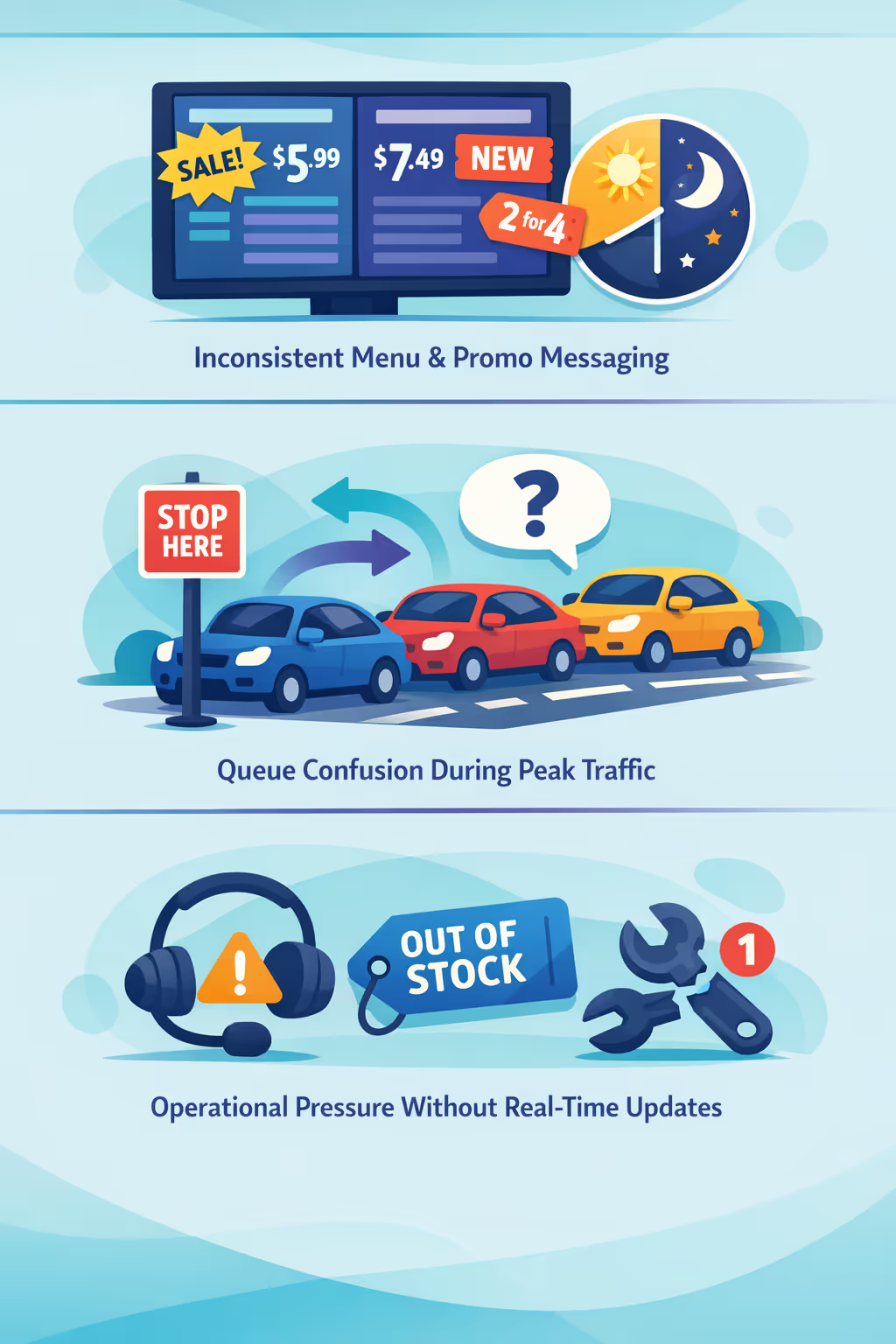
Prices, limited time offers, and item availability can change within hours. When the headset, the menu board, and the window team share different information, orders slow down and trust drops.
Drivers want to know where to stop, how to merge, and what to prepare. Without clear visible guidance, team members spend time repeating directions instead of focusing on speed, accuracy, and service.
Out of stock items, delivery delays, and equipment issues need immediate communication. When updates do not reach every point of contact at the same time, mistakes increase, remakes pile up, and wait times grow.
Drive thru digital signage that boosts speed, accuracy, and sales
Turn every lane into a high performing sales channel. With Disign, you can update menus and promos in seconds, guide guests with clear order flow, cut printing costs, and improve order value, all while keeping a consistent brand experience that delivers measurable ROI.
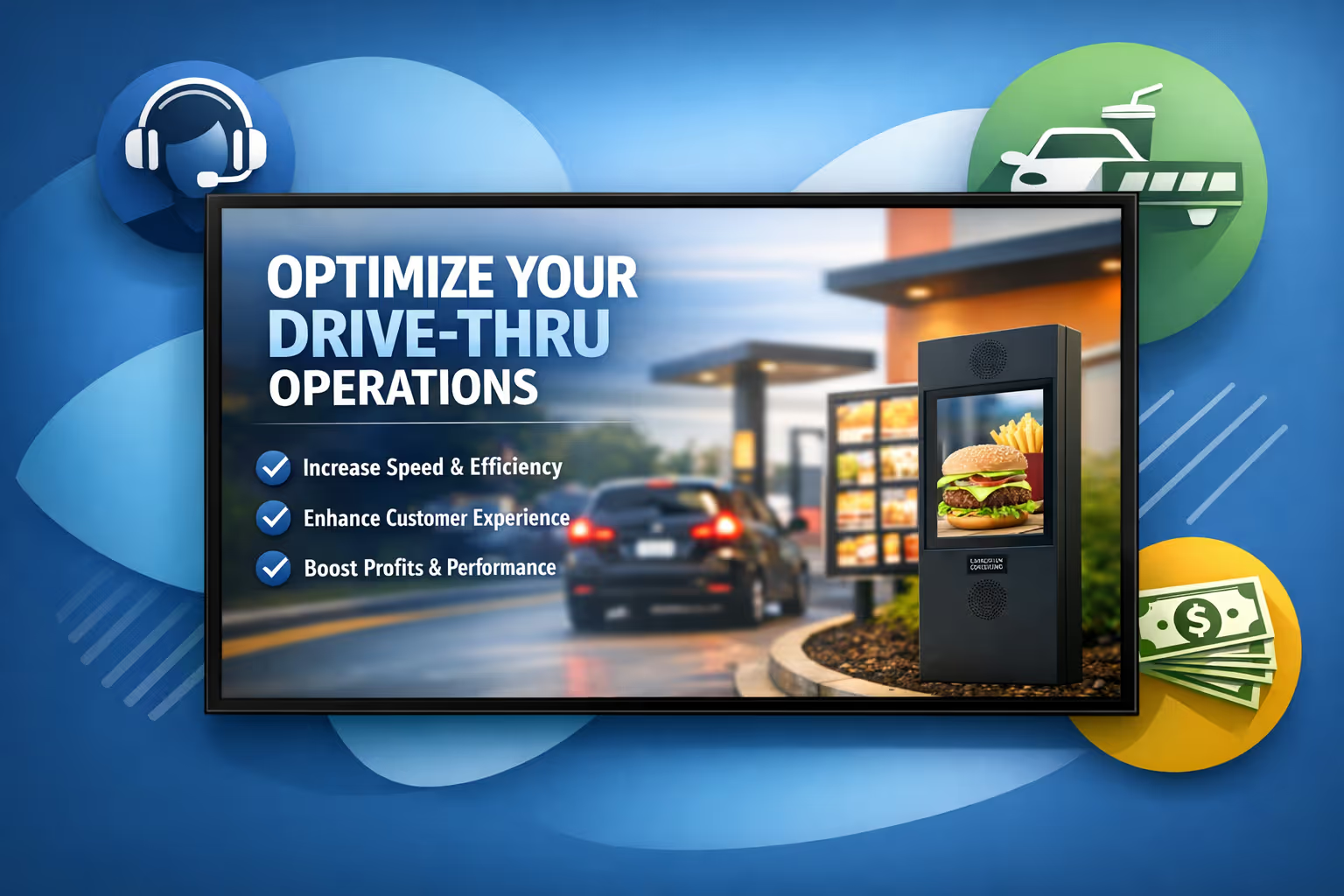
Update menus and promotions in real time
Publish price changes, limited time offers, and daypart menus instantly across every drive thru screen. Keep items, allergens, and legal lines accurate without last minute reprints or manual swaps.
Reduce perceived wait time with clear order flow
Use queue friendly content, progress cues, and helpful ordering prompts to keep guests informed. A smoother experience reduces frustration, supports staff, and helps maintain fast service during peak hours.
Increase average order value and prove ROI
Schedule upsells and bundles by time of day, weather, or location and track what runs where. Drive thru digital signage helps lift sales while reducing operational spend with centralized control.
Keep branding and pricing consistent across locations
Standardize templates and approvals so every restaurant displays the right visuals, prices, and product info. Roll out updates fast while protecting brand quality and guest trust.
Lower printing costs and simplify operations
Replace posters and manual menu swaps with a centralized workflow. Save on printing and staff time, and keep every drive thru display accurate from head office or regional teams.
Localize content by store, language, and daypart
Deliver the right message for each location, from neighborhood favorites to regional pricing. Adapt language and daypart menus so content feels local while staying aligned with your national strategy.
Drive thru digital signage use cases that keep lines moving
Across lanes and pickup windows, drive thru digital signage helps teams serve faster and more consistently. Share accurate menus, real time updates, and clear instructions that customers can trust, shift after shift.
- Menu boards: highlight best sellers, combos, and limited time offers with pricing that stays consistent
- Peak hour messaging: switch content automatically for breakfast, lunch, and late night to reduce order time
- Trust and compliance: display allergens, nutrition notes, and policy reminders so customers feel confident ordering
- Promotions and local campaigns: roll out brand approved offers across locations and report on what performs
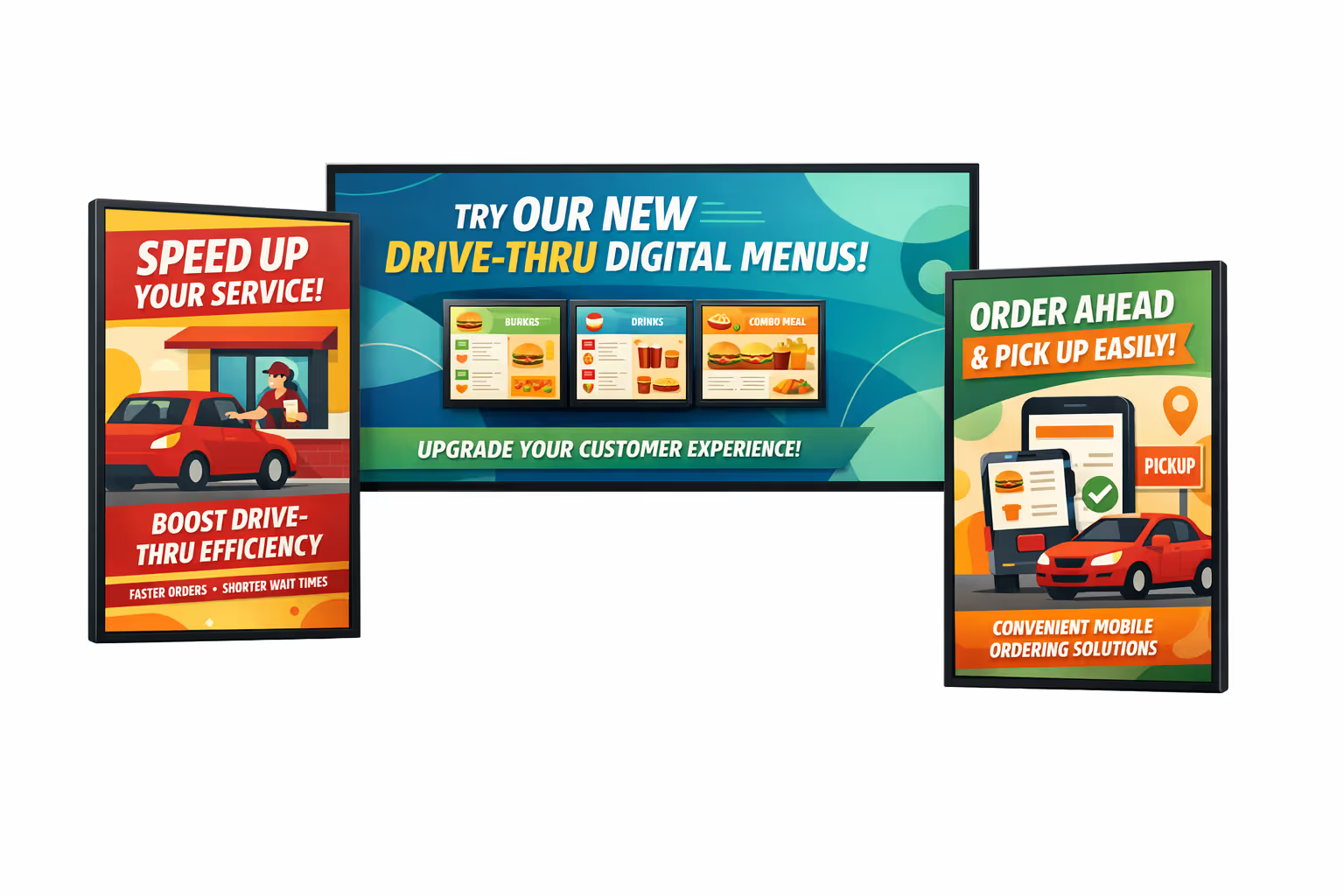
How Disign digital signage works
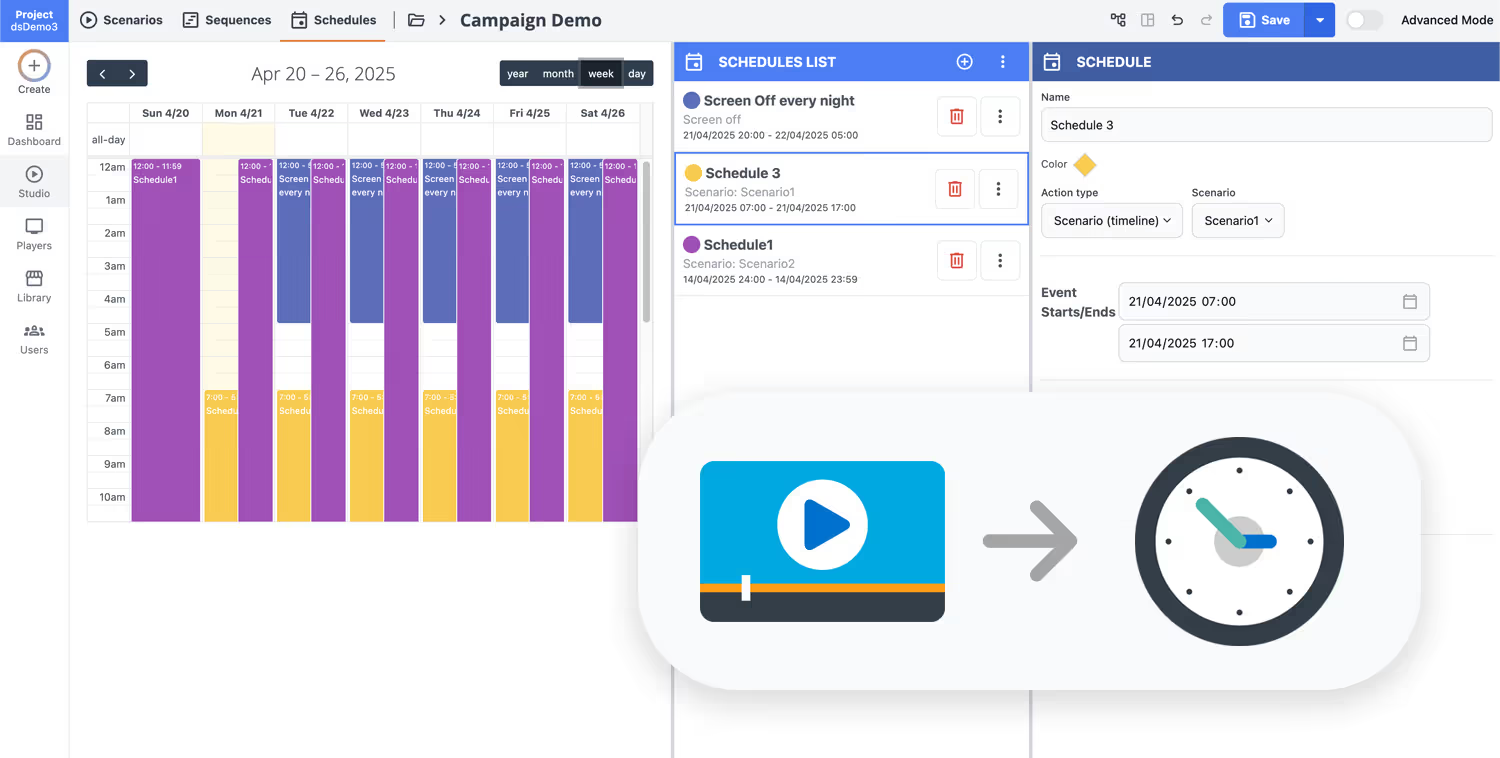
Schedule your content from anywhere with our cloud-based digital signage solution. Easily plan what plays, when, and where—across one screen or thousands.
Desenhe cenários e playlists personalizados adaptados ao seu público e objetivos.
Defina datas e horários precisos para que seu conteúdo seja reproduzido automaticamente.
Implante conteúdo instantaneamente em sua rede de affichage dynamique com apenas um clique.
Start your drive thru digital signage in minutes
Launch a 28 day free trial with Disign and see how easy it is to update drive thru menu boards, promos, and order guidance across every screen. No credit card required. Need help? Contact our team and get set up fast.
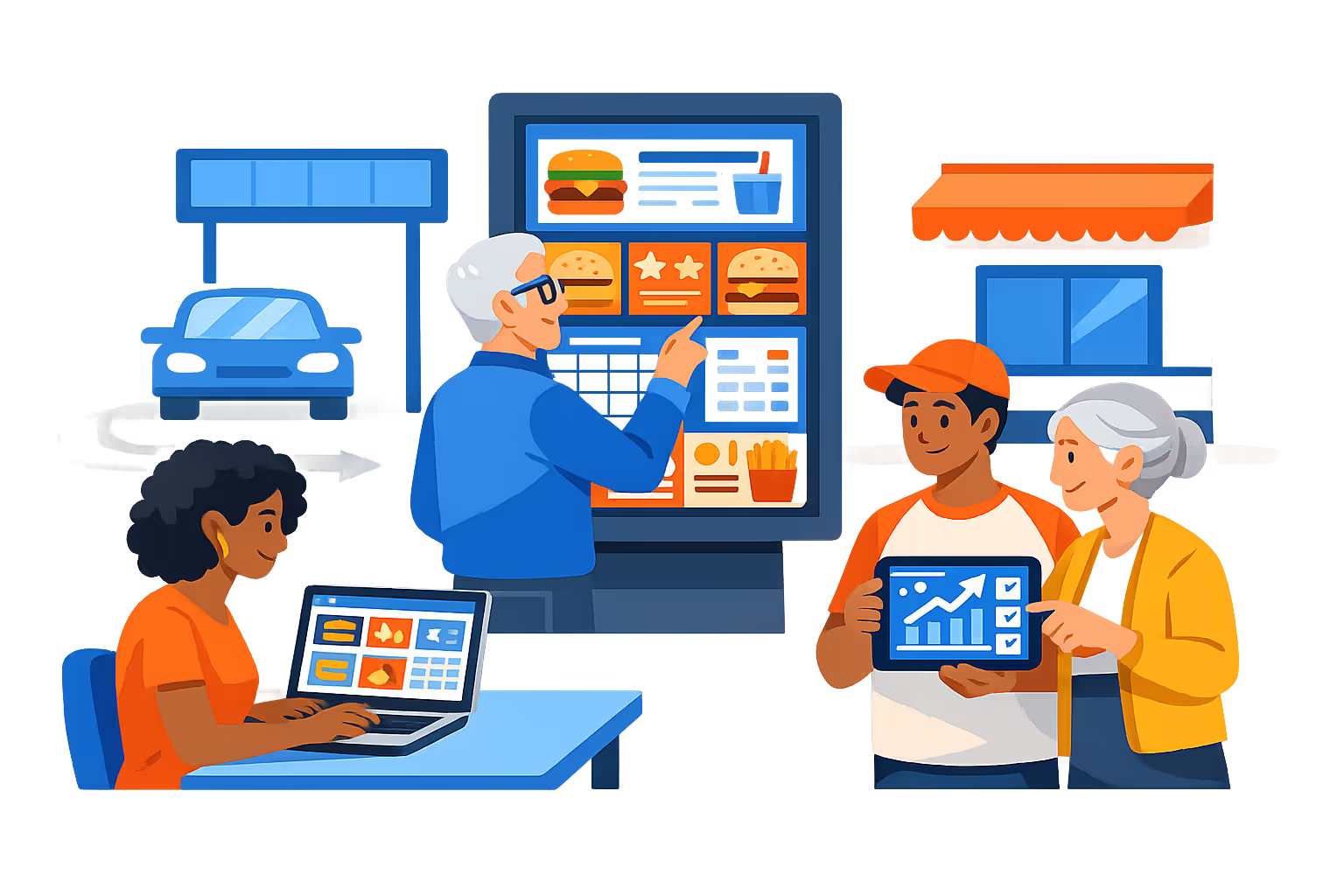
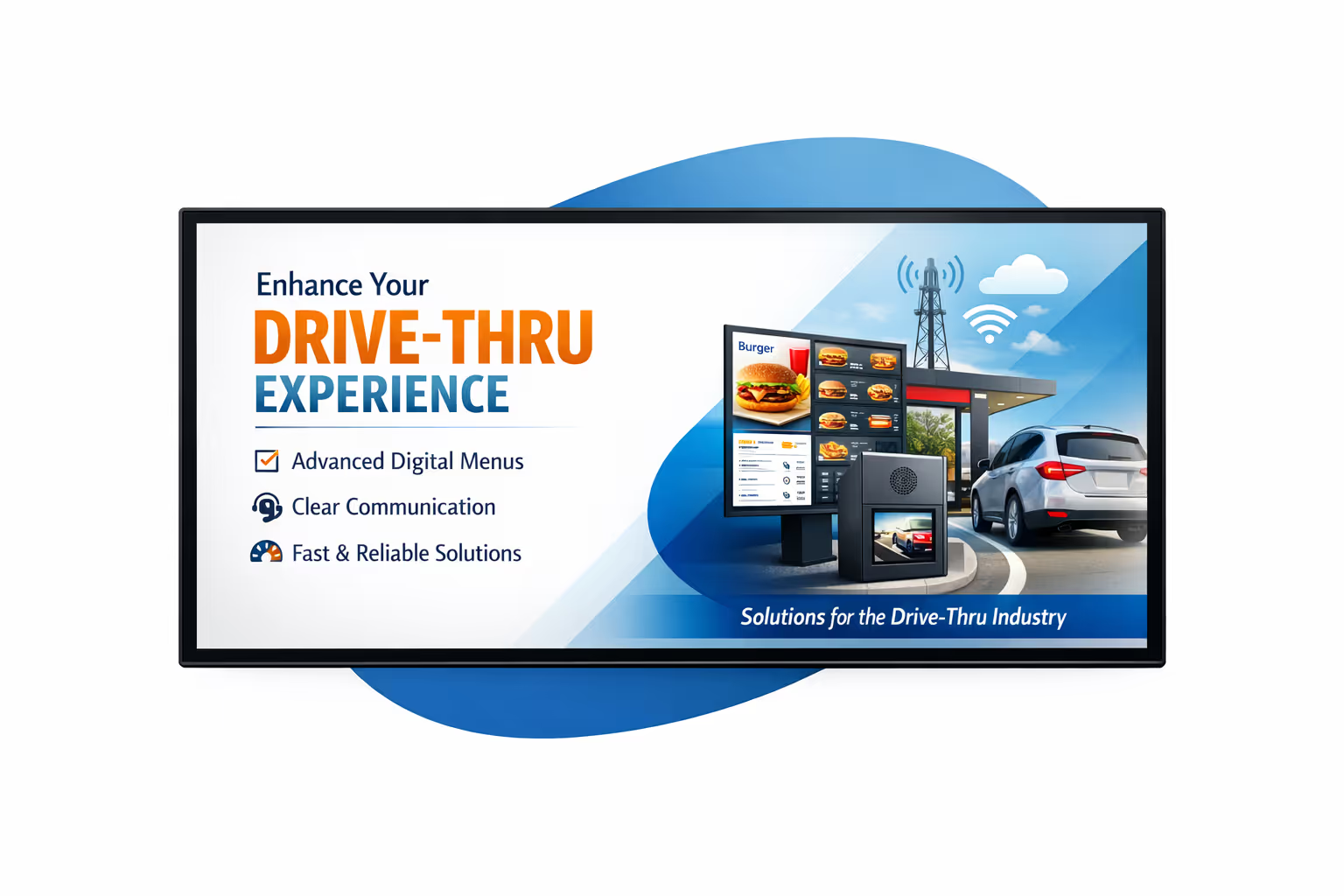
Drive thru digital signage engineered for fast, accurate order taking
Run drive thru digital signage from one platform with real time updates, dayparting, and device health visibility. Disign helps you keep menu boards, upsell content, and service messages consistent across every lane while giving your team the technical controls to publish safely and at scale.
Centralized control for every location
Manage drive thru digital signage across stores and lanes
Publish menus and promos to one store or an entire network with location targeting, reusable playlists, and role based permissions. Keep brand standards consistent while letting local teams update approved items for their store, lane, and daypart.
Secure publishing and access control
Protect menus, devices, and store credentials
Control who can create, approve, and publish content with granular roles. Pair players securely, limit access by location, and keep an audit trail of changes so your drive thru digital signage stays controlled and reliable.
Price and menu governance workflows
Approvals and versioning for regulated or brand critical content
Reduce mistakes with structured workflows: draft, review, approve, then schedule. Use version control for pricing, allergen notices, and limited time offers so the right content reaches the right lane at the right time.
Smart scheduling and daypart automation
Automate breakfast, lunch, late night, and promos
Schedule menu changes by time and day, launch campaigns automatically, and swap content for holidays or local events. Disign reduces manual updates so drive thru digital signage always matches operations and inventory changes.
Device monitoring and playback reliability
Health checks, remote diagnostics, and proof of delivery
Keep drive thru screens stable with player status, offline alerts, and remote troubleshooting. Verify that the correct menu and pricing are playing, reduce downtime, and maintain consistent customer communication lane by lane.
Deployment support for IT and operations
Standardize templates, onboard teams, and scale confidently
Get practical help from rollout to daily use. We support device setup, template standardization, and operating processes so your drive thru digital signage remains predictable, manageable, and ready for growth.
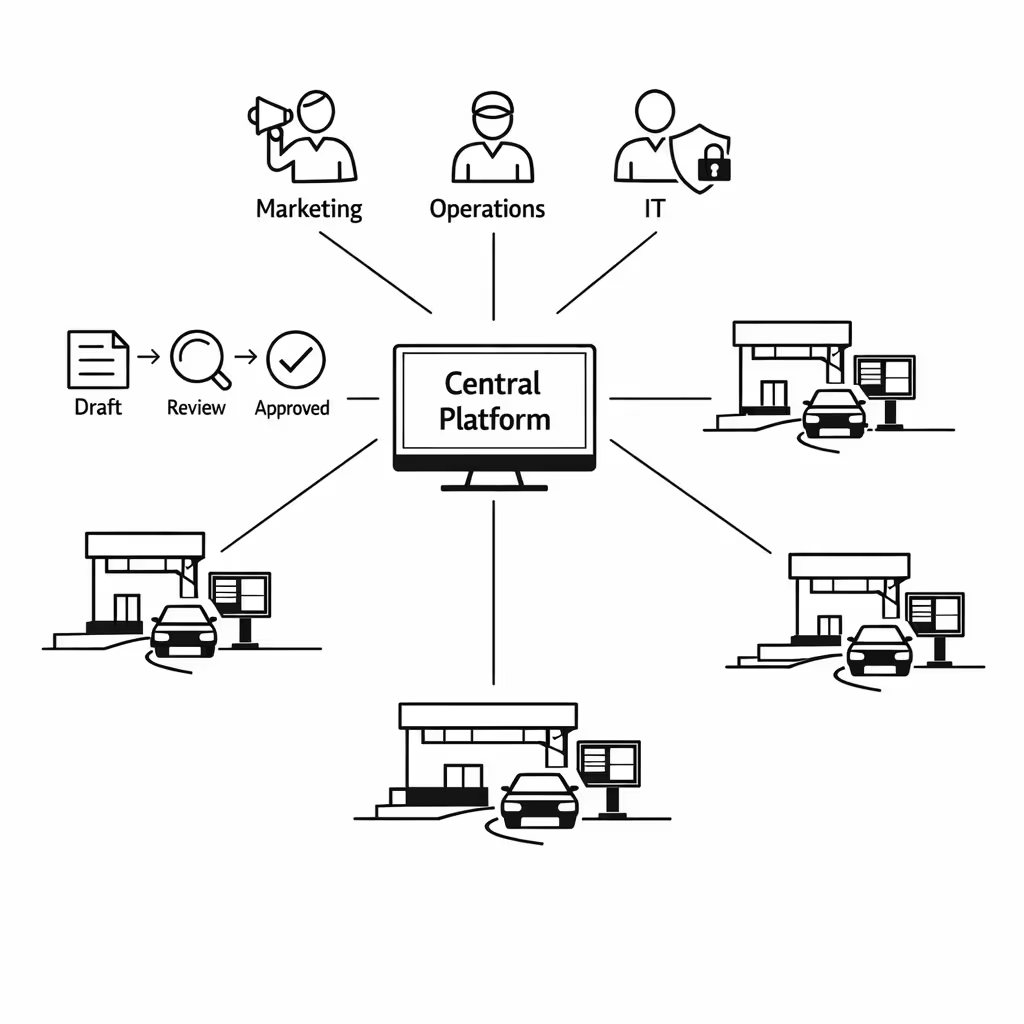
Centralized content management for drive thru digital signage
Manage every drive thru digital signage screen from one secure hub. Disign helps marketing publish faster, operations keep information accurate, and IT enforce governance with roles, approvals, and reliable playback across all locations.
One platform for all drive thru screens
Central control with location level flexibility
Launch brand messaging everywhere while letting each site add approved local content like store hours, lane guidance, or limited time offers. Keep consistency without slowing teams down.
Campaign scheduling by location, daypart, and screen
Target drive thru digital signage content by restaurant, region, or screen type. Automate daypart menus, timed promotions, and compliance messages so the right content plays at the right moment.
Built for IT security and governance
Protect your drive thru digital signage network with role based access, approval workflows, and standardized playback rules. Reduce risk, improve audit readiness, and keep content aligned with brand and legal requirements.
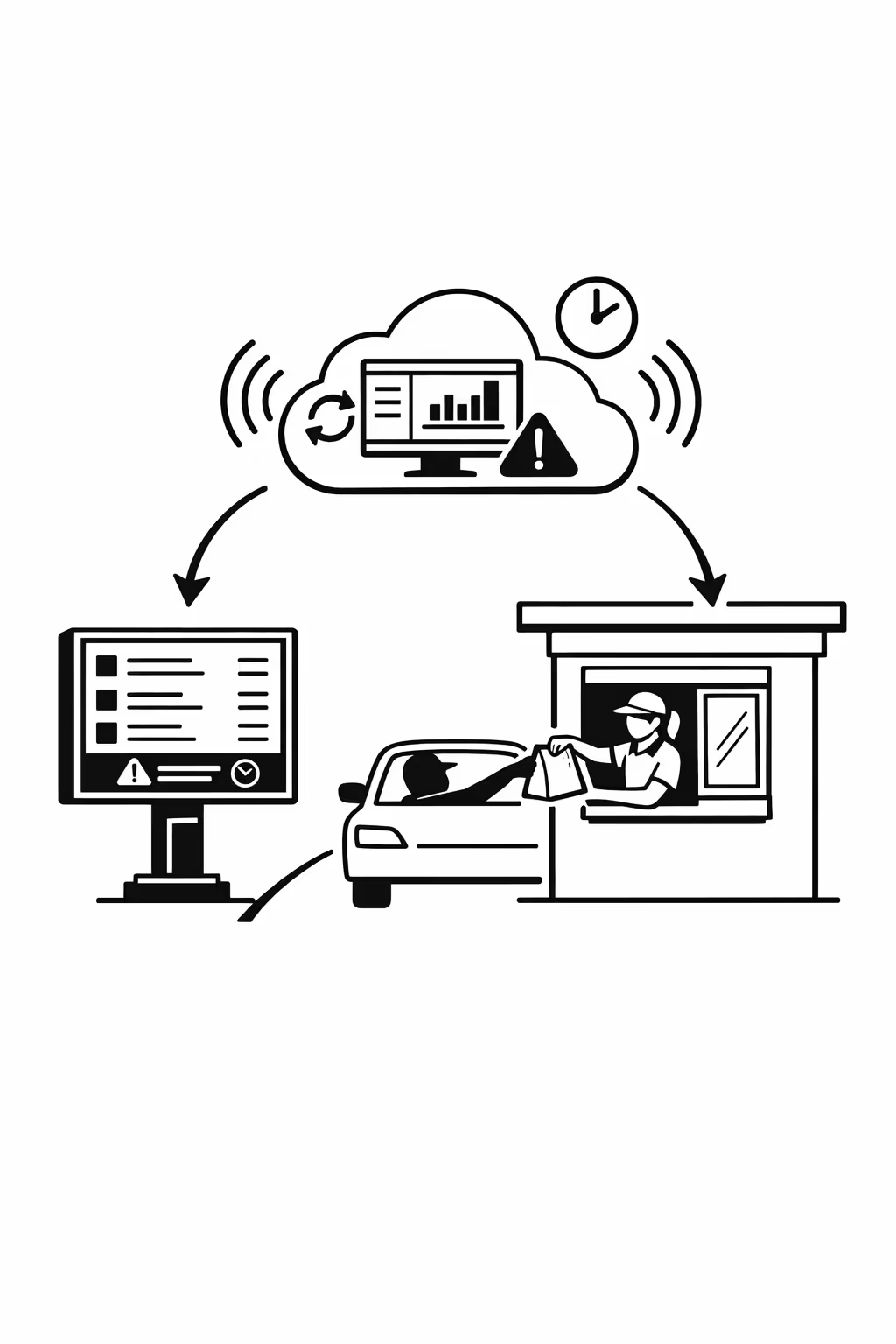
Real time updates for operations and service recovery
Publish instant changes across every drive thru lane, menu board, and pickup screen. Update item availability, pricing notices, wait time messaging, and alerts in seconds, without calling each location.
Scalability for growing drive thru networks with drive thru digital signage
Scale drive thru digital signage across locations, regions, and teams from one cloud platform. Roll out updates in minutes, keep standards in place, and stay on brand as your drive thru network expands.
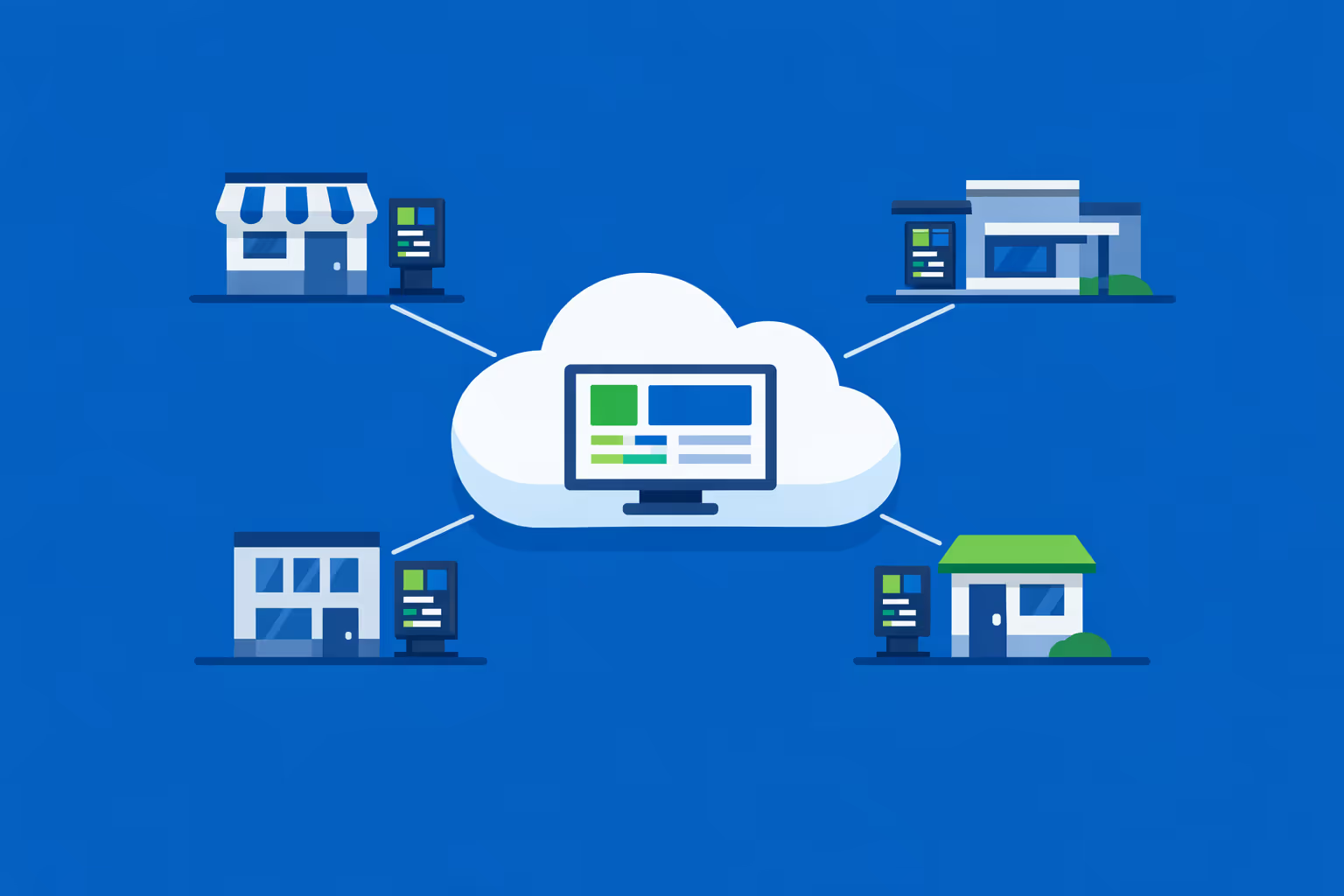
Multi-site management from one cloud dashboard
Easily oversee drive thru digital signage across every site from a single console. Publish new menus and promotions instantly, verify what is playing in each lane, and keep brand consistency across your entire network.
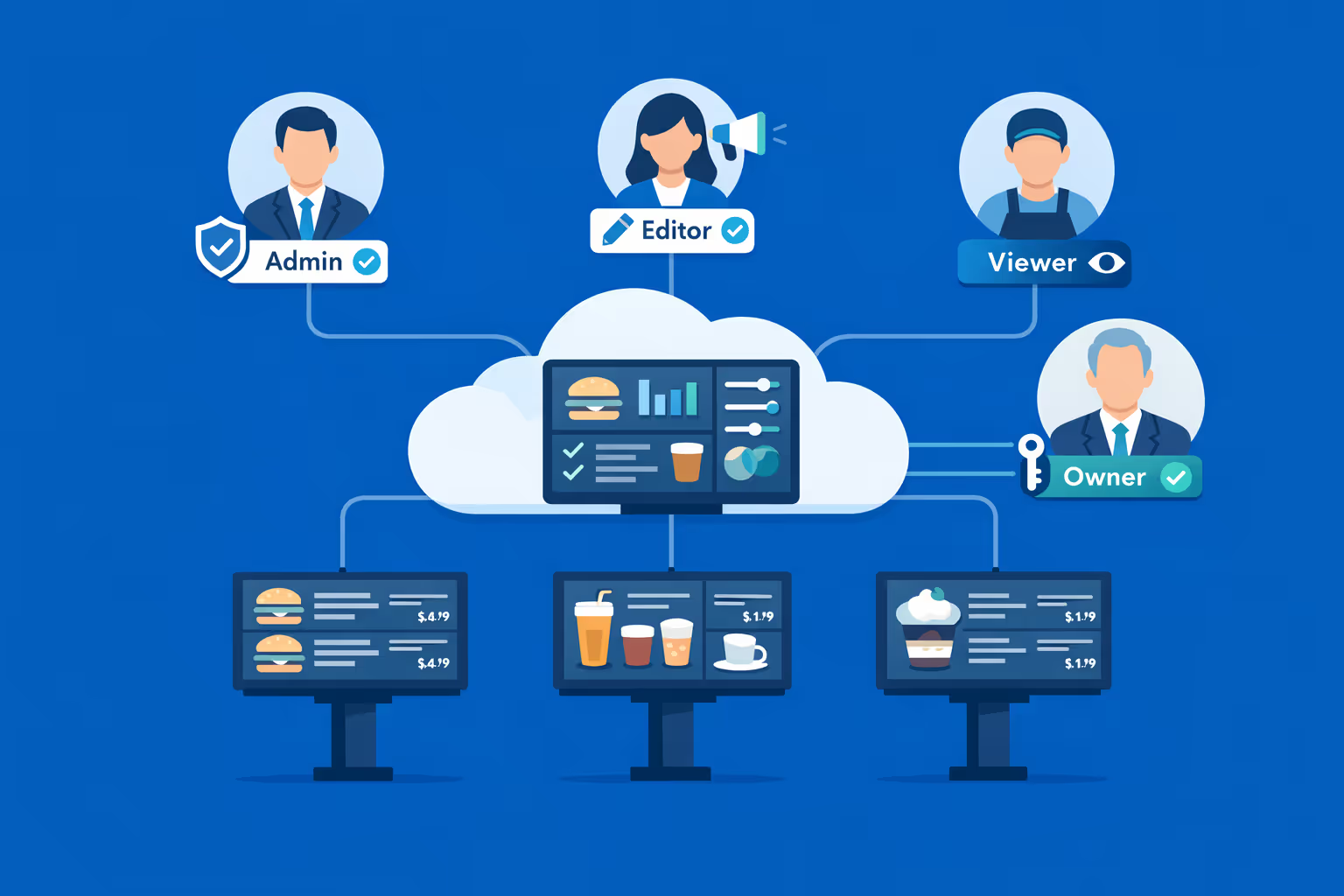
Multi-user access with role-based permissions
Assign roles, permissions, and access levels by department, region, or store. Keep teamwork fast and organized while protecting brand governance, approvals, and accountability across your drive thru group.
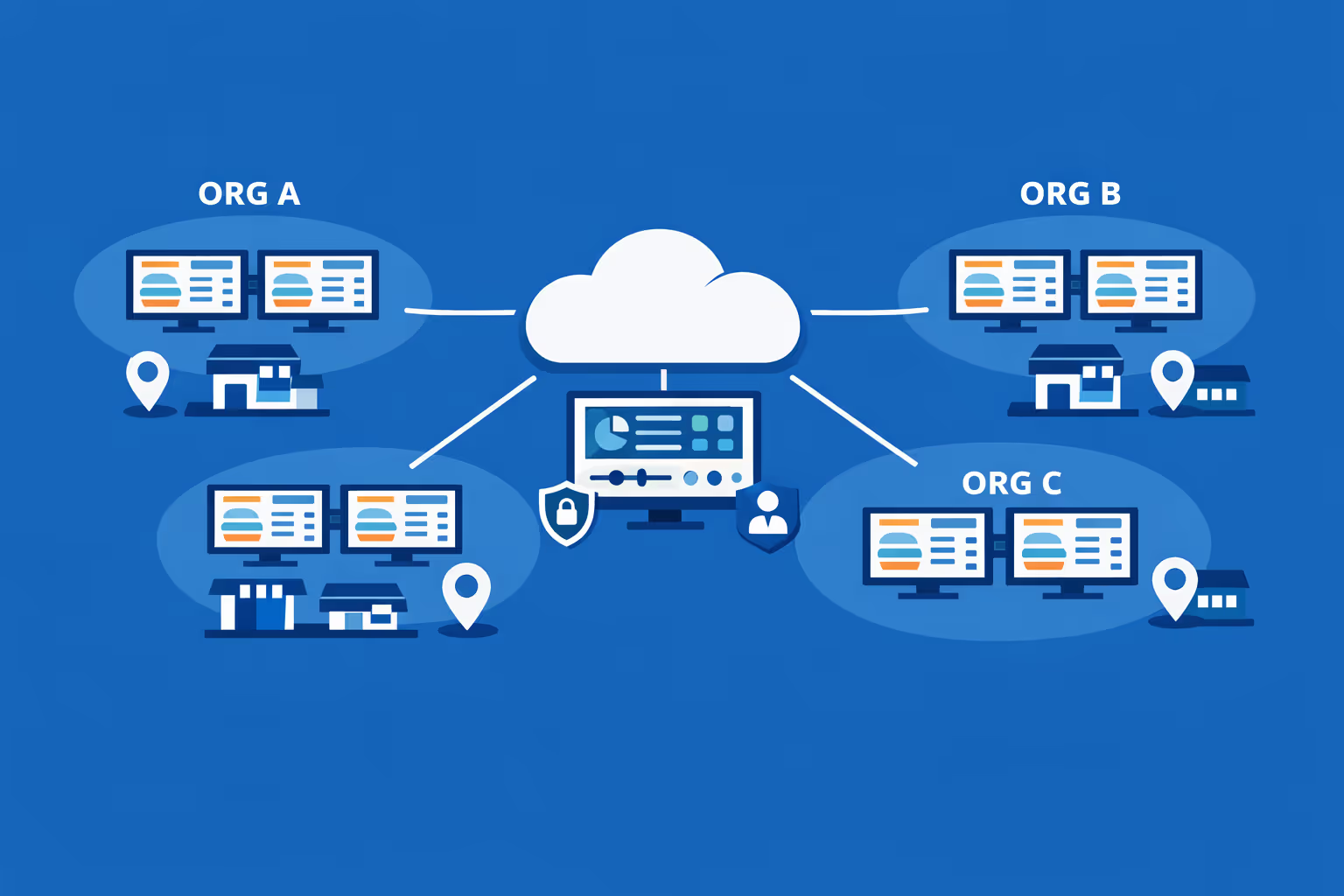
Multi-screen and multi-organization ready
Control thousands of screens and manage multiple organizations within one account. Segment drive thru digital signage by brand, region, or store so you can scale confidently while keeping local offers and pricing accurate.
Disign é compatível com todas as telas para sinalização digital
A sinalização digital com Disign permite que você gerencie e exiba conteúdo em uma variedade de dispositivos. Nossa solução é compatível com muitos players externos, como Disign OS baseado em Raspberry Pi, BrightSign e qualquer hardware Android. Disign também suporta tecnologias embutidas em telas Samsung, LG e Android TV. Com essa ampla compatibilidade, você pode facilmente implementar soluções de sinalização digital em diferentes tipos de hardware, garantindo gestão simplificada e uma experiência ideal para o usuário.


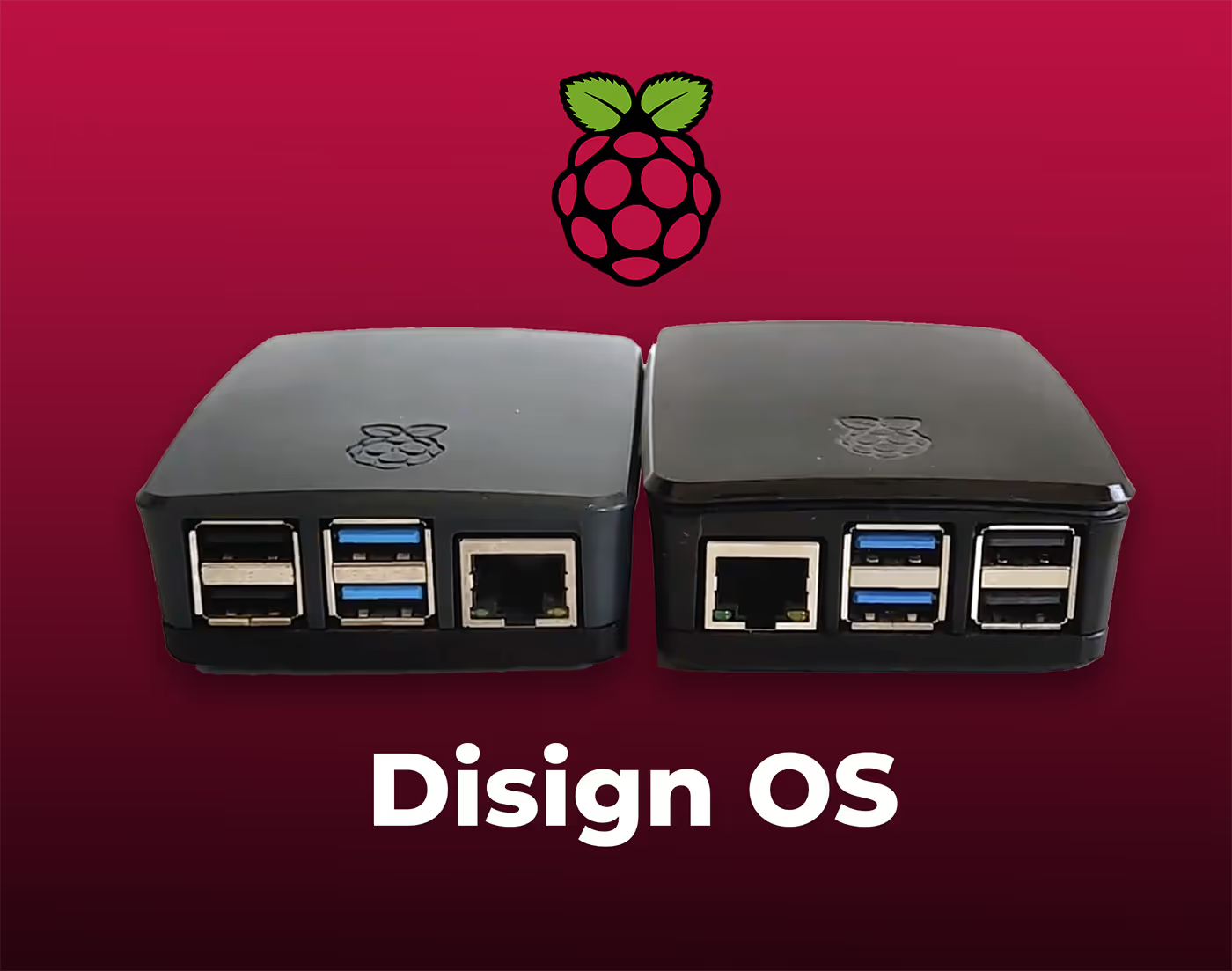
Real feedback from drive thru teams using Disign drive thru digital signage to keep menus, promos, and lane messaging accurate all day
What drive thru professionals say about Disign
“We used to print menu updates and tape them up when prices changed. With Disign, our drive thru digital signage updates in minutes, and the lunch switch happens automatically. It is not flashy for the sake of it, it just removes daily friction.”
“For me it is about consistency across locations. Disign keeps our drive thru digital signage on brand, but still lets store teams publish local offers when they need to. The approval step is simple, so we do not end up chasing corrections later.”
“Our lanes are busy and the screens run from open to close. Disign has been steady, and the remote monitoring saves us trips. Support has been straightforward too, we get answers we can actually use on the floor.”
Integrate with your favorite Applications
70+ Applications and infini integration with API, Database, and any data source
Easily integrate third-party applications and web content such as YouTube or Vimeo, optimized for seamless playback. Display data from RSS feeds or formats like CSV, JSON, or XML directly on your digital signage screens. Extend display capabilities with advanced applications like grids or collections to enrich Disign scenarios.

We designed Disign to be as open and customizable as possible, both in its visual scenes and in its data sources.
Florent MondoloniCo-Founder, Disign

Video
Utilisez vos medias

RSS Feed
Use your own RSS Feed

Database
Databases

Canva
Create your Design and import it

Google Sheets
Import CSV, Live data...

Website/API
Affiche your website or use API
Everything you need to know about Disign Digital Signage For DriveThru
Drive thru digital signage FAQ: practical answers for operators who need speed, accuracy, and upsell
Drive thru digital signage is the use of centrally managed digital menu boards and messaging screens to communicate with customers in the drive thru lane. For quick service restaurants, coffee chains, convenience stores with food service, and any brand running a drive thru, these screens are not just a modern replacement for printed menus. They are a revenue and operations tool that helps you move cars faster, improve order accuracy, increase average check, and keep your offers consistent across locations.
This FAQ is written for the people who actually own the outcome: operations leaders, franchise owners, marketing managers, and IT teams who need a drive thru digital signage solution that can scale without creating chaos. You will find straightforward guidance, real world considerations, and what to look for in a platform like Disign.
What is drive thru digital signage and what does it include?
Drive thru digital signage usually refers to the screens that present your menu, pricing, limited time offers, and upsell prompts in the drive thru. Depending on your setup, it can include several screen types that work together.
Most brands include:
- outdoor digital menu boards at the order point
- confirmation screens that show the customer what was captured
- promotional screens near the payment window
- pickup window screens with final reminders or add ons
- lane direction screens for dual lane or merge systems
- indoor screens for drive thru waiting areas, if you have them
A drive thru digital signage system typically includes the screens, media players, and a content management platform that lets you update content centrally, schedule dayparts, and keep every location aligned.
Why switch from printed menus to drive thru digital signage?
Printed boards are static, slow to change, and expensive to maintain, especially across multiple sites. Drive thru digital signage gives you speed and control, which matters when you run promotions, manage price changes, or need to react to inventory and staffing realities.
Operators switch because drive thru digital signage helps them:
- update prices and offers quickly without printing and installation delays
- run breakfast, lunch, late night, and seasonal menus automatically
- reduce order friction by highlighting best sellers clearly
- increase upsells with consistent, timed prompts
- keep brand visuals consistent across franchise and corporate stores
- respond to product outages with approved substitutions
- reduce long term costs tied to printing, shipping, and labor
The main operational value is not that the screen is digital. The value is that your message becomes current, accurate, and easy to manage at scale.
How does drive thru digital signage improve speed of service?
Speed of service improves when customers make decisions faster and staff spend less time clarifying. The drive thru is a high pressure environment where seconds add up, especially at peak.
Drive thru digital signage can improve speed by:
- making the menu easier to scan with fewer distractions and clear grouping
- emphasizing top combinations so customers choose quickly
- using daypart scheduling so only relevant items appear
- supporting clear pricing and modifiers to reduce questions
- showing limited time items in a predictable place so customers find them fast
- pairing the order point screen with an order confirmation screen to catch issues early
Even a small reduction in hesitation at the speaker can translate into shorter queues and more cars served per hour.
Can drive thru digital signage help with order accuracy?
Yes. Order accuracy is often improved when the customer sees what the system captured. If you use a confirmation screen, drive thru digital signage becomes a real time validation step.
It helps because:
- customers can correct mistakes before they become remakes
- staff can verify that modifiers and sizes are displayed clearly
- combo logic and add on prompts are more consistent
- pricing clarity reduces disputes at the window
Accuracy has a direct cost impact. Fewer remakes means less waste, fewer refunds, and less tension at the window.
What are the best use cases for drive thru digital signage beyond the main menu?
Many teams think only in terms of a menu board, but drive thru digital signage can support the entire lane experience, from the first glance to pickup.
High impact use cases include:
- daypart menus that change automatically
- limited time offer takeovers during campaign windows
- weather based promotions like cold drinks on hot days, if you choose to use data driven content
- inventory messaging such as temporarily unavailable items and suggested swaps
- loyalty prompts like scan, earn, and redeem reminders
- upsell reminders at the payment window where the decision is easiest
- brand trust messaging such as quality sourcing, freshness, or speed guarantees
- local store messaging like hiring, updated hours, or lane changes
The best use case is the one that reduces friction and increases value without adding cognitive load.
How do dayparts work with drive thru digital signage?
Dayparts are scheduled content blocks that automatically switch based on time of day and day of week. This is one of the most practical reasons to adopt drive thru digital signage because it removes manual effort and reduces errors.
Common dayparts include:
- breakfast
- late morning transition
- lunch
- afternoon snack and beverage focus
- dinner
- late night
With Disign, you can schedule playlists and templates so that the right menu shows at the right time. This avoids situations where customers see breakfast items after the cutoff or missing items during peak, which can slow the line and frustrate staff.
Can I update menus in real time across multiple drive thru locations?
Yes, if your platform is built for multi location management. A major advantage of drive thru digital signage is the ability to push changes to dozens or hundreds of stores from one place.
In practice, you can:
- update pricing for a region or store group
- swap out creative for a campaign quickly
- roll out compliance or nutrition messaging consistently
- apply emergency changes like item outages in minutes
With Disign, you can organize screens by store, region, or franchise group and publish updates without relying on each store to handle local files or manual swaps.
How does drive thru digital signage support promotions and upsells without annoying customers?
The best upsells feel helpful, not pushy. Drive thru digital signage supports this by letting you present the right offer at the right moment, using simple visuals and a clear call to action.
Good practices include:
- one primary upsell per screen area, not five competing prompts
- pricing clarity so customers do not feel surprised
- pairing offers with natural decision points like combos, sides, and beverage size upgrades
- using daypart relevance so you do not promote lunch during breakfast
- keeping creative consistent so customers recognize your combos quickly
For example, a focused upsell like “Make it a combo” with a clear price is more effective than a crowded screen full of small text. The goal is to help the customer decide faster while improving average check.
What content performs best on drive thru digital signage?
Drive thru screens are viewed quickly. The content that performs best is designed for glance reading and decision making.
Top performing content elements include:
- large, high contrast product images that match what you serve
- short item names and simplified descriptions
- clear pricing that is easy to find
- strong hierarchy such as best sellers at eye level
- limited time offers that are visually distinct
- combo bundles that reduce decision complexity
- subtle prompts for add ons like extra sauce, dessert, or a larger drink
Avoid long paragraphs, tiny disclaimers, and overly animated transitions that distract customers. If the customer cannot understand it in a couple seconds, it is not doing its job.
How does Disign help keep drive thru menus consistent across franchises?
Franchise consistency is difficult when each location makes local edits. Drive thru digital signage needs governance so your brand looks like your brand everywhere, while still allowing approved local adjustments.
Disign supports consistency with:
- templates that lock layout, fonts, and brand rules
- shared asset libraries for approved photos and logos
- role based permissions so not everyone can publish
- content grouping so you can assign the right menu set to the right stores
- scheduling so campaigns run on time without store intervention
This makes it easier to scale promotions and maintain a consistent customer experience across corporate and franchise locations.
What security and reliability features should I expect from a drive thru digital signage solution?
Drive thru operations depend on uptime. If screens go dark or show outdated pricing, you lose revenue and risk customer trust. Security matters too, because signage devices are networked endpoints.
Key capabilities to look for include:
- secure user access with roles and permissions
- encrypted communications between players and management tools
- device monitoring so you know when a screen is offline
- remote management to reduce on site troubleshooting
- controlled publishing so only approved content goes live
- auditability for changes, especially for pricing and regulated claims
Disign is designed for centralized management and structured access, so operations and marketing can move quickly without losing control.
Is drive thru digital signage cloud based or on premises?
Most modern drive thru digital signage platforms are cloud managed because it simplifies rollout and ongoing updates. Cloud management is especially useful when you have many locations, high staff turnover, or frequent campaigns.
Cloud based management typically provides:
- faster deployment without maintaining local servers
- centralized updates for all stores
- easy scaling as you add screens and locations
- a single place for content, templates, and scheduling
If your IT team has network constraints, you can still apply standard policies such as network segmentation, outbound rules, and device management. The key is choosing a platform that supports operational needs without creating extra burden.
What hardware is needed for drive thru digital signage?
A typical drive thru digital signage setup includes:
- outdoor rated digital displays or outdoor enclosures with commercial displays
- media players capable of running your signage player
- reliable network connectivity, often wired where possible
- mounts, power, and weather considerations like temperature and glare
Outdoor environments are demanding. Brightness, weather resistance, and long operating hours matter. Many operators standardize hardware over time. Disign can support a range of player options so you can choose what fits your rollout plan and budget.
How do I handle price changes and regional pricing with drive thru digital signage?
Pricing is one of the biggest reasons teams want centralized control. Drive thru digital signage lets you manage price updates without reprinting boards and without asking each store to do manual swaps.
You can typically manage pricing by:
- creating regional price versions using the same approved templates
- assigning content by store groups
- scheduling effective dates so changes happen automatically
- maintaining consistent design so only the numbers change, not the structure
A strong process includes approvals and a clear ownership model, so pricing changes do not create last minute confusion.
Can drive thru digital signage integrate with POS or menu management systems?
Often yes, depending on your ecosystem. Some brands prefer full integration so that items and prices can reflect a menu database, while others prefer controlled creative where marketing owns the design and operations owns the data.
Common approaches include:
- embedding web based views where appropriate
- connecting data sources to populate templates
- syncing certain fields like prices, availability, or item names
- using scheduled content when integration is not required
If you are evaluating integrations, start by identifying what actually needs to be automated. Sometimes daypart scheduling and good operational workflows deliver most of the value without complex integration.
How do I handle out of stock items without confusing the customer?
Outages happen. What matters is how quickly you communicate and what alternative you offer. Drive thru digital signage can reduce frustration when it presents a clear replacement suggestion.
Best practices include:
- removing the out of stock item from primary visual focus quickly
- replacing it with a similar item and a simple note from the store
- keeping combos valid by suggesting an alternate main item or side
- avoiding long explanations that slow ordering
Operationally, you want a controlled process so local teams can make limited changes within approved templates, rather than redesigning the whole menu.
How often should drive thru digital signage content be updated?
There is no single cadence that fits every brand, but most teams follow a rhythm that keeps content fresh without constant churn.
A practical update cadence looks like:
- daily or weekly checks for accuracy and availability
- daypart changes automated through scheduling
- campaign updates aligned with marketing calendars
- immediate updates for critical changes like outages, price corrections, or lane instructions
The goal is for the customer to trust what they see. Trust drives faster decisions and fewer disputes at the window.
How do I organize drive thru digital signage responsibilities between marketing, operations, and IT?
Clear ownership keeps your program running smoothly. Most brands use a simple division of responsibilities.
A common operating model:
- marketing owns templates, creative, and campaign planning
- operations owns menu accuracy, local needs, and in store execution
- IT owns devices, network policies, and deployment standards
- franchise leadership owns compliance with the brand system and local coordination
Disign supports this model through permissions and structured content organization. That way, each team can do their job without stepping on the others.
Can drive thru digital signage support accessibility and readability?
Yes, and it should. Drive thru audiences include older customers, people with vision challenges, and drivers who have only seconds to read.
Accessibility focused design choices include:
- large typography with strong contrast
- consistent placement for pricing and combo value
- limiting text and using clear category labels
- avoiding overly fast animation and tiny tickers
- ensuring critical information remains visible long enough to read
Accessible design improves comprehension for everyone, which improves speed of service.
How do I measure ROI from drive thru digital signage?
ROI should be measured in both revenue lift and operational impact. The drive thru is measurable if you choose the right metrics and run clean tests.
Common ROI drivers include:
- higher average check from consistent upsells and bundles
- improved speed of service measured by cars per hour and order time
- fewer remakes and refunds due to higher order accuracy
- reduced printing and installation costs for menu updates
- stronger campaign execution, meaning more stores running the correct promotion on time
You can also track operational KPIs like time to publish a change, percentage of screens online, and how often stores request updates. These indicators show whether your system is helping or creating work.
What should I look for in templates and scheduling for drive thru digital signage?
Templates are more than design. They are how you keep menus readable, brand consistent, and updates fast.
Look for:
- layouts designed specifically for quick scanning and decision making
- template locking for brand elements and required information
- components that support pricing, modifiers, and combos cleanly
- daypart scheduling and date based campaign windows
- easy duplication for regional variations without redesigning
Disign helps teams create an approved system once, then reuse it across locations, dayparts, and campaigns.
Can drive thru digital signage be used for operational messaging in the lane?
Yes. Operational messaging can reduce confusion and keep the line moving, especially in dual lane, lane closures, or seasonal traffic patterns.
Examples include:
- “Choose any lane” and merge instructions
- payment method reminders
- pickup window instructions like “Have your code ready”
- allergy and customization guidance when appropriate
- limited staffing notices framed with helpful alternatives
The best operational messages are short, polite, and specific. They should reduce questions, not introduce new ones.
How quickly can I roll out drive thru digital signage to multiple locations?
Timelines depend on hardware readiness, electrical and mounting work, and internal approvals. Many brands start with a pilot, then scale.
A practical rollout path:
- pilot in a small set of stores with different volumes
- validate readability, dayparts, and speed of service impact
- refine templates and publishing workflows
- standardize hardware and installation steps
- roll out region by region with monitoring and support
Disign supports centralized rollout by letting you provision screens, assign playlists, and manage updates without requiring each store to handle content locally.
What makes Disign a strong choice for drive thru digital signage?
Drive thru teams need a platform that moves fast but stays controlled. You need marketing flexibility, operational accuracy, and reliable screen management.
Disign helps you run drive thru digital signage with:
- centralized content management for multi location operations
- scheduling for dayparts, campaigns, and local variations
- permissions and governance so updates stay controlled
- templates that maintain brand consistency and readability
- the ability to update quickly when operations change
If you want drive thru digital signage that supports speed of service, accuracy, and consistent upsells, Disign is built to help you operate at scale without turning menu updates into a constant fire drill.
What are the next steps to start a drive thru digital signage project?
Start with clarity, not hardware. A successful project begins with goals, ownership, and a repeatable plan.
Next steps that work well:
- define the primary objective: speed, upsell, accuracy, or operational clarity
- map your screens and the customer journey from order point to pickup
- list dayparts, core menus, and seasonal needs
- create a template set for menus, limited time offers, and operational messages
- agree on approvals for pricing and claims
- run a pilot, measure results, then scale with a standardized process
With the right foundation, drive thru digital signage becomes a reliable channel that keeps your lane moving and your message accurate, all day, every day.



Join community of 4k+ people
Drive thru digital signage that speeds up orders and boosts average ticket
Keep your drive thru moving with the right content on every screen. Disign helps you update menus, pricing, limited time offers, and daypart promotions from one dashboard so customers decide faster and teams stay focused.
Ready to try drive thru digital signage without the hassle? Start a 28 day free trial with no credit card required, or contact us if you want help choosing screens, setting up players, and publishing your first drive thru menu in minutes.