Hospital digital signage made for patient communication
Hospital digital signage that keeps patients informed and staff in sync
Disign helps hospitals share clear, timely updates across every screen, from waiting rooms and corridors to clinics and cafeterias. Publish wayfinding, appointment reminders, visiting hours, safety notices, and service announcements in minutes with consistent branding and real time control.


Used by 4,000+ people
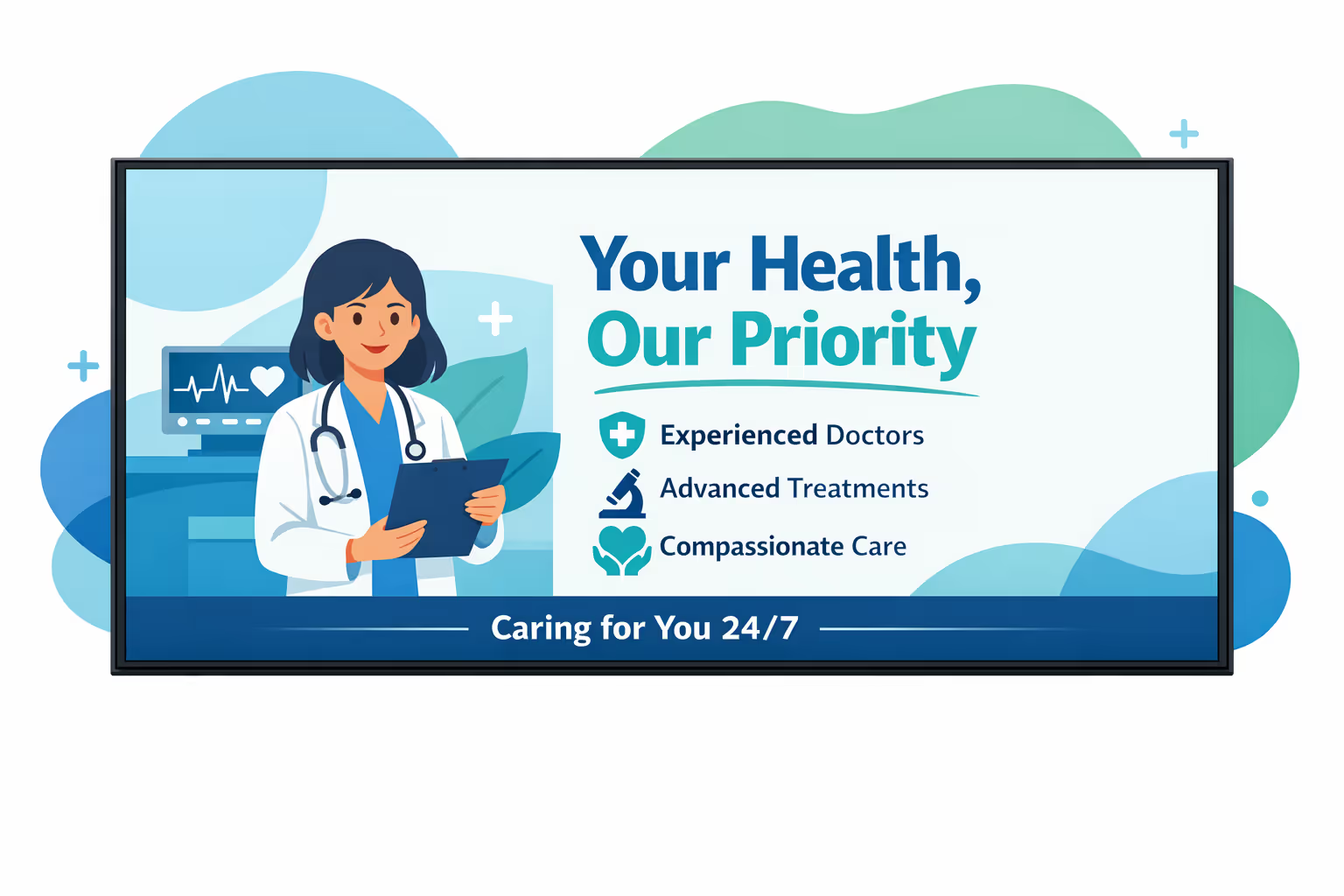
Challenges in the hospital industry when communication breaks down
In a hospital, people need clear information the moment they arrive. When directions, waiting updates, or care instructions are hard to find, stress rises fast. Staff then spend more time answering the same questions and less time supporting care.

Visiting hours, check in steps, and department availability can change quickly. When reception, wards, and clinics share different instructions, patients and families lose trust. Small misunderstandings can quickly turn into complaints and delays.
People want to know where to go, what documents to prepare, and what happens next. Without visible, simple guidance, staff get interrupted for directions and status updates. This slows down patient flow and increases pressure in waiting areas.
Hospital communication needs to be accurate, consistent, and aligned with current policy. When posters and printed notices are not updated everywhere at the same time, patients may follow the wrong process. This creates safety concerns, operational friction, and reputational risk.
Hospital digital signage that improves patient experience and operational efficiency
Share clear, timely information across every screen in your hospital. Disign helps teams update content in minutes, reduce printing and admin workload, support wayfinding and queue communication, and keep messaging consistent to improve satisfaction, safety, and ROI.
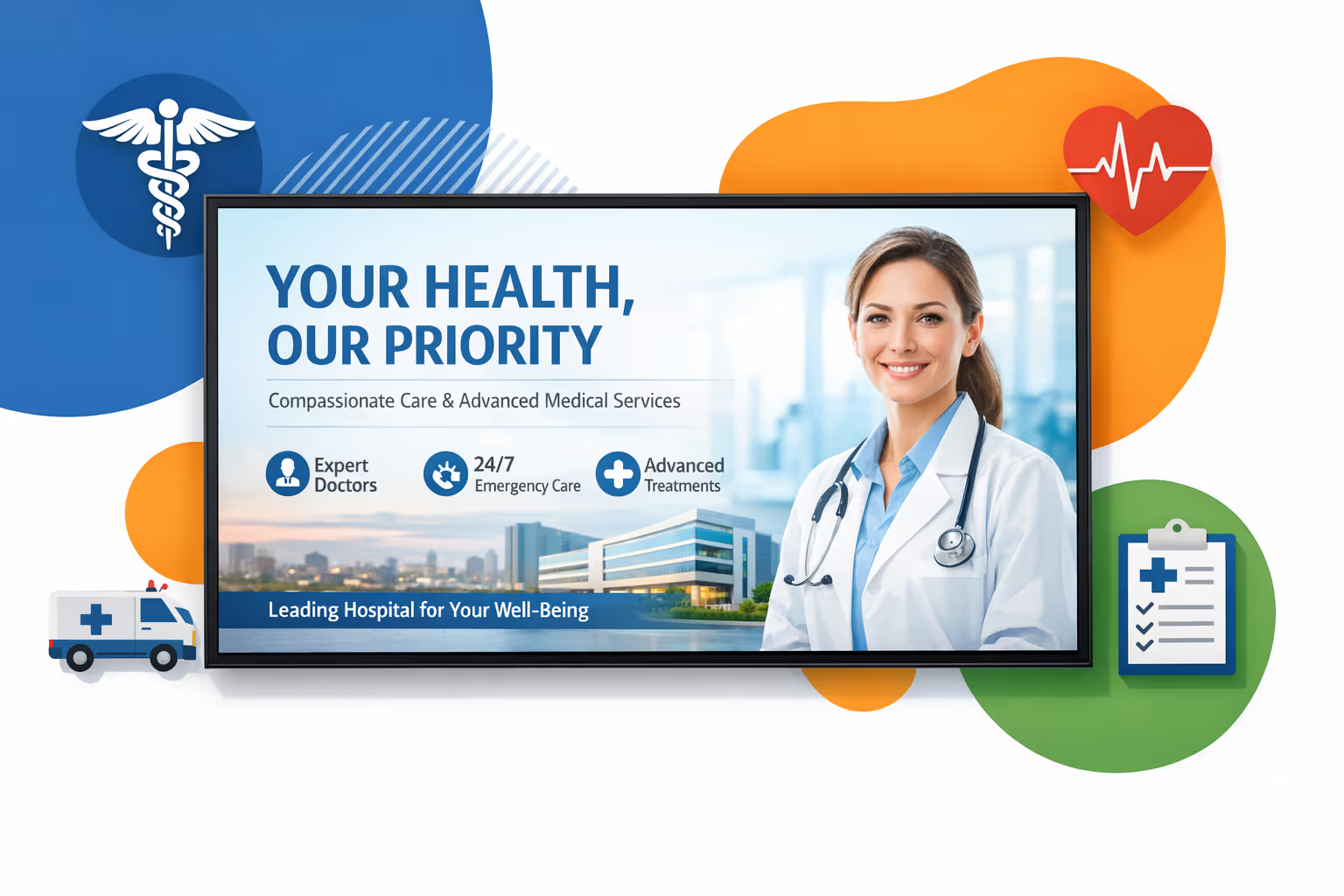
Communicate updates in real time across the hospital
Publish urgent notices, clinic changes, visiting hours, and service updates instantly. Keep information accurate across departments without last minute printing or manual poster swaps.
Reduce perceived wait times and improve flow
Use queue updates, preparation instructions, and reassuring content to keep patients informed while they wait. Clear expectations help lower stress, reduce repeated questions, and support smoother service flow.
Show ROI with measurable communication impact
Standardize health education and service messaging, target content by location and time, and track campaign performance. Hospital digital signage helps cut print spend, reduce staff interruptions, and boost uptake of hospital services.
Keep safety and compliance messaging consistent
Roll out approved templates and updates so every screen stays aligned with your policies. Share mandatory notices, privacy reminders, and infection control guidance quickly and consistently across all sites.
Lower costs and reduce workload for staff
Replace posters and paper notices with a centralized content workflow. Save on printing and distribution while freeing teams to focus on patient care instead of manual updates.
Deliver localized and multilingual communication
Adapt content by building, department, or language, from emergency to outpatient clinics. Provide clear guidance that feels local while staying consistent with hospital wide standards.
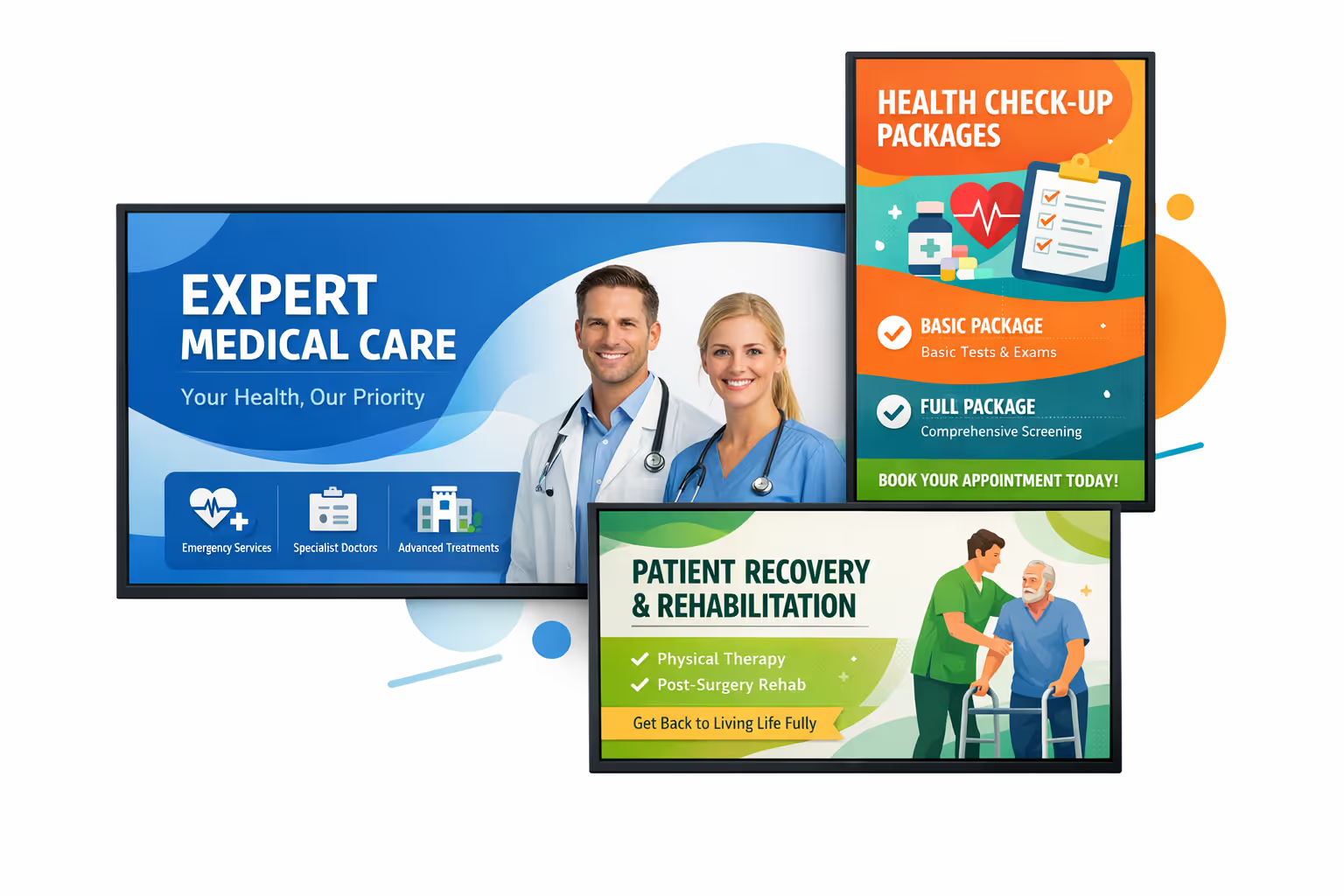
Hospital digital signage use cases across departments and facilities
From emergency and outpatient clinics to inpatient units, hospital digital signage helps patients and visitors find their way, understand what to expect, and feel reassured by clear, consistent updates from your care teams.
- Entrances and reception: welcome visitors, share visiting hours, and guide check in with simple, trusted instructions
- Waiting areas: display real time queue progress, expected delays, and care information that reduces repeated questions
- Corridors and wayfinding points: direct patients to departments, elevators, and services with consistent navigation across the facility
- Staff areas and internal offices: share policy updates, safety reminders, and operational metrics to keep teams aligned and audit ready
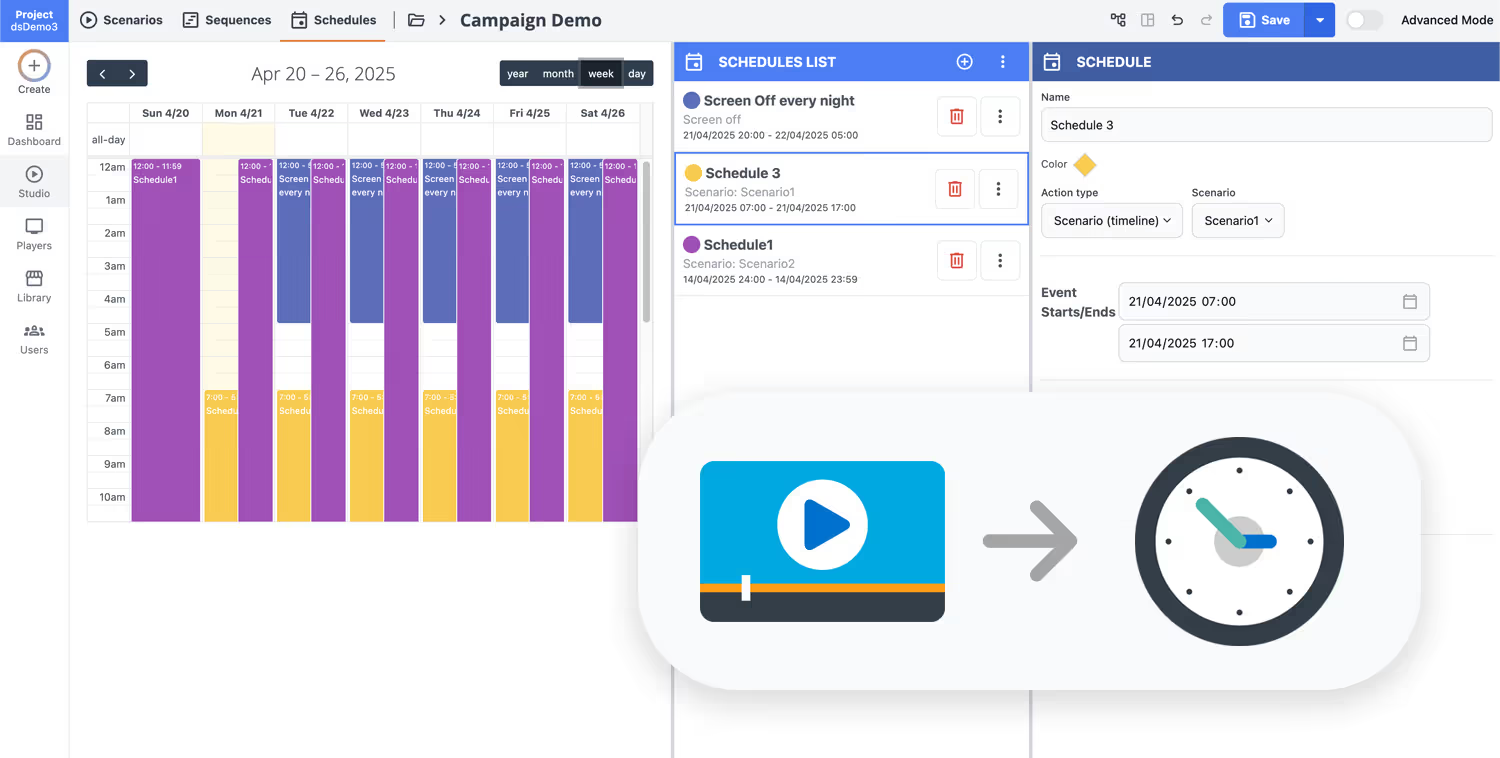
How Disign digital signage works
Schedule your content from anywhere with our cloud-based digital signage solution. Easily plan what plays, when, and where—across one screen or thousands.
Desenhe cenários e playlists personalizados adaptados ao seu público e objetivos.
Defina datas e horários precisos para que seu conteúdo seja reproduzido automaticamente.
Implante conteúdo instantaneamente em sua rede de affichage dynamique com apenas um clique.
Ready to launch hospital digital signage that patients and staff can rely on?
Start your 28 day free trial with Disign. No credit card required. Create clear wayfinding, waiting room updates, clinic schedules, safety messages, and urgent announcements in minutes. Book a quick call if you want help setting up screens, roles, and content across your hospital.

Hospital digital signage designed for clinical workflows and patient communication
Run hospital digital signage across waiting rooms, corridors, nurses stations, and outpatient sites from one secure platform. Disign helps teams publish real time updates, wayfinding, queue status, and safety messaging with controlled access and traceable changes.
Centralized control across hospital sites
One dashboard for every screen and department
Publish to a single waiting room display or to hundreds of screens across campuses with location targeting, role based permissions, and reusable playlists. Keep clinical and administrative messaging consistent while allowing approved local updates where care happens.
Security and access control for healthcare
Protect devices, logins, and publishing rights
Limit who can create, approve, and publish content with granular roles per site and per team. Pair devices securely and keep an audit trail of actions so IT can enforce governance without slowing down frontline communication.
Approval workflows for regulated communication
Review, approve, and publish with traceability
Standardize publishing with draft, review, approval, and scheduling steps. Maintain version control for safety notices, patient guidance, visiting rules, and service updates so the right information displays at the right time in the right area.
Smart scheduling and automated campaigns
Dayparting, recurring content, and urgent switches
Automate hospital communications with time based schedules and recurring campaigns. Switch content for clinic hours, peak arrival times, vaccination drives, or facility announcements without manual screen by screen updates.
Device monitoring and reliable playback
Health status, alerts, and remote diagnostics
Maintain uptime with visibility into player health and content delivery. Detect offline screens, validate what is currently playing, and resolve issues remotely so critical hospital digital signage messages stay available when patients and staff need them.
Deployment support for hospital IT and operations
Rollout guidance, templates, and best practices
Move from pilot to production with a repeatable rollout. We help standardize templates, onboard departments, and troubleshoot devices so your hospital digital signage remains stable, secure, and simple to run day to day.
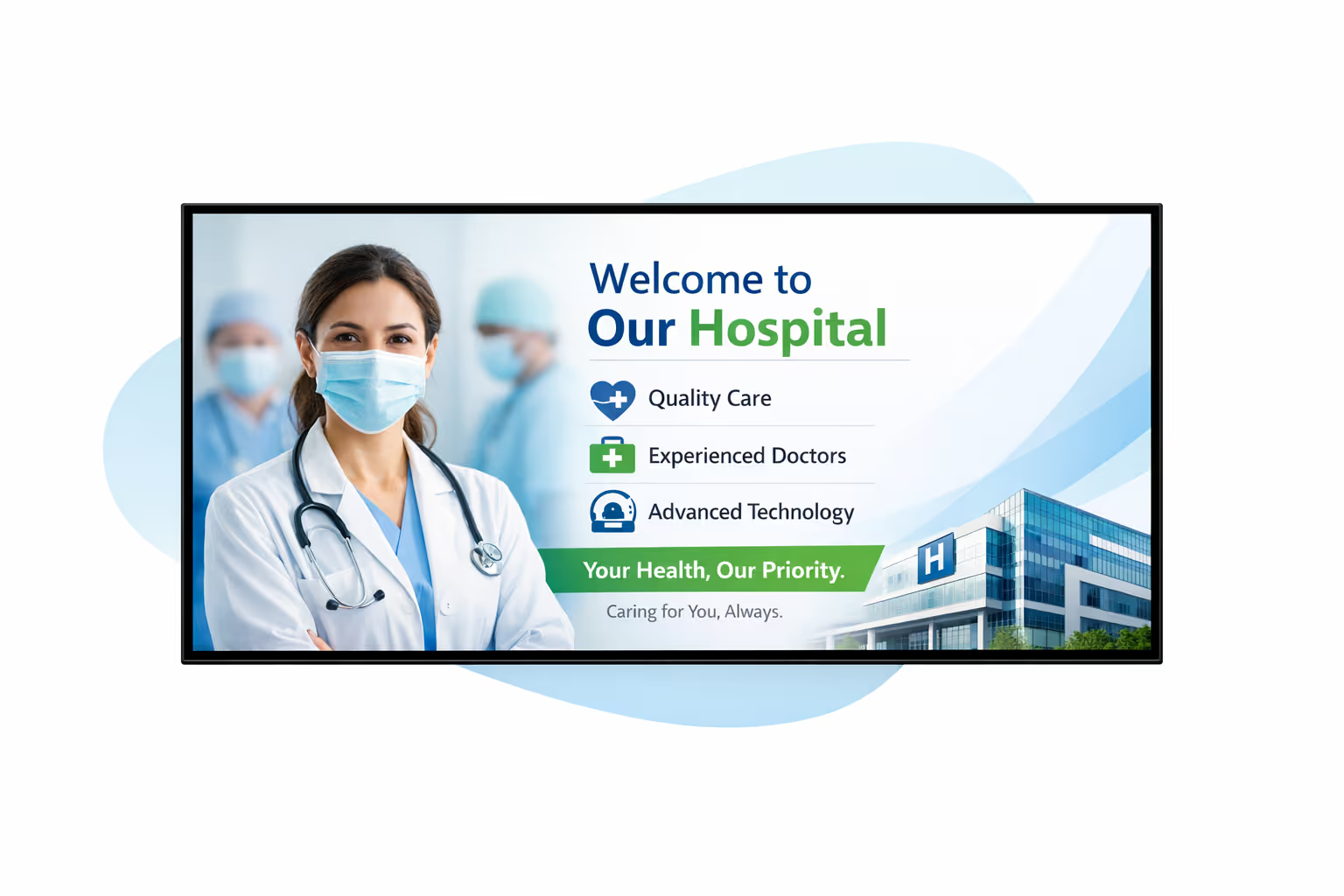
Centralized content management for hospital digital signage
Manage hospital digital signage from one secure platform with Disign. Create, review, approve, schedule, and publish messages across lobbies, waiting rooms, clinics, departments, and campuses, with the governance IT requires and the speed marketing and operations rely on.
One trusted hub for every hospital screen
Multi-site control with department level autonomy
Standardize brand and patient communications across your hospital network while letting departments publish local updates like clinic hours, wayfinding notes, event reminders, and queue messaging, within approved templates and rules.
Campaigns, seasonal messaging, and critical notices on time
Schedule content by site, department, or screen type. Keep patient education consistent, time-sensitive alerts accurate, and compliance aligned across your hospital digital signage network.
Built for IT governance and healthcare security
Centralize access with role-based permissions, approval workflows, and consistent playback policies. Keep every update aligned with your hospital standards, audit requirements, and security posture.
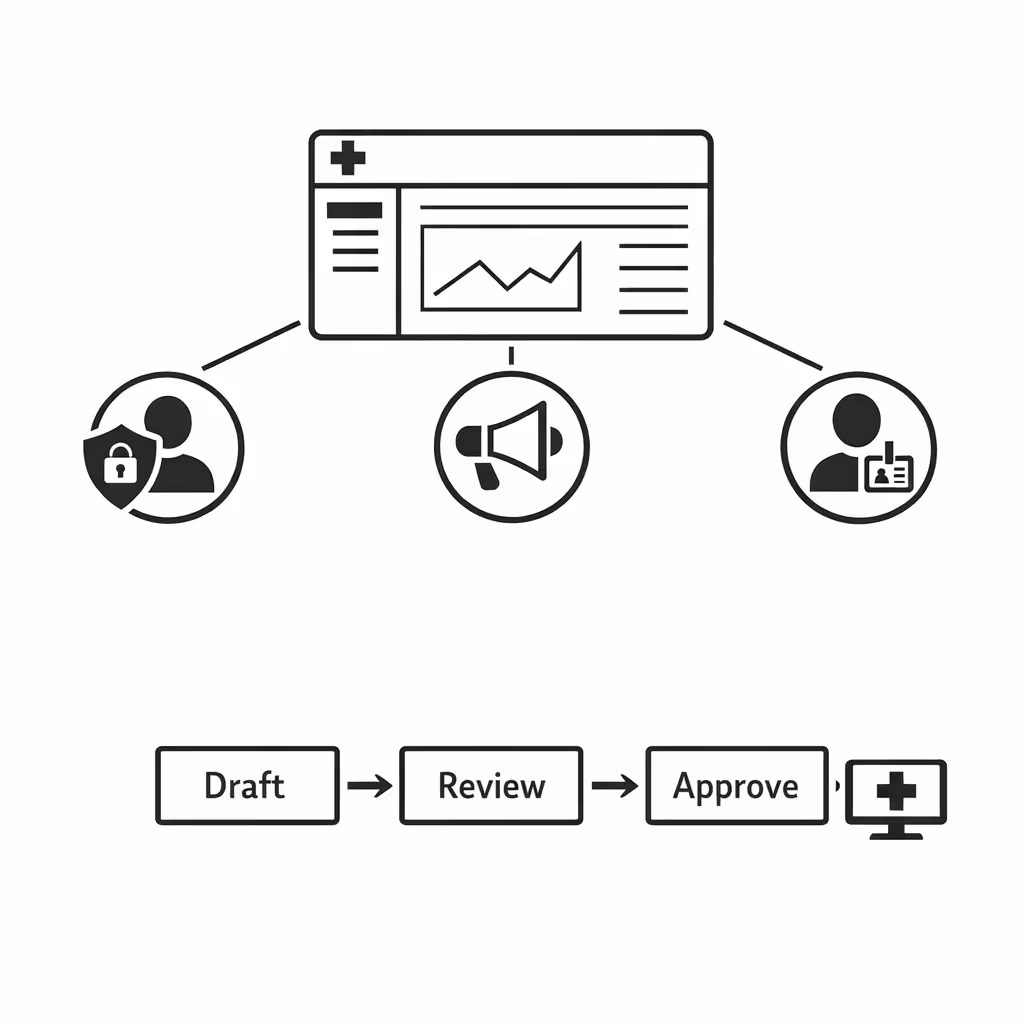
Real-time updates for operations and patient flow
Push emergency notices, service changes, wait time messaging, and facility updates in minutes. Keep every display accurate during peak periods, disruptions, or policy changes, without chasing individual teams.
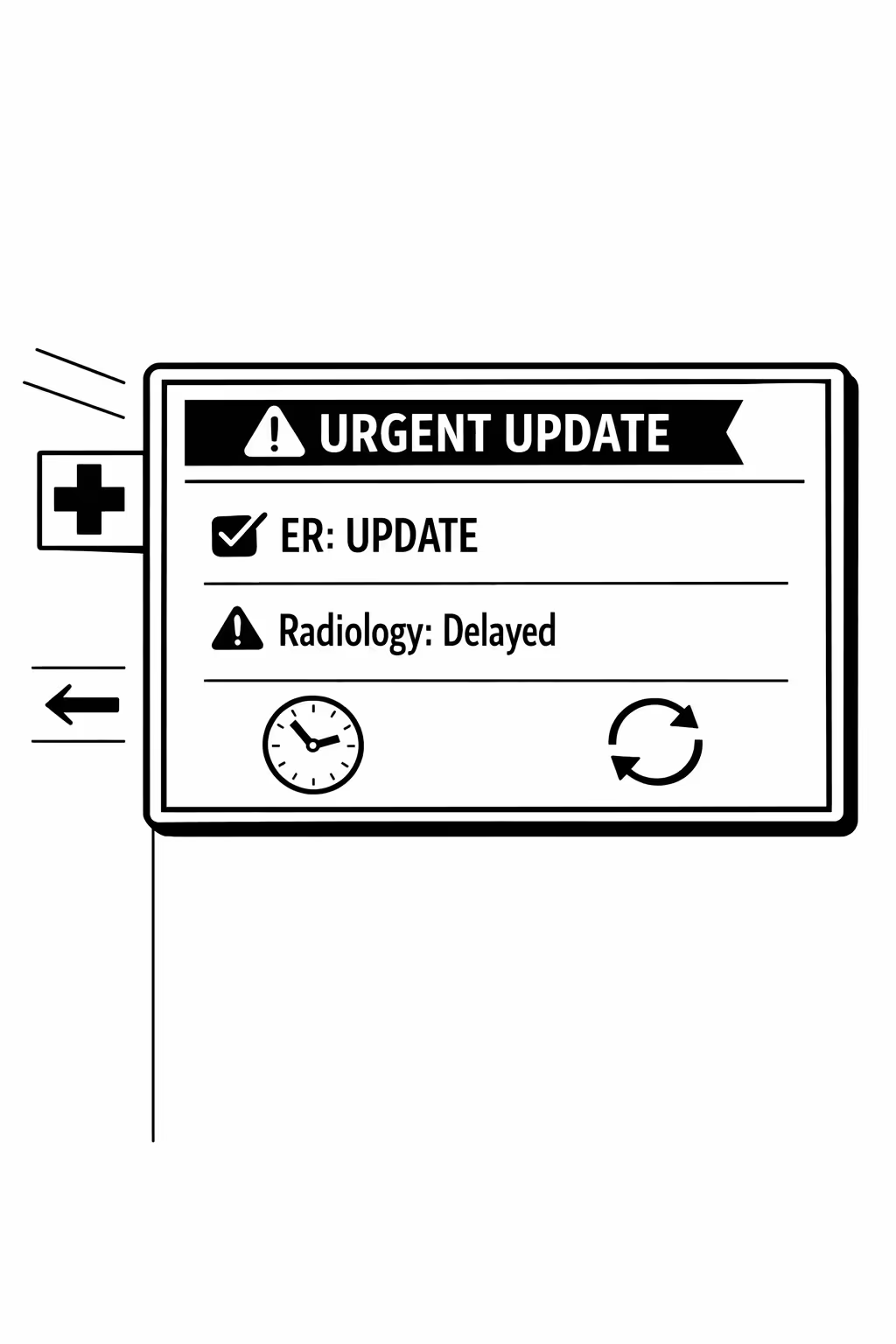
Scalability for growing hospital networks with hospital digital signage
Scale hospital digital signage across clinics, campuses, and regions from one cloud platform. Roll out critical updates in minutes, keep governance clear, and maintain a consistent patient experience as your hospital network expands.
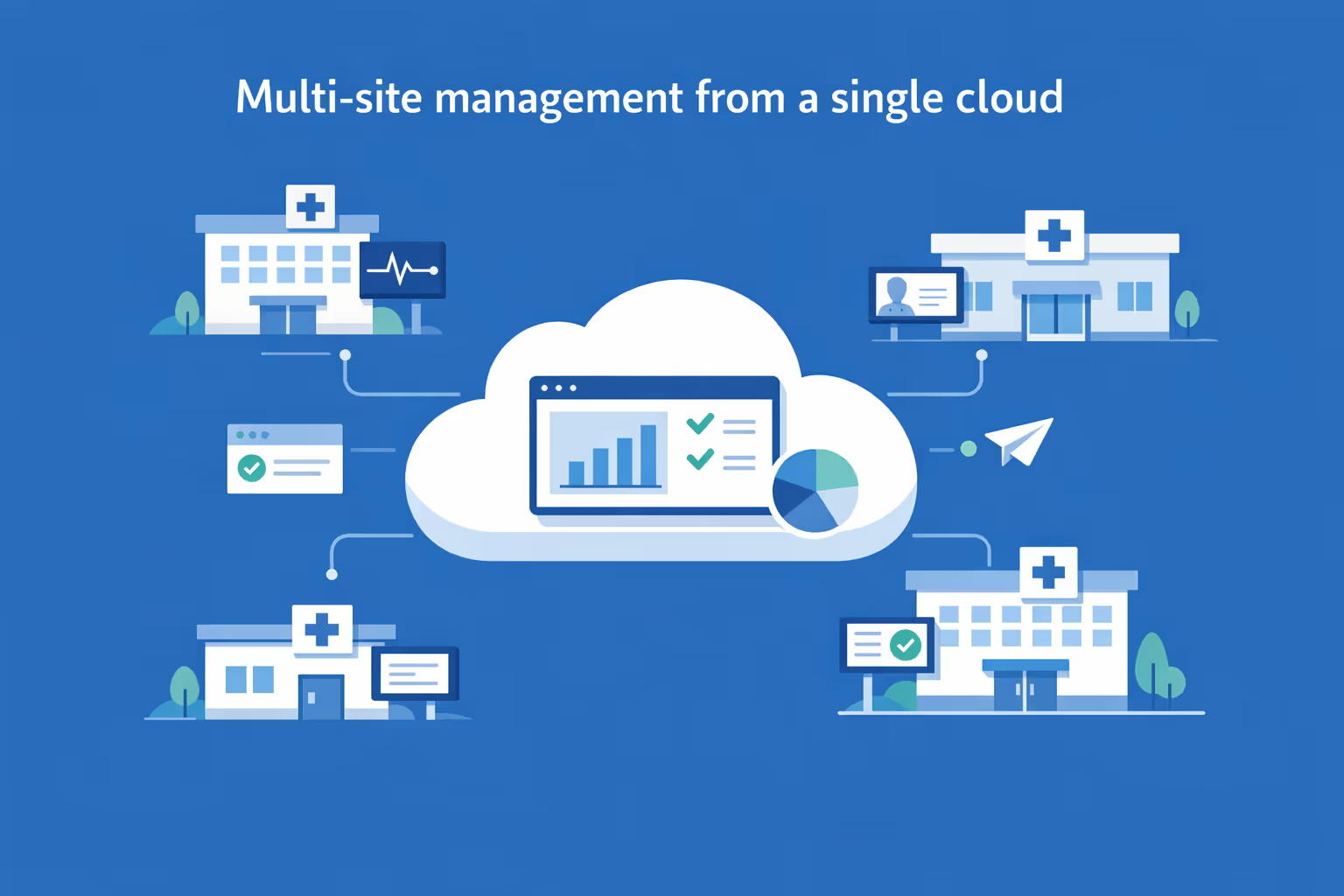
Multi-site management from one cloud dashboard
Oversee hospital digital signage across every facility from a single view. Publish content instantly, verify what is playing by site, and keep messaging consistent across your hospital network without slowing local teams down.
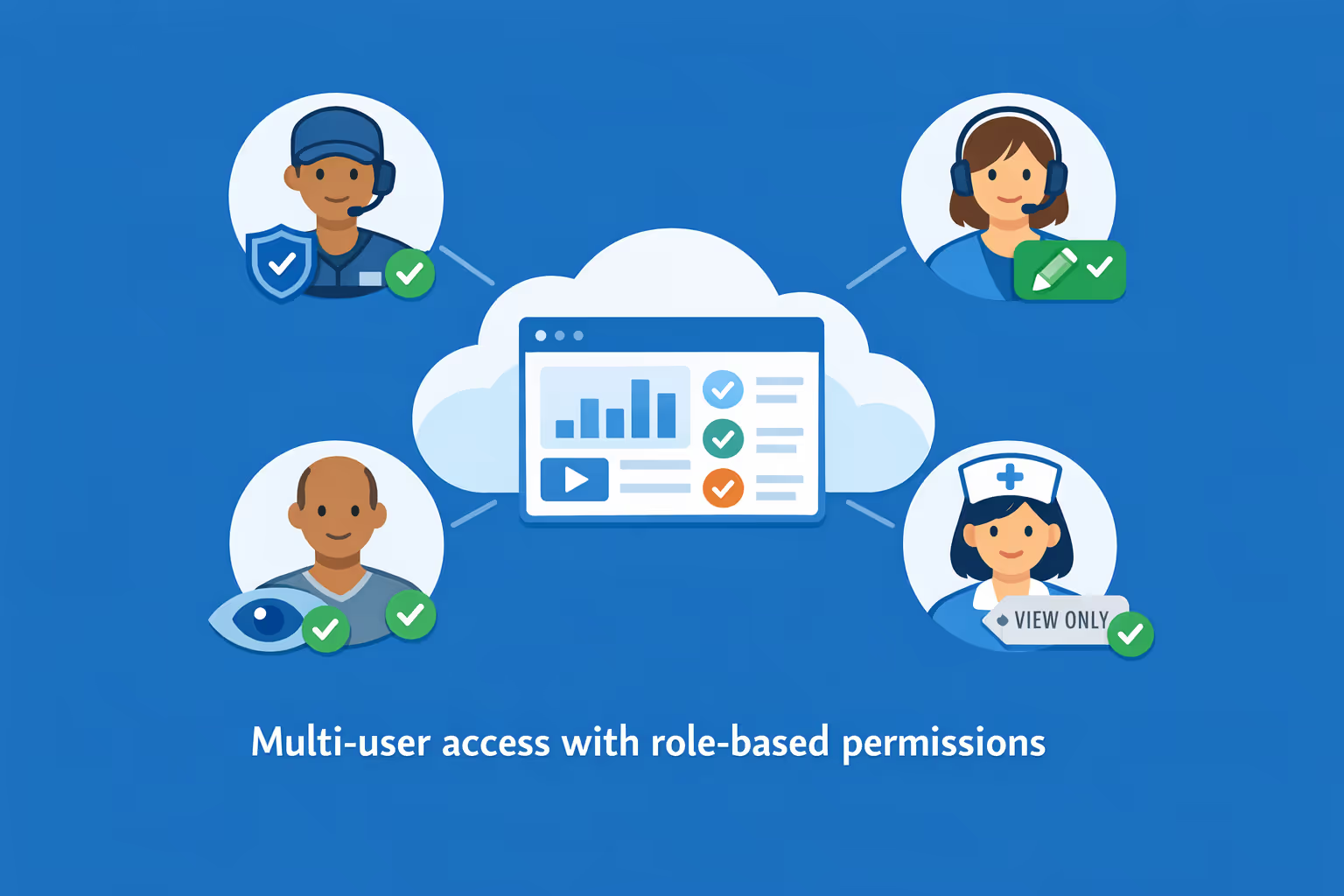
Multi-user access with role-based permissions
Give the right teams the right access. Assign roles and permissions by department, facility, or region so communications, IT, and operations can collaborate efficiently, keep approvals organized, and reduce the risk of unauthorized changes.
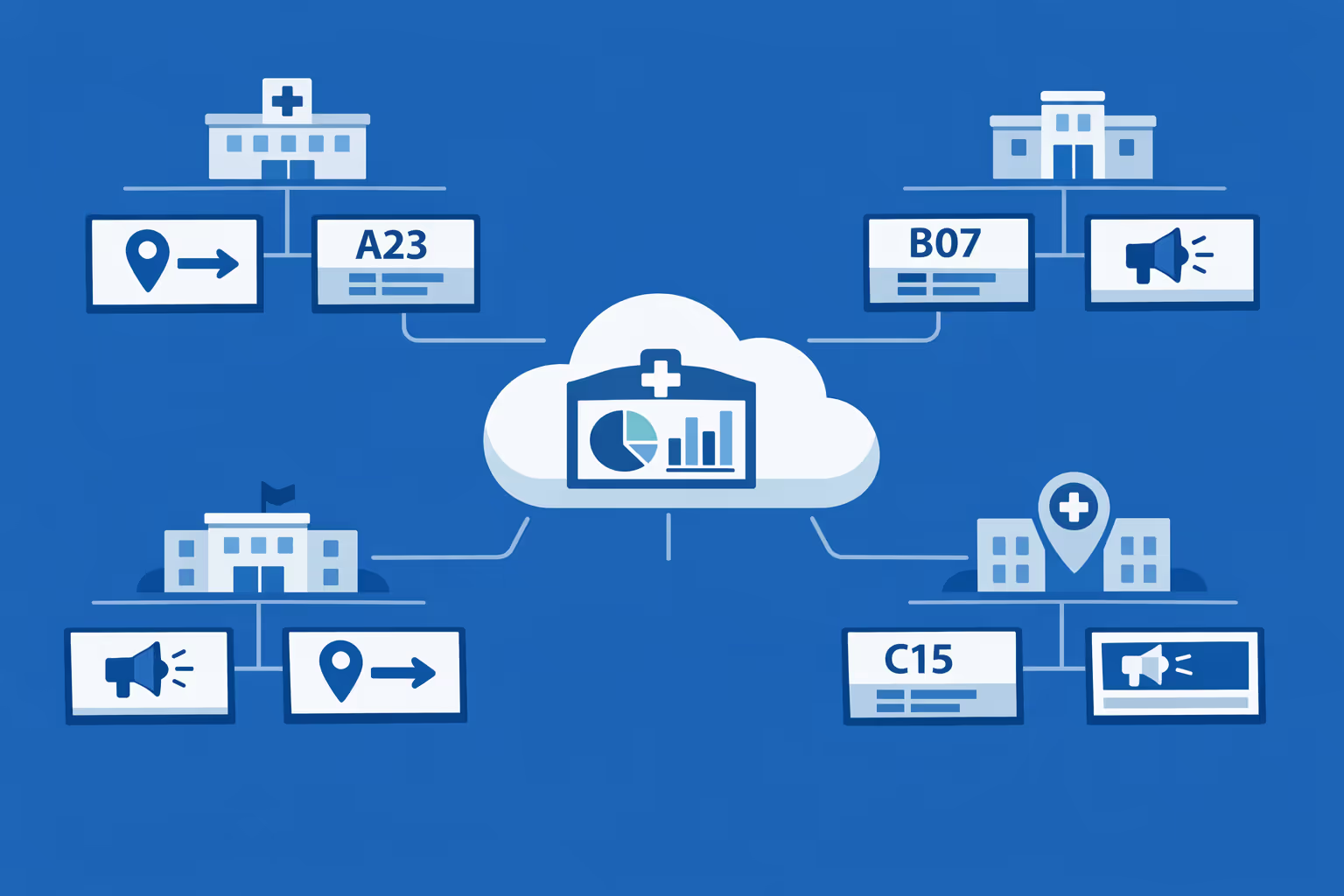
Multi-screen and multi-organization ready
Manage thousands of screens and multiple organizations from one account. Segment hospital digital signage by brand, region, campus, or department so you can grow fast while keeping the right content on the right screens.
Disign é compatível com todas as telas para sinalização digital
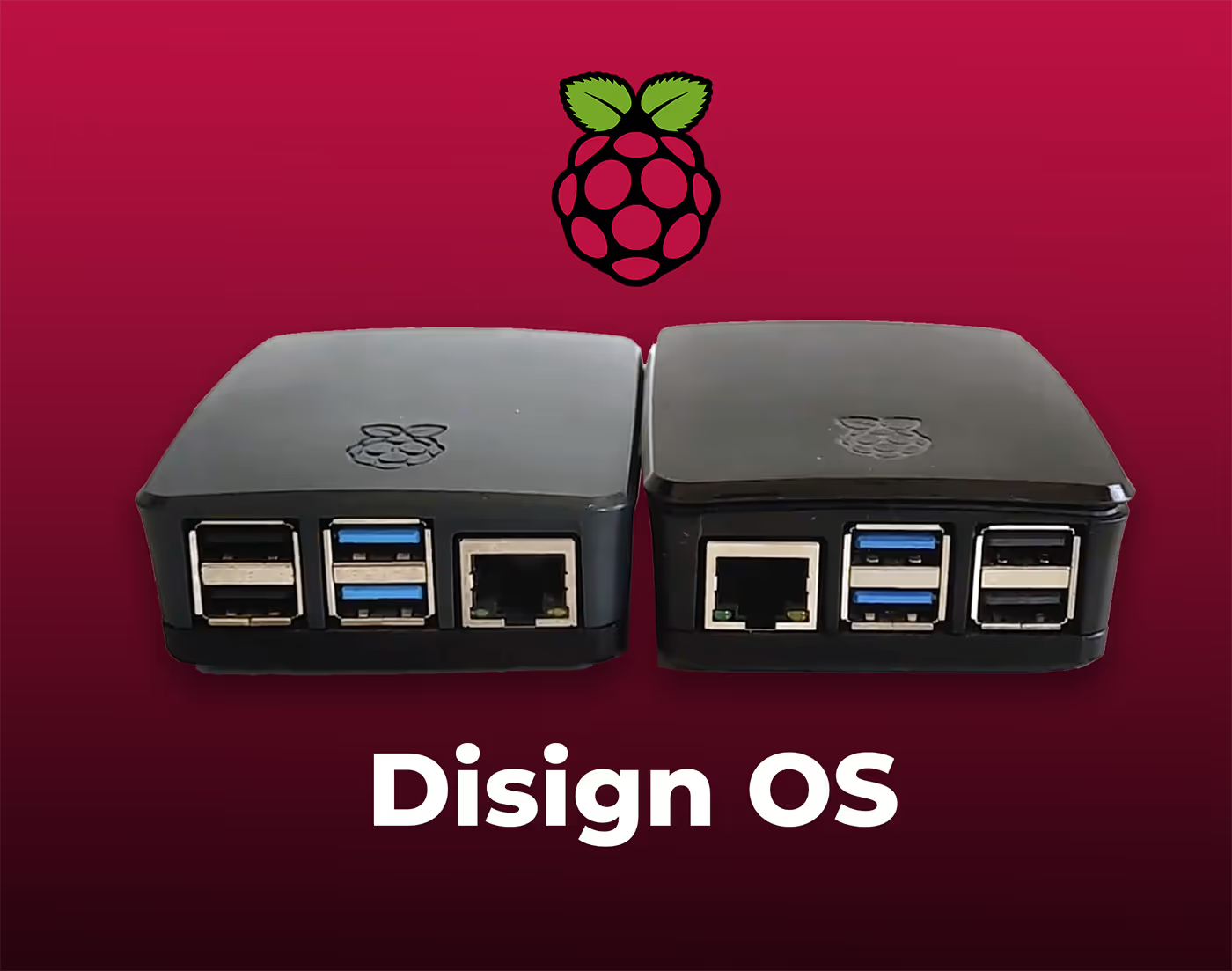
A sinalização digital com Disign permite que você gerencie e exiba conteúdo em uma variedade de dispositivos. Nossa solução é compatível com muitos players externos, como Disign OS baseado em Raspberry Pi, BrightSign e qualquer hardware Android. Disign também suporta tecnologias embutidas em telas Samsung, LG e Android TV. Com essa ampla compatibilidade, você pode facilmente implementar soluções de sinalização digital em diferentes tipos de hardware, garantindo gestão simplificada e uma experiência ideal para o usuário.


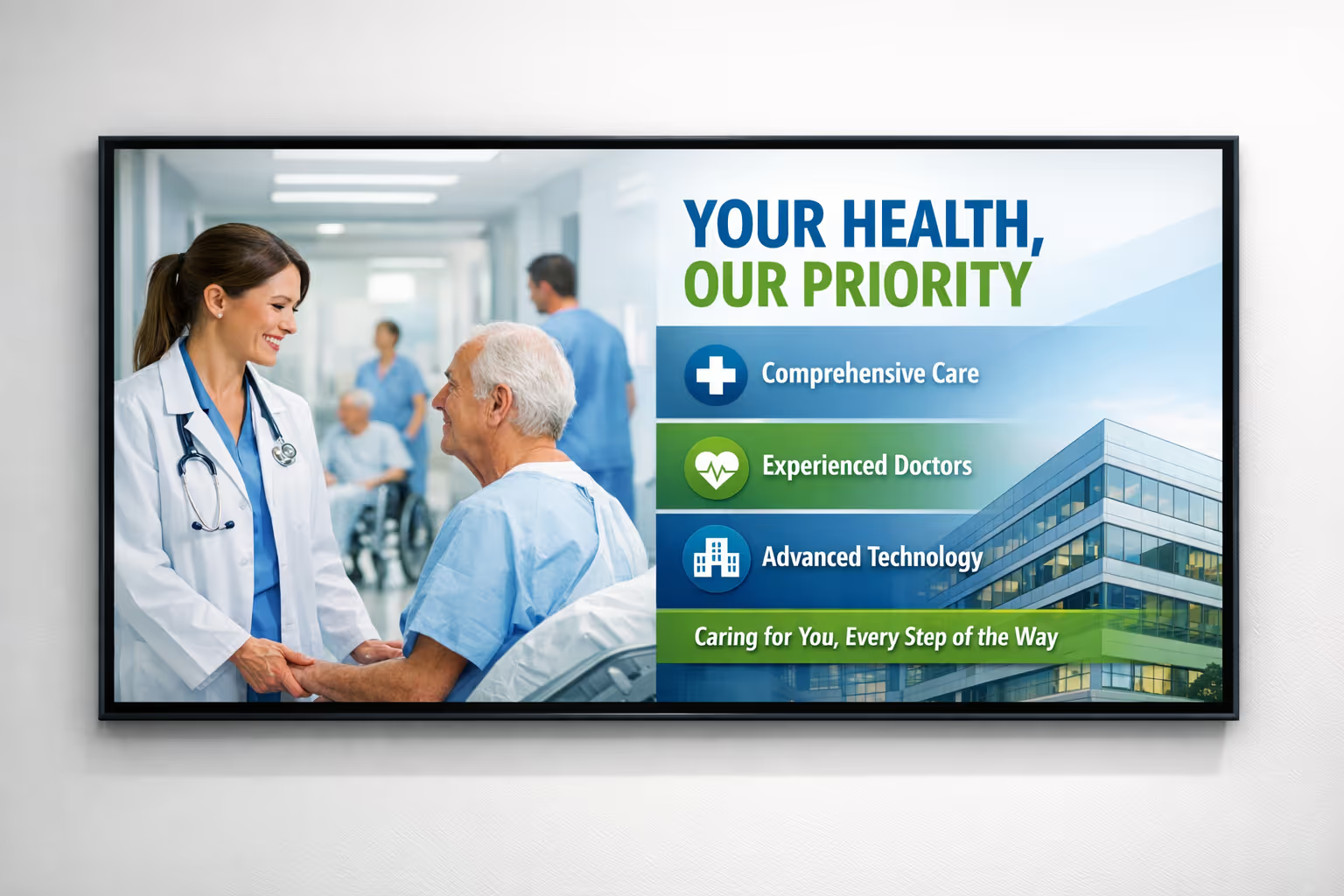
Trusted by hospital teams using Disign for hospital digital signage in lobbies, waiting rooms, clinics, and staff areas
What hospital professionals say about Disign
“We use Disign for hospital digital signage at the main entrance and in outpatient waiting areas. Updating visiting hours, clinic directions, and real time queue messages is simple, so we stopped printing last minute signs. It has reduced confusion at the front desk, which honestly helps everyone.”
“From a communications perspective, Disign is the first hospital digital signage tool we have used that feels built for real hospital life. We keep messages consistent across departments, but unit leaders can still post timely updates like flu clinic info or event notices without waiting on our team.”
“Our screens run 24/7 in busy corridors and the ED waiting area, so reliability matters more than fancy features. Disign has been steady, and remote updates mean we do not have to run across campus for every change. Support has been straightforward and actually helpful.”
Integrate with your favorite Applications
70+ Applications and infini integration with API, Database, and any data source
Easily integrate third-party applications and web content such as YouTube or Vimeo, optimized for seamless playback. Display data from RSS feeds or formats like CSV, JSON, or XML directly on your digital signage screens. Extend display capabilities with advanced applications like grids or collections to enrich Disign scenarios.

We designed Disign to be as open and customizable as possible, both in its visual scenes and in its data sources.
Florent MondoloniCo-Founder, Disign

Video
Utilisez vos medias

RSS Feed
Use your own RSS Feed

Database
Databases

Canva
Create your Design and import it

Google Sheets
Import CSV, Live data...

Website/API
Affiche your website or use API
Everything you need to know about Disign Digital Signage For Hospital
Hospital digital signage FAQ: practical answers for hospital teams planning screens
Hospital digital signage is a modern communication channel for hospitals and healthcare networks that need to keep patients, visitors, and staff informed in real time. Unlike paper posters and static TV loops, a digital signage platform lets you publish the right message to the right screen at the right moment, from a single place, with clear governance and strong operational control.
This FAQ is written for the hospital persona that is typically involved in a digital signage project: operations and facilities leaders, patient experience teams, communications and marketing, IT and security, clinical leadership, and compliance or privacy stakeholders. If you are evaluating a solution like Disign for hospital digital signage, these questions reflect what hospitals ask before they scale to dozens or hundreds of screens across buildings.
Below, you will find straightforward answers, implementation tips, and decision criteria to help you choose a hospital digital signage approach that is secure, easy to manage, and effective for patients and staff.
What is hospital digital signage and where is it used in a hospital?
Hospital digital signage refers to centrally managed displays that show dynamic content across healthcare environments. The screens can be used for patient communication, wayfinding support, operational updates, safety messaging, and internal coordination.
Common locations for hospital digital signage include:
- main entrance and lobby welcome screens
- emergency department waiting areas and triage zones
- outpatient clinics and specialty waiting rooms
- elevators, corridors, and key junctions for directional content
- registration and check in areas
- cafeterias, retail areas, and visitor zones
- conference rooms and staff only areas
- training centers and administrative buildings
In practice, hospitals use different screen types and content rules depending on the audience. Public screens focus on clarity, reassurance, and guidance. Staff screens focus on coordination, policies, reminders, and operational performance. A well run hospital digital signage program keeps content aligned across all sites while allowing local relevance per building or department.
Why do hospitals invest in digital signage instead of printed posters and notices?
Printed posters are familiar, but they are difficult to govern at scale. In a hospital, information changes often: clinic hours, check in instructions, construction detours, infection prevention guidance, and service availability. When you rely on print, updates can be inconsistent, delayed, or forgotten.
Hospitals invest in hospital digital signage because it helps them:
- update messages instantly across multiple buildings and departments
- reduce confusion and perceived wait time in waiting areas
- improve the patient and visitor experience with consistent guidance
- standardize safety and infection prevention messaging
- reduce printing, distribution, and labor costs
- support emergency and incident communication with rapid publishing
- keep communication accessible with large text and clear layouts
- maintain brand and tone across the full care journey
Most importantly, hospital digital signage turns communication into an operational capability. Instead of hoping that every unit prints the latest poster, you can publish centrally, schedule accurately, and verify what is on screen.
What are the most valuable use cases for hospital digital signage?
The best hospital digital signage use cases solve everyday friction points while supporting the hospital's mission of safety, clarity, and trust.
High impact use cases include:
- welcome and orientation content for patients and visitors
- wayfinding support, such as directional guidance and location reminders
- appointment readiness, such as documents to bring and check in steps
- emergency department updates, such as what to expect and next steps
- estimated wait time communication when available
- health education, prevention messaging, and seasonal campaigns
- vaccination clinic information and eligibility reminders
- construction detours and temporary routing changes
- patient rights, privacy reminders, and safety information
- cafeteria menus, visiting hours, and parking information
- staff updates, internal announcements, and policy reminders
With Disign, you can schedule these messages by location, day, time, and screen group, so each audience sees relevant information without overwhelming the screen with too many slides.
How can hospital digital signage reduce perceived wait time and anxiety?
In healthcare, waiting often comes with stress. Even when the actual wait time is reasonable, uncertainty makes it feel longer. Patients and families want to know what will happen next, what they should do, and whether they are in the right place.
Hospital digital signage can reduce perceived wait time by:
- explaining the process, such as registration, triage, and being called
- clarifying what patients should have ready, such as ID or insurance card
- setting expectations about delays in a calm, respectful tone
- providing helpful content during the wait, such as health education
- pointing to self service options, such as kiosks or online check in
- reinforcing reassurance messaging, such as safety and care team focus
Even without precise queue data, clear process guidance makes the wait feel more structured and less confusing. Many hospitals see an improvement in patient experience scores when communication becomes consistent and proactive.
Can hospital digital signage display real time wait times and queue information?
Yes, in many cases. Hospitals often want to show emergency department wait time ranges, clinic check in status, or ticket style queue calls for pharmacy or registration.
Hospital digital signage can display queue or wait data when you have a source such as:
- a web page from your queue management system
- a data feed or integration endpoint
- a dashboard view that can be securely embedded
- a simple internal page maintained by operations teams
The right approach depends on your systems and privacy requirements. A common best practice is to display generalized wait time ranges and process guidance rather than patient identifying information. Disign can support displaying secure web content or integrated data views based on your setup, while letting you control exactly which screens show which information.
How do hospitals keep digital signage content compliant and appropriate?
Hospitals have strict requirements around patient privacy, clinical accuracy, and brand integrity. A strong hospital digital signage workflow prevents well meaning updates from turning into inconsistent or risky messaging.
A compliant approach typically includes:
- role based access so only authorized users can publish
- approval workflows for sensitive topics, including clinical or policy updates
- locked templates that prevent changes to critical safety language
- scheduling rules so temporary messages expire automatically
- audit friendly publishing practices, including who changed what and when
- content guidelines that avoid patient identifying information on public screens
Disign supports structured permissions and controlled publishing. That means communications teams can create content efficiently, while IT, compliance, and hospital leadership can maintain confidence that the right information appears on the right screens.
What types of content perform best on hospital digital signage screens?
Hospital audiences often view screens for a few seconds while walking, waiting, or feeling stressed. The most effective hospital digital signage content is clear, calm, and easy to absorb at a glance.
Content that tends to work best includes:
- one message per slide with a simple call to action
- clear wayfinding support, such as floor and department reminders
- safety and infection prevention tips in plain language
- appointment preparation steps and check in instructions
- visiting hours and visitor policy summaries
- service updates, such as clinic delays or temporary closures
- community health campaigns and hospital programs
- staff recruitment events, training reminders, and internal priorities for staff screens
Avoid dense paragraphs, overly small fonts, and rapid scrolling text. If the message needs a full page of text, it belongs on a website, QR linked page, or printed handout, not on a screen in a corridor.
Can hospital digital signage be personalized by department, building, or audience?
Yes, and personalization is one of the main reasons hospitals move to digital signage. Different zones require different messaging. The emergency department needs a different tone and content set than maternity, imaging, pediatrics, or outpatient clinics.
Personalization options typically include:
- different playlists by building, floor, department, or waiting room
- time based messaging, such as morning clinics versus evening hours
- language variants for local communities
- audience targeting, such as visitor focused screens versus staff only screens
- event based updates for health fairs, blood drives, and training sessions
With Disign, you can manage hospital digital signage centrally while still supporting local content where it makes sense, using permissions and templates so departments can update what they own without breaking hospital standards.
How does Disign help hospitals keep brand consistency across multiple sites?
Hospitals often operate as networks with multiple campuses, clinics, and partner sites. Brand consistency matters because it signals professionalism and trust. It also reduces confusion when patients move between facilities.
Disign supports brand consistency through:
- reusable templates that keep typography, colors, and layout consistent
- shared asset libraries for approved logos, imagery, and backgrounds
- centralized playlists and campaign scheduling
- governance by groups so local teams can publish within approved rules
This is especially useful during rebranding, mergers, new service launches, or policy updates when timing and uniformity are critical.
What security features should hospital digital signage have?
Hospitals should treat screens as endpoints that must meet security expectations. Even if a screen only shows public content, the management layer must be protected, and the devices must be monitored and controlled.
Security features to evaluate for hospital digital signage include:
- strong authentication and permission controls
- encrypted connections for management and content delivery
- device provisioning that prevents unauthorized players
- remote monitoring to confirm screens are online and playing correctly
- the ability to restrict who can publish and where content can appear
- administrative logs for actions and changes
- options for network segmentation and controlled outbound access
Disign is designed for centralized management while supporting structured access and operational control. Your IT team can align signage deployment with hospital network standards, device management practices, and security policies.
Is hospital digital signage cloud based or on premises, and what do hospitals usually choose?
Many hospitals prefer cloud based management because it simplifies multi site operations. Instead of maintaining local servers per building or coordinating manual updates, cloud management supports faster rollouts and consistent governance.
A cloud model typically provides:
- centralized publishing from one interface
- easier scaling when new clinics or screens are added
- faster updates for urgent operational messages
- fewer on site components to maintain
Some hospitals have specific constraints for networking, procurement, or hosting. The right choice depends on your internal policies, but the operational benefits of cloud based hospital digital signage are often significant, especially in distributed healthcare networks.
What hardware do we need for hospital digital signage?
Most hospital digital signage deployments include three parts: the display, a media player, and network connectivity.
Typical requirements include:
- a commercial grade screen for high uptime environments
- a media player or compatible device running the signage player
- stable network connectivity with appropriate rules
- mounts, power access, and physical security considerations
Hospitals often choose commercial displays for lobbies and high traffic corridors because they are designed for longer operating hours and better reliability. Brightness, viewing angles, and durability matter in areas with strong ambient light. Disign can support different hardware approaches so you can standardize over time without replacing everything immediately.
Can hospital digital signage scale across many buildings and hundreds of screens?
Yes. Scalability is essential for hospital networks that need consistent communication across campuses and clinics. A scalable hospital digital signage deployment should not require manual setup for every screen.
A scalable rollout typically requires:
- centralized device onboarding and grouping by site and department
- bulk assignment of playlists and schedules
- monitoring to confirm devices are online and playing
- a repeatable process for adding new screens
Disign is designed for multi location management so you can run a consistent strategy across the hospital system while still targeting content appropriately by area and audience.
How should a hospital organize ownership between communications, IT, facilities, and clinical teams?
Clear ownership prevents confusion and reduces risk. In hospitals, digital signage touches multiple stakeholders, so the operating model should be explicit.
A practical model looks like:
- communications or marketing owns messaging standards, tone, and templates
- patient experience contributes content priorities and feedback
- clinical leadership reviews clinical education and safety messaging
- compliance and privacy ensure appropriate content rules are followed
- IT owns security, network standards, and device onboarding processes
- facilities coordinates installation, placement, and physical maintenance
- department managers request local updates within approved templates
Disign supports this model with role based permissions, template controls, and centralized publishing, so teams can collaborate without giving everyone full access to everything.
How often should hospital digital signage content be updated?
Content should be current, accurate, and relevant. Outdated screens are worse than no screens because they reduce trust.
A practical hospital cadence often includes:
- weekly updates for campaigns, seasonal health messaging, and education
- daily updates for operational notices, such as clinic hours and routing changes
- immediate updates for incidents, closures, weather events, or safety alerts
- monthly refresh for evergreen content to keep it from feeling stale
Disign makes updates fast, so the burden of keeping content current is lower than with print. Scheduling also helps because temporary messages can automatically start and end without someone remembering to remove them.
Can hospital digital signage support internal communication for staff?
Yes. Staff screens are one of the most effective ways to reduce email overload and keep teams aligned, especially across shifts.
Common staff screen content includes:
- shift reminders and operational priorities
- training deadlines and compliance reminders
- internal announcements and HR updates
- safety reminders, such as infection prevention protocols
- recognition and team highlights
- meeting room schedules or event information
A best practice is to separate public and staff zones with distinct screen groups and playlists. Disign helps you do that centrally, ensuring public screens remain patient appropriate while staff areas can be more operational.
How can hospital digital signage support emergency communication and incident updates?
Hospitals need reliable ways to communicate quickly during disruptions: severe weather, construction issues, system downtime, or changes in access points.
Hospital digital signage can help by:
- publishing urgent notices to specific buildings or all sites at once
- providing clear instructions, such as where to enter and where to wait
- updating routing guidance when areas are closed or redirected
- reinforcing calm, consistent messaging that reduces panic
The key is governance and speed. Disign supports rapid updates while maintaining permissions, so urgent messages can be published quickly by authorized teams without opening the door to accidental changes.
What about accessibility and readability for hospital digital signage?
Accessibility is essential because hospitals serve people of all ages and abilities. Screens should support readability and reduce cognitive load.
Effective accessibility practices include:
- large, readable fonts with high contrast
- short sentences and plain language
- clear hierarchy with consistent placement of key information
- avoiding fast moving tickers or overly busy animations
- captions for video content when audio is not appropriate
- designing for viewing distance and lighting conditions
Templates help standardize these practices. With Disign, you can create accessible, approved layouts so every department communicates clearly without reinventing design rules.
How do hospitals handle multilingual communication on digital signage?
Many hospitals serve diverse communities. Multilingual hospital digital signage can make care journeys smoother and reduce misunderstandings at check in and in waiting areas.
Good practices include:
- creating playlists by language for specific clinics or sites
- rotating languages based on community needs and time of day
- keeping phrasing simple and medically appropriate
- ensuring critical operational instructions appear in the right languages
- avoiding overly text heavy slides that are hard to translate cleanly
With Disign, you can assign different language playlists to different screen groups, or schedule multilingual rotations on the same screen while keeping design consistent.
How do we measure ROI and success for hospital digital signage?
Hospitals measure success beyond revenue. The impact is often seen in patient experience, operational efficiency, and communication reliability.
Common success metrics for hospital digital signage include:
- reduction in printing and distribution costs
- fewer front desk questions about directions or processes
- improved patient experience scores related to communication and wait perception
- faster deployment of urgent updates across all sites
- higher consistency of messaging between departments and campuses
- internal efficiency, such as fewer email blasts for routine reminders
You can also track execution metrics: how quickly content is approved and published, whether screens are online, and whether the correct playlists are showing in each location. These operational signals are often what hospital leaders value most because they indicate a dependable communication system.
What should we look for in templates and scheduling for hospital digital signage?
In hospitals, templates are not only about design. They are a safety and governance tool because they help standardize how instructions and policies are presented.
Look for templates and scheduling that support:
- locked components for safety language, headings, and formatting
- easy updates for variable elements like hours, locations, and dates
- consistent layouts across screen sizes and zones
- scheduling by building hours, clinic sessions, or dayparts
- a simple way to reuse content across many sites without duplication
Disign helps teams work faster by creating approved templates once, then reusing them across the network, reducing the risk of inconsistent messaging and speeding up publishing.
How quickly can a hospital deploy digital signage across clinics and campuses?
Timelines vary based on hardware procurement, network approvals, and installation logistics. Many hospitals start with a pilot to prove value and refine workflows.
A practical rollout plan often includes:
- a pilot in a few locations, such as the main lobby and one clinic waiting area
- creation of core templates for welcome, wayfinding support, and operational notices
- definition of approvals and publishing ownership
- expansion site by site with repeatable device onboarding
- monitoring and refinement based on staff feedback and patient experience needs
Disign supports centralized rollout, which helps you scale faster than manual USB updates and reduces the burden on local clinic teams.
What makes Disign a strong choice for hospital digital signage?
Hospitals need a solution that is easy enough for communications teams to run day to day, but controlled enough for IT, privacy, and leadership to trust.
Disign supports hospital digital signage with:
- centralized cloud management for multi site healthcare networks
- structured permissions to keep publishing governed
- templates that help standardize accessible, brand aligned messaging
- scheduling and playlist targeting by building, department, and audience
- fast updates for operational notices and urgent communications
If your goal is to improve patient communication, reduce confusion, and modernize how your hospital shares critical information, Disign gives you a practical, scalable foundation.
What are the next steps to start a hospital digital signage project?
A successful hospital digital signage project starts with clear goals and a realistic operating model.
A good set of next steps is:
- define your top priorities, such as wayfinding support, wait experience, or safety messaging
- identify stakeholders and owners across communications, IT, facilities, and clinical leadership
- choose pilot areas with high visibility and frequent information changes
- create an initial template set for welcome, directions, and operational updates
- define approval workflows and content rules, including privacy guidelines
- plan hardware, installation, and ongoing monitoring responsibilities
Once you have the foundation, scaling becomes straightforward. Each new screen becomes another controlled communication point that improves clarity, trust, and experience across the hospital.



Join community of 4k+ people
Hospital digital signage your teams can launch today
Make every hospital screen clear, consistent, and easy to update. With Disign, you can manage hospital digital signage across waiting rooms, reception, corridors, and clinics from one secure dashboard.
Start with a 28 day free trial, no credit card required. Get started now to test playlists, scheduling, and approvals in your real workflow, or contact us if you want help choosing screens and setting up your first locations quickly.