Medical center digital signage, built for busy clinics and hospitals
Medical center digital signage that keeps patients informed and staff aligned
Make every screen a calm, clear point of guidance. With Disign, update wait times, wayfinding, clinic hours, health messages, and emergency notices in minutes across every department, with consistent branding and real time control.


Used by 4,000+ people
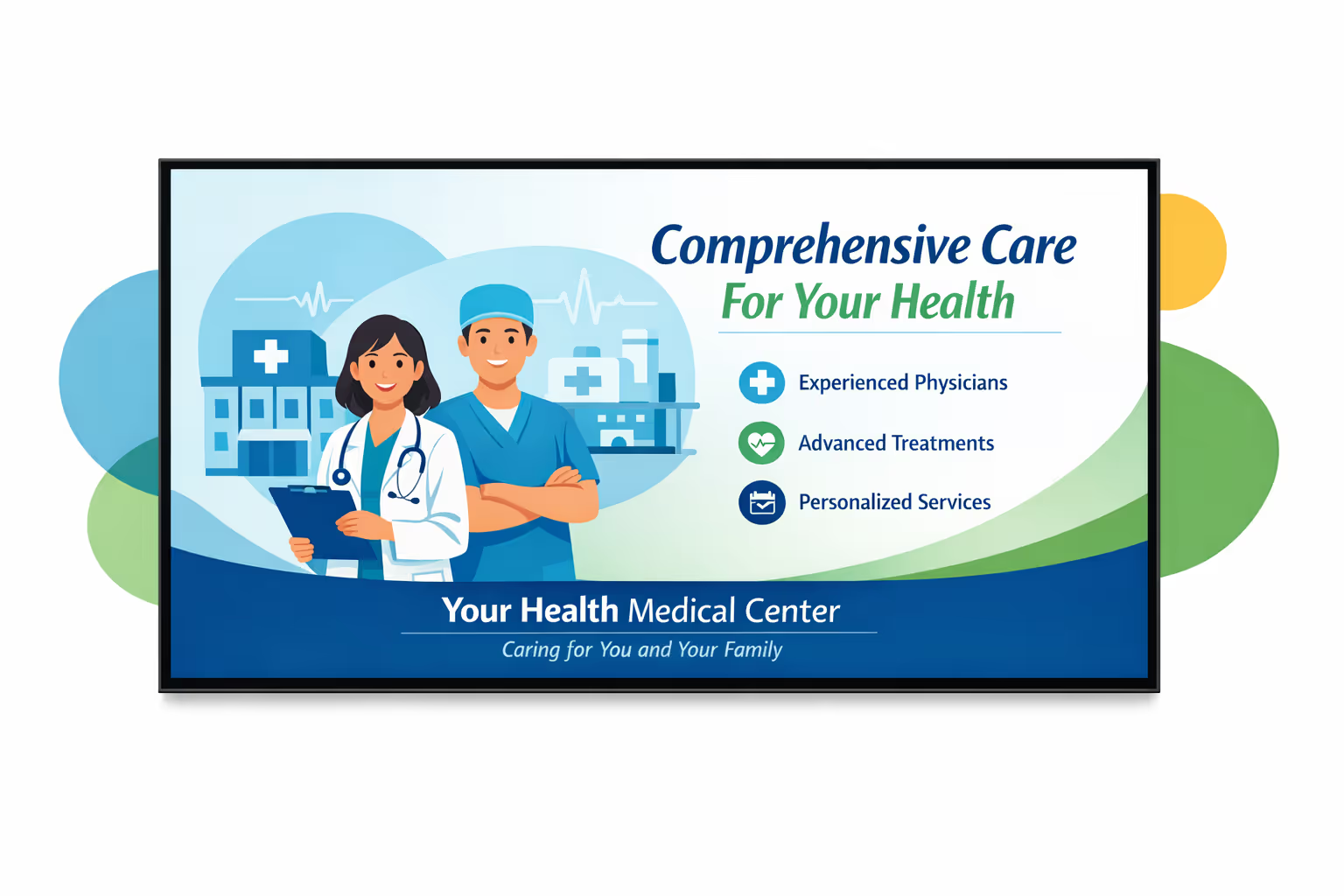
Challenges in medical centers when communication breaks down
In a medical center, patients and families need clear guidance the moment they arrive. When information is missing or contradictory, uncertainty turns into repeated questions, longer lines, and a stressful first impression.
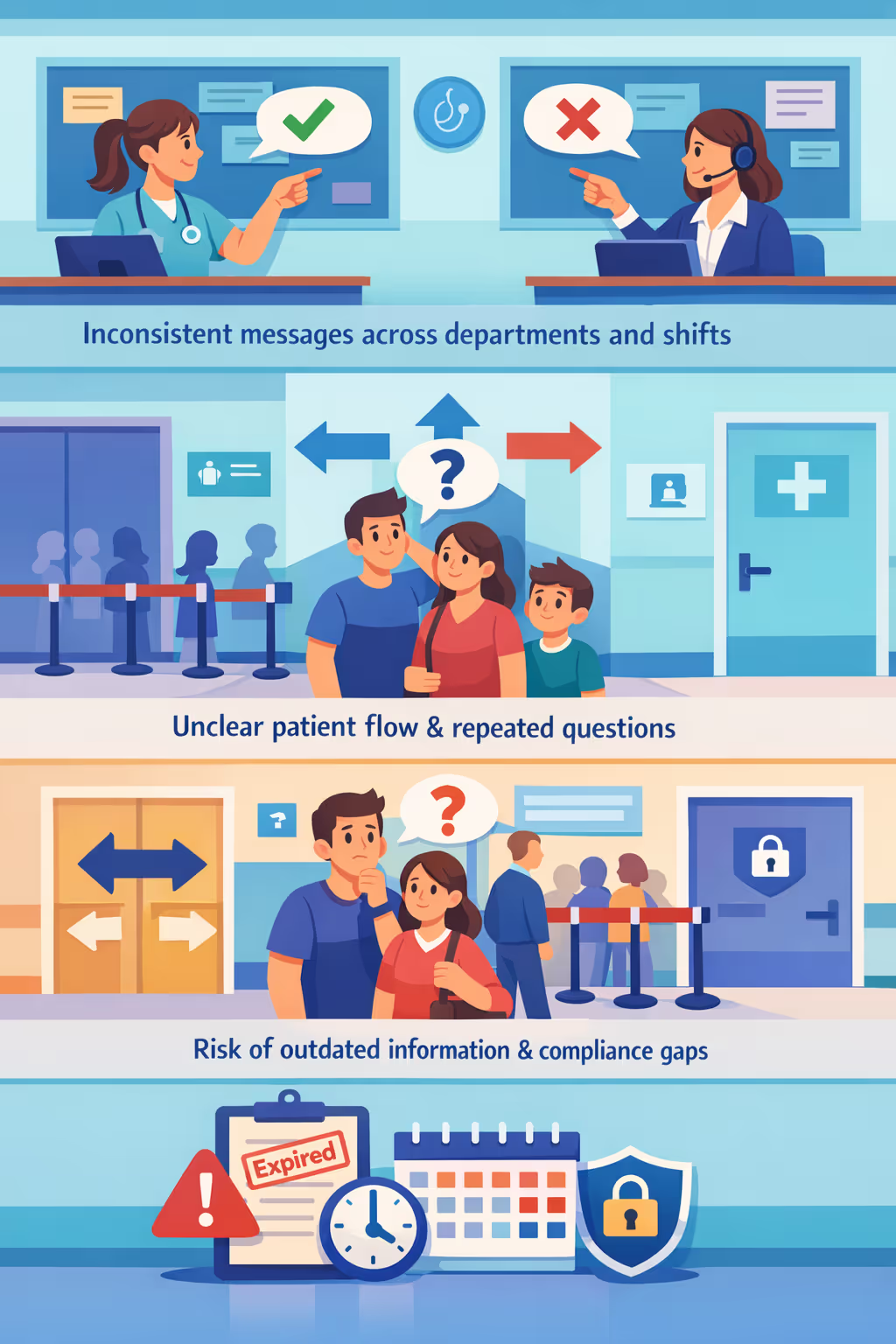
Visiting hours, service availability, referral steps, and lab turnaround times can change quickly. When reception, nurses, and clinics communicate different instructions, patients lose confidence and small misunderstandings can escalate into complaints.
People want to know where to go, what to bring, and what happens next. Without visible, simple guidance, staff are constantly interrupted for directions and status updates instead of focusing on care and clinical priorities.
Medical center communication must be accurate, timely, and aligned with current policies. When posters, handouts, or on-site notices are not updated everywhere at the same time, patients may follow the wrong steps, creating privacy, safety, and reputational risks.
Medical center digital signage that improves patient experience and ROI
Disign helps medical centers keep every screen accurate and helpful, from reception to waiting rooms. Update care messages instantly, guide patients with clear wayfinding, reduce perceived wait times, and cut printing costs while delivering a consistent, trusted experience across locations.
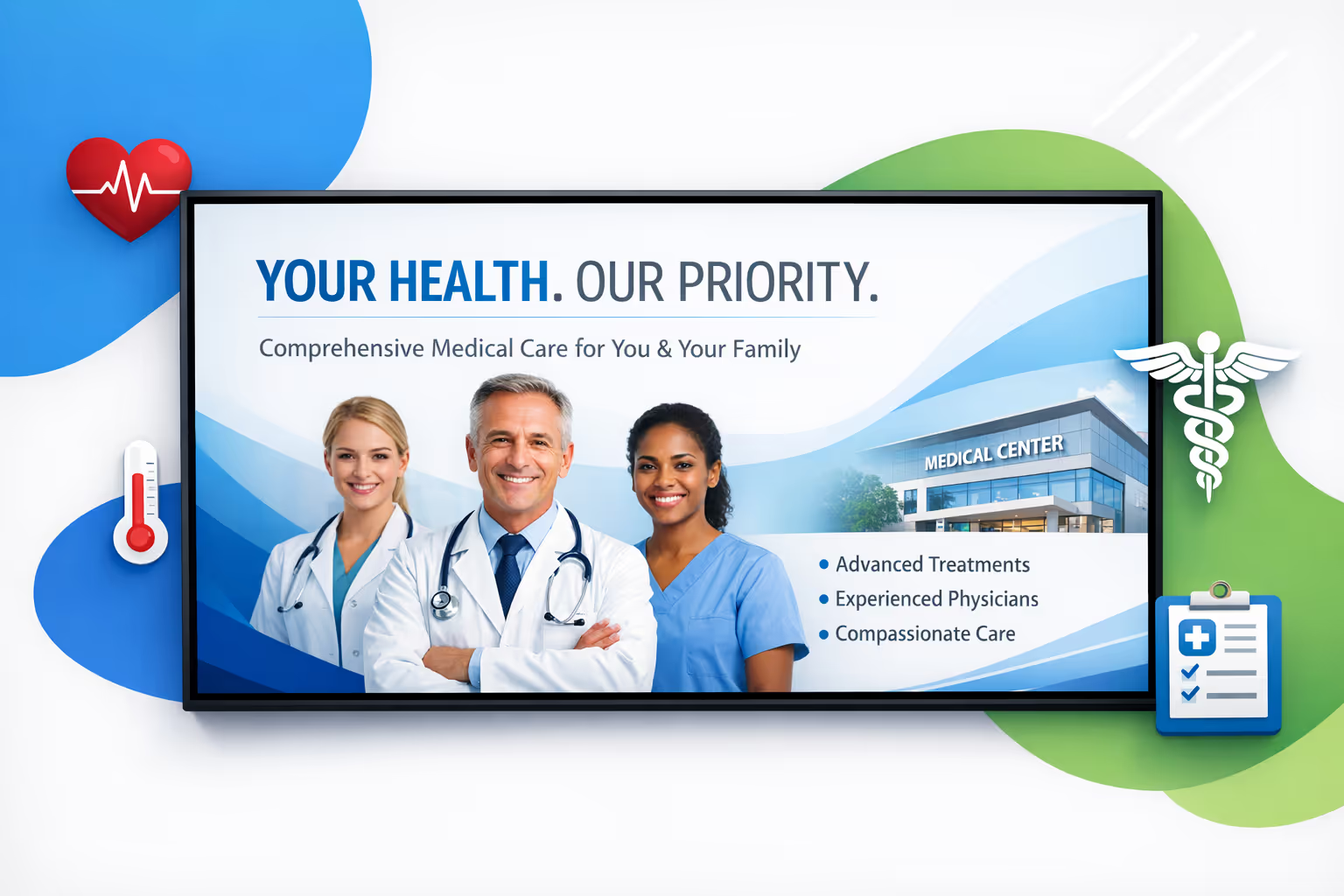
Share timely care updates and service information
Publish clinic hours, vaccination campaigns, visiting rules, and seasonal health guidance in real time. Keep information consistent across departments and reduce phone calls and front desk friction.
Reduce perceived wait times and improve patient flow
Use engaging waiting room content, clear next-step messaging, and queue guidance to keep patients informed. A calmer waiting experience supports staff efficiency and improves satisfaction scores.
Show measurable ROI with smarter on-site communication
Highlight the right services at the right moment, from screenings to specialty referrals, and keep messaging consistent across sites. Medical center digital signage helps reduce printing spend and increase uptake of high value services.
Keep clinical and operational messaging consistent
Standardize templates and approvals so safety notices, consent reminders, and policy updates are always current. Build trust with clear communication that looks professional across every medical center location.
Lower printing costs and reduce manual updates
Replace posters and paper notices with a centralized content workflow. Save time for staff, avoid outdated information on walls, and keep every screen updated from one place.
Personalize content by department, site, and language
Adapt messages for pediatrics, imaging, urgent care, or specialty clinics, and localize content for your communities. Deliver relevant communication while staying aligned with your medical center brand.
Medical center digital signage use cases across clinics and departments
From reception to imaging and outpatient care, medical center digital signage helps patients find their way, understand next steps, and feel reassured by clear, consistent information. It also reduces repetitive questions at the front desk and supports a more organized, trusted care experience.
- Reception and lobby: welcome patients, share check-in instructions, and set expectations for wait times
- Wayfinding and corridors: guide visitors to departments, elevators, and key services with clear directions
- Waiting areas: display appointment reminders, queue updates, and health education approved by your teams
- Staff and internal zones: communicate policies, compliance updates, safety protocols, and operational KPIs
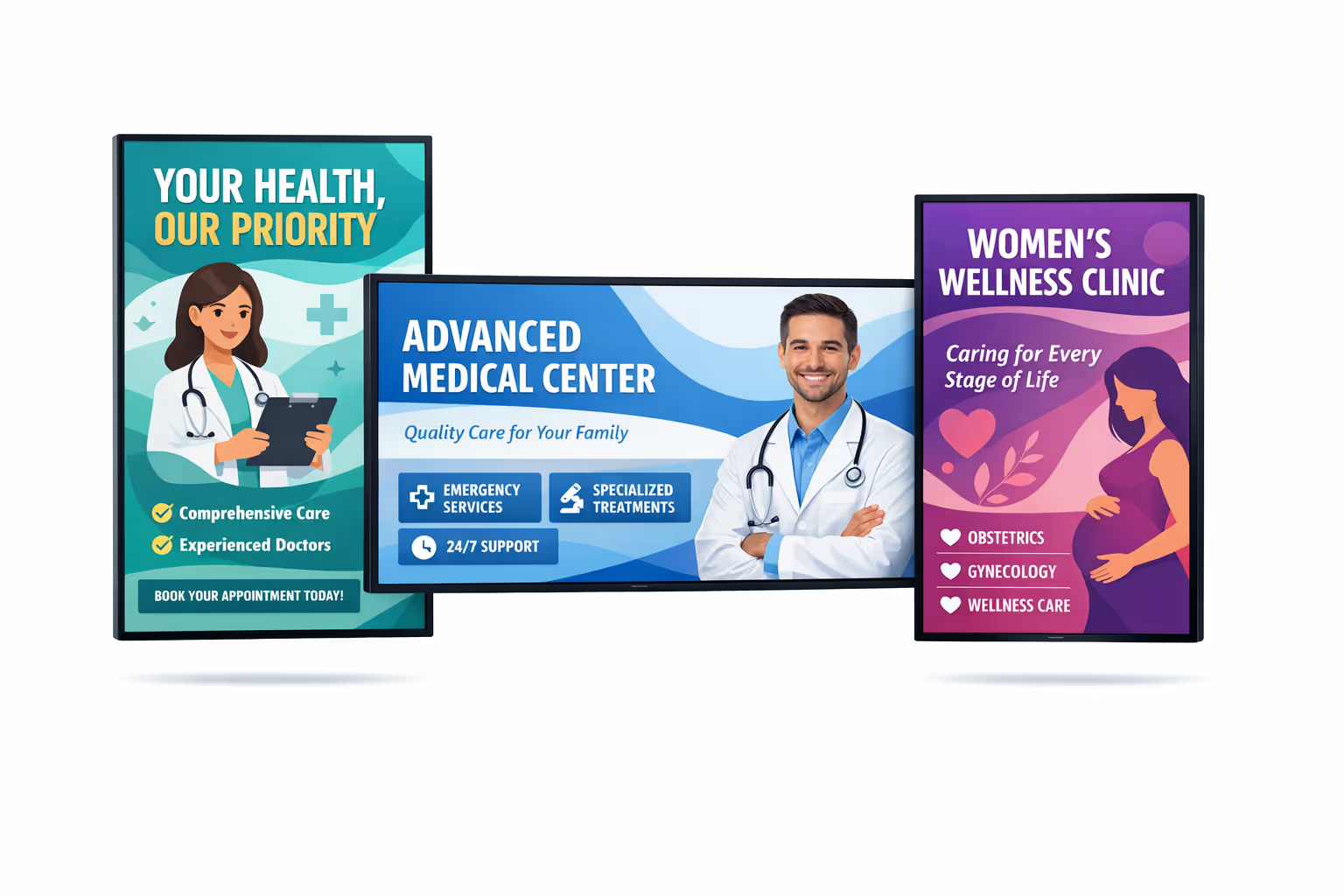
How Disign digital signage works
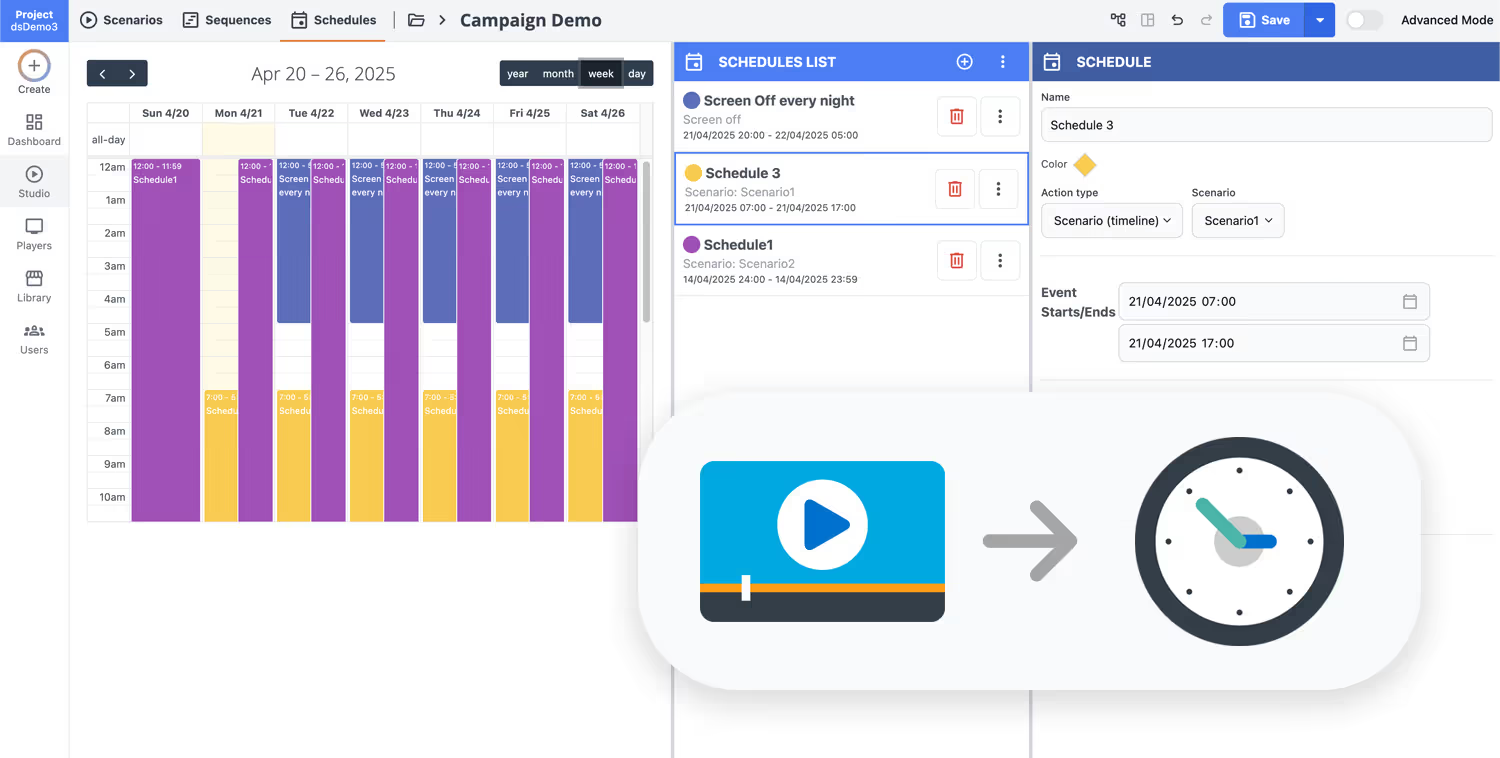
Schedule your content from anywhere with our cloud-based digital signage solution. Easily plan what plays, when, and where—across one screen or thousands.
Desenhe cenários e playlists personalizados adaptados ao seu público e objetivos.
Defina datas e horários precisos para que seu conteúdo seja reproduzido automaticamente.
Implante conteúdo instantaneamente em sua rede de affichage dynamique com apenas um clique.
Start medical center digital signage with a free 28-day trial
Launch Disign in your medical center in minutes and keep patients informed across reception, waiting rooms, and corridors. Share real time queue guidance, clinic updates, visiting hours, wayfinding, and health messages from one secure dashboard. Try it free for 28 days with no credit card required.
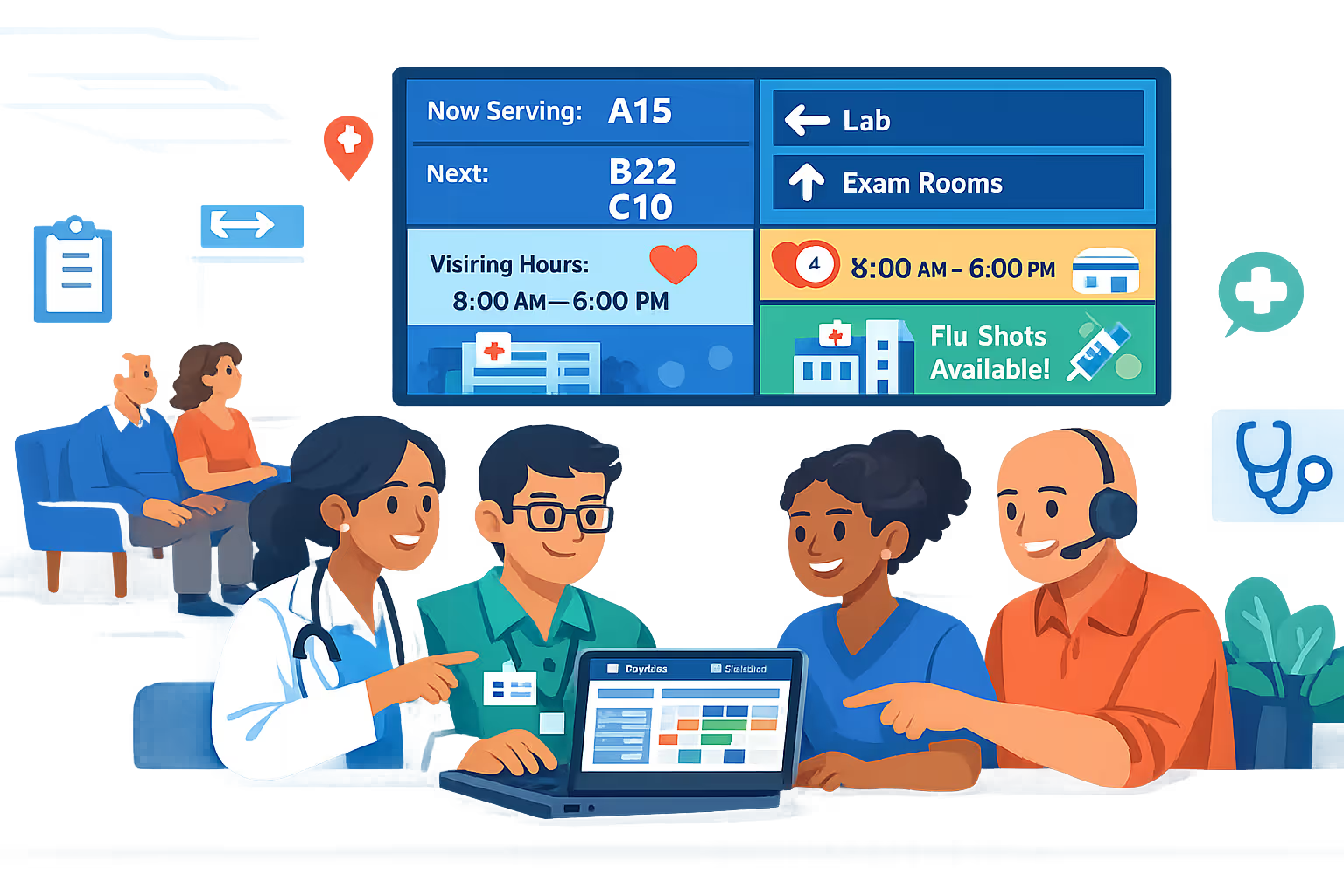
Medical center digital signage built for patient flow, clinics, and waiting areas
Run medical center digital signage from one secure platform to publish real time updates, wayfinding, queue status, and service information. Disign helps clinical and IT teams keep content accurate, consistent, and controlled across every screen.
Centralized control for multi site care networks
Manage medical center digital signage at scale
Publish to one waiting room or hundreds of screens across clinics with role based access, location targeting, and reusable playlists. Keep brand and clinical messaging consistent while enabling local teams to update approved content where it is needed.
Security and access governance for healthcare teams
Protect content, devices, and user access
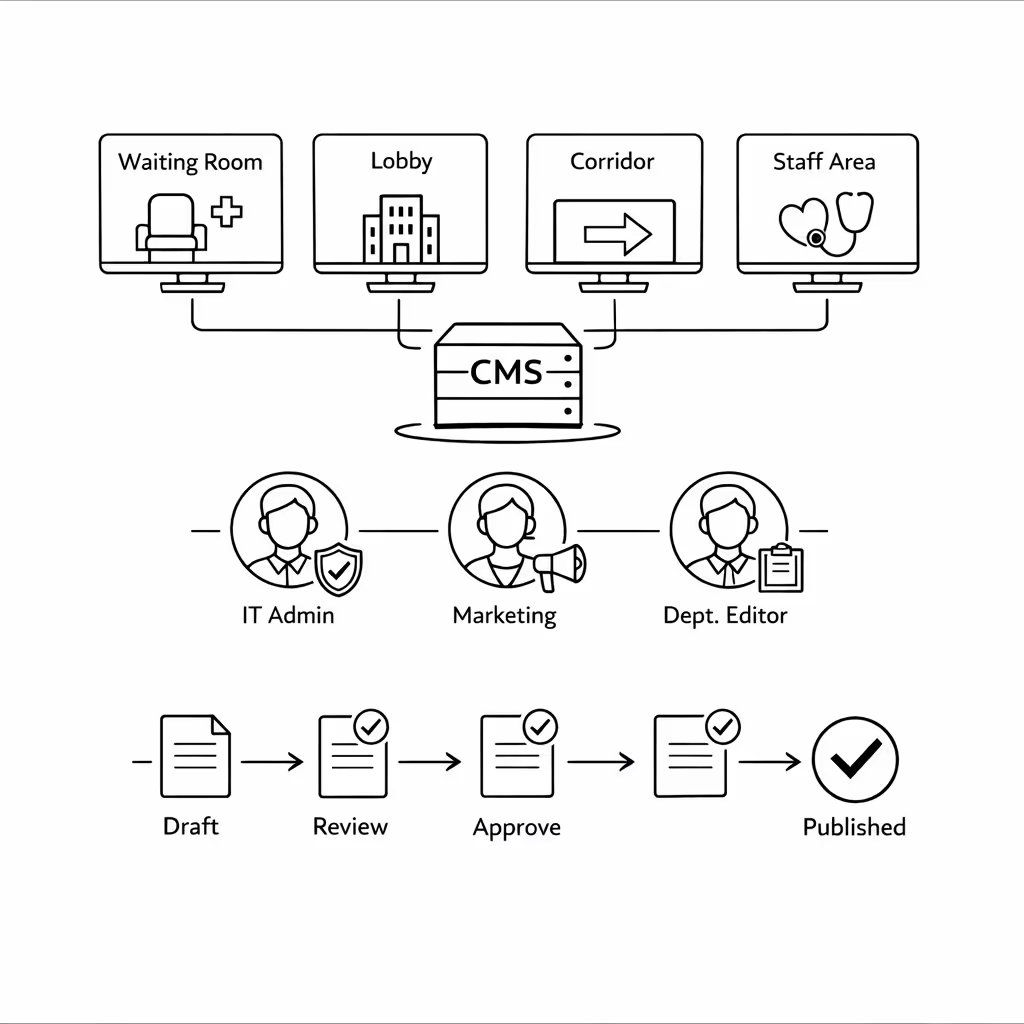
Control who can create, review, and publish with granular permissions. Support secure sign in, device level pairing, and audit ready actions so your medical center can run digital signage with clear accountability.
Controlled publishing workflows for sensitive content
Review and approval paths for on screen updates
Reduce operational risk with structured publishing: draft, review, approve, then schedule. Keep version control on patient guidance, clinic notices, and service updates so the right message appears in the right location at the right time.
Smart scheduling and automation for busy clinics
Dayparting, recurring campaigns, and triggered content
Automate medical center digital signage with time based schedules and recurring campaigns. Switch content for opening hours, peak arrivals, vaccination clinics, or urgent service alerts without manual updates on each screen.
Reliable playback and device monitoring
Uptime focused for front desk and waiting rooms
Keep screens running with device health visibility and remote diagnostics. Detect offline players, confirm content delivery, and maintain dependable patient communication across every department.
Deployment and technical support for IT and operations
Rollout guidance for networks, players, and templates
Get practical guidance from rollout to day to day operations. We help you standardize templates, onboard teams, and troubleshoot devices so your medical center digital signage stays stable, secure, and easy to run.
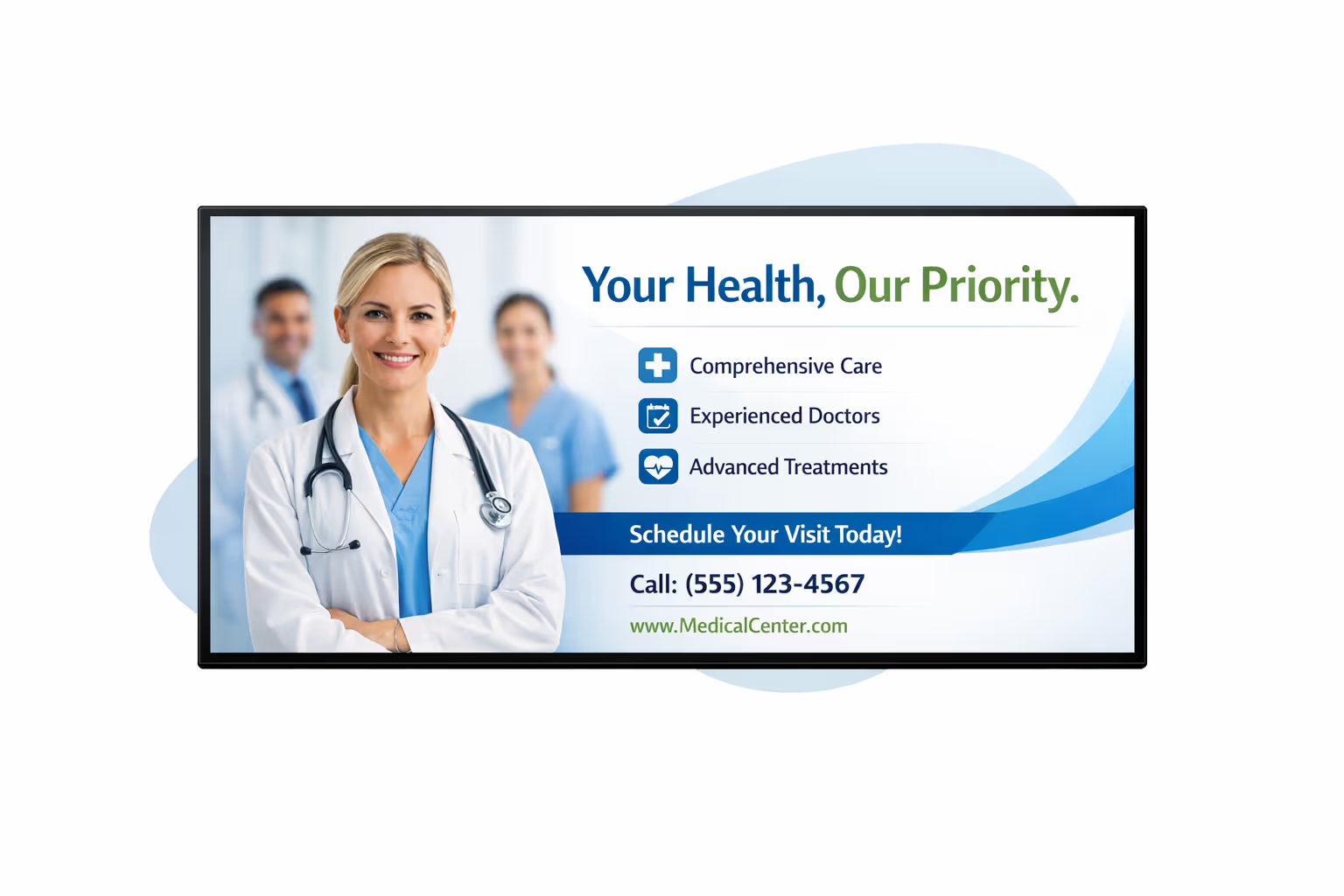
Centralized content management for medical center digital signage
Manage your medical center digital signage from one secure platform. Create, review, schedule, and publish patient friendly messages across waiting rooms, lobbies, corridors, and staff areas, with the governance IT requires and the speed marketing and operations rely on.
One source of truth for every screen
Multi site control with local flexibility
Standardize hospital wide communication while letting departments add local details like clinic directions, check in steps, visiting hours, and queue information, all within approved templates and rules.
Campaigns, service updates, and on site moments
Schedule content by facility, department, or screen type. Keep health education and brand messaging consistent, ensure time sensitive notices stay accurate, and support compliance across your medical center digital signage network.
Built for IT governance and security
Centralize access with role based permissions, structured approvals, and consistent playback policies so every update aligns with your medical center standards, cybersecurity controls, and audit requirements.
Real time updates for operations and patient flow
Publish alerts, wait time messaging, wayfinding changes, and service announcements instantly. Keep every screen accurate during peak hours, disruptions, or policy changes, without chasing individual teams or locations.
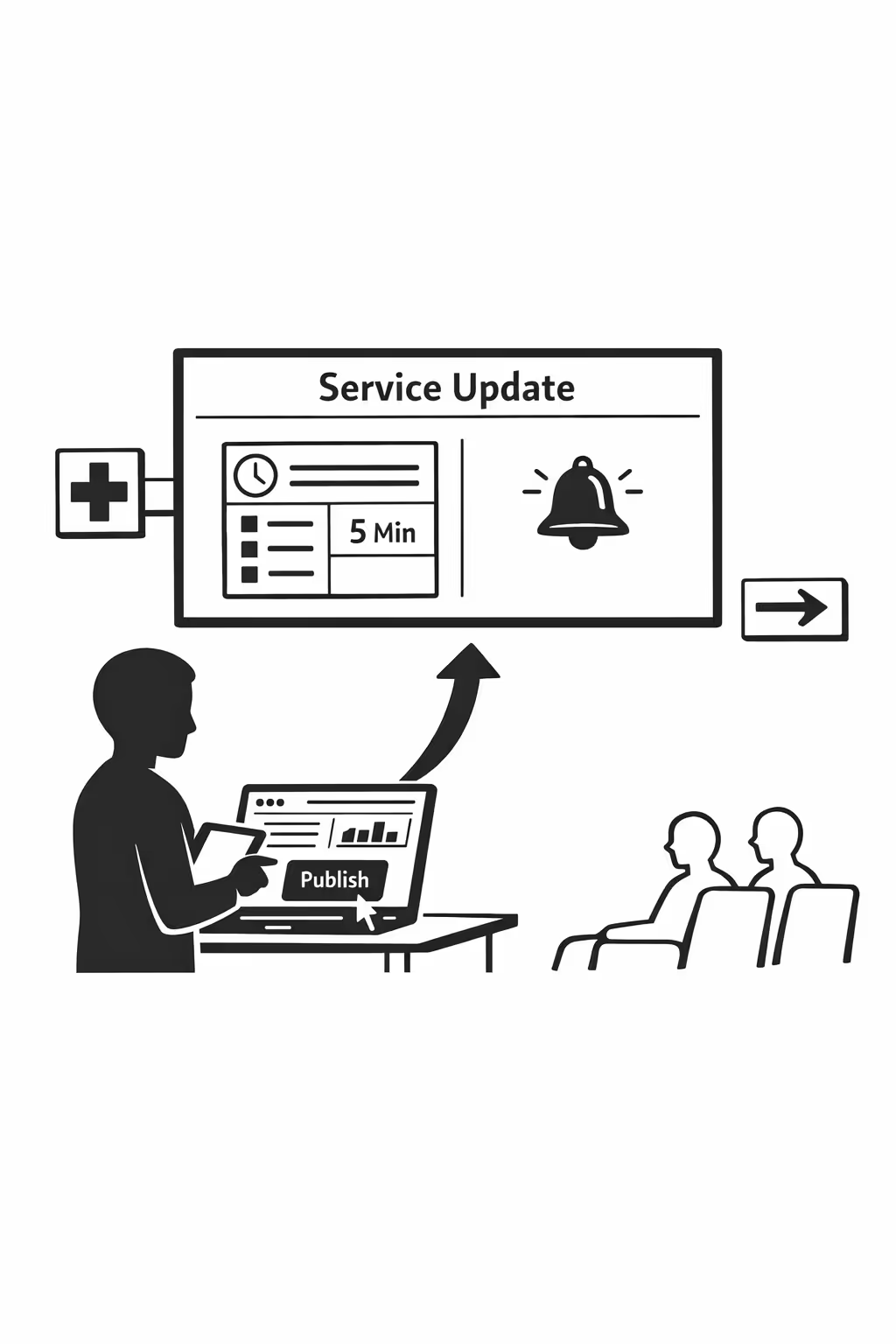
Scalable medical center digital signage for growing networks
Scale medical center digital signage across clinics, campuses, and departments from one cloud platform. Roll out updates in minutes, maintain strong governance, and keep a consistent patient experience as your medical center network expands.
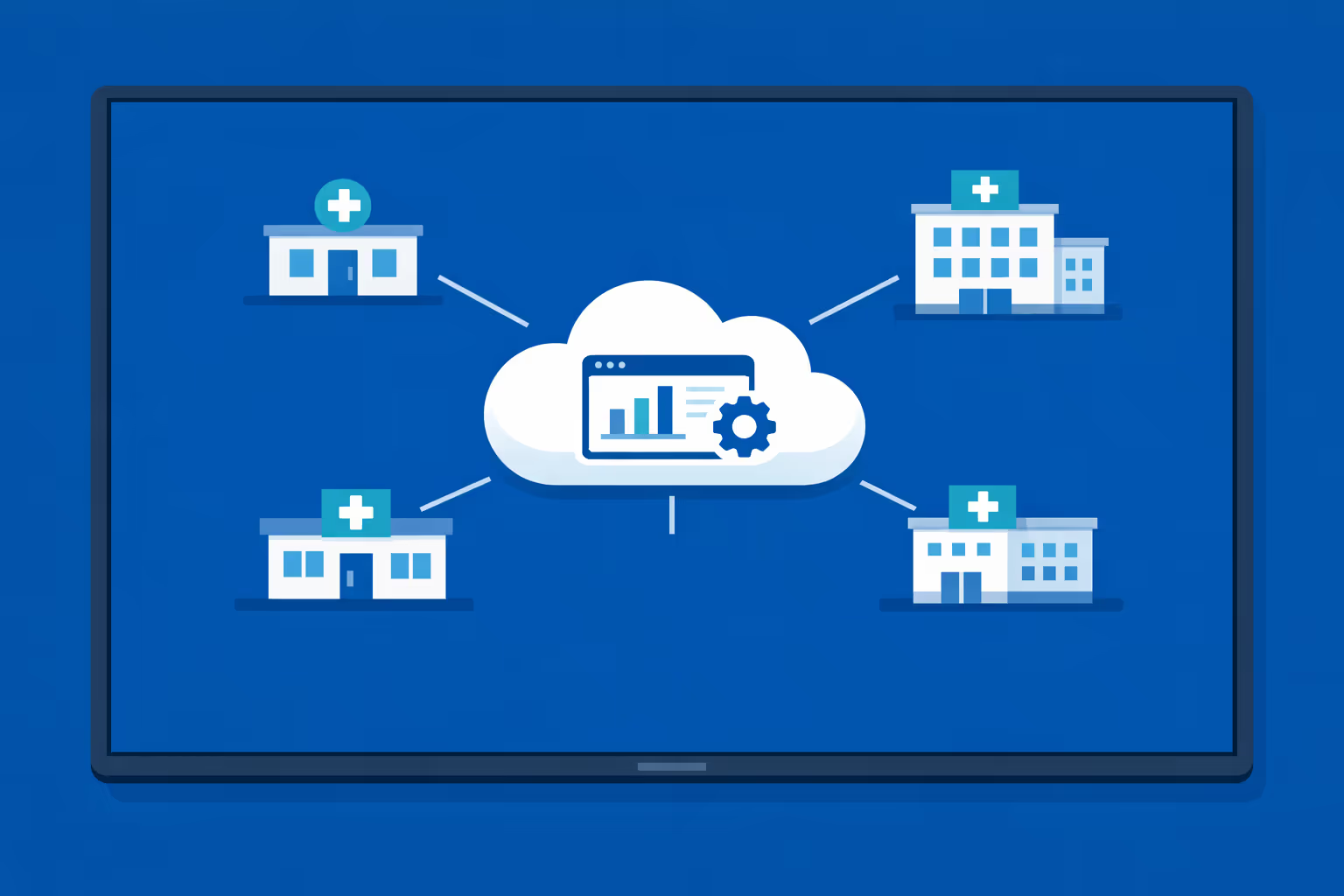
Multi-site management from one cloud platform
Oversee medical center digital signage across every site from a single dashboard. Publish urgent notices instantly, verify what is playing on each screen, and keep branding consistent across your entire network.
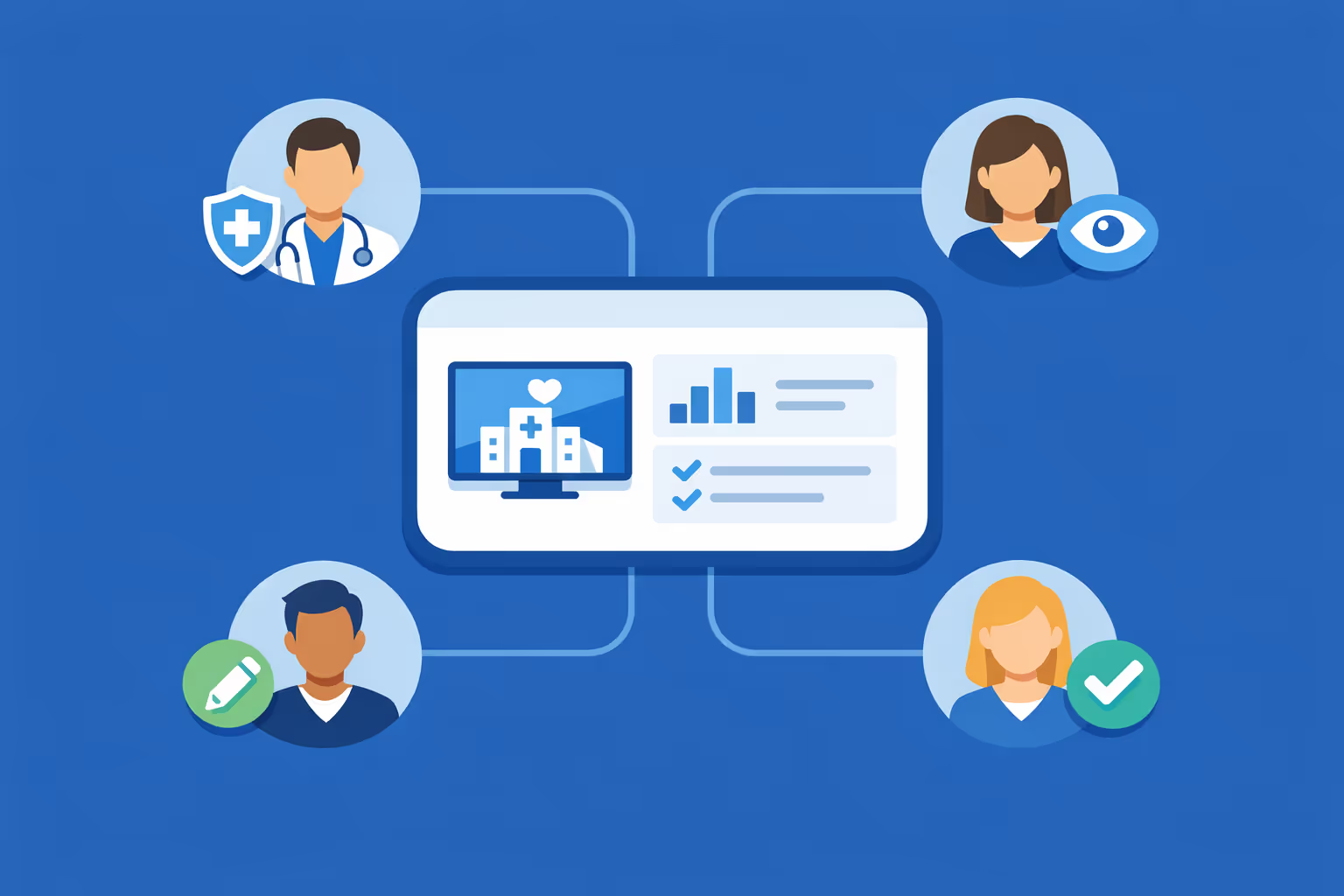
Multi-user access with role-based permissions
Give the right teams the right access. Assign roles by department, region, or facility to keep collaboration smooth, protect sensitive workflows, and support review and approval processes across your medical center group.
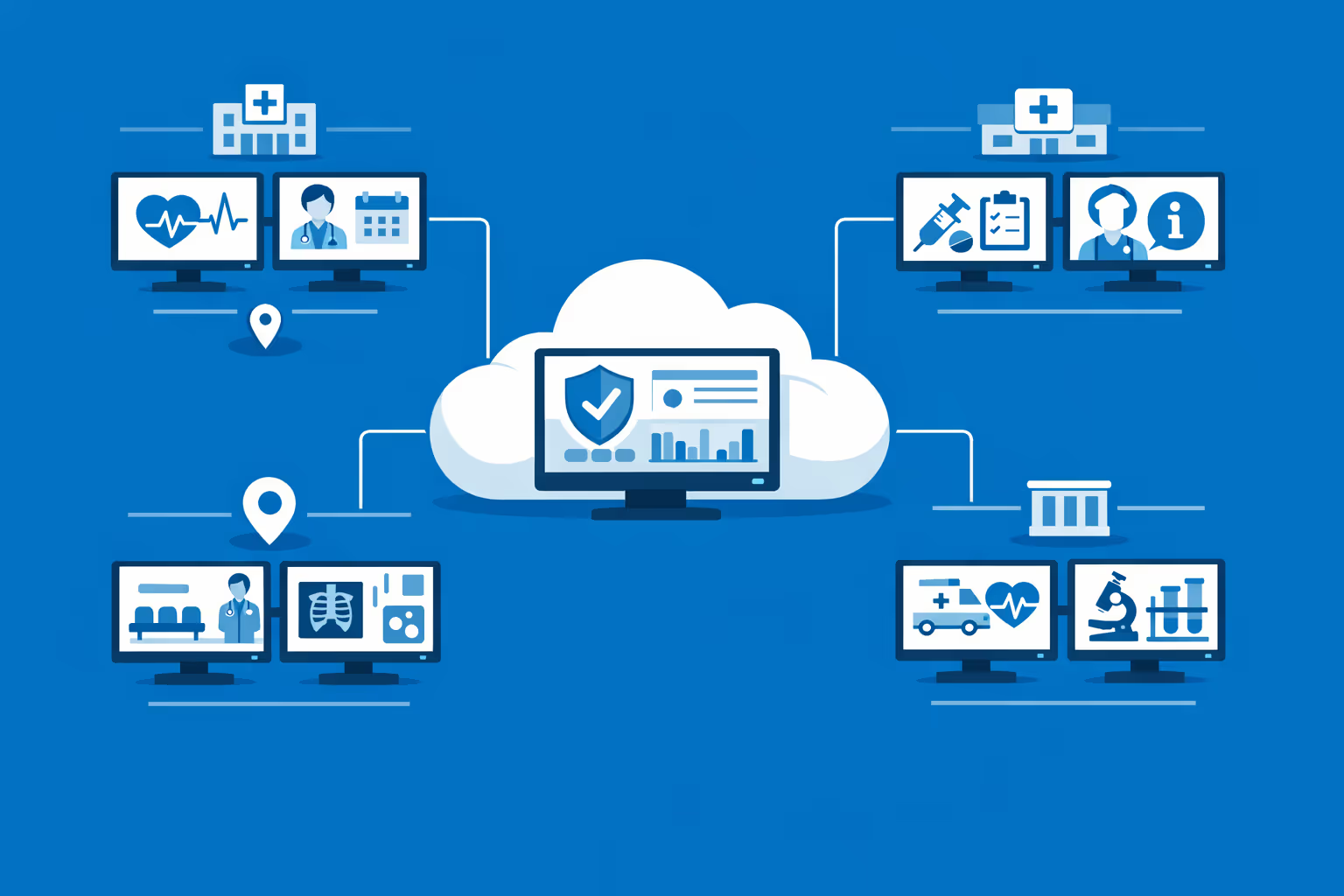
Multi-screen and multi-organization ready
Manage thousands of displays and multiple organizations within one account. Segment medical center digital signage by facility, service line, or region so you can scale fast while keeping messages relevant to each location.
Disign é compatível com todas as telas para sinalização digital
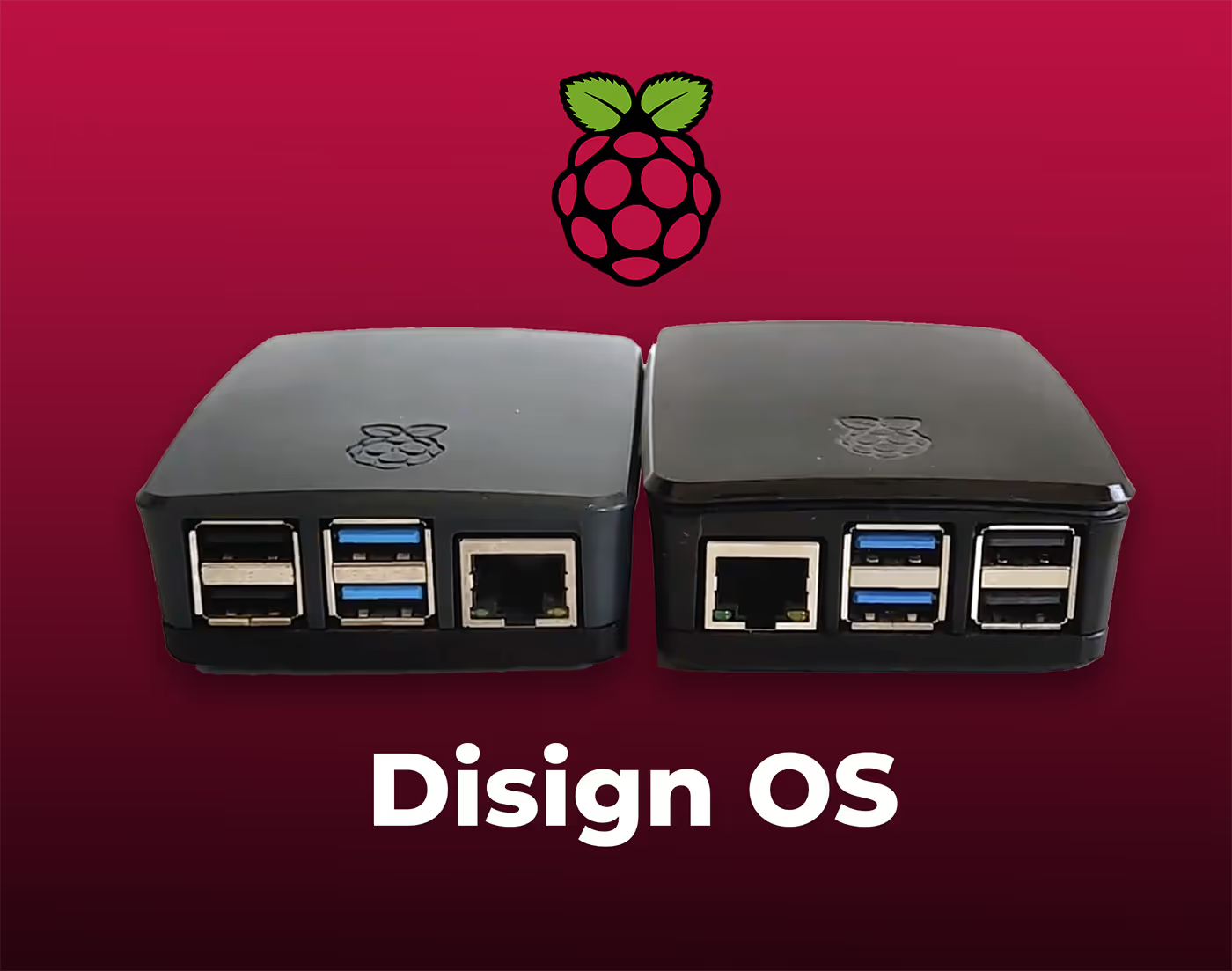
A sinalização digital com Disign permite que você gerencie e exiba conteúdo em uma variedade de dispositivos. Nossa solução é compatível com muitos players externos, como Disign OS baseado em Raspberry Pi, BrightSign e qualquer hardware Android. Disign também suporta tecnologias embutidas em telas Samsung, LG e Android TV. Com essa ampla compatibilidade, você pode facilmente implementar soluções de sinalização digital em diferentes tipos de hardware, garantindo gestão simplificada e uma experiência ideal para o usuário.


Trusted by medical center teams using Disign for medical center digital signage in waiting rooms, corridors, and reception areas
What medical center professionals say about Disign
“We replaced paper posters with Disign and our reception instantly looked calmer. For medical center digital signage, the best part is speed: we can update wait time guidance and clinic announcements in minutes, and the approval step helps us stay on-brand and on-policy.”
“I manage communications across multiple clinics, and consistency is always the hard part. Disign makes medical center digital signage feel manageable: one set of templates for standards, plus room for each site to add local updates without messy workarounds.”
“Our screens run all day in busy waiting areas, so reliability matters more than fancy features. Disign has been steady, and when something needs attention, support is straightforward and quick. It is been a practical win for our medical center digital signage.”
Integrate with your favorite Applications
70+ Applications and infini integration with API, Database, and any data source
Easily integrate third-party applications and web content such as YouTube or Vimeo, optimized for seamless playback. Display data from RSS feeds or formats like CSV, JSON, or XML directly on your digital signage screens. Extend display capabilities with advanced applications like grids or collections to enrich Disign scenarios.

We designed Disign to be as open and customizable as possible, both in its visual scenes and in its data sources.
Florent MondoloniCo-Founder, Disign

Video
Utilisez vos medias

RSS Feed
Use your own RSS Feed

Database
Databases

Canva
Create your Design and import it

Google Sheets
Import CSV, Live data...

Website/API
Affiche your website or use API
Everything you need to know about Disign Digital Signage For MedicalCenter
Medical center digital signage FAQ for healthcare teams planning screens
Medical center digital signage is a practical communication channel for hospitals, clinics, outpatient centers, and multi site healthcare networks. Instead of relying on posters that go out of date or front desk teams repeating the same information all day, digital screens let you publish clear, timely messages in waiting rooms, corridors, lobbies, and staff areas.
This FAQ is written for the people who usually drive the project in a medical center: operations leaders, patient experience teams, facilities, IT, communications and marketing, and compliance or privacy stakeholders. You will find direct answers to common questions about medical center digital signage, along with guidance on rollout, governance, accessibility, and security.
Disign is a digital signage software platform designed to help medical centers manage content centrally, keep messaging consistent, and update screens fast without adding work for clinical teams.
What is medical center digital signage and where is it used?
Medical center digital signage means centrally managed screens used to display information, guidance, and education across a healthcare environment. The key difference versus a simple TV is that content is scheduled, targeted, and controlled from one platform so screens remain accurate and aligned with your standards.
Typical locations for medical center digital signage include:
- main lobby screens for wayfinding and announcements
- waiting room screens for visit guidance and patient education
- check in and registration areas for instructions and documents needed
- elevator lobbies and corridor junctions for directional content
- departmental entrances for hours, prep instructions, and reminders
- cafeteria and retail areas for menus and hours
- emergency department waiting areas for process explanations and expectations
- staff only areas for internal updates and training reminders
When planned well, medical center digital signage reduces confusion, supports patients who are anxious or unfamiliar with the building, and helps staff spend less time repeating routine instructions.
Why do medical centers choose digital signage instead of printed posters?
Printed posters are familiar, but they create daily operational friction. In healthcare, information changes often: clinic hours, vaccine availability, construction detours, seasonal guidance, and safety policies. Posters typically get outdated, torn, or inconsistently replaced across departments.
Medical center digital signage is chosen because it helps you:
- update messages instantly across one site or a full network
- standardize patient facing instructions so every department says the same thing
- reduce the workload on front desk and floor staff
- avoid printing and distribution cycles that delay important updates
- communicate during disruptions like construction, severe weather, or system downtime
- keep a cleaner, more professional environment with less wall clutter
For patient experience leaders, this is not just a marketing channel. It is operational communication that impacts satisfaction and trust.
What are the best use cases for medical center digital signage?
The strongest use cases address common points of friction: people not knowing where to go, what to do next, or what to expect.
Common medical center digital signage use cases include:
- wayfinding guidance and directions to clinics, imaging, labs, and entrances
- check in instructions, ID and insurance reminders, and forms guidance
- visit preparation tips: fasting reminders, arrival time, medication lists
- wait time explanation and process transparency, especially in urgent care and emergency settings
- patient education content relevant to the department, such as imaging prep or post op instructions
- health promotion campaigns like vaccination reminders and screening awareness
- safety content including hand hygiene, masking guidance, and fall prevention reminders
- facility updates like parking changes, construction detours, and elevator outages
- community information like support groups, events, and classes
Disign supports scheduling and screen grouping so you can display the right content per department while keeping central oversight.
How does medical center digital signage improve the patient experience in waiting areas?
Waiting is stressful in healthcare. People are often worried, in pain, or responsible for a family member. When the environment is quiet and unclear, anxiety increases and staff get more repetitive questions.
Medical center digital signage improves the experience by:
- explaining what will happen next, in plain language
- reminding patients what documents or steps are required
- setting expectations about timelines and process without overpromising
- sharing calm, helpful education related to the visit
- reinforcing that the medical center is organized and attentive
Even if you do not display a specific wait time, sharing the process clearly helps people feel informed and respected, which often reduces perceived wait time.
Can medical center digital signage display wait times or queue information?
Yes, when your systems allow it. Many medical centers want to display queue status for urgent care, imaging, lab draw, pharmacy pickup, or registration.
Disign can display queue information when you provide a source that can be safely shown on screens, such as:
- a web based queue dashboard designed for public display
- a feed or endpoint provided by your queue management system
- a secure embedded view that does not expose personal data
A key rule in healthcare is to avoid content that could reveal protected health information. If you display queue updates, it should be designed to use anonymous identifiers and comply with your privacy standards.
How do we keep medical center digital signage compliant with privacy rules like HIPAA?
Privacy compliance is non negotiable. Medical center digital signage must be designed so it never discloses protected health information, personal details, or anything that could identify a patient and their care.
A compliant approach typically includes:
- content policies that prohibit patient names, dates of birth, appointment details, or other identifiers on public screens
- role based access so only approved staff can publish patient facing content
- templates that restrict content areas and reduce the risk of accidental disclosure
- approval workflows for regulated or sensitive messaging
- audit friendly governance so you can review who published what and when
- clear separation between patient facing screens and internal staff screens
Disign supports controlled publishing with permissions and structured access so your medical center can reduce risk while still keeping communication fast.
What types of content work best on medical center digital signage?
The best content is easy to understand in a few seconds. In a medical center, people may be stressed, tired, or distracted. Content should be calm, readable, and practical.
High performing content types include:
- step by step check in instructions and reminders
- simple wayfinding directions and location tips
- department specific preparation tips, for example imaging or lab instructions
- health education in short, understandable segments
- prevention messages such as flu shots, screenings, and wellness reminders
- safety and etiquette messages: hand hygiene, quiet zones, phone use
- facility notices: hours, closures, parking updates
- multilingual guidance for common processes
Avoid long paragraphs, fast moving small text, or crowded layouts. One clear idea per slide is a good standard.
Can we customize medical center digital signage by department, floor, or site?
Yes, and healthcare relevance depends on it. The content that helps in radiology is not the same as what helps in pediatrics or cardiology. You also may have different policies or services across sites.
Common targeting approaches include:
- playlists by department, such as imaging, lab, surgery, urgent care
- screen groups by floor, building, or entrance
- site specific content for multi hospital or multi clinic networks
- time of day scheduling, such as morning check in emphasis versus afternoon reminders
- event based scheduling for health fairs, construction changes, or seasonal campaigns
With Disign, you can manage centrally and still deliver the right message locally, without asking each team to manage screens manually.
How does Disign help keep branding and tone consistent across a medical center?
In a medical center, consistency builds trust. When signage looks inconsistent, patients can feel unsure about what is official and what is not. Consistency also matters for accessibility: if every screen follows the same patterns, people learn how to scan information quickly.
Disign supports consistency through:
- reusable templates that lock typography, colors, and layout rules
- shared brand assets such as logos, approved icons, and imagery
- centralized playlists and campaign scheduling
- controlled access so departments can request updates without going off brand
This is especially useful when multiple departments and sites contribute content but patient facing communication must still feel unified.
What security features should we require for a medical center digital signage platform?
Treat digital signage as part of your IT environment. Screens can be endpoints across public spaces, so you need strong controls for both management and playback.
Key security requirements often include:
- secure authentication and role based permissions
- encrypted connections for management and content delivery
- device level controls and remote monitoring
- the ability to separate content creation from publishing approvals
- centralized logging for administrative actions
- support for standard network policies and segmentation
Disign is designed for centralized management with structured permissions, helping medical centers control who can publish and where content appears.
Is medical center digital signage better as a cloud solution or on premises?
Many medical centers prefer cloud based management because it reduces infrastructure overhead and makes it easier to roll out updates across many screens and sites. That said, healthcare organizations may have specific network, vendor, or procurement constraints.
A cloud managed model typically helps you:
- avoid maintaining local servers for signage in each building
- deploy and update content faster across a network
- scale screens and sites without rearchitecting the system
- keep operations consistent even when teams change
Your IT team can still enforce healthcare grade controls such as network rules, device standards, and identity management practices.
What hardware do we need for medical center digital signage?
Most medical centers need three core components:
- a commercial grade display suited for long daily operating hours
- a media player or compatible device running the signage player
- reliable network connectivity and secure mounting
Hardware selection depends on the space. Waiting rooms often need wide viewing angles and clear brightness. Corridor screens may prioritize durability and simple readability at a distance. In clinical or patient care areas, you may need special cleaning requirements and placement policies.
Disign can support a range of hardware choices so you can standardize over time rather than replacing everything at once.
Can Disign manage many screens across multiple medical center locations?
Yes. Medical center digital signage becomes most valuable when it scales across locations while staying easy to govern.
A scalable approach usually includes:
- centralized provisioning and grouping of devices by site and department
- bulk assignment of playlists so new screens can go live quickly
- scheduling at scale for campaigns and operational notices
- monitoring so you can confirm screens are online and playing correctly
Disign is built for multi location management, which is important for health systems that need consistent communication across hospitals, outpatient centers, and clinics.
Who should own medical center digital signage: communications, IT, or operations?
In healthcare, signage touches multiple stakeholders. The best ownership model is shared, with clear boundaries so updates are fast but controlled.
A practical model looks like:
- patient experience or communications owns standards, templates, and patient facing messaging
- marketing supports campaigns and health promotion when appropriate
- operations owns day to day operational notices, hours, and service changes
- IT owns devices, security, networking, and access control
- compliance and privacy provide guidelines and approvals for sensitive content
Disign supports this model with permissions so each group can do their part without anyone having unrestricted access.
How often should we update medical center digital signage content?
Patients notice when screens feel stale, especially if they repeatedly visit the same clinic. At the same time, too much change can create noise.
A realistic cadence often includes:
- daily or as needed updates for operational notices such as closures, detours, or staffing changes
- weekly updates for rotations in patient education and health promotion
- seasonal updates for campaigns like flu season, allergy season, or back to school reminders
- immediate updates for safety alerts, severe weather procedures, or major disruptions
With Disign, updates can be published centrally, reducing the temptation to leave outdated posters on the wall because nobody has time to replace them.
Can medical center digital signage reduce staff workload at the front desk?
Yes, when it is used to answer the questions staff hear all day. The goal is not to replace human interaction, but to remove repetitive explanations so staff can focus on patients who need direct help.
Examples of workload reducing content include:
- how to check in, where to queue, and what to have ready
- payment and billing office directions
- lab and imaging instructions and what to expect
- reminders about forms, referrals, and insurance cards
- parking, validation, and shuttle guidance
- next steps after the appointment, such as follow up scheduling
When patients arrive better prepared, check in flows faster and stress levels drop for everyone.
How do we measure ROI for medical center digital signage?
ROI in healthcare is often about operational efficiency and patient experience, not just direct revenue.
Common ways to evaluate ROI include:
- reduced printing and poster replacement costs
- fewer repetitive questions at reception and information desks
- improved patient satisfaction related to wayfinding and communication clarity
- fewer late arrivals or missed steps due to clearer instructions
- faster dissemination of urgent operational updates across the facility
- consistency of education and safety messaging across departments
You can also measure operational performance: time to publish an urgent update, percentage of screens playing the correct playlist, and the volume of outdated printed notices eliminated.
What should we look for in templates and scheduling for medical center digital signage?
Templates are not only about design. In a medical center, templates act as guardrails that protect clarity and reduce risk.
Strong template and scheduling capabilities include:
- layouts built for readability at distance with high contrast options
- components for wayfinding, operational updates, and education modules
- multilingual variations that keep formatting consistent
- scheduling by department hours and by campaign dates
- rapid updates for urgent notices without redesigning content
Disign helps teams build approved templates once, then reuse them across many screens so content stays consistent and quick to publish.
How should a medical center handle multilingual content on digital signage?
Multilingual communication is essential in many communities. When people cannot understand instructions, check in slows down and anxiety rises.
Good multilingual practices include:
- prioritizing the most common languages for each site and department
- using plain language and short sentences
- pairing key instructions with simple visual cues where appropriate
- rotating languages in a predictable way, or assigning specific languages to specific locations
- verifying that translations are clinically and culturally appropriate
With Disign, you can create playlists per language and assign them to the right screens or rotate them based on your strategy.
Can medical center digital signage be used for internal communication too?
Yes. Many medical centers use separate screen groups in staff areas for internal updates. This reduces email overload and helps teams stay aligned during busy shifts.
Common internal content includes:
- daily operational priorities and reminders
- training deadlines and policy updates
- safety messages for staff, such as infection prevention reminders
- HR updates, recognition, and staffing notices
- quick links and QR codes to internal resources where allowed
Disign lets you separate public and staff content so internal messages do not appear in patient areas.
How can medical center digital signage support safety and infection prevention?
Safety messaging works best when it is consistent, visible, and easy to understand. Digital signage helps you keep safety content current, especially when guidance changes seasonally or during outbreaks.
Medical center digital signage can display:
- hand hygiene reminders and best practices
- respiratory etiquette guidance
- masking policy updates when applicable
- directions for isolation or screening procedures without identifying individuals
- reminders for fall prevention and mobility safety in public areas
- emergency preparedness instructions tailored to location
Because Disign allows quick updates, you can respond to changes without waiting for printing and distribution.
What about accessibility and readability in medical center digital signage?
Accessibility is essential in healthcare. People with low vision, cognitive load, or hearing limitations must be able to understand the content.
Practical accessibility guidelines include:
- large fonts and strong contrast between text and background
- minimal text per slide with clear hierarchy
- avoiding fast animations that reduce readability
- captions or text alternatives when video is used, since audio is often inappropriate
- consistent placement for key information so it is easy to scan
- avoiding overly bright or flashing elements in sensitive areas
By using templates in Disign, you can standardize accessible design so every department communicates clearly.
How quickly can a medical center deploy digital signage across a facility or network?
Timelines depend on hardware readiness, mounting approvals, network access, and internal governance. Many medical centers start with a pilot and then scale.
A common rollout path includes:
- selecting pilot areas such as one lobby and one waiting room per site
- defining templates and approval workflows early
- validating privacy and IT security requirements
- expanding by department or building with repeatable provisioning steps
- monitoring screens to confirm stability and content accuracy
Disign supports centralized rollout so scaling does not require each department to manage technology on its own.
What makes Disign a strong choice for medical center digital signage?
Medical centers need a solution that is easy to update but controlled enough to protect privacy, consistency, and reliability.
Disign supports medical center digital signage by providing:
- centralized management for multi screen, multi site environments
- structured permissions so publishing stays governed
- scheduling and playlists to target content by department and location
- templates to standardize readability, branding, and accessibility
- fast updates for operational notices and patient guidance
If your medical center wants to reduce confusion, improve patient experience, and communicate consistently across facilities, Disign provides a practical platform for medical center digital signage.
What are the next steps to start a medical center digital signage project?
A smooth start depends on clarity. Before buying screens or building content, align on goals and ownership.
Next steps often include:
- defining the primary outcomes, such as better wayfinding, clearer waiting room instructions, or faster operational updates
- listing stakeholders: patient experience, operations, IT, facilities, and privacy compliance
- choosing pilot locations with real traffic and clear communication needs
- building a small set of templates for wayfinding, operational notices, and education
- defining a publishing process with permissions and approvals
- planning how you will monitor screens and handle urgent updates
Once the pilot proves value, you can expand with confidence and turn medical center digital signage into a dependable communication system across your organization.



Join community of 4k+ people
Medical center digital signage that keeps patients informed and teams aligned
With Disign, you can update every waiting room, reception, and corridor screen from one secure dashboard. Share live queue guidance, clinic hours, directions, health reminders, and service updates so patients know what to do next and staff spend less time repeating the same information.
Ready to try it in your medical center. Start your 28 day free trial with no credit card required, then publish your first medical center digital signage content in minutes. If you need help choosing screens or setting up playlists, contact us and we will guide you step by step.