Digital menu digital signage for fast, accurate ordering
Disign digital menu digital signage that sells more with every screen
Turn your menu boards into a live, brand consistent experience. With Disign, update prices, promos, allergens, and daypart menus in minutes across every location, so guests order faster and teams stay in control.


Used by 4,000+ people
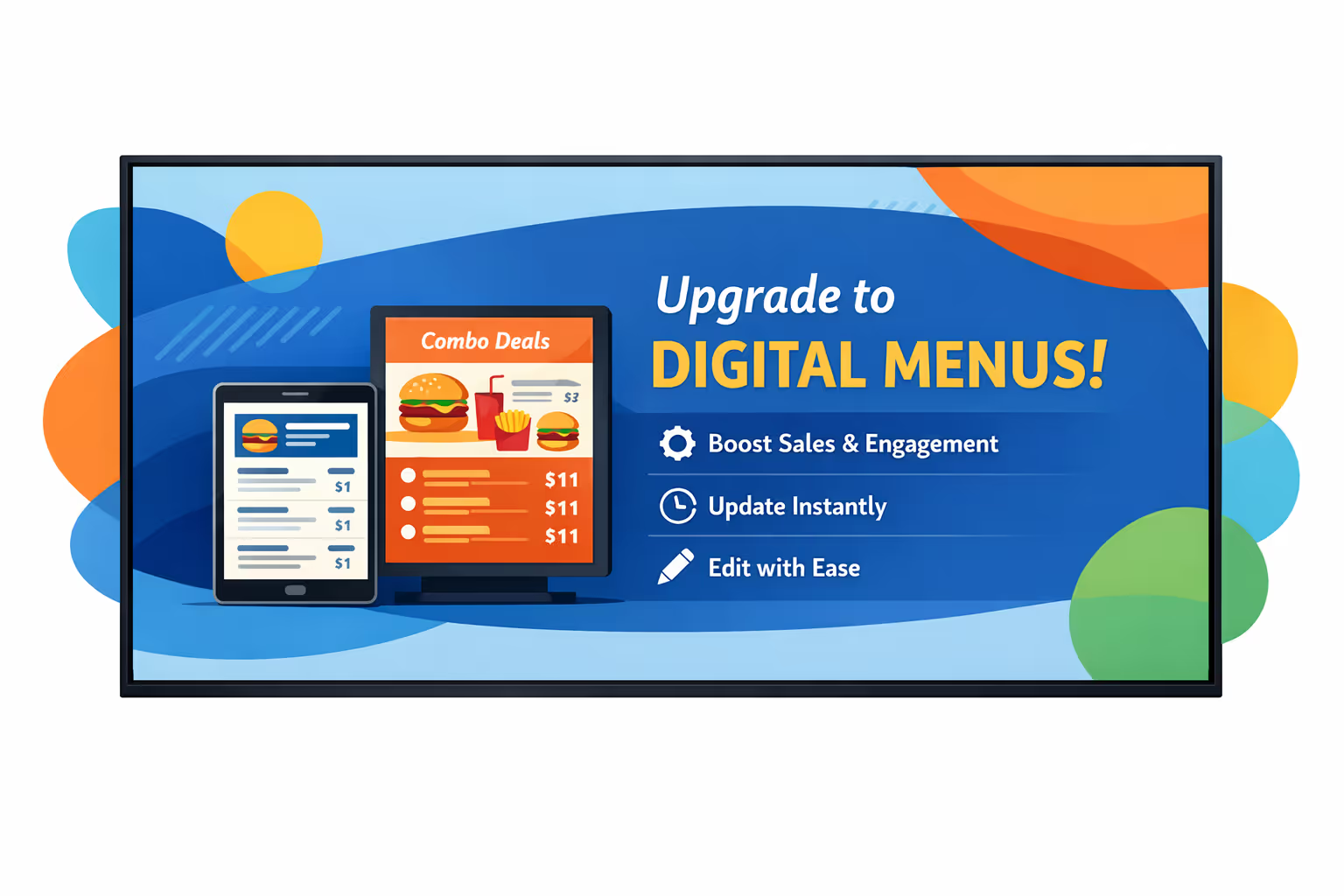
Challenges in the digital menu industry when information does not reach every screen in time
In restaurants and quick service locations, guests decide fast. When the digital menu digital signage is unclear or out of sync, teams face repeated questions, slower lines, and a drop in trust at the counter and in the dining room.
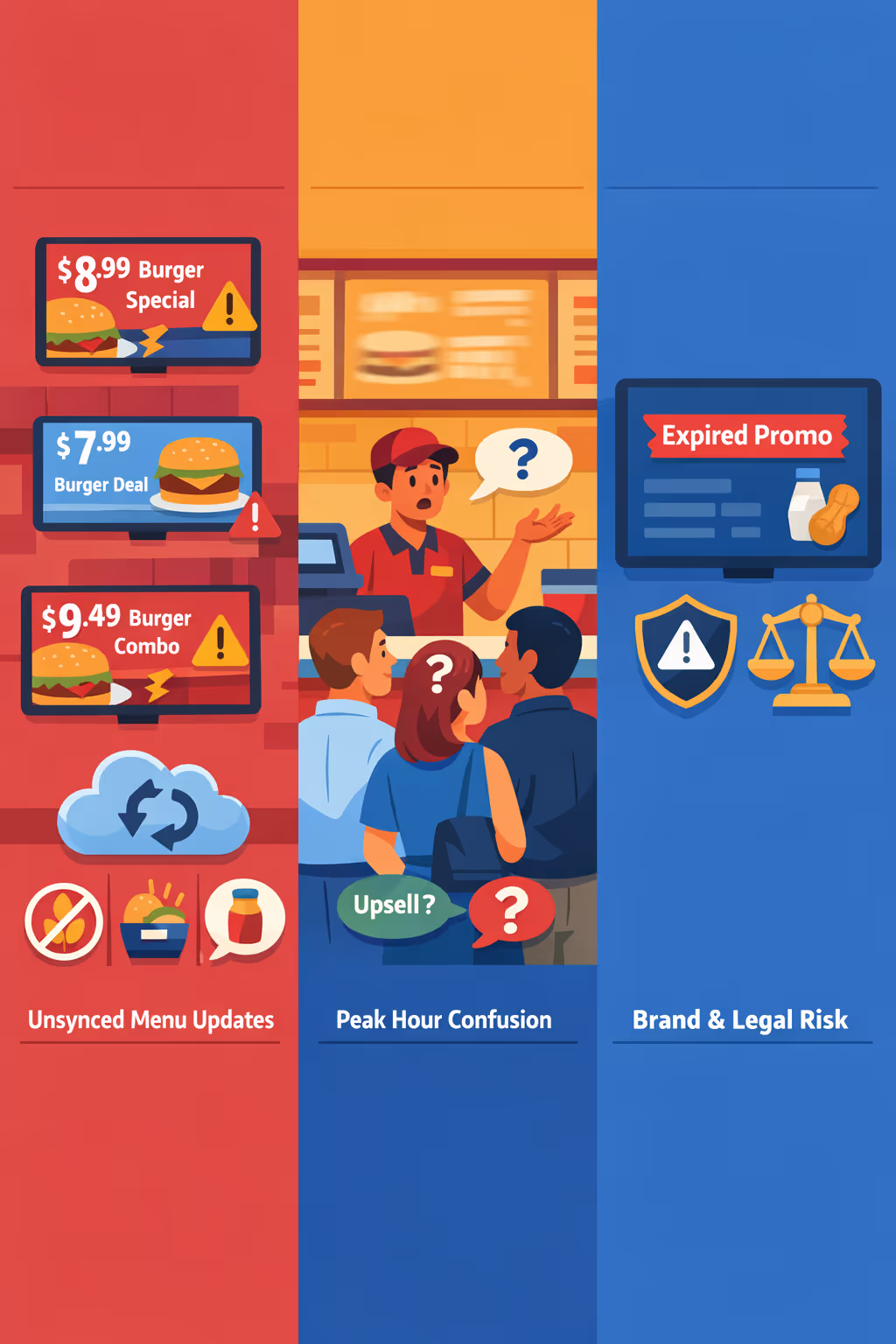
Prices, limited time offers, and product availability change quickly. When one screen shows a different offer than the POS or another store, staff have to explain, discount, or apologize, and guest confidence drops.
Guests want to choose fast and feel sure about what they are ordering. If allergens, combos, or upsells are not clearly shown, the team gets stuck repeating the same answers and the queue slows down.
A single wrong ingredient, missing allergen note, or expired promotion can trigger complaints and compliance issues. When updates rely on manual checks, it is easy for one screen to be missed and the problem spreads in minutes.
Digital menu digital signage that boosts sales and speeds up service
Turn every screen into a revenue driver. With Disign, you can update prices and promos in minutes, highlight high margin items, and keep menus consistent across locations. Reduce printing costs, improve order accuracy, and see measurable ROI from smarter digital menu digital signage.
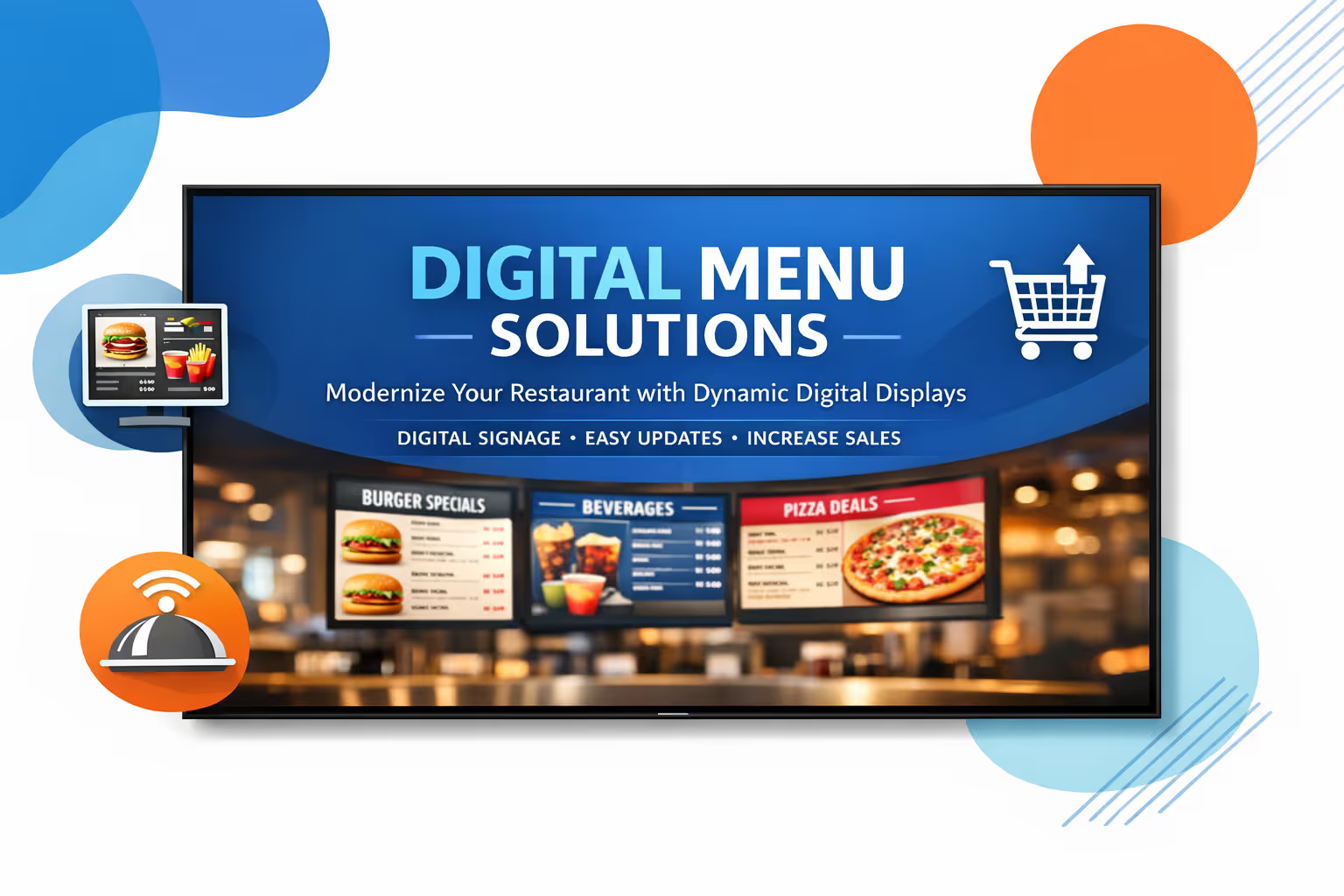
Boost average order value with upsells that feel natural
Promote add-ons, combos, and limited time offers at the exact moment customers decide. Digital menu digital signage helps you steer demand toward best sellers and high margin items without slowing down the line.
Speed up ordering and reduce perceived wait time
Clear layouts, appetizing visuals, and smart menu structure make choices easier. Customers decide faster, queues feel shorter, and staff can focus on service instead of answering the same menu questions.
Measure ROI and optimize menu performance
Run daypart menus, test promotions, and align content with inventory goals. By improving consistency and merchandising, digital menu digital signage delivers real business impact with lower operational effort.
Keep pricing, allergens, and branding consistent everywhere
Standardize approved templates so every location displays the right prices, calorie or allergen info, and brand visuals. Update in seconds and stay confident when regulations or recipes change.
Cut printing costs and stop last minute menu reprints
Replace paper menus and posters with a centralized workflow. Save on printing and shipping, avoid outdated pricing, and free up staff time so teams can focus on customers.
Localize menus by location, language, and daypart
Adjust content for breakfast, lunch, and dinner, or tailor promotions by store and audience. Deliver a menu that feels local while keeping full control from one platform.
Digital menu digital signage use cases that build trust in every location
Across quick service restaurants, cafés, food courts, and multi location brands, digital menu digital signage keeps pricing and availability consistent, helps guests order faster, and reinforces credibility with clear, always up to date information.
- Counter and drive thru menus: showcase best sellers, combos, and add ons with real time updates for prices and availability
- Daypart menus and promos: switch breakfast, lunch, and late night menus automatically, with scheduled offers and limited time items
- Upsell and cross sell moments: promote sides, drinks, desserts, and premium upgrades at the right time to increase average order value
- Brand consistency and compliance: publish approved menus, allergens, and nutrition messaging across every screen so guests can order with confidence
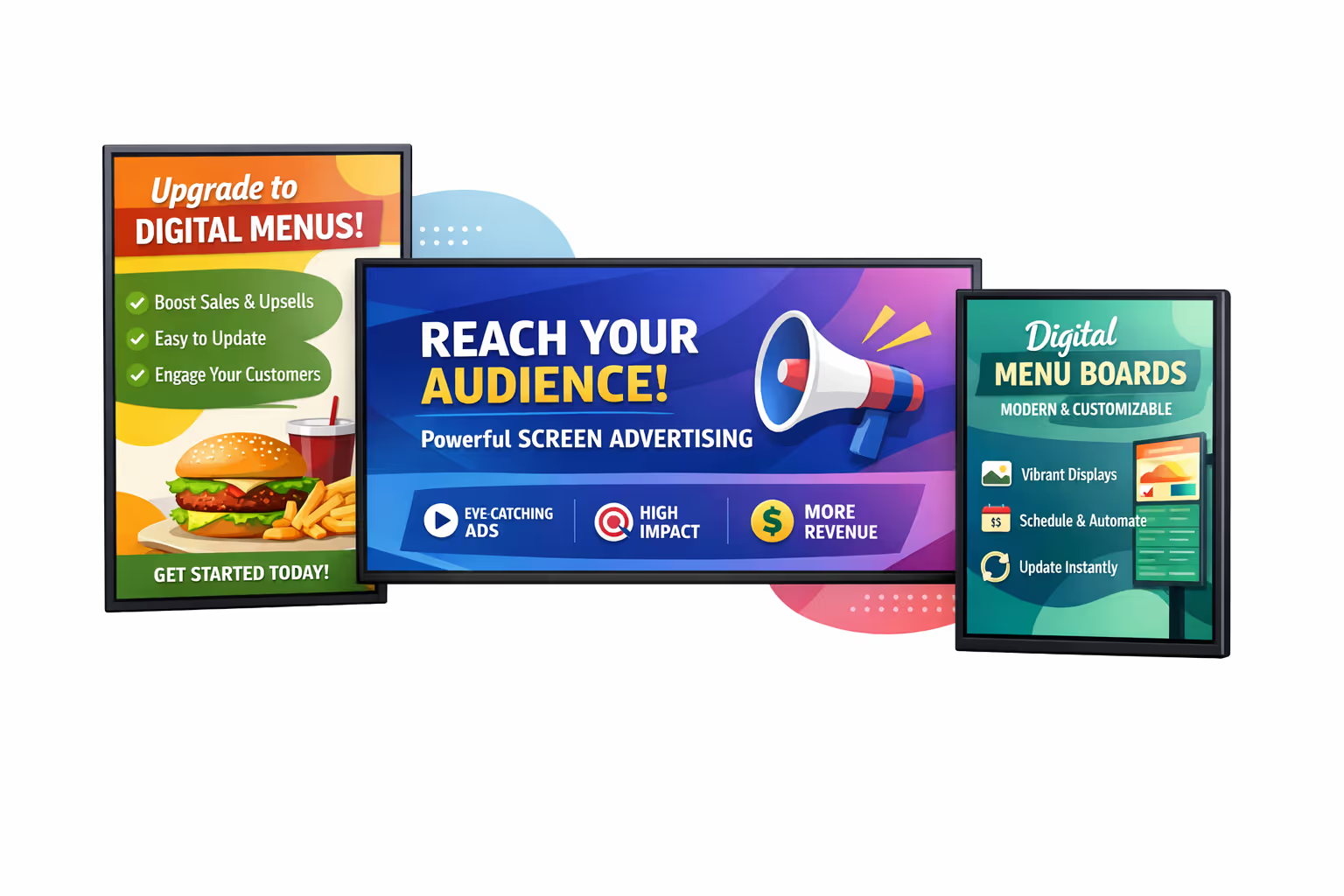
How Disign digital signage works
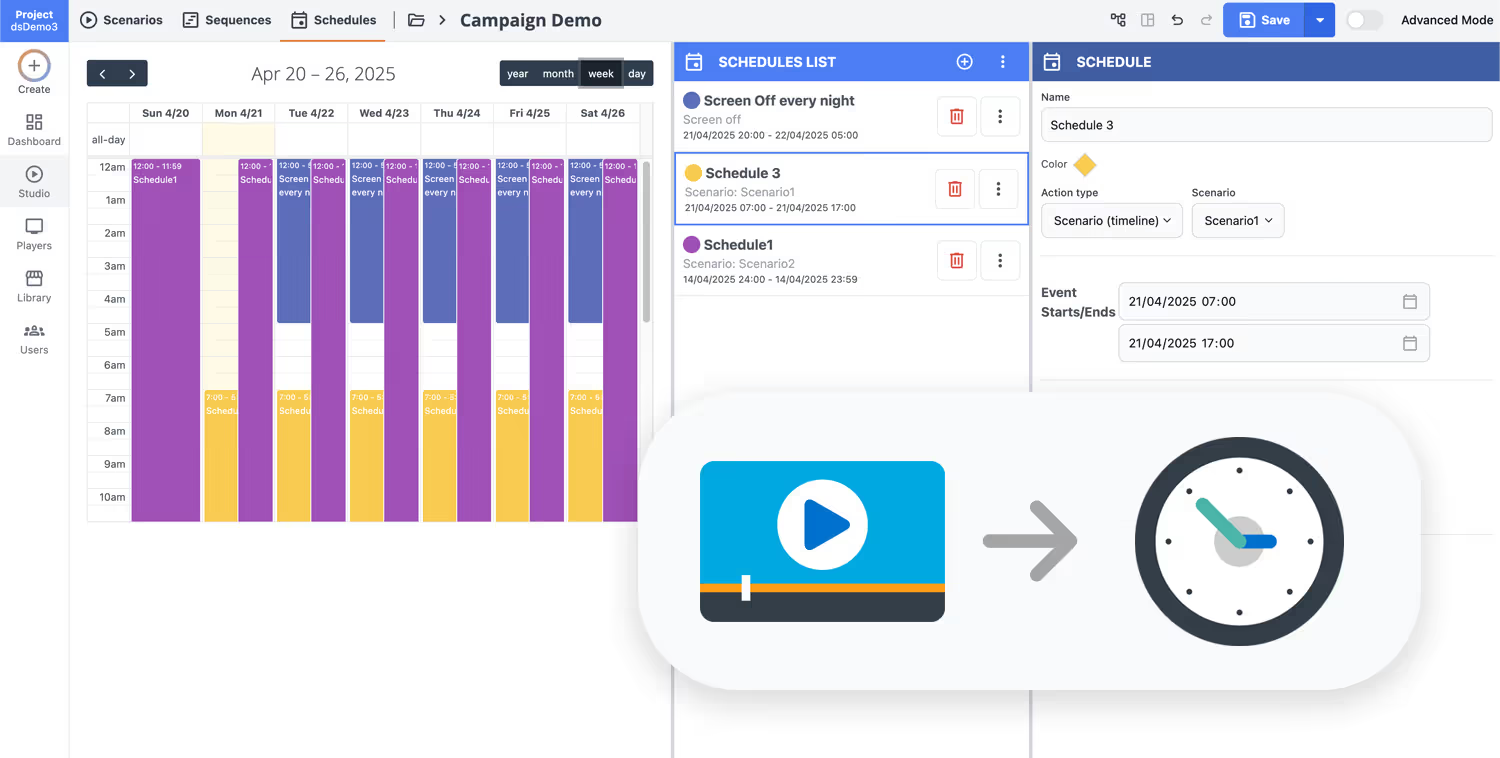
Schedule your content from anywhere with our cloud-based digital signage solution. Easily plan what plays, when, and where—across one screen or thousands.
Desenhe cenários e playlists personalizados adaptados ao seu público e objetivos.
Defina datas e horários precisos para que seu conteúdo seja reproduzido automaticamente.
Implante conteúdo instantaneamente em sua rede de affichage dynamique com apenas um clique.
Launch your digital menu digital signage in days, not weeks
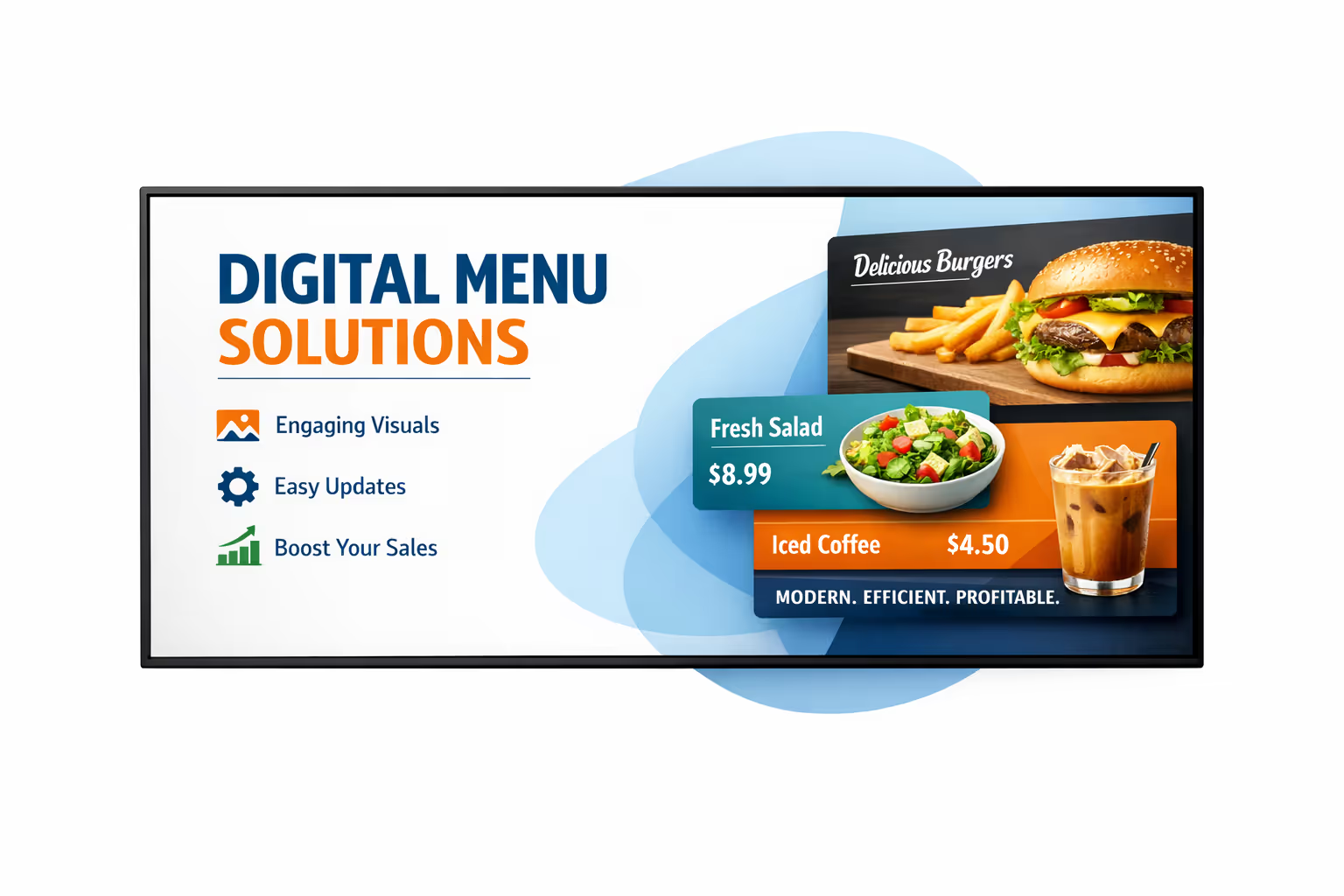
Start a 28 day free trial of Disign and publish menus, prices, promos, and daypart schedules across all your screens in minutes. No credit card required, just a faster way to keep every location consistent and up to date.
Digital menu digital signage engineered for fast updates and accurate pricing
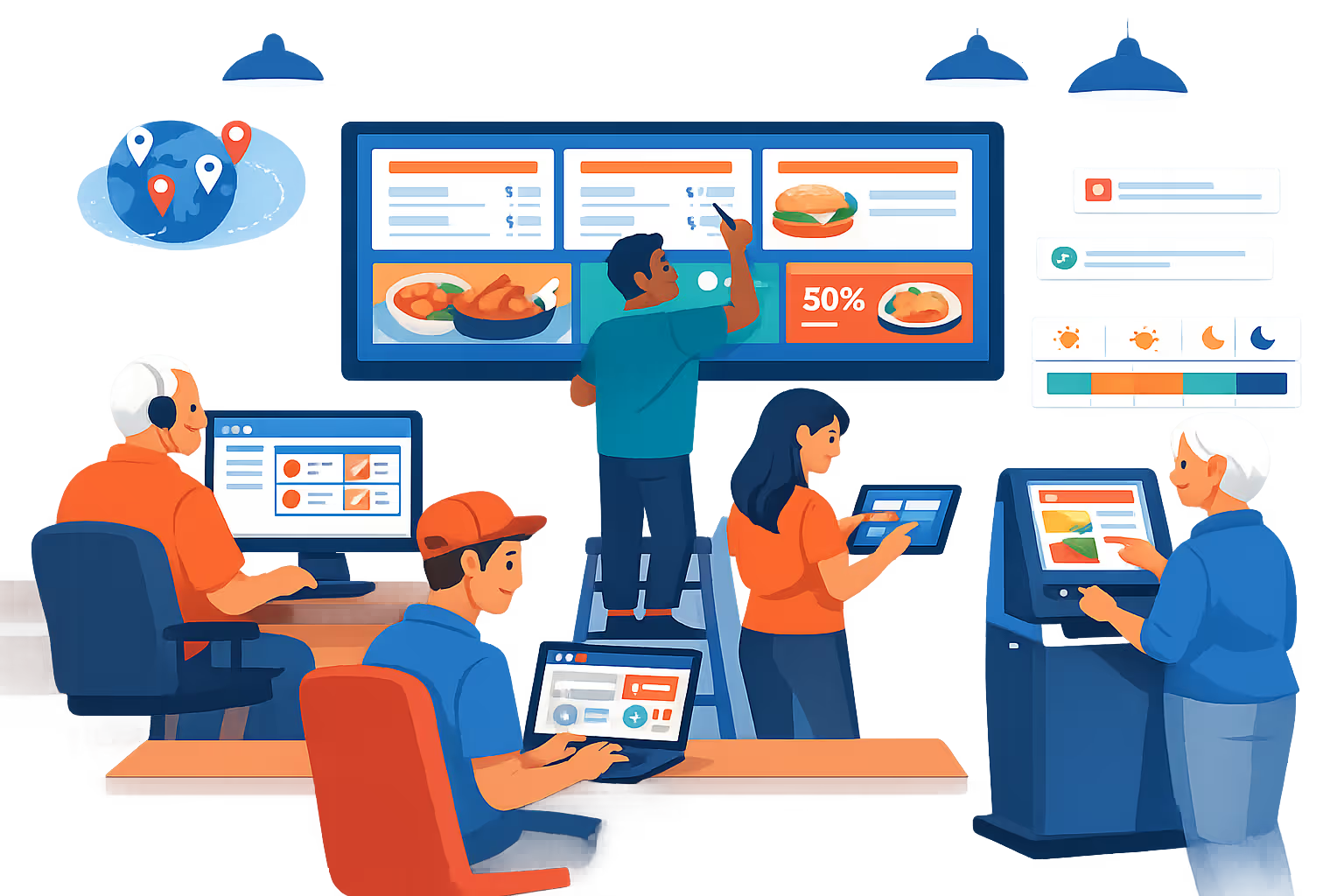
Run digital menu digital signage across every screen with centralized control, versioned content, and reliable playback. Disign helps your teams publish menus, promos, allergens, and availability in real time while keeping permissions, approvals, and device status fully traceable.
Centralized menu management
Control digital menu digital signage from one console
Update one store or every location in seconds with role based access, group targeting, and reusable playlists. Keep pricing and brand standards consistent while giving local teams safe ways to publish approved changes.
Real time updates and accuracy
Push menu changes instantly, reduce order errors
Publish price updates, item availability, and limited offers without waiting for manual store updates. Ensure the screen always reflects the latest menu data so customers see the right information at the point of decision.
Approval workflows and version control
Track changes for menus, prices, and compliance
Reduce risk with structured publishing: draft, review, approve, then schedule. Keep a clear history of menu revisions, pricing changes, and nutritional disclosures so your digital menu digital signage stays consistent and auditable.
Dayparting and automated scheduling
Breakfast, lunch, happy hour, and promos on time
Automate menu boards with time based schedules and recurring campaigns. Switch content for dayparts, seasonal items, and limited time offers without manual intervention at the store level.
Device monitoring and reliable playback
Know what is playing on every screen, always
Keep screens running with health status, remote diagnostics, and playback verification. Detect offline players, confirm content delivery, and maintain consistent digital menu digital signage across every location.
IT friendly rollout and support
Fast deployment, standardized templates, fewer tickets
Get practical guidance from rollout to daily operations. We help you standardize menu templates, onboard teams, and troubleshoot devices so your digital menu digital signage remains dependable, secure, and easy to manage.
Centralized content management for digital menu digital signage
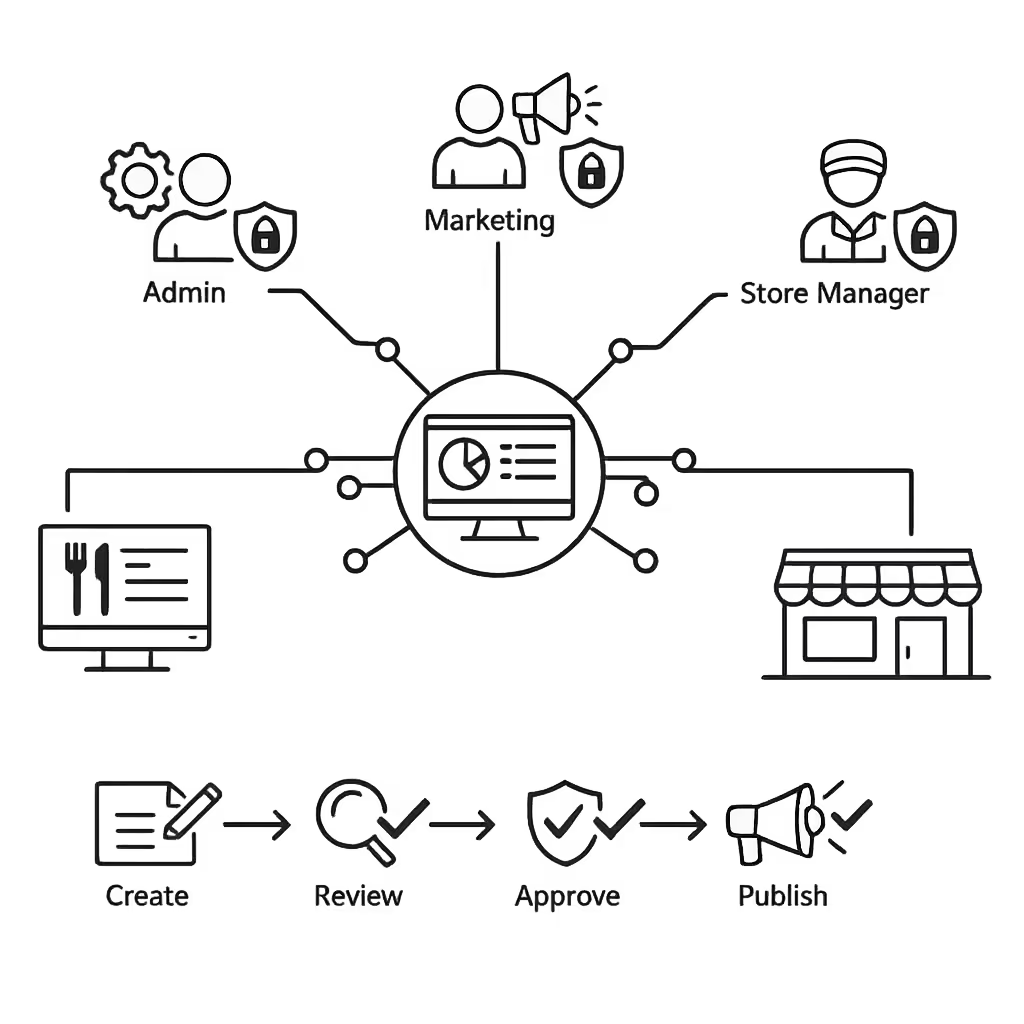
Run your digital menu digital signage from one secure platform. Create, review, approve, schedule, and publish menus and promotions across every location, daypart, and screen, with the governance IT requires and the speed marketing and operations rely on.
One hub for every menu screen
Multi location control with local flexibility
Keep brand approved pricing, allergens, and core menu content consistent, while letting each store update local items, availability, and store specific messages within the rules you set.
Campaigns, dayparts, and screen specific menus
Schedule content by location, region, screen type, or time of day. Launch promotions on time, switch breakfast to lunch automatically, and keep your digital menu digital signage accurate across the network.
Built for IT governance and security
Protect menu integrity with role based access, approval workflows, and publishing controls. Standardize playback policies, reduce risky last minute edits, and support audits across your digital menu digital signage environment.
Real time updates for operations and service
Push instant changes to prices, sold out items, limited time offers, and service messages. Keep every screen accurate during rush periods or supply changes, without chasing updates store by store.
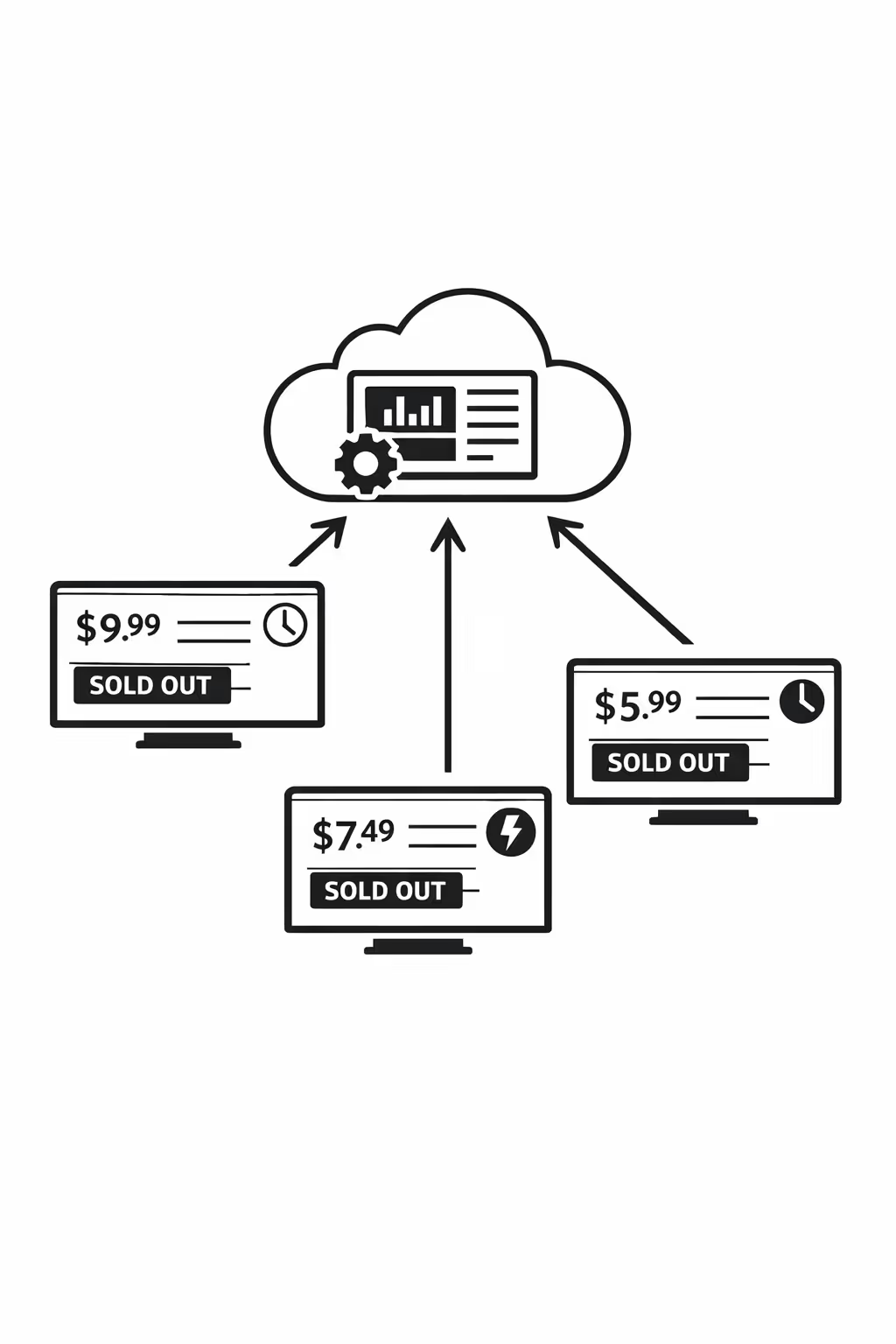
Scalability for growing digital menu networks with digital menu digital signage
Scale your digital menu digital signage across new locations, regions, and business units from one cloud platform. Roll out price changes, promotions, and compliance updates in minutes while keeping every screen on brand as your network grows.
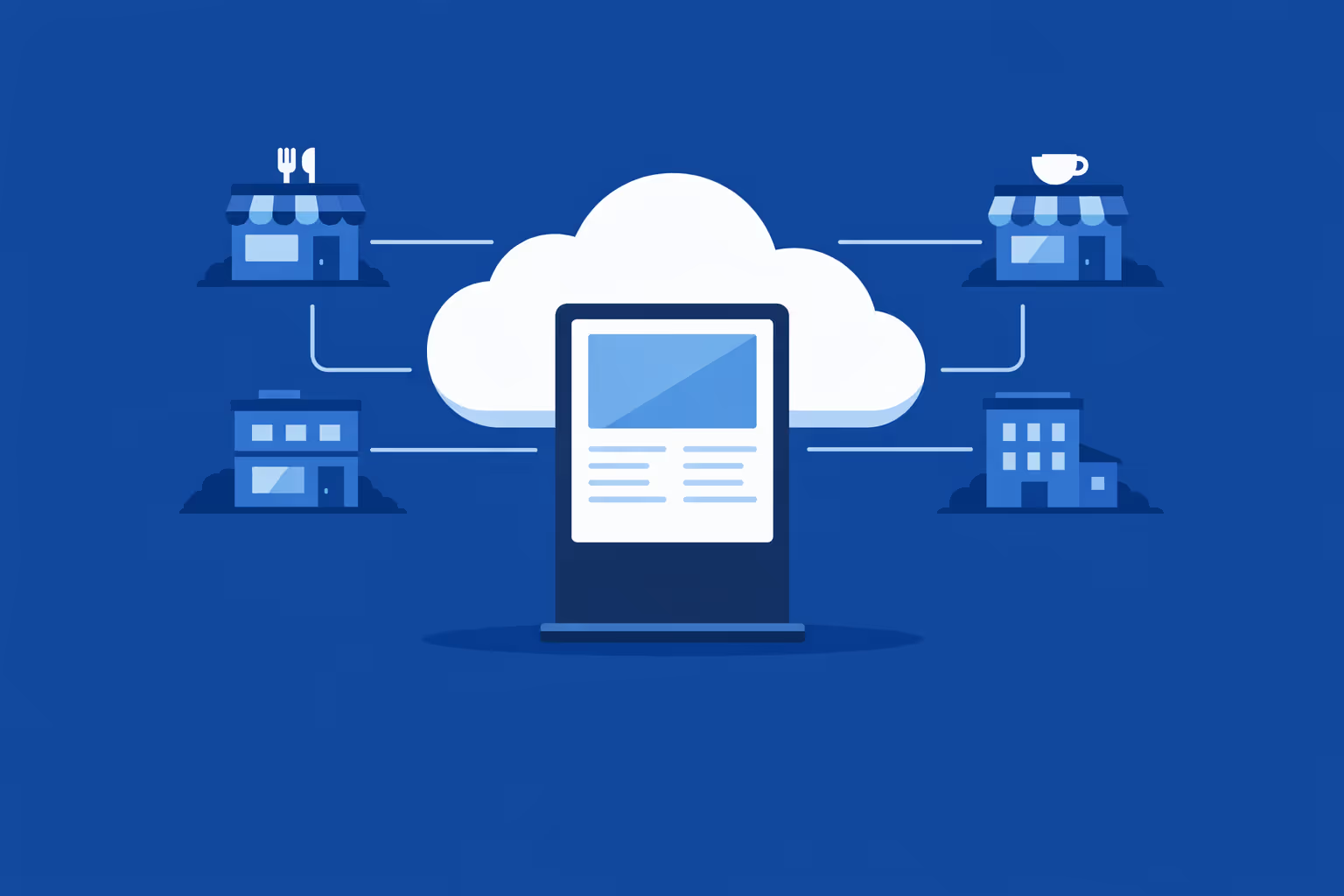
Multi site management from one cloud dashboard
Manage digital menu digital signage across all locations from one place. Publish updates instantly, verify what is playing on each screen, and keep brand consistency across every store, franchise, or branch.
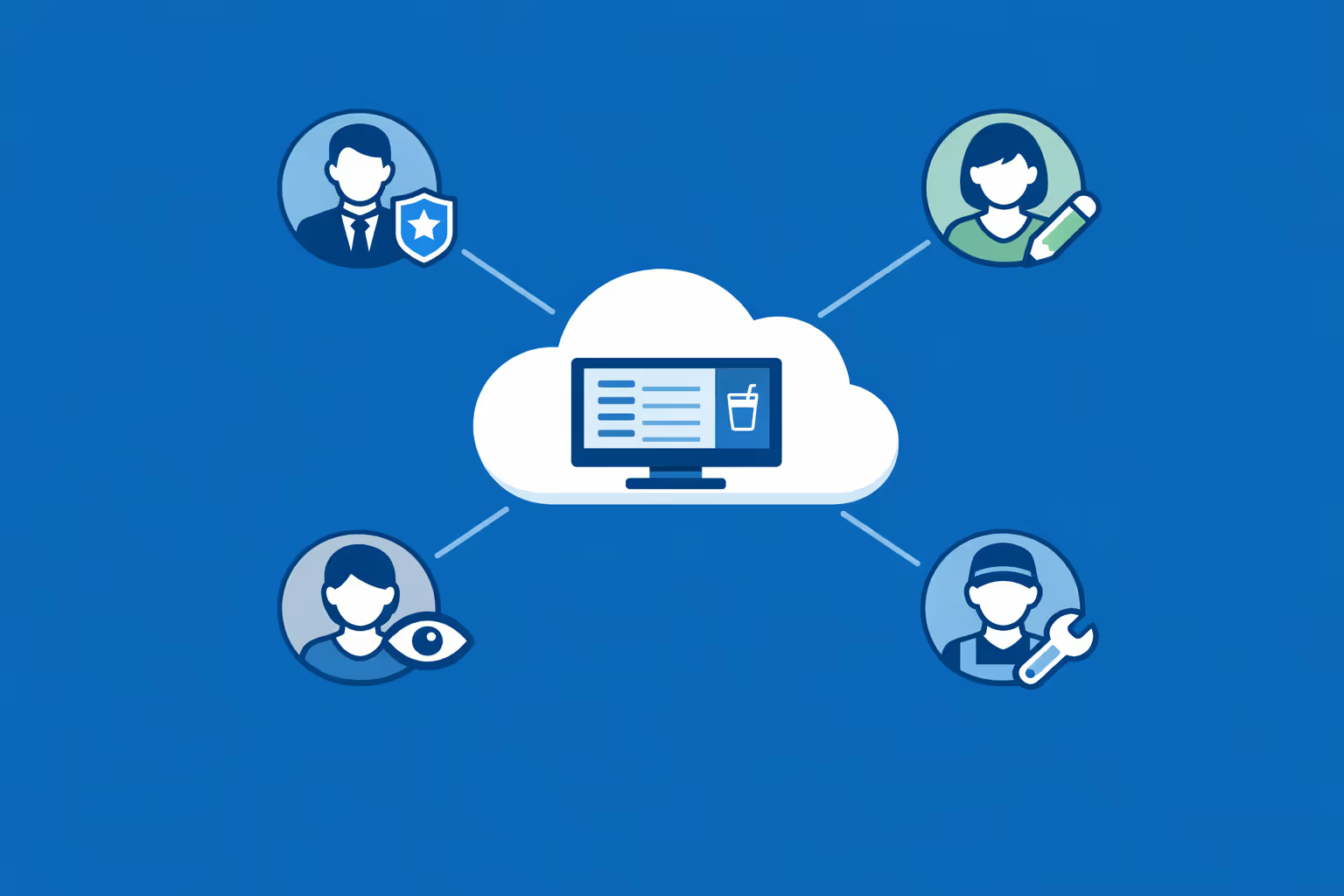
Multi user access with role based permissions
Give teams the right access without losing control. Assign roles and permissions by brand, region, or location so marketing, operations, and local managers can collaborate quickly and securely with clear accountability.
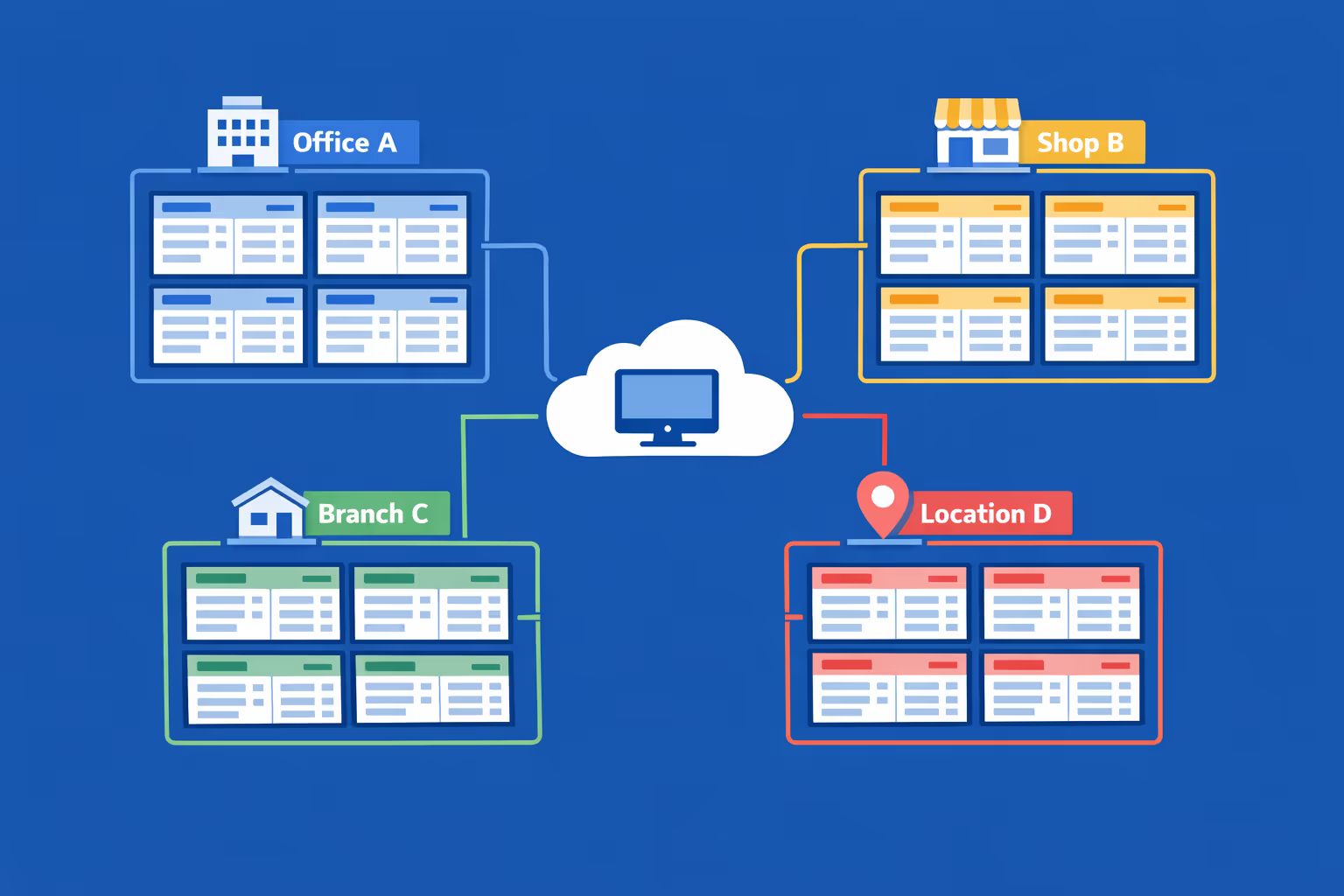
Multi screen and multi organization ready
Run thousands of screens and multiple organizations under one account. Segment your digital menu digital signage by brand, region, or store to scale fast while still giving each location the right content at the right time.
Disign é compatível com todas as telas para sinalização digital
A sinalização digital com Disign permite que você gerencie e exiba conteúdo em uma variedade de dispositivos. Nossa solução é compatível com muitos players externos, como Disign OS baseado em Raspberry Pi, BrightSign e qualquer hardware Android. Disign também suporta tecnologias embutidas em telas Samsung, LG e Android TV. Com essa ampla compatibilidade, você pode facilmente implementar soluções de sinalização digital em diferentes tipos de hardware, garantindo gestão simplificada e uma experiência ideal para o usuário.


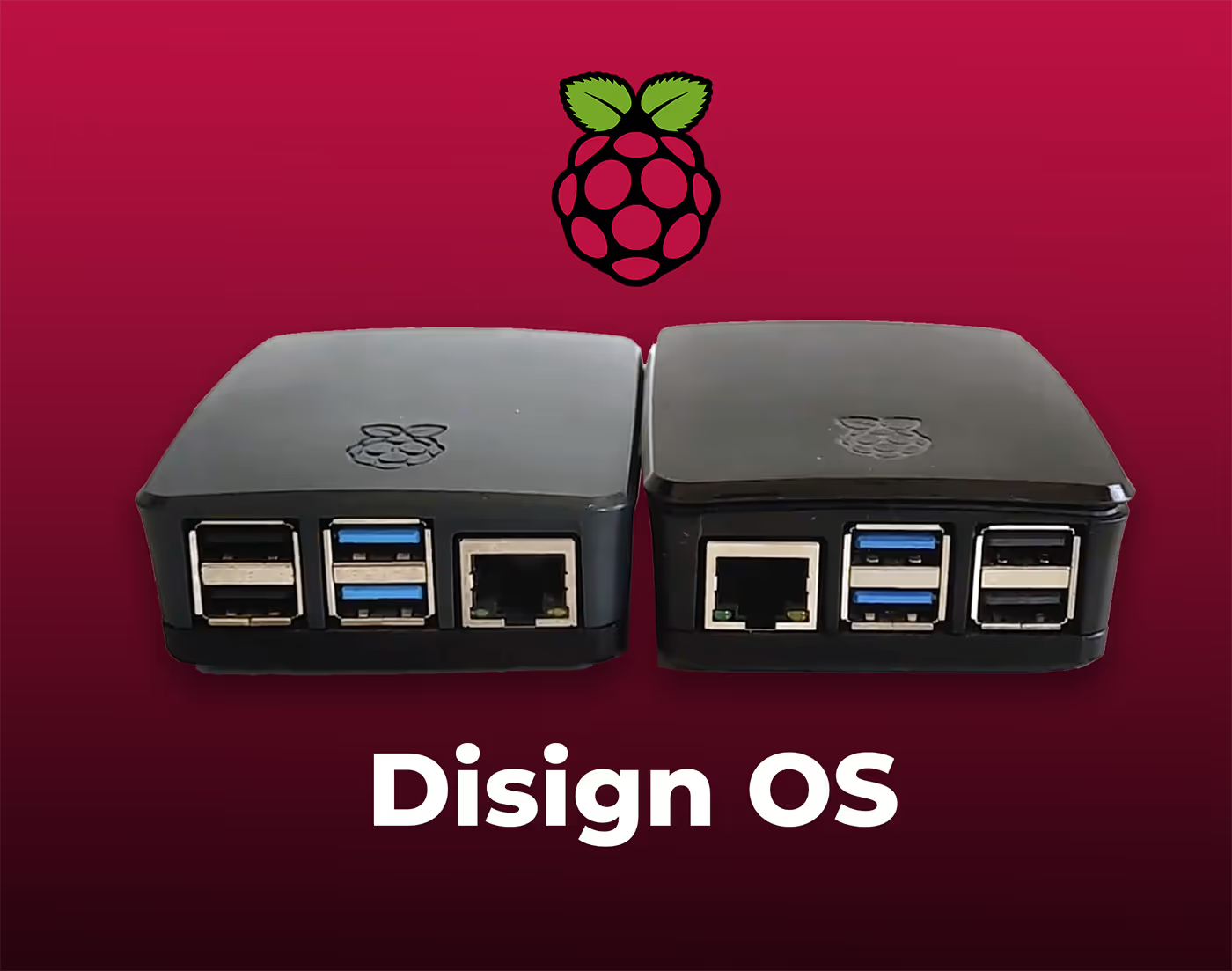
Trusted by restaurant and café teams running digital menu digital signage with Disign across single locations and multi-site groups
What digital menu professionals say about Disign
“We moved from printed boards to digital menu digital signage with Disign, and service is simply smoother. Price updates and sold out items take a couple of minutes, and I do not worry about someone showing an old menu during rush.”
“I manage menu campaigns for multiple sites, so consistency matters. Disign helps us keep the same look across every screen, but each location can still adjust daypart menus and promos without calling marketing for every small change.”
“From an IT standpoint, the big win is reliability. Our digital menu digital signage runs from open to close, and Disign has been stable with very little babysitting. When we did have an issue, support was clear and actually solved it.”
Integrate with your favorite Applications
70+ Applications and infini integration with API, Database, and any data source
Easily integrate third-party applications and web content such as YouTube or Vimeo, optimized for seamless playback. Display data from RSS feeds or formats like CSV, JSON, or XML directly on your digital signage screens. Extend display capabilities with advanced applications like grids or collections to enrich Disign scenarios.

We designed Disign to be as open and customizable as possible, both in its visual scenes and in its data sources.
Florent MondoloniCo-Founder, Disign

Video
Utilisez vos medias

RSS Feed
Use your own RSS Feed

Database
Databases

Canva
Create your Design and import it

Google Sheets
Import CSV, Live data...

Website/API
Affiche your website or use API
Everything you need to know about Disign Digital Signage For DigitalMenu
Digital menu digital signage FAQ: everything restaurant teams ask before upgrading to screens
If you are researching digital menu digital signage, you are probably trying to solve a very practical problem: how to keep menus accurate, make updates fast, and sell more without adding stress for the team. A paper menu board becomes a bottleneck the moment prices change, items sell out, allergens need a warning, or you want to run a time limited offer. Digital menu digital signage turns your menu into a flexible, centrally managed channel that can update in minutes across one location or hundreds.
This FAQ is written for the digital menu persona: restaurant owners, franchise operators, QSR and fast casual marketing managers, operations leaders, and IT teams who need a reliable, scalable solution. The answers below focus on what matters day to day: speed, consistency, uptime, ease of use, and the ability to drive revenue while reducing mistakes. You will also see how Disign supports modern digital menu digital signage without forcing your staff to become designers or technicians.
What is digital menu digital signage and how is it different from a regular TV screen?
Digital menu digital signage is a system for showing menu content on screens that are centrally managed, scheduled, and controlled. It is more than playing a slideshow on a TV. A real digital signage platform lets you publish menus, prices, nutrition notes, and promotional content with consistent formatting, then push it to specific screens and locations at specific times.
The main differences compared to a basic TV setup are:
- centralized management so you can update every store without touching each screen
- scheduling by daypart, day of week, or season so breakfast, lunch, and dinner switch automatically
- templates that keep your branding consistent and reduce design errors
- governance so the right people can edit, approve, and publish content
- monitoring so you can see whether players are online and what they are showing
With Disign, digital menu digital signage becomes a repeatable process: build approved templates, manage playlists, schedule updates, and publish confidently across your network.
Why should restaurants invest in digital menu digital signage instead of printed menus or static boards?
Restaurants invest in digital menu digital signage because it reduces friction and increases revenue opportunities. Printed menus and static boards are slow to update and easy to get wrong. When a menu is wrong, the cost shows up immediately in staff stress, refunds, and poor guest experience.
Typical reasons teams switch to digital menu digital signage include:
- instant price updates when costs change or promotions end
- fewer ordering mistakes because the menu is always current
- daypart automation that removes manual board swaps
- upselling and cross selling through visuals and placement strategies
- faster rollout of limited time offers across all stores
- reduced printing and installation costs over time
- better brand consistency, especially in franchises
For many operators, the biggest win is operational: you stop relying on a manager to remember to change a board, and you stop making guests feel uncertain when items are out of stock.
What screens and areas can be covered by digital menu digital signage?
Digital menu digital signage can cover any place where the menu or ordering guidance matters. Many brands start with the main menu board and then expand to additional touchpoints once the workflow is proven.
Common placements include:
- counter menu boards in QSR and fast casual
- drive thru menu boards and pre sell boards
- pickup and delivery order status screens
- self order kiosk companion screens
- lobby promotional screens and combo highlight screens
- bar menus for beverage and happy hour rotations
- menu screens for food courts and multi concept locations
Disign makes it practical to manage different screen types with consistent design rules. A drive thru screen and a lobby screen do not need the same layout, but they should feel like the same brand.
How do digital menus help increase average order value?
Digital menu digital signage can increase average order value by making upsells more visible and by guiding decisions at the moment of purchase. The goal is not to overwhelm guests with ads. It is to make choices clearer and more appetizing.
High impact tactics include:
- featuring combos and bundles prominently during peak times
- showcasing high margin add ons like sides, drinks, and desserts
- using appetizing visuals that match what is actually served
- highlighting limited time offers with a clear call to action
- using price anchoring by positioning premium options strategically
- promoting upgrades like large size or double portion
Because Disign supports scheduling and playlists, you can run an upsell strategy that changes by daypart. For example, coffee and pastry in the morning, family bundles at dinner, and dessert prompts in the late evening.
How fast can we update prices and items with digital menu digital signage?
With a good platform, updates can be published in minutes. The time depends mostly on your internal process: who edits content, who approves it, and how many variations exist across your locations.
With Disign, common update scenarios are straightforward:
- change a price across all stores in one action when you use shared components
- update a single store or region when pricing varies
- schedule changes to go live at a specific time so you do not rely on someone remembering
- prepare future menus in advance and let them switch automatically
This is one of the strongest reasons to adopt digital menu digital signage: you gain control over speed without losing governance.
Can digital menu digital signage support breakfast, lunch, dinner, and late night menus automatically?
Yes. Daypart scheduling is a core capability for digital menu digital signage. You can create separate playlists or layouts for breakfast, lunch, dinner, and late night, then schedule them to switch at the right time.
A practical setup usually includes:
- a breakfast playlist that starts before opening
- a lunch playlist with top sellers and fast combos
- a dinner playlist with family meals or premium items
- a late night playlist that simplifies choices and focuses on availability
Disign can handle multiple schedules and screen groups, so your drive thru can switch earlier than the lobby if needed, or your airport location can run a different schedule than street locations.
What happens if an item is out of stock? Can we hide it quickly?
This is a frequent pain point, and digital menu digital signage can help a lot. When an item sells out, the goal is to remove it from the menu quickly and replace it with an alternative so guests do not order something you cannot fulfill.
With Disign, you can respond in several ways depending on your workflow:
- remove the item from the playlist and publish immediately
- swap the item with a backup suggestion like a similar product
- add a temporary message if you need transparency, for example limited availability
- update only the affected location if the shortage is local
Even without deep POS integration, quick manual updates reduce friction and improve guest trust.
Do we need a designer to manage digital menu digital signage?
Not necessarily. The most successful brands use templates so local managers and marketers can update content safely without redesigning each slide.
Disign supports a template driven approach:
- brand approved layouts for menu categories, combo panels, and promotions
- consistent typography and spacing so menus stay readable
- reusable components for prices, item names, and disclaimers
- controlled areas where teams can swap photos or text without breaking the layout
You can still involve designers for initial template creation and campaign visuals, but day to day updates should not require expert design skills.
How do we keep menus readable and avoid clutter on screens?
Readability is the difference between a menu that sells and a menu that confuses. Guests often view menu boards for a few seconds while deciding. If they cannot scan the options quickly, ordering slows down and stress rises.
Best practices for readable digital menu digital signage include:
- prioritize top sellers and core items, do not show everything everywhere
- use large type and strong contrast, especially in bright environments
- keep descriptions short and use plain language
- group items logically and keep pricing aligned consistently
- avoid excessive motion that distracts from ordering
- show one key promotion at a time rather than a crowded collage
Disign templates help standardize these rules so every location stays within your brand and usability guidelines.
Can digital menu digital signage show allergens, calories, or legal disclaimers?
Yes, and this is where digital signage can be safer than print because updates are controlled and consistent. Many brands must display allergen notes, calorie counts, or specific legal text depending on region.
Common compliance approaches include:
- fixed disclaimer zones built into templates so they are always present
- dynamic fields for calories or allergen indicators per item
- region based variations for different regulatory requirements
- scheduling so regulated claims appear only during valid campaign windows
With Disign, you can lock the areas that must not be altered and allow teams to update the content that needs to change, reducing risk.
How does Disign help franchise and multi location brands keep menu consistency?
Consistency is one of the hardest parts of scaling. Without a system, each store ends up with a slightly different menu presentation, pricing, or promotion timing. That creates guest confusion and undermines your brand.
Disign supports consistency through:
- centralized content libraries for approved photos, fonts, and layouts
- screen grouping by region, store type, or concept
- playlist control so campaigns launch and end consistently
- permissions that limit what local teams can edit
- scheduled publishing so changes happen on time across the network
This is especially important for franchisors who need brand control while still supporting local pricing or product availability.
Can we personalize menus by location, region, or language?
Yes. Digital menu digital signage becomes much more valuable when you can tailor content without starting from scratch.
Common personalization strategies include:
- region specific pricing and products
- limited time offers targeted to specific markets
- language variations for multilingual communities
- different menus by location type such as mall, highway, or campus
- weather sensitive promotions like cold drinks on hot days
With Disign, you can manage a national menu framework while allowing controlled local variations. The key is to keep the structure consistent and vary only what needs to change.
What hardware do we need for digital menu digital signage?
Most digital menu digital signage setups require:
- commercial grade displays or high quality screens suitable for long operating hours
- media players that run the signage content reliably
- mounting hardware appropriate for your environment
- stable network connectivity, wired when possible for critical screens
Commercial displays are often recommended for menu boards because of brightness, durability, and warranty coverage. Disign can work with a range of hardware options, allowing you to standardize over time rather than replacing everything immediately.
What should we look for in a digital menu digital signage platform?
When evaluating platforms, focus on the realities of restaurant operations. A good tool should help you move faster without creating new complexity.
Key criteria include:
- fast publishing with daypart scheduling
- templates that keep menus consistent and readable
- easy content management for non technical teams
- multi location control and permissions for franchises
- reliable playback and remote monitoring
- scalability for adding new stores and screens
- support for different screen resolutions and orientations
Disign is built around these needs, with a focus on operational speed, brand governance, and practical rollout across multiple sites.
How secure is digital menu digital signage? Can someone hack the screens?
Any connected system should be treated seriously. For restaurants, the risks are not only about data. The bigger risk is brand damage if a screen shows the wrong thing.
A secure digital menu digital signage setup typically includes:
- authenticated access for administrators and editors
- role based permissions to prevent unauthorized publishing
- encrypted connections for management and content delivery
- device controls and remote management for players
- activity logs so you can trace changes
Disign supports structured access and centralized control so you can reduce the chance of accidental or unauthorized changes.
What happens if the internet goes down? Will the menu screens go blank?
A well designed digital menu digital signage setup should keep playing content even when connectivity is temporarily lost. In most real world deployments, the player uses cached content so menus continue to display.
Operationally, you should plan for:
- offline playback behavior for temporary outages
- alerts and monitoring so you know when a device is offline
- a simple recovery process when connectivity returns
Disign focuses on reliability so your menus remain visible during service, which is essential during peak periods.
How do we manage approvals for menu changes and promotions?
Menu updates often touch multiple stakeholders: operations, marketing, and sometimes legal or compliance depending on the brand. Without a workflow, changes become chaotic and mistakes happen.
A practical approval model for digital menu digital signage includes:
- marketing creates promotions and visuals
- operations validates pricing and availability
- brand owners approve final layout and messaging
- store managers can request local changes within rules
Disign permissions and structured publishing help you implement a process that matches how your business actually works, without forcing every change through a slow bottleneck.
How often should we update digital menu digital signage content?
The right cadence depends on your concept, but the principle is simple: keep menus accurate and keep promotions fresh without changing things so often that guests feel unstable.
Many brands follow a rhythm like:
- daily or weekly updates for availability and operational messaging
- weekly or biweekly rotation for promotions and combo focus
- seasonal refresh for core menu visuals and limited time offers
- immediate changes for sold out items, price corrections, or urgent notices
With Disign, you can schedule updates in advance, which reduces last minute stress and improves consistency across locations.
Can digital menu digital signage support drive thru speed of service?
Yes. Drive thru is one of the highest impact environments for digital menu digital signage because speed and clarity directly affect throughput and revenue.
Digital drive thru menu boards can help by:
- reducing decision time with clearer menu hierarchy
- promoting fast moving combos during peak hours
- switching to simpler late night menus automatically
- highlighting add ons at the point of selection
- keeping pricing and offers synchronized across lanes
If you are serious about speed of service, digital menu digital signage is not only a marketing tool. It is an operational lever.
How do we measure ROI from digital menu digital signage?
ROI usually comes from a mix of revenue lift and cost reduction. You do not need perfect attribution to know whether the system is paying off, but you should define measurable indicators.
Common ROI drivers include:
- increased average order value from better upsell placement
- improved conversion on limited time offers
- reduced printing and installation costs
- fewer refunds and remakes due to outdated menus
- faster campaign rollout across locations, measured in hours instead of days
- improved speed of service and throughput in drive thru
With Disign, you can also measure execution quality: how quickly changes are published, whether screens are online, and whether the right playlist is playing at the right time.
Can digital menu digital signage work for a single restaurant or is it only for chains?
It works for both. A single location can use digital menu digital signage to stay flexible and look more modern, especially if you change specials frequently. Chains and franchises benefit even more because centralized control and scheduling eliminate inconsistency.
Disign can scale with your growth:
- start with a few screens in one store
- add a second location without rebuilding your system
- standardize templates and campaigns as you expand
- manage all locations from one place
This makes it a practical choice whether you are opening your second store or managing hundreds.
How quickly can we deploy Disign for digital menu digital signage?
Deployment speed depends on hardware readiness and how quickly you can finalize templates and menu structure. Many teams start with a pilot location to validate readability, workflow, and operational fit.
A typical rollout looks like:
- confirm screen count, sizes, and mounting locations
- create core templates for menu categories and promotions
- build playlists by daypart
- test in one or a few locations
- roll out to additional stores using the same structure
Disign supports centralized management, which reduces the effort needed to scale once your foundation is set.
What makes Disign a strong fit for digital menu digital signage?
Disign is designed to help restaurant teams operate menus like a system, not like a one time design project. You get the flexibility of digital with the control needed for brand consistency.
Disign helps you:
- manage menus centrally and publish updates fast
- schedule dayparts and campaigns confidently
- maintain consistent branding with reusable templates
- scale across locations with permissions and screen grouping
- keep operations smooth with reliable playback and monitoring
If your goal is to run digital menu digital signage that looks premium, stays accurate, and reduces the daily burden on your team, Disign is built for that.



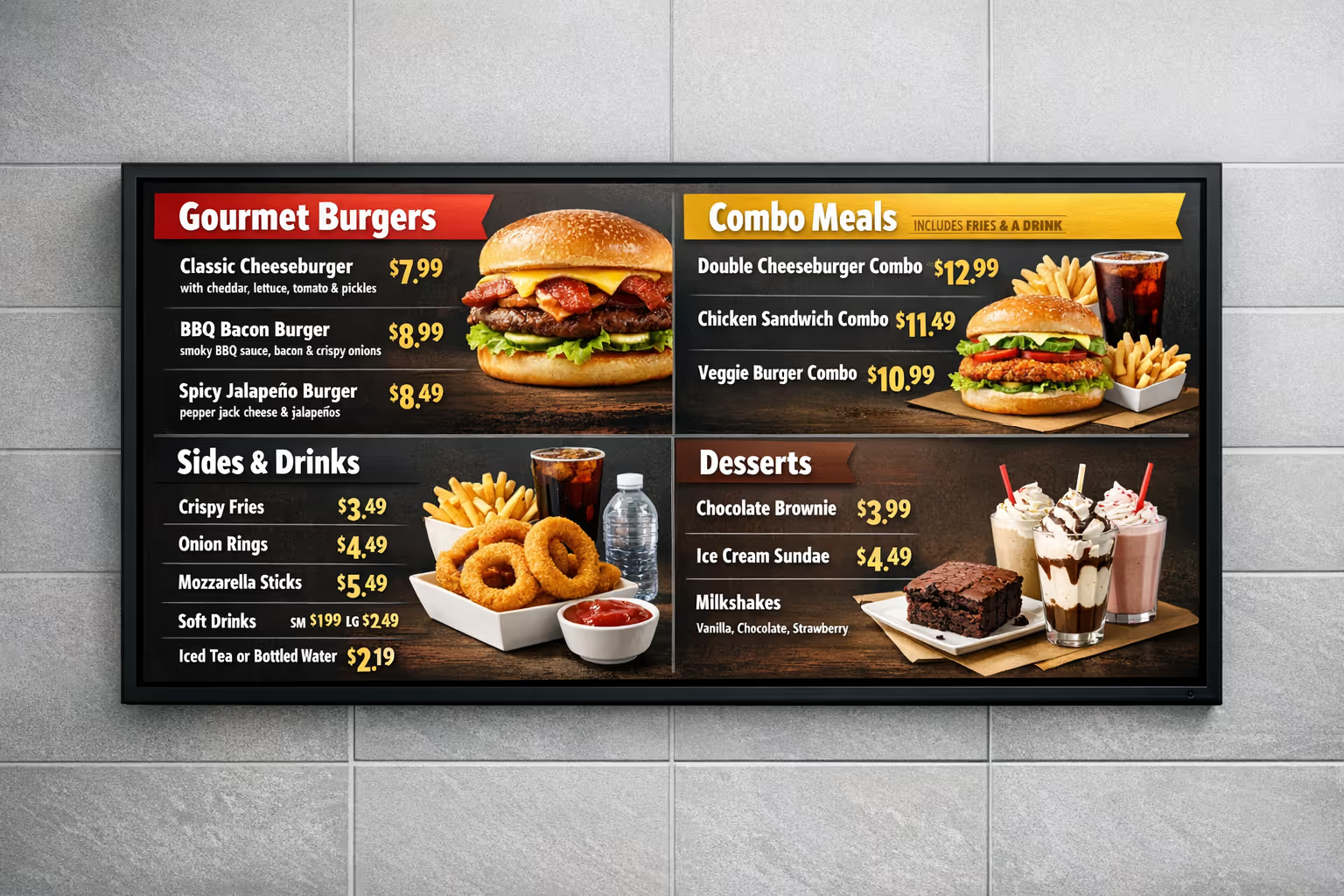
Join community of 4k+ people
digital menu digital signage that gets customers ordering faster
Turn any screen into a high impact digital menu in minutes. With Disign, you can update prices, highlight best sellers, show promos, and keep every location perfectly in sync from one simple dashboard.
Ready to try Disign for your digital menu digital signage. Start with a 28 day free trial, no credit card required, and publish your first menu today. Need a hand choosing the right setup. Contact us and we will help you launch quickly.