Church digital signage for clear, consistent messages
Church digital signage that welcomes, guides, and connects your community
Make every screen a ministry tool. With Disign church digital signage, share service times, sermon series, announcements, event reminders, and giving prompts in minutes, across every campus, with consistent branding and real time updates.


Used by 4,000+ people
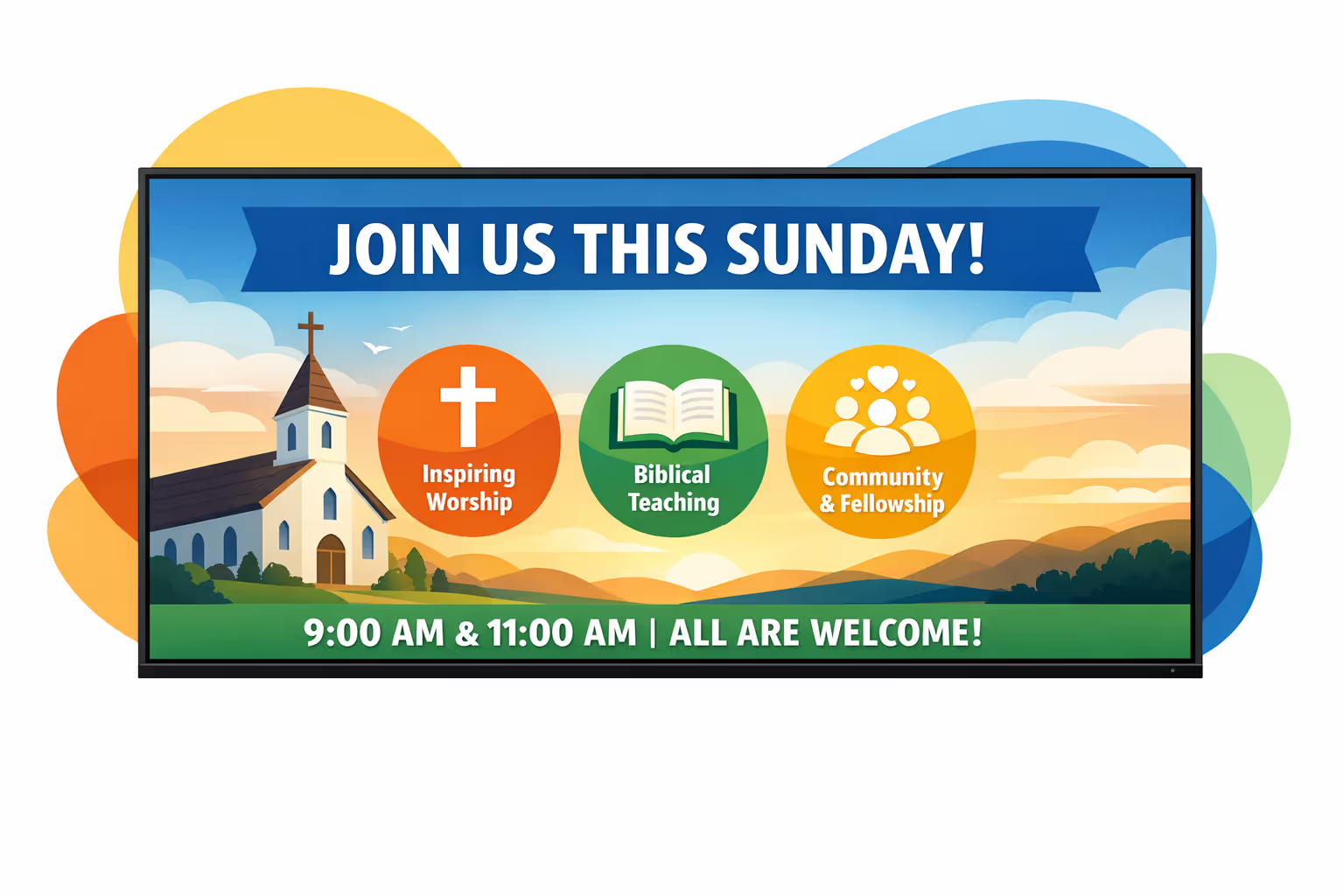
Challenges in the church industry: when communication breaks down
In a busy church, people look for clear direction the moment they arrive. When information is hard to see or hear, guests feel unsure, volunteers get interrupted, and the welcome experience suffers.
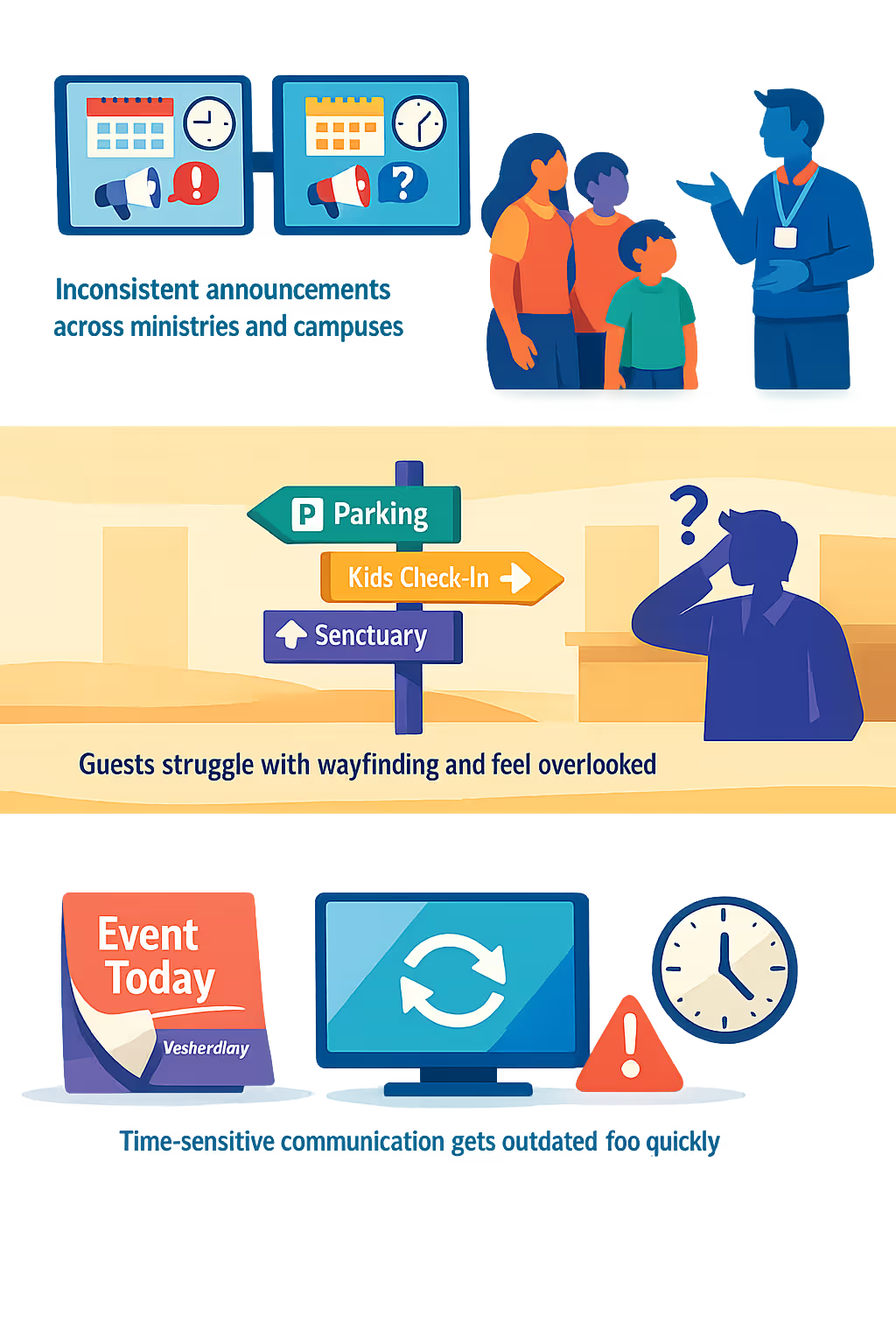
Service times, room changes, event details, and last minute updates move fast. When the website, lobby posters, and team leaders share different information, members get confused and staff spend the morning correcting details.
New visitors want to know where to park, where children check in, and where to go next. Without clear signage at key moments, the same questions repeat, lines grow, and a first time guest may not come back.
Churches share urgent messages like schedule changes, safety guidance, and community needs. When printed notices stay up too long or updates are missed in one area, people act on old information and trust in leadership communication drops.
Church digital signage that strengthens engagement and communication
Keep your congregation informed and welcomed with church digital signage that is easy to update in minutes. Disign helps you reduce printing costs, improve attendance for events, share announcements consistently across every screen, and show clear ROI through fewer last minute changes and smoother weekly communications.
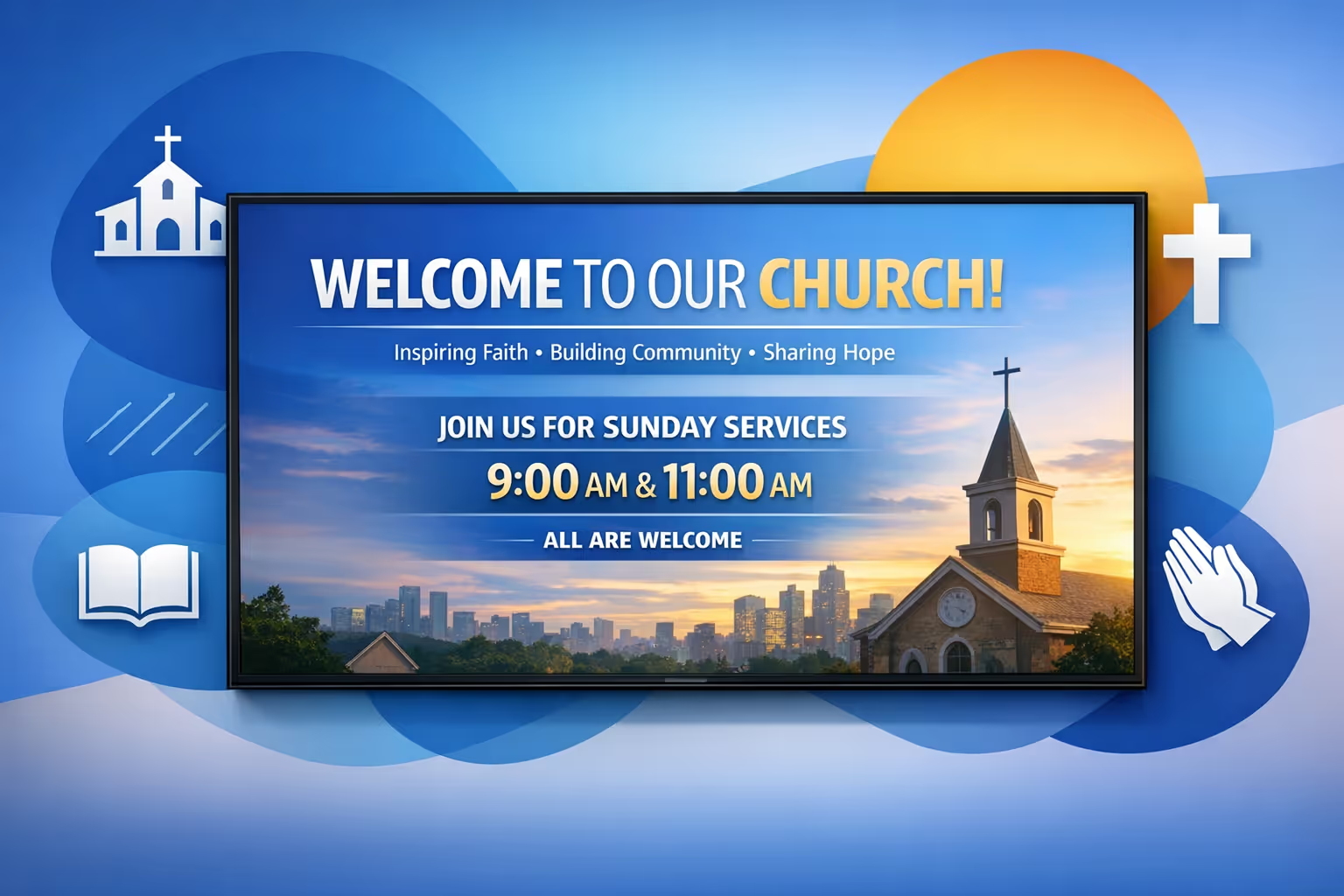
Promote services and events in real time
Update service times, special gatherings, youth nights, and community outreach instantly. Keep every screen accurate, reduce last minute confusion, and boost attendance with timely reminders.
Improve wayfinding and welcome first time guests
Use clear directions for entrances, kids check in, restrooms, and worship areas. A smoother arrival experience reduces questions, helps volunteers, and makes newcomers feel comfortable right away.
Show ROI with fewer costs and better participation
Replace repeated print runs with one digital workflow and measure impact through attendance and giving campaigns. Church digital signage helps you communicate more often, with less effort, while protecting your budget.
Keep messaging consistent across every screen
Standardize templates for announcements, sermon series, and ministry updates so everything looks unified. Manage approvals and keep information accurate across lobbies, halls, and classrooms.
Reduce printing and save staff time
Cut recurring costs from posters and paper notices. With centralized updates, your team and volunteers spend less time replacing materials and more time supporting people.
Personalize content for ministries, languages, and campuses
Tailor messages for kids, students, small groups, and community programs, including multilingual announcements when needed. Deliver the right content to the right screen while keeping your church communication on brand.
Church digital signage use cases for every ministry and campus
From the welcome lobby to classrooms and overflow spaces, church digital signage helps people feel oriented and cared for. Keep service times, announcements, and next steps consistent across screens, and build trust with clear, reliable communication week after week.
- Lobbies and welcome areas: share service times, directions, and a simple plan for first time guests
- Announcements and events: promote upcoming gatherings, classes, and outreach with consistent on brand slides
- Volunteer and staff communications: highlight schedules, reminders, and last minute updates to keep teams aligned
- Kids and youth check in areas: display room assignments, safety messages, and clear pickup instructions for parents
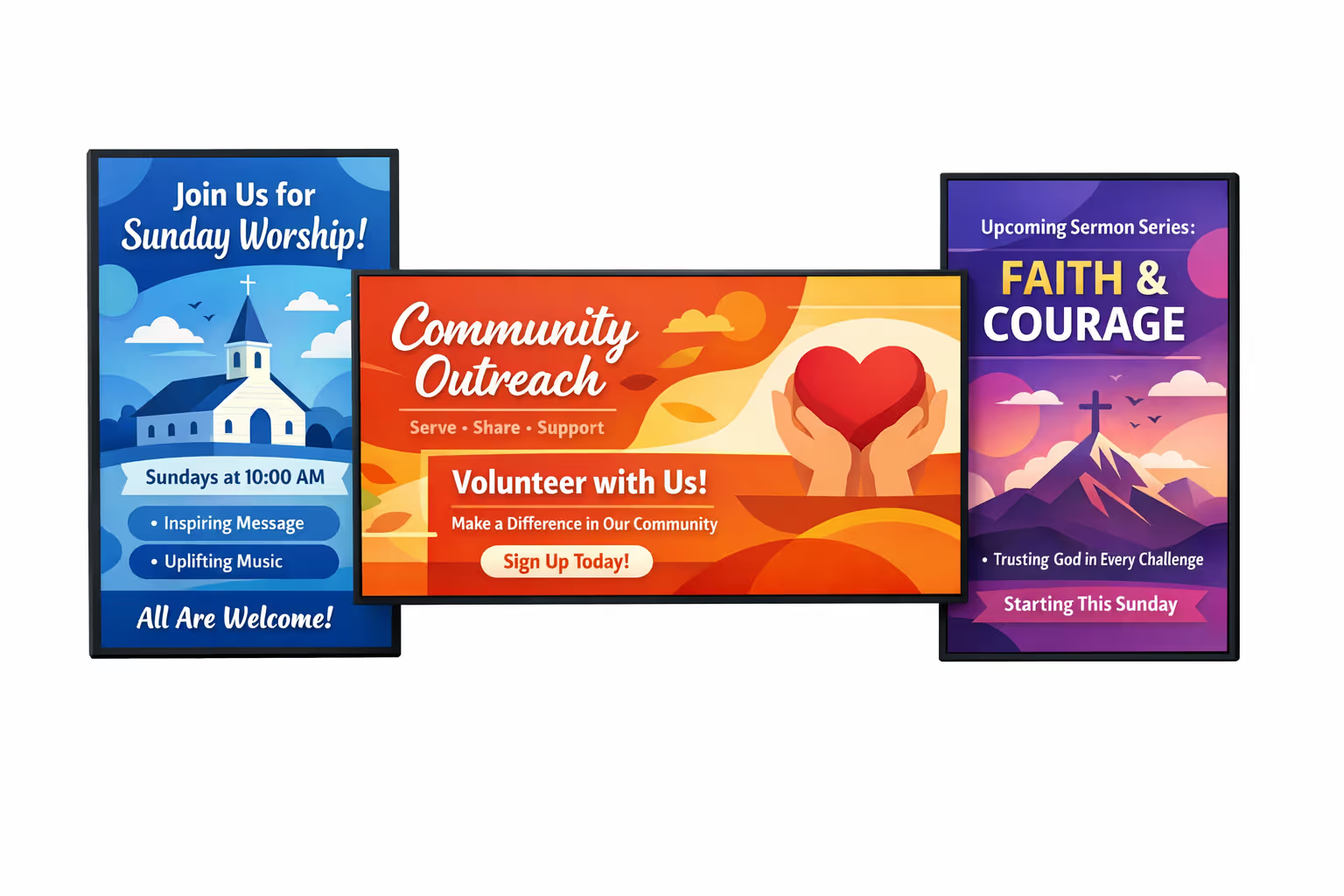
How Disign digital signage works
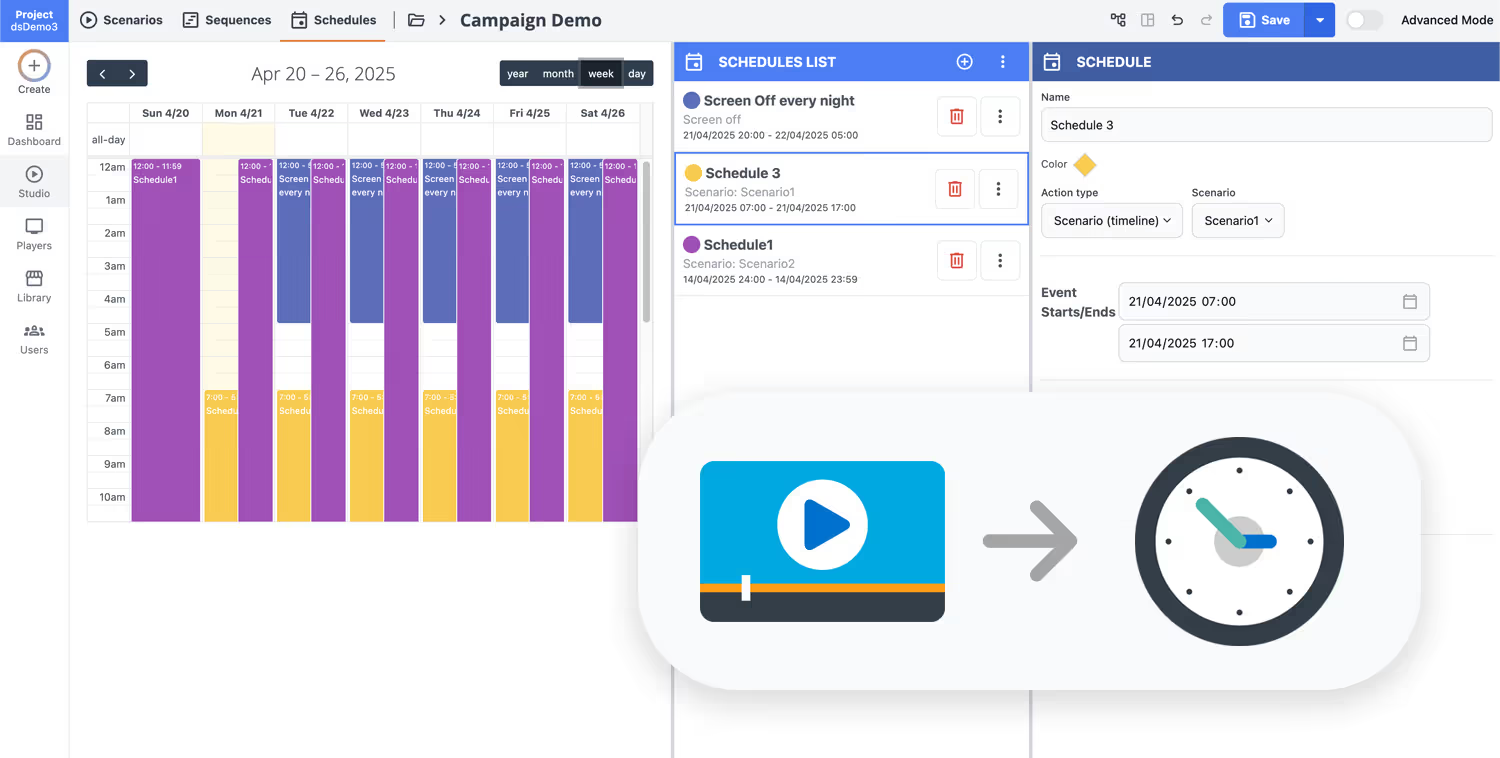
Schedule your content from anywhere with our cloud-based digital signage solution. Easily plan what plays, when, and where—across one screen or thousands.
Desenhe cenários e playlists personalizados adaptados ao seu público e objetivos.
Defina datas e horários precisos para que seu conteúdo seja reproduzido automaticamente.
Implante conteúdo instantaneamente em sua rede de affichage dynamique com apenas um clique.
Ready to connect your congregation with church digital signage?
Start your 28 day free trial of Disign and publish welcome messages, service times, sermon series slides, event announcements, and volunteer requests in minutes. No credit card required. If you want a quick walkthrough, contact us and we will help you set up your first screens fast.
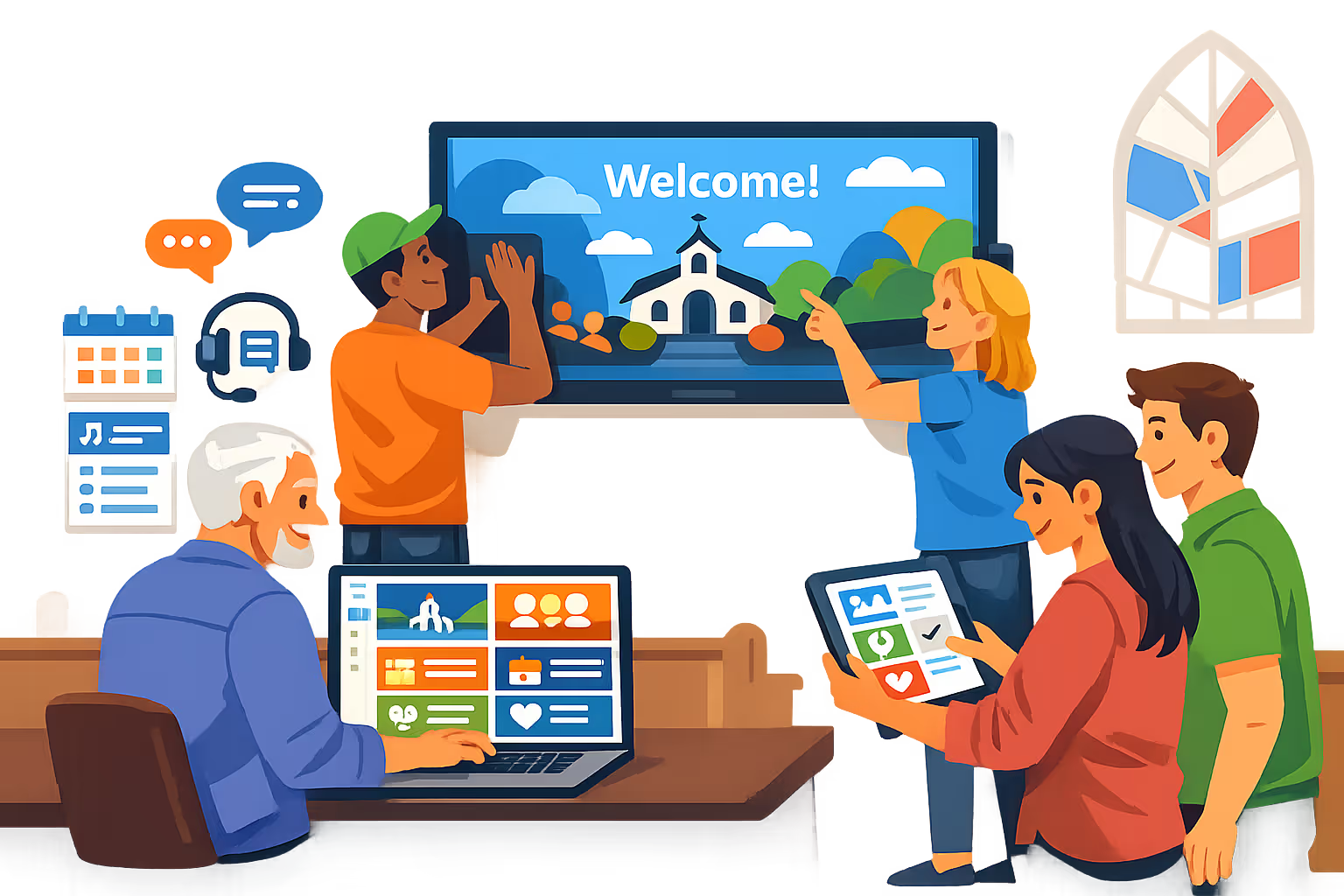
Church digital signage for worship, announcements, and campus communication
Run church digital signage from one secure platform. Disign helps your team publish sermon series slides, service times, event promos, wayfinding, and emergency alerts across every screen with controlled access, scheduling, and reliable playback.
Central control for multi campus churches
Manage church digital signage at scale
Publish to a single lobby display or every campus in seconds using location targeting, shared playlists, and role based permissions. Keep brand and messaging consistent while enabling local teams to update approved items like campus specific events and ministries.
Secure access and content governance
Protect screens, accounts, and publishing rights
Control who can create, approve, and publish with granular permissions built for staff and volunteers. Use secure sign in, device pairing, and audit friendly activity history so church digital signage stays safe and accountable.
Review and approval workflows
Keep messaging accurate and on brand
Reduce mistakes with structured publishing steps: draft, review, approve, then schedule. Maintain version control for sermon series graphics, giving prompts, and ministry announcements so the right content displays on the right screens at the right time.
Scheduling, automation, and service time prep
Recurring campaigns and time based playlists
Automate church digital signage with schedules that match your weekly rhythm. Set playlists for weekend services, weekday office hours, youth nights, and special events, and switch content automatically without last minute edits.
Playback reliability and device monitoring
Know what is playing and when a screen goes offline
Keep every display dependable with real time health status and remote diagnostics. Detect offline players, verify content delivery, and maintain consistent communication in lobbies, hallways, classrooms, and auditoriums.
Setup support for staff and volunteers
Faster rollout with clear, technical guidance
Get help from rollout to day to day operation. We support template standardization, user onboarding, and device troubleshooting so your church digital signage remains simple to manage, even with rotating volunteer teams.
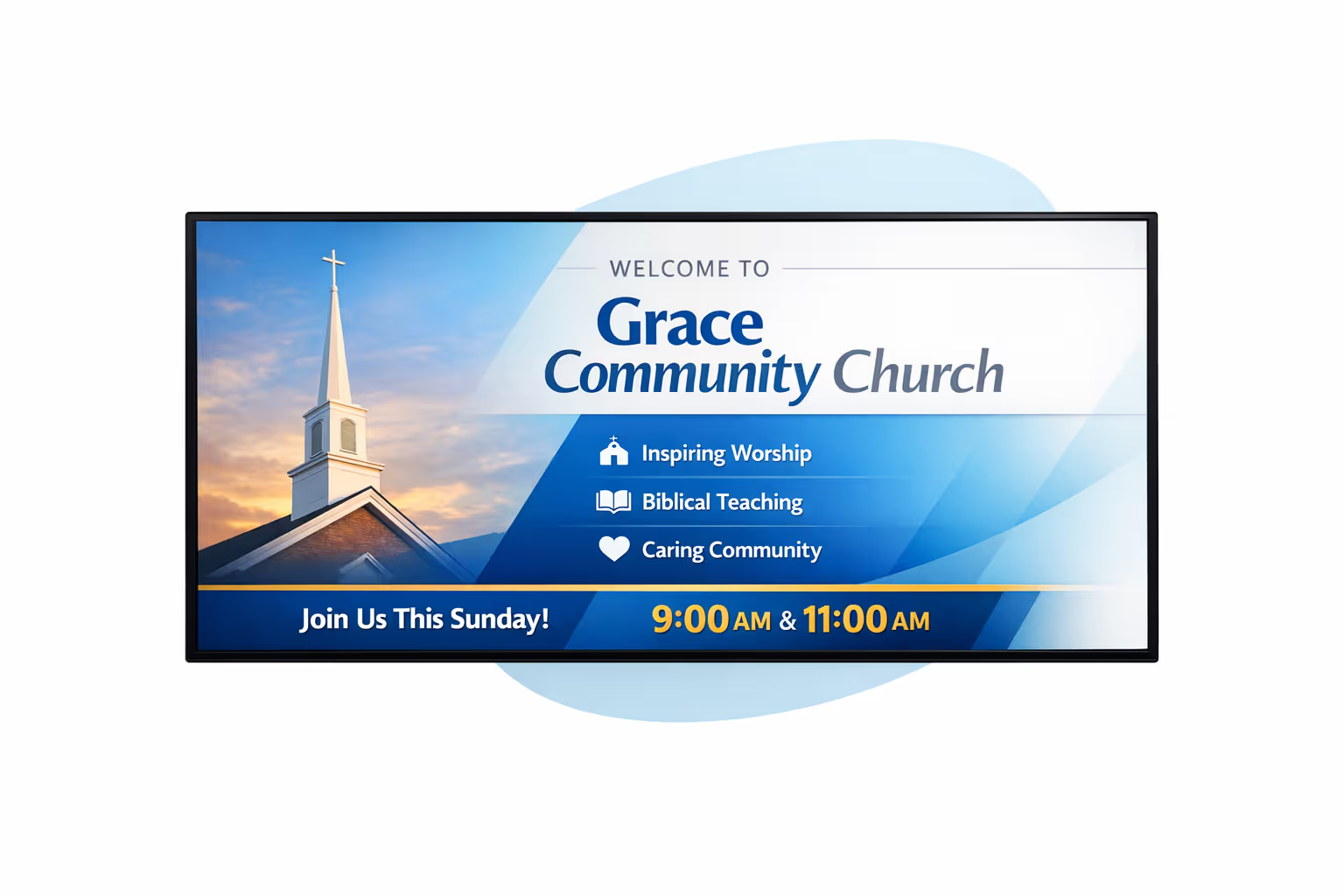
Centralized content management for church digital signage
Manage church digital signage from one secure platform. Create, review, schedule, and publish messages across campuses, lobbies, hallways, and welcome areas with the governance IT requires and the speed marketing and operations rely on.
One source of truth for every display
Multi campus control with local flexibility
Standardize announcements, sermon series visuals, and event promotion across the whole church while enabling each campus or ministry to add local details like room changes, volunteer needs, and service times within approved templates.
Series, events, and weekly moments on schedule
Schedule content by campus, building, or screen type. Keep weekend messaging consistent, event reminders timely, and wayfinding accurate across your church digital signage network.
Built for IT governance and secure access
Centralize permissions with roles for staff, volunteers, and ministries. Use approvals and playback policies so every update follows church guidelines and IT can stay audit ready without slowing teams down.
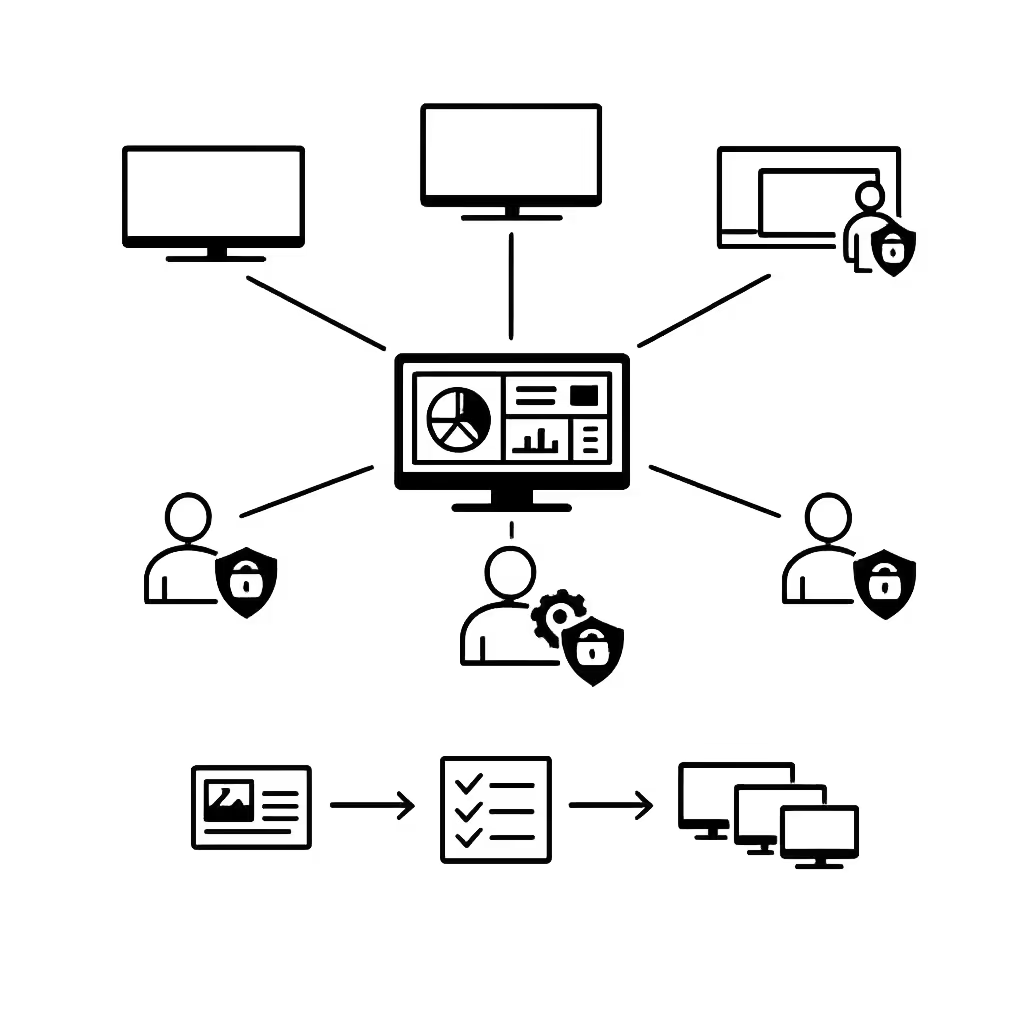
Real time updates for operations and guest experience
Push last minute room updates, safety alerts, parking guidance, and schedule changes instantly. Keep every screen accurate during busy weekends and events without messaging each campus or team.
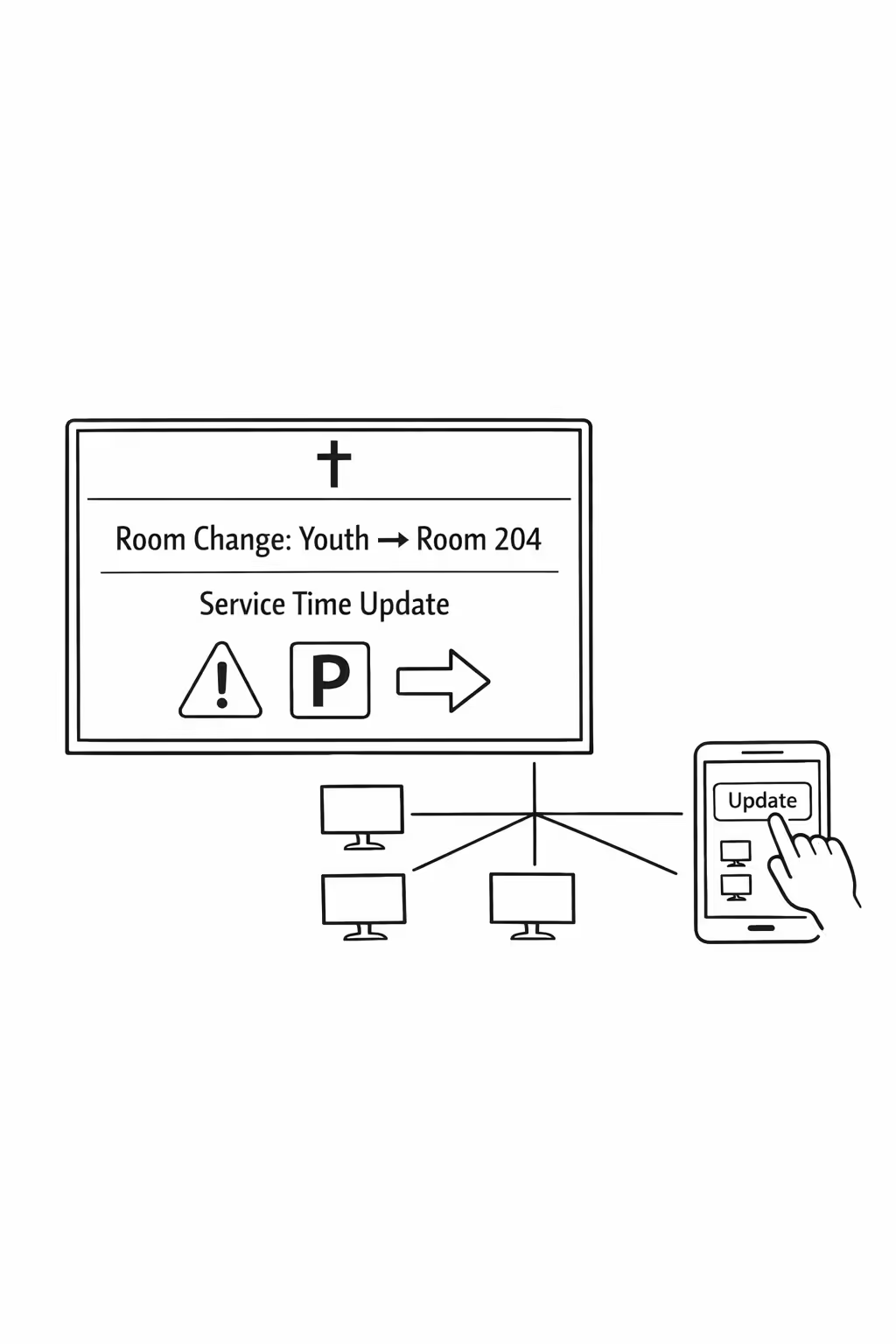
Scalability for growing church networks with church digital signage
Scale church digital signage across campuses, regions, and ministries from one secure cloud platform. Publish service updates in minutes, keep approvals clear, and protect a consistent church message as your network grows.
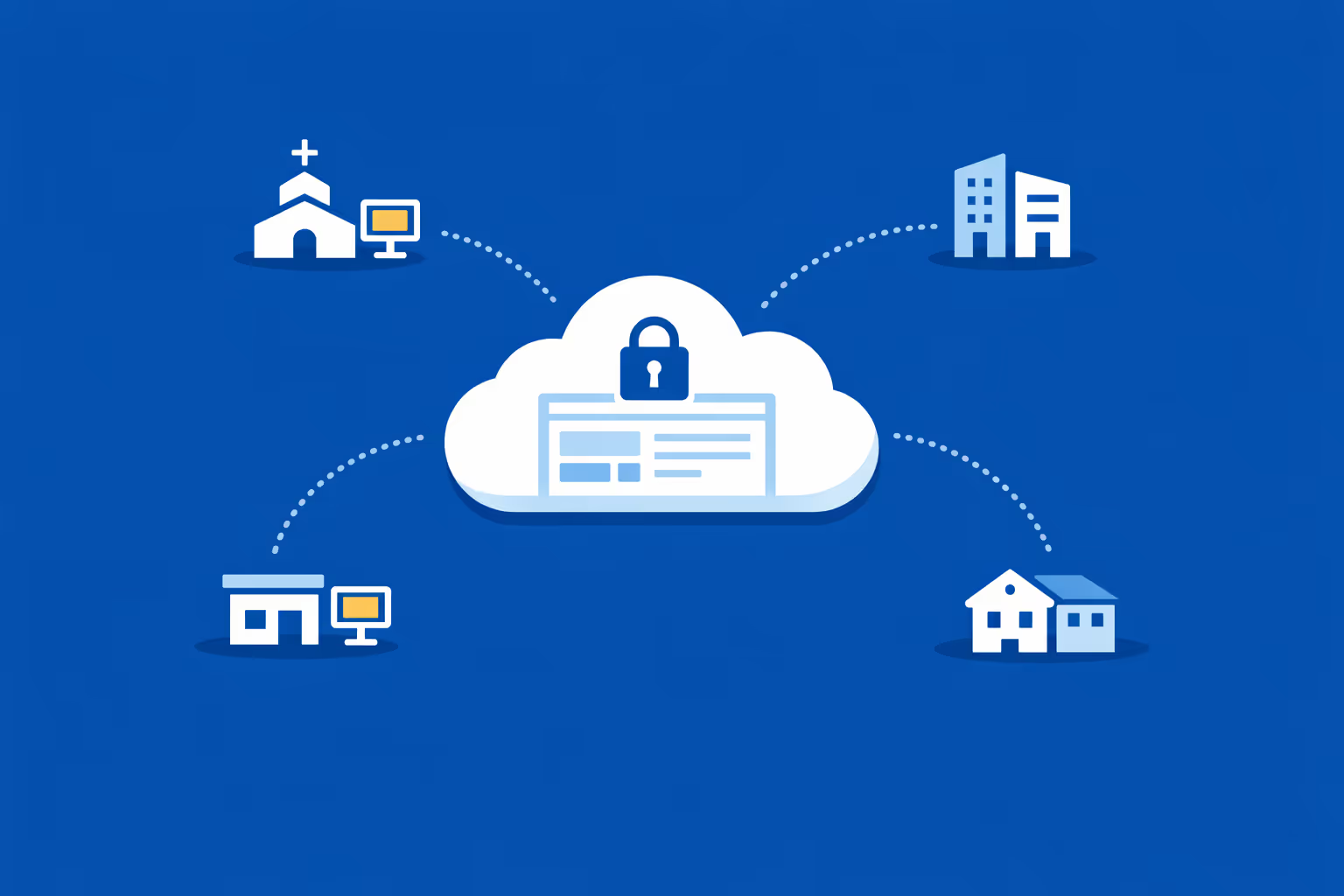
Multi-site management from one cloud dashboard
Oversee church digital signage across every campus from a single dashboard. Push announcements instantly, verify what is playing at each location, and keep weekend messaging aligned across the entire church network.
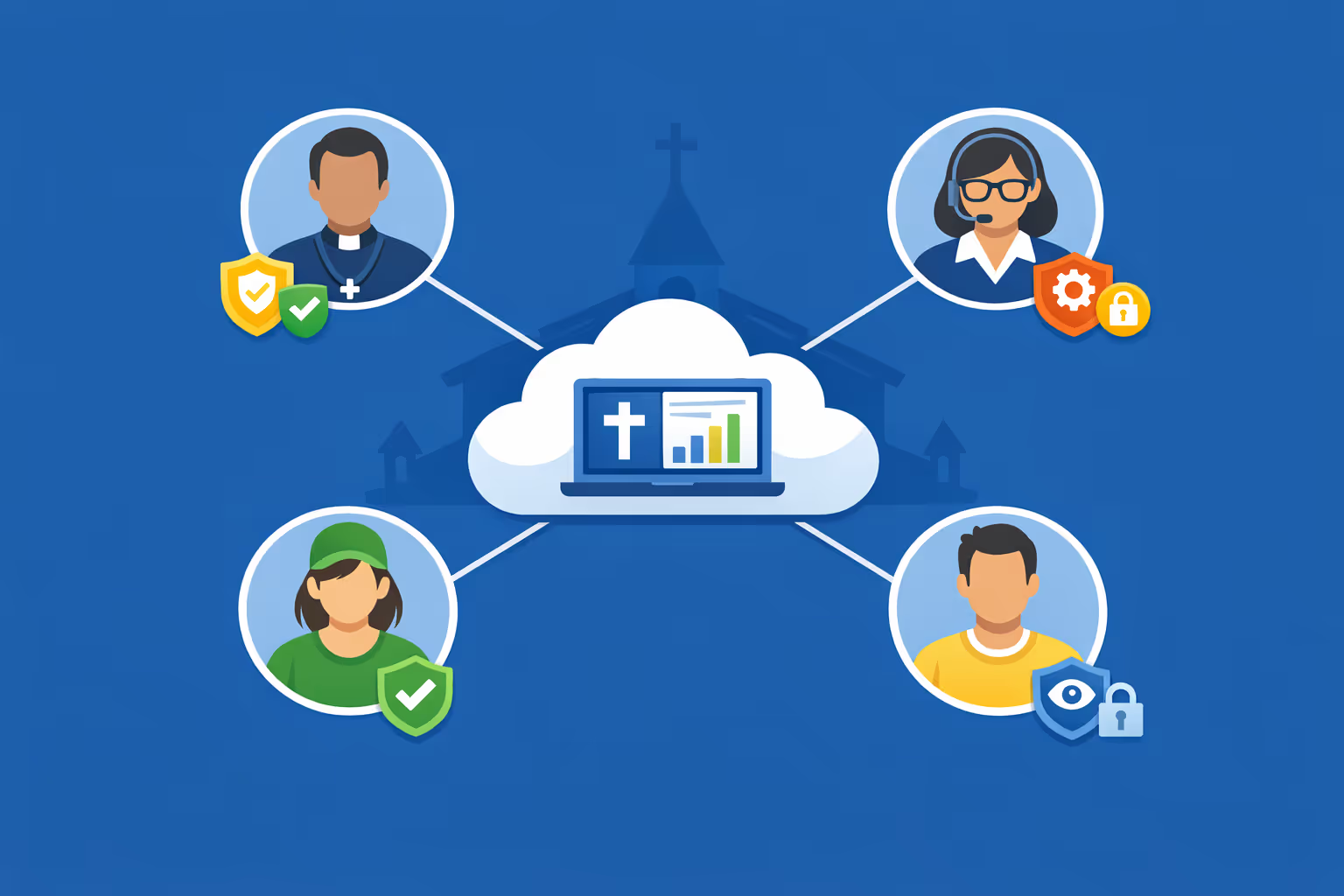
Multi-user access with role based permissions
Give pastors, comms teams, and volunteers the right level of access. Assign roles by campus or ministry, streamline reviews, and keep church digital signage organized and secure across your whole network.
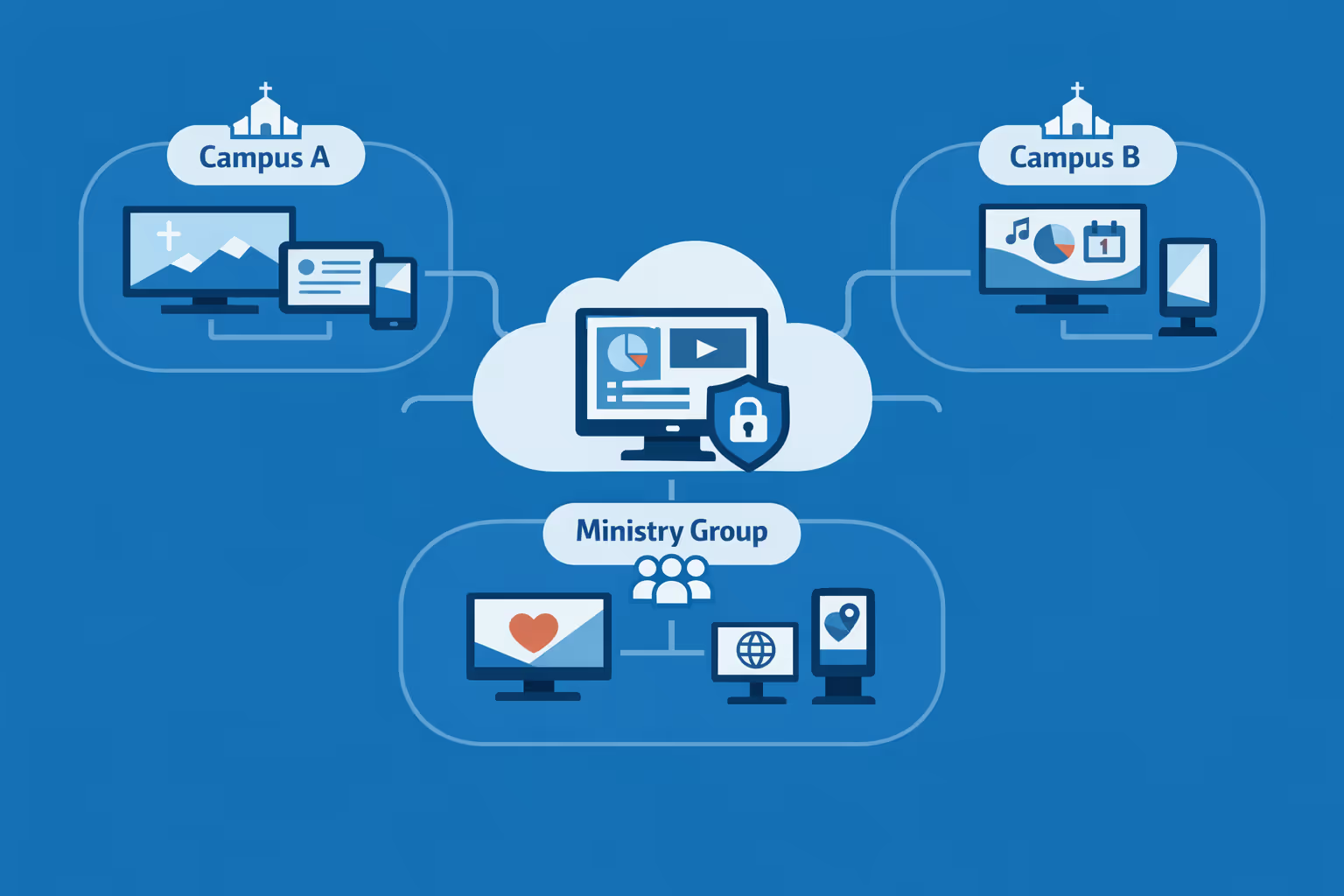
Multi-screen and multi-organization ready
Manage thousands of screens and multiple church organizations from one account. Segment church digital signage by campus, region, or ministry so headquarters stays consistent while each location keeps content locally relevant.
Disign é compatível com todas as telas para sinalização digital
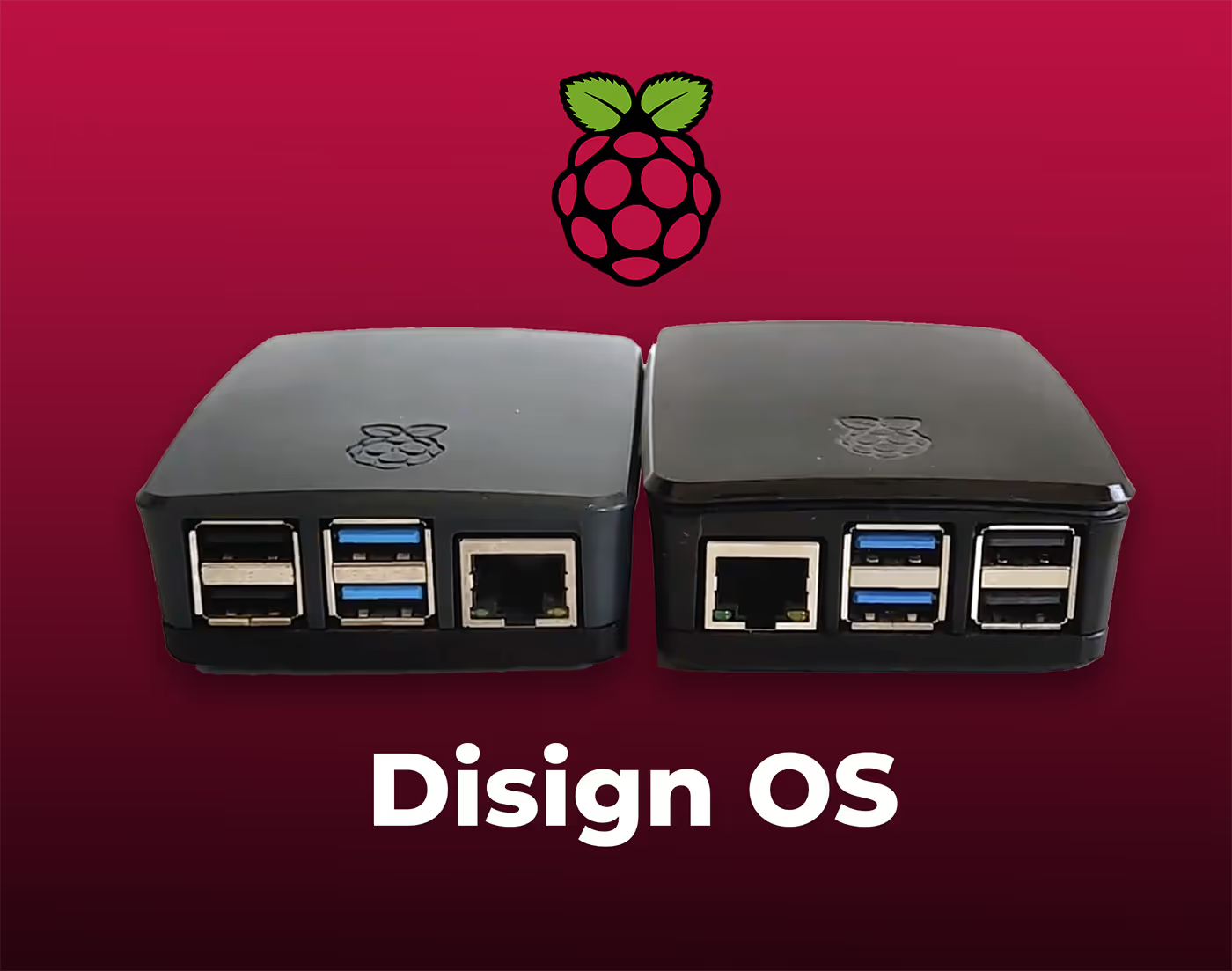
A sinalização digital com Disign permite que você gerencie e exiba conteúdo em uma variedade de dispositivos. Nossa solução é compatível com muitos players externos, como Disign OS baseado em Raspberry Pi, BrightSign e qualquer hardware Android. Disign também suporta tecnologias embutidas em telas Samsung, LG e Android TV. Com essa ampla compatibilidade, você pode facilmente implementar soluções de sinalização digital em diferentes tipos de hardware, garantindo gestão simplificada e uma experiência ideal para o usuário.


Trusted by church teams using Disign for church digital signage in lobbies, hallways, classrooms, and worship spaces
What church leaders and staff say about Disign
“We replaced paper bulletin inserts and last minute slide edits with Disign. Now our church digital signage is scheduled ahead, and volunteers can update announcements in a few clicks. The approval step helps us keep theology, dates, and branding accurate.”
“I was worried digital signage would feel too corporate for a church. Disign let us keep it warm and simple. We share sermon series, next steps, and small group info across all screens, and our campus leads can add local events without calling me.”
“From the tech side, Disign has been steady. Players stay online, updates publish on time, and we can manage screens in the sanctuary, kids area, and foyer without babysitting them. Support has been straightforward and actually helpful when we needed it.”
Integrate with your favorite Applications
70+ Applications and infini integration with API, Database, and any data source
Easily integrate third-party applications and web content such as YouTube or Vimeo, optimized for seamless playback. Display data from RSS feeds or formats like CSV, JSON, or XML directly on your digital signage screens. Extend display capabilities with advanced applications like grids or collections to enrich Disign scenarios.

We designed Disign to be as open and customizable as possible, both in its visual scenes and in its data sources.
Florent MondoloniCo-Founder, Disign

Video
Utilisez vos medias

RSS Feed
Use your own RSS Feed

Database
Databases

Canva
Create your Design and import it

Google Sheets
Import CSV, Live data...

Website/API
Affiche your website or use API
Everything you need to know about Disign Digital Signage For Church
Church digital signage FAQ: practical questions churches ask before installing screens
Church digital signage has become one of the simplest ways to communicate clearly with a congregation, visitors, volunteers, and staff without adding more pressure on the weekly service planning process. A screen in the lobby, a welcome display near the entrance, or a noticeboard style screen in the hallway can reduce confusion, help people feel expected, and keep everyone aligned on what is happening today and what is coming next.
This FAQ is written for pastors, church administrators, communications directors, ministry leaders, volunteer coordinators, and IT minded members who are exploring a solution like Disign for church digital signage. The goal is to answer real questions that come up when you are trying to do this in a way that is welcoming, reliable, and respectful of your church culture.
What is church digital signage and where do churches typically use it?
Church digital signage refers to centrally managed screens that display changing content such as announcements, service times, sermon series visuals, event promos, directions, and safety information. It is designed to be easy to update and consistent across multiple screens.
Common places churches use church digital signage include:
- entrance and lobby welcome screens
- hallway announcement screens near kids and student check in
- sanctuary pre service slides and post service reminders
- fellowship hall screens for events and community meals
- classrooms for ministry schedules and room assignments
- office areas for internal staff and volunteer communication
- multi site campuses where content needs to be consistent but locally relevant
The best church digital signage setups support both visitors and regular attenders by answering simple questions quickly: where do I go, what is happening today, how can I get connected, and what should I know before I leave.
Why choose church digital signage instead of printed bulletins and posters?
Printed materials still have a place, but they are slow to update and hard to keep consistent, especially when volunteers are the ones taping up posters on a busy Sunday. Church digital signage reduces last minute scramble and makes communication feel more intentional.
Churches choose church digital signage because it helps them:
- update announcements instantly without reprinting
- reduce clutter in lobbies and hallways
- improve visitor experience with clear next steps
- keep messaging consistent across ministries and campuses
- highlight generosity opportunities, outreach, and serving needs
- share safety and logistics messages without sounding harsh
A practical benefit is that you can prepare content in advance and schedule it to run at the right time, which is especially useful for seasonal services, holiday schedules, and special events.
What are the best use cases for church digital signage on Sundays?
Sunday is the highest traffic moment for most churches, so clarity matters. Church digital signage works best when it reduces friction for guests and frees staff and volunteers to focus on people rather than directions.
High impact Sunday use cases include:
- welcome messaging with service times and where to go
- a simple map with kids check in and restrooms
- sermon series graphics and a one sentence theme for today
- next steps such as membership class, baptism, small groups, or prayer
- giving options including text to give and online giving QR codes when appropriate
- volunteer callouts that feel inviting and specific
- post service reminders for events happening immediately after
When a church uses screens well, it feels like hospitality. It tells people, you are in the right place and we are ready for you.
Can church digital signage help visitors feel more welcome?
Yes, and this is one of the most meaningful outcomes. A first time visitor is often carrying silent questions: where do my kids go, what should I wear, how long is the service, and will I stand out. Church digital signage can answer those questions in a calm, friendly way.
Ways signage can support welcome include:
- clear directions like Kids check in this way and Sanctuary entrance that way
- short statements that reduce anxiety such as You can sit anywhere
- introductions to what to expect such as Worship then a message then prayer
- a simple way to connect such as a text keyword or QR code for a welcome form
- accessibility information like assisted listening or wheelchair seating locations
The key is tone. The content should sound like your church, not like a corporate ad. Disign helps by making it easy to keep the same warm voice across all screens.
How do we keep announcements from becoming noise on screens?
Most churches have more announcements than screen time. People also do not read long blocks of text while walking. The goal is not to show everything, it is to show the right things at the right moment.
A strong approach for church digital signage is:
- keep each slide to one idea and one action
- use large text, strong contrast, and one clear headline
- rotate announcements by audience: parents, youth, newcomers, everyone
- schedule time sensitive items closer to the event date
- keep evergreen content such as small groups and serving opportunities in the rotation
- treat the lobby and the sanctuary differently, because the audience attention is different
With Disign, you can create playlists for each area so lobby screens focus on welcome and direction, while sanctuary screens focus on service flow and next steps.
What content works best for church digital signage during the week?
During the week, screens can support ministry coordination and reduce repetitive questions that staff and volunteers answer again and again. Weekday content is also a chance to serve the community if your building is used for counseling, classes, food pantry distribution, or partner organizations.
Common weekday content includes:
- office hours and contact information
- room schedules and meeting locations
- reminders for volunteers and ministry teams
- prayer request instructions and pastoral care contact details
- community resources such as food pantry times or support groups
- facility usage guidance like where to park and which doors to use
Because Disign is designed for fast updates, you can keep weekday information accurate without needing someone to print new signs every time a room assignment changes.
Can church digital signage be used for multiple campuses or a church network?
Yes. Many churches have multiple campuses or partner churches and want consistent visuals, message series branding, and a shared calendar while still allowing local variation.
A scalable church digital signage setup typically includes:
- central templates for sermon series and core announcements
- campus specific playlists for local events and volunteer needs
- scheduling by campus time zone and service time
- role based access so local teams can update local items without breaking brand standards
Disign supports multi location management so you can keep a unified identity while giving each campus room to communicate what matters locally.
Who should own church digital signage: communications, admin, IT, or ministry leaders?
Most churches do best with shared ownership and clear roles. Communication is the job, but reliability is also critical. A screen that is blank on Sunday morning is more distracting than no screen at all.
A practical operating model looks like:
- communications team owns design standards, templates, and the content calendar
- ministry leaders submit requests using a simple process and deadlines
- admin team approves building logistics, event details, and room accuracy
- IT or a technical volunteer owns hardware setup, network reliability, and device health
- a small number of trained backups can publish urgent updates if needed
Disign supports permissions so you can keep things safe and simple, even when volunteers rotate.
How hard is it to update church digital signage each week?
It depends on your process more than the tool. If updates rely on one person rebuilding slides from scratch every Friday, it will feel heavy. If you use templates and a weekly rhythm, it becomes predictable.
A sustainable weekly routine is:
- maintain a master list of announcements with deadlines
- reuse templates for recurring items like groups, giving, kids, and next steps
- schedule content blocks for pre service, between services, and post service
- keep a small set of emergency slides ready such as weather closure or schedule change
Disign is built to make updates fast, so weekly changes do not require a designer for every small edit.
What screens and hardware do we need for church digital signage?
Most churches start with what they already have and standardize over time. The typical setup requires a screen, a player device, and a network connection. The right choice depends on lighting, viewing distance, and how many hours the screen runs.
Basic hardware considerations include:
- display size based on distance, larger for lobbies and sanctuaries
- commercial grade screens for high usage environments if the budget allows
- reliable mounting and safe cable management
- a media player compatible with your signage software
- stable internet or network access for content updates
Disign can support common player approaches, making it easier to start small and expand when you are ready.
Does church digital signage require internet all the time?
Most churches want cloud management because it makes updates easier and enables remote support. However, playback should remain stable even if the connection drops temporarily.
A good expectation to set is:
- internet is needed to receive updates and sync new content
- the player should continue showing already downloaded content if the connection is interrupted
- when internet returns, content sync resumes automatically
If your church has network restrictions, you can work with IT or a trusted volunteer to set appropriate rules while still keeping the system manageable.
How do we prevent the wrong content from showing on Sunday?
This is a real concern, especially in churches with volunteers updating slides. Mistakes happen, and they usually happen when someone is rushed.
To reduce risk:
- use templates with locked layouts so key elements stay consistent
- limit publishing access to a small set of trained users
- require a preview or review step for weekend playlists
- schedule content windows so slides only appear during approved dates
- keep separate playlists for lobby, sanctuary, kids area, and offices
Disign helps with structured permissions and scheduling so you do not have to rely on memory or last minute manual changes.
Can church digital signage support emergency messages and safety communication?
Yes, and it should. Churches need a way to communicate quickly during weather events, building issues, or safety incidents. The message should be clear, calm, and easy to follow.
Examples of safety related signage content:
- weather closure announcements and service time changes
- severe weather shelter directions in the building
- medical emergency guidance like who to contact
- fire exit reminders and no blocking hallway instructions
- lost child or family reunification instructions when appropriate
The goal is not to create fear. It is to support preparedness and reduce confusion when something unexpected happens.
How do we keep church digital signage accessible and easy to read?
Church audiences include children, older adults, and people with visual impairments. Accessibility is not an optional feature, it is part of hospitality.
Good accessibility practices for church digital signage include:
- large font sizes and strong contrast
- short headlines and minimal body text
- avoiding overly decorative fonts
- limiting motion and avoiding fast flashing transitions
- captions for videos, since audio is often off in lobbies
- consistent placement of key info like time, location, and next step
With Disign, you can build accessible templates once and reuse them, which keeps every screen consistent.
Can we show live content like countdowns, calendars, or social media?
Many churches want a pre service countdown, a calendar feed, or selected social content. This can work well when it is curated and aligned with your tone.
Popular live content types:
- service start countdown timers
- upcoming events pulled from a calendar workflow
- sermon series schedule and teaching plan
- weather for community events or outreach days
- curated social posts for major moments like baptisms or mission trips
If you choose social content, moderation matters. Churches usually do best with a curated approach rather than an unfiltered live feed.
How do we handle content for kids ministry and student ministry screens?
Kids and student areas have different needs than the main lobby. Parents want clarity and trust. Volunteers want quick reminders. Kids need visuals that are friendly and simple.
Useful kids and student signage content includes:
- check in instructions and pickup policy reminders
- safety and security notes such as matching tags required
- classroom locations and age group directions
- weekly theme or memory verse
- volunteer reminders such as where supplies are and schedule blocks
- special event reminders like VBS registration or youth nights
Disign makes it easy to create separate playlists so kids area screens are not overloaded with general announcements that parents are unlikely to act on.
How do we promote events without feeling like we are advertising?
Church communication has a different goal than retail marketing. The best event slides feel like an invitation, not a sales pitch. People respond to clarity, warmth, and relevance.
A helpful structure for event content is:
- who the event is for
- what it is and why it matters
- when and where
- the simplest next step, like register online or visit the welcome desk
Church digital signage works well when it supports discipleship and connection, not just attendance.
Can church digital signage help increase volunteer signups?
Yes, especially when the request is specific and timely. Generic messages like We need volunteers are easy to ignore. A better approach is to show one role, one need, and one next step.
Examples that work:
- Kids check in team needed this month, sign up at the desk today
- Parking team needed for Christmas services, scan to join training
- Meal team needed for Thursday outreach, contact this person
Because Disign supports scheduling, you can align volunteer slides with the season when the need is highest.
How do we measure whether church digital signage is working?
Churches do not always measure success in sales metrics, but you can still evaluate impact. The question is whether signage reduces confusion and helps people take the next right step.
Practical indicators include:
- fewer repeated questions at the welcome desk
- more on time arrival to classes and events
- higher completion of connection forms or QR scans
- smoother kids check in flow with fewer bottlenecks
- more volunteers responding to specific needs
- staff and volunteer feedback that announcements are clearer
You can also measure operations: how quickly content is updated, how often screens go offline, and whether each area is showing the right playlist every week.
What should we look for in church digital signage templates?
Templates are what make signage sustainable. They protect your brand, save time, and help volunteers produce consistent results.
Look for templates that:
- match your church visual identity and sermon series style
- keep text readable at a distance
- include consistent placement for times, locations, and QR codes
- support multiple formats for different screen sizes
- are easy to reuse for weekly announcements
Disign helps churches build a template system so you can move faster without sacrificing quality.
Is church digital signage difficult for volunteers to use?
It should not be. In most churches, volunteers come and go, so simplicity matters. The best systems make routine updates easy, while still keeping control in the right hands.
To set volunteers up for success:
- limit edit permissions to templates rather than freeform design
- create a short checklist for weekly updates
- provide a training video and a one page guide
- designate a backup person for Saturdays and Sunday mornings
Disign is designed to be approachable for non technical users while still giving leaders the governance they need.
What makes Disign a good fit for church digital signage?
Churches need a system that is reliable on Sundays, easy during the week, and flexible across ministries. They also need a tool that respects the fact that most teams are busy and many are volunteer driven.
Disign supports church digital signage by offering:
- centralized management so you can update screens without running around the building
- playlists and scheduling so content appears at the right time in the right place
- templates that keep your look consistent and readable
- permissions that help you collaborate without losing control
- multi campus support so you can scale when your church grows
If your goal is clearer communication and a more welcoming experience, Disign helps you deliver that without adding complexity.
What are the next steps to start a church digital signage project?
A smooth start is less about buying screens and more about planning the communication flow. Before you install anything, decide what you want the screens to accomplish for guests, members, volunteers, and staff.
A simple next step plan:
- choose two or three priority use cases, such as lobby welcome, kids check in, and weekly announcements
- list the screen locations and what each one should communicate
- define who owns content, who approves, and who publishes
- create a small set of templates for your most common needs
- run a pilot for a few Sundays, gather feedback, then expand
When church digital signage is implemented thoughtfully, it becomes part of your hospitality and discipleship rhythm, not just another screen on the wall.



Join community of 4k+ people
Church digital signage that helps your congregation stay informed
Disign makes church digital signage simple to manage across every screen, from the lobby to the sanctuary. Share service times, sermon series, announcements, events, giving info, and last minute updates from one secure dashboard.
Ready to test Disign for your church. Start your 28 day free trial with no credit card required, or contact us if you want help choosing the right setup and publishing your first announcements today.