Advertising digital signage for high impact campaigns
Advertising digital signage that grabs attention and drives results
Hook people in seconds with motion ready creatives, real time updates, and perfectly timed messaging across every screen. Disign helps advertising teams launch, test, and optimize campaigns fast with consistent branding, smart scheduling, and centralized control.

Challenges in the advertising industry: when campaign communication falls apart
Advertising teams move fast. When internal updates and client facing messages are not aligned, small gaps turn into missed deadlines, rework, and inconsistent brand delivery across channels.
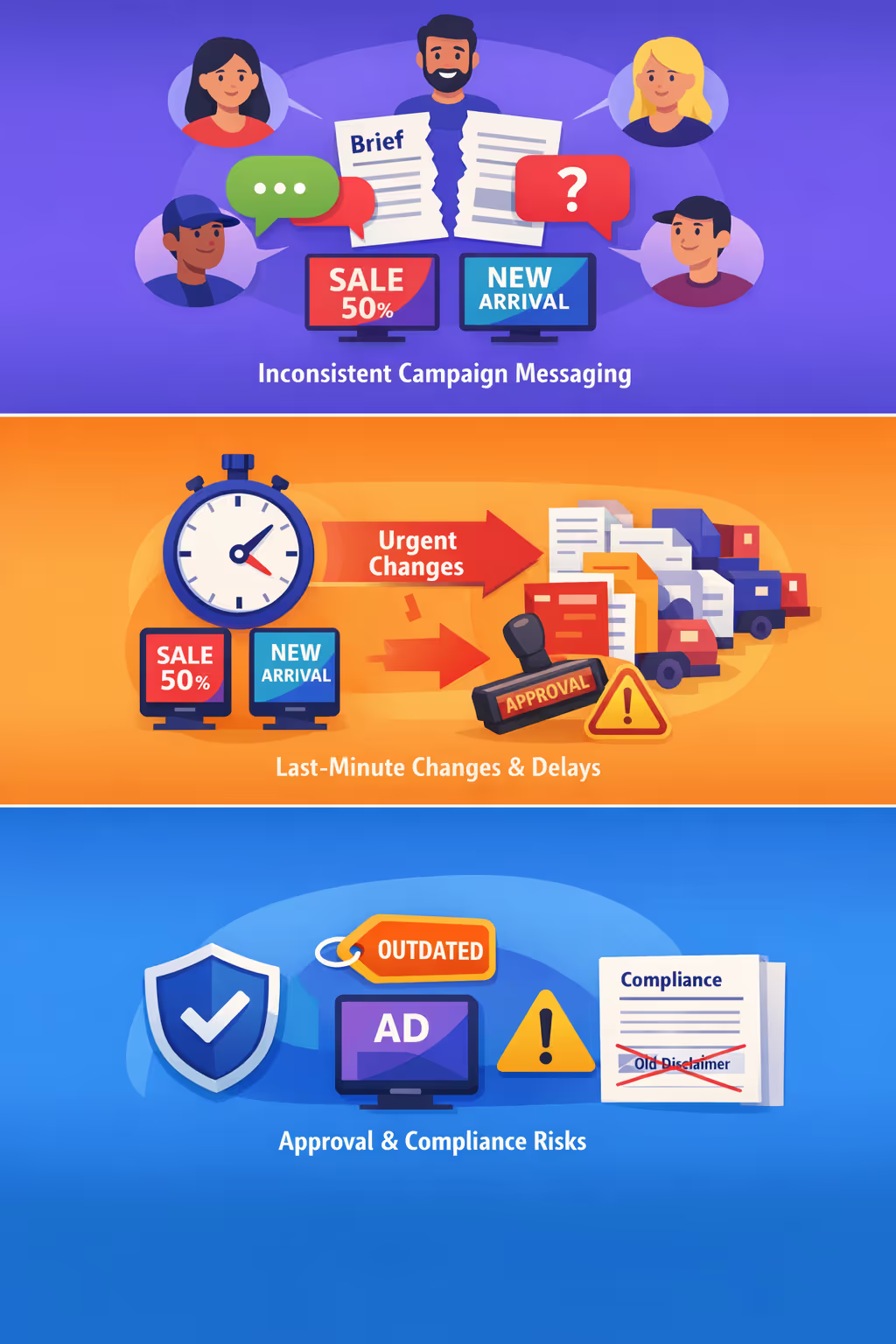
Creative, media, and account teams often work in parallel with different versions of the same brief. When the latest positioning and offers do not reach everyone at the same time, the result is mismatched copy, visuals, and claims across placements.
Rush edits, late approvals, and shifting priorities can derail production. Without a clear, shared source of truth for updates, teams spend the day chasing confirmations instead of focusing on performance, testing, and client results.
Legal notes, pricing, and usage rights must be correct everywhere. When old creatives or disclaimers stay active in one location or format, agencies face client escalations, takedown requests, and avoidable reputational damage.
Advertising digital signage built for higher campaign ROI
Run smarter campaigns across every screen with Disign. Launch updates in minutes, keep creative consistent, and cut print and install costs. With targeted playback, rapid iteration, and performance-ready workflows, advertising digital signage helps you prove ROI and scale results across locations.
Launch campaigns faster, update creative instantly
Swap visuals, headlines, and calls to action in real time without reprints or site visits. Keep promotions current, respond to trends quickly, and maintain momentum across your network.
Target by location, time, and audience context
Deliver the right message to the right screen at the right moment. Schedule dayparting, tailor content by venue or region, and keep your advertising digital signage relevant where it matters most.
Improve ROI with measurable, performance-ready content
Test creative variations, align messaging to campaign goals, and keep execution consistent across screens. Digital signage for advertising reduces wasted spend and supports clearer attribution when paired with your reporting stack.
Protect brand consistency across every display
Use approved templates and a structured workflow so every screen stays on brand. Keep messaging polished and consistent across agencies, teams, and locations without last-minute surprises.
Cut print and installation costs
Replace recurring poster production with a centralized digital workflow. Reduce printing, shipping, and on-site labor while keeping campaigns fresh and always ready to run.
Scale multi-site advertising without extra effort
Manage content centrally and roll out updates across hundreds of screens in a few clicks. Keep local flexibility when needed while maintaining a unified strategy that supports long-term growth.
Proven use cases for advertising digital signage in real world campaigns
From flagship stores to event activations, advertising digital signage helps brands launch faster, stay consistent across locations, and show performance with content that is easy to update and easy to trust.
- Retail and out of home placements: rotate offers, boost product launches, and keep pricing and claims consistent across screens
- Performance driven campaigns: schedule creatives by daypart, compare variants, and share results with clients using clear proof points
- Events and activations: welcome attendees, highlight sponsors, and adapt messages in minutes when schedules or speakers change
- Brand and compliance governance: ensure every location shows approved assets, correct disclaimers, and on brand visuals without manual checks
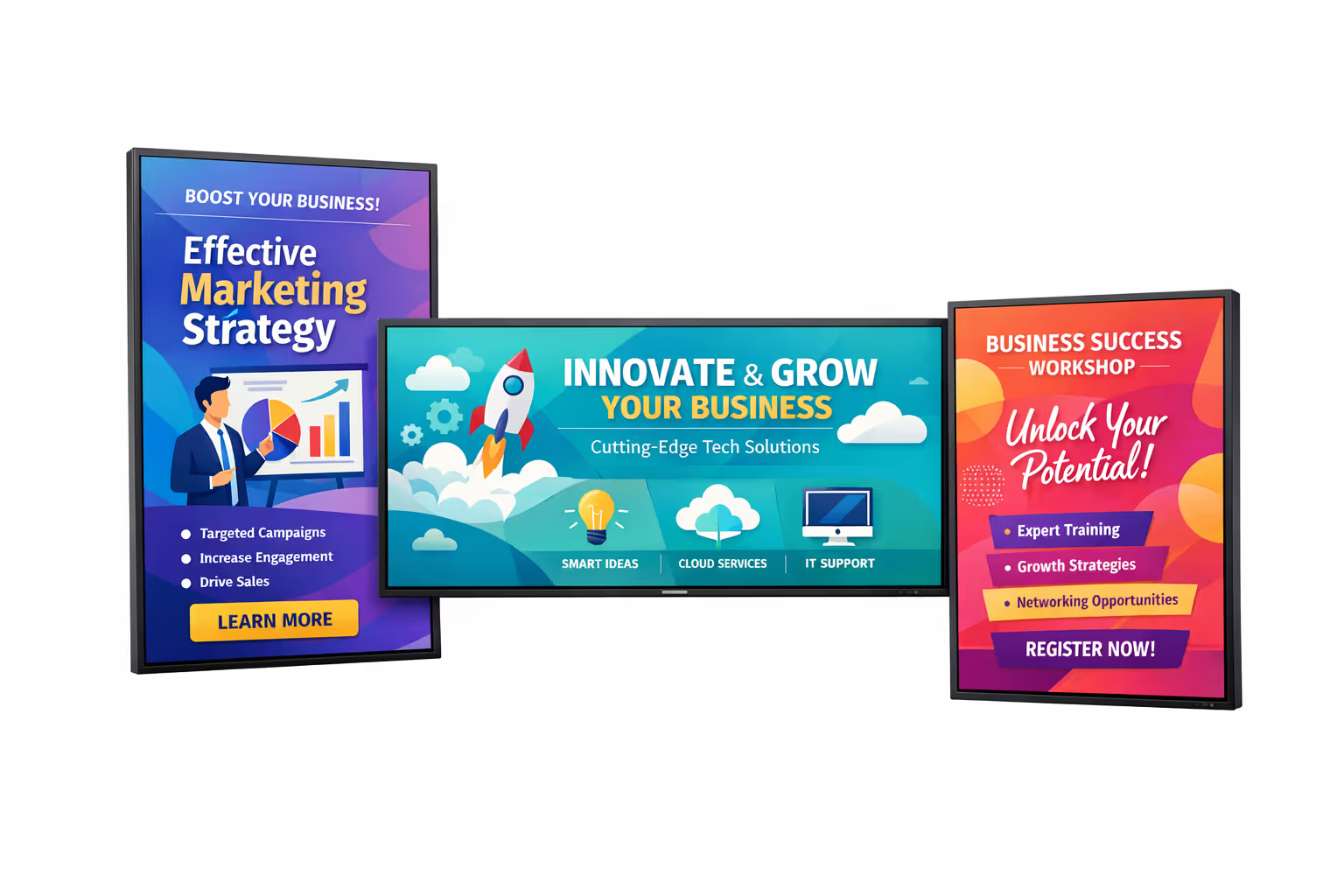
How Disign digital signage works
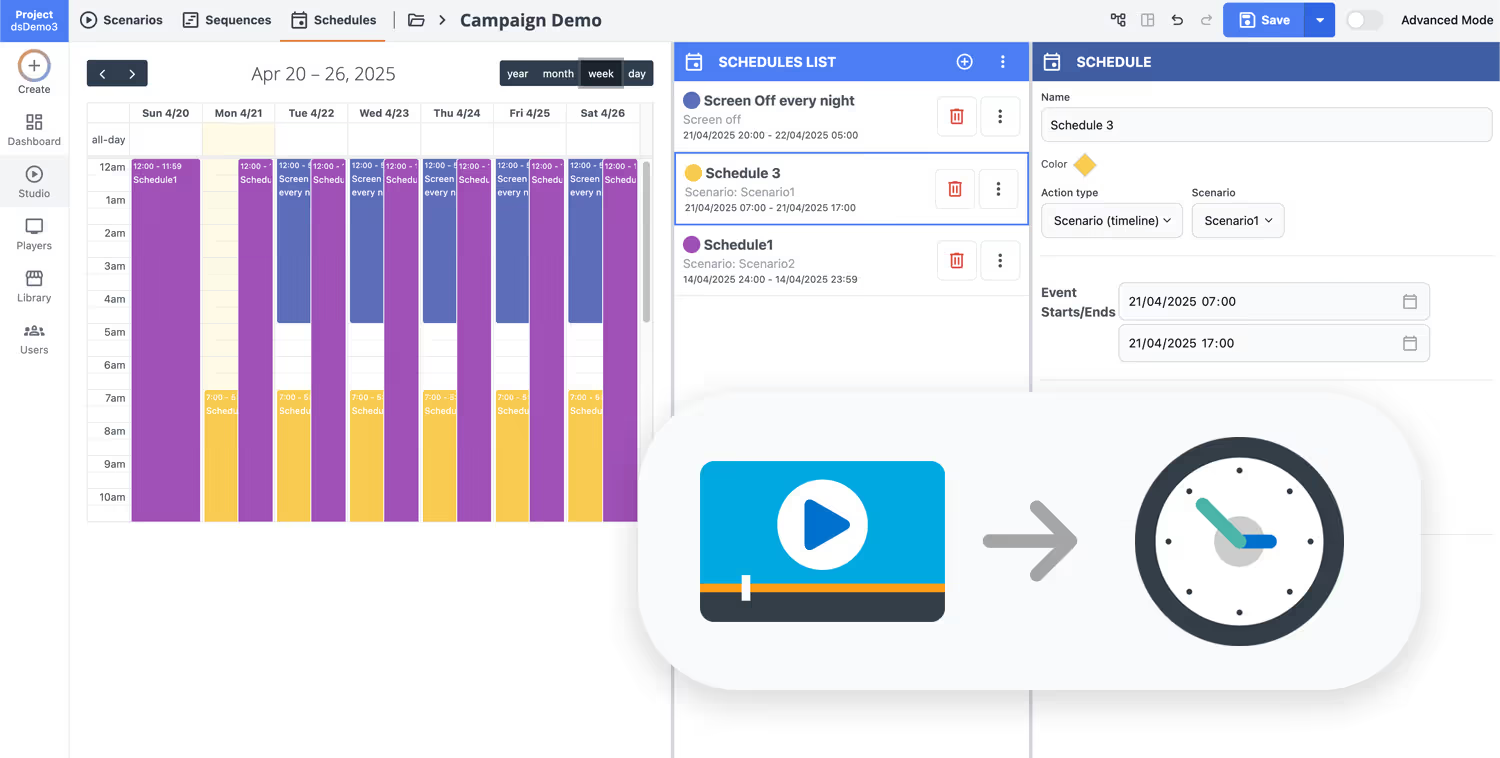
Schedule your content from anywhere with our cloud-based digital signage solution. Easily plan what plays, when, and where—across one screen or thousands.
Design custom scenarios and playlists tailored to your audience and goals.
Set precise dates and times for your content to play automatically.
Deploy content instantly across your digital signage network with just a click.
Ready to launch high impact advertising digital signage in days?
Contact Disign to turn your screens into a simple, measurable advertising channel. Book a quick call or start your 28 day free trial with no credit card required. Publish campaigns, schedule promotions, and update messages across locations in minutes.
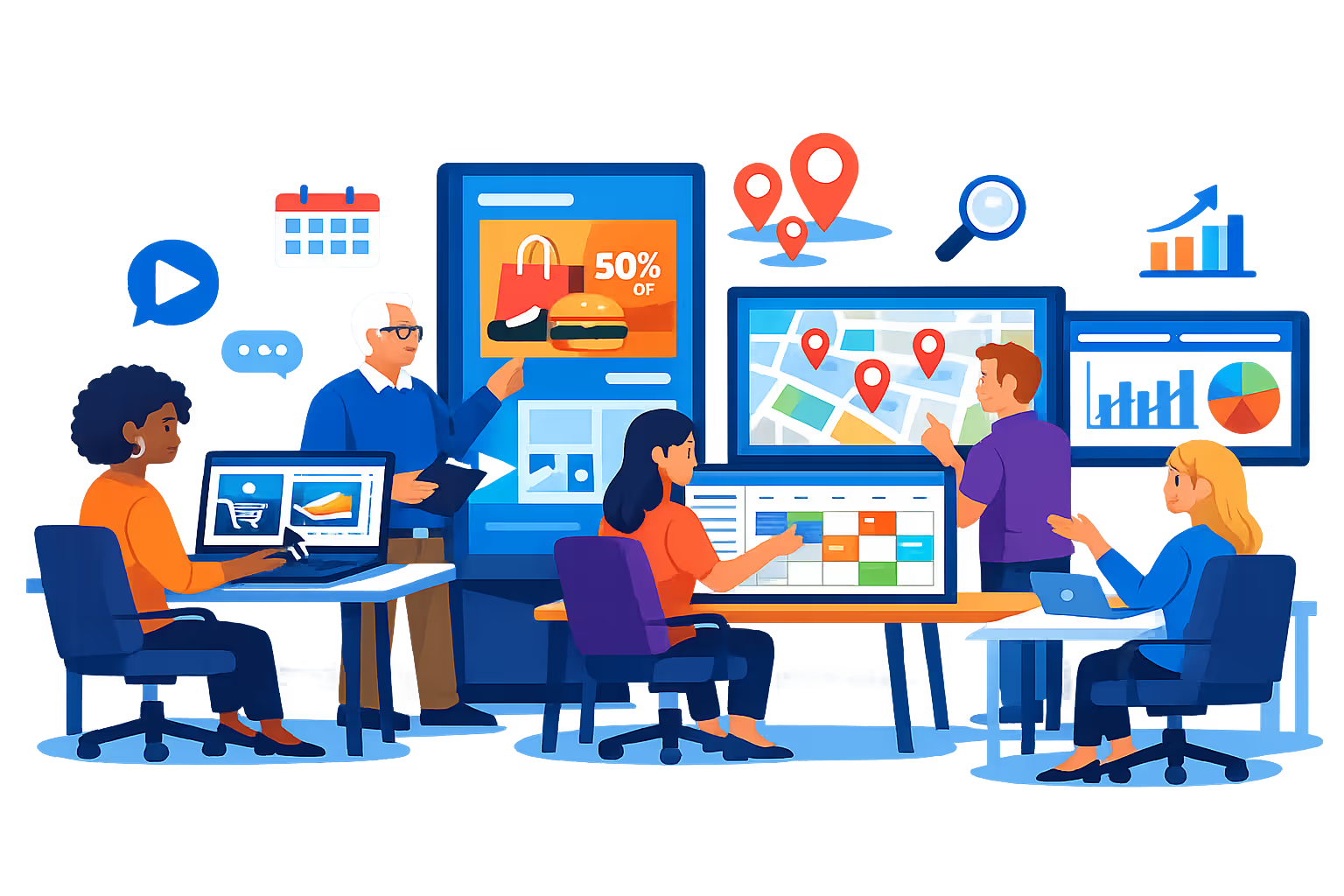
Advertising digital signage engineered for high performance campaigns on every screen
Launch, schedule, and measure advertising digital signage with a platform built for speed and reliability. Disign helps agencies and brand teams deploy dynamic creatives, control playback quality, and keep every display in sync from one central console with full auditability.
Centralized campaign control at scale
One dashboard for every location, screen, and loop
Push content to a single display or thousands with location targeting, reusable playlists, and role based access. Standardize brand delivery while enabling controlled local variations for regional offers and placements.
Secure access and operational governance
Permissions, audit trails, and controlled publishing
Protect your advertising digital signage workflows with granular roles for creating, approving, and publishing. Track content changes, enforce accountable operations, and keep device access controlled across teams and partners.
Approval workflows for brand and legal teams
Review gates that reduce risk before screens go live
Move campaigns from draft to review to approval, then schedule with version control. Keep creative, disclaimers, and campaign messages aligned to policy so the right content runs in the right place at the right time.
Scheduling automation for campaigns
Dayparting, recurring flights, and timed activation
Automate advertising digital signage with precise schedules and repeatable campaign rules. Switch creatives by time of day, launch windows, or events, and reduce manual updates while keeping playback predictable.
Playback reliability and device monitoring
Health status, remote diagnostics, and proof of play
Keep campaigns running with visibility into device health and content delivery. Detect offline players, verify playback, and reduce downtime so your advertising digital signage stays live and consistent.
Deployment help for technical teams
Onboarding, templates, and rollout best practices
Roll out faster with practical support for setup, player configuration, and template standardization. We help your teams keep advertising digital signage stable, measurable, and easy to operate across environments.
Media Scheduling & Availability
Manage each media item and component with precise scheduling, control availability, and set recurring actions to simplify campaign management.
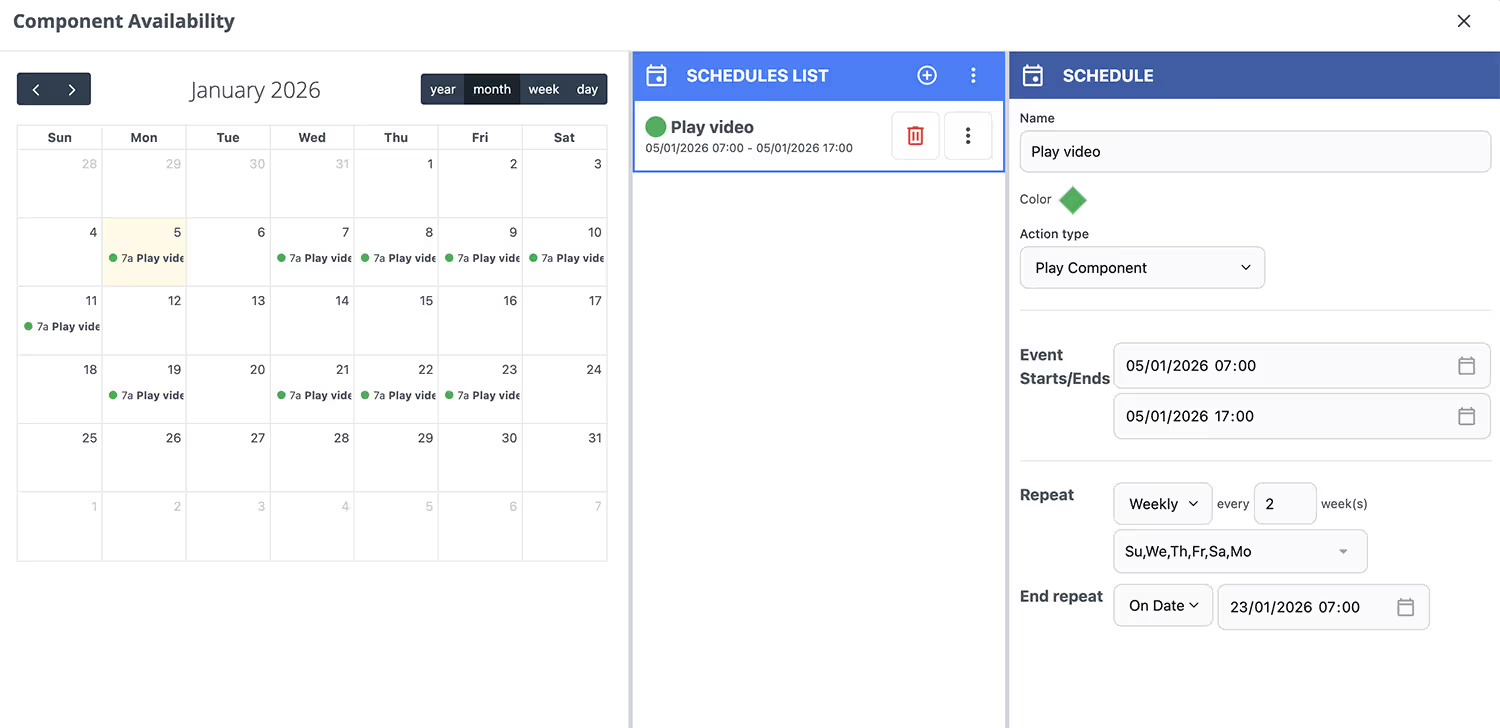
Precise Availability Control
Easily define when each element should appear. Every item can have its own schedule, supporting both simple and advanced recurring use cases. This makes it effortless to manage client campaigns across screens.
Not just media files, but all elements in Disign (collections, scenes, and more) benefit from availability scheduling. This gives you maximum flexibility and customization for your campaigns.
Centralized content management for advertising digital signage
Run your advertising digital signage from one secure hub with Disign. Marketing creates faster, operations keeps messages accurate, and IT stays in control with permissions, approvals, and reliable playback across every location.
One platform for every campaign and screen
Central control with local relevance
Launch brand consistent messaging across your network while allowing local teams to add approved location specific content like events, inventory highlights, or regional pricing without breaking guidelines.
Smarter scheduling for campaigns, offers, and day parts
Target by location, region, audience, or screen type. Automate dayparting, keep time sensitive promotions accurate, and maintain consistency across your advertising digital signage network.
Governance and security that IT can trust
Control access with role based permissions, approval workflows, and standardized playback rules. Keep every publish aligned with brand standards, compliance needs, and audit readiness.
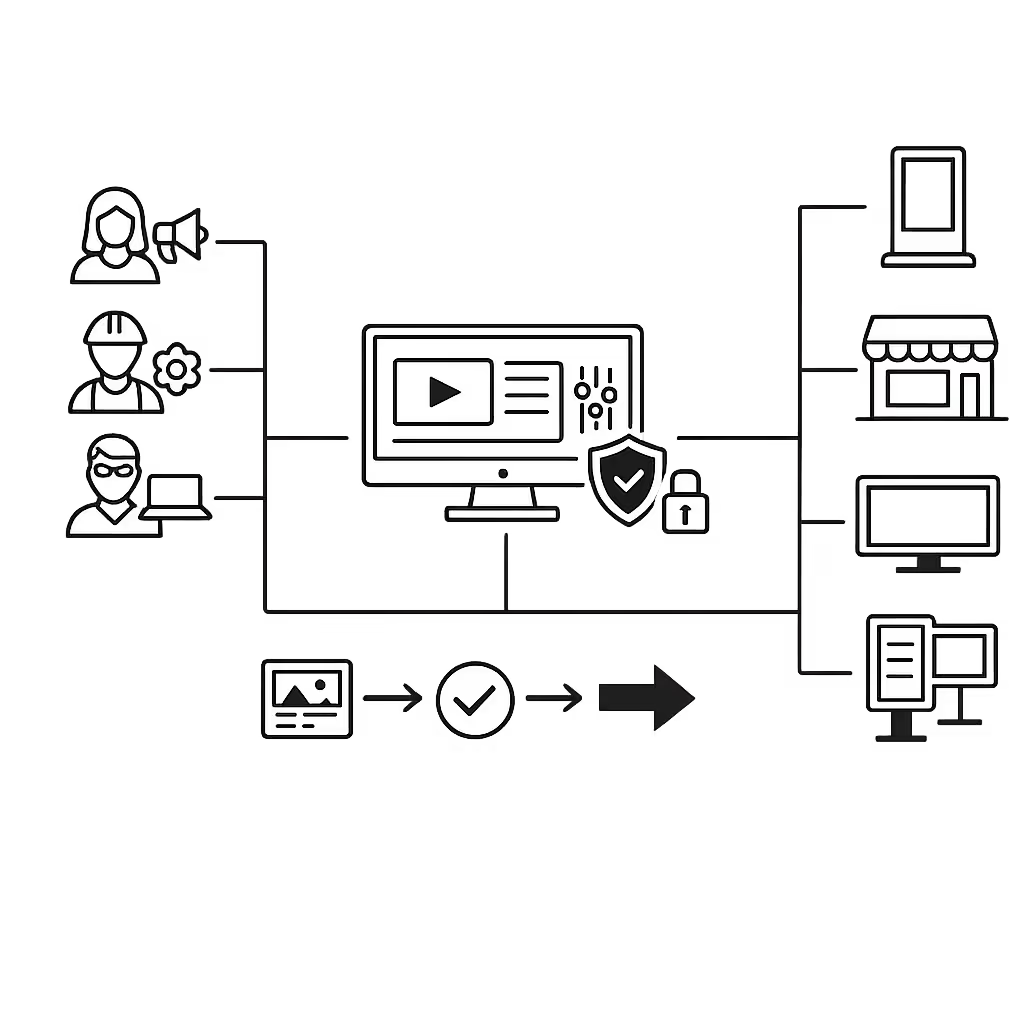
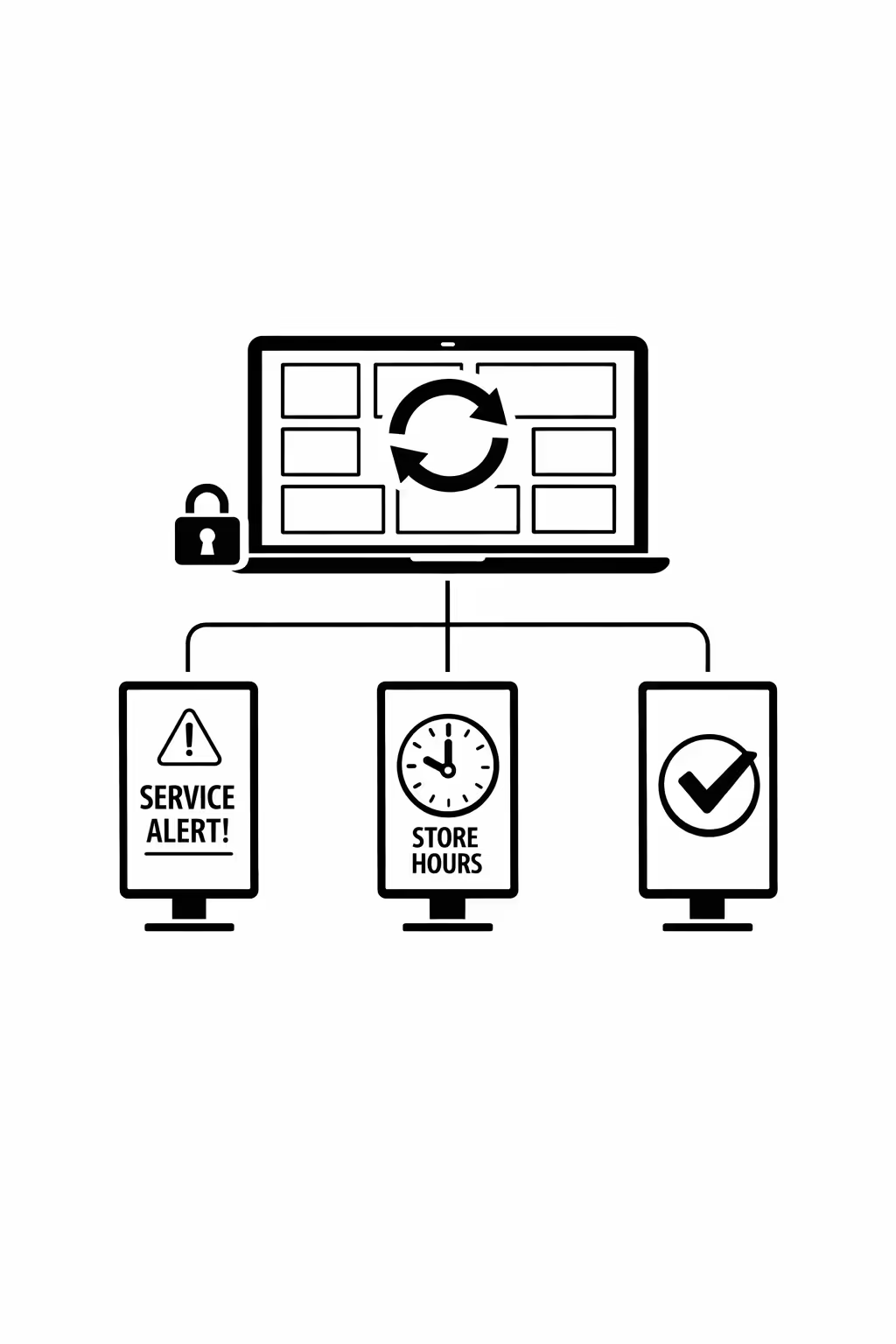
Real time content updates for operations teams
Push changes instantly to handle store hours, service alerts, availability messaging, or urgent brand updates. Keep every screen accurate during peak traffic, disruptions, or last minute campaign changes.
Scalability for growing advertising networks with advertising digital signage
Scale advertising digital signage across regions, markets, and partner locations from one cloud platform. Launch campaigns in minutes, keep approvals under control, and maintain brand consistency as your advertising network expands.
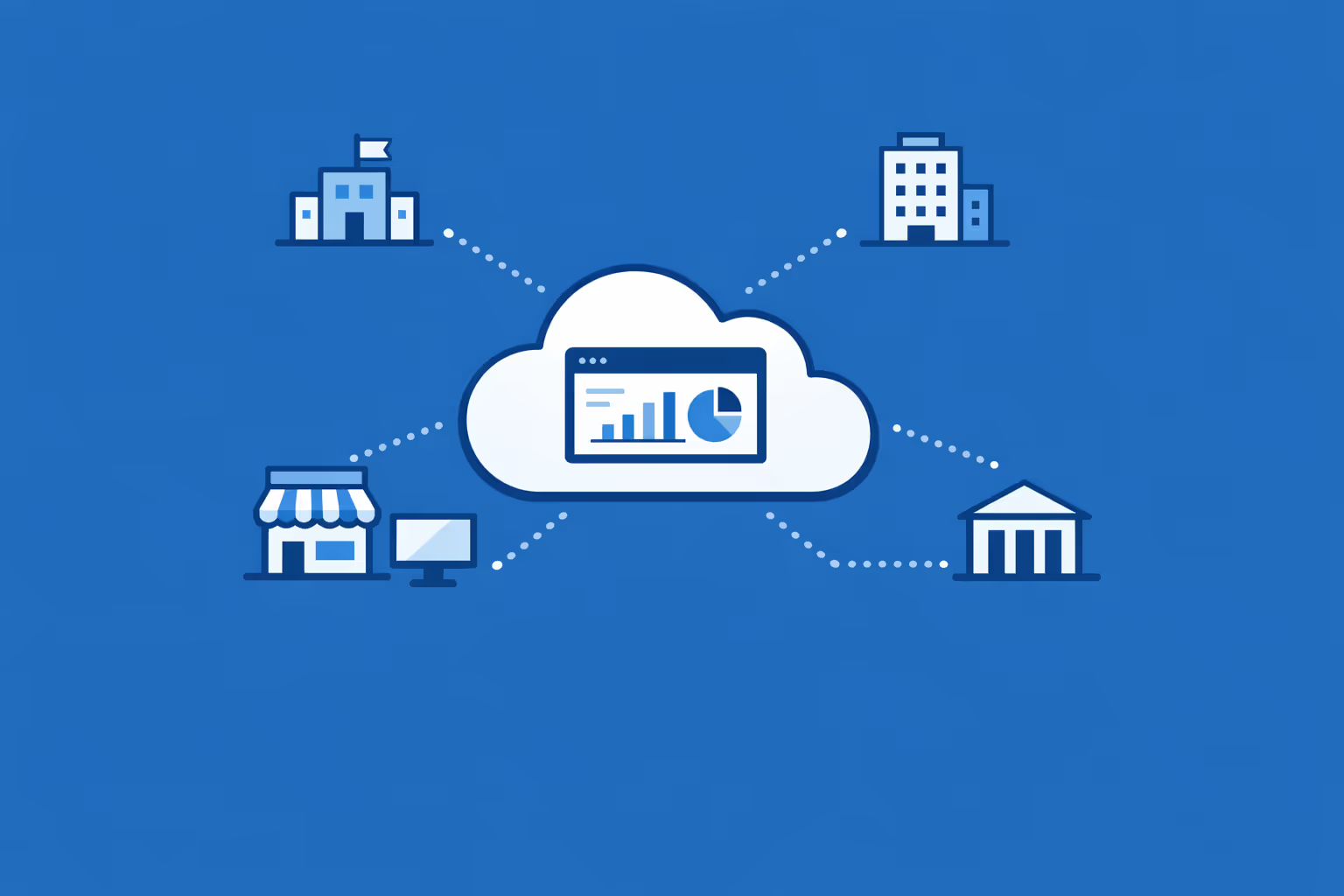
Multi-site management from one cloud dashboard
Manage advertising digital signage across every site from a single dashboard. Deploy creatives instantly, verify what is live on each screen, and keep messaging consistent across your entire network.
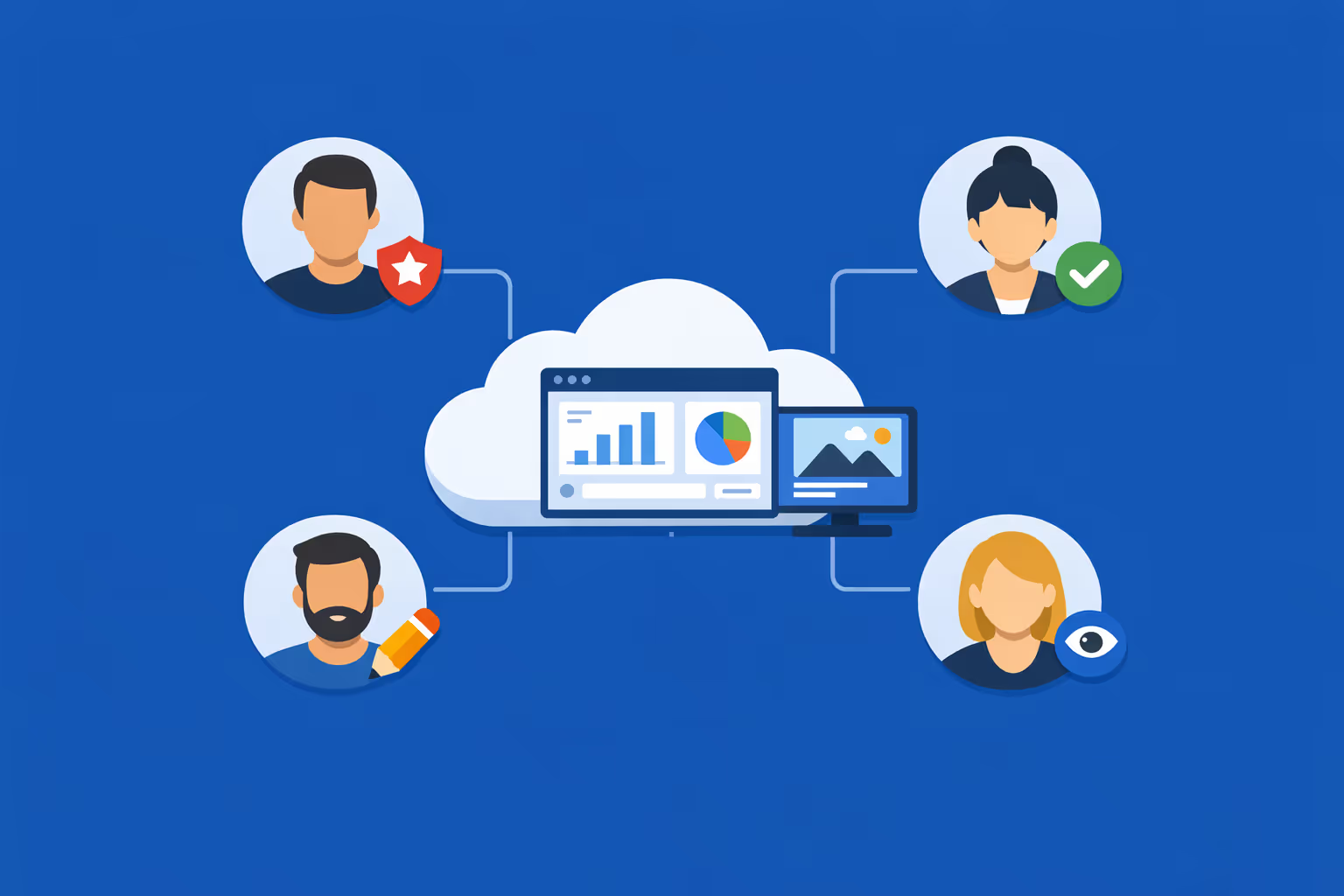
Multi-user access with role-based permissions
Assign roles, permissions, and access levels for agencies, regional teams, and local operators. Keep collaboration efficient and secure while ensuring approvals and ownership stay clear across your advertising organization.
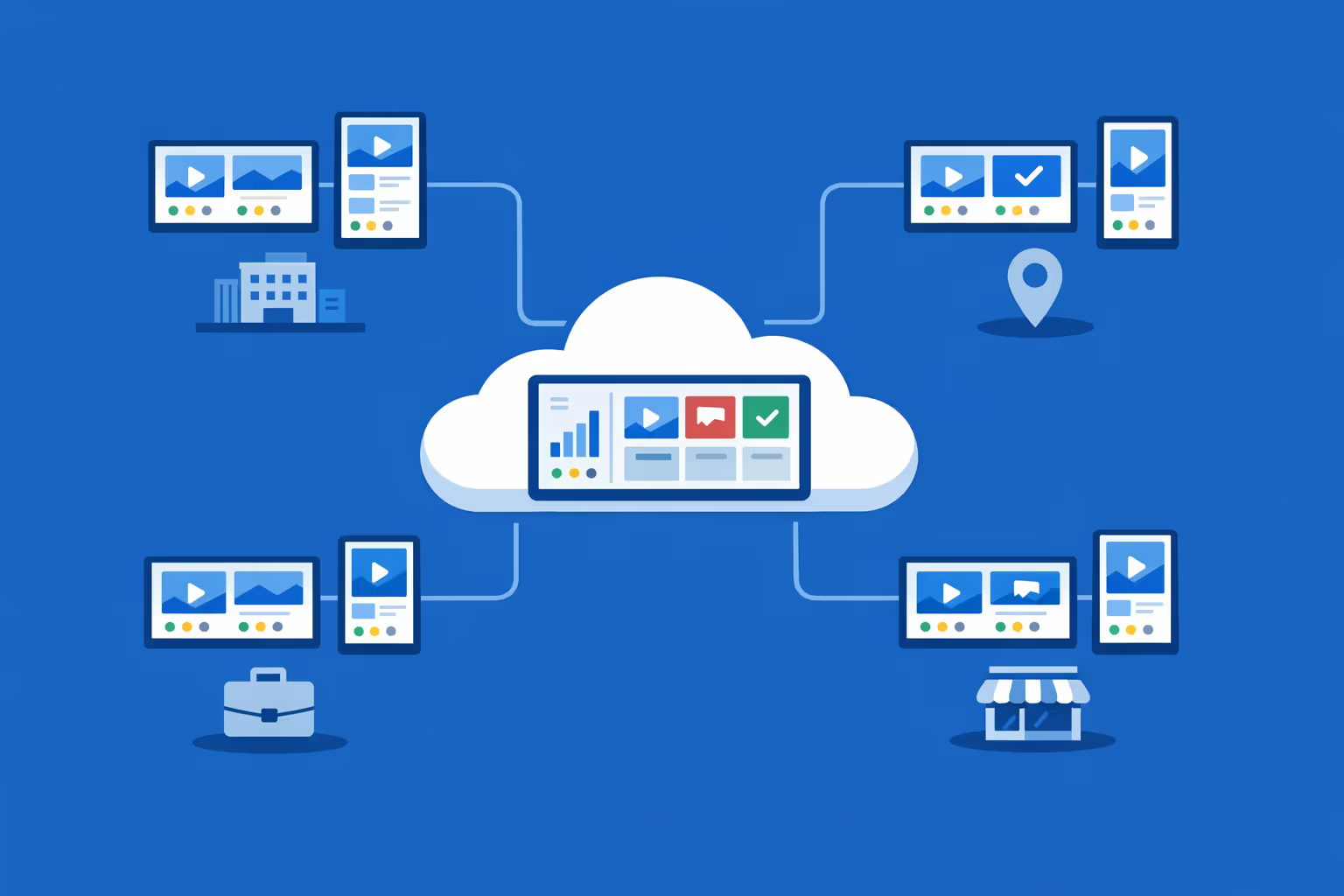
Multi-screen and multi-organization ready
Control thousands of screens and manage multiple organizations in one account. Segment advertising digital signage by brand, region, client, or venue so you can scale fast without losing local relevance.
Disign is compatible with all screens for digital signage
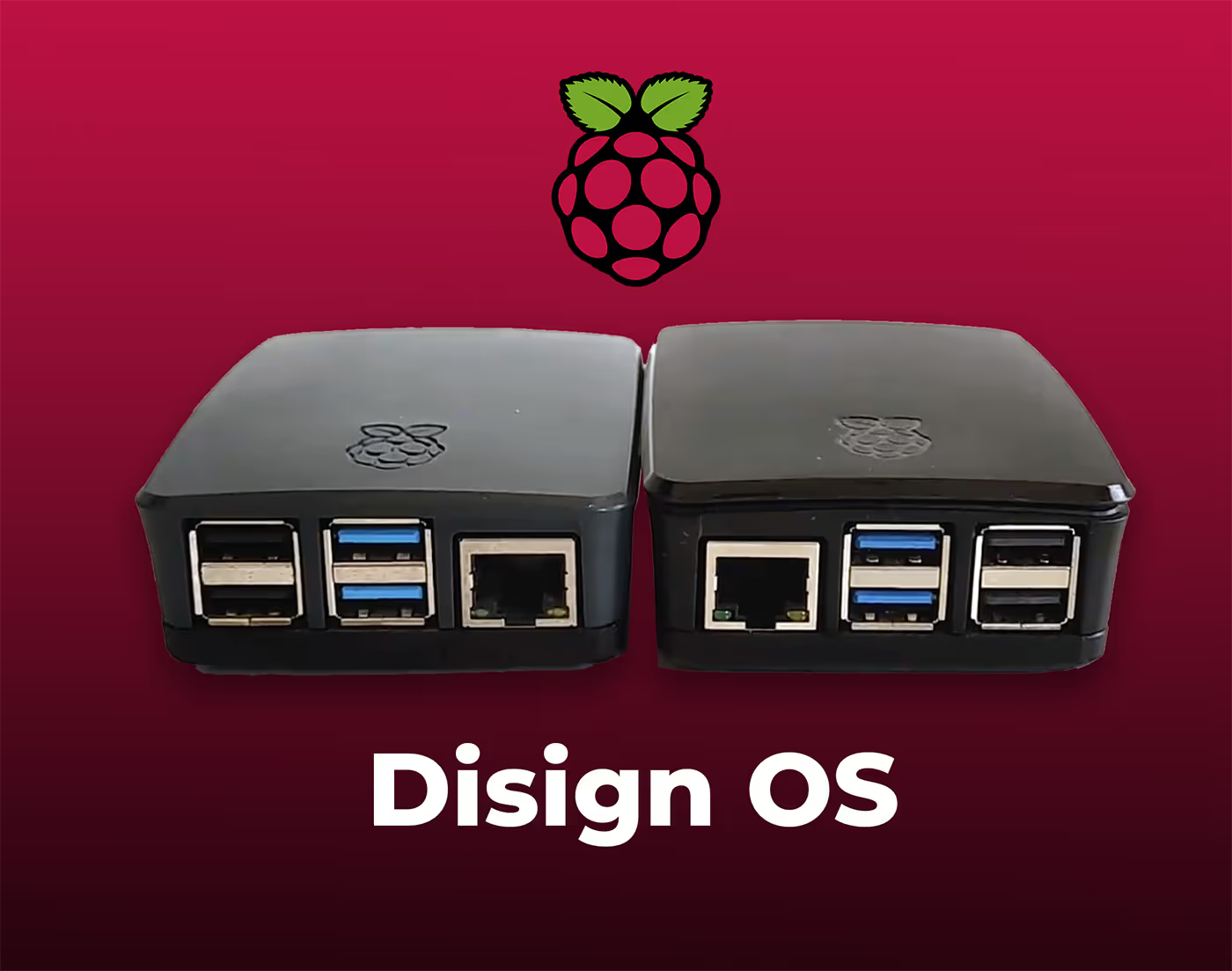
Digital signage with Disign allows you to manage and display content across a variety of devices. Our solution is compatible with many external players such as Disign OS based on Raspberry Pi, BrightSign, and any Android hardware. Disign also supports technologies embedded in Samsung, LG, and Android TV screens. With this broad compatibility, you can easily deploy digital signage solutions on different types of hardware, ensuring simplified management and an optimal user experience.


Integrate with your favorite Applications
70+ Applications and infini integration with API, Database, and any data source
Easily integrate third-party applications and web content such as YouTube or Vimeo, optimized for seamless playback. Display data from RSS feeds or formats like CSV, JSON, or XML directly on your digital signage screens. Extend display capabilities with advanced applications like grids or collections to enrich Disign scenarios.

We designed Disign to be as open and customizable as possible, both in its visual scenes and in its data sources.
Florent MondoloniCo-Founder, Disign

Video
Utilisez vos medias

RSS Feed
Use your own RSS Feed

Database
Databases

Canva
Create your Design and import it

Google Sheets
Import CSV, Live data...

Website/API
Affiche your website or use API
Everything you need to know about Disign Digital Signage For Advertising
Advertising digital signage FAQ: practical answers for agency, brand, and media teams
Advertising digital signage is not just a modern replacement for posters. For advertising teams, it is a controllable, measurable channel that can deliver timely creative, local relevance, and consistent brand execution across hundreds or thousands of screens. This FAQ is built for the advertising persona: agency leaders, retail media managers, brand marketers, OOH planners, and operations teams who need a digital signage platform that is fast to deploy, easy to govern, and reliable at scale.
In the questions below, you will learn how advertising digital signage works, how to plan campaigns, what to look for in a platform like Disign, and how to prove impact without adding complexity to your workflow.
What is advertising digital signage?
Advertising digital signage is a network of screens used to deliver advertising and branded messages in physical locations, managed centrally through software. It can be used to run paid ads, brand campaigns, promotional offers, and informational messages, often with scheduling, targeting, and reporting.
In advertising contexts, digital signage typically supports:
- brand awareness and product launches in high footfall environments
- point of purchase influence near shelves, checkouts, or entrances
- retail media networks that sell screen time to brands
- campaign localization by store, city, or venue
- rapid creative swaps for testing, compliance updates, or inventory changes
With a platform like Disign, teams manage content, playlists, and screens from a single interface, so the network remains consistent even when multiple stakeholders publish content.
Where is advertising digital signage used most often?
Advertising digital signage is used anywhere you want to influence decisions in the moment, or deliver a consistent message across locations.
Common environments include:
- retail stores, supermarkets, and convenience chains
- malls, airports, transit stations, and other OOH venues
- quick service restaurants and food courts
- gyms, salons, and waiting areas
- corporate lobbies and brand experience centers
- trade shows, pop ups, and events
- pharmacies and healthcare retail settings
- car dealerships and service centers
The best placements for advertising digital signage are locations where audiences have a reason to pause, wait, browse, or queue. That attention window is where screens can outperform print, especially when messaging is timely and relevant.
Why choose advertising digital signage instead of printed posters or static screens?
Print is slow, static, and hard to control across many locations. Even if the creative is strong, execution breaks down when updates depend on shipping, store staff time, or manual USB swaps.
Advertising digital signage is often chosen because it helps you:
- launch campaigns instantly across all locations
- localize creative without printing multiple versions
- schedule dayparting, weekly rotations, or campaign flight dates
- reduce production and distribution costs over time
- keep pricing, claims, and legal lines up to date
- test creative variations and optimize faster
- prove delivery and reduce the risk of non compliant displays
For advertising teams, digital signage becomes a reliable operational system, not a one off creative project.
What makes advertising digital signage effective for campaigns?
The channel works best when you design for how people actually view screens: briefly, often while moving, and in busy environments.
Effective advertising digital signage campaigns usually have:
- one clear message per screen, not a dense layout
- short headlines that can be read in 2 to 3 seconds
- strong contrast and brand recognizable visuals
- a specific call to action that matches the context
- creative variations that fit different store formats and screen sizes
- a rotation strategy that avoids fatigue while maintaining reach
If you treat the screen like a web page, the message will be missed. If you treat it like a fast, visual billboard, you will get more attention and better recall.
Who typically owns advertising digital signage inside a company?
Ownership varies by organization, but successful programs define responsibilities early to avoid chaos.
Common operating models include:
- marketing owns creative, campaigns, and brand standards
- media or retail media teams manage inventory and advertiser packages
- operations owns store level execution, placements, and support
- IT or digital teams own device provisioning, security, and network rules
- legal or compliance approves claims, disclaimers, and restricted categories
- agencies produce creative and manage campaign calendars, sometimes with limited access
Disign supports these models with role based permissions, making it easier to collaborate without giving everyone the same level of control.
How does Disign help advertising teams move faster without losing control?
Speed matters in advertising, but so does governance. If anyone can publish anything, mistakes happen, especially across large networks.
Disign helps you balance speed and control through:
- centralized management of screens, groups, and playlists
- permissions by role, location, and responsibility
- reusable templates that protect layout rules and required legal lines
- scheduling tools to match campaign flights and dayparts
- structured workflows that keep publishing accountable
The result is a faster cycle from brief to live screens, with fewer last minute surprises.
What types of content can we run on advertising digital signage?
Most advertising digital signage networks use a mix of static, animated, and data driven content.
Common content types include:
- images and motion graphics for brand and promotions
- short silent videos for product storytelling and seasonal campaigns
- menu and price boards where pricing changes frequently
- countdowns and event promos in venues and pop ups
- dynamic messages tied to time, weather, or store hours
- store specific creative, like local language or regional offers
- informational content that supports the customer journey, like wayfinding
In advertising environments, simplicity wins. If you use video, design it to work without sound and with clear captions when needed.
Can advertising digital signage support programmatic or rotating ad inventory?
Yes, many networks are built around rotating inventory, especially retail media networks and venue based OOH.
A practical approach includes:
- defining slots or loops with a clear duration and rotation rules
- separating brand owned content from paid advertiser placements
- controlling frequency so advertisers receive fair exposure
- using schedules to align with store hours, peak times, or events
- managing multiple creatives per advertiser for A B testing
Disign can help you operationalize this by organizing screens into groups, assigning playlists, and scheduling content so your inventory is predictable and easy to manage.
How do we target campaigns by location, region, or audience?
Targeting is one of the biggest advantages of advertising digital signage over print.
Typical targeting strategies include:
- by location type: flagship, high traffic, convenience, suburban
- by region or city: local language, local events, local pricing
- by screen placement: entrance, aisle endcap, checkout, waiting area
- by time: morning versus evening, weekday versus weekend
- by audience intent: near category shelves versus general awareness areas
With Disign, you can group screens by any operational logic and deploy campaigns to those groups without editing each screen individually.
How does scheduling work for advertising digital signage campaigns?
Scheduling lets you deliver the right creative at the right time, which is essential for campaign flights and retail execution.
Common scheduling needs include:
- start and end dates for campaigns and offers
- dayparting for breakfast, lunch, evening, or peak shopping hours
- weekly patterns for weekend promotions
- instant overrides for urgent updates or store wide announcements
- rotation rules that match media plans
A well managed schedule prevents outdated creatives from running and reduces the risk of expired promotions staying on screens.
How do we handle compliance, disclaimers, and brand safety?
Advertising digital signage often runs in regulated or brand sensitive environments, or in spaces where claims and pricing must be accurate.
Strong governance typically includes:
- templates that lock disclaimer placement and minimum font size
- controlled publishing so only approved users can push content live
- approval steps for sensitive categories or legal language
- strict scheduling so offers run only during valid dates
- asset libraries with approved logos, fonts, and imagery
- audit friendly logs of who published what and when
Disign supports structured access and reusable templates so compliance can be enforced without slowing every update to a standstill.
What security features should we expect in an advertising digital signage platform?
Screens are endpoints, and advertising networks are valuable because they control visible media. Security matters, especially when campaigns are time sensitive and public facing.
Key capabilities to evaluate include:
- secure authentication and role based permissions
- encrypted communication for management and content delivery
- device controls and remote monitoring
- separation of duties between creative upload and publishing
- logs for administrative actions and content changes
- operational tools to detect offline screens or playback issues
For advertising teams, security is not just an IT requirement. It protects revenue, protects brand trust, and prevents embarrassing screen incidents.
Do we need special hardware for advertising digital signage?
You typically need three things: a reliable screen, a player, and a stable connection.
Most deployments include:
- commercial grade displays for high uptime and long hours
- media players that can handle your content format and resolution
- mounts, power access, and cable management that match the location
- network connectivity appropriate for your environment
Many organizations start by using existing displays and standardize hardware over time. The important part is consistent playback and easy remote management at scale.
Can we run advertising digital signage across hundreds or thousands of screens?
Yes. Scalability is a core requirement for advertising, especially for multi location brands and retail media networks.
A scalable rollout usually requires:
- centralized provisioning and grouping for devices
- bulk assignment of playlists and schedules
- monitoring to confirm screens are online and playing correctly
- operational processes for new store openings and hardware swaps
Disign is designed for multi location management so you can keep execution consistent while still supporting local relevance.
How do we manage multiple stakeholders, like brands, franchisees, and agencies?
Multi stakeholder programs fail when permissions are unclear or when local teams can change brand critical elements.
A workable structure often looks like:
- corporate or network owner controls templates, brand rules, and core playlists
- agencies upload and maintain campaign creatives within agreed specs
- local operators request localized messages using approved formats
- retail media managers control paid advertiser schedules and reporting
Disign makes this easier with permissions and content organization, so each stakeholder can do their job without breaking the system.
What content length and loop duration works best?
There is no single answer, but you should design the loop to match real attention patterns.
Practical guidelines include:
- keep individual messages readable in a few seconds
- avoid long loops in fast moving environments
- for waiting areas, longer loops can work if content is varied and useful
- rotate creative to prevent fatigue, especially for frequent visitors
In advertising digital signage, repetition is necessary for recall, but over repetition creates blindness. A balanced loop with purposeful frequency performs best.
Can advertising digital signage integrate with data, like pricing or inventory?
Many networks use data driven content to keep messaging accurate and to reduce manual updates.
Common data driven use cases include:
- pricing updates pulled from a source of truth
- promotions that change by store or region
- dynamic product availability messages
- time based messaging for limited offers
- weather triggered creatives for seasonal relevance
If your environment supports it, data driven signage reduces errors and frees teams from constant manual updates.
How do we measure performance and ROI for advertising digital signage?
Advertising teams need proof, but measurement in physical spaces is different from clicks. ROI usually combines media value, operational efficiency, and business impact.
Common ROI and performance metrics include:
- campaign delivery proof: which screens played which creatives and when
- operational savings: reduced printing, shipping, and manual labor
- speed to market: time from approved creative to live screens
- sales lift analysis when you can correlate with POS or time windows
- brand metrics from research: recall, consideration, and store experience
- advertiser satisfaction for retail media: reliability, reporting, and execution quality
Even when direct attribution is limited, consistent delivery and faster campaign cycles are meaningful value in advertising operations.
How often should we update advertising digital signage content?
Update frequency depends on your campaign pace and how often offers change, but stale screens are a common failure point.
A realistic cadence often includes:
- weekly rotation for campaign freshness and seasonal creative
- daily updates for pricing, availability, or store operations when needed
- immediate updates for urgent corrections, recalls, or brand safety actions
- monthly refresh of evergreen brand or educational content
Disign makes updates quick, which helps teams maintain a high quality network without constant firefighting.
What are best practices for creative design on advertising digital signage?
Design for distance, speed, and environment.
Best practices include:
- large type and short copy, with clear hierarchy
- high contrast and simple backgrounds
- one primary product or idea per visual
- consistent brand cues so the message is recognizable
- safe margins so content is not cut off on different screens
- captions for video since audio is often off
- clear calls to action that match the moment, like scan a QR code, ask staff, or shop this aisle
If you want a network that consistently performs, create a template system and enforce it across all locations.
How do QR codes and mobile calls to action work on digital signage?
QR codes can be effective if they are designed for real world scanning.
Good QR code practices include:
- make it large enough to scan from typical viewing distance
- keep it on screen long enough for people to react and scan
- use short, trackable URLs behind the code
- ensure the landing page is fast and mobile optimized
- match the call to action to the context, like save an offer, join a loyalty program, or browse a product range
Advertising digital signage is powerful because it connects physical attention to digital action when the flow is frictionless.
What about accessibility and readability in public advertising environments?
Accessibility improves performance, not just compliance. If people cannot read the screen, the campaign fails.
Key guidelines include:
- readable font sizes and strong color contrast
- avoid long paragraphs and tiny legal text
- do not rely only on color to communicate meaning
- keep motion subtle so the message remains readable
- use captions for video and clear visuals for key information
By standardizing accessible templates, you improve consistency and reduce the risk of creative that looks good on a laptop but fails in a venue.
How quickly can we launch an advertising digital signage network?
Timelines vary based on hardware, approvals, and the complexity of your locations. Many teams start with a pilot to validate the workflow and prove value.
A typical rollout includes:
- define goals, success metrics, and ownership
- select pilot locations that represent real conditions
- build templates and a campaign calendar that fits your workflow
- provision devices, assign screen groups, and test schedules
- review performance, refine operations, then scale in waves
With Disign, centralized management helps you move from pilot to multi site rollout without reinventing the process each time.
What should we look for in advertising digital signage software?
When advertising is the use case, you need more than a basic screen player. Look for a platform that supports both creative speed and operational reliability.
A strong solution should offer:
- fast content publishing with dependable playback
- robust scheduling, targeting, and playlist control
- clear permissions for multi stakeholder teams
- template systems for brand and compliance consistency
- monitoring and proof of play style reporting capabilities
- scalability across locations and screen types
Disign is built to help advertising teams deploy campaigns reliably, keep control of brand execution, and scale without creating extra work for local staff.
What are the next steps if we want to start with Disign for advertising digital signage?
Start with a simple plan that reflects how advertising teams actually operate.
A practical next step includes:
- list your top campaign and operational use cases, like retail media ads, promotions, or brand messaging
- map stakeholders and define who creates, reviews, and publishes
- audit your screen locations and decide grouping logic
- create a template kit for your most common formats and legal needs
- run a pilot with real campaigns, measure delivery and operational impact, then scale
Once the foundation is in place, advertising digital signage becomes a repeatable channel that improves with every campaign you run.






Join community of 4k+ people
Advertising digital signage that turns attention into action
Launch, update, and scale campaigns across all your screens from one dashboard. With Disign, your advertising digital signage stays consistent, on brand, and always up to date, ideal for promos, new offers, seasonal creatives, and real time announcements.
Ready to try it on your own screens? Start your 28 day free trial, no credit card required. If you need help choosing the best setup or rolling out your first campaign, contact us and we will get you live fast.