Sony professional digital signage displays, fully integrated with Disign
Disign and Sony BRAVIA for reliable, high performance digital signage
Turn Sony professional digital signage displays into a dependable communication channel with Disign. Publish content in seconds, schedule by site and time, and monitor every screen from a single dashboard with real time control, secure deployment, and expert support for every rollout.
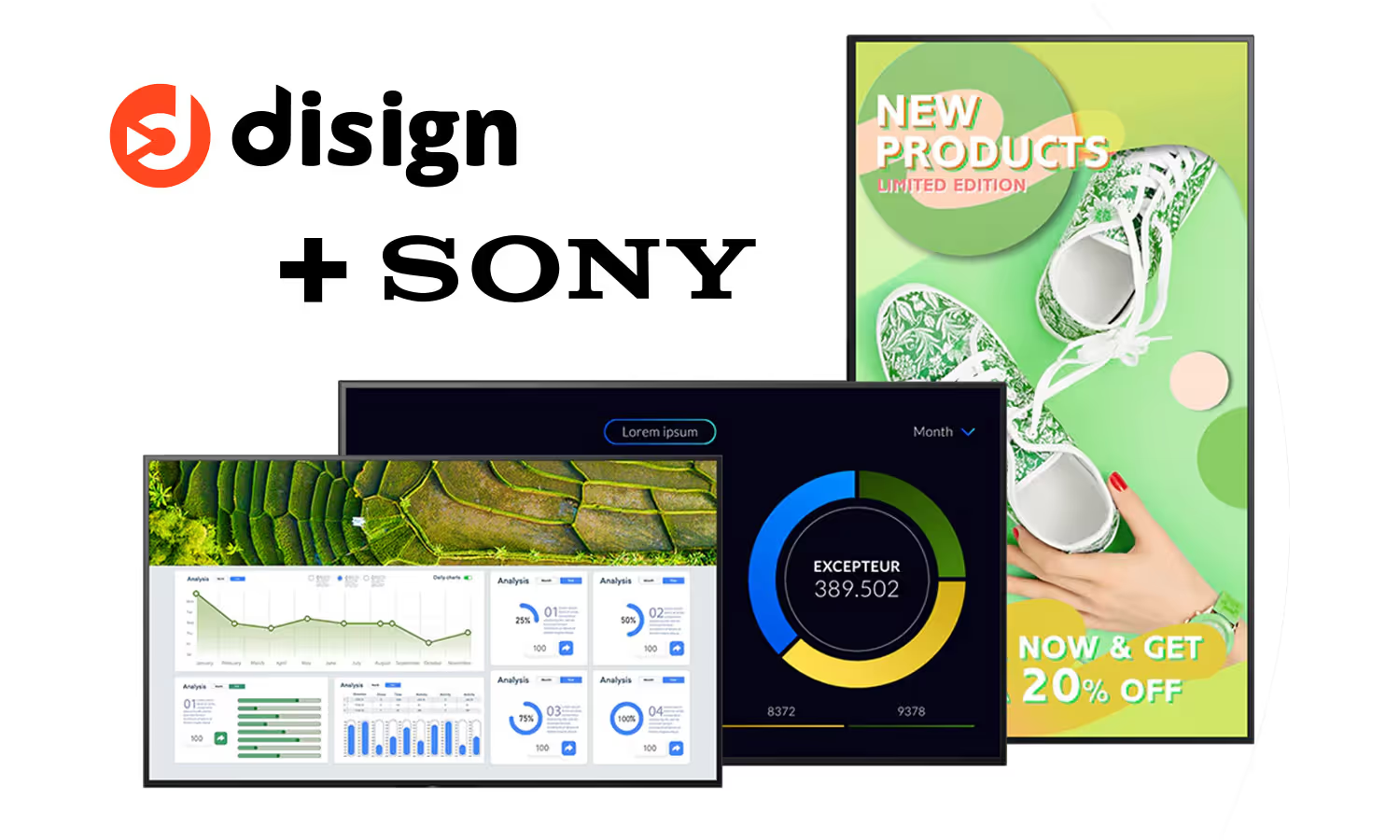
Why Sony BRAVIA professional displays are ideal for digital signage with Disign
Build a dependable signage network with Sony professional digital signage displays and Disign. Get true commercial-grade image quality in 4K and HDR, proven 24/7 operation, and an Android SoC that can reduce or eliminate external media players. Disign adds secure, centralized content management and smooth multi-site rollouts for teams that need consistent results.
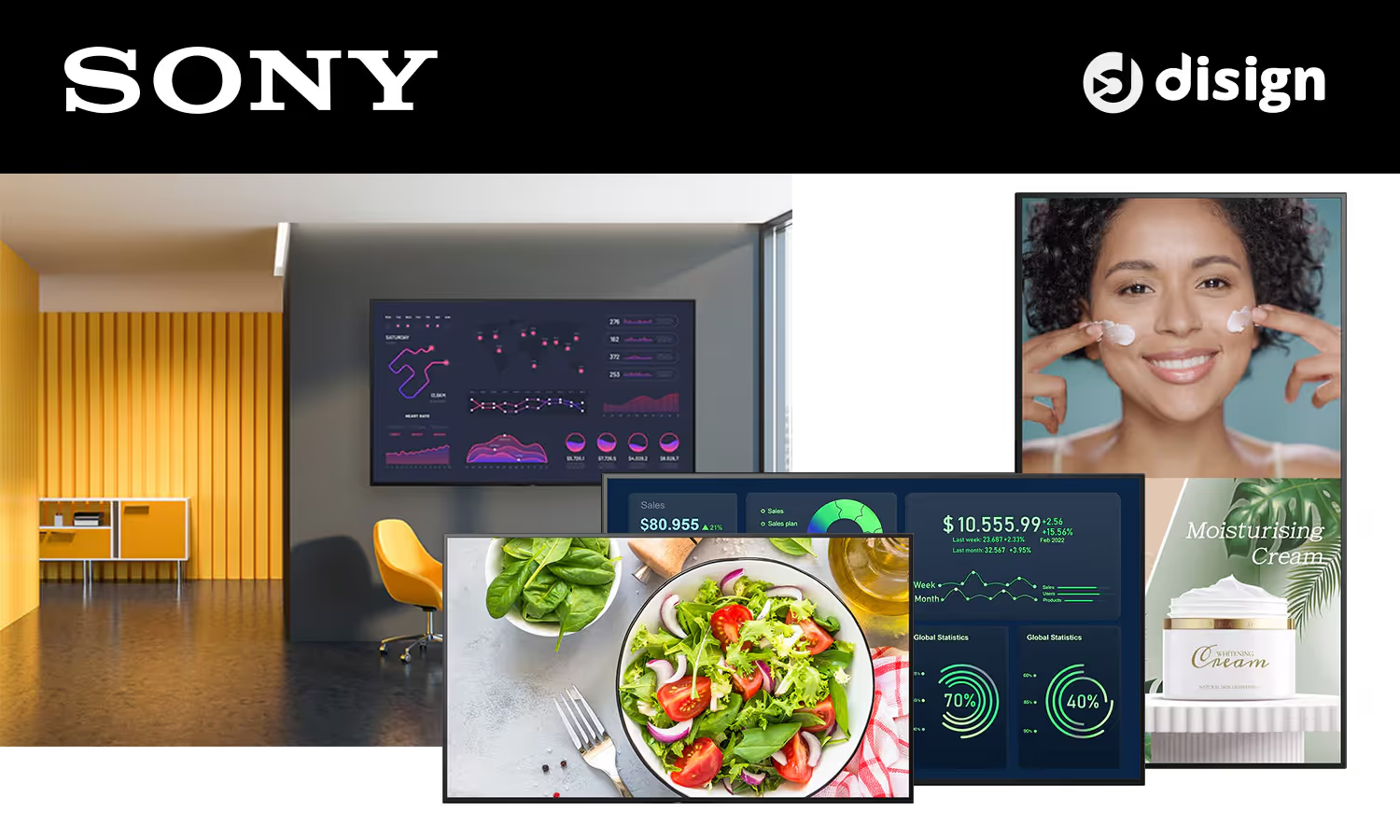
Commercial reliability and security you can trust
Sony professional displays are designed for business environments with stable performance, professional firmware, and ongoing updates. With Disign, you also benefit from controlled access and safer operations across every screen.
Lower total cost of ownership over the long run
Reduce costs over time with long-lasting BRAVIA professional hardware, fewer interventions, and efficient remote operations. Disign helps you standardize workflows, limit on-site maintenance, and get more value from every deployment.
A display lineup built for real commercial spaces
From corporate lobbies and meeting rooms to retail and public areas, Sony BRAVIA professional and commercial displays offer the sizes and mounting options teams need. Disign adapts to your layouts, content formats, and rollout constraints.
Android SoC built in to simplify your signage stack
Many Sony professional digital signage displays include Android and a built-in SoC, which can reduce the need for external players and extra cabling. That means faster installs, cleaner setups, and easier standardization across locations.
4K and HDR image quality that stays visible and consistent
Highlight your message with crisp 4K details, HDR contrast, and brightness suited to professional settings. Sony BRAVIA professional displays are built for consistent rendering so your branding looks right from morning to night.
Designed for 24/7 digital signage operation
When your signage runs all day and all night, uptime matters. Sony professional displays are engineered for continuous usage, and Disign lets you schedule content, push changes remotely, and keep every screen aligned across one or many sites.
Configure your Sony professional digital signage displays with Disign CMS
Choose the setup that fits your project: an external player for maximum capabilities, the Disign Android TV app from Google Play for a straightforward start, or the upcoming USB Admin Application for faster deployment and advanced permissions.
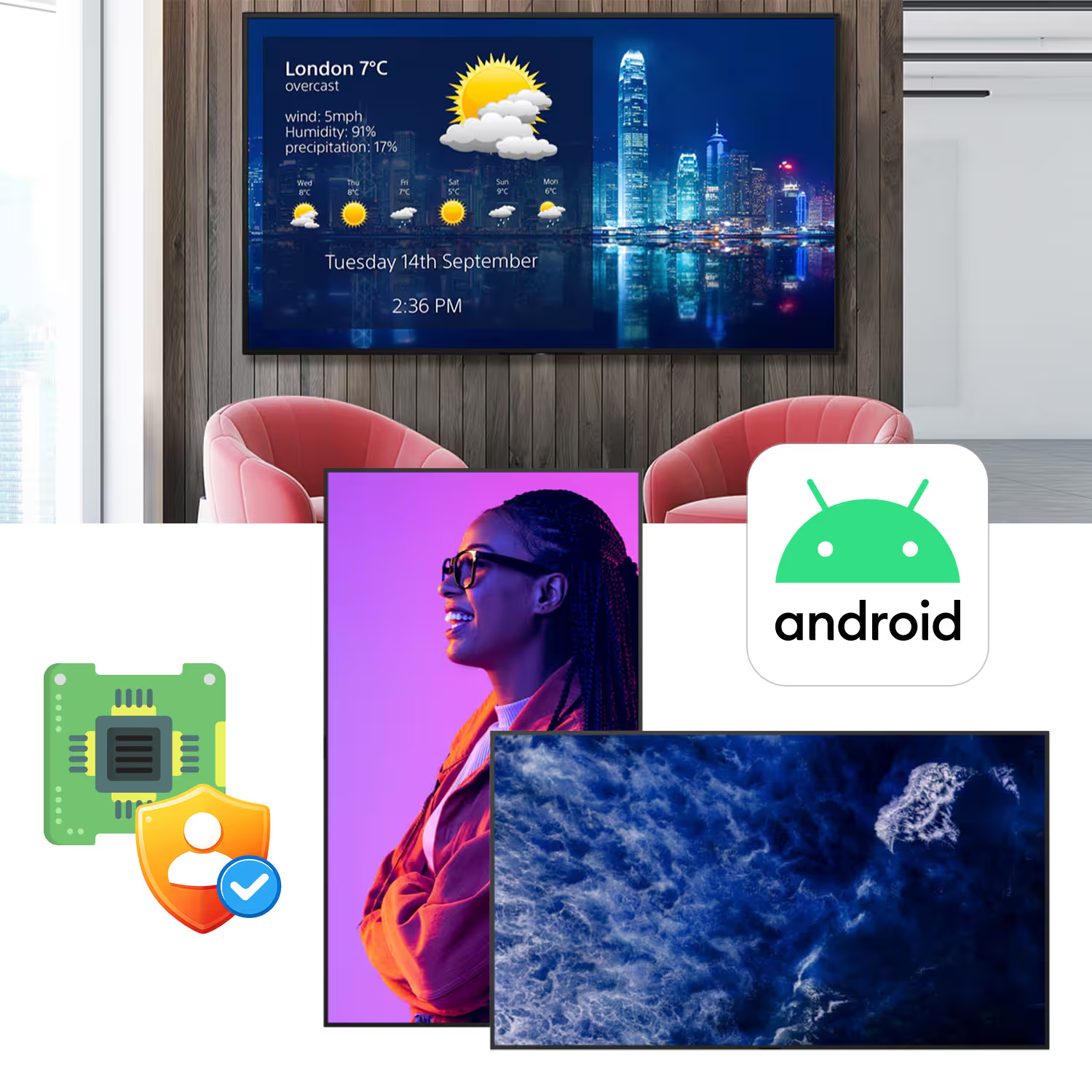
Connect an external player to your Sony professional digital signage displays to unlock the most complete Disign experience. This is the best choice for large networks, advanced scheduling, and demanding content playback.
Install Disign directly on the Sony display using Google Play. It is easy to start and works well with Sony Pro settings, but the initial setup can take longer and requires a Google account.
Setup Disign Player with Sony professional digital signage displays
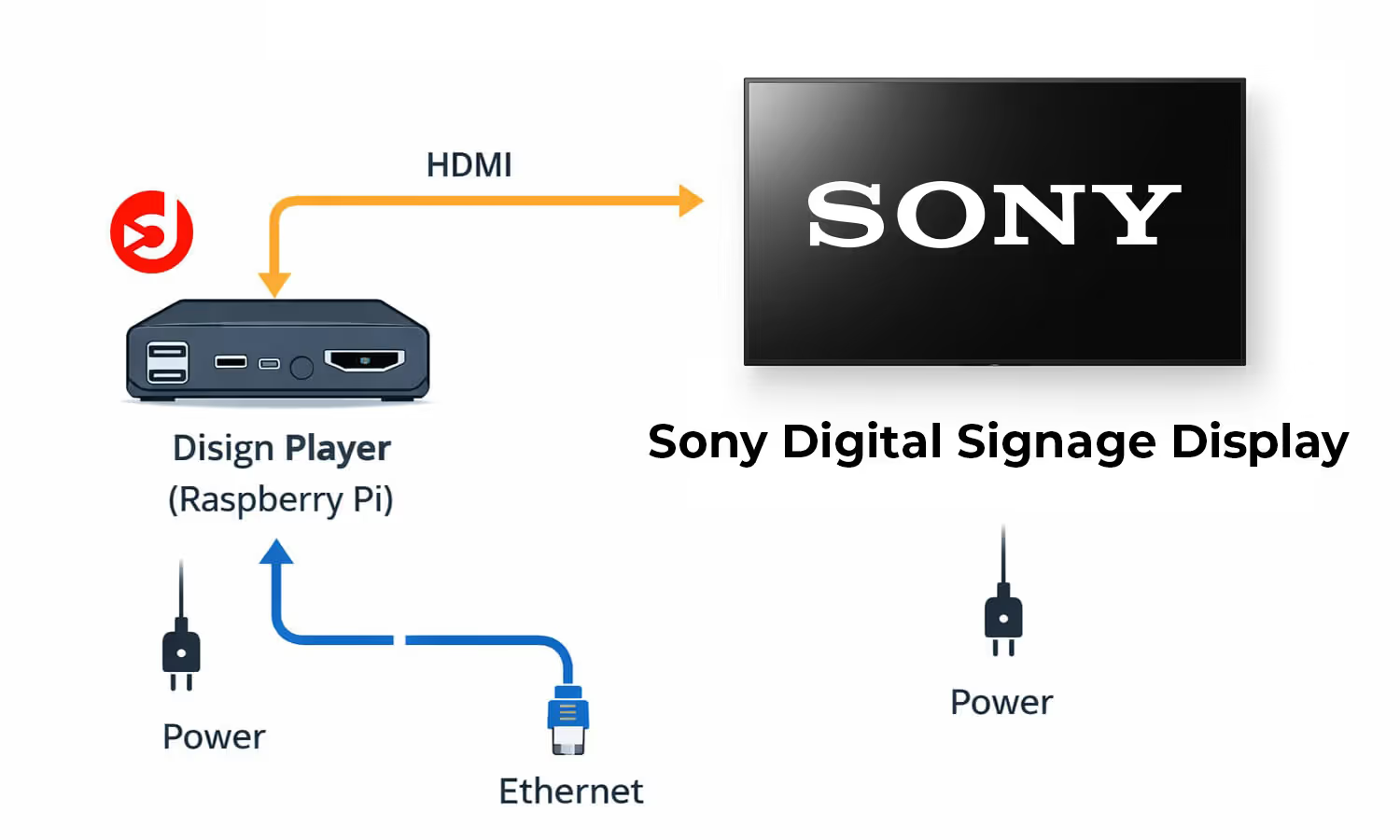
Connect the Disign Player (Raspberry Pi) to your Sony professional digital signage displays for the recommended installation: full Disign features, better performance, and a dedicated OS that stays secure and up to date.
Why this setup is recommended
With a Disign Player, your Sony professional digital signage displays run content from Disign OS, purpose built for digital signage. You get faster playback, more reliability, and access to every Disign capability without the limitations of Android, Windows, or generic media players.
Installation is simple: plug HDMI from the Disign Player to the Sony screen, connect the player to the internet by Ethernet or WiFi, and power the Raspberry Pi. The only downside is one extra device to mount, but it is easy to manage with clean mounting options or an HDMI wireless extender when needed.
Full Disign feature set
Use Disign web script engine, advanced scheduling, remote control, and IoT communication for interactive and connected signage.
Better performance
Disign OS is dedicated to the Disign app for smooth playback and stable operations on Sony professional digital signage displays.
Security and updates
Get continuous security improvements plus OS and firmware updates, with a hardened system designed for long term deployment.
Simple requirements
Internet connection (Ethernet or WiFi), an HDMI cable to the Sony screen, and power for the Raspberry Pi Disign Player.
Setup SOC Sony Bravia pro display android with Disign
Run Disign directly on the built-in Android SOC of your Sony Bravia Pro display, without an external player. When you need deeper control, Disign can use the Sony Bravia API to access screen commands that are not available in standard embedded Android.
Why use the internal Android SOC on Sony Bravia Pro
For most Sony professional digital signage displays, the internal SOC is powerful enough for everyday signage needs. This setup is fast to deploy, easy to maintain, and ideal when you want a clean installation with fewer components.
We work closely with Sony teams, so we understand the screens, their configuration, and their real-world limits. Disign helps you get the best out of Android-based Sony Bravia Pro displays, while keeping reliability at the center.
Simple setup, no external player
Install and run Disign on the Android SOC to reduce hardware, cables, and points of failure, while keeping a professional deployment workflow.
Sony Bravia API for missing controls
Use the Sony Bravia API with Disign to reach essential screen commands that are not natively exposed by embedded Android on professional displays.
Compatibility across older Android versions
Major Android upgrades are rare on display SOCs. Disign supports a wide range of Android versions to keep your Sony Bravia Pro signage fleet consistent over time.
Ideal industries for Sony professional digital signage displays with Disign
Sony professional digital signage displays are most used in industries where screens run long hours, visibility must stay sharp, and content needs to change quickly. With Disign, teams can publish promos, wayfinding, and real time updates across one or many locations in minutes.

Retail and shopping malls
Drive sales with Sony professional digital signage displays for promotions, new arrivals, and product storytelling. Disign makes it easy to update campaigns by store, department, or time of day.
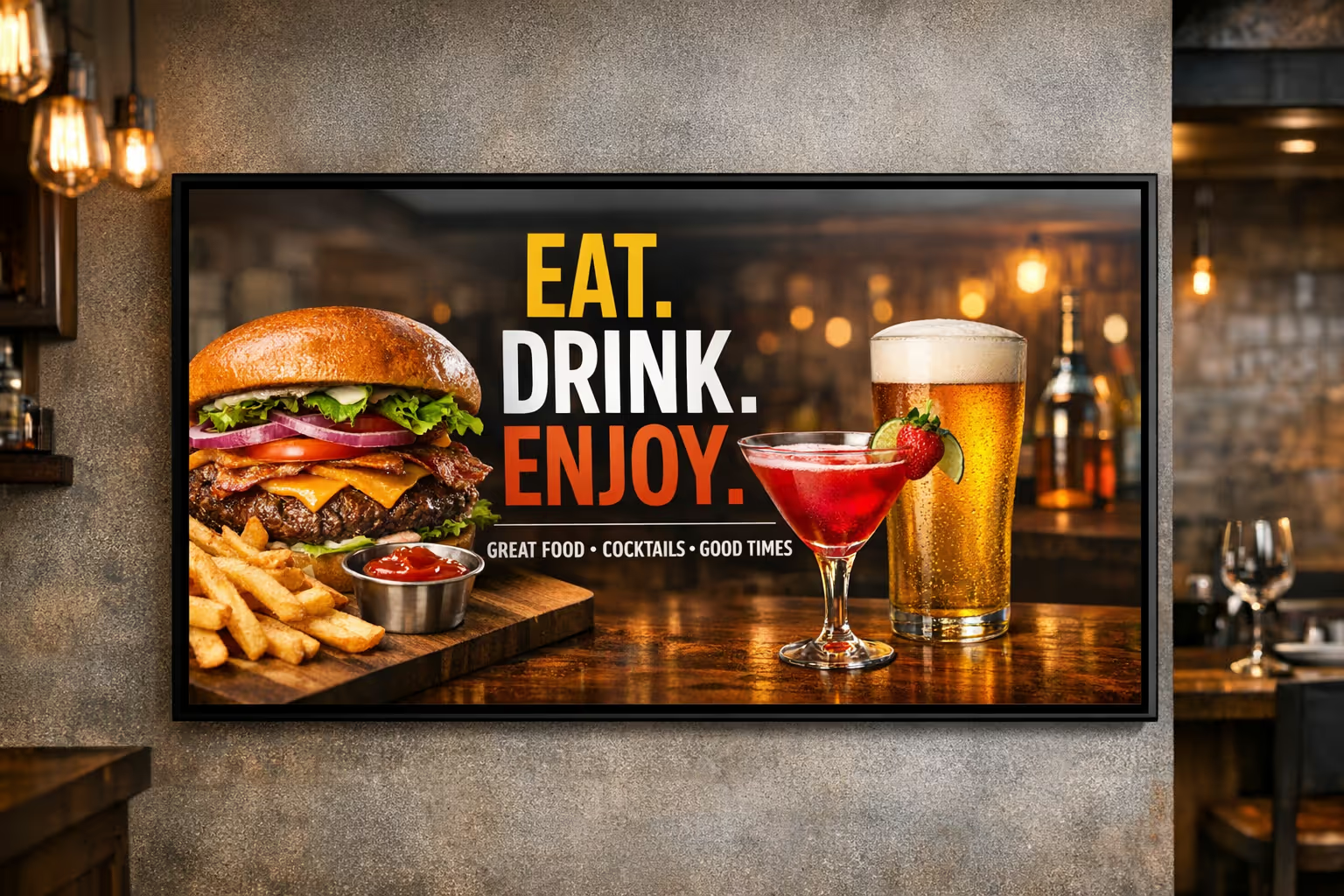
Restaurants and quick service
Power digital menu boards with Sony professional digital signage displays to show combos, allergens, daypart offers, and upsells. Disign helps you push updates instantly to one site or a full network.

Corporate offices and coworking
Use Sony professional digital signage displays in lobbies and shared areas for visitor welcome screens, meeting room directions, company news, and KPI dashboards. Disign keeps content consistent across floors and locations.
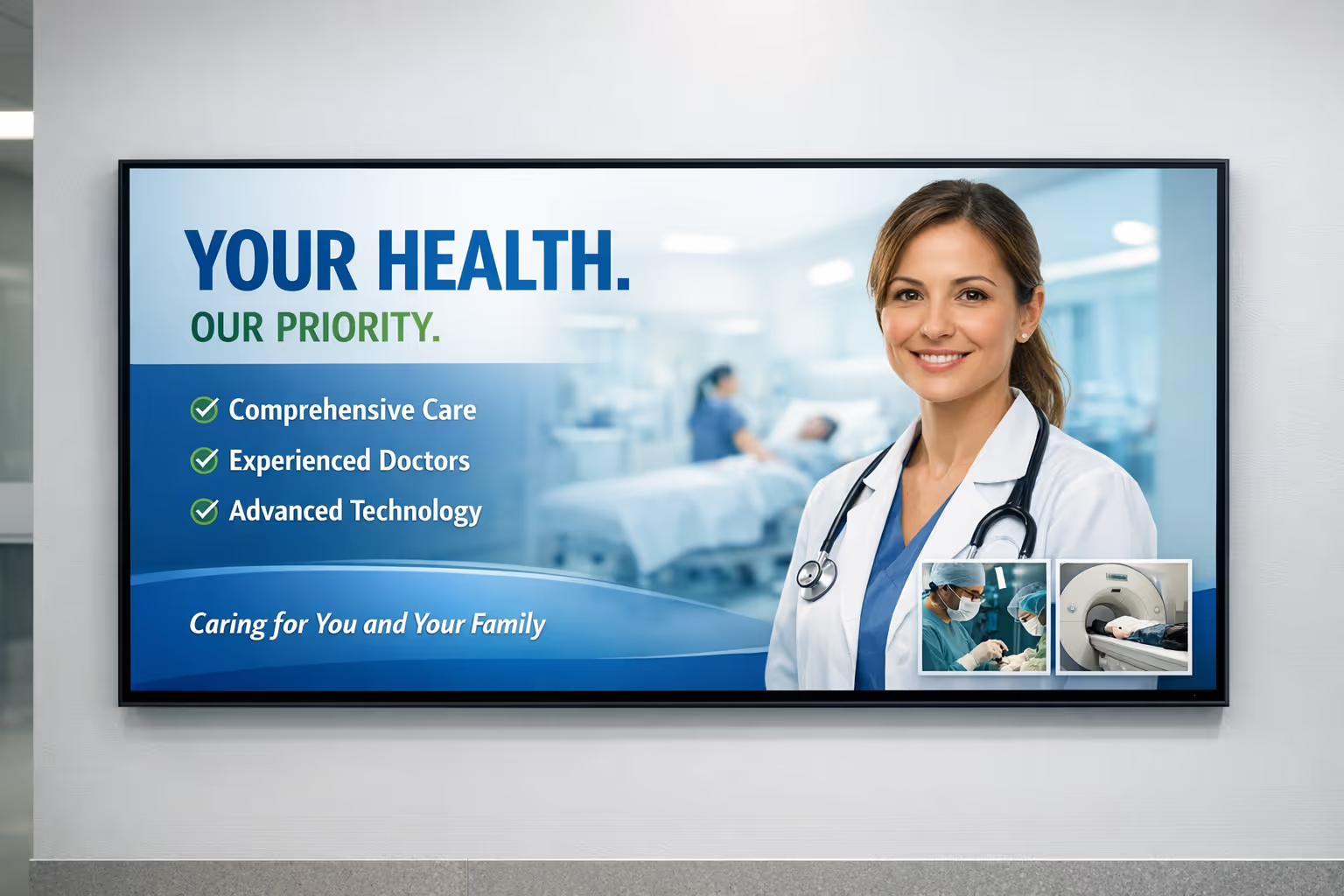
Healthcare and clinics
Improve the patient experience with Sony professional digital signage displays for wayfinding, opening hours, queue updates, and health messages. Disign helps staff update information without printing or manual changes.

Education and campuses
Keep students and staff informed using Sony professional digital signage displays for timetables, event promos, emergency alerts, and building directories. Disign makes it simple to manage content by faculty or campus.
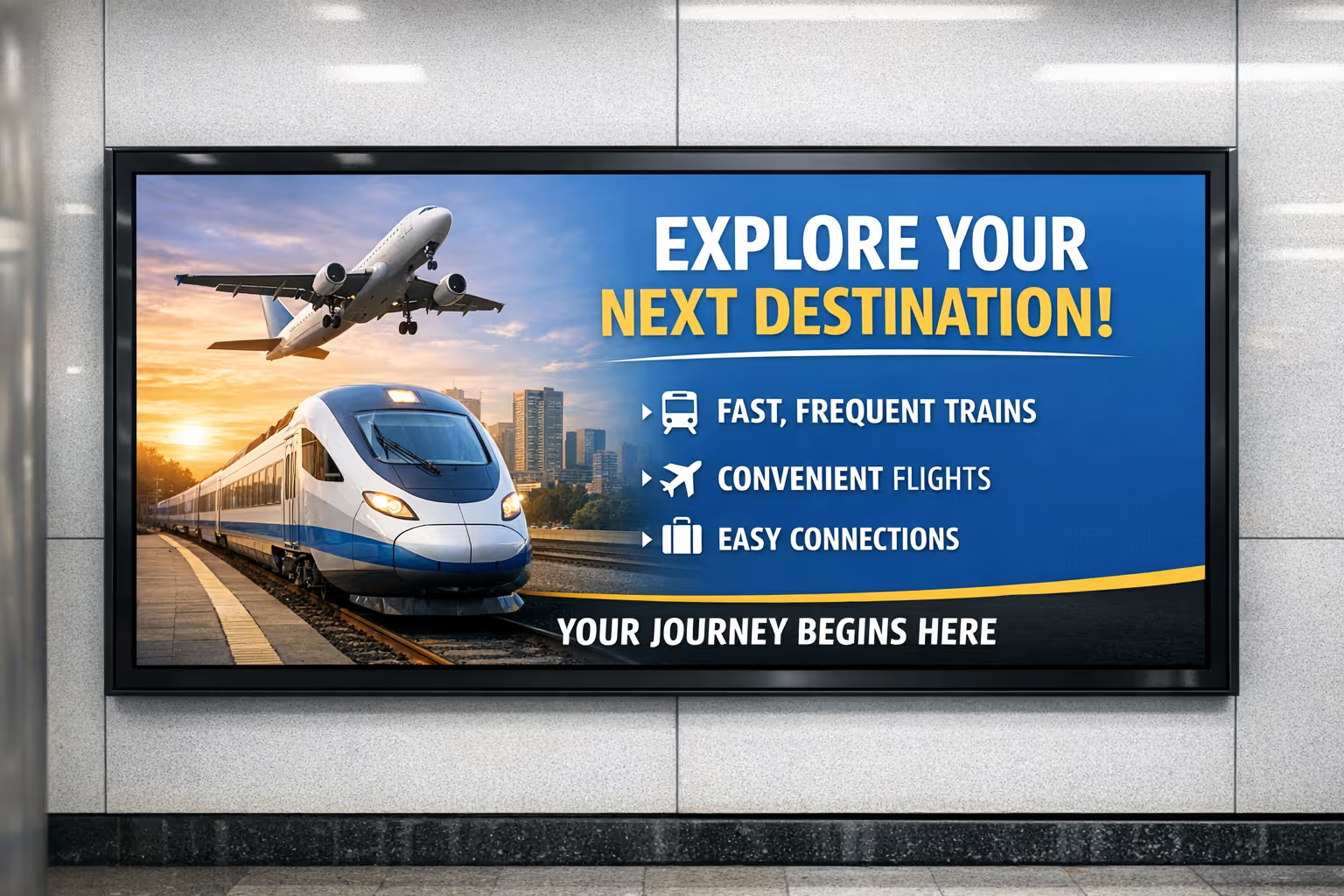
Transportation and public venues
Share real time departures, platform guidance, service notices, and safety messages on Sony professional digital signage displays built for continuous use. Disign helps teams publish updates fast across large sites.
Technical requirements for Sony professional digital signage displays
Ensure a smooth Disign deployment on Sony professional digital signage displays by validating network access and the right playback setup.
Whether you use a Disign player via HDMI or a Sony Android SoC, these prerequisites help you go live faster and reduce on-site issues.
Network connection for remote management
Connect the display or player to the internet via LAN or Wi-Fi to enable content publishing, monitoring, and updates for Sony professional digital signage displays.
HDMI input when using a Disign player
If you use an external Disign player, the Sony professional digital signage display must have an available HDMI input and be set to the correct source.
Sony Android SoC setup
On Sony professional digital signage displays with Android built in, install the Disign Android app directly on the screen for a clean, player-free installation.
App installation and updates
Make sure the screen can install and run Android apps and stay connected so Disign can receive updates and keep playback reliable on Sony professional digital signage displays.
How Disign digital signage works
Schedule your content from anywhere with our cloud-based digital signage solution. Easily plan what plays, when, and where—across one screen or thousands.
Design custom scenarios and playlists tailored to your audience and goals.
Set precise dates and times for your content to play automatically.
Deploy content instantly across your digital signage network with just a click.
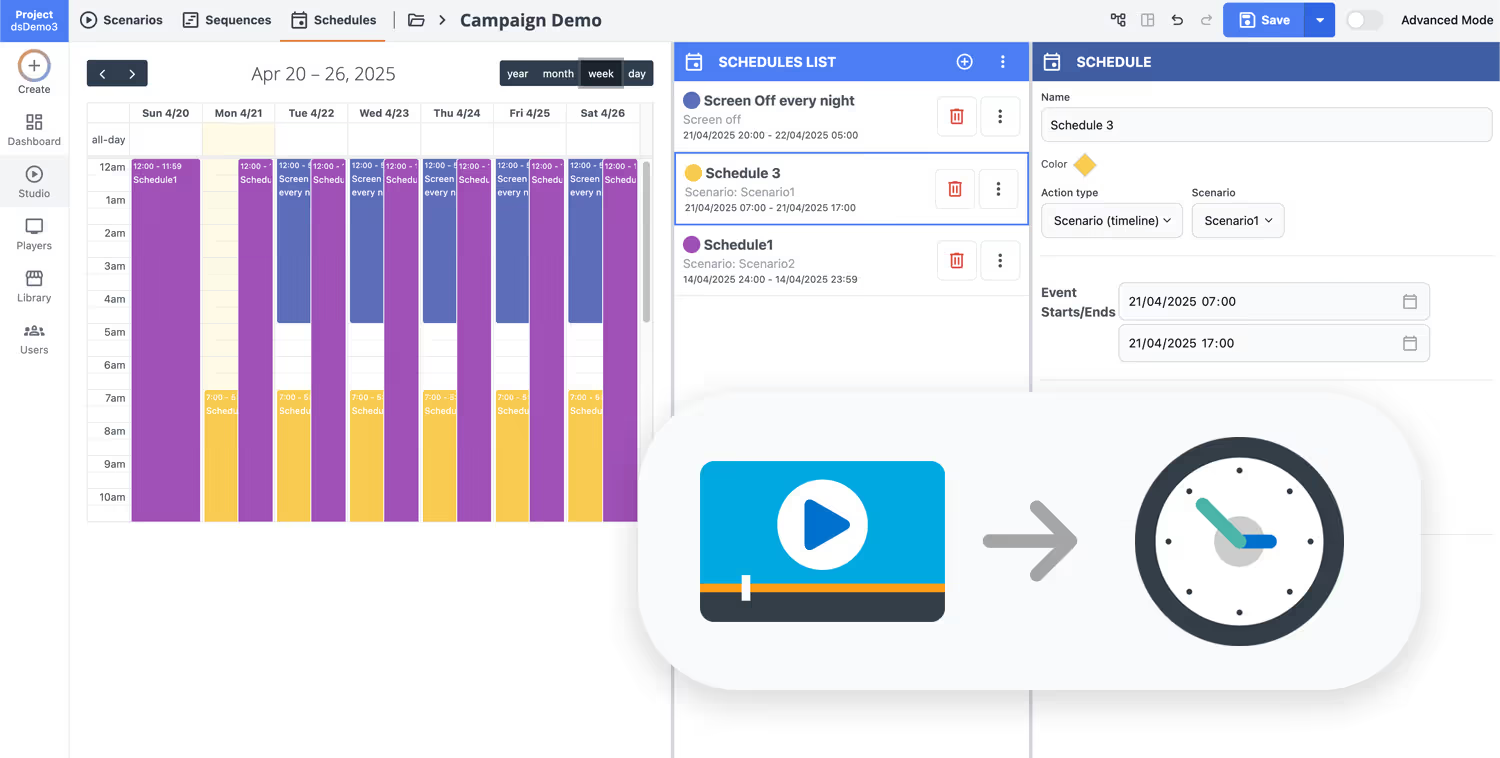
Launch your digital signage solution for Sony professional digital signage displays
Connect Disign to your Sony professional digital signage displays and publish content in minutes. Start with a 28 day free trial, no credit card required, and get a setup that is ready for retail, corporate, hospitality, and more.
Benefits for your organization
Combine Disign with Sony professional digital signage displays to deploy faster, manage everything centrally, and deliver reliable communication across every location, securely and at scale.
Fast rollout
From pilot to production in days, not months
Standardize deployments with Disign paired with Sony professional digital signage displays. Streamlined onboarding, templates, and remote activation help your teams launch new screens quickly across sites.
Centralized management
One platform for content, screens, and users
Control playlists, schedules, permissions, and device status from a single dashboard. Keep governance simple while giving local teams the autonomy they need, without losing brand consistency.
24/7 reliability
Always on, always monitored
Keep critical messages running continuously with robust monitoring and alerts. The Disign and Sony professional digital signage displays combination is built for demanding environments like retail, corporate, and transport.
Lower hardware costs
Reduce players and simplify maintenance
Optimize total cost of ownership by minimizing additional hardware and standardizing device fleets. Central updates and remote troubleshooting help cut onsite interventions and downtime.
International scalability
Multi-site, multi-country, multi-team ready
Scale from a few screens to thousands without changing your operating model. Manage regions, locations, and roles, and deliver localized content while preserving global governance.
IT-grade security
Built for CIO and IT requirements
Protect your network with strict access control, user permissions, and secure operations. The Disign platform supports structured governance so you can roll out Sony professional digital signage displays with confidence.
Sony professional digital signage displays compatible with Disign CMS
Pro BRAVIA series and FW models that work with Disign digital signage software, so you can deploy content reliably across retail, corporate, education, and public spaces.
| Sony professional display series or model | Typical use cases | Resolution | Operating hours | Compatibility with Disign |
|---|---|---|---|---|
| Pro BRAVIA BZ53L | Flagship 98-inch 4K HDR signage, premium glare reduction for high-impact spaces | 4K Ultra HD HDR | Professional signage use | |
| Pro BRAVIA BZ40L | Retail and corporate digital signage with high brightness and deep black anti-glare | 4K | Professional signage use | |
| Pro BRAVIA BZ35L | Enhanced 4K HDR signage with 32 GB storage for apps and playback | 4K HDR | Professional signage use | |
| Pro BRAVIA BZ30L | 24 7 signage for portrait and tilt installations, Pro Mode, AirPlay and Chromecast | 4K HDR | 24h 24, 7 days a week | |
| Pro BRAVIA EZ20L | Essential professional features for dependable day-to-day digital signage | 4K | 16h 24, 7 days a week | |
| FW-85BZ40L | 85-inch 4K HDR professional signage with exceptional brightness and deep black anti-glare | 4K HDR | Professional signage use | |
| FW-75BZ40L | 75-inch bright 4K HDR signage for shop floors, lobbies, and meeting areas | 4K HDR | Professional signage use | |
| FW-65BZ40L | 65-inch 4K HDR professional display for indoor digital signage | 4K HDR | Professional signage use | |
| FW-55BZ40L | 55-inch 4K HDR signage for retail promotions, menus, and brand messaging | 4K HDR | Professional signage use | |
| FW-85BZ35L | 85-inch enhanced 4K HDR signage with 32 GB storage and high brightness | 4K HDR | Professional signage use | |
| FW-75BZ35L | 75-inch enhanced 4K HDR professional signage with 32 GB storage | 4K HDR | Professional signage use | |
| FW-65BZ35L | 65-inch enhanced 4K HDR signage with high brightness and 32 GB storage | 4K HDR | Professional signage use | |
| FW-55BZ35L | 55-inch enhanced 4K HDR professional display with 32 GB storage | 4K HDR | Professional signage use | |
| FW-98BZ30L | 98-inch 4K HDR signage powered by Cognitive Processor XR | 4K HDR | 24h 24, 7 days a week | |
| FW-85BZ30L | 85-inch 24 7 professional signage, portrait and tilt support, Pro Mode, AirPlay and Chromecast | 4K HDR | 24h 24, 7 days a week | |
| FW-75BZ30L | 75-inch 24 7 4K HDR signage for continuous content playback | 4K HDR | 24h 24, 7 days a week | |
| FW-65BZ30L | 65-inch 24 7 signage for retail and corporate communication | 4K HDR | 24h 24, 7 days a week | |
| FW-55BZ30L | 55-inch 24 7 4K HDR professional display for indoor signage networks | 4K HDR | 24h 24, 7 days a week | |
| FW-50BZ30L | 50-inch 24 7 4K HDR signage for menus, promotions, and information screens | 4K HDR | 24h 24, 7 days a week | |
| FW-43BZ30L | 43-inch 24 7 4K HDR professional signage for compact spaces | 4K HDR | 24h 24, 7 days a week | |
| FW-75EZ20L | 75-inch professional display designed for reliable daily signage operations | 4K | 16h 24, 7 days a week | |
| FW-65EZ20L | 65-inch everyday digital signage for offices, education, and retail | 4K | 16h 24, 7 days a week | |
| FW-55EZ20L | 55-inch professional signage display with essential features | 4K | 16h 24, 7 days a week | |
| FW-50EZ20L | 50-inch reliable professional display for scheduled signage playback | 4K | 16h 24, 7 days a week | |
| FW-43EZ20L | 43-inch professional signage for small locations and tight installations | 4K | 16h 24, 7 days a week | |
| FW-32BZ30J | 32-inch professional BRAVIA display for compact signage and information points | 4K Ultra HD HDR | Professional signage use |
Sony professional digital signage displays modes explained
If you choose to run Android on your Sony professional digital signage displays instead of using Disign players, setup can take longer. You first configure Android, then you configure Pro mode for a reliable signage experience.
Disign players are plug and play and that is what we recommend for professional use. Still, if you use Sony BRAVIA built in Android, the three Sony modes below help you lock the screen, control which apps are allowed, and keep your content running. Full steps are available in our documentation for configuring your Sony screen with Disign.
| Mode | What it means on Sony professional digital signage displays | |
|---|---|---|
| Normal | Standard Android TV behavior with full access to apps and settings, great for consumer use but not ideal when you need a screen that stays on signage content. | |
| Pro settings | Configuration mode where you prepare the display for signage: choose which apps are allowed, set the app that auto launches, and define restrictions before locking the screen down. | |
| Pro | Secure locked mode limited to what you defined in Pro settings. Users cannot exit the signage app or open other apps. To return to Pro settings, use the remote key combination and enter the PIN. |
Integrate with your favorite Applications
70+ Applications and infini integration with API, Database, and any data source
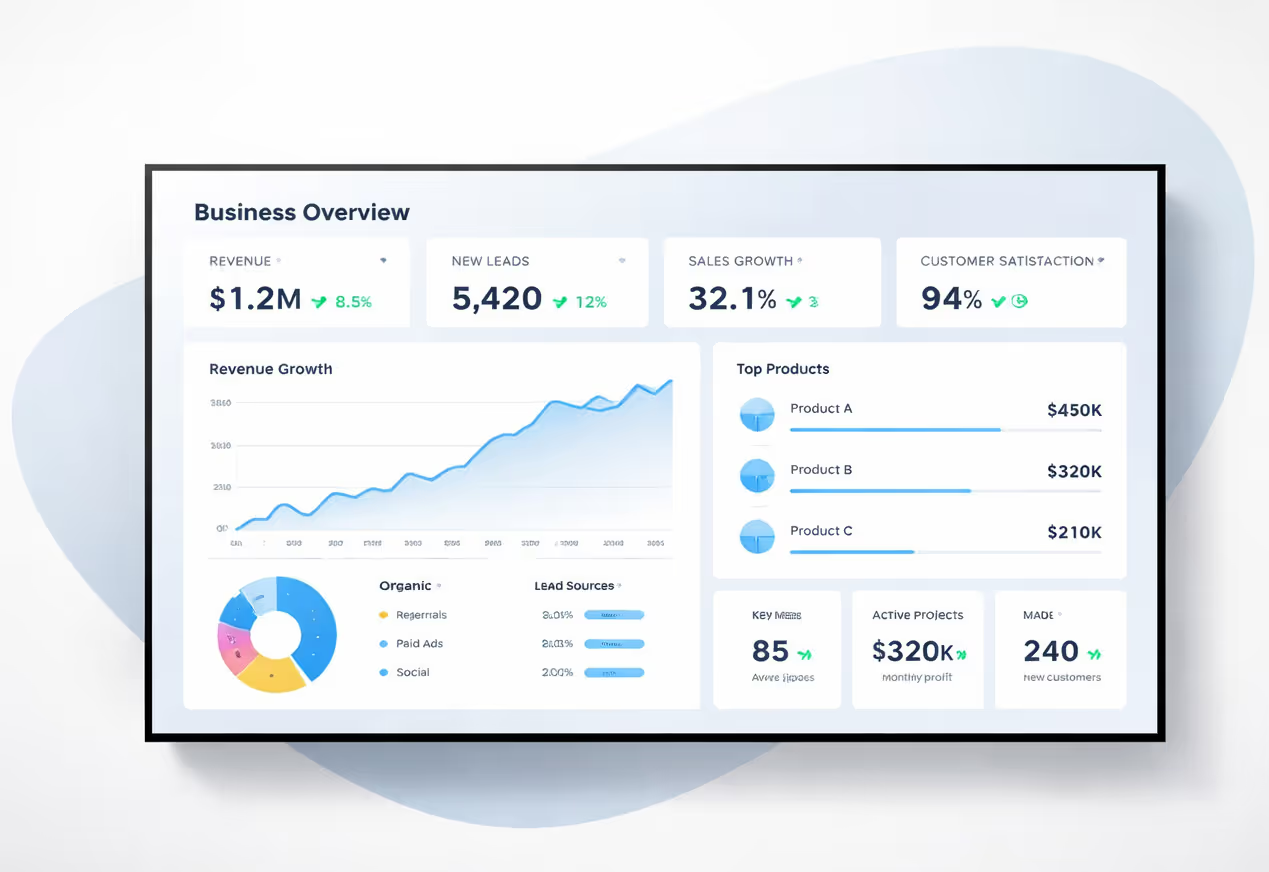
Easily integrate third-party applications and web content such as YouTube or Vimeo, optimized for seamless playback. Display data from RSS feeds or formats like CSV, JSON, or XML directly on your digital signage screens. Extend display capabilities with advanced applications like grids or collections to enrich Disign scenarios.

We designed Disign to be as open and customizable as possible, both in its visual scenes and in its data sources.
Florent MondoloniCo-Founder, Disign

Video
Utilisez vos medias

RSS Feed
Use your own RSS Feed

Database
Databases

Canva
Create your Design and import it

Google Sheets
Import CSV, Live data...

Website/API
Affiche your website or use API
Everything you need to know about Disign Digital Signage For Sony Professionnal Displays
Sony digital signage with Disign CMS FAQ: answers for teams deploying sony professional digital signage displays
If you are researching sony digital signage with Disign CMS, you are likely responsible for a real rollout: selecting hardware, aligning IT and marketing, and ensuring content stays reliable across dozens or hundreds of screens. sony professional digital signage displays are widely used in retail, corporate communication, hospitality, education, and public spaces because they are designed for professional environments. Disign adds the missing layer: a CMS that helps you create, schedule, publish, and monitor content remotely, with governance built in.
This FAQ is written for buyers and project owners who standardize on sony professional digital signage displays and need a digital signage platform that can scale. The goal is to help you choose the right setup, understand what is required on Sony BRAVIA Professional displays, and avoid common mistakes that cause slow deployments or inconsistent playback.
What is sony digital signage with Disign CMS?
sony digital signage is the practice of using sony professional digital signage displays to show changing content such as promotions, menus, brand messaging, internal communications, safety instructions, KPIs, or live information. Disign CMS is the software used to manage that content centrally. Instead of updating each display manually, you publish from Disign and your network of sony professional digital signage displays plays the right content at the right time.
In practical terms, Disign helps you standardize layouts, keep campaigns on schedule, and give teams the right access so the network stays consistent. This matters when you have multiple stakeholders: marketing needs speed, operations needs clarity, and IT needs security and control.
Is Disign compatible with sony professional digital signage displays?
Yes. Disign is designed to work with sony professional digital signage displays in professional deployments. Compatibility depends on your playback approach. Most teams choose one of two options: use a dedicated Disign player connected to the Sony display, or use the integrated Android environment available on many Sony BRAVIA Professional models.
The safest path for standardization is often a dedicated player because it provides a consistent playback environment across different sony professional digital signage displays. If you prefer an Android approach, Disign can also work with Sony Android devices, with some limitations that are typical of Android based signage deployments. The right choice depends on your content complexity, your security requirements, and how much you need to standardize across locations.
Is Disign compatible with all Sony models?
Disign can support a wide range of Sony displays, but the practical requirement is that your sony professional digital signage displays can receive content from a supported playback device. If you use a Disign player, the Sony screen behaves as the display surface and the player handles the rendering. This tends to be the most predictable option for large fleets and demanding content.
If your Sony model includes Android, Disign can run in an Android workflow as well. In that case, teams typically validate the exact model, Android version, screen orientation, network constraints, and content type. This is especially important if you plan to run heavy video, advanced animations, or dynamic data sources.
I do not understand the modes on my Sony BRAVIA. What are they?
On many Sony BRAVIA Professional displays, you will encounter three operational modes that impact digital signage. Normal mode is the classic Android TV behavior. Pro settings mode is where you configure professional behavior such as which application is allowed, which application launches automatically, and which restrictions are enabled. Pro mode is the locked down operating mode that enforces the rules you configured in Pro settings.
For digital signage, Pro mode is useful because it prevents casual tampering. The display is limited to what you defined in Pro settings, meaning staff cannot easily exit the signage app or open unrelated apps. If you need to exit Pro mode and return to Pro settings, Sony typically requires a specific remote control key combination plus a PIN code. This is a strong fit for shared environments because it reduces accidental interruptions and improves operational reliability.
Is Disign compatible with Android on Sony BRAVIA Professional displays?
Yes, Disign can be used with Sony BRAVIA Professional displays running Android. The main tradeoff is that Android setups can require more careful configuration and may have limitations compared to dedicated signage players. For example, updates, device policies, and background behavior can vary by Android version and model. Because of this, many teams start with a pilot on the exact Sony models they plan to deploy, validate playback, validate remote management expectations, then scale.
If your priority is the fastest and most consistent rollout across many sony professional digital signage displays, a Disign player is often easier to standardize. If your priority is minimal hardware and simple on site installation, Android can be a good option when content needs are straightforward.
Can I manage multiple sony professional digital signage displays remotely?
Yes. Disign is built for centralized management of multiple sony professional digital signage displays. From Disign Studio, you can publish to one screen, a group of screens, or an entire network. You can organize devices by store, city, region, building, floor, department, or even by placement such as entrance, aisle, checkout, lobby, meeting rooms, or staff areas.
This remote approach reduces operational effort. Instead of reacting to local requests and sending files to each site, you define the structure once and maintain it continuously. It is also a strong governance model because you can control who is allowed to publish and what they can change.
Do sony professional digital signage displays support 24/7 usage?
It depends on the specific Sony model and the operating conditions. Some sony professional digital signage displays are designed for extended usage and demanding environments, while others are better suited for limited daily hours. For 24/7 scenarios, teams typically check the manufacturer specifications, brightness requirements, ventilation, and the risk of image retention based on the type of content displayed.
From a CMS perspective, Disign can support 24/7 scheduling and can keep content running continuously. The practical success of 24/7 digital signage is usually a combination of correct hardware selection, correct settings, and a disciplined content strategy.
Does the Disign player work offline?
Yes. Disign supports an advanced offline mode. Your sony professional digital signage displays can keep playing scheduled content even if the network connection drops. This is essential in real environments where WiFi can fluctuate or where a site connection may be temporarily unstable.
Offline capability is not only about caching media files. In many deployments, you also want external data to stay reliable. Disign can synchronize what is needed locally so playback stays consistent, then it reconnects and updates when the connection returns. This is a key reason professional teams choose a CMS plus player approach for sony professional digital signage displays.
What network requirements do I need for Sony signage with Disign?
At minimum, you need internet connectivity for remote publishing and monitoring, using Ethernet or WiFi. Ethernet is typically preferred in professional environments because it is more stable and predictable. If you use WiFi, teams usually validate signal strength at each screen location, especially behind walls or in large retail spaces.
For most deployments, there is no complex requirement. You mainly need stable access for synchronization and updates. Disign is designed so that playback remains stable while content updates can happen in the background.
Does the Disign app update automatically?
Yes. The Disign application can update automatically depending on the playback approach. With Disign players, updates are applied automatically on player restart, which helps standardize versions across a fleet of sony professional digital signage displays. In Android scenarios, updates are typically managed through the Google Play Store process, depending on your device policy and deployment method.
This matters for security and stability. When you operate many sony professional digital signage displays, manual updates become a hidden cost. Automated updates help keep the network consistent without constant site visits.
What is better for sony professional digital signage displays: Android or a dedicated player?
Both approaches are valid, and the best choice depends on your operational priorities. Android can simplify installation because you have fewer devices, less cabling, and a quicker on site setup. A dedicated Disign player is often chosen when you need consistent performance, easier troubleshooting, and the same experience across different Sony models and sites.
Many organizations start with a pilot on a few sony professional digital signage displays. If the content is simple and the environment is controlled, Android can be enough. If the network grows, the content becomes more demanding, or IT requirements become stricter, teams often standardize on dedicated players for long term scalability.
Can Disign schedule campaigns on Sony displays by time and date?
Yes. Scheduling is one of the core reasons to use Disign with sony professional digital signage displays. You can plan start and end dates, set dayparting rules, and align content to opening hours. Scheduling also reduces the risk of outdated content staying live because you can define a clear end date from the start.
For marketing teams, scheduling means fewer last minute changes and more predictable execution. For IT and operations, it means a more controlled network with fewer urgent interventions.
What are the most common mistakes when deploying sony professional digital signage displays?
Most issues come from process rather than hardware. Teams run into trouble when they do not standardize content specs, when they skip templates, when they forget end dates, or when they design visuals that are not readable from the viewing distance. Another common mistake is relying on manual updates or site by site workflows. That approach works for a handful of screens, but it does not scale.
A structured CMS like Disign helps prevent these problems by making organization, permissions, and scheduling part of everyday operations, which is what professional networks of sony professional digital signage displays require.






Join community of 4k+ people
Run Disign with Sony professional digital signage displays
Launch a reliable digital signage setup with Disign and Sony professional digital signage displays. Create, schedule, and publish content in minutes, then keep every screen perfectly in sync.
Start with a 28-day free trial, no credit card required. Want help choosing the right Sony players and setup? Contact us and we will guide you so you can start testing today.