iiyama digital signage, seamlessly connected with Disign
Manage iiyama digital signage in minutes with Disign
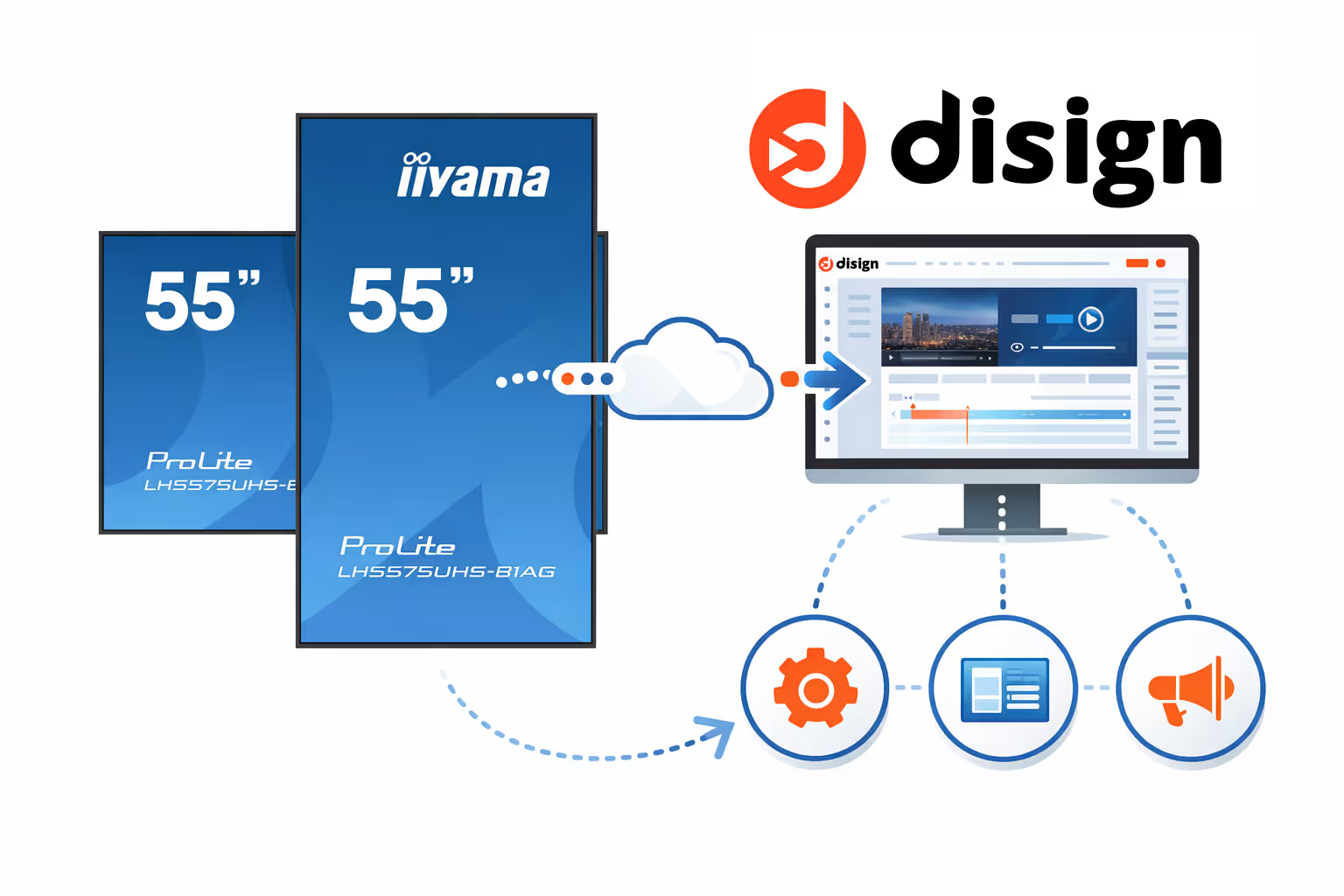
Disign connects easily to iiyama screens to turn your displays into high impact digital signage that is simple to run. Publish updates fast, schedule content by location and time, and manage every iiyama screen from one intuitive dashboard with real time control.
Why choose iiyama digital signage with Disign
Get a reliable, cost-effective digital signage setup with iiyama professional displays and Disign. From a single screen to a multi-site rollout, you get professional image quality, a wide choice of screen sizes, and simple remote management, backed by teams that know each other and stay aligned.
Reliable iiyama screens built for professional use
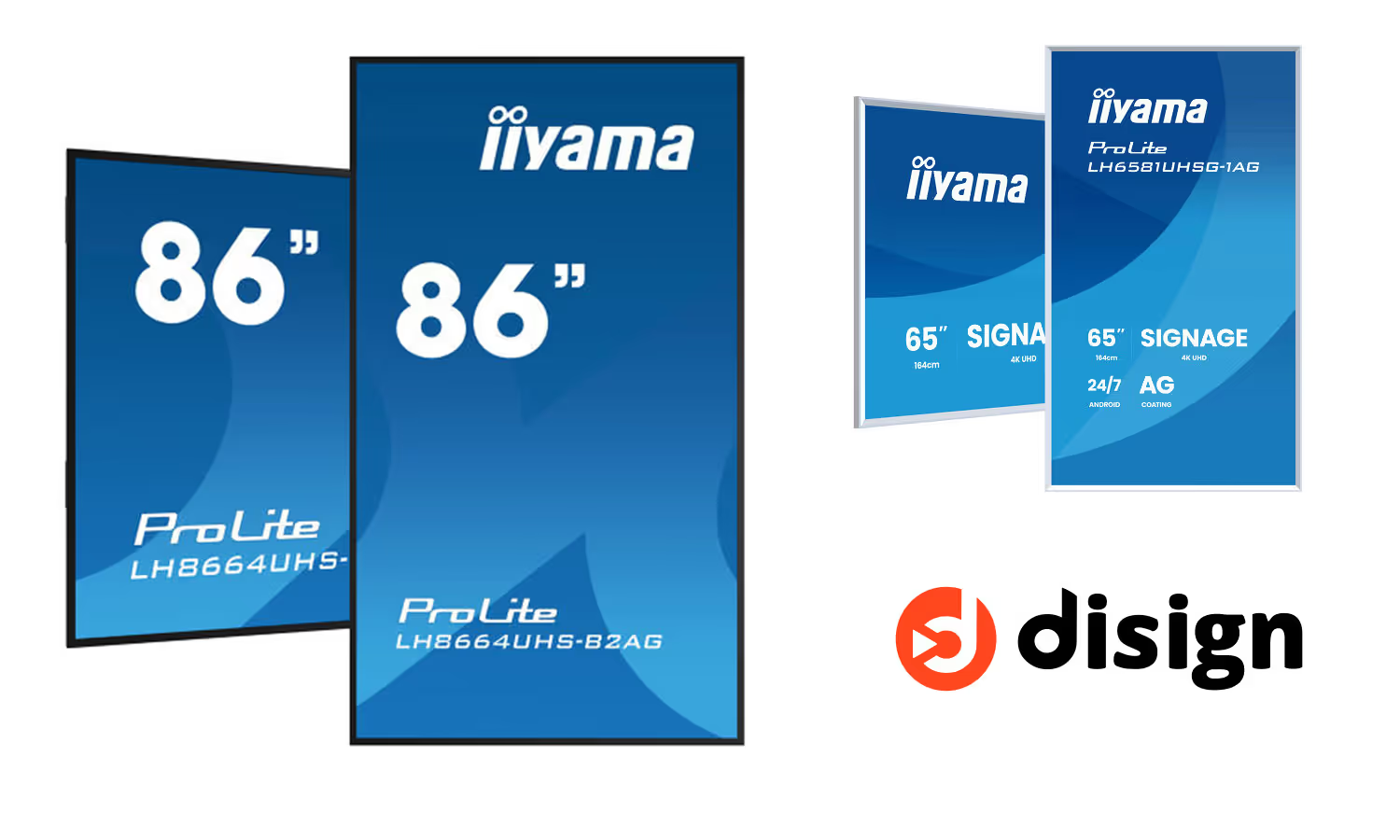
Count on iiyama digital signage for day-to-day operations: durable hardware, stable performance, and a professional-grade setup designed for continuous usage in real environments.
Competitive pricing without compromising on quality
Build a screen network that fits your budget. iiyama offers very competitive prices, and Disign helps you maximize value with efficient workflows and centralized control.
A wide range of professional displays for every use case
Choose the right iiyama digital signage screen for your space, from meeting areas to retail floors and corporate lobbies. Disign adapts to your scenarios, installation constraints, and content needs.
Plug and play with the Disign Player on Raspberry Pi
Connect the Disign Player to your iiyama display and get the full Disign experience fast: playlists, scheduling, templates, and seamless publishing, with minimal setup and no heavy infrastructure.
Professional image quality that stands out
Showcase content with confidence thanks to sharp 4K visuals, the right brightness for your environment, and display durability suited for professional digital signage deployments.
Remote management for one or many iiyama digital signage screens
Manage multiple screens from one place with Disign. Deploy updates, monitor your network, and keep every location in sync, while staying flexible for local messaging when needed.
How to use Disign with an iiyama digital signage screen
Getting started with iiyama digital signage on Disign is simple. Choose the setup that fits your environment, publish your first content fast, and manage screens remotely with a professional workflow built for business use.
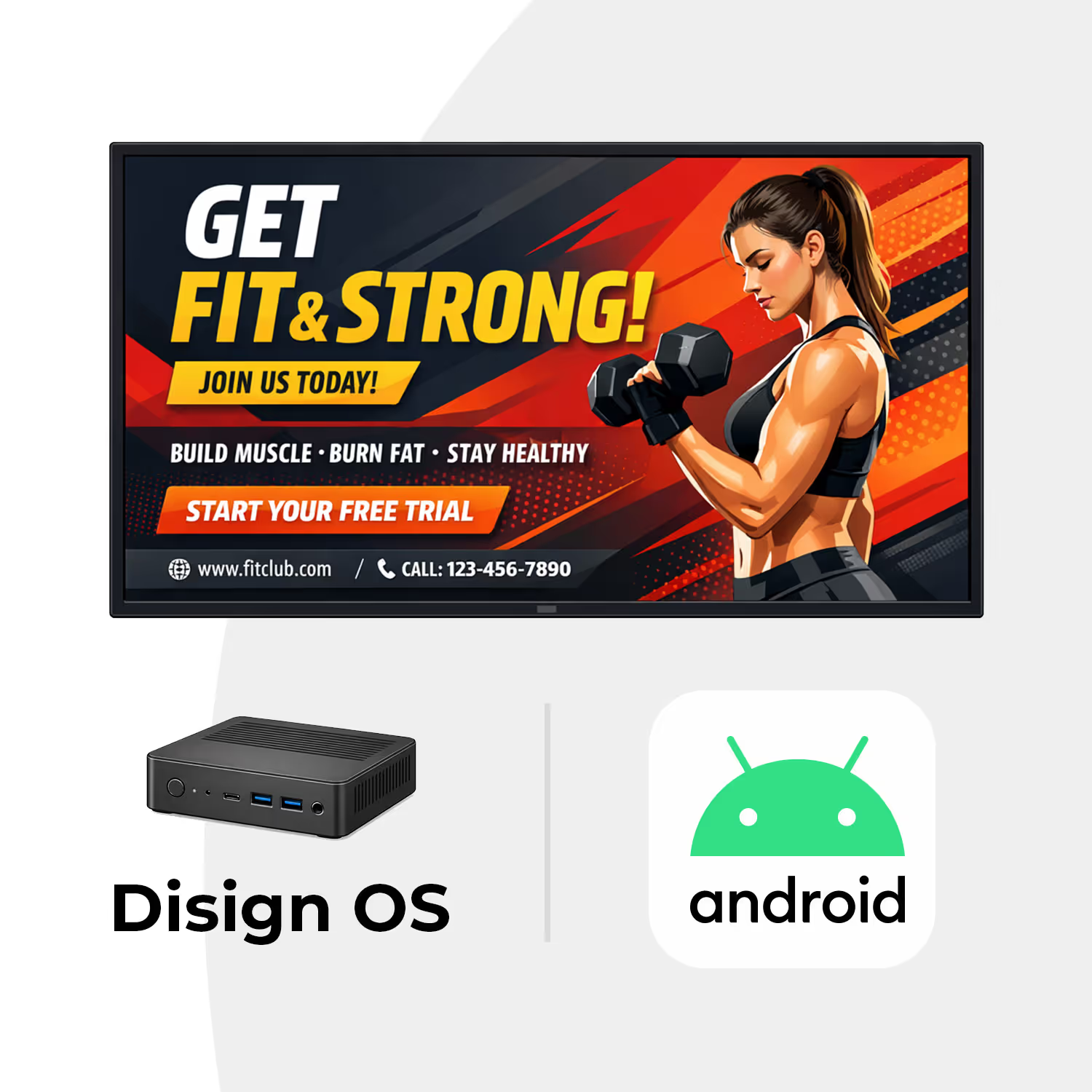
If your iiyama display runs Android, simply install the Disign Android app directly on the screen. This is the easiest and most cost-effective way to get started, with no additional hardware required. Enjoy a streamlined deployment, remote management, and advanced digital signage features directly from your display.
For the best performance and compatibility, connect a Disign Player (Raspberry Pi) to your iiyama display. This solution is ideal for non-Android displays, older screens, or demanding digital signage projects. Benefit from maximum reliability, enhanced security, regular firmware updates, and access to the latest Disign features.
Setup SOC iiyama digital signage screen android with Disign
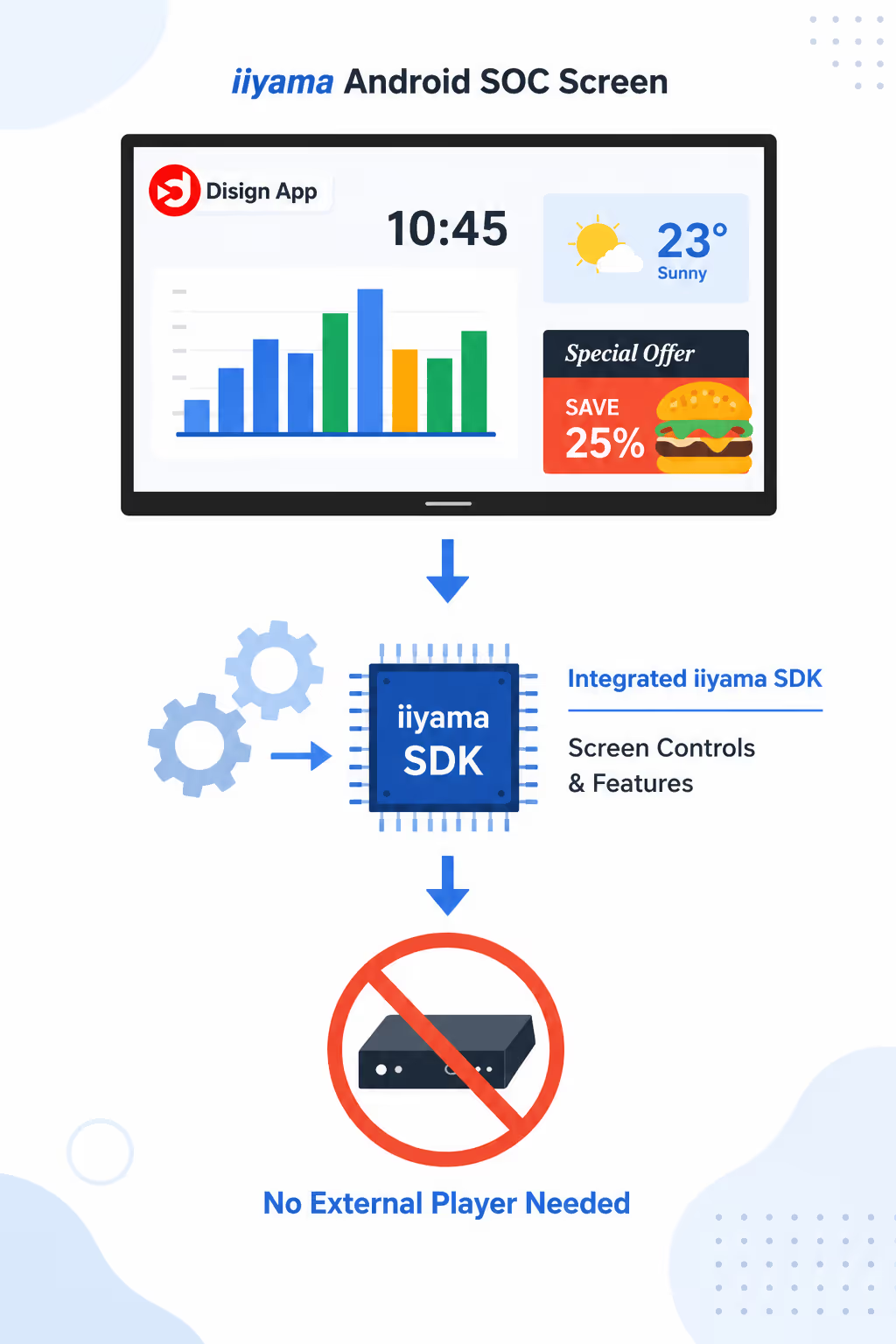
Recommended iiyama digital signage setup: run Disign directly on the built in Android SOC of your iiyama screen. Our app embeds the iiyama SDK to unlock essential display controls, app updates, and reliable signage playback without an external player.
Use the built in Android SOC for iiyama digital signage
Setup SOC iiyama screen android by installing the Disign APK directly on the display. Most iiyama screens have a powerful enough SOC to cover everyday digital signage needs, with a clean and simple installation because there is no external hardware to mount or maintain.
Disign integrates the iiyama SDK to access screen functions that are not available in standard embedded Android, including internal commands and managed app updates. We work closely with iiyama teams, so the configuration matches real world limitations and best practices for iiyama digital signage.
No external player required
Run Disign on the iiyama Android SOC for a streamlined iiyama digital signage setup that reduces cabling, power adapters, and on site installation time.
Screen controls via iiyama SDK
Get access to key iiyama screen commands and missing embedded Android features through the Disign app, designed specifically for iiyama digital signage deployments.
Managed app updates on older Android
iiyama embedded Android versions usually do not receive major upgrades. Disign supports older Android versions and provides a practical update path for the Disign app to keep your iiyama digital signage stable.
How to install the app
On iiyama screens there is currently no Play Store, so Disign is installed as an APK directly on the display. If you need maximum performance and the widest feature set, the Disign Player remains the most advanced option.
Professional displays compatible with Disign without any external player
Install Disign directly on compatible iiyama displays. Benefit from remote power control, silent automatic updates, and advanced digital signage features without extra hardware.
| iiyama series | Reference | Android version | Documentation | Compatibility with Disign |
|---|---|---|---|---|
| LHxx54, LHxx60, LHxx65, LHxx75, TFxx39AS | lh3260hs, lh4360uhs, lh5060uhs, lh5560uhs, lh6560uhs, lh4365uhsb, lh5065uhsb, lh5565uhsb, lh6565uhsb, lh7565uhsb, lh8665uhsb, lh8665uhsb, lh4375uhs, lh5075uhs, lh5575uhs, lh6575uhs, lh7575uhs, lh8675uhs, lh9875uhs | Android 11 | Setup documentation | |
| LHxx52 | lh9252uws, lh10552uws | Android 13 | Setup documentation | |
| LHxx64, LHxx81, Txx29 | lh5064uhs, lh5564uhs, lh6564uhs, lh7564uhs, lh8664uhs, lh8664uhs, le9864uhs, lh5581uhsg, lh6581uhsg | Android 14 | Setup documentation |
Setup Disign Player with an iiyama screen
Recommended iiyama digital signage setup: connect the Disign Player (Raspberry Pi) to your iiyama display for full Disign features, stronger security, and always up to date firmware.
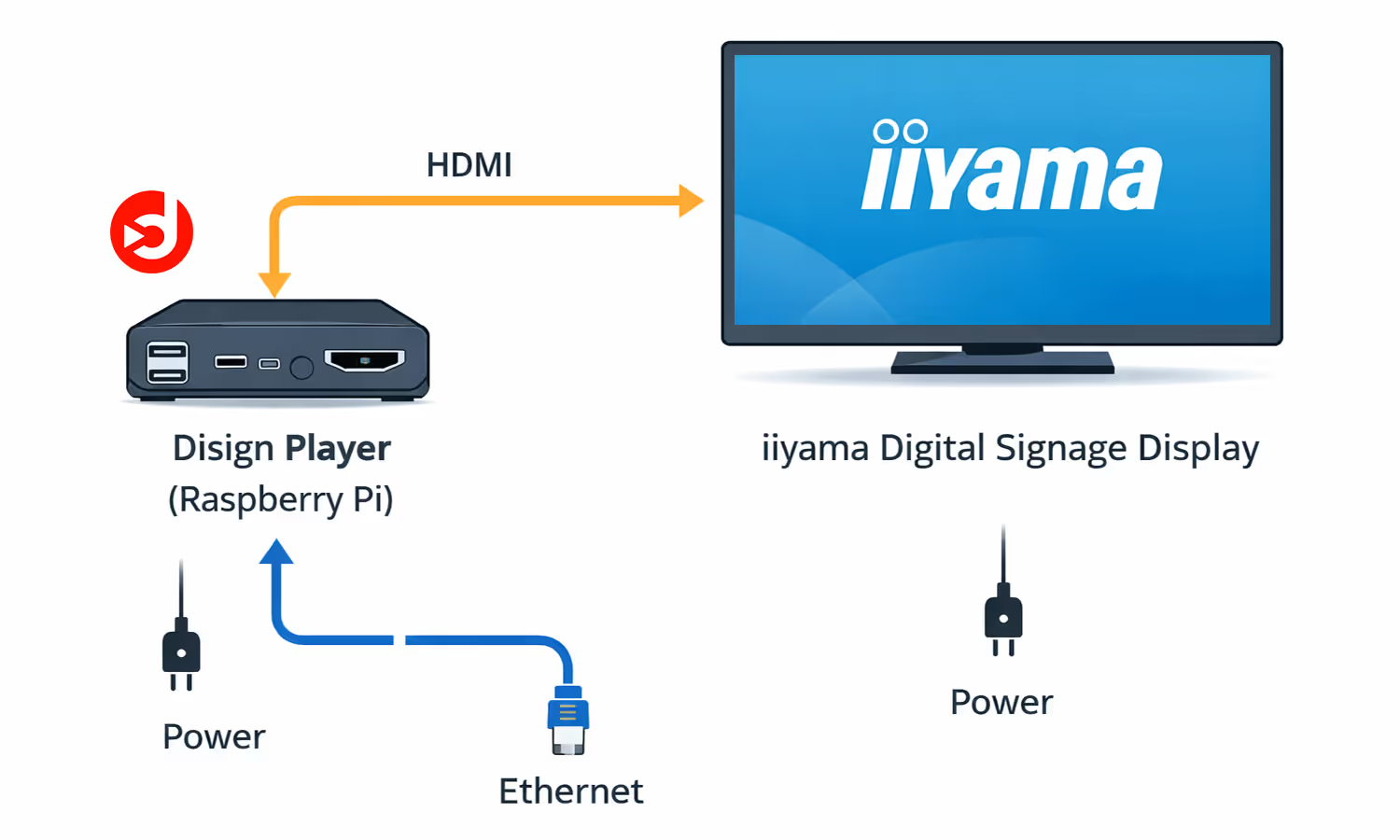
Plug and play setup for iiyama digital signage
Use the Disign Player (Raspberry Pi) as a dedicated digital signage device. You connect it to your iiyama screen by HDMI, add power, and get a stable setup built for professional signage.
Because Disign OS is dedicated to Disign (not Android or Windows), you get better performance, a more secure isolated system, and continuous improvements through firmware updates.
Easy plug and play
Connect HDMI to your iiyama display, power the player, and finish setup in Disign. Perfect for fast deployments.
All Disign features available
Full control, Disign web script engine, and IoT communication to create interactive iiyama digital signage experiences.
Secure and always up to date
Dedicated OS with regular firmware updates to keep your iiyama digital signage network reliable and protected.
What you need to install
Internet connection (Ethernet or WiFi), an HDMI cable to the iiyama screen, and Raspberry Pi power. Extra hardware is easy to hide, or use wireless HDMI extenders if needed.
Industries that get the most value from iiyama digital signage
iiyama digital signage is widely adopted in high traffic environments where content must be clear, reliable, and easy to update, from promotions and wayfinding to real time information on multiple screens.

Retail and shopping centers
Use iiyama digital signage to push promotions, highlight best sellers, and guide customers to departments with clear, attractive visuals.
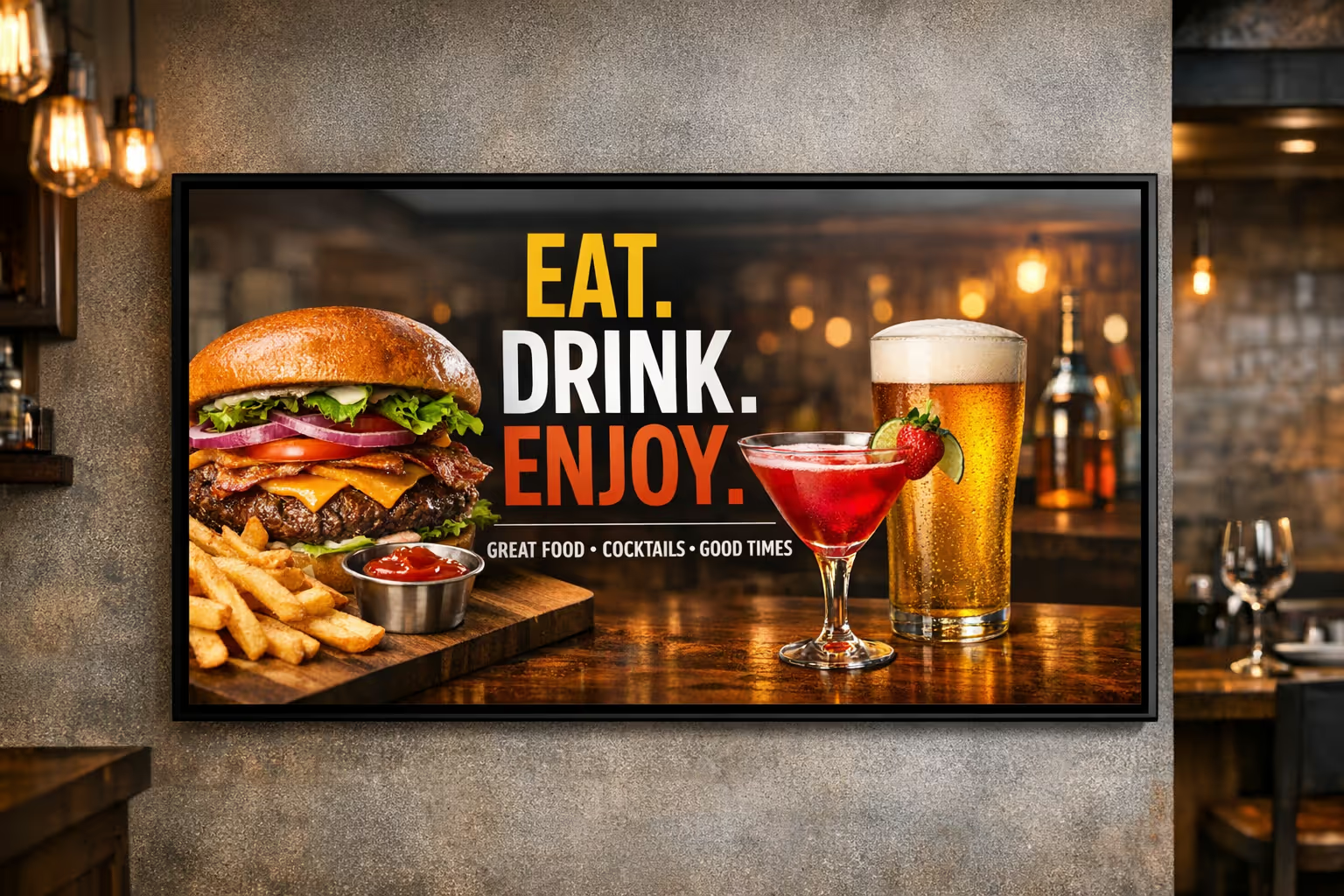
Restaurants and quick service
Run dynamic menu boards, daypart pricing, and upsell content on iiyama digital signage, with fast updates across one or many locations.

Corporate offices and coworking
Share announcements, KPIs, meeting room directions, and visitor messages using iiyama digital signage in lobbies and common areas.
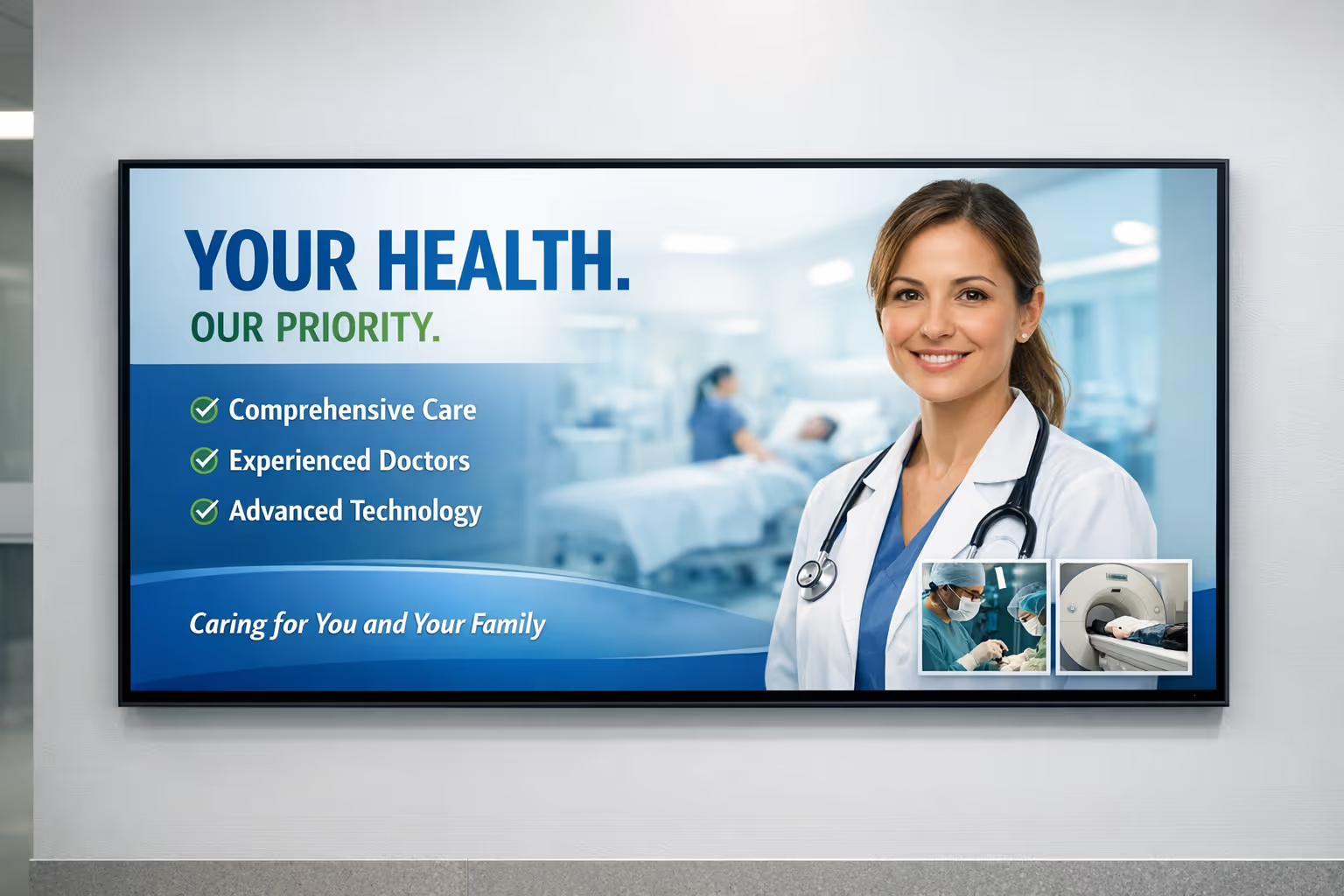
Healthcare and clinics
Display wayfinding, opening hours, health messages, and queue updates on iiyama digital signage to reduce confusion and improve the patient experience.
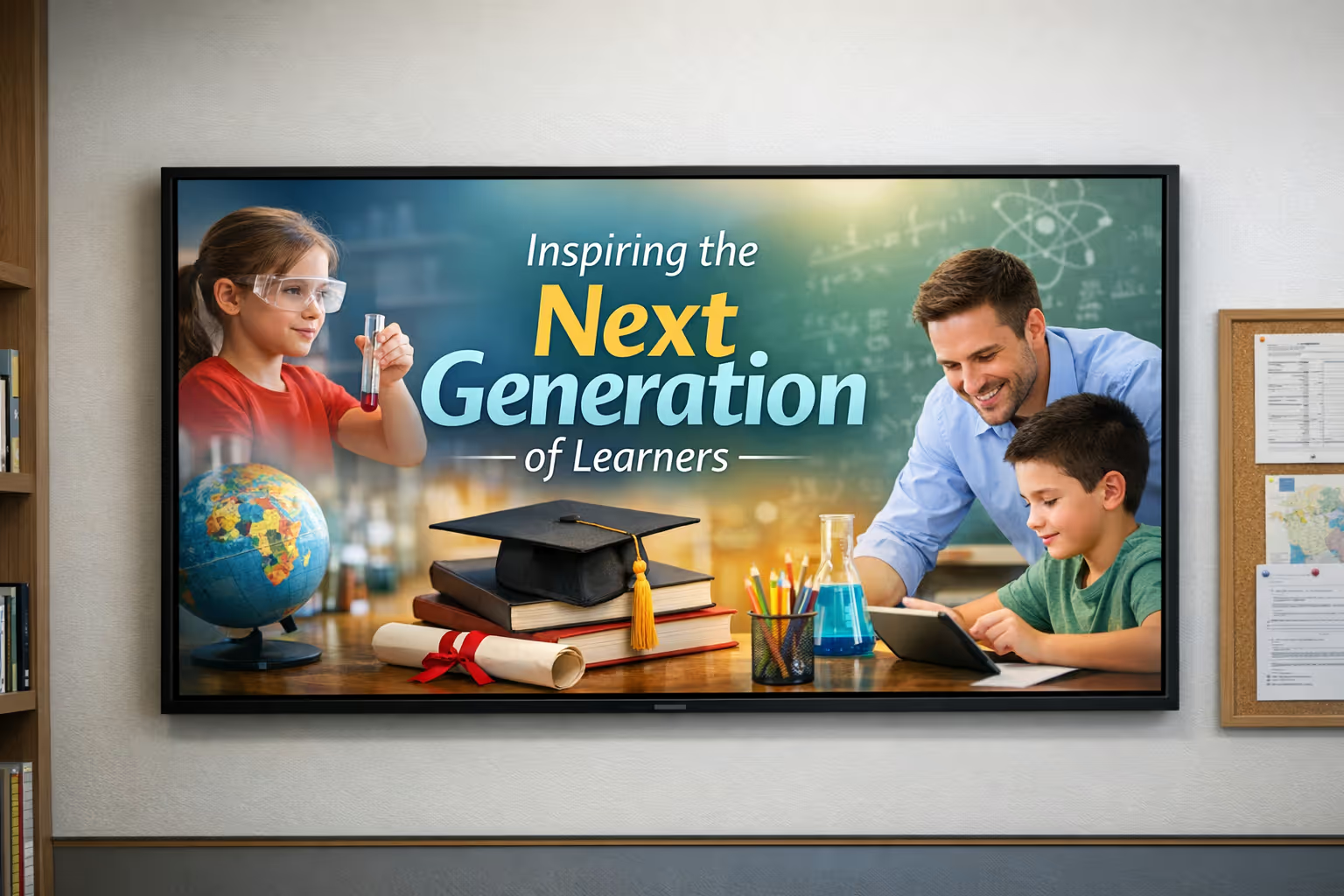
Education and campuses
Keep students and staff informed with schedules, events, emergency alerts, and directional signage using iiyama digital signage across buildings.
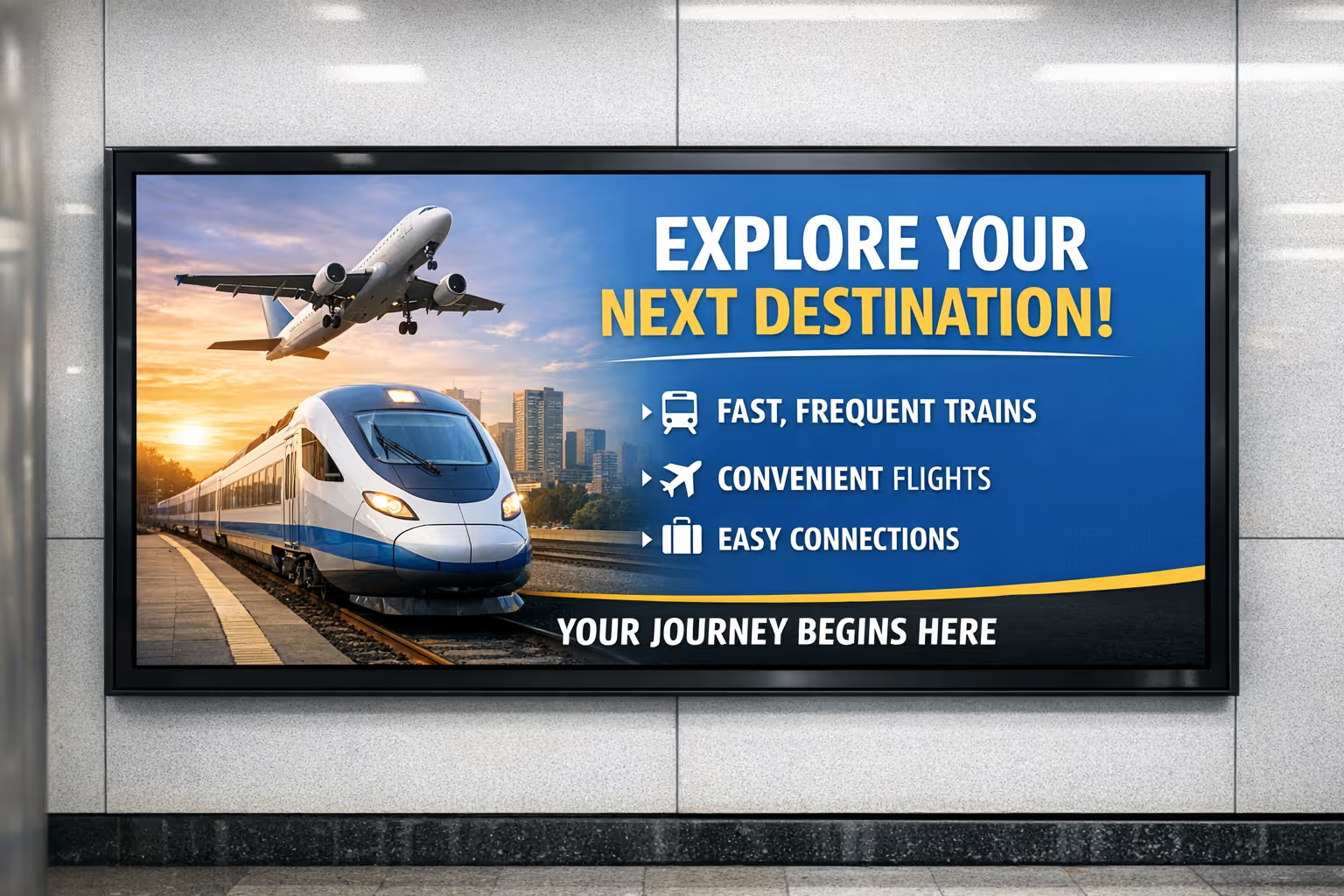
Transportation and public spaces
Deliver real time travel updates, platform guidance, and safety messages with iiyama digital signage designed for continuous use in busy areas.
Technical requirements for iiyama digital signage with Disign
Set up iiyama digital signage with Disign in minutes. Here is the minimum technical setup required so your screens can reliably display content and stay connected.
You will need a stable network connection (LAN or Wi-Fi) and a video input path to the display. With the Disign player, there is no practical limit on content or playlists. If you use an iiyama Android SoC screen, compatibility depends on the Android version supported by Disign.
Network connection (LAN or Wi-Fi)
Your iiyama digital signage screen must be connected to the internet so Disign can sync content, schedules, and updates. Ethernet is recommended for maximum stability, but Wi-Fi works well with good coverage.
HDMI input on the display
To use a Disign player, the iiyama display needs an available HDMI input. If your screen does not have HDMI, you can use the appropriate adapter to ensure a reliable video connection.
Disign player: no functional limits
With a dedicated Disign player, your iiyama digital signage setup is designed for flexible use. There is no specific limit on what you can publish, from simple announcements to full playlists and day-part scheduling.
iiyama Android SoC: supported versions
If your iiyama screen includes an Android SoC, the key requirement is the Android version supported by Disign.
Security and maintenance for iiyama digital signage with Disign
Keep your iiyama digital signage secure and up to date with automatic Disign Player app and firmware updates. No manual maintenance required, with everything managed centrally in Disign Studio using secure delivery protocols built for IT teams.
Automatic updates and hands off maintenance
Disign takes care of updates for the player application and firmware, so your iiyama digital signage stays consistent and secure across every screen without manual interventions.
From Disign Studio, your IT team can monitor deployments, apply updates, and keep content delivery reliable. The workflow matrix is deliberately simple, making the Disign Player easy to operate at scale.
Centralized control in Disign Studio
Manage devices, updates, and publishing from one place. Reduce operational workload while keeping every iiyama digital signage screen aligned with your standards.
Secure content delivery protocols
Protect your iiyama digital signage network with secure communication and controlled distribution, designed to support IT requirements without adding complexity.
How Disign digital signage works
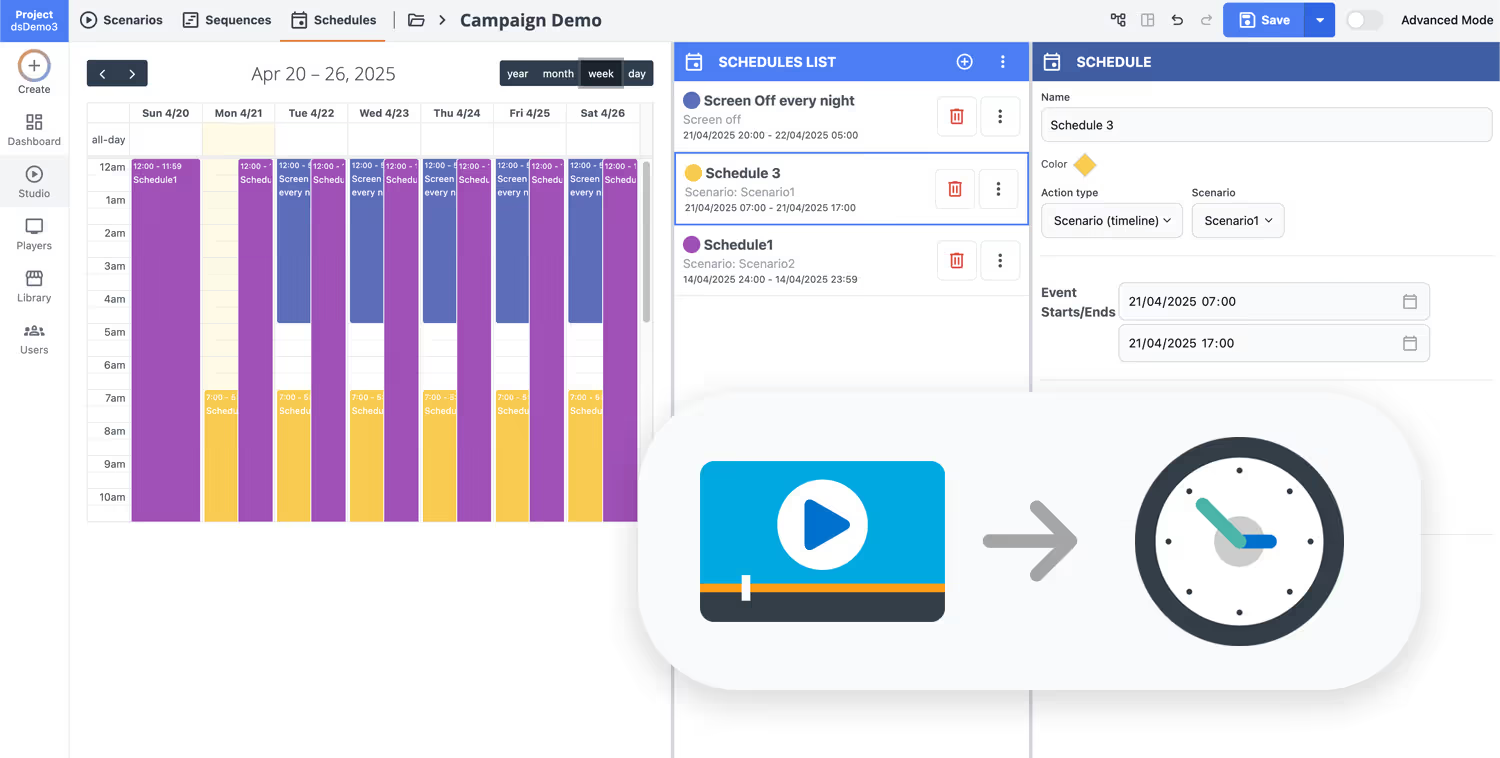
Schedule your content from anywhere with our cloud-based digital signage solution. Easily plan what plays, when, and where—across one screen or thousands.
Design custom scenarios and playlists tailored to your audience and goals.
Set precise dates and times for your content to play automatically.
Deploy content instantly across your digital signage network with just a click.
Ready to launch iiyama digital signage fast with Disign?
Talk to Disign and start publishing on your iiyama screens with confidence. Book a quick call for tailored advice, or begin your 28 day free trial with no credit card required. Create playlists, schedule promotions, and roll out updates across one or multiple locations in minutes.
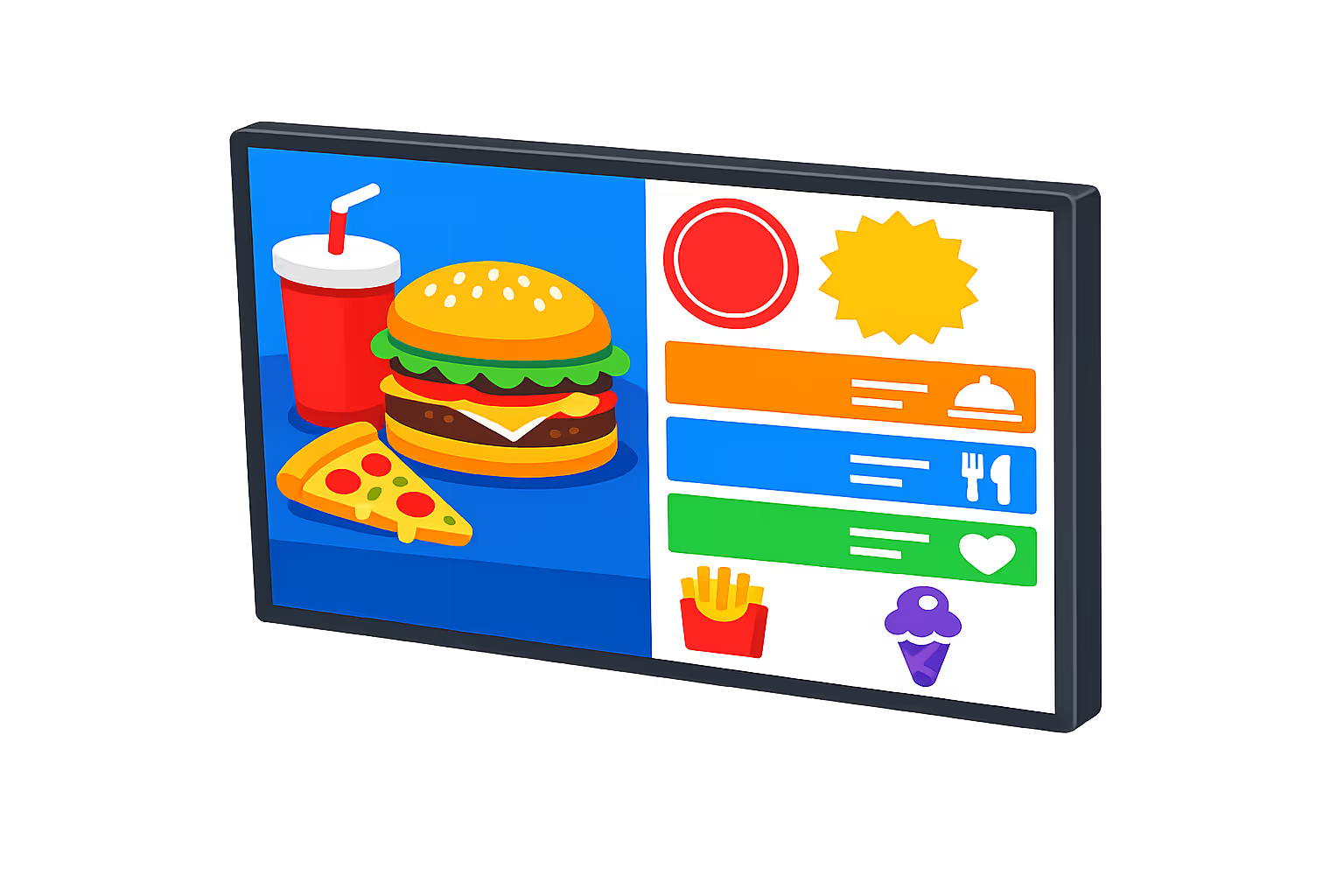
iiyama digital signage made simple with Disign
Run iiyama digital signage with a professional platform designed for multi screen networks. Disign works perfectly with iiyama displays and stays manufacturer agnostic, so you can mix iiyama with other brands, resolutions, and screen technologies without changing your workflow.
Agnostic control for iiyama and mixed fleets
Manage iiyama screens and other brands from one platform
Disign is built for networks that grow over time. Deploy iiyama digital signage today, add other manufacturers tomorrow, and keep a single library of playlists, templates, and rules across all locations.
Any resolution, format, and screen orientation
From full HD to 4K, landscape to portrait, indoor to outdoor
iiyama digital signage comes in multiple sizes and pro ranges. Disign adapts your content to the right resolution and layout so messages stay sharp, consistent, and on brand across every screen type.
Touch ready experiences for iiyama interactive displays
Build interactive journeys for kiosks, wayfinding, and self service
Using iiyama touchscreen models in store or in reception areas is fully supported. Disign helps you publish interactive content while keeping deployment, updates, and governance simple for teams.
Perfect for totems, kiosks, and embedded installs
Totems, terminals, meeting rooms, and retail fixtures
Whether your iiyama screens are mounted on walls or integrated into totems and kiosks, Disign fits the setup. Publish reliably to constrained environments and keep operations consistent across different hardware builds.
Reliable playback and fleet visibility
Know what is playing and keep screens online
Disign helps you maintain consistent playback on iiyama digital signage with monitoring that supports day to day operations. Spot issues quickly, reduce downtime, and keep your network aligned to your content plan.
Fast rollout for multi location networks
Standardize templates and scale from one screen to hundreds
Launch iiyama digital signage across sites with repeatable structures and clear publishing workflows. Disign keeps your content organized, makes updates easy, and supports growth without locking you into a single manufacturer.

Compatible iiyama models for Disign digital signage
Check iiyama digital signage compatibility before installation to ensure smooth playback, reliable remote management, and optimal performance across your screens.
| iiyama series | Typical use | Compatibility with Disign |
|---|---|---|
| ProLite (professional displays) | Meeting rooms, retail, corporate communication | |
| XUB series | Office signage, dashboards, menu boards | |
| TF series (touch displays) | Interactive kiosks, wayfinding, self service | |
| LH series (large format) | High visibility signage, lobbies, large spaces | |
| TE series (interactive screens) | Education, training rooms, collaboration | |
| Other iiyama professional screens | Custom installations and mixed fleets |
Centralized content management for iiyama digital signage
Manage every iiyama digital signage screen from one secure Disign workspace. Marketing publishes faster, operations keeps information accurate, and IT stays in control with clear permissions, approvals, and reliable playback across every site.
One platform for every screen, team, and campaign
Central control with content that stays local
Keep brand messaging consistent across your iiyama digital signage network while enabling local teams to publish approved updates like events, product availability, or regional pricing without losing governance.
Smarter scheduling for dayparts and promotions
Schedule by location, region, audience, or screen type. Automate dayparting, keep time-sensitive offers correct, and maintain consistent playback across every iiyama digital signage display.
Governance and security that IT can rely on
Protect your iiyama digital signage environment with role-based access, approval workflows, and standardized publishing rules. Support compliance, reduce risk, and keep an audit-ready trail of who changed what and when.
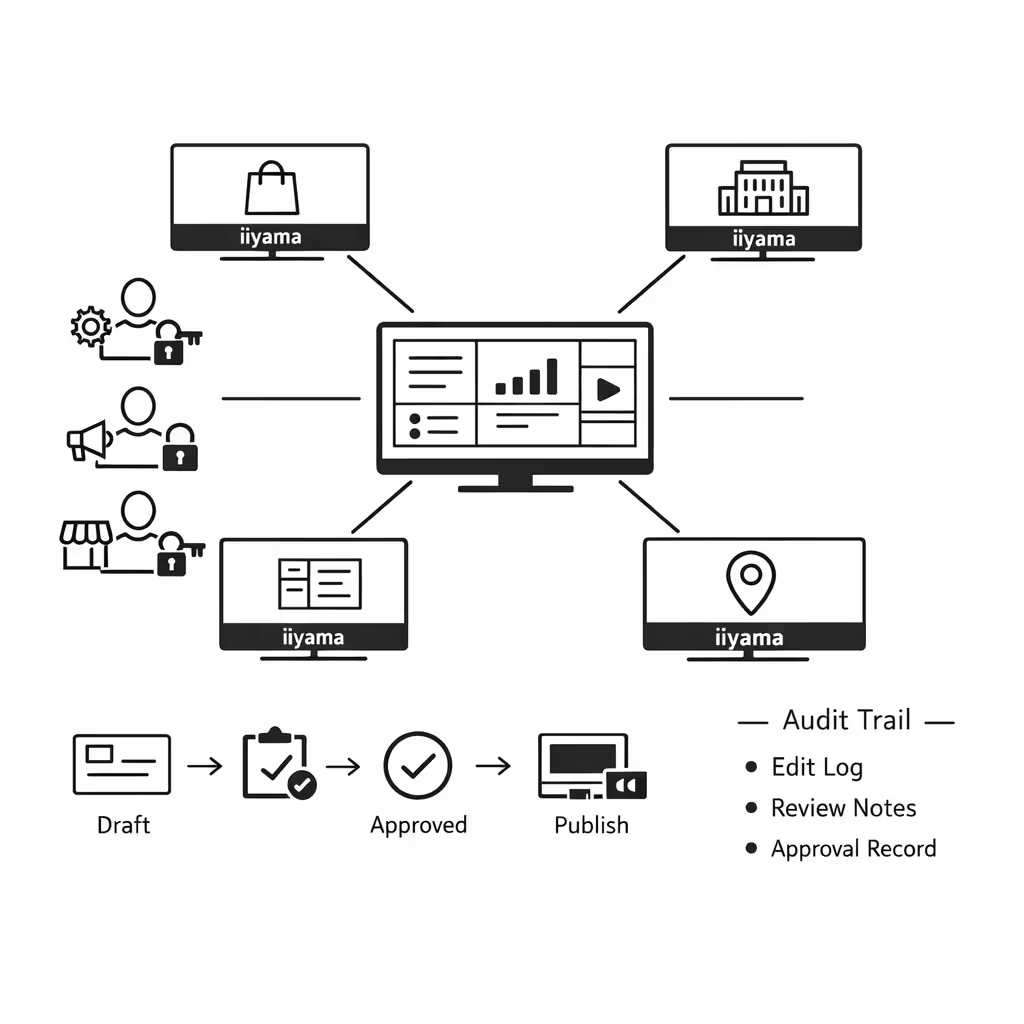
Real-time updates that operations can trust
Update iiyama digital signage in seconds for store hours, service notices, safety messages, and last-minute campaign changes. Keep every screen accurate during peak periods, disruptions, and fast-moving operations.
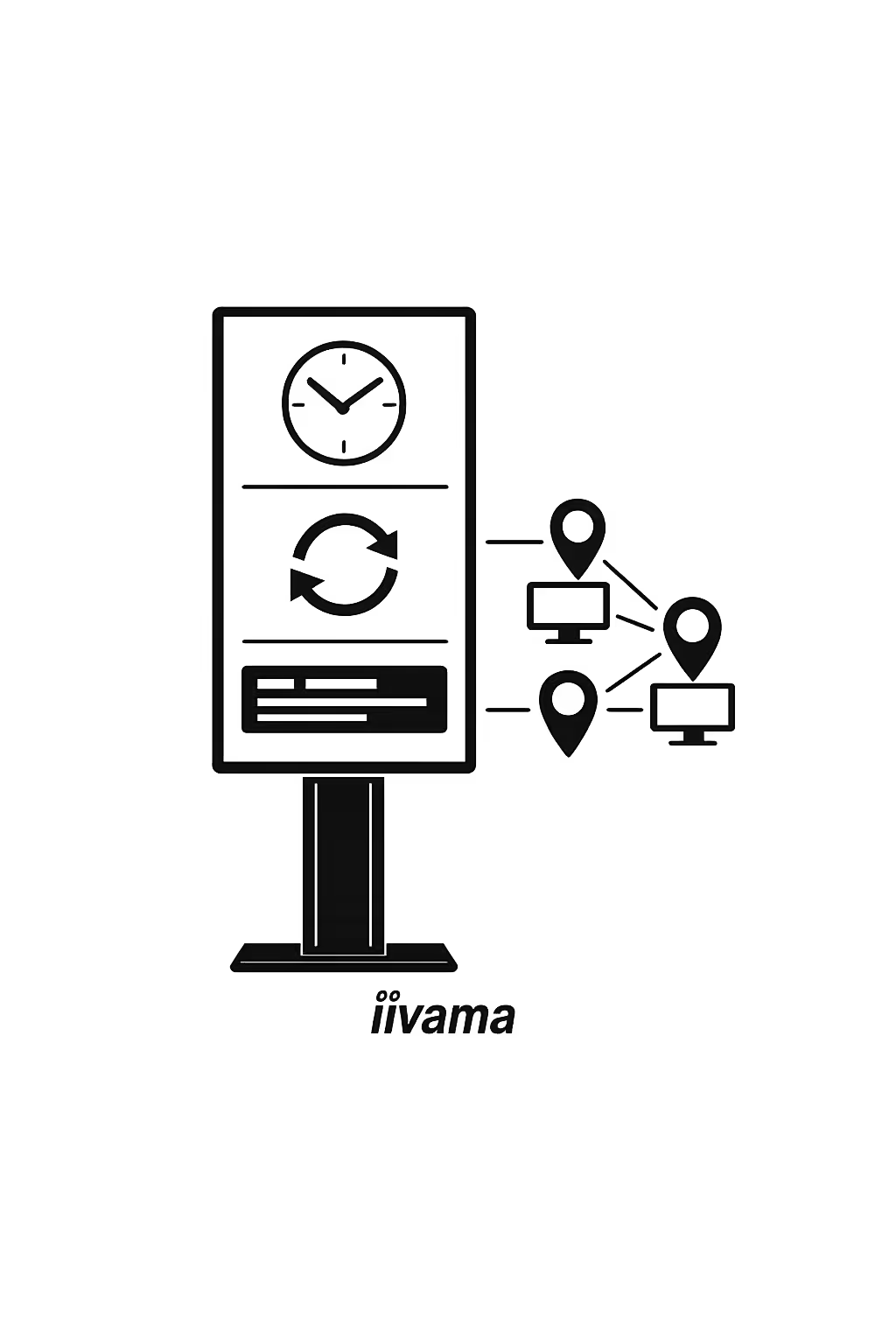
Scalability for growing iiyama screen networks with Disign
Expand your iiyama digital signage network across regions, stores, offices, and partner sites from one cloud platform. Publish campaigns in minutes, keep approvals simple, and protect brand consistency as your screen fleet grows.
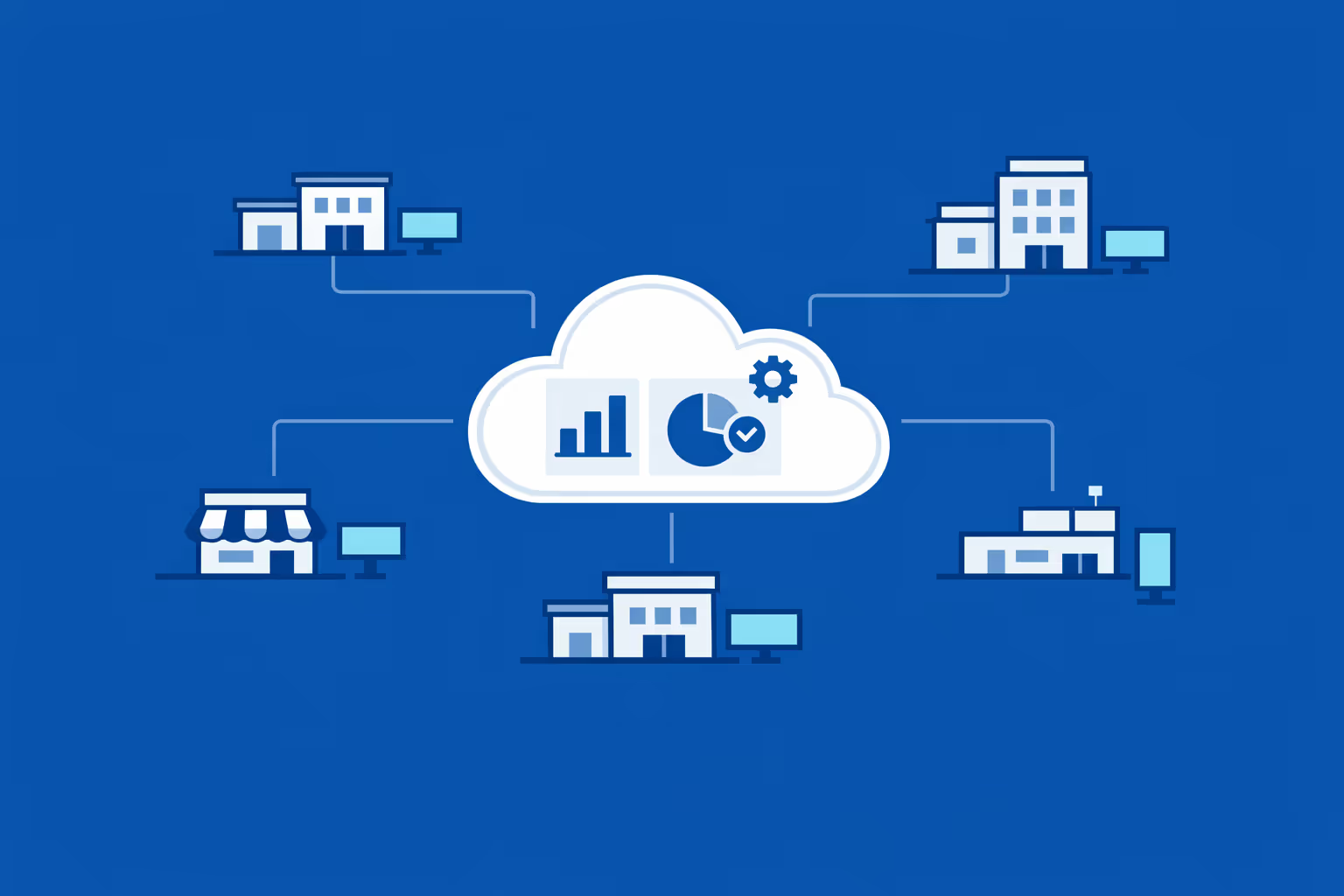
Multi-site management from one cloud dashboard
Oversee iiyama digital signage across all locations in one place. Push updates instantly, confirm what is live on each screen, and keep every site aligned with the same brand rules and campaign timing.
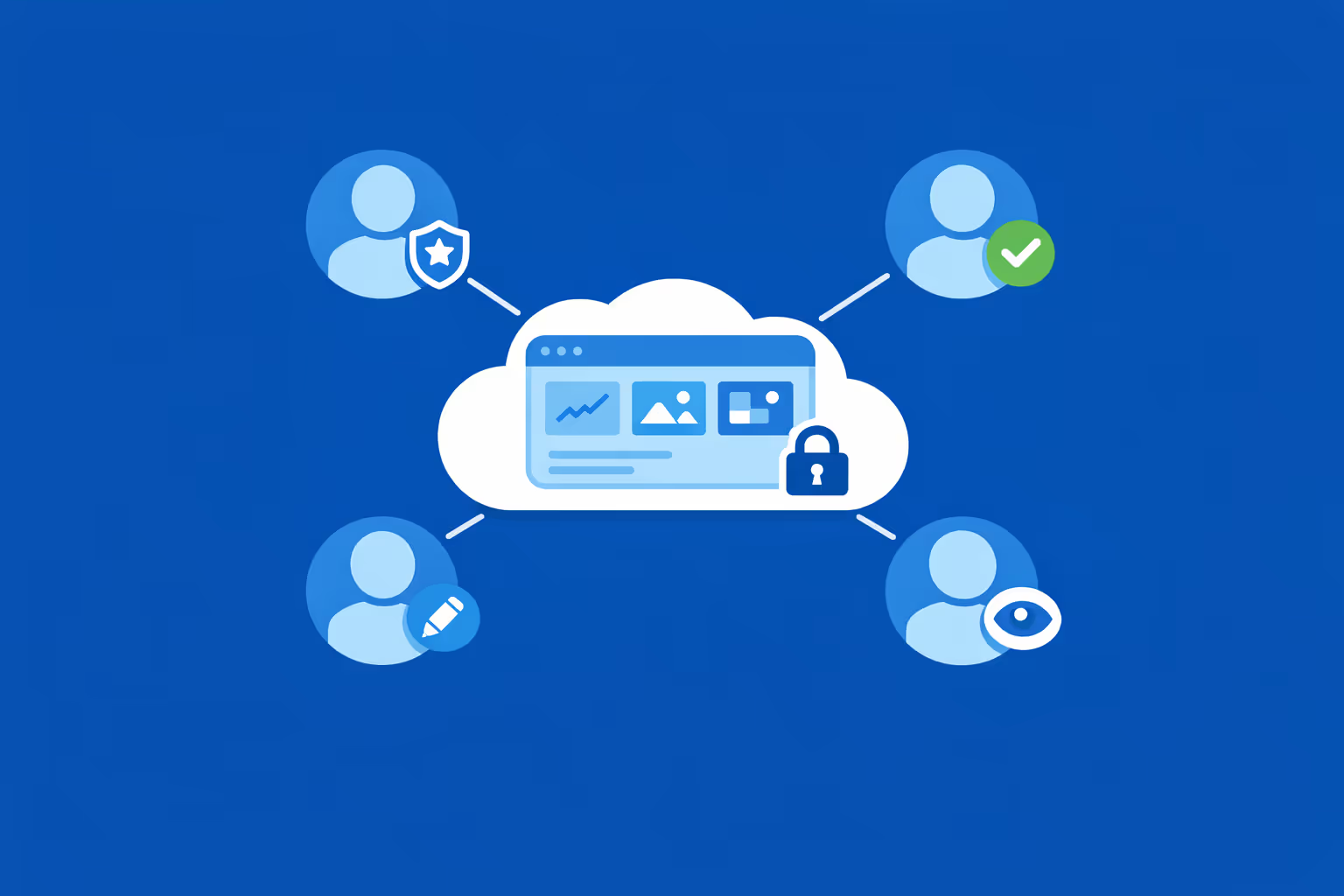
Multi-user access with role-based permissions
Give the right people the right access. Assign roles and permissions to headquarters, regional teams, agencies, and local managers so collaboration stays smooth, secure, and fully controlled across your iiyama network.
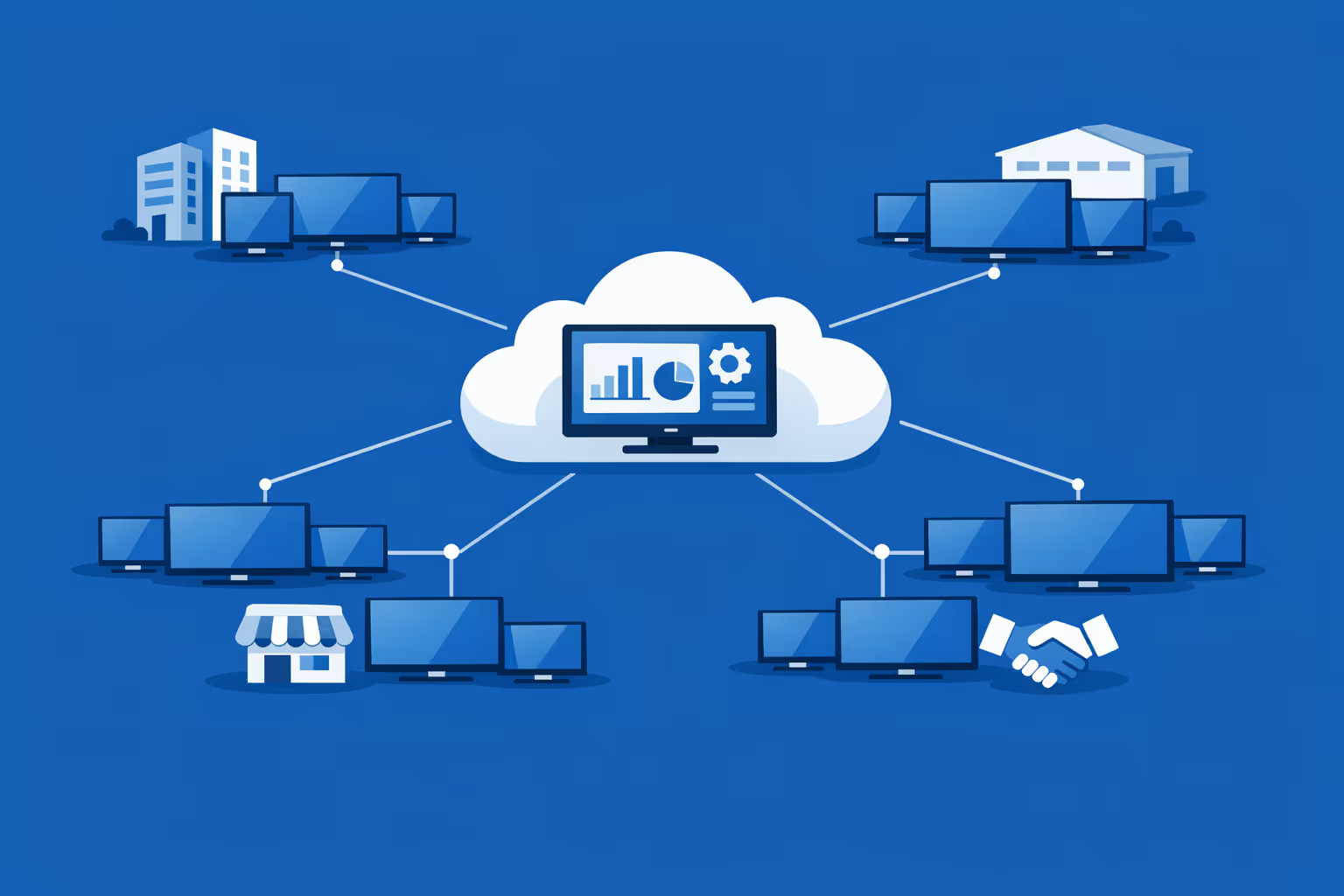
Multi-screen and multi-organization ready
Manage thousands of iiyama screens and multiple organizations within a single Disign account. Segment by brand, region, client, or venue to scale faster while keeping local messaging relevant and easy to govern.
Integrate with your favorite Applications
70+ Applications and infini integration with API, Database, and any data source
Easily integrate third-party applications and web content such as YouTube or Vimeo, optimized for seamless playback. Display data from RSS feeds or formats like CSV, JSON, or XML directly on your digital signage screens. Extend display capabilities with advanced applications like grids or collections to enrich Disign scenarios.

We designed Disign to be as open and customizable as possible, both in its visual scenes and in its data sources.
Florent MondoloniCo-Founder, Disign

Video
Utilisez vos medias

RSS Feed
Use your own RSS Feed

Database
Databases

Canva
Create your Design and import it

Google Sheets
Import CSV, Live data...

Website/API
Affiche your website or use API
Everything you need to know about Disign Digital Signage For Iiyama
iiyama digital signage FAQ with Disign: practical answers for teams rolling out iiyama screens
If you are comparing options for iiyama digital signage, you are probably managing more than a single display. You might be standardizing iiyama screens across retail stores, corporate offices, showrooms, healthcare waiting rooms, or public facing sites. You need a digital signage solution that is simple for day to day publishing, but strong enough for IT requirements like reliability, remote control, security, and consistent playback.
This SEO focused FAQ explains how iiyama digital signage works with Disign in real deployments. It is written for the iiyama persona who needs a scalable platform to manage content, schedule campaigns, and control multiple iiyama displays from one place. The goal is to help you choose the right setup and avoid common mistakes that slow down rollout or create messy networks.
What is iiyama digital signage and what does Disign do?
iiyama digital signage refers to using iiyama professional screens to display dynamic content such as promotions, brand messaging, internal communication, or live information. Instead of updating content manually with USB drives, you manage and publish content remotely using software.
Disign is the digital signage software that turns your iiyama screens into a structured network. You can organize displays into groups, create playlists, schedule content by time and date, and control who can publish. In practice, Disign helps you keep iiyama digital signage consistent across locations while still allowing local flexibility where needed.
Is Disign compatible with all iiyama models?
Disign can support iiyama digital signage across a wide range of scenarios, but compatibility depends mainly on the playback method rather than the screen brand alone. The key question is what device is rendering the content on your iiyama display.
If your iiyama setup uses an external media player, Disign is typically straightforward to deploy because the player provides consistent performance and the screen acts as the display surface.
If your iiyama model includes integrated Android, Disign can also be used in an Android based setup depending on your requirements. To validate the best option, teams usually confirm the iiyama model, the Android version when relevant, the orientation needed (portrait or landscape), and the type of content they plan to run, especially if it includes heavy video or complex layouts.
Can I control multiple iiyama screens with Disign?
Yes. Managing multiple displays is a core reason to adopt Disign for iiyama digital signage. From a single interface, you can control many iiyama screens across one building or across multiple locations.
You can group screens by store, region, floor, department, or placement such as entrance, aisle, checkout, or meeting rooms. This makes it easy to publish one campaign everywhere, or target only specific iiyama screens based on operational needs. This is especially useful when marketing needs speed and IT needs governance, because both can work in the same structured environment.
What media formats are supported for iiyama digital signage with Disign?
Most iiyama digital signage networks use a mix of images and video, and many also rely on web based or dynamic content depending on the use case. In day to day operations, the most important factor is consistency: the same creative standards should work on different iiyama screen sizes and in different lighting conditions.
For smooth results, teams usually standardize outputs by resolution, orientation, bitrate, and file size. If you work with agencies, providing a clear delivery specification helps prevent playback issues and keeps content readable on real iiyama screens, not just on a designer laptop.
Do I need a specific cable for connecting iiyama digital signage?
You generally do not need a special cable just because the display is iiyama. The typical requirement is a stable physical connection between the player and the iiyama screen, plus reliable network access for updates.
In many deployments, HDMI is used between the player and the iiyama display, and Ethernet is preferred for network reliability. Wi Fi can work, but it depends on site conditions and can introduce variability. For iiyama digital signage at scale, stability matters more than anything, because a small cabling issue multiplied across locations becomes a constant operational cost.
What is better: an external player or integrated Android on iiyama?
Both can be valid, and the best option depends on your priorities.
Integrated Android is often chosen for faster physical installation. It reduces extra hardware, simplifies cabling, and can be ideal when your content is straightforward and you want a clean setup quickly.
An external player is often chosen for performance, consistency, and long term scalability. A dedicated player can provide smoother playback for demanding video, a more uniform environment across mixed iiyama models, and easier standardization for updates and troubleshooting. Many teams pilot with Android for speed, then move to external players when the iiyama digital signage network expands and the workflow becomes more demanding.
Can Disign manage iiyama digital signage across multiple locations?
Yes. Disign is designed for multi location digital signage operations, which aligns well with iiyama deployments that grow from a few screens to a full network.
You can run global brand campaigns everywhere, while also enabling local content for specific regions or stores. This makes it easier to keep one consistent brand experience while still responding to local market needs. For franchises, hospitality groups, and enterprise environments, this balance is often the difference between a network that scales and one that becomes chaotic.
How does scheduling work for iiyama digital signage in Disign?
Scheduling is essential for iiyama digital signage because it prevents manual last minute changes and reduces the risk of outdated content staying on screen.
With Disign, you can set start and end dates for campaigns, plan dayparting such as morning versus evening messaging, and align content with opening hours. Scheduling also supports urgent overrides when you need to push a critical message fast. For marketing, it means fewer fire drills. For operations, it means predictable execution across all iiyama screens.
Can I target specific iiyama screens by store or placement?
Yes. Targeting is typically managed through grouping. You can create groups that match how people move and how decisions are made, such as by city, store format, department, or placement.
This lets you tailor messaging to context. For example, you can run promotional content only at checkout, while using entrance screens for brand messages and staff only screens for internal communication. With iiyama digital signage, targeting is one of the strongest advantages over printed signage because it reduces waste and increases relevance.
How does Disign handle permissions and governance for iiyama digital signage?
Permissions matter as soon as more than one team touches the network. Without governance, iiyama digital signage can quickly become inconsistent, with off brand visuals, missing legal text, or campaigns that never end.
Disign supports role based access so IT, marketing, local teams, and agencies can each do what they need without overreaching. A common setup is that marketing manages templates and global playlists, local teams publish within approved structures, agencies upload creatives, and IT controls device provisioning. This keeps speed high while protecting brand consistency.
What are the most common mistakes with iiyama digital signage?
The most common issues are usually not caused by iiyama hardware. They are caused by workflow and content discipline.
Teams often struggle when they publish without clear specs, skip templates, forget to schedule end dates, or design content that is unreadable at a distance. Another frequent issue is relying on manual updates rather than centralized publishing, which becomes unmanageable as soon as the network grows. A structured platform like Disign helps avoid these problems by making organization, scheduling, and control part of everyday work.
Do I need an internet connection for iiyama digital signage with Disign?
Most deployments use internet connectivity so you can publish remotely, synchronize updates, and manage screens centrally. A stable connection is strongly recommended, especially if you update content frequently or use video.
In real environments, Ethernet is usually more reliable than Wi Fi. The practical goal is continuity: your iiyama screens should keep playing scheduled content even if the connection drops temporarily, then sync changes when connectivity returns. This is an important consideration when planning your network and support processes.
How fast can we deploy iiyama digital signage with Disign?
Deployment speed depends on how many iiyama screens you have, how ready the locations are, and how organized your content workflow is. The fastest path is usually a short pilot that represents your real conditions.
A pilot helps you validate readability, playback stability, scheduling rules, and team permissions before scaling. Once the structure is clear, rolling out additional iiyama screens becomes repeatable, which is what makes a network sustainable months after launch.





Join community of 4k+ people
Run Disign on your iiyama digital signage screens
Launch iiyama digital signage in a few steps and keep every screen up to date from one Disign dashboard. Build content, create playlists, schedule campaigns, and publish updates to a single iiyama display or your whole network for retail promos, menus, wayfinding, and internal communications.
Try Disign free for 28 days, no credit card required. Ready to start on your iiyama screens or need help choosing the right setup? contact us and we will guide you so you can start testing today.