Waiting room digital signage
Waiting room digital signage that calms patients and keeps everyone informed
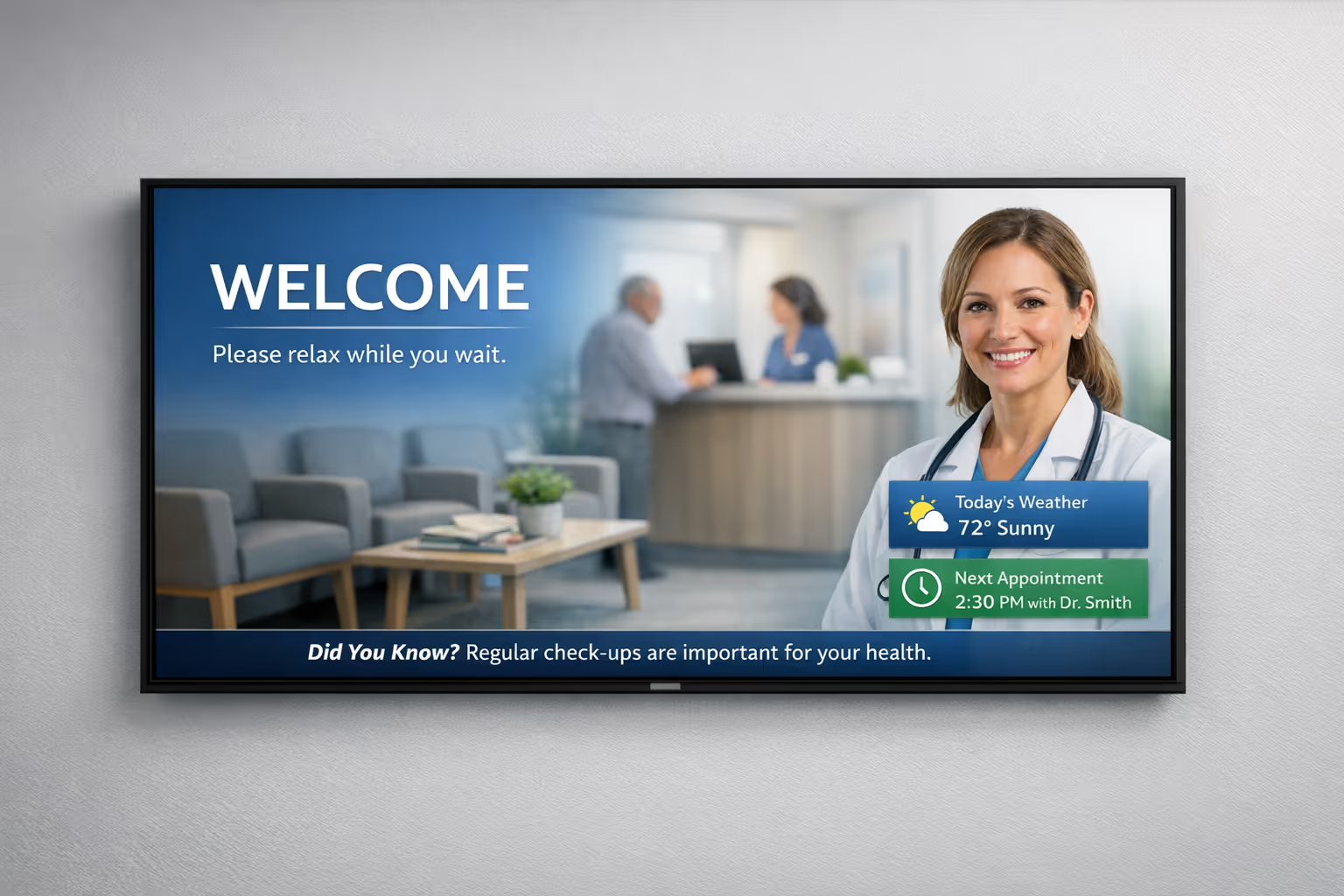
Make every minute feel shorter with clear updates, helpful content, and a consistent on screen experience. With Disign, you can schedule health messages, queue and appointment guidance, wayfinding, service announcements, and promotions in minutes, across one site or every location, with real time control.
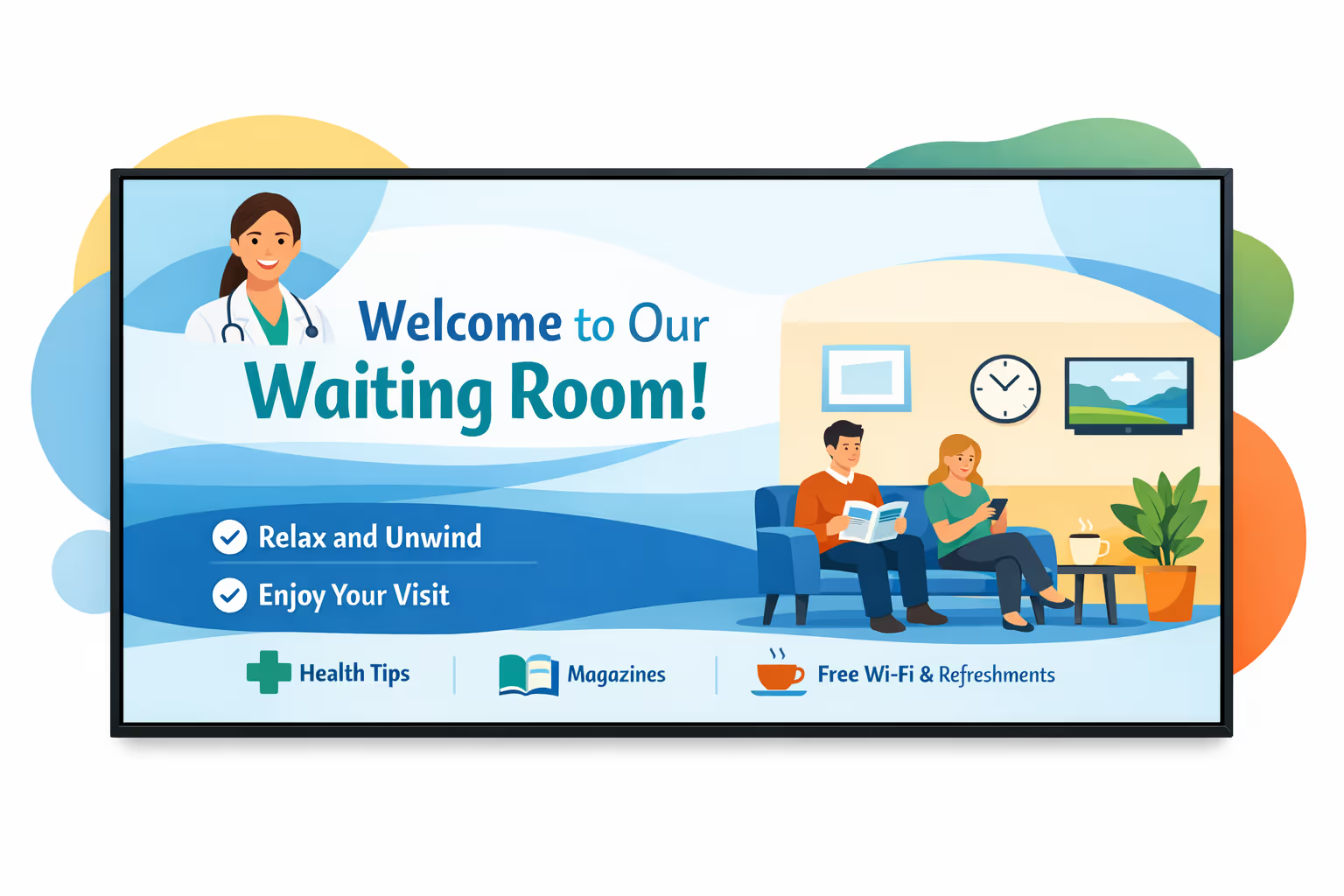
Challenges in the waiting room: when communication breaks down
In a busy waiting room, people need clear guidance the moment they arrive. When information is scattered or hard to see, uncertainty turns into repeated questions, longer queues, and a stressful first impression.
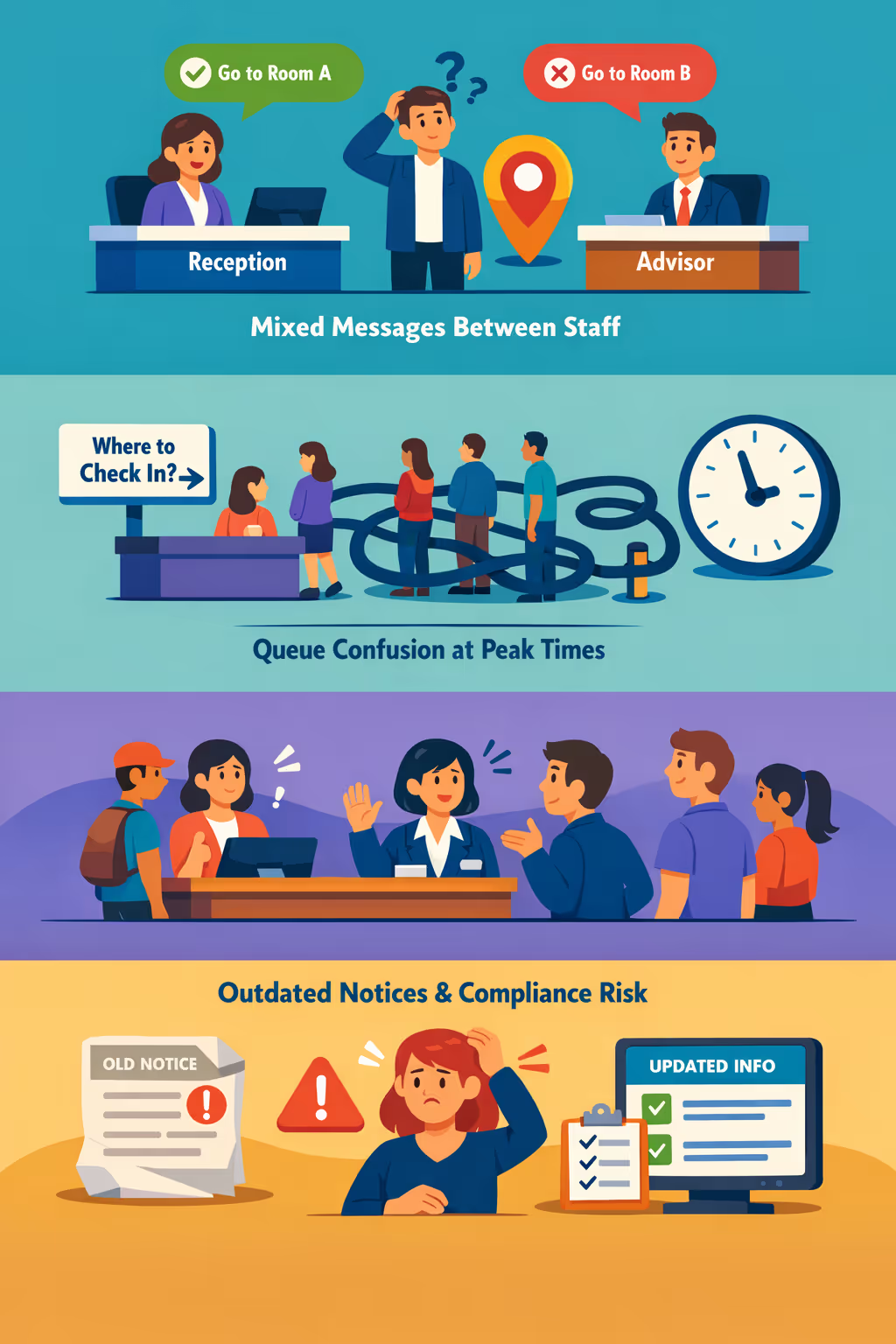
Hours, service availability, and required documents can change quickly. When reception, advisors, and different sites give different answers, people lose trust and small misunderstandings can turn into complaints.
Visitors want to know where to check in, what to prepare, and how long they will wait. Without clear, visible directions, staff are constantly pulled away to repeat the same guidance instead of helping the next person.
Waiting room information must be accurate and consistent with current rules. When posters, printed sheets, or local updates are not refreshed everywhere at the same time, people follow the wrong steps, delaying service and creating avoidable risk.
Waiting room digital signage that improves the patient experience and boosts ROI
Make every minute in your waiting area work for you. Disign helps clinics, hospitals, and private practices update content in seconds, reduce printing costs, inform patients clearly, and turn idle time into measurable results through smarter waiting room digital signage.
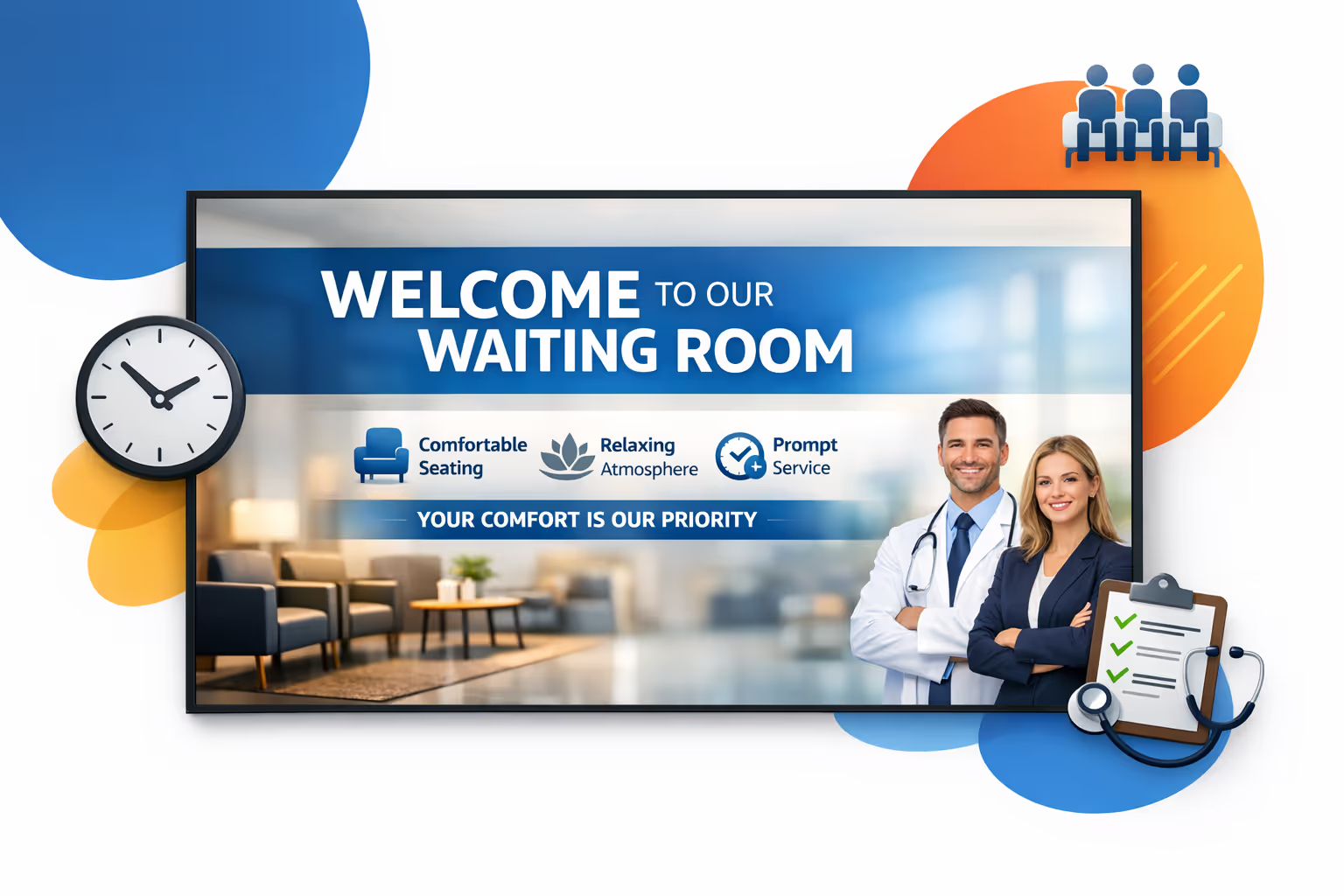
Share updates, services, and health messages in real time
Publish vaccination info, clinic services, seasonal prevention tips, and last minute announcements instantly. Keep messages accurate and timely across every screen without reprinting posters.
Reduce perceived wait times and improve the flow of care
Use calming content, queue guidance, and simple instructions to set expectations and reduce frustration. When patients feel informed, check-in runs smoother and staff spend less time repeating basic information.
Show ROI with targeted messages and clearer patient communication
Promote higher value services, appointment reminders, and self-service options by location, time, or patient audience. Waiting room digital signage helps increase uptake while lowering operational spend.
Keep branding and mandatory information consistent across sites
Standardize layouts and approvals so every facility communicates clearly and professionally. Update visiting rules, safety notices, and patient rights quickly while staying aligned with your brand.
Cut printing costs and free up staff time
Replace constant poster changes with one centralized workflow. Save on printing and rework, and keep every waiting room screen up to date from a single dashboard.
Deliver localized and multilingual content for every waiting area
Adapt messages by location, department, or language to better serve your community. Provide relevant content that feels personal while keeping a consistent standard across your organization.
Waiting room digital signage use cases that patients and staff rely on
From clinics and hospitals to private practices, Disign helps you set expectations, answer common questions before they reach the front desk, and build trust with clear, consistent updates patients can see at a glance.
- Clinics and medical practices: share check-in steps, required documents, and service information patients appreciate
- Waiting areas: show real time queue guidance, approximate wait times, and appointment reminders to reduce uncertainty
- Reception and self check-in zones: display privacy friendly instructions, insurance prompts, and health and safety notices
- Multi site networks: keep messaging consistent with policy updates, seasonal campaigns, and patient experience standards across locations

How Disign digital signage works
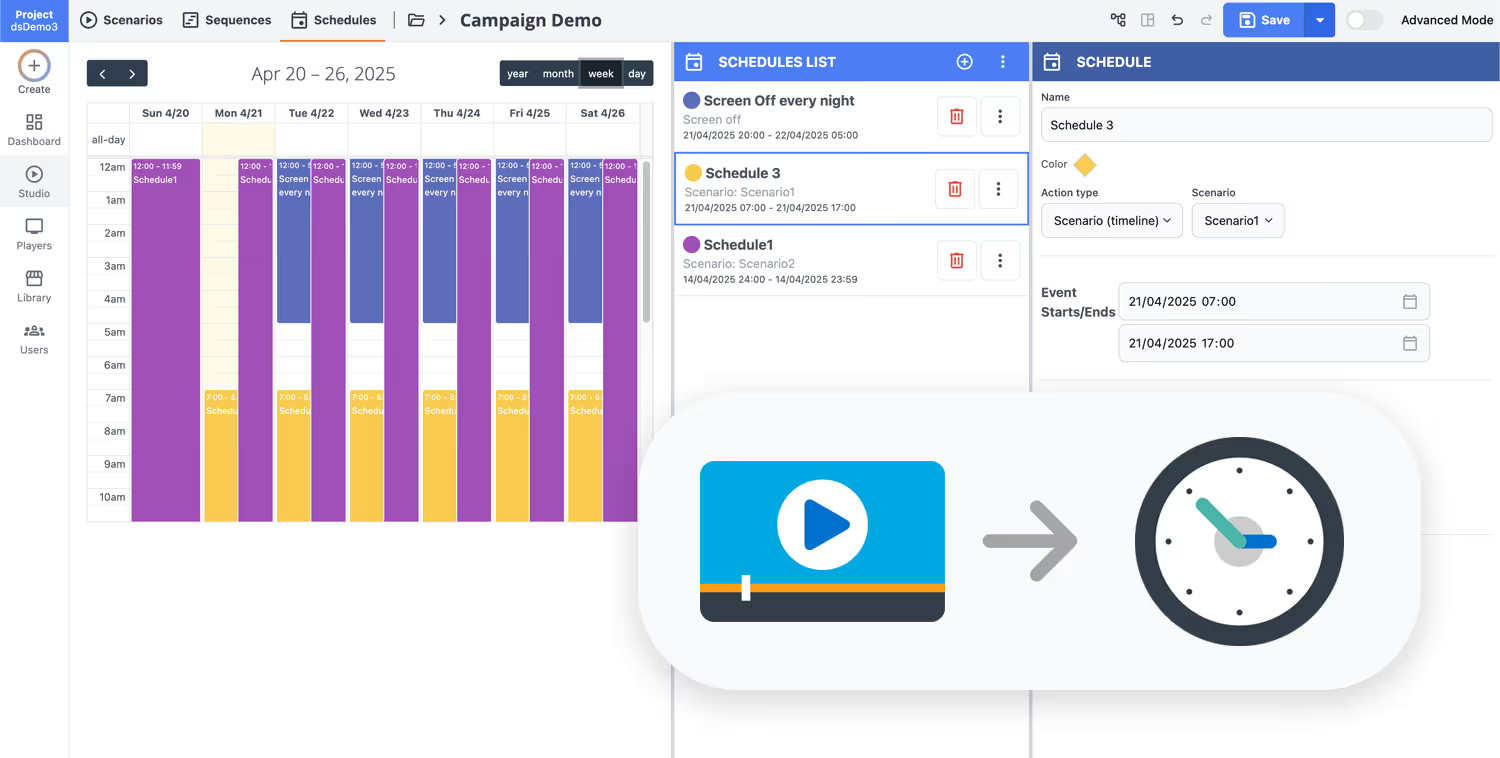
Schedule your content from anywhere with our cloud-based digital signage solution. Easily plan what plays, when, and where—across one screen or thousands.
Design custom scenarios and playlists tailored to your audience and goals.
Set precise dates and times for your content to play automatically.
Deploy content instantly across your digital signage network with just a click.
Ready to upgrade your waiting room with digital signage that reduces anxiety and keeps visitors informed?
Start your 28 day free trial of Disign and publish clear wait time updates, queue guidance, and helpful announcements in minutes. No credit card required, just simple waiting room digital signage you can launch today.
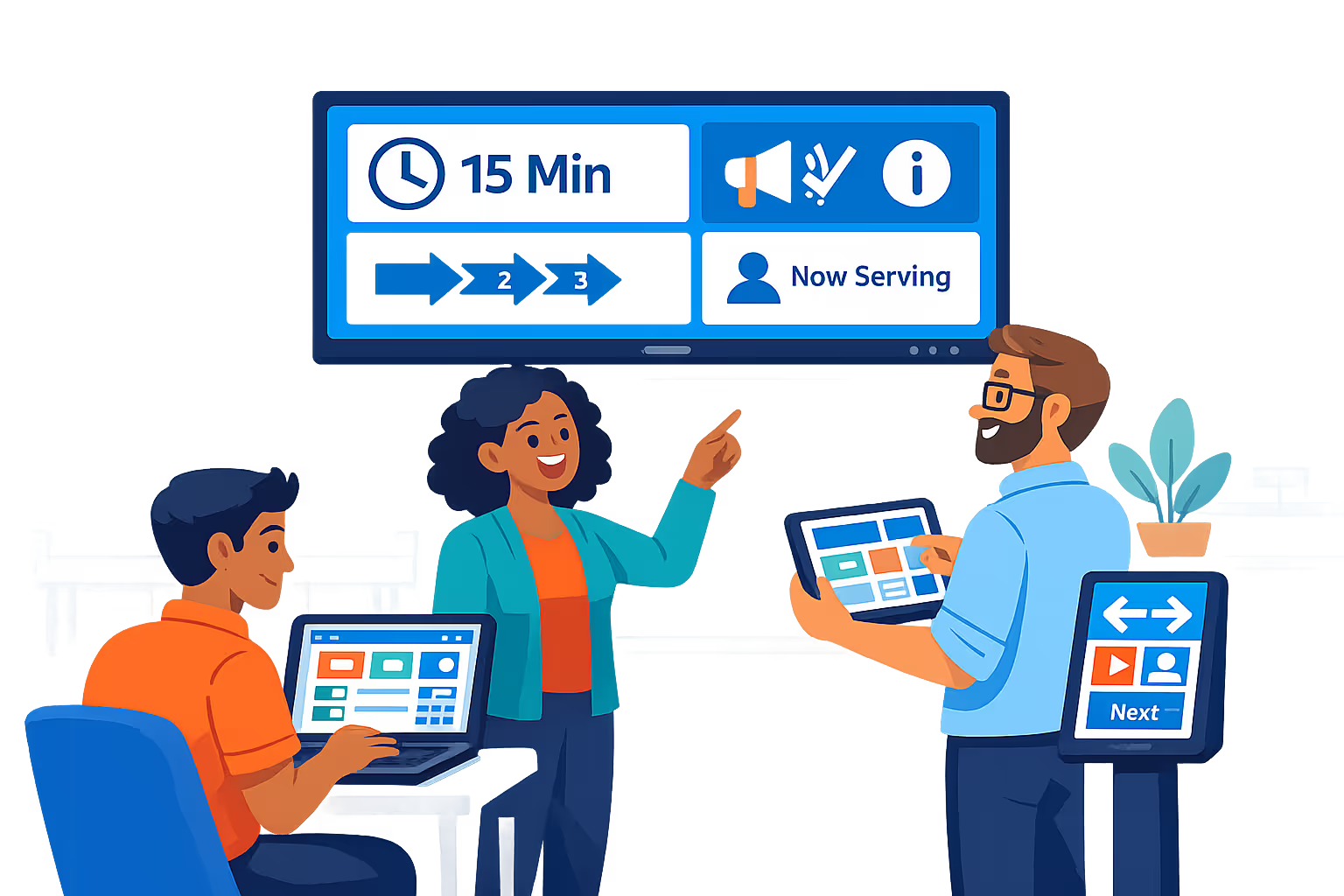
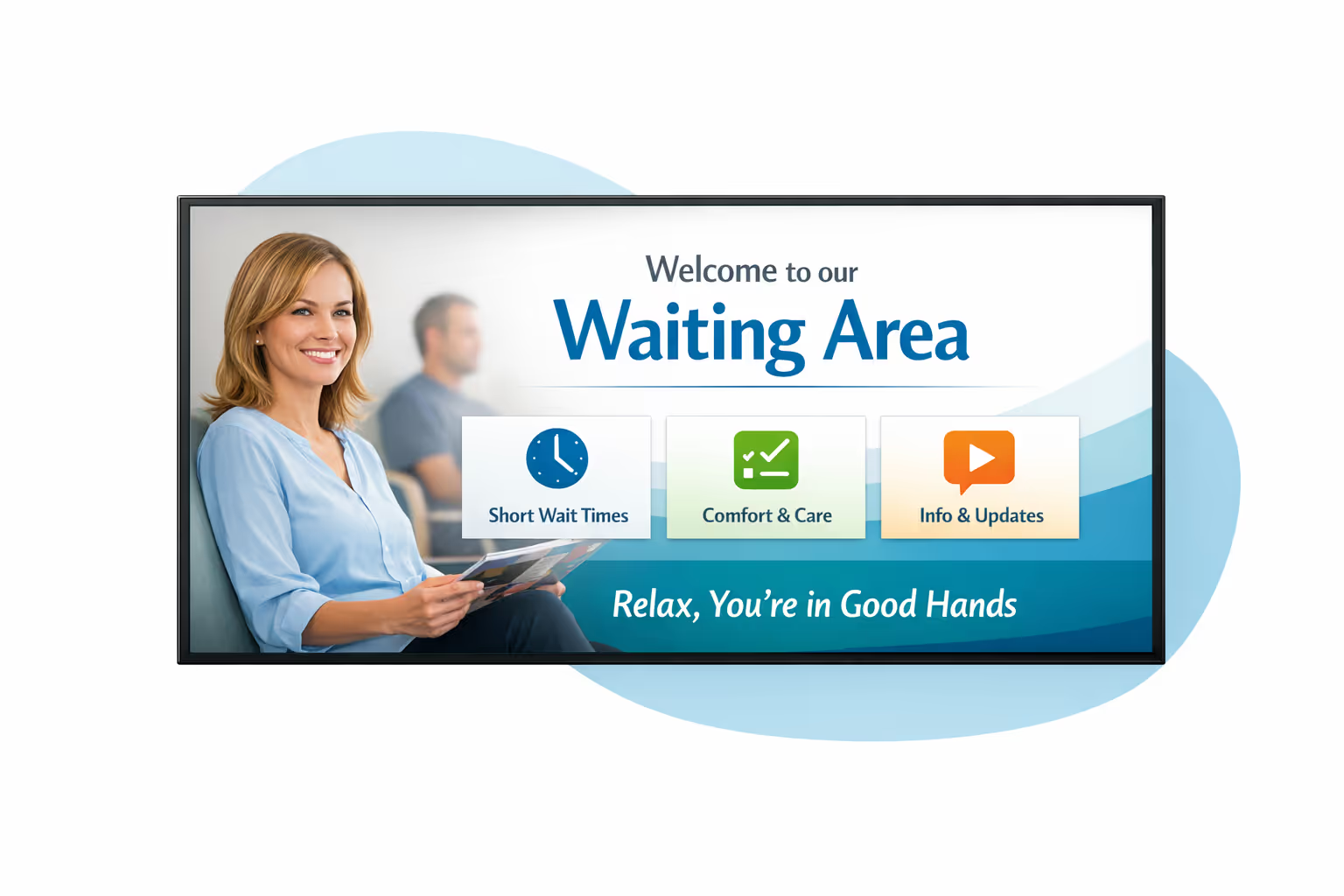
Waiting room digital signage designed for calm, clear communication
Disign helps you run waiting room digital signage that stays reliable, secure, and easy to update. Publish real time queue status, estimated wait times, and service information from one dashboard, with controlled access and full traceability.
Central management for every waiting area
Control waiting room digital signage from one console
Manage one screen or hundreds with location targeting, reusable playlists, and role based access. Keep content consistent across sites while allowing local updates within approved boundaries.
Secure access and device governance
Protect screens, content, and permissions
Limit who can create, approve, and publish with granular permissions. Use secure sign in, device pairing, and activity logs so waiting room digital signage stays controlled, auditable, and safe to operate.
Approval workflows that reduce mistakes
Review and publish with version control
Standardize publishing with draft, review, approve, then schedule. Track versions for notices, pricing, and instructions so the right message is shown on the right screen at the right time.
Scheduling automation for peak hours
Time based content and recurring campaigns
Automate waiting room messaging with daypart schedules and recurring playlists. Switch content for opening hours, busy periods, seasonal updates, or service interruptions without manual changes.
Playback reliability with monitoring
Health checks, alerts, and remote diagnostics
Keep screens running with player monitoring and delivery verification. Detect offline devices, confirm playback, and maintain consistent waiting room digital signage even across multiple locations.
Deployment support built for IT teams
From rollout to daily operations
Get hands on help to standardize templates, onboard teams, and troubleshoot devices. Disign keeps your waiting room digital signage stable, predictable, and simple to maintain over time.
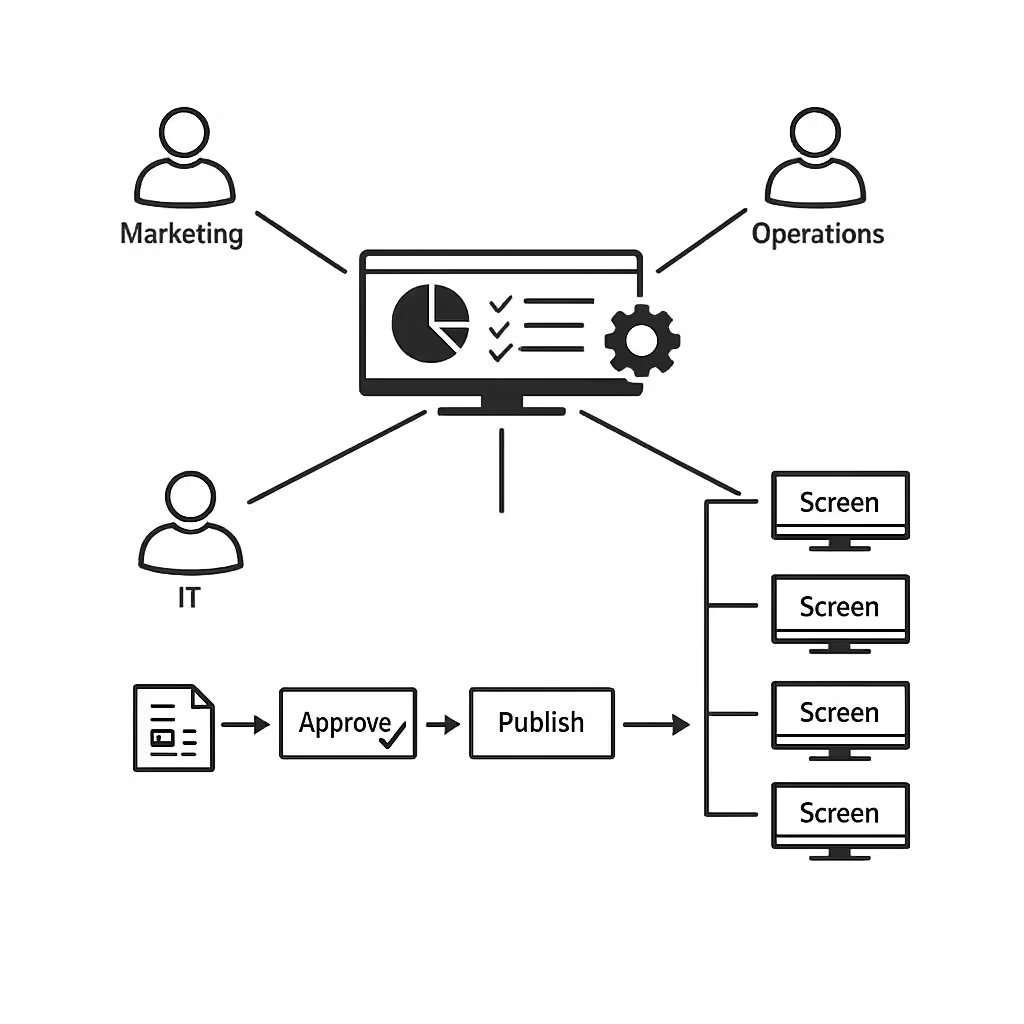
Centralized content management for waiting room digital signage
Run every waiting room digital signage screen from one secure Disign workspace. Marketing publishes faster, operations keeps information accurate, and IT stays in control with roles, approvals, and consistent playback across locations.
One platform for every waiting room screen
Multi site control with local content options
Keep brand messaging consistent while letting each site add approved local content like queue updates, room specific guidance, and opening hours. Marketing, IT, and operations work from the same rules and the same templates.
The right message at the right time in every waiting room
Schedule waiting room digital signage content by location, playlist, or screen type. Plan campaigns, service reminders, and seasonal information so updates go live automatically and stay accurate across your network.
Designed for IT governance and security
Control who can create, approve, and publish with role based permissions and audit friendly workflows. Standardize playback policies so every waiting room screen follows your security and compliance requirements.
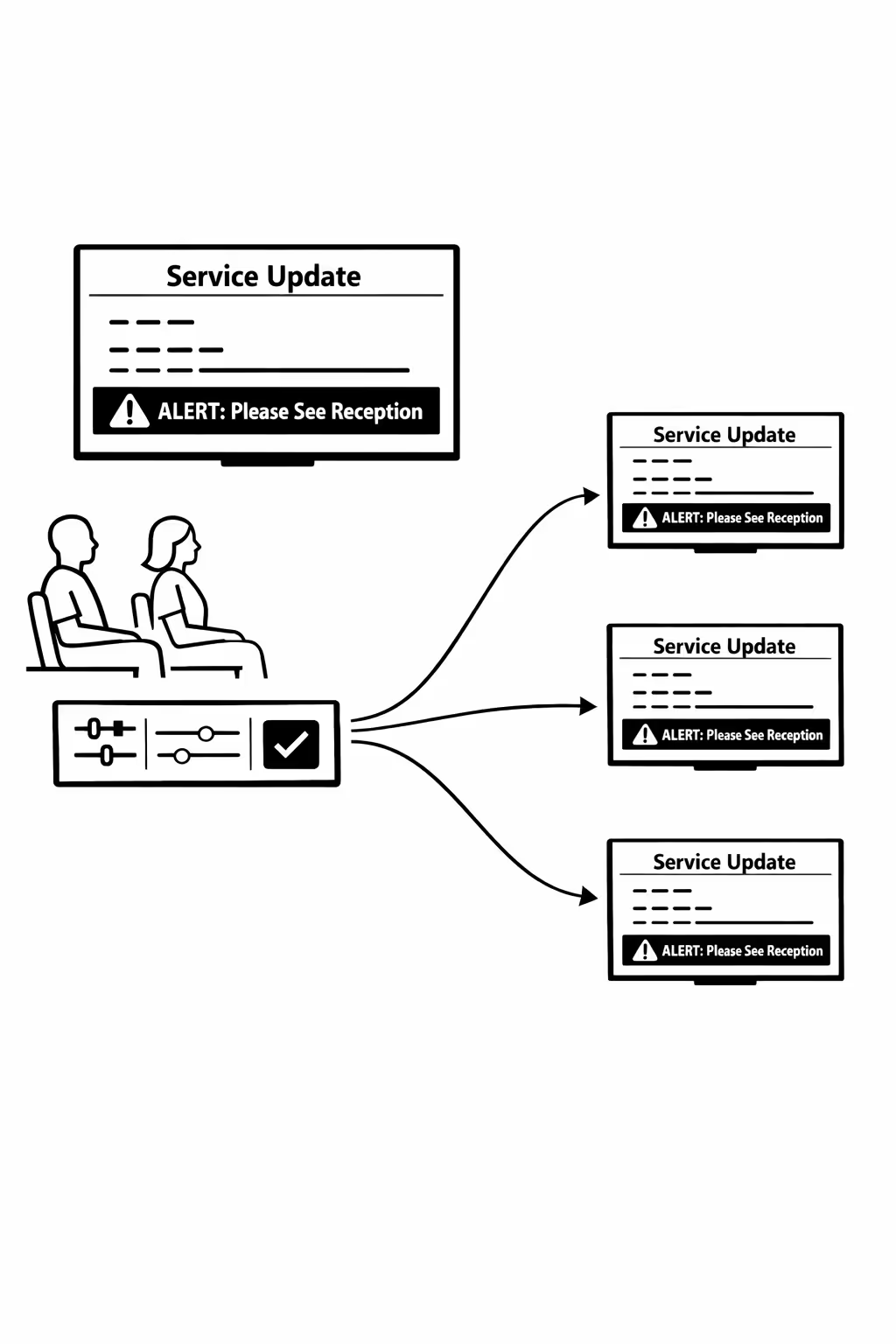
Real time updates for service and operations
Push urgent notices, wait time guidance, and service announcements instantly. Keep waiting room digital signage accurate during peak periods, disruptions, or last minute changes, without chasing each location.
Scalability for growing waiting room networks with waiting room digital signage
Scale waiting room digital signage across multiple sites with one cloud platform. Roll out updates in minutes, keep governance tight, and maintain a consistent guest experience as your network expands.
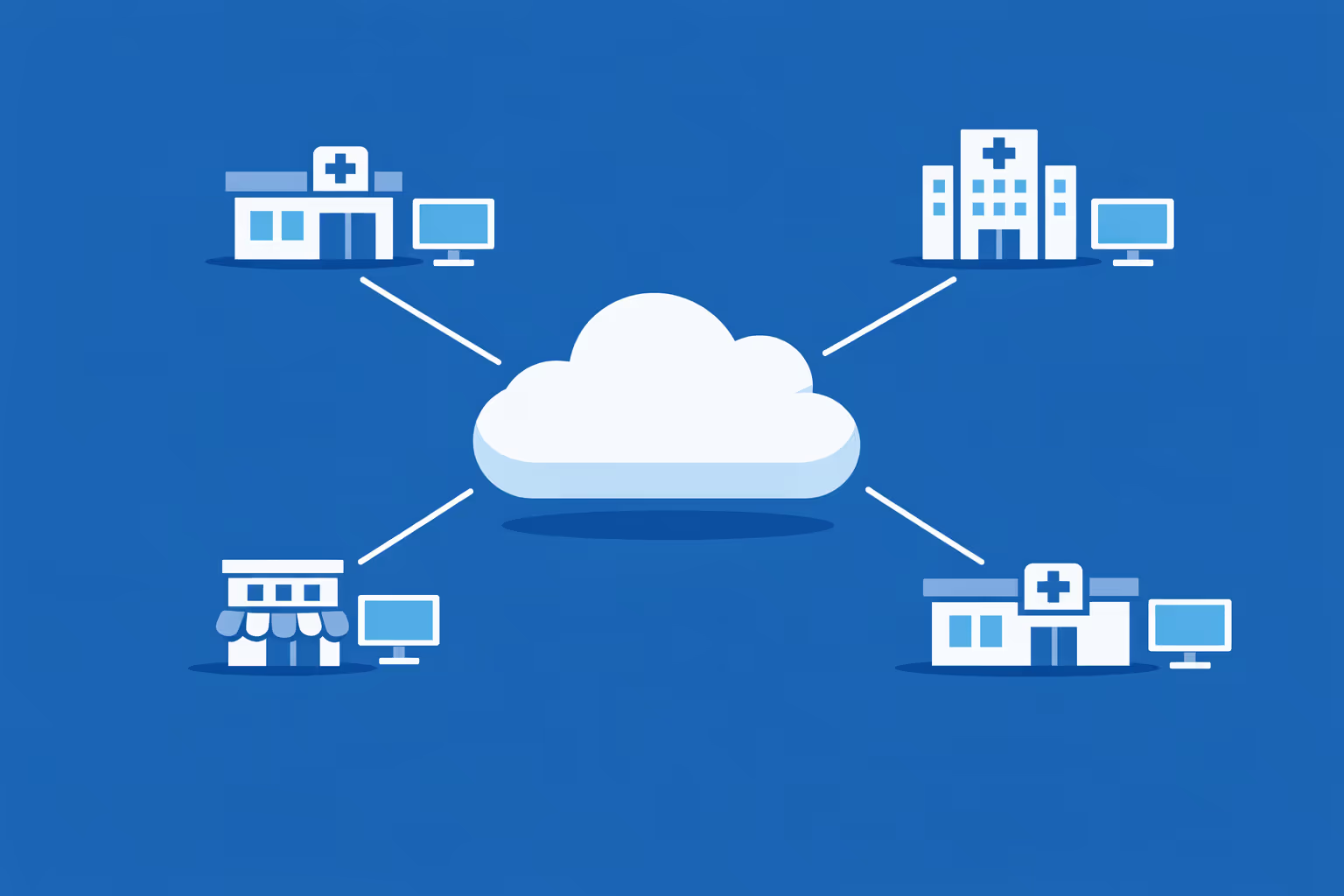
Multi-site management from one cloud dashboard
Oversee waiting room digital signage across every location from one view. Publish content instantly, verify what is playing on each screen, and keep brand standards consistent across all sites.
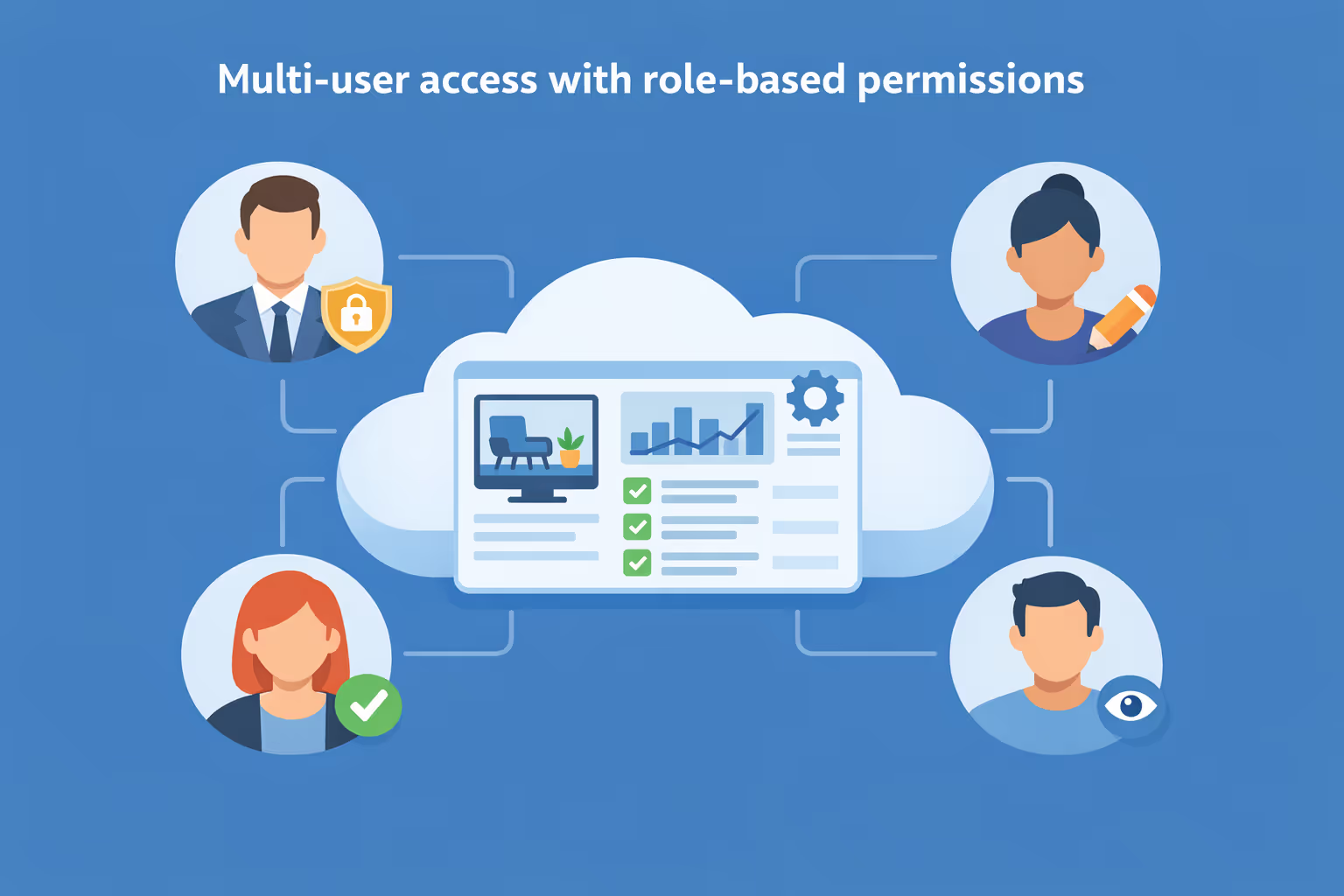
Multi-user access with role-based permissions
Give teams the right access by role, location, or department. Keep workflows clear with approvals and ownership, so waiting room digital signage updates stay secure and organized across your network.
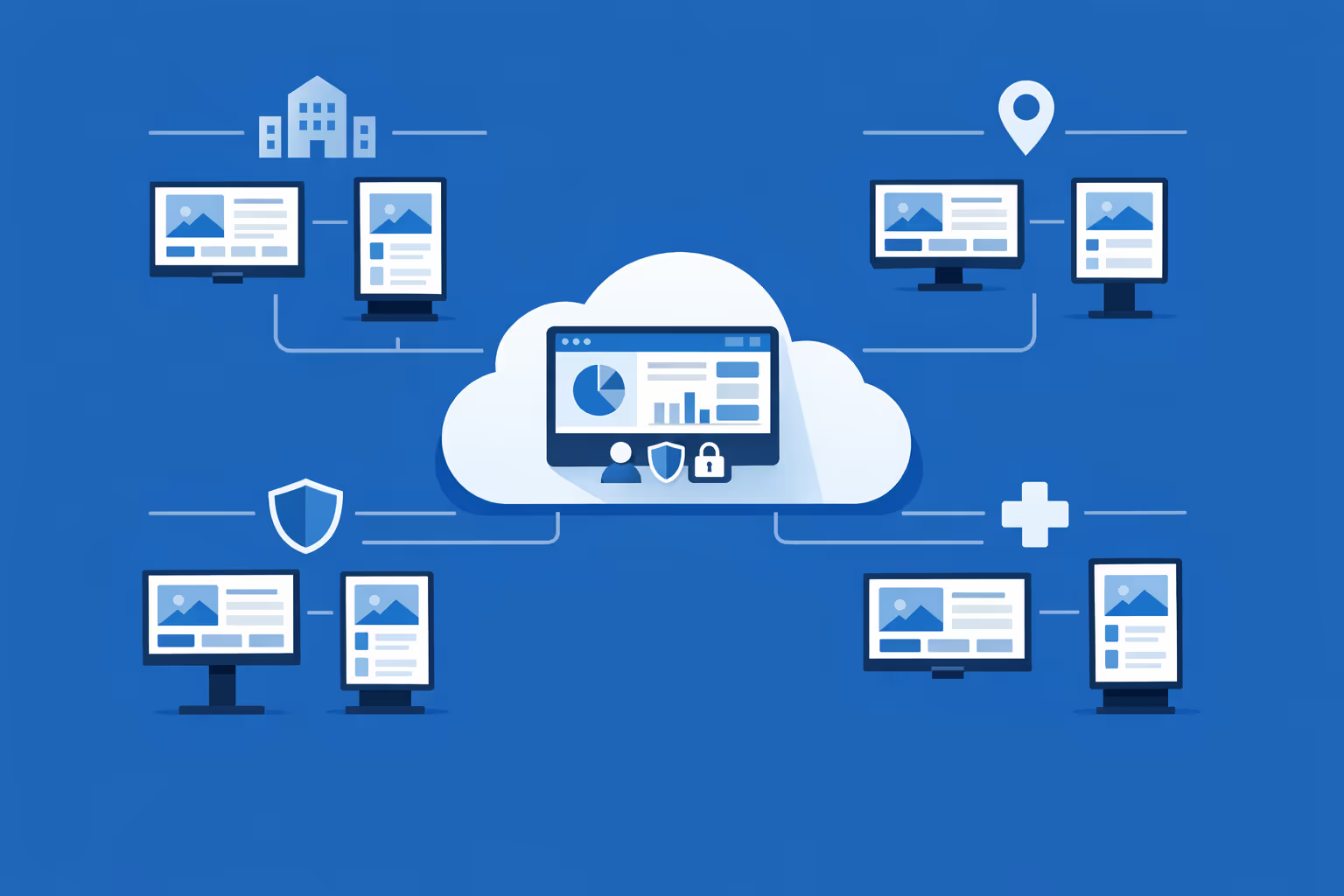
Multi-screen and multi-organization ready
Manage thousands of screens and multiple organizations within one account. Segment waiting room digital signage by brand, region, or site to scale fast while keeping each location relevant.
Disign is compatible with all screens for digital signage
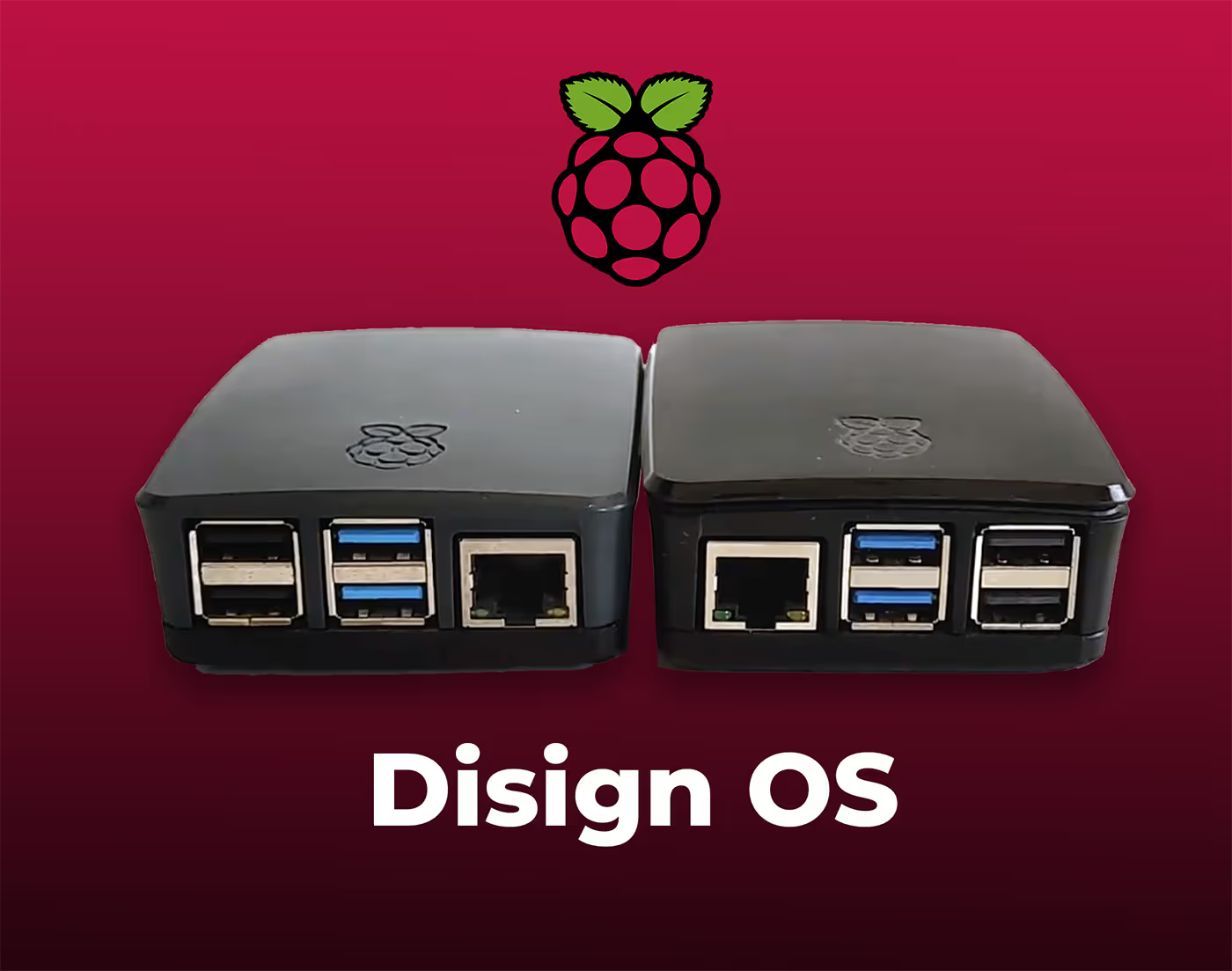
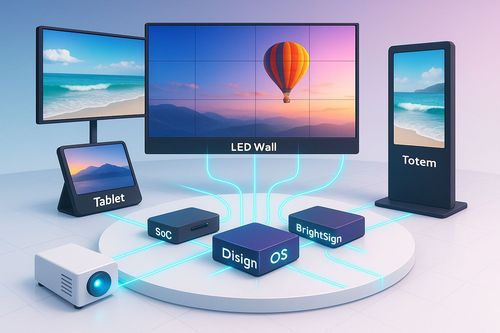
Digital signage with Disign allows you to manage and display content across a variety of devices. Our solution is compatible with many external players such as Disign OS based on Raspberry Pi, BrightSign, and any Android hardware. Disign also supports technologies embedded in Samsung, LG, and Android TV screens. With this broad compatibility, you can easily deploy digital signage solutions on different types of hardware, ensuring simplified management and an optimal user experience.


Integrate with your favorite Applications
80+ Applications and infinite integration with API, Database, and any data source
Easily integrate third-party applications and web content such as YouTube or Vimeo, optimized for seamless playback. Display data from RSS feeds or formats like CSV, JSON, or XML directly on your digital signage screens. Extend display capabilities with advanced applications like grids or collections to enrich Disign scenarios.

We designed Disign to be as open and customizable as possible, both in its visual scenes and in its data sources.
Florent MondoloniCo-Founder, Disign

Video
Utilisez vos medias

RSS Feed
Use your own RSS Feed

Database
Databases

Canva
Create your Design and import it

Google Sheets
Import CSV, Live data...

Website/API
Affiche your website or use API
Everything you need to know about Disign Digital Signage For WaitingRoom
Waiting room digital signage FAQ: everything facilities and patient experience teams want to know
Waiting room digital signage is one of the simplest upgrades you can make to improve the experience in a lobby without adding work for front desk staff. If you manage a clinic, dental office, hospital outpatient center, urgent care, veterinary practice, or any service business with a waiting area, you already know the pressure points: uncertain wait times, repeated questions at the desk, stressed visitors, and missed opportunities to educate people about services and next steps.
This FAQ is written for the persona who typically leads or influences a waiting room project: patient experience managers, clinic directors, practice owners, operations leaders, and IT or facilities teams asked to make screens reliable and easy to manage. The focus keyword for this page is waiting room digital signage, and the answers are designed to be practical, not theoretical.
You will find clear guidance on content, hardware, security, governance, accessibility, and rollout. You will also see where a platform like Disign fits, especially when you want to manage screens across one location or many, without relying on USB sticks or manual updates.
What is waiting room digital signage?
Waiting room digital signage is a system of professionally managed screens used to display information and media in waiting areas. Unlike a consumer TV running a single channel, waiting room digital signage is centrally controlled, scheduled, and updated so the right content appears at the right time.
In a real waiting room, it commonly includes:
- a main lobby screen that sets expectations and reduces uncertainty
- a smaller screen near reception with check in instructions or policy reminders
- screens in hallways or service corridors showing wayfinding or status information
- education screens in specific departments such as pediatrics or imaging
- optional internal screens for staff announcements behind the scenes
The purpose is not only entertainment. The best waiting room digital signage helps people understand what to do, what will happen next, and how to get help, while also strengthening trust in your organization.
Why use waiting room digital signage instead of posters or a static TV channel?
Posters are slow to update and usually become background noise. A static TV channel may distract, but it rarely answers the questions that actually create friction in a waiting room.
Waiting room digital signage is preferred because it can:
- reduce repeated questions by showing clear instructions and policies
- help visitors feel informed about delays and next steps
- keep messaging consistent across the entire facility or network
- update content instantly, which is critical during schedule changes, seasonal surges, or service disruptions
- support multiple audiences, such as patients, families, and visitors, with targeted playlists
- remove the ongoing cost of printing and replacing materials
Most importantly, it gives you control. With Disign, a receptionist or nurse should not have to be the person who edits content. You can centralize updates while still letting local teams request changes through a defined process.
What problems does waiting room digital signage solve for patient experience?
Waiting areas create stress when people do not know what to expect. Even when service is excellent, uncertainty can make time feel longer.
Waiting room digital signage supports patient experience by:
- setting expectations for wait times and visit flow
- reducing confusion about check in, forms, insurance, and payment steps
- communicating policies in a calm, clear way, such as mask guidance or visitor rules
- reinforcing empathy, such as acknowledging delays and explaining why they happen
- providing practical education so people feel the visit is valuable even while waiting
The goal is a smoother, quieter lobby. Not a louder one. That means content should be purposeful and easy to scan from a distance.
Where should screens be placed for waiting room digital signage?
Placement matters as much as content. A screen that no one can comfortably see becomes expensive decor.
Common placements for waiting room digital signage include:
- above or near reception, visible from seating areas
- near the entrance for first instructions such as check in steps and forms
- near high traffic corridors leading to exam rooms, imaging, labs, or elevators
- in pediatric areas where content needs to be calm and family friendly
- near checkout desks where billing and follow up instructions matter most
A good approach is to map the waiting room journey: arrival, check in, waiting, being called, and checkout. Then choose screens that reduce friction at each step.
What content works best on waiting room digital signage?
The most effective waiting room digital signage content is short, relevant, and designed for people who are anxious or distracted. Think of it as visual customer service.
High performing content includes:
- check in instructions and what to do if you have questions
- how appointments are called and what affects timing
- reminders to update contact information and insurance details
- forms and documents to prepare, shown in a simple checklist
- clinic policies such as photography, phone calls, or visitor rules
- health education aligned with your services, such as vaccination reminders or dental hygiene tips
- introductions to your team and what different roles do
- what happens after the visit, such as prescriptions, results, and follow up scheduling
Avoid dense paragraphs. If you must include a lot of information, break it into multiple slides with a single idea per slide. Waiting room digital signage works best when people can understand the message in three to five seconds.
How often should we update waiting room digital signage content?
A screen that looks neglected reduces trust. People notice outdated holiday hours, old promotions, or messages that do not match reality.
A practical update rhythm is:
- weekly or biweekly refresh for education and service highlights
- daily or as needed updates for operational messaging, such as temporary provider changes
- immediate updates for unexpected closures, check in changes, or weather disruptions
- monthly review to remove outdated references and keep language consistent
With Disign, updating content can be fast enough that you treat screens like a real operational channel, not a once per quarter project.
Can waiting room digital signage show estimated wait times?
Yes, and it can make a major difference. Even a basic message about average waits can reduce anxiety. If you can integrate a data source, it becomes even more useful.
There are several approaches:
- a simple informational slide stating typical wait ranges and why delays happen
- a rotating message acknowledging delays and explaining next steps
- a live integration displaying queue status, room readiness, or appointment progression when your systems allow it
- department specific messaging, such as lab, imaging, or urgent care statuses
If you do not have an integration available, you can still reduce perceived wait time by clarifying what the process is and what patients can do while they wait.
Does waiting room digital signage help reduce perceived wait time?
Yes. People experience time differently when they feel uncertain. Waiting room digital signage reduces uncertainty and gives people useful tasks, which makes the wait feel shorter.
It helps by:
- explaining the visit flow in plain language
- showing what information to have ready
- clarifying that the next step is to be called by name or by a number
- providing calming education that feels relevant, not random entertainment
- setting expectations with empathy, such as thanking visitors for patience
The real win is fewer tense interactions at reception. When people understand what is happening, they ask fewer repetitive questions and they are less likely to assume they were forgotten.
Can waiting room digital signage support different departments or service lines?
Yes. A single organization often has very different needs across departments. Pediatrics, orthopedics, imaging, and urgent care have different patient expectations and different educational priorities.
A strong waiting room digital signage setup supports:
- department specific playlists
- location based scheduling, so each waiting area sees its own relevant content
- time based playlists, for example different messaging mornings vs afternoons
- language variants to match the local community
Disign supports centralized management while letting you segment by location, screen group, or department, so your content feels personal without becoming hard to maintain.
How do we keep waiting room digital signage content compliant and approved?
Even outside of highly regulated industries, waiting rooms have compliance concerns: privacy, accuracy of health information, and brand governance. You need a publishing approach that prevents random edits and accidental errors.
A safe workflow typically includes:
- role based access, so the right people can create, review, and publish
- template based design so key elements stay consistent
- approval steps for sensitive content such as policy notices or medical claims
- scheduling rules so time sensitive messages automatically stop on the right date
- an audit friendly history of who changed what and when
Disign supports structured permissions and organized content management so your screens stay accurate and consistent across sites.
Is waiting room digital signage safe for patient privacy?
Yes, when implemented correctly. The biggest privacy risk is showing personal data on public screens. Most waiting room digital signage should avoid any content that can identify a person.
Good privacy practices include:
- never displaying full names, birthdays, or patient identifiers on public screens
- using general queue messaging rather than personal details
- avoiding mirrored desktop sessions that could accidentally show sensitive information
- using a dedicated digital signage player and locked down browsing modes when web content is displayed
- limiting who can publish and ensuring content is reviewed
If you want to display queue calls, consider using ticket numbers or first name plus initial depending on your local policies and privacy standards.
What hardware do we need for waiting room digital signage?
At a minimum, waiting room digital signage requires:
- a commercial grade display or a reliable TV
- a media player or compatible device to run the signage software
- network access, wired or secure Wi Fi depending on your environment
- a mount and safe cable management for a professional installation
Commercial displays are recommended for long hours and higher reliability. In a medical environment, you also want a screen that can be cleaned safely and placed where it does not interfere with clinical workflows.
Disign is designed to work with common signage hardware setups so you can standardize over time without being forced into one device model on day one.
Can we reuse existing TVs for waiting room digital signage?
Often, yes. If the display is reliable and has a safe mounting solution, you can usually add a media player and turn it into a managed sign.
Before reusing screens, check:
- how many hours per day the display runs and whether it is rated for that usage
- brightness and viewing angle for your lobby lighting conditions
- whether the screen has burn in risk with static elements
- whether the location allows safe power and network access
If a screen fails frequently or looks dim, it may cost more in support time than a replacement would. Waiting room digital signage should reduce workload, not create it.
What should we look for in a waiting room digital signage software platform?
Waiting room environments need more than simple slide playback. You want a platform that supports operations, governance, and scale.
Key features to look for include:
- easy content updates without design expertise
- templates that keep content consistent and readable
- scheduling by date, time, and location
- playlists and screen grouping for multi site control
- secure user access and clear permissions
- monitoring to ensure screens are online and playing the correct content
- support for images, videos, and web content where appropriate
Disign is built to make content management straightforward while keeping control where it belongs, especially if you manage more than one screen or more than one location.
Can waiting room digital signage be managed centrally across multiple locations?
Yes, and that is where a platform like Disign is especially valuable. Many organizations start with one clinic and quickly expand.
Central management allows you to:
- push system wide policy updates instantly
- keep branding consistent across every lobby
- reuse approved templates and content blocks
- tailor messages by location without duplicating work
- monitor screens to spot outages before staff report them
For multi location healthcare groups, a consistent waiting room experience can become a differentiator that supports patient trust and loyalty.
How does scheduling work for waiting room digital signage?
Scheduling lets you show the right content at the right time without manual intervention.
Common scheduling patterns include:
- dayparting, such as morning check in tips and afternoon follow up reminders
- weekday vs weekend schedules for urgent care or emergency overflow areas
- seasonal messaging, such as flu shot reminders in fall
- time boxed operational notices, such as construction directions that expire automatically
- special event messaging for visiting specialists or community programs
With Disign, you can set schedules once and rely on them, which reduces last minute scrambling and keeps content current.
Should waiting room digital signage include news or entertainment?
It can, but it should never replace operational clarity. If news increases anxiety or becomes polarizing, it can hurt the atmosphere.
A balanced approach is:
- prioritize essential visit information first
- add calming content such as wellness tips, gentle visuals, or neutral programming
- avoid content with loud audio or intense imagery
- ensure anything external is reliable and appropriate for all ages
Most waiting rooms benefit more from helpful guidance than from generic TV. When patients feel informed, entertainment becomes a nice extra, not a substitute.
Can waiting room digital signage support multilingual communication?
Yes, and it is one of the most practical uses for screens. Clear multilingual messaging reduces misunderstandings and helps people feel welcome.
Best practices include:
- using plain language and short sentences
- rotating languages on a schedule if the audience is mixed
- assigning specific languages to specific locations when demographics are predictable
- keeping critical instructions consistent, such as check in steps and required documents
- ensuring text is large enough to read and not squeezed by translations
Disign makes it easier to manage language variants by organizing playlists and templates so translations remain consistent across the network.
How do we design accessible waiting room digital signage?
Accessibility is essential. Waiting rooms include older adults, people with low vision, and visitors who may be stressed or tired.
Accessible design guidelines include:
- high contrast colors and simple backgrounds
- large readable fonts, especially for key instructions
- limited text per slide with clear hierarchy
- captions for any video content
- avoiding fast scrolling tickers that are hard to track
- consistent placement of important information, like where to ask for help
Using templates in Disign helps you standardize accessible layouts so every location meets the same quality bar.
What are the security requirements for waiting room digital signage?
Even if your content is public, the system controlling it should be secured. Screens are endpoints, and you need to prevent unauthorized content changes or misuse.
Important security requirements include:
- secure authentication and permission management
- encrypted connections for content delivery and admin access
- device pairing and controlled provisioning so random devices cannot join
- screen monitoring so you can detect offline players quickly
- the ability to lock down web content display if used
- activity logs that support accountability
Disign is built for professional signage operations where reliability and controlled access matter.
Is waiting room digital signage cloud based or on premises?
Many organizations prefer cloud based management because it reduces local maintenance and simplifies updates. Some environments require strict network rules.
A cloud based approach typically provides:
- faster rollout across locations
- centralized content management without local servers
- easier updates to templates and schedules
- scalability when you add screens
Disign is designed for centralized management, while still allowing your IT team to apply network controls, device policies, and operational standards.
How do we avoid annoying or overwhelming visitors with digital signage?
Bad signage feels like advertising noise. Good waiting room digital signage feels like a helpful guide.
To avoid overwhelm:
- keep slides calm, with limited motion and clear spacing
- limit playlist length and avoid repeating the same message too often
- prioritize what people need now, not everything you want them to know
- avoid loud audio and flashing transitions
- test content from the seating distance and angle
A simple way to check quality is to sit in the waiting area for five minutes and watch. If you feel calmer and more informed, the content is working.
Can waiting room digital signage help reduce workload at the front desk?
Yes. Front desk teams often answer the same questions all day. Waiting room digital signage can take pressure off by addressing common points proactively.
Examples include:
- how to check in and when to approach the desk
- what to do if you need to update insurance or contact details
- what happens if you are late
- where restrooms, water, and exits are located
- how prescription refills and results communication work
- reminders to complete forms on a phone via QR code if appropriate
The result is fewer interruptions, smoother flow, and staff who can focus on individuals who truly need help.
What KPIs should we track to measure waiting room digital signage success?
Waiting room digital signage ROI is often measured through operational and experience improvements, not just marketing metrics.
Useful indicators include:
- reduction in common front desk questions and interruptions
- fewer missed appointments due to clear check in instructions
- improved patient satisfaction scores related to communication and waiting experience
- fewer complaints about delays because expectations are set
- faster rollout of policy updates across locations
- reduced printing costs and time spent replacing posters
You can also track operational metrics, such as how quickly you can publish an urgent notice and how consistently screens stay online.
How do we get started with waiting room digital signage using Disign?
A smooth start is usually a pilot, not a big bang rollout. The point is to prove that the screens reduce friction and are easy to manage.
A practical first plan:
- choose one or two waiting areas with clear pain points, such as check in confusion
- define a simple content set: check in steps, what to expect, and key policies
- build templates that match your brand and accessibility standards
- set roles for who creates, who approves, and who publishes
- install hardware and verify reliability, visibility, and network stability
- collect feedback from staff and visitors and refine messaging
Once the foundation is solid, scaling waiting room digital signage becomes a repeatable process. With Disign, you can expand screen groups, reuse templates, and maintain a consistent experience across every location without increasing chaos.




Join community of 4k+ people
Waiting room digital signage that reduces uncertainty and keeps customers informed
Disign helps you publish clear, timely messages across every waiting room screen from one secure dashboard. Share queue updates, next steps, service hours, document reminders, and important announcements so people know what to do and staff spend less time repeating information.
Ready to try waiting room digital signage without friction. Start with a 28 day free trial, no credit card required. If you want help choosing the right setup or creating your first content, contact us and we will guide you through your first screens and playlists.