Schedules, integrations and data-driven screens
Digital signage automation: automate the distribution of your content
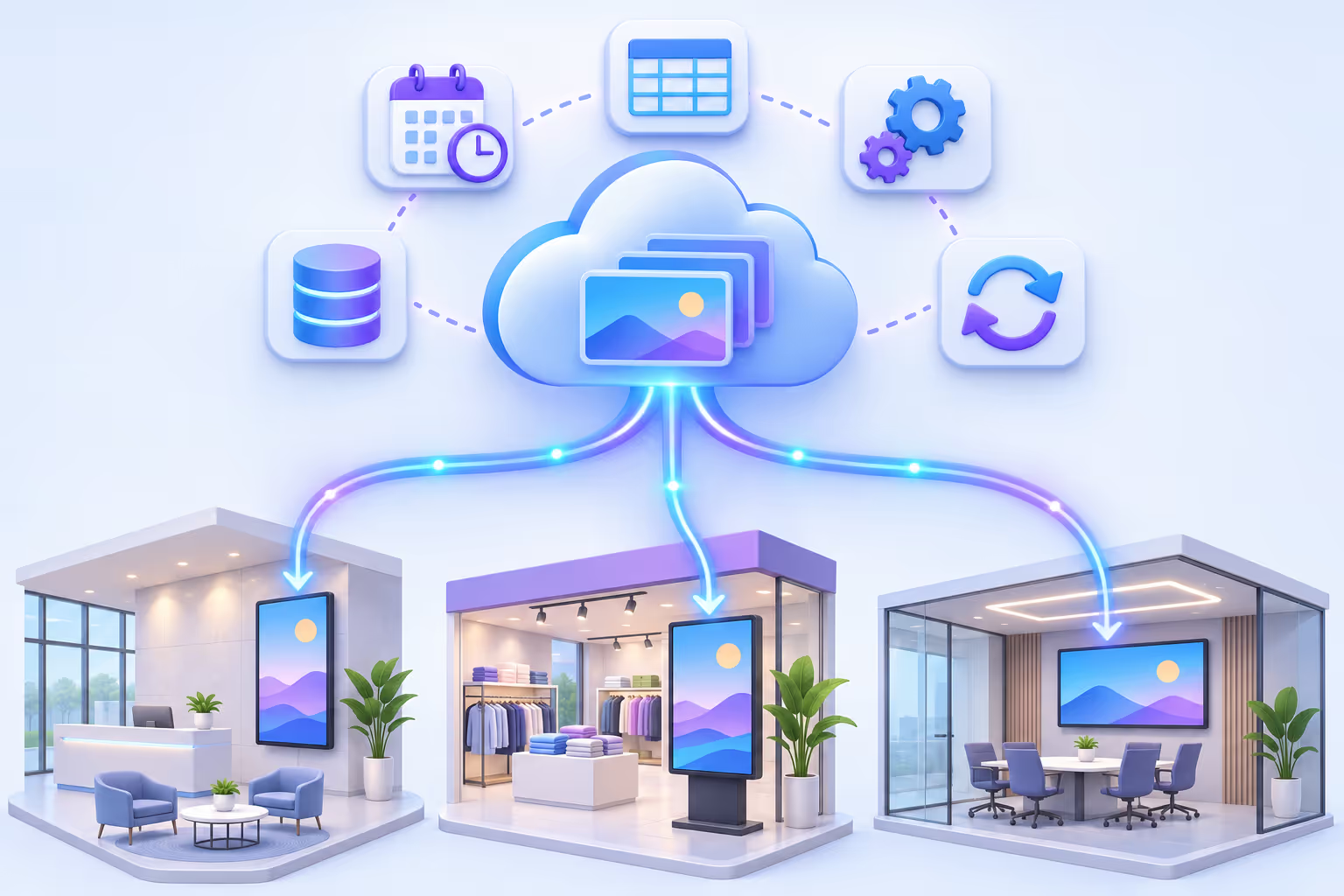
With Disign, you automate the distribution of content on your digital signage screens at your own pace: start by displaying a few images and videos, then schedule your campaigns in advance, connect your apps and business data, and let your screens update themselves without manual intervention.
- Advanced scheduling
- Integrations
- DisignDB
- APIs & databases
Step by step
From a simple slideshow to fully automated digital signage
You don't have to automate everything on day one. Disign supports you from a simple use, displaying images and videos, to an advanced and automated use. Add automation little by little, when you need it, without rebuilding what already works.
Level 1
Display images and videos
Upload your media, build a playlist and publish it on your screens in a few minutes.
Level 2
Schedule content in advance
Program playlists and scenarios with campaign schedules, and decide when each app element is shown.
Level 3
Connect your tools
Social networks, drives, Google Sheets, RSS feeds or Canva: your screens follow what happens in other services.
Level 4
Drive screens with your data
Manage content in DisignDB, plug in your business APIs or local databases, and display it with scenes.
Campaign schedules
Schedule your digital signage content in advance
Campaign schedules are the first level of automation: prepare your playlists and scenarios once, choose when they play, and your screens switch content on their own, day after day.
- Playlists and scenarios scheduled with start and end dates, time slots and priorities.
- Advanced repetitions: daily, weekly, monthly or yearly, on the days you choose.
- Number of occurrences: stop a repetition automatically after a given number of times.
- One schedule, many screens: target a screen, a group of screens or a whole network.
Every day of the week, except weekends
Your office playlist plays from Monday to Friday only: nothing to change on Friday evening or Monday morning.
Every January 1st
Yearly repetitions bring back your seasonal content, such as New Year greetings, automatically every year.
Monday 10 am – 12 pm, for the next 3 Mondays
Set a number of occurrences: the event repeats exactly 3 times, then stops on its own.
App availability
Fine-grained programming at the app level
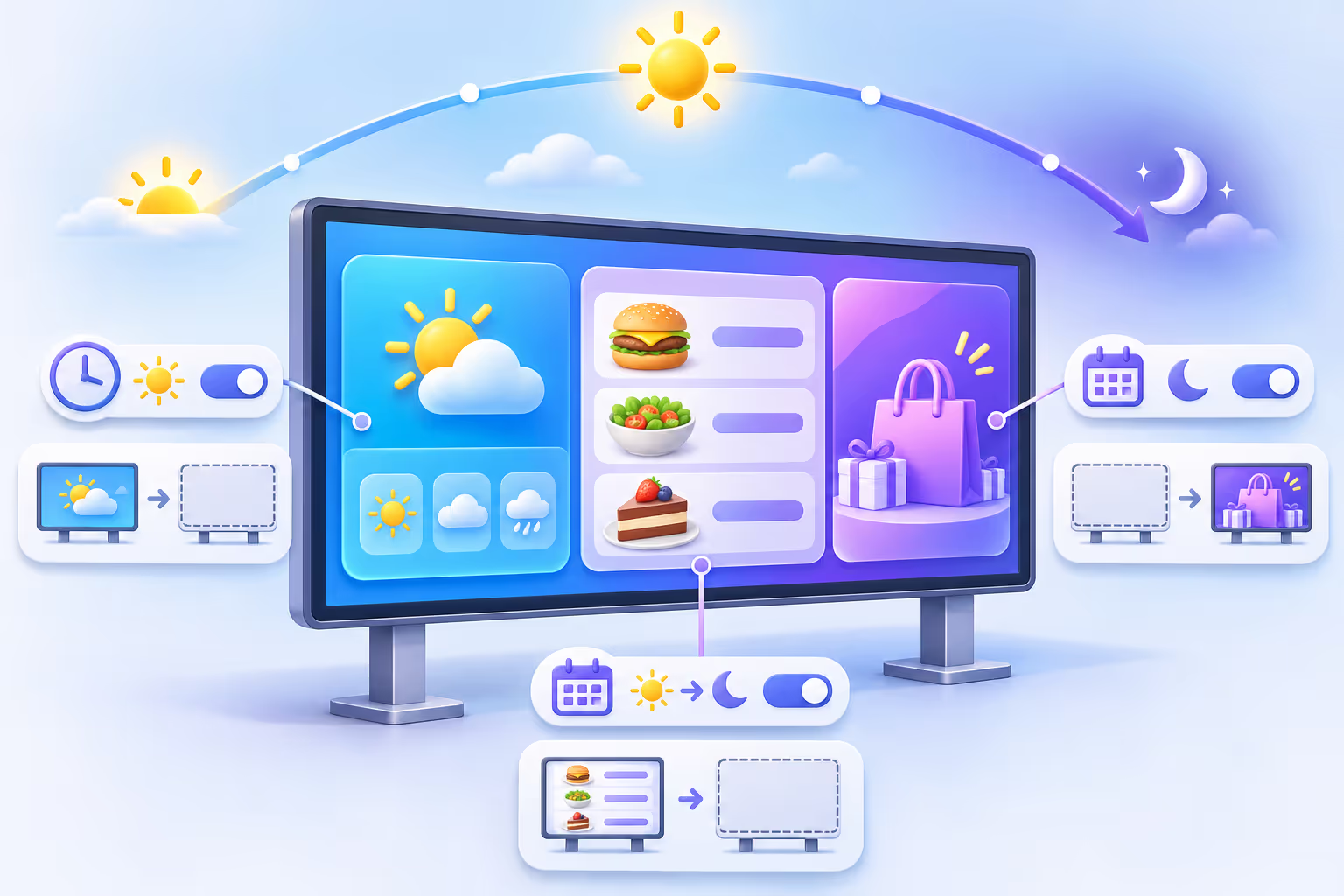
Below campaigns, every Disign app can have its own schedules. You decide precisely when an element is displayed or not, inside the same playlist or scenario, without creating a new version of your content.
Time slots
Show an app only in the morning, at lunchtime or after work.
Periods and repetitions
Use the same advanced repetitions and occurrences as campaign schedules.
Hidden outside its slot
Outside its schedule, the element is simply skipped and the rest keeps playing.
Combined with campaigns
Campaigns set the big picture, app schedules refine the details.
Integrations
Automatic content updates from the tools you already use
Disign communicates with a large number of applications through its apps. Your screens are updated according to actions taken in other services: no export, no copy-paste, no new upload.
You publish a post on Instagram: it appears on your screens.

You change a price in Google Sheets: the menu board is updated.

You drop a file in a shared folder: it joins the playlist.

You edit a design in Canva: the new version is displayed.







Your screens
Content refreshed automatically
Business APIs & scenes
Display content from your business tools with the API app
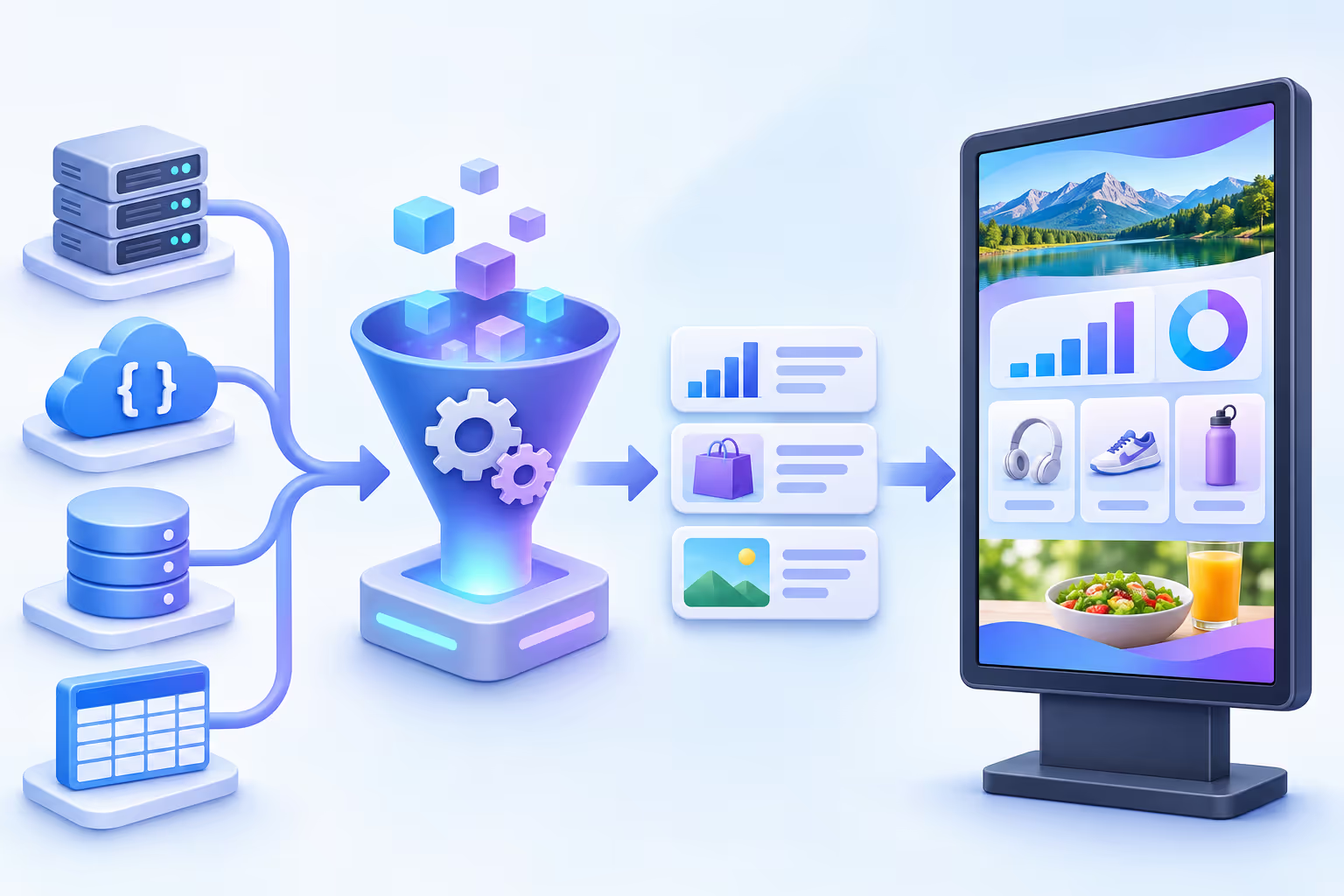
For more specific needs, such as your ERP, PIM, CRM or in-house software, Disign provides a highly customizable API tool. It retrieves your business content easily, and scenes display it on screen with your own design.
- 1
Connect your API
Set the URL, parameters and authentication of your web service, whatever its structure.
- 2
Describe the data
A schema describes each field you need; media URL fields can be marked so that images and videos are synchronized on the player.
- 3
Design the scene
Bind the fields to a scene: texts, prices, photos and charts update on screen as soon as your data changes.
Local databases
Players that read your local databases
Disign players can also read databases installed on your local network, such as MySQL, PostgreSQL or Microsoft SQL Server. Your production, stock or queue data goes straight from your database to the screen, on site.
- The query runs locally, from the player, on your network.
- Ideal for factories, warehouses and sites with business software installed on premises.
- The results are displayed with scenes, like any other Disign data.
 MySQL
 PostgreSQL
 SQL Server
DisignDB
DisignDB: manage your screen content as easily as a spreadsheet
DisignDB is the Disign database built for digital signage. Manage the content you want to display like in a table, with your own data format, and keep it fully detached from graphic design and screens: update a row, every scene using it is refreshed.
| Photo | Name | Category | Price | Video | Available |
|---|---|---|---|---|---|
| Iced latte | Drinks | 3.90 | |||
| Berry smoothie | Drinks | 4.50| | |||
| Matcha tea | Drinks | 4.90 |
Your own data format
Create the columns you need: text, number, color, date, media, relation… DisignDB adapts to your content, not the other way round.
Multiple tables and relations
Link products to categories, events to rooms or people to teams: DisignDB fully handles several tables and the relations between them.
Advanced filters and sorting
Combine conditions and sort orders to show only the right rows on each screen, site or time of day.
Media management
Attach images, videos, PDFs and sounds directly to your rows, as easily as in a spreadsheet.
Views
A view retrieves just the data you want to display on the screens, with its own filters, sorting and fields.
Content separated from design
Your teams edit the data, designers build the scenes once: nobody needs to touch the layout to change a price or a message.
Why automate
The benefits of automating your digital signage content
Save time
Prepare once, publish for weeks. No more manual changes every morning on every screen.
Fewer errors
Data comes from a single source: prices, schedules and messages are the same everywhere.
Always up to date
Outdated promotions disappear on their own and new content goes live at the right time.
Scales with your network
The same rules drive one screen or hundreds, across all your sites.
Manage the content once, let the schedules and data do the rest: your screens update themselves.
Your questions about digital signage automation
Scheduling, integrations, APIs, databases and DisignDB: everything you need to know to automate the distribution of your content.
What is digital signage automation?
Digital signage automation means that your screens display the right content at the right time without manual intervention. Content is scheduled in advance, connected to other services or driven by data, so that screens update themselves.
How can I automate the distribution of content on my screens?
With Disign, you can automate step by step: schedule playlists and scenarios with campaigns, set schedules on each app, connect integrations such as Google Sheets, RSS feeds or social networks, and drive your screens with DisignDB, your business APIs or local databases.
Do I need to automate everything from the start?
No. You can start with a simple use, displaying images and videos, and add automation progressively when you need it. Your existing playlists and scenarios keep working as you add schedules, integrations or data.
What kind of repetitions can I schedule?
Schedules support advanced repetitions: daily, weekly, monthly or yearly, for example every day of the week except weekends, or every January 1st. You can also set a number of occurrences, such as an event from 10 am to 12 pm on Monday repeated for the next 3 Mondays.
What is the difference between campaign schedules and app schedules?
Campaign schedules decide which playlist or scenario plays on a screen and when. App schedules work at a lower level: inside the same content, each app can have its own schedules that decide when an element is displayed or not.
Which integrations can update my screens automatically?
Disign apps connect to social networks, drives, Google Sheets, RSS feeds, Canva, CSV files, APIs and many more. When content changes in one of these services, the screens are updated accordingly.
Can I display data from my own business software?
Yes. The Disign API tool is highly customizable and retrieves business content from your own web services. The data is then displayed on screen with scenes, using your own design.
Can Disign players read a local database?
Yes. Disign players can read databases installed on your local network, such as MySQL, PostgreSQL or Microsoft SQL Server, and display the results with scenes.
What is DisignDB?
DisignDB is the Disign database for digital signage content. You manage your data like in a spreadsheet, with your own format, several tables and relations, advanced filters and sorting, and media such as images, videos, PDFs and sounds.
What is a DisignDB view?
A view retrieves only the data you want to display on the screens, with its own filters, sorting and fields. The same table can feed several views for different screens or sites.

Start automating your digital signage today
Begin with a simple playlist, then add schedules, integrations and DisignDB at your own pace. Our team helps you connect your APIs and databases and design the scenes that display your data.
See Disign pricing