Arena and stadium digital signage built for game day operations
Arena and stadium digital signage that keeps fans moving, engaged, and informed
Make every screen a real time advantage. With Disign, you can update wayfinding, schedules, live messages, sponsor content, and safety notices in minutes across the whole venue.
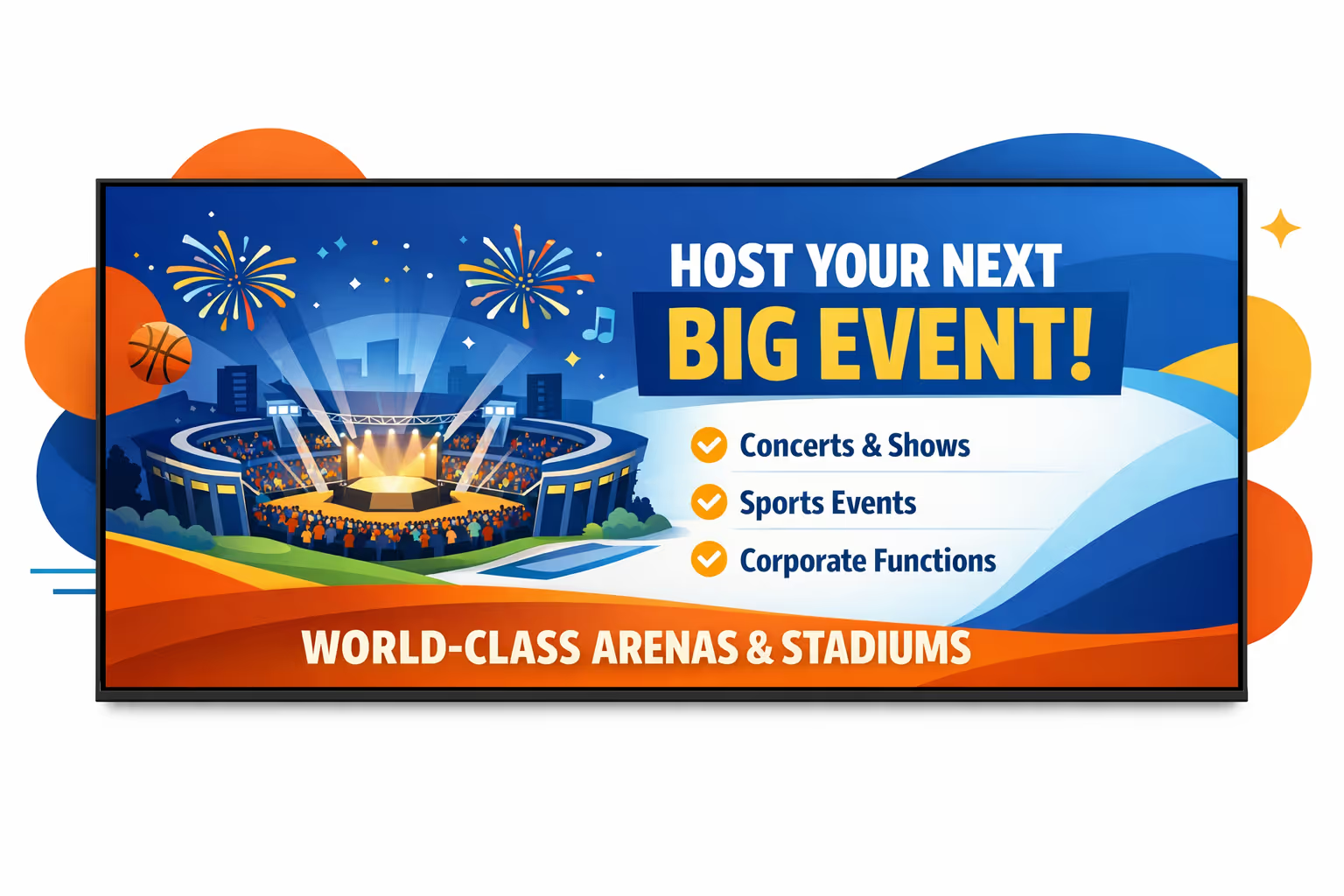
Challenges in arena and stadium digital signage when venue communication breaks down
On event days, guests and staff need clear direction the moment they enter. When information is missing or inconsistent, small questions multiply into longer lines, missed entrances, and a stressful first impression.
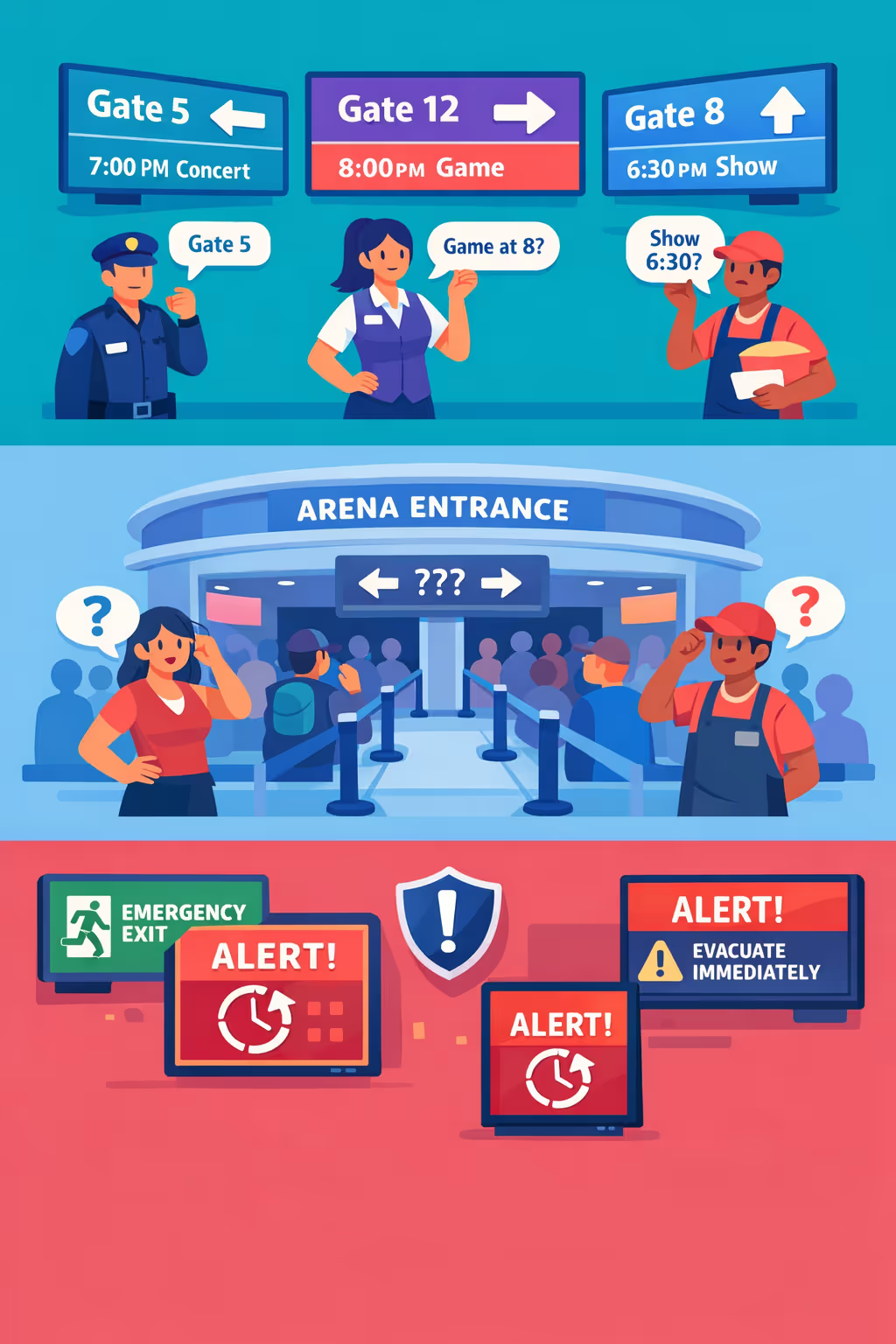
Gate changes, schedule shifts, sponsor activations, and food and beverage offers move fast. When security, guest services, and vendors share different updates, guests lose trust and staff spend the night correcting rumors.
Fans want to know where to enter, which line to choose, and how to reach their section. Without clear, visible guidance, staff get pulled into constant wayfinding instead of handling issues that impact the experience.
Arena and stadium communication must be accurate and timely, especially for security rules, entry requirements, and emergency instructions. When updates do not reach every screen and location at the same time, guests follow the wrong steps and teams face avoidable risk.
Arena and stadium digital signage that boosts revenue and fan experience
Keep every screen in sync across your venue with Disign. Promote sponsors and concessions in real time, guide guests with clear wayfinding, and update safety messaging instantly. Reduce printing and staff workload, improve per-cap spend, and prove ROI with measurable performance across events.
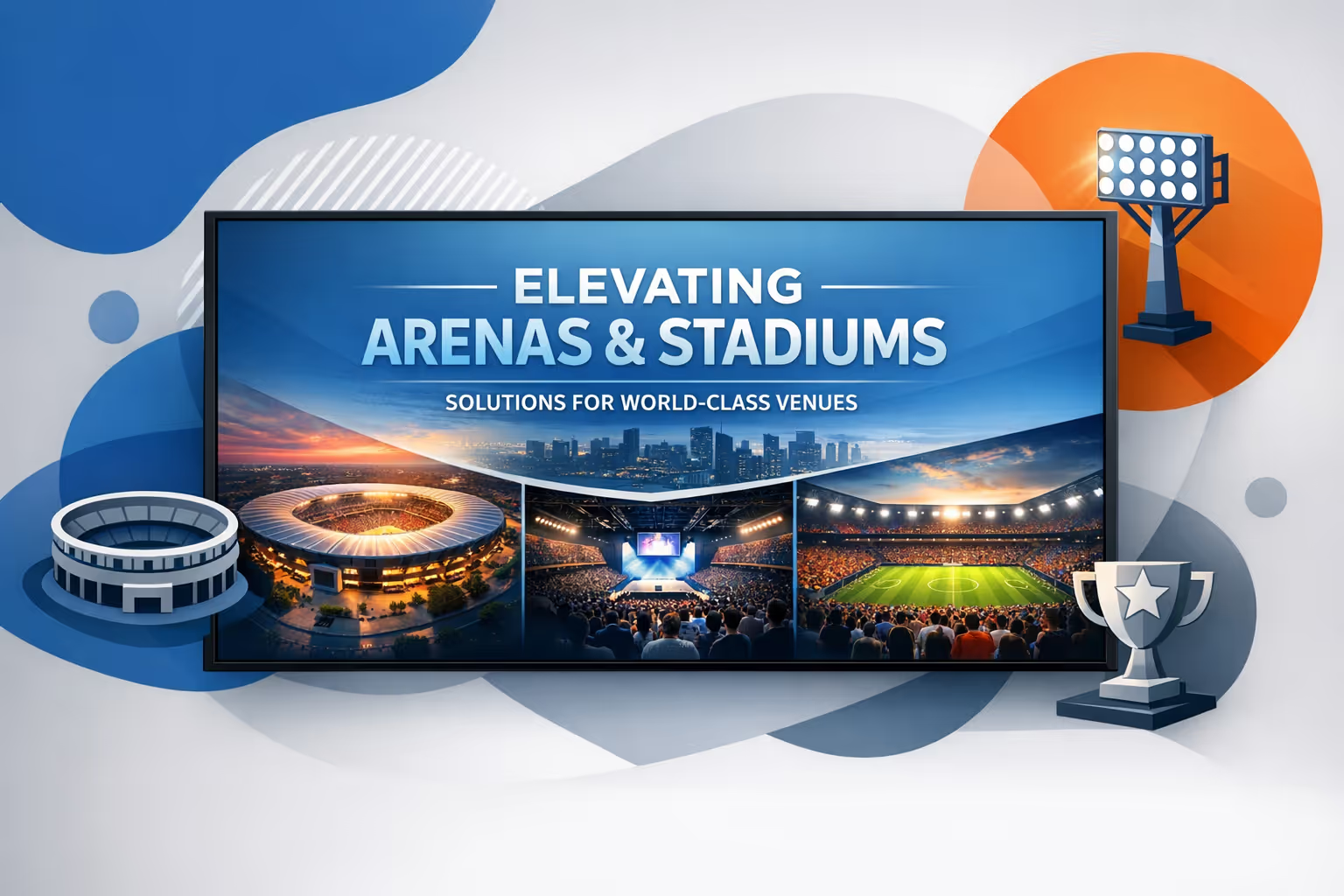
Maximize sponsor and ad revenue in real time
Swap campaigns instantly by event, time slot, or zone. Deliver sponsor commitments across concourses, suites, and fan zones while keeping messaging current and increasing the value of every impression.
Drive concessions and merchandise sales
Promote combos, limited time offers, and upsells when crowds are moving. Highlight wait times, pickup instructions, and featured items to increase per-cap revenue and keep lines flowing.
Prove ROI with measurable screen performance
Standardize campaigns across screens and track what runs, where, and when. Arena and stadium digital signage helps you report sponsor delivery, optimize promotions, and reduce wasted spend with a repeatable content plan.
Improve wayfinding and reduce crowd friction
Direct fans to gates, sections, restrooms, and amenities with clear, timely guidance. Use zone based messaging to reduce confusion, speed up entry, and improve the overall event experience.
Cut print costs and simplify day of event updates
Replace last minute posters with centralized digital updates. Save on printing and labor while ensuring every screen reflects the latest schedule changes, promotions, and operational notices.
Keep safety and brand messaging consistent everywhere
Publish emergency guidance, policies, and partner branding with approved templates. Update content quickly across all screens so guests get the right information without slowing down operations.
Arena and stadium digital signage use cases that fans and staff rely on
From entry gates to concourses and VIP areas, arena and stadium digital signage keeps messages consistent in real time. Proven workflows help reduce confusion, speed up service, and strengthen trust with clear wayfinding, safety updates, and sponsor content.
- Bowl and concourse screens: show live game moments, schedules, promotions, and sponsor activations that keep fans engaged
- Entrances and wayfinding: guide guests to gates, seating sections, restrooms, and accessible routes with up to date directions
- Concessions and bars: display dynamic menus, wait times, order status, and bundle offers to improve throughput during peak moments
- Staff and back of house: keep teams aligned with operational alerts, staffing updates, emergency procedures, and event day checklists
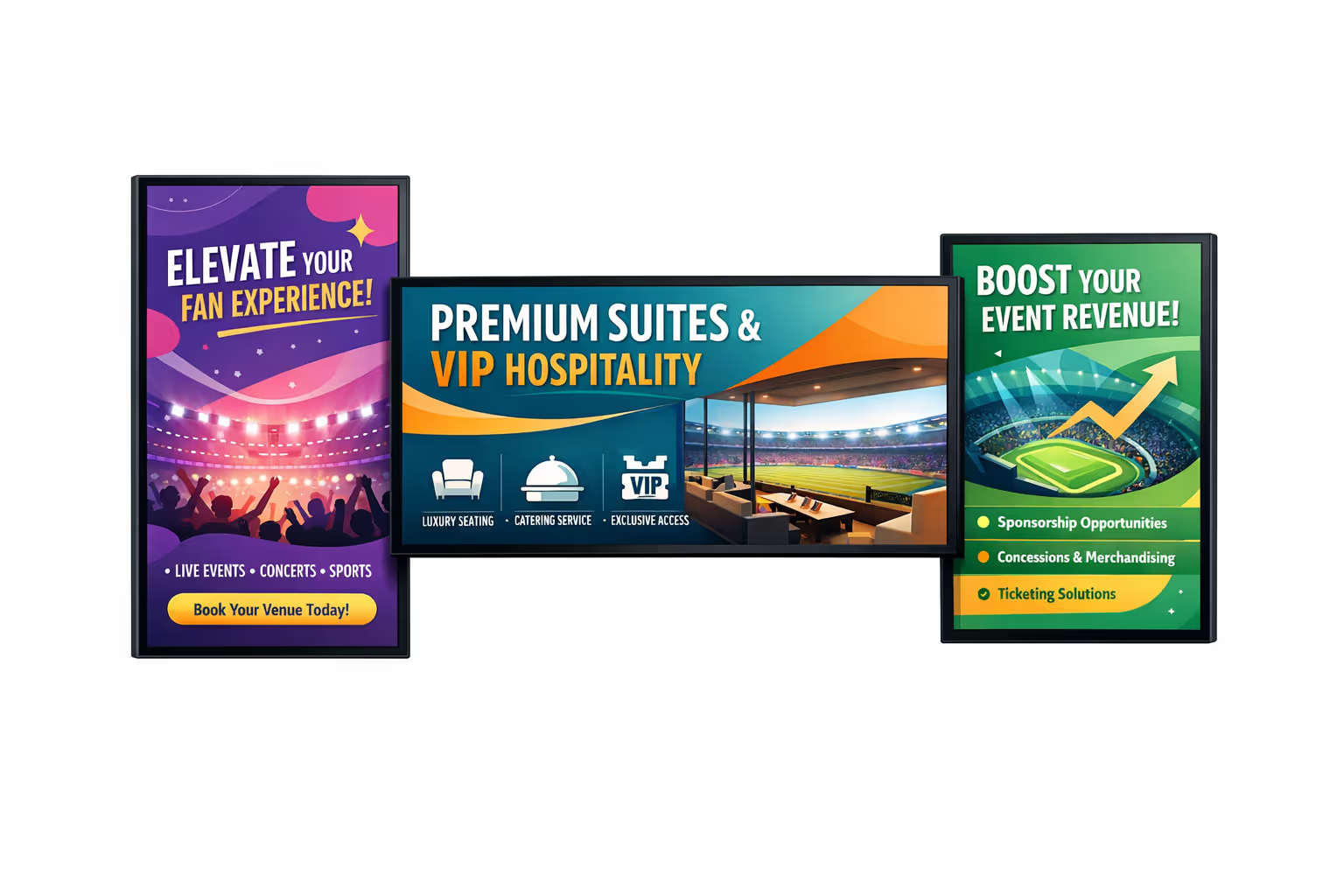
How Disign digital signage works
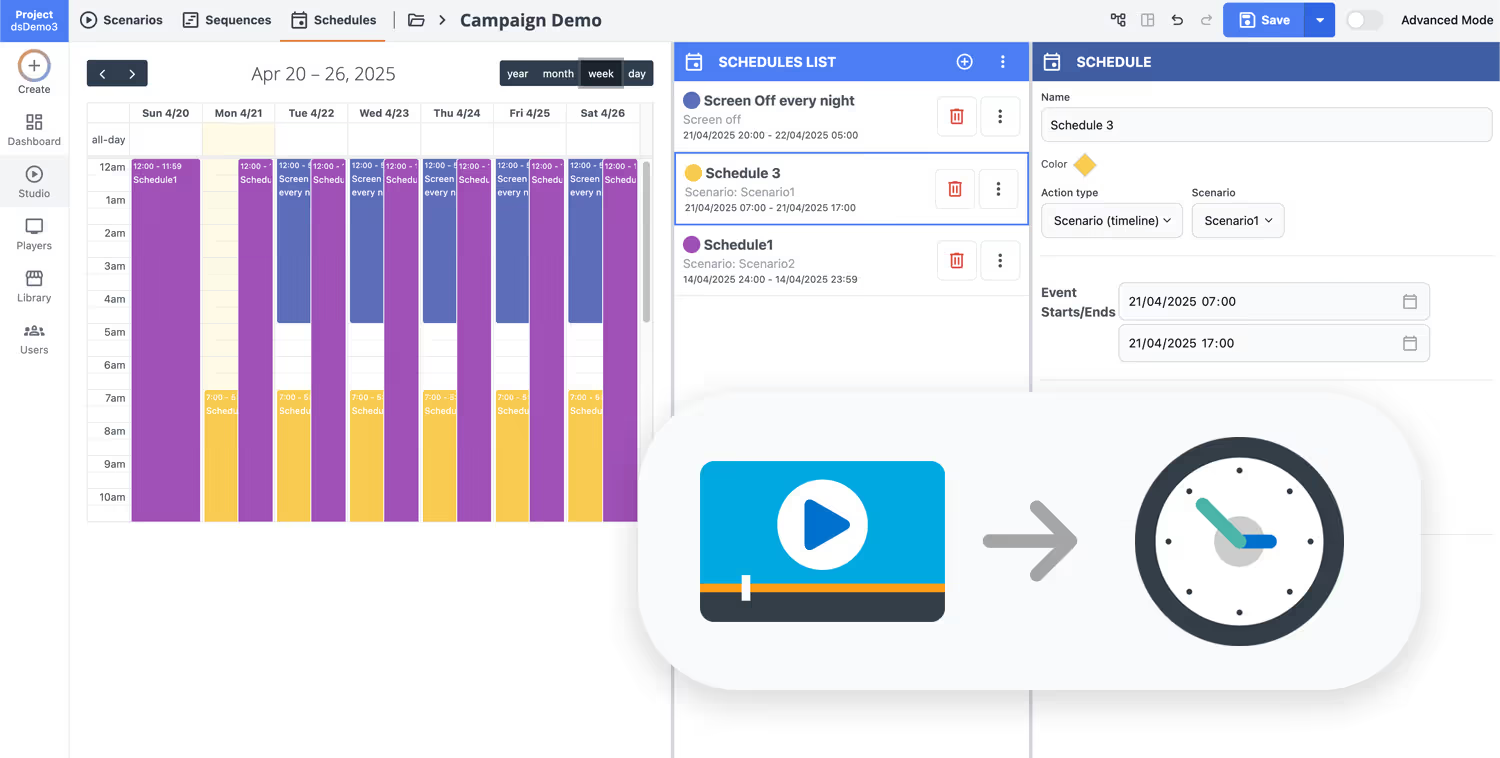
Schedule your content from anywhere with our cloud-based digital signage solution. Easily plan what plays, when, and where—across one screen or thousands.
Design custom scenarios and playlists tailored to your audience and goals.
Set precise dates and times for your content to play automatically.
Deploy content instantly across your digital signage network with just a click.
Ready to launch arena and stadium digital signage that fans actually notice?
Start your 28 day free trial with Disign and get your screens live fast. No credit card required. Promote game day schedules, sponsor ads, wayfinding, concessions menus, safety messages, and real time updates from one easy dashboard.
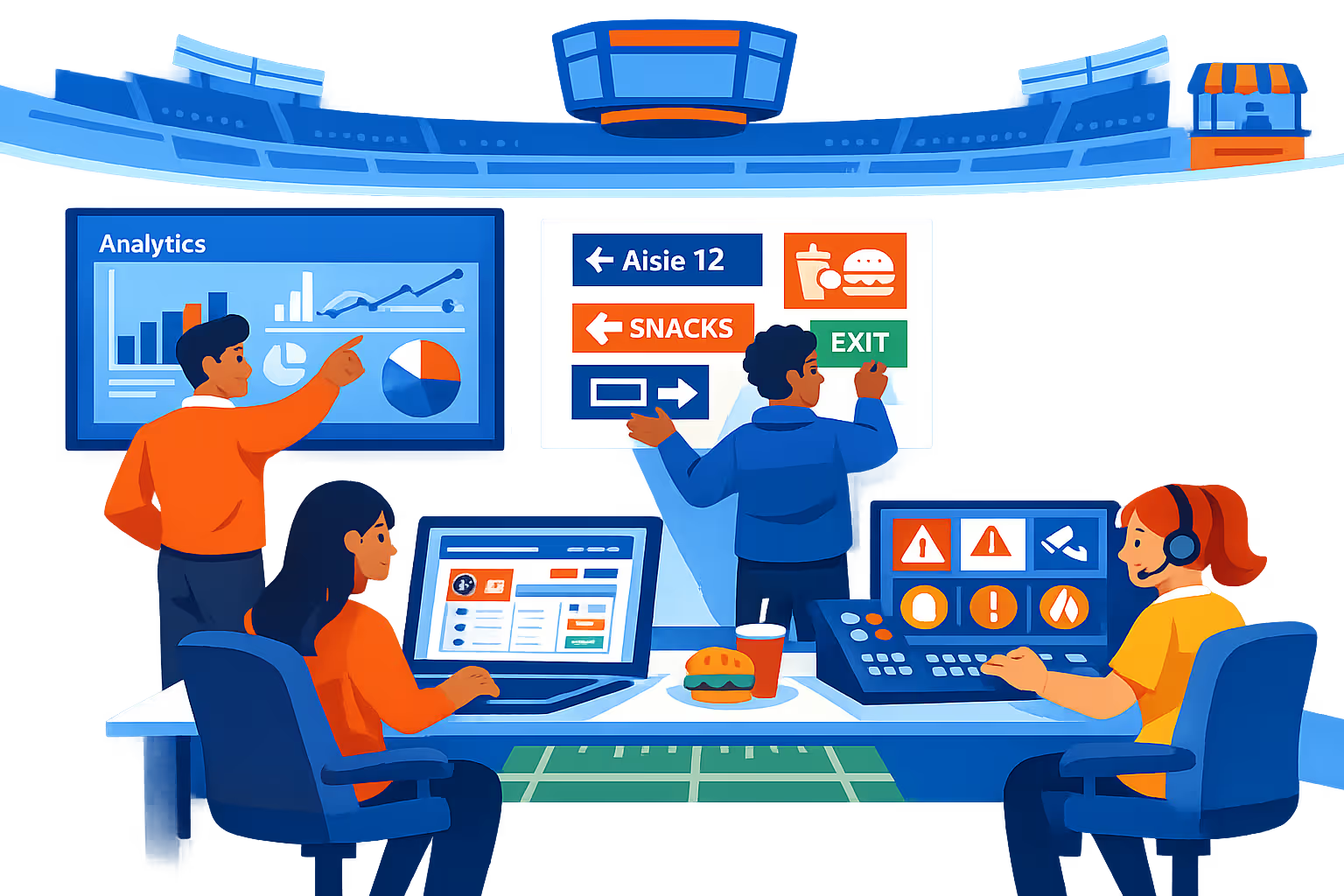
Arena and stadium digital signage built for live events, crowd flow, and game day operations
Run real time content across concourses, suites, gates, and LED displays from one control center. Disign helps your venue teams publish schedules, wayfinding, sponsor creatives, and safety messaging with reliable workflows, secure access, and fast updates when conditions change.
Centralized venue wide control
Manage arena and stadium digital signage at scale
Publish to one screen or thousands across your venue with zones, screen groups, and reusable playlists. Target content by gate, level, section, or concession area to keep messaging consistent while staying relevant to each location.
Security and access governance
Role based control for operators, vendors, and partners
Control who can create, approve, and publish with granular permissions per venue, screen group, and content type. Keep credentials and devices protected with secure sign in and audit friendly activity history for every update.
Approval workflows for critical messaging
Reduce risk on safety, sponsor, and event content
Standardize publishing with draft, review, approve, then schedule. Maintain version history so teams can validate sponsor assets, emergency instructions, and operational notices before they reach public facing displays.
Smart scheduling and automation
Dayparting and event based programming
Automate concourse and bowl messaging with schedules that follow your event calendar. Switch content for doors open, halftime, post game egress, or weather alerts, so the right message appears without last minute manual changes.
Reliable playback and device monitoring
Uptime visibility across every screen and player
Monitor screen status, player connectivity, and proof of playback from a single dashboard. Detect offline devices, confirm content delivery, and keep fan facing communications stable during peak attendance.
Deployment and technical support
Fast rollout for AV and IT teams
Get practical help from first deployment to ongoing operations. Standardize templates for wayfinding and sponsors, onboard teams quickly, and troubleshoot players remotely so your arena and stadium digital signage stays dependable on game day.
Centralized content management for arena and stadium digital signage
Run your arena and stadium digital signage from one secure platform. Create, review, schedule, and publish content across concourses, gates, suites, concessions, and backstage screens, with the governance IT requires and the speed marketing and operations need on event days.
One control center for every venue screen
Multi venue control with local autonomy
Keep brand, sponsors, and safety messaging consistent across all locations, while letting each venue team publish approved updates like gate changes, concessions menus, and local promotions within your rules.
Event schedules, sponsor rotations, and game day moments
Target content by venue, zone, screen type, or time of day. Keep sponsor commitments on schedule, promotions accurate, and operational messaging aligned across your arena and stadium digital signage network.
Built for IT governance and security
Centralize access with role based permissions, approval workflows, and consistent playback policies. Keep every update compliant with venue standards, sponsor guidelines, and audit requirements for your arena and stadium digital signage.

Real time updates for operations and guest experience
Push alerts, wayfinding changes, queue messaging, and service announcements instantly. Keep every screen accurate during peak entry, incidents, or last minute schedule changes, without chasing individual departments.
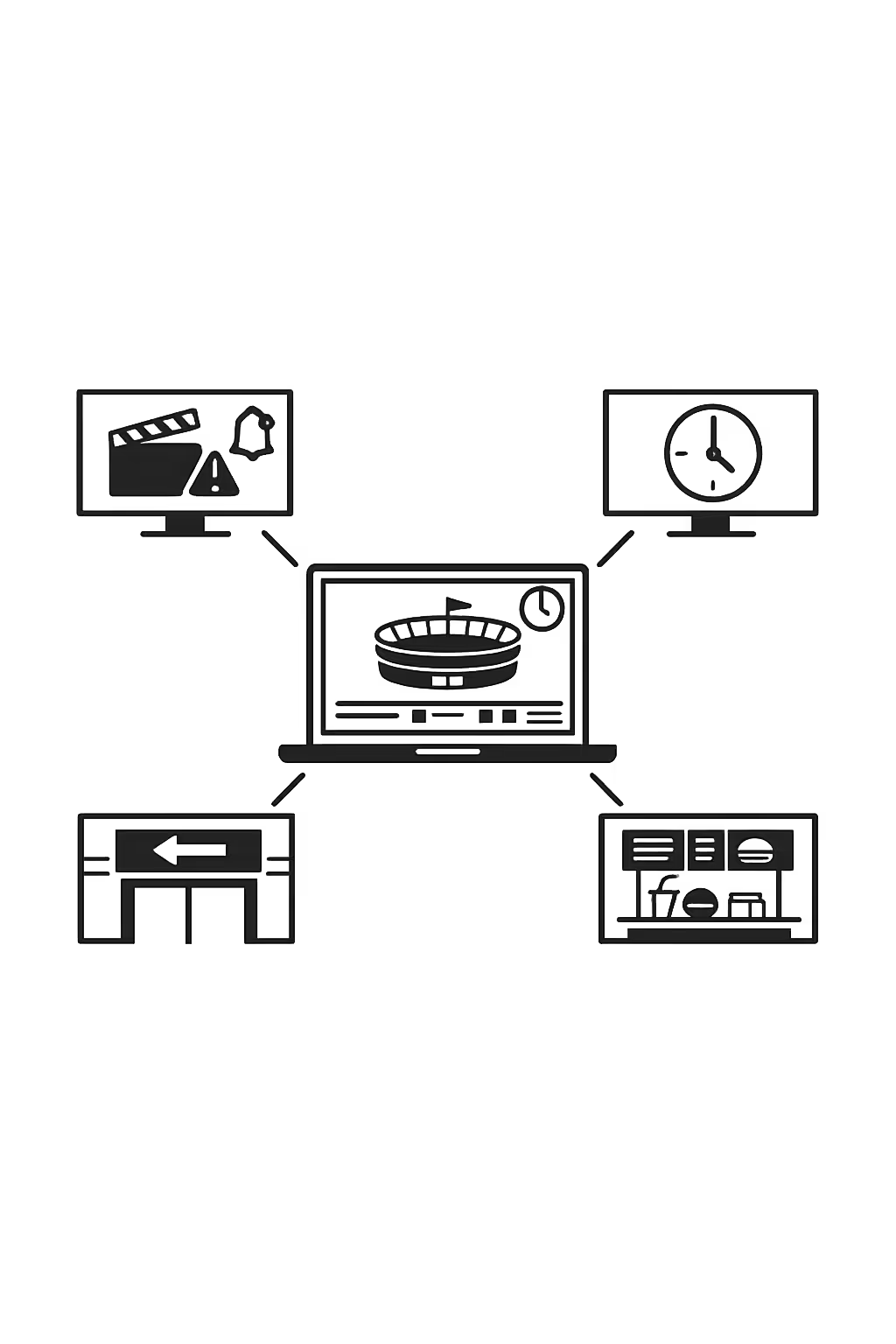
Scalability for growing arena and stadium networks with arena and stadium digital signage
Scale arena and stadium digital signage across venues, regions, and departments from one cloud platform. Roll out content in minutes, keep governance tight, and maintain a consistent fan experience as your network expands.
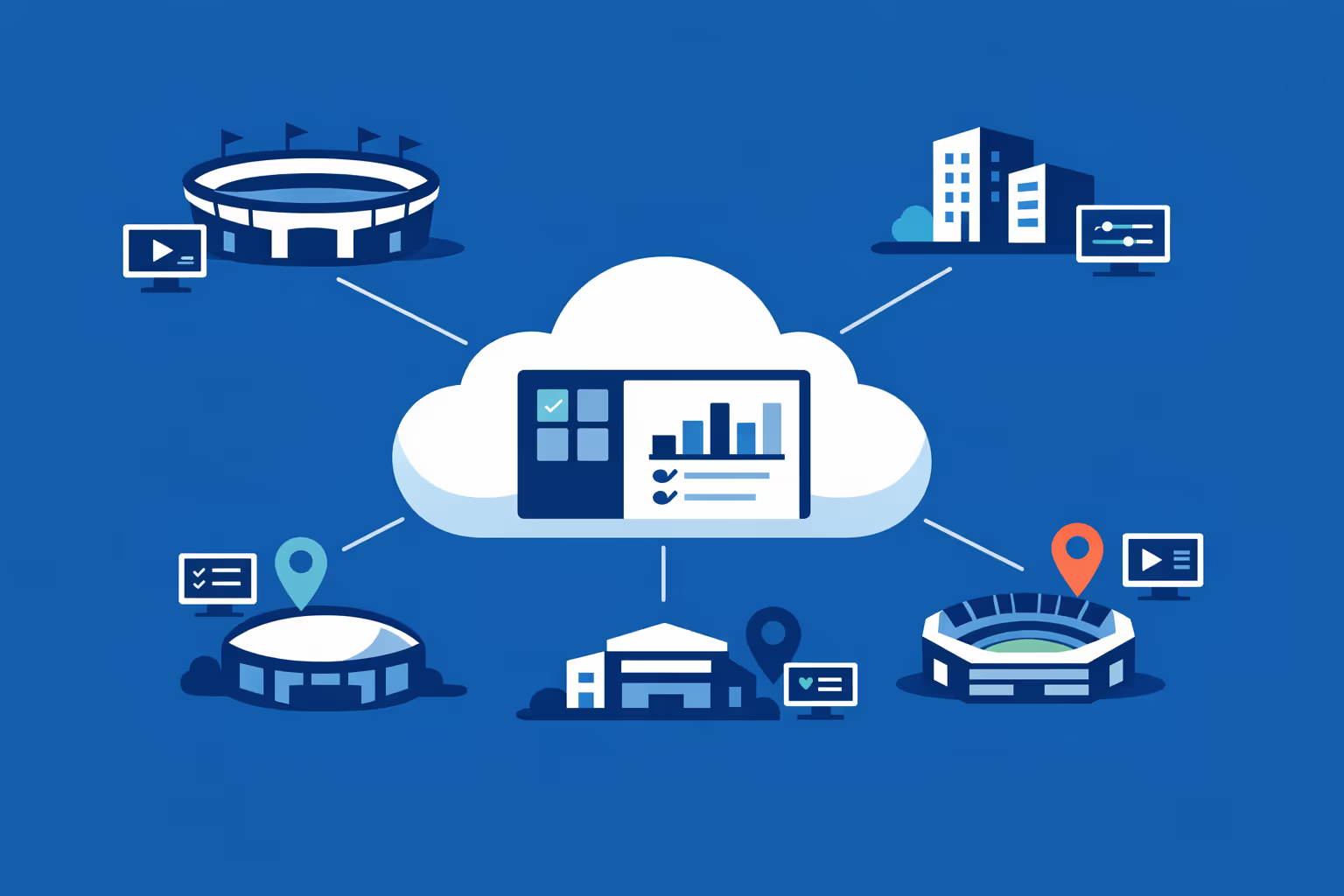
Multi-site management from one cloud dashboard
Oversee arena and stadium digital signage across every venue from one dashboard. Publish updates instantly, verify what is playing on each screen, and keep branding consistent across all locations.
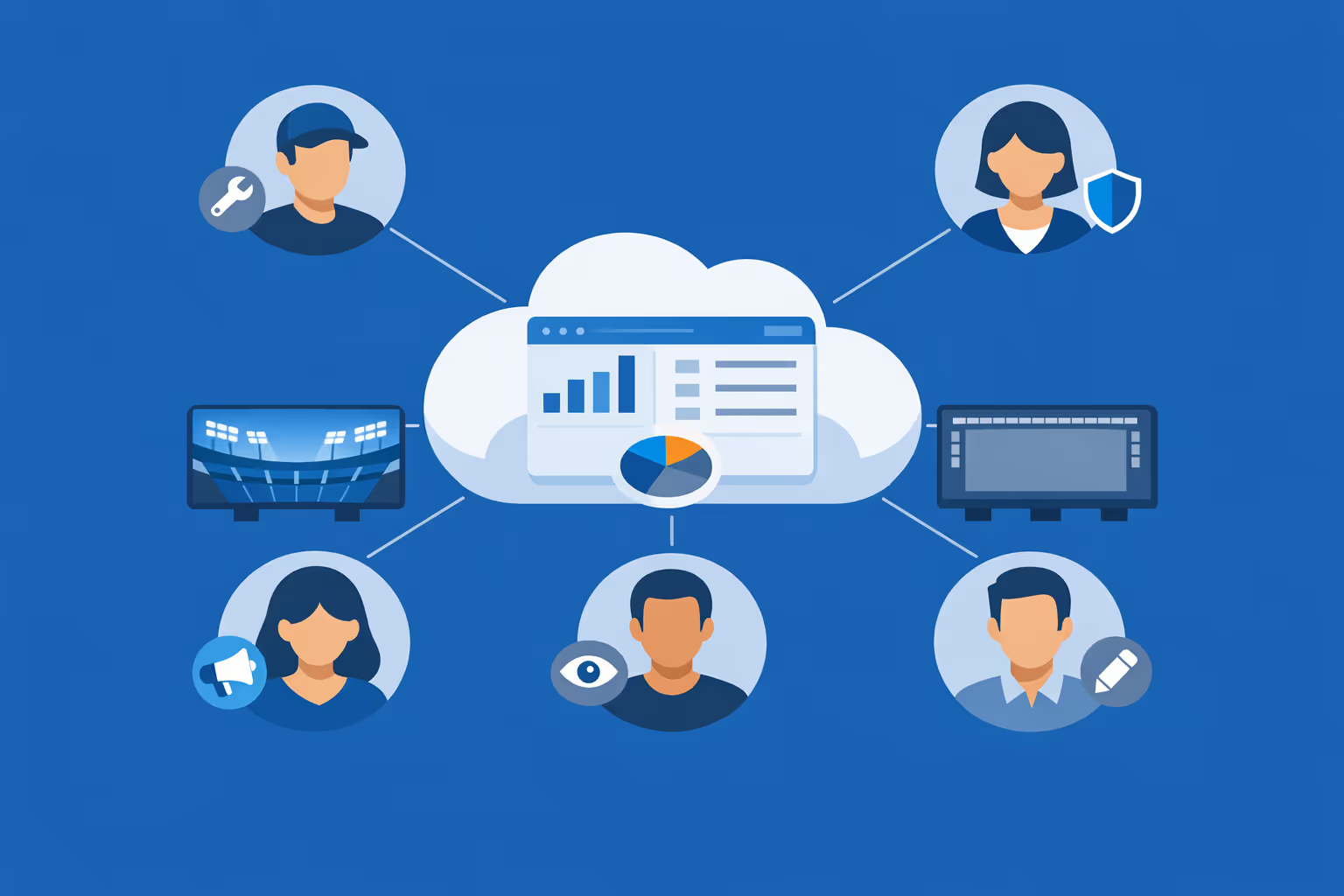
Multi-user access with role-based permissions
Give the right teams the right access, from marketing and game presentation to ops and sponsors. Assign roles and approvals by venue or department to keep collaboration smooth, secure, and accountable.
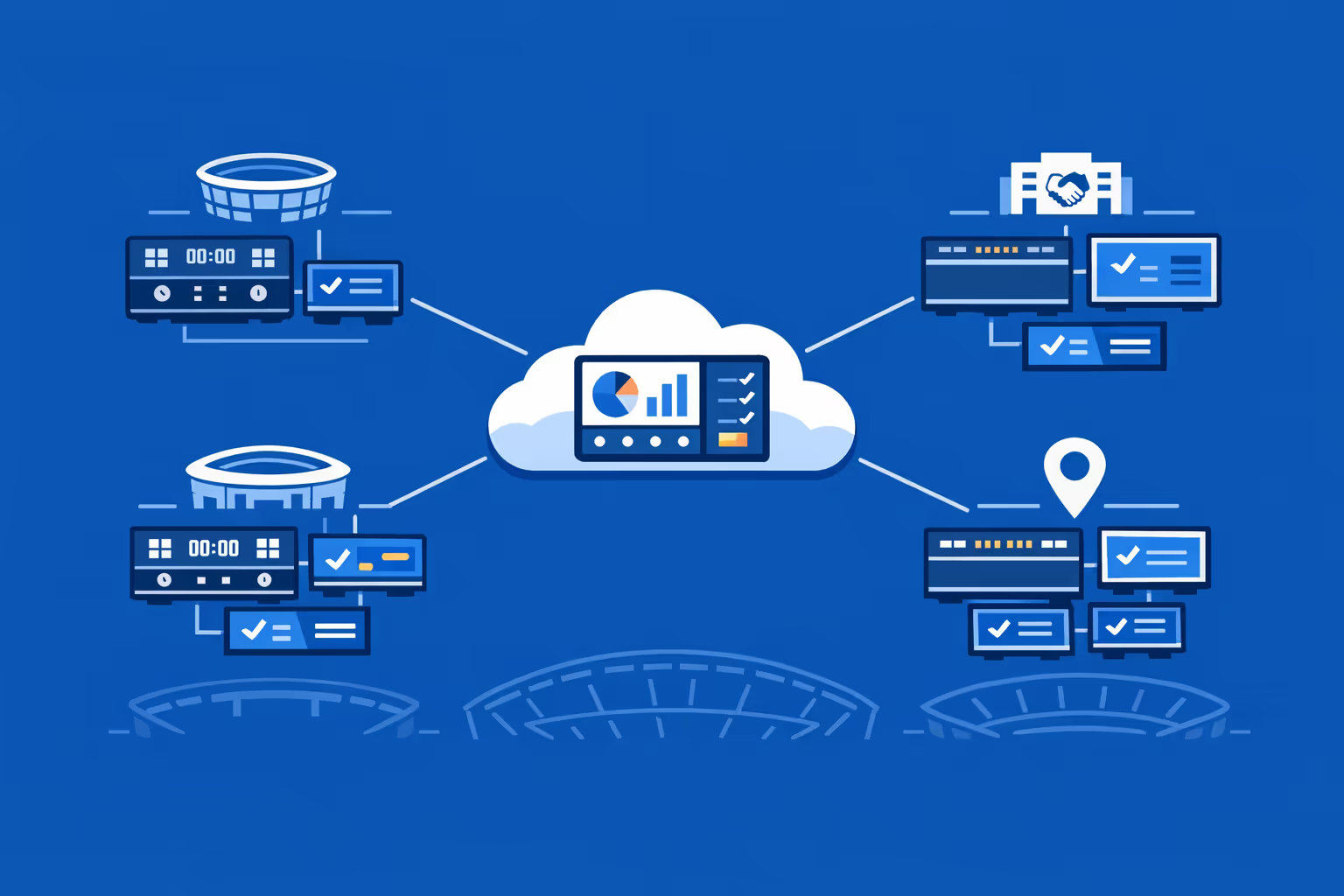
Multi-screen and multi-organization ready
Control thousands of displays and manage multiple venues or organizations in one account. Segment arena and stadium digital signage by location, concourse, suite level, or partner packages so you can scale fast without losing local relevance.
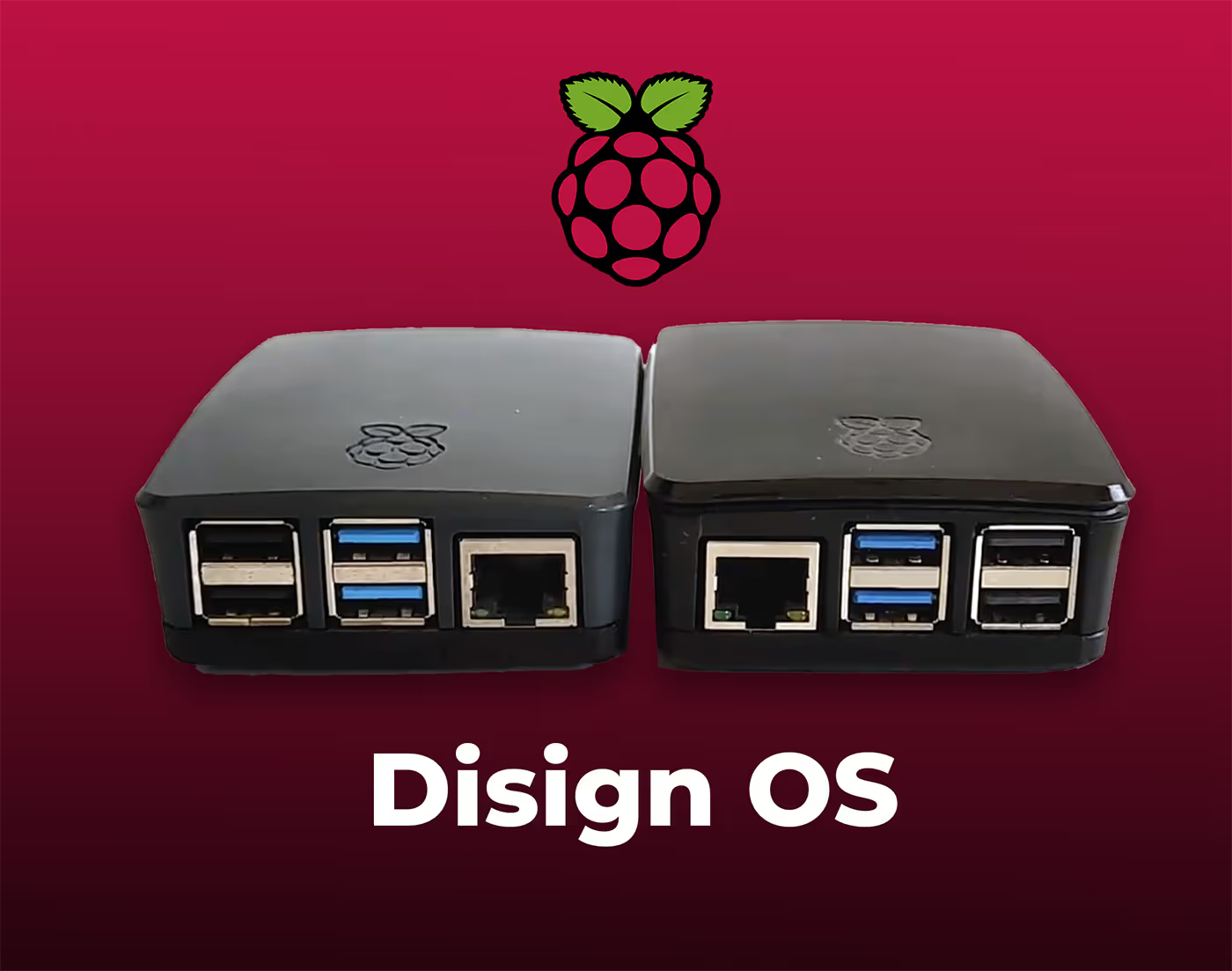
Disign is compatible with all screens for digital signage
Digital signage with Disign allows you to manage and display content across a variety of devices. Our solution is compatible with many external players such as Disign OS based on Raspberry Pi, BrightSign, and any Android hardware. Disign also supports technologies embedded in Samsung, LG, and Android TV screens. With this broad compatibility, you can easily deploy digital signage solutions on different types of hardware, ensuring simplified management and an optimal user experience.


Integrate with your favorite Applications
70+ Applications and infini integration with API, Database, and any data source
Easily integrate third-party applications and web content such as YouTube or Vimeo, optimized for seamless playback. Display data from RSS feeds or formats like CSV, JSON, or XML directly on your digital signage screens. Extend display capabilities with advanced applications like grids or collections to enrich Disign scenarios.

We designed Disign to be as open and customizable as possible, both in its visual scenes and in its data sources.
Florent MondoloniCo-Founder, Disign

Video
Utilisez vos medias

RSS Feed
Use your own RSS Feed

Database
Databases

Canva
Create your Design and import it

Google Sheets
Import CSV, Live data...

Website/API
Affiche your website or use API
Everything you need to know about Disign Digital Signage For ArenaAndStadium
Arena and stadium digital signage FAQ: practical answers for venue leaders planning a screen network
Arena and stadium digital signage is the system behind the screens that guide fans, promote partners, share live information, and keep a venue running smoothly on event day. It includes concourse menus, wayfinding, VIP welcome screens, suite displays, ticketing and gate information boards, safety messaging, sponsor loops, and operational screens used by staff. For modern venues, digital signage is not a nice to have. It is a revenue and experience channel that affects guest satisfaction, sponsor value, and day of operations performance.
This FAQ is written for arena and stadium decision makers who are actively comparing solutions: venue and event operations, guest experience teams, marketing and partnerships, IT, security, and facility management. The goal is to answer the questions that come up in real projects: what to display, how to manage content at scale, how to handle last minute changes, how to keep the network secure, and how to prove ROI.
Below are the most common questions venues ask when evaluating a platform like Disign for arena and stadium digital signage, with clear guidance you can use for planning, budgeting, and rollout.
What is arena and stadium digital signage and what counts as a screen?
Arena and stadium digital signage refers to centrally managed displays that show dynamic content across a venue. In the arena and stadium world, signage usually covers both fan facing and staff facing screens. The key idea is control: the right content, on the right screens, at the right time, with a publishing process that works during fast moving events.
Typical fan facing screens include:
- entrance and gate boards with directions and event details
- concourse wayfinding, maps, and section locator screens
- concession menu boards and order pickup screens
- sponsor and partner loops in high traffic zones
- premium and VIP welcome displays
- suite screens, club lounge screens, and hospitality areas
- safety messaging and code of conduct screens
- parking and transportation guidance screens
Staff facing screens often include:
- back of house operational displays
- staffing reminders and shift instructions
- emergency and incident communication boards
- production, run of show, and timing boards
If a screen needs frequent updates, multiple owners, or event day control, it belongs in your arena and stadium digital signage strategy.
Why do venues invest in arena and stadium digital signage instead of printed signs?
Printed signs are static, slow to update, and expensive to manage across a large footprint. Digital signage is a live channel that can change per event, per sponsor package, per crowd flow, or per operational need. Venues invest when they realize that signage is part of the product they sell: the fan experience and the sponsor experience.
Common reasons arenas and stadiums switch from print to digital include:
- faster updates when gates change, timing shifts, or an entrance closes
- improved wayfinding that reduces confusion and guest service workload
- more valuable sponsor inventory through rotations, targeting, and proof of play
- consistent branding across concourse, clubs, and premium areas
- easier menu updates at concessions without reprinting boards
- better crisis communication and safety messaging when it matters most
- the ability to tailor content to different zones and audiences
For a venue leader, the real advantage is control under pressure. On event day, you do not have time to print, deliver, and tape up new signs. You need a system.
What are the best use cases for arena and stadium digital signage?
The strongest use cases combine fan experience, operational clarity, and commercial value. A venue can start small and still see results, especially in wayfinding and partner activations.
High impact use cases include:
- wayfinding to sections, restrooms, accessible routes, and exits
- gate entry instructions and ticket scanning guidance
- real time parking information and shuttle directions
- concessions menu boards with daypart scheduling and item availability messaging
- order pickup instructions and queue guidance at food and beverage
- sponsor activations that rotate by zone, time, or event
- premium area welcome messaging for suites, clubs, and VIP entrances
- event day schedules and program details for concerts and special events
- code of conduct, prohibited items, and security screening reminders
- emergency messaging and evacuation instructions if needed
- staff only communications that reduce radio traffic and missed updates
Disign supports centrally managed playlists and scheduling, so you can run a consistent venue strategy while still giving each department a realistic way to update what they own.
How does arena and stadium digital signage improve the fan experience?
Fans judge a venue by how easy it is to navigate and how informed they feel. A great arena can still feel chaotic if the information is unclear. Digital signage improves the fan experience by reducing uncertainty, setting expectations, and removing friction points that create frustration.
A well planned signage network helps fans:
- find the right entrance and gate faster
- locate their section and understand which stairs, escalators, or elevators to use
- see what is open nearby for food, drinks, merch, and guest services
- understand venue rules before security screening, reducing delays
- discover premium experiences and sponsor activations without feeling lost
- get clear instructions during schedule changes, weather delays, or production changes
The most important principle is relevance. The closer the fan is to a decision point, the more valuable the information on the screen becomes.
Can arena and stadium digital signage support crowd flow and reduce congestion?
Yes. Crowd flow is often a signage problem before it becomes a staffing problem. When guests hesitate, stop, or backtrack, you get bottlenecks. Digital signage can support crowd flow by making decisions simple and obvious.
Practical tactics include:
- placing wayfinding screens before major splits in concourses
- using arrows and section ranges rather than long paragraphs
- updating directions when an area is closed or a queue becomes unsafe
- displaying alternative routes to restrooms, concessions, or exits
- showing post event exit guidance and transportation options
With Disign, you can manage zones and playlists so that each concourse or level shows information tailored to that location, while still staying consistent with venue brand standards.
What content should we display on concourse screens?
Concourse screens are usually seen in motion. People glance while walking, often with a group. That means concourse content must be fast to understand and visually clear.
Content that typically performs well:
- directional wayfinding: sections, gates, exits, restrooms, guest services
- what is nearby: concessions, merch, activations, premium entries
- partner loops that match the location and audience
- short event prompts: start time, intermission timing, post show info
- safety reminders and code of conduct messaging
- accessibility information: elevators, accessible seating routes
What to avoid:
- dense text blocks
- tiny disclaimers that cannot be read at a distance
- long videos with no clear takeaway
- messages that require sound to understand
A good rule is one message per screen state, with a strong headline and clear visual direction.
How do menu boards and concessions screens fit into arena and stadium digital signage?
Concessions are one of the best places to justify digital signage because updates are frequent, pricing changes happen, and the fan experience depends on speed. Menu boards are not only marketing. They are an operations tool.
Digital menu boards help with:
- rapid pricing updates across all stands
- daypart scheduling for breakfast, lunch, or late service
- highlighting high margin items and bundles
- item availability messaging when products run out
- promoting mobile ordering and pickup instructions
- consistent presentation across vendors and stands
Disign can manage menu content by location or concession group so that each stand shows the right menu, while your food and beverage team keeps centralized control and avoids last minute manual changes.
How do we manage sponsor and partner content on arena and stadium digital signage?
Sponsors expect professionalism, accuracy, and delivery proof. A sponsor loop that plays inconsistently, or appears in the wrong area, creates friction and can affect renewals. The best approach is to treat sponsor content like inventory with rules.
A strong sponsor workflow includes:
- clear content specifications: resolution, length, safe areas, and format
- defined zones and placements: concourse, premium, exterior, entry
- scheduling windows tied to the contract: season, event types, time slots
- approval steps so brand safety and legal requirements are respected
- proof of play reporting or at least governance that reduces disputes
With Disign, you can build playlists by partner tier, zone, and event type, then schedule them so that the right rotation plays automatically for each game or show.
Can we target content by event type, team, or concert?
Yes, and this is a major advantage of arena and stadium digital signage. The venue might host different teams, concerts, family shows, and corporate events. Each one has different audiences, sponsors, and operational requirements.
Common targeting strategies:
- playlists per event type: sports vs concerts vs corporate rentals
- content per tenant or team: different branding, sponsors, and promotions
- day of week variations for crowd patterns and staffing
- time based targeting: pre event, during event, intermission, post event
- zone targeting: exterior, gates, concourse level, premium, suites, back of house
Disign makes this practical through scheduling and grouping, so you are not rebuilding everything for every event. You create a framework, then switch what needs to change.
How do we handle last minute changes on event day?
Event day changes are inevitable: a gate closes, weather shifts, a performance time moves, a product sells out, or security wants a message pushed immediately. Your signage platform must support fast updates without chaos.
A realistic event day approach includes:
- predefined templates for urgent messages so they can be published quickly
- role based access so only authorized users can push venue wide changes
- the ability to update a zone, a level, or a single screen without touching others
- scheduling that allows overrides, then returns to normal programming
- a clear handoff between marketing, operations, and game presentation
Disign is designed for quick publishing with controlled permissions, so you can act fast while still keeping governance.
What security features should an arena and stadium digital signage solution have?
A venue screen network is part of your operational technology. It touches guest messaging, sponsor commitments, and in some cases emergency communication. Security needs to be considered early, especially if multiple departments and vendors contribute content.
Key security capabilities to look for:
- strong authentication and role based permissions
- secure communication between players and the management platform
- device grouping and controlled access by zone and responsibility
- logging for administrative actions and publishing history
- the ability to isolate what screens can access on the network
- remote monitoring to detect offline players and playback issues
Disign supports structured access so marketing can publish campaigns, operations can manage event day messages, and IT can maintain control over devices and governance.
Is arena and stadium digital signage cloud based or on premises?
Many venues prefer cloud management because it simplifies multi building operations, speeds up rollouts, and reduces local server maintenance. Some venues have strict policies or network constraints and want strong control over connectivity.
A cloud managed approach typically provides:
- centralized control across the entire venue footprint
- faster updates without remote desktop sessions or on site visits
- easier scaling as you add screens or renovate zones
- simplified collaboration across departments and partners
Disign is built for cloud management while supporting the operational controls IT teams expect in a venue environment.
What hardware do we need for arena and stadium digital signage?
Most projects include three parts: displays, players, and mounting plus networking. The exact choice depends on brightness needs, viewing distance, and how long screens run each day.
Typical components:
- commercial grade displays for long hours and higher reliability
- media players that run the signage player smoothly
- network connectivity that matches your security and operations needs
- mounts and enclosures suited to public spaces
- for some areas, high brightness screens for exterior or sunlit entry zones
A practical way to start is to standardize a few screen and player models by zone type. That reduces support complexity and makes future expansion easier.
Can Disign manage hundreds of screens across multiple concourses and buildings?
Yes. Scalability is one of the core requirements for arena and stadium digital signage. A venue may have screens in exterior plazas, gates, multiple concourse levels, clubs, suites, and back of house. The operational burden grows quickly if you manage screens one by one.
A scalable setup needs:
- device provisioning and grouping by building, level, and zone
- bulk assignment of playlists to groups
- scheduling that supports recurring event patterns
- monitoring so you can confirm screens are online and playing correctly
- permission structures so teams only control what they own
Disign is built for multi screen management so you can expand over time without losing consistency.
How should we organize content operations between venue marketing, partnerships, and event operations?
Most signage projects fail when the ownership model is unclear. Venues need a realistic workflow that matches how events actually run. Marketing, partnerships, operations, and IT all have legitimate needs, so the platform should support collaboration without creating risk.
A proven operating model often looks like this:
- partnerships owns sponsor content requirements and placement rules
- marketing owns brand look and feel, templates, and campaign messaging
- event operations owns wayfinding updates, gate messaging, and safety comms
- food and beverage owns menu boards and concession promotions
- IT owns device standards, network, security policies, and support processes
Disign supports role based access and grouping so each team can move fast within their boundaries.
How often should we update arena and stadium digital signage content?
The right update cadence depends on the type of screen. A menu board might change daily. A sponsor loop might change per event. Wayfinding might be mostly stable but needs overrides for closures. The key is to avoid stale messaging, especially when fans see screens repeatedly across a season.
A practical cadence:
- per event updates for welcome screens, schedules, and sponsor rotations
- daily updates for concessions, hours, and operational reminders
- weekly refreshes for promotions and recurring partner messages
- immediate updates for incidents, safety needs, or major operational changes
- seasonal updates for team campaigns, brand refreshes, and venue improvements
Disign helps by making updates fast, so you can keep content accurate without relying on manual workarounds.
Can arena and stadium digital signage support emergency messaging and safety communication?
Yes, and many venues include safety messaging as a core requirement. Even when you are not in an emergency, clear safety content improves preparedness and reduces confusion.
Digital signage can be used for:
- code of conduct and prohibited items reminders
- lost child and guest services guidance
- weather advisories and shelter information
- evacuation and exit directions if required
- medical help locations and accessibility services
Emergency communication should follow your venue safety plan and governance. The signage platform should support controlled publishing, fast overrides, and zone based targeting so messages can be pushed to the right screens quickly.
How do we make arena and stadium digital signage accessible and readable?
Accessibility is not optional in public venues. Your audience includes older fans, families, and guests with visual impairments. Readability is also a business issue: if fans cannot read it quickly, it does not help.
Best practices:
- large fonts, high contrast, and clear hierarchy
- simple phrasing and short instructions
- consistent placement of key information like arrows and section ranges
- avoid long scrolling tickers that are hard to track
- captions for video when audio cannot be assumed
- consider bilingual or multilingual playlists where needed
Disign templates can help standardize accessible layouts so different teams do not accidentally create unreadable screens.
Can we personalize content by zone, entrance, or premium area?
Yes. Arena and stadium digital signage is most effective when it feels local to the screen location. A VIP entrance should not show the same message as a general gate. A suite level should prioritize premium guidance and partner messaging aligned to that audience.
Personalization options include:
- entrance specific instructions for ticket scanning and security
- premium welcome messaging by club and suite zone
- targeted partner content in high value areas
- localized wayfinding based on nearby sections and amenities
- language variations by entrance or audience patterns
With Disign, you can group screens by zone and assign tailored playlists while keeping brand consistency.
How do we measure ROI for arena and stadium digital signage?
ROI in venues is multi dimensional. Some benefits are direct revenue, like sponsor inventory value. Others are operational savings, like fewer printed signs or fewer guest service escalations. Fan experience improvements can also have measurable impact through satisfaction scores, repeat attendance, and premium retention.
Common ROI drivers:
- increased sponsor value through better placement, rotation, and delivery consistency
- reduced printing, labor, and last minute sign production
- faster concessions throughput when menus and pickup instructions are clear
- fewer guest service interactions for basic wayfinding questions
- improved premium guest experience through tailored messaging
- better compliance and reduced risk through consistent safety messaging
Operational KPIs also matter: how quickly you can switch event modes, how often screens go offline, and how consistently content is correct in each zone. These metrics protect your brand and your partner commitments.
What should we look for in templates, playlists, and scheduling?
Templates and scheduling are where arena and stadium digital signage becomes manageable. Without them, every event becomes a manual content scramble.
Look for:
- reusable templates that protect brand rules while allowing fast edits
- playlists that can be assigned by zone and reused across events
- scheduling that supports recurring event patterns and daypart changes
- the ability to override content quickly, then revert automatically
- content governance so sensitive messages are approved before going live
Disign helps teams move faster by creating approved building blocks once, then reusing them across the venue.
Can arena and stadium digital signage be used for internal communication?
Yes. Back of house screens can reduce email overload and keep teams aligned when timing is tight. Internal screens are especially useful for staffing, run of show updates, and reminders that change per event.
Internal signage often includes:
- call times, staffing assignments, and last minute updates
- safety reminders and incident protocols
- production schedules and timing for doors, halftime, or intermission
- housekeeping priorities and facility notes
- recognition and culture messaging for staff
Disign allows you to separate internal and external screen groups so the right messages appear in the right places.
How quickly can we deploy arena and stadium digital signage?
Deployment speed depends on hardware readiness, network approvals, and how many departments need to align. Many venues succeed by starting with a pilot in a few zones, then expanding as workflows become repeatable.
A typical rollout approach:
- define goals by zone: wayfinding, menus, sponsor loops, premium
- pilot a limited set of screens to validate playback, readability, and workflows
- build templates and a publishing process that fits event day reality
- expand concourse by concourse, then premium, then back of house
- monitor uptime and content accuracy as you scale
Disign supports centralized management so expansion does not require a large increase in manual effort.
What makes Disign a strong choice for arena and stadium digital signage?
Venues need a platform that is easy enough for day to day teams, but controlled enough for event day pressure, sponsor commitments, and IT governance. Disign is designed to help you run a professional signage operation without turning content updates into an IT ticket.
Disign supports arena and stadium teams with:
- centralized management for multi zone, multi screen networks
- permissions that match real venue roles and responsibilities
- scheduling and playlists for event types and dayparts
- fast updates for last minute operational changes
- template driven consistency for brand and readability
If you are comparing arena and stadium digital signage platforms, Disign is built to help you deliver a better fan experience, a stronger partner product, and smoother operations.
What are the next steps to start an arena and stadium digital signage project?
Start by aligning goals and stakeholders, then build a simple plan you can execute. A venue does not need to solve everything on day one. It needs a strong foundation.
A practical first plan:
- map your zones and identify the highest impact screens first
- define who owns what: operations, partnerships, food and beverage, marketing, IT
- decide your event mode strategy: what changes per event and what stays constant
- create a template set for wayfinding, menus, sponsor loops, and urgent messages
- plan a pilot, measure results, then scale with repeatable steps
Once the foundation is in place, arena and stadium digital signage becomes a reliable channel you can improve every season, one zone at a time.





Join community of 4k+ people
Arena and stadium digital signage that keeps fans moving and informed
Disign helps you publish real time arena and stadium digital signage across every concourse, entrance and VIP area from one simple dashboard. Share event schedules, gate updates, wayfinding, safety messages and sponsor content with consistent branding on every screen.
Ready to test Disign in your venue. Start with a 28 day free trial, no credit card required, and launch your first arena and stadium digital signage playlist today. Need a hand with your setup or screen strategy. Contact us and we will help you get started fast.