Pizzeria digital signage for menus, specials, and promos
Pizzeria digital signage that sells more slices, faster
Make every screen work like your best counter staff. Disign helps you update menu boards instantly, highlight limited time deals, guide pickup and delivery flow, and keep every location perfectly on brand, in real time. Try for free no credit card required. Get started for free. contact us
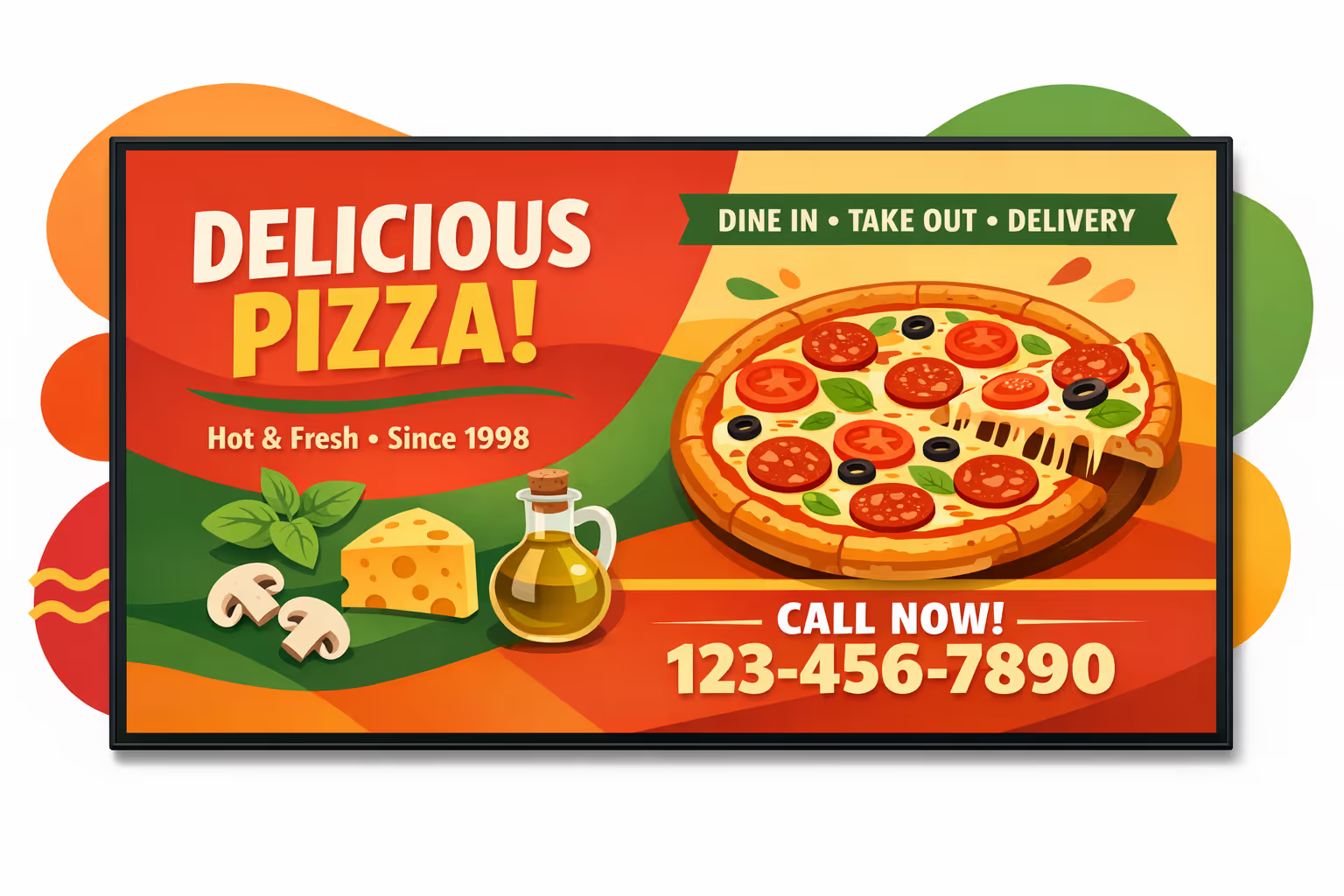
Challenges in the pizzeria industry when in store communication breaks down
In a busy pizzeria, guests want quick, clear answers the moment they step in. When information is hard to spot, confusion turns into repeated questions, slower lines, and a stressful start for both customers and staff.
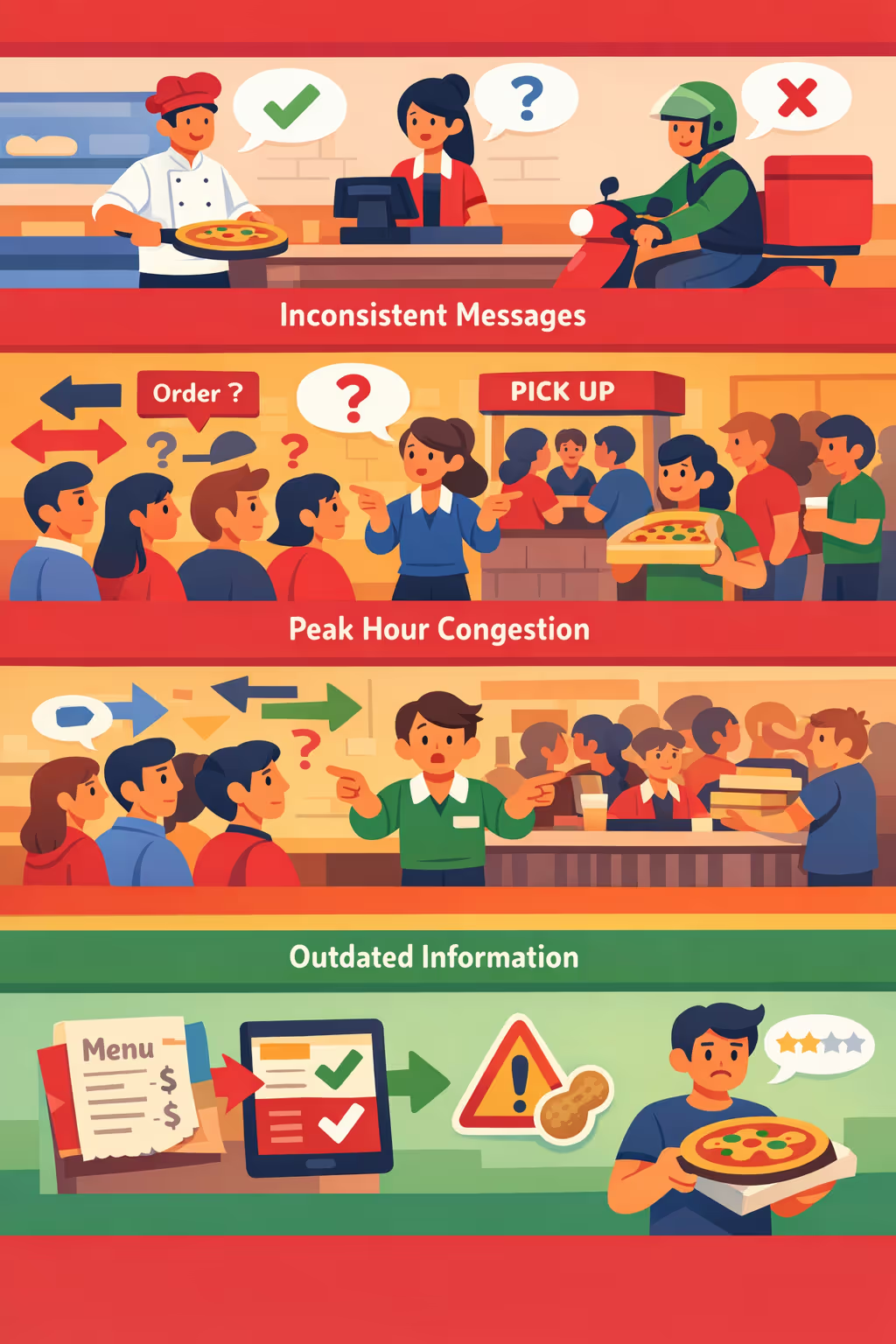
Menu availability, prep times, and delivery cutoffs can change fast. When the counter says one thing and the kitchen or drivers say another, trust drops and small misunderstandings quickly become complaints.
People want to know where to order, where to wait, and when their pizza is ready. Without simple, visible instructions, staff spend their time repeating directions instead of keeping service moving.
Pricing, promos, and allergen notes must be accurate at all times. When printed signs or in store notices are not updated everywhere, customers place the wrong order, miss key details, and leave frustrated feedback.
Pizzeria digital signage that boosts orders and improves the guest experience
Turn every screen into a sales tool. With Disign, your pizzeria can update menus, promos, and daypart deals in minutes, reduce printing costs, and guide customers to the right choice. Drive measurable ROI with smarter upsells, faster ordering, and consistent brand messaging across every location.
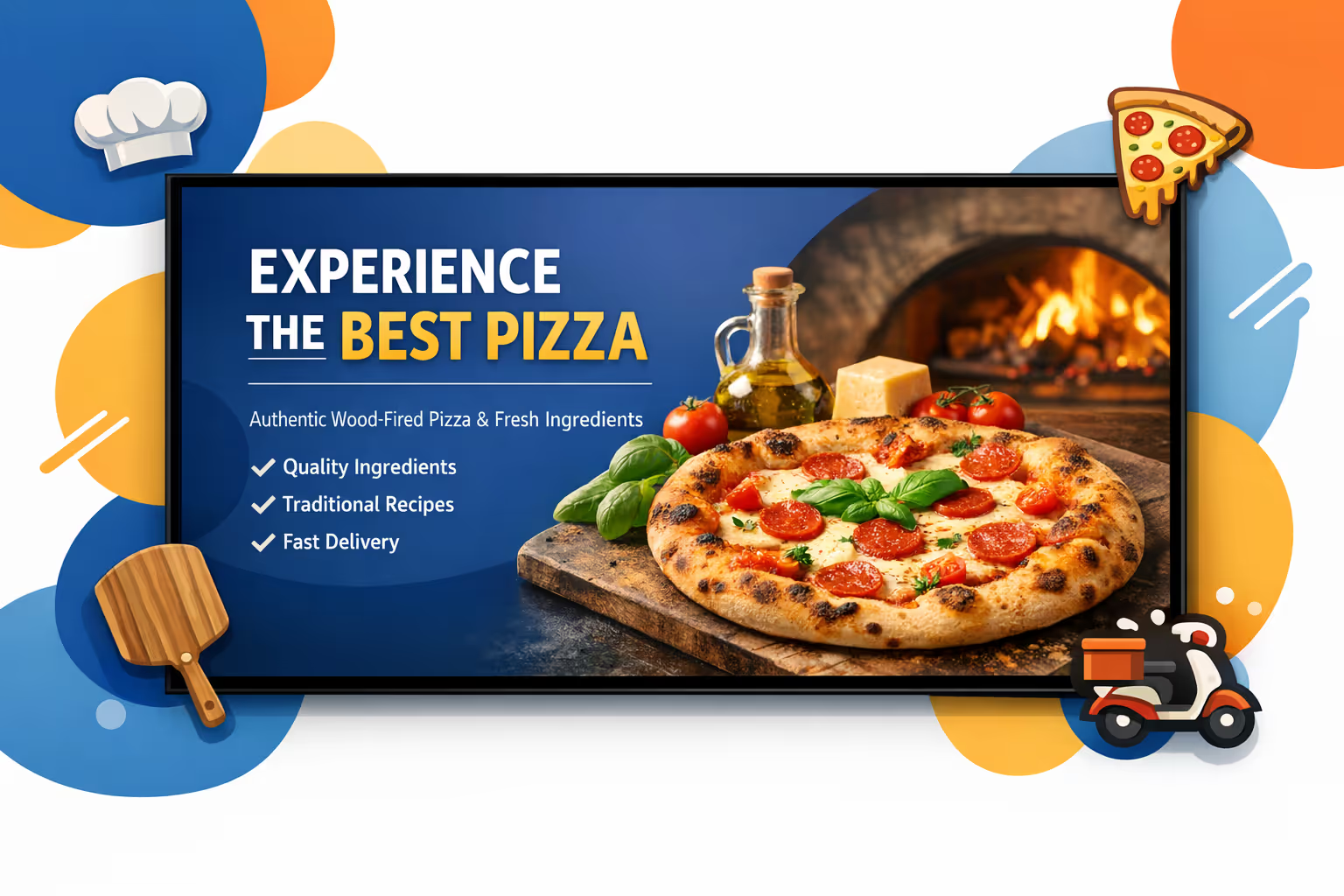
Promote daily deals and upsells in real time
Launch lunch specials, limited time pizzas, and bundle offers instantly. Highlight high margin add-ons like extra toppings, garlic bread, and drinks to increase average ticket size without slowing service.
Speed up ordering and reduce perceived wait time
Clear digital menu boards help customers decide faster, reduce questions at the counter, and keep the line moving. Show order status, pickup instructions, and prep time messaging to set expectations and improve flow.
Increase ROI with smarter menu strategy
Schedule content by daypart and location to push the right products at the right time. Measure impact through promotion consistency, better attachment rates, and reduced waste from outdated pricing or limited availability items.
Keep menu and brand consistent across locations
Use approved templates so every pizzeria shows the same brand quality, product naming, and pricing rules. Update allergens, ingredients, and legal notices quickly while staying aligned with your brand standards.
Cut printing costs and reduce team workload
Replace frequent poster and menu reprints with a centralized workflow. Save on printing and last minute changes, and keep screens accurate across dine-in, takeaway, and delivery zones with minimal staff effort.
Localize content for neighborhoods, stores, and events
Tailor messaging for each pizzeria with local specials, language variations, and store-specific offers. Keep content relevant to the community while staying connected to your national campaign strategy.
Pizzeria digital signage use cases for every location
From the front counter to pickup shelves and dining rooms, pizzeria digital signage keeps guests informed, reduces ordering friction, and builds trust with clear pricing, real time updates, and consistent brand messaging.
- Menu boards: showcase best sellers, combos, and seasonal pizzas with accurate prices and appetizing visuals
- Promotions and upsells: highlight limited time deals, add ons, and family bundles to increase average order value
- Pickup and delivery updates: display order status, pickup instructions, and delivery ETAs to cut counter questions
- Multi location consistency: keep every store aligned with brand standards, new product launches, and local messages
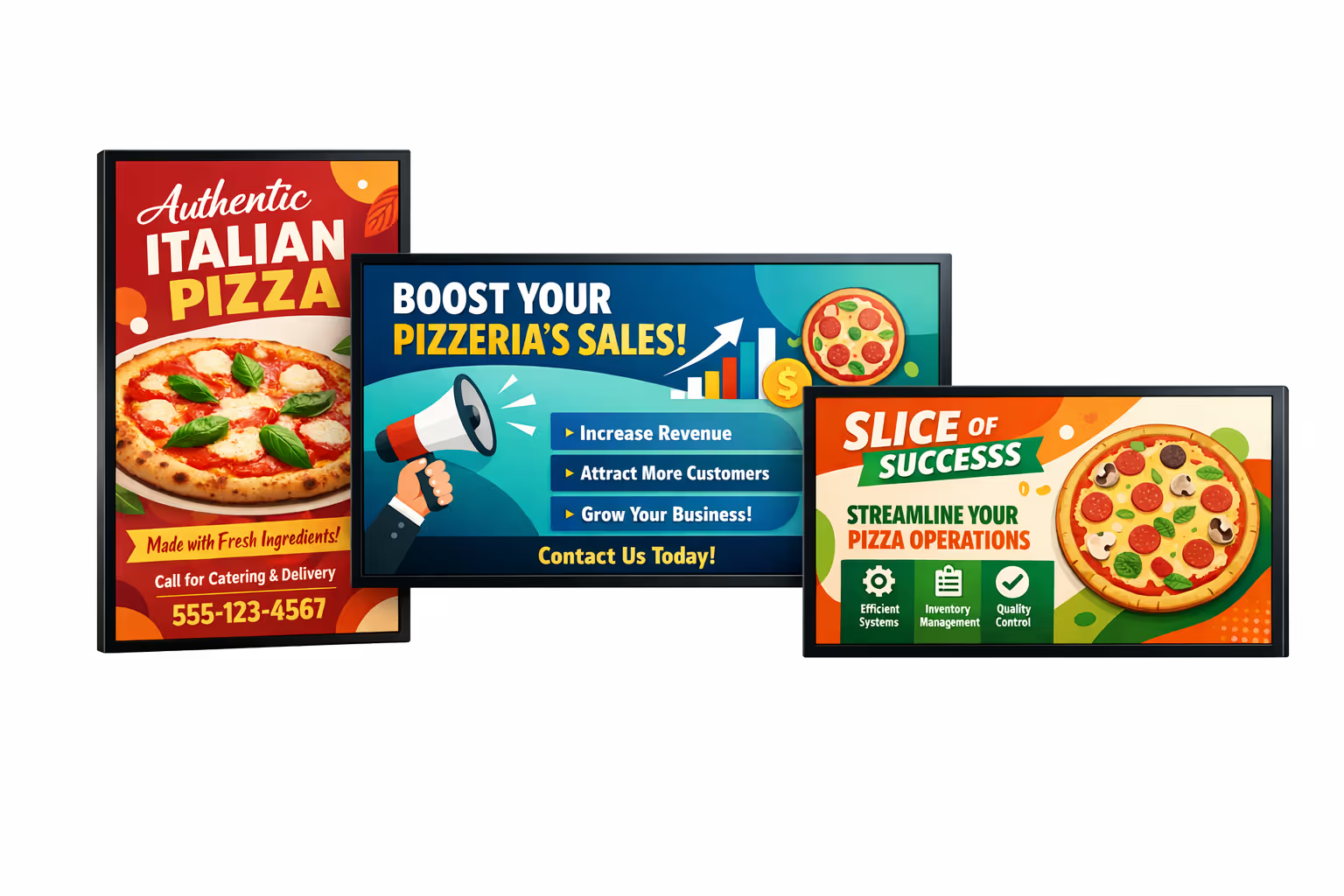
How Disign digital signage works
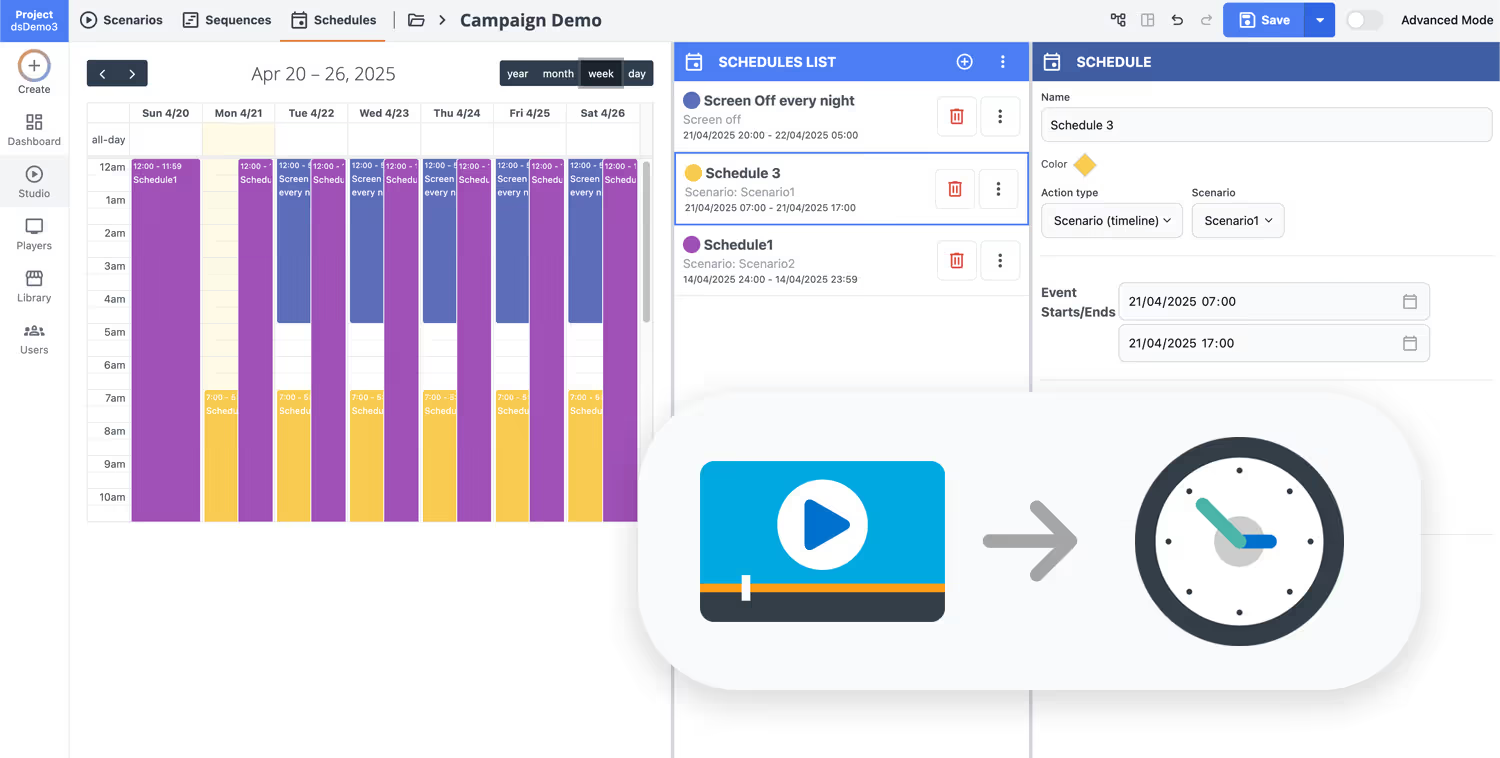
Schedule your content from anywhere with our cloud-based digital signage solution. Easily plan what plays, when, and where—across one screen or thousands.
Design custom scenarios and playlists tailored to your audience and goals.
Set precise dates and times for your content to play automatically.
Deploy content instantly across your digital signage network with just a click.
Ready to boost sales with pizzeria digital signage?
Start your 28 day free trial of Disign and turn any screen into a high converting pizza menu board. Update prices, promote combos, highlight limited time slices, and share delivery or pickup info in minutes. No credit card required.
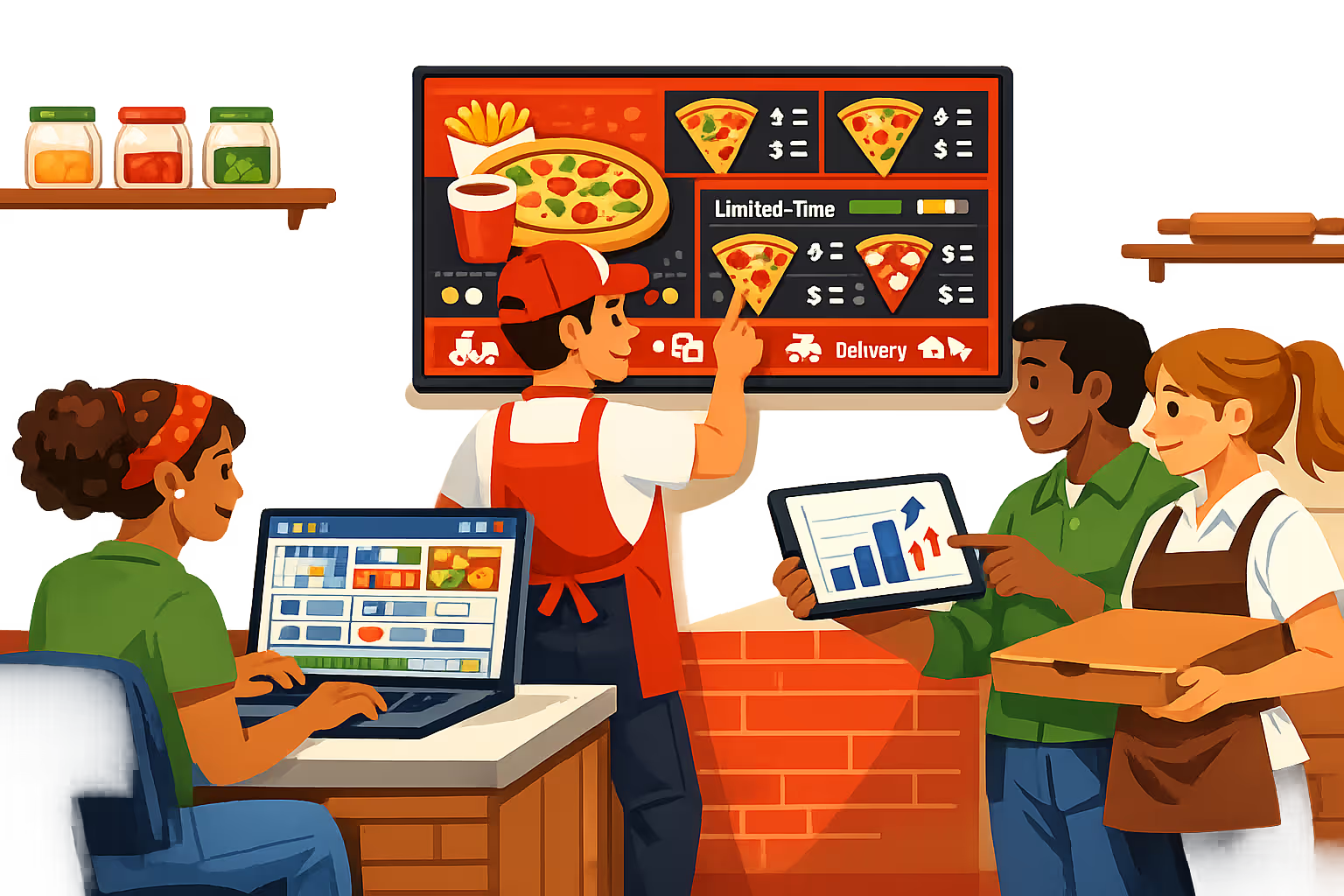
Pizzeria digital signage that updates menus, promos, and pickup screens in real time
Run pizzeria digital signage from one technical dashboard and keep every screen accurate: menu boards, combos, delivery ETA, QR codes, and in store alerts. Disign helps you publish faster, control access, and keep playback reliable across one location or hundreds.
Central management for multi location pizza brands
Push the right content to the right store in seconds
Control pizzeria digital signage across all stores with location targeting, reusable playlists, and role based permissions. Standardize pricing and branding while letting managers update local offers, store hours, or pickup instructions without breaking templates.
Secure access and device governance
Protect screens, logins, and publishing rights
Limit who can edit prices, change menus, or publish campaigns with granular roles and approval options. Pair players securely, keep credentials controlled, and maintain an audit trail so your pizzeria digital signage stays trustworthy and operational.
Consistent menu and price workflows
Reduce mistakes with controlled updates and versions
Update menu items with structured publishing: draft, review, schedule, and publish. Track versions for price changes, allergens, and limited time offers so every pizzeria screen shows the correct information at the correct moment.
Scheduling and automation for dayparts
Breakfast, lunch rush, dinner, and late night promos
Automate pizzeria digital signage with time based schedules and recurring campaigns. Switch content for lunch deals, family bundles, game night specials, or store closures without last minute edits or manual screen updates.
Reliable playback with remote monitoring
Know what is on screen and when a player goes offline
Keep menu boards and pickup area screens stable with health status, remote diagnostics, and delivery verification. Disign helps you detect offline devices early and maintain consistent playback across every pizzeria location.
Deployment support for IT and store teams
Roll out faster with repeatable setups and proven templates
Get hands on help from first install to daily operations. We support device onboarding, network friendly deployment, and template standardization so your pizzeria digital signage stays simple to run and dependable at scale.
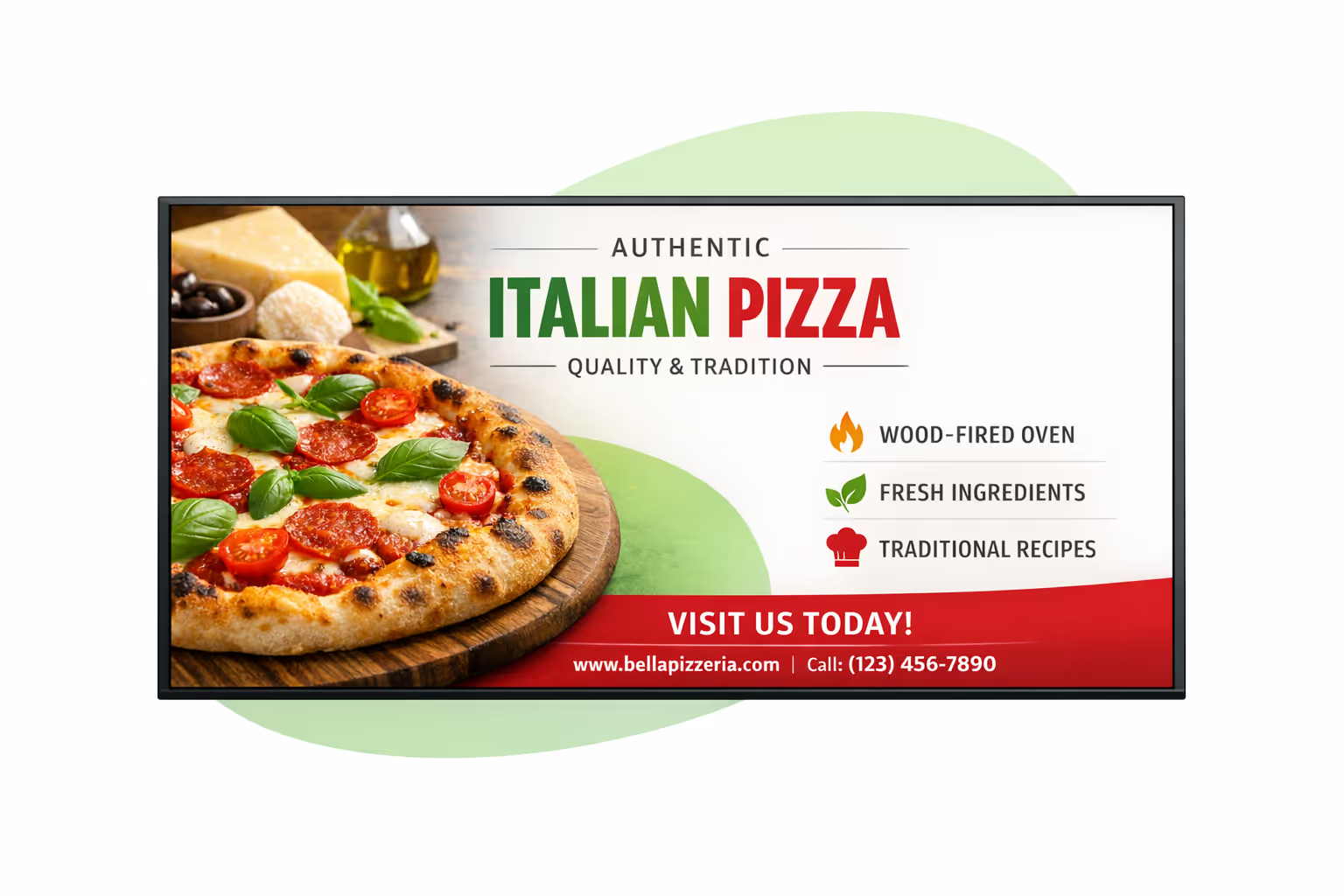
Centralized content management for pizzeria digital signage
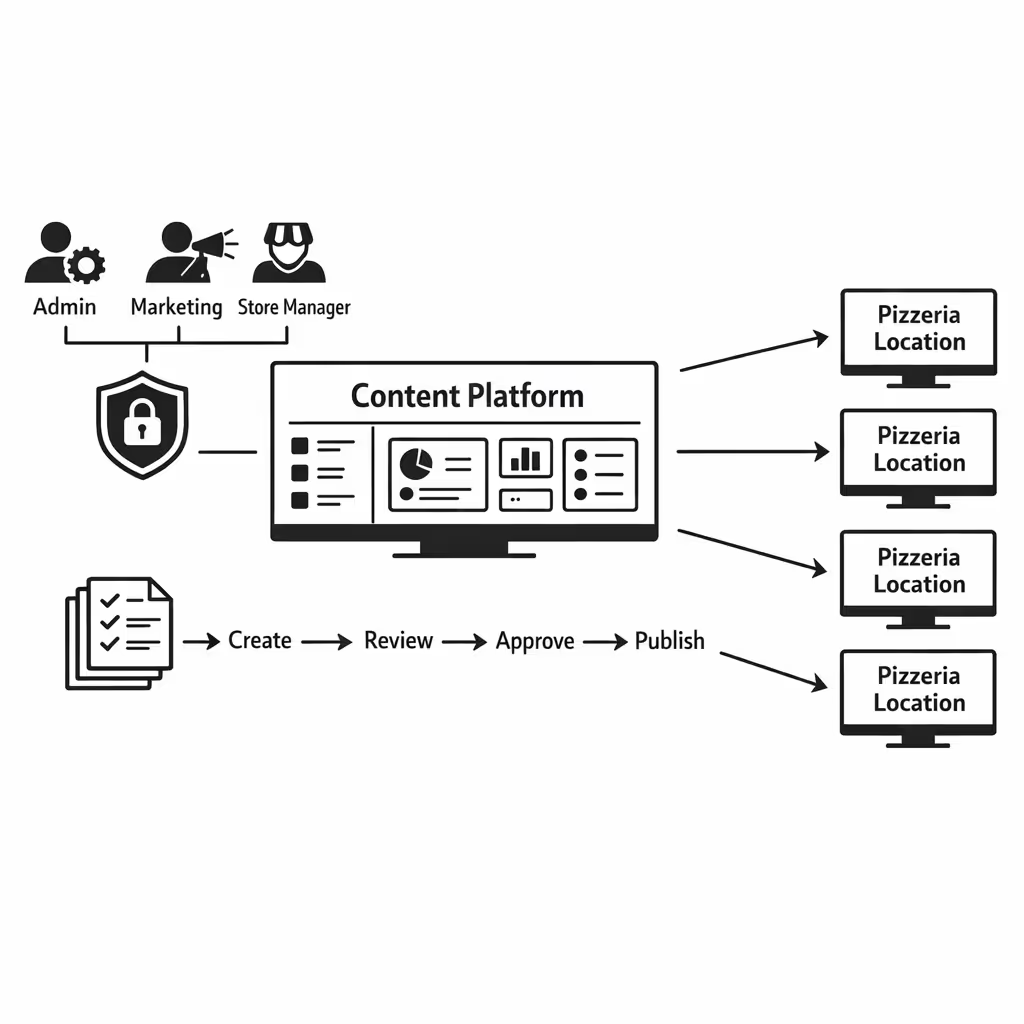
Manage pizzeria digital signage from one secure platform. Create menu boards, promos, and service messages once, then approve, schedule, and publish them to every store and screen with the control IT requires and the speed marketing and operations need.
One platform for every pizzeria screen
Multi store control with local freedom
Roll out brand wide menu updates and seasonal campaigns while letting each location add approved local content like today’s deal, pickup instructions, and opening hours, without breaking brand rules.
Campaign scheduling that fits how pizzerias run
Schedule content by store, region, daypart, or screen type. Keep limited time offers accurate, rotate upsells automatically, and ensure consistent messaging across your pizzeria digital signage network.
Designed for IT governance and brand safety
Control access with role based permissions and approval workflows. Standardize playback rules so every menu update and promotion follows your pizzeria standards, reduces risk, and supports audits.
Real time updates for service and operations
Push instant changes to menu items, pricing, availability, and pickup messaging. Keep every screen accurate during rush hours, outages, or last minute promos, without calling each store.
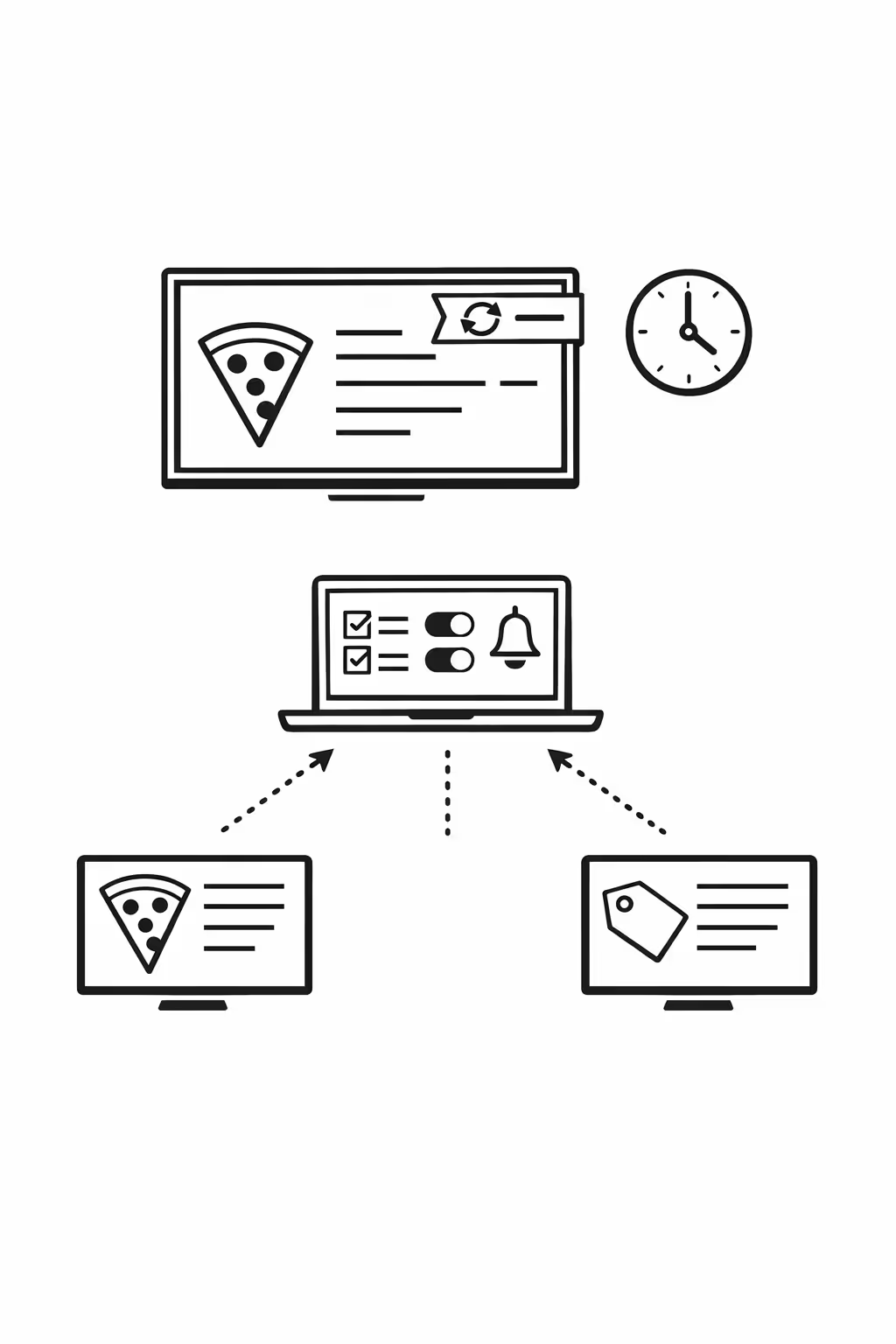
Scalability for growing pizzeria networks with pizzeria digital signage
Scale pizzeria digital signage across new stores, regions, and brands from one cloud platform. Roll out menu updates, promos, and operational messages in minutes while keeping governance tight and your brand consistent at every location.

Multi-site management from one cloud dashboard
Manage pizzeria digital signage across every store from a single view. Push content instantly, verify what is playing on each screen, and keep pricing, menus, and campaigns aligned across your full network.

Multi-user access with role-based permissions
Give marketing, ops, and store managers the right access level for their responsibilities. Approvals stay clear, collaboration stays fast, and your pizzeria digital signage stays secure across corporate and franchise locations.

Multi-screen and multi-organization ready
Control thousands of screens and manage multiple organizations from one account. Segment pizzeria digital signage by brand, region, franchise group, or individual store so you can scale confidently without losing local relevance.
Disign is compatible with all screens for digital signage
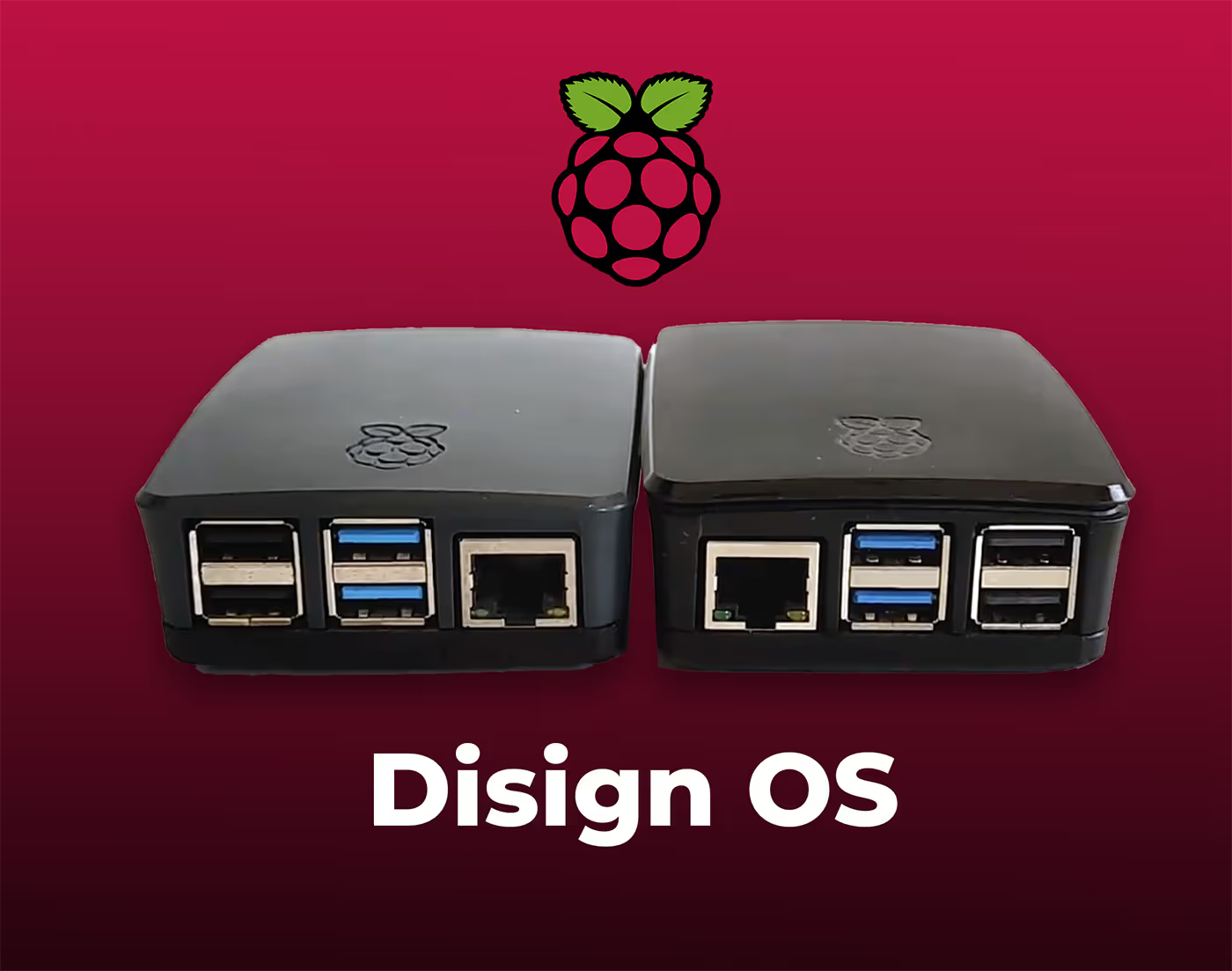
Digital signage with Disign allows you to manage and display content across a variety of devices. Our solution is compatible with many external players such as Disign OS based on Raspberry Pi, BrightSign, and any Android hardware. Disign also supports technologies embedded in Samsung, LG, and Android TV screens. With this broad compatibility, you can easily deploy digital signage solutions on different types of hardware, ensuring simplified management and an optimal user experience.


Integrate with your favorite Applications
70+ Applications and infini integration with API, Database, and any data source
Easily integrate third-party applications and web content such as YouTube or Vimeo, optimized for seamless playback. Display data from RSS feeds or formats like CSV, JSON, or XML directly on your digital signage screens. Extend display capabilities with advanced applications like grids or collections to enrich Disign scenarios.

We designed Disign to be as open and customizable as possible, both in its visual scenes and in its data sources.
Florent MondoloniCo-Founder, Disign

Video
Utilisez vos medias

RSS Feed
Use your own RSS Feed

Database
Databases

Canva
Create your Design and import it

Google Sheets
Import CSV, Live data...

Website/API
Affiche your website or use API
Everything you need to know about Disign Digital Signage For Pizzeria
Pizzeria digital signage FAQ: practical answers for owners and operators who want smarter screens
Pizzeria digital signage is not just a TV on the wall showing random slides. In a busy pizza shop, screens are a sales tool, a service tool, and a way to reduce confusion when the line gets long. Done well, it helps guests decide faster, boosts add on sales, highlights limited time specials, and keeps everyone aligned between dine in, takeout, and delivery.
This FAQ is written for independent pizzeria owners, multi location operators, franchise managers, and marketing or operations teams who want a reliable, easy to manage platform for pizzeria digital signage. The goal is simple: help you choose a solution that increases revenue, saves staff time, and improves the guest experience without adding daily headaches.
Below are the most common questions pizzerias ask when evaluating a platform like Disign for pizzeria digital signage, with clear answers and real world guidance.
What is pizzeria digital signage and what screens does it include?
Pizzeria digital signage means any screen in your pizza restaurant that is centrally managed and updated digitally instead of printed. Most pizzerias start with digital menu boards, then expand to other screens as they see results.
Typical screen types include:
- digital menu boards behind the counter
- promo screens near the entrance or ordering point
- order status screens for pickup and dine in
- kitchen screens for internal communication, when used for signage updates
- screens in the dining area for upsells, events, and brand storytelling
- drive thru menu boards, when applicable
- window facing screens to promote lunch specials and offers
The key difference versus a basic TV is control: you can schedule content, target it by location, update it instantly, and keep branding consistent.
Why should a pizzeria switch from printed menus and posters to pizzeria digital signage?
Printed menus and posters create friction. Prices change, ingredients change, promotions end, and suddenly your wall menu is wrong. That leads to awkward conversations at the counter and slower service during rush.
Pizzeria digital signage helps because it lets you:
- update prices and specials instantly without reprinting
- highlight high margin items at the right times of day
- reduce order errors by making options clearer
- keep seasonal offers consistent across locations
- react quickly to ingredient shortages or changes
- improve the look and perceived quality of the brand
- save money on printing and design revisions over time
Many pizzerias also find that better menu clarity shortens ordering time, which increases throughput at peak hours.
What are the best use cases for pizzeria digital signage in a pizza shop?
Most pizzerias get the fastest win from digital menu boards, but the strongest results come from using screens to support the full guest journey.
High impact use cases include:
- digital menu boards that clearly show pizzas, sizes, toppings, and combos
- daypart menus that change for lunch, dinner, or late night
- upsell prompts for sides, drinks, desserts, and bundles
- limited time offers, seasonal pies, and local collaborations
- order status boards showing ready orders for pickup and dine in
- promotional screens near the queue to reduce decision stress
- brand content that builds trust, such as fresh dough messaging, local sourcing, or awards
- event and catering promotion, such as office lunch packages or game day deals
When content is matched to the moment, your screens do more than look nice. They guide choices and reduce friction.
How can pizzeria digital signage increase average order value?
Digital signage increases average order value when it is used to nudge the guest at the exact moment they are deciding. In a pizzeria, that moment is usually the counter line, the menu board glance, and the final confirm at checkout.
Effective ways to lift average order value include:
- featuring a premium pizza with a clear reason to try it
- bundling: pizza plus wings plus soda, with a simple price
- adding a dessert callout when the guest is already ordering
- showing a limited time specialty pie to create urgency
- promoting double toppings, stuffed crust, or upgraded cheese options
- highlighting family meals and party bundles for groups
A practical rule for pizzeria digital signage is one message per slide. If you want an upsell, keep it obvious, visual, and easy to say yes to.
Can pizzeria digital signage help reduce line anxiety and speed up ordering?
Yes. Guests feel stressed when they do not know what to order, what the process is, or what comes next. That stress turns into slower decisions and longer lines.
Pizzeria digital signage helps speed up service by:
- making the menu easier to scan, with clear sections and pricing
- showing the top sellers and combos to simplify choice
- clarifying the ordering flow: order, pay, pick up at the counter when called
- highlighting common questions before they are asked, such as gluten free options, spice levels, or portion sizes
- promoting online ordering for next time, reducing future counter load
Even small improvements in ordering clarity can reduce bottlenecks during peak periods.
What is the difference between digital menu boards and general pizzeria digital signage?
Digital menu boards are a key part of pizzeria digital signage, but not the whole picture. Menu boards focus on the core offer: what you sell and at what price. General signage includes everything else that shapes decisions and operations.
A typical pizzeria setup might include:
- menu boards for products and pricing
- a promo screen for upsells and seasonal offers
- an order status screen for pickup flow
- a dining area screen for brand story, events, and community content
Disign supports managing these screen types together so you can keep one consistent system instead of multiple tools.
How do I keep my menu accurate across multiple locations?
Multi location menu accuracy is one of the biggest challenges for pizzerias. The most common issues are mismatched pricing, old limited time offers still showing, and different product names across stores.
To keep menus accurate with pizzeria digital signage, you need:
- centralized control so updates happen once, not store by store
- device grouping so each location gets the right menu set
- scheduling so limited time offers automatically start and stop
- templates so design stays consistent even when items change
- a clear publishing workflow so you avoid accidental edits
With Disign, you can organize screens by location, region, or concept, then push updates reliably without asking staff to swap files or plug in USB drives.
Can pizzeria digital signage support daypart and automatic scheduling?
Yes. Scheduling is one of the biggest advantages of pizzeria digital signage. You can run different content for different times without relying on someone to remember to change the menu.
Common daypart examples for pizzerias include:
- lunch slices or quick combos on weekdays
- dinner family bundles and larger pizzas in the evening
- late night offers with simplified choices
- weekend specials for game days and events
- holiday hours messaging around peak seasons
Scheduling also reduces mistakes. If a promo ends on Sunday, you can schedule it to disappear automatically.
How do I handle price changes without confusing customers?
Price changes are normal, but confusion at the counter costs time and trust. The best approach is to make pricing clear and consistent and avoid small print.
Best practices for pizzeria digital signage pricing changes include:
- updating all relevant screens at the same time
- using consistent naming for sizes and crust types
- keeping the price close to the item photo or name
- avoiding overcrowded pricing grids that are hard to read
- using a short, clear note when a price change is tied to an offer, such as limited time bundle price
If you run multiple locations, consistency matters even more. Guests notice when one store shows a different price than another.
Can pizzeria digital signage integrate with POS or online ordering menus?
Sometimes. Integration depends on your POS and how your menu data is managed. Some pizzerias prefer manual menu management for flexibility and design control. Others want data driven content that updates when the POS changes.
Common integration approaches include:
- linking to a web menu or online ordering page on a promo screen
- embedding a dashboard style web view for operational screens
- using data feeds for pricing or availability, when your tech stack supports it
Even without deep POS integration, Disign can still make updates fast and organized through templates, playlists, and scheduling. If integration is a priority, you should confirm what your POS can provide, such as an API, export, or a stable web page output.
What content performs best on pizzeria digital signage?
The best performing content is visual, simple, and decision oriented. Guests do not want to read paragraphs while they are hungry and waiting.
High performing content types include:
- strong food photography that matches what you serve
- clear combo blocks that make the decision easy
- quick upsells: add wings, add garlic knots, add a drink
- limited time offers and seasonal pizzas
- clear dietary and allergen notes when needed, such as vegetarian options or gluten friendly messaging
- local trust signals, such as reviews, awards, or community partnerships
- catering promotion with a simple call to action
Avoid clutter. If a screen has too many items, guests will default to asking staff, which slows down the line and reduces upsell opportunities.
How many screens does a typical pizzeria need?
There is no single right number. A small counter service pizzeria might start with two to three screens for menu boards, plus one promo screen. A larger location with heavy pickup may add an order status screen.
A practical starting point is:
- 2 to 4 screens for menu boards depending on menu size
- 1 promo screen near the ordering area
- 1 order status screen if pickup volume is high
- optional dining area screen if you want brand storytelling or event promotion
The goal is coverage without redundancy. Each screen should have a job.
What should I look for in templates and design tools?
Templates are the difference between a system you use and a system you avoid. Pizzerias move fast. Your signage tool should make updates simple for non designers while keeping a professional look.
Look for templates that support:
- menu categories with consistent spacing and typography
- pricing layouts that remain readable from a distance
- photo blocks that keep food images clean and consistent
- promo layouts for limited time offers and bundles
- easy duplication so you can create variations quickly
- brand control, such as fonts, colors, and approved assets
Disign is built to help teams reuse layouts so you do not redesign every time you add a new pizza or change a price.
How do I keep pizzeria digital signage readable from the ordering line?
Readability is one of the most common pain points. If guests cannot read the menu quickly, they hesitate and the line slows down.
Readability best practices include:
- large font sizes with strong contrast
- clear hierarchy: pizza name, key description, then price
- limiting the number of items per screen section
- avoiding long ingredient lists on the main menu board
- using icons for common attributes, such as spicy or vegetarian, only if they are easy to recognize
- testing the menu from the actual queue distance and angle
A beautiful design that is not readable is not a menu board. It is decoration. Pizzeria digital signage should prioritize clarity first, then style.
Can pizzeria digital signage support multiple languages?
Yes. If you serve a bilingual community, multi language signage can reduce ordering mistakes and make guests feel welcome.
Common strategies include:
- separate playlists per language for specific locations
- rotating slides in two languages, especially for promos and process messages
- keeping translations short and plain, not overly formal
If you choose rotating languages, make sure the key information appears often enough so guests do not wait too long for their language.
How do I promote catering and large orders using pizzeria digital signage?
Catering can be high margin and predictable, but only if people know you offer it. In store screens are a great place to plant the idea, because guests already trust the food.
Effective catering messaging includes:
- office lunch bundles and party packs
- lead time guidance, such as order 24 hours ahead
- simple quantity cues, such as feeds 10 to 15 people
- a clear next step, such as call this number or scan a QR code
- time based reminders, such as promote catering on weekdays at lunch
With Disign scheduling, you can push catering promotions at the times when they are most relevant, such as Monday morning through Thursday afternoon.
Can pizzeria digital signage help with pickup flow and order status?
Yes. Pickup can be chaotic, especially during Friday nights and big games. An order status screen reduces crowding at the counter and cuts down on repeated questions.
Common benefits include:
- fewer guests asking staff if their order is ready
- clearer separation between ordering and pickup
- faster handoff at peak times
- a calmer lobby experience
If you already have an order status system that can output a web view, many pizzerias display it on a screen. If not, you can still use signage to explain pickup instructions clearly.
What about screens for promotions like game day, lunch specials, or seasonal pizzas?
Promotions are where pizzeria digital signage really shines because you can be timely without extra printing.
Examples of high impact promotions include:
- game day bundles and wing add ons
- lunch slice specials for weekday traffic
- seasonal pizzas with limited availability
- local collaborations with breweries or events
- loyalty sign ups and app downloads
Scheduling lets you run these offers only when they make sense, so you do not clutter the menu boards all day with irrelevant messages.
How do I avoid overwhelming guests with too many messages?
The best pizzeria digital signage feels calm and helpful. The worst feels like a noisy slideshow. Too many messages can slow decisions and annoy guests.
To keep it effective:
- separate menu content from promotional content when possible
- keep promotions focused: one offer, one call to action
- limit animation and avoid fast moving text
- rotate content at a reasonable pace so it is readable
- ensure the core menu is always easy to find
If you need to communicate many things, use playlists by screen role rather than trying to cram everything onto one board.
What hardware do I need for pizzeria digital signage?
Most pizzerias need:
- commercial grade displays or reliable TVs appropriate for long hours
- a media player or compatible device to run the signage player
- stable internet connectivity
- mounts, power, and safe cable management
Commercial grade screens are often worth it for high uptime, better brightness, and durability. If you use standard TVs, plan for replacement cycles and ensure the viewing angle works from your queue.
Disign is designed to work with a range of hardware setups so you can start with what you have and standardize as you grow.
Does pizzeria digital signage require constant internet?
Not always, but internet is important for easy updates and centralized control. Many systems can keep playing scheduled content even if the connection drops, then sync once back online.
Operationally, you want:
- reliable connectivity for timely updates
- a plan for what happens during outages
- monitoring so you know if a screen goes offline
If your store connectivity is unstable, it is worth improving it. A screen that is sometimes blank or outdated undermines trust and hurts the guest experience.
How secure is pizzeria digital signage, and what should I look for?
Even though pizzerias are not banks, security still matters. A compromised screen is a brand risk and an operational distraction.
Key security and control features to look for include:
- user roles and permissions so not everyone can publish
- secure login and account management
- controlled device access and provisioning
- audit friendly activity tracking, such as who changed what and when
- the ability to manage multiple locations without sharing passwords
Disign focuses on centralized management so you can keep control even as you add screens and locations.
Who should manage pizzeria digital signage: the owner, manager, or marketing team?
The best setup is clear ownership with simple rules. Most pizzerias succeed when one person owns the channel, but the process supports fast updates when needed.
A practical operating model is:
- marketing or ownership sets brand standards and templates
- a store manager can request or schedule local updates within approved layouts
- only a limited set of users can publish to menu boards to prevent mistakes
Disign permissions help you avoid the scenario where anyone can change pricing or upload off brand content at the last minute.
How often should I update content on pizzeria digital signage?
Update frequency depends on how fast your offers change. The main goal is to keep content accurate and fresh enough that regulars still notice.
A realistic cadence for many pizzerias is:
- immediate updates for sold out items or ingredient constraints
- weekly updates for promos and featured items
- seasonal updates for limited time pizzas and pricing shifts
- monthly refreshes for brand content, catering, and loyalty messages
If you can update quickly, you will actually do it. That is one of the biggest hidden benefits of a good pizzeria digital signage platform.
How do I measure ROI from pizzeria digital signage?
You can measure ROI in a few practical ways, even without perfect attribution.
Common ROI drivers include:
- higher average order value from upsells and bundles
- faster line speed and more orders during peak hours
- fewer order mistakes due to clearer menu presentation
- reduced printing and reprint costs
- increased catering inquiries
- improved loyalty sign ups and repeat visits
Operational metrics matter too:
- how quickly you can update pricing across locations
- how often screens are playing the correct content
- how consistent the brand looks between stores
Pizzeria digital signage pays off when it improves both revenue and daily operations.
What mistakes do pizzerias make with digital signage?
Most mistakes are not technical. They are content and process problems.
Common pitfalls include:
- using too much text and not enough clarity
- cluttering the menu board with too many items
- changing layouts too often so regulars cannot find their favorites
- running promos without clear pricing or a clear next step
- letting screens become outdated because updates feel hard
- mixing random videos that do not support ordering decisions
The best results come from treating signage like a sales and service system, not just a screen saver.
How quickly can I launch pizzeria digital signage with Disign?
Many pizzerias can launch quickly if screens and mounting are ready. A smooth rollout usually follows a simple path:
- choose screen roles, such as menu boards, promo screen, order status
- set up brand templates and menu structure
- build playlists for dayparts and promotions
- install players and connect screens
- run a short pilot, then refine based on feedback from staff and guests
Because Disign is designed for centralized management, you can roll out one store first and then scale to additional locations without reinventing the process.
Why choose Disign for pizzeria digital signage?
Pizzerias need a system that is easy enough for busy teams, but structured enough to keep menus accurate and on brand.
Disign helps pizzerias by providing:
- centralized control for menus, promos, and multi location updates
- scheduling for dayparts and limited time offers
- templates that keep design consistent and readable
- permission controls so updates stay safe and organized
- a practical workflow that reduces daily signage stress for managers
If you want pizzeria digital signage that improves sales, speeds up ordering, and keeps your brand consistent, Disign is built to support that goal.
What are the next steps to start a pizzeria digital signage project?
Start with clarity and a small, measurable rollout:
- define your primary goal: boost average order value, speed up service, improve pickup flow, or unify multi location menus
- choose the screens that matter most, usually menu boards first
- collect your current menu, pricing, photos, and brand assets
- plan your dayparts and your top three promotions
- set permissions and a simple update routine so content stays accurate
Once your first location is running smoothly, expanding pizzeria digital signage to additional stores becomes a repeatable process, and the benefits compound over time.





Join community of 4k+ people
Pizzeria digital signage that sells more and keeps service moving
Turn every screen into a clear, up to date message for your guests. With Disign, you can manage pizzeria digital signage from one dashboard and update menus, daily specials, combo deals, allergens, opening hours, and pickup instructions in seconds.
Ready to try Disign in your pizzeria today? Start a 28 day free trial with no credit card required, then reach out if you want help choosing screens, setting up your first playlists, and launching content that looks great across every location. contact us anytime.