University digital signage for campus communication
University digital signage that keeps every campus message on time
Make updates impossible to miss across classrooms, libraries, residence halls, and student centers. With Disign university digital signage, publish events, emergency alerts, wayfinding, dining menus, and departmental announcements in minutes, with centralized control and consistent branding.
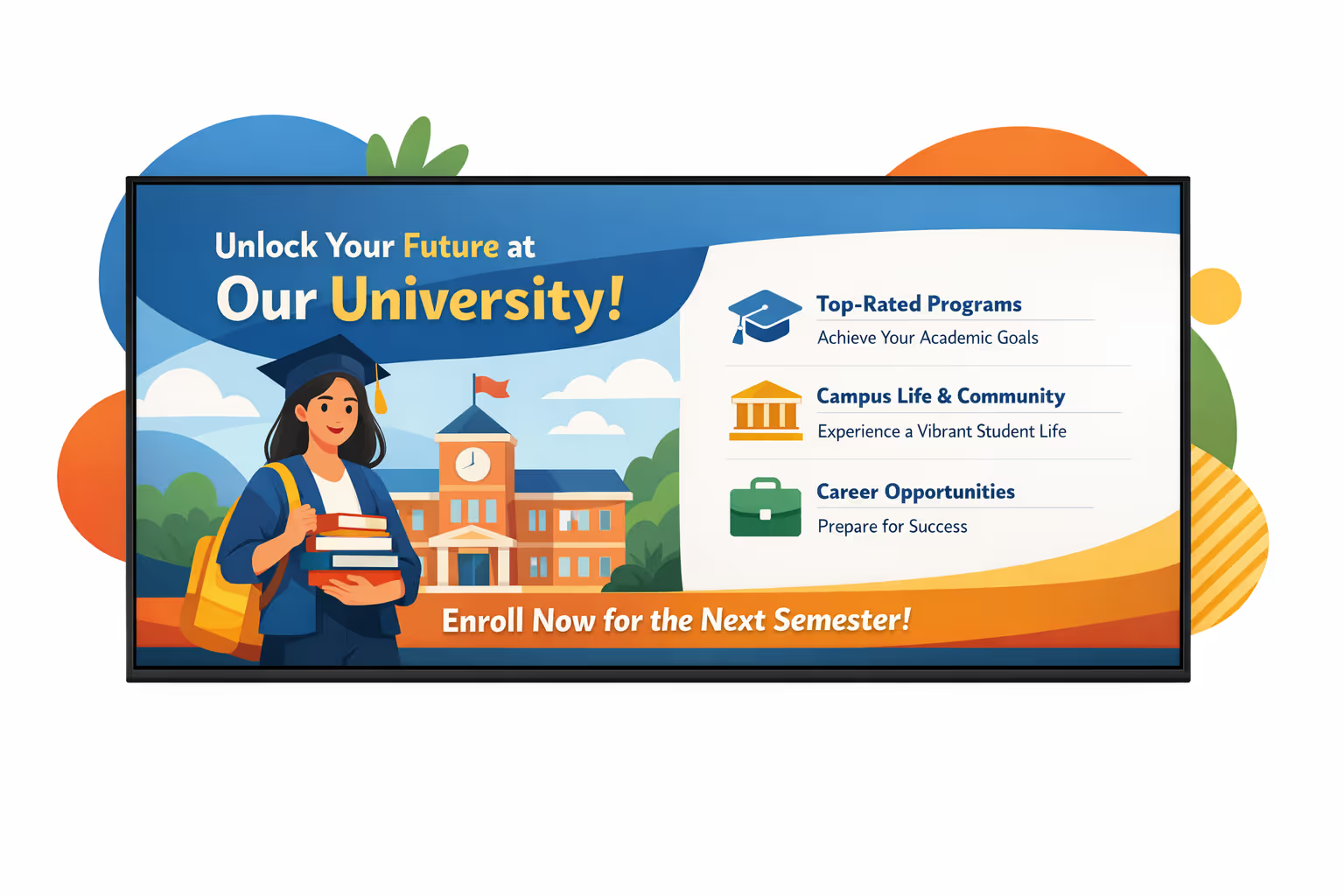
Challenges in the university industry: when campus communication breaks down
On a busy campus, students and visitors need clear answers the moment they arrive. When information is scattered or outdated, confusion turns into long lines, repeated questions, and missed deadlines.
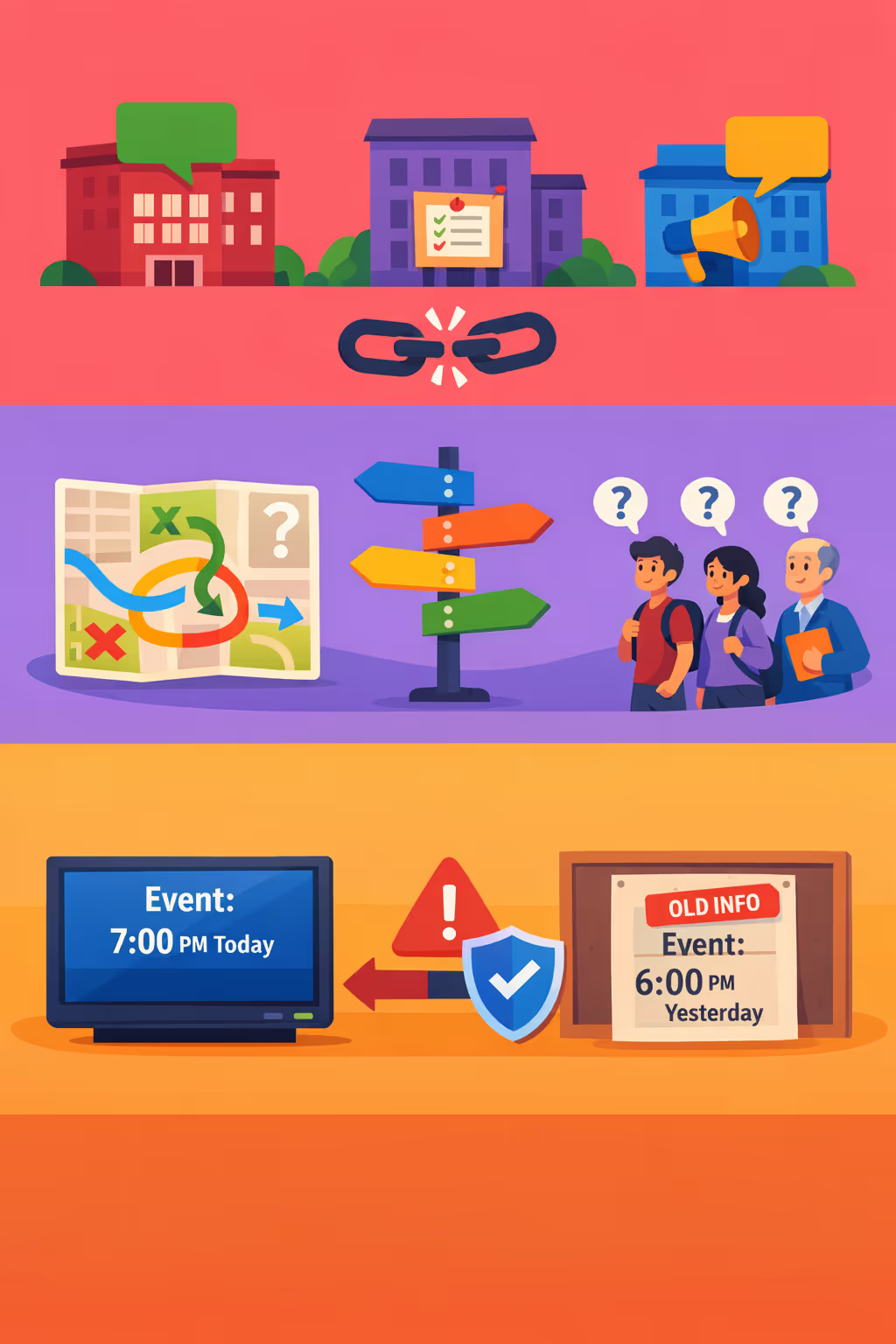
Office hours, room changes, enrollment steps, and event updates shift quickly. When faculties, student services, and security share different information, trust drops and small issues become formal complaints.
People want to know where to go, what documents to bring, and what happens next. Without clear university digital signage, staff spend their time giving directions instead of supporting students with real needs.
Universities must publish accurate information about safety, exams, and administrative requirements. When printed posters and local screens are not updated at the same time, students can follow the wrong steps and miss critical deadlines.
University digital signage that improves campus communication and engagement
Share timely updates across every screen on campus with Disign. Keep students, faculty, and visitors informed with real time announcements, event promotions, safety alerts, and wayfinding. Reduce printing costs, save staff time, and deliver a consistent experience that supports measurable ROI.

Promote campus events and services in real time
Publish last minute updates for lectures, clubs, career fairs, dining, and student services in seconds. Keep information accurate across buildings without chasing posters or outdated emails.
Improve wayfinding and reduce confusion across campus
Guide students and visitors with clear directions, building maps, room changes, and accessible routes. Better navigation reduces late arrivals, lowers front desk pressure, and improves the campus experience.
Show ROI with fewer prints and faster updates
Replace recurring printing and manual noticeboard changes with a centralized workflow. Keep screens current in minutes and demonstrate value through reduced costs, consistent messaging, and higher engagement with important information.
Strengthen safety and emergency communication
Push critical alerts campus wide, from severe weather to security notices, with clear instructions on what to do next. Ensure messaging is consistent and immediate across libraries, halls, and common areas.
Cut printing costs and free up staff time
Move from posters and flyers to digital screens managed in one place. Reduce printing, distribution, and rework while keeping every department aligned with fresh and accurate content.
Unify communication across faculties, buildings, and audiences
Share global announcements while allowing departments to run their own playlists within approved templates. Support multilingual messaging and audience specific content so university digital signage stays relevant everywhere on campus.
University digital signage use cases across campus
From student centers to academic buildings, university digital signage keeps everyone informed with timely, consistent updates. It reduces repetitive questions at service desks, improves wayfinding, and builds trust through clear communication students and staff can rely on.
- Academic departments: share class changes, office hours, deadlines, and program announcements
- Campus wayfinding: guide visitors to buildings, events, parking, and accessible routes in real time
- Student life and events: promote campus activities, clubs, guest speakers, and last minute schedule updates
- Administration and internal comms: publish safety notices, policy updates, KPIs, and staff communications consistently across screens

How Disign digital signage works
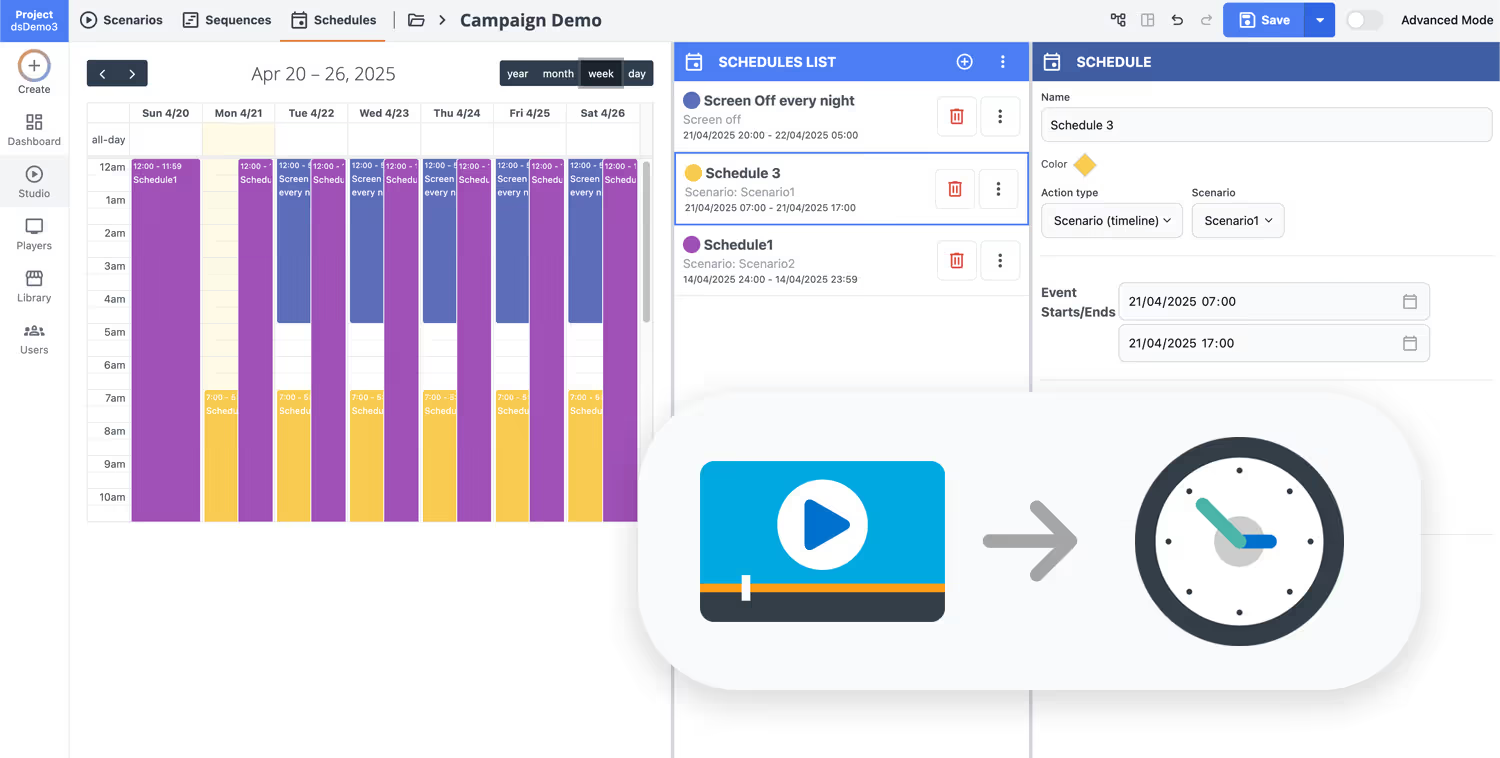
Schedule your content from anywhere with our cloud-based digital signage solution. Easily plan what plays, when, and where—across one screen or thousands.
Design custom scenarios and playlists tailored to your audience and goals.
Set precise dates and times for your content to play automatically.
Deploy content instantly across your digital signage network with just a click.
Ready to launch university digital signage in 28 days, free to try?
Book a quick call with Disign to see how campuses use university digital signage to keep students informed and improve daily communication. Share emergency alerts, event promotions, wayfinding, dining menus, and departmental updates across every screen in minutes. Start with a 28 day free trial, no credit card required.
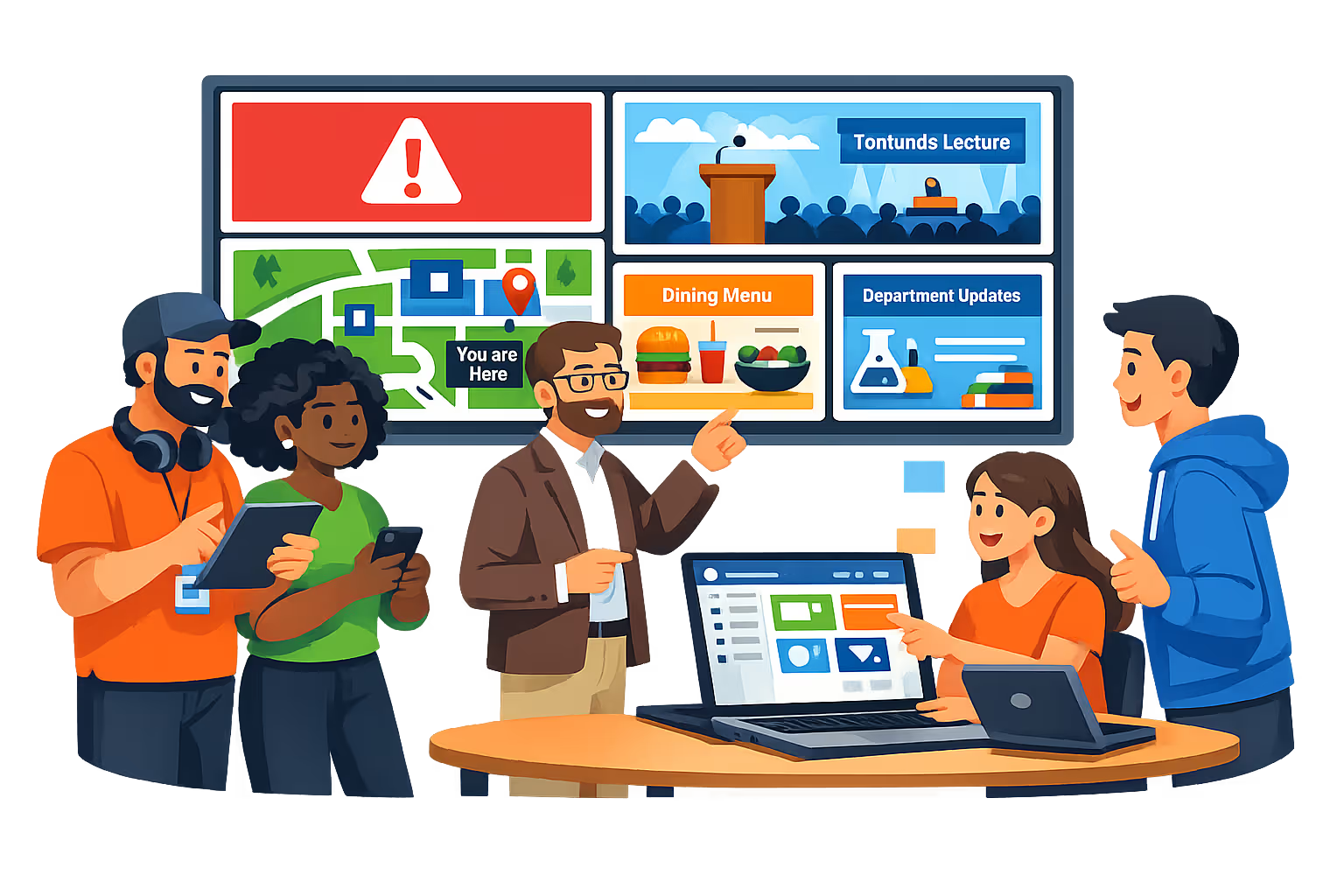
University digital signage designed for campus communication at scale
Keep students, faculty, and visitors informed with real time content across every building. Disign centralizes publishing for university digital signage with secure access, auditable changes, and targeting by campus, building, or screen.
Centralized campus and building management
Operate university digital signage from one console
Publish to a single screen in a department lobby or to hundreds across multiple campuses. Use location targeting, reusable playlists, and role based access so central communications stays consistent while local teams can update approved messaging where needed.
Security and access control for IT standards
Protect devices, accounts, and content publishing
Control who can create, approve, and publish content with granular permissions. Secure player pairing and audit friendly activity tracking help your IT team standardize governance while keeping university digital signage reliable and compliant with internal policies.
Approval workflows and version control
Reduce mistakes on high visibility campus screens
Use structured workflows to move content from draft to review, approval, and scheduling. Keep clear version history for emergency notices, event promotions, and policy updates, and make sure the right message reaches the right screens at the right time.
Scheduling automation for academic and event cycles
Run timed playlists and recurring campaigns
Automate content changes with time based schedules and recurring campaigns. Switch messaging for class change windows, admissions events, cafeteria hours, or building closures, and trigger urgent updates when you need campus wide visibility fast.
Device monitoring and playback reliability
Health status, alerts, and remote diagnostics
Maintain high uptime with visibility into screen and player health. Detect offline devices, confirm content delivery, and troubleshoot remotely to keep university digital signage running smoothly across libraries, labs, residence halls, and common areas.
Deployment support for campus IT and comms teams
Rollout guidance, templates, and onboarding
Get practical help from initial rollout to day to day operations. We assist with standardizing templates, onboarding departments, and resolving device issues so your university digital signage remains dependable, secure, and easy to manage.

Centralized content management for university digital signage
Run university digital signage from one secure platform. Create, review, schedule, and publish messages across campuses, faculties, libraries, residences, and student services, with the governance IT requires and the speed marketing and operations rely on.
One hub for every campus screen
Central control with department autonomy
Keep brand and policy messaging consistent while letting faculties and services publish local updates like event promos, room changes, office hours, and emergency notices, within clear approval rules.
Campus wide campaigns and location based messaging
Schedule content by campus, building, department, or screen type. Keep communications consistent, time sensitive updates accurate, and every display aligned across your university digital signage network.
Built for IT governance and compliance
Centralize access with role based permissions, structured approvals, and consistent playback rules so every update meets your university security standards, branding guidelines, and audit requirements.
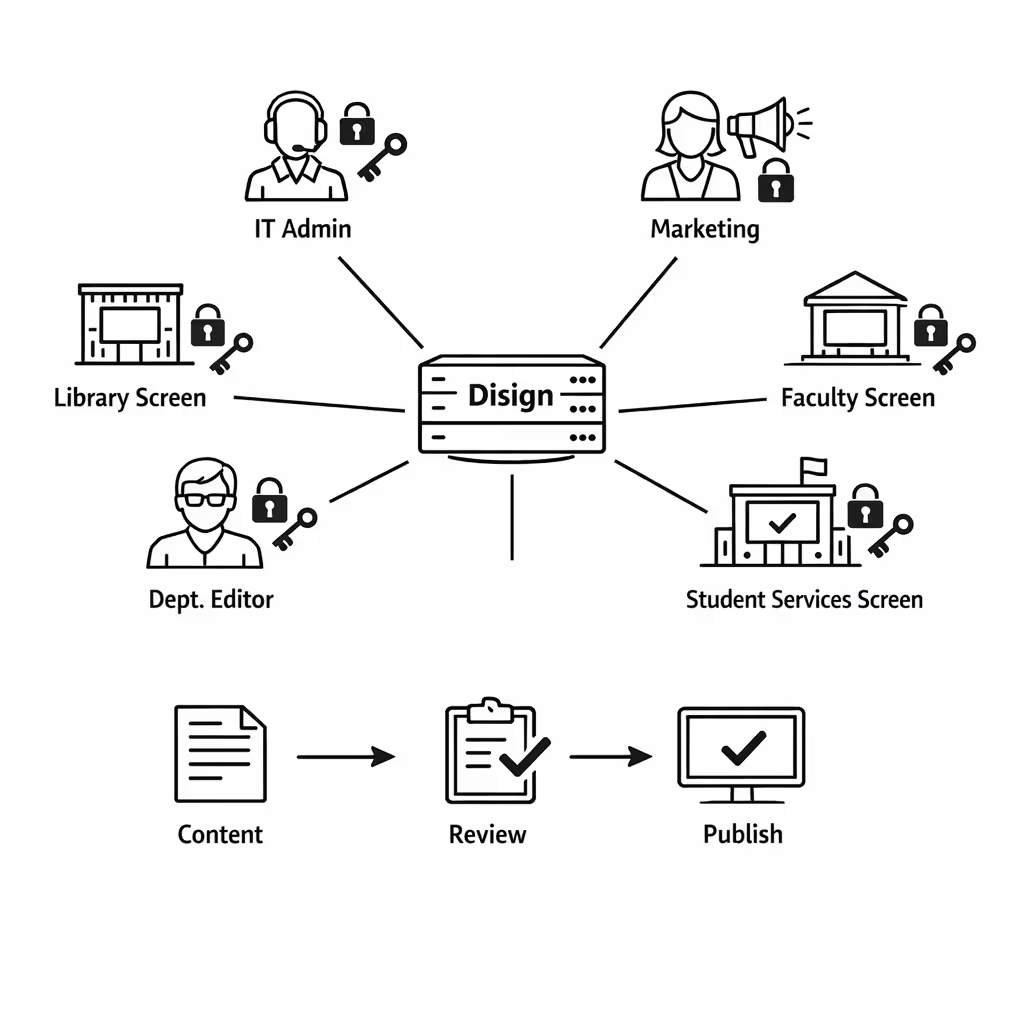
Real time updates for operations and student services
Push alerts, closures, timetable changes, queue messages, and service announcements in seconds. Keep every screen accurate during peak periods, disruptions, or policy changes, without chasing individual departments.
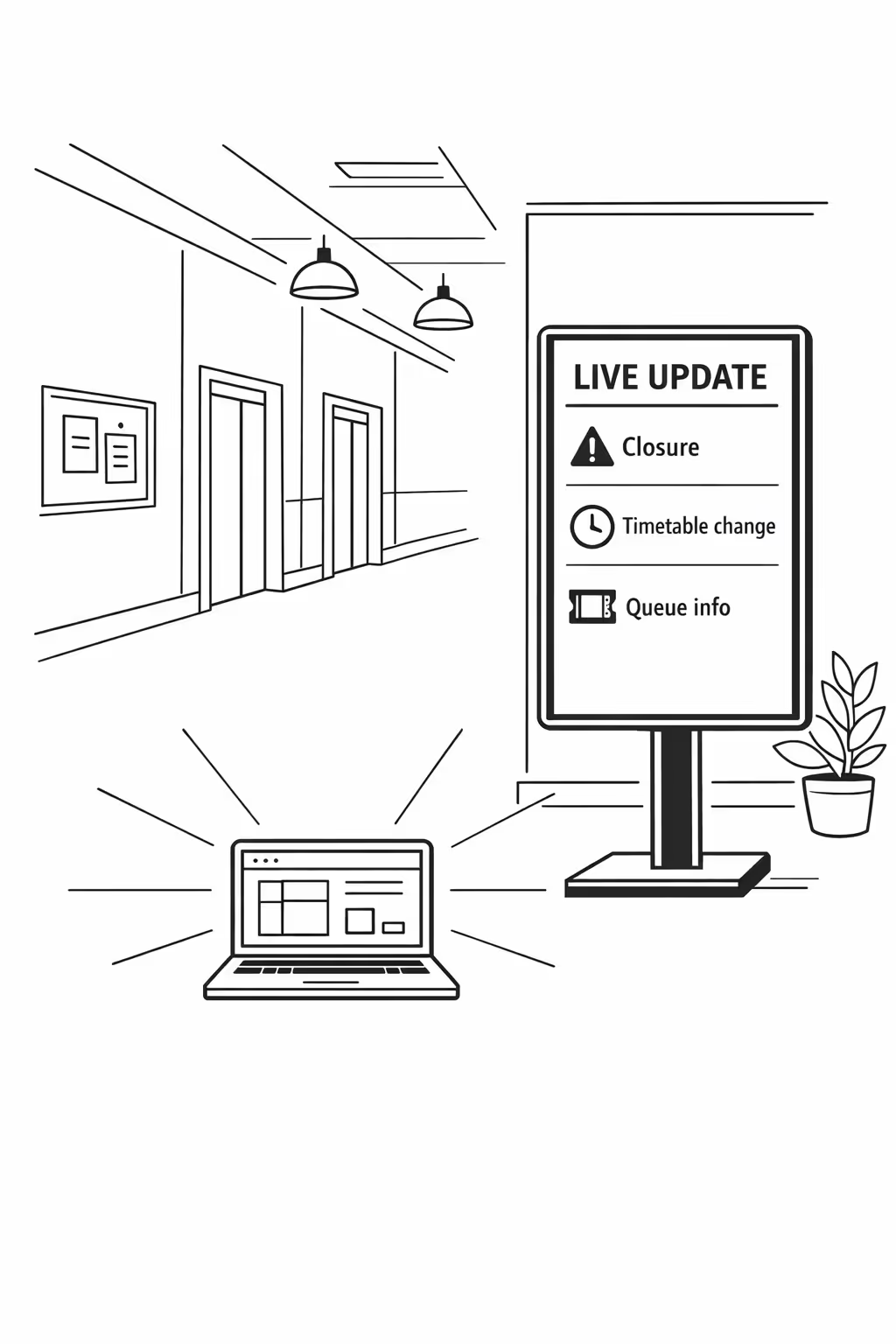
Scalability for growing university networks with university digital signage
Scale university digital signage across campuses, faculties, and satellite sites from one cloud platform. Roll out updates in minutes, keep governance clear, and protect a consistent student experience as your university network grows.
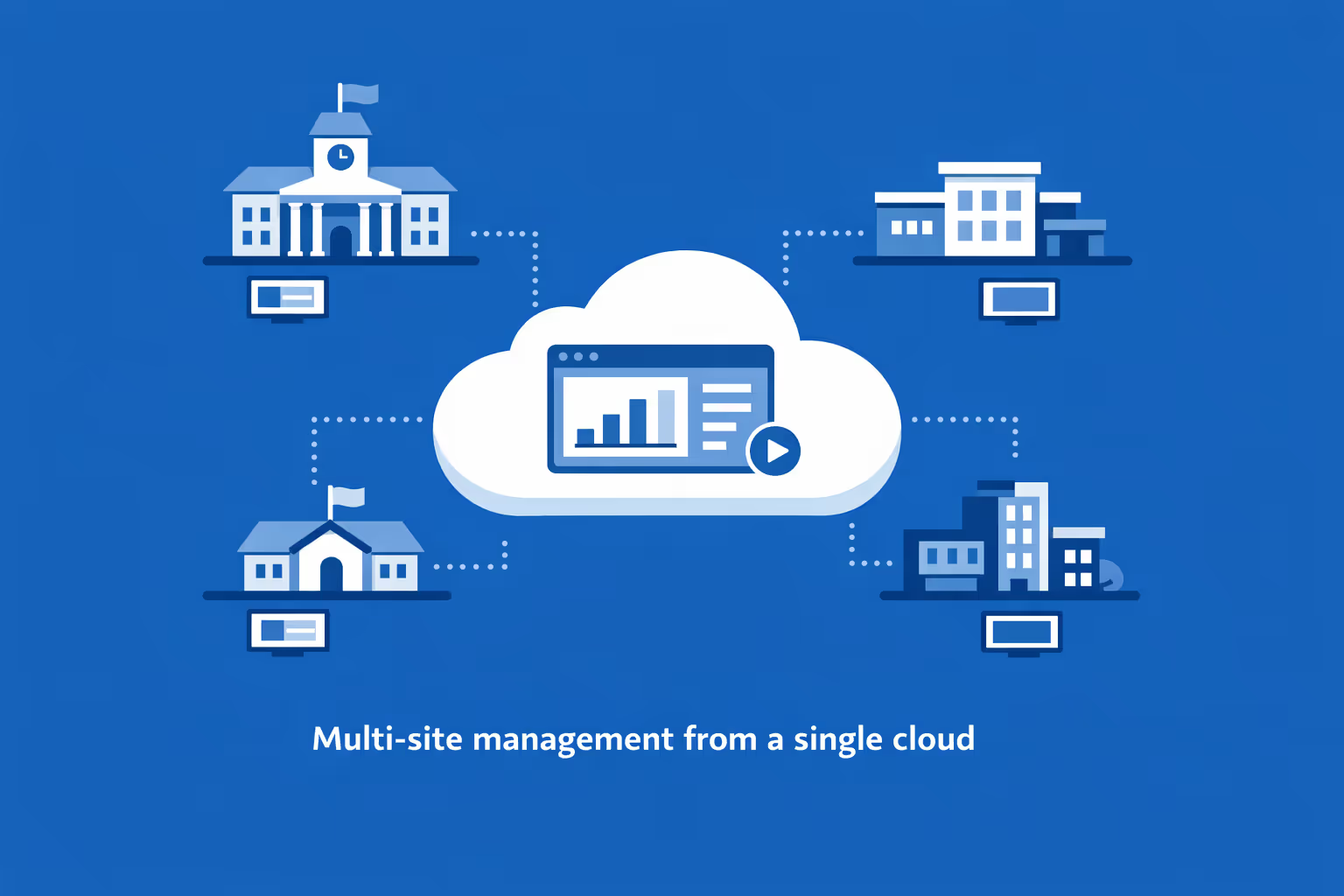
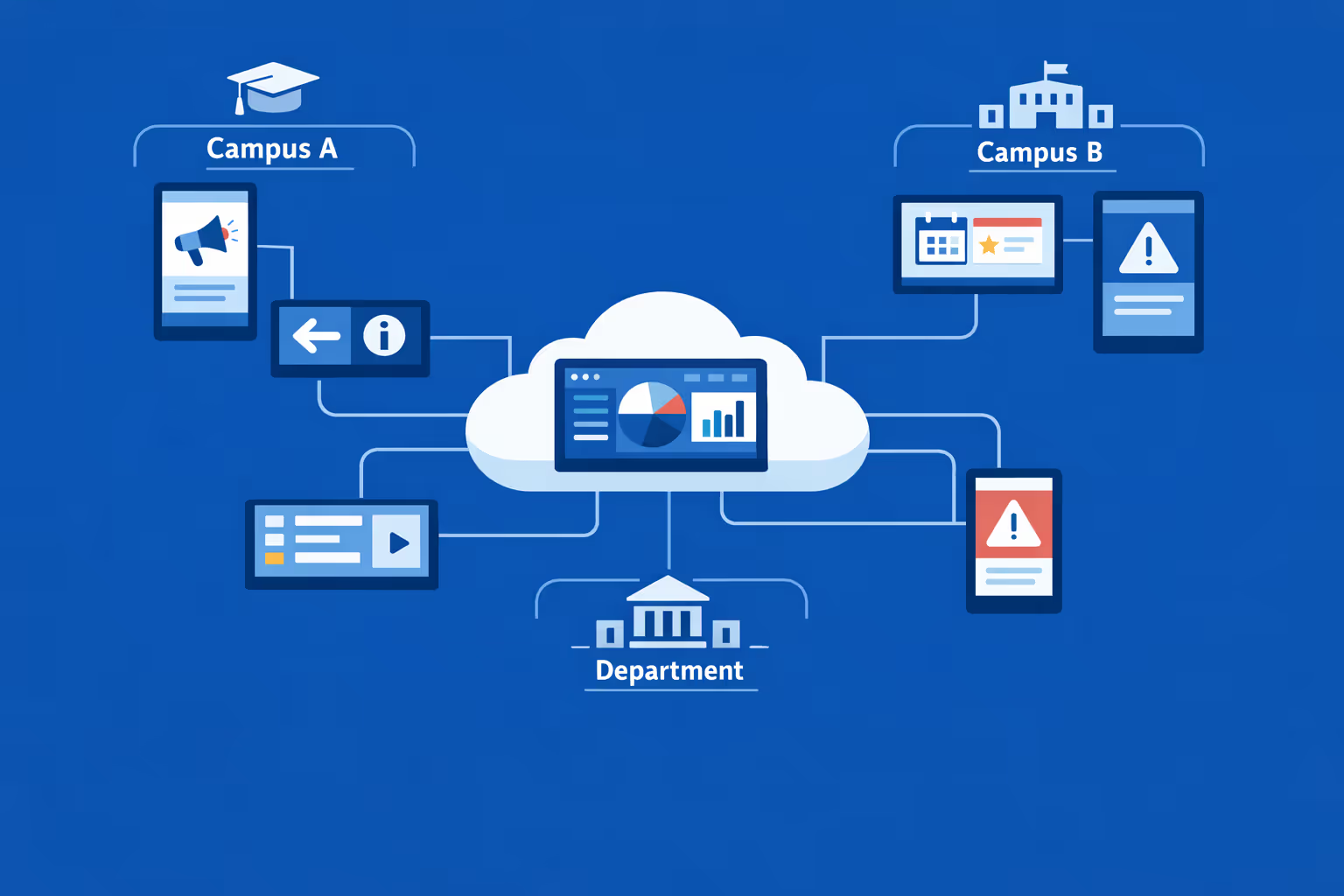
Multi-site management from one cloud dashboard
Oversee university digital signage across every campus from a single view. Publish emergency alerts, event promos, and timetable changes instantly, verify what is playing on each screen, and keep messaging consistent across locations.
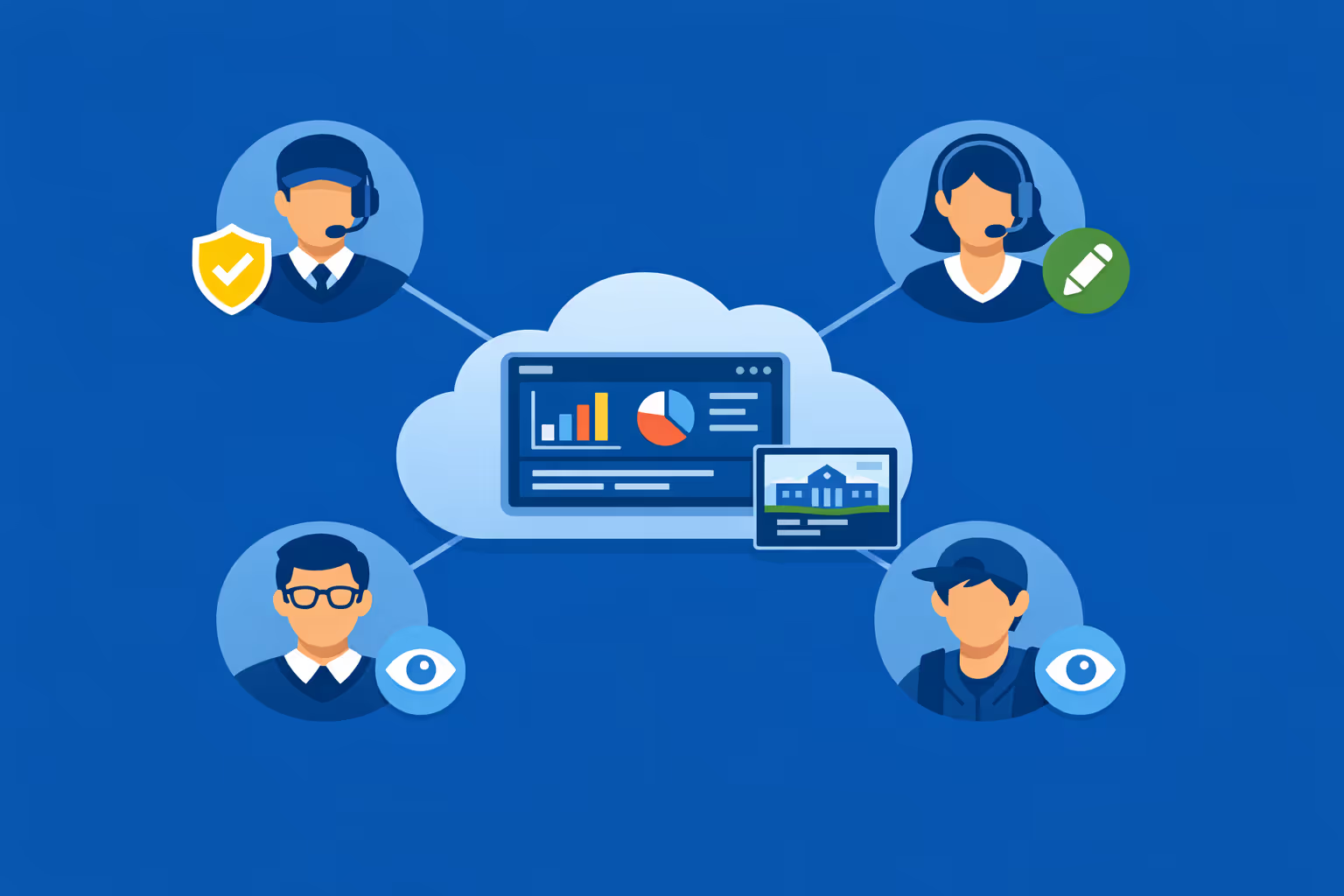
Multi-user access with role-based permissions
Give communications, student services, and IT the right level of access with role-based permissions. Collaborate faster across departments while keeping approvals, compliance, and accountability clear for your university digital signage network.
Multi-screen and multi-organization ready
Manage thousands of screens and multiple organizations from one account. Segment university digital signage by campus, faculty, building, or audience so you can scale quickly, keep brand consistency, and still deliver local content where it matters.
Disign is compatible with all screens for digital signage
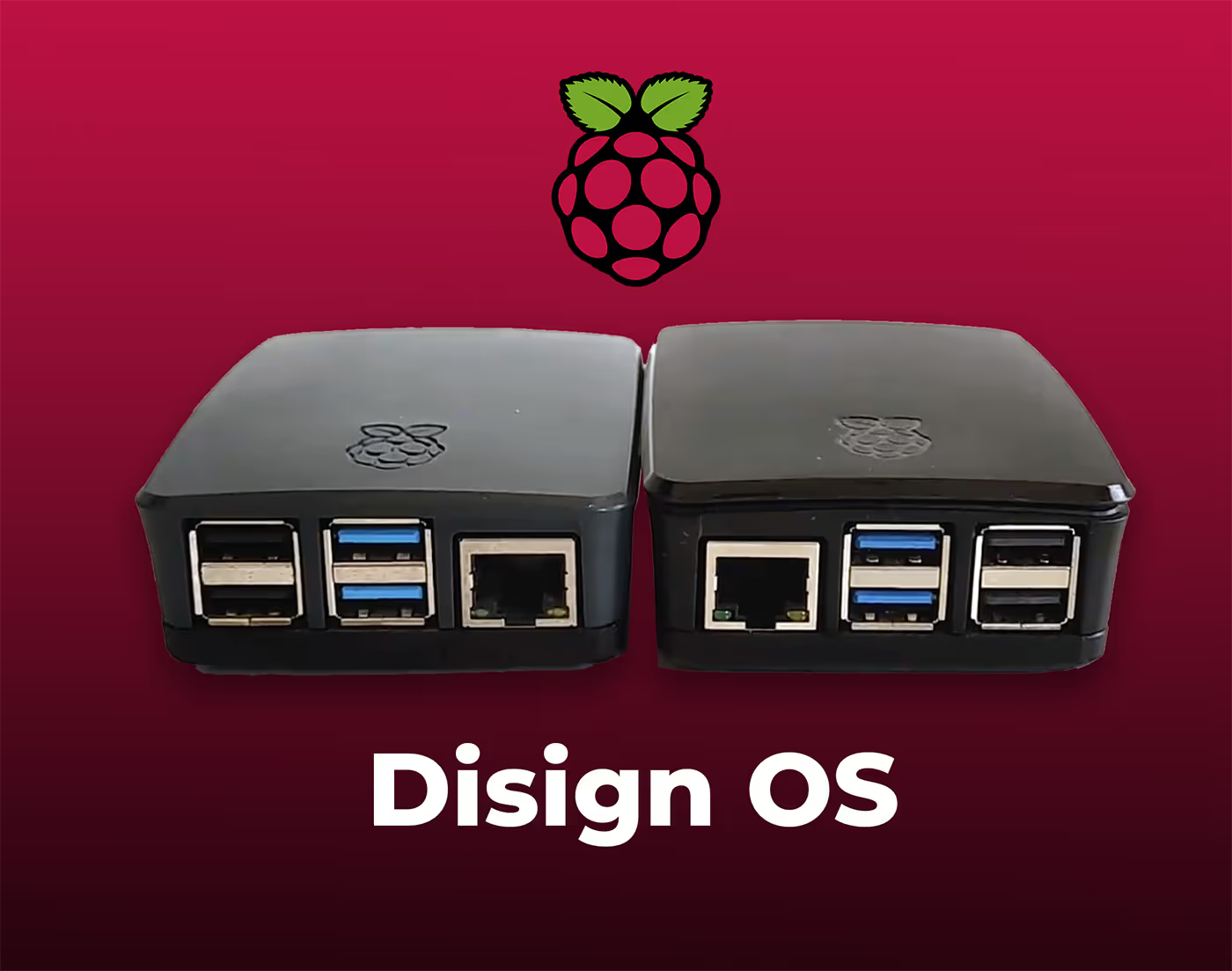
Digital signage with Disign allows you to manage and display content across a variety of devices. Our solution is compatible with many external players such as Disign OS based on Raspberry Pi, BrightSign, and any Android hardware. Disign also supports technologies embedded in Samsung, LG, and Android TV screens. With this broad compatibility, you can easily deploy digital signage solutions on different types of hardware, ensuring simplified management and an optimal user experience.


Integrate with your favorite Applications
70+ Applications and infini integration with API, Database, and any data source
Easily integrate third-party applications and web content such as YouTube or Vimeo, optimized for seamless playback. Display data from RSS feeds or formats like CSV, JSON, or XML directly on your digital signage screens. Extend display capabilities with advanced applications like grids or collections to enrich Disign scenarios.

We designed Disign to be as open and customizable as possible, both in its visual scenes and in its data sources.
Florent MondoloniCo-Founder, Disign

Video
Utilisez vos medias

RSS Feed
Use your own RSS Feed

Database
Databases

Canva
Create your Design and import it

Google Sheets
Import CSV, Live data...

Website/API
Affiche your website or use API
Everything you need to know about Disign Digital Signage For University
University digital signage FAQ: practical answers for campus leaders planning a screen network
University digital signage is a modern way to communicate across campus using centrally managed screens. Instead of relying on printed posters, long email chains, or scattered social posts, universities use digital displays to share timely information in the places students, faculty, staff, and visitors actually look. Done well, university digital signage supports student experience, campus safety, event visibility, wayfinding, and internal communication, while giving IT and communications teams the governance they need.
This FAQ is written for university stakeholders who are actively comparing solutions and need clear guidance on security, accessibility, workflows, hardware, and rollout planning. It is especially relevant if you manage communications, student services, facilities, IT, or marketing and you need a scalable, easy to govern platform like Disign.
What is university digital signage and what problems does it solve?
University digital signage is a network of digital screens managed from a central platform. The screens show dynamic content such as announcements, event promotion, campus alerts, class schedule changes, room availability, dining updates, and directional information.
It solves common campus problems like:
- Information overload in email and social channels where messages get missed
- Outdated posters and noticeboards that cannot keep up with daily changes
- Inconsistent messaging across departments, buildings, and campuses
- Difficulty reaching visitors who do not follow your university online
- Slow response during disruptions such as weather closures or safety incidents
- A lack of visibility for student activities, services, and campus resources
The key value is that university digital signage puts relevant information in context. Students see dining or shuttle updates near dining halls or transit stops. Visitors see wayfinding at entrances. Staff see internal updates in back of house areas.
Where should a university place digital signage screens for maximum impact?
The best locations are high traffic areas where people naturally pause or look for direction. A strong university digital signage plan typically includes a mix of public facing and internal displays.
Common campus placements include:
- Main entrances, lobbies, and reception areas
- Student unions, dining halls, and café queues
- Libraries and learning commons
- Residence halls and housing offices
- Athletics facilities and arenas
- Academic department hallways near classrooms
- Advising, admissions, and financial aid waiting areas
- Shuttle stops and transit hubs
- Conference areas and meeting rooms
- Staff only spaces such as facilities offices or IT hubs
A practical approach is to map the student journey and visitor journey. Then place screens at decision points where people ask, where do I go next, what is happening today, and what do I need to know right now.
Who owns university digital signage: communications, IT, facilities, or departments?
In most universities, the best results come from shared ownership with clear roles. University digital signage touches branding, technology, and operations, so it is rarely successful if it is owned by only one team with no governance.
A common operating model is:
- Communications or marketing owns brand standards, campus wide announcements, and editorial direction
- Student affairs and service units own student support messaging, events, and campus resources
- IT owns device standards, security, networking, and platform administration
- Facilities helps with screen placement, power, mounting, and ongoing site access
- Departments contribute local content inside approved templates and rules
With Disign, you can implement permissions and groups so each team can do its part without risking brand inconsistency or accidental publishing to the wrong screens.
What content works best on university digital signage screens?
The best university digital signage content is simple, timely, and designed for fast comprehension. People usually glance at a screen for a few seconds, so clarity beats detail.
High performing content types include:
- Today on campus: events, talks, deadlines, and campus life highlights
- Student services: advising hours, tutoring, counseling resources, and how to book appointments
- Operational updates: dining hours, recreation center occupancy, shuttle times, building access notices
- Academic reminders: registration deadlines, add drop dates, exam periods, important policy reminders
- Emergency and safety messages: weather closures, safety tips, and alert instructions
- Recognition: student achievements, research highlights, alumni news, faculty spotlights
- Wayfinding: directory information and pointers to key locations
- Real time data where appropriate: room availability, occupancy, and live event schedules
A useful rule: one idea per slide, one action per slide, minimal text, and readable typography from a distance.
How often should university digital signage be updated?
Freshness matters. Students quickly tune out screens that repeat the same message for weeks. At the same time, too many changes with no editorial plan can feel chaotic.
A practical cadence for university digital signage is:
- Daily updates for operational messages such as hours, closures, or service advisories
- Weekly rotations for student life, events, and campus campaigns
- Seasonal updates for admissions, orientation, housing, finals, graduation, and summer schedules
- Immediate updates for safety incidents, weather disruptions, or urgent announcements
Disign makes it easy to schedule content in advance while still allowing rapid updates when something changes unexpectedly.
How can university digital signage support orientation and admissions?
Orientation and admissions are moments when clear information reduces stress. Visitors and new students do not know your building layout, terminology, or where to get help.
University digital signage can support these processes with:
- Welcome messages by campus, building, or event
- Step by step check in guidance and where to go next
- Wayfinding cues to key offices, lecture halls, and services
- FAQs for visitors: parking, WiFi access, accessibility routes, and safety contacts
- Campus tours, open day schedules, and session reminders
- Calls to action for prospective students: visit admissions, attend a session, scan a QR code to learn more
Because content can be targeted by building or event, you can run an admissions day playlist in one area while regular campus messaging continues elsewhere.
Can university digital signage help with wayfinding and reducing late arrivals?
Yes. Many universities struggle with students and visitors arriving late because they cannot find rooms, especially in large buildings with confusing layouts.
University digital signage helps by:
- Displaying building directories at entrances
- Showing floor maps and directional arrows at key intersections
- Highlighting room numbers, department locations, and office hours
- Supporting event wayfinding for conferences, guest lectures, and campus tours
- Reinforcing accessibility routes such as elevators and ramps
If you also use meeting room displays, you can show room schedules and reduce interruptions caused by double bookings.
What are the accessibility best practices for university digital signage?
Accessibility should be built into templates and editorial guidelines, not treated as an afterthought. Universities serve diverse audiences including students with disabilities, international students, older visitors, and people under stress.
Effective accessibility practices include:
- Large text, high contrast color choices, and clear font selection
- Minimal text and strong hierarchy so the main message is obvious
- Avoiding tiny scrolling tickers that are hard to follow
- Including captions for videos, especially where audio is not appropriate
- Avoiding flashing content or rapid animations
- Leaving enough time per slide for people to read comfortably
- Using plain language and avoiding unexplained acronyms
With Disign templates, you can standardize accessible design across departments so content remains readable and consistent campus wide.
How does university digital signage help during emergencies and campus safety incidents?
University digital signage is not a replacement for emergency notification systems, but it is a powerful supplement. Screens can reinforce instructions in physical spaces where people may not check email or may have notifications disabled.
In an incident, screens can display:
- Clear instructions such as shelter in place, evacuate, avoid area, or all clear
- Specific building guidance and directions to safe exits
- Where to get verified updates and who to contact
- Reminders about campus safety resources and reporting methods
The most important requirement is speed and control. You need a system that lets authorized teams override regular playlists with urgent messages and then return to normal programming when the situation ends.
Can university digital signage show real time data like dining menus, shuttles, or room availability?
Yes, if you have a data source that can be displayed securely. Many campuses already have systems for transit, dining, timetables, or room booking. University digital signage can bring that information into a visible, public format.
Common real time displays include:
- Shuttle arrival times and route notices
- Dining menus, allergens, and peak time hints
- Library hours and occupancy style information
- Recreation center occupancy and class schedules
- Meeting room schedules and room availability
- Event schedules for conferences and performances
Disign can display web based content or integrate with data outputs depending on your setup, while keeping governance over what is shown and where it appears.
How do universities keep digital signage content consistent across departments?
The biggest risk on campus is fragmentation. Without standards, every department creates its own style, and screens become visually noisy and less trusted.
A consistent university digital signage program typically relies on:
- Brand approved templates that enforce typography, layout, and color
- Shared asset libraries for logos, approved imagery, and backgrounds
- Clear rules for slide duration, content length, and calls to action
- A publishing workflow that prevents unreviewed content from going live on public screens
- Screen group definitions by building, audience, and purpose
Disign supports centralized template management and role based permissions so departments can contribute without breaking brand or accessibility standards.
What approval workflows are recommended for university digital signage?
Workflows should match the risk level of the content. A campus wide emergency message is different from a student club event poster. You want speed without losing accountability.
A practical workflow model is:
- Campus wide public screens require approval by communications
- Safety and urgent messaging is restricted to a small authorized group
- Department specific screens allow local publishing within templates
- Student organization content can be submitted for review or limited to designated community screens
With Disign, you can separate content creation from publishing, restrict who can schedule on certain screens, and maintain a controlled process that still feels easy for busy teams.
What security features should we look for in a university digital signage platform?
Screens are endpoints connected to your network and visible to the public, so security matters. A university digital signage platform should support strong authentication, permissions, and device governance.
Key security capabilities include:
- Role based access control and least privilege permissions
- Secure authentication options and controlled admin access
- Encrypted connections for management and content delivery
- Device monitoring so you can see when screens go offline
- Logging of administrative actions and publishing activity
- The ability to restrict content sources and prevent unauthorized media playback
Disign is designed to help universities manage screens at scale while maintaining control over who can publish and what is displayed.
Should university digital signage be cloud based or on premises?
Many universities choose cloud based management for ease of deployment and centralized control. Cloud management can reduce the overhead of maintaining servers and simplifies updates across multiple campuses.
Cloud based university digital signage typically offers:
- Faster rollout and simpler scaling when adding new buildings or screens
- Centralized access for distributed teams and multi campus operations
- Easier software updates without manual site visits
- Consistent governance across all locations
If your university has strict networking requirements, you can still apply standard security controls such as network segmentation, outbound rules, and device management policies.
What hardware do we need for university digital signage?
Most deployments include three parts: a display, a player, and network connectivity. Many universities use a mix of existing screens and new commercial grade displays.
Typical requirements:
- A screen sized and bright enough for the location, especially in sunlit atriums
- A media player or compatible device to run the signage app
- Stable network connectivity, wired or secure WiFi depending on policy
- Mounting, power, and physical security where needed
Commercial grade displays are often more reliable for long hours and public spaces, but a phased approach can work well. Disign supports a range of hardware options so you can standardize over time without replacing everything immediately.
Can university digital signage scale across multiple campuses and hundreds of screens?
Yes, but only if the platform is designed for centralized management and structured organization. Scale is not just about adding devices, it is about keeping content correct and consistent across many locations.
For scalable university digital signage, look for:
- Device grouping by campus, building, floor, and screen purpose
- Bulk assignment of playlists and schedules
- Monitoring and alerts so you know which screens are online
- A content library that supports reuse, versions, and templates
- Clear permission boundaries so local teams cannot accidentally affect global screens
Disign is built for multi location organizations, helping universities keep a consistent experience while still supporting local relevance.
How can digital signage support student engagement without feeling like advertising?
Students will ignore screens that feel like constant promotion. The most effective university digital signage programs treat screens like a campus utility: useful first, promotional second.
Content that tends to feel authentic includes:
- Real time service information and practical updates
- Student created highlights and campus community stories
- Clear deadlines, reminders, and links to resources
- Short, helpful tips such as study resources, wellbeing support, and safety guidance
- Inclusive messaging that reflects diverse student communities
When the screen reliably provides value, students are more likely to pay attention when you also share campaign messaging such as health initiatives or academic support programs.
Can university digital signage reduce pressure on front desk and student services staff?
Yes. Many questions asked at reception or advising desks are repetitive. Screens can answer common questions before someone reaches the counter, improving flow and reducing frustration.
Examples include:
- Office hours, wait expectations, and appointment booking instructions
- Required documents for common requests
- Where to go for transcripts, ID cards, or financial aid steps
- Self service options and relevant web portals
- Reminders about peak times and alternative support channels
This improves the experience for students and helps staff focus on complex cases.
How do we measure the success and ROI of university digital signage?
ROI for university digital signage is often measured in a mix of cost savings, operational efficiency, and student experience outcomes.
Common success indicators include:
- Reduced printing and poster management costs
- Faster campus wide updates when information changes
- Higher attendance at events because awareness improves
- Fewer missed deadlines due to visible reminders
- Reduced front desk workload for repetitive questions
- Improved wayfinding outcomes such as fewer late arrivals or fewer directions requests
- Stronger compliance with accessibility and brand standards through templates
You can also track operational KPIs like how quickly content is published, how many screens are online, and whether campaigns are displayed as planned across all buildings.
How should a university organize playlists and scheduling?
A strong playlist strategy prevents screens from becoming cluttered. Think of each screen as having a job: welcome, inform, direct, or support.
Good scheduling and playlist practices include:
- Separating content by purpose: events, services, safety, wayfinding
- Scheduling by time of day: morning service updates, afternoon events, evening safety reminders
- Assigning content by location: residence halls vs libraries vs dining areas
- Setting expiration dates so outdated slides automatically stop
- Keeping loops short enough that people see key messages quickly
Disign helps you schedule content with precision so the right message appears on the right screens at the right time, without manual updates across dozens of devices.
What makes Disign a good fit for university digital signage?
Universities need a platform that is easy for many contributors, but controlled enough for campus wide governance. Disign is designed to balance flexibility with structure.
Disign supports university digital signage by offering:
- Centralized management for multi building and multi campus environments
- Role based permissions so teams can contribute safely
- Templates to protect brand consistency and accessibility standards
- Scheduling and targeting so messages match location and audience
- Fast updates for urgent notices and operational changes
If your goal is to run a reliable, secure, and scalable university digital signage network, Disign provides the tools to modernize campus communication without creating extra burden for IT or communications teams.
What are the next steps to launch a university digital signage project?
Start with a plan that aligns stakeholders and reduces friction during rollout.
A practical set of next steps:
- Define the top outcomes you want in the first phase: wayfinding, student services, events, safety
- Identify owners across communications, IT, facilities, and key service units
- Choose a pilot area with clear use cases such as student union, admissions, or a library
- Build a core template set for announcements, events, and urgent notices
- Define publishing rules, permissions, and an approval process
- Establish screen naming, grouping, and monitoring practices from day one
Once the pilot is stable, scaling university digital signage becomes repeatable. The real value comes from consistency: a campus network that stays accurate, useful, and trusted every day.





Join community of 4k+ people
University digital signage that keeps campus communication clear and instant
Disign helps universities publish the right message on every screen across campus from one secure dashboard. Share events, emergency alerts, wayfinding, room changes, dining updates, and student service info in real time with consistent branding.
Ready to try university digital signage without friction? Start your 28 day free trial with no credit card required. If you want help setting it up fast, contact us and we will guide you so you can launch your first screens today.