Disign museum digital signage
Museum digital signage that captivates visitors and simplifies wayfinding
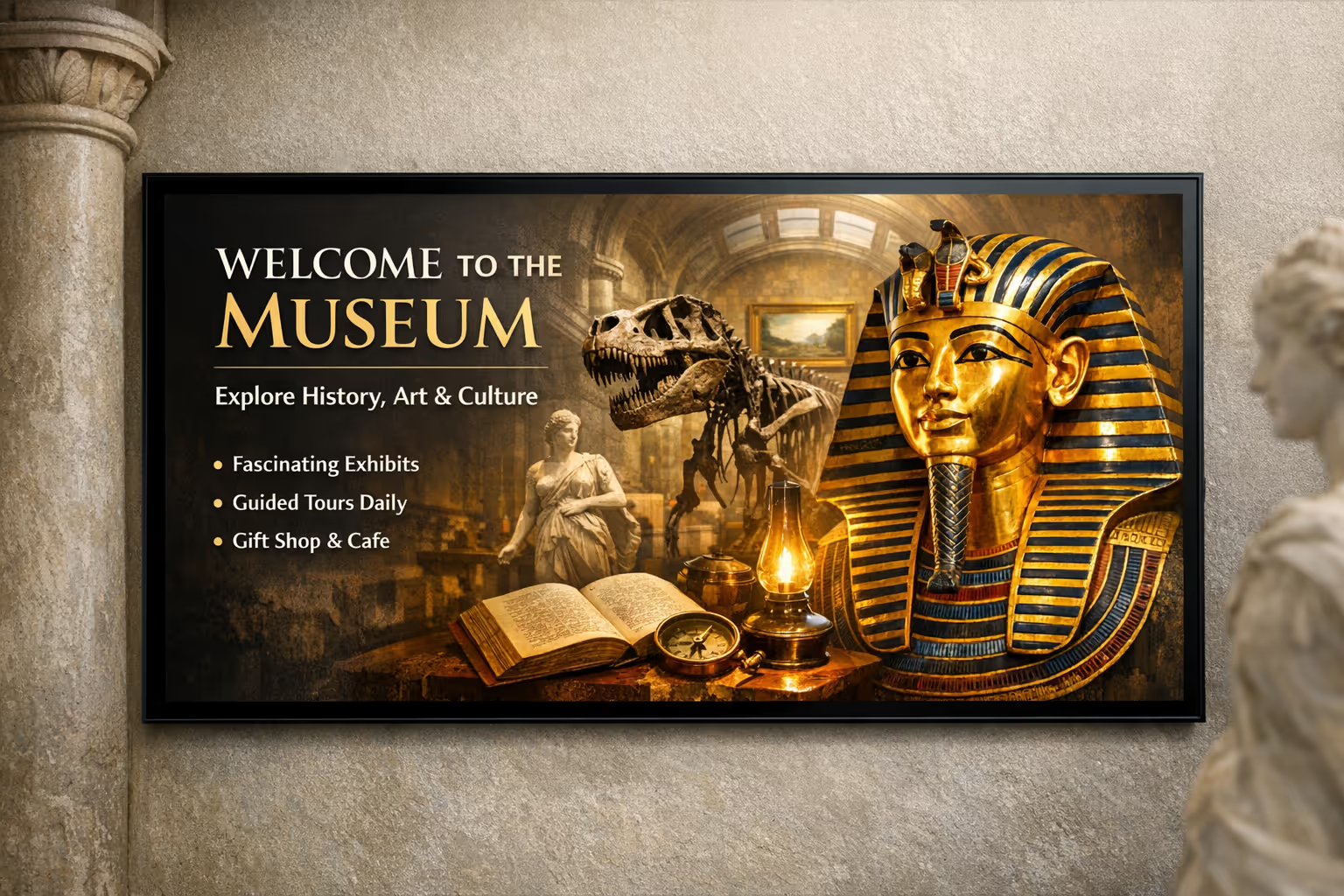
Disign helps museums update exhibitions, guide guests, and share stories in real time. Publish multilingual content, highlight upcoming events, and deliver consistent messaging across every screen in minutes.
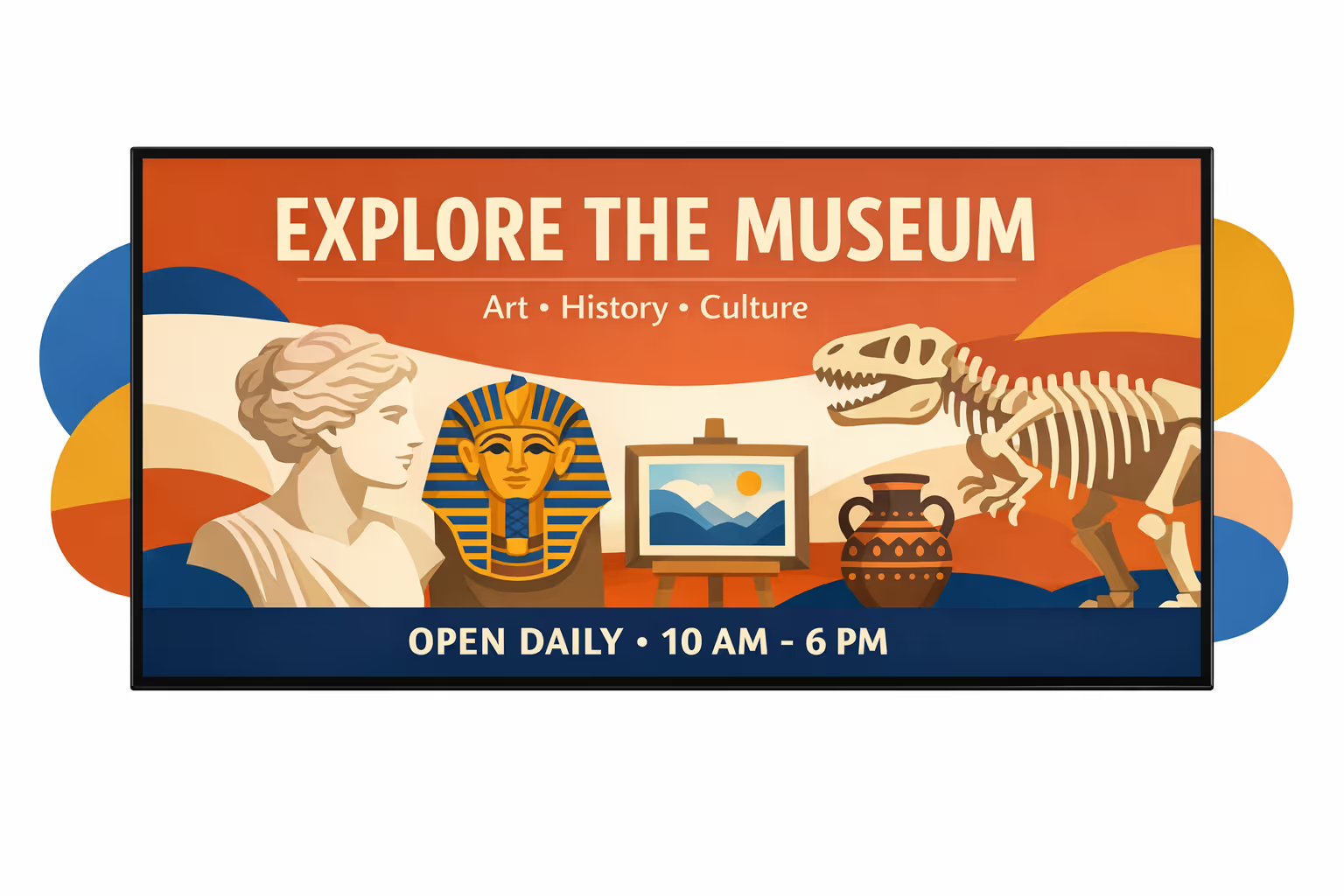
Challenges in the museum industry when visitor communication falls apart
Museums move fast on busy days. When guidance is unclear at the entrance, visitors hesitate, lines grow, and staff spend the first minutes answering the same basic questions instead of welcoming people.
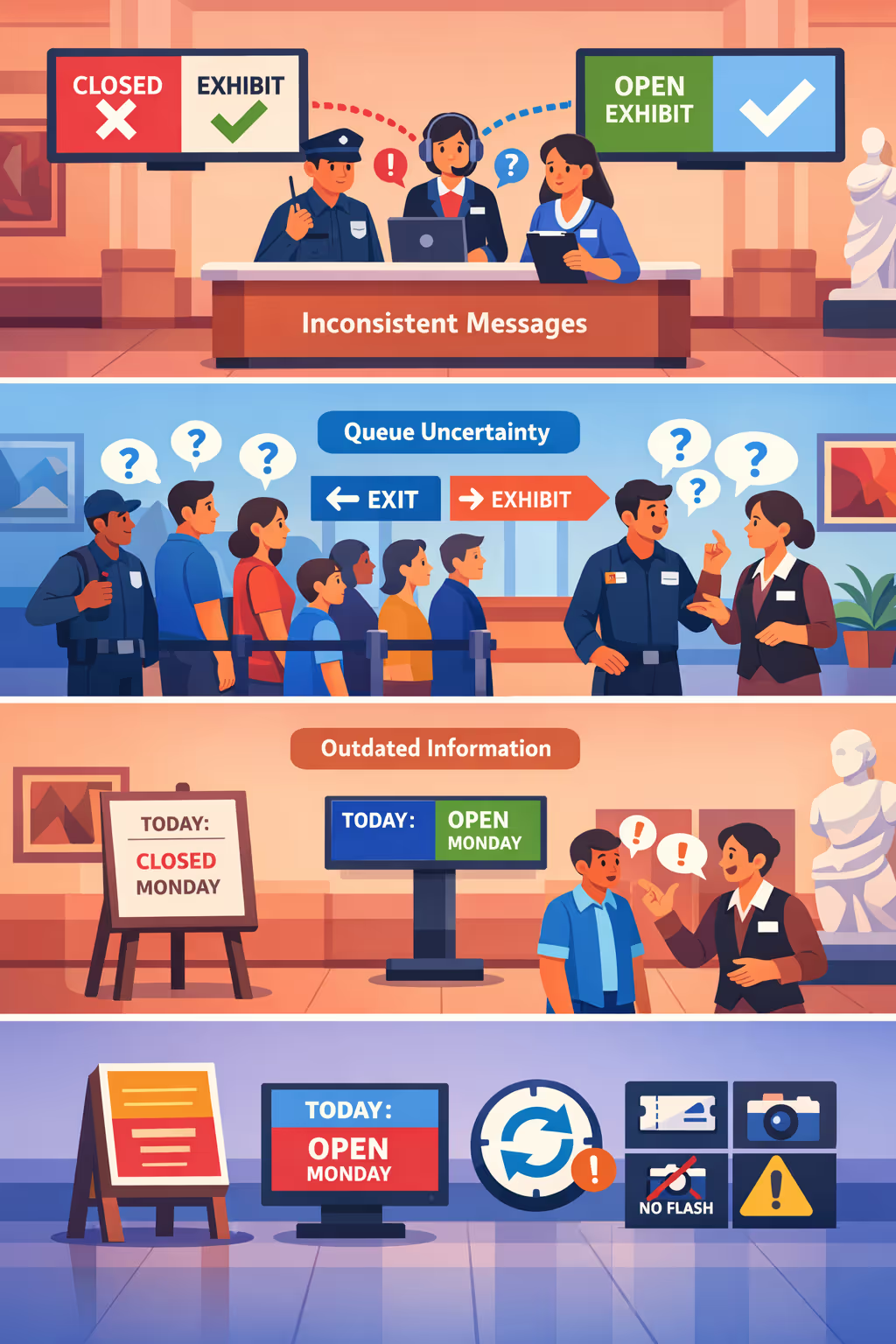
Exhibit closures, tour times, and accessibility routes change throughout the day. When front desk, security, and gallery staff share different updates, visitors lose trust and simple confusion turns into complaints.
People want to know where to go, what to prepare, and how long they will wait. Without visible, simple instructions, staff get pulled into constant wayfinding instead of focusing on higher value museum conversations.
Museums rely on accurate details like ticket rules, photo policies, and safety instructions. When printed signs or local notices are not updated everywhere at the same time, visitors follow the wrong steps, delays increase, and the experience feels disorganized.
Museum digital signage that elevates every visitor experience
Keep exhibitions, schedules, and wayfinding always up to date across every screen. Disign helps museum teams publish content in minutes, reduce print costs, guide visitors smoothly, and deliver a consistent on brand experience that supports measurable ROI.
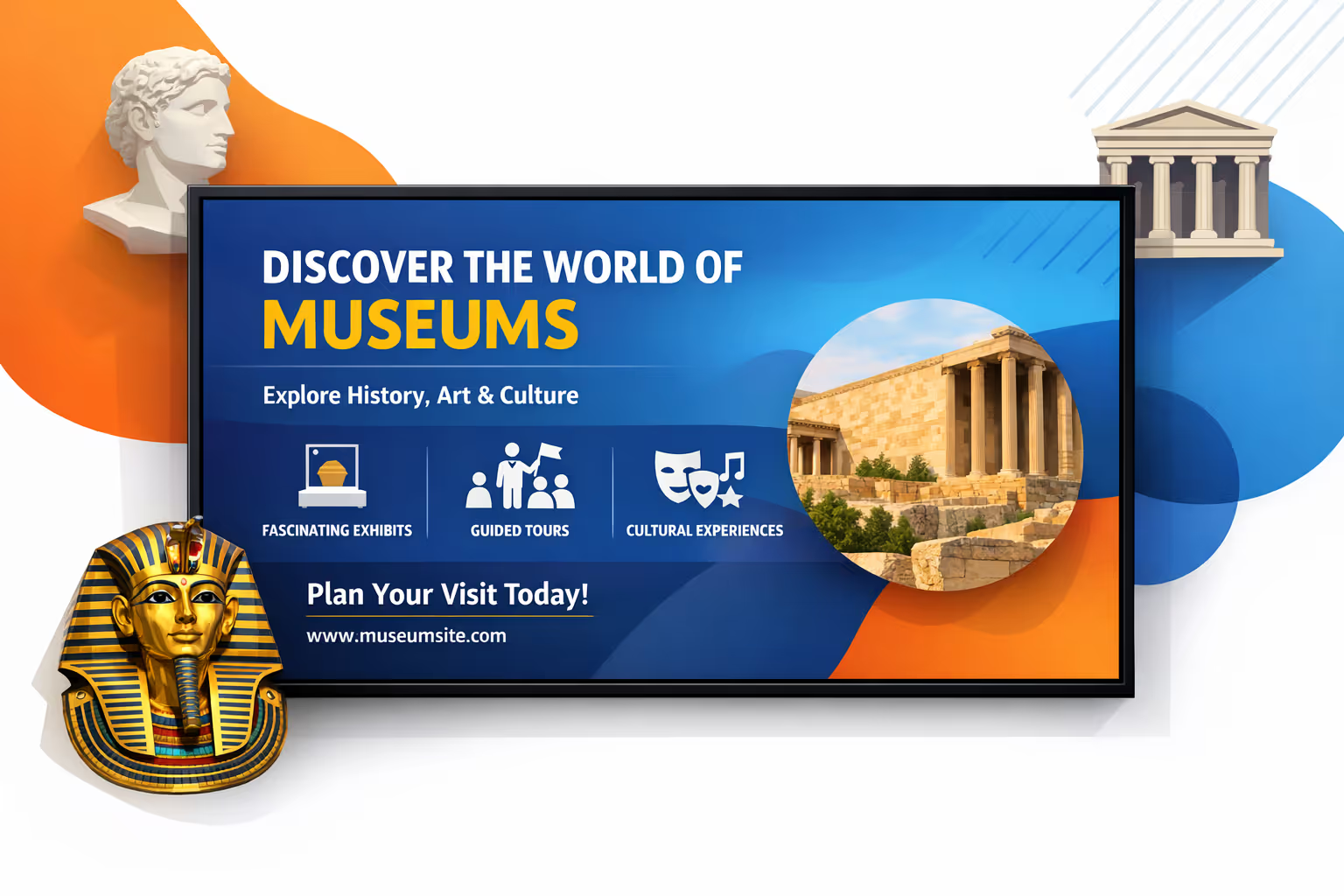
Update exhibits and events in real time
Publish last minute schedule changes, guided tour times, closures, and special programs instantly. Keep visitors informed without reprints, and keep staff aligned on what is happening today.
Improve visitor flow and reduce crowding
Use clear wayfinding, room capacity cues, and suggested routes to spread visitors across galleries. A smoother flow means shorter lines, fewer bottlenecks, and a more enjoyable visit for everyone.
Show ROI with measurable museum digital signage
Promote memberships, donations, audio guides, and shop highlights with consistent messaging. Track what you run and where, then optimize content to increase conversion while lowering day to day operational effort.
Deliver inclusive, accessible information at scale
Support accessibility with large text, multilingual content, and clear guidance across public spaces. Keep messaging consistent from lobby to gallery while adapting content to different audiences and programs.
Cut print spend and save staff time
Replace frequent poster updates with a centralized publishing workflow. Reduce printing and installation costs, avoid outdated notices, and free teams to focus on visitors instead of last minute signage.
Personalize content by gallery, language, and audience
Tailor content for families, schools, tourists, or members, and switch languages by location. Deliver the right story in the right space while keeping brand voice consistent across the whole museum.
Museum digital signage use cases for every gallery and visitor touchpoint
From the main entrance to temporary exhibitions, museum digital signage helps visitors navigate with confidence, discover stories behind the collections, and stay updated in real time. The result is fewer repetitive questions at the desk and a more consistent experience that visitors and staff can trust.
- Entrances and wayfinding: highlight today’s exhibitions, show floor maps, and guide visitors to galleries, amenities, and accessibility routes
- Gallery storytelling: display exhibit context, artifact details, and curator notes with consistent visuals that reinforce your museum’s credibility
- Events and programming: promote talks, workshops, tours, and family activities with schedules, capacity updates, and clear joining instructions
- Visitor services and operations: share practical updates like hours, ticketing info, safety messages, and service notices to keep communications reliable across the site
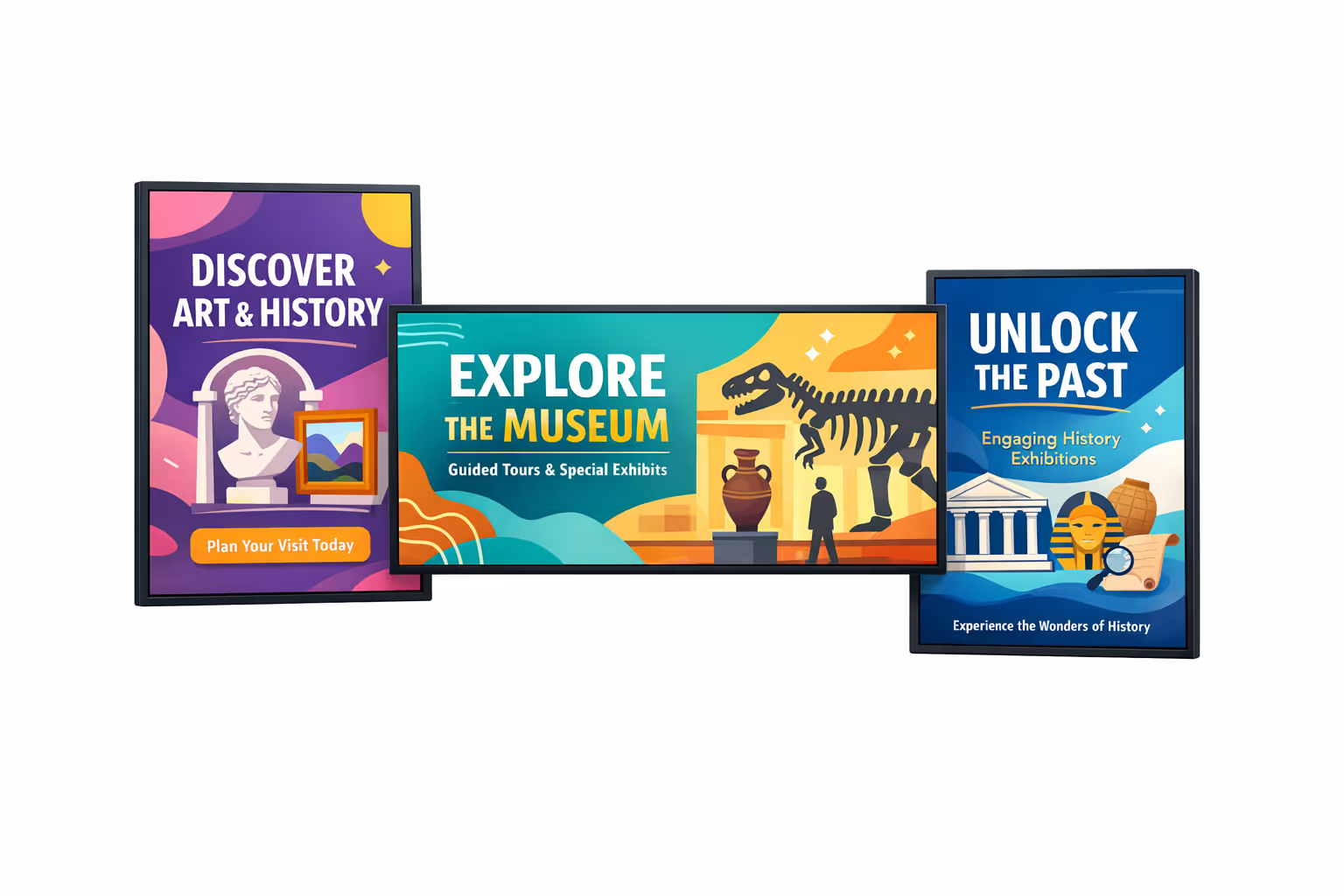
How Disign digital signage works
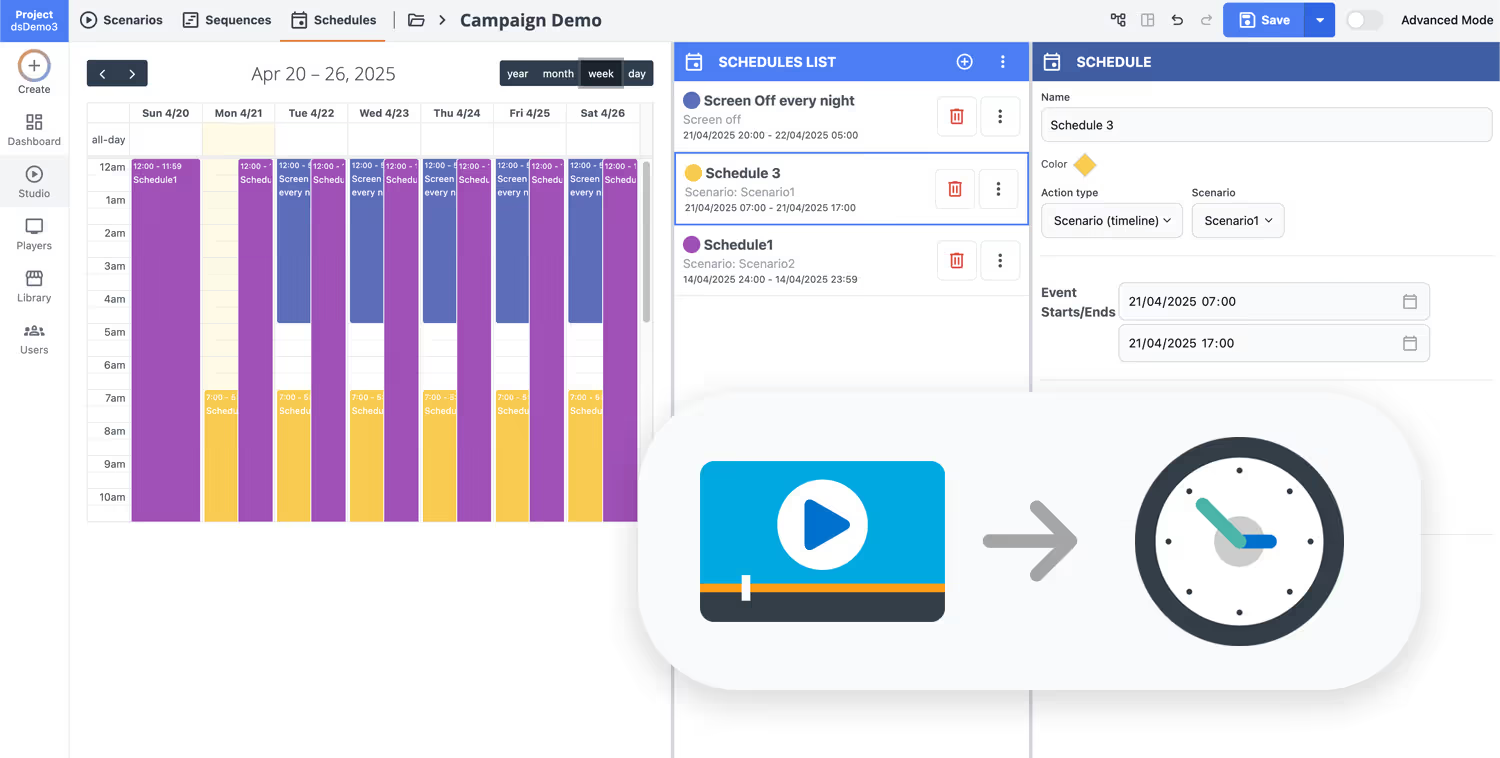
Schedule your content from anywhere with our cloud-based digital signage solution. Easily plan what plays, when, and where—across one screen or thousands.
Design custom scenarios and playlists tailored to your audience and goals.
Set precise dates and times for your content to play automatically.
Deploy content instantly across your digital signage network with just a click.
Ready to launch museum digital signage that engages visitors and guides every gallery?
Start your 28 day free trial of Disign and publish exhibit highlights, wayfinding, event schedules, accessibility notices, and donor recognition in minutes. No credit card required. Contact us if you want help choosing screens, planning zones, or setting up your first playlists.
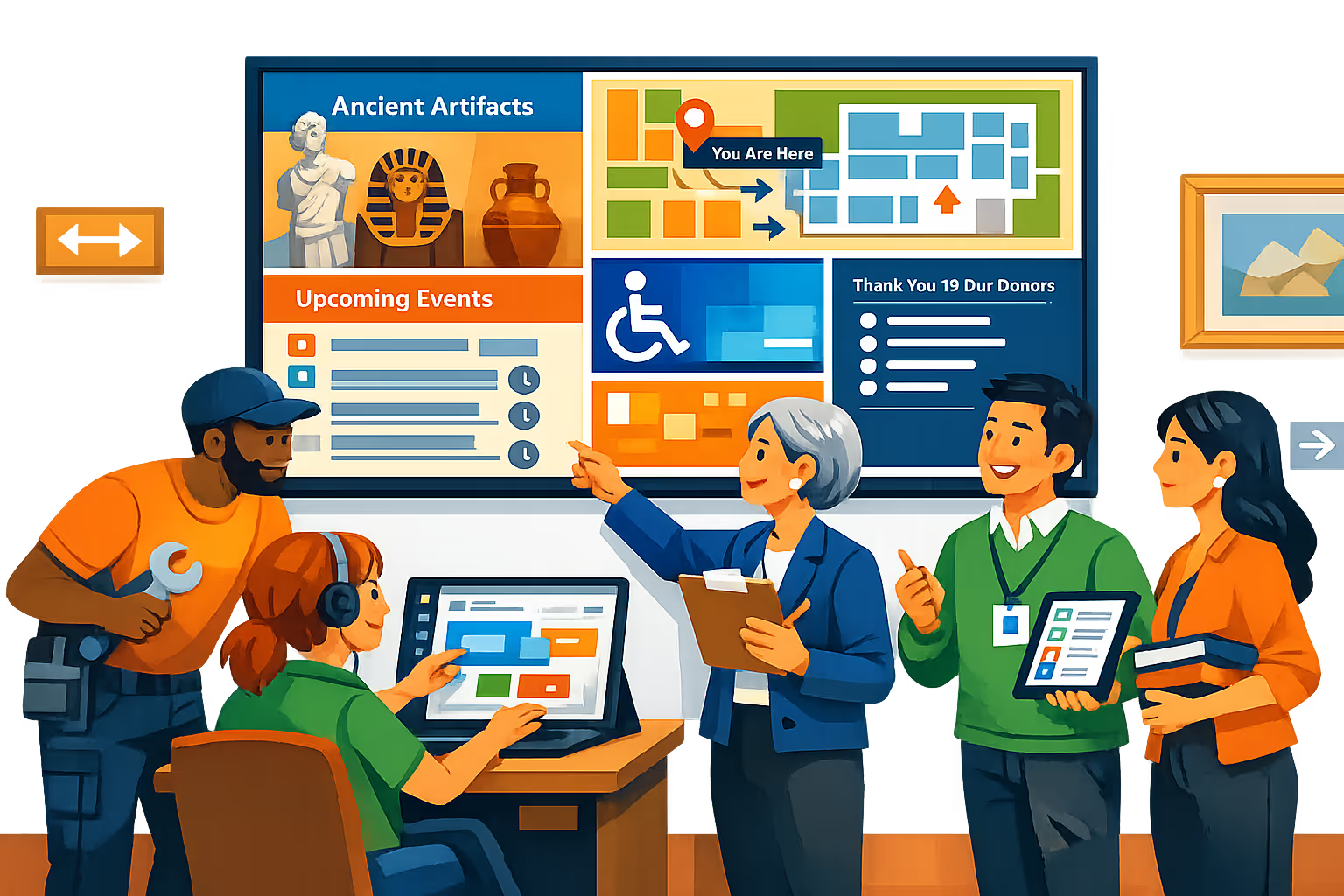
Museum digital signage designed for galleries, entrances, and visitor flows
Run museum digital signage from one platform and deliver the right content to the right screen in real time. With Disign, teams can publish wayfinding, exhibit updates, ticketing info, and accessibility messages from a central dashboard with controlled access and full traceability.
Centralized control across sites and floors
Manage museum digital signage at scale
Publish to one screen in a gallery or hundreds across buildings with role based permissions, screen groups, and reusable playlists. Keep brand consistency while letting local teams update approved content for specific rooms, entrances, or temporary exhibitions.
Secure access and device governance
Protect content, screens, and accounts
Control who can create, review, and publish with granular permissions and secure sign in. Pair players at the device level and keep an audit trail of changes so IT and operations teams can run museum digital signage confidently.
Approval workflows for public facing content
Review paths for exhibitions and visitor info
Standardize publishing with draft, review, approve, then schedule. Maintain version control on wayfinding, sponsor slides, and safety notices so the latest validated message is always the one on screen.
Scheduling automation for museum operations
Dayparting, recurring campaigns, and triggers
Automate museum digital signage with time based schedules and recurring programs. Switch content for opening hours, guided tours, peak arrivals, special events, or emergency announcements without manual updates.
Reliable playback and live screen health
Uptime focused for visitor experience
Keep screens stable with monitoring, status visibility, and remote diagnostics. Detect offline players, confirm content delivery, and reduce on site interventions across galleries, lobbies, and cafés.
Deployment support for IT and exhibit teams
Rollout guidance, templates, and troubleshooting
Get practical help from first screens to day to day operations. We assist with player provisioning, template standardization, and content governance so your museum digital signage stays dependable and simple to run.
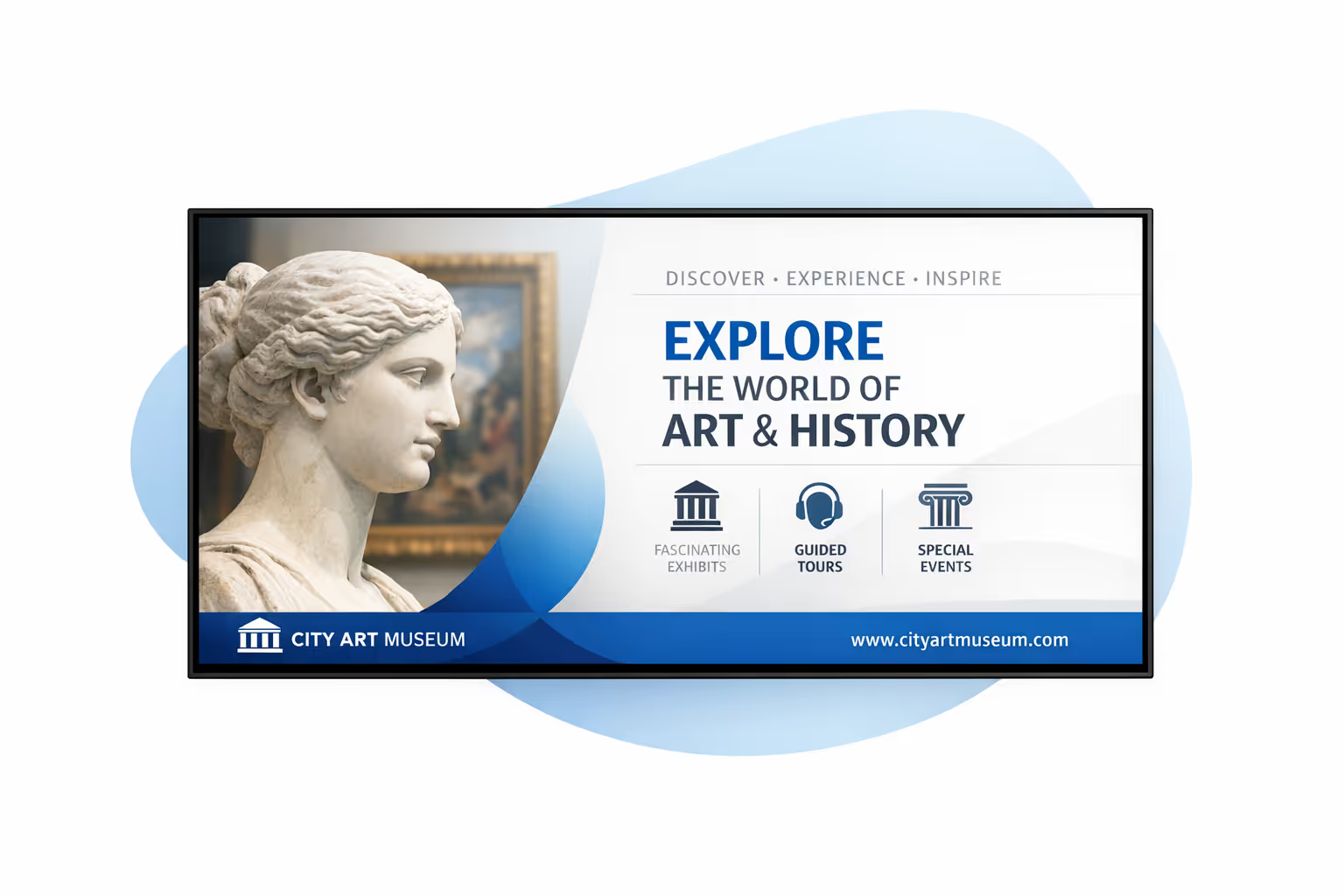
Centralized content management for museum digital signage
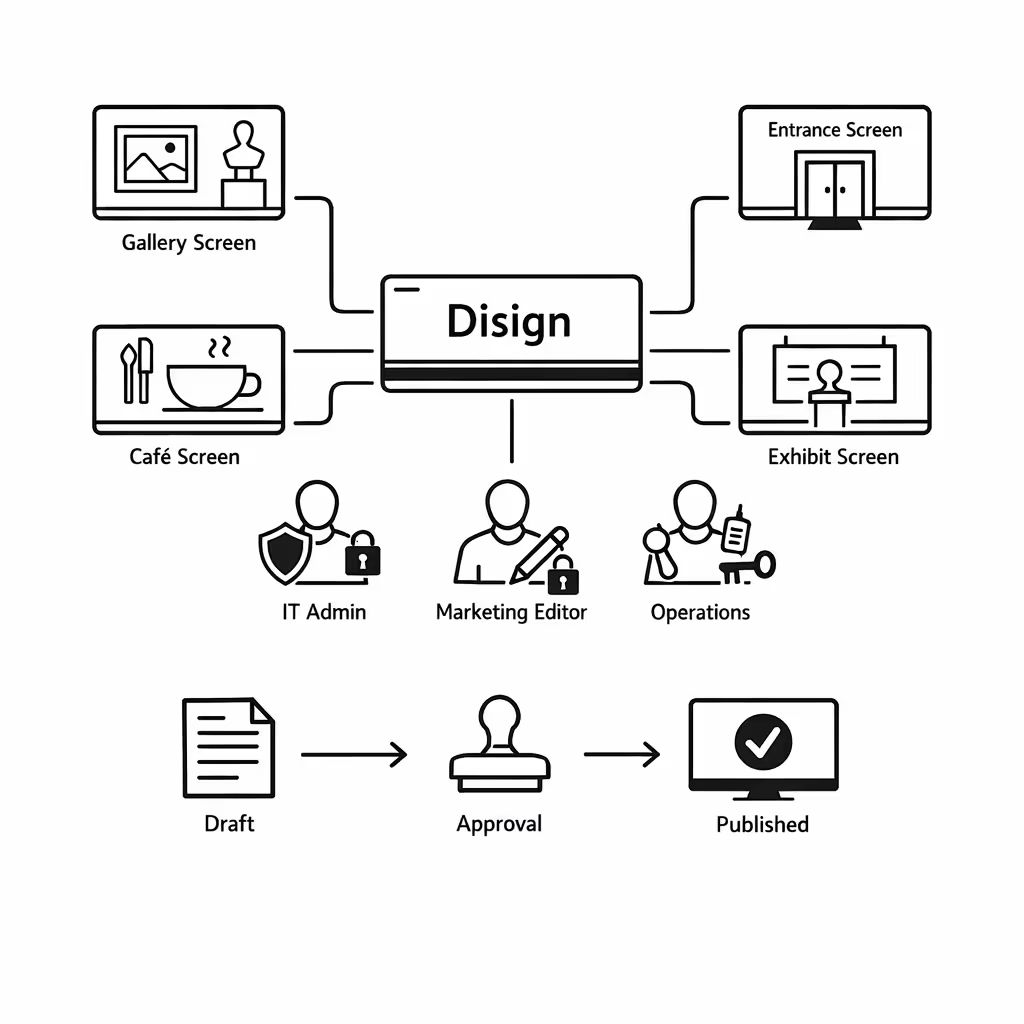
Run museum digital signage from one secure platform with Disign. Marketing can publish faster, IT keeps control, and operations can update visitor information in minutes across galleries, entrances, cafés, and temporary exhibits.
One hub for every museum screen
Central control with gallery level flexibility
Standardize institution wide messaging while allowing each gallery or venue to publish localized content like event reminders, wayfinding, accessibility notices, and daily programs within approved rules.
Exhibitions, events, and timed messages that stay consistent
Schedule content by location, screen type, or opening hours. Keep exhibition promotions consistent, time sensitive announcements accurate, and visitor information aligned across your museum digital signage network.
Built for IT governance and museum compliance
Centralize access with role based permissions, approval workflows, and consistent playback policies. Maintain brand and curatorial standards, protect systems, and support audits without slowing down content teams.
Real time updates for visitor operations
Push urgent updates instantly: entrance changes, room closures, queue guidance, safety alerts, and last minute program changes. Keep information accurate on every display without manual edits screen by screen.
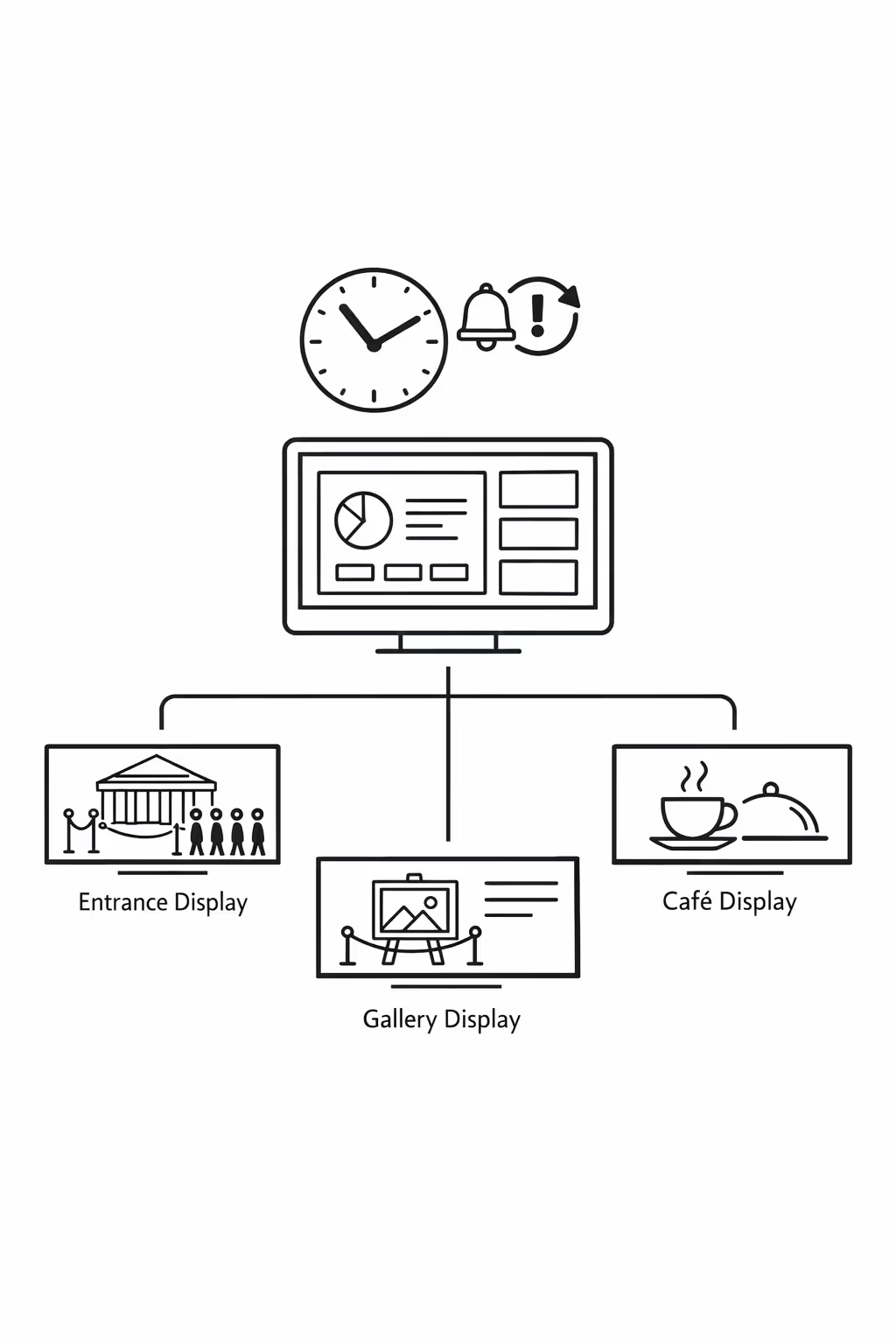
Scalability for growing museum networks with museum digital signage
Scale museum digital signage across multiple venues from one cloud platform. Roll out updates in minutes, keep approvals and governance clear, and protect a consistent visitor experience as your museum network expands.
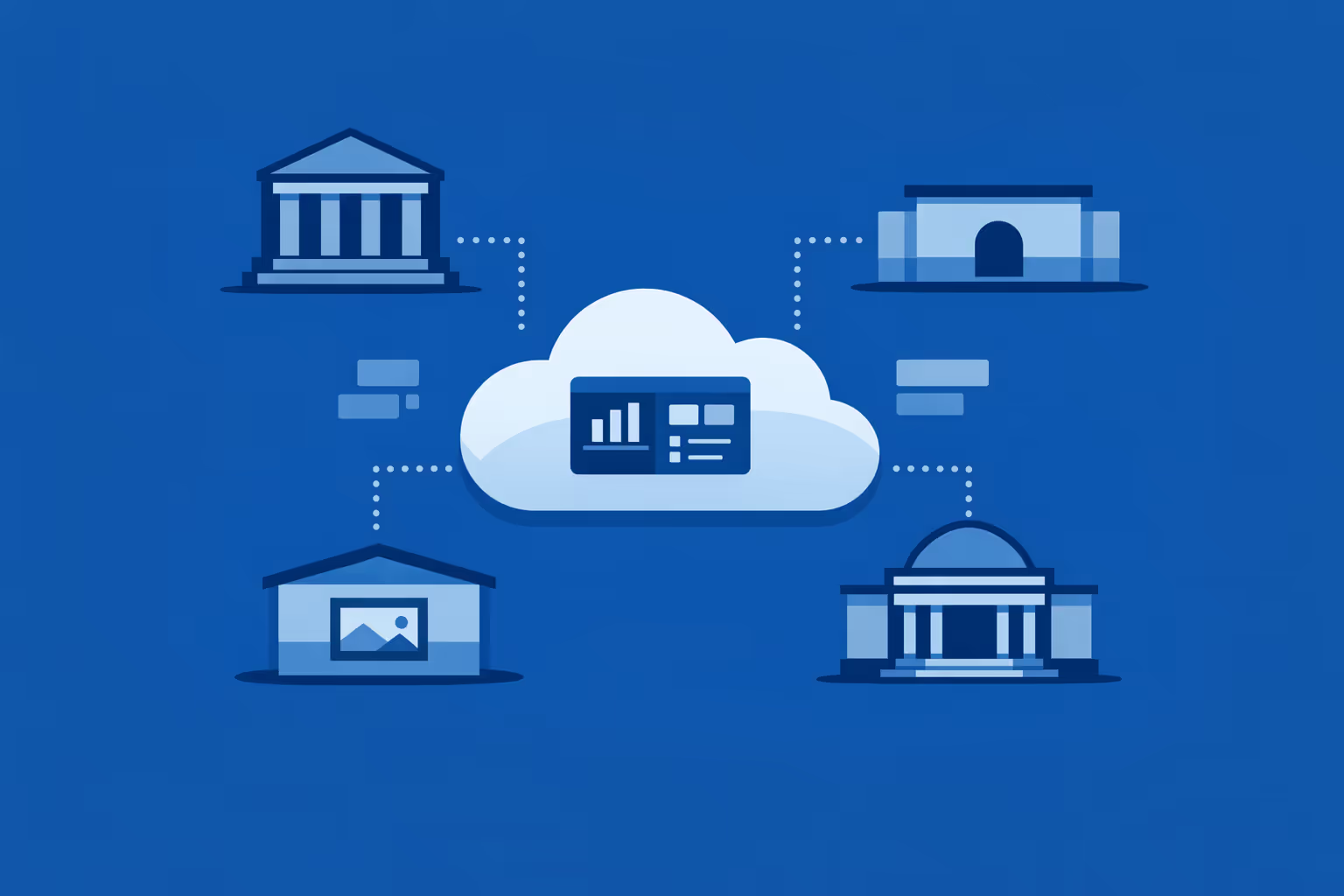
Multi-site management from one cloud dashboard
Oversee museum digital signage for every site in one place. Publish exhibitions, event reminders, wayfinding, and urgent updates instantly, verify what is playing on each screen, and maintain brand consistency across your entire museum network.
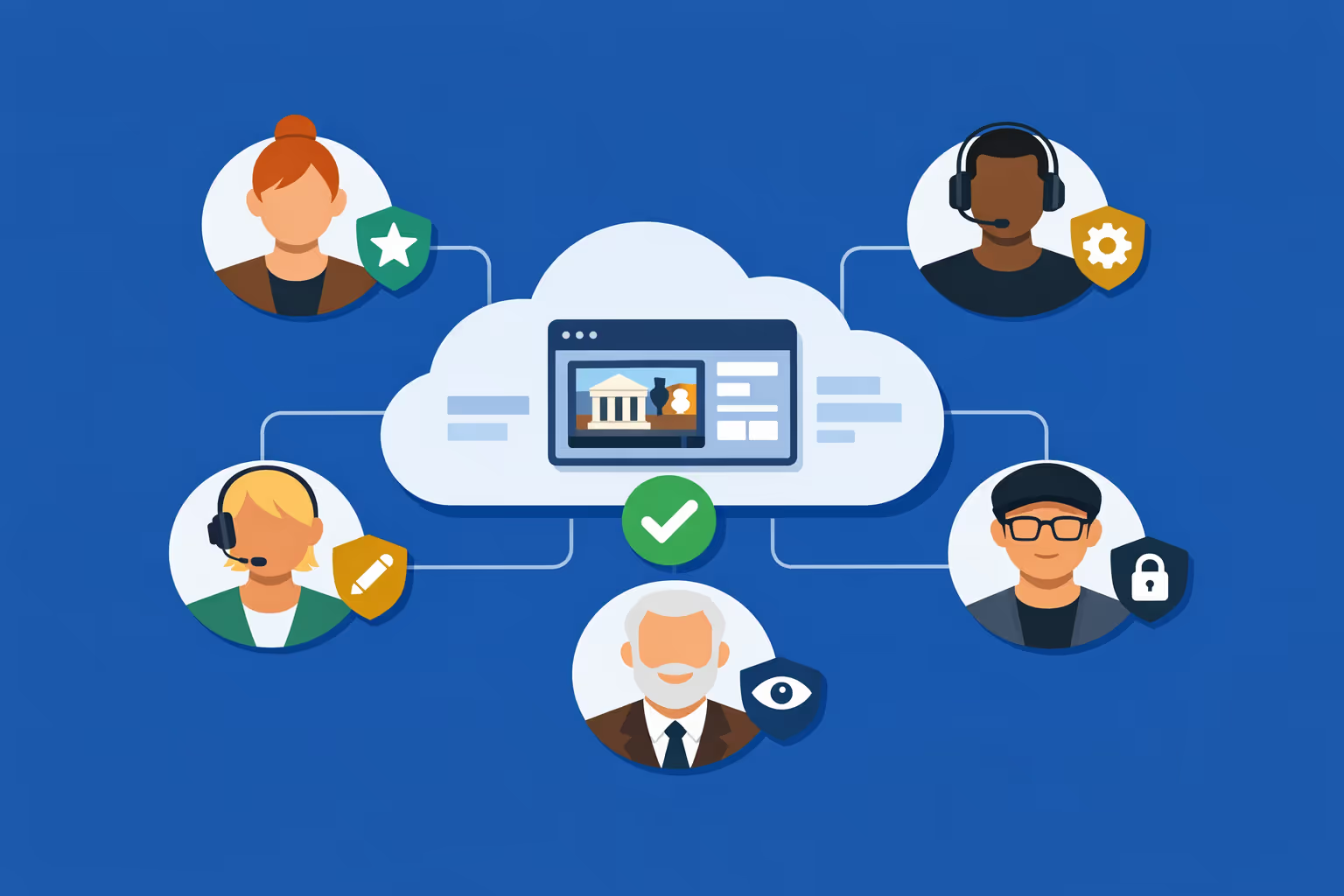
Multi-user access with role-based permissions
Give curators, visitor services, marketing, and IT the access they need. Assign roles and approval rights by site or department, keep workflows organized, and stay confident that museum digital signage updates are secure and traceable.
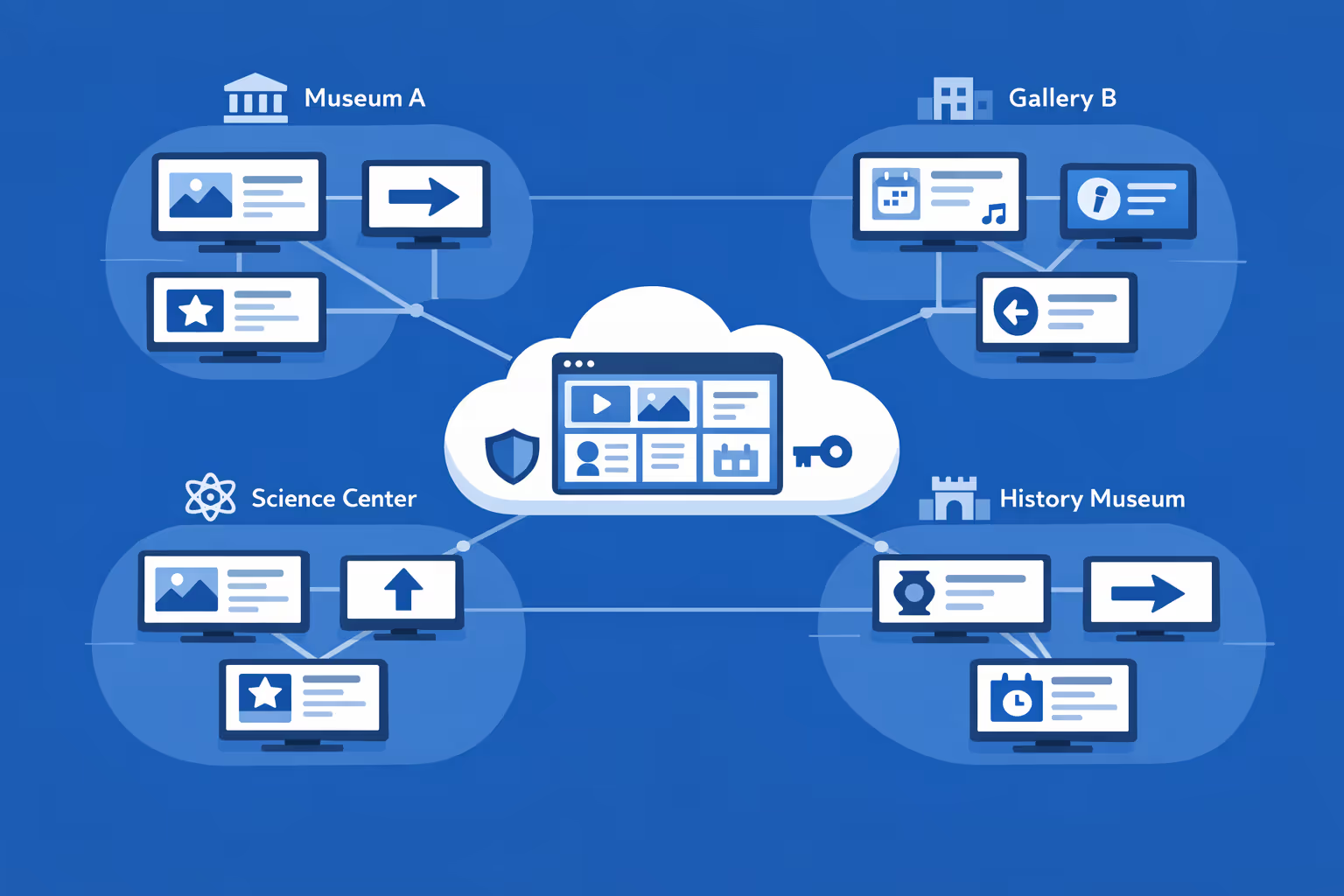
Multi-screen and multi-organization ready
Manage thousands of screens and multiple organizations under one account. Segment museum digital signage by museum, region, floor, or screen group to keep local relevance while scaling network-wide campaigns and standards.
Disign is compatible with all screens for digital signage
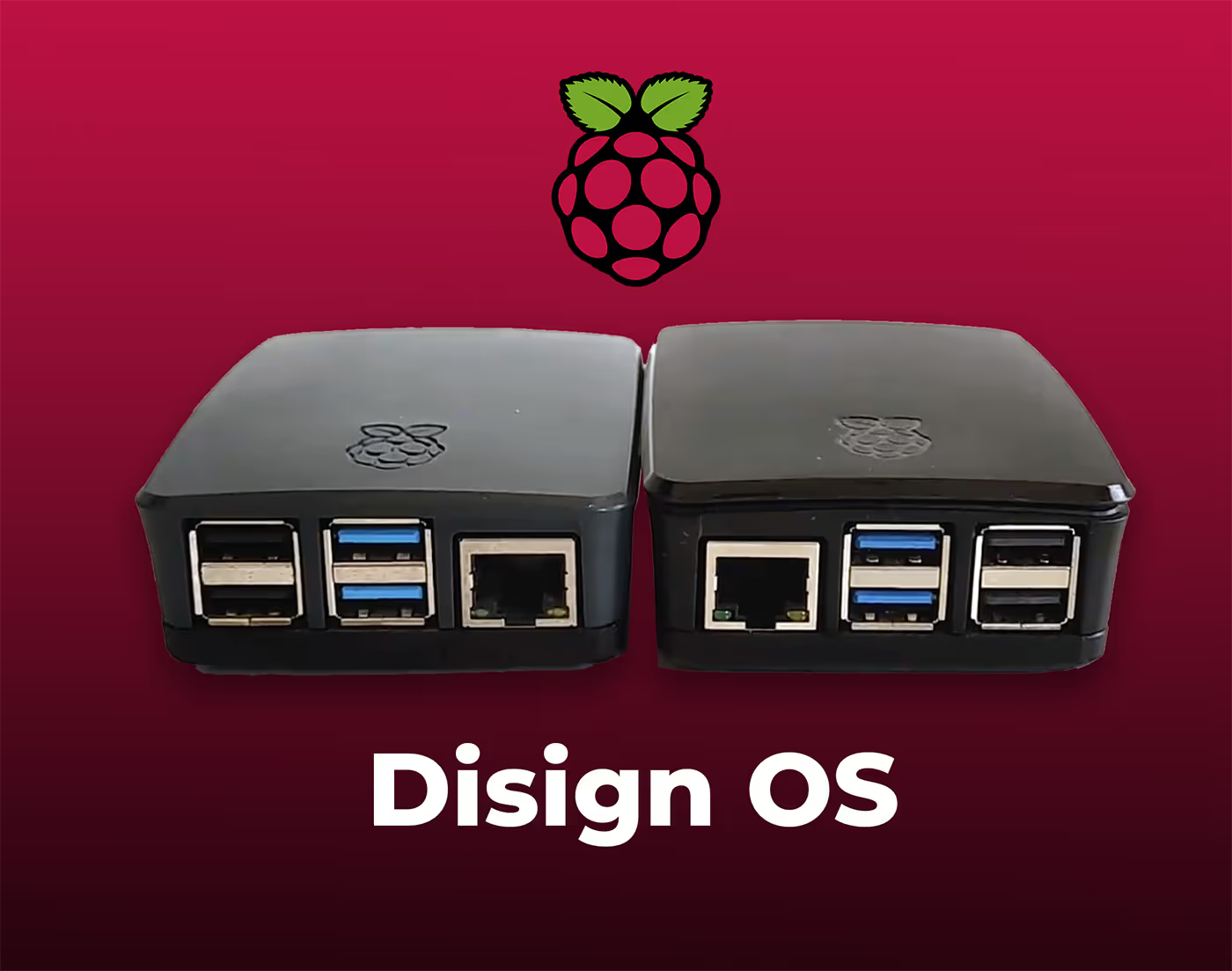
Digital signage with Disign allows you to manage and display content across a variety of devices. Our solution is compatible with many external players such as Disign OS based on Raspberry Pi, BrightSign, and any Android hardware. Disign also supports technologies embedded in Samsung, LG, and Android TV screens. With this broad compatibility, you can easily deploy digital signage solutions on different types of hardware, ensuring simplified management and an optimal user experience.


Integrate with your favorite Applications
70+ Applications and infini integration with API, Database, and any data source
Easily integrate third-party applications and web content such as YouTube or Vimeo, optimized for seamless playback. Display data from RSS feeds or formats like CSV, JSON, or XML directly on your digital signage screens. Extend display capabilities with advanced applications like grids or collections to enrich Disign scenarios.

We designed Disign to be as open and customizable as possible, both in its visual scenes and in its data sources.
Florent MondoloniCo-Founder, Disign

Video
Utilisez vos medias

RSS Feed
Use your own RSS Feed

Database
Databases

Canva
Create your Design and import it

Google Sheets
Import CSV, Live data...

Website/API
Affiche your website or use API
Everything you need to know about Disign Digital Signage For Museum
Museum digital signage FAQ: practical answers for museum teams evaluating Disign
Museum digital signage is a modern way to communicate with visitors on site using centrally managed screens. Instead of relying on static printed panels that age quickly, you can publish timely, accurate content across lobbies, galleries, ticketing areas, cafés, gift shops, classrooms, and staff spaces. For museums, the goal is not to add more screens for the sake of technology. The goal is to improve the visitor experience, reduce operational friction, and protect your brand while keeping information consistent across the building or across multiple locations.
This FAQ is written for the museum persona that typically leads or influences this decision: museum directors, visitor experience managers, exhibition and interpretation teams, marketing and communications, education departments, operations, and IT. You will find clear answers to the questions museum teams ask when comparing options and planning a rollout of museum digital signage with a platform like Disign.
What is museum digital signage and where does it fit inside a museum?
Museum digital signage refers to screens and displays that show dynamic content controlled from a central platform. It can include a single welcome screen at the entrance, or a network of displays across a large venue. The defining feature is that content is easy to update, schedule, and target to the right place, without manually changing USB sticks or printing new signs.
Common museum digital signage placements include:
- entrance and lobby welcome screens
- ticketing and membership desks
- wayfinding screens near elevators, stairs, and major junctions
- exhibition entry points and interpretive digital labels
- event and program boards near theaters and classrooms
- café and restaurant menu boards
- gift shop promotional screens and featured product displays
- donor recognition screens
- staff only areas for internal communication
When done well, museum digital signage becomes a dependable communication layer that supports visitors, supports staff, and protects the tone and visual identity of the museum.
Why do museums invest in museum digital signage instead of printed signage?
Print is familiar, but it has limitations. It can be slow to update, difficult to keep consistent across departments, and surprisingly expensive over time once you include design, production, installation, and reprints.
Museums invest in museum digital signage because it helps them:
- update hours, pricing, and alerts immediately, including last minute changes
- reduce visitor confusion with clear real time guidance
- communicate consistently across multiple entrances and floors
- support accessibility with clearer typography and multilingual rotation
- promote membership, donations, and programs without cluttering spaces
- reduce recurring printing costs and waste for frequently changing content
Many museums start with a simple goal like improving arrival and wayfinding. Once they see how much smoother the day becomes for front of house teams, they expand to exhibitions, education, retail, and internal operations.
What are the highest value use cases for museum digital signage?
The strongest use cases for museum digital signage are the ones that remove friction from the visitor journey and reduce repetitive questions asked at the desk.
High impact museum use cases include:
- welcome messaging and today’s highlights at the entrance
- real time reminders about timed entry and ticket scanning
- wayfinding: how to get to key exhibits, restrooms, cafés, and exits
- gallery guidance: what is open, what is closed, and suggested routes
- program schedules for talks, tours, workshops, and school groups
- accessibility information: elevators, quiet spaces, audio guides, captions
- membership benefits and join now prompts near ticketing and shop
- donation prompts with a clear reason to give and how funds are used
- retail and café promotions that are aligned with exhibitions
- safety messaging: capacity guidance, coat check rules, photo policy
A museum does not need to do everything at once. A focused rollout with a few well chosen templates can improve satisfaction quickly.
How does museum digital signage improve visitor experience?
Museums are emotionally rich spaces, but they can also be intimidating, especially for first time visitors. If people do not know where to start, what to expect, or how to find what they came for, their experience drops before they even see an artwork.
Museum digital signage improves visitor experience by:
- reducing uncertainty at arrival with clear next steps
- making it easy to discover programs and highlights without asking staff
- helping visitors navigate confidently through large buildings
- setting expectations about time, rules, and accessibility options
- creating a calmer flow by spreading people across spaces
A simple welcome screen that confirms what is open today, where to begin, and what not to miss can have an outsized impact on perceived organization and professionalism.
Can museum digital signage support wayfinding and route guidance?
Yes. Wayfinding is one of the most common reasons museums adopt digital signage, especially when spaces change often due to installations, events, renovations, or crowd management.
Museum digital signage can support wayfinding through:
- floor by floor directions and maps with clear landmarks
- dynamic messages that change based on closures or crowding
- prompts that guide visitors to amenities at key decision points
- event routing: where to queue, where to enter, where to exit
- reminders for timed entry, late entry policies, and re entry rules
With Disign, you can keep a consistent visual system across all wayfinding screens while updating content centrally when a gallery closes, an elevator is out of service, or a route changes for an evening event.
How can museum digital signage help during peak times and crowd control?
During peak periods, the biggest challenge is often not ticket sales, it is flow. Visitors need instructions that feel calm and respectful while still being clear.
Museum digital signage helps by:
- directing visitors to alternative entrances, queues, or ticket scanning points
- reminding guests about timed entry windows and where to wait
- sharing expected wait time messaging when staff provide updates
- guiding visitors to less crowded exhibits to balance distribution
- communicating temporary policies quickly and consistently
This reduces the pressure on front of house teams, who otherwise repeat the same explanations all day, and it helps visitors feel that the museum is in control even when busy.
What kind of content works best on museum digital signage?
The best museum digital signage content is short, visual, and specific. People glance at screens while walking, waiting, or orienting themselves. If a message requires a paragraph, it will not land.
Effective museum digital signage content includes:
- one clear headline and one action, such as “Scan tickets here”
- large readable typography with strong contrast
- simple icons and arrows for navigation
- rotating multilingual messages where appropriate
- high quality imagery that matches the museum’s brand and tone
- event callouts with time, location, and how to join
- membership prompts near moments of purchase or gratitude
Content that usually performs poorly includes dense text, too many rotating items on one slide, or overly promotional messaging in spaces that should feel interpretive and calm.
Can museum digital signage be used inside exhibitions without disrupting the experience?
Yes, when it is designed with curatorial intent and the right level of restraint. In-gallery screens can enhance interpretation, accessibility, and engagement. They should not feel like advertising displays.
Thoughtful exhibition uses of museum digital signage include:
- interpretive introductions at gallery entry points
- short contextual videos with captions
- artist interviews, conservation stories, or behind the scenes material
- accessibility content such as sign language, audio guide prompts, or transcripts
- visitor engagement prompts that invite reflection without noise
With Disign, museums can keep exhibition content on the screens that need it and keep operational content in lobbies and service areas, so each space maintains its intended atmosphere.
How do museums keep museum digital signage content accurate and up to date?
Accuracy is essential. Outdated information erodes trust, creates more questions at the desk, and can cause missed events or visitor complaints.
A strong operational approach typically includes:
- clear ownership for each content type, such as programs, visitor info, retail
- templates that limit what can be changed and protect key elements
- scheduling rules so time sensitive content expires automatically
- a review habit for daily changes, such as closures and event updates
Disign supports centralized publishing and scheduling so museums can update quickly without relying on individual staff members to manage screens locally.
Who should own museum digital signage inside a museum?
Ownership depends on the museum, but the most successful setups treat museum digital signage as a shared service with clear governance.
A practical ownership model often looks like:
- visitor experience or operations owns service messaging and wayfinding priorities
- marketing and communications owns brand standards and promotional campaigns
- exhibitions and interpretation owns in-gallery content
- education owns program schedules and learning content
- IT owns devices, networks, and security standards
Disign permissions make it easier to give each group the access they need without creating a situation where everyone can publish everywhere.
How does Disign help museums keep branding consistent?
Museums have a distinct voice and a carefully built visual identity. When different departments create signage independently, screens can quickly become inconsistent, which feels messy to visitors and creates extra work for design teams.
Disign supports brand consistency through:
- reusable templates with locked layout, typography, and safe zones
- shared asset libraries for approved logos, backgrounds, and styles
- centralized playlists that roll out campaigns consistently across screens
- role based controls so local edits stay within approved boundaries
This allows the museum to move fast without losing the calm, coherent look that visitors associate with a trusted cultural institution.
Can museum digital signage be personalized by location, gallery, or audience?
Yes. Targeting is one of the core benefits of museum digital signage. The message that belongs at ticketing is not the message that belongs in the café or in a family space.
Common personalization strategies include:
- different playlists for lobby, galleries, shop, café, and classrooms
- content by floor or wing for exhibit specific guidance
- daypart scheduling: morning school groups, afternoon general visitors, evening events
- weekend versus weekday messaging
- multilingual rotation in areas with diverse audiences
- membership prompts near ticketing and retail, not inside quiet galleries
With Disign, you can group screens by zone and assign content precisely, so visitors see what is relevant to where they are standing.
What accessibility considerations matter for museum digital signage?
Accessibility is not optional in a public museum environment. Screen content should be readable, understandable, and inclusive.
Best practices for accessible museum digital signage include:
- large font sizes and clear typefaces
- strong contrast between text and background
- simple layouts and predictable hierarchy
- avoiding fast moving small text that is hard to track
- captions for video, especially in public spaces
- plain language for operational instructions
- avoiding color as the only method to convey meaning
Templates in Disign can help standardize these rules so accessibility does not depend on who creates the slide.
Can museum digital signage support multilingual visitors?
Yes. Multilingual support is often a quick win because it reduces confusion and makes visitors feel welcomed.
Museums typically handle languages by:
- rotating core messages across languages on the same screen
- using bilingual layouts for the most critical instructions
- tailoring languages by location within a city or by audience pattern
- keeping translations concise and culturally appropriate
With Disign scheduling and playlist control, you can decide whether to rotate languages by time of day, by screen zone, or by specific visitor moments like arrival and ticket scanning.
What hardware do museums need for museum digital signage?
Most museums start with existing displays where possible, then standardize as they scale. Hardware choices depend on operating hours, ambient light, and installation constraints.
Typical requirements include:
- a reliable screen, ideally commercial grade for long daily use
- a media player or compatible device running the signage player
- stable network connectivity, wired where possible in fixed installations
- appropriate mounts and power access
- protective enclosures for public or high traffic areas when needed
Museum environments can be challenging because of lighting, reflections, and conservation concerns. Planning screen placement carefully matters as much as the software.
Can museum digital signage run across multiple buildings or multiple museum sites?
Yes. Multi site management is a common requirement for museum groups with satellite locations, storage sites open to the public, or traveling exhibitions that need consistent communication.
A scalable museum digital signage program should support:
- centralized management across locations with clear site separation
- screen grouping by site, building, floor, or zone
- bulk scheduling for campaigns and seasonal programming
- monitoring to confirm screens are online and playing correctly
Disign is designed to manage networks of screens from a single platform while still allowing each site to keep its own local messaging within governance rules.
What security and governance features should museums look for?
Museums handle public communications, brand reputation, and sometimes sensitive internal updates. Screens are visible, so control matters. You want to reduce the risk of unauthorized publishing and avoid accidental content errors.
Key governance and security features to look for include:
- role based access and permission granularity
- secure authentication for administrators
- approval workflows or structured publishing processes
- device monitoring to detect offline screens quickly
- audit friendly logs of who changed what and when
- controlled content libraries to prevent unapproved assets
Disign is built to support structured permissions and operational governance so museum teams can publish confidently without relying on informal processes.
How do museums handle emergency and closure messaging with museum digital signage?
When something changes fast, such as a closure, a delayed opening, or an evacuation message, digital signage can be one of the fastest ways to communicate in the building.
Common emergency and disruption uses include:
- unexpected gallery closures and reroutes
- weather related entry changes
- safety guidance and where to go for staff assistance
- messages directing visitors to exits or assembly points
The operational advantage of a platform like Disign is speed and consistency. You can update multiple screens at once, reducing confusion and ensuring every entrance shares the same instructions.
Can museum digital signage be used for donor recognition and sponsorship?
Yes, and it can be done in a tasteful, museum appropriate way. Digital donor walls or recognition screens allow you to update names accurately, align recognition with campaign periods, and keep the presentation consistent with institutional design standards.
Museums use museum digital signage for recognition by:
- rotating donor names and categories in a clear, readable format
- highlighting campaign outcomes and impact stories
- acknowledging sponsors of exhibitions and programs
- placing recognition screens in appropriate zones such as lobbies, not in quiet galleries
With Disign templates, recognition can remain elegant and consistent, and updates do not require costly reprints.
How can museum digital signage support retail and café revenue without feeling intrusive?
Museums often rely on earned revenue, but visitors come for culture, not advertising. The best approach is to connect retail and café messaging to the visitor context.
Effective strategies include:
- featuring exhibition related merchandise near the exit or shop entrance
- promoting member discounts at the point of decision
- highlighting seasonal items or limited editions with clean visuals
- café menus that update easily and reduce counter confusion
- pairing promotions with helpful information, like allergy icons or hours
Disign helps by letting you keep promotional content in commercial zones while keeping interpretive zones focused on art and education.
How do museums measure ROI from museum digital signage?
ROI in a museum is not only about sales. It is about reducing friction and improving outcomes that matter to visitors and staff.
Common ROI indicators include:
- fewer repetitive questions at ticketing and information desks
- improved on time attendance for tours and programs due to better guidance
- reduced printing and installation costs for frequently changing signage
- increased membership conversions at the entrance and shop
- stronger donation response during campaigns
- improved visitor satisfaction scores related to clarity and navigation
You can also measure operational performance: how quickly updates are deployed, how often content is refreshed, and whether every screen is showing the correct playlist.
How often should museum digital signage content be updated?
Freshness matters, but so does stability. Visitors should not see outdated schedules, and staff should not spend all day updating screens.
A realistic update cadence often looks like:
- daily checks for hours, closures, and today’s schedule
- weekly updates for events, highlights, and promotions
- seasonal updates for major exhibitions and campaigns
- immediate updates when disruptions occur
With Disign, scheduling and automatic expiration help keep content accurate without constant manual effort.
What is the best way to start a museum digital signage project?
The best projects start with visitor needs, not with screens. A practical starting point is to map the visitor journey and identify where people get stuck, ask the same questions, or miss opportunities like programs and membership.
A strong first phase typically includes:
- selecting a few key zones, such as entrance, ticketing, and one junction
- defining a small set of templates for welcome, wayfinding, and programs
- deciding who can edit what, and how approvals work
- piloting, then refining based on staff feedback and visitor behavior
Disign makes it easier to start small and expand, because you can build a controlled content system that scales to more screens and more departments over time.
Why choose Disign for museum digital signage?
Museums need a museum digital signage platform that is easy enough for non technical teams to update, but structured enough to protect brand, accuracy, and operational control.
Disign supports museum teams with:
- centralized management for one site or multiple locations
- targeted playlists by zone, building, or audience moment
- scheduling that keeps programs and campaigns on time and consistent
- templates that protect visual identity and accessibility standards
- permissions that align with how museums actually work across departments
If you are planning museum digital signage, Disign helps you deliver clearer visitor communication, smoother operations, and a more cohesive on site experience with less manual effort.





Join community of 4k+ people
Museum digital signage that keeps visitors informed and engaged
Make every screen useful with Disign. Share exhibition highlights, opening hours, wayfinding, accessibility info, event schedules, and real time announcements from one simple dashboard.
Ready to try museum digital signage without the hassle. Start a 28 day free trial with no credit card required, then contact us anytime for help choosing screens, setting up playlists, and launching your first content.