Cinema digital signage, built for modern theaters
Cinema digital signage that sells tickets and elevates the moviegoing experience
Hook guests from the lobby to the auditorium with dynamic showtimes, trailers, and promotions. Disign cinema digital signage helps you update content in minutes across every screen, keep branding consistent, and guide crowds smoothly.
Challenges in the cinema industry when communication breaks down on site
In a busy cinema, guests expect clear, immediate information. When messages are missing or inconsistent, small uncertainties quickly turn into repeated questions, longer lines, and a poor first impression before the movie even starts.
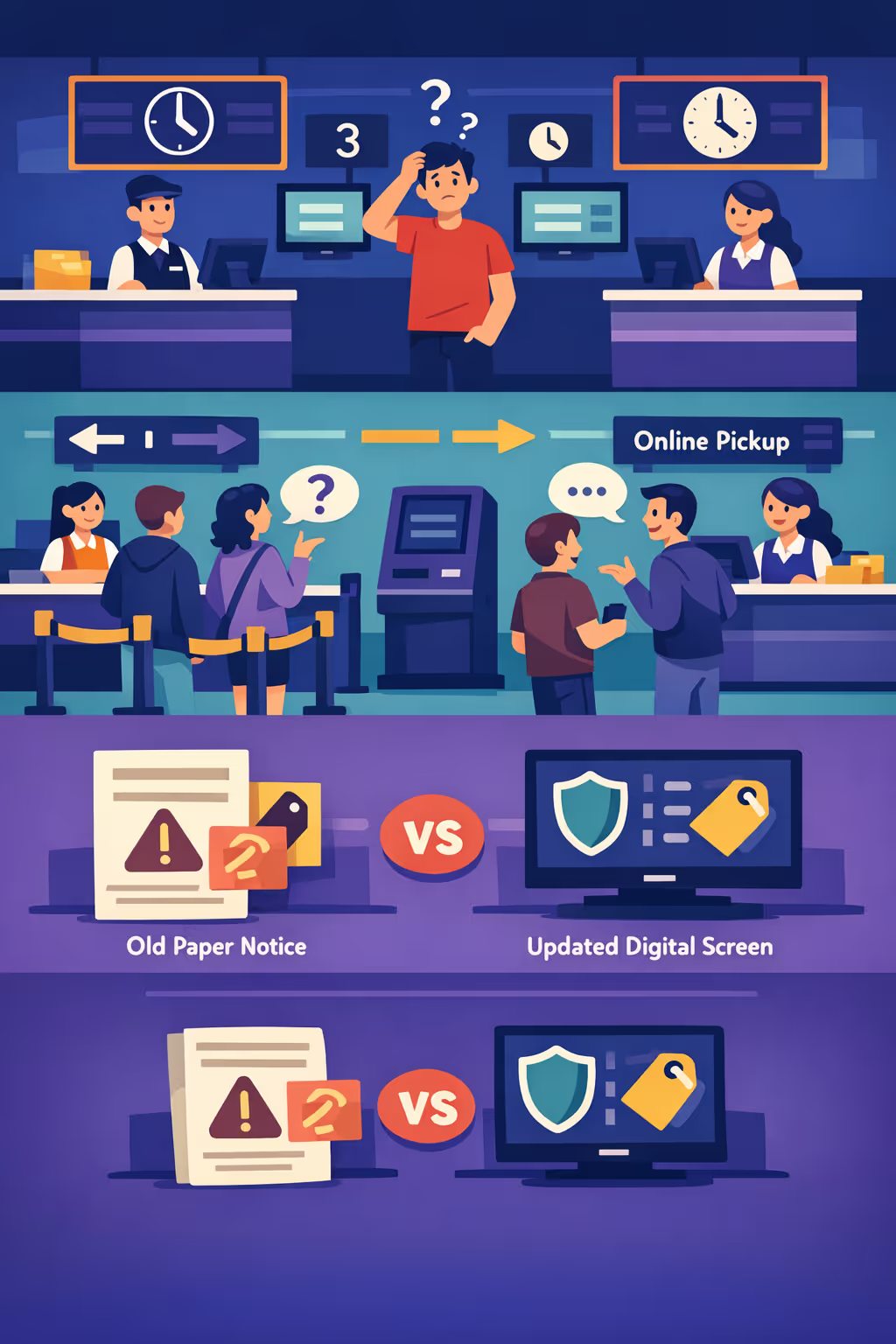
Showtimes, screen changes, sold out sessions, and age restrictions can shift fast. When box office, ushers, concessions, and management share different information, guests lose trust and frustration escalates at the busiest moments.
People want to know where to buy tickets, where to collect online orders, and which line is moving. Without clear directions and real time updates, staff spend the rush answering the same questions instead of keeping operations smooth.
Cinemas need accurate information on refunds, accessibility, emergency procedures, and promotions. When printed posters or local messages are not updated everywhere at once, guests follow the wrong guidance and teams face avoidable complaints and reputational damage.
Cinema digital signage that boosts ticket and concession revenue
Turn every screen into a revenue driver. With Disign, cinemas can update showtimes, trailers, promotions, and upsells in minutes, reduce printing waste, and deliver a consistent guest experience from lobby to auditorium while proving ROI with smarter messaging.
Update showtimes and trailers in real time
Publish schedule changes instantly across lobby screens, kiosks, and digital menu boards. Promote the right films at the right moment and avoid guest confusion when a room or start time changes.
Reduce perceived queue time and improve flow
Keep guests engaged with trailers, loyalty prompts, and clear directions to tickets, concessions, and auditoriums. Better wayfinding and more engaging content helps move lines faster and lowers staff interruptions.
Increase ROI with targeted upsell messaging
Drive higher basket size by promoting combos, premium formats, and limited-time offers by daypart or location. Cinema digital signage helps you test messages, scale what works, and justify spend with clearer performance outcomes.
Keep brand experience consistent across every venue
Use approved templates so every cinema looks and feels on-brand, from local theatres to flagship locations. Roll out campaigns fast while keeping pricing, artwork, and key messages consistent on every screen.
Cut printing costs and save staff time
Replace posters and manual menu updates with a centralized workflow. Reduce recurring print spend, eliminate last-minute swaps, and keep every cinema up to date without extra effort from floor teams.
Localize content by cinema, language, and audience
Adapt promotions and messaging per site, region, or language while staying aligned with your national programming. Highlight local partnerships, event nights, and audience-specific offers to make content feel truly relevant.
Cinema digital signage use cases that work in every venue
From the ticketing hall to the concession counter and auditorium corridors, cinema digital signage helps guests find what they need fast, reduces repeat questions for staff, and builds confidence with accurate showtimes and clear pricing.
- Box office and ticketing: highlight showtimes, ticket types, loyalty benefits, and clear wayfinding to screens and entrances
- Concessions and bar: promote combos and upsells, show live menus, and keep pricing consistent across all counters
- Auditorium and corridor screens: confirm screen numbers, start times, trailers, and on screen policies that guests actually notice
- Back office and staff areas: share daily targets, shift updates, safety notices, and operational checklists for smoother runs
How Disign digital signage works
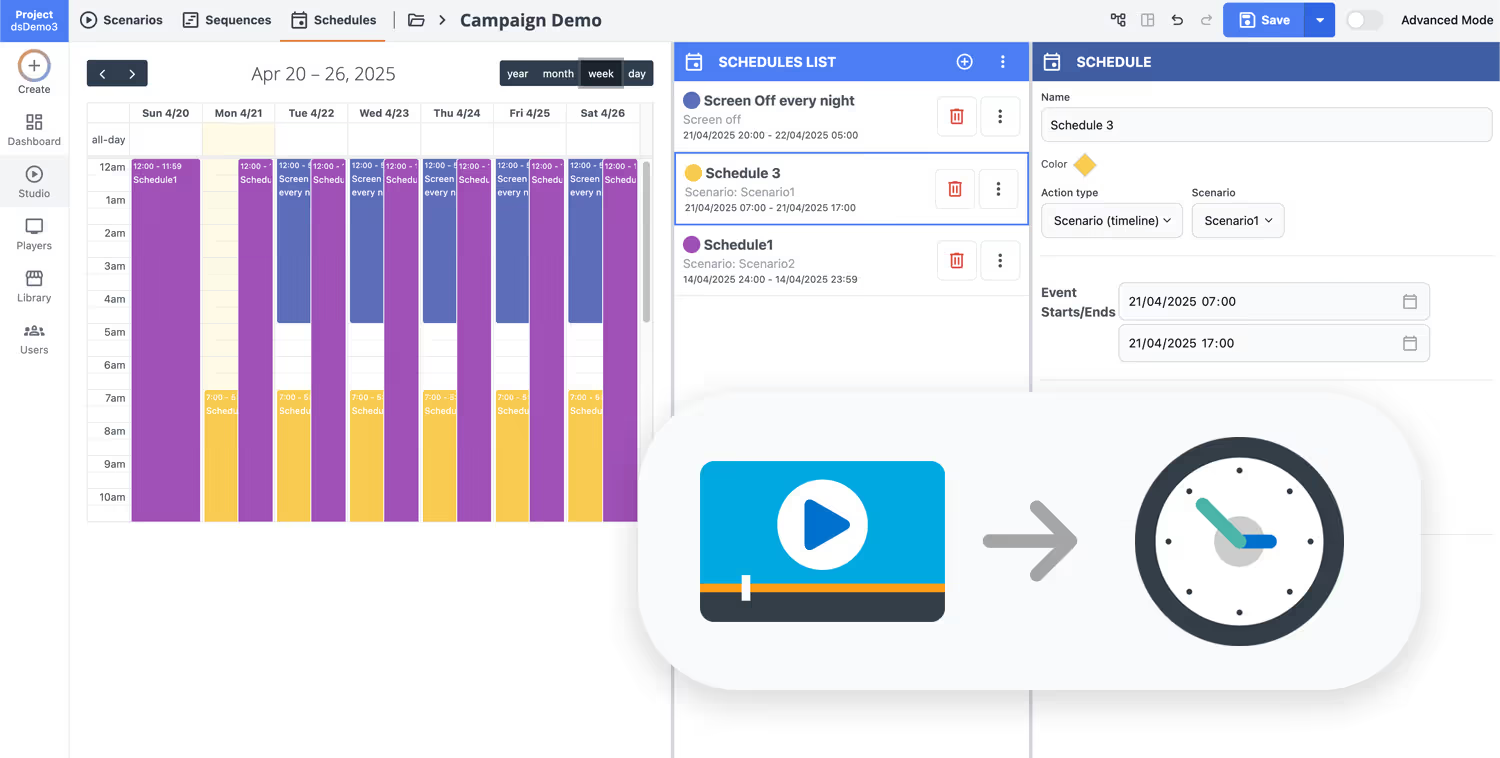
Schedule your content from anywhere with our cloud-based digital signage solution. Easily plan what plays, when, and where—across one screen or thousands.
Design custom scenarios and playlists tailored to your audience and goals.
Set precise dates and times for your content to play automatically.
Deploy content instantly across your digital signage network with just a click.
Ready to boost ticket sales and concessions with cinema digital signage?
Start a 28 day free trial with Disign, no credit card required. Launch showtimes, trailers, upsell combos, loyalty offers, and last minute screen changes across your lobby, box office, and concession displays in minutes.
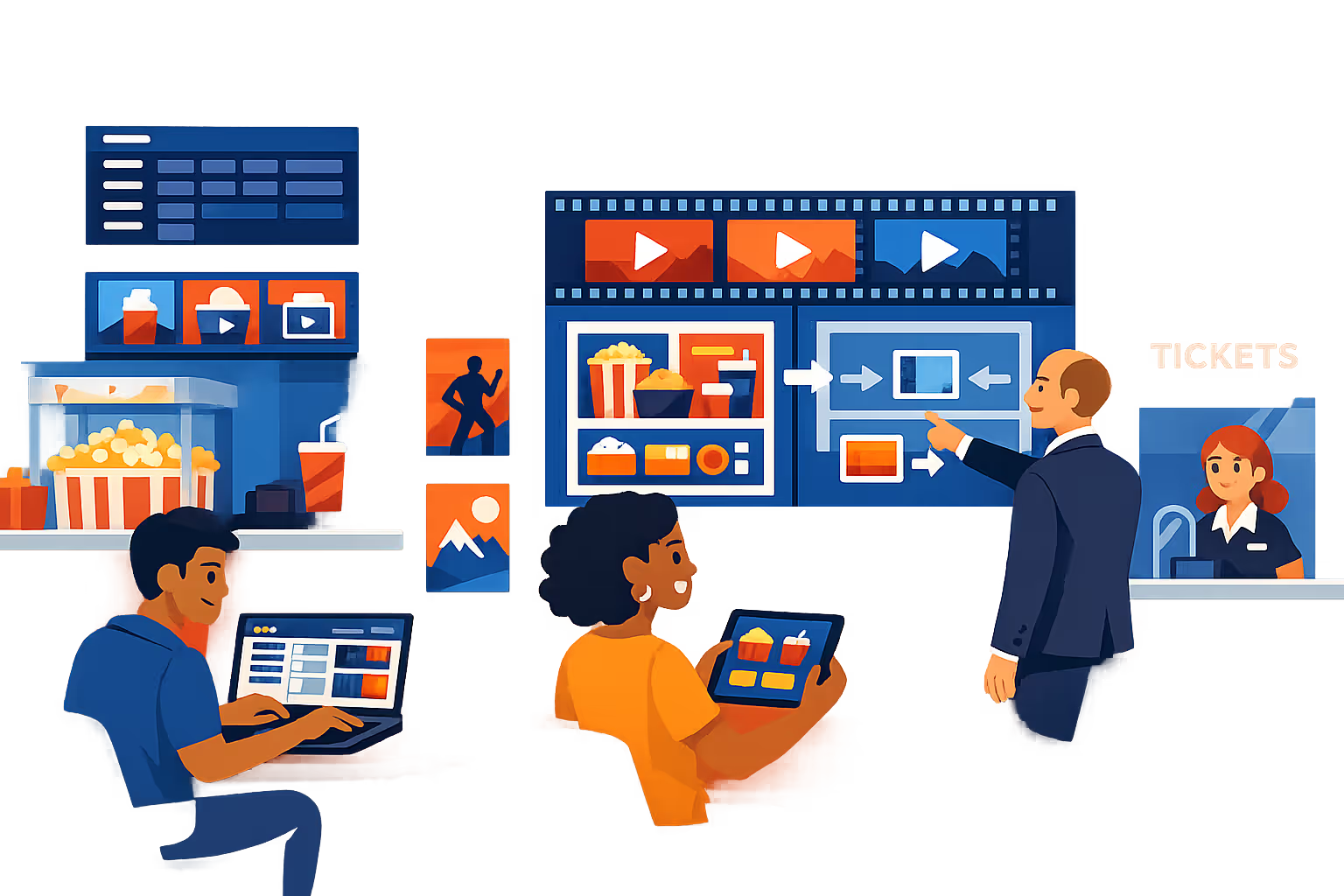
Cinema digital signage engineered for lobbies, box office, and concessions
Run cinema digital signage from one platform to keep showtimes, pricing, promos, and service messages accurate on every screen. Disign gives your team centralized publishing, controlled access, and reliable playback so content stays consistent across locations and dayparts.
Centralized control for every cinema
Publish cinema digital signage at scale
Manage one venue or an entire circuit with location targeting, reusable playlists, and role based permissions. Keep brand visuals consistent while allowing local managers to update approved offers, showtime highlights, and foyer messaging.
Security and access governance
Protect screens, players, and publishing rights
Control who can create, approve, and publish with granular permissions. Use secure sign in, device pairing, and audit ready activity history so your cinema digital signage remains controlled, traceable, and easy to govern across teams.
Approval workflows for on brand content
Review, approve, and publish with version control
Reduce mistakes with structured publishing from draft to review to approval, then scheduling. Track versions of pricing, policies, sponsor ads, and promotional assets so the right message shows on the right screen at the right time.
Smart scheduling and automation
Dayparting for showtimes, promos, and peak traffic
Automate lobby and concession messaging with time based schedules and recurring campaigns. Change content for matinees, evening rush, premieres, or maintenance notices without last minute manual updates.
Reliable playback and device monitoring
Visibility into uptime for every screen
Keep cinema digital signage stable with player health status and remote diagnostics. Detect offline devices, verify content delivery, and maintain consistent guest communication across auditoriums, lobbies, and concession areas.
Deployment and technical support
Rollout support for IT and operations teams
Get practical support from initial rollout to day to day operations. We help you standardize templates, onboard teams, and troubleshoot devices so your cinema digital signage remains dependable, scalable, and easy to manage.
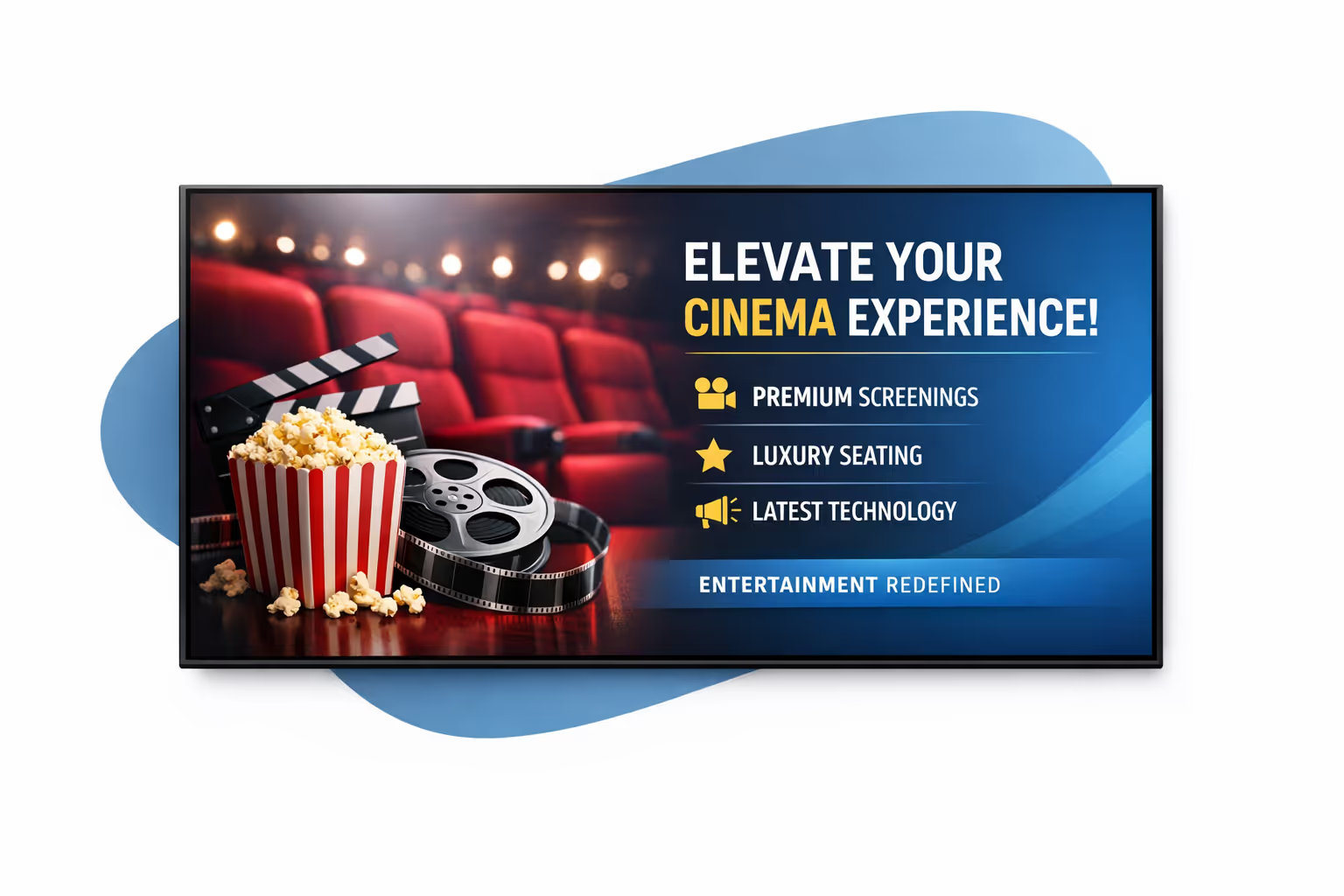
Centralized content management for cinema digital signage
Manage cinema digital signage from one secure dashboard. Create, review, schedule, and publish content across every lobby, box office, concession area, and auditorium, with the governance IT requires and the speed marketing and operations rely on.
One platform for every cinema screen
Multi site control with local ownership
Launch chain wide campaigns while allowing each cinema to publish local updates like showtime changes, special events, staffing messages, and venue specific promotions, all within approved templates and rules.
Campaign planning that fits cinema timelines
Schedule content by location, screen type, or time of day. Keep trailer promos, upsell offers, and operational messages consistent and on time across your cinema digital signage network.
Designed for IT governance and brand safety
Centralize access with role based permissions, approval workflows, and consistent playback policies so every change meets cinema brand standards, security requirements, and audit expectations.
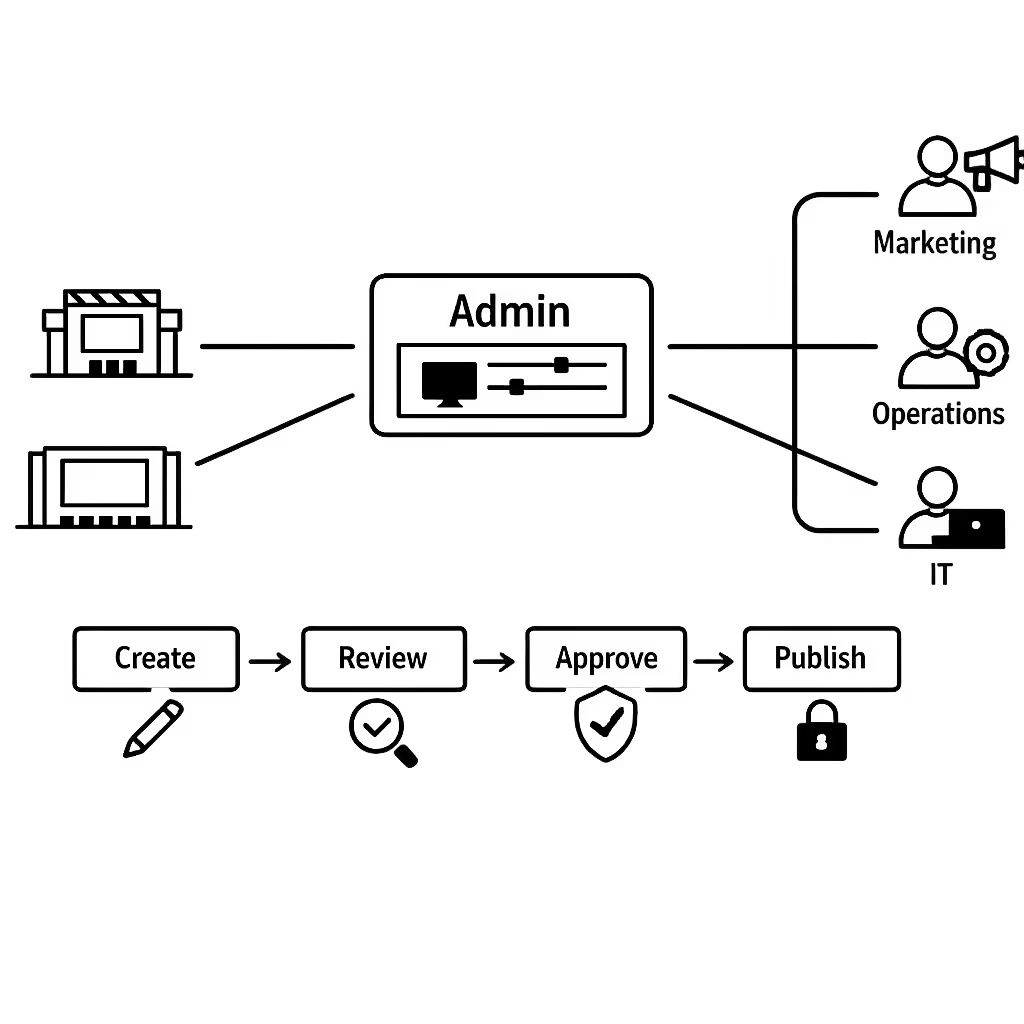
Real time updates for cinema operations
Push urgent messages instantly, from sold out notices and auditorium changes to concession wait times and safety alerts. Keep every screen accurate during peak sessions, last minute schedule shifts, or incidents, without chasing each venue.
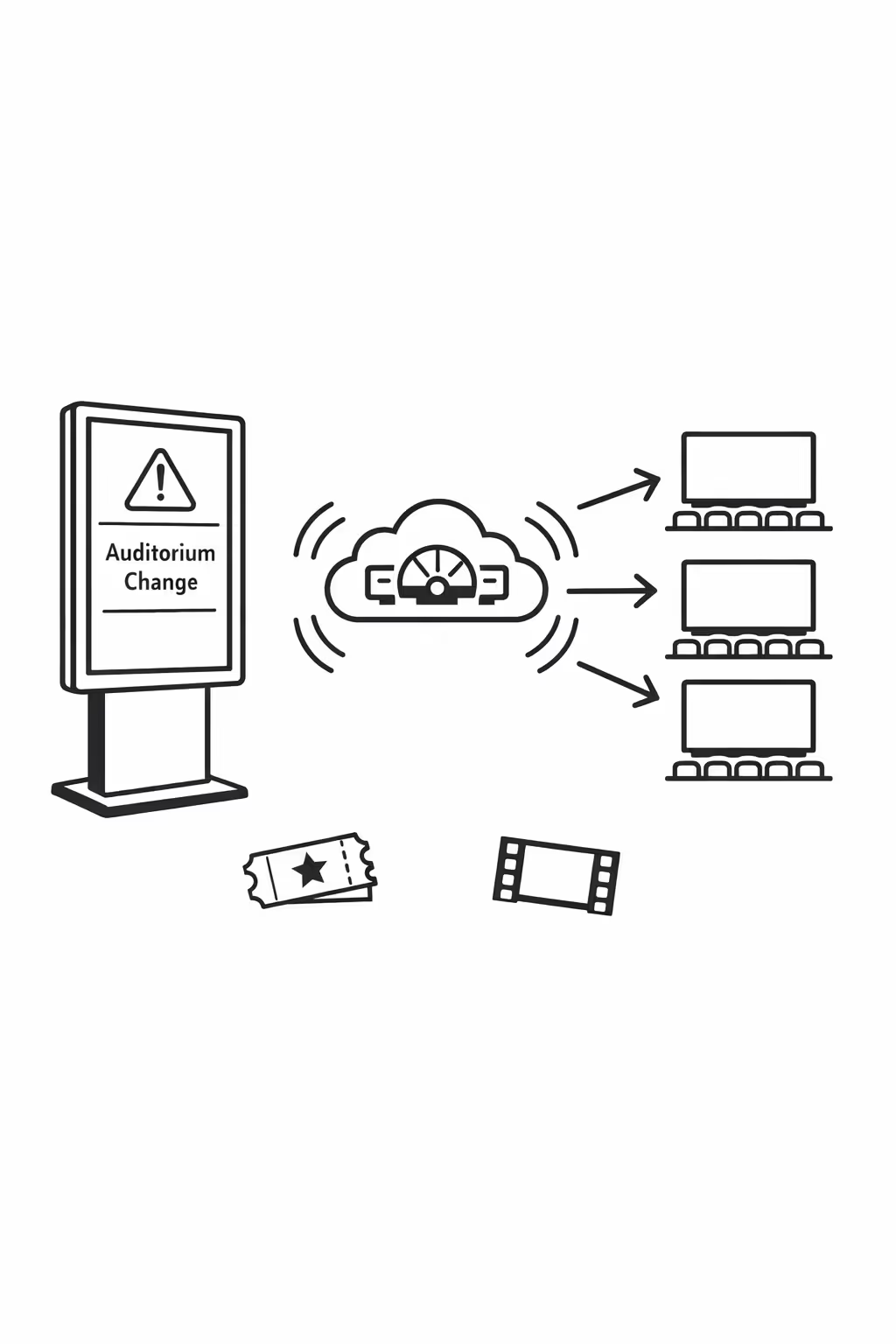
Scalability for growing cinema networks with cinema digital signage
Scale cinema digital signage across every location from one cloud platform. Roll out updates in minutes, keep brand standards consistent, and maintain clear governance as your cinema network expands.
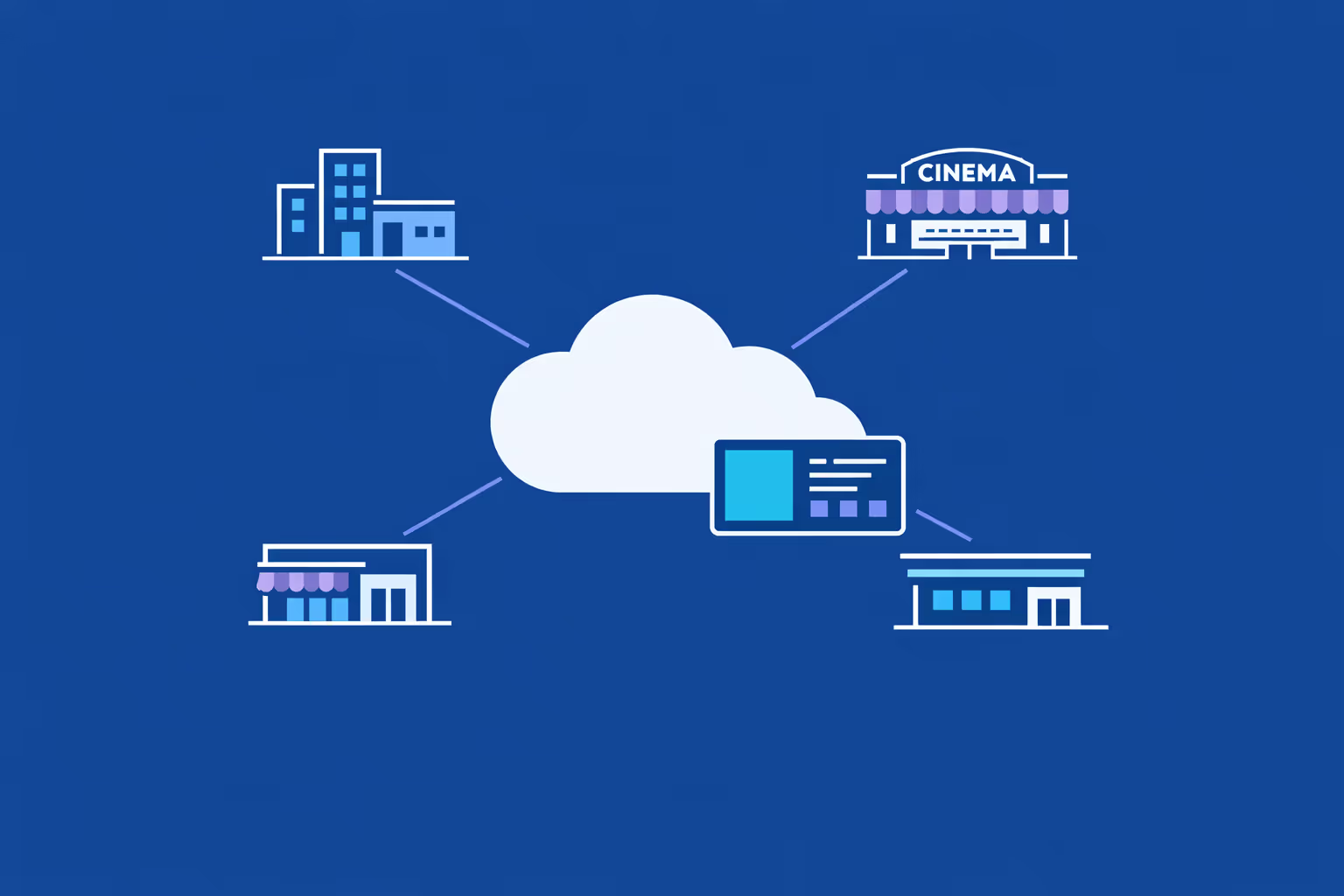
Multi-site management from one cloud dashboard
Oversee cinema digital signage across all venues from a single view. Publish playlists instantly, confirm what is playing in each lobby, and keep promotions, showtimes, and policies consistent across your cinema chain.
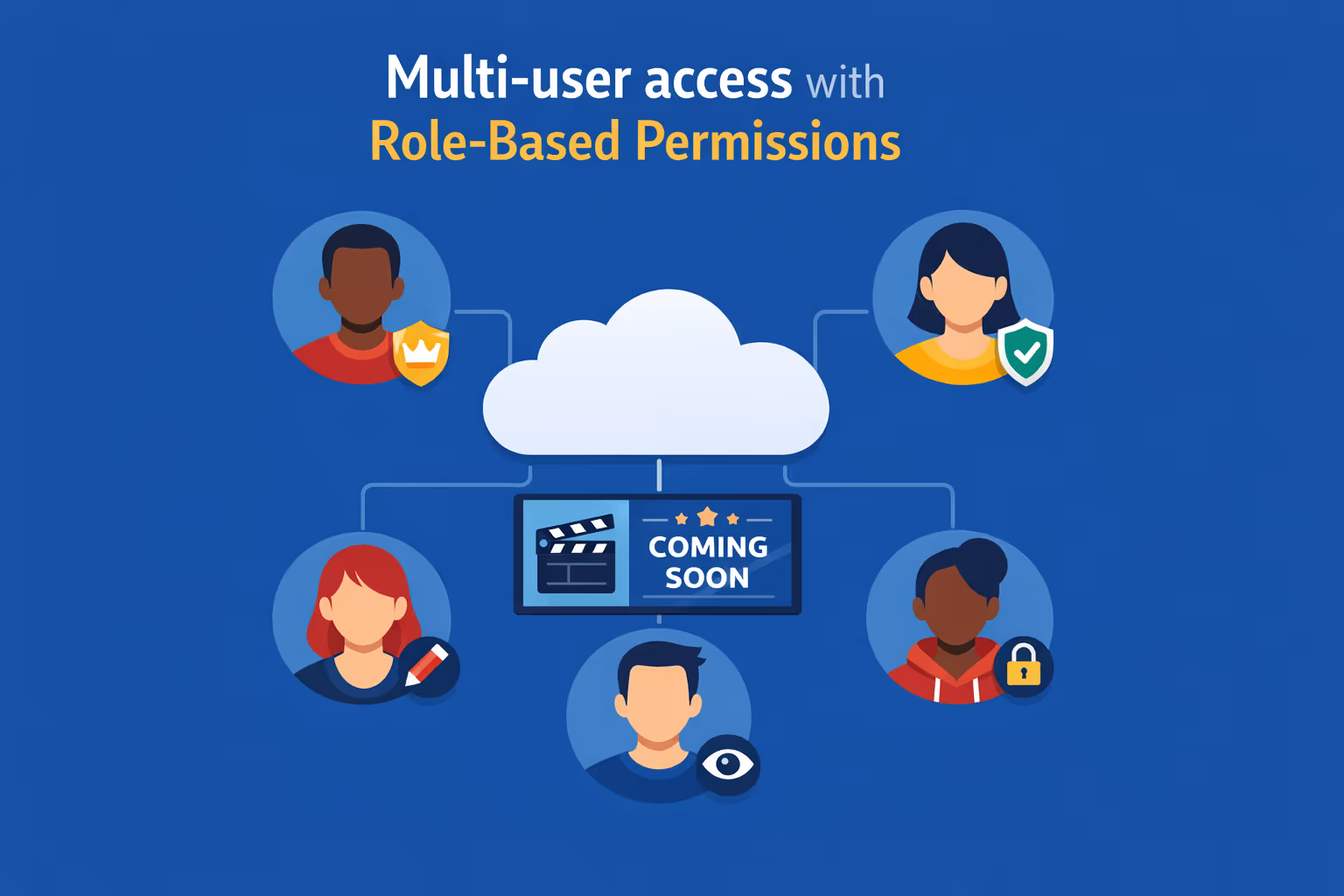
Multi-user access with role-based permissions
Assign roles and permissions by department, region, or site. Let HQ set brand templates while local teams update their offers, and keep approval flows clear for a secure, organized cinema digital signage operation.
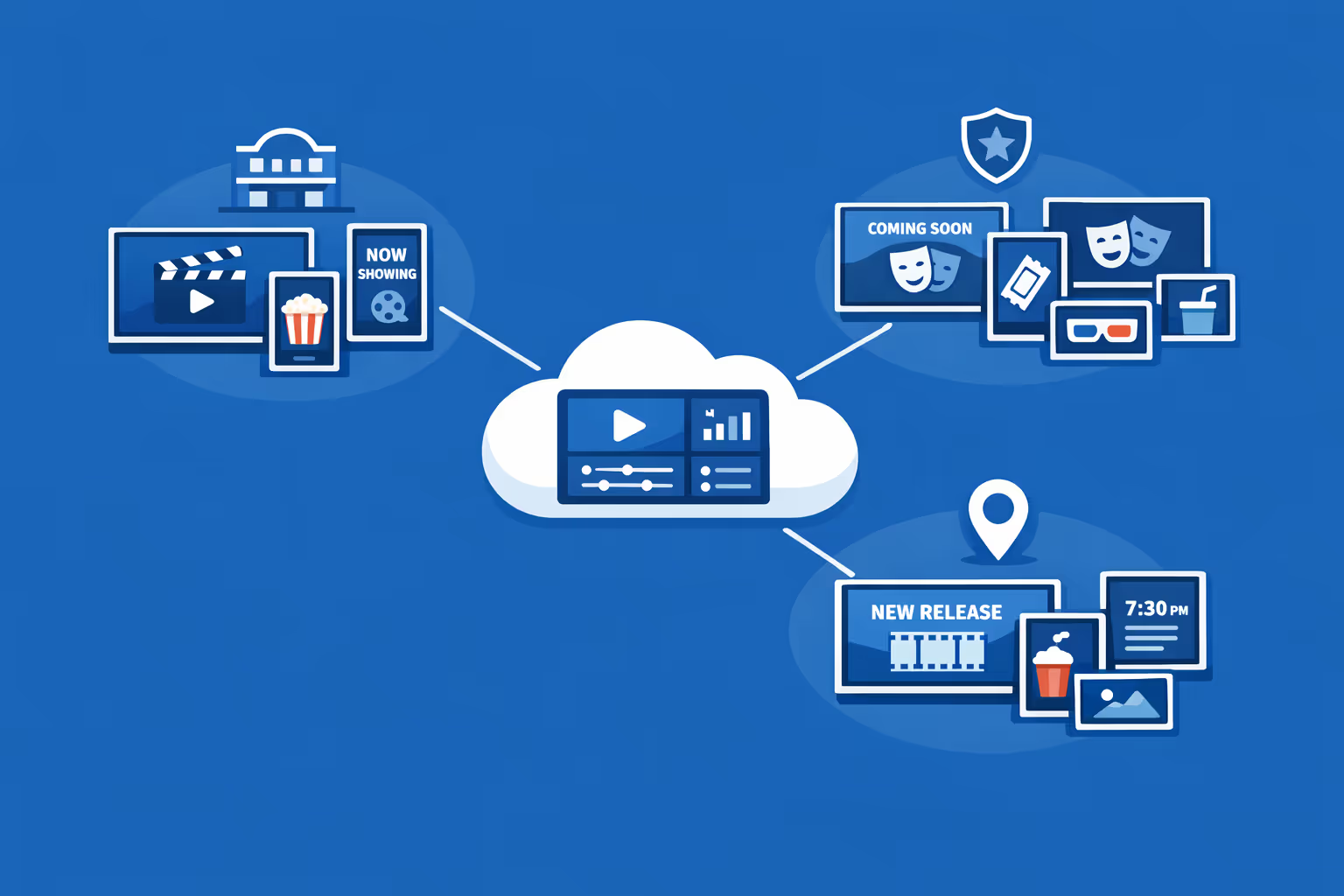
Multi-screen and multi-organization ready
Manage thousands of screens and multiple brands from one account. Segment cinema digital signage by organization, region, venue, or screen type so you can scale fast while keeping local relevance for each cinema.
Disign is compatible with all screens for digital signage
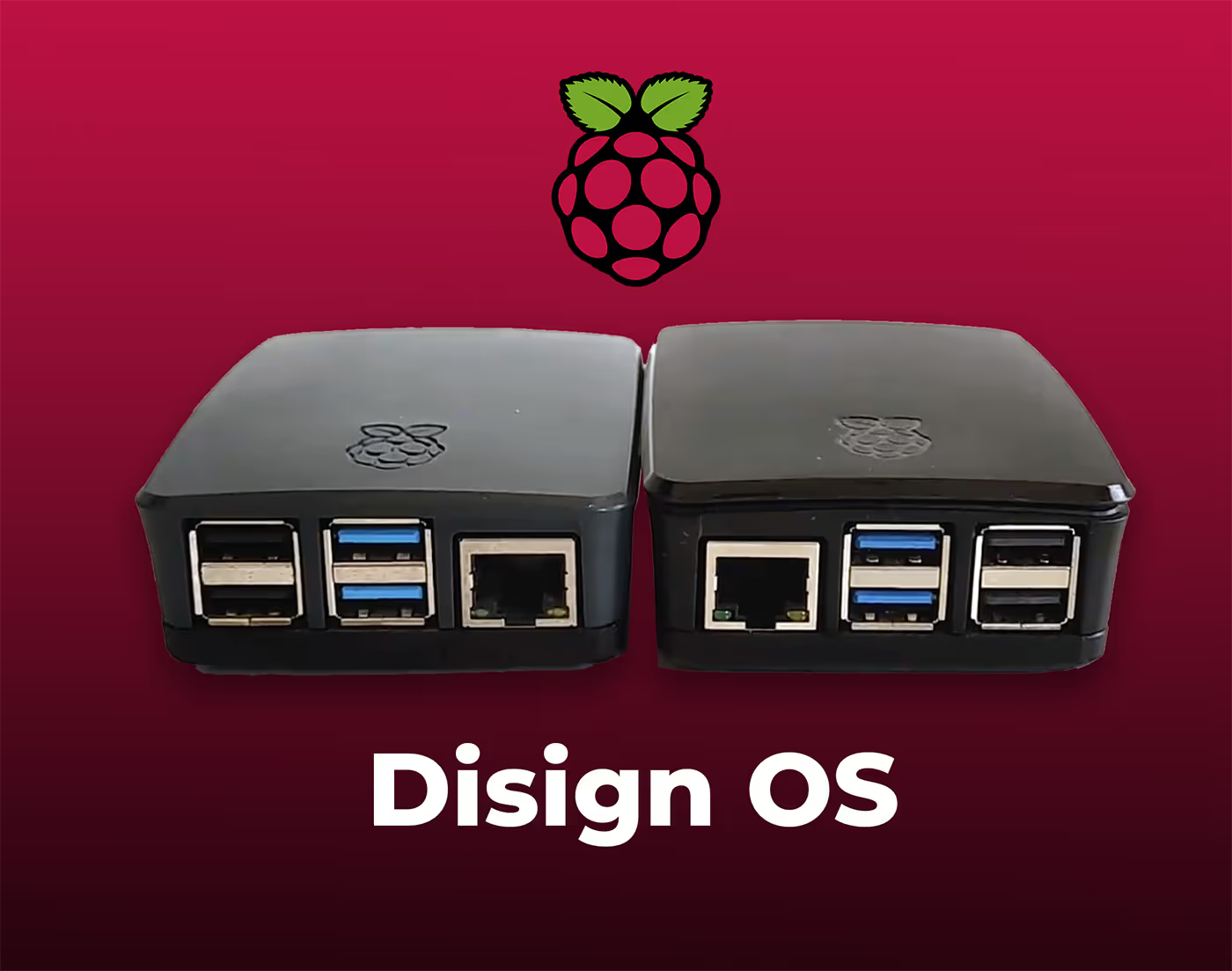
Digital signage with Disign allows you to manage and display content across a variety of devices. Our solution is compatible with many external players such as Disign OS based on Raspberry Pi, BrightSign, and any Android hardware. Disign also supports technologies embedded in Samsung, LG, and Android TV screens. With this broad compatibility, you can easily deploy digital signage solutions on different types of hardware, ensuring simplified management and an optimal user experience.


Integrate with your favorite Applications
70+ Applications and infini integration with API, Database, and any data source
Easily integrate third-party applications and web content such as YouTube or Vimeo, optimized for seamless playback. Display data from RSS feeds or formats like CSV, JSON, or XML directly on your digital signage screens. Extend display capabilities with advanced applications like grids or collections to enrich Disign scenarios.

We designed Disign to be as open and customizable as possible, both in its visual scenes and in its data sources.
Florent MondoloniCo-Founder, Disign

Video
Utilisez vos medias

RSS Feed
Use your own RSS Feed

Database
Databases

Canva
Create your Design and import it

Google Sheets
Import CSV, Live data...

Website/API
Affiche your website or use API
Everything you need to know about Disign Digital Signage For Cinema
Cinema digital signage FAQ: practical answers for cinema teams planning screens
Cinema digital signage helps you manage what guests see across your lobby, box office, concession, hallways, and even staff areas using a centrally controlled platform. Instead of relying on static posters and last minute print runs, you can publish showtimes, promotions, wayfinding, policy updates, and branded experiences in minutes, then schedule them by location and time.
This FAQ is written for cinema owners, general managers, operations leaders, marketing teams, and IT partners who need a reliable solution that looks premium, stays accurate, and is easy to run day to day. If you are comparing platforms like Disign for cinema digital signage, the questions below cover what matters most: guest experience, speed, control, scalability, and security.
What is cinema digital signage and how is it used in a movie theater?
Cinema digital signage is a network of screens that display digital content, managed from one place. In a cinema, it is typically used to guide guests, promote films and offers, reduce confusion during peak times, and keep messaging consistent across all venues.
Common placements include:
- exterior or entrance screens for showtime highlights and alerts
- lobby feature screens for now playing, coming soon, and promotions
- box office and ticketing screens for pricing, policies, and queue guidance
- concession menu boards with combos, upsells, and limited time offers
- corridor screens for auditorium directions and pre show reminders
- event and private screening areas for branded welcome messages
- staff areas for internal communication, daily goals, and operational updates
The goal is simple: deliver the right message to guests at the right moment, while reducing manual effort for your team.
Why should a cinema choose digital signage instead of printed posters and static menu boards?
Printed materials can look great, but they are slow to update and hard to keep consistent across multiple locations. Cinema digital signage gives you speed and control, especially when schedules, pricing, and promotions change frequently.
Cinemas invest in cinema digital signage to:
- update content instantly across one or many theaters
- keep showtime messaging accurate during last minute changes
- improve the lobby experience with clear wayfinding and queue guidance
- boost concession revenue with dynamic menus and targeted promotions
- reduce printing costs and last minute rush orders
- keep branding consistent across every screen and location
- run time based promotions, for example matinees, late shows, or family days
For most cinemas, the real value is operational simplicity. Your team spends less time swapping posters and more time focusing on guests.
What are the most effective use cases for cinema digital signage in the lobby?
The lobby is where guests decide what to do next, where to go, and what to buy. Cinema digital signage works best here when it reduces friction and increases excitement.
High impact lobby use cases include:
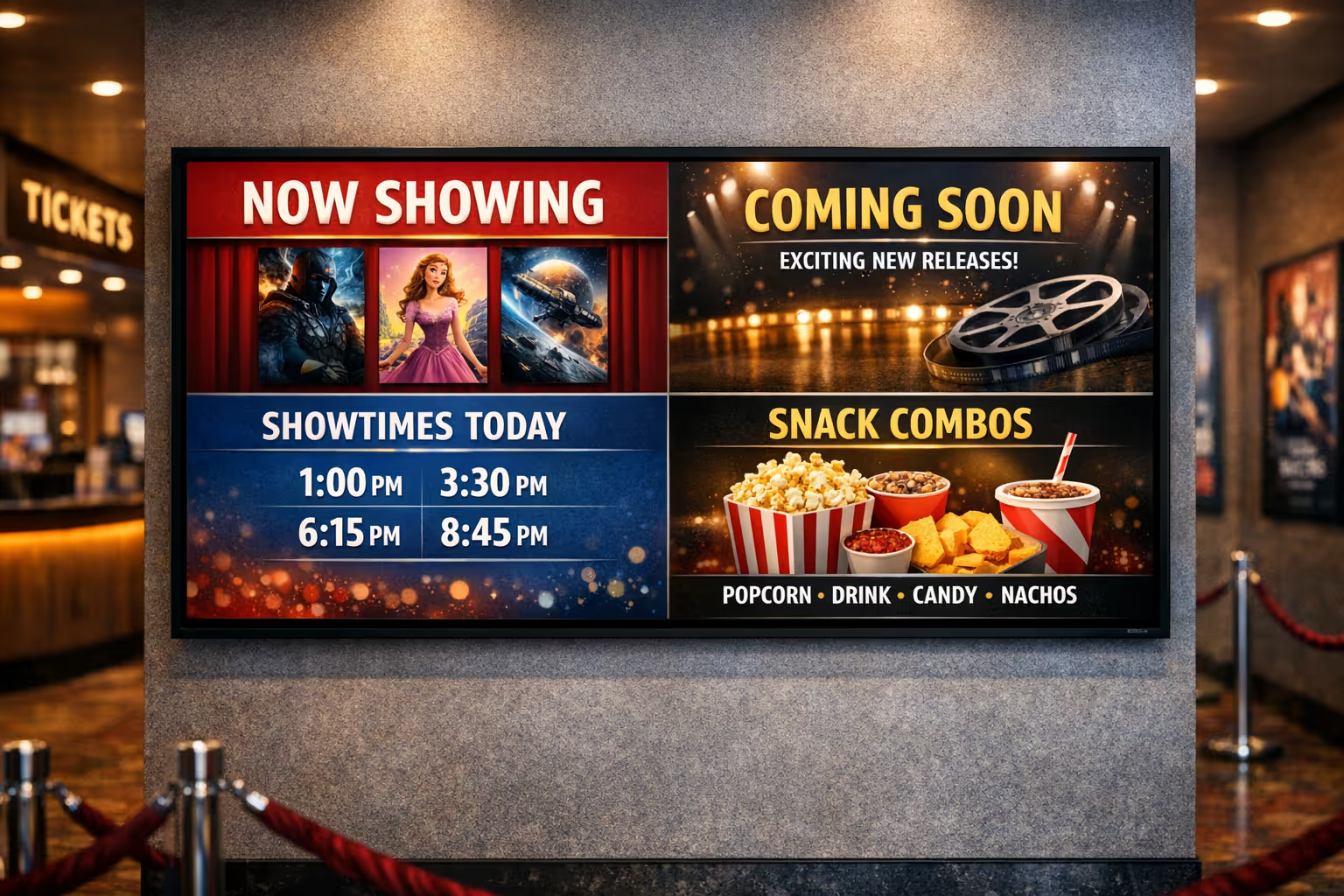
- now playing and coming soon carousels with clear ratings and showtime windows
- feature film spotlights paired with concession offers, for example popcorn combo with a blockbuster
- queue guidance, for example where to line up for tickets, self service, and concessions
- theater rules and guest expectations, for example outside food policies or late entry guidance
- membership and loyalty prompts, for example scan your app for points
- local events, private screenings, esports, live opera, or corporate rentals
- emergency messages or temporary closures when needed
A well planned lobby playlist can cut down repetitive questions your staff gets during rush hours.
How can cinema digital signage improve the guest experience during busy showtimes?
Busy periods create stress when guests feel uncertain. Clear communication reduces that stress. Cinema digital signage helps guests understand where to go, what is happening, and what options they have.
It improves the guest experience by:
- setting expectations, for example next available showtimes or sold out notices
- providing step by step instructions, for example buy tickets here, scan there, then proceed to auditorium
- highlighting self service options if available
- showing estimated wait guidance when your process supports it
- reminding guests about policies without confrontational staff conversations
- keeping the atmosphere premium with consistent visuals and branded motion
Even small improvements in clarity can reduce complaints, shorten perceived wait time, and create a smoother flow across the venue.
Can cinema digital signage help reduce perceived wait time at concessions?
Yes. In cinemas, perceived wait time matters because guests are on a schedule. When guests are in line and do not know what to order, the line slows down. When they see clear menus and targeted suggestions, decisions happen faster.
Cinema digital signage can reduce perceived wait time by:
- showing a clean menu structure with the most popular items visible first
- promoting ready to order combos so guests decide before reaching the counter
- displaying allergen information or customization options clearly
- rotating limited time offers to keep attention and reduce boredom
- setting expectations, for example separate lines for pickup, delivery apps, or VIP service if applicable
The best concession signage is not just pretty. It is designed for speed, readability, and better order value.
What content works best on cinema digital signage screens?
The best content depends on the screen location and the moment in the guest journey. In general, the most effective cinema digital signage content is short, visual, and action oriented.
Content that performs well includes:
- showtime highlights and next starting sessions
- film promotions with a clear call to action, for example book now or scan to join the club
- concession combos with pricing and clear product photos
- upsells, for example add candy or upgrade to a large
- membership benefits and sign up reminders
- directions to auditoriums and amenities
- special events and private rental promotions
- policy reminders, for example no flash photography, quiet zones, or age restrictions
Avoid dense paragraphs. Most guests glance at screens for a few seconds. One main message per slide is a reliable rule.
How often should cinema digital signage content be updated?
If screens look outdated, guests notice, and staff lose trust in the system. The good news is that digital signage makes updates easy, so you can set a realistic cadence.
A practical update rhythm:
- daily or multiple times per week for showtime related messaging, trailers, and reminders
- weekly for promotions, combos, and loyalty pushes
- seasonal for holiday campaigns, school breaks, and blockbuster periods
- immediate updates for closures, technical issues, sold out situations, or urgent announcements
With Disign, the goal is to make updates fast enough that your team does not postpone them.
Can cinema digital signage be scheduled by daypart and by screen location?
Yes. Scheduling is one of the biggest advantages of cinema digital signage. You can display different content depending on time, day, and placement, without anyone touching a USB stick.
Common scheduling patterns include:
- afternoon family messaging and kids combo offers before early sessions
- evening upsells and premium format promotion for peak hours
- late night messaging for quieter audiences, for example student deals or snack bundles
- pre event messaging for private screenings and group bookings
- location based playlists, for example VIP lounge screens versus standard lobby screens
Disign lets you manage these schedules centrally, so each screen plays the right content automatically.
Can cinema digital signage be personalized per cinema location?
Yes. If you run more than one cinema, you still want consistent branding, but each location has unique needs. Local showtime emphasis, local events, and local offers matter.
Personalization options often include:
- cinema specific playlists while keeping global brand templates
- local event promotions and community partnerships
- language variations based on audience needs
- different content for urban versus suburban venues
- pricing and menu differences by site if applicable
The key is governance: local teams should be able to update what they own without breaking brand or accuracy.
How does Disign help keep cinema branding consistent across screens?
Brand consistency is challenging when multiple people create content, especially across multiple theaters. Cinema digital signage is at its best when every screen looks like it belongs to the same cinema brand.
Disign supports consistent branding through:
- reusable templates that lock layouts, fonts, and design rules
- shared libraries for logos, backgrounds, and approved visuals
- centralized playlists for corporate campaigns
- permissions that prevent accidental off brand content
This helps you keep a premium look while still moving quickly during new releases and promotions.
What hardware do I need for cinema digital signage?
Most cinema digital signage systems use a screen plus a player device, connected to the network. The best choice depends on screen location, hours of use, and brightness requirements.
Typical requirements:
- commercial grade displays for high usage zones like lobbies and concessions
- mounting and cable management for safe installation
- a compatible player device for each screen
- stable network connectivity, wired or reliable WiFi depending on the environment
- power access and basic device management plan
If you already have screens, you may be able to reuse them. Many cinemas start with key zones first, then standardize over time.
Is cinema digital signage difficult to manage for cinema staff?
It should not be. A cinema team is busy with guests, staffing, deliveries, cleaning, and technical operations. The signage platform needs to fit into real life, not require a specialist for every update.
A well run cinema digital signage workflow typically looks like:
- marketing or head office prepares templates and campaign assets
- operations defines what needs to be always visible, for example safety and policy items
- local managers can update location specific messages within approved templates
- IT supports device policies and network standards as needed
Disign is designed so non technical users can update content while keeping control where it matters.
Can cinema digital signage support menus and pricing without mistakes?
Yes, and it is one of the biggest reasons cinemas invest in digital menu boards. The key is having a controlled way to update prices, product availability, and legal info consistently across all screens.
Best practices include:
- using menu templates with consistent structure across sites
- setting approval steps for price changes when needed
- scheduling limited time offers automatically
- keeping required legal or allergen notes fixed in the template
- updating combos centrally so each venue stays aligned
With a platform like Disign, you reduce the risk of old prices staying on screen after a change.
Can cinema digital signage display live content like showtimes, ticketing info, or web pages?
Often yes, depending on the source system and how you want to display it. Some cinemas want live showtime panels, live queue info, or a web based widget.
Common options include:
- embedding a secure web page on a screen zone
- displaying a data feed or a formatted list pulled from your source
- using pre built layouts where staff selects which films to highlight
If you want live integrations, it is smart to define what must be real time versus what can be scheduled. Real time is useful for showtimes and sold out notices, while promotions and branding can remain scheduled.
What security features should I expect from a cinema digital signage platform?
Even though cinema screens are not handling payments directly, you still need security and control. Your screens represent your brand, and unauthorized content can damage trust quickly.
Important security features include:
- secure login and role based permissions
- encrypted connections for content delivery and admin access
- device registration and grouping so screens cannot be hijacked easily
- activity logs so you can trace who changed what and when
- the ability to limit who can publish to live screens
Disign supports structured access so you can give local teams the power to update what they need without giving full control to everyone.
How do we prevent the wrong content from playing at the wrong time?
This is a common concern, especially during big releases and high revenue periods. The solution is a mix of workflow, scheduling, and templates.
Ways to reduce mistakes:
- use playlists per zone, for example lobby, concessions, hallway, staff areas
- schedule campaigns with clear start and end dates
- require approval for sensitive updates like pricing or policy changes
- rely on templates so content stays within safe design boundaries
- assign content by groups, for example all cinemas in a region, rather than one by one
With Disign, structured permissions and scheduling help you avoid last minute chaos.
Can cinema digital signage support accessibility and readability?
Yes, and it should. Cinema guests include older audiences, families, and people with visual impairments. Good readability also improves speed at concessions.
Accessibility focused guidelines include:
- large text, high contrast, and clear hierarchy
- minimal text per slide and simple language
- avoiding fast scrolling tickers that are hard to read
- using captions for videos if audio is off or not appropriate
- consistent placement of key info like prices and auditorium directions
If you build accessible templates once, every campaign benefits automatically.
How does cinema digital signage help increase concession sales?
Cinema digital signage is a powerful sales tool because it reaches guests at the decision point. The screens can guide choices, highlight bundles, and encourage upgrades without requiring extra staff time.
It can increase sales by:
- promoting bundles and clear value offers
- highlighting limited time items that create urgency
- suggesting upgrades, for example make it large, add extra cheese, add candy
- using mouthwatering visuals that improve perceived value
- adjusting messaging by time of day, for example coffee and snacks earlier, premium combos later
The best results come from testing and improving content based on what actually sells.
How do cinemas measure ROI from cinema digital signage?
ROI is often a mix of revenue lift, cost savings, and operational improvements.
Common ROI factors:
- increased average order value at concessions through upsells and combos
- reduced printing, shipping, and staff time spent swapping posters
- fewer guest complaints due to clearer policies and directions
- better promotion performance for memberships and premium formats
- improved consistency across sites, which strengthens brand trust
Even when exact attribution is difficult, cinemas can track operational metrics, such as how fast a promo is deployed to all sites and how often content is kept current.
Can cinema digital signage be used for internal communication too?
Yes. Many cinemas use screens in staff rooms, back offices, or projection areas to reduce reliance on printed notices and long group chats.
Useful internal content includes:
- daily priorities and staffing notes
- reminders about cleaning standards and safety checks
- upsell focus of the week and key talking points
- training reminders for new menu items or policies
- recognition and team performance milestones
With Disign, internal screens can be managed like any other, with separate playlists and restricted access.
How quickly can a cinema deploy cinema digital signage across one or multiple venues?
Deployment time depends on hardware readiness, installation planning, and who owns content. Many cinemas start with a pilot in one venue, then scale.
A practical rollout approach:
- choose a pilot zone, often concessions and lobby
- create core templates, menus, and brand layouts
- train a small group of users on publishing and scheduling
- deploy to additional venues using the same structure and templates
- monitor screens and adjust content based on guest flow
With a repeatable setup, scaling to multiple cinemas becomes much faster.
What makes Disign a good fit for cinema digital signage?
Cinemas need a platform that supports speed during film cycles, clarity during peak times, and consistent branding across multiple screens. You also need something staff can actually run.
Disign is designed to help cinema teams with:
- centralized management for single venues and multi cinema networks
- structured permissions and clear publishing control
- scheduling by screen, venue, and daypart
- templates that protect brand consistency and readability
- fast updates for showtime related notices, promotions, and policies
If you are looking for cinema digital signage that is practical for operations and strong for marketing, Disign helps you modernize the in cinema experience without adding complexity.
What are the next steps to start with cinema digital signage?
A smooth start is less about buying screens and more about planning content and ownership.
Good next steps:
- map the guest journey and pick the most valuable screen zones first
- define what must be always accurate, for example menus, policies, directions
- decide who owns what: marketing, operations, local managers, IT
- create a small set of templates that cover your main needs
- run a pilot, learn from it, then scale with confidence
Once you have the foundation, cinema digital signage becomes a system your team relies on every day, not a one time project.





Join community of 4k+ people
Cinema digital signage that sells more tickets and keeps guests moving
Turn every screen into a clear, consistent experience. With Disign, you can update cinema digital signage across your venue in seconds, from showtimes and upsells to snack offers, wayfinding, and last minute announcements, all from one simple dashboard.
Ready to try it in your cinema today? Start your 28-day free trial, no credit card required. If you want help choosing the right setup or planning your first content, contact us and we will guide you step by step.