Bus station digital signage built for real-time passenger updates
Disign bus station digital signage that keeps travelers moving
With Disign, publish departures, gate changes, service alerts, wayfinding, and on-site promotions in minutes across every screen. Keep information consistent, reduce confusion at peak hours, and deliver a smoother station experience with centralized, real-time control.
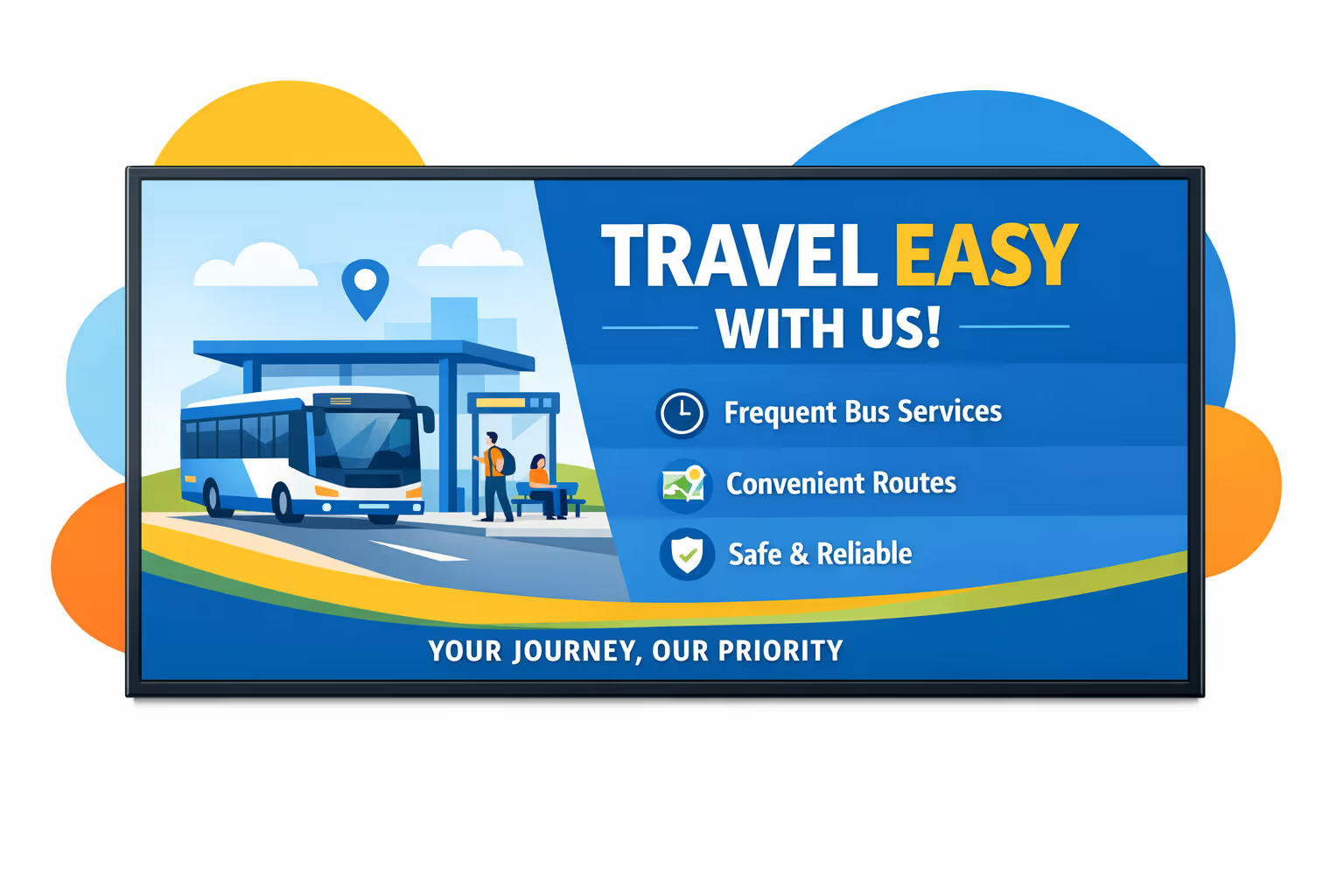
Challenges in the bus station industry when communication breaks down
In a busy bus station, passengers need clear guidance the moment they arrive. When information is missing or conflicting, uncertainty becomes repeated questions, longer lines, missed departures, and a stressful experience for everyone.
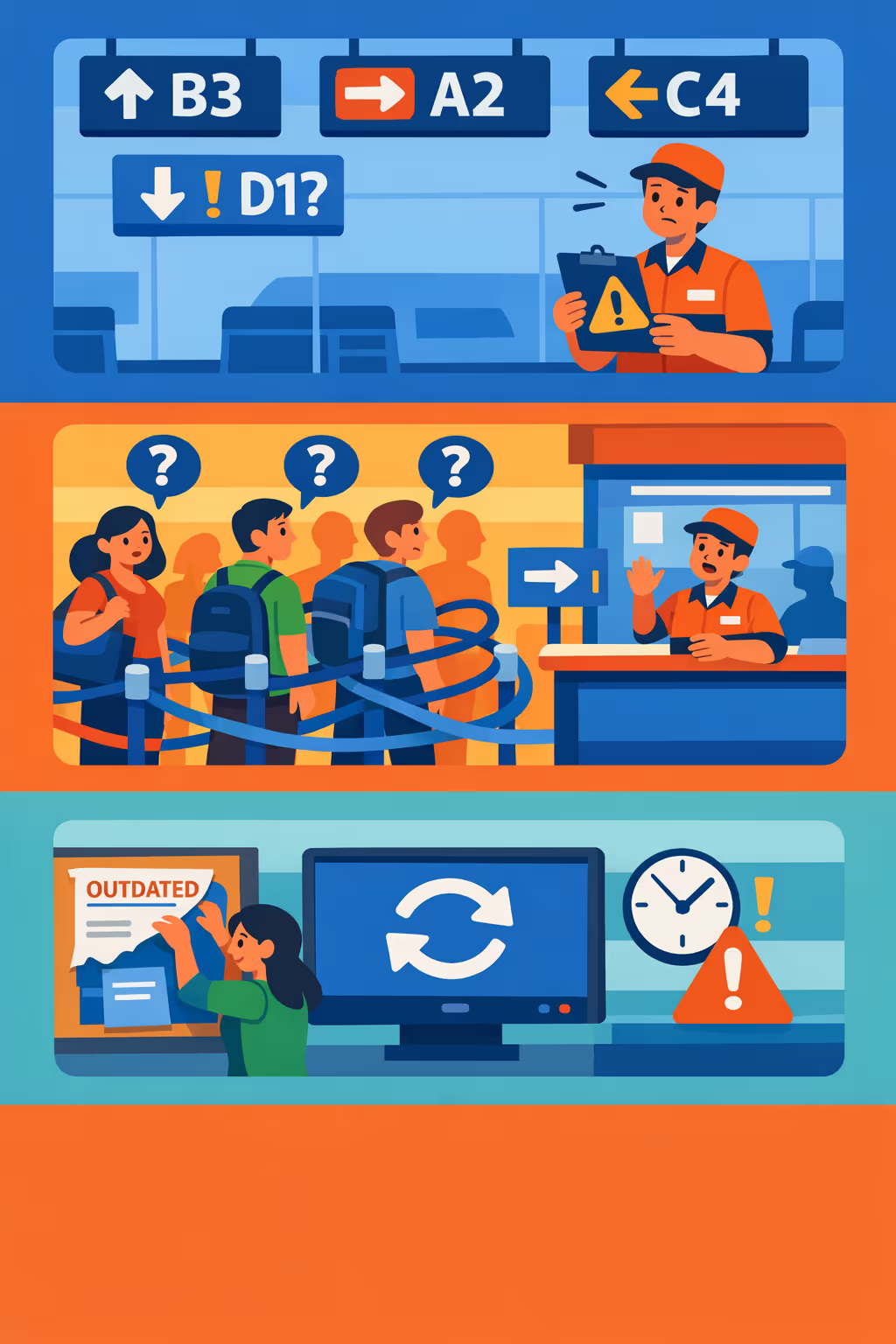
Gate changes, platform assignments, service disruptions, and ticket rules can shift fast. When drivers, ticket counters, security, and customer support share different answers, passengers lose trust and small issues quickly turn into complaints.
People want to know where to queue, what to prepare, and how long the wait will be. Without visible, simple guidance, staff spend the day repeating directions instead of helping with tickets, connections, and accessibility needs.
Bus station communication must stay accurate, timely, and aligned with current policies and safety requirements. When printed notices, posters, or local announcements are updated late or inconsistently, passengers may follow the wrong steps, creating safety risks and operational disruption.
Bus station digital signage that improves passenger experience and boosts ROI
Keep travelers informed with real time departures, platform updates, and disruption alerts across every screen. Disign helps bus stations cut printing costs, reduce passenger confusion, improve flow, and run revenue generating content that delivers measurable ROI.
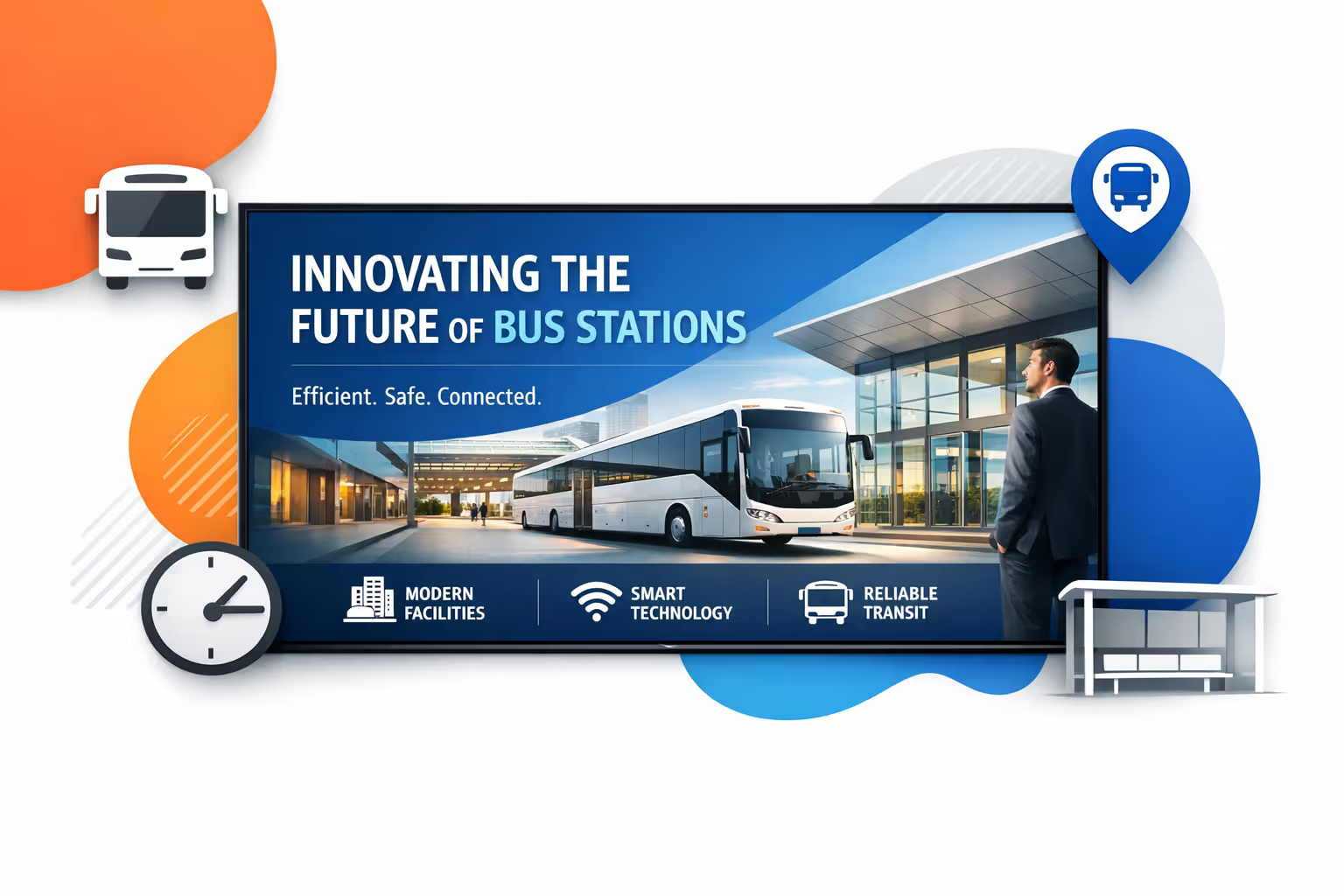
Share real time departures and gate changes
Publish schedules, platforms, boarding calls, and last minute changes instantly. Clear, up to date information reduces missed buses and helps staff spend less time answering the same questions.
Improve wayfinding and reduce crowding
Guide passengers to bays, ticketing, restrooms, and exits with simple on screen directions. Better wayfinding means smoother circulation, fewer bottlenecks, and a safer station during peak hours.
Communicate disruptions and safety messages fast
When delays happen, update screens immediately with alternative routes, service notices, and safety instructions. Consistent communication reduces frustration, supports incident response, and protects your brand.
Increase revenue with targeted promotions and ads
Promote station retail, partner offers, and local services by time of day, audience, or zone. Bus station digital signage turns waiting time into value, delivering uplift while keeping information content prioritized.
Cut printing costs and update content in minutes
Replace posters and paper notices with a centralized workflow. Save on printing and staff time while keeping every screen accurate, from seasonal travel peaks to service announcements.
Support multilingual messaging across the station
Serve tourists and local riders with clear multilingual content, accessibility friendly layouts, and location specific messages. Keep communications consistent across screens while adapting to each area of the station.
Bus station digital signage use cases that improve passenger experience
From platforms to ticket halls, bus station digital signage helps passengers find the right bay, understand service changes, and stay informed with clear, consistent updates. Trusted information on screen reduces confusion, shortens queues, and supports staff with fewer repetitive questions.
- Departures and gate allocation: show real time timetables, bay numbers, delays, and last minute changes
- Wayfinding and accessibility: guide passengers to platforms, exits, toilets, and accessible routes with clear directions
- Ticketing and customer service: display queue status, service desk hours, refund policies, and self service instructions
- Safety and operations messaging: publish verified alerts, emergency instructions, and operational notices to build trust
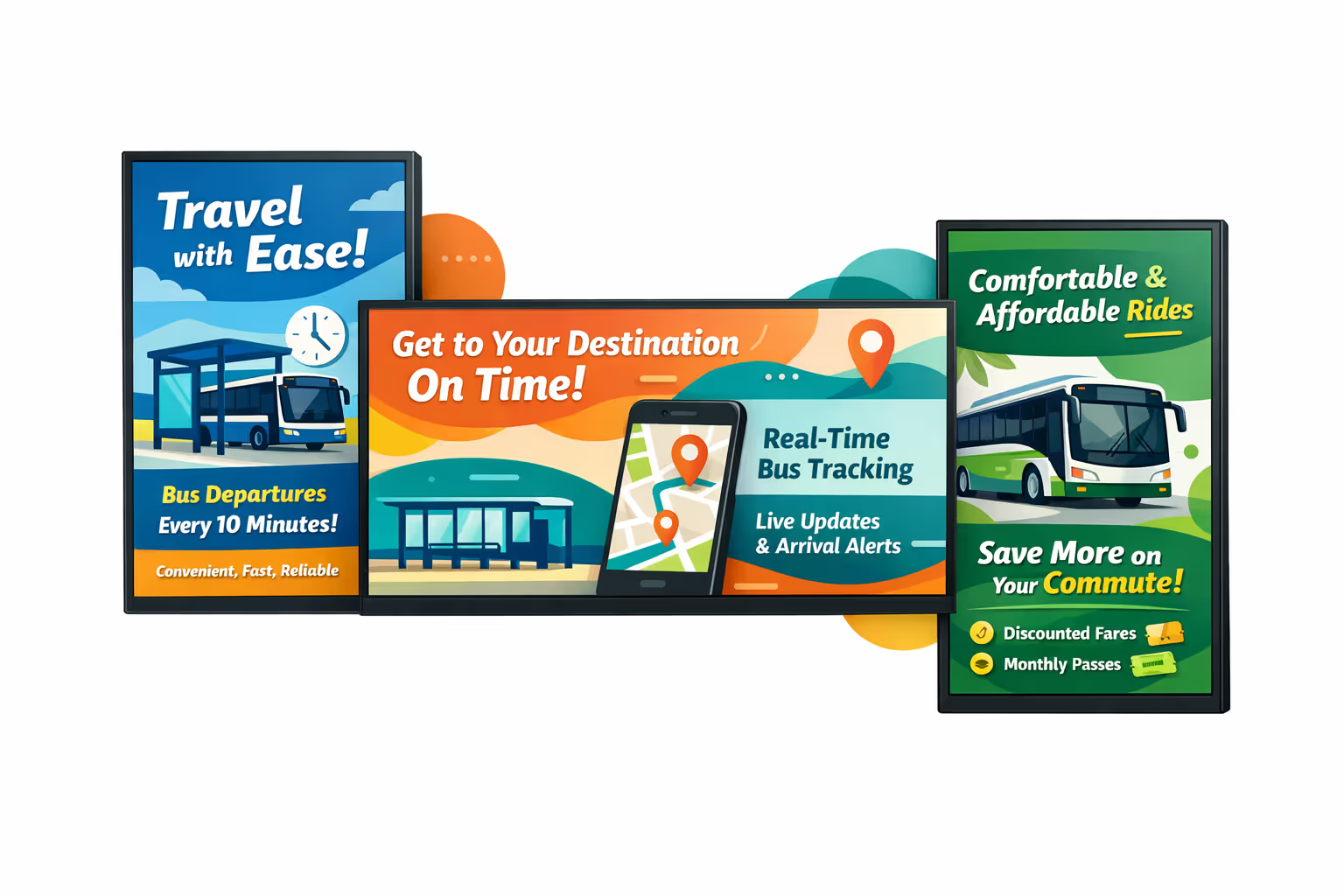
How Disign digital signage works
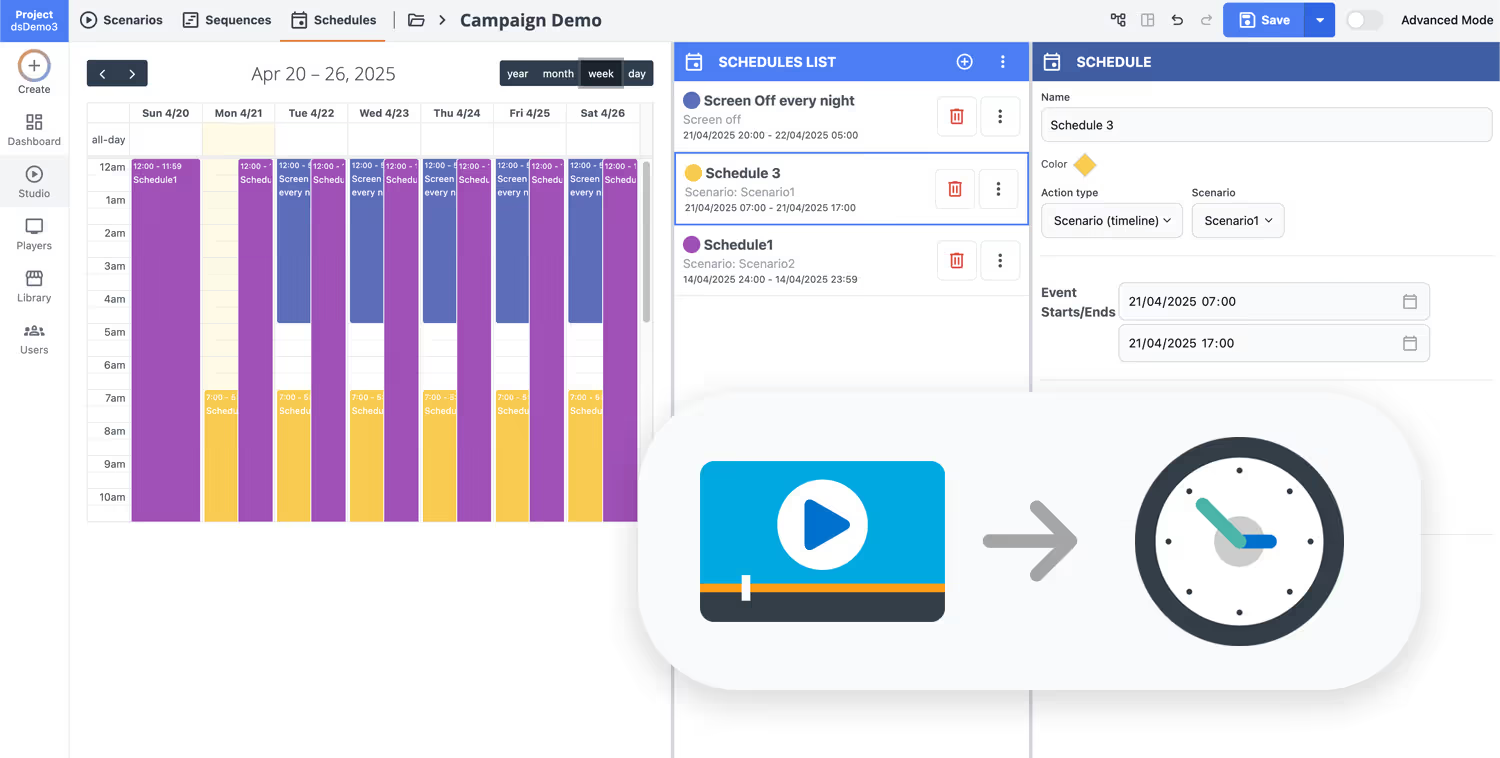
Schedule your content from anywhere with our cloud-based digital signage solution. Easily plan what plays, when, and where—across one screen or thousands.
Design custom scenarios and playlists tailored to your audience and goals.
Set precise dates and times for your content to play automatically.
Deploy content instantly across your digital signage network with just a click.
Ready to run bus station digital signage that keeps passengers informed?
Start with Disign and publish real time departures, platform changes, service alerts, wayfinding, and on site promotions across every screen in minutes. Try it free for 28 days with no credit card required.
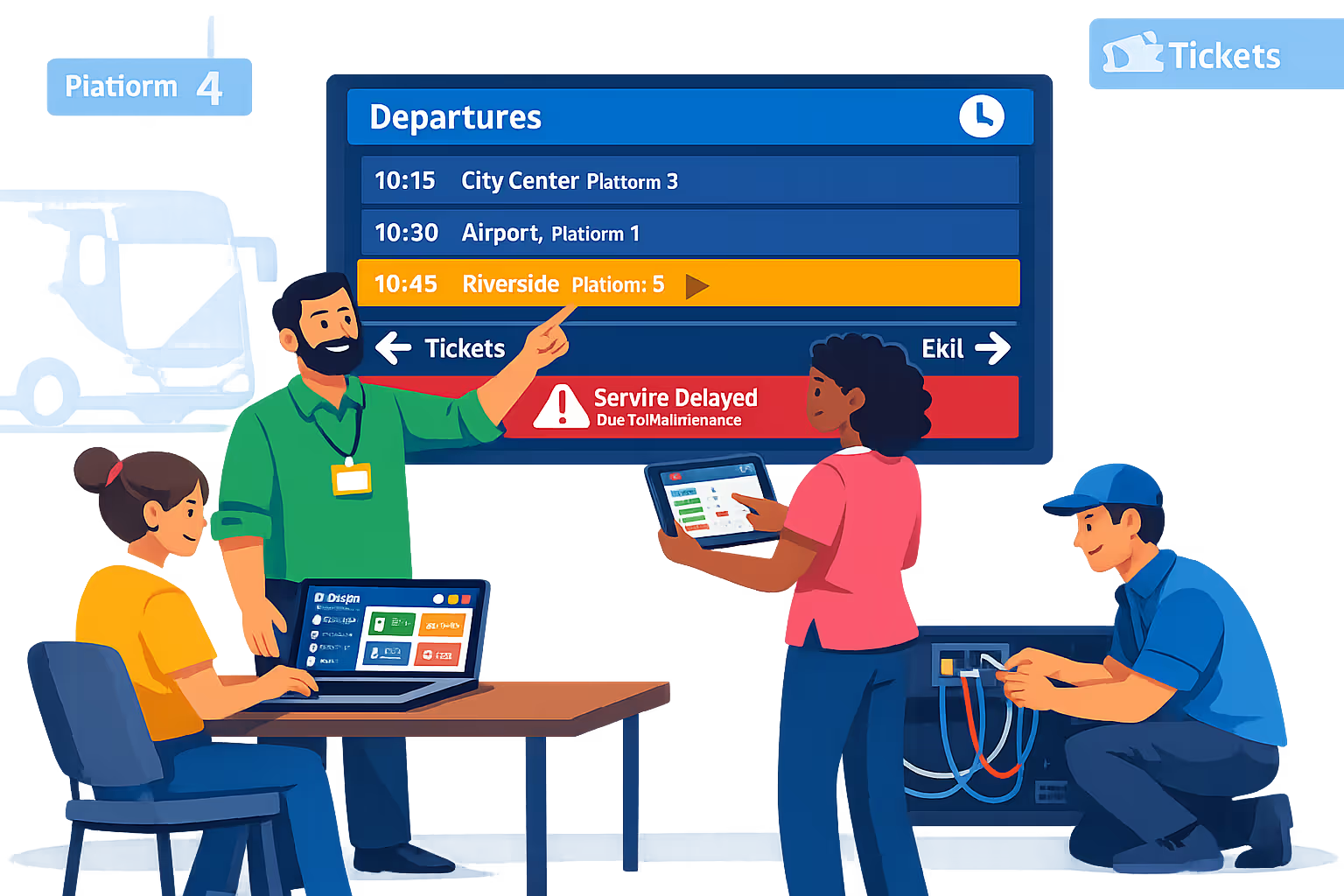
Bus station digital signage for real time departures, platform updates, and service alerts
Keep passengers informed with reliable bus station digital signage powered by Disign. Publish departure boards, gate changes, delays, accessibility notices, and emergency messaging from one central dashboard, with controlled access and a clear audit trail for every update.
Centralized station and platform control
Manage bus station digital signage across all locations
Target content by station, concourse, platform, bay, or screen group with role based permissions and reusable playlists. Standardize passenger information while still letting local teams publish approved updates where they are needed.
Secure access and device governance
Protect screens, players, and publishing rights
Control who can create, approve, and publish with granular roles and station level scopes. Pair devices securely, keep credentials protected, and maintain auditable activity logs to reduce operational risk.
Controlled publishing for critical messaging
Review and approval for safety and service updates
Use structured workflows from draft to review to approval to scheduling for time sensitive communications. Keep version history for templates like delay notices, evacuation messages, and accessibility guidance so the right information is always on screen.
Automated schedules and real time changes
Dayparting, recurring campaigns, and rapid updates
Schedule passenger information by time and day, then switch instantly when operations change. Publish platform reassignments, disruption notices, event traffic messages, or weather advisories without manual screen by screen updates.
High uptime playback with monitoring
Health checks, alerts, and remote diagnostics
Detect offline players, confirm content delivery, and troubleshoot remotely to keep screens dependable during peak travel hours. Maintain consistent bus station digital signage even across large networks and mixed device fleets.
Deployment support for transport teams
Rollout guidance for IT, ops, and station staff
Get help from first rollout to daily operations. Disign supports template standardization, user onboarding, and troubleshooting so your bus station digital signage remains easy to run and ready for operational peaks.
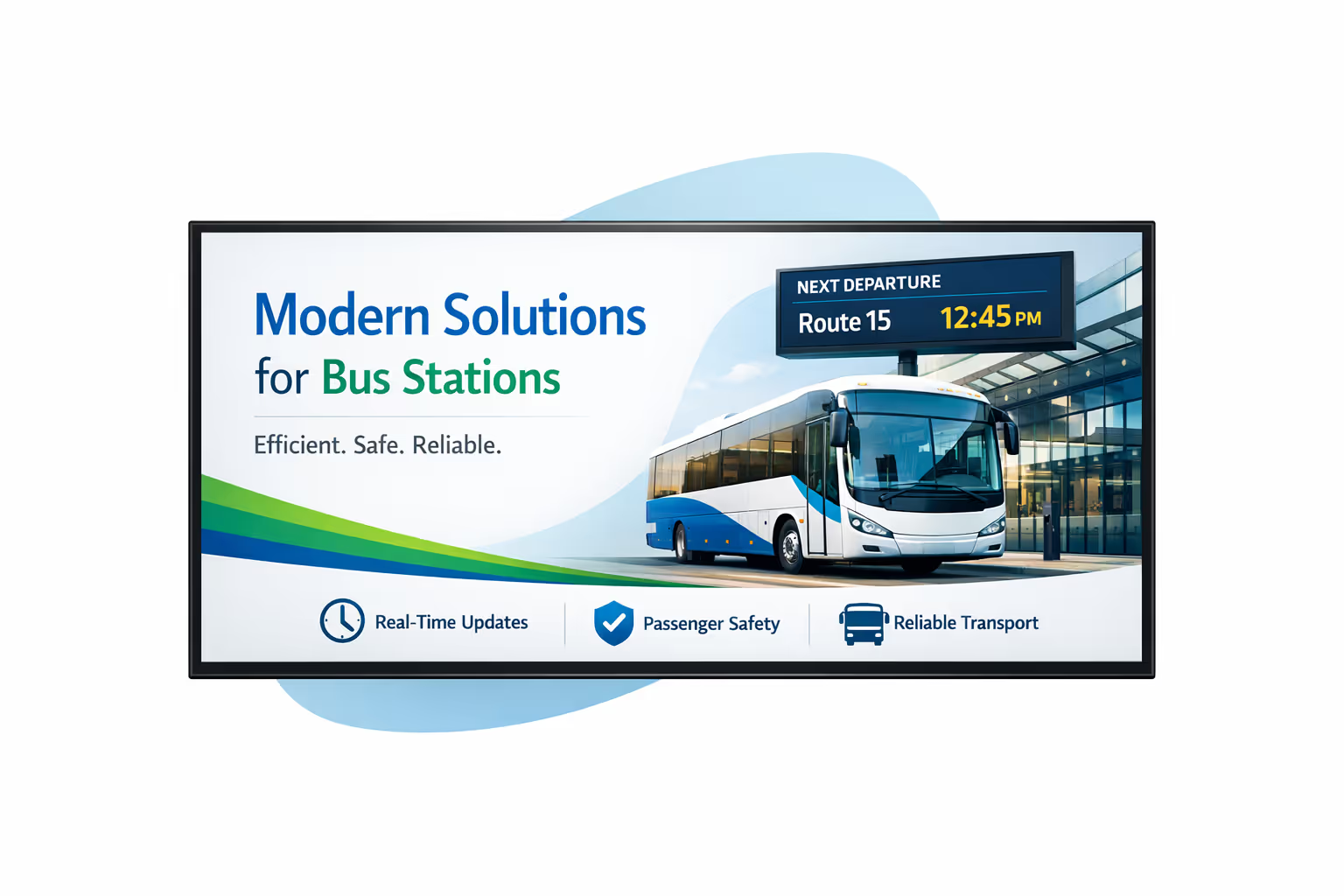
Centralized content management for bus station digital signage
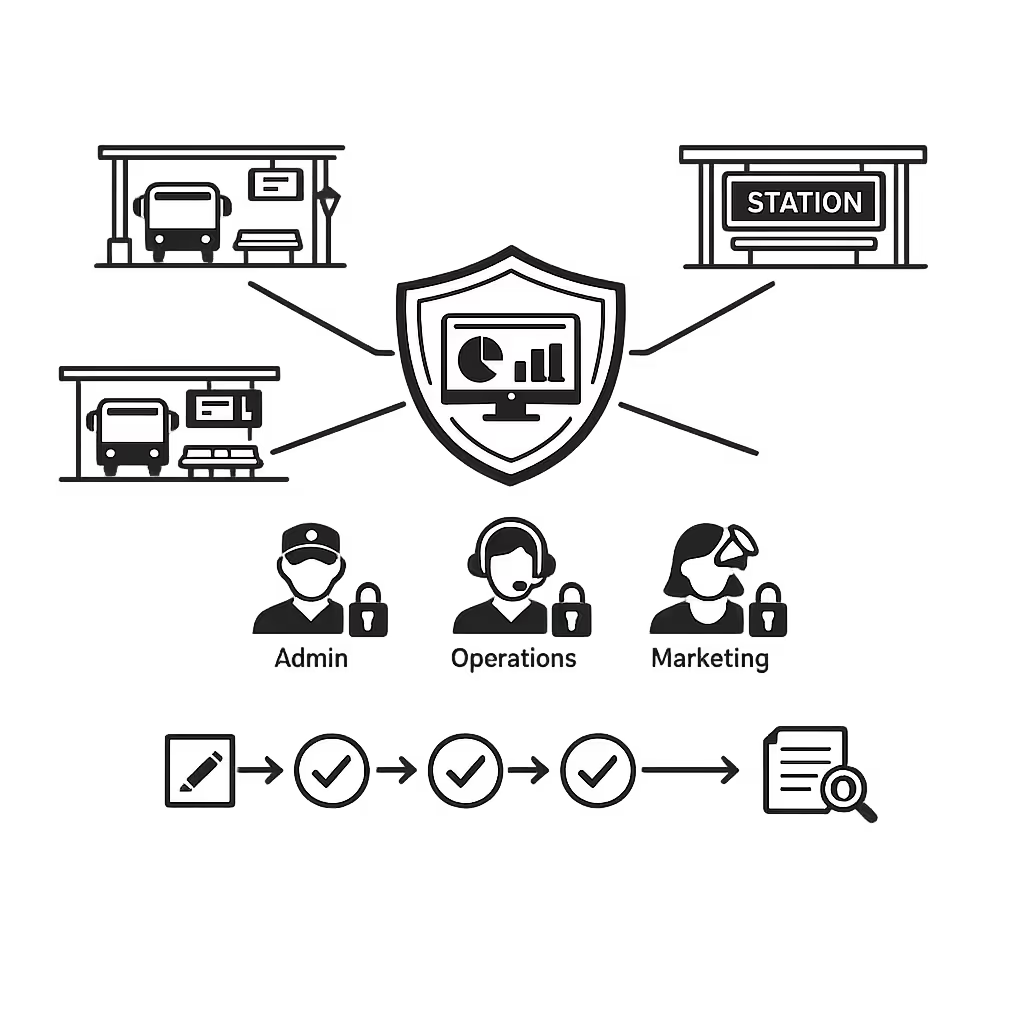
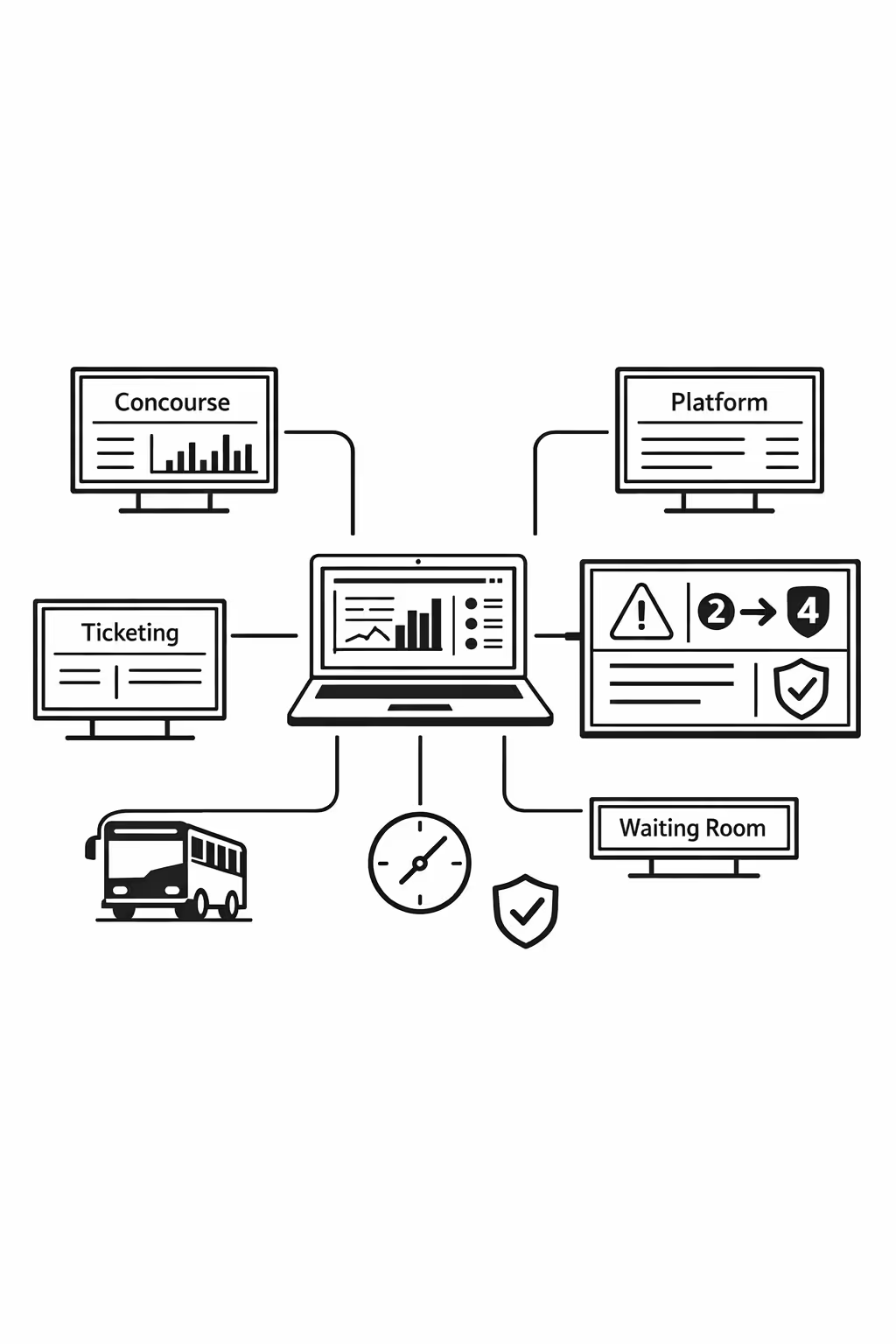
Run every display across your bus station network from one secure platform. Create, approve, schedule, and publish content for concourses, platforms, ticketing areas, and waiting rooms, with the governance IT requires and the speed marketing and operations rely on.
One control center for every bus station screen
Central control with station level flexibility
Publish consistent network wide messaging while enabling each station to add local content like gate changes, disruption notices, accessibility information, and local partnerships within approved templates and rules.
Timed campaigns and passenger information, perfectly scheduled
Schedule content by station, platform, zone, or screen type. Keep passenger information timely, service announcements accurate, and marketing placements consistent across your bus station digital signage network.
Built for IT governance and secure operations
Centralize access with role based permissions, approval workflows, and playback policies. Standardize what runs on each screen while keeping a clear audit trail for your bus station digital signage program.
Real time updates for incidents, service, and passenger flow
Push live updates for delays, platform changes, safety alerts, and crowd management messaging in seconds. Keep every display aligned during peak periods and disruptions, without manual updates screen by screen.
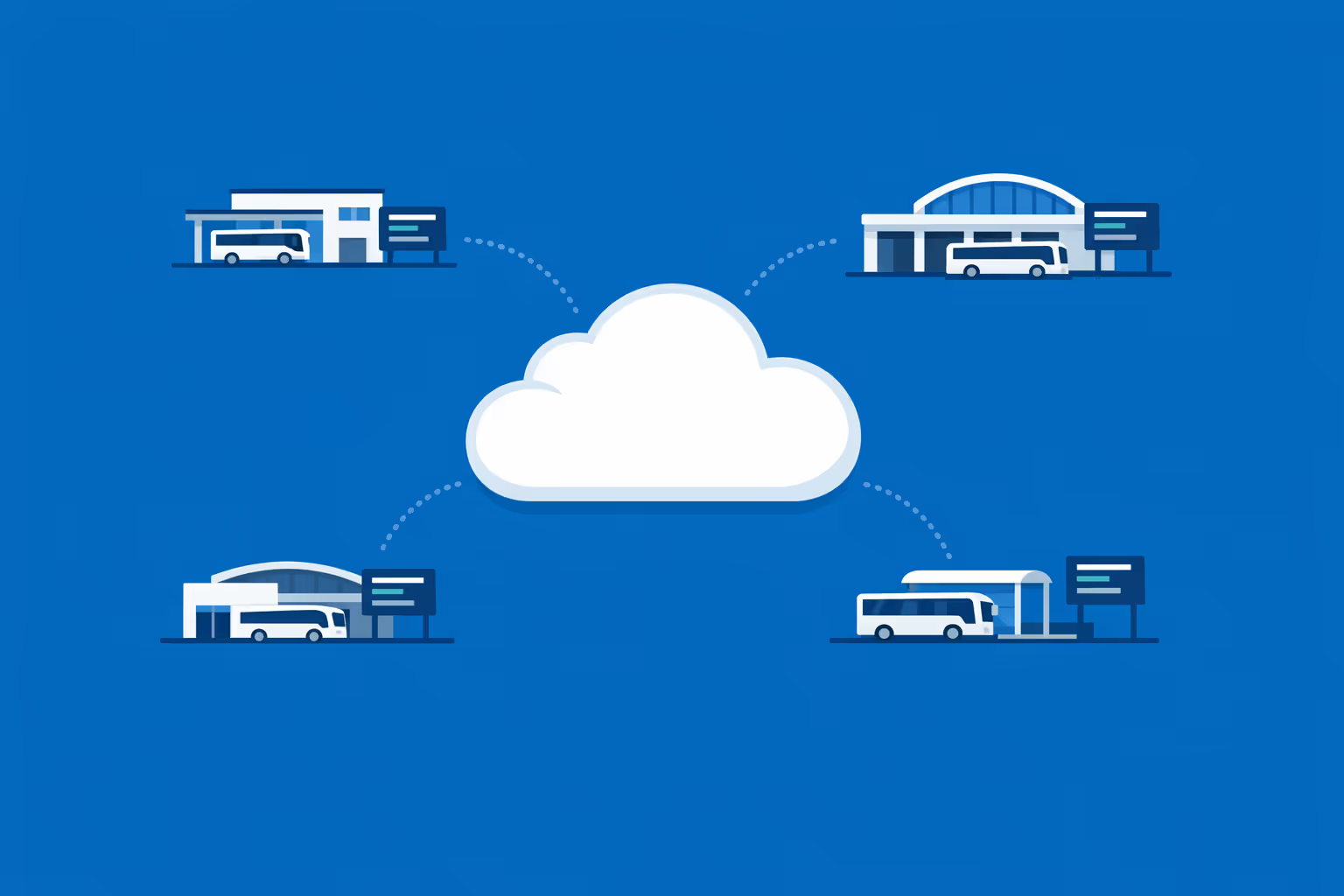
Scalability for growing bus station networks with bus station digital signage
Scale bus station digital signage across terminals, depots, and regional hubs from one cloud platform. Roll out updates in minutes, keep operations aligned, and protect brand consistency as your network expands.
Multi-site management from one cloud dashboard
Oversee bus station digital signage across every location from a single view. Publish content instantly, verify what is playing, and keep information consistent across all stations while allowing local updates when needed.
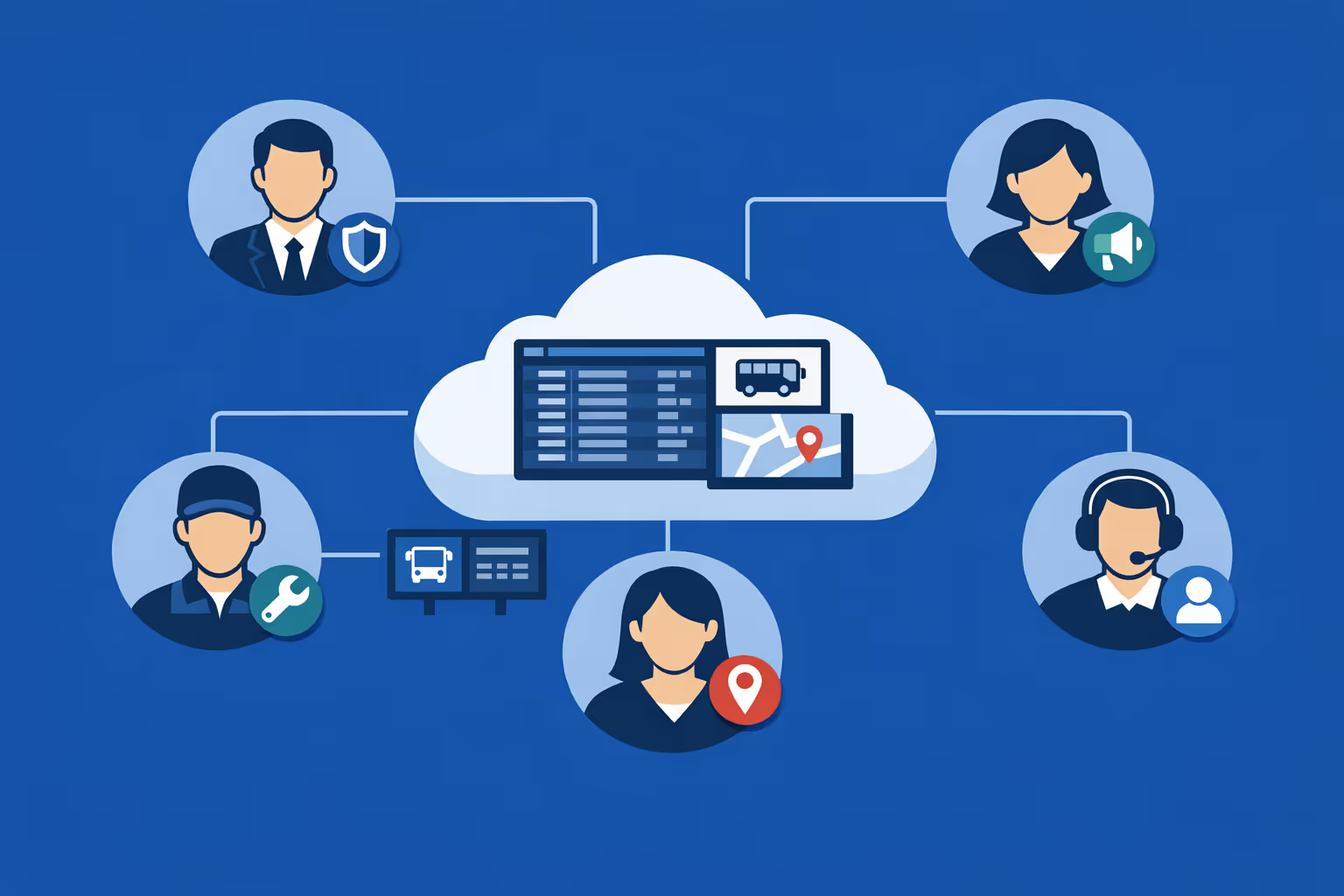
Multi-user access with role-based permissions
Assign roles and permissions for operations, marketing, customer service, and regional managers. Keep collaboration fast and secure with clear ownership, approvals, and access levels across your bus station network.
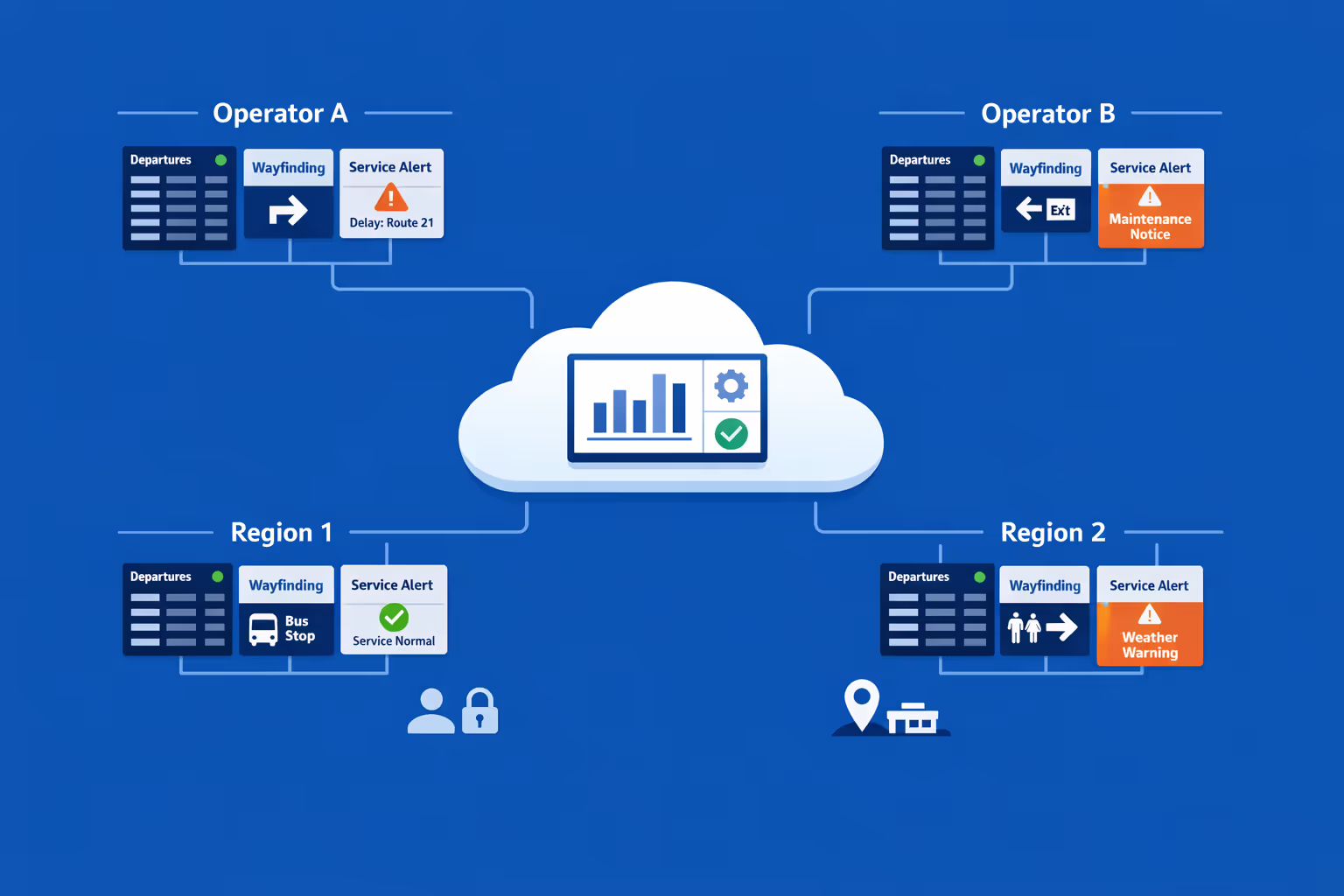
Multi-screen and multi-organization ready
Manage thousands of screens and multiple organizations within one account. Segment bus station digital signage by operator, region, or station to scale confidently while keeping each location relevant and accurate.
Disign is compatible with all screens for digital signage
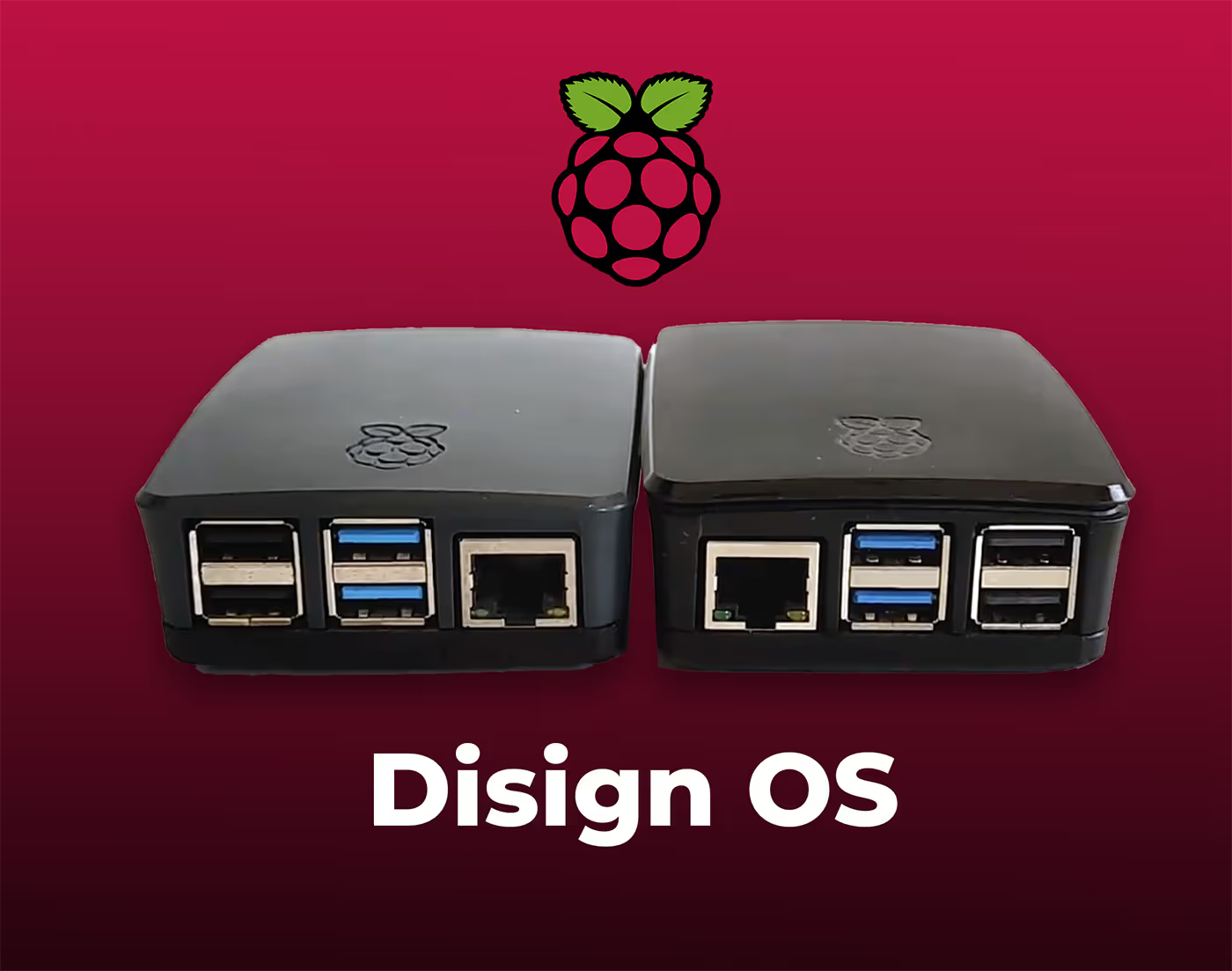
Digital signage with Disign allows you to manage and display content across a variety of devices. Our solution is compatible with many external players such as Disign OS based on Raspberry Pi, BrightSign, and any Android hardware. Disign also supports technologies embedded in Samsung, LG, and Android TV screens. With this broad compatibility, you can easily deploy digital signage solutions on different types of hardware, ensuring simplified management and an optimal user experience.


Integrate with your favorite Applications
70+ Applications and infini integration with API, Database, and any data source
Easily integrate third-party applications and web content such as YouTube or Vimeo, optimized for seamless playback. Display data from RSS feeds or formats like CSV, JSON, or XML directly on your digital signage screens. Extend display capabilities with advanced applications like grids or collections to enrich Disign scenarios.

We designed Disign to be as open and customizable as possible, both in its visual scenes and in its data sources.
Florent MondoloniCo-Founder, Disign

Video
Utilisez vos medias

RSS Feed
Use your own RSS Feed

Database
Databases

Canva
Create your Design and import it

Google Sheets
Import CSV, Live data...

Website/API
Affiche your website or use API
Everything you need to know about Disign Digital Signage For BusStation
Bus station digital signage FAQ: practical answers for station managers and operations teams
Bus station digital signage is more than a set of screens showing generic ads. In a busy terminal, it becomes the most reliable way to guide passengers, reduce confusion during disruptions, and keep information consistent across bays, entrances, ticketing areas, and waiting rooms. This FAQ is written for bus station decision makers such as station managers, operations supervisors, transit authorities, private operators, and facilities teams who need a digital signage solution that is simple to run, quick to update, and dependable during peak hours.
Below are the most common questions teams ask when evaluating Disign for bus station digital signage. The answers are designed to be clear, realistic, and ready to apply to your station.
What is bus station digital signage and what problems does it solve?
Bus station digital signage is a system of centrally managed screens that display real time and scheduled information across a station. It can include LED displays, LCD screens, and smaller monitors placed where passengers and staff need fast, readable guidance.
The main problems it solves are:
- passenger confusion about where to go, which bay to use, and when boarding starts
- inconsistent information between printed posters, staff announcements, and last minute changes
- slow updates during delays, platform changes, detours, or incidents
- crowding in front of ticket counters because passengers cannot find answers quickly
- missed announcements in noisy environments or for passengers who do not speak the local language well
- increased pressure on staff who end up repeating the same information all day
With bus station digital signage, you can publish one update and have it appear everywhere it needs to be within seconds, without relying on manual printing or verbal relays.
Where should bus station digital signage screens be installed?
Screen placement should match passenger flow. A good station layout usually includes a mix of large overview screens and smaller, highly specific screens near decision points.
Typical locations include:
- main entrance: welcome, service alerts, maps, and high level departures
- ticketing area: queue guidance, ticketing instructions, and promotions if relevant
- waiting area: departures, gate changes, boarding reminders, and safety messages
- bay or gate entrances: route number, destination, boarding status, and accessibility notes
- near restrooms and amenities: wayfinding and service alerts
- outside areas or curbside: next departures and disruption notices when passengers arrive from the street
- staff only zones: internal updates, shift notes, and incident coordination
Disign helps you group screens by zone so entrance screens can show broad information while bay screens show precise boarding details.
What types of content are most important on bus station digital signage?
The content that performs best in a station is content that helps someone make a decision quickly. Passengers are often moving, carrying luggage, and scanning for a single critical detail.
High value content types include:
- departures and arrivals with time, destination, bay, and operator
- boarding status such as boarding, delayed, final call, departed
- bay changes and reroutes with clear instructions on what to do next
- service disruption alerts with a short cause and the next step
- wayfinding: map snippets, arrows, and simple directions to bays and services
- safety messages: emergency exits, no smoking zones, luggage policy, suspicious activity reporting
- accessibility information: elevator status, accessible boarding locations, assistance points
- customer service information: help desk hours, lost and found, complaint channels
- local information: weather warnings, road closures affecting bus routes, city events that impact travel
When you build playlists in Disign, you can balance operational messages and passenger support so screens stay useful, not noisy.
How does bus station digital signage handle last minute schedule changes?
Last minute changes are where bus station digital signage proves its value. A reliable signage process includes fast publishing, the ability to target specific screens, and a clear hierarchy of messages so urgent updates override routine content.
With Disign, common approaches include:
- updating a single departure board layout and pushing it to all relevant zones
- targeting a specific bay group when only one operator or route is impacted
- scheduling content so routine messages run only when there are no active alerts
- publishing an emergency or disruption message that appears immediately on selected screens
Operational tip: define an internal rule for who can publish urgent alerts and who approves them. For many stations, the operations lead has authority to publish disruption messages immediately, while marketing content follows a slower workflow.
Can bus station digital signage display real time departures and arrivals?
Yes, if you have a data source. Many stations already have schedules in GTFS, an internal dispatch system, or an operator feed. Bus station digital signage can display that information in a clean, readable format if the data can be accessed as a feed, API, or webpage.
Common options include:
- embedding an existing web based departures page on screens
- connecting to a data feed to render a custom departures layout
- using a CSV or structured source for smaller stations that update schedules less frequently
Even if real time data is not available, stations still benefit from digital signage by showing scheduled departures, bay assignments, and clear messages about how updates will be communicated.
What is the difference between a departure board and general bus station digital signage?
A departure board is a specific type of signage focused on live operational data: times, destinations, and bay assignments. General bus station digital signage includes everything else that supports the station experience: wayfinding, alerts, policies, accessibility information, and passenger guidance.
Most stations need both:
- departure boards for fast scanning of travel info
- supporting screens that reduce questions and manage crowds
Disign can support multiple screen types at once, so you can run a consistent visual system across the station instead of mixing unrelated tools.
How can bus station digital signage reduce crowding and improve passenger flow?
Crowding often happens when people do not know what to do next. When passengers are uncertain, they cluster near staff, entrances, and the most visible screens.
Bus station digital signage improves flow by:
- confirming steps: check your departure, go to bay, wait for boarding call
- placing specific information closer to the action, such as bay screens at each gate
- providing frequent updates during delays so passengers do not repeatedly approach staff
- displaying queue guidance at ticketing and help desks
- directing passengers to secondary waiting areas when the main area becomes congested
A small but powerful tactic is to show estimated boarding start times and clear final call messages so passengers spread out instead of hovering at the bay too early.
Can bus station digital signage support wayfinding and maps?
Yes. Wayfinding is one of the quickest wins for bus station digital signage because it reduces stress immediately and lowers the number of basic questions staff receive.
Effective wayfinding content includes:
- simple station maps with you are here markers
- arrows to bays grouped by number range
- directions to amenities: restrooms, luggage storage, charging points, exits
- accessible routes with elevator and ramp guidance
- instructions for transfers: where to find connecting services
With Disign, you can schedule wayfinding messages by time of day. For example, during peak commuting windows, show more transfer guidance. During tourist heavy periods, show more map content and multilingual prompts.
How do you keep information readable in a bright, busy bus station?
Readability is a design and hardware decision. Stations have glare, distance viewing, constant motion, and passengers who may only glance at a screen for a second.
Best practices for readable bus station digital signage include:
- large font sizes with strong contrast
- short lines and clear alignment for time, destination, and bay
- limiting each slide to one main message
- avoiding dense paragraphs and fine print
- using icons consistently for delayed, boarding, accessibility, and alerts
- choosing displays with sufficient brightness for the placement
Disign templates can help you standardize layouts so every screen stays legible, even when different teams publish updates.
What about accessibility for passengers with disabilities?
Accessibility is not optional in public transport environments. A good bus station digital signage program supports passengers with visual, hearing, and mobility needs.
Practical accessibility steps include:
- high contrast palettes and large text
- avoiding fast scrolling text that is hard to track
- using clear symbols and repeated placement for key elements
- adding captions to video content when audio is not guaranteed
- including guidance for accessible boarding points and assistance desks
- ensuring important alerts are displayed visually, not only announced by audio
If your station serves multilingual audiences, accessibility also includes plain language and clear phrasing. The goal is to reduce cognitive load in stressful travel moments.
Can bus station digital signage show emergency messages and safety instructions?
Yes, and it should. Stations need a trusted channel for safety communication that can be updated instantly.
Common safety and emergency uses include:
- evacuation instructions and exit directions
- severe weather alerts and shelter guidance
- fire alarm or security incident messaging
- reminders for reporting unattended bags
- safety notices about platform edges, vehicle movement, and restricted areas
A good operational approach is to create pre approved emergency templates in Disign so staff can publish the right message in seconds, without writing under pressure.
How do station teams manage content without creating confusion?
Content governance is essential. Without clear rules, screens can become cluttered, inconsistent, or outdated, which reduces trust fast.
A simple operating model for bus station digital signage is:
- operations owns real time service messages and disruptions
- customer service owns passenger guidance content and FAQs
- marketing or communications owns approved campaigns and community messages
- facilities owns maintenance and temporary closure notices
- IT owns devices, network policies, and uptime monitoring
Disign supports role based access so each team can do their job without accidentally overwriting critical operational information.
How often should bus station digital signage content be updated?
Update frequency depends on the type of content:
- real time boards update continuously if connected to live data
- daily updates for service advisories, staffing changes, or construction
- weekly updates for seasonal travel guidance and station notices
- immediate updates for disruptions, bay changes, and safety incidents
Passengers quickly notice stale content. If a screen shows yesterday's disruption or outdated bay assignments, they stop trusting it. The advantage of Disign is that routine updates can be scheduled while urgent updates can be published instantly.
Can bus station digital signage be targeted by zone, bay, or operator?
Yes, targeting is a core requirement in multi operator stations and larger terminals.
Targeting examples include:
- Bay 12 screens show only Bay 12 departures plus a station wide alert banner if needed
- Operator A screens show Operator A branding and policies, while shared areas remain neutral
- Entrance screens show overview departures across all operators
- Overnight playlists display security and night service information
- Event day playlists display detours and additional passenger guidance
Disign lets you group screens so you can publish once to a defined set of devices, which reduces manual work and publishing mistakes.
Does bus station digital signage replace printed posters completely?
Not always, but it reduces dependency on print dramatically. Many stations keep minimal printed signage for legal notices, permanent wayfinding, and backup instructions. Digital signage handles what changes frequently.
Digital signage is best for:
- time sensitive information
- disruptions and operational changes
- rotating guidance and reminders
- multilingual passenger support
- seasonal travel messages
Print can remain for:
- permanent rules and static maps in areas where screens are not practical
- emergency instruction posters required by regulation
- backup notices in case of extended power or network outages
Most station leaders aim for a hybrid approach where digital signage carries the operational load and print supports permanent context.
What hardware is needed for bus station digital signage?
A typical setup includes:
- commercial grade displays suited to long operating hours
- media players or compatible devices to run the signage player
- mounts, power access, and cable management
- reliable network connectivity, wired where possible for fixed screens
- optional protective enclosures for high traffic or semi outdoor areas
In a bus station, durability matters. Dust, vibration, temperature changes near entrances, and constant use can quickly expose weak hardware. Disign is designed to work with a range of hardware strategies so you can standardize over time, not all at once.
How reliable is bus station digital signage during peak hours?
Reliability depends on three things: stable hardware, stable connectivity, and a platform that can monitor devices and recover gracefully.
Operational expectations to set for bus station digital signage:
- screens should keep playing scheduled content even if the network drops temporarily
- staff should be able to verify what each screen is showing
- alerts and urgent messages should publish quickly and predictably
- the system should support remote troubleshooting to avoid dispatching technicians for simple issues
Disign is built for centralized management so you can monitor screens across the station, reduce downtime, and keep passenger information consistent during peak periods.
Can bus station digital signage integrate with announcements or audio systems?
Digital signage complements audio, it does not compete with it. Audio is essential for immediate alerts, while screens provide clarity, repeatability, and accessibility.
Common approaches include:
- using screens to repeat and clarify audio announcements
- displaying bilingual or multilingual text versions of important calls
- pairing a disruption message with a visual instruction, such as which bay to use instead
If you already have an announcement process, the most effective change is to align the wording so the message on the screen matches what staff are saying.
How do you prevent screens from showing outdated or conflicting information?
Outdated information is usually a process problem, not a screen problem. Strong scheduling, clear ownership, and template driven publishing reduce errors.
Best practices include:
- setting expiration dates on temporary notices so they automatically disappear
- using templates with fixed areas for critical details like date and time
- maintaining a single source of truth for schedules and bay assignments where possible
- limiting who can publish to departure boards versus general content
- reviewing playlists weekly to remove old slides
Disign supports scheduling and controlled publishing so temporary content does not linger for weeks after the situation ends.
Is bus station digital signage secure?
Security matters because screens are public facing and highly visible. You want to prevent unauthorized publishing, reduce the risk of device tampering, and keep control over who can change what.
Key security expectations include:
- secure authentication and role based permissions
- encrypted connections for management and content delivery
- auditability of administrative actions
- device level monitoring and remote management
- a clear separation between content creation and publishing when needed
For station operators, the practical goal is simple: only authorized staff can publish, and you can prove what was shown if an incident occurs.
Can multiple teams collaborate without stepping on each other?
Yes, if the platform supports permissions and a structured workflow. Stations often involve operators, city authorities, contractors, and internal teams. Collaboration must be controlled so operational screens stay operational.
A realistic collaboration setup looks like:
- operations can publish service alerts and bay changes
- customer service can update passenger guidance slides
- communications can schedule community messages and campaigns
- facilities can post elevator outages, restroom closures, and construction notices
- external operators can be given limited access only to their own content zones, if required
Disign helps you enforce these boundaries so teamwork is productive, not chaotic.
How do you measure ROI for bus station digital signage?
ROI in a bus station is about operational efficiency, passenger satisfaction, and risk reduction, not only ad revenue.
Common ROI drivers include:
- fewer staff interruptions for repetitive questions, freeing teams for real issues
- reduced printing and manual poster updates
- faster response time during disruptions, lowering complaints
- improved passenger flow, reducing bottlenecks and safety risks
- better consistency across operators and bays, increasing trust in station information
- potential revenue support through managed promotional slots if your station uses them
Many stations also track operational metrics such as time to publish an alert, percentage of screens online, and how quickly a bay change appears across all relevant screens.
Can bus station digital signage help during major events or seasonal peaks?
Yes. Event days and holiday peaks are exactly when passengers most need clear guidance, and when staff are already stretched.
Effective event and seasonal messaging includes:
- temporary wayfinding to pop up bays or overflow waiting areas
- reminders about arriving early and where to queue
- baggage guidance and prohibited items
- detour information due to road closures
- multilingual welcome messages for visitors
With Disign, you can prepare an event playlist in advance, schedule it for the right dates, and switch back to normal operations automatically afterward.
What makes Disign a strong choice for bus station digital signage?
Bus stations need a platform that is easy to operate daily, flexible enough for constant changes, and structured enough to prevent mistakes.
Disign supports bus station digital signage with:
- centralized management for all screens across entrances, bays, and waiting areas
- scheduling and targeting so the right message shows in the right zone
- templates that keep layouts readable and consistent
- permissions that match real station teams and responsibilities
- fast updates for disruptions, safety messages, and operational notices
If your goal is to reduce confusion, improve flow, and keep passengers informed without adding workload to your teams, Disign is built for that reality.
What are the next steps to plan a bus station digital signage rollout?
A smooth rollout starts with clarity, not hardware shopping. Before scaling, align stakeholders and define what success looks like.
A practical next step plan:
- map passenger pain points: bay confusion, delays, queues, wayfinding gaps
- decide your screen zones: entrance, ticketing, waiting, bays, staff areas
- identify content owners and publishing rules
- build a small set of templates: departures, disruption alert, wayfinding, safety, service notice
- pilot in a few high traffic areas and measure results such as fewer questions and faster updates
- scale by zone or by station, using the same templates and governance model
Once the operating model is stable, adding new screens becomes straightforward. The value of bus station digital signage grows as your content stays consistent, timely, and trusted.





Join community of 4k+ people
Bus station digital signage that keeps passengers informed and lines moving
Keep your bus station announcements clear, consistent, and always up to date. Disign helps you publish departures, platform changes, disruptions, safety messages, and wayfinding across every screen from one secure dashboard.
Ready to try it in your station. Start your 28 day free trial with no credit card required and create your first bus station digital signage playlists in minutes. If you want a hand, contact us and we will help you get set up quickly.