Government digital signage by Disign
Government digital signage that keeps the public informed and services moving
Meet people where they are with clear, timely messages on every screen. Disign government digital signage helps agencies share alerts, office hours, wayfinding, queue updates, event notices, and emergency instructions in minutes. Try for free no credit card required. Get started for free. contact us

Challenges in government communication when branch information is unclear
In public service locations, people need clear instructions the moment they arrive. When guidance is scattered or outdated, uncertainty turns into repeated questions, longer queues, and a stressful experience for both visitors and staff.
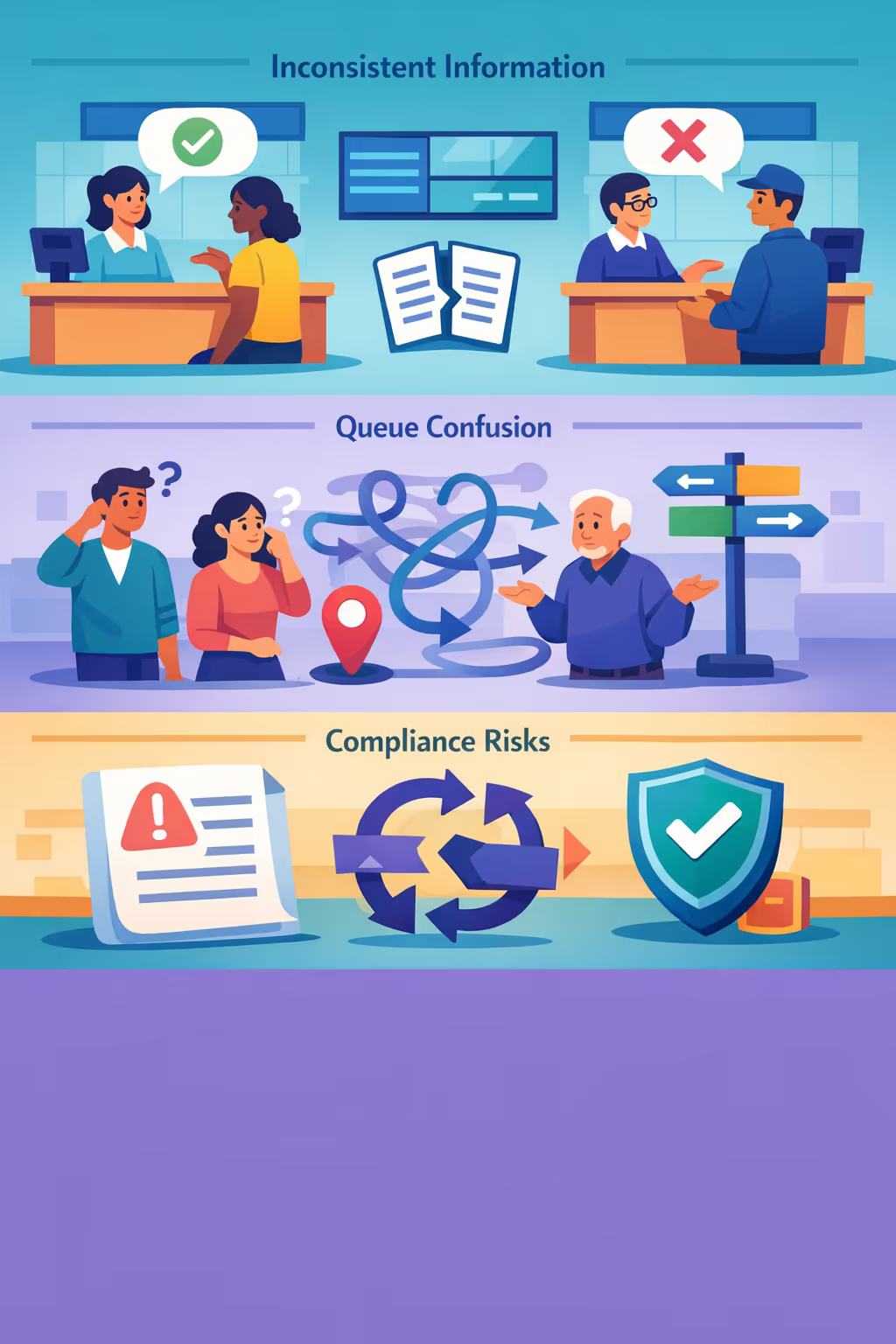
Eligibility rules, required documents, and service hours can change fast. When counters, call handling, and nearby offices share different details, people lose trust and small misunderstandings can quickly become complaints.
Visitors want to know where to go, what to prepare, and what to expect next. Without clear instructions in plain language, staff spend their time repeating directions instead of helping with complex government requests.
Public sector messaging must be accurate, consistent, and aligned with current policy. When notices and on site communications are not synchronized, people may follow the wrong process, creating rework, delays, and avoidable compliance risk.
Government digital signage that keeps citizens informed and services running smoothly
Share accurate updates across city halls, public offices, service centers, and waiting areas in seconds. Disign helps government teams reduce printing and manual updates, improve wayfinding and queue communication, and deliver clear public information with measurable ROI.

Publish public updates in real time across every facility
Push urgent notices, service interruptions, emergency guidance, event information, and office hours instantly. Keep messaging consistent across departments without emails, paper posters, or last minute rushes.
Reduce perceived wait times with clear queue information
Display what citizens need before they reach the counter, highlight required documents, and explain next steps. Better guidance improves service flow, reduces repeat visits, and lowers pressure on front desk staff.
Show ROI with smarter communication and fewer manual tasks
Centralize updates, schedule content by location and time, and reduce repetitive questions at the desk. Government digital signage helps cut printing costs, improve productivity, and prove value with faster information delivery.
Keep messaging consistent, accessible, and policy compliant
Use approved templates and simple workflows so every screen stays aligned with your standards. Publish mandatory notices and accessibility friendly information quickly while maintaining trust across all locations.
Lower printing costs and reduce the workload for staff
Replace recurring poster runs with a simple digital workflow. Update once from a central team, eliminate shipping and reprints, and free staff time for citizen support instead of signage maintenance.
Localize content by site, language, and audience needs
Tailor screens for each office with the right language, local services, and community specific information. Deliver relevant messages for citizens, visitors, and staff while staying aligned with your broader government strategy.
Government digital signage use cases for every public building
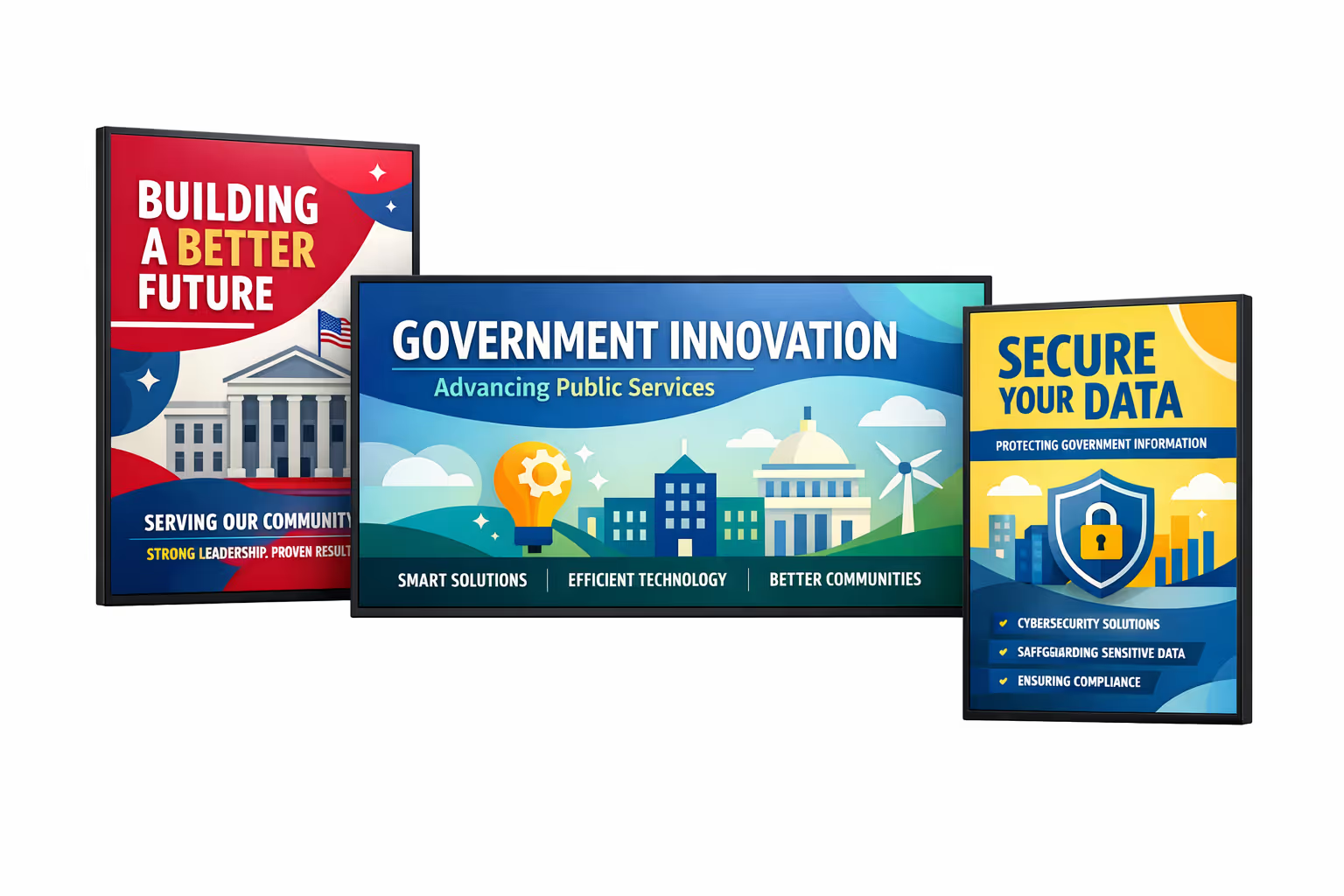
From city halls to service centers, government digital signage helps residents find the right desk faster, understand requirements before they queue, and trust what they see thanks to consistent, official messaging.
- City halls and municipal offices: share opening hours, service updates, and clear wayfinding to reduce confusion at reception
- Waiting areas: display queue status, appointment instructions, and what documents to prepare before your turn
- Self service kiosks and public terminals: reinforce security guidance, planned maintenance notices, and step by step instructions for online forms
- Internal offices and staff areas: align teams with policy updates, emergency procedures, and operational messages across locations
How Disign digital signage works
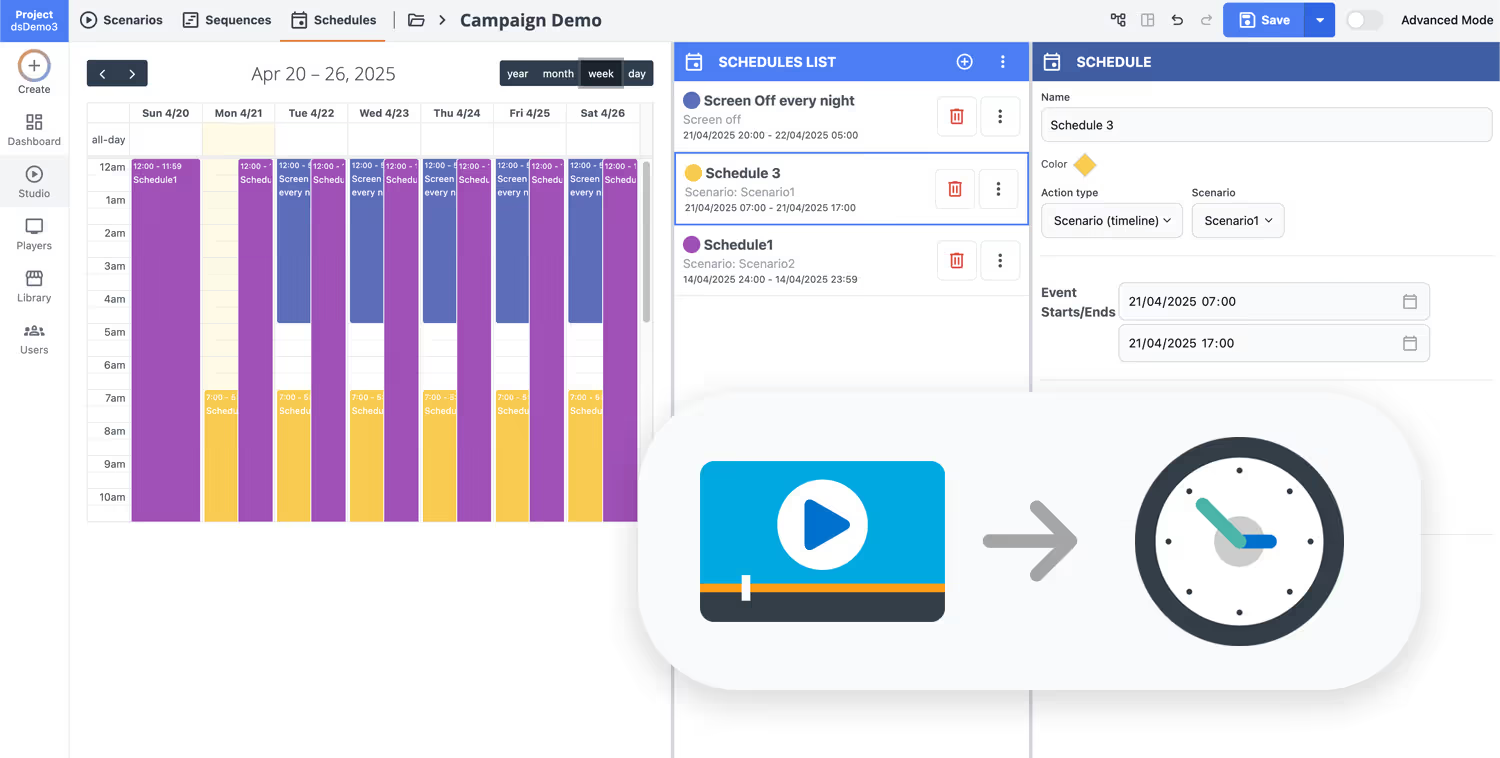
Schedule your content from anywhere with our cloud-based digital signage solution. Easily plan what plays, when, and where—across one screen or thousands.
Design custom scenarios and playlists tailored to your audience and goals.
Set precise dates and times for your content to play automatically.
Deploy content instantly across your digital signage network with just a click.
Ready to launch government digital signage that keeps citizens informed?
Start your 28 day free trial with Disign and publish updates across city halls, public service offices, libraries, and agencies in minutes. No credit card required. Share hours, queue guidance, emergency notices, events, and service announcements from one secure dashboard.
Government digital signage designed for secure, centralized public communication
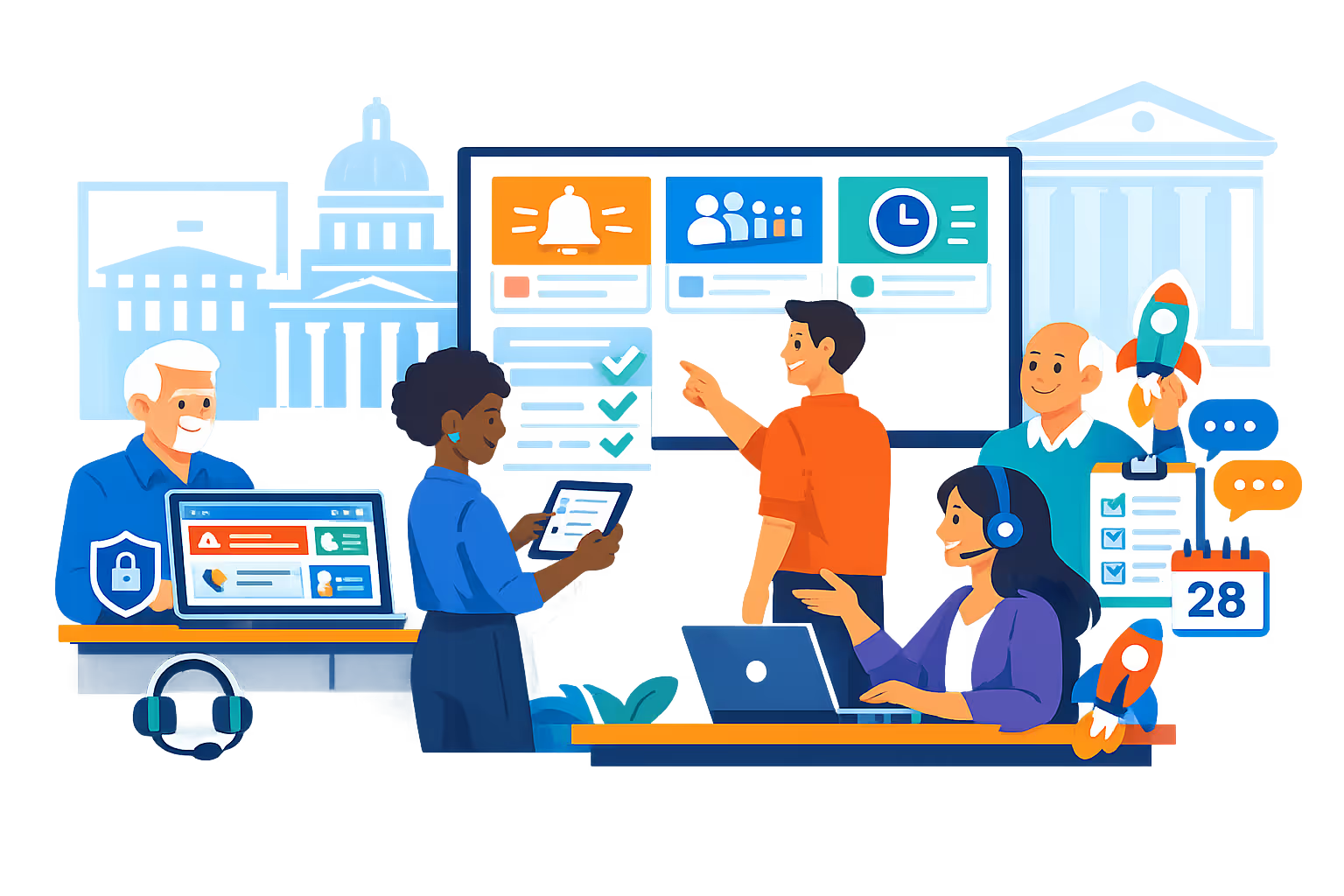
Publish real time updates across municipal buildings, agencies, and service centers from one platform. Disign helps you deliver consistent public information with controlled access, auditable actions, and reliable playback across every screen.
Centralized control across locations
Manage government digital signage at scale
Organize screens by agency, building, floor, or department, then publish to one display or thousands with precise targeting. Standardize messaging with shared playlists while allowing authorized local teams to update location specific content.
Security and access governance
Protect content, devices, and credentials
Enforce least privilege access with granular roles for creators, reviewers, and publishers. Secure device pairing and controlled sign in help reduce operational risk, while audit trails support internal governance requirements.
Approval workflows for public information
Review and sign off before anything goes live
Use structured stages from draft to review to approval to prevent unverified messages reaching the public. Maintain version history for notices, emergency guidance, and policy updates so the right content appears on the right screens.
Scheduling and automation for operations
Time based campaigns and automated updates
Schedule content by date, time, and service hours to keep government facilities accurate and current. Automatically rotate messages for office openings, planned maintenance, public meeting reminders, and service interruptions.
Reliable playback and device monitoring
Visibility into screen health and delivery
Monitor player status, detect offline screens, and confirm content delivery across your government digital signage network. Remote diagnostics help IT teams reduce downtime and keep citizen facing communications available when it matters.
Deployment support for IT and facilities
Standardize rollout, templates, and operations
Get hands on guidance from first deployment to daily administration. We help you structure templates, onboard teams, and support devices so your government digital signage stays stable, secure, and easy to operate.

Centralized content management for government digital signage
Manage government digital signage from one secure workspace. Create content, route it for approval, schedule publishing, and maintain consistent messaging across city halls, agencies, service centers, and public waiting areas, with the control IT requires and the speed communications and operations teams need.
One platform to manage every location
Central control with local autonomy
Publish agency wide messaging while allowing approved teams to add location specific updates like office hours, queue guidance, event notices, and service changes, within clear governance rules.
Campaign scheduling across regions and services
Target content by department, region, building, or screen type. Keep public information consistent, time sensitive announcements accurate, and every government digital signage screen aligned with your communication plan.
Built for governance, security, and audit readiness
Standardize how content is created and approved with role based access, review workflows, and playback policies. Keep government digital signage compliant with internal controls, accessibility commitments, and audit requirements.
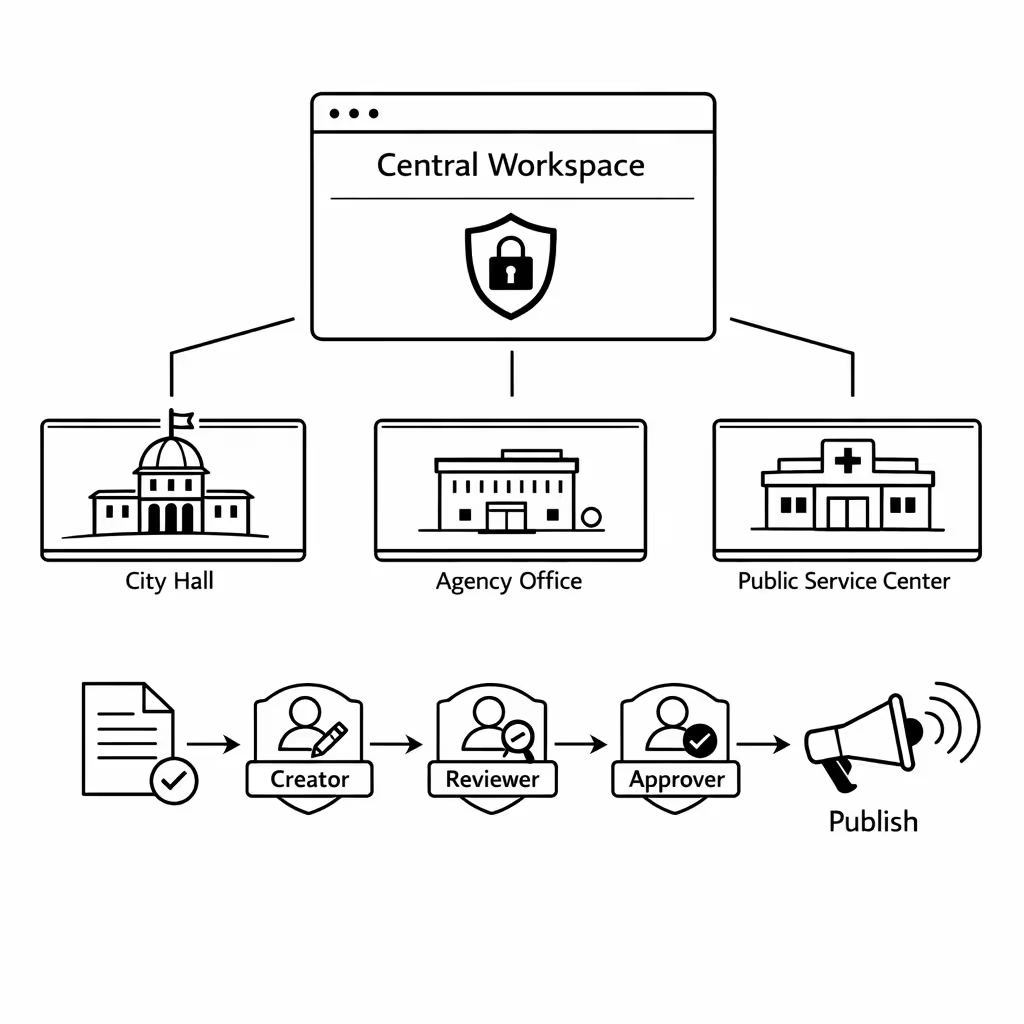
Real time updates for public service operations
Publish emergency notices, service interruptions, wait time guidance, and policy updates in minutes. Keep every government digital signage screen accurate during peak demand, outages, or rapid operational changes, without chasing individual locations.
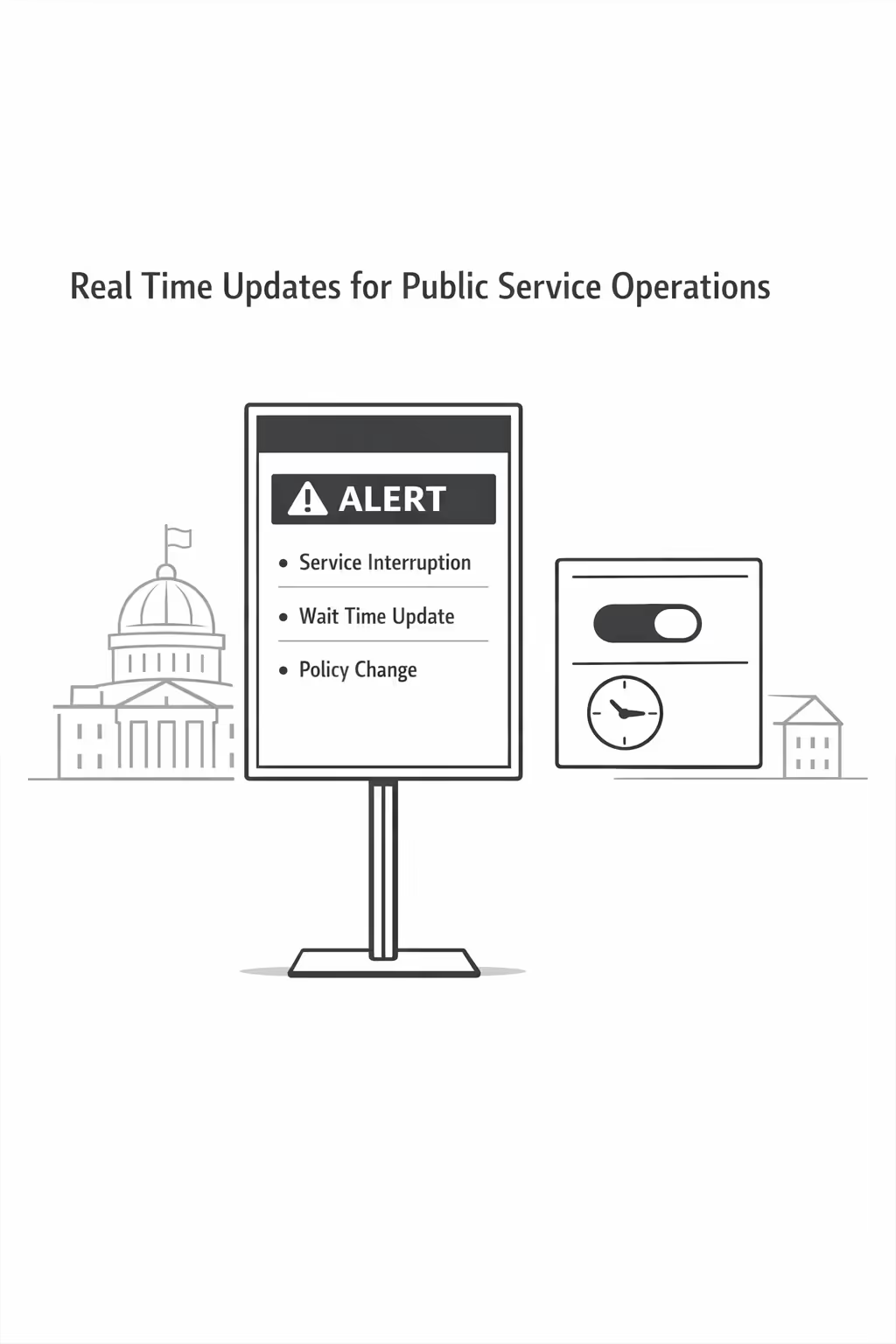
Scalability for growing government networks with government digital signage
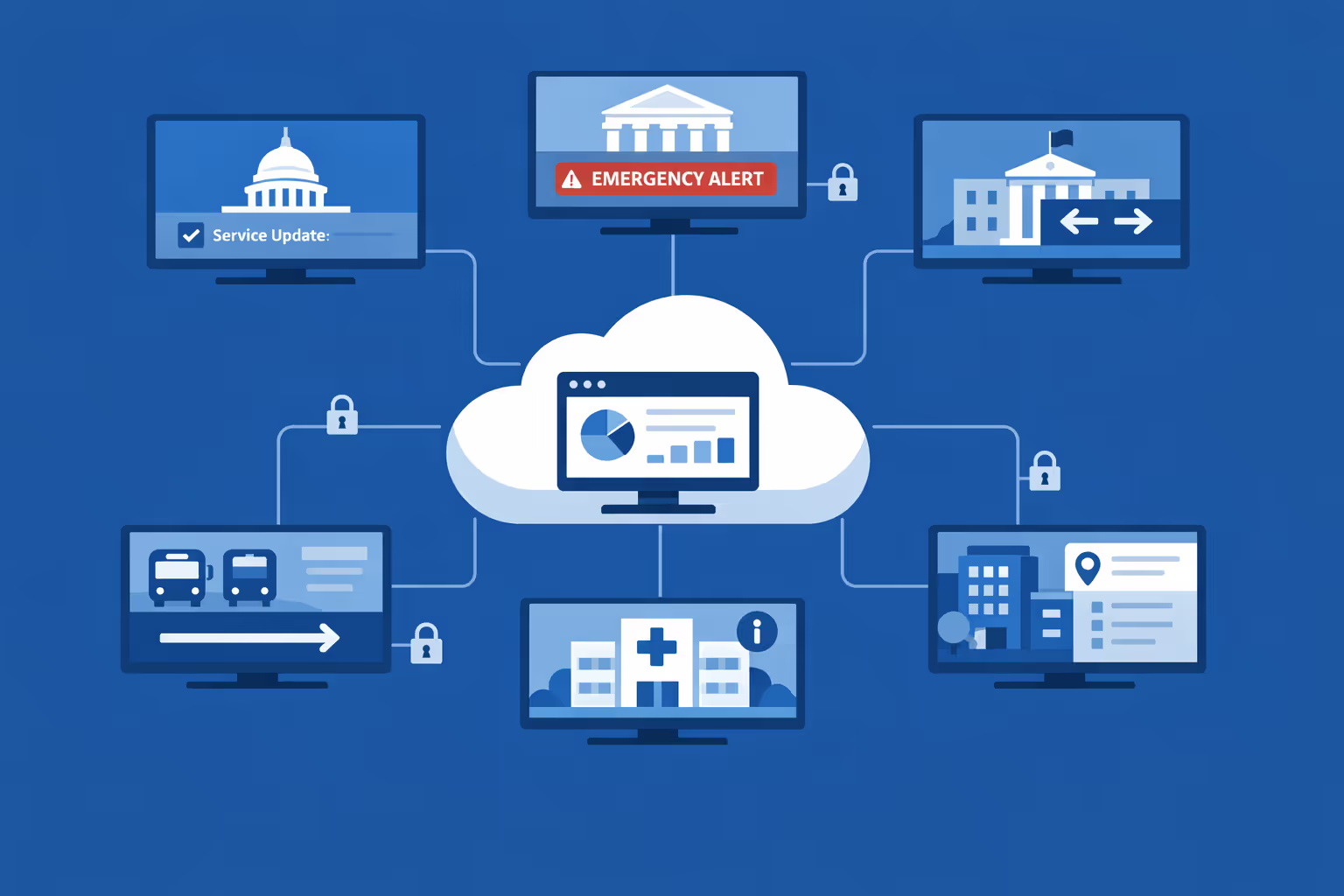
Scale government digital signage across departments, agencies, and regional offices from one secure cloud platform. Roll out updates in minutes, keep approvals and governance clear, and maintain consistent public communications as your network expands.
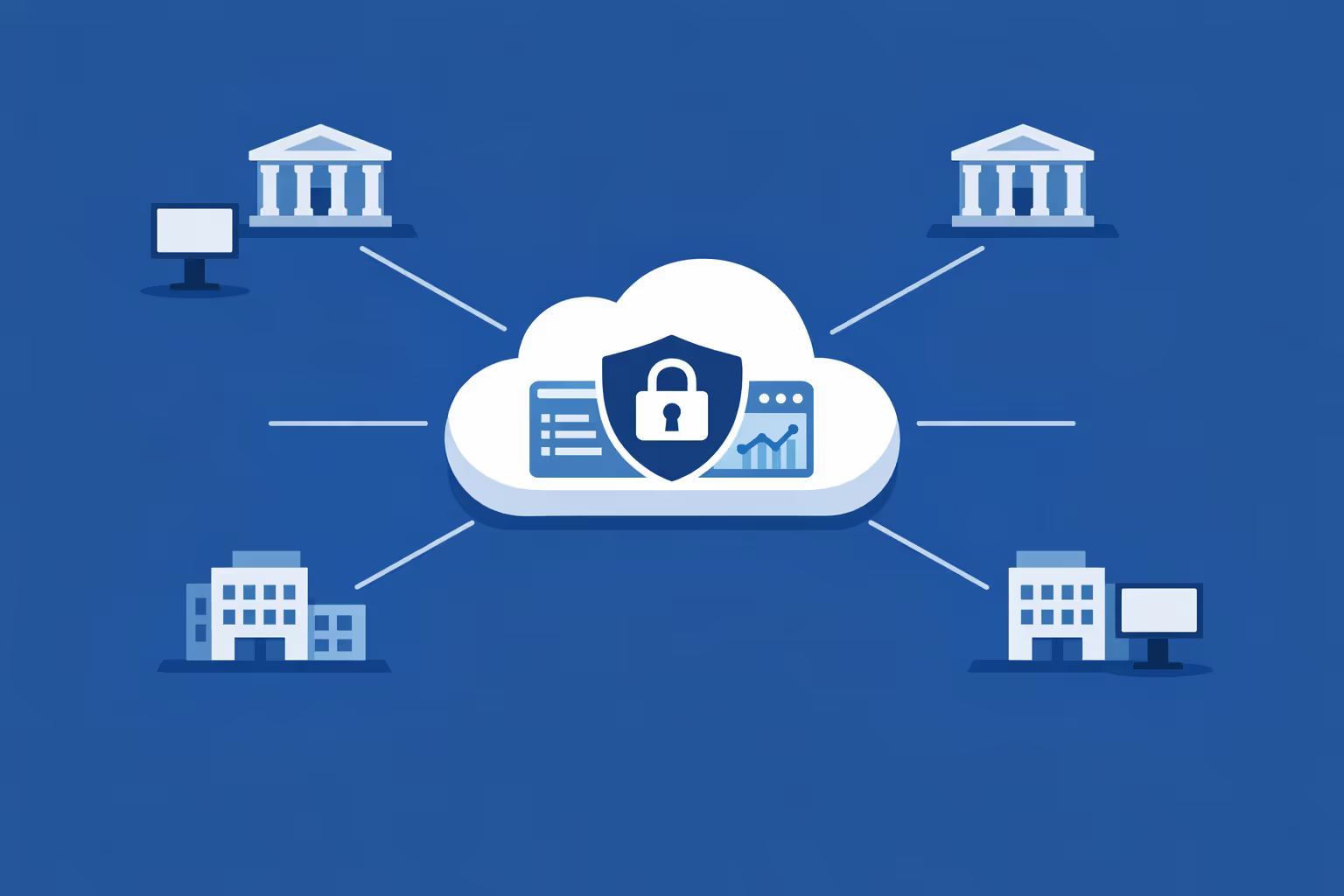
Multi-site management from one cloud dashboard
Manage government digital signage across every location in one place. Publish emergency notices, service updates, and wayfinding instantly, confirm what is playing on each screen, and keep messaging consistent across your entire government network.
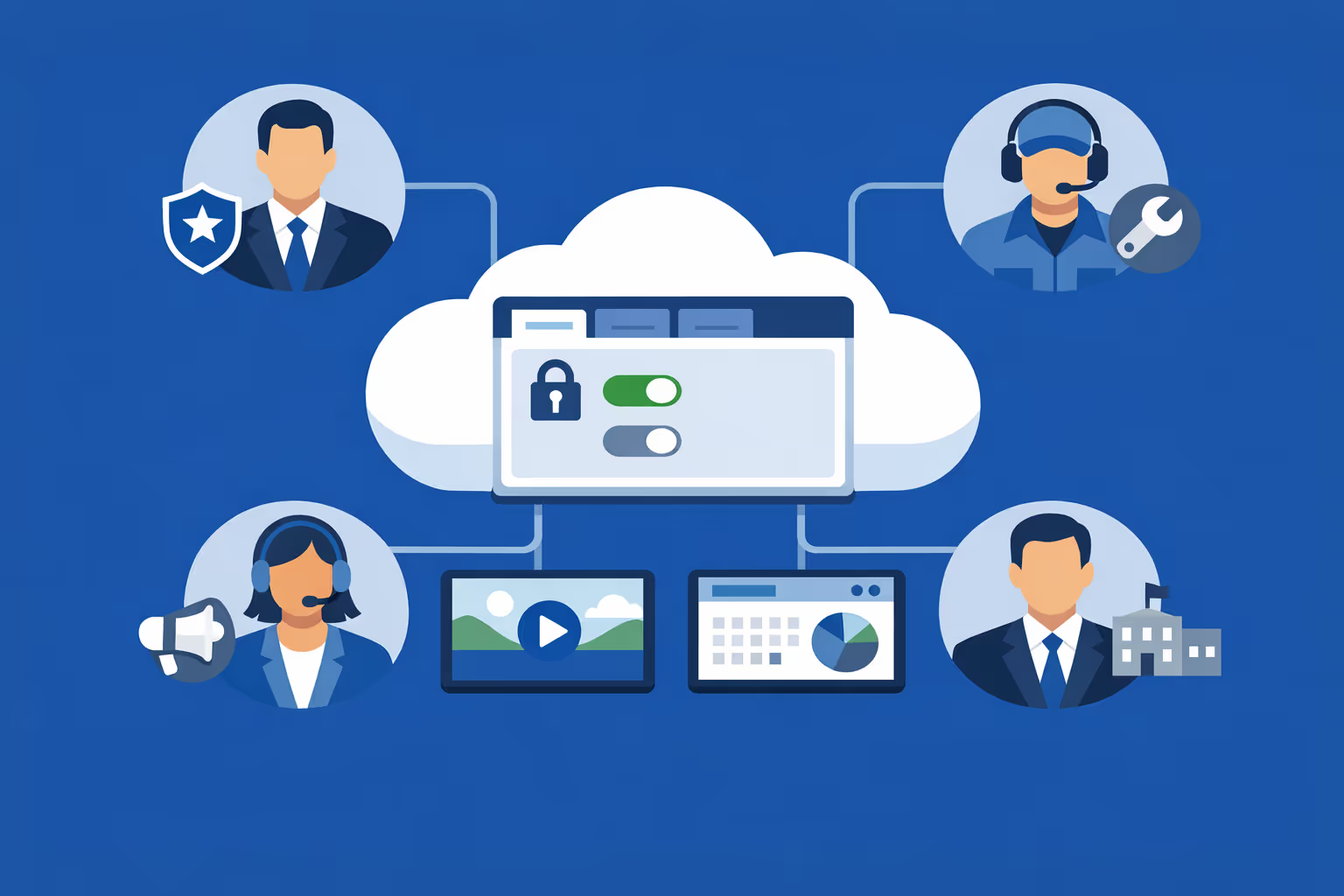
Multi-user access with role-based permissions
Give communications, IT, and local office teams the right access without losing control. Assign roles and permissions by department, region, or facility to support secure collaboration, clear ownership, and smoother review workflows for government digital signage.
Multi-screen and multi-organization ready
Run thousands of screens and manage multiple organizations from a single account. Segment government digital signage by agency, location, building, or audience so you can scale confidently while keeping information relevant to each office.
Disign is compatible with all screens for digital signage
Digital signage with Disign allows you to manage and display content across a variety of devices. Our solution is compatible with many external players such as Disign OS based on Raspberry Pi, BrightSign, and any Android hardware. Disign also supports technologies embedded in Samsung, LG, and Android TV screens. With this broad compatibility, you can easily deploy digital signage solutions on different types of hardware, ensuring simplified management and an optimal user experience.



Integrate with your favorite Applications
70+ Applications and infini integration with API, Database, and any data source
Easily integrate third-party applications and web content such as YouTube or Vimeo, optimized for seamless playback. Display data from RSS feeds or formats like CSV, JSON, or XML directly on your digital signage screens. Extend display capabilities with advanced applications like grids or collections to enrich Disign scenarios.

We designed Disign to be as open and customizable as possible, both in its visual scenes and in its data sources.
Florent MondoloniCo-Founder, Disign

Video
Utilisez vos medias

RSS Feed
Use your own RSS Feed

Database
Databases

Canva
Create your Design and import it

Google Sheets
Import CSV, Live data...

Website/API
Affiche your website or use API
Everything you need to know about Disign Digital Signage For Government
Government digital signage FAQ: practical answers for public sector teams planning secure, scalable screens
Government digital signage is no longer a nice looking screen in a lobby. For public sector organizations, it is a mission critical communication channel that improves service delivery, supports transparency, strengthens safety messaging, and keeps information consistent across buildings, departments, and regions. Whether you manage a city hall, a county office, a courthouse, a public works facility, a job center, a library network, or a transportation hub, screens can help you communicate faster without losing control.
This FAQ is written for the real decision makers behind a government digital signage project: communications leaders, facility and operations managers, IT and security teams, procurement, and department heads who need a solution that is easy to run, secure by design, and accountable.
You will find clear answers to the most common questions about government digital signage and how a platform like Disign can support a structured rollout.
What is government digital signage and where is it used?
Government digital signage is a centrally managed network of screens used to display dynamic information in public sector environments. Instead of relying on printed posters or ad hoc TV content, digital signage lets government teams publish the right message to the right building or audience at the right time, with consistent branding and oversight.
Common government locations include:
- building entrances and lobbies for hours, directions, and announcements
- waiting areas for service steps, forms, and estimated timing
- service counters for ticket calls, next steps, and accessibility notices
- hallways and elevators for wayfinding and building updates
- meeting rooms for agendas, schedules, and room status
- staff areas for internal updates, safety reminders, and operational priorities
- multi site networks like libraries, clinics, community centers, and municipal offices
In practice, government digital signage supports both public facing communication and internal coordination, with the same governance framework behind the scenes.
Why do government agencies choose digital signage instead of printed posters?
Printed posters feel simple until you are the person responsible for keeping them accurate across multiple locations. Updates take time, approvals are hard to track, and old posters often remain on walls longer than anyone wants to admit. For government, that can become a trust issue, especially when information is time sensitive.
Government digital signage is adopted because it helps agencies:
- update information instantly without printing or shipping
- keep messaging consistent across buildings and departments
- reduce clutter and outdated notices in public spaces
- communicate quickly during incidents, closures, or schedule changes
- support multilingual communication in diverse communities
- improve the visitor experience with clear directions and expectations
- provide a more accessible format than small print flyers
Cost savings from printing are real, but many agencies find the bigger value is credibility and operational speed. When residents see up to date information, they trust the service more.
What are the best use cases for government digital signage in public buildings?
The most effective government digital signage use cases focus on service clarity, wayfinding, and public trust. If a screen can reduce confusion, prevent missed steps, or lower stress in a waiting room, it earns its place quickly.
High impact use cases include:
- service instructions such as check in steps, required documents, and where to go next
- real time announcements like closures, delays, emergency alerts, and maintenance updates
- wayfinding maps and directional information for large buildings
- queue and ticket displays in high volume service locations
- public meeting notices, agendas, and civic event reminders
- health and safety messaging, including seasonal advisories
- public program awareness such as permits, benefits, tax deadlines, and application windows
- community resources including hotlines, shelters, and local services
With Disign, agencies can schedule these messages, target them by building or department, and maintain a consistent brand and tone across every screen.
How can government digital signage reduce frustration in waiting areas?
Waiting is not only about time. It is also about uncertainty. People become frustrated when they do not know what to do, what documents they need, how long the process may take, or whether they are in the right place.
Government digital signage reduces stress by:
- explaining the process in clear steps from arrival to service completion
- setting expectations with service hours, cut off times, and appointment rules
- providing queue status or ticket instructions when available
- offering helpful content such as form tips and common mistakes to avoid
- sharing self service options like online portals, kiosks, or appointment booking
Even if you do not integrate with a live queue system, signage still improves perceived wait time by making the environment feel organized, predictable, and fair.
Can government digital signage support queue management and ticket calling?
Yes. Many government service centers and high traffic offices use digital signage to support queue operations. Screens can display:
- ticket numbers and the next counter or room
- service categories such as licensing, permits, benefits, payments, and records
- accessibility and priority service reminders
- instructions for rebooking, missed numbers, or document issues
Disign can display queue data when a data source is available, or it can show a secure embedded view from an existing queue platform, depending on your setup. If your system can expose a web page, a feed, or an integration endpoint, it is often possible to display the output in a controlled way.
If you are not using a ticketing system, digital signage can still improve flow by clearly stating where to check in and what the next step is.
How do agencies keep government digital signage content accurate and approved?
In government, accuracy is not optional. Many messages involve deadlines, eligibility rules, safety guidance, or public trust. That means agencies need governance built into the publishing process.
A reliable approach includes:
- role based access so only authorized users can publish or edit
- approval workflows or clear review responsibilities
- templates that standardize layouts and keep key notices consistent
- scheduled publishing so content appears only during valid dates and hours
- audit friendly logs so teams can see what changed, who changed it, and when
Disign supports structured permissions and organized content management so communications teams can move fast while keeping oversight and accountability.
What types of content perform best on government digital signage?
Government visitors are usually moving, waiting, or looking for immediate answers. The best content is simple, readable, and actionable. Think of signage as a service tool, not a web page.
Content that works well includes:
- step by step guidance for common services
- reminders about required documents, IDs, or payment methods
- short announcements about schedule changes or disruptions
- safety and emergency information
- civic updates like meeting dates and community events
- public program highlights with a clear call to action, such as visit a URL or scan a QR code
- seasonal messaging such as winter weather guidance, heat safety, or tax season reminders
Avoid slides that look like policy documents. If someone needs to read paragraphs, it will be missed. One message per screen is a strong default for public spaces.
Can government digital signage be targeted by building, department, or region?
Yes, and targeting is one of the biggest advantages of a modern government digital signage platform. A city or agency can publish a consistent message while still respecting local needs.
Common targeting patterns include:
- different playlists per building, floor, or department
- rotating messages by time of day and service hours
- language variations based on location and audience needs
- tailored content for specific service types, like courts versus libraries
- regional campaigns with local variations for smaller municipalities
With Disign, you can manage content centrally while still allowing approved local updates, so each location stays relevant without becoming inconsistent.
How does Disign help agencies keep branding consistent?
A government brand is not only a logo. It signals legitimacy and helps residents quickly recognize official information. Branding consistency is also helpful for accessibility, because it creates predictable patterns for where critical information appears.
Disign supports consistency through:
- reusable templates that enforce fonts, colors, spacing, and layout
- shared asset libraries for approved logos, icons, and backgrounds
- centralized playlists and scheduled campaigns across multiple sites
- permission controls so local teams can contribute without breaking standards
This is especially useful when multiple departments share buildings, or when a city operates a network of locations that must feel unified.
What security features should a government digital signage solution include?
Government digital signage must be treated as a managed endpoint, not a consumer TV. Security should cover the management portal, content delivery, and the devices connected to screens.
Key security capabilities to look for include:
- secure authentication and permission controls
- encrypted connections for administration and content delivery
- device level controls and remote monitoring
- clear separation of roles between content creators, reviewers, and publishers
- logging of administrative actions for accountability
- support for network policies, including restricted outbound access when required
Disign is designed to support centralized management with structured access, helping agencies reduce risk while keeping operations practical.
Should government digital signage be cloud based or on premises?
Many agencies prefer cloud management because it reduces infrastructure overhead and makes updates easier across multiple buildings. At the same time, government IT often has specific requirements around networking, device policies, and security reviews.
A cloud managed government digital signage approach typically provides:
- centralized control without maintaining a server in every building
- faster deployment and easier scaling as new screens are added
- consistent updates and management across distributed locations
- simplified collaboration between communications, IT, and facility teams
With Disign, teams can operate a cloud managed model while still applying government grade controls such as network segmentation, endpoint policies, and internal approval workflows.
What hardware is needed for government digital signage?
Most government organizations can start with existing displays if they meet reliability and visibility requirements. A typical setup includes:
- a commercial display or a reliable screen suitable for public spaces
- a media player or compatible device to run the signage player
- stable network connectivity, wired or secure wireless
- mounting and power that meet building standards and safety codes
For high traffic areas, brightness, viewing angles, and durability matter. For long operating hours, commercial grade hardware often reduces failures and support tickets. Disign supports multiple hardware approaches so agencies can standardize over time rather than replace everything at once.
Can government digital signage scale across many locations and hundreds of screens?
Yes. Scalability is one of the main reasons agencies move from ad hoc screens to a managed platform. A successful rollout requires more than adding screens. It needs structure for grouping, publishing, and monitoring.
A scalable deployment typically includes:
- centralized provisioning and device grouping by site and department
- bulk assignment of playlists to locations
- scheduling at scale so teams do not manage screens one by one
- monitoring to confirm screens are online and playing correctly
Disign is built for multi location management so a central team can support a large footprint while still allowing controlled local relevance.
How should government teams organize roles between communications, IT, and facilities?
Clear ownership prevents confusion and reduces risk. In many agencies, digital signage works best with a shared operating model:
- communications owns messaging, tone, templates, and campaign calendars
- department owners provide service specific content and ensure accuracy
- IT owns security, device standards, networking, and access controls
- facilities supports physical installation, power, and maintenance coordination
- leadership defines priority use cases such as service guidance and emergency messaging
Disign supports this structure through roles and permissions, so each group can do its job without needing full access to everything.
How often should government digital signage content be updated?
Residents notice when screens are outdated, especially for deadlines, meeting notices, or service hours. But constant changes without purpose can create noise.
A practical cadence for government digital signage often looks like:
- daily updates for operational notices such as closures, wait times, and staffing changes
- weekly updates for rotating service tips and program highlights
- monthly refresh for evergreen content like how to prepare for common services
- immediate updates for emergencies, major incidents, or time sensitive advisories
Disign makes publishing fast, so teams can keep content accurate without turning updates into a heavy operational process.
Can government digital signage reduce staff workload at service counters?
Yes. When screens answer common questions, staff spend less time repeating the basics and more time helping with complex cases. This can improve service quality and reduce tension during peak hours.
Examples include:
- checklists of required documents for common requests
- explanations of appointment rules and how to rebook
- payment methods accepted and where to pay
- reminders about online services and self service kiosks
- guidance on completing forms correctly the first time
Over time, this kind of content reduces rework, improves throughput, and helps staff stay focused.
How do agencies measure ROI for government digital signage?
ROI in government is often about efficiency and service quality, not only revenue. A strong evaluation includes cost savings, operational impact, and resident experience.
Common ROI factors include:
- reduced printing and distribution costs for posters and flyers
- fewer complaints related to confusion, missed steps, and outdated notices
- improved service throughput due to better preparation and fewer errors
- stronger compliance with posting requirements and standard messaging
- better emergency communication readiness
- operational metrics such as deployment speed and content consistency across locations
Agencies also track execution quality: how quickly an update goes live, whether all buildings display the correct content, and how often content is reviewed.
What should we look for in templates and scheduling features?
In government digital signage, templates are more than design. They are a governance tool that makes information consistent and easier to review.
Look for capabilities such as:
- templates that standardize critical notices and keep key elements in a fixed place
- components for service hours, deadlines, and contact details
- simple updates for data driven items like dates and locations
- scheduling by building hours, day parts, and campaign windows
- the ability to reuse content across different screen formats
Disign helps teams create approved templates once, then reuse them across the whole network, reducing errors and speeding up publishing.
How do agencies handle multilingual content on government digital signage?
Many communities are multilingual, and language access is often a formal requirement. Digital signage can support language access more effectively than static posters, especially when messages need rapid updates.
Good practices include:
- using plain language and short sentences
- rotating languages based on location needs and service patterns
- ensuring critical information remains readable, not condensed into tiny text
- keeping consistent layouts so users recognize where to look for key details
- testing translations for clarity and cultural appropriateness
With Disign, you can create playlists by language and assign them to specific buildings, or rotate multiple languages on the same screen based on your policy.
Can government digital signage be used for internal communication too?
Yes. Internal screens can reduce email overload and keep frontline teams aligned, especially in facilities with shift work or distributed staff.
Common internal use cases include:
- daily priorities and operational reminders
- safety procedures, incident reporting steps, and compliance deadlines
- training announcements and onboarding guidance
- HR updates, staffing notes, and policy reminders
- recognition and team communication during high demand periods
Because Disign is centrally managed, leaders can update internal messages without relying on local printing or informal communication chains.
How can government digital signage support emergency and safety communication?
Public buildings must be ready to communicate quickly during emergencies. Digital signage can help share consistent instructions across multiple locations, especially when paired with clear governance and ready to use templates.
Screens can display:
- emergency instructions for evacuation, shelter in place, and assembly points
- severe weather advisories and service closure updates
- health guidance and building safety rules
- security reminders and suspicious activity reporting procedures
- contact information and next steps for service continuity
The key is preparation. Many agencies build a set of emergency templates in advance so updates can be pushed quickly when needed.
What about accessibility and readability for public audiences?
Accessibility is essential in government. Screens should support people with different abilities, ages, and language proficiency.
Accessibility guidelines for government digital signage include:
- large font sizes and strong contrast
- clear hierarchy, with the most important message first
- minimal text and no dense paragraphs
- captions for video content when audio is not appropriate
- avoiding fast moving small text that is difficult to read
- consistent placement of key information like room numbers and service steps
Disign templates can standardize these rules so every screen follows an accessible, recognizable pattern.
How quickly can a government organization deploy digital signage?
Deployment speed depends on procurement, installation, and IT approvals. Most government organizations succeed by starting with a focused pilot that proves value quickly, then scaling with a repeatable process.
A practical rollout plan often includes:
- selecting a pilot site with measurable pain points, like high visitor volume
- defining a content set: service steps, wayfinding, operational notices, emergency messaging
- confirming installation requirements and network policies
- training a small group of content owners and reviewers
- expanding site by site after processes are proven
Disign supports centralized rollout and repeatable provisioning, which helps reduce the burden on local staff.
What makes Disign a strong option for government digital signage?
Government teams need a platform that is easy to use day to day, while still supporting governance, security, and consistent public communication.
Disign helps government organizations with:
- centralized management for multi site government digital signage networks
- structured permissions and organized publishing so messaging stays controlled
- fast updates for closures, deadlines, and urgent announcements
- scheduling and playlist targeting to reach the right buildings and audiences
- templates that support consistent branding and accessible layouts
If your goal is to modernize public communication, reduce confusion in service areas, and keep information accurate across locations, Disign is built to support a practical and accountable government digital signage program.
What are the next steps to start a government digital signage project?
A successful project starts with clarity, not screens. Before purchasing hardware for every building, align on the operational plan.
Recommended next steps include:
- define the primary outcomes: better wayfinding, reduced confusion, faster service, emergency readiness
- identify stakeholders and owners across communications, IT, facilities, and departments
- inventory current screens and physical locations that matter most
- build a small set of approved templates for service steps, announcements, and alerts
- define a publishing workflow with clear responsibilities and review steps
- launch a pilot, measure improvements, and scale based on what you learn
With the right foundation, government digital signage becomes a reliable tool that improves the resident experience, supports staff, and builds trust through clear, consistent communication.






Join community of 4k+ people
Get government digital signage live in days, not months
Keep residents informed and reduce front desk pressure with clear, consistent updates across every location. Disign helps you publish government digital signage content in real time: opening hours, service status, queue guidance, emergency notices, and public announcements, all from one secure dashboard.
Ready to try Disign in your government offices? Start your 28 day free trial with no credit card required, or contact us if you want help choosing screens, organizing locations, and launching your first playlists fast.