Screens that keep playing, whatever happens
Digital Signage Reliability: no black screens, no loaders, even offline
Digital signage reliability is what separates a screen that works from a screen that embarrasses your brand. Disign is built offline-first: every media file and every data source is synchronized locally, so your screens play instantly, without loaders, and keep running when the network drops.
- Advanced offline mode
- Incremental sync
- Fleet monitoring
- Atomic OTA updates
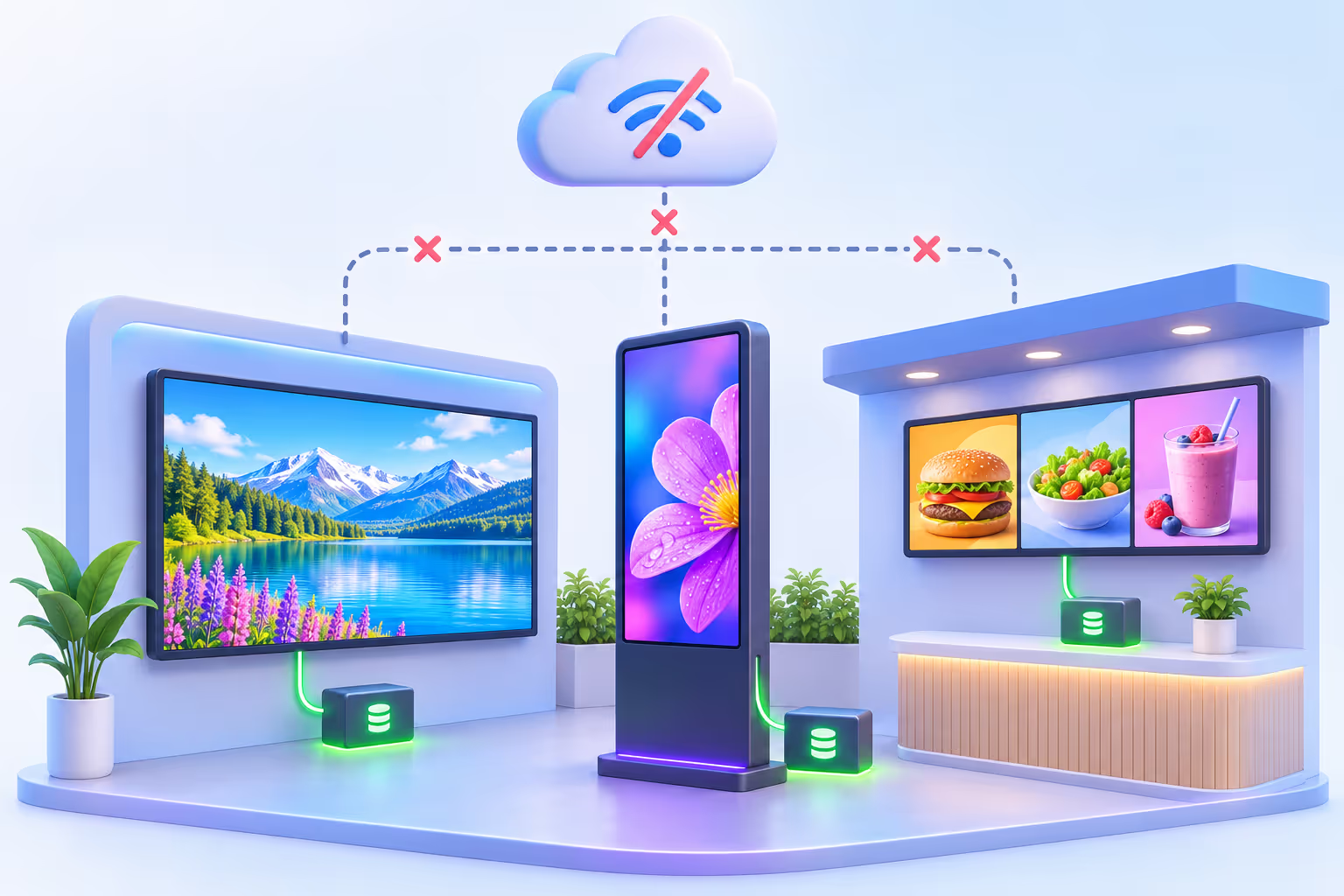
Offline-first architecture
An advanced offline digital signage mode, by design
Depending on the installation, network outages happen: a router restarted at night, an unstable 4G link, a store Wi-Fi saturated by customers. Disign players do not stream their content: they play it from local storage. When the connection drops, the screen simply keeps playing, then catches up as soon as the network is back.
This offline-first logic does much more than survive outages. It makes the whole system more robust every day:
Less bandwidth
Each file is downloaded once, not every time it is displayed.
Fewer resources used
No continuous network decoding: the player spends its power on rendering.
Lower latency
Content is read from the local disk, so transitions start instantly.
Better performance
Smooth videos and animations, independent of the network quality.
Images, videos, sounds, PDFs and data cached locally
The screen keeps playing: no black screen
Content synchronization
Incremental, secure synchronization of all your digital signage content
Images, videos, sounds, PDFs, scenes and data: every resource your screens need is synchronized locally on the player. Only what changed is transferred, so updates are fast, light on the network and never interrupt what is on screen.
1. You publish
A campaign, a playlist or a scene is published to your screens.
2. Only changes are sent
The player compares with what it already has and downloads only new or modified files.
3. Downloaded in the background
Files are fetched securely while the current content keeps playing.
4. Switch when complete
The new content only goes live once everything is available locally.
Transfers use encrypted connections and signed URLs.Learn more about digital signage security
Streaming players: loaders and blank frames
Many digital signage applications download content when it has to be displayed. The result: spinners, slow transitions and black frames in front of your customers. It looks broken, and it is bad for the customer experience.
Disign: instant playback, no loader
Every resource is already on the player before it is shown. Transitions are instant, videos start on the first frame, and your content looks exactly as designed, every time.
Dynamic data
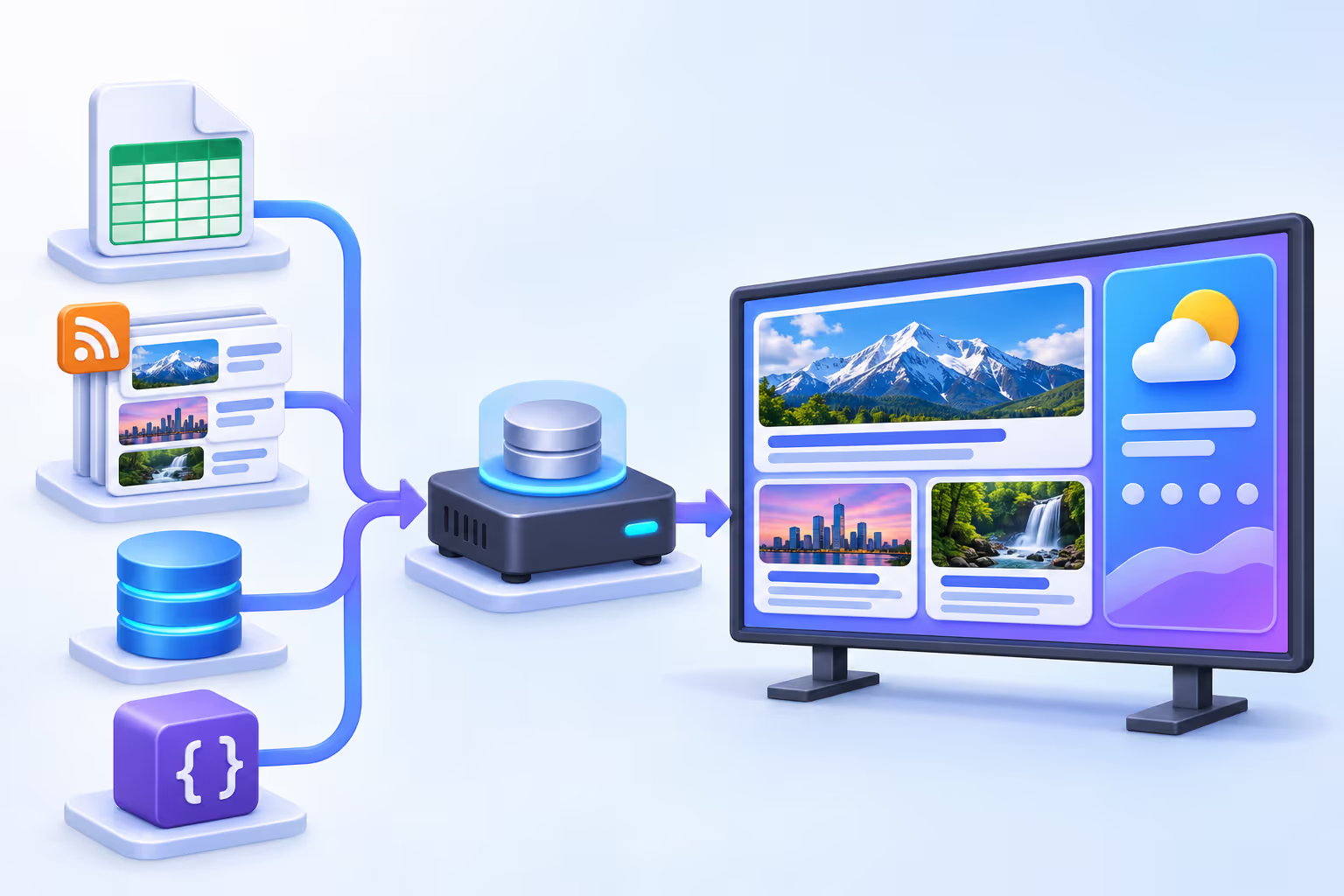
External data synchronized too: APIs, RSS feeds, Google Sheets, databases
Dynamic content is often the weak point of digital signage: a widget that calls an API live goes blank as soon as the API is slow or unreachable. Disign synchronizes external data on the player as well, so your dynamic screens are as reliable as your videos.
Standard formats, media included
For standard formats such as RSS feeds, the media files referenced in the feed are synchronized too, not only the text.
Spreadsheets and databases
Google Sheets and databases feed your screens with data stored locally and refreshed incrementally.
Any API, thanks to schemas
For an API Disign does not know yet, describe the data it returns with a schema.
The schema system: turn any API into offline-ready content
Specify the type of each field received from the API: text, number, date, media URL... When you mark a field as a media URL, you can decide that every media file linked to this field is synchronized locally on the players.
The big advantage: your data-driven screens are robust and fast to display, the images of your API are already on the player, and you avoid black screens and empty frames.
Remote monitoring
Digital signage monitoring: see what every screen displays
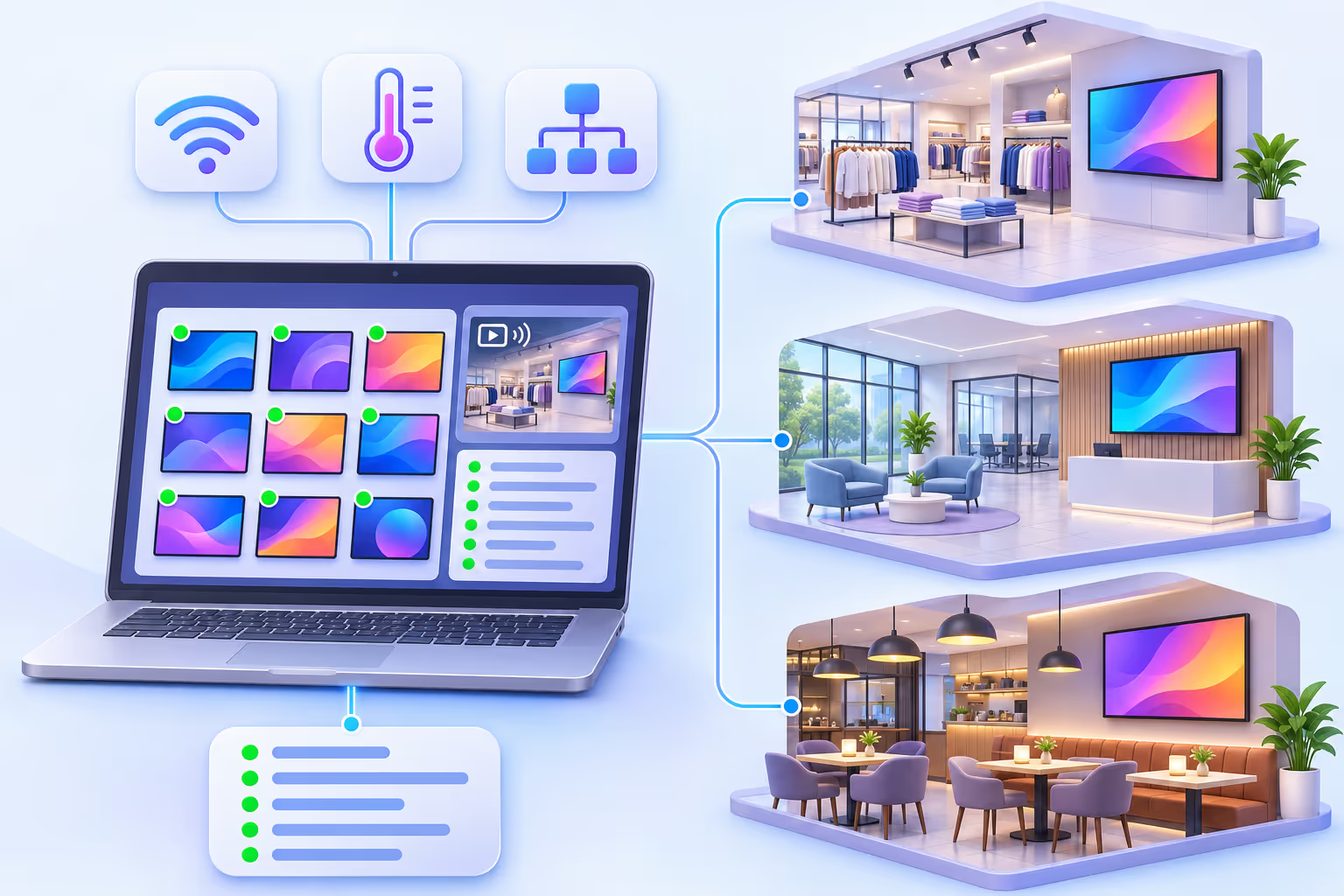
A reliable network of screens is a network you can see. Disign lets you manage your screen fleet easily and spot an issue before your customers do, without sending someone on site.
An automatic screenshot every hour
Each player takes a screenshot every hour, so you can check at a glance what is really displayed across your fleet.
Real-time streaming of the screen
Watch live what the screen is showing. When the operating system does not allow video streaming (Tizen, BrightSign...), Disign falls back to a frame-by-frame image capture.


Detailed player information
Network, sensors and device details are reported to clearly identify each player and understand its environment.
Player logs you can actually read
Application updates, firmware updates, screen disconnected, player connected or disconnected: the logs tell you what happened on the player, and when.

Disign OS: a lightweight system built for reliable digital signage players
Many screen failures do not come from the signage software but from the operating system underneath. Disign OS is designed to be light and fast, with none of the heavy layers that cause trouble on general-purpose systems such as Windows or Android: unexpected popups, forced updates, background apps.
Atomic OTA updates
Application and firmware updates are delivered over the air and applied atomically: the new version is installed completely or not at all. No half-installed update, no side effects, no unexpected behavior.
| What matters for reliability | General-purpose OS (Windows, Android) | Disign OS |
|---|---|---|
| Popups and notifications on screen | Possible | None |
| System updates | Forced, at any time | OTA and atomic |
| Player resources | Shared with background apps | Dedicated to the Disign application |
| System weight | Heavy, generic | Lightweight, signage only |
| Failed update | Can leave the system unstable | All or nothing, no side effects |
Rendering engine
Apps rendered by scenes, not fragile iframes
In Disign, most "apps" are rendered by scenes, which belong to the Disign rendering engine. Your screens do not depend on a remote web page loading correctly at the right moment.
Typical "iframe" apps
- Load external content at display time
- Highly dependent on the network and its hiccups
- Poorer performance and frequent empty frames
- Ready-made graphics everyone else uses
Disign scenes and rendering engine
- Rendered natively by the player, from local data
- A powerful engine shared by every app: no wheel reinvented
- Smooth, fast and consistent display
- Deep customization: your design, not a generic template
Publishing control
Always know exactly what is on your screens
Reliability is also about control. The Disign publishing system for campaigns, playlists, scenes and scenarios lets you manage precisely what is displayed, where and when, with the right permissions for each user. No accidental change reaches your screens.
See permissions and publishing workflowCampaigns
Scheduled and targeted broadcasts.
Playlists
Ordered content, ready to play.
Scenes
Dynamic layouts and apps.
Scenarios
Rules and conditions for each screen.
Proven over time
A reliable digital signage partner, tested in the field
2008
Our company since 2008
Many years building software for screens and digital experiences.
2015
Disign since 2015
A platform proven in many use cases: retail, restaurants, corporate, healthcare, transport...
A fully scalable cloud
The Disign cloud application scales automatically with demand, from a few screens to large networks.
A responsive support team
If something goes wrong, our team is there to help you and answer quickly.
Want to see how it works under the hood?Discover how Disign works
Your questions about digital signage reliability
Offline mode, synchronization, monitoring, updates and support: the questions we are asked most often about keeping screens running.
What is digital signage reliability?
Digital signage reliability is the ability of your screens to display the right content, smoothly and without interruption, whatever happens: network outages, slow external data sources, system updates or hardware incidents. It depends on the player software, the operating system, the content synchronization and the monitoring tools.
Does Disign digital signage work offline?
Yes. Disign players are offline-first: every media file and every data source is synchronized locally on the player. If the network drops, the screen keeps playing its content and catches up automatically when the connection comes back.
How does Disign avoid black screens and loaders?
Content is never downloaded at display time. Images, videos, sounds, PDFs, scenes and data are already stored on the player before they are shown, and new content only goes live once it is fully available locally. Transitions are instant and there is no loader on screen.
How is content synchronized on the players?
Synchronization is incremental: the player only downloads new or modified files, in the background, over encrypted connections, while the current content keeps playing. This saves bandwidth and makes updates fast.
Can data from APIs, RSS feeds, Google Sheets or databases be used offline?
Yes. Disign synchronizes external data on the player too. For standard formats such as RSS feeds, the referenced media files are synchronized as well. For other APIs, a schema lets you describe each field, and media URL fields can be marked so that their media files are synchronized locally.
How can I check what my screens are displaying remotely?
Each player takes a screenshot every hour, and you can watch the screen live in streaming. When the operating system does not allow streaming, such as Tizen or BrightSign, Disign uses a frame-by-frame image capture instead.
What information and logs does a Disign player report?
Players report information that identifies them and their environment, such as network and sensor data, and keep detailed logs: application updates, firmware updates, screen disconnected, player connected or disconnected, and more.
Why is Disign OS more reliable than a Windows or Android player?
Disign OS is a lightweight system built only for digital signage. There are no popups, forced system updates or background apps, and the player resources are fully dedicated to the Disign application. Application and firmware updates are delivered over the air and applied atomically.
What is an atomic OTA update?
An atomic update is installed completely or not at all. If an update cannot be applied, the player stays on its current working version, which avoids half-installed systems, side effects and unexpected behavior.
What happens if I have a problem with a screen?
The monitoring tools help you understand most issues remotely, and the Disign support team is there to help you and answer quickly.
Can the Disign platform handle large screen networks?
Yes. The Disign cloud application is fully scalable and adapts to demand. Disign has existed since 2015, and our company since 2008, so the platform has been tested in many use cases.

Put an end to black screens and loaders
Offline-first players, incremental synchronization of media and data, remote monitoring, a lightweight OS with atomic updates and a team ready to help: Disign gives you digital signage you can rely on, every day.