Free tool · No sign-up · Works in your browser
Screen size simulator for digital signage
Enter your wall dimensions and how far away people will stand: the screen size simulator shows, to scale, which digital signage displays fit, at what height to mount them, and how big your text must be to stay readable. Single screens and video walls, in centimeters or inches.
- To-scale preview
- Viewing distance check
- Minimum font size
- Video wall mode
Standard screen sizes for your wall
11 of 11 sizes fit
For viewers at 3.5 m, the 4-6-8 rule recommends:
- 71"+detailed data, menus
- 47"+standard signage
- 36"+video and big visuals
- The screen fits your wall with 4.5 cm of free width and 21 cm above it.
- Good readability: your viewers stand within the recommended distance for standard signage content.
Results are estimates based on standard panel geometry and common viewing guidelines. Always check the exact dimensions in your display's datasheet before drilling.
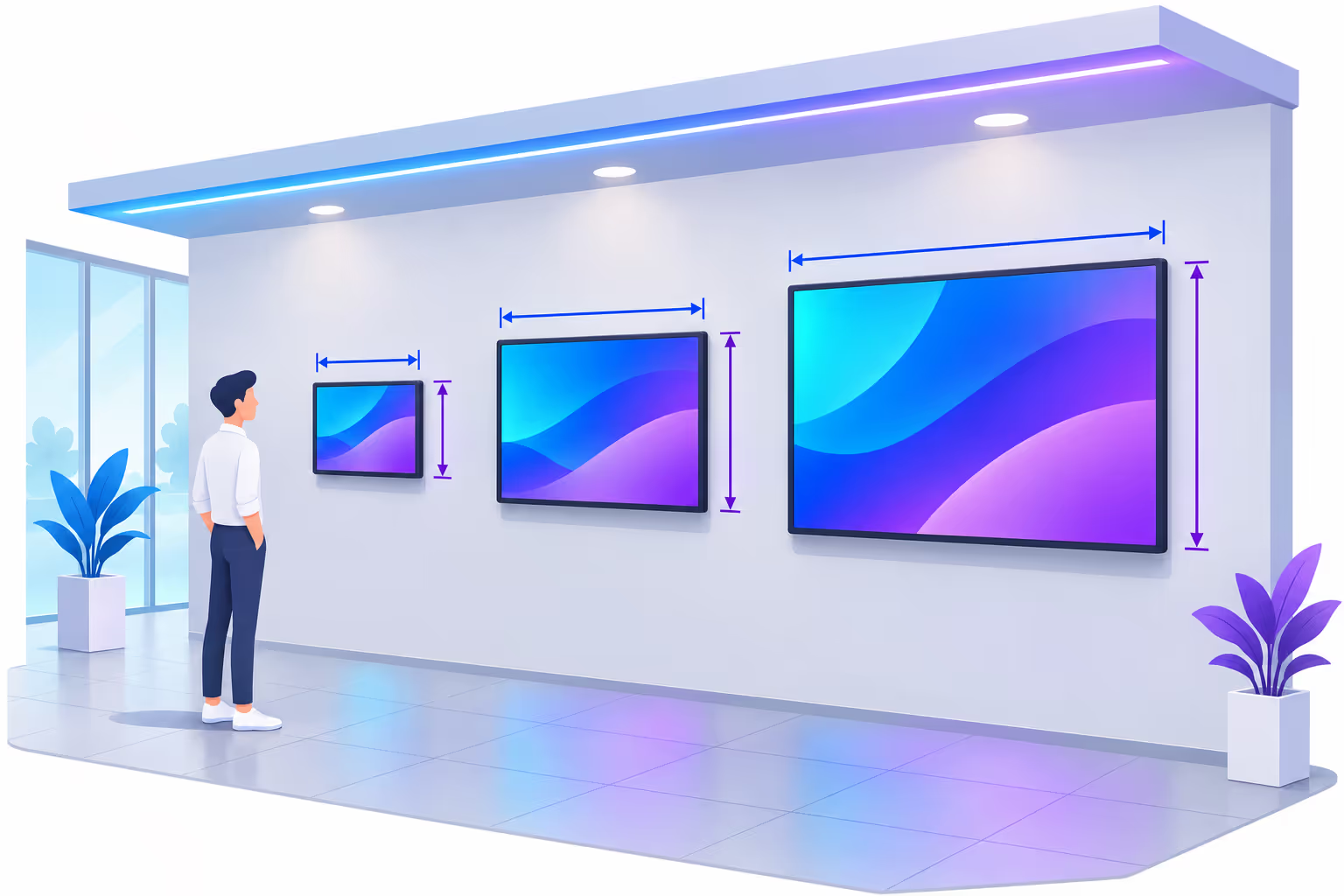
How to choose the right digital signage screen size
The biggest screen is not always the best one. A good size is the one that fits the space, is seen from where people actually stand and keeps your message readable. Check these five points before ordering a display.
Measure the usable wall, not the whole wall
Subtract door frames, shelves, sockets and the space needed for ventilation around the display. Remember the bezel: the outer frame is always larger than the image.
Start from the viewing distance
Where will your audience be: at the counter, in a queue, across the lobby? The farther they are, the taller the image must be for your content to stay legible.
Pick the mounting height
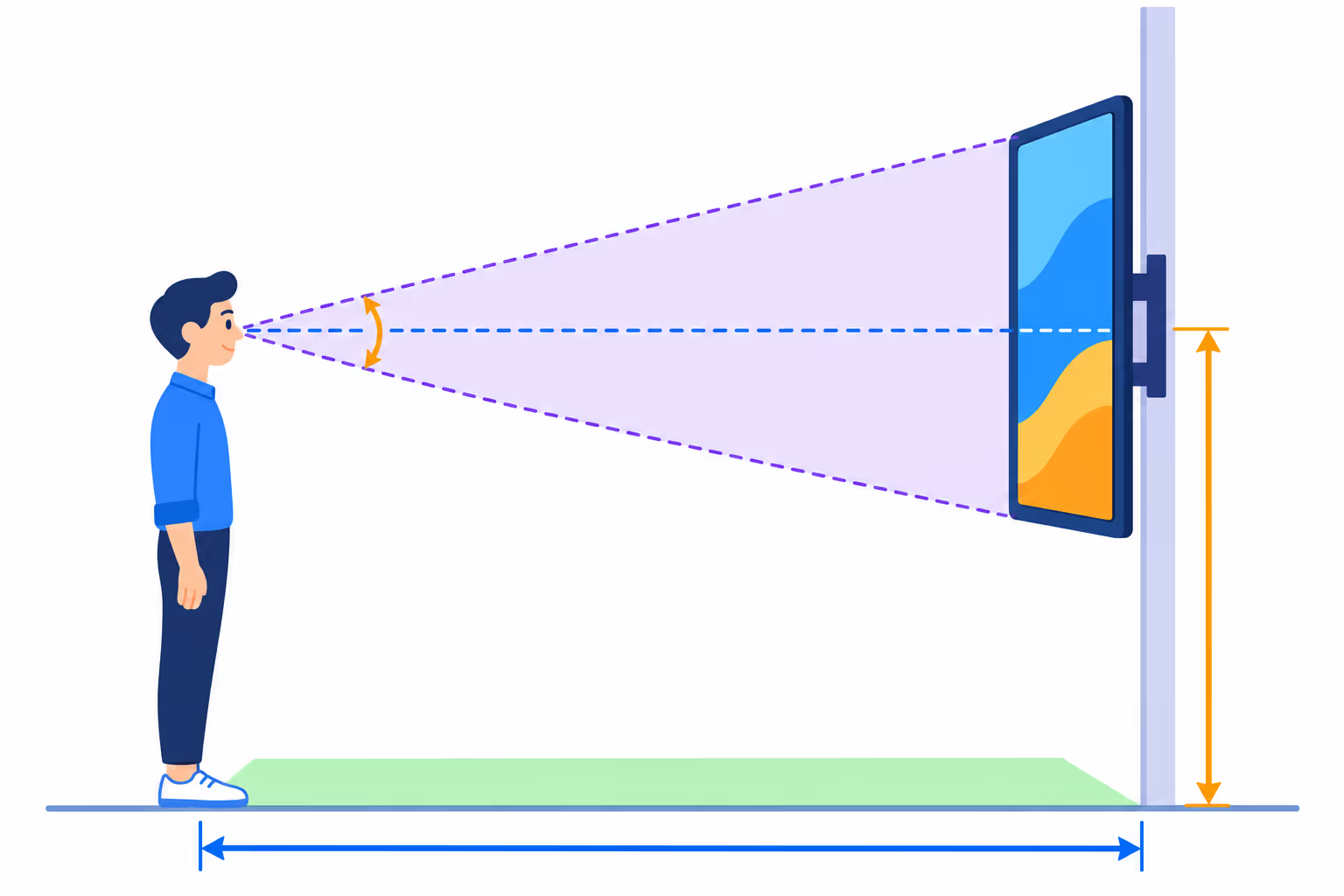
For close viewing, keep the center of the screen near eye level. In busy places, raise the bottom edge above heads so the screen is not hidden by the crowd, without forcing people to look up too steeply.
Choose landscape or portrait
Landscape suits video, dashboards and menus. Portrait works well for posters, narrow walls, pillars and shop windows. Make sure your display and player support the orientation you need.
Consider the environment
Sunlit windows need high-brightness displays, 24/7 operation needs professional panels, and public areas may need protective glass or a sturdy mount. These constraints can limit the sizes available.
Transparent calculations
The rules behind the screen size calculator
No black box: here are the guidelines the simulator uses. They are widely used rules of thumb for signage planning, to be adapted to your content and audience.
The 4-6-8 rule
Dmax = 4 / 6 / 8 × H
The farthest viewer should be within 4 times the image height for detailed content, 6 times for typical signage and 8 times for video and large visuals.
Pixel visibility
Dmin ≈ 3438 / PPI (in)
Below this distance, a viewer with normal vision starts to see individual pixels. 4K displays halve this distance compared with Full HD at the same size.
Readable text
h ≥ D / 250 … D / 150
Capital letters should be at least 1/250 of the viewing distance, ideally 1/150. The simulator converts this height into a font size in pixels for your design.
Neck comfort
αtop ≤ 30°
The angle between the viewer's eyes and the top edge should stay under about 30°. Beyond that, people stop looking after a few seconds.
Screen size formula: from diagonal to width and height
A screen's diagonal is measured in inches across the visible image. For a ratio W:H, the width equals the diagonal × W / √(W² + H²) and the height equals the diagonal × H / √(W² + H²). For a 16:9 display, that is about 87% of the diagonal for the width and 49% for the height.
The bezel adds a few millimeters to a few centimeters on each side: add it to get the real footprint on your wall.
Digital signage screen sizes and dimensions
Image dimensions of the most common 16:9 professional display sizes, from small counter screens to large-format displays. The recommended distances assume a 4K panel and standard signage content.
- 32" to 43": counters, meeting room doors, checkouts and small waiting areas.
- 49" to 55": the most common size for menu boards, lobbies and shop floors.
- 65" to 75": large rooms, shop windows and audiences several meters away.
- 86" and more: halls, auditoriums and showrooms; beyond that, consider a video wall.
Values are calculated from the diagonal. The outer dimensions of a real display depend on its bezel and housing.
| Diagonal | Width × height (cm) | Width × height (in) | Image area | Viewing distance |
|---|---|---|---|---|
| 24" | 53.1 × 29.9 | 20.9 × 11.8 | 0.16 m² | 0.5 – 1.8 m |
| 32" | 70.8 × 39.8 | 27.9 × 15.7 | 0.28 m² | 0.6 – 2.4 m |
| 43" | 95.2 × 53.5 | 37.5 × 21.1 | 0.51 m² | 0.9 – 3.2 m |
| 49" | 108.5 × 61.0 | 42.7 × 24.0 | 0.66 m² | 1.0 – 3.7 m |
| 50" | 110.7 × 62.3 | 43.6 × 24.5 | 0.69 m² | 1.0 – 3.7 m |
| 55" | 121.8 × 68.5 | 47.9 × 27.0 | 0.83 m² | 1.1 – 4.1 m |
| 65" | 143.9 × 80.9 | 56.7 × 31.9 | 1.16 m² | 1.3 – 4.9 m |
| 75" | 166.0 × 93.4 | 65.4 × 36.8 | 1.55 m² | 1.5 – 5.6 m |
| 86" | 190.4 × 107.1 | 75.0 × 42.2 | 2.04 m² | 1.7 – 6.4 m |
| 98" | 217.0 × 122.0 | 85.4 × 48.0 | 2.65 m² | 1.9 – 7.3 m |
| 110" | 243.5 × 137.0 | 95.9 × 53.9 | 3.34 m² | 2.2 – 8.2 m |
Screen sized? Now prepare content that fits it
Our free online tools format your videos for the resolution and orientation you just simulated. Everything runs in your browser.
Which screen size for which place?
Typical setups to start your simulation. Every space is different: enter your own measurements in the simulator to confirm.
Retail and shop windows
Passers-by read from the sidewalk, 2 to 4 m away. Portrait screens fit narrow windows; choose high-brightness models facing the street.
Menu boards
Customers read prices from the queue. Mount screens above the counter and check the minimum font size: menus are detailed content.
Corporate lobbies and offices
Welcome screens, KPIs and internal news seen while walking by. Large landscape displays or a 2×2 video wall for wide halls.
Meeting rooms
Small door signs to show room bookings, and a large screen inside sized for the farthest seat at the table.
Waiting rooms
Seated viewers: use the "seated" option, keep the screen lower and avoid placing it right above the first row of chairs.
Stations and large venues
Long viewing distances and crowds: raise the screens above heads and switch to video wall mode to reach the size you need.
Any size, any brand
Your screen size is chosen: Disign runs on the display you pick
Disign is hardware-agnostic. Use a professional display with a built-in player, a consumer TV with an Android box, a Windows PC or a Raspberry Pi: every screen is managed from the same cloud dashboard, whatever its size or orientation.


Questions about the screen size simulator
How do I know which screen size fits my wall?
Measure the free width and height of the wall, then decide at what height the bottom of the screen will be. Enter these values in the simulator: it lists every standard size whose outer dimensions, bezel included, fit the space and highlights the ones that also suit your viewing distance.
What are the dimensions of a 55-inch screen?
A 16:9 55-inch screen has an image of about 121.8 cm wide by 68.5 cm high (47.9 × 27 in). The real display is slightly larger because of its bezel, usually 0.5 to 3 cm per side depending on the model.
How far should viewers be from a digital signage screen?
As a rule of thumb, the farthest viewer should be within 6 times the image height for typical signage content, 4 times for detailed information such as menus or data, and up to 8 times for video. On the near side, viewers should stand far enough not to see the pixels, which is closer with a 4K screen.
At what height should I mount a digital signage display?
For people standing close to the screen, place the center of the image around eye level, between 140 and 175 cm. In crowded or large spaces, mount it higher so it stays visible above heads, while keeping the top edge under about 30° from the viewer's eyes.
Should I choose a landscape or portrait screen?
Landscape is best for videos, dashboards and menu boards. Portrait is ideal for poster-style promotions, shop windows, narrow walls and wayfinding. Choose according to your content and the shape of the space, and make sure your player supports rotation.
What font size should I use on my screen?
It depends on the viewing distance and the screen resolution. Capital letters should be at least 1/250 of the distance, ideally 1/150. The simulator converts this into a minimum font size in pixels for your exact screen, so you can design readable content.
When should I use a video wall instead of one large screen?
When the size you need goes beyond the largest single displays available, or when you want an unusual shape. Video walls combine several thin-bezel panels into one large image, but cost more and need precise mounting. Use the video wall mode to compare the final size and resolution.
Is 4K necessary for digital signage?
Not always. 4K matters when people stand close to a large screen or when you show fine text. For screens seen from several meters away, Full HD is often enough. The simulator shows the distance at which pixels become invisible for each resolution.
Does Disign work with every screen size?
Yes. Disign is hardware-agnostic and adapts to any resolution and orientation, from small counter displays to video walls. You manage all your screens from the same cloud dashboard.
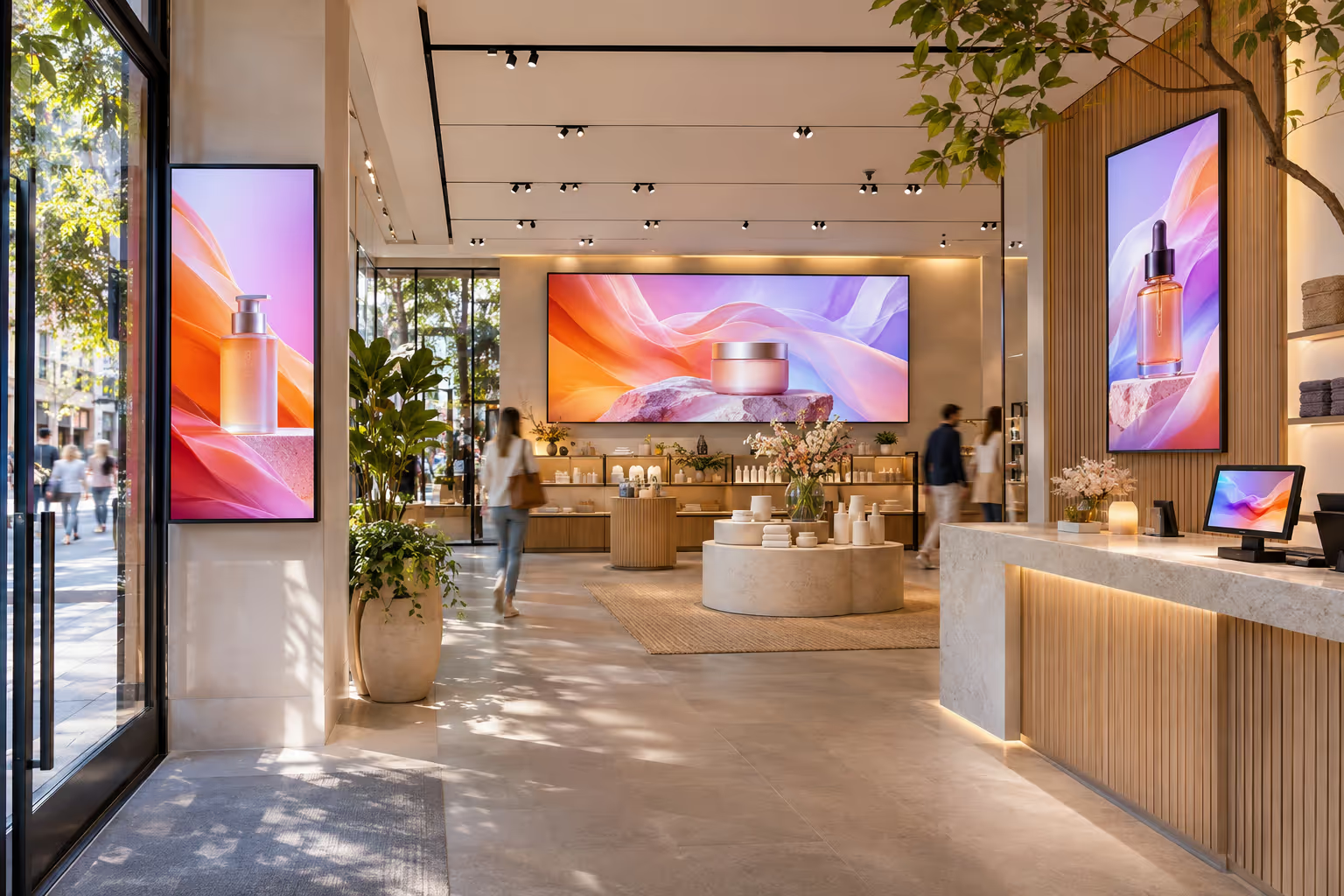
The right screen deserves the right content
Disign lets you design, schedule and broadcast content on all your screens from one dashboard: templates adapted to every format, playlists, apps and remote monitoring. Try it on your own displays.
- Landscape, portrait and video walls
- Works with the hardware you already own
- Cloud-based, no installation on your computer