Free trial, free tools and free content
Free digital signage software: start for free with Disign
Looking for free digital signage software? With Disign, you can start for free and see your content on a real screen before paying anything: a 28-day free trial with no credit card, free online video tools and a library of free content included with your account. When your screens are ready to run every day, you only pay for the screens you use.
- 28-day free trial
- No credit card required
- Free online video tools

What you get for free with Disign
No hidden catch: here is exactly what is free, and what you pay for when your screens go live.
A 28-day free trial of the platform
Create your account and test the Disign digital signage software on your own screens for 28 days. No credit card is required, so nothing is charged at the end of the trial unless you choose a plan. Compare the digital signage pricing plans.
Free online video tools
Prepare your videos directly in your browser with our free digital signage tools: PDF to video, slideshow maker, resizing, trimming, merging and more. No account is needed to use them.
Free content included
Your account gives access to more than 1.8 million royalty-free images and videos, icons, fonts, animated scene templates, effects and transitions, plus apps for Canva and PosterMyWall. Browse the free digital signage content.
What is not free: once the trial is over, each screen needs a subscription. Plans are billed per screen and per month, with a discount for annual payment, and you can cancel at any time.
Free open source software or cloud digital signage: what is really free?
Free digital signage software usually means self-hosted or open source software: the license costs nothing, but you provide everything else. Here is how it compares with Disign.
| What you need | Free or open source software (self-hosted) | Disign (cloud) |
|---|---|---|
| Software price | Free license | Free 28-day trial, then a subscription per screen |
| Server and hosting | You install, host and secure the server | Included: cloud-based digital signage, nothing to install |
| Updates and maintenance | Done by your team, on your time | Platform updates handled by Disign |
| Managing several screens | Depends on the project, often partly manual | Every screen managed remotely from a web browser |
| Supported players | Often a single platform | Android, Raspberry Pi, BrightSign, Samsung Tizen, LG webOS, Windows, Linux: see the digital signage players |
| Content creation | You bring your own content | Free content library, animated templates and Canva integration |
| Support | Community forums and documentation | The Disign support team |
See the difference on your own screen: start your free trial, no credit card required.
The hidden costs of free digital signage
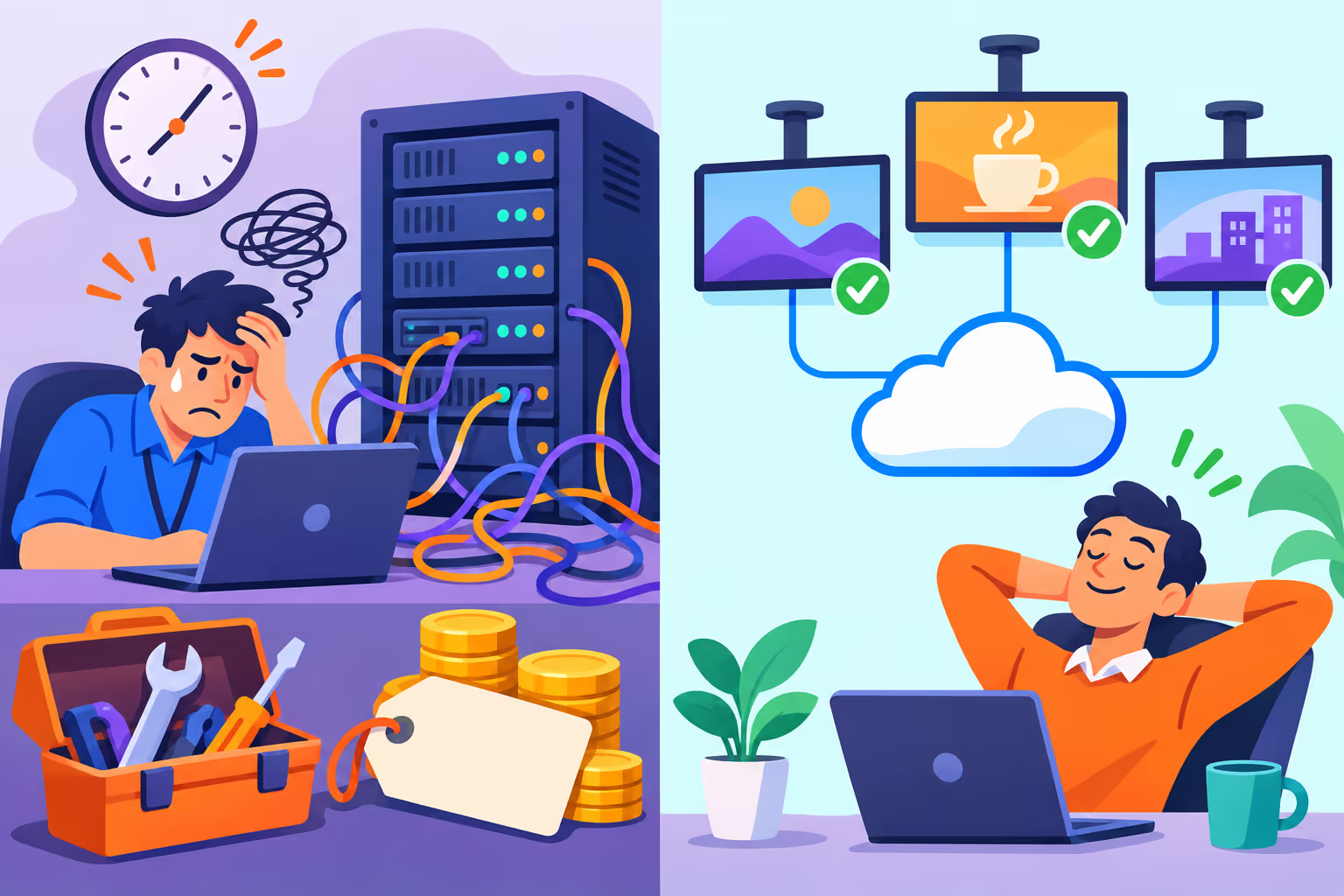
A free license is only one part of the budget. Before choosing free digital signage software, count everything your screens need to run every day.
Hardware
Each display needs a compatible screen or a player, such as a Raspberry Pi digital signage player, whatever software you choose.
Server and security
A self-hosted solution needs hosting, backups, certificates and security updates.
Your team's time
Installation, configuration and troubleshooting take time away from your core business.
Downtime
A black screen or outdated content in a store costs more than a license. Disign players keep playing your content offline: learn more about reliable digital signage.
With a cloud platform, hosting, updates and support are included in a predictable price per screen.
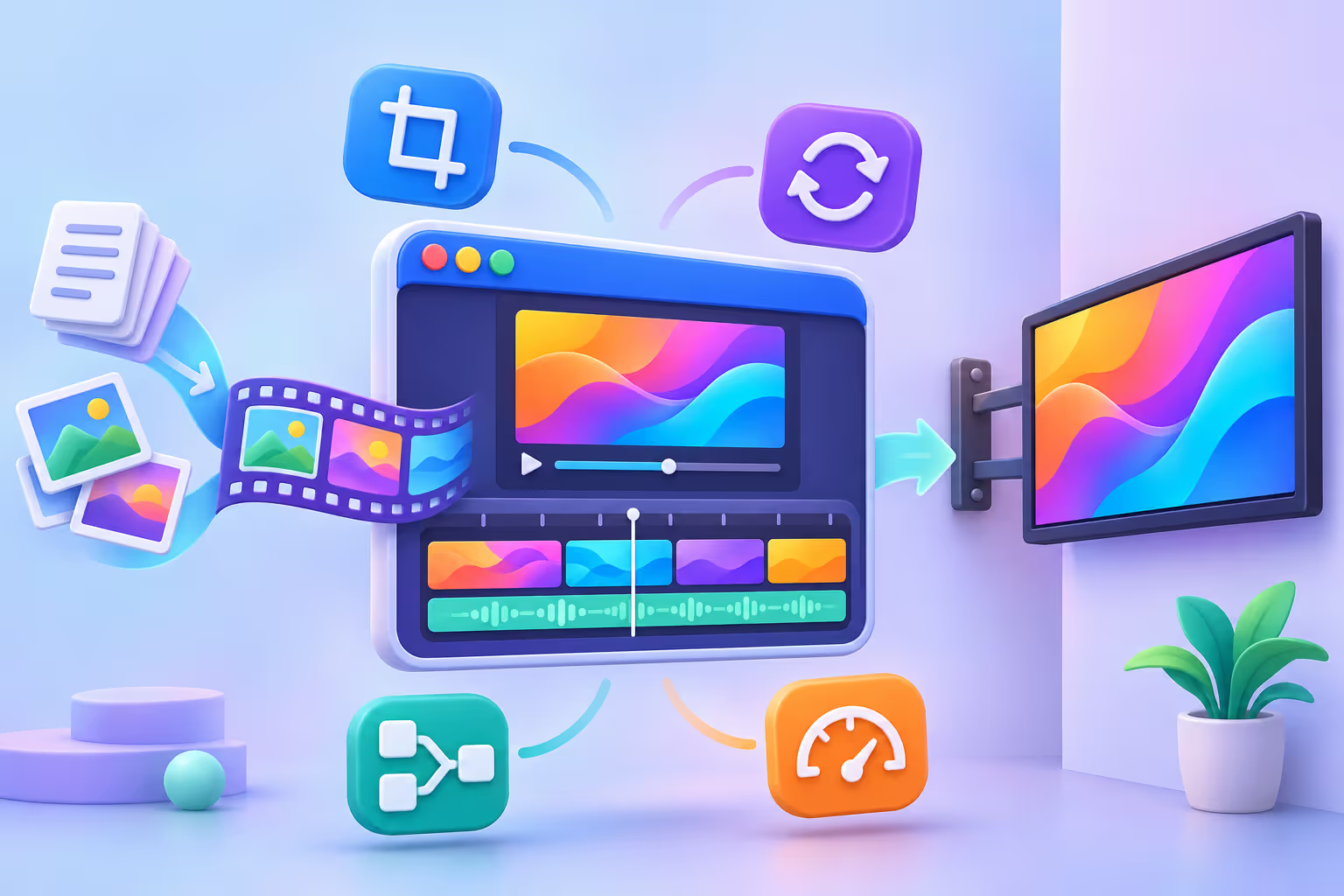
Free tools to create digital signage content
Our free online tools help you turn the files you already have into videos ready for your screens. They run in your browser, on our website, so you can use them before you even create an account.
Once your video is ready, upload it to Disign, add it to a playlist and schedule it on all your screens.
Start with one screen, grow when you are ready
The free trial is enough to test a complete project on a first screen. Here is how organizations often start with digital signage.
A screen in your shop
Show promotions and new products near the counter with in-store digital signage.
A digital menu board
Update dishes, prices and daily specials without printing new menus.
A screen in a school
Share news, timetables and events with digital signage for schools.
Internal communication
Keep employees informed in offices, break rooms and production sites.
A waiting room screen
Inform and reassure visitors while they wait.
A TV you already own
Turn an existing TV into a managed screen with digital signage TV software.
How to start digital signage for free in 4 steps
You can go from sign-up to content playing on a screen well within your free trial.
- 1
Create your free account
Sign up online to start your 28-day free trial. No credit card and no software installation are required.
- 2
Prepare your content
Upload your images, videos and documents, pick visuals from the free content library or design them in Canva.
- 3
Connect a screen
Install the Disign app on an Android digital signage player or Android TV, connect a Raspberry Pi or another supported player, or test in a Chrome or Edge browser.
- 4
Publish and choose your plan
Schedule your playlist and watch it play. Before the end of the trial, choose the plan that fits the number of screens you need.
Want more details? See how Disign digital signage works.
Free digital signage software: frequently asked questions
What is free, what is not, and how to start digital signage without spending anything.
Is Disign free digital signage software?
Disign is a cloud digital signage platform with a 28-day free trial and no credit card required. Our online video tools and the content library included with your account are free, so you can prepare your content and test your screens before paying anything.
Is there a free plan?
There is no free forever plan. After the 28-day free trial, each screen needs a subscription billed per month, with a discount for annual payment. You can cancel at any time.
What happens at the end of the free trial?
To keep your screens playing, choose the plan that fits your needs. Since no credit card is required to start the trial, nothing is charged automatically when it ends.
Is open source digital signage software really free?
The license of open source digital signage software is free, but you have to host, secure, update and support it yourself. For a business without an IT team, this time can cost more than a subscription.
Can I use free digital signage software on a Raspberry Pi?
Yes. Disign runs on Raspberry Pi with Disign OS, and you can test it during the 28-day free trial before choosing a plan.
Can I turn a TV into a digital signage screen for free?
Yes, during the free trial. Install the Disign app on an Android TV or Google TV, or connect a player to the HDMI port of any other TV, then pair the screen with your account.
Which free tools can I use to create digital signage content?
You can convert a PDF to video, create a slideshow video, and resize, rotate, crop, trim, merge or change the speed of your videos. These free tools run in your browser and do not require an account.
Is the content library really free?
Yes. Your Disign account includes royalty-free images and videos, icons, fonts, animated scene templates, effects and transitions at no extra cost. You can also design your visuals in Canva or PosterMyWall and use them in Disign.
Do I need a credit card to try Disign?
No. You create your account online and start the 28-day free trial without entering any payment details.

Start your free digital signage trial today
Create your account, connect a first screen and publish your content in minutes. Free for 28 days, no credit card required.
Comparing free and paid solutions for a larger project? Our team can help you estimate the full cost of your screen network.